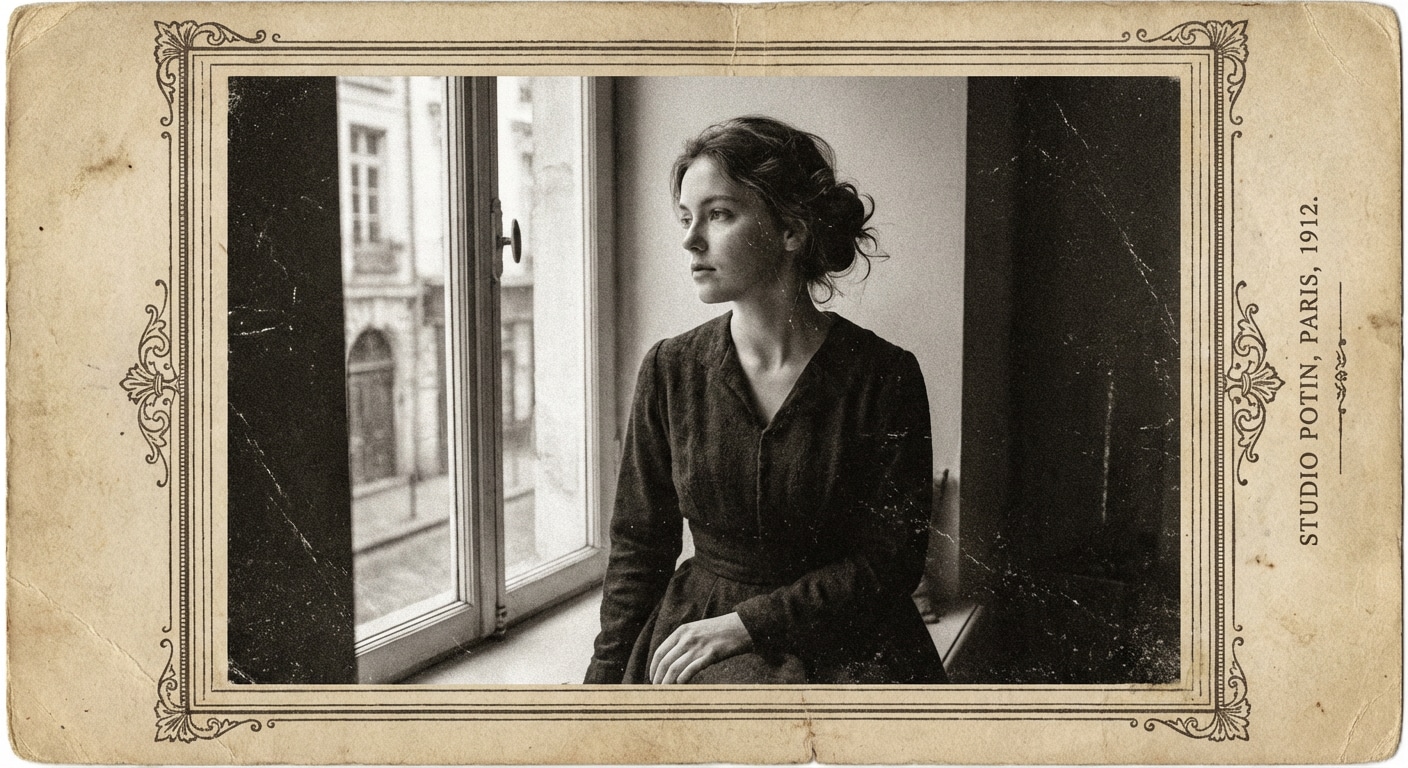
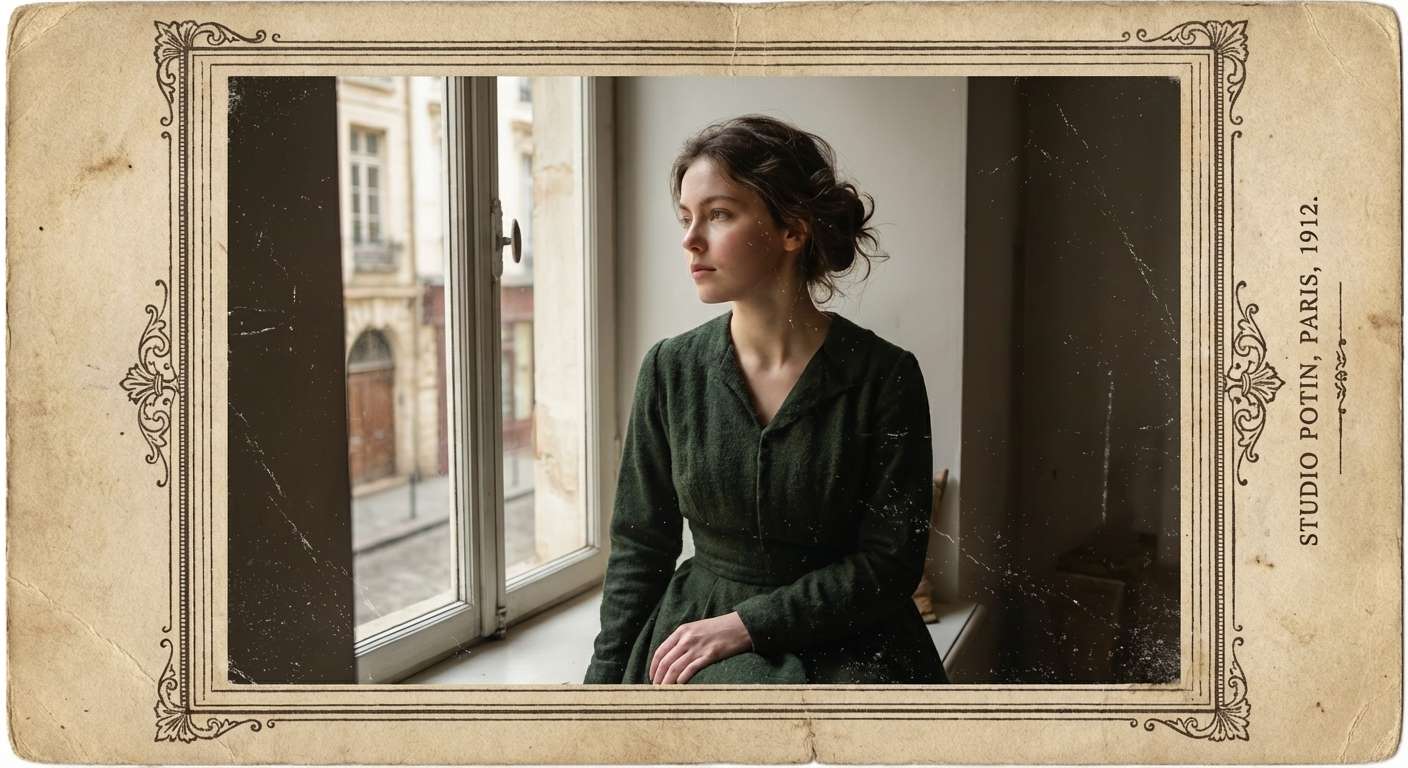
Prompt
Turn this black and white portrait into a realistic color photo, keep facial identity unchanged, restore warm natural skin tone, lifelike eye detail, soft lip color, and balanced studio lighting while preserving the vintage character.
Easily turn black and white photo into color with AI for old family portraits, wedding pictures, vintage snapshots, and historical images. Use Media.io to restore natural skin tones, realistic clothing colors, and authentic visual detail in seconds without complex photo editing.
Natural Portrait Color
Restore black and white portraits with lifelike skin tones, balanced lighting, and preserved facial identity.
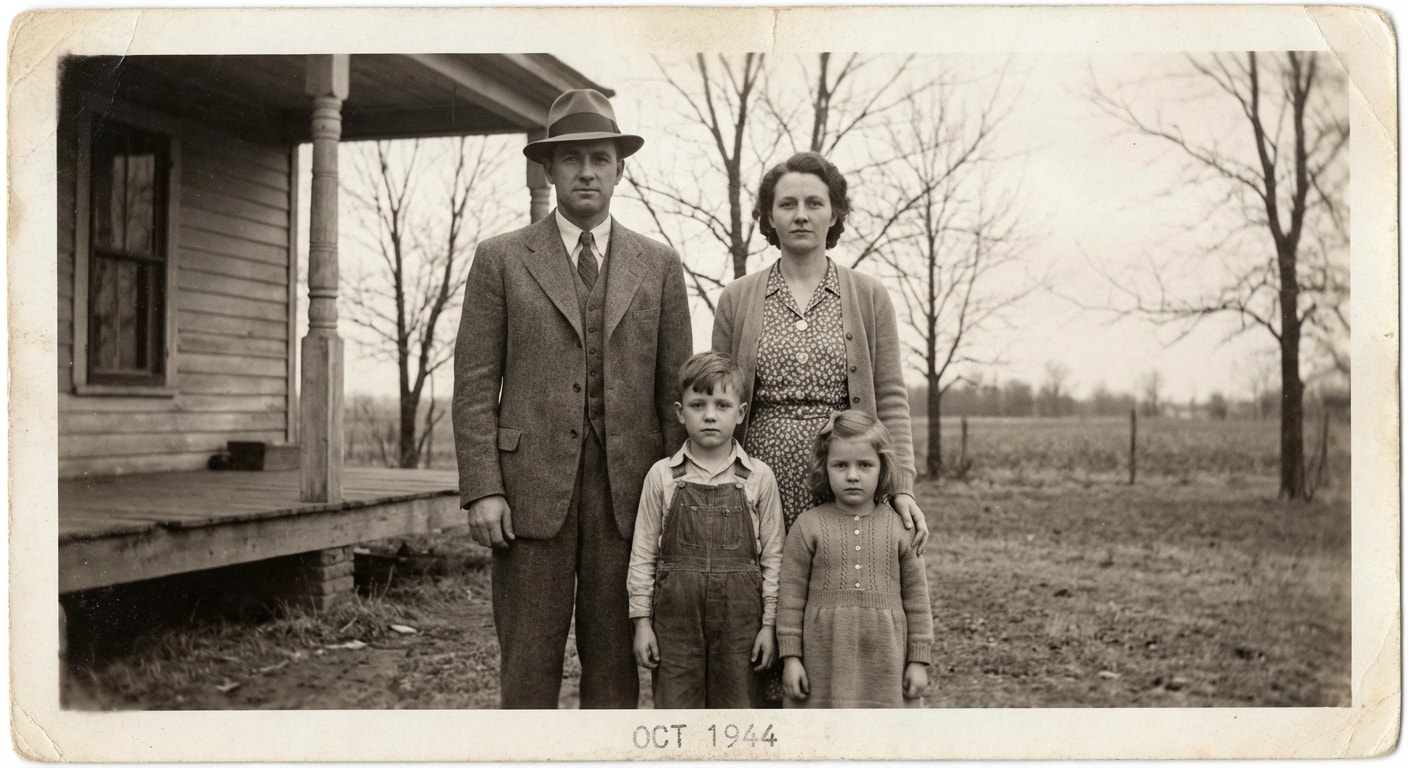
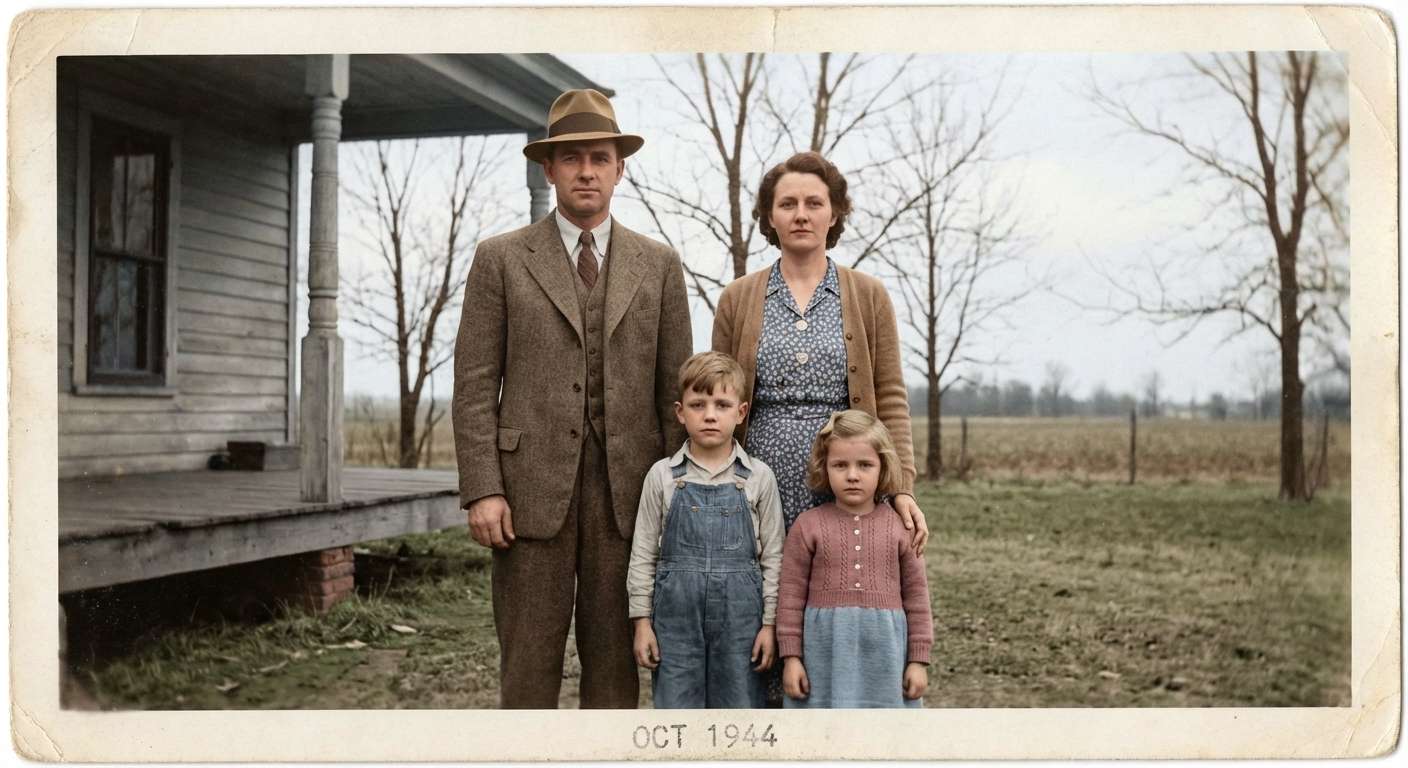
Family Memory Restore
Bring old family moments back to life with realistic clothing tones, soft skin color, and warm nostalgic detail.
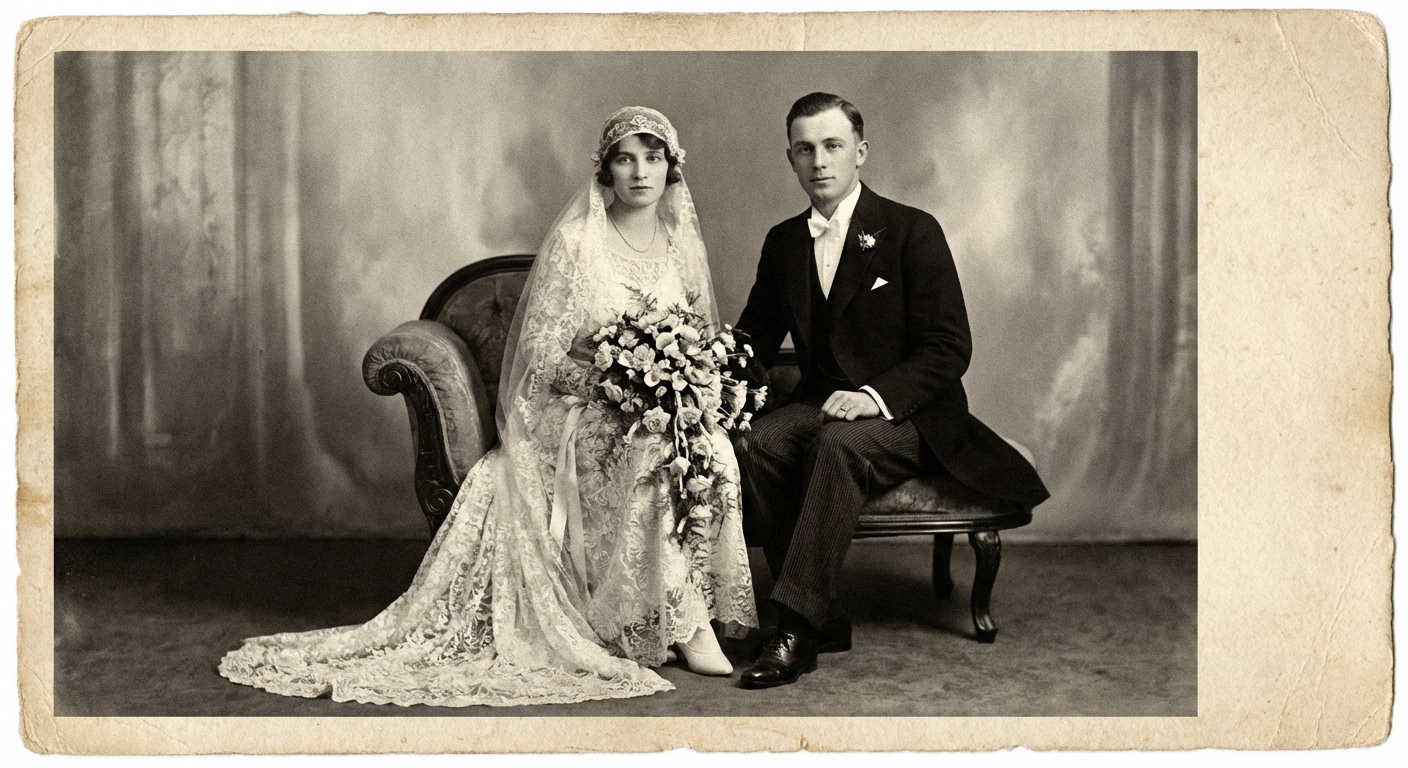
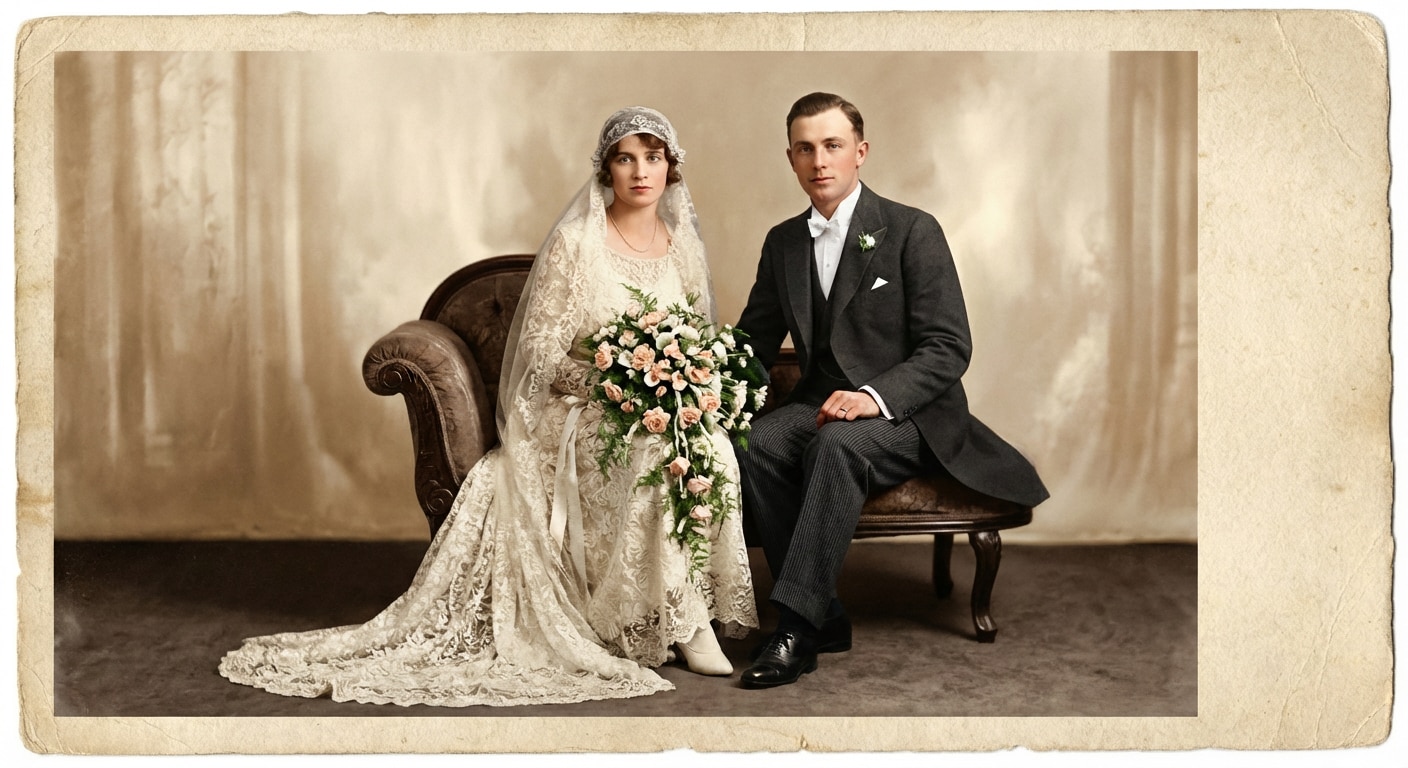
Wedding Photo Revival
Colorize vintage wedding moments with refined fabric tones, realistic complexions, and a soft romantic feel.
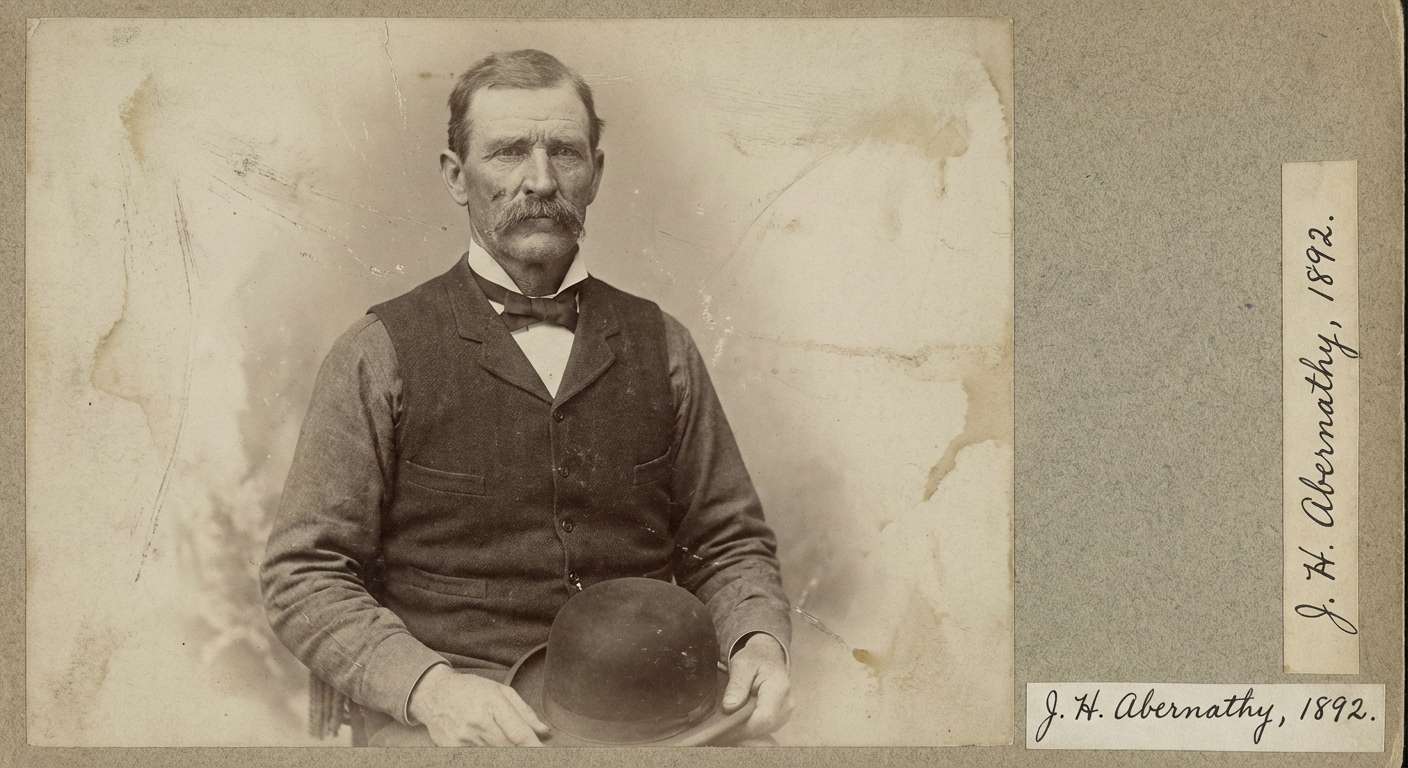
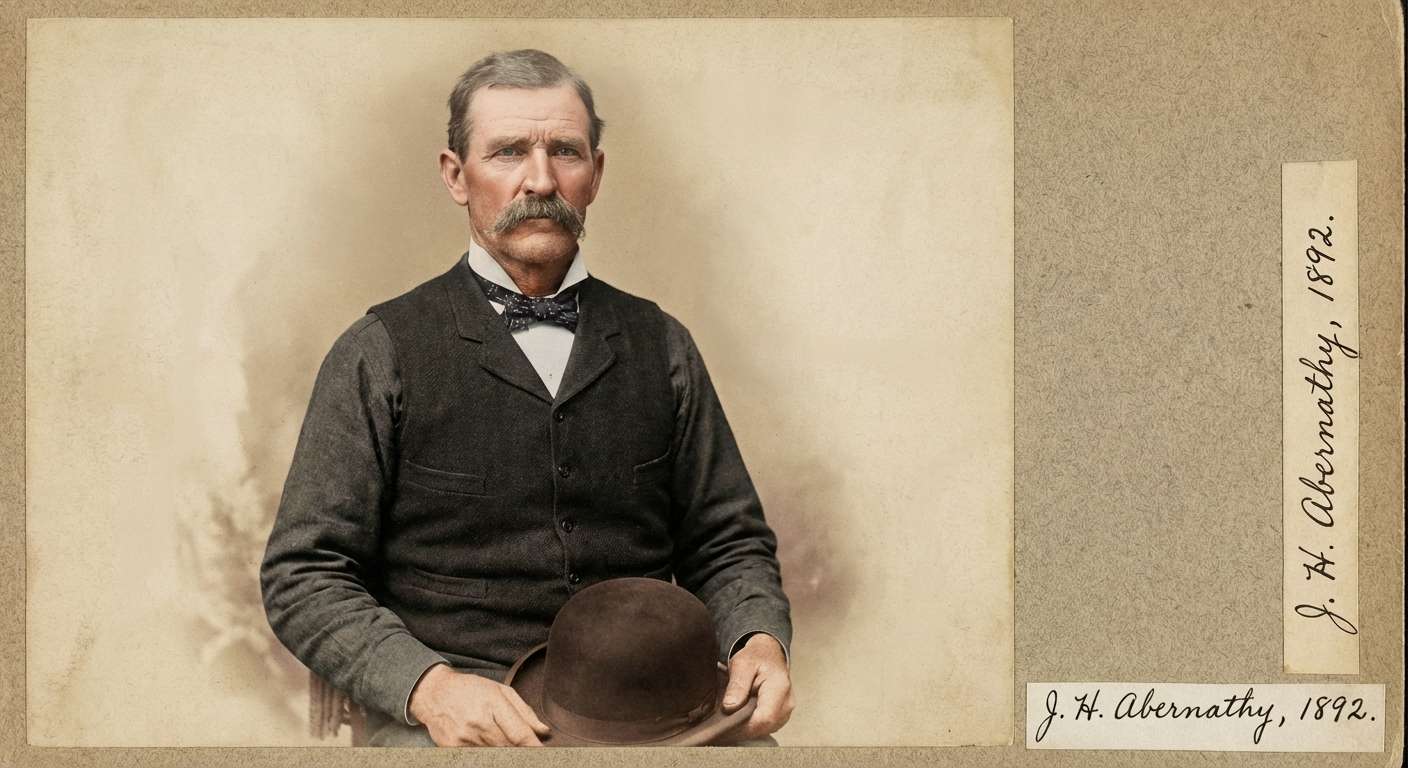
Historic Portrait Tone
Preserve the archival feel of old portraits while adding believable skin, clothing, and background color.
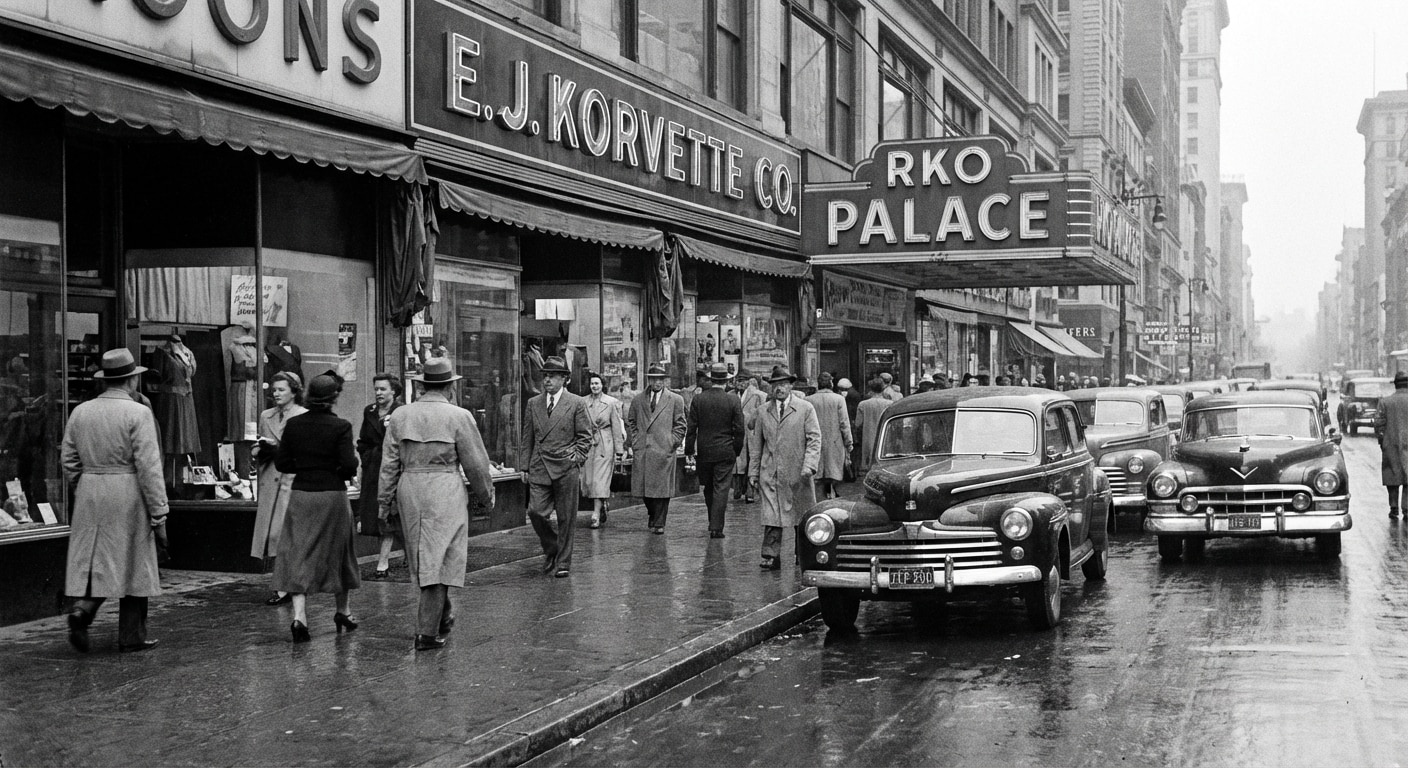
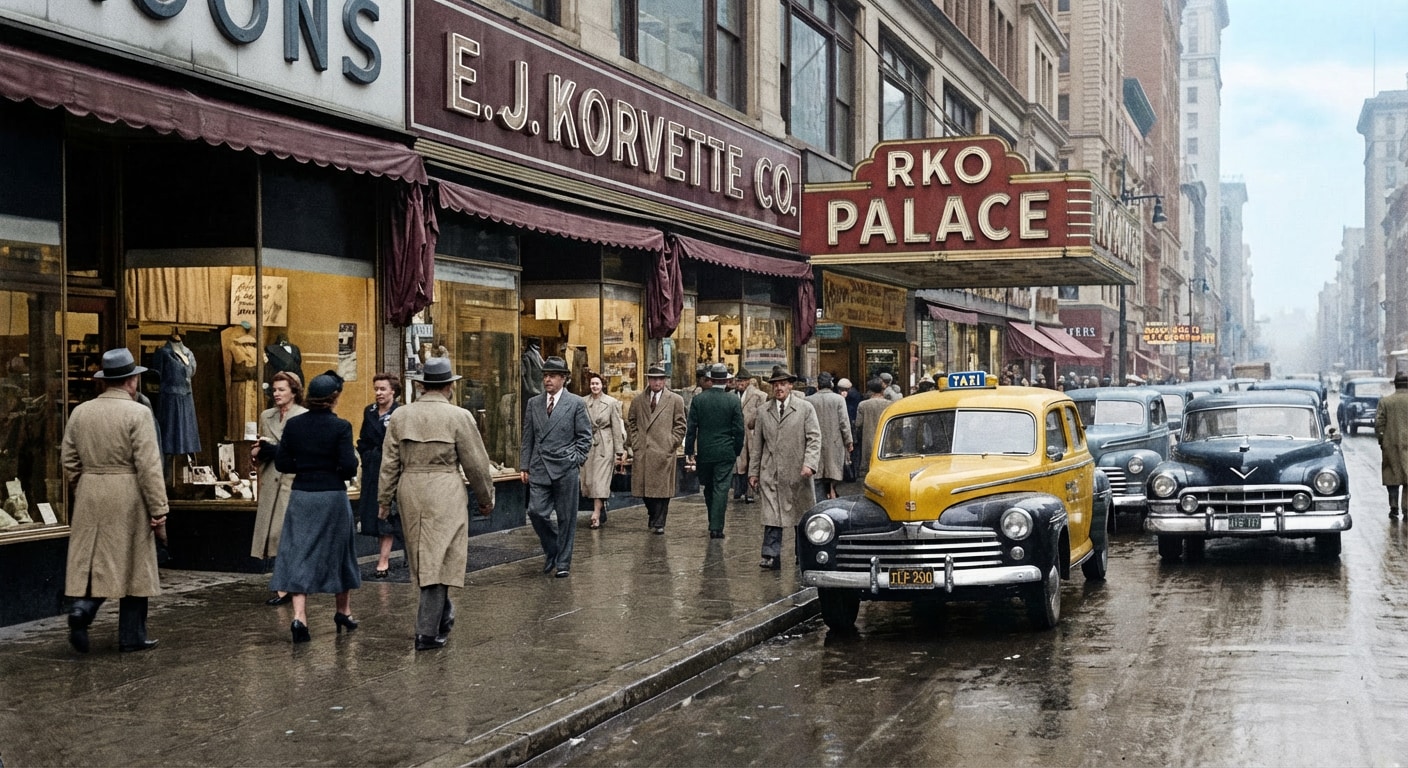
Scene & Background Color
Restore old street and travel photos with realistic atmosphere, environmental tones, and preserved detail.
Restore old memories in minutes with Media.io AI image tool. Upload your monochrome image, paste a tested turn black and white photo into color prompt, and generate a realistic restored result for portraits, family pictures, wedding photos, and vintage scenes without complicated editing software.
Add a black and white portrait, family memory, or vintage image to Media.io AI image tool .
Pick a style below, copy the prompt, and paste it into the AI box to generate realistic colors while preserving identity and vintage detail.
Preview the restored image, compare before and after, and download a beautifully colorized photo in high resolution.
Explore realistic AI colorization examples with a simple workflow: Before → After → Copy Prompt. These templates are designed for old family portraits, wedding photos, childhood snapshots, vintage travel images, and historical scenes.
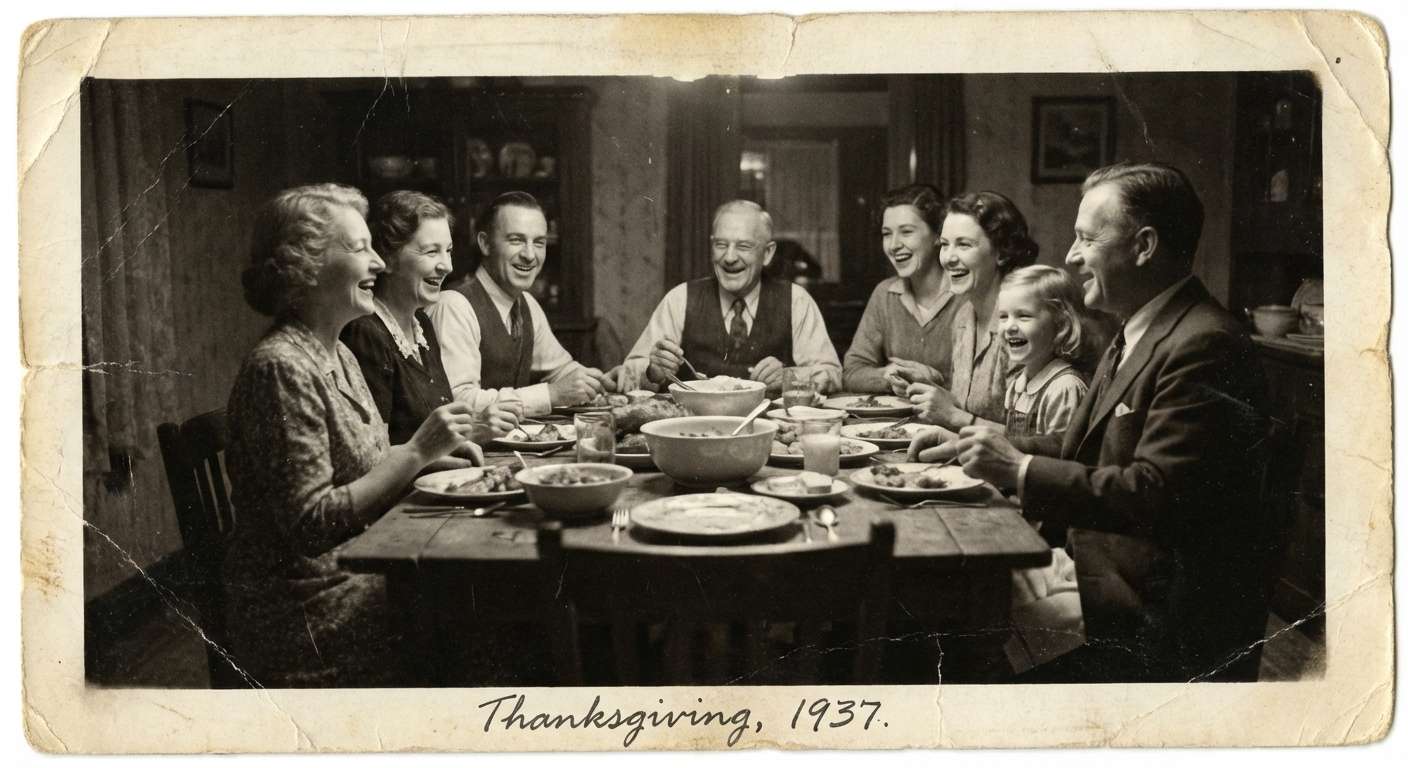
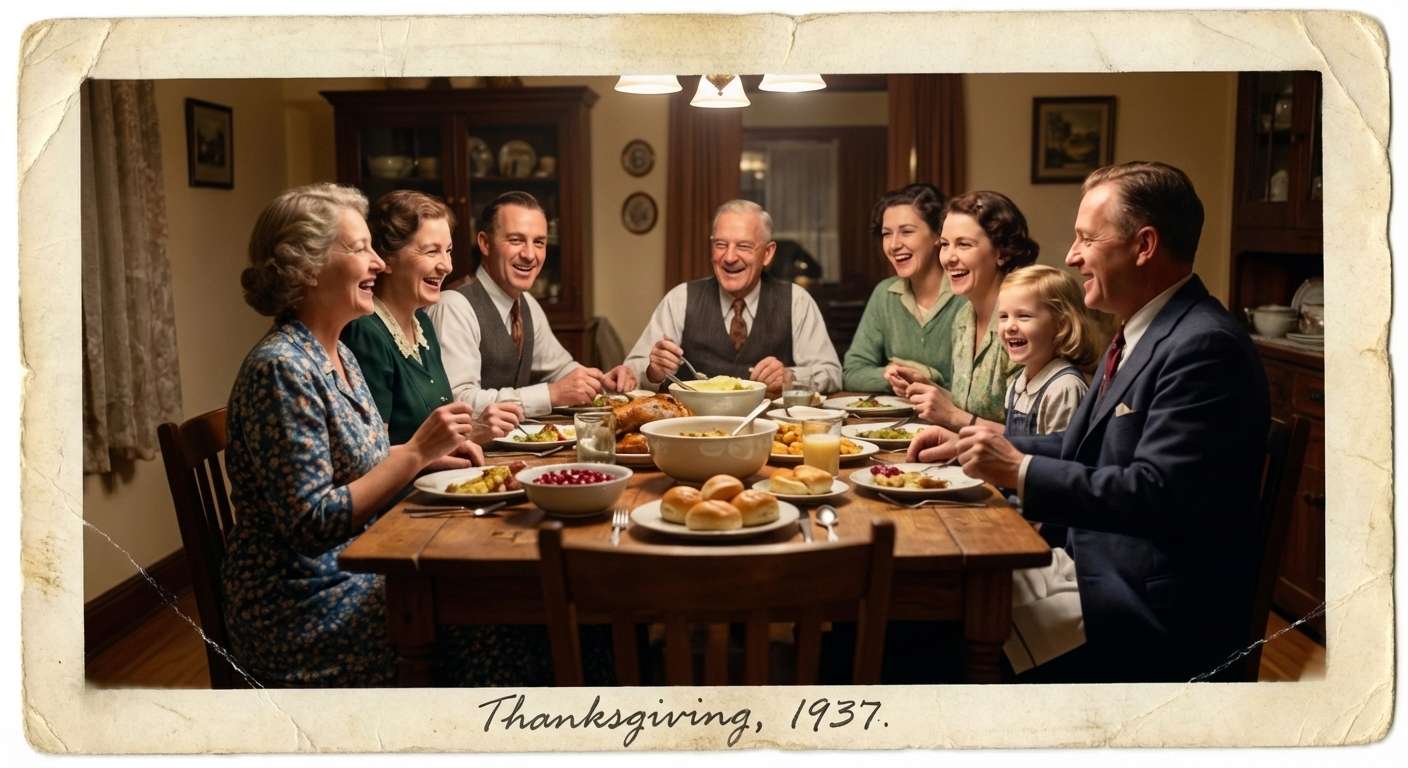
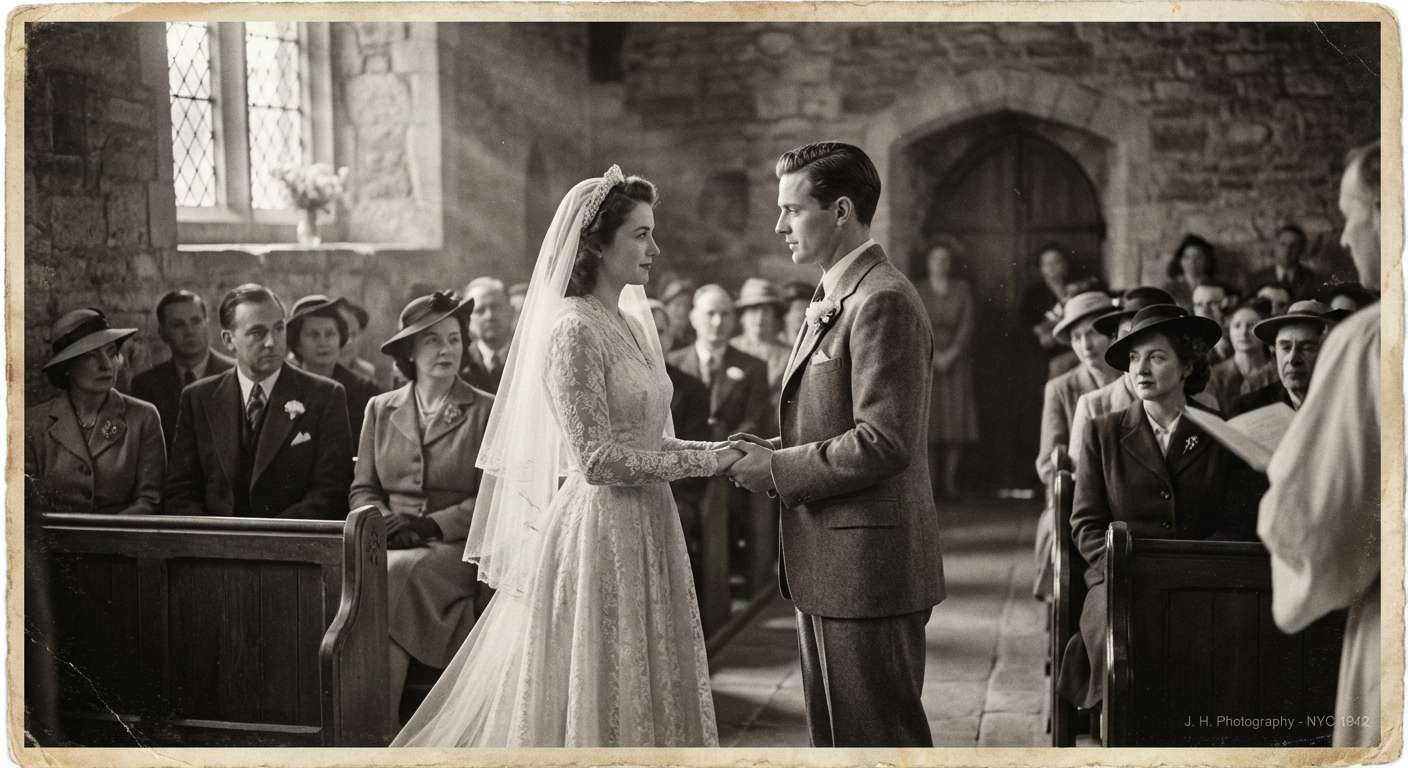
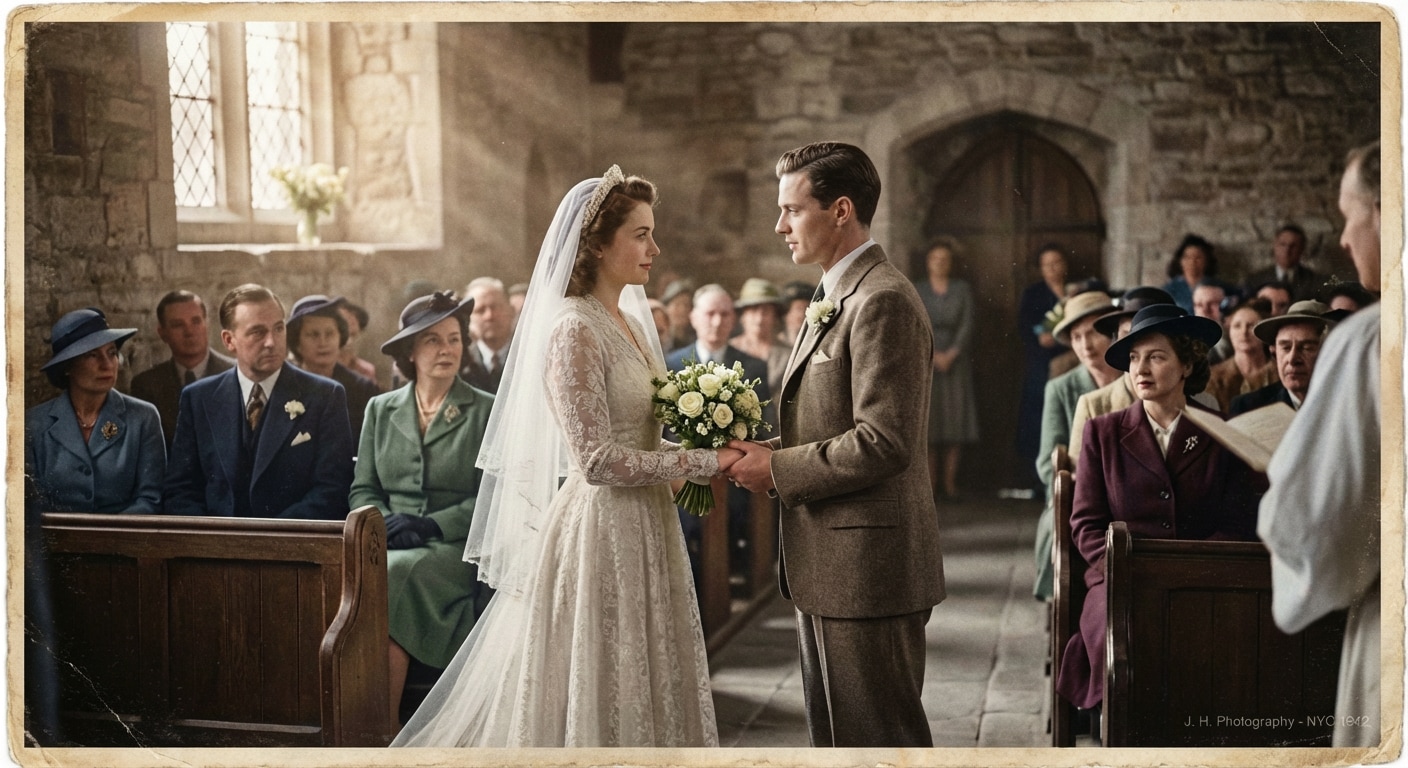
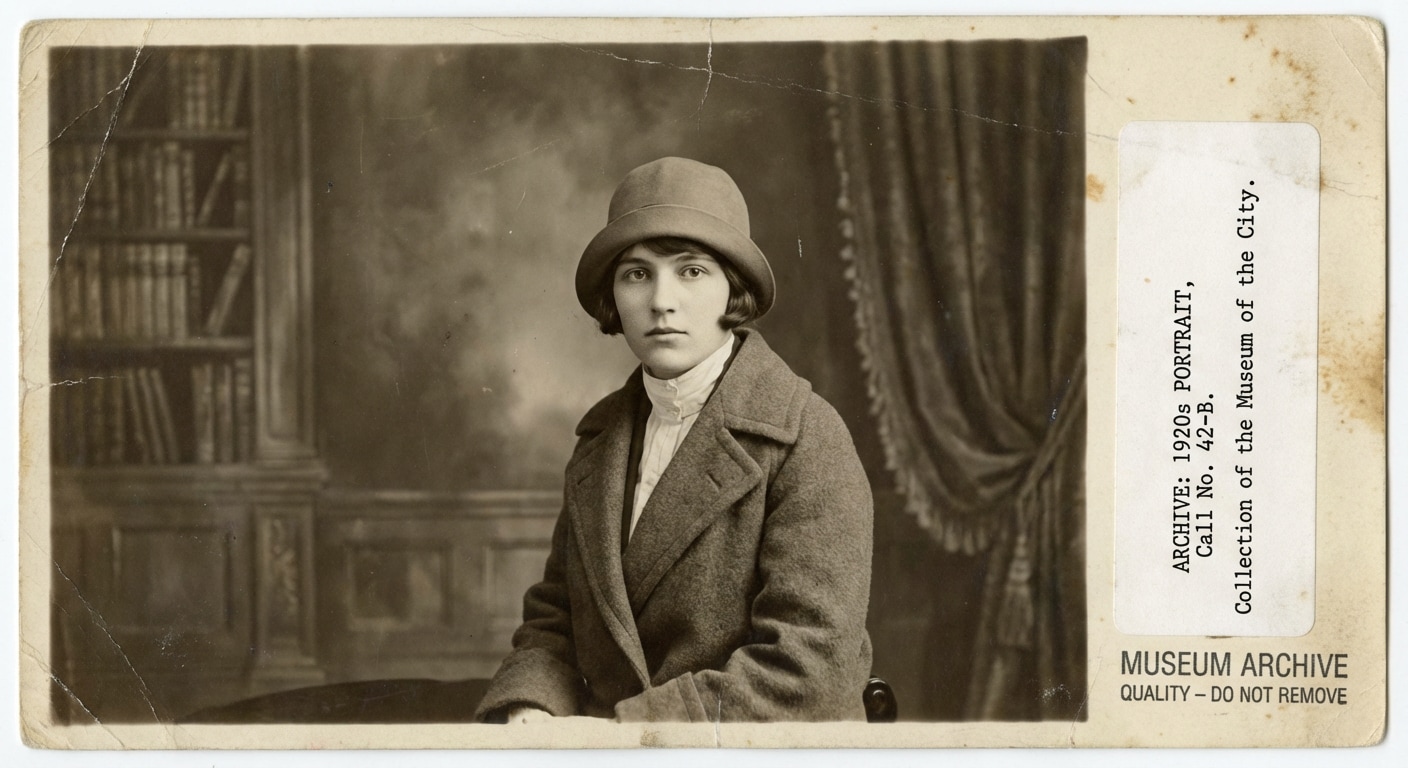
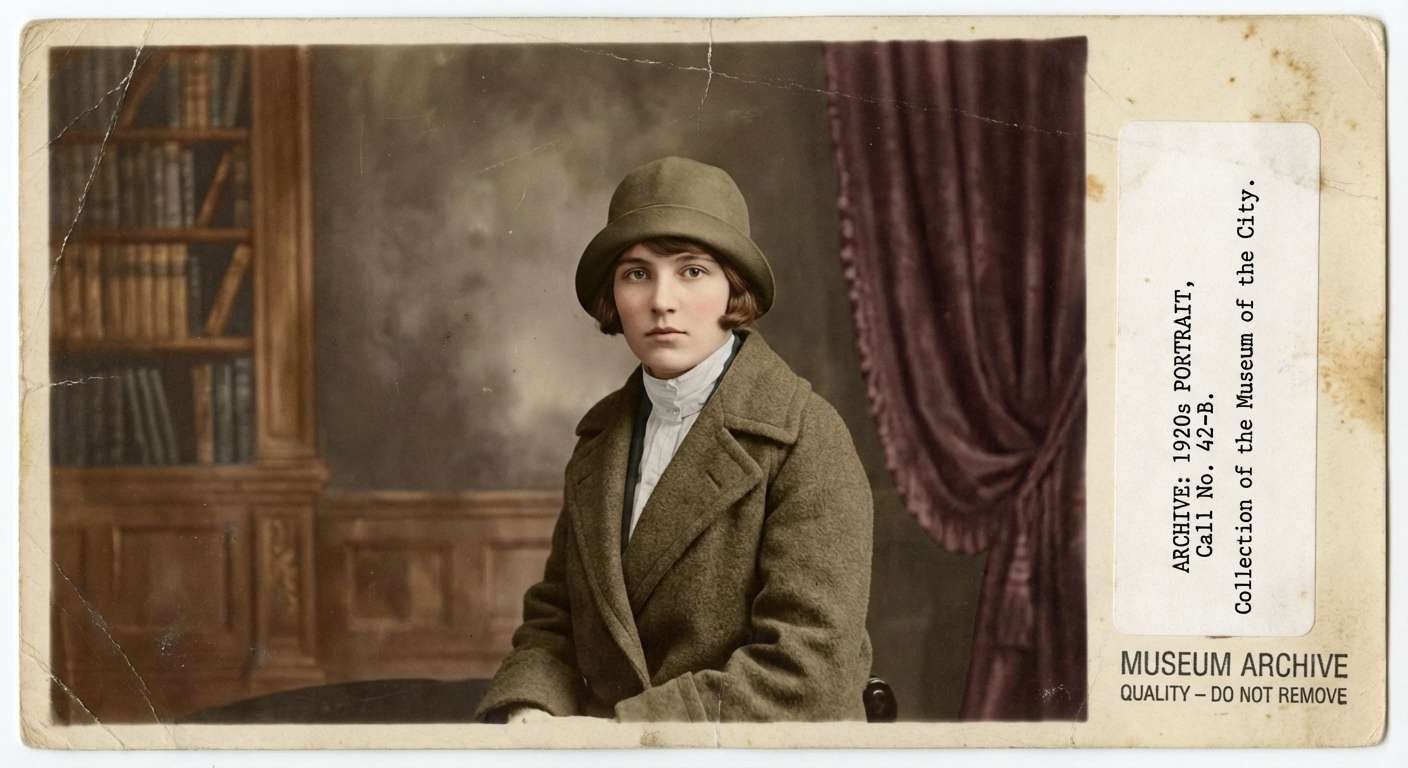
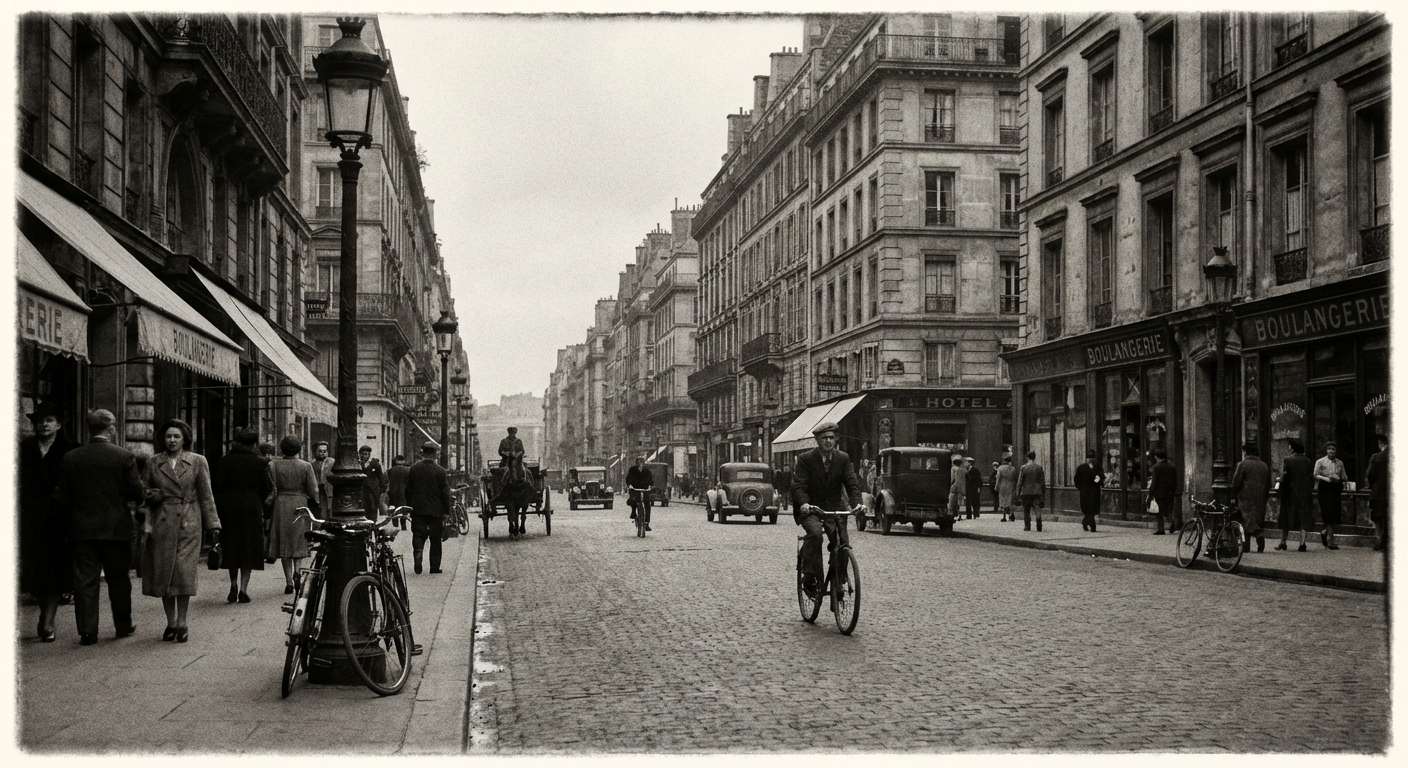
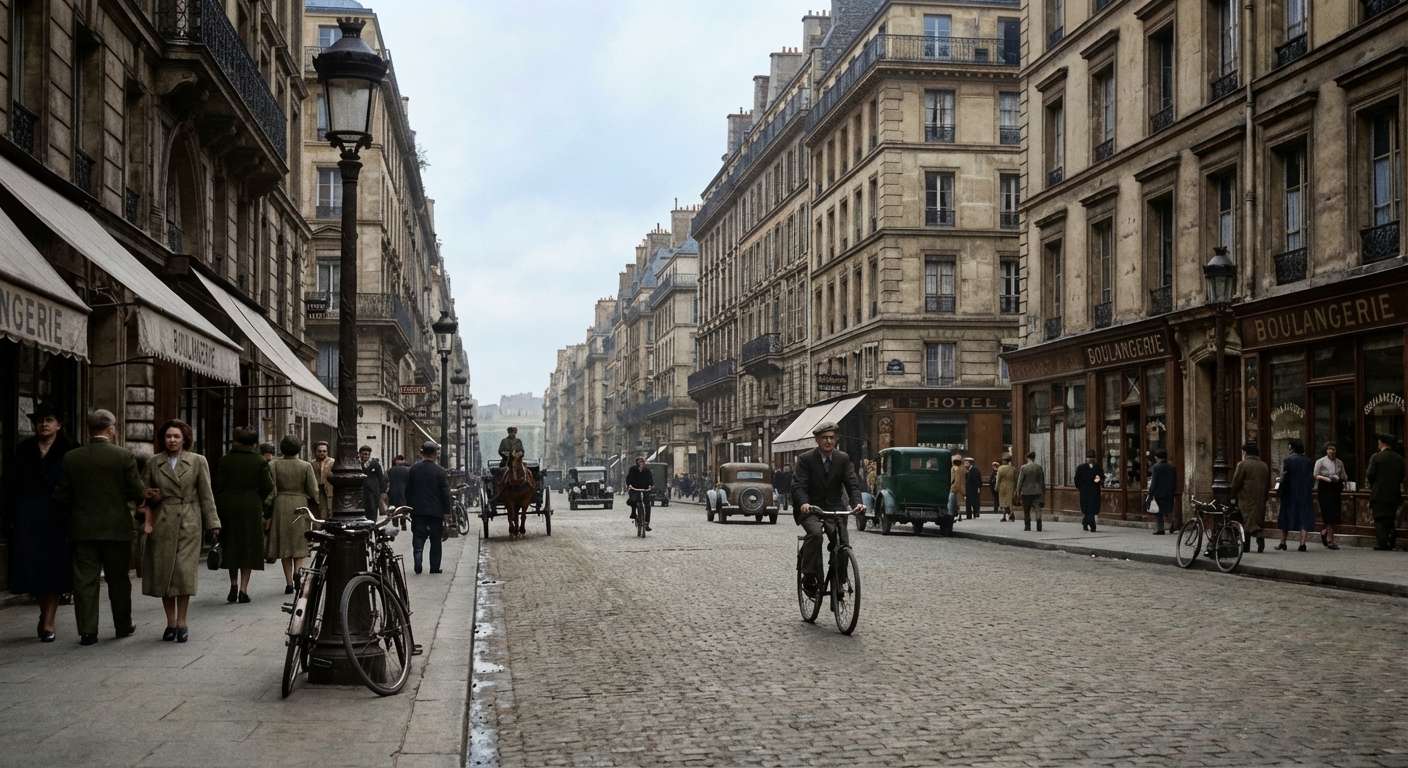
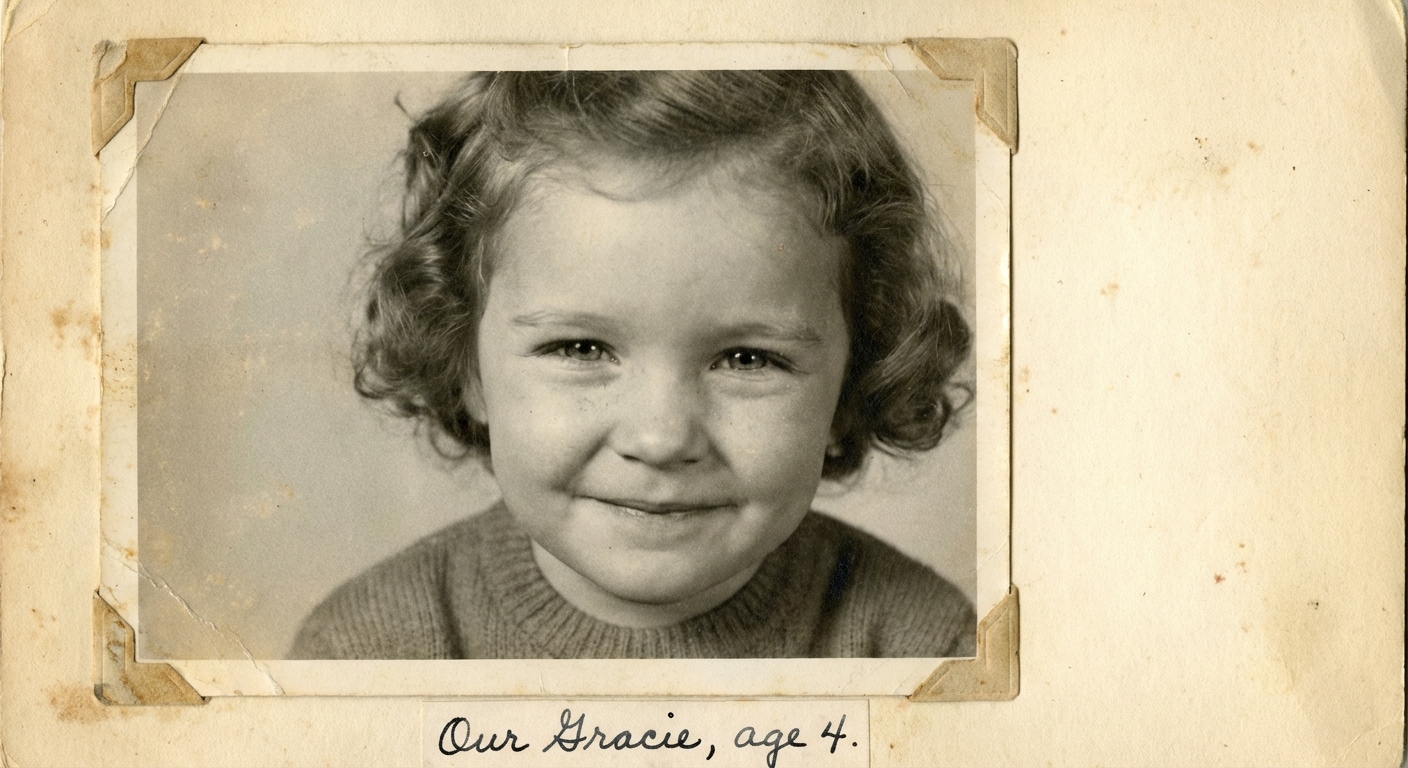
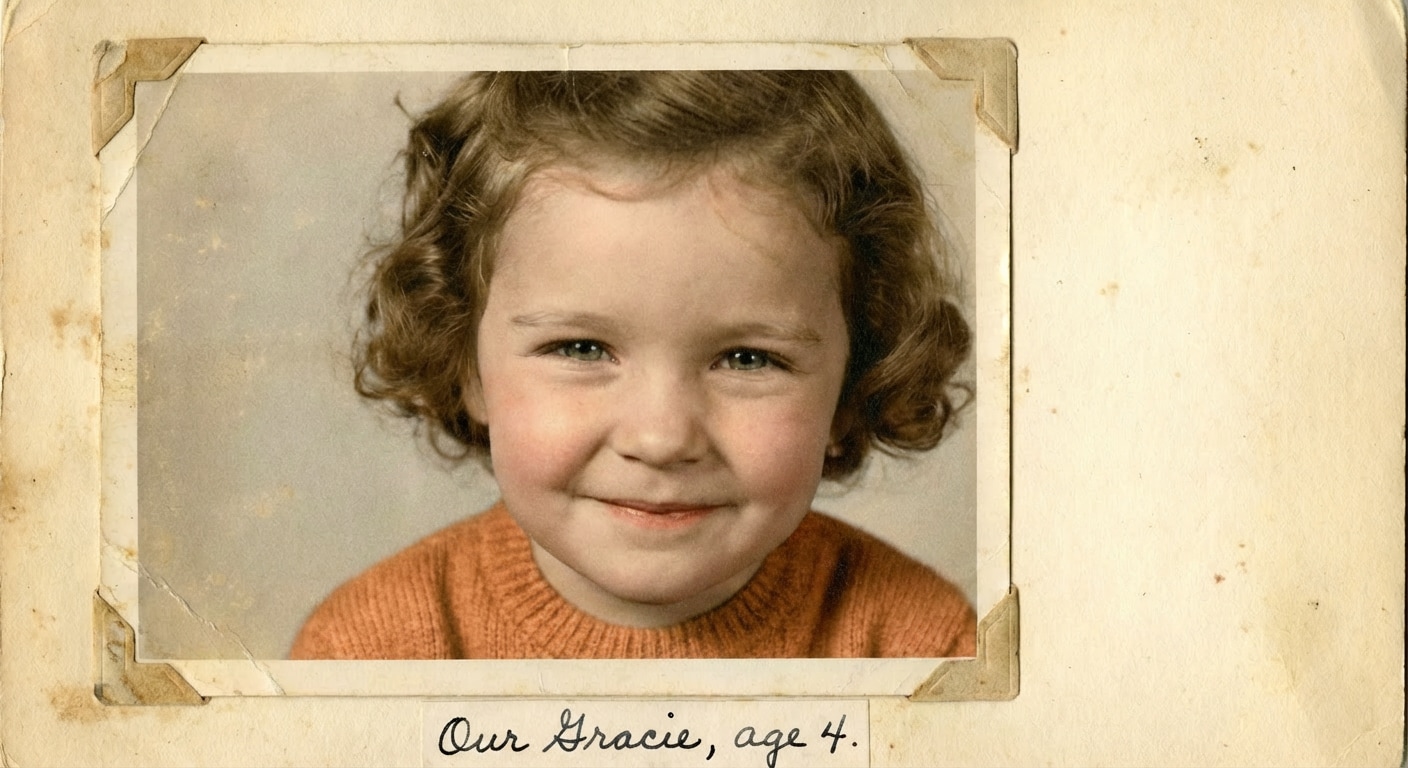
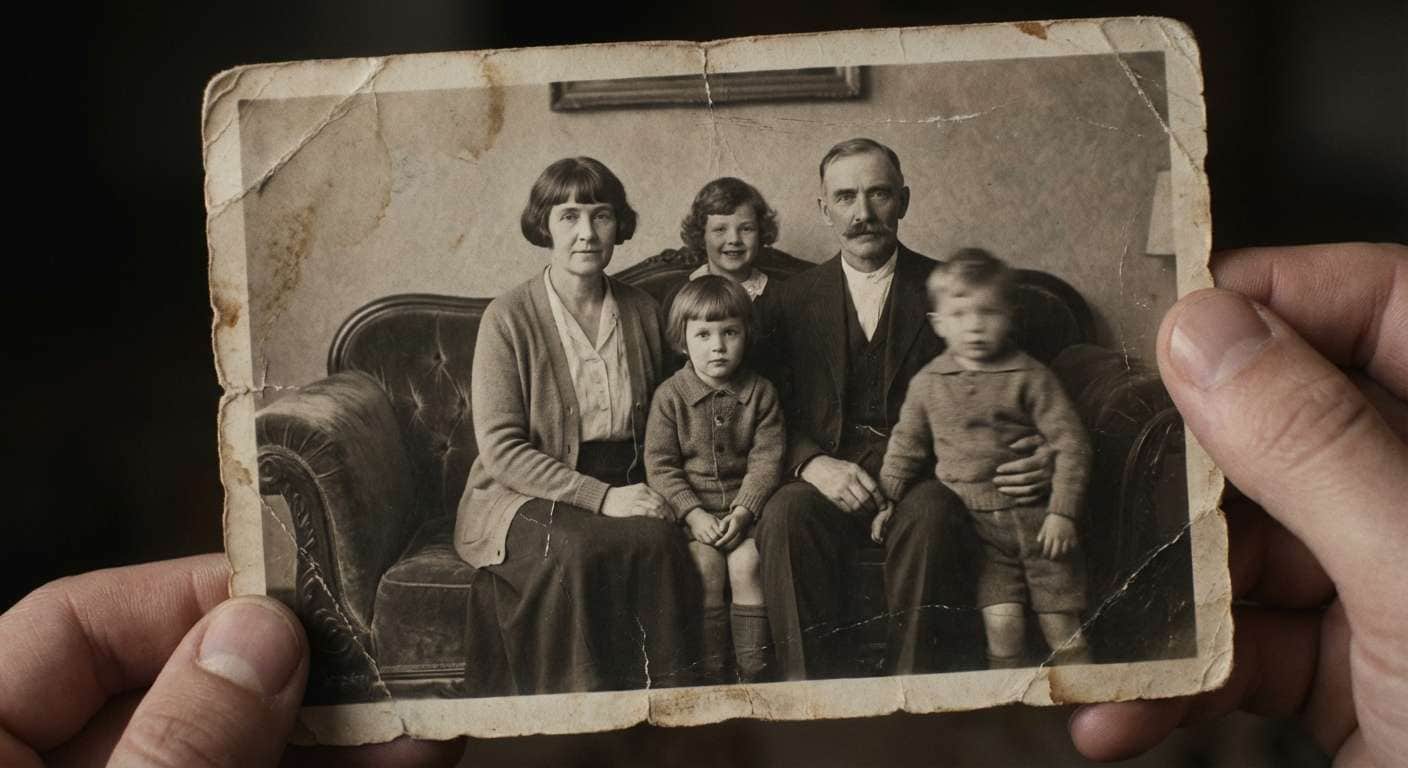
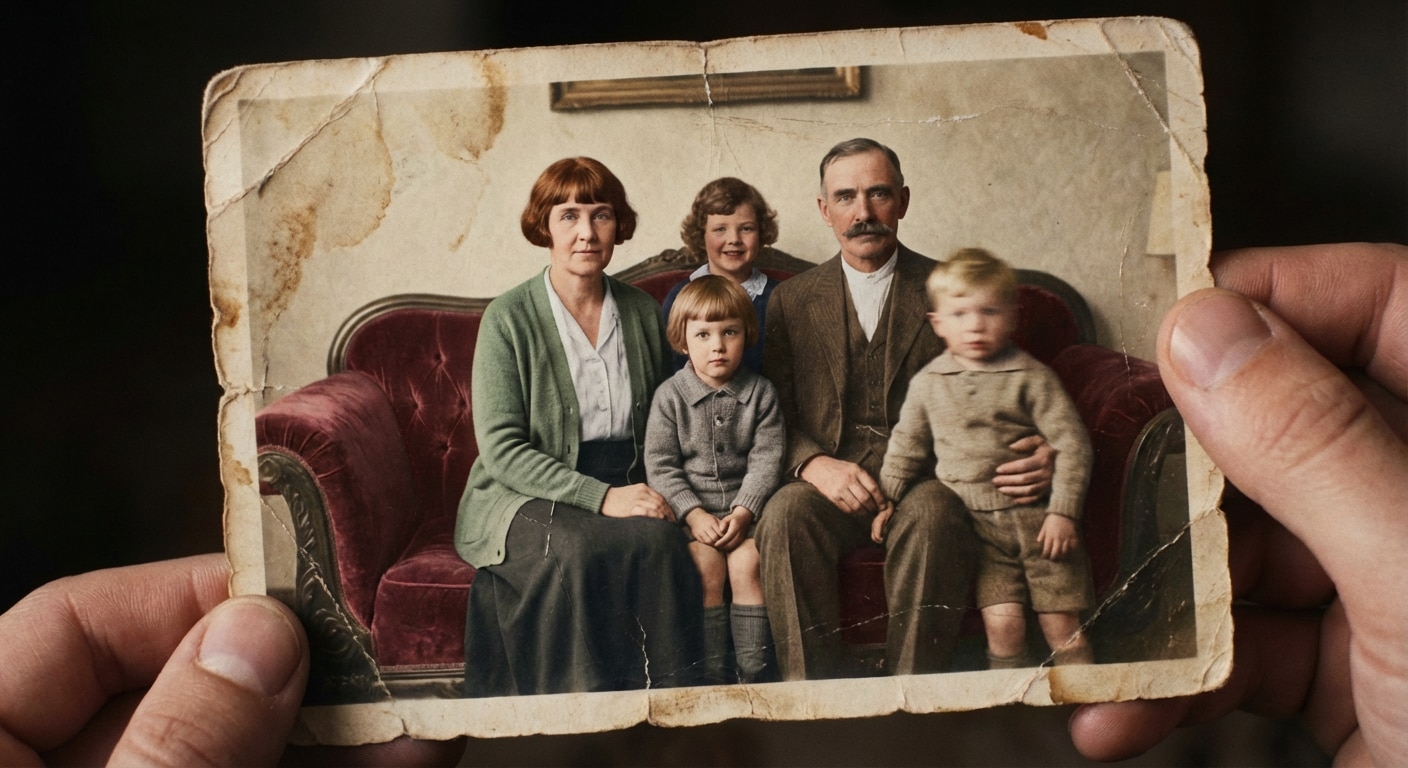
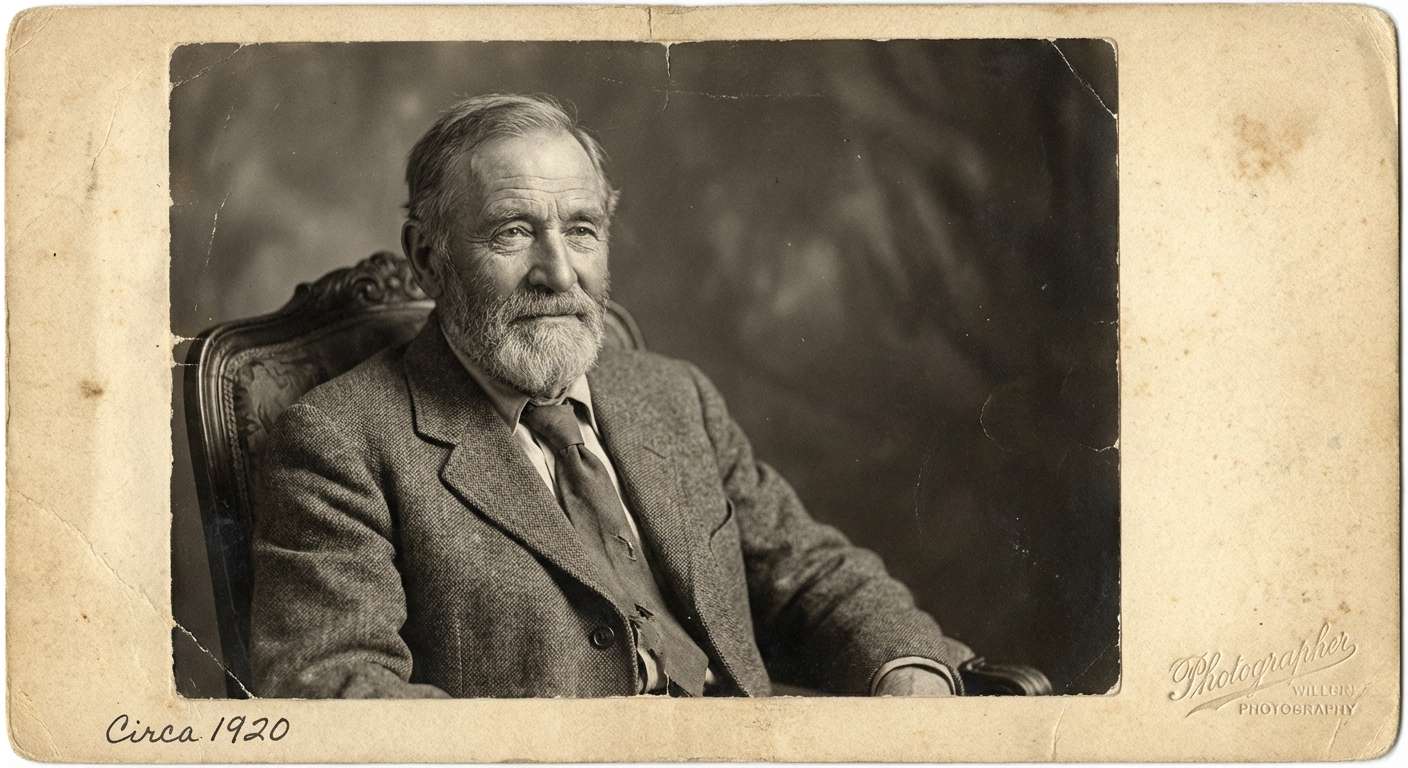
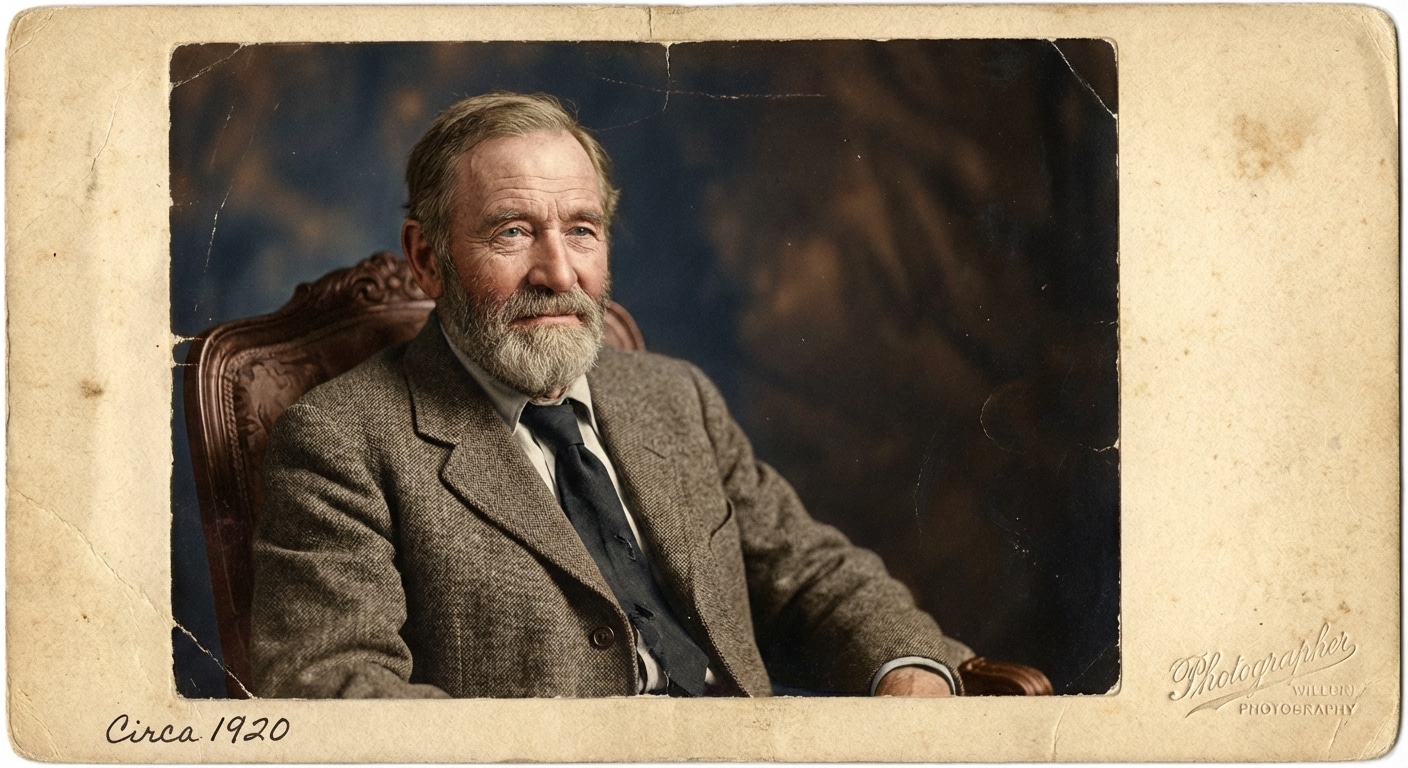
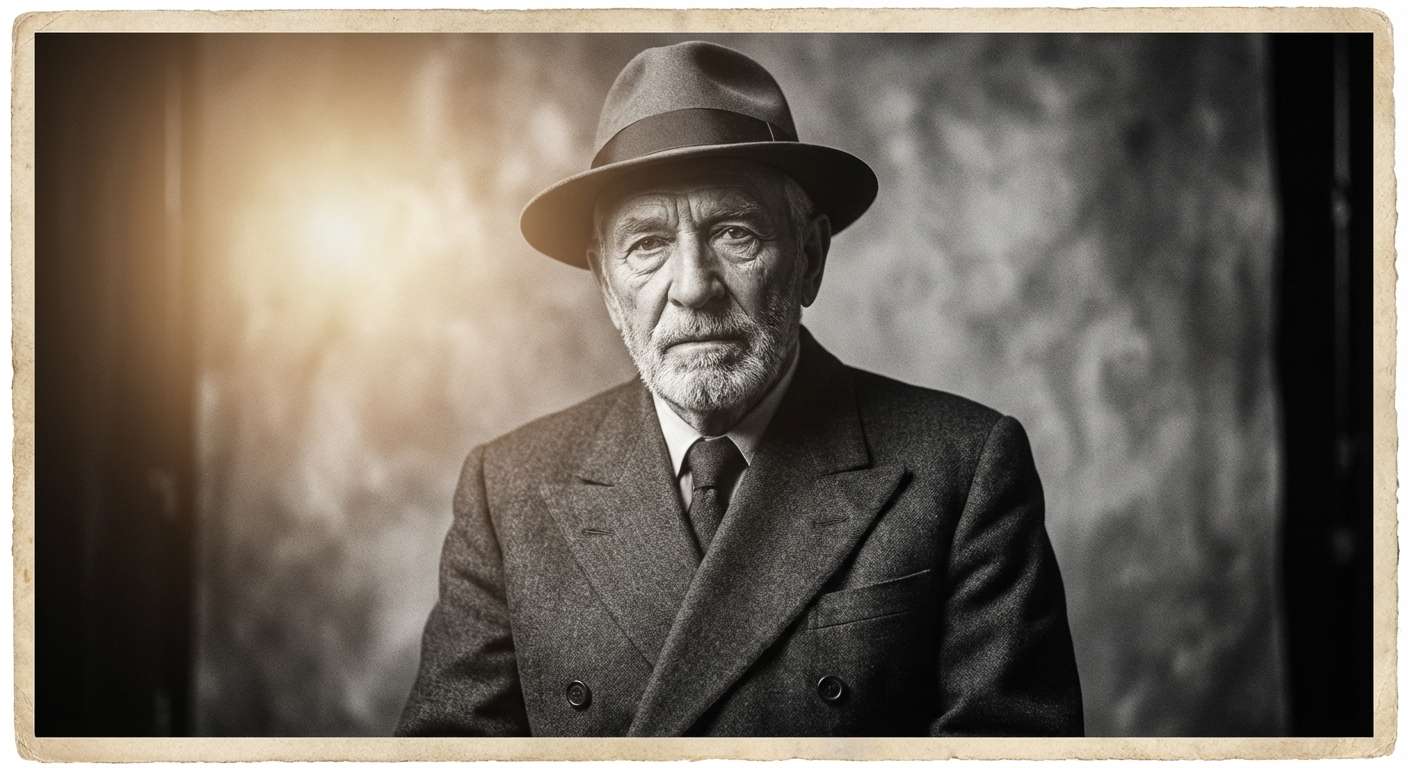
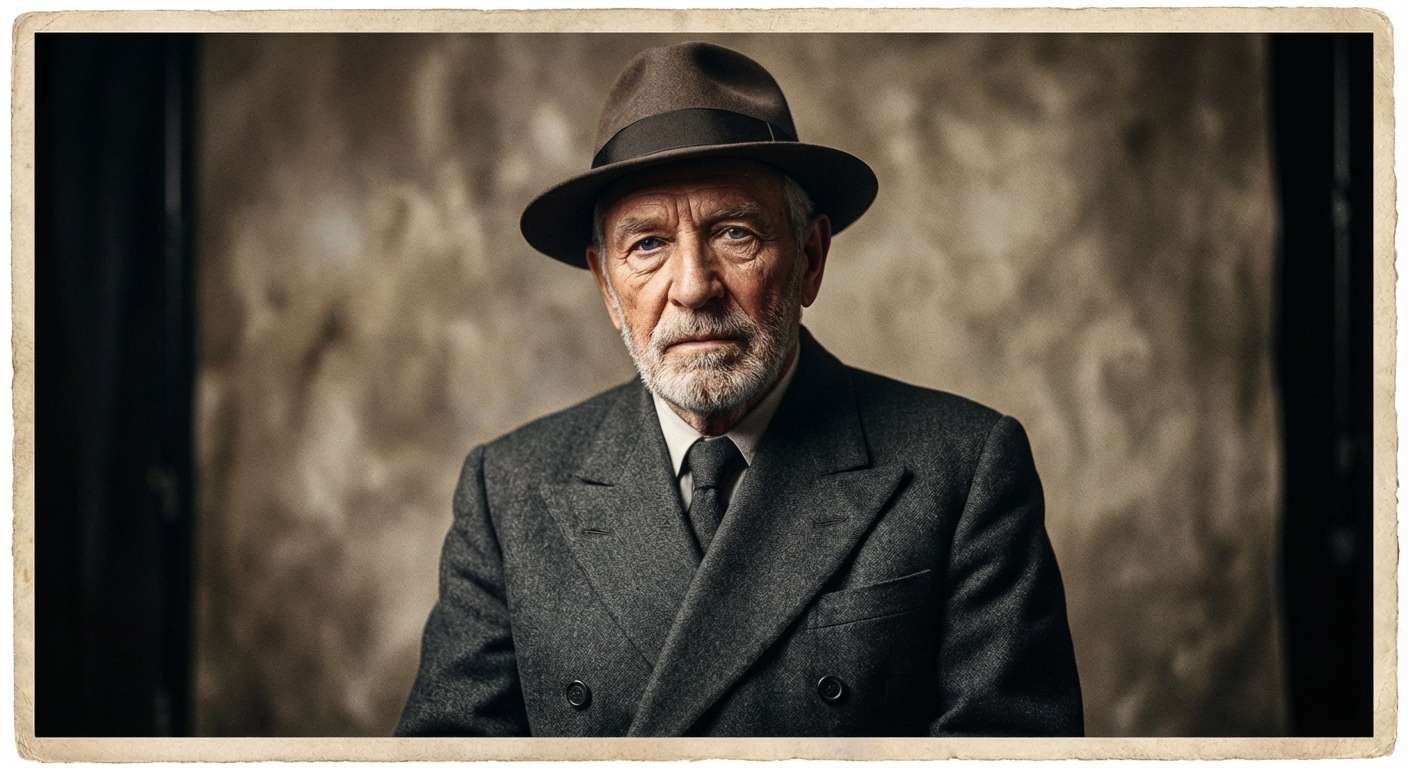
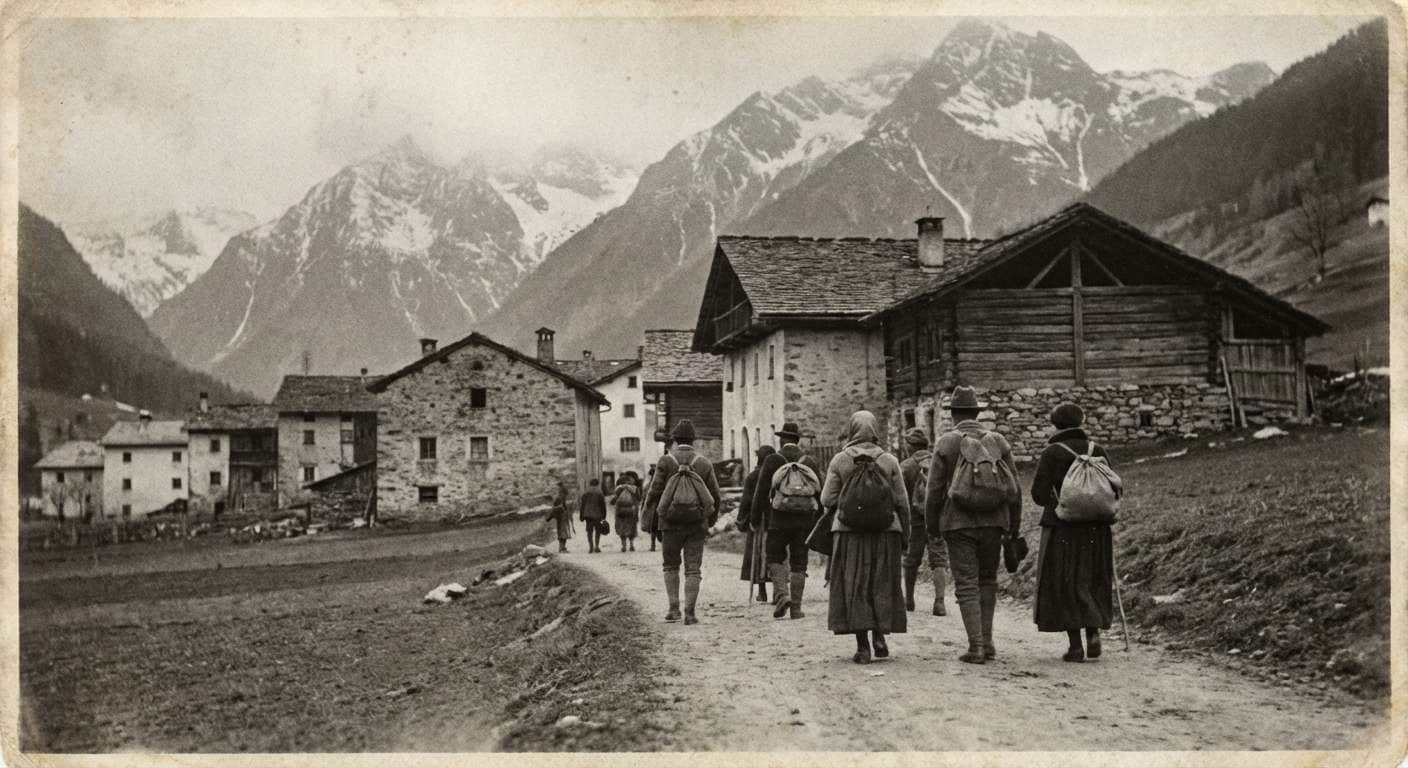
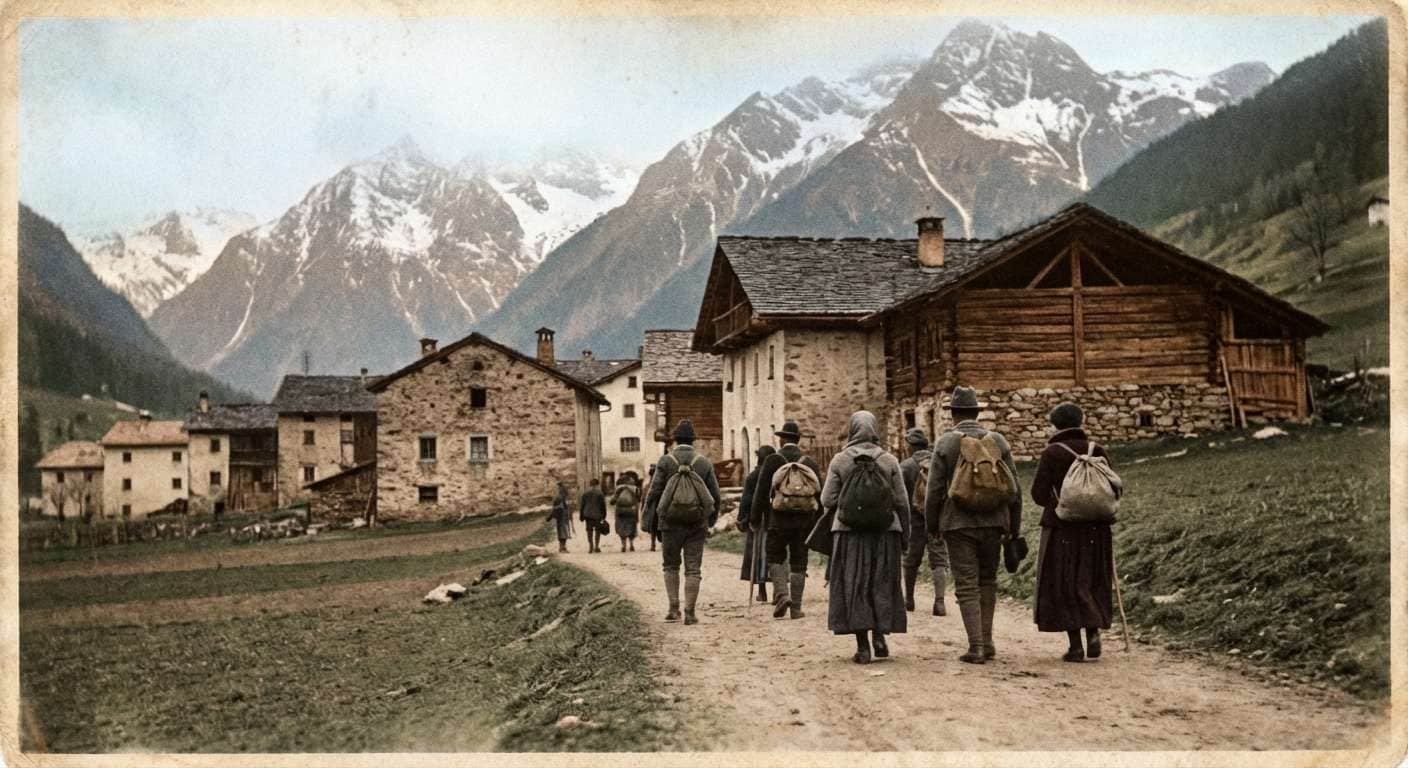








Media.io helps users restore old black and white photos with AI, making it easy to recover realistic skin tones, clothing colors, and background detail for family memories, portraits, wedding images, and historical scenes.

Perfect for users who want to colorize black and white photos quickly without using Photoshop or manual painting tools.

Great for portraits and family memories where identity, skin texture, hair detail, and expression should stay realistic.

Use it for old portraits, family albums, wedding pictures, historical photographs, and faded black and white keepsakes.

Combine guided prompts with Media.io’s image-to-image workflow for more natural and style-aware color restoration.


You can upload your image to Media.io, paste a colorization prompt, and let AI restore the black and white photo automatically. This is one of the easiest ways to turn black and white photo into color without manual editing or complex restoration software.
Yes. Media.io works well for old family pictures, portraits, and memory photos that need realistic skin tones, clothing color, and gentle restoration. Prompts focused on natural color balance and identity preservation usually give the best results.
In many cases, yes. A strong prompt can help AI preserve facial identity, hair details, clothing texture, and original composition while adding realistic color. This is especially useful for portraits, wedding photos, and vintage family images.
You can colorize old portraits, childhood snapshots, wedding photos, historical images, travel scenes, and many other monochrome pictures. Clear source images usually produce the most natural and detailed restored results.
The best prompt usually asks AI to preserve facial identity, restore realistic skin and clothing colors, keep the original mood, and avoid oversaturated or artificial tones. The templates on this page are built for exactly that workflow.
 4.7 (162,357 Votes)


