Home> Online Tools> AI Image Translator

AI Image Translator - Translate Text in Image Online for Free

Looking for a fast and accurate way to translate text in an image? Whether you're traveling abroad, studying from foreign materials, or working with multilingual teams, the Media.io AI Image Translator helps you instantly translate text from any photo-no manual typing required.

Powered by Gemini Nano Banan Pro Image Model, this tool lets you upload an image, detect all text automatically, and generate natural, context-accurate translations in seconds. It's smooth, beginner-friendly, and entirely online.

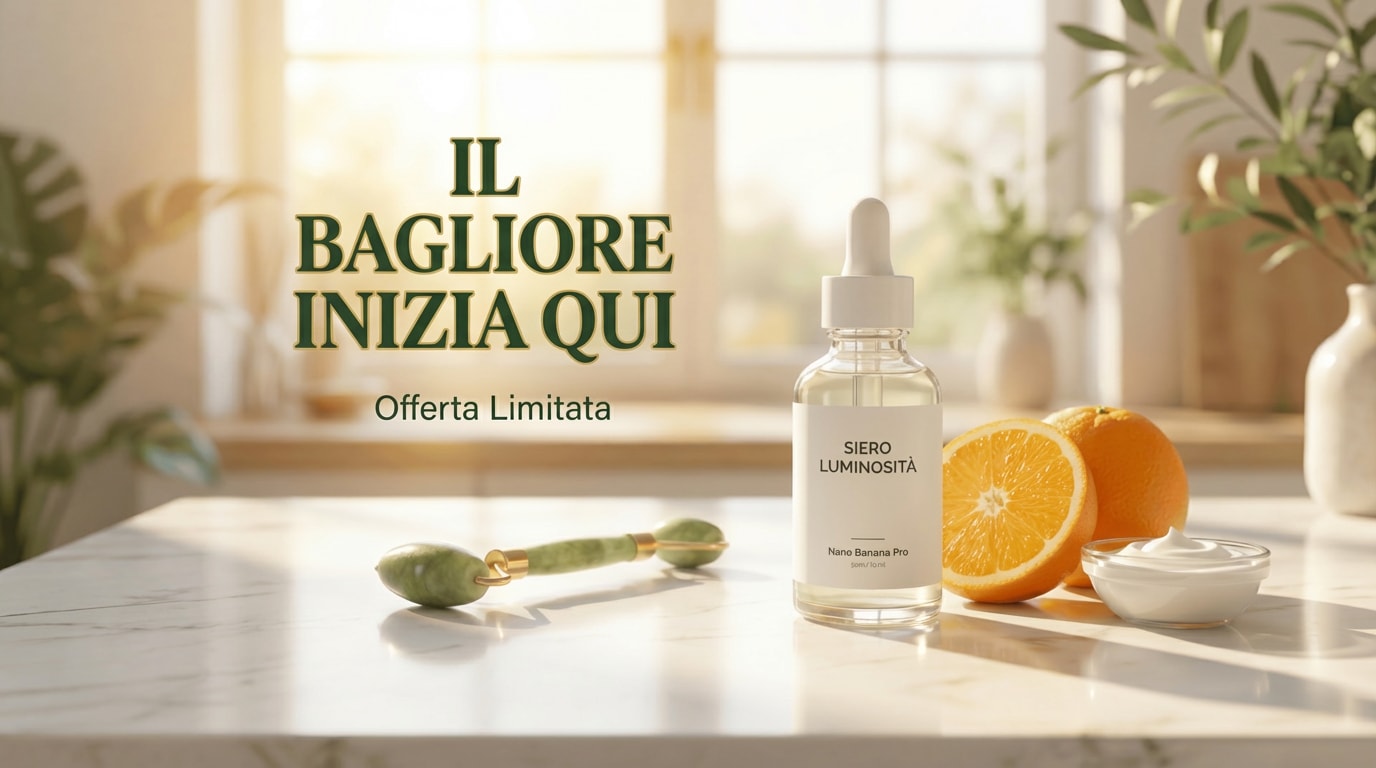
Product Rendering - Input Image
Input Image
Product Rendering - Translated Image
Translated Image
Poster Design - Input Image
Input Image
Poster Design - Translated Image
Translated Image
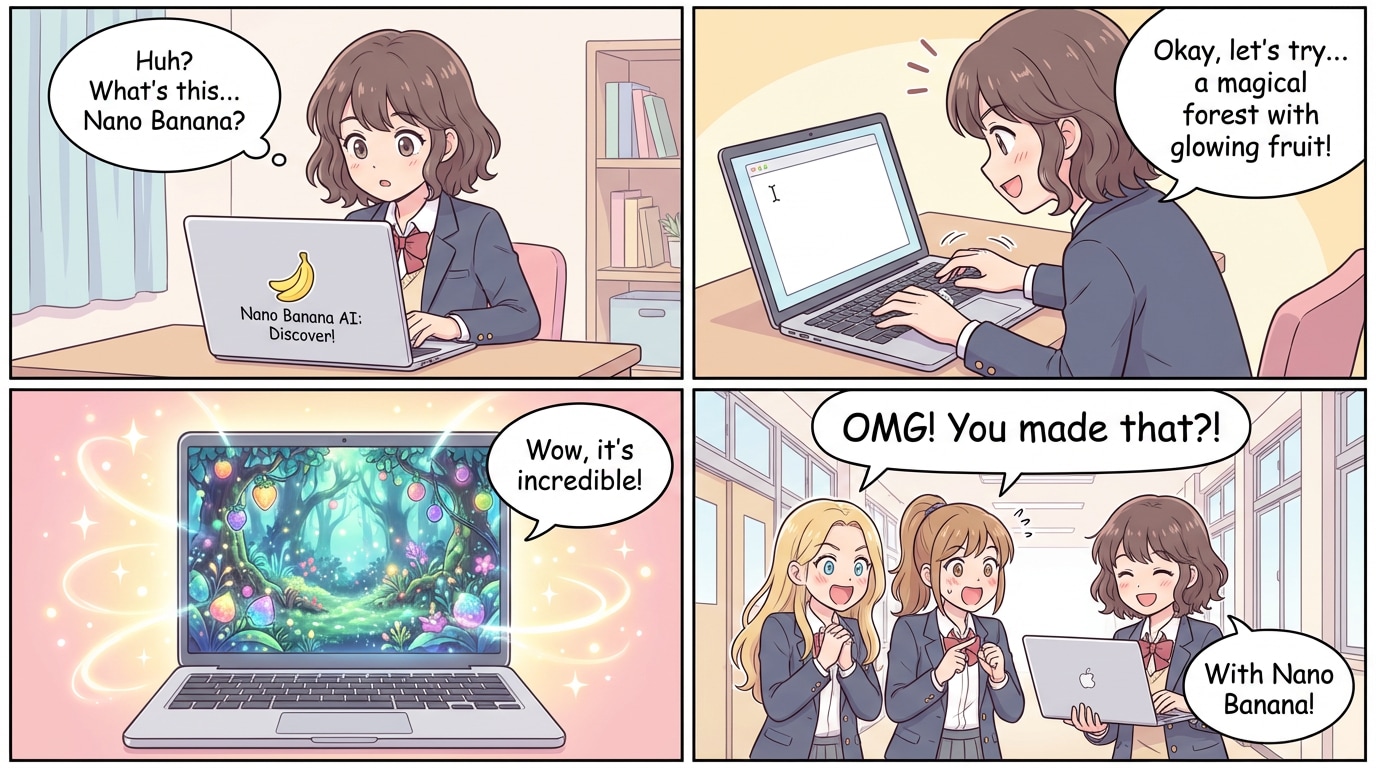
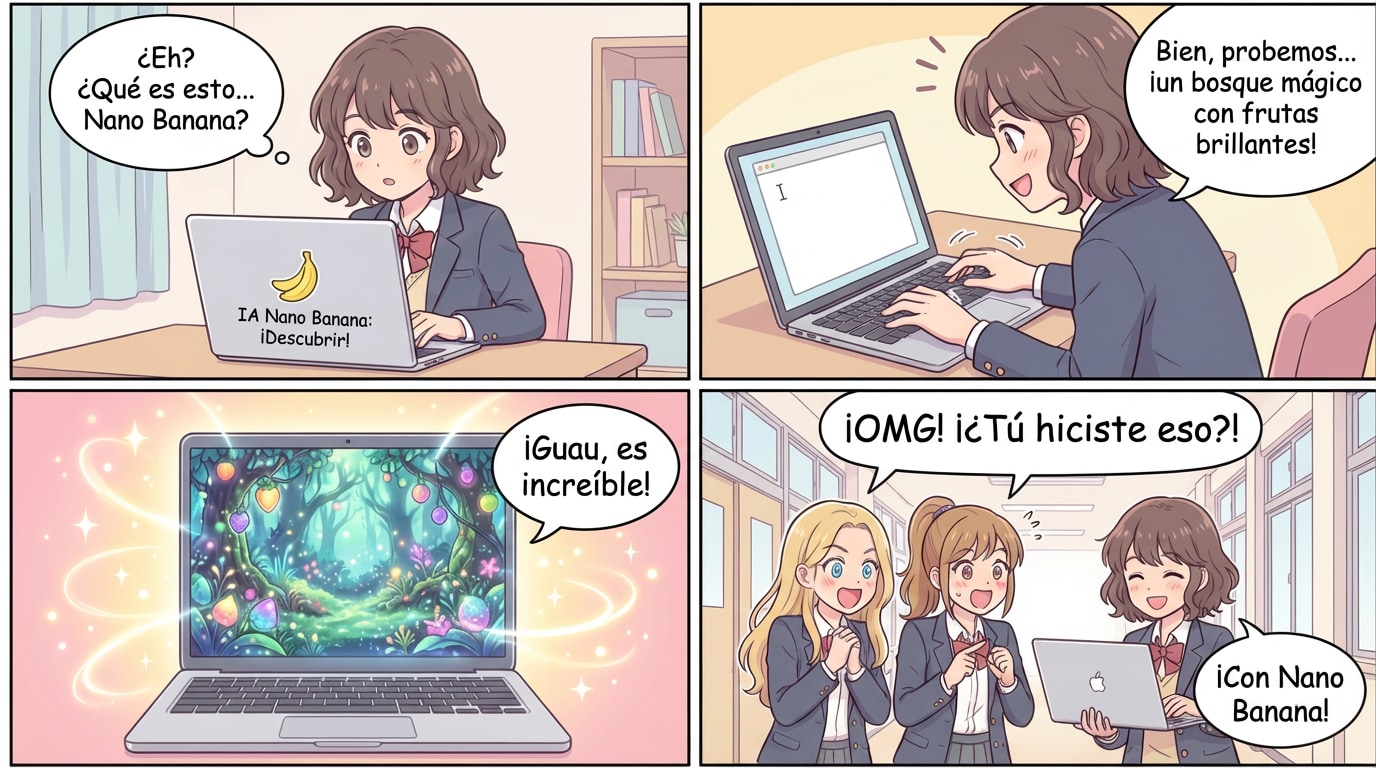
Comics - Input Image
Input Image
Comics - Translated Image
Translated Image
Step-by-Step Solution - Input Image
Input Image
Step-by-Step Solution - Translated Image
Translated Image
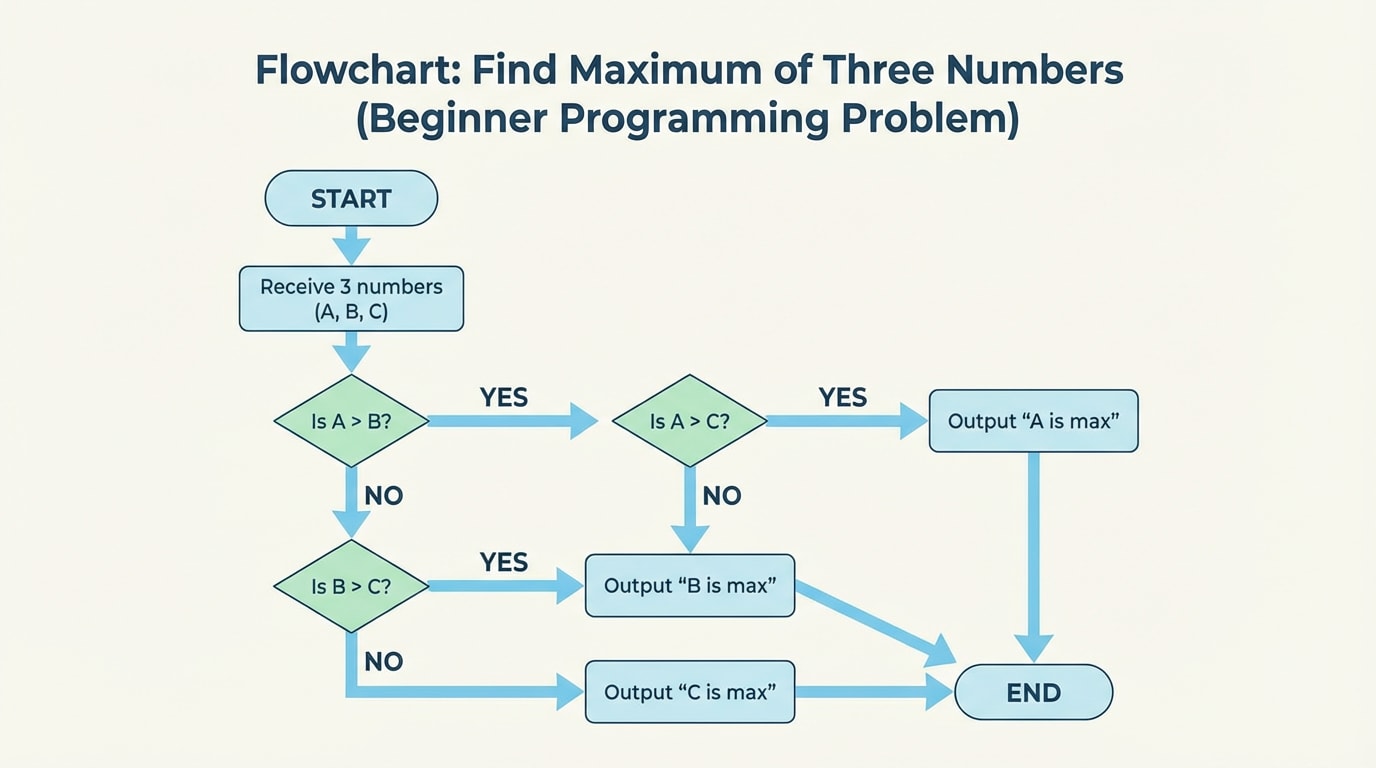
Knowledge Diagrams - Input Image
Input Image
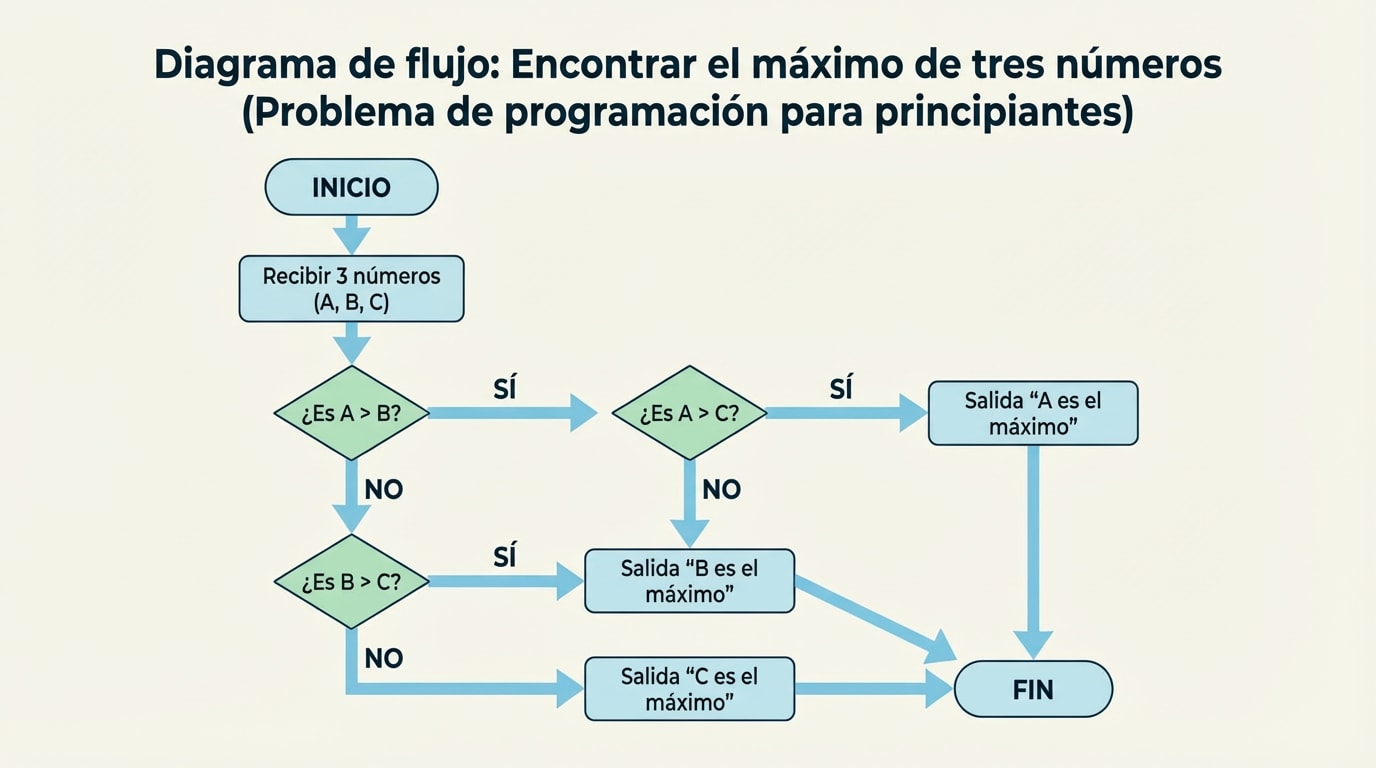
Knowledge Diagrams - Translated Image
Translated Image
Academic Paper - Input Image
Input Image
Academic Paper - Translated Image
Translated Image
Try Free AI Image Translator

User Scenarios for Nano Banana Pro - AI Image Translator

Explore how different people use this powerful AI image translator to translate text in image, translate from image, and perform AI translate photo tasks in their daily workflow.

Traveler using AI image translator
Traveler

Translate Menus & Street Signs While Traveling

Perfect for travelers:
• Snap menus or street signs
• Instantly translate text in image
• Understand surroundings with AI photo translate

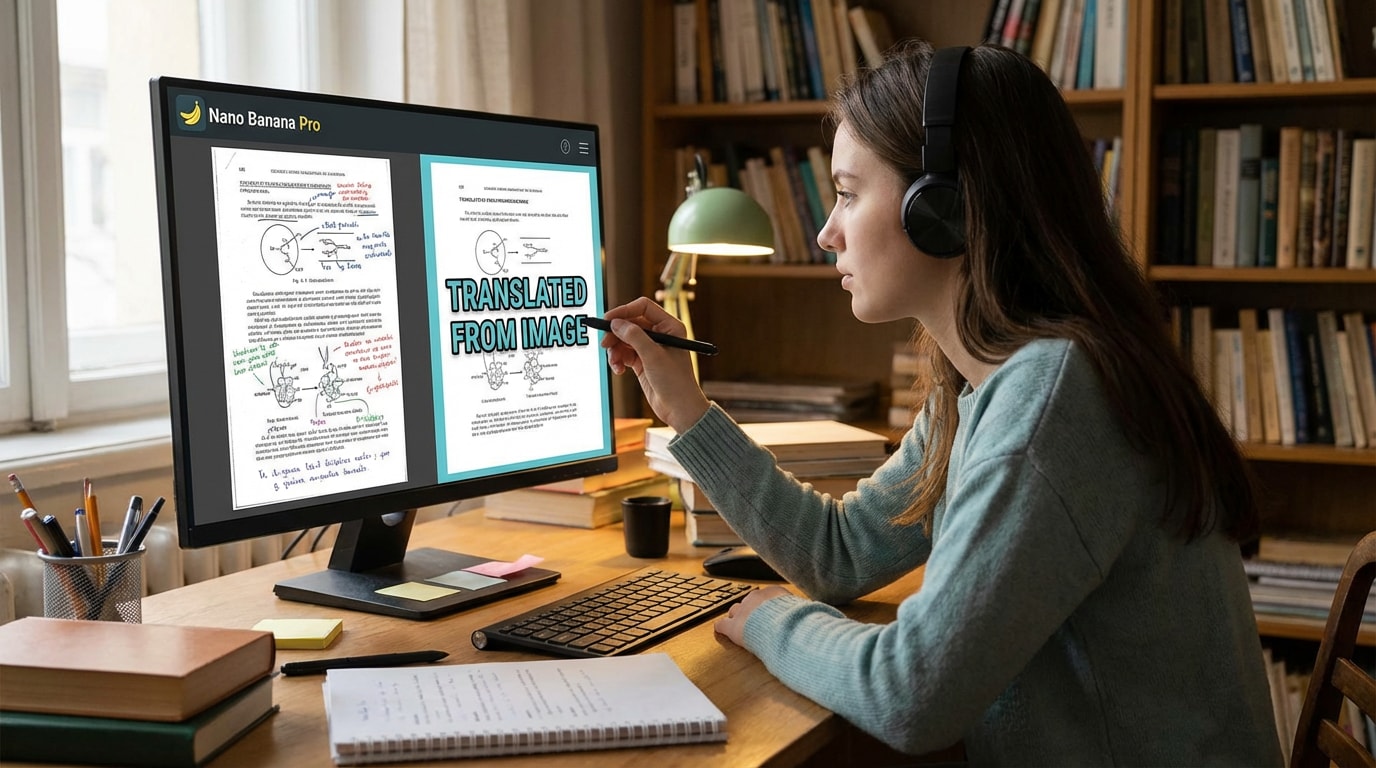
Student translate from image
Student

Study from Foreign Textbooks & Slides

Great for learning:
Translate from image in seconds
• Decode charts, diagrams & labels
• Turn foreign content into clear study notes

Professional using ai image translator
Professional

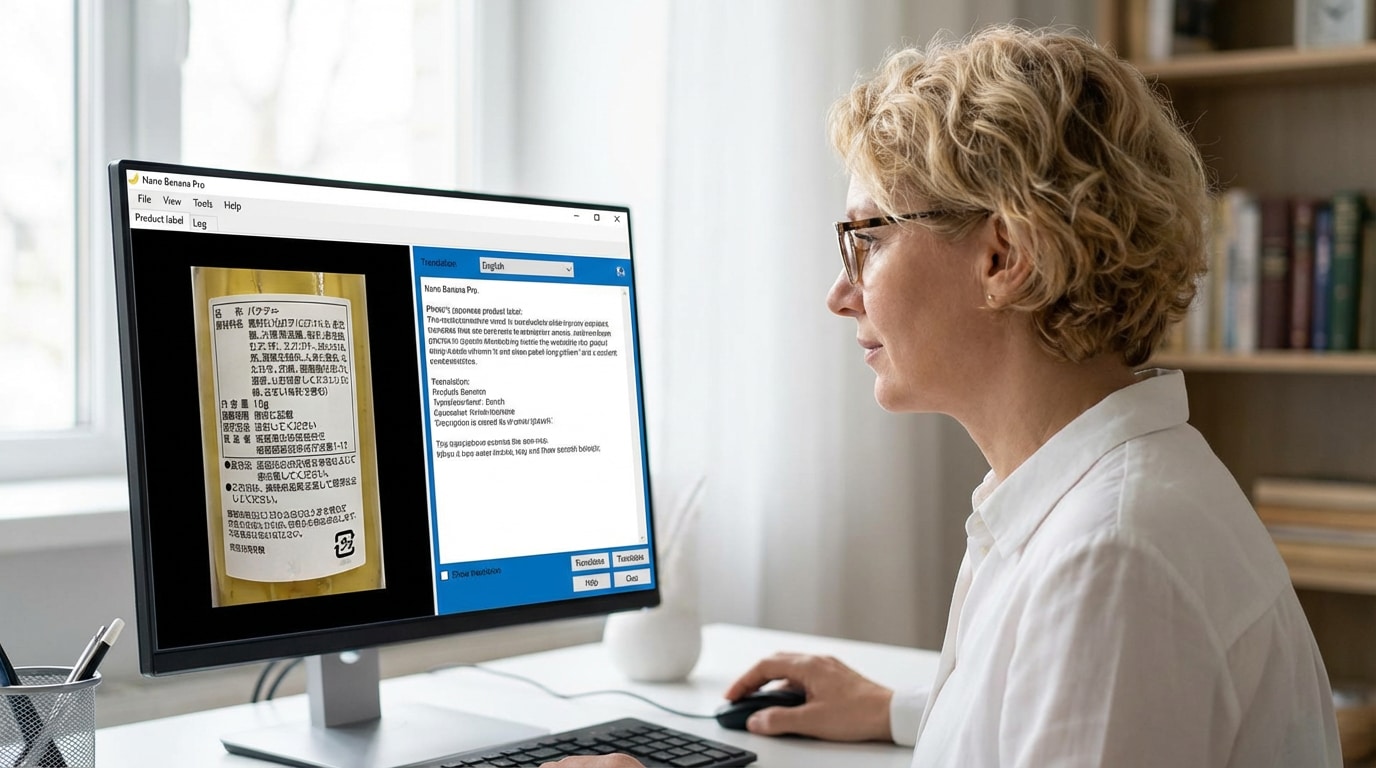
Localize UI Screens & Product Materials

For global teams:
• Extract & translate text in image
• Localize manuals, labels, UI mockups
• Use AI image translator to support workflows

Designer translating text in image
Designer

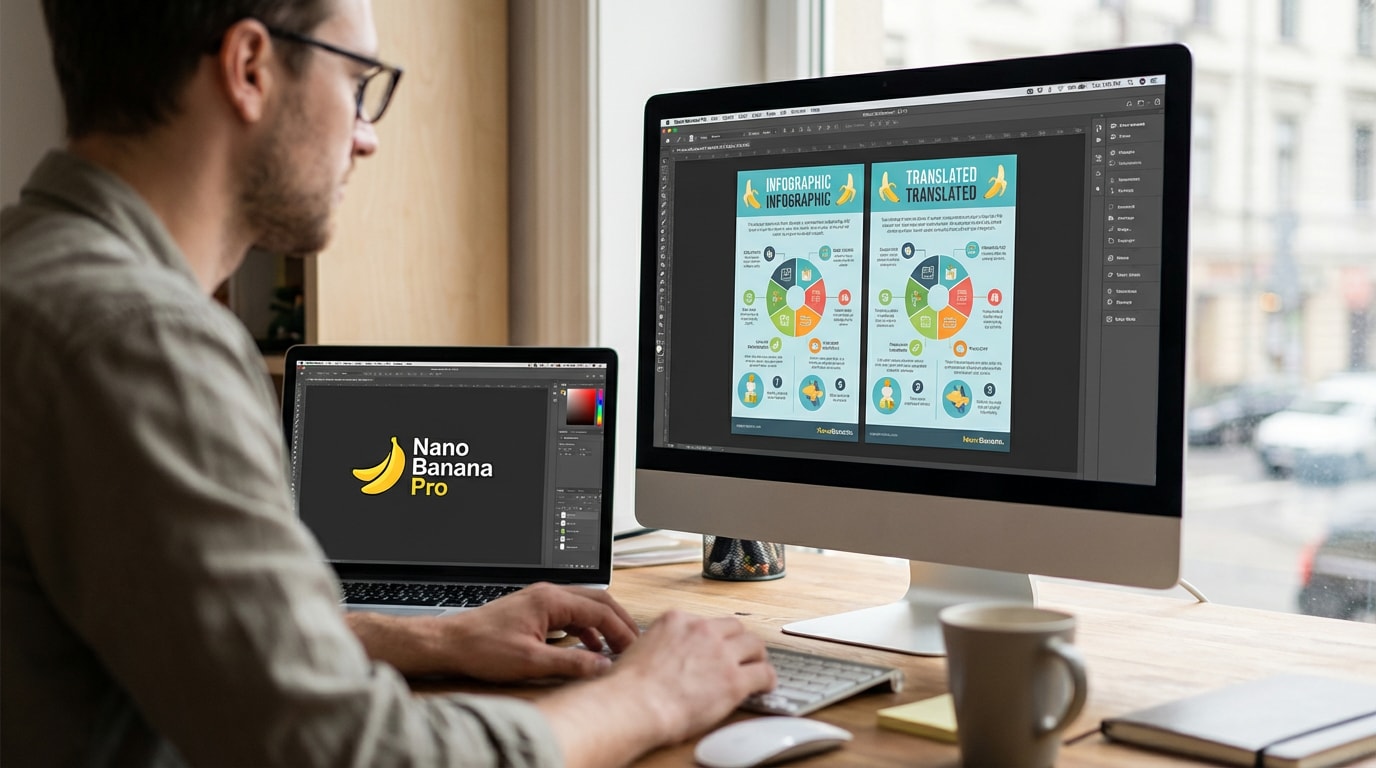
Keep Layout, Just Change the Language

For visual creators:
• Localize banners & infographics
• Maintain layout & visual style
• Seamlessly translate from image

ai translate photo for social media
Social Media User

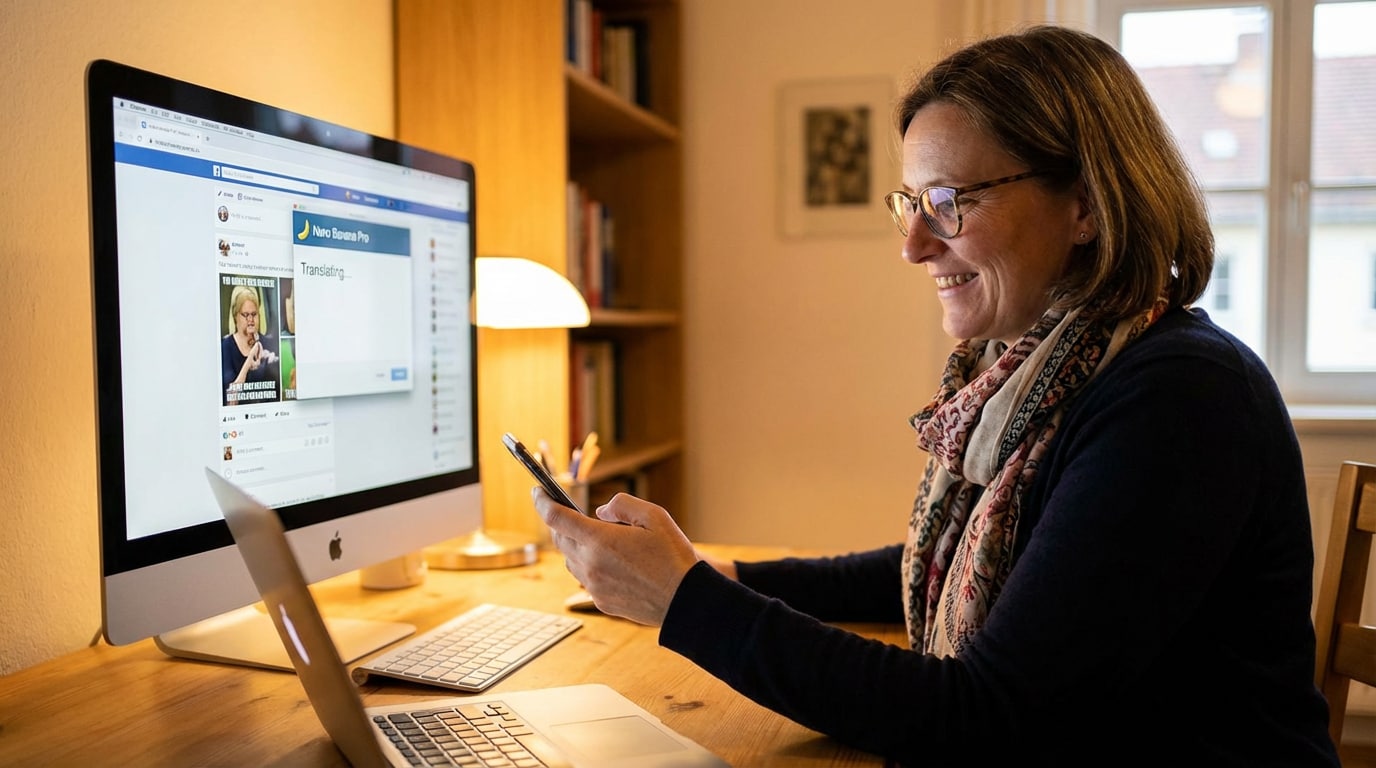
Understand Memes, Screenshots & Posts

For fast-paced content:
• Upload memes or chat screenshots
• Instantly AI translate photo
• Enjoy global viral content

translate text in image for shopping
Shopper

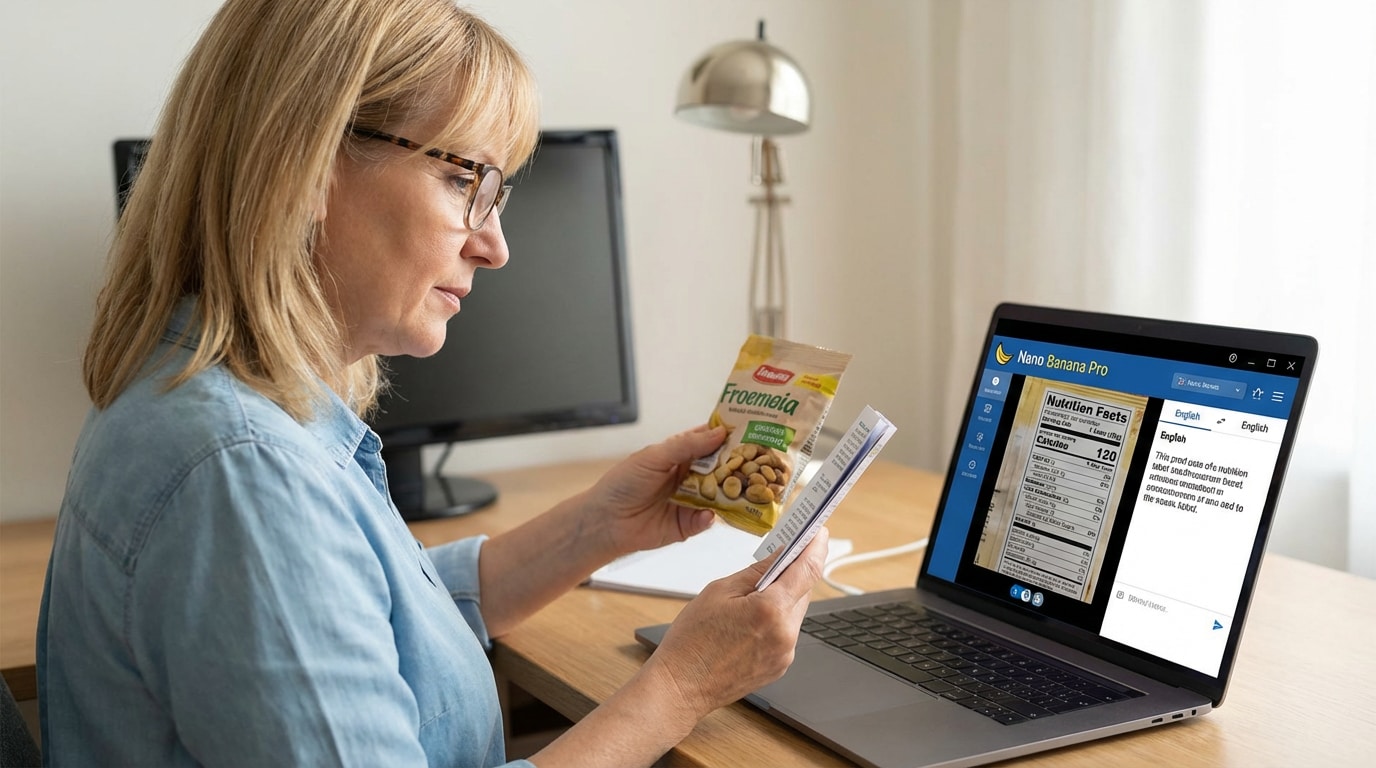
Read Labels & Ingredients Easily

Perfect for shopping:
• Translate packaging instantly
• Check ingredients & safety
• Make informed purchases with an image translator

Try Nano Banana Pro - your all-in-one AI image translator to translate from image anytime, anywhere.

Media.io Image Translator Highlights

Discover how Media.io's AI image translator helps you translate text in image with ultra-accurate OCR, layout preservation, batch processing, and more-backed by real, everyday use cases.

Ultra-Accurate OCR for Text in Any Image

Media.io's AI image translator uses ultra-accurate OCR to recognize printed text, stylized fonts, handwriting, and even low-resolution screenshots. This gives you clean, reliable text extraction before translation-no matter how complex the image looks.

It's especially useful when you need to translate text in image captured on the go, like signs, timetables, posters, or documents taken under poor lighting.

Real scenario: Translating a blurry photo of a train timetable you captured on vacation.

AI-Powered Translation in 100+ Languages

Media.io doesn't just extract text-it uses AI-powered translation to deliver natural, context-aware results in 100+ languages, including English, Chinese, Spanish, Arabic, German, Thai, and more.

This makes it ideal for students, researchers, and professionals who need to translate from image across different language pairs while keeping technical meaning accurate.

Real scenario: Students translating foreign-language diagrams and textbook pages.

Preserve Original Layout and Style

Instead of breaking your design, Media.io keeps the original layout, spacing, and visual style intact while overlaying the translated text. You get a polished result that looks almost identical to the source image-just in a different language.

This is perfect when you need to translate text in image for UI mockups, app screenshots, marketing visuals, or infographics where layout is critical.

Real scenario: Designers localizing UI mockups or app screenshots for global users.

Batch Translation for Multiple Photos

Need to AI translate photo at scale? Media.io supports batch translation, so you can upload and process multiple images in one go. This saves time and keeps your workflow efficient when dealing with large volumes of visuals.

Whether you're handling product catalogs, slide decks, or campaigns, the batch mode turns image translation into a smooth, predictable pipeline.

Real scenario: Businesses translating entire sets of product photos or infographics.

Works on Mobile & Desktop Without Installation

Media.io is fully browser-based, so you can use this AI image translator on mobile, tablet, or desktop-no installation, no heavy software, and no system limitations.

Whenever you need to quickly translate from image, just open the site, upload or snap a photo, and let the AI translate photo feature handle the rest.

Real scenario: Quickly translating a restaurant menu while traveling abroad using your phone.

Free to Use with No Watermarks

Unlike many tools, Media.io lets you translate text in image with full-quality output and no watermarks-even on the free plan. This is crucial for professional work where clean visuals are non-negotiable.

Freelancers, students, and small teams can rely on this image translator for client-ready results without upfront cost or distracting branding.

Real scenario: Freelancers translating documents and images for clients without paying upfront.

AI Image Translator - Real-World Before & After Examples

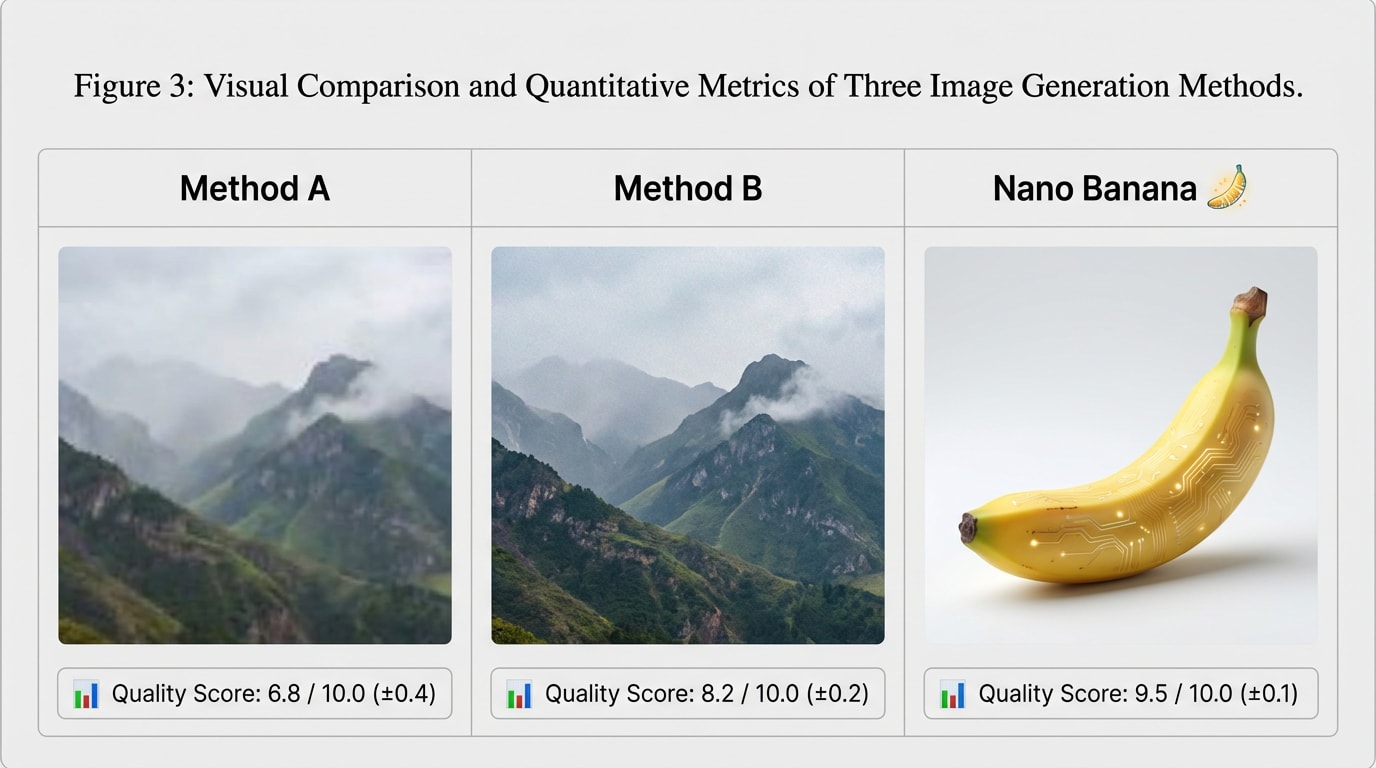
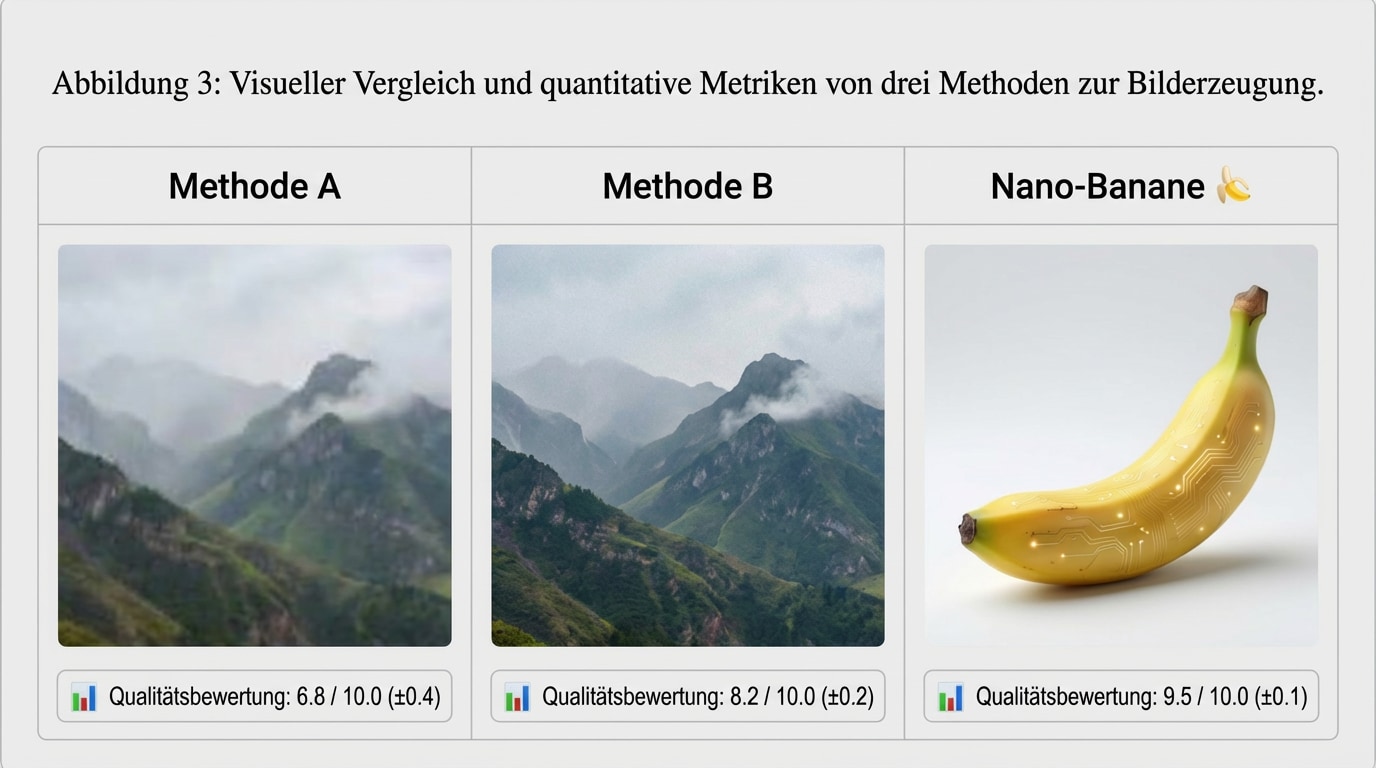
See how Media.io's AI image translator can translate text in image while keeping everything else the same. Each row shows a different style with the same prompt, plus the input image and the translated image side by side.

Style Prompt Input Image Translated Image
Product Rendering Prompt:
Translate all the text in the image into {your desired language}, while keeping everything else the same.
Input product rendering image Translated product rendering image
Poster Design Prompt:
Translate all the text in the image into {your desired language}, while keeping everything else the same.
Input poster design image Translated poster design image
Comic & Manga Prompt:
Translate all the text in the image into {your desired language}, while keeping everything else the same.
Input comic & manga image Translated comic & manga image
Step-by-step Solution Prompt:
Translate all the text in the image into {your desired language}, while keeping everything else the same.
Input step-by-step solution image Translated step-by-step solution image
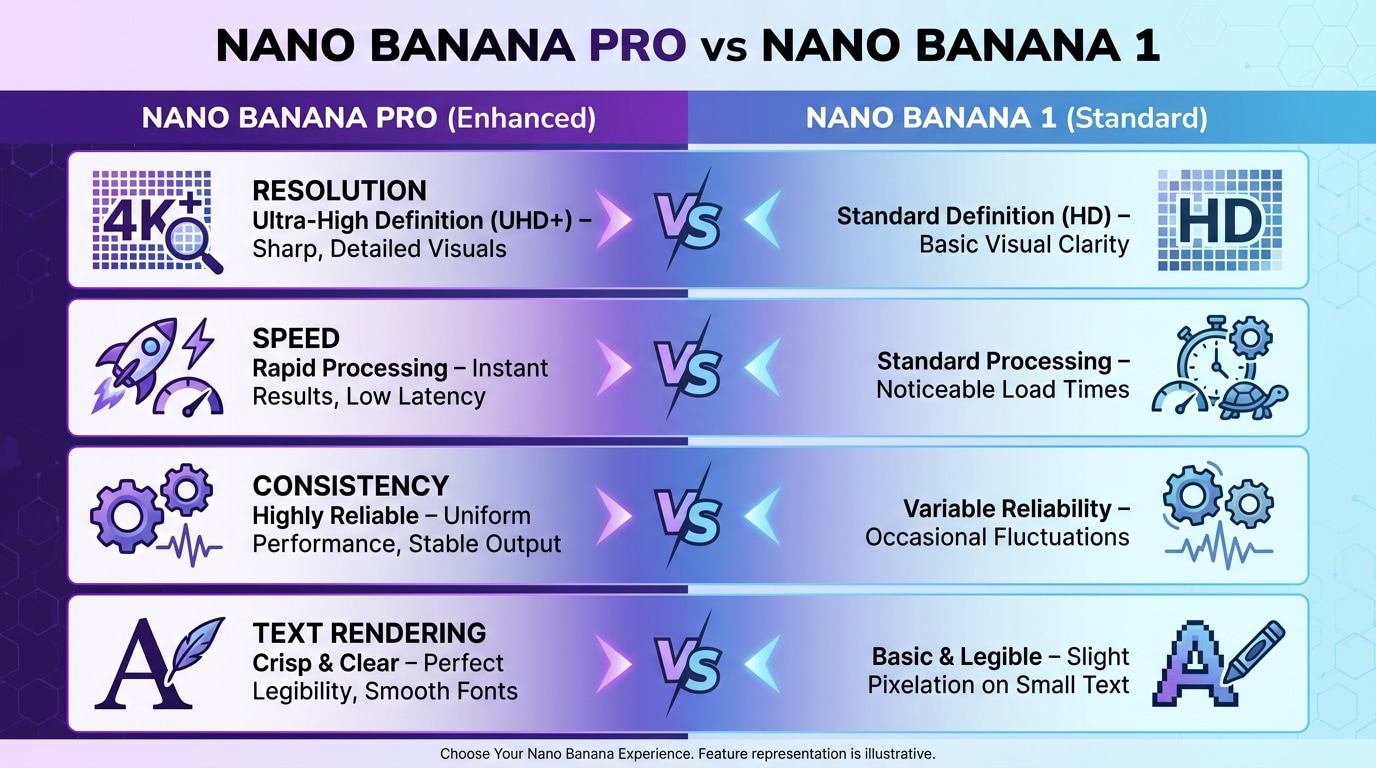
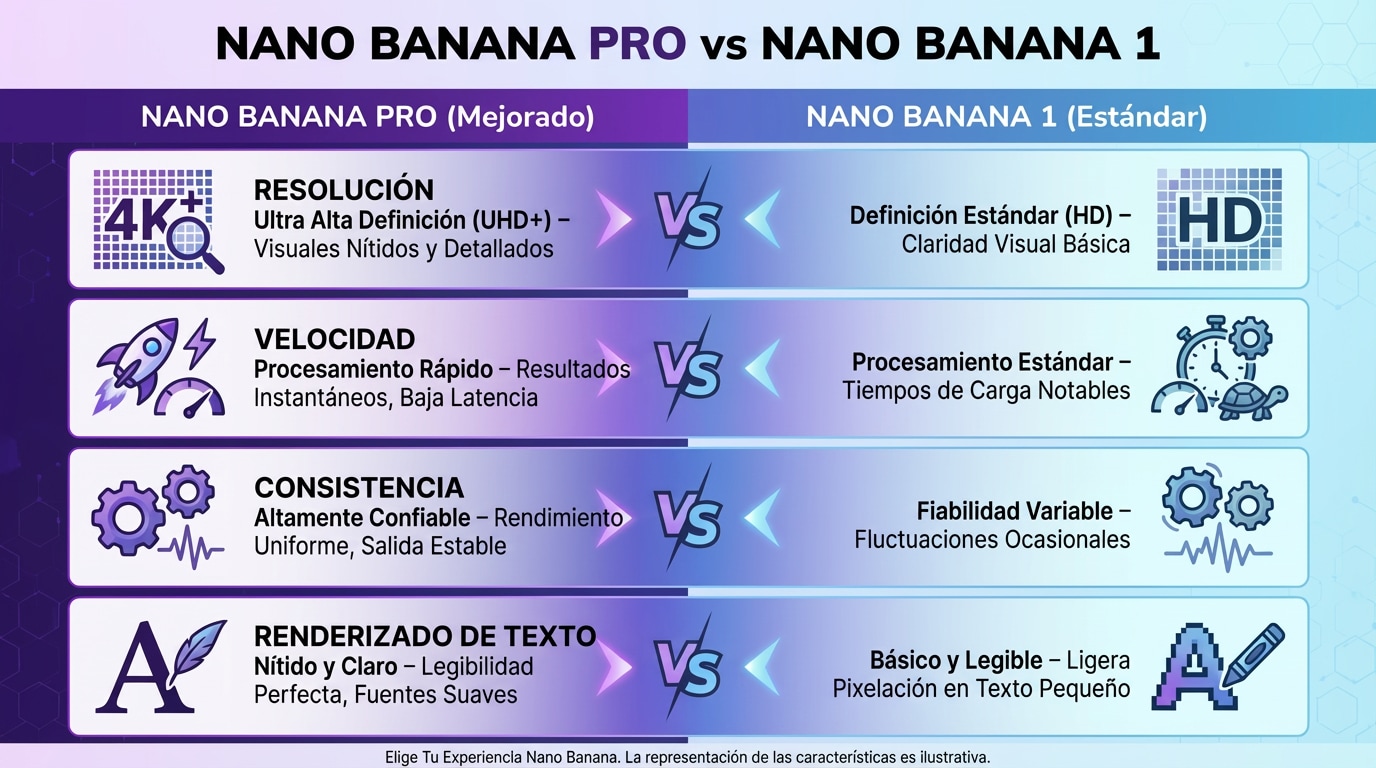
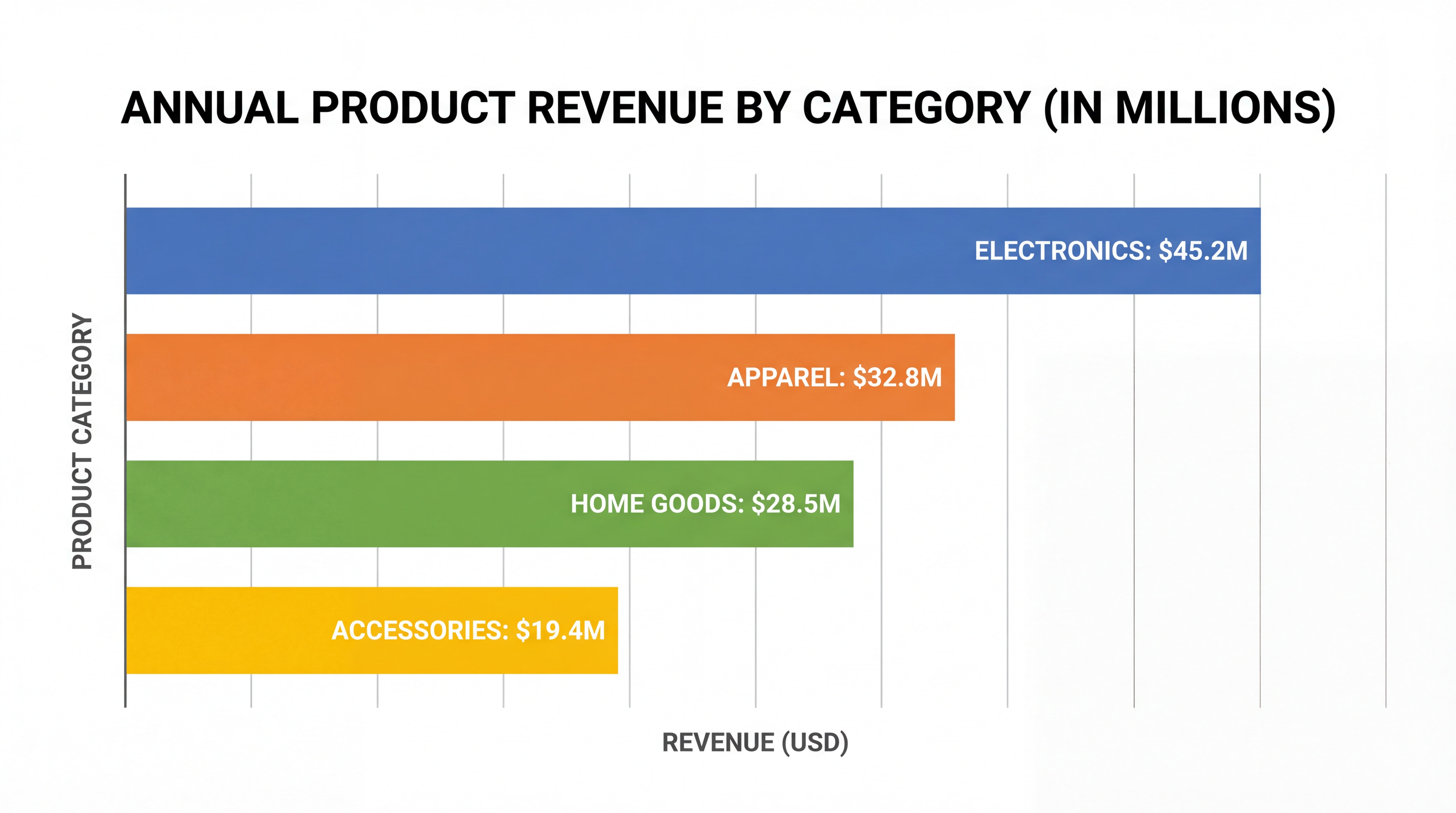
Chart Prompt:
Translate all the text in the image into {your desired language}, while keeping everything else the same.
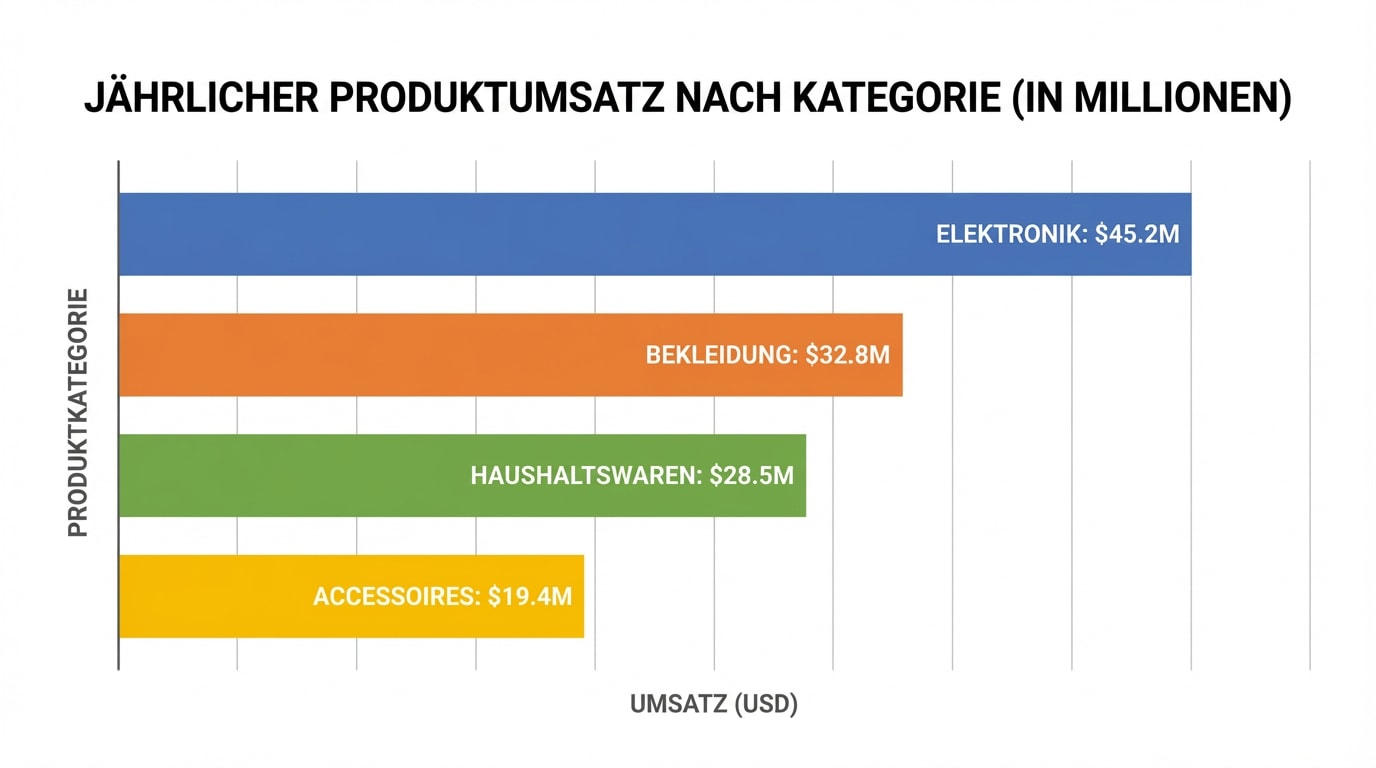
Input chart image Translated chart image
Academic Paper Prompt:
Translate all the text in the image into {your desired language}, while keeping everything else the same.
Input academic paper image Translated academic paper image

FAQs about
AI Image Translator

What is an AI Image Translator?

An AI Image Translator is a smart tool that can detect and translate text in image files using OCR and advanced AI translation models. Whether you need to translate from image, photos, or screenshots, AI helps produce fast and accurate results. You can try the full workflow here: Media.io AI Image Translator.

Yes. Media.io's ai translate photo technology can recognize both printed and handwritten text. You can easily translate text in image from notebooks, signs, sketches, or documents. Extremely messy handwriting may slightly affect accuracy, but most handwritten images translate well.

Absolutely. Media.io allows you to translate from image for free - no watermarks, no installation, and no hidden restrictions. Just upload your file and let the ai image translator process your picture instantly online.

The ai photo translate tool supports nearly all popular image formats: JPG, PNG, JPEG, BMP, TIFF, WebP - and even screenshots taken on your phone or computer. Upload your picture and the ai image translator will process it automatically.

Yes. Media.io processes your pictures securely, and your images are **not** stored long-term. Files uploaded to the AI Image Translator are used only for translation and then deleted automatically, ensuring safe and private translate text in image workflows.

More than AI Image Translate

Media.io Online Tools Quality Rating:
vote 4.7 (162,357 Votes)
media.io

AI Video Generator star

Easily generate videos from text or images

Generate