Home>Comparison>VisionStory AI

VisionStory AI: Talking Photos, Video Agent and Credit Costs

A static portrait does not explain a product, but an expressive speaking character often can. VisionStory AI builds talking avatar videos from photos, scripts or supplied audio, and offers a separate video agent for turning a prompt, URL or document into a planned multi-scene video. The choice is between its avatar-focused identity and voice controls, the cost of longer productions, and a simpler single-purpose workflow when only a talking photo is needed.

Primary Features of VisionStory AI Talking Avatar Generator

VisionStory AI is an avatar-led video platform combining photo-to-talking-video generation, multilingual text-to-speech, cloned voices, scene-planning AI agents, presentation videos and additional face or music video tools.

Core Feature Overview

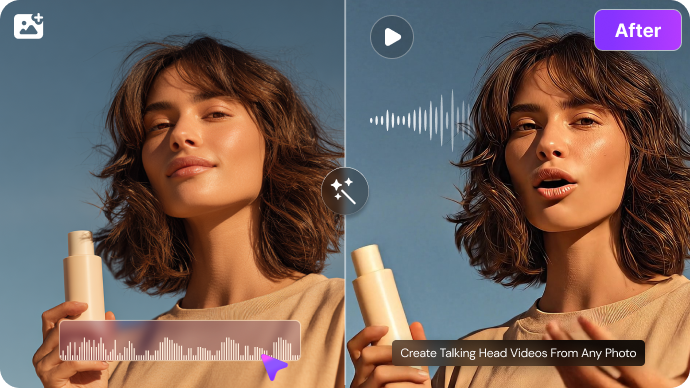
Photo-Based V-Character Talking Avatars

VisionStory uses its V-Character avatar workflow to synchronize speech, facial expression and video output. A profile photo or stock presenter serves as the starting point, not a full filmed performance. Lighting, mouth visibility and consent matter, particularly when the avatar depicts a real person.

Illustrative Media.io creative workflow graphic, not a VisionStory AI interface screenshot

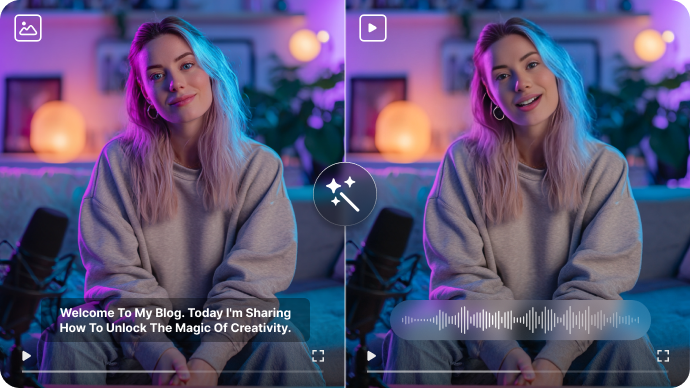
Script, Audio and Voice Controls

VisionStory describes a large voice library and support for 88 languages in its current documentation. A marketer can adapt a presenter to different languages while preserving the same visual identity. Terminology, pronunciation and accent should be checked before publishing an international campaign.

Illustrative Media.io creative workflow graphic, not a VisionStory AI interface screenshot

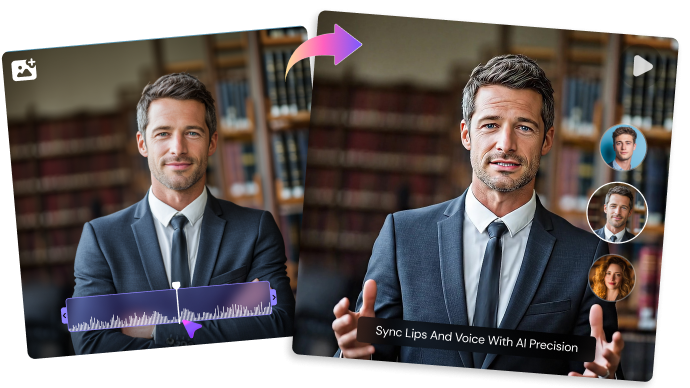
AI Video Agent for Scene Planning

Instead of recording every instruction manually, an agent can produce a script, assign scenes, select an avatar and add voiceover or captions. Scene-level edits help refine a business explainer. The user still needs to verify factual statements drawn from a URL or uploaded source and review transitions between shots.

Illustrative Media.io creative workflow graphic, not a VisionStory AI interface screenshot

Video Podcasts and Slide Presentations

Training teams can move from a slide deck to an AI-hosted explanation or turn podcast-style audio into a visual speaking format. These are distinct paid feature categories with their own limits and credit costs, so a talking-avatar estimate cannot be assumed to represent a full video podcast.

Illustrative Media.io creative workflow graphic, not a VisionStory AI interface screenshot

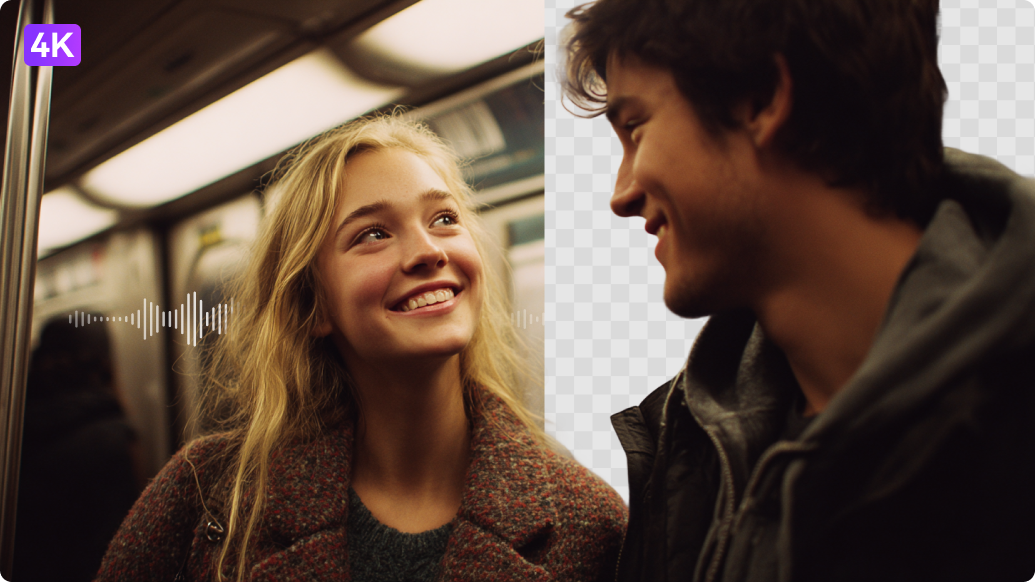
Music Video, Face Swap and Other Tools

A creator can combine an image with audio for a song performance or try selected face replacement features. The product positions these as separate tools alongside talking avatars. Review permission to use faces, voices and music and check the per-mode cost instead of assuming they share the V-Character base rate.

Illustrative Media.io creative workflow graphic, not a VisionStory AI interface screenshot

Credit-Based Output Length and Quality

VisionStory lists 30 seconds on Free, 3 minutes on Pro and 10 minutes on Advanced and Ultra. Higher resolutions and green-screen settings can add charges above the base speaking-video cost. Use the live generation screen's estimate rather than multiplying the minimum rate blindly.

Illustrative Media.io creative workflow graphic, not a VisionStory AI interface screenshot

How to Animate a Portrait Into a Talking AI Video

1
2
3
1
Prepare your inputs

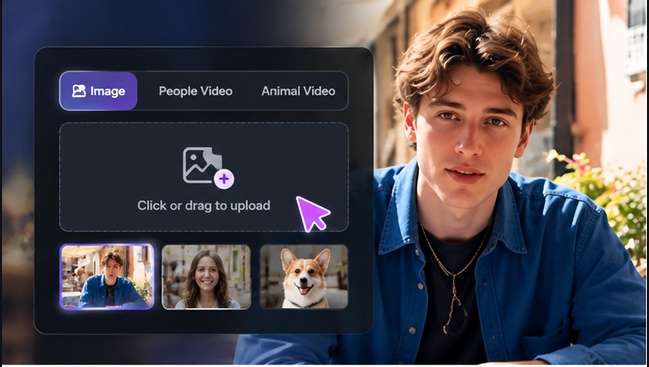
Prepare a clear, consented portrait and a short script that fits a natural speaking pace.

2
Create the first draft

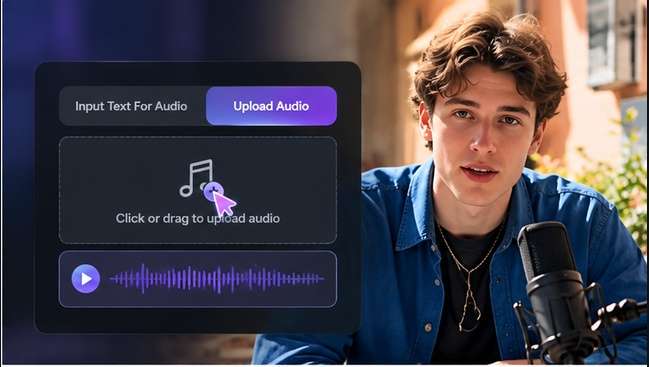
Open the Media.io Talking Avatar workflow, provide the portrait and dialogue or voice input according to the current interface.

3
Review and export

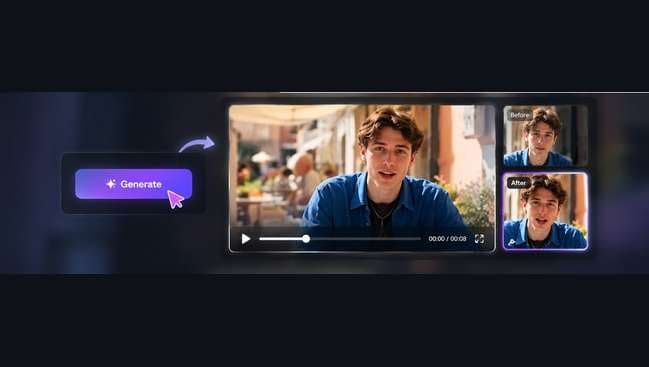
Review lip alignment, expressions and pronunciation, then export the speaking clip for its intended social or educational use.

Illustrative Media.io step image for VisionStory AI comparison, not a competitor interface screenshot

VisionStory AI Use Cases for Talking Presenters

Create a short spoken explanation of one product benefit in several languages while checking the same face across each clip. An agency producing many localized avatar decks can justify VisionStory; a creator speaking one portrait for a short social post may prefer Media.io.

Localized Ecommerce Presenter

Create a short spoken explanation of one product benefit in several languages while checking the same face across each clip.

Training Slide Narration

Convert a slide presentation into an avatar-hosted lesson for customers or internal onboarding. For a corresponding Media.io workflow, see AI Lip Sync.

Personalized Sales Follow-Up

Send a brief authorized presenter message that refers to a prospect's industry without filming a new person each time.

Talking Podcast Segment

Visualize a short interview-style audio segment using a speaking character for social distribution.

Short Music Promotion

Use a song and photo to create a lip-synced teaser, then check audio rights and facial match. For a corresponding Media.io workflow, see AI Voice Cloning.

Website-to-Video Brief

Give the agent a valid product URL, review extracted claims and edit the shot-by-shot narration before publishing.

VisionStory AI Pricing, Video Duration and Credit Costs

The published Free tier allows up to 30 seconds and starts with 10 registration credits rather than unlimited video time. The official single-task ceilings increase to 3 minutes on Pro and 10 minutes on Advanced or Ultra.

Free Video Length Is Limited

The published Free tier allows up to 30 seconds and starts with 10 registration credits rather than unlimited video time.

Longer Videos Require Paid Tiers

The official single-task ceilings increase to 3 minutes on Pro and 10 minutes on Advanced or Ultra.

Resolution Add-Ons Change Credit Cost

V-Character starts at one credit per four seconds at 720p, with additional calculations for higher resolution and green screen.

Different Tools Have Different Rates

AI Presentation, Video Podcast, Avatar Story and external generation models do not necessarily use the base avatar pricing formula.

Voice and Face Permissions Matter

Voice cloning and face replacement require a legitimate right to use the subject identity and audio material.

Document-Derived Claims Need Review

A generated script based on a URL or deck can misstate product facts or omit context, so business content requires editorial verification.

VisionStory AI vs Media.io: Avatar Suite or Talking Photo?

VisionStory connects custom speaking characters, presentation tools, multiple voice options and a scene-planning agent. Media.io is a focused alternative when the goal is simply to animate one portrait into a short talking clip.

Decision Factor VisionStory AI Media.io
Primary objective VisionStory is particularly relevant when the same character must speak across many projects and formats, with agent-assisted scene planning and plan-managed voice options. Media.io fits a simpler scenario: bring one portrait to life with speech for a short communication, without buying a broader avatar-agent presentation stack.
Starting assets A single clear face photograph can be converted into a speaking character video. VisionStory uses its V-Character avatar workflow to synchronize speech, facial expression and video output. Prepare a clear, consented portrait and a short script that fits a natural speaking pace.
Creative controls VisionStory describes a large voice library and support for 88 languages in its current documentation. A marketer can adapt a presenter to different languages while preserving the same visual identity. Terminology, pronunciation and accent should be checked before publishing an international campaign. Provide a short written line or supported speech source.
Revision workflow Training teams can move from a slide deck to an AI-hosted explanation or turn podcast-style audio into a visual speaking format. These are distinct paid feature categories with their own limits and credit costs, so a talking-avatar estimate cannot be assumed to represent a full video podcast. Review lip alignment, expressions and pronunciation, then export the speaking clip for its intended social or educational use.
Delivery and use A creator can combine an image with audio for a song performance or try selected face replacement features. The product positions these as separate tools alongside talking avatars. Review permission to use faces, voices and music and check the per-mode cost instead of assuming they share the V-Character base rate. Review speech synchronization and facial expression.
Pricing and allowances VisionStory lists Free with 10 credits, Pro $9.99/month with 120, Advanced $29.9/month with 480 and Ultra $99.9/month with 1,920; subscription-credit conditions vary. The comparison recommends a focused single-photo speaking avatar rather than multi-mode presentation production. Review the Make a Talking Avatar Video tool for its own credit terms and required input files.
Relevant limitationsThe published Free tier allows up to 30 seconds and starts with 10 registration credits rather than unlimited video time. The official single-task ceilings increase to 3 minutes on Pro and 10 minutes on Advanced or Ultra.Export a social-ready presenter insert.
Ideal audience An agency producing many localized avatar decks can justify VisionStory; a creator speaking one portrait for a short social post may prefer Media.io. Media.io fits a simpler scenario: bring one portrait to life with speech for a short communication, without buying a broader avatar-agent presentation stack.
Purchase decision Maintain a consistent speaking identity across language variants. Use an agent to propose shots from a script or source document. Animate an existing portrait into a short talking clip. Review speech synchronization and facial expression.
Best for VisionStory AI

Choose VisionStory for Multilingual Avatar Campaigns

VisionStory is particularly relevant when the same character must speak across many projects and formats, with agent-assisted scene planning and plan-managed voice options.

  • Maintain a consistent speaking identity across language variants.
  • Create deck-based presenter videos or podcast visualizations.
  • Use an agent to propose shots from a script or source document.
  • Budget per-mode and resolution credit requirements.
  • Plan tiers govern maximum single-video length, export resolution and concurrent processing.
Visit VisionStory AI
Best for Media.io

Choose Media.io for a Talking Photo Video

Media.io fits a simpler scenario: bring one portrait to life with speech for a short communication, without buying a broader avatar-agent presentation stack.

  • Animate an existing portrait into a short talking clip.
  • Provide a short written line or supported speech source.
  • Review speech synchronization and facial expression.
  • Export a social-ready presenter insert.
Make a Talking Avatar Video

VisionStory AI Review: Final Verdict for Buyers

Our Take

VisionStory is more expansive than a basic talking-photo app. It connects avatar generation with an AI Video Agent, presentation modes, voices, audio and additional creative tools. That breadth matters when a presenter remains central to an entire production pipeline.

Its credits should be evaluated by actual task, not by headline subscription allowance alone. Output resolution, clip duration, separate mode pricing and rollover rules all affect repeat campaigns; input likeness and voice authorization also deserve attention.

Choose VisionStory for recurring branded avatar productions and multi-mode presenter content. Choose Media.io when one short talking portrait meets the objective and the team does not need an agent-based publishing suite.

VisionStory AI FAQ: Features, Costs and Alternatives

Can VisionStory AI turn a photo into a talking avatar?
faq faq

Yes. The V-Character workflow uses a clear face photo or stock avatar with text or audio to generate talking video. Natural-looking expressions and lip sync still need review for the specific source image.

Its current official site describes more than 1,000 voices covering 88 languages. The user should verify the selected accent, language availability and the tier required for premium voice settings.

The agent can use a prompt, URL, PDF or slide deck to propose scenes, script, presenter voice and captions. Human verification remains important because generated narration may contain source interpretation errors.

Its pricing page currently lists 10 registration credits and a maximum 30-second video on the Free tier, with weekly visit bonuses. Paid plans expand length, output and advanced features.

The official page lists Pro at $9.99, Advanced at $29.9 and Ultra at $99.9 per month before any currency or annual billing differences. Each tier has distinct video credits and limits.

The public V-Character guidance starts at one credit per four-second interval at 720p, rounding partial intervals upward. Higher resolutions or green-screen features add more credits, while presentation and podcast modes use different schedules.

The stated per-video maximum is 30 seconds on Free, 3 minutes on Pro and 10 minutes on Advanced or Ultra. Individual creative modes may have additional restrictions.

Yes. Its paid avatar workflows describe custom voices and multilingual speech synchronization. Users must have permission to use the cloned voice or depicted person.

For a short talking-photo clip, Media.io provides a targeted talking-avatar route. VisionStory is more appropriate when a complete recurring avatar and presentation workflow is required.

What Media.io Creators Say About Their Workflow

Media.io AI video generator user
Sarah L.

Content Creator

star star star star half star

Media.io makes it much easier to test different AI video styles without jumping between several platforms. I can start with a text prompt or image, compare model results, and then resize or polish the clip for social media in the same workspace.

Media.io AI video creator
John D.

Social Media Marketer

star star star star half star

I use Media.io to create quick product clips, ad concepts, and short-form videos from images. The biggest advantage is that generation does not feel like the final step - I can continue with music, captions, enhancement, and format conversion before publishing.

Media.io AI video editing user
Emily T.

Freelance Designer

star star star star half star

The workflow is approachable even when I am experimenting with unfamiliar AI models. I can animate artwork, try different motion prompts, preview the output, and prepare a cleaner final version without needing advanced video-editing experience.

Media.io Online Tools Quality Rating:
vote 4.7 (162,357 Votes)
media.io

AI Video Generator star

Easily generate videos from text or images

Generate