Home>Comparison>SoulGen AI

SoulGen AI Review: Characters, Images and Video Tools

Sketch the appearance of a fictional protagonist for a personal creative project. If that brief sounds familiar, SoulGen AI supports anime or realistic fictional-character portraits and talking-image experiments. In this review, Describe an original fictional character and switch between illustrated or realistic looks; record facial and wardrobe traits for later comparison. However, Lookalike and talking-image capabilities must not be used to misrepresent or impersonate real people. If you instead need broad image transformations, avatar-style visual edits and other creative video workflows, consider the relevant Media.io image workflow.

Primary Features of SoulGen AI Character and Image Generator

SoulGen AI is a character-focused image and video creation platform for realistic or anime portraits, prompt-based photo editing, outpainting, talking-image videos, and interactive AI character experiences.

Core Feature Overview

  • Anime and Realistic Character Generation: Describe an original fictional character and switch between illustrated or realistic looks; record facial and wardrobe traits for later comparison.
  • Reference-Led Lookalike Control: Provide an image reference where permitted to guide portrait appearance; a resemblance effect is not permission to imitate another person.
  • Prompt-Based Image Editing: Add, remove or change parts of an image with a text instruction; check surrounding textures and the subject's likeness after regeneration.
  • Outpainting and Scene Expansion: Extend the canvas around a portrait to create a new setting; cropping and generated scenery can shift composition.
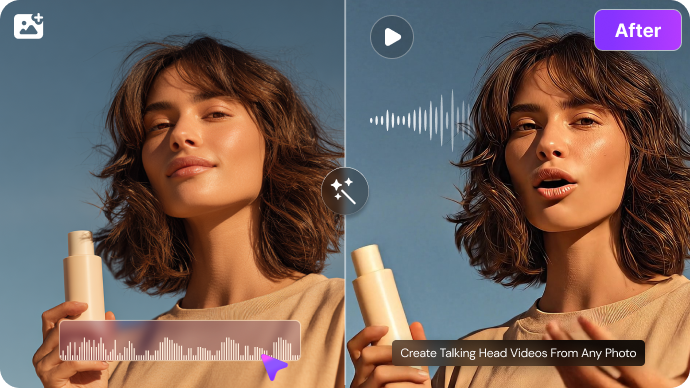
  • Talking Images and Short Videos: Animate a still character with movement and voice-oriented effects; inspect lip timing and expression continuity before publishing.
  • Character Conversation Experience: Explore the SoulChat experience as a separate interaction feature rather than treating chat messages as reusable visual assets.
Anime and Realistic Character Generation

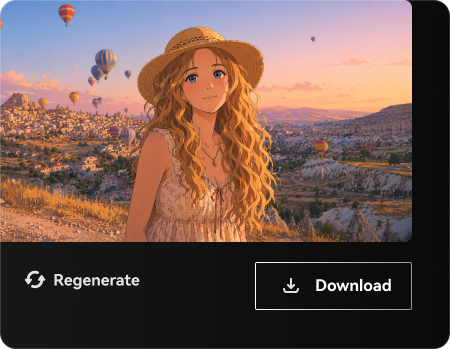
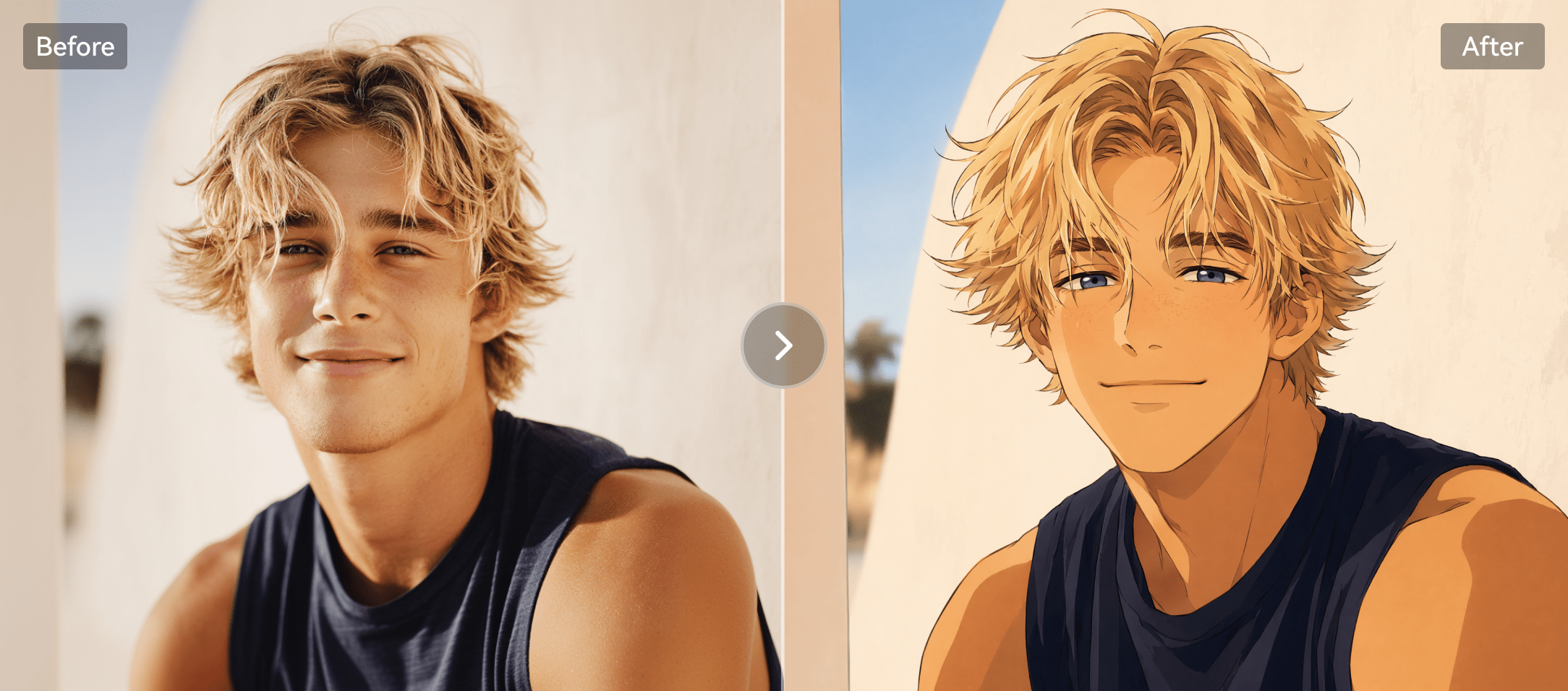
Describe an original fictional character and switch between illustrated or realistic looks; record facial and wardrobe traits for later comparison. In a original anime character card project, sketch the appearance of a fictional protagonist for a personal creative project. When preparing the output, review age, content and platform restrictions before generating or sharing sensitive character imagery. The SoulGen AI image generator emphasizes anime and realistic character artwork.

Illustrative Media.io workflow graphic, not a SoulGen AI interface screenshot

Reference-Led Lookalike Control

Provide an image reference where permitted to guide portrait appearance; a resemblance effect is not permission to imitate another person. In a fantasy portrait illustration project, compare realistic and drawn treatments of an invented character. Repeated images may alter face, age or costume; compare each result against an approved reference sheet.

Illustrative Media.io workflow graphic, not a SoulGen AI interface screenshot

Prompt-Based Image Editing

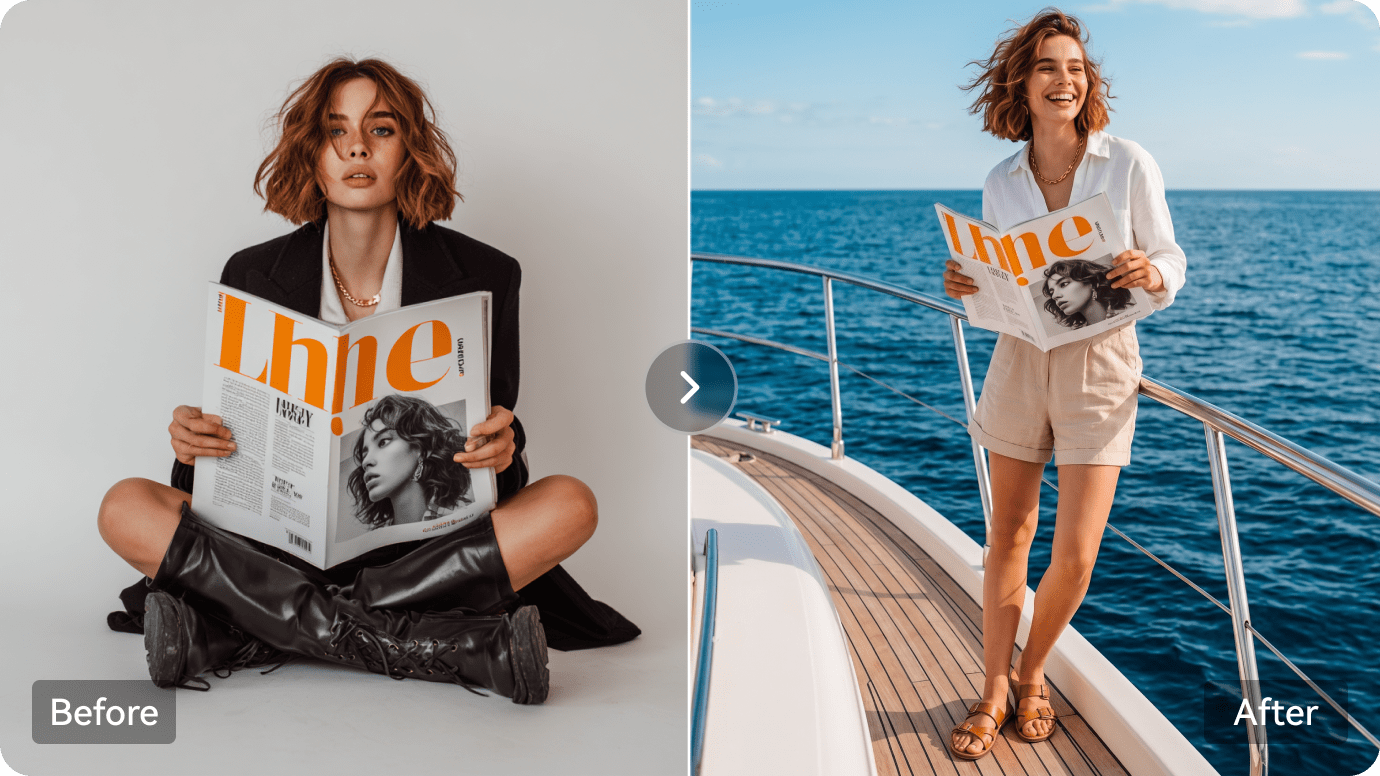
Add, remove or change parts of an image with a text instruction; check surrounding textures and the subject's likeness after regeneration. In a character story teaser project, turn an authorized portrait into a short speaking or moving concept. When preparing the output, lip motion, fingers and expressions can fail even when a still portrait looks convincing. SoulGen text to image and image editing are different workflows, so an existing character photo needs a different setup from a fresh prompt.

Illustrative Media.io workflow graphic, not a SoulGen AI interface screenshot

Outpainting and Scene Expansion

Extend the canvas around a portrait to create a new setting; cropping and generated scenery can shift composition. In a portrait background extension project, add atmosphere around an existing illustration for a vertical post. The official public feature pages do not establish every plan and credit allowance; verify checkout.

Illustrative Media.io workflow graphic, not a SoulGen AI interface screenshot

Talking Images and Short Videos

Animate a still character with movement and voice-oriented effects; inspect lip timing and expression continuity before publishing. In a roleplay character moodboard project, organize poses and visual personality traits alongside writing references. When preparing the output, lookalike and talking-image capabilities must not be used to misrepresent or impersonate real people.

Illustrative Media.io workflow graphic, not a SoulGen AI interface screenshot

Character Conversation Experience

Explore the SoulChat experience as a separate interaction feature rather than treating chat messages as reusable visual assets. In a stylized creator avatar project, design a fictional profile illustration without presenting it as a real person. The companion-chat experience has different goals from exportable image and video production.

Illustrative Media.io workflow graphic, not a SoulGen AI interface screenshot

How to Edit a Photo Online With Media.io

1
2
3
1
Start from your ad brief

Upload a rights-cleared image relevant to fictional portraits and character-led video concepts, or start with a clear brief.

2
Choose the ad workflow

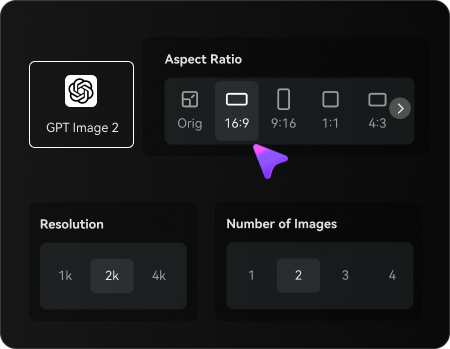
Choose an available Media.io image editing mode and describe the changes to keep or avoid.

3
Generate and review the result

Generate the result, inspect subject fidelity and export only after a rights and quality check.

Illustrative Media.io workflow graphic, not a SoulGen AI interface screenshot

When to Use SoulGen AI for Fictional Portraits And Character-Led Video Concepts

From original anime character card to stylized creator avatar, these are practical situations to evaluate SoulGen AI rather than treating every visual tool as interchangeable.

Original Anime Character Card

Sketch the appearance of a fictional protagonist for a personal creative project. A related Media.io idea is Ai Anime Character Generator.

Fantasy Portrait Illustration

Compare realistic and drawn treatments of an invented character.

Character Story Teaser

Turn an authorized portrait into a short speaking or moving concept.

Roleplay Character Moodboard

Organize poses and visual personality traits alongside writing references.

Stylized Creator Avatar

Design a fictional profile illustration without presenting it as a real person.

SoulGen AI Pricing, Workflow Limits and What to Verify

SoulGen AI can be a good fit for anime or realistic fictional-character portraits and talking-image experiments, but these six tradeoffs affect the real result and total workload.

Likeness Consent Is Essential

Lookalike and talking-image capabilities must not be used to misrepresent or impersonate real people.

Character Continuity Is Imperfect

Repeated images may alter face, age or costume; compare each result against an approved reference sheet.

Mature Content Policies May Apply

Review age, content and platform restrictions before generating or sharing sensitive character imagery.

Paid Quotas Need Confirmation

The official public feature pages do not establish every plan and credit allowance; verify checkout.

Animated Portraits Need Quality Checks

Lip motion, fingers and expressions can fail even when a still portrait looks convincing.

Image and Chat Are Separate Tasks

The companion-chat experience has different goals from exportable image and video production.

SoulGen AI vs Media.io: Features, Pricing and Best Fit

Choose SoulGen AI if your priority is anime or realistic fictional-character portraits and talking-image experiments. Compare Media.io when the task instead centers on broad image transformations, avatar-style visual edits and other creative video workflows; these are related tools, not identical products.

Decision Factor SoulGen AI Media.io
Primary creation task anime or realistic fictional-character portraits and talking-image experiments broad image transformations, avatar-style visual edits and other creative video workflows
Distinctive feature Reference-Led Lookalike Control. Provide an image reference where permitted to guide portrait appearance; a resemblance effect is not permission to imitate another person. For original anime character card, Media.io can attempt a source-image restyling instead of using anime and realistic character generation.
Source and reference Add, remove or change parts of an image with a text instruction; check surrounding textures and the subject's likeness after regeneration. For character story teaser, compare Media.io image editing with prompt-based image editing.
Typical production result Add atmosphere around an existing illustration for a vertical post. For portrait background extension, an image-to-image editor offers a simpler approach than outpainting and scene expansion.
Limits to examine Lip motion, fingers and expressions can fail even when a still portrait looks convincing. For roleplay character moodboard, compare the available Media.io output format with animated portraits need quality checks.
Iteration or credits The companion-chat experience has different goals from exportable image and video production. When doing stylized creator avatar, measure actual image editing attempts rather than comparing nominal credits.
Workflow complexityExtend the canvas around a portrait to create a new setting; cropping and generated scenery can shift composition.For fantasy portrait illustration, image-to-image workflows may be simpler than reference-led lookalike control.
Rights and quality The companion-chat experience has different goals from exportable image and video production. When working with roleplay character moodboard, inspect generated details and check permission for source images.
Best-fit audience anime or realistic fictional-character portraits and talking-image experiments broad image transformations, avatar-style visual edits and other creative video workflows
Best for SoulGen AI

Choose SoulGen AI If You Need:

Consider SoulGen AI for original anime character card and character story teaser. The strongest differentiator is anime and realistic character generation; a buying risk is likeness consent is essential.

  • Original Anime Character Card: Sketch the appearance of a fictional protagonist for a personal creative project.
  • Fantasy Portrait Illustration: Compare realistic and drawn treatments of an invented character.
  • Character Story Teaser: Turn an authorized portrait into a short speaking or moving concept.
  • Portrait Background Extension: Add atmosphere around an existing illustration for a vertical post.
  • Roleplay Character Moodboard: Organize poses and visual personality traits alongside writing references.
Visit SoulGen AI
Best for Media.io

Choose Media.io If You Need:

For portrait background extension, a Media.io editing workflow may better suit broad image transformations, avatar-style visual edits and other creative video workflows. It is not a substitute for every anime and realistic character creation capability.

  • Create an image edit for original anime character card using an authorized source.
  • Try a different composition for character story teaser before exporting.
    • Use the image editing console for portrait background extension where a simple workflow suffices.
  • Review an image-based approach to stylized creator avatar without promising the specialized competitor feature.
  • Create an image edit for original anime character card using an authorized source.
Edit an Image With Media.io

Is SoulGen AI Worth It? Final Verdict

Our Take

Sketch the appearance of a fictional protagonist for a personal creative project. SoulGen AI offers anime and realistic character generation alongside reference-led lookalike control, which makes it an option for teams focused on fictional portraits and character-led video concepts. The key proof is whether the workflow achieves an approved result for stylized creator avatar.

Lookalike and talking-image capabilities must not be used to misrepresent or impersonate real people. Also, lip motion, fingers and expressions can fail even when a still portrait looks convincing. These conditions matter when planning roleplay character moodboard rather than a one-off test.

Choose SoulGen AI for anime or realistic fictional-character portraits and talking-image experiments, particularly character story teaser. Consider Media.io for broad image transformations, avatar-style visual edits and other creative video workflows, such as portrait background extension. Verify both the license and final output with a small representative project.

SoulGen AI FAQ: Features, Free Access and Alternatives

What is SoulGen AI used for?
faq faq

SoulGen AI is a character-focused image and video creation platform for realistic or anime portraits, prompt-based photo editing, outpainting, talking-image videos, and interactive AI character experiences.

Describe an original fictional character and switch between illustrated or realistic looks; record facial and wardrobe traits for later comparison.

Add, remove or change parts of an image with a text instruction; check surrounding textures and the subject's likeness after regeneration.

Extend the canvas around a portrait to create a new setting; cropping and generated scenery can shift composition.

Repeated images may alter face, age or costume; compare each result against an approved reference sheet. Check the current allowance for original anime character card.

Lookalike and talking-image capabilities must not be used to misrepresent or impersonate real people. Before paying for roleplay character moodboard, check the published tier limits.

Lip motion, fingers and expressions can fail even when a still portrait looks convincing. The companion-chat experience has different goals from exportable image and video production.

SoulGen AI is particularly suited to anime or realistic fictional-character portraits and talking-image experiments. Media.io provides a different route for broad image transformations, avatar-style visual edits and other creative video workflows; compare your real input files and export needs.

Choose SoulGen AI when anime or realistic fictional-character portraits and talking-image experiments is essential. Consider Media.io when broad image transformations, avatar-style visual edits and other creative video workflows is the priority, and review both products' current usage policies.

What Media.io Creators Say About Their Workflow

Media.io AI video generator user
Sarah L.

Content Creator

star star star star half star

Media.io makes it much easier to test different AI video styles without jumping between several platforms. I can start with a text prompt or image, compare model results, and then resize or polish the clip for social media in the same workspace.

Media.io AI video creator
John D.

Social Media Marketer

star star star star half star

I use Media.io to create quick product clips, ad concepts, and short-form videos from images. The biggest advantage is that generation does not feel like the final step - I can continue with music, captions, enhancement, and format conversion before publishing.

Media.io AI video editing user
Emily T.

Freelance Designer

star star star star half star

The workflow is approachable even when I am experimenting with unfamiliar AI models. I can animate artwork, try different motion prompts, preview the output, and prepare a cleaner final version without needing advanced video-editing experience.

Media.io Online Tools Quality Rating:
vote 4.7 (162,357 Votes)
media.io

AI Video Generator star

Easily generate videos from text or images

Generate