Home>Comparison>Remaker AI

Remaker AI Review: Which Face Swap Tools Are Worth Using?

A convincing face swap should preserve the original scene without changing the wrong person. Remaker AI gives creators several routes: single-face photos, group images, video swaps and batch processing, alongside image cleanup tools. They are not all priced or operated the same way. Video swaps consume credits by duration, and multi-person video requires a different workflow from a one-face clip. This review focuses on those practical differences, the importance of permission, and when a broader editor such as Media.io suits the project better.

Core Feature Overview: What Makes Remaker AI Different

Remaker is a collection of distinct photo and video operations, not one generic face-change button. The right tool depends on how many faces appear, whether the input moves and how much footage must be processed.

Core Feature Overview

Single-Face Photo Swap

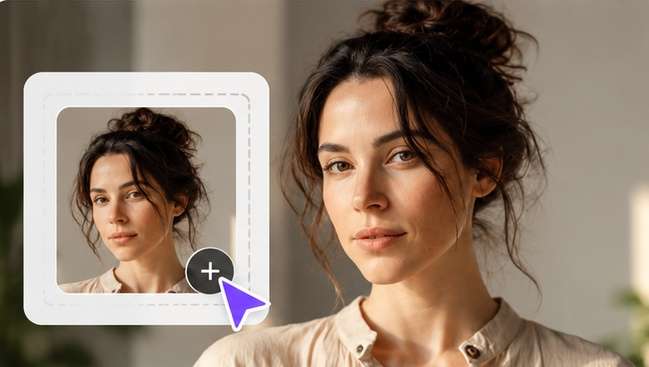
Remaker's single-face photo tool replaces a face in an existing image while aiming to retain everything around it. The service explicitly directs photos with multiple faces to a separate selection tool. For a profile-style composite, start with a source and replacement portrait with similar angles, then inspect jaw edges, eyewear and skin tone. Obtain permission from anyone whose identifiable face is being used.

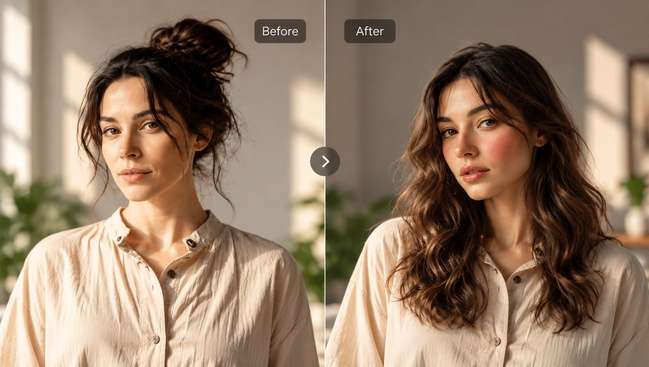
Illustrative Media.io creation workflow graphic, not a Remaker AI product screenshot

Multi-Face Photo Replacement

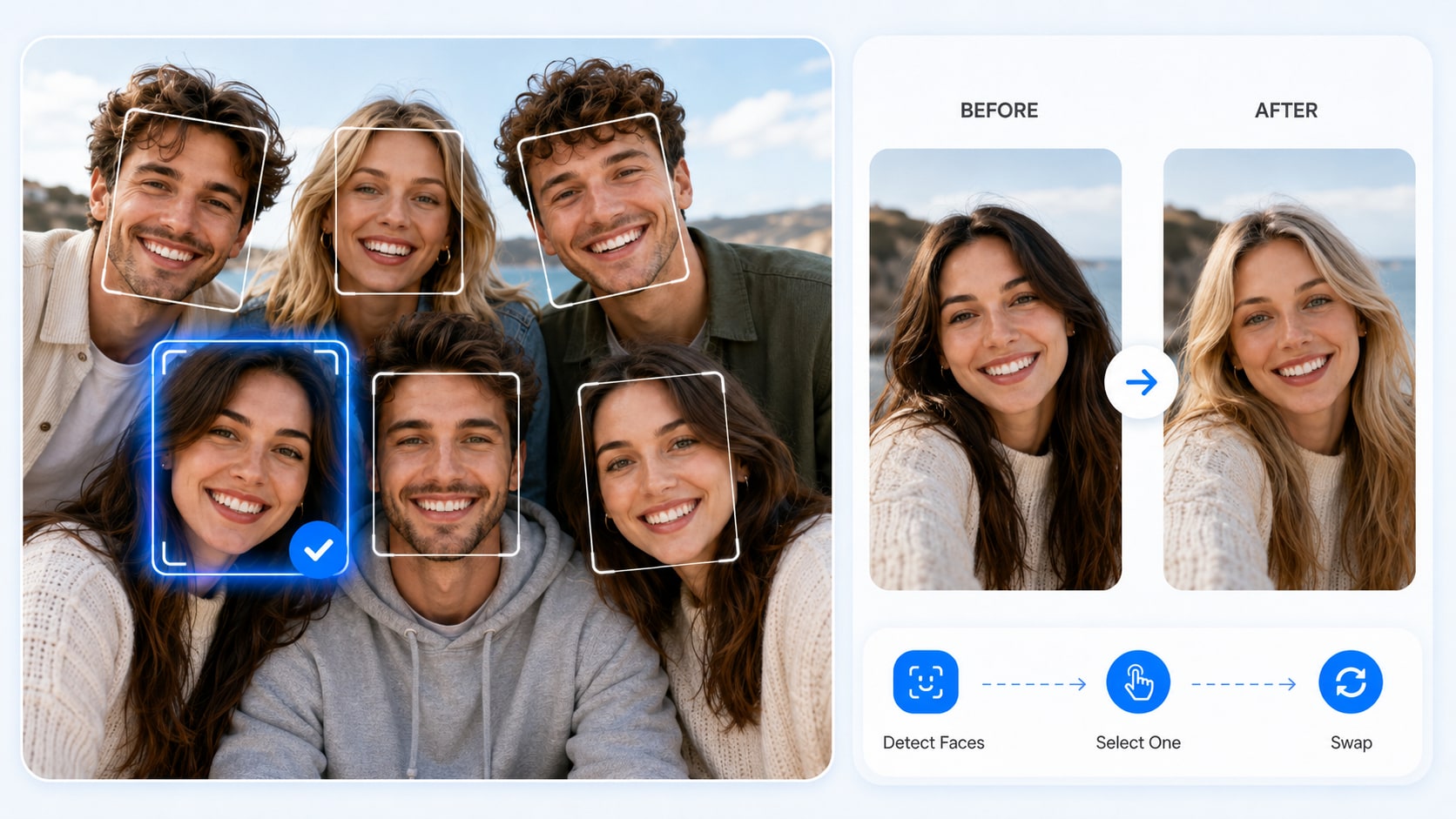
Group photos create the added problem of matching replacement faces to the intended people. Remaker's multi-face workflow detects faces and lets the user assign replacements. This is useful for consented event composites or fictional character sets, but small faces and partial occlusion deserve extra review. Compare the unedited group photo side by side so no person is replaced unintentionally.

Illustrative Media.io creation workflow graphic, not a Remaker AI product screenshot

Single-Person Video and GIF Swaps

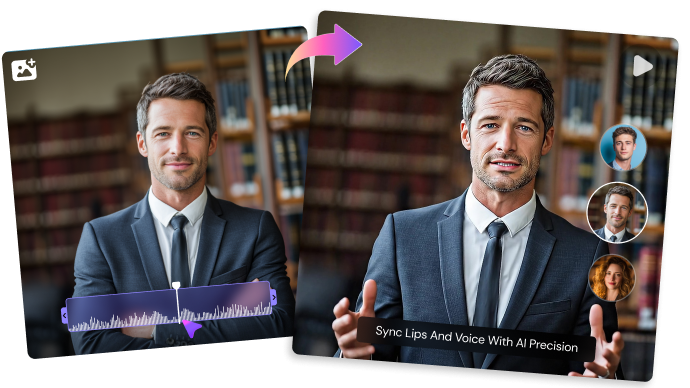
Remaker's video face swap accepts videos or GIF/WebP inputs and lists files up to 500MB and 30 minutes. The tool is for one face at a time, and its interface currently indicates one credit per second for the standard path. Motion makes this harder than a photograph: evaluate mouth shapes, profile turns and frame-to-frame identity rather than a frozen preview.

Illustrative Media.io creation workflow graphic, not a Remaker AI product screenshot

Multiple-Face Video and Batch Jobs

Remaker provides a separate multi-face video flow that detects subjects before replacement. Its published interface lists two credits per second, while the separate batch-video tool accepts up to ten source videos. Those options are useful for repeat creative edits, but multi-face segmentation and processing a batch are distinct operations. Check the specific tool and total clip seconds before starting a large job.

Illustrative Media.io creation workflow graphic, not a Remaker AI product screenshot

Prompt Editing, Cleanup and Upscaling

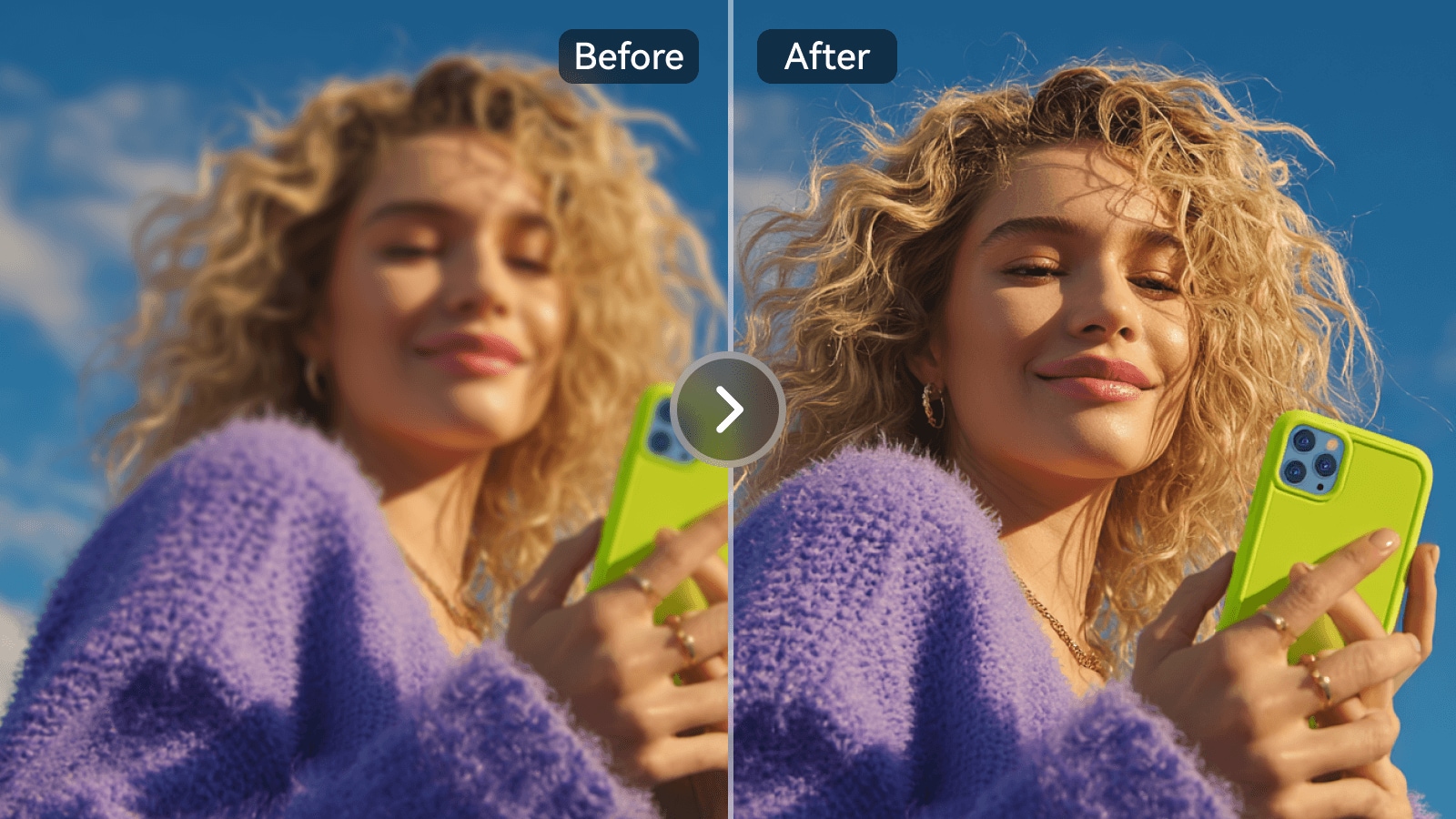
Beyond face swaps, Remaker's homepage features a prompt-driven photo editor, background removal, Magic Eraser and image upscaling. That collection can clean a composite or adjust a portrait without regenerating the entire picture. Each operation has its own failure cases: erased shadows can leave unnatural fills, while upscaling may invent texture in hair or lettering.

Illustrative Media.io creation workflow graphic, not a Remaker AI product screenshot

One-Time Credits and Cost Planning

Remaker's official site states that purchased credits are one-time rather than a recurring subscription and that purchased balances do not expire. Its homepage FAQ describes packages starting at $5.99 for 200 credits; actual checkout prices should be checked again. A 20-second single-face video at the published one-credit-per-second standard rate consumes a different balance from a multi-face video at two credits per second.
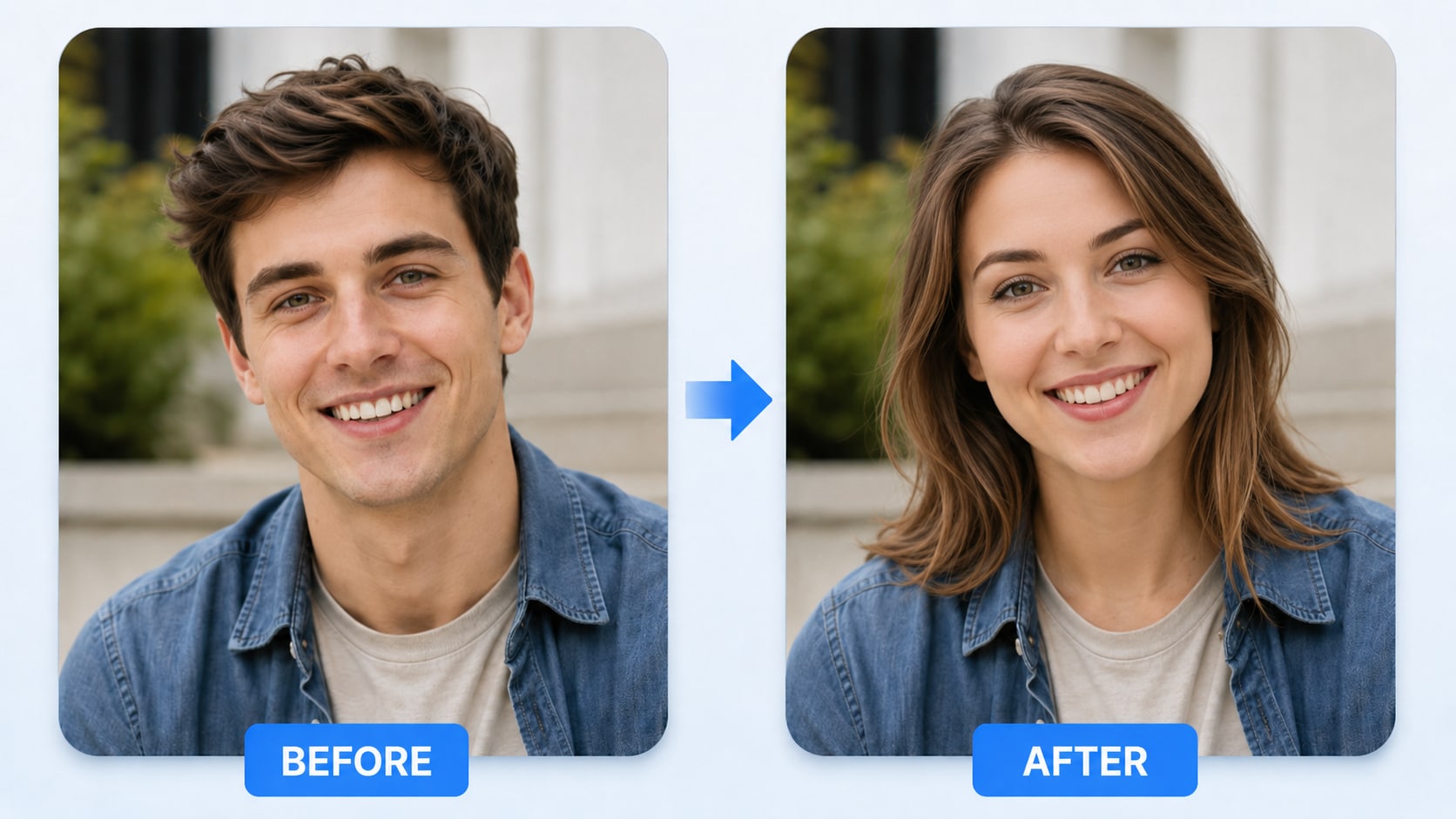
Illustrative Media.io creation workflow graphic, not a Remaker AI product screenshot

How to Swap a Face in a Photo with Media.io

1
2
3
1
Step 1: Use an Authorized Source Photo

Choose a clear photo and an approved replacement portrait.

2
Step 2: Apply the Face Swap Effect

Use Media.io Face Swap and check subject placement.

3
Step 3: Review the Result Closely

Inspect hairline, expression and likeness before sharing.

Illustrative Media.io creation workflow graphic, not a Remaker AI product screenshot

Six Practical Uses for Remaker AI

The right face-swap method depends on whether the source is a still, a moving face or a group. Permissions and output inspection matter as much as the effect.

Consent-Based Group Portraits

A school club produces a themed group collage with volunteers. Use the dedicated multiple-face photo flow, assign each person deliberately and verify no unapproved participant appears altered.

A Short Character GIF

A creator wants to replace one consenting actor's face in a short looping reaction GIF. Choose the single-person path and review the moving mouth and hairline frame by frame.

Several Similar Promotional Clips

A brand has ten short actor-approved videos for a campaign. Remaker's batch-video option may reduce uploading effort, but total footage duration still determines credit exposure.

Cleaning Up a Finished Composite

After swapping a face, the background contains an unwanted sign. Use Remaker's photo editor or Magic Eraser for a limited correction instead of regenerating the whole portrait.

Old Personal Photo Upscaling

A family wants a larger print from an old photo. Remaker's upscaler may help presentation quality, but the generated detail should not be treated as a historically accurate restoration.

Making Multiple Poster Variants

A production team prepares different illustrated poster portraits with adult performers' consent. Save source files, verify likeness permissions and compare variants before a public campaign.

What to Check Before Buying Remaker AI

Moving footage, group identity and per-second credit charges introduce different challenges from a single still-photo edit. Consent and clear disclosure remain essential.

Single and Multi-Face Video Are Separate Tools

The standard video face-swap interface explicitly supports a single face. A scene containing several people needs the multi-face video option, which has its own detection step and credit rate.

Video Seconds Directly Affect Cost

Remaker's current interfaces display one credit per second for standard single-face video and two per second for multi-face video. A longer montage or repeated drafts can therefore cost much more than a still-photo swap.

Multi-Face Matching Can Go Wrong

Group scenes can contain small, partially turned or overlapping faces. Review face-to-person assignments carefully; a successful detection step does not confirm that every resulting identity is correct.

Consent and Context Are Essential

Even technically good swaps can mislead when the audience is not told footage was edited. Only use images with permission, avoid deceptive impersonation and follow any platform disclosure requirements.

Batch Size Is Not Unlimited

Remaker's batch photo page allows up to 50 images in one session, and the batch video tool currently displays up to ten uploaded clips. Split larger jobs and check the applicable file and length caps.

Upscaling Does Not Recover Missing History

Enhancement can produce plausible texture but cannot guarantee an accurate reconstruction of unreadable writing or missing facial detail. Keep the unmodified source for comparison or evidence.

Remaker AI vs Media.io: Features, Costs and Workflow Fit

A face swap across two still photos is not the same job as replacing several people in moving footage. Compare specialized input modes and per-second costs against Media.io effects and subsequent video editing.

Decision Factor Remaker AI Media.io
One-face photo replacement Dedicated single-photo tool Face Swap tool for approved portrait edits
Group photo replacement Dedicated multi-face selection and assignment Multiple Face Swap and contextual face tools
Single-person moving video Video/GIF upload; published per-second credit rate Video Face Swap effects; verify the chosen tool's limits
Multiple people in one video Separate face-detection flow with a higher displayed rate Check available video face-swap workflow before promising parity
Batch work Batch photo and batch video upload tools Batch-photo tools listed; compare limits for your asset set
Prompt-based portrait edits Photo editor, erase and upscale utilities Image-to-image, face editor and cleanup workflows
Billing modelOfficial site promotes one-time non-expiring purchased creditsModel and tool usage depends on the selected Media.io workflow
Identity and privacy review User must approve every recognizable likeness Same consent and disclosure obligation applies
Best use case Repeated face replacement across photo and video assets Face effects paired with broader image and video finishing
Best for Remaker AI Projects

Choose Remaker AI If You Need:

Choose Remaker when the work is specifically about swapping approved faces across many stills, clips or multi-person compositions. Its specialized modes matter more than an all-purpose prompt interface, but calculate video seconds before buying credits.

  • Image Face Swap for Approved Portraits: Face swapping is a headline Remaker use case.
  • Video Face Swap and Temporal Consistency: Video swapping adds the challenge of maintaining identity across turns and occlusions.
  • Multi-Person Face Editing: Group photos require correctly assigning faces and preserving people not intended to change.
  • Prompt-Based Photo Recreation: Remaker also promotes an AI photo editor for changing portions of an image using text.
  • Plan selection: Remaker uses credit-oriented purchases for several tools, with costs varying by job and video duration. Look up the exact current credit pack and any per-second video charge within the tool, not an assumed unlimited plan.
Visit Remaker AI
Best for Connected Creation

Choose Media.io If You Need:

Choose Media.io when a face effect is one step in a wider campaign, such as creating a scene, editing a portrait, animating an image and preparing a shareable video. Test the corresponding face-swap mode rather than assuming identical multi-face video functionality.

  • Media.io image changes serve creative alternatives; confirm any face-swap-specific tool separately.
  • Media.io video workflows may need a dedicated swap option rather than standard generation.
    • For group portraits, focus on preserving original subjects through edits.
  • Use selective image editing for approved portions of a photograph.
  • Final production: when the deliverable requires additional image variants, video concepts or media finishing; do not imply that general generation replaces a dedicated face-swap pipeline.
Explore Media.io AI Tools

Final Verdict: Who Should Use Remaker AI?

Our Take

Remaker is strongest when the assignment is narrowly defined: swap one face, manage a group photo, process a batch or change a face in moving footage. Its distinct controls help explain why one tool may work while another is unsuitable for the same input.

Credits are not interchangeable with unlimited editing. Remaker displays video charging by the second, with different published rates for the single- and multi-face paths; batch upload caps also apply. The homepage describes one-time credit purchases and no expiry for purchased credits, but the final checkout determines the cost.

For repeated, consented face replacements, Remaker deserves consideration. If your brief extends to original scene generation, image edits and video finishing, compare the relevant Media.io tool chain. In either case, secure likeness permissions and check a moving or multi-person sample before processing the full set.

Remaker AI Frequently Asked Questions

How does Remaker AI face swap differ for one or several people?
faq faq

The basic photo and video paths focus on one face. Dedicated multi-face tools detect and let you choose multiple subjects. Pick the workflow according to how many people appear, not just the final look you want.

Yes. Its single-face video tool accepts video or GIF/WebP uploads and currently lists 500MB and a 30-minute maximum. It is limited to one face; multiple subjects require the multi-face version.

The published single-person interface currently shows one credit per second, while the multi-face video page displays two credits per second. Optional enhancement and other modes can differ, so calculate the live tool cost before generating.

Yes, through a separate multi-face video workflow. It requires face detection and careful subject assignment. Review all participants and ask permission before publishing altered footage.

Remaker has batch tools. Its batch photo page lists up to 50 images per session, and its batch video interface displays a maximum of ten videos. Video length and credit rules still apply per item.

Remaker advertises free basic entry points and free initial credits, but feature access, downloads and premium operations may require payment. Free should not be interpreted as unlimited video processing.

The official homepage says purchased credits are bought once rather than through an ongoing monthly subscription, and that purchased credits do not expire. Confirm whether a selected product or new promotion has additional terms.

Remaker offers AI photo editing, background removal, Magic Eraser and image upscaling, as well as image-generation tools. They are separate operations; a face-swap result may need follow-up cleanup.

Consider Media.io if the same creative project also needs image-to-image generation, video effects, background work or final polishing. For high-volume face-swap batches, compare the actual batch limits and credits before switching.

What Media.io Creators Say About Their Workflow

Media.io AI video generator user
Sarah L.

Content Creator

star star star star half star

Media.io makes it much easier to test different AI video styles without jumping between several platforms. I can start with a text prompt or image, compare model results, and then resize or polish the clip for social media in the same workspace.

Media.io AI video creator
John D.

Social Media Marketer

star star star star half star

I use Media.io to create quick product clips, ad concepts, and short-form videos from images. The biggest advantage is that generation does not feel like the final step - I can continue with music, captions, enhancement, and format conversion before publishing.

Media.io AI video editing user
Emily T.

Freelance Designer

star star star star half star

The workflow is approachable even when I am experimenting with unfamiliar AI models. I can animate artwork, try different motion prompts, preview the output, and prepare a cleaner final version without needing advanced video-editing experience.

Media.io Online Tools Quality Rating:
vote 4.7 (162,357 Votes)
media.io

AI Video Generator star

Easily generate videos from text or images

Generate