





Home>Comparison>PopNow AI

PopNow AI: Can One Idea Become a Multi-Scene Film?

A 30-second drama needs more than six attractive but unrelated clips. PopNow AI separates creative exploration from shot-by-shot film production: a user can plan a story, develop a cast, approve storyboards, generate takes and assemble a cut. Its image, video and music models also share a one-time credit balance. This review focuses on where the Filmmaker workflow provides real continuity tools, where it requires manual direction and what a repeat-shot budget can look like.

PopNow AI Filmmaker Features for Stories, Canvas and Video

PopNow AI is a multi-model image, video and music platform with a Filmmaker workspace for scripts, recurring characters, storyboards, individual shot generation and final cuts, plus a linked visual Canvas for reusable references.

Core Feature Overview

Filmmaker Plans Six Production Stages

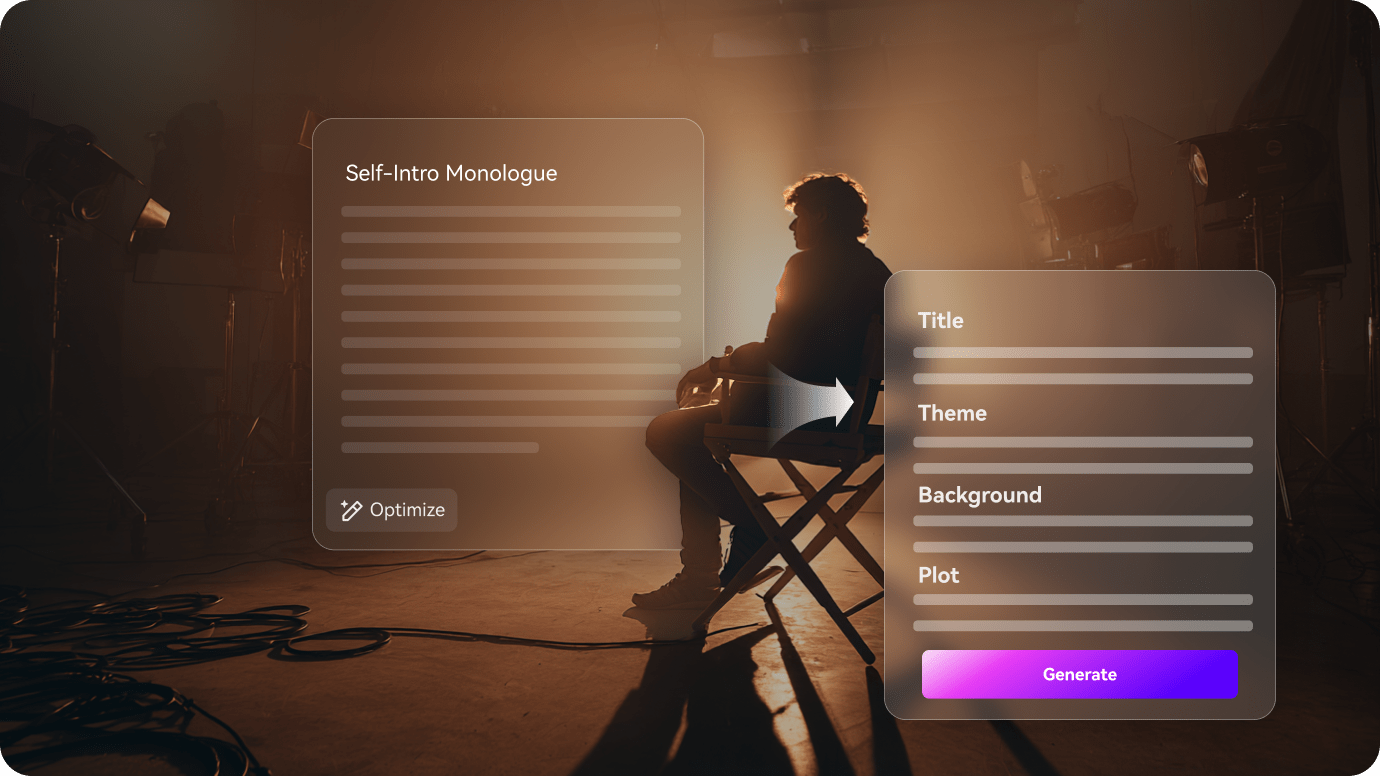
PopNow describes Filmmaker as a project rather than a one-prompt video generator. A creator can begin with a one-line premise or an existing script and then review each stage as a separate artifact. This matters when a character must enter a room, meet another person and leave in a later scene. A three-act plan does not guarantee pacing, but it exposes decisions before costly video generation. Treat the script and storyboard as the place to correct narrative mistakes, instead of regenerating every shot after export.

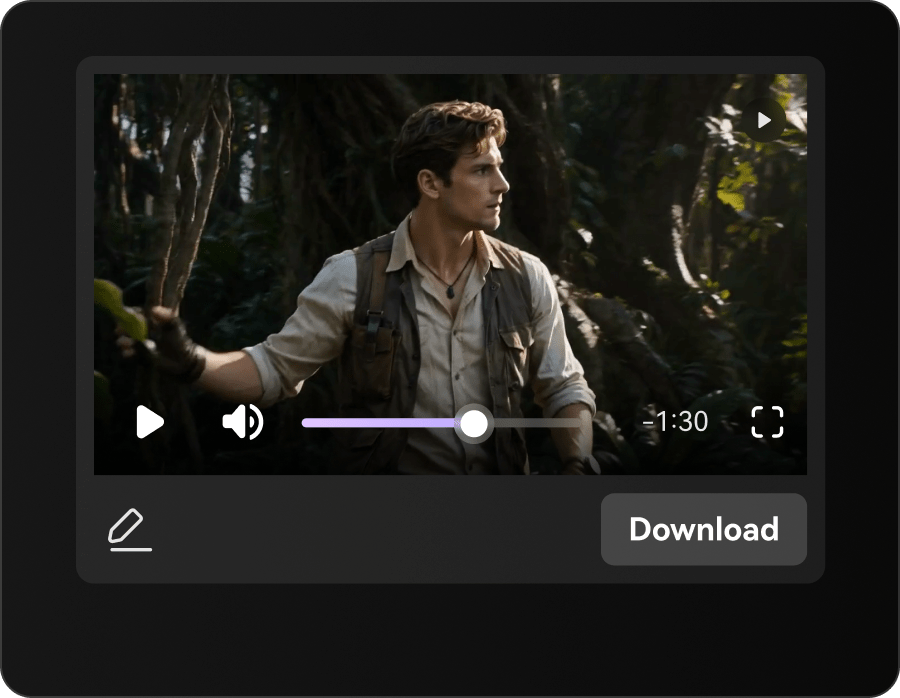
Illustrative Media.io visual, not a PopNow AI product screenshot

Character Reference Sheets Across Scenes

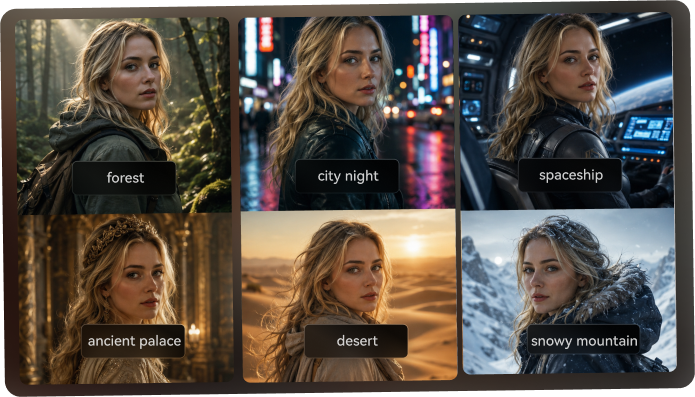
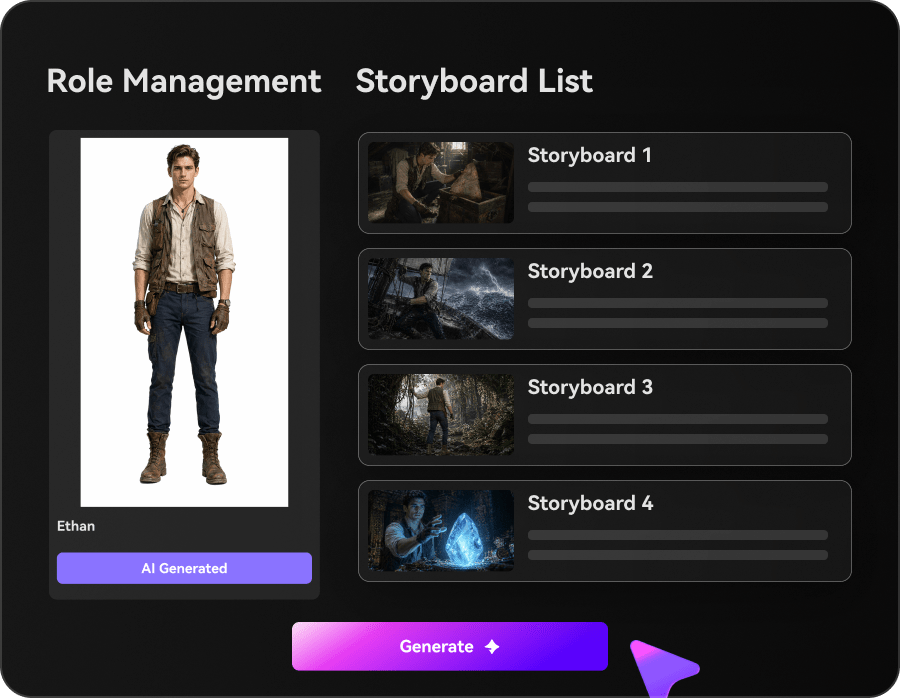
Filmmaker constructs reference sheets with multiple views and portrait details for characters; locations and props may also have references. Those assets are then attached to subsequent shots. This is a more deliberate consistency workflow than repeating the same person's description in every independent prompt. A fashion series can lock an outfit reference before six episodes, while still checking each render for face changes and accessory drift. Reference-guided consistency is an objective of the workflow, not a promise that every frame will match.

Illustrative Media.io visual, not a PopNow AI product screenshot

Shot-Level Rework Without Restarting the Film

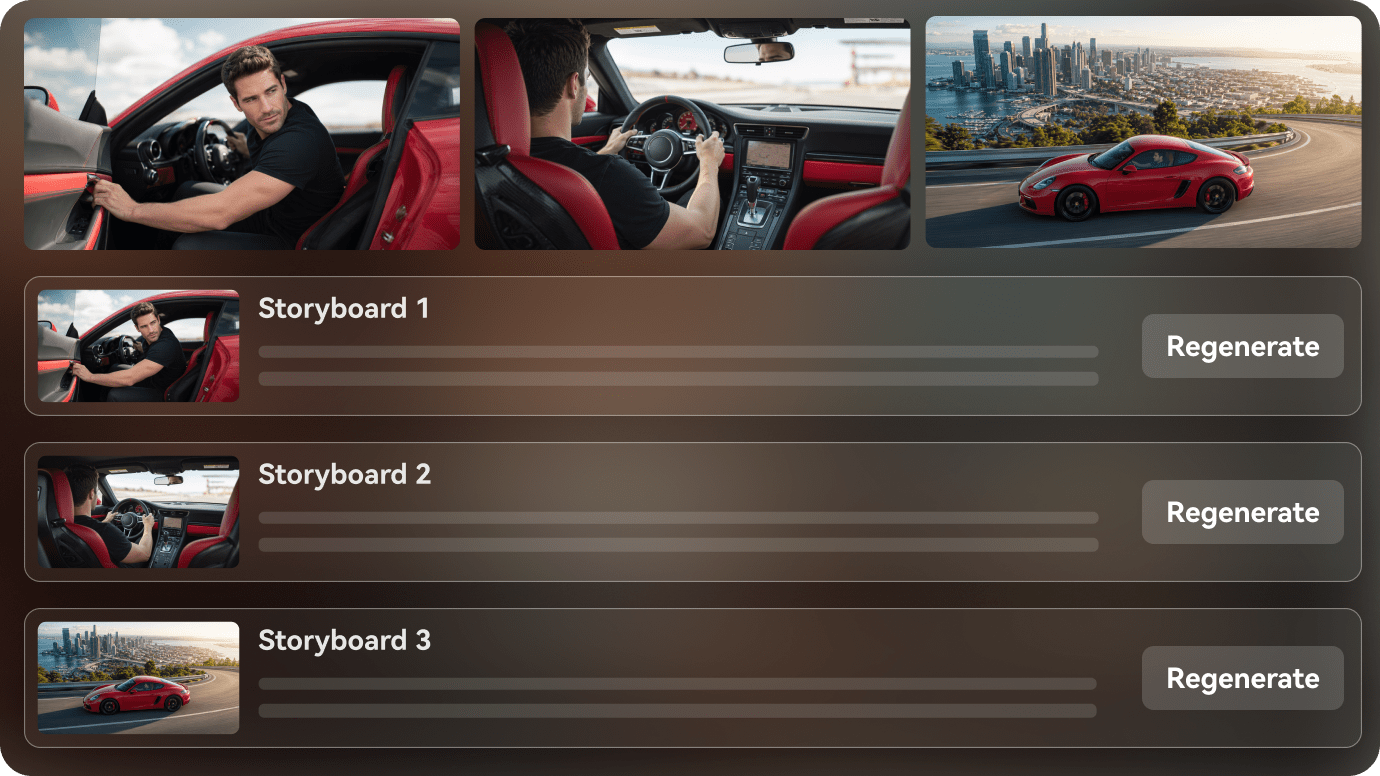
PopNow says Filmmaker identifies dependencies when a scene, framing or character reference changes. Users may select affected media for regeneration rather than immediately remaking the entire film. This is valuable for changing one confusing close-up in a 40-second action sequence. But a newly designed costume or prop may affect more than a single shot. Review the dependency list and the credit quote before approving a batch; the convenience is localized iteration, not free generation.

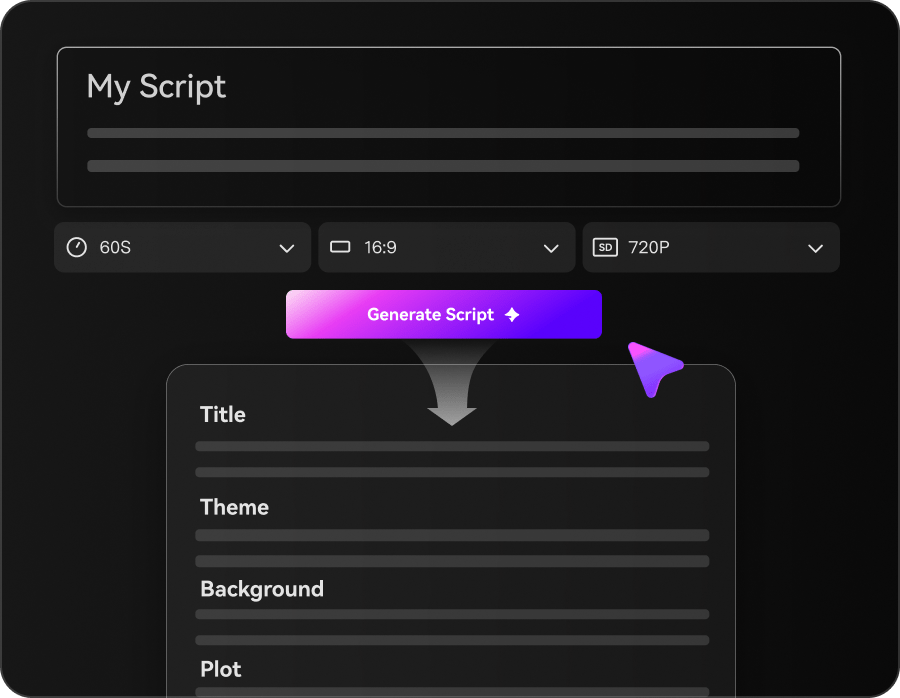
Illustrative Media.io visual, not a PopNow AI product screenshot

Canvas Connects Images, Video and Audio

On PopNow Canvas a note can lead to a generated image, a video shot, audio and further edits while showing which card came from which input. Poppie can help plan a board; manual mode lets users confirm generation steps and prices. A moodboard artist can keep rejected variations beside approved styleframes rather than losing the visual reasoning. The connected-card model is useful for experimentation, but a growing project still needs naming and version discipline to prevent confusion.

Illustrative Media.io visual, not a PopNow AI product screenshot

Multiple AI Models and One Credit Wallet

The current public pricing page lists one-time credit packs rather than recurring subscriptions, with the exact cost shown on each generation action. Model selection, duration and resolution change usage. An animation producer should budget for character portraits, storyboard frames, several takes of each shot and possibly music. The company presents a 30-second example with separate costs for the media pieces; a real multi-episode project may multiply that figure. Do not compare only the cheapest five-second output.

Illustrative Media.io visual, not a PopNow AI product screenshot

Music, Dialogue and Exported Film Assembly

Filmmaker's Cut stage arranges selected shots, trims the sequence and adds sound for an exportable film. The public documentation describes character voices and up to two speakers per shot, plus a music library and generated tracks. That makes the tool more suited to narrated micro-dramas than a video model API with no assembly interface. Check lip-sync, audio continuity and line timing on the entire cut; a correct visual reference does not ensure dialogue arrives at the right dramatic moment.

Illustrative Media.io visual, not a PopNow AI product screenshot

How to Create a Short AI Story With Media.io

1
2
3
1
Outline the story beats

Write an opening, turning point and ending; specify characters, locations and the intended video length before generation.

2
Build the multi-scene video

Use Media.io AI Film Maker to generate a short scripted story; keep visual references and scene transitions consistent.

3
Review the final sequence

Watch the entire cut for costume continuity, dialogue timing and missing story beats before exporting the short film.

Illustrative Media.io creation step, not PopNow AI interface screenshot

PopNow AI Use Cases for Short Drama and Visual Storytelling

The strongest PopNow use cases have a repeatable story world: characters, a sequence of scenes and choices about which takes to keep. The platform rewards planned iteration more than one-click generation.

Episodic Romance With the Same Cast

Create a reference sheet for two leads, lock outfits, storyboard a meeting and a reunion, then regenerate only the continuity-breaking frames.

Narrative Product Launch

Turn a product concept into four connected shots, retain the same packaging and location references and add a short end-card soundtrack. For a related Media.io workflow, see AI Multi Scene Video Generator.

Animated Character Showcase

Start with turnaround art, compare multiple motion takes and reject any shot that changes a character silhouette or defining accessory.

Story-to-Video Creative Exploration

Build a visual Canvas from a written outline, branch competing styles and move only the strongest references into the Filmmaker cut.

Short Drama With Spoken Dialogue

Assign voices before shooting conversations, inspect turns between speakers and synchronize caption timing in the final assembly. For a related Media.io workflow, see AI Story Video Generator.

Music Video With Scene Progression

Break a song into visual beats and generate multiple shot options around a recurring location, rather than relying on a single extended prompt.

PopNow AI Pricing, Credit Packs and Continuity Caveats

One-time packs change the purchasing model, but they do not remove the cost of failed creative direction. Evaluate the complete shot workflow and reference requirements.

Longer Films Multiply Shot Costs

A project of many five-second takes uses a series of charged generation steps. Budget rejected takes and revised character references, not merely finished runtime.

Continuity Tools Still Require Visual Inspection

Reference sheets improve the workflow, but hands, clothing details and lighting can shift between models and takes. Review adjoining shots at full playback speed.

Quoted Credit Examples Depend on Model Settings

The official 30-second sample uses default model rates. The cost changes with different models, output settings, added voice, more shots or AI writing.

Not a Hands-Off 15-Minute Film Promise

The product discusses extended films, but long narrative pacing, dialogue accuracy and coherent editing still require human direction throughout many shots.

Video Generation Has Rights Obligations

You must have permission to upload real-person references and commercial assets. A generated image of someone is not automatically cleared for campaigns.

Tool and Model Lists Change Quickly

The about and pricing pages display different counts and examples as the catalog evolves. Confirm actual model availability and credits inside the current project.

PopNow AI vs Media.io: Film Project or Guided Story Creation?

PopNow emphasizes fine-grained casting, reference sheets, Canvas versions and shot dependencies. Media.io is a sensible option when the brief is to turn a shorter story or script into a shareable sequence with fewer project-management layers.

Decision Factor PopNow AI Media.io
Story workflow Strong Fit Strong fit
Separate plan, script, cast, storyboard, shoot and cut stages.
Use a task-specific AI Film Maker or Script to Video entry point.
Character handling Strong Fit Strong fit
Reference sheets and reusable character looks across shots.
Describe or supply consistent character direction and review each scene.
Shot revision Strong Fit Strong fit
Rebuild selected dependent shots, retaining other takes.
Iterate the generated sequence and regenerate when visual continuity needs work.
Visual planning Strong Fit Strong fit
Canvas keeps linked references and branches side by side.
Start from a story prompt and chosen visual inputs rather than a node board.
AI models Strong Fit Strong fit
Many video, image and music modes share a one-time credit wallet.
Select supported options on the relevant Media.io workflow.
Audio and editing Strong Fit Strong fit
Voice assignment, soundtrack, captions and film MP4 assembly.
Create story video and use relevant audio or finishing tools where needed.
Payment modelOne-time packs and displayed generation quotes; no subscription on the cited plan.Review current credits and selected task pricing on Media.io.
Practical tradeoff More control means more shot choices and generation decisions. More task-directed path, not a replacement for complex shot dependency management.
Best-fit buyer A director managing recurring cast and multiple individual takes. Strong Fit Strong fit
A storyteller creating a compact scripted video for sharing.
Best for PopNow AI

Choose PopNow for Shot-by-Shot Film Direction

Choose PopNow when scene references, alternate takes and project-level shot dependencies are as important as the final video itself.

  • Develop turnarounds and close-up character references before filming.
  • Storyboard every camera angle and inspect the estimated generation cost.
  • Replace a problematic shot without discarding approved takes.
  • Keep branches of visual ideas visible on the Canvas.
  • Build a film cut with dialogue, music and captions from selected clips.
Visit PopNow AI
Best for Media.io

Choose Media.io for a Short Scripted Film

If the project is a concise narrative concept rather than a carefully maintained multi-shot production, Media.io AI Film Maker offers a direct story-led starting point with fewer manual planning surfaces.

  • Turn a story premise into a short visual narrative.
  • Keep the scene list focused on the most meaningful story beats.
  • Review character details between scenes before sharing the output.
  • Create a social-first film pitch without managing a large reference graph.
Create an AI Short Film

PopNow AI Review: Who Benefits From a Full Film Workflow?

Our Take

PopNow supplies meaningful planning surfaces that go beyond the usual text prompt. Its strength is not a claim that AI automatically writes a better film; it is the ability to inspect casting, storyboards, references and shot versions before committing to the cut. That suits creators willing to direct dozens of small decisions.

Cost should be calculated from the finished film backwards. Estimate storyboard images, character sheets, generation takes, reshoots and sound. PopNow presents credits before each paid action and uses one-time purchases, but the model-specific rate can turn an ambitious narrative into many small charges.

Choose PopNow when you need persistent character assets, shot-level rework and timeline decisions. Choose Media.io AI Film Maker for a concise scripted story where the first objective is a shareable video rather than a managed production graph.

PopNow AI FAQ: Features, Pricing and Media.io Alternatives

What is PopNow AI Filmmaker?
faq faq

Filmmaker is PopNow's project workspace for planning, scripting, casting, storyboarding, shooting and cutting connected scenes. It is intended for stories that need multiple related shots rather than one standalone AI clip.

The official Filmmaker FAQ discusses projects from a short 30-second sequence to roughly 15 minutes, with shot and character limits. Longer runtimes still require many individual generation steps and manual review of continuity and pacing.

It creates character reference sheets such as turnarounds and close-up portraits. Shots reuse those references, while the creator checks the output. Reference guidance reduces work but is not a guarantee of identical faces in every frame.

Yes. The product describes choosing affected shots for regeneration after a story or character edit. Previous takes remain accessible, and the tool shows the associated credit quote before executing the selected changes.

The official pricing page lists one-time credit packs rather than auto-renewing subscriptions. Video, image and music actions spend credits at model-dependent rates. Check the exact estimate displayed before each generation.

Creating an account and planning stages may be free, but generation uses credits. The site indicates that a new user can sign up without a payment card and buy a pack when ready to generate.

The Filmmaker documentation describes selectable character voices, a music workflow and captions in the final cut. Review timing and licensing for the specific content you plan to publish.

It adds generative scene planning and shot creation to an editing workflow. A traditional editor may still be preferable for detailed manual effects, source-footage precision or a preexisting professional finishing pipeline.

A concise story-first prompt may need less project setup than a full cast, reference sheet and shot dependency workflow. Media.io AI Film Maker is a more direct entry point for that shorter narrative task.

What Media.io Creators Say About Their Workflow

Media.io AI video generator user
Sarah L.

Content Creator

star star star star half star

Media.io makes it much easier to test different AI video styles without jumping between several platforms. I can start with a text prompt or image, compare model results, and then resize or polish the clip for social media in the same workspace.

Media.io AI video creator
John D.

Social Media Marketer

star star star star half star

I use Media.io to create quick product clips, ad concepts, and short-form videos from images. The biggest advantage is that generation does not feel like the final step - I can continue with music, captions, enhancement, and format conversion before publishing.

Media.io AI video editing user
Emily T.

Freelance Designer

star star star star half star

The workflow is approachable even when I am experimenting with unfamiliar AI models. I can animate artwork, try different motion prompts, preview the output, and prepare a cleaner final version without needing advanced video-editing experience.

Media.io Online Tools Quality Rating:
vote 4.7 (162,357 Votes)
media.io

AI Video Generator star

Easily generate videos from text or images

Generate