Home>Comparison>PixelBunny AI

PixelBunny AI: Features, Model Credits and Alternatives

Paying every month for an AI video model you rarely use may not make sense. PixelBunny AI offers a different approach: buy credits once, choose among image and video models, and spend them on specific creations or edits. That makes it attractive for irregular production, especially when users want first/last-frame animation, multiple-shot motion or an occasional upscale. The important comparison is model-by-model credit consumption, not just the headline price of a credit pack.

Primary Features of PixelBunny AI Video Generator

PixelBunny AI is a pay-as-you-go multi-model image and video generator offering text and image-based video, motion control, multi-shot clips, first-and-last-frame transitions, video extension, audio-to-video creation and background removal or upscaling tools.

Core Feature Overview

  • Multi-Model Image and Video Access: PixelBunny lists several AI image and video model families in one interface. Availability and version labels can change as the service updates its catalog.
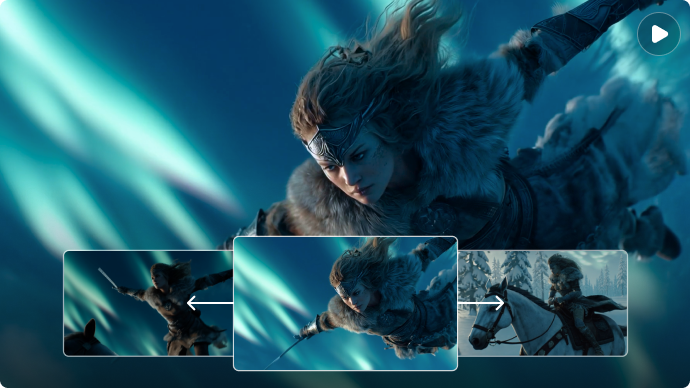
  • Motion Control and Multi-Shot Video: The tool collection describes transferring approved movement to a character and creating multi-shot sequences. Inspect faces and shot transitions for continuity.
  • First and Last Frame Video: Upload separate start and end images to guide a short animation between two visual states. Reference quality strongly influences the generated path.
  • Video Extension and Retake: Users can extend clips or request variations of prior scenes. Each iteration consumes the appropriate model credits.
  • Audio to Video and Multi-References: Selected tools use a sound input or multiple visual references to guide video content. Review lip timing and the rights to any audio source.
  • Video Background Removal and Upscaling: Auxiliary finishing tools can remove backgrounds or enlarge images for reuse. Automated cleanup may produce edge defects or alter fine details.

Multi-Model Image and Video Access

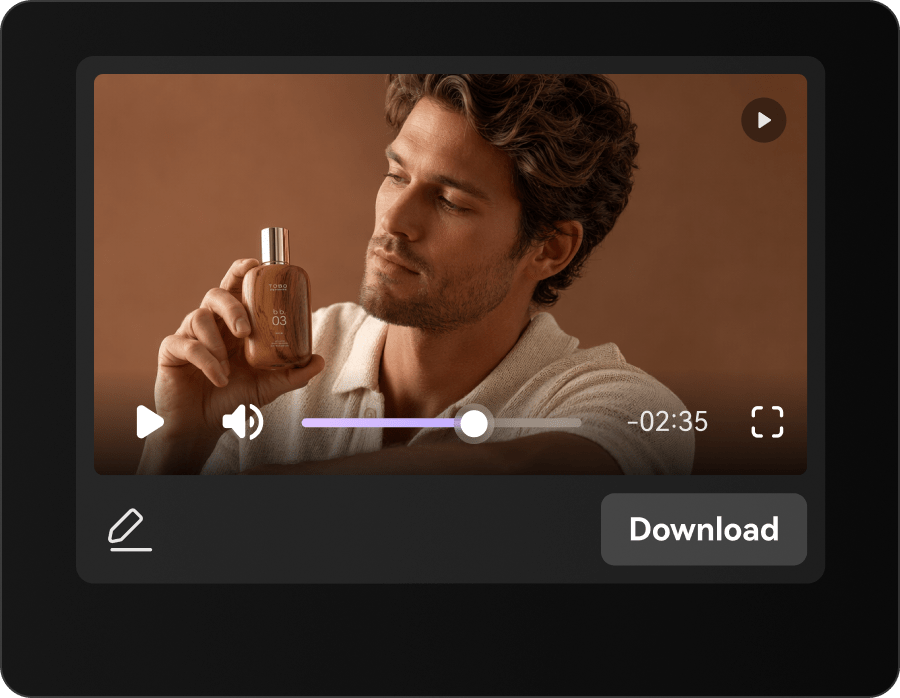
PixelBunny lists several AI image and video model families in one interface. Availability and version labels can change as the service updates its catalog. For PixelBunny AI, a useful first project is occasional product clip; Animate a product image only when a launch requires a new short, without a monthly subscription.

Illustrative Media.io workflow graphic; not a screenshot of PixelBunny AI

Motion Control and Multi-Shot Video

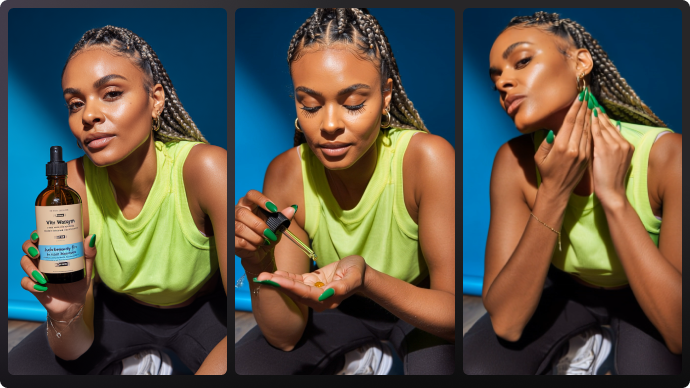
The tool collection describes transferring approved movement to a character and creating multi-shot sequences. Inspect faces and shot transitions for continuity. Before relying on motion control and multi-shot video, check the tradeoff named credit packs are prepaid: PixelBunny advertises one-time purchases and credits that do not expire. Check refund and account conditions before treating prepaid value as cash.

Illustrative Media.io workflow graphic; not a screenshot of PixelBunny AI

First and Last Frame Video

Upload separate start and end images to guide a short animation between two visual states. Reference quality strongly influences the generated path. For PixelBunny AI work on pay as you go multi-model creation, Transfer permitted motion reference to an invented character, then check limbs and facial consistency.

Illustrative Media.io workflow graphic; not a screenshot of PixelBunny AI

Video Extension and Retake

Users can extend clips or request variations of prior scenes. Each iteration consumes the appropriate model credits. To assess whether this is repeatable, test multi-shot generation while measuring how many retries are needed for a coherent sequence.

Illustrative Media.io workflow graphic; not a screenshot of PixelBunny AI

Audio to Video and Multi-References

Selected tools use a sound input or multiple visual references to guide video content. Review lip timing and the rights to any audio source. For a concrete example, pair original audio with a short video and review the beat and sound timing.

Illustrative Media.io workflow graphic; not a screenshot of PixelBunny AI

Video Background Removal and Upscaling

Auxiliary finishing tools can remove backgrounds or enlarge images for reuse. Automated cleanup may produce edge defects or alter fine details. The final check is cleanup tools may alter detail: Background removal and upscaling can damage hair edges, brand labels or small objects. Inspect before using on commercial imagery.
Illustrative Media.io workflow graphic; not a screenshot of PixelBunny AI

How to Create a Occasional Product Clip Video with Media.io

1
2
3
1
Add Your Product

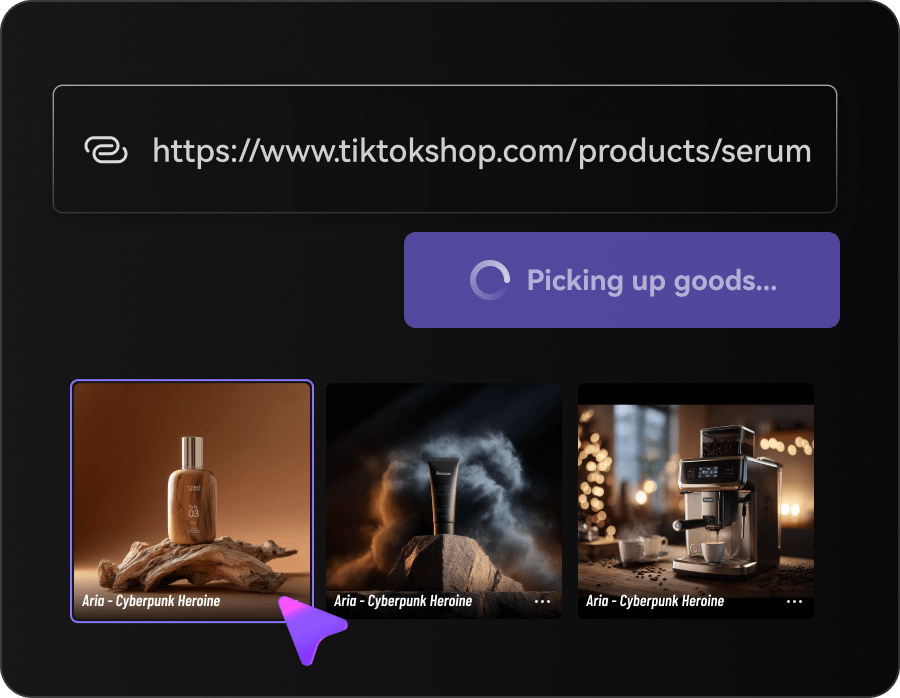
Upload product images, enter a product URL, or use both to provide the details needed for your video.

2
Choose Your Ad Style

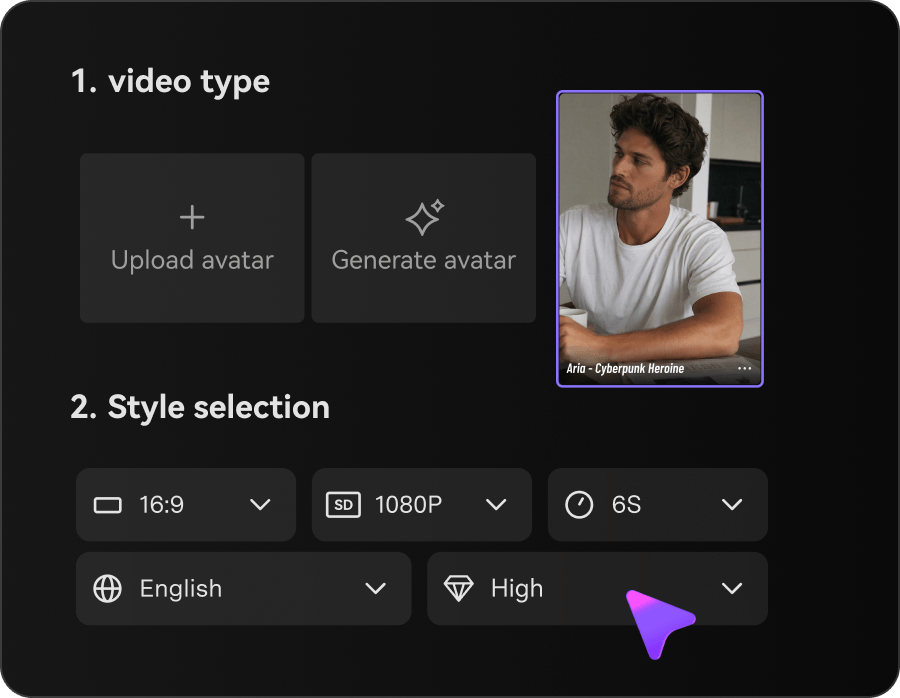
Select Video Ads, choose a suitable style, and customize the character and video settings to match your product.

3
Generate and Review

Generate your product video, review the visuals and product details, then export the finished clip.

Illustrative Media.io workflow graphic; not a screenshot of PixelBunny AI

PixelBunny AI Scenarios for Flexible Credit Buyers

From occasional product clip to audio-synced teaser, these are distinct projects where PixelBunny AI could be useful, with checks that match each task.

Occasional Product Clip

Animate a product image only when a launch requires a new short, without a monthly subscription. A related Media.io workflow to explore is Motion Control.

First-to-Last Transformation

Create a visual reveal between two owned illustrations and inspect the transition for unwanted changes.

Dance Motion Concept

Transfer permitted motion reference to an invented character, then check limbs and facial consistency.

Short Cinematic Sequence

Test multi-shot generation while measuring how many retries are needed for a coherent sequence. A related Media.io workflow to explore is Kling Motion Control.

Audio-Synced Teaser

Pair original audio with a short video and review the beat and sound timing.

Quick Visual Cleanup

Use a purchased credit allowance to upscale or remove a background from a limited set of assets.

PixelBunny AI Credit, Model and Rights Checks

Before planning pay as you go multi-model creation, evaluate different models have different costs and credit packs are prepaid as carefully as the headline features.

Different Models Have Different Costs

A 5-second model render and a still-image upscale cannot be compared at the same credit rate. Verify the cost inside the selected tool.

Credit Packs Are Prepaid

PixelBunny advertises one-time purchases and credits that do not expire. Check refund and account conditions before treating prepaid value as cash.

Multi-Shot Consistency Is Not Automatic

Different camera angles and scenes can produce identity drift. Review the complete sequence before publication.

Model Catalog Changes Frequently

A specific premium video model may be added or renamed without affecting the paid credit concept. Confirm current availability.

Motion References Require Rights

Using a person's recognizable movements, face or voice can raise consent and impersonation issues.

Cleanup Tools May Alter Detail

Background removal and upscaling can damage hair edges, brand labels or small objects. Inspect before using on commercial imagery.

PixelBunny AI vs Media.io: Which Workflow Fits?

The deciding difference for PixelBunny AI is its multi-model image and video access and video extension and retake; by comparison, the Media.io Image to Video option focuses on occasional product clip; compare supported inputs and output rights.

Decision Factor PixelBunny AI Media.io
Starting workflow PixelBunny lists several AI image and video model families in one interface. For occasional product clip, Media.io Image to Video starts with a targeted tool; PixelBunny AI instead emphasizes multi-model image and video access.
Primary capability Motion Control and Multi-Shot Video: The tool collection describes transferring approved movement to a character and creating multi-shot sequences. Choose a relevant creation feature for occasional product clip, subject to the tool's current options.
Reference handling Upload separate start and end images to guide a short animation between two visual states. Use supported reference input where helpful for first-to-last transformation.
Editing and revision Users can extend clips or request variations of prior scenes. For dance motion concept, use the available editing and finishing controls as needed.
Output workflow Selected tools use a sound input or multiple visual references to guide video content. Check whether short cinematic sequence needs captions, enhancement or editing after generation.
Cost model PixelBunny's official site advertises prepaid packs such as $12 for 1,000 credits and $25 for 2,200 credits, with no subscription and credits that do not expire. Check current charges for the Image to Video route, not PixelBunny AI subscription pricing.
Key buying constraintA 5-second model render and a still-image upscale cannot be compared at the same credit rate.Confirm supported input and export conditions for pay as you go multi-model creation alternatives.
Specialized strength Video Background Removal and Upscaling. A focused option for audio-synced teaser and the corresponding downstream edits.
Best fit Pay as you go multi-model creation. For a project like occasional product clip, choose the Media.io Image to Video workflow over the broader PixelBunny AI offering.
Best for PixelBunny AI Projects

Choose PixelBunny AI If You Need:

Choose PixelBunny AI when multi-model image and video access and motion control and multi-shot video are needed in your real work. For audio-synced teaser, check cost and revision permissions before committing to production.

  • Occasional Product Clip: Animate a product image only when a launch requires a new short, without a monthly subscription.
  • First-to-Last Transformation: Create a visual reveal between two owned illustrations and inspect the transition for unwanted changes.
  • Dance Motion Concept: Transfer permitted motion reference to an invented character, then check limbs and facial consistency.
  • Short Cinematic Sequence: Test multi-shot generation while measuring how many retries are needed for a coherent sequence.
  • Audio-Synced Teaser: Pair original audio with a short video and review the beat and sound timing.
Visit PixelBunny AI
Best for Media.io First-to-Last Transformation Projects

Choose Media.io for Occasional Product Clip If You Need:

For PixelBunny AI readers pursuing occasional product clip, the Media.io Image to Video route is one option for dance motion concept. It differs from PixelBunny AI motion control and multi-shot video.

  • Try AI Video Generation workflow: Begin from a permitted input related to occasional product clip.
  • First-to-Last Transformation review: Assess whether Media.io output supports first-to-last transformation without special manual corrections.
    • Finishing for Dance Motion Concept: Explore relevant Media.io editing tools for dance motion concept.
  • Focused generation scope: Choose only the tools required for short cinematic sequence.
  • Rights for Audio-Synced Teaser: Use authorized source media and double-check outputs intended for audio-synced teaser.
Try AI Video Generation

Is PixelBunny AI Worth It? Our Verdict

Our Take

PixelBunny AI deserves consideration when occasional product clip or first-to-last transformation is the core job. The combination of multi-model image and video access and audio to video and multi-references distinguishes its proposition.

PixelBunny's official site advertises prepaid packs such as $12 for 1,000 credits and $25 for 2,200 credits, with no subscription and credits that do not expire. Model-specific generation costs still vary. The purchase risk centers on different models have different costs and multi-shot consistency is not automatic. Budget a complete project with corrections and final export.

Choose PixelBunny AI for pay as you go multi-model creation, especially when first and last frame video is required. Consider Media.io Image to Video when audio-synced teaser matters more than the specialist first and last frame video capability; verify output and export terms.

PixelBunny AI FAQ: Features, Pricing and Alternatives

What makes PixelBunny AI different from subscription tools?
faq faq

PixelBunny AI is a pay-as-you-go multi-model image and video generator offering text and image-based video, motion control, multi-shot clips, first-and-last-frame transitions, video extension, audio-to-video creation and background removal or upscaling tools.

PixelBunny lists several AI image and video model families in one interface. Availability and version labels can change as the service updates its catalog.

The tool collection describes transferring approved movement to a character and creating multi-shot sequences. Inspect faces and shot transitions for continuity.

PixelBunny's official site advertises prepaid packs such as $12 for 1,000 credits and $25 for 2,200 credits, with no subscription and credits that do not expire. Model-specific generation costs still vary.

A 5-second model render and a still-image upscale cannot be compared at the same credit rate. Verify the cost inside the selected tool. PixelBunny advertises one-time purchases and credits that do not expire. Check refund and account conditions before treating prepaid value as cash.

Animate a product image only when a launch requires a new short, without a monthly subscription. Different camera angles and scenes can produce identity drift. Review the complete sequence before publication.

Users can extend clips or request variations of prior scenes. Each iteration consumes the appropriate model credits.

For occasional product clip, compare the Media.io Image to Video path against PixelBunny AI results. It can handle a distinct video step; PixelBunny AI remains more specific to motion control and multi-shot video, so compare current plan costs and usage rights.

If your recurring task is audio-synced teaser, the main question is whether the advantages of multi-model image and video access outweigh the limitations. Using a person's recognizable movements, face or voice can raise consent and impersonation issues.

What Media.io Creators Say About Their Workflow

Media.io AI video generator user
Sarah L.

Content Creator

star star star star half star

Media.io makes it much easier to test different AI video styles without jumping between several platforms. I can start with a text prompt or image, compare model results, and then resize or polish the clip for social media in the same workspace.

Media.io AI video creator
John D.

Social Media Marketer

star star star star half star

I use Media.io to create quick product clips, ad concepts, and short-form videos from images. The biggest advantage is that generation does not feel like the final step - I can continue with music, captions, enhancement, and format conversion before publishing.

Media.io AI video editing user
Emily T.

Freelance Designer

star star star star half star

The workflow is approachable even when I am experimenting with unfamiliar AI models. I can animate artwork, try different motion prompts, preview the output, and prepare a cleaner final version without needing advanced video-editing experience.

Media.io Online Tools Quality Rating:
vote 4.7 (162,357 Votes)
media.io

AI Video Generator star

Easily generate videos from text or images

Generate