Home>Comparison>Ngram AI

Ngram AI Review for Brand Videos and Interactive Publishing

A video can look polished and still fail if viewers cannot act on it. Ngram AI combines AI-generated footage, manual and agentic edits, brand identity controls, and higher-tier interactive video hosting. Its pricing distinguishes premium generation seconds from the duration of a final edited project. That makes credit accounting and publishing requirements more important than the headline number of videos you can export.

Primary Features of Ngram AI Video Creation Platform

Ngram AI is an AI video production and publishing platform with premium video generation, agentic editing, BrandKit controls, custom avatars and voices, hosted playback and interactive engagement tools.

Core Feature Overview

Premium Generative Video Seconds

The official pricing page expresses capacity in credits and equivalent generation seconds. An explainer could include imported assets, manual edits and a smaller amount of newly generated footage, so its total finished length is not the same as billed premium seconds. Teams should forecast generated footage before selecting a monthly tier.

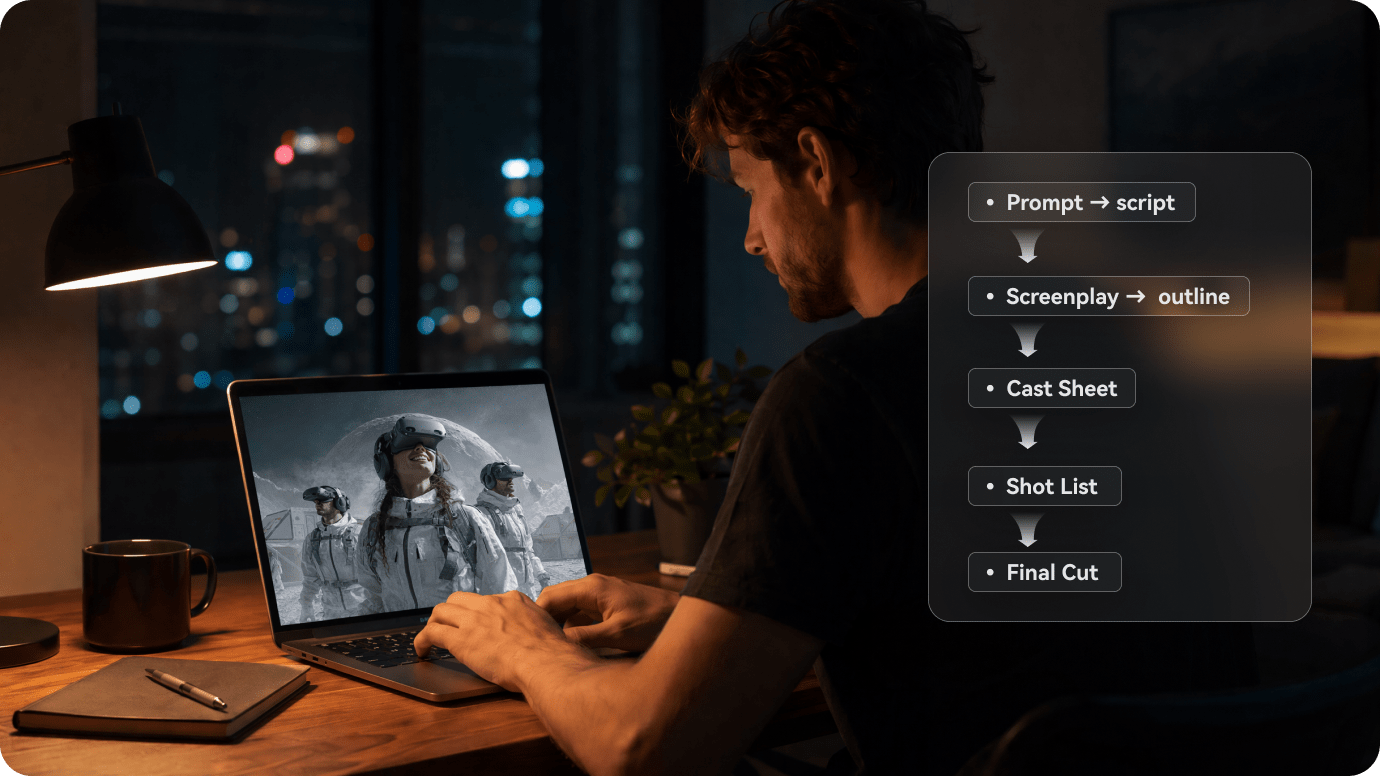
Illustrative Media.io creative workflow graphic, not a Ngram AI interface screenshot

Agentic and Manual Video Editing

Editing involves different costs and controls from generating original AI footage. Ngram lists agentic editing time alongside premium generation quotas, while manual edits are shown as unlimited on paid plans. This distinction matters for creators who revise extensively after the first render.

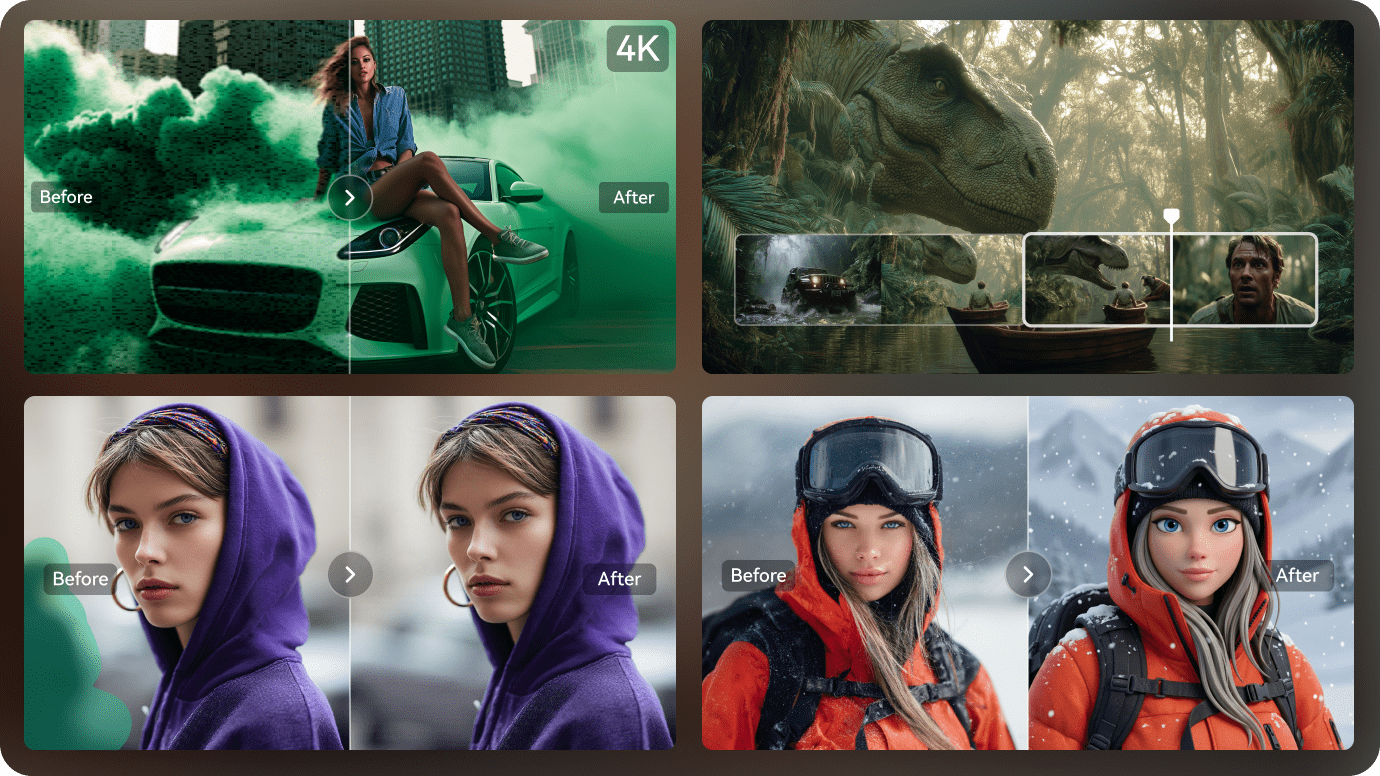
Illustrative Media.io creative workflow graphic, not a Ngram AI interface screenshot

BrandKit and Custom Identity Assets

A small agency producing multiple client explainers needs consistent identity assets. Ngram lists one BrandKit, a custom voice and avatar on Premium, and expanded branding on Ultimate. Compare the available seats and usage permissions before treating this as a full enterprise brand governance system.

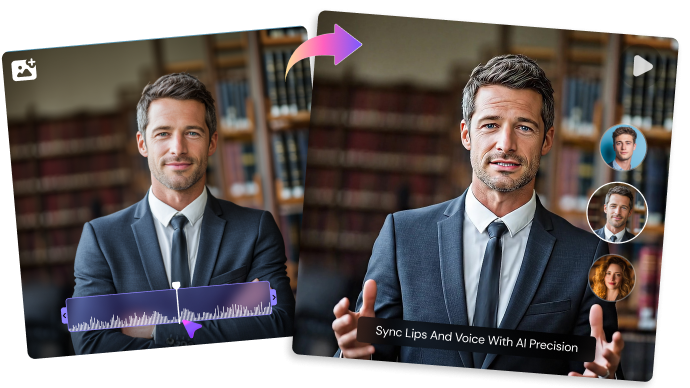
Illustrative Media.io creative workflow graphic, not a Ngram AI interface screenshot

Resolution Tiers From 720p to 4K

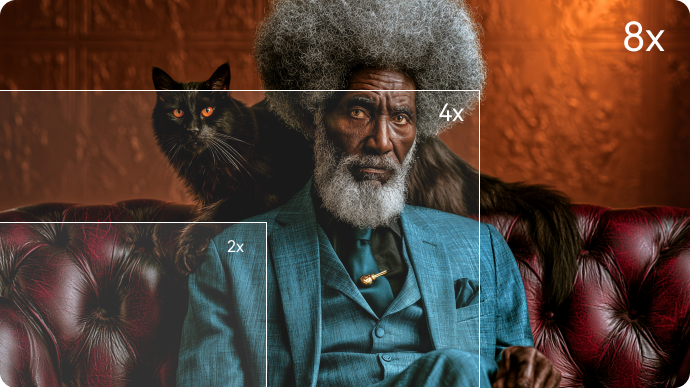
The Basic tier shows 720p export, Premium shows 1080p and Ultimate shows 4K. Resolution is a purchase constraint for presentations shown on large displays, but a higher pixel count does not guarantee better motion, typography or brand accuracy in an AI-generated shot.

Illustrative Media.io creative workflow graphic, not a Ngram AI interface screenshot

Interactive Hosted Videos

This changes the content from a passive video file into an interactive viewer journey. Marketing and education teams can use these features to steer learners or prospects toward a choice. Interactive elements apply to supported hosted playback, not necessarily to a downloaded MP4.

Illustrative Media.io creative workflow graphic, not a Ngram AI interface screenshot

Analytics and Publishing Options

A landing page can embed a hosted Ngram video and track behavior beyond a bare file download. Its blog partner program also promotes converting blog posts into branded videos. Validate how many hosted assets, viewer metrics and embeds each subscription allows.

Illustrative Media.io creative workflow graphic, not a Ngram AI interface screenshot

How to Turn a Marketing Script Into a Short Video Online

1
2
3
1
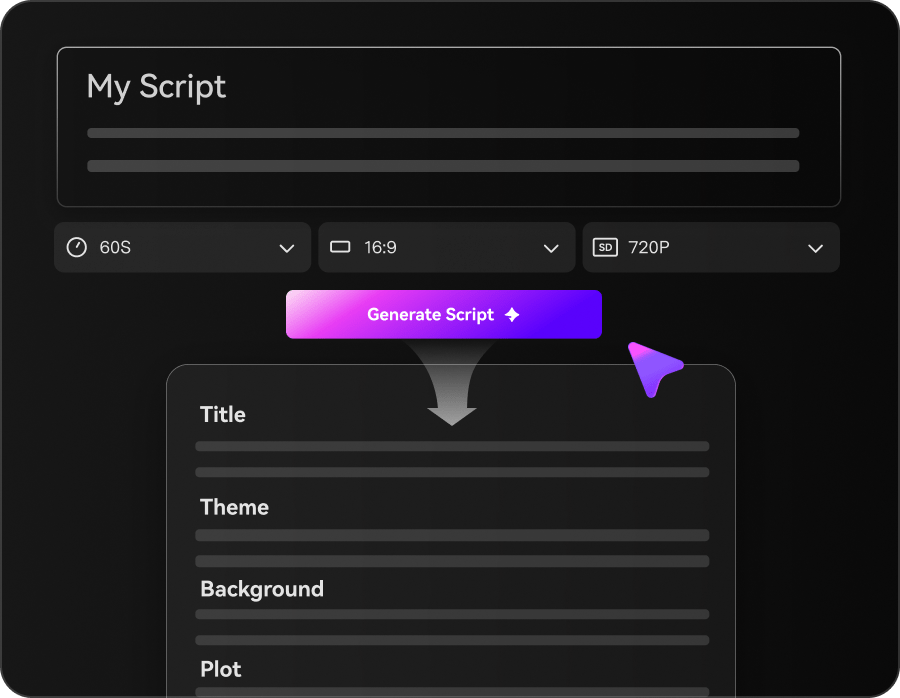
Prepare your marketing script

Write a concise explainer script covering the product, key benefits, target audience, and a clear call to action.

2
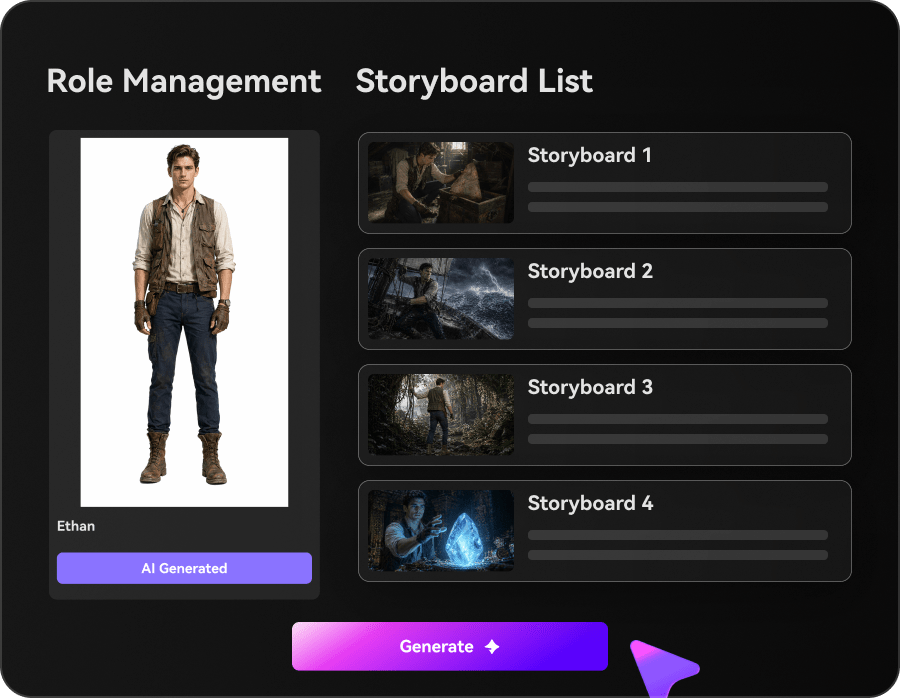
Customize scenes and storyboard

Enter your script, choose a generation mode, customize characters and visual styles, and review the storyboard to match your brand message.

3
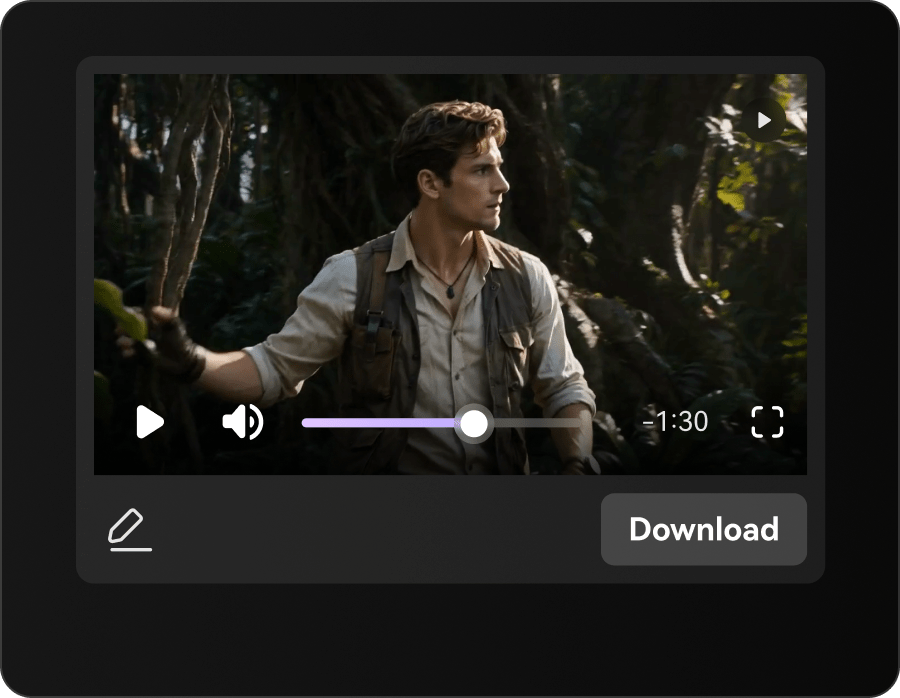
Generate and export

Generate your video with AI visuals, voiceover, and music, then review pacing and readability before exporting for social media or other channels.

Illustrative Media.io step image for Ngram AI comparison, not a competitor interface screenshot

Ngram AI Use Cases for Branded and Interactive Videos

Maintain a consistent narration voice and logo style across a sequence of feature explainers for one software brand. Training teams requiring a quiz-enabled video player have a stronger reason to pay for Ngram Ultimate; a short branded video for ordinary distribution fits Media.io.

Branded Product Explainer Library

Maintain a consistent narration voice and logo style across a sequence of feature explainers for one software brand.

Interactive Customer Training

Use quiz questions or branching playback to check whether a learner understands a compliance or onboarding step. For a corresponding Media.io workflow, see AI Ad Generator.

Blog-to-Video Distribution

Turn evergreen articles into branded videos with public links and embeds for an editorial website.

Agency Client Videos

Keep a distinct BrandKit for each recurring client when the plan allows multiple brand identities.

High-Resolution Conference Loops

Export 4K creative footage for a large display where a Basic 720p export is insufficient. For a corresponding Media.io workflow, see AI Video Generator.

Sales Landing-Page Engagement

Embed a video with guided clicks or hotspots to encourage product exploration rather than passive watching.

Ngram AI Credit Limits, 4K Tiers and Hosting Tradeoffs

Premium AI video footage starts from a credit-per-second rate; a five-minute final edit is not the same as five minutes of premium footage. The published Basic, Premium and Ultimate plans differ in allowed 720p, 1080p and 4K exports.

Generation Seconds Are Metered

Premium AI video footage starts from a credit-per-second rate; a five-minute final edit is not the same as five minutes of premium footage.

Resolution Is a Plan Constraint

The published Basic, Premium and Ultimate plans differ in allowed 720p, 1080p and 4K exports.

Interactivity Is Not a Flat Video File

Branching and hotspots require supported hosted playback; a conventional download cannot carry all web-player interactions.

Brand Features Are Tiered

One BrandKit and custom identity assets are associated with Premium, while broader branding and analytics sit on Ultimate.

Credit Rollover Has Rules

The pricing documentation describes a one-cycle rollover for certain monthly subscription credits; annual allocation and top-ups follow different rules.

Enterprise Needs Separate Confirmation

Security, organizational access, integrations and specialized contractual guarantees should be confirmed directly with the provider.

Ngram AI vs Media.io: Hosted Interactivity or Creative Video?

Ngram can combine premium generation with hosted, clickable learning content on higher plans. Media.io is a more direct creative route when the output is a standalone short story, explainer or advertisement instead of a managed interactive player.

Decision Factor Ngram AI Media.io
Primary objective Ngram earns its place when playback experience, brand governance and engagement tracking are part of the content requirement, not just the rendered clip. When your team needs a finished video file for ads, social posts or a product page, Media.io offers a script-driven creation path without requiring the interactive Ngram hosting layer.
Starting assets Ngram measures premium AI-generated footage separately from the length of a completed edited video. The official pricing page expresses capacity in credits and equivalent generation seconds. Write a self-contained explainer script, including the product problem and an accurate closing call to action.
Creative controls Editing involves different costs and controls from generating original AI footage. Ngram lists agentic editing time alongside premium generation quotas, while manual edits are shown as unlimited on paid plans. This distinction matters for creators who revise extensively after the first render. Explore visual styles and adjust the scene sequence.
Revision workflow The Basic tier shows 720p export, Premium shows 1080p and Ultimate shows 4K. Resolution is a purchase constraint for presentations shown on large displays, but a higher pixel count does not guarantee better motion, typography or brand accuracy in an AI-generated shot. Review pacing and legibility on mobile, make necessary edits and export the short video for your own hosting or distribution channel.
Delivery and use This changes the content from a passive video file into an interactive viewer journey. Marketing and education teams can use these features to steer learners or prospects toward a choice. Interactive elements apply to supported hosted playback, not necessarily to a downloaded MP4. Export a standard video to publish using existing channels.
Pricing and allowances Ngram currently lists Basic $29/month, Premium $59/month and Ultimate $299/month before annual discounts; credits, hosting and resolution differ. The comparison specifically recommends standalone script-led video production instead of interactive Ngram hosting. Review the Turn a Script Into Video tool for its own credit terms and required input files.
Relevant limitationsPremium AI video footage starts from a credit-per-second rate; a five-minute final edit is not the same as five minutes of premium footage. The published Basic, Premium and Ultimate plans differ in allowed 720p, 1080p and 4K exports.Reserve interactive quizzes for a separate playback platform if required.
Ideal audience Training teams requiring a quiz-enabled video player have a stronger reason to pay for Ngram Ultimate; a short branded video for ordinary distribution fits Media.io. When your team needs a finished video file for ads, social posts or a product page, Media.io offers a script-driven creation path without requiring the interactive Ngram hosting layer.
Purchase decision Add quizzes and branching decisions in a hosted player. Measure viewer engagement through the platform's hosted analytics. Create a short video from a prepared explanatory script. Export a standard video to publish using existing channels.
Best for Ngram AI

Choose Ngram for Branded Interactive Video Hosting

Ngram earns its place when playback experience, brand governance and engagement tracking are part of the content requirement, not just the rendered clip.

  • Add quizzes and branching decisions in a hosted player.
  • Use plan-appropriate BrandKits for repeat brand projects.
  • Measure viewer engagement through the platform's hosted analytics.
  • Account for generated seconds separately from editing and playback.
  • Ngram offers hosted viewing analytics and distribution tools for creators with ongoing audience engagement.
Visit Ngram AI
Best for Media.io

Choose Media.io for Scripted Creative Videos

When your team needs a finished video file for ads, social posts or a product page, Media.io offers a script-driven creation path without requiring the interactive Ngram hosting layer.

  • Create a short video from a prepared explanatory script.
  • Explore visual styles and adjust the scene sequence.
  • Export a standard video to publish using existing channels.
  • Reserve interactive quizzes for a separate playback platform if required.
Turn a Script Into Video

Ngram AI Review: Final Verdict for Buyers

Our Take

Ngram should be assessed as more than a generative editor. Hosted content, interactive prompts and viewer analytics can be decisive when a lesson or sales video needs a measurable next action.

Read the credit table carefully. Ngram distinguishes generation seconds, agentic edit time, manual editing and exports. Ultimate's 4K and interactive player tools are substantially different from Basic's 720p creative allowance.

Choose Ngram if viewer interactivity and managed branded hosting are essential. Choose Media.io when the deliverable is a scripted standalone video and your team already has its own publishing and engagement stack.

Ngram AI FAQ: Features, Costs and Alternatives

Is Ngram AI a text-to-video generator?
faq faq

Ngram supports AI-generated video and editing within a broader video production platform. Its pricing measures generated footage in seconds, so it should not be understood as unlimited premium video generation just because manual edits are available.

The official pricing page lists Basic at $29 per month, Premium at $59 and Ultimate at $299 on monthly pricing, with a stated 20 percent annual discount. Plan limits on credits, output resolution and hosting vary.

Ngram advertises a free allocation of 600 credits for trying the platform. Paid options include higher generation capacity and different export and brand settings. Check any current trial terms before committing assets.

The provider separates premium AI-generated video seconds from agentic editing time and manual editing. The published base rate starts at 10 credits per premium generation second, with higher-cost models or configurations possible.

Ultimate lists quizzes, hotspots, guided clicks and branching for supported hosted videos. These are features of the interactive player, not guaranteed embedded behavior inside a downloaded video file.

Premium includes one BrandKit and custom identity assets according to official pricing; Ultimate expands the available brand options. Check the applicable plan for client numbers and sharing permissions.

The official plan comparison assigns 4K exports to Ultimate. Basic and Premium have lower export limits, so a buyer targeting a large display should confirm the exact tier and model combination.

The provider documents limited monthly credit rollover, annual allocations and separate top-up rules. One subscription cycle of rollover does not mean every bonus or subscription credit lasts forever.

Ngram is useful when a hosted interactive experience and brand analytics matter. Media.io is a logical choice for shorter self-contained videos intended for a separate social, advertising or website publishing workflow.

What Media.io Creators Say About Their Workflow

Media.io AI video generator user
Sarah L.

Content Creator

star star star star half star

Media.io makes it much easier to test different AI video styles without jumping between several platforms. I can start with a text prompt or image, compare model results, and then resize or polish the clip for social media in the same workspace.

Media.io AI video creator
John D.

Social Media Marketer

star star star star half star

I use Media.io to create quick product clips, ad concepts, and short-form videos from images. The biggest advantage is that generation does not feel like the final step - I can continue with music, captions, enhancement, and format conversion before publishing.

Media.io AI video editing user
Emily T.

Freelance Designer

star star star star half star

The workflow is approachable even when I am experimenting with unfamiliar AI models. I can animate artwork, try different motion prompts, preview the output, and prepare a cleaner final version without needing advanced video-editing experience.

Media.io Online Tools Quality Rating:
vote 4.7 (162,357 Votes)
media.io

AI Video Generator star

Easily generate videos from text or images

Generate