Create Event Promo Videos in Minutes
Turn ideas into cinematic event highlights instantly
With Media.io’s AI video generator, creating an eye-catching event promo video is fast, intuitive, and results-driven. Simply drop your images, clips, or text prompts, and our AI crafts an engaging promo perfect for concerts, conferences, launches, or festivals. From smooth transitions to vibrant visuals, the process is entirely online—saving hours of editing time. Deliver sleek, professional videos that boost attendance, engage audiences, and elevate your brand story without needing advanced skills. Media.io brings effortless creativity straight to your browser for every kind of event.
Turn Static Event Promo Video Images into Motion
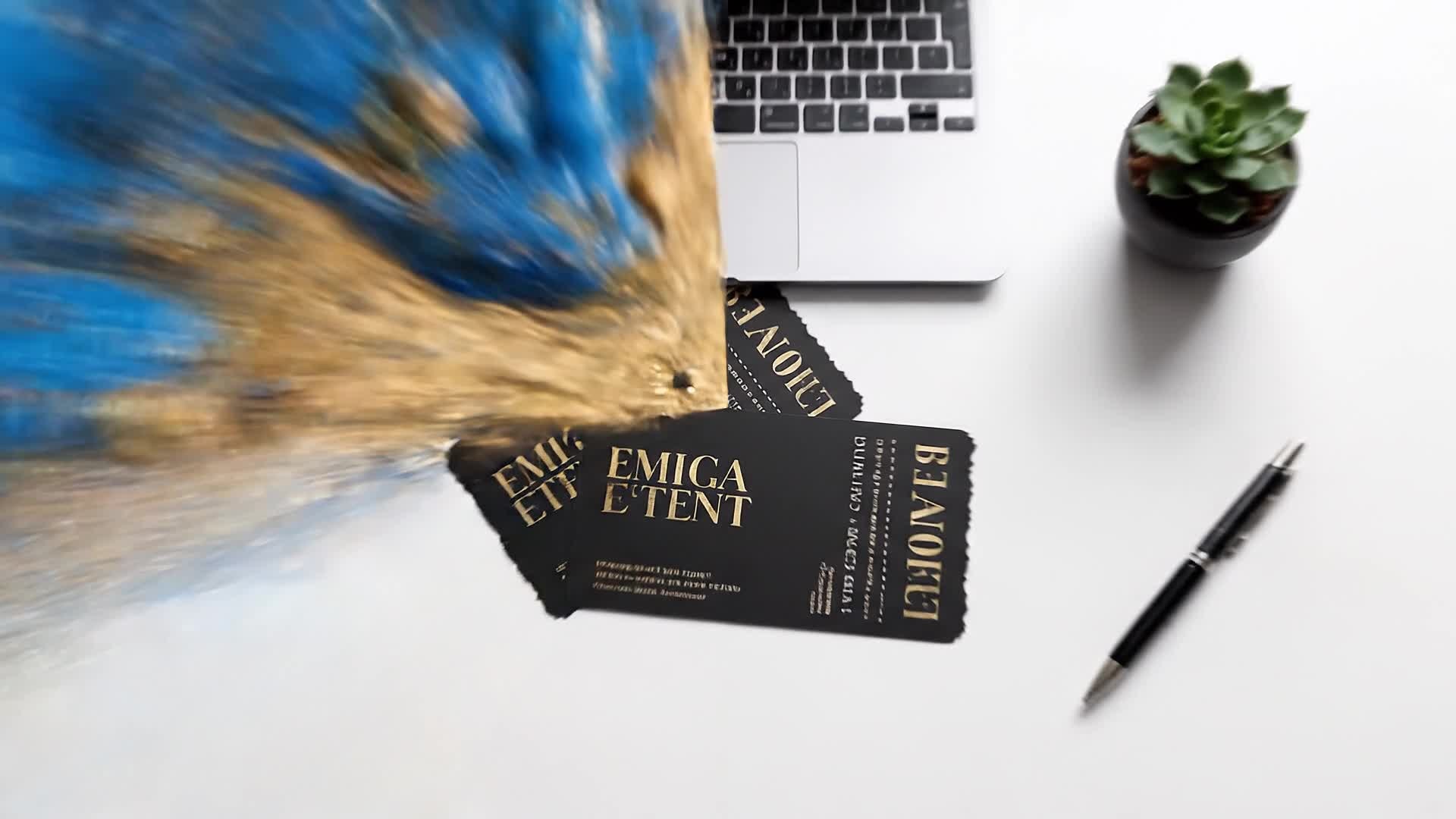
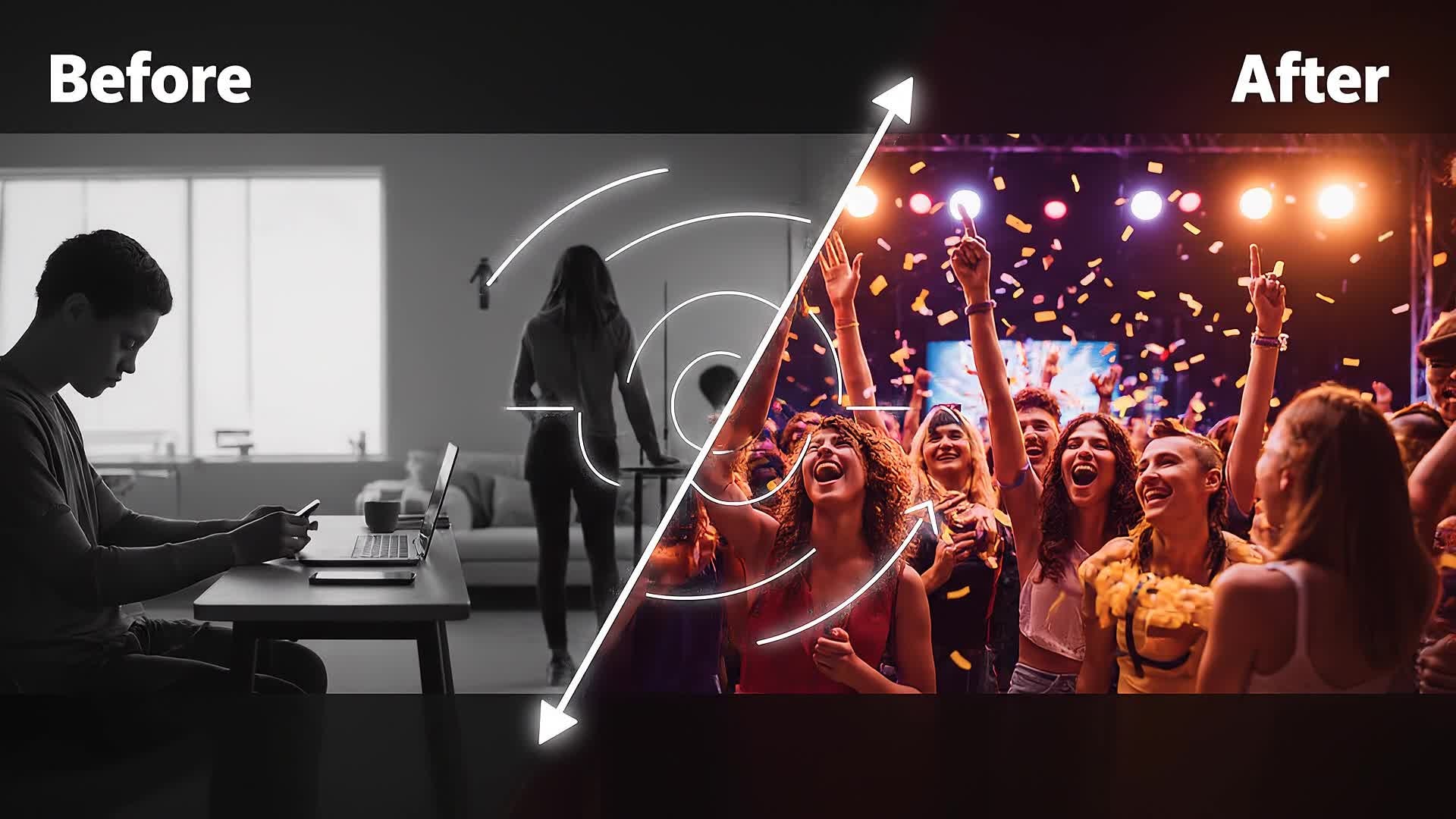
Transform static snapshots into dynamic promo clips that capture the energy of your event. With Media.io’s image-to-video generator, simply upload your favorite photos, and let AI bring them to life with motion, cinematic lighting, and timing synced to music. This feature is perfect for event organizers, photographers, and social media teams wanting to turn still shots into captivating highlight reels. No editing experience is required; just choose your vibe and watch your visuals evolve into share-ready videos that look professionally edited in seconds. Bring motion and emotion together and make every event unforgettable.
Turn Any Event Idea Into a Promo Clip
Media.io’s text-to-video generator lets you start with just a few words. Type a short description of your event, and AI instantly transforms your idea into an expressive video promo designed to attract attention. Ideal for marketing teams, creators, or small business owners promoting live shows or corporate events, this tool removes all production barriers. From choosing cinematic styles to generating matching transitions and color palettes, you’re in full creative control. Produce branded, polished promos built to perform across social platforms in a fraction of traditional production time.
| Style | Event Promo Video Prompt Ideas | Copy & Create |
|---|---|---|
|
Modern Corporate Launch
|
Start with elegant office visuals of a team preparing for a launch. Transition to shots of product banners, keynote scenes, and audience reactions. Add overlays highlighting innovation and teamwork. Maintain smooth camera pans with bright lighting for a positive tone. End with the company logo and tagline appearing on a clean gradient background to make the brand memorable. |
|
|
Concert Hype Cut
|
Open with crowd silhouettes jumping to flashing lights and bass drops. Include rapid clips of performers, pyrotechnics, and dance sequences. Integrate motion graphics that sync with music beats for visual rhythm. Show close-ups of fans cheering and wide shots of the entire venue. Finish with event details and streaming links over a crescendo of sound. |
|
|
Charity Event Highlight
|
Begin with community faces smiling and collaborating on preparations. Cut to emotional moments of volunteers helping and children playing. Use soft transitions and pastel tones to create warmth. Include captions about purpose, impact, and gratitude. Conclude with an inspiring call to action and your organization’s logo glowing subtly on fade-out. |
|
|
Conference Teaser
|
Open with a skyline timelapse leading to modern office interiors. Feature quick clips of speakers, panel discussions, and audience engagement. Apply elegant typography for names and topics. Use calm yet confident color grading. Wrap up with the conference date and venue fade-in set to uplifting background music for a professional finish. |
|
|
Sports Day Energy Reel
|
Begin with kinetic camera shakes and whistle bursts. Cut between athletes warming up, crowd cheers, and slow-motion sprint finishes. Mix GoPro-style angles for intensity. Overlay text showing event name and location. Conclude with a bold high-speed montage and logo reveal synced to a heartbeat-like sound for adrenaline impact. |
|
|
Luxury Gala Invitation
|
Start with a slow zoom on glittering chandeliers and elegant fashion moments. Fade into a montage of guests mingling and champagne glasses clinking. Add gold-toned typography announcing RSVP details. Maintain a cinematic glow for sophistication. End with a logo animation as orchestral music swells, signaling a premium event experience. |








How to Create Event Promo Video with Media.io
Create event promo video content faster with Media.io using text to video, image to video, video to video, and built-in editing tools.
Type or Upload Your Event Content
Enter a text description, add photos, or upload short clips. Media.io’s AI understands your theme and starts crafting the perfect promo layout. This helps you create event promo video content faster with a more structured workflow. You can easily adapt the output for platforms like TikTok, Instagram Reels, and YouTube Shorts.
Customize and Preview Instantly
Adjust captions, choose visual styles, or refine pacing in real-time. See immediate previews so you stay in full creative control before exporting. This helps you create event promo video content faster with a more structured workflow. You can easily adapt the output for platforms like TikTok, Instagram Reels, and YouTube Shorts. The process reduces manual editing and improves overall production efficiency.
Export and Share Anywhere
Download your AI-generated video and share it directly on social media, at live events, or through your campaign with ready-to-post quality. This helps you create event promo video content faster with a more structured workflow. You can easily adapt the output for platforms like TikTok, Instagram Reels, and YouTube Shorts. The process reduces manual editing and improves overall production efficiency. Each step improves visual quality, pacing, and content consistency.
Why Choose Media.io for Event Promo Video
AI-Powered Storytelling
Generate dynamic event videos automatically from simple prompts. Media.io turns plain input into a cinematic storyline optimized for audience engagement. This makes event promo video creation more efficient and easier to manage.
Multiple Input Formats
Start from text, images, or existing clips. Flexible creation modes cater to marketers, producers, or social creators seeking effortless customization. This makes event promo video creation more efficient and easier to manage. It helps improve consistency across different video styles and formats.
Editable Visual Styles
Switch between modern, cinematic, or social trends with one click. Perfect for tailoring your event promo video to your target audience’s taste. This makes event promo video creation more efficient and easier to manage. It helps improve consistency across different video styles and formats.
Speed That Matches Deadlines
Create fully branded promos in minutes, not hours. AI accelerates the editing process, allowing rapid turnaround for urgent promotions and updates. This makes event promo video creation more efficient and easier to manage. It helps improve consistency across different video styles and formats.
Instant Social Optimization
Export automatically sized videos for Instagram, Facebook, TikTok, or YouTube. Each output is formatted for maximum reach and visual clarity. This makes event promo video creation more efficient and easier to manage. It helps improve consistency across different video styles and formats.
No Experience Needed
Skip complex editing software. Media.io makes professional video creation intuitive—just focus on your story, and AI handles the technical details. This makes event promo video creation more efficient and easier to manage.
FAQs About
Event Promo Video
1. What is an event promo video?


An event promo video is a short, attention-grabbing clip that highlights key details and energy of an upcoming or past event to attract audiences and increase engagement.
2. How do I make an event promo video with Media.io?
Simply start with text, photos, or recordings. Media.io’s AI automatically assembles them into a polished promo complete with transitions, effects, and captions.
3. Do I need editing skills?
No editing skills are required. Media.io’s smart templates and AI automation guide you from raw content to finished video effortlessly.
4. Can I customize colors and text?
Yes, you can edit fonts, brand colors, and captions before exporting. This ensures your event video perfectly matches your branding.
5. Is there a free version?
Yes, you can try Media.io’s AI video generator for free. Explore features and preview results before upgrading for full resolution exports.
6. What platforms are supported for export?
You can export in various aspect ratios and formats optimized for Instagram, TikTok, YouTube, and more, ready to post instantly.



