Home>Comparison>Komiko AI

Komiko AI Review: Can It Take an Anime Character into Motion?

A good original anime character needs to do more than look appealing in a single portrait. Comics require repeatable outfits and expressions, while animation adds movement, lip sync and shot-to-shot continuity. Komiko AI tackles this with an OC maker, character sheets, comics tools, image transformations and a large animation-model menu. The tradeoff is how quickly its Zaps get used when you move from stills to video. This review looks at where the specialist anime workflow offers an advantage and what its Starter, Plus and Premium tiers actually include.

Komiko AI Features for Anime Characters, Comics and Animation

Komiko AI is an anime and comic creation platform combining original character design, character sheets, AI artwork generation, comics canvas tools, line-art cleanup, image coloring and animation features such as talking heads and video-to-video transformations.

Core Feature Overview

Komiko AI Character Generator and Character Sheets

Komiko offers an OC Maker and a character-sheet tool for establishing appearance before drawing scenes. This can help keep accessories, hairstyle and costume details visible across poses. Save reference images and compare later results, as a character sheet reduces but does not eliminate model drift.

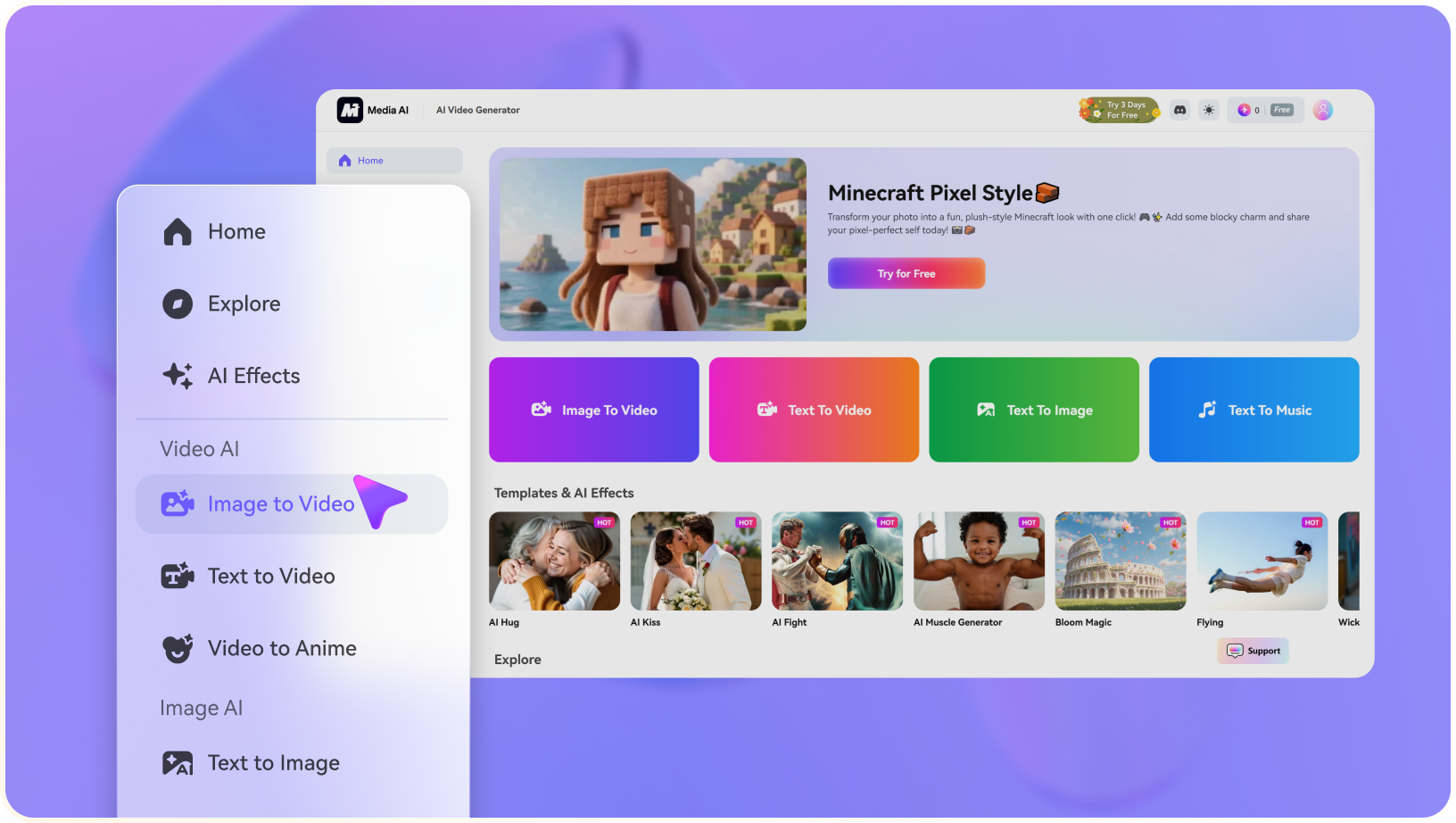
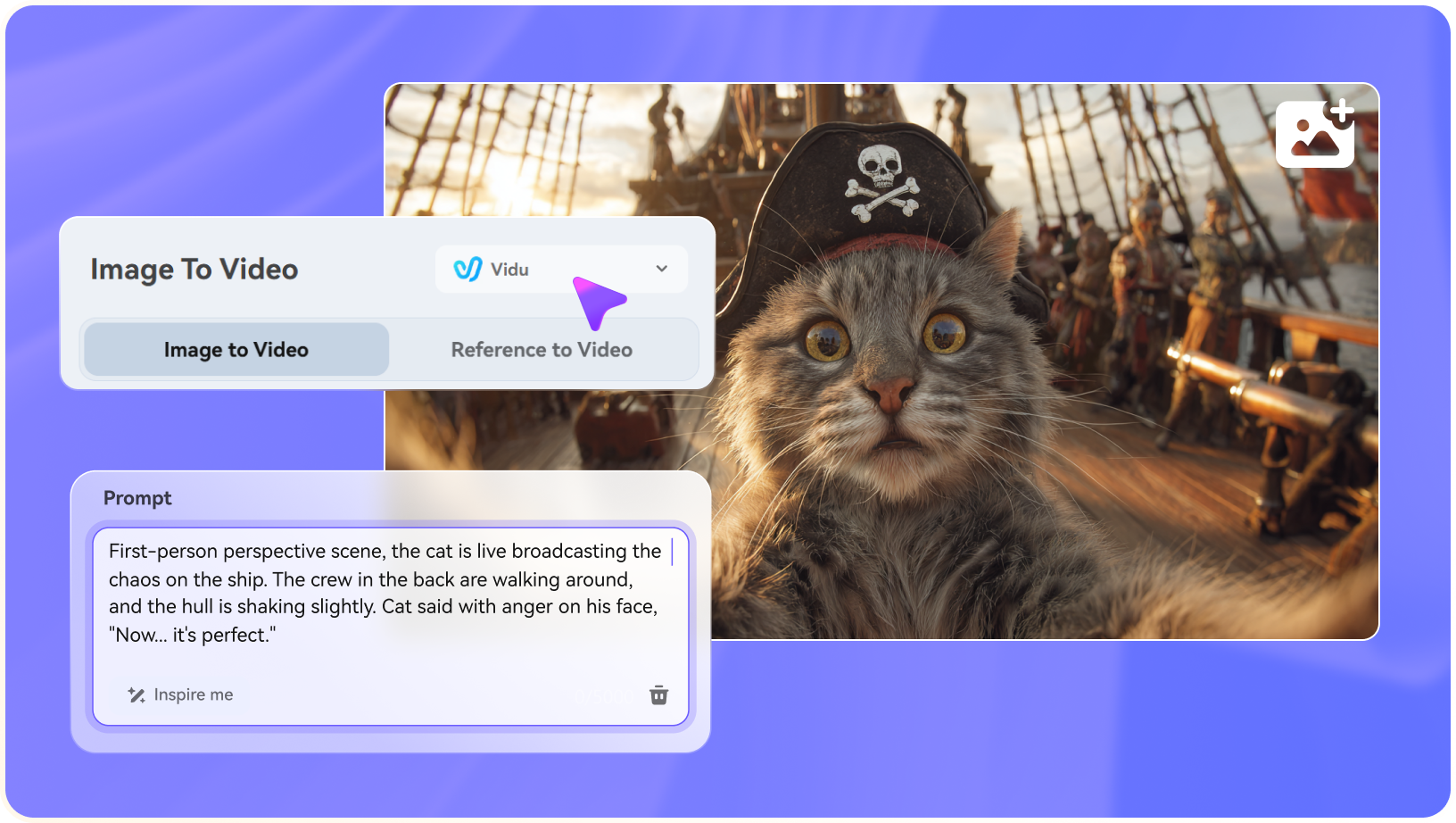
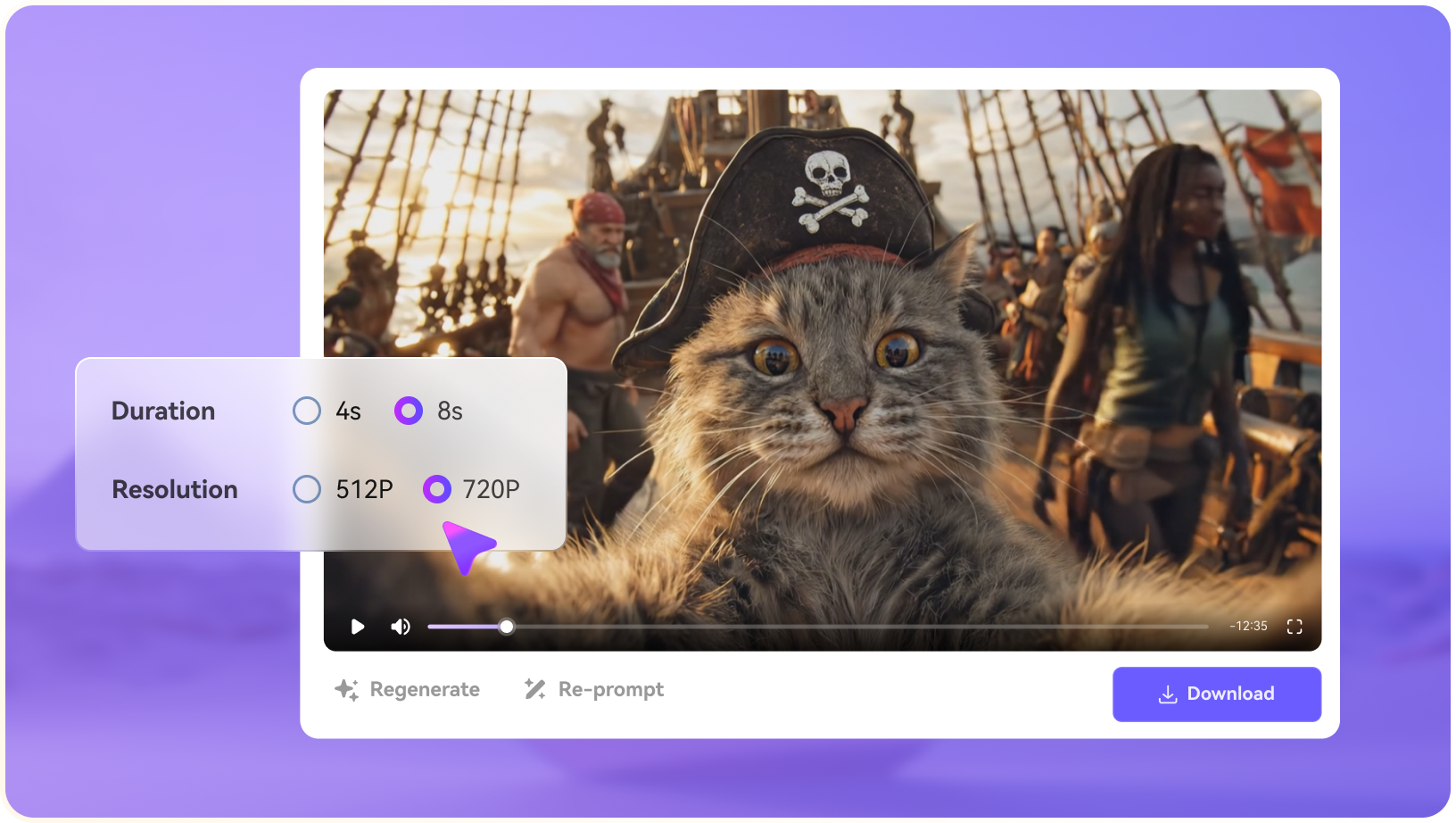
Illustrative Media.io creation workflow graphic, not a Komiko AI product screenshot

Komiko AI Anime Generator and Style Tools

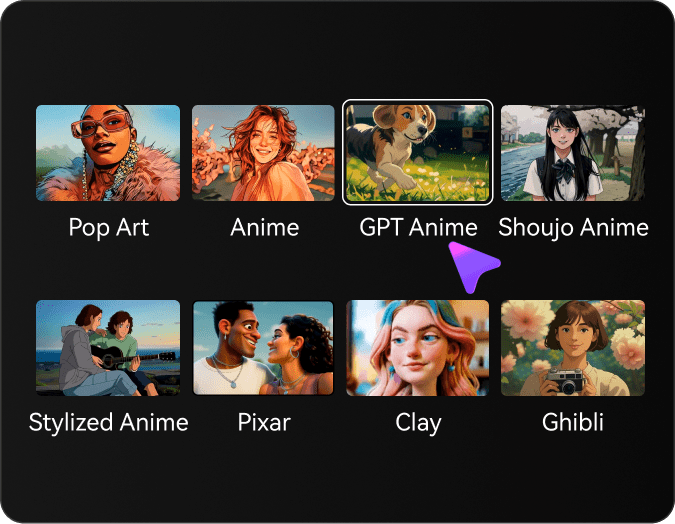
Its Image Playground and anime-art tools provide style changes, filter concepts and character imagery. An illustrator can experiment with tone, color and camera framing quickly. Check whether the chosen model preserves important character features when transforming an uploaded sketch or reference.

Illustrative Media.io creation workflow graphic, not a Komiko AI product screenshot

Komiko AI Comic Generator and Comics Canvas

Dedicated comics tools support visual sequences rather than isolated illustrations. Plan speech bubbles, reading direction and panel continuity before generating artwork; the AI should not be trusted to produce final dialogue lettering without proofreading.

Illustrative Media.io creation workflow graphic, not a Komiko AI product screenshot

Line Art Cleanup and Coloring

Sketch simplification, line-art colorization and inpainting-related utilities address real illustration-production tasks. For artists working from hand-drawn originals, clean line boundaries and consistent flat colors may matter more than photorealistic model quality.

Illustrative Media.io creation workflow graphic, not a Komiko AI product screenshot

Komiko AI Animation Generator and Talking Head

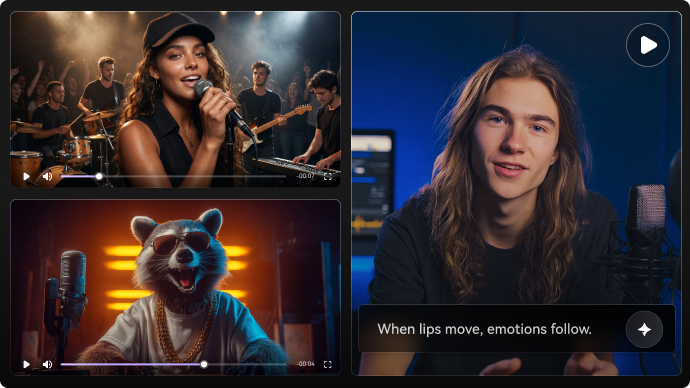
Komiko lists image animation, talking heads, in-betweening and video-to-video processing. These help translate a still character into motion, though facial consistency, timing and lip sync should be reviewed on a short sample before a longer sequence.

Illustrative Media.io creation workflow graphic, not a Komiko AI product screenshot

Video Models and Zaps Metering

Its catalog includes multiple video model families. Official pricing lists Zaps allowances and concurrent video-job limits, with higher tiers producing more images or videos. A comic-focused creator needs to forecast both panel iterations and animated clips to choose an appropriate plan.

Illustrative Media.io creation workflow graphic, not a Komiko AI product screenshot

How to Animate an Anime Character Image with Media.io

1
2
3
1
Step 1: Start with a Character Image

Use a clear, permissioned character image with consistent clothing and an uncluttered composition.

2
Step 2: Describe the animation

Choose a simple movement and camera behavior that keeps key facial and costume details visible.

3
Step 3: Generate and inspect

Review identity, line detail and motion, and regenerate only the section that needs improvement.

Illustrative Media.io creation workflow graphic, not a Komiko AI product screenshot

Komiko AI Scenarios for Artists and Storytellers

Character-centered creation is where Komiko differs from a generic text-to-video interface.

Original Character Launch Sheet

Establish front, side and expression references for a recurring character before developing comics or promotional art. For an alternative way to stylize moving artwork, explore watercolor video animation.

One-Page Manga Story

Plan panel count, reading order and dialogue first, then create scene artwork with consistent cast references.

Animate a Drawing for Social Media

Start with an approved illustration and add subtle head or hair motion; check for unwanted changes in the line art.

Character Dialogue Test

Use a talking-head feature to preview a short line of dialogue. Human-like speech and expressive faces require close timing review.

Colorize Existing Line Art

Apply AI color to a hand-drawn scene and compare boundaries, shading and palette against the artist's intention.

Indie Animation Previsualization

Test timing and rough action before expensive manual animation. Keep expectations appropriate for a planning asset, not a fully polished production shot.

Komiko AI Limits Artists Should Budget For

The published Zaps system, daily rewards and plan restrictions are more decision-relevant than a generic list of supported models.

Zaps Reset and Do Not Roll Over

Komiko states that unused subscription Zaps do not carry into the next billing cycle. Monthly animation schedules should account for actual production cadence, not only total quota.

Daily Zaps Expire at Midnight

Its pricing FAQ says Free users can claim 80 daily Zaps, and paid users receive higher daily amounts. Daily Zaps are spent first and expire at local midnight, which affects sporadic production schedules.

Video Uses More Budget Than Still Images

The Starter tier advertises up to 800 images or 40 videos on 5,000 monthly Zaps. These are indicative ceilings, not guarantees that mixed jobs will both reach the maximum.

Watermark and Plan Rights Differ

Paid tiers list no watermark and higher concurrency, while Free access follows different entitlements. Always verify export restrictions and commercial-use rights for your intended channel.

Paid Tier Changes Have Limitations

Komiko's FAQ says upgrades between different paid plans are not currently supported via standard self-service. Contact support before choosing a plan for a fluctuating workload.

AI Character Consistency Needs Checking

Character sheets and references help, but details can drift across panels, in-between frames or video-to-video conversions. Establish a visual bible and manually compare key shots.

Komiko AI vs Media.io: Anime Studio or Flexible Creator?

Komiko organizes tools around anime illustration and comics. Media.io can be a suitable adjacent option for individual character images, animations and video finishing.

Decision Factor Komiko AI Media.io
Core audience OC creators, manga artists and anime animators General creators making character images and video
Character references Dedicated OC Maker and character sheet Image generation with relevant references where supported
Comic layout Comics Canvas and panel generation Separate AI comic or image-oriented workflows
Line art Cleanup, colorization and expression tools Dedicated image-editing and style utilities
Animation Talking head, in-betweening and V2V Image-to-video and specialized video effects
Video models Broad catalog, subject to Zaps Model access varies by selected Media.io tool
Free allowanceSignup Zaps plus daily claimCheck current trial terms by task
Paid plans Starter/Plus/Premium with Zaps quotas Confirm Media.io credit cost per generation
Best fit Serialized anime, manga and character workflow A focused illustration-to-video or image-edit task
Best for Komiko AI Projects

Choose Komiko AI If You Need:

Choose Komiko if your workflow revolves around original characters, comics, line art and repeated anime scenes, where integrated drawing and animation tools save context switching.

  • Design original characters with reusable sheets and named visual details.
  • Lay out manga panels and sequential comics inside a dedicated canvas.
  • Colorize line drawings, simplify sketches or adjust character expressions.
  • Animate still art with talking-head, in-betweening and video-to-video tools.
  • Plan Zaps usage across image and video jobs, daily rewards and monthly resets.
Visit Komiko AI
Best for Connected Creation

Choose Media.io If You Need:

Choose Media.io if you need a specific AI character image or a short animation from existing art, followed by separate editing or enhancement rather than full comics production. If a script-led cartoon sequence matters more than comic panels, consider the 2D animated story maker.

  • Create an isolated AI character portrait rather than a complete manga series.
  • Animate an existing approved image for a short social clip.
    • Use specialized image effects and scene-making tools as needed.
  • Turn a prepared animation concept into a short story-based video.
  • Enhance or edit a final video without adopting a character/comic workspace.
Animate an Image

Komiko AI Verdict for Anime Creators

Our Take

Komiko has unusually clear domain specialization: it begins with character creation and extends into comics, image treatment and animation. That can be valuable for hobbyist manga artists and OC-focused creators who repeatedly use the same character.

The most important subscription detail is the Zaps model. Starter, Plus and Premium increase allowance and concurrent video creation, while subscription Zaps do not roll over and daily Zaps expire each day. A mixed comic-and-video project should be costed before subscription.

Choose Komiko for multi-panel illustration and character-centric projects. Choose Media.io for a more targeted anime image or image-to-video job. Neither tool replaces checking visual continuity, dialogue lettering, source ownership and usage rights.

Komiko AI Frequently Asked Questions

What is Komiko AI?
faq faq

Komiko AI is a character-focused creative platform with an OC Maker, anime art tools, comics canvas, line-art utilities and animation or video-to-video features.

Yes. It lists Comics Canvas and AI Comic Generator alongside character-design tools. Artists should still approve panel order, dialogue and character consistency.

Komiko lists AI Animation Generator, AI Talking Head, video-to-video and other animation tools. Check the chosen model's clip-length and Zap cost before generating a series.

Yes. New users receive signup Zaps and can claim daily Free Zaps. Komiko's pricing FAQ says daily credits expire at midnight in the user's local time.

The official pricing page shows Starter at $9.99 monthly with 5,000 Zaps, Plus at $19.99 with 15,000, and Premium at $49.99 with 50,000 on its monthly view. Verify live checkout.

No. Its FAQ says unused subscription Zaps reset at the billing cycle. Daily Zaps have a separate same-day expiration rule.

The official tool directory lists multiple video model families including Kling, Wan and Veo. Specific available versions and price per job should be checked in the current interface.

Yes. Its OC Maker and character-sheet tools are designed for character design. References improve continuity, but you should inspect every panel and animated shot.

Media.io offers image-to-video and character-oriented image tools. It may suit a short motion or single-image task, while Komiko has stronger comic-specific organization.

What Media.io Creators Say About Their Workflow

Media.io AI video generator user
Sarah L.

Content Creator

star star star star half star

Media.io makes it much easier to test different AI video styles without jumping between several platforms. I can start with a text prompt or image, compare model results, and then resize or polish the clip for social media in the same workspace.

Media.io AI video creator
John D.

Social Media Marketer

star star star star half star

I use Media.io to create quick product clips, ad concepts, and short-form videos from images. The biggest advantage is that generation does not feel like the final step - I can continue with music, captions, enhancement, and format conversion before publishing.

Media.io AI video editing user
Emily T.

Freelance Designer

star star star star half star

The workflow is approachable even when I am experimenting with unfamiliar AI models. I can animate artwork, try different motion prompts, preview the output, and prepare a cleaner final version without needing advanced video-editing experience.

Media.io Online Tools Quality Rating:
vote 4.7 (162,357 Votes)
media.io

AI Video Generator star

Easily generate videos from text or images

Generate