
Authentic Watercolor Brushstrokes
Experience the organic bleed and texture of real watercolor paper. Unlike cheap filters, our AI simulates hand-painted art with soft edges and fluid color blending.
Transform any video into a dreamy watercolor painting animation in seconds. Add soft brush strokes, fluid color blending, and artistic texture while keeping motion natural and smooth. Perfect for wedding clips, travel vlogs, aesthetic reels, and storytelling videos.
Free credits on signup/login.
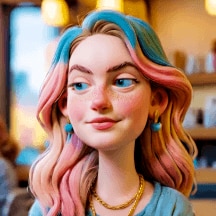
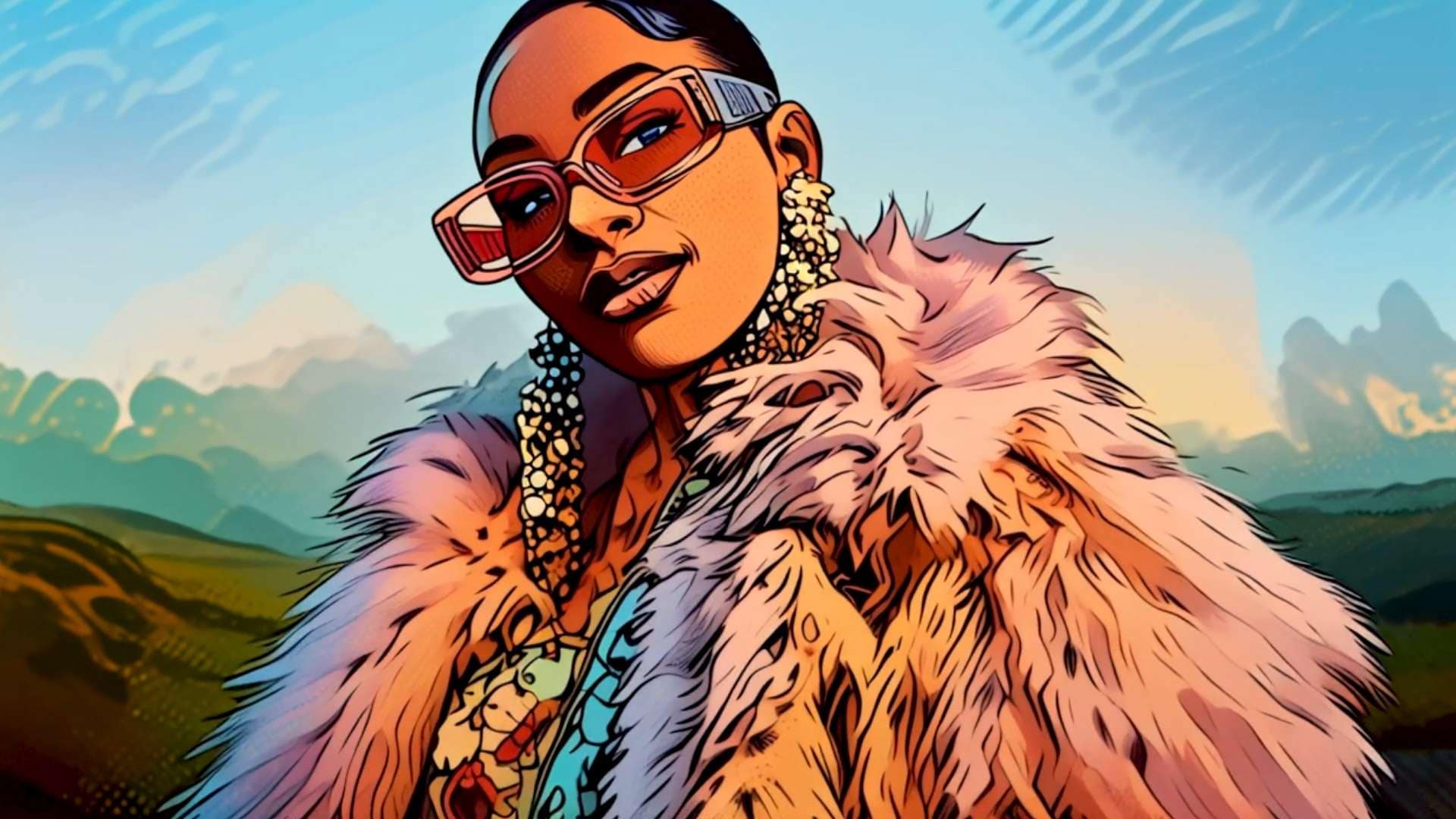
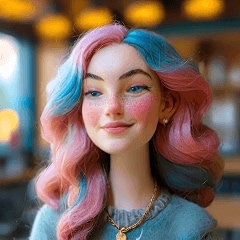
Experience the organic bleed and texture of real watercolor paper. Unlike cheap filters, our AI simulates hand-painted art with soft edges and fluid color blending.
Say goodbye to flickering AI videos. We prioritize frame consistency, ensuring your watercolor animation flows naturally without losing facial details or identity.
Instantly elevate your footage with dreamy, fine-art lighting. Perfect for adding a romantic, nostalgic feel to wedding highlights, baby videos, and storytelling reels.
No complex editing skills required. Upload your video, apply the watercolor style, and download a watermark-free artistic masterpiece in seconds.
Upload the video clip you want to transform to Media.io. Whether it's a vlog, wedding highlight, or Instagram reel, we handle various formats.
Choose the Watercolor Animation style from our AI video effects library to instantly apply the soft, hand-painted aesthetic to your footage.
Preview the smooth animation, generate the final video, and download your artistic watercolor video watermark-free to share instantly.

Aesthetic Content Creator

“My reels look like paintings now.” I wanted my travel clips to have a soft, artistic vibe for Instagram. This watercolor animation tool makes the motion so smooth, unlike other jittery filters I've tried.

Wedding Videographer
“Clients love this romantic touch.” I use the watercolor video effect to turn wedding highlights into fairytale art. It keeps the couple's faces recognizable while adding a premium, dreamy texture.

Indie Filmmaker
“Perfect for music video visuals.” I needed a specific hand-painted style for a project. Media.io's AI turned the footage into a watercolor painting with amazing color bleed effects that look handcrafted.

Family Memory Keeper
“A beautiful way to save memories.” I turned a video of my baby's first steps into a soft artistic video. It feels so much more emotional and timeless than just a regular phone video.
You can easily turn a video into a watercolor painting using Media.io's AI Video-to-Video tool. Simply upload your clip, select the Watercolor Animation filter, and the AI will process it frame-by-frame to create a fluid, hand-painted aesthetic.
No, Media.io specializes in smooth motion preservation. Unlike standard style transfer tools that flicker, our AI watercolor video engine maintains temporal consistency, ensuring your subject moves naturally within the painted environment.
Absolutely! The soft art video effect is perfect for romantic content. It adds a cinematic, dreamy filter that enhances emotional moments like wedding highlights, proposals, or couple aesthetic edits while keeping faces beautiful and recognizable.
Yes, Media.io offers free credits upon signup so you can test the watercolor animation filter. You can generate your artistic video online and download it without a watermark by using your credits.
Media.io accepts most common video formats including MP4, MOV, and WEBM. Whether it's a short vertical clip for TikTok/Reels or a horizontal travel vlog, you can apply the watercolor video effect seamlessly.
 4.7 (162,357 Votes)



