Core Feature Overview
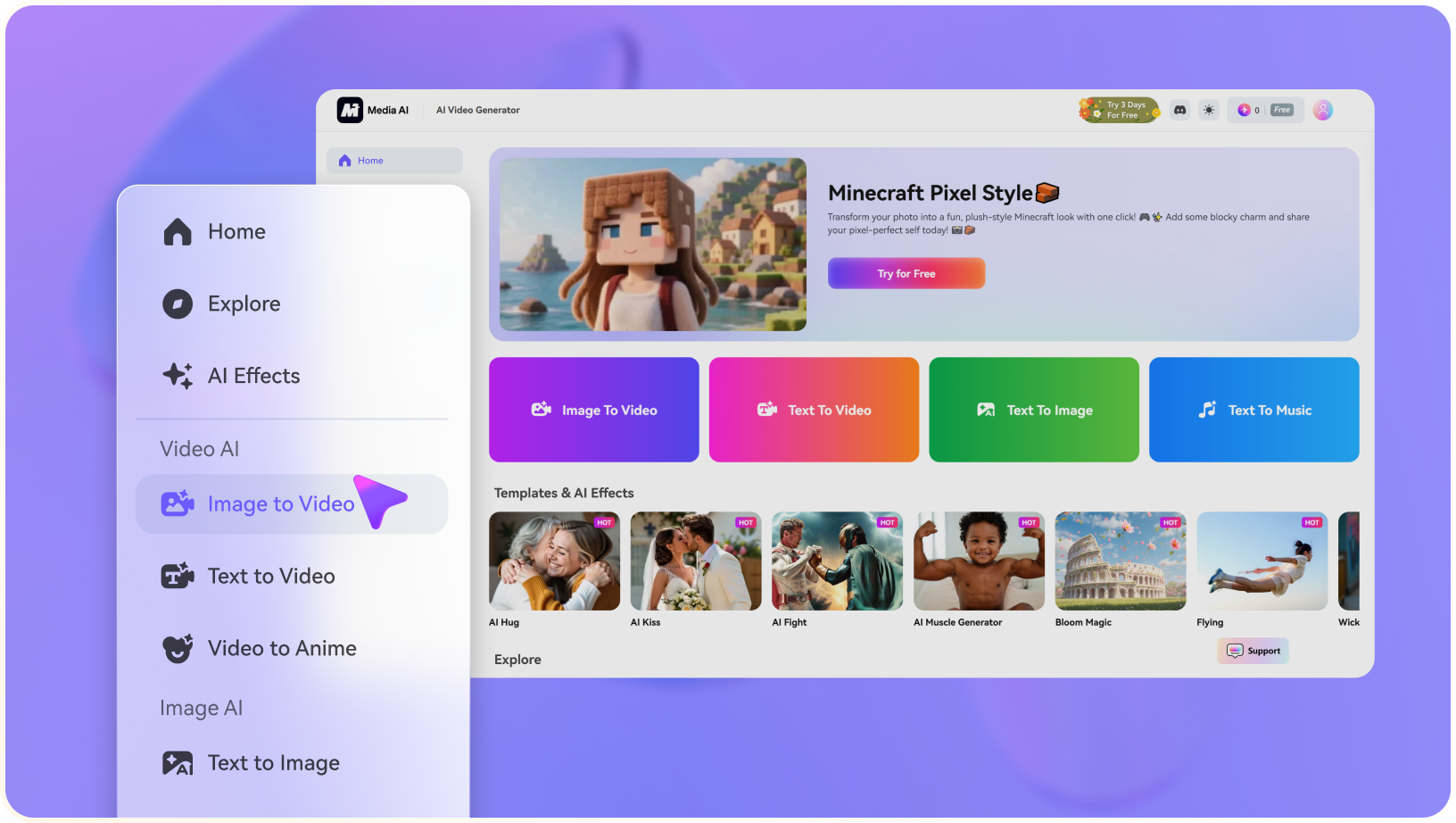
- Customized MiniMax H3 Video Generation: The Video Studio describes H3 as its main generation model, with options for prompt-led shots and synchronized audio. Do not assume every outside H3 feature is exposed in Flat AI.
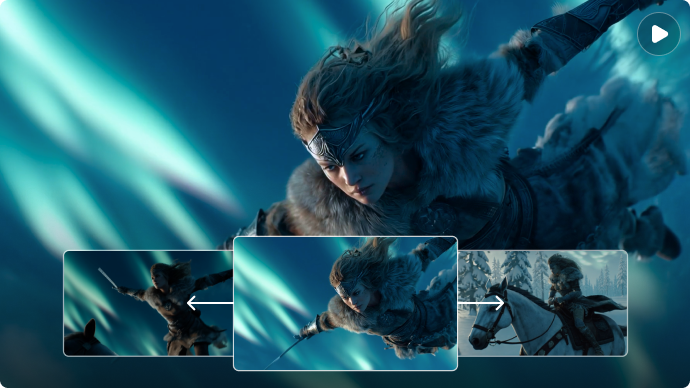
- First and Last Frame Control: An image can define the opening frame and optionally an ending frame for a guided transition. The product describes these core video modes as short clips up to 10 seconds.
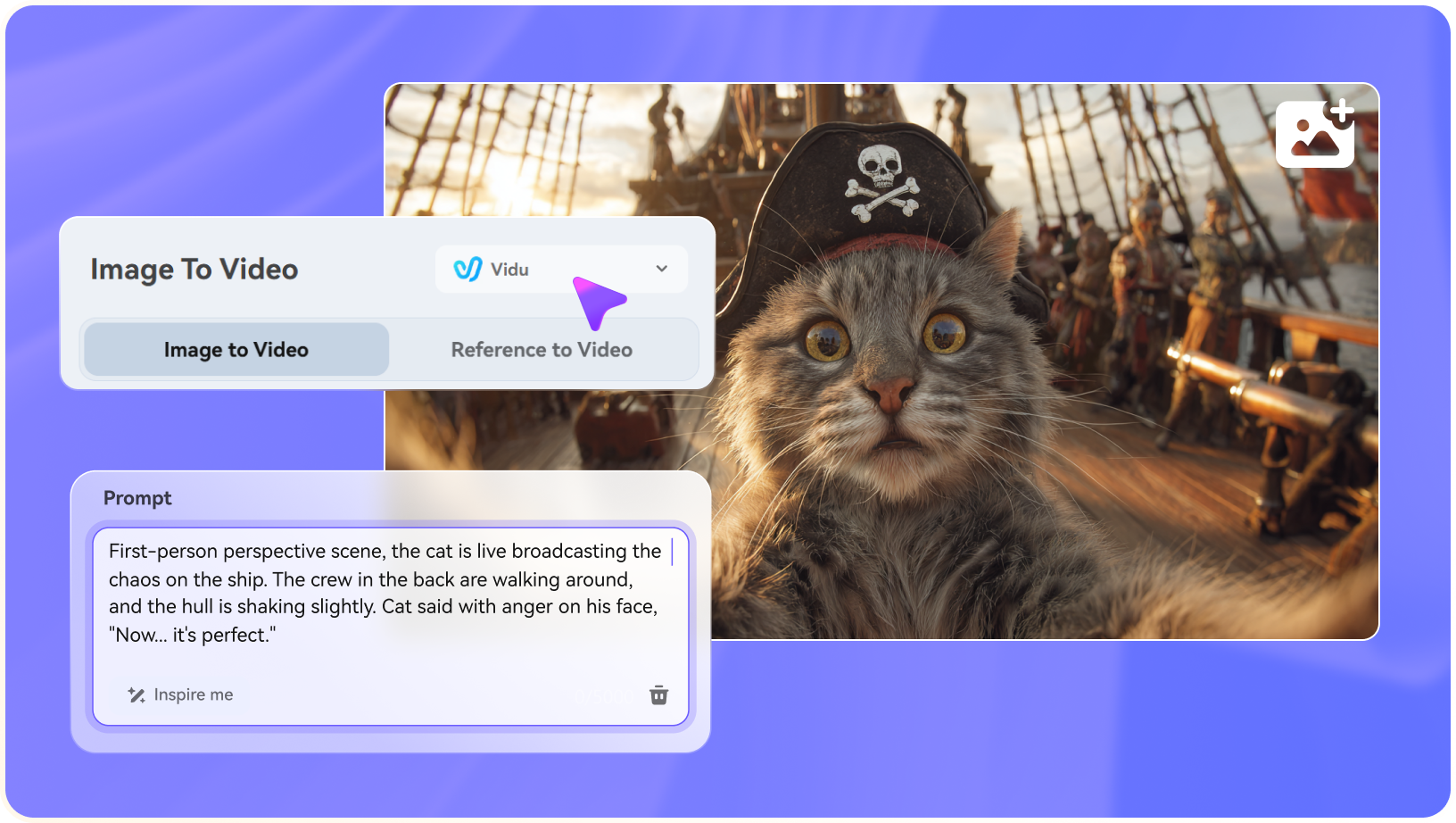
- Multi-Reference Video Creation: Reference to Video supports up to five images, one video and one audio reference in the documented composer. Each asset should have a clear intended role.
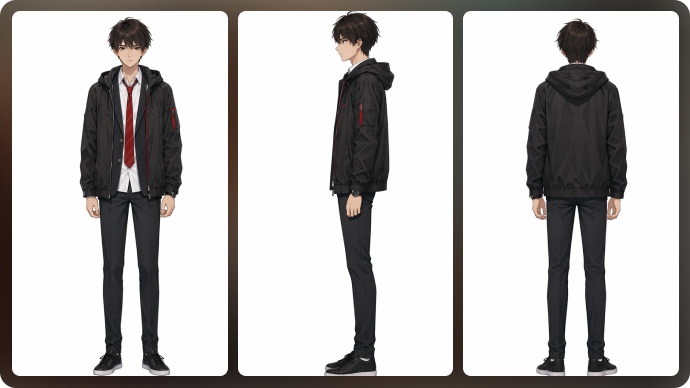
- Multi-Angle Character Sheets: Character Studio can create sheets, orbit-like views and separate angles. Reuse the selected look as a guide rather than assuming perfect identity on every shot.
- Image Creation and Editing: Flat AI includes image generation and edits with up to five image references, including preservation-oriented modes. Source details can still change.
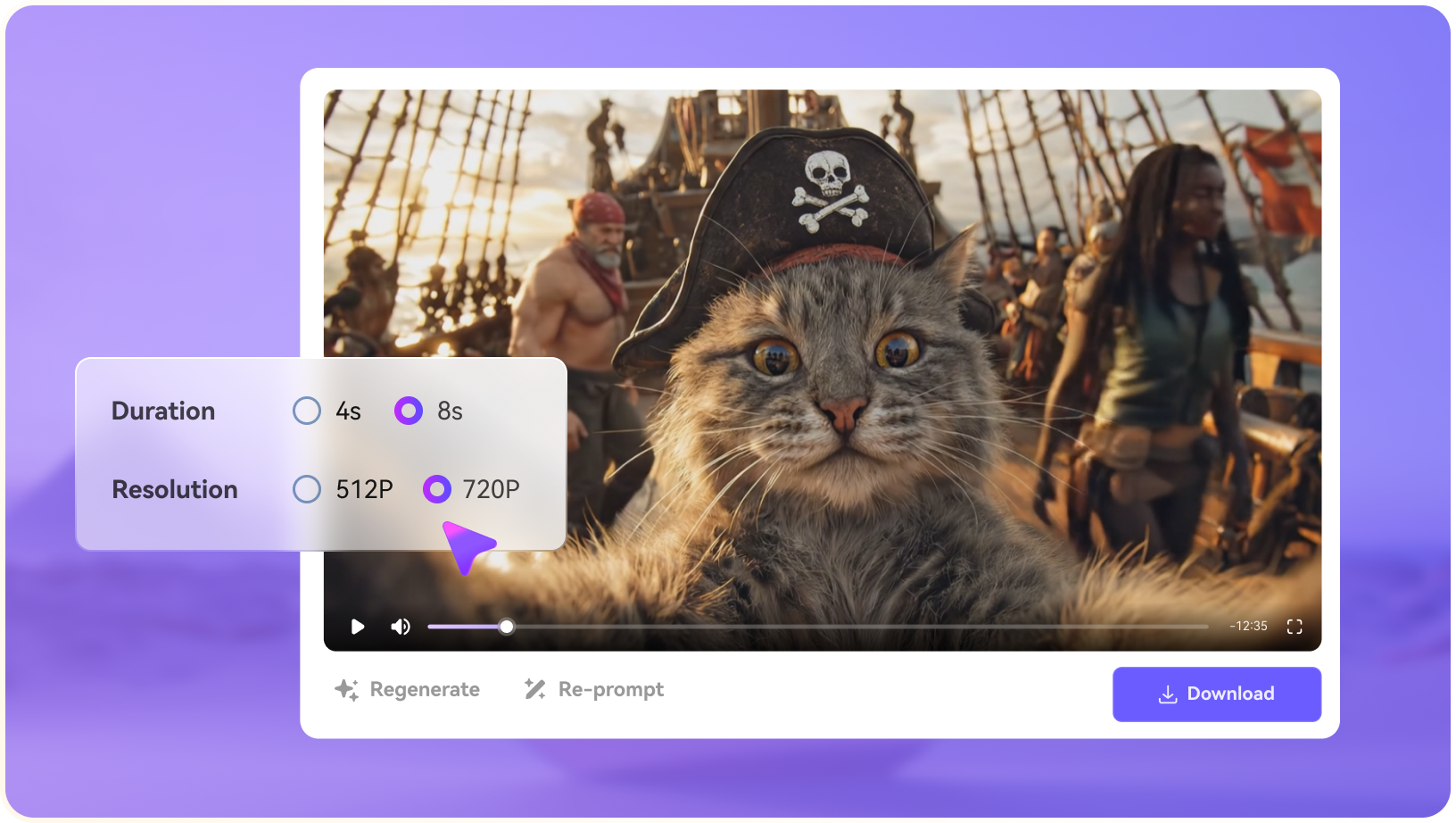
- Video Extension and Optional Upscale: Users can extend compatible clips or upscale results while retaining audio according to the product description. Check input compatibility and export limits in the live interface.