Home>Comparison>Buzzy AI Video Generator

Buzzy AI Video Generator: Storyboards, Camera and Relighting

Directors need to know whether the same character, prop and location will survive the jump from concept board to final clip. Buzzy AI Video Generator, branded as BuzzyAI.Video, promotes a Director Canvas with a 3-by-3 multi-camera storyboard, camera manipulation and real-time relighting. Its public plans emphasize generation counts and studio controls, rather than a fully documented shot-by-shot cost model. The key buying question is how much of that promised creative consistency is available at the selected tier.

Primary Features of Buzzy AI Video Generator

Buzzy AI Video Generator is a director-oriented AI video studio offering image- or prompt-led storyboard grids, multi-angle camera control, relighting, multi-model rendering and plan-dependent high-resolution exports.

Core Feature Overview

Nine-Shot Storyboard Planning

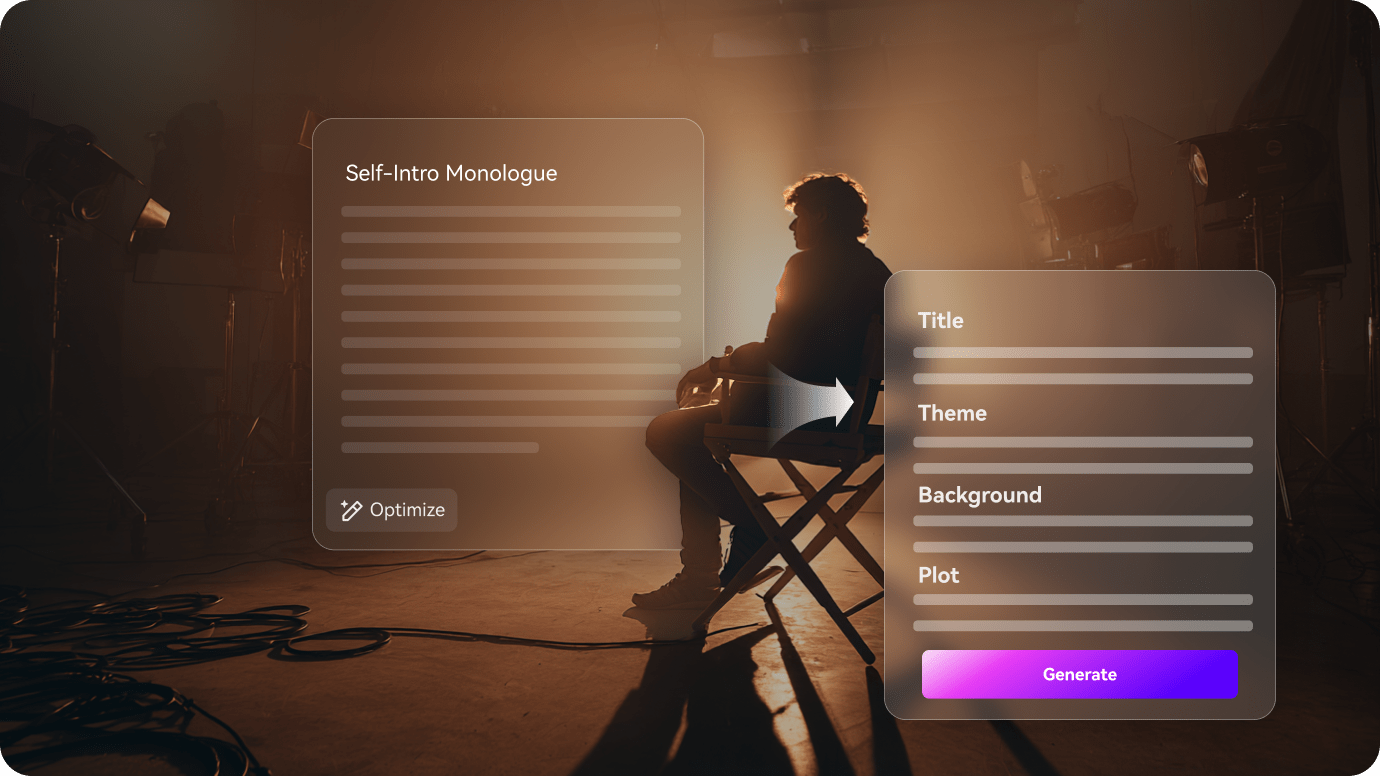
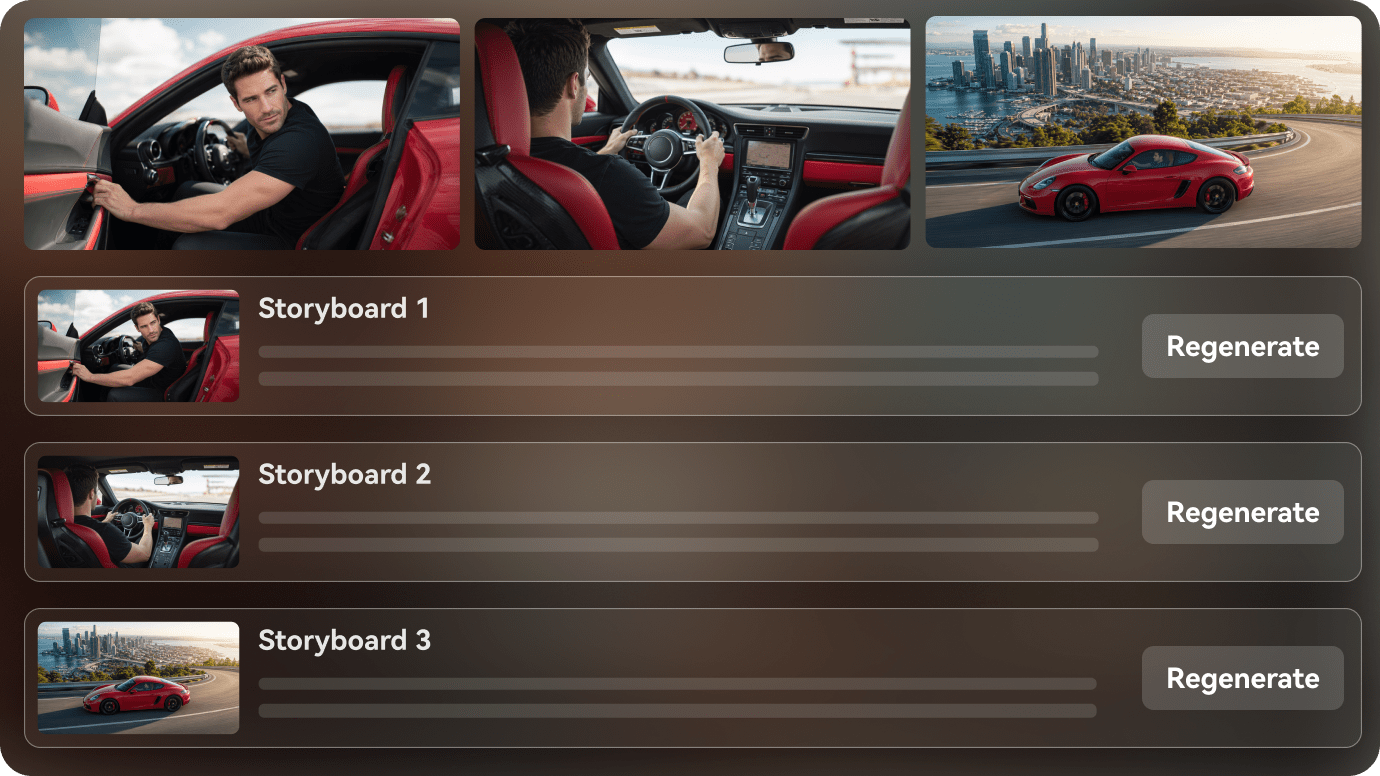
The official product site presents an image or prompt as the starting point for multiple camera treatments. For a director, the benefit is seeing a plausible edit sequence before paying for each finished clip. Inspect whether the storyboard preserves character identity and prop placement across a specific test rather than treating a consistency claim as a guaranteed result.

Illustrative Media.io creative workflow graphic, not a Buzzy AI Video Generator interface screenshot

Character and Location Continuity Controls

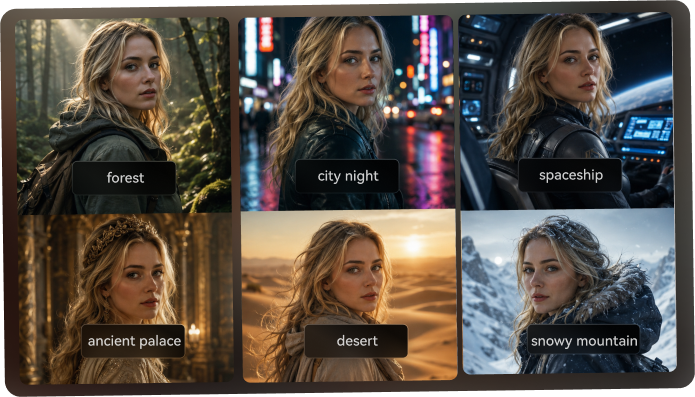
Continuity is important for social ads where a product needs to remain the same shape while camera framing changes. The website markets consistency within its canvas, but public claims do not replace validating sample outputs with a real branded item. Compare the first and last storyboard frames for drift.

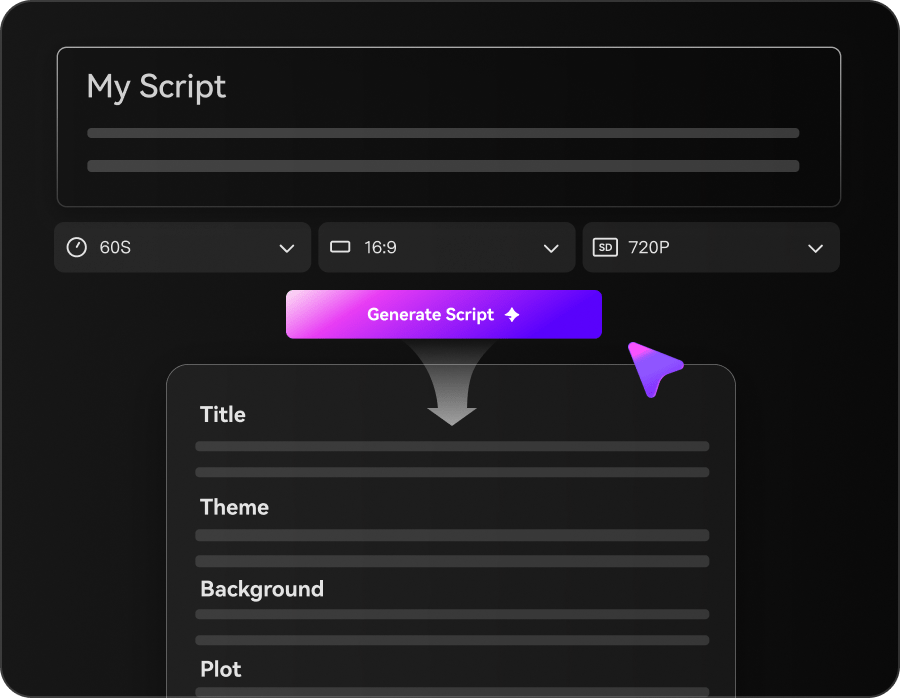
Illustrative Media.io creative workflow graphic, not a Buzzy AI Video Generator interface screenshot

Multi-Angle Camera Steering

Instead of describing every camera move in prose, the user adjusts direction through visual controls. This is useful for previsualizing a product reveal or action scene. The amount of real physical camera movement available in each supported rendering model still needs to be checked in the active editor.

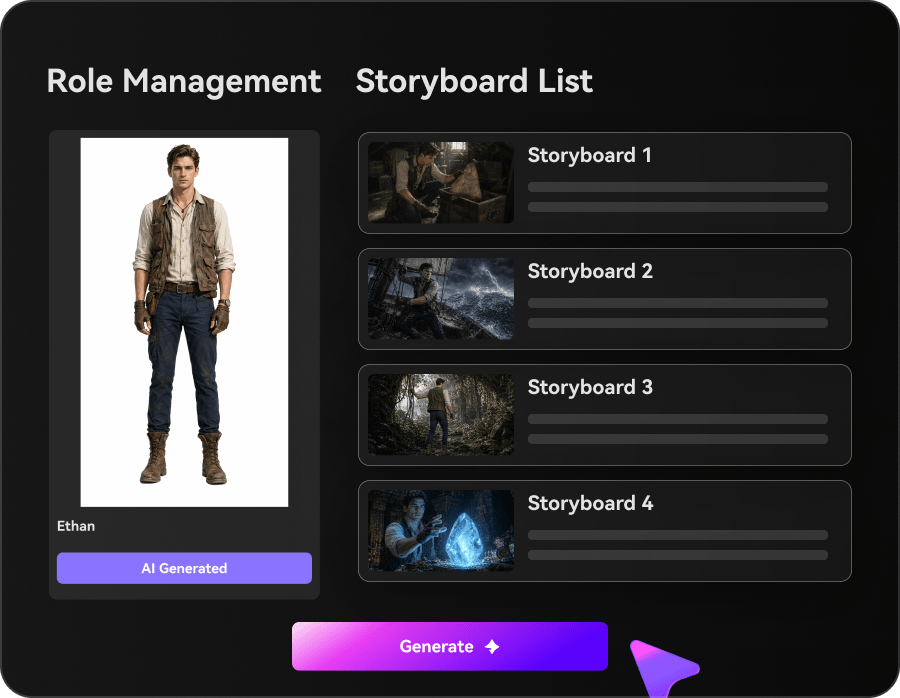
Illustrative Media.io creative workflow graphic, not a Buzzy AI Video Generator interface screenshot

Live Relighting for Visual Mood

A director can test a warm commercial aesthetic against a colder nighttime treatment while retaining the concept. Buzzy also references rim light control. Treat these adjustments as creative guidance; complex reflections and material behavior are best reviewed in the final rendered output.

Illustrative Media.io creative workflow graphic, not a Buzzy AI Video Generator interface screenshot

Multiple Video Model Choices

A model menu can make it easier to pick different engines for action and beauty footage. However, model availability and access can change, and the landing page makes some ambitious claims without a detailed public per-model price matrix. Confirm the actual selectable model list in your account before relying on a specific brand name.

Illustrative Media.io creative workflow graphic, not a Buzzy AI Video Generator interface screenshot

4K Exports and Studio Collaboration

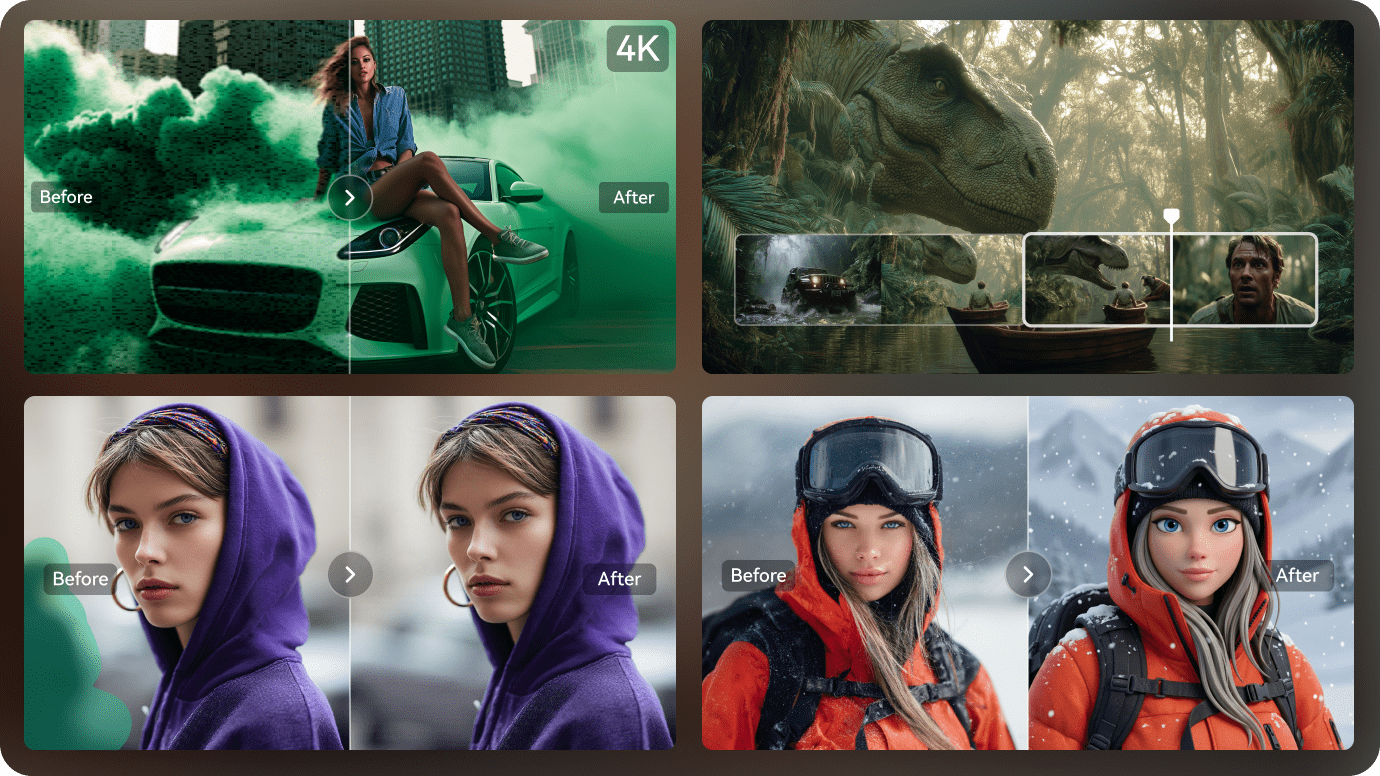
Buzzy lists 720p for Starter and 4K options for Creator and Studio; Studio also advertises shared space, API and commercial licensing. These are different purchasing use cases. A solo creator should not pay for team APIs based on output resolution alone, and should confirm current terms at checkout.

Illustrative Media.io creative workflow graphic, not a Buzzy AI Video Generator interface screenshot

How to Create a Multi-Scene Video From One Story Idea

1
2
3
1
Prepare your story outline

Write a detailed script or story outline covering the main subject, characters, scene order, setting, and desired mood before generating the video.

2
Guide the scenes

Set the visual style and scene direction, add character references, and review the generated storyboard to ensure each scene follows your original story idea.

3
Generate and polish

Generate the multi-scene video with voiceover and music, review scene continuity, regenerate inconsistent shots, and export the finished sequence.

Illustrative Media.io step image for Buzzy AI Video Generator comparison, not a competitor interface screenshot

Buzzy AI Video Generator Use Cases for Shot Planning

Plan front, side and overhead shots of the same packaged product before choosing which angles deserve a final render. Creative directors needing visual camera and lighting controls should inspect Buzzy, while story-led content teams may prefer Media.io's multi-scene flow.

Multi-Angle Product Reveal

Plan front, side and overhead shots of the same packaged product before choosing which angles deserve a final render.

Short Film Previsualization

Arrange a nine-shot sequence so a small crew can discuss visual continuity and planned cuts. For a corresponding Media.io workflow, see Script To Video.

Beauty Campaign Lighting Test

Compare dramatic rim lighting against soft frontal lighting on a consistent campaign reference.

Social Ad Storyboard Pitch

Show an agency client several coherent frames before committing to a paid video production round.

Character-Led Creative Concept

Attempt to retain a recognizable protagonist across close-ups, medium shots and environmental scenes. For a corresponding Media.io workflow, see AI Camera Movement Effect.

Team Studio Workflow

Review multiple rendered shots with colleagues and decide whether API or collaborative entitlements justify Studio.

Buzzy AI Video Generator Pricing and Storyboard Limits

The company markets locked visual identity across shots, but users should compare outputs before counting on perfect retention. The landing page cites a range of model names; the actual account menu, versions and pricing need live confirmation.

Continuity Is a Marketing Claim Until Tested

The company markets locked visual identity across shots, but users should compare outputs before counting on perfect retention.

Public Model List May Shift

The landing page cites a range of model names; the actual account menu, versions and pricing need live confirmation.

Subscription Generations Have Distinct Caps

The pricing page lists Starter at 20 monthly generations and Creator at 500, with higher team-level entitlements for Studio.

Resolution and Clip Length Are Tiered

The public Creator and Studio descriptions mention 4K and 30-second clips; Starter is positioned with 720p output.

Team API Is Not a Basic Feature

Studio advertises API access and collaboration, which should not be inferred for Starter or lower-cost individual usage.

No Independent Output Benchmark Provided

Camera behavior, identity continuity and relighting quality should be assessed from an actual sample before committing to a large campaign.

Buzzy AI Video Generator vs Media.io for Multi-Shot Work

Buzzy positions its Director Canvas around shot planning, camera and lighting choices. Media.io serves a different goal when a creator wants to translate a script into a short scene sequence without investing in a dedicated storyboard control environment.

Decision Factor Buzzy AI Video Generator Media.io
Primary objective A visual director evaluating framing and lighting across shots may value Buzzy's camera cube and storyboard grid more than a generic text prompt interface. Media.io is better aligned with writers and creators whose priority is converting a narrative outline into a playable short video, rather than tuning individual camera cubes inside a visual directing canvas.
Starting assets The Director Canvas organizes one visual idea into a 3-by-3 grid of camera views. The official product site presents an image or prompt as the starting point for multiple camera treatments. Write a visual outline that identifies the subject, scene order, camera composition and desired mood before generating footage.
Creative controls Continuity is important for social ads where a product needs to remain the same shape while camera framing changes. The website markets consistency within its canvas, but public claims do not replace validating sample outputs with a real branded item. Compare the first and last storyboard frames for drift. Describe character actions and locations in the script.
Revision workflow A director can test a warm commercial aesthetic against a colder nighttime treatment while retaining the concept. Buzzy also references rim light control. Treat these adjustments as creative guidance; complex reflections and material behavior are best reviewed in the final rendered output. Review subject continuity across every shot, replace any inconsistent scene and export the storyboard-inspired sequence.
Delivery and use A model menu can make it easier to pick different engines for action and beauty footage. However, model availability and access can change, and the landing page makes some ambitious claims without a detailed public per-model price matrix. Confirm the actual selectable model list in your account before relying on a specific brand name. Regenerate individual scenes when the narrative does not flow.
Pricing and allowances BuzzyAI.Video lists Starter $1/month with 20 generations, Creator $15/month with 500, and Studio $49/month with a published unlimited-generation claim; discount displays vary by billing period. The recommendation is specifically about generating a sequence from story beats instead of Buzzy camera-board controls. Review the Create a Multi-Scene AI Video tool for its own credit terms and required input files.
Relevant limitationsThe company markets locked visual identity across shots, but users should compare outputs before counting on perfect retention. The landing page cites a range of model names; the actual account menu, versions and pricing need live confirmation.Finish a video intended for social or presentation use.
Ideal audience Creative directors needing visual camera and lighting controls should inspect Buzzy, while story-led content teams may prefer Media.io's multi-scene flow. Media.io is better aligned with writers and creators whose priority is converting a narrative outline into a playable short video, rather than tuning individual camera cubes inside a visual directing canvas.
Purchase decision Compare nine planned angles around one source visual. Use storyboard consistency controls for a recurring character. Build a short scene sequence from written story beats. Regenerate individual scenes when the narrative does not flow.
Best for Buzzy AI Video Generator

Choose Buzzy for Director Canvas Previsualization

A visual director evaluating framing and lighting across shots may value Buzzy's camera cube and storyboard grid more than a generic text prompt interface.

  • Compare nine planned angles around one source visual.
  • Explore relighting and camera positioning before full generation.
  • Use storyboard consistency controls for a recurring character.
  • Check whether the relevant studio model and export tier are included.
  • The paid Creator and Studio tiers advertise higher-resolution output, priority and team-level features.
Visit Buzzy AI Video Generator
Best for Media.io

Choose Media.io for Multi-Scene Story Production

Media.io is better aligned with writers and creators whose priority is converting a narrative outline into a playable short video, rather than tuning individual camera cubes inside a visual directing canvas.

  • Build a short scene sequence from written story beats.
  • Describe character actions and locations in the script.
  • Regenerate individual scenes when the narrative does not flow.
  • Finish a video intended for social or presentation use.
Create a Multi-Scene AI Video

Buzzy AI Video Generator Review: Final Verdict for Buyers

Our Take

Buzzy is most interesting for its promise of director-like controls, not simply for offering AI video generation. A visual storyboard, a camera adjustment interface and lighting controls could help production teams discuss shots with greater precision.

That value is contingent on model availability, output quality and limits in the actual account. The website's headline consistency and resolution statements are not substitutes for production testing, and its plan display should be confirmed at checkout.

Choose Buzzy when your main work is camera composition and visual preproduction. Choose Media.io when you already have a story outline and want to turn it into a sequence of videos with less shot-level tool configuration.

Buzzy AI Video Generator FAQ: Features, Costs and Alternatives

What is the Buzzy AI Video Generator Director Canvas?
faq faq

The official site presents a connected storyboard, camera-control and relighting workspace. Users start from an image or prompt and explore several shot directions before rendering a video.

Its public workflow describes a 3-by-3 multi-camera storyboard grid. It is intended to help users plan several framings of a subject; final identity consistency should be checked from generated examples.

The product describes starting from a prompt or an uploaded image and progressing toward rendered shots. Confirm the model-specific input mode in the active editor for the type of clip you need.

The official pricing page shows Starter at $1 per month, Creator at $15 and Studio at $49 on standard monthly display, with discounts on annual billing. Each tier has different output and generation entitlements.

The website promotes trying the canvas and starter access, but the visible pricing grid lists a $1 Starter plan rather than an unconditional permanent zero-cost tier. Verify trial availability before assuming free renders.

Creator and Studio plan descriptions advertise 4K output. Starter is listed at 720p, so buyers should confirm the specific model and resolution configuration after choosing a paid plan.

The Studio offer advertises commercial licensing and API access. Do not assume the same permissions apply to individual Starter or Creator tiers without reading current terms.

The site describes locking characters, props and locations across the storyboard. As with other generative workflows, a buyer should validate a specific subject and recurring prop in trial renders.

Buzzy emphasizes visual directing and multi-angle board controls. Media.io is relevant when the main input is a written scene outline and the deliverable is a short multi-scene story video.

What Media.io Creators Say About Their Workflow

Media.io AI video generator user
Sarah L.

Content Creator

star star star star half star

Media.io makes it much easier to test different AI video styles without jumping between several platforms. I can start with a text prompt or image, compare model results, and then resize or polish the clip for social media in the same workspace.

Media.io AI video creator
John D.

Social Media Marketer

star star star star half star

I use Media.io to create quick product clips, ad concepts, and short-form videos from images. The biggest advantage is that generation does not feel like the final step - I can continue with music, captions, enhancement, and format conversion before publishing.

Media.io AI video editing user
Emily T.

Freelance Designer

star star star star half star

The workflow is approachable even when I am experimenting with unfamiliar AI models. I can animate artwork, try different motion prompts, preview the output, and prepare a cleaner final version without needing advanced video-editing experience.

Media.io Online Tools Quality Rating:
vote 4.7 (162,357 Votes)
media.io

AI Video Generator star

Easily generate videos from text or images

Generate