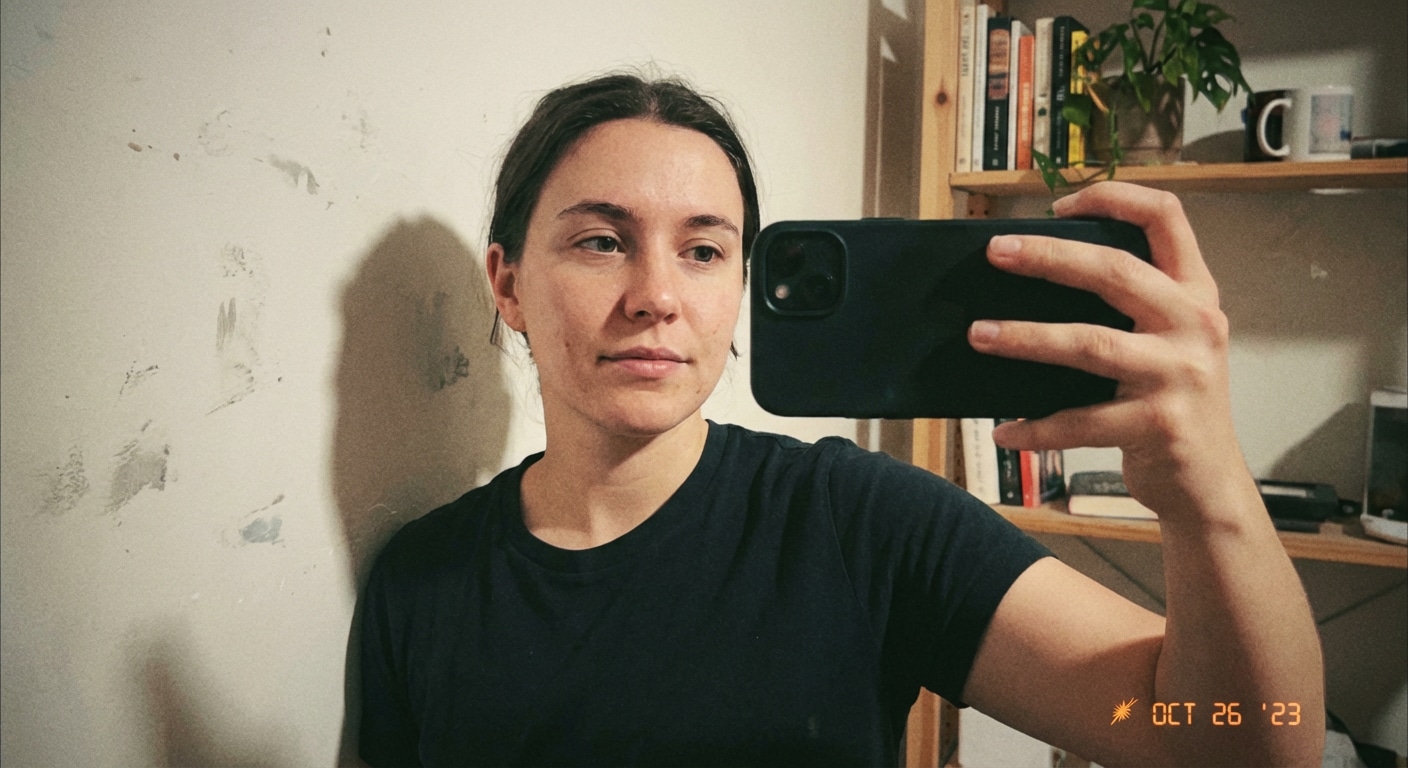
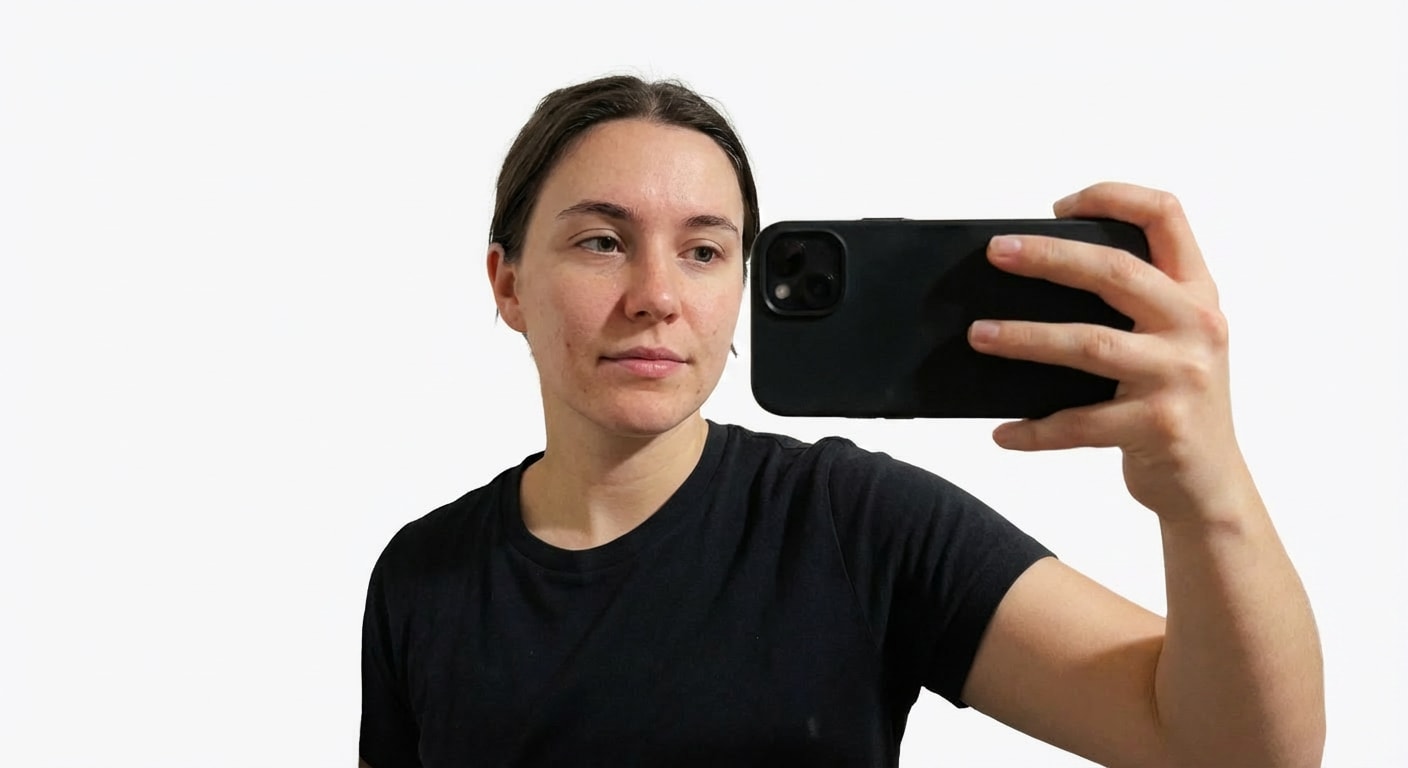
Prompt
Replace the background of this passport-style photo with a pure white studio backdrop, keep the face, ears, hairline, neckline, and clothing edges unchanged, improve soft front lighting, and keep the result realistic and official.
Use Media.io to change passport photo background for visa photos, ID cards, application forms, and official profile images. Replace messy walls, shadows, and room clutter with a clean white, blue, or light gray studio backdrop while preserving natural facial detail in seconds.
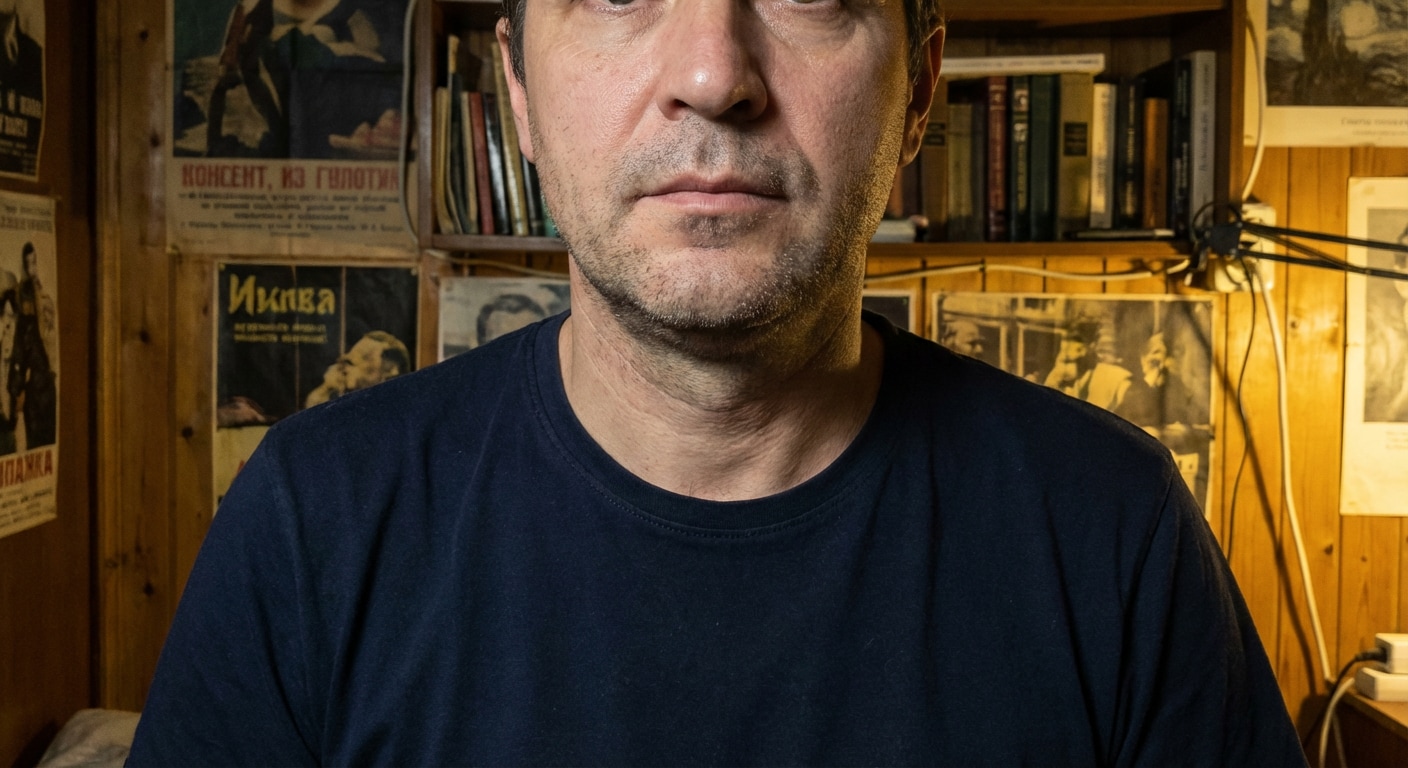
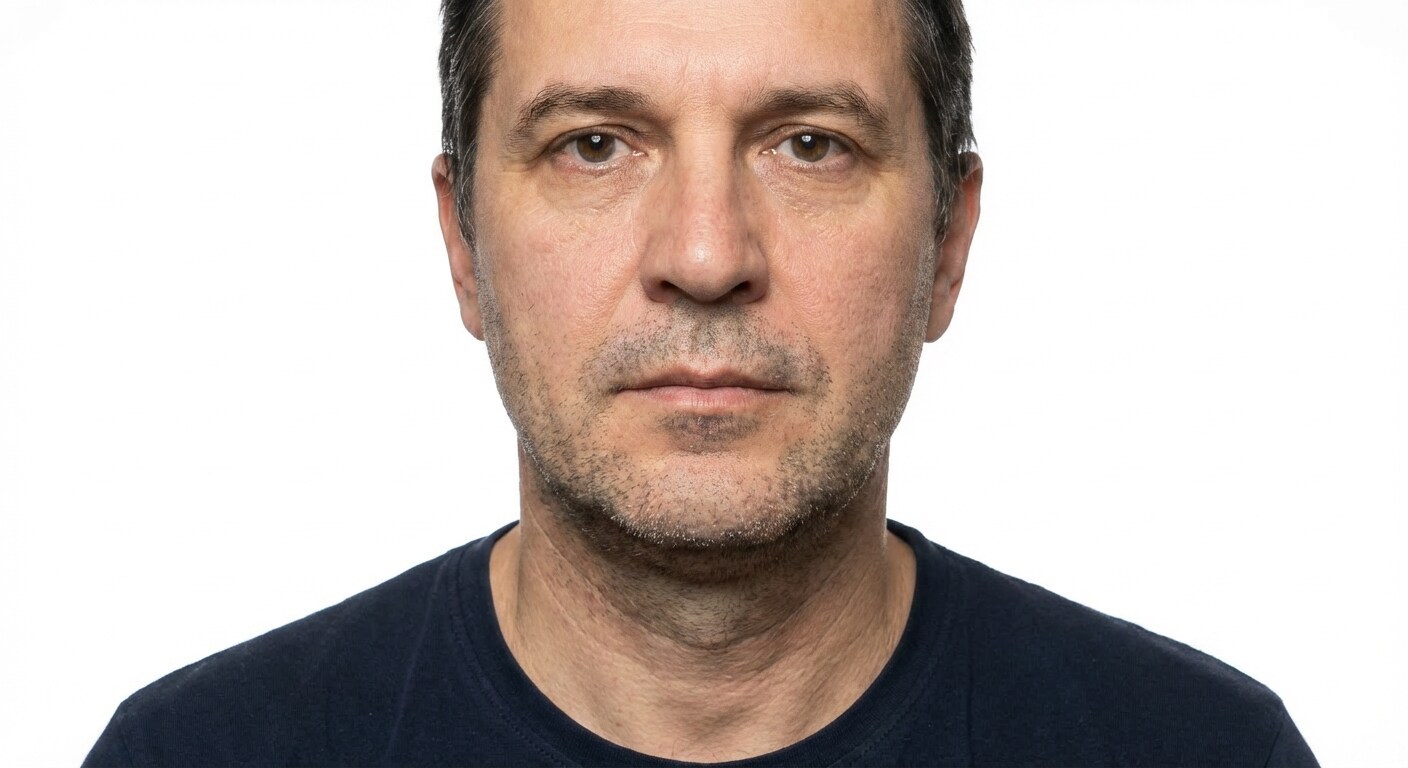
White Passport Background
Turn a casual passport photo into a clean white-background ID image with natural face detail and precise shoulder edges.
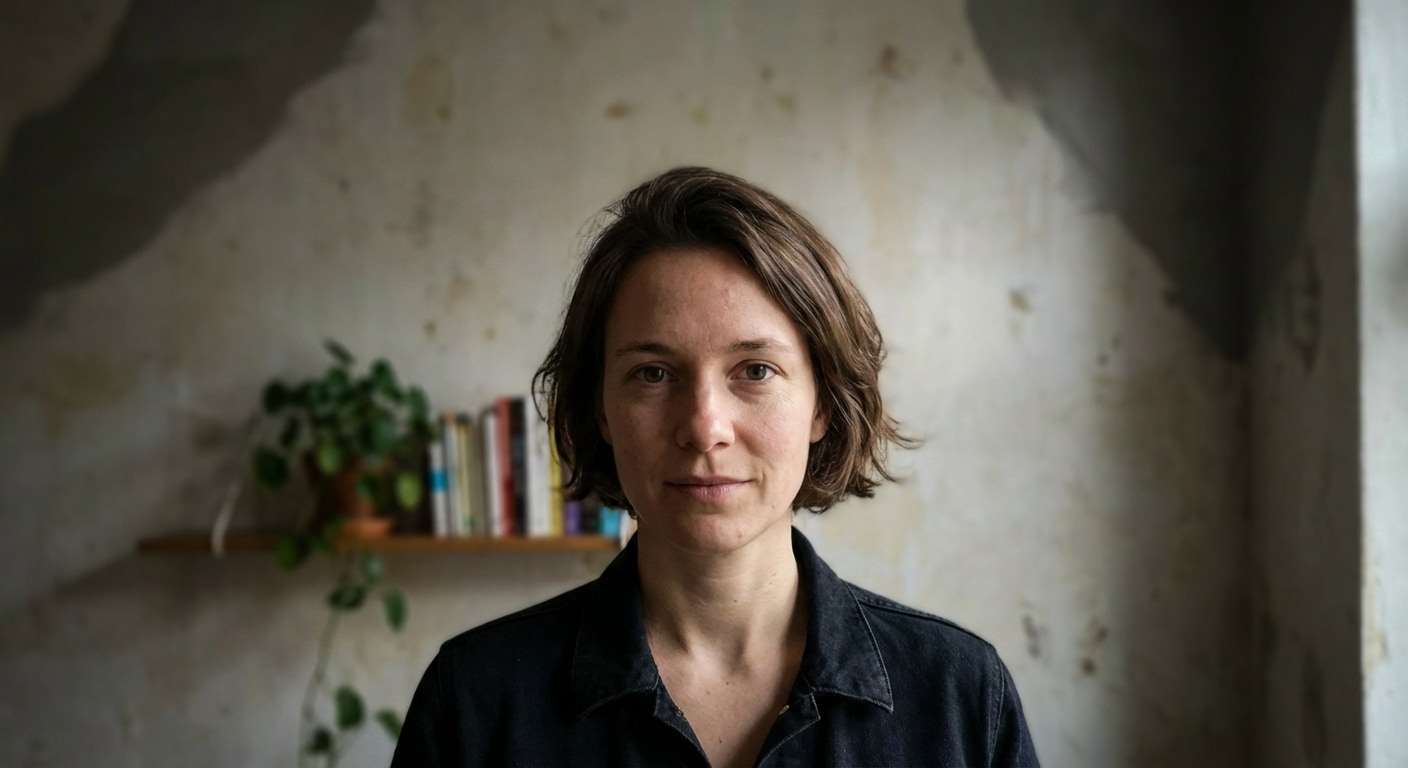
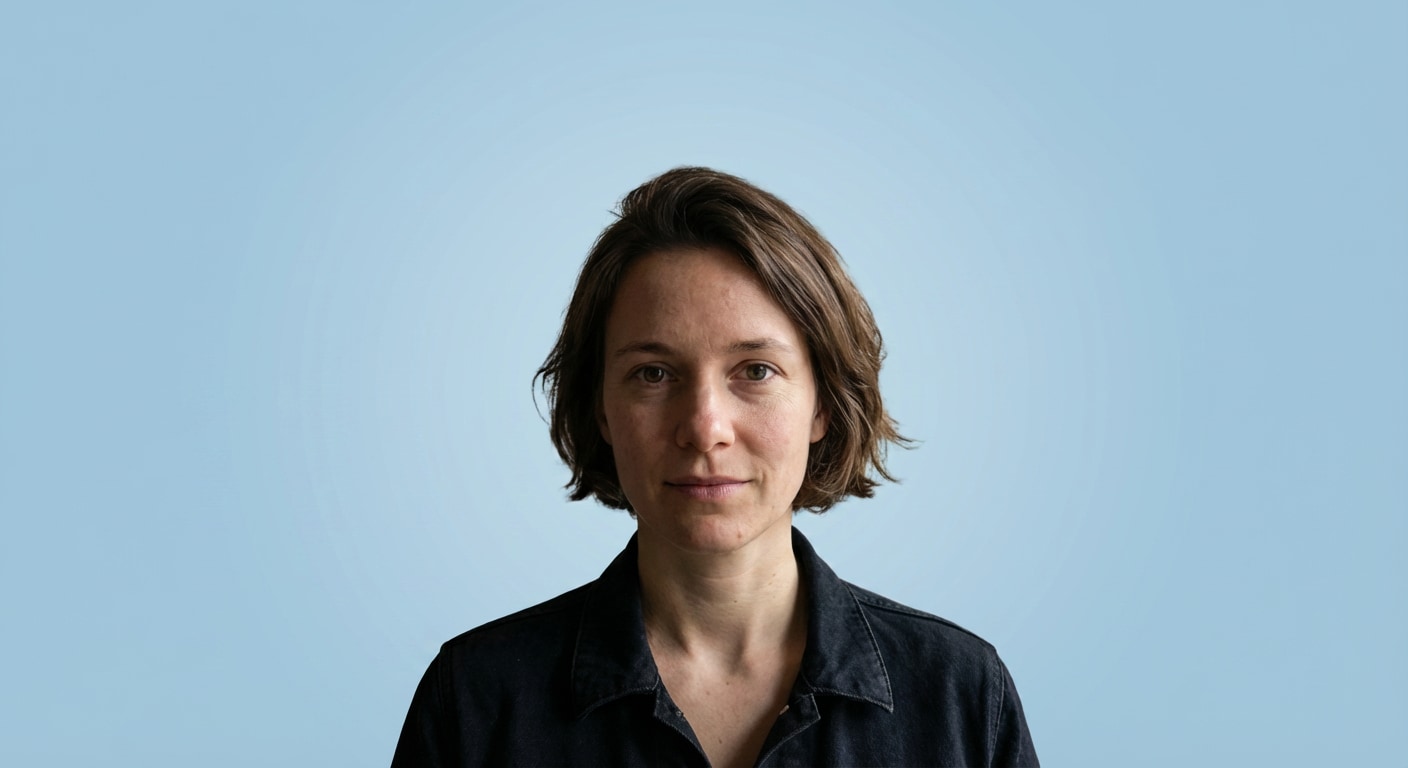
Light Blue Embassy Style
Create a neat light-blue passport photo background while preserving facial identity, hair shape, and clean edge detail.
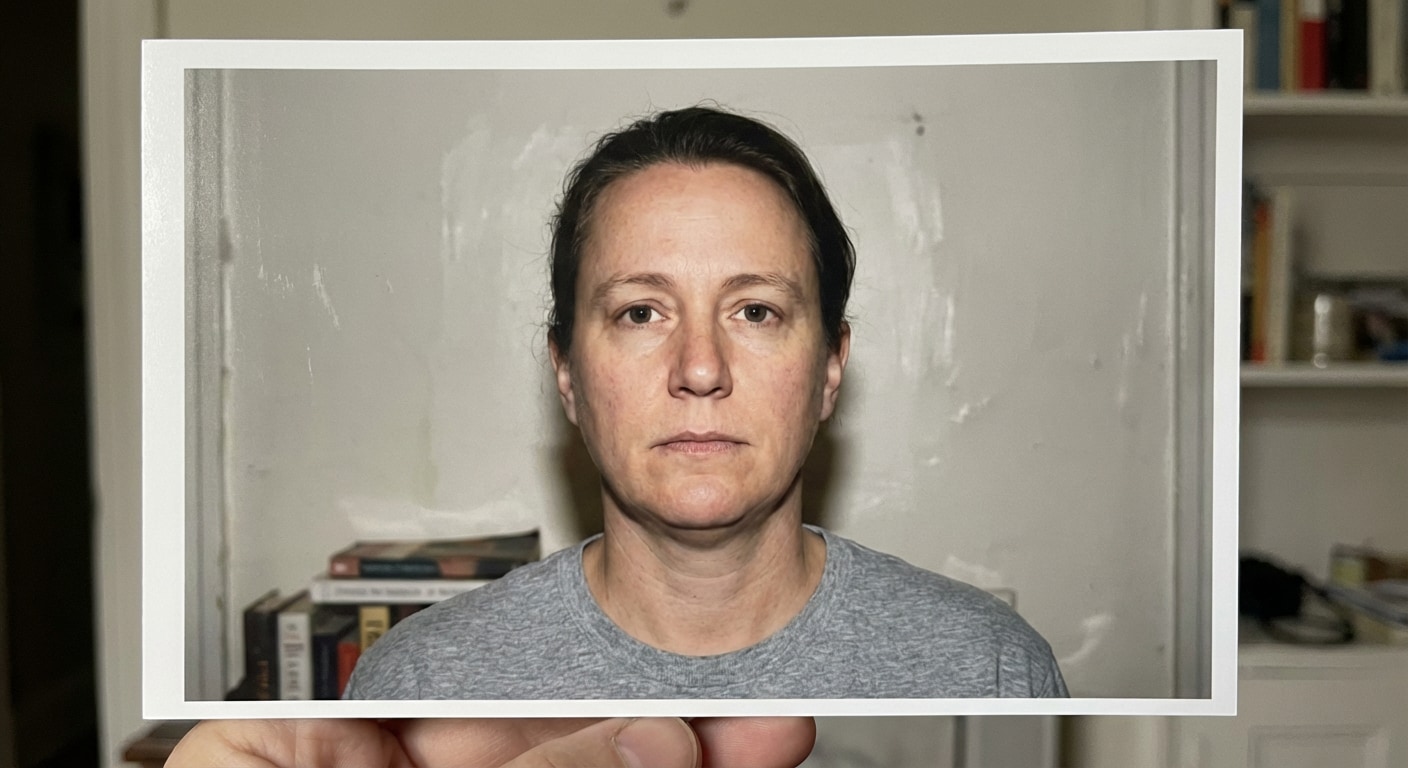
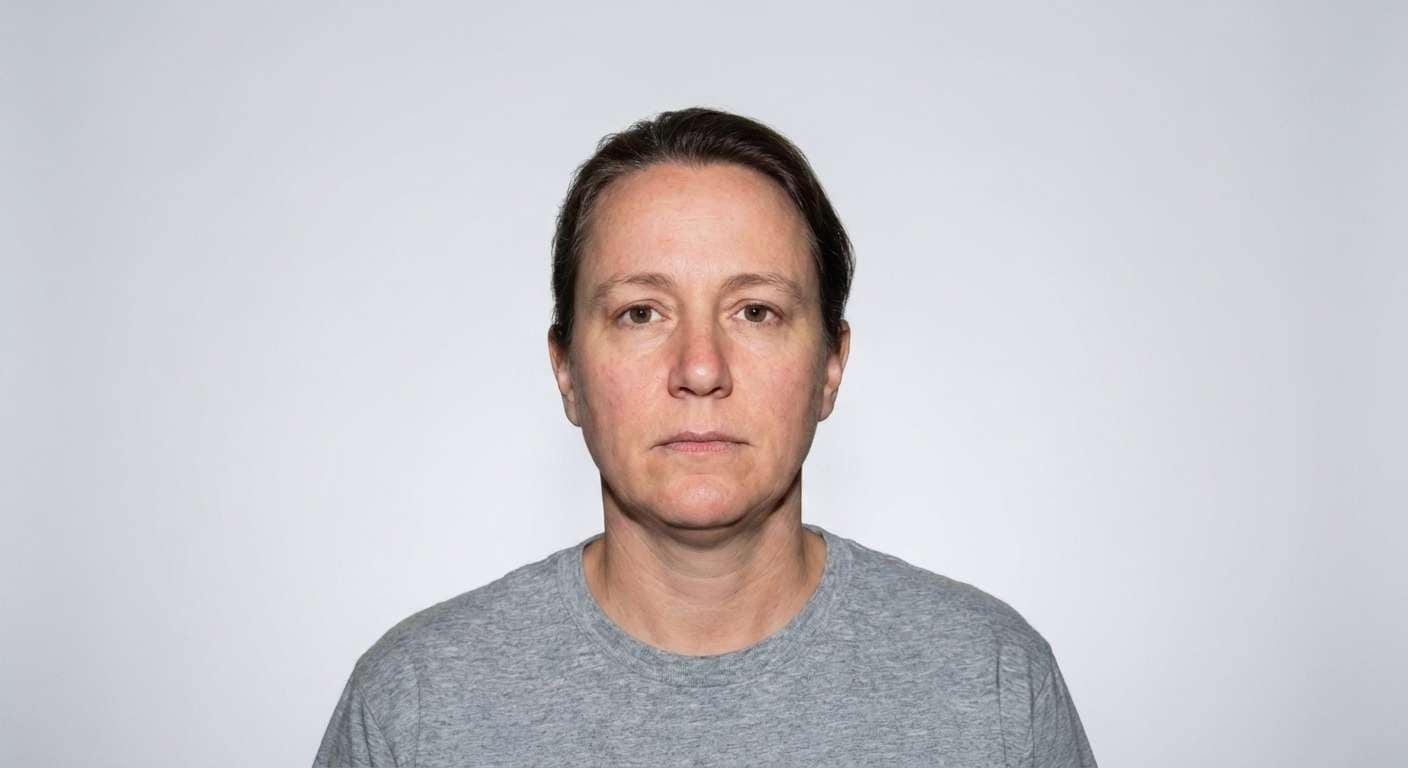
Light Gray Visa Photo
Swap a distracting wall for a soft gray visa-photo background with balanced lighting and accurate skin tones.
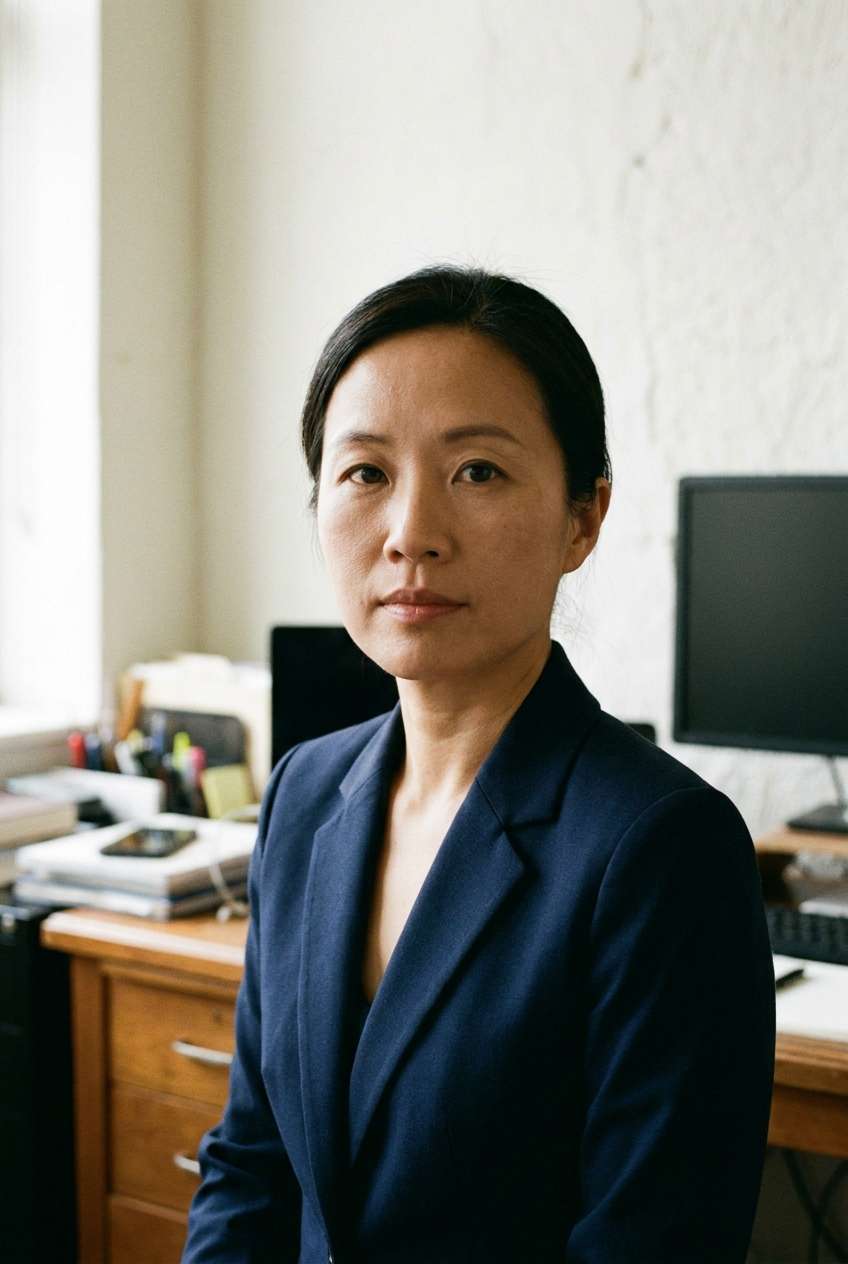
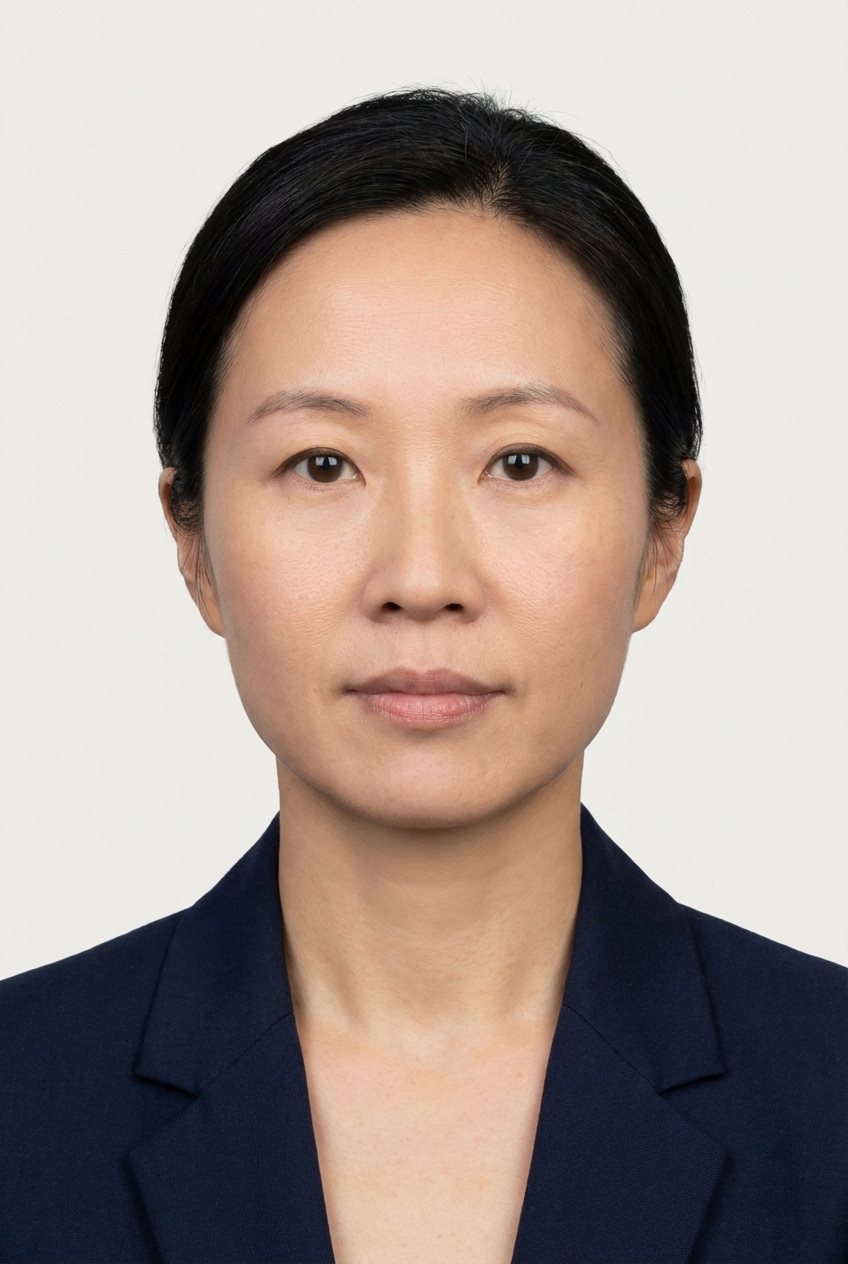
Office to Passport Photo
Convert an office or home headshot into a formal passport image with a plain compliant backdrop and tidy lighting.
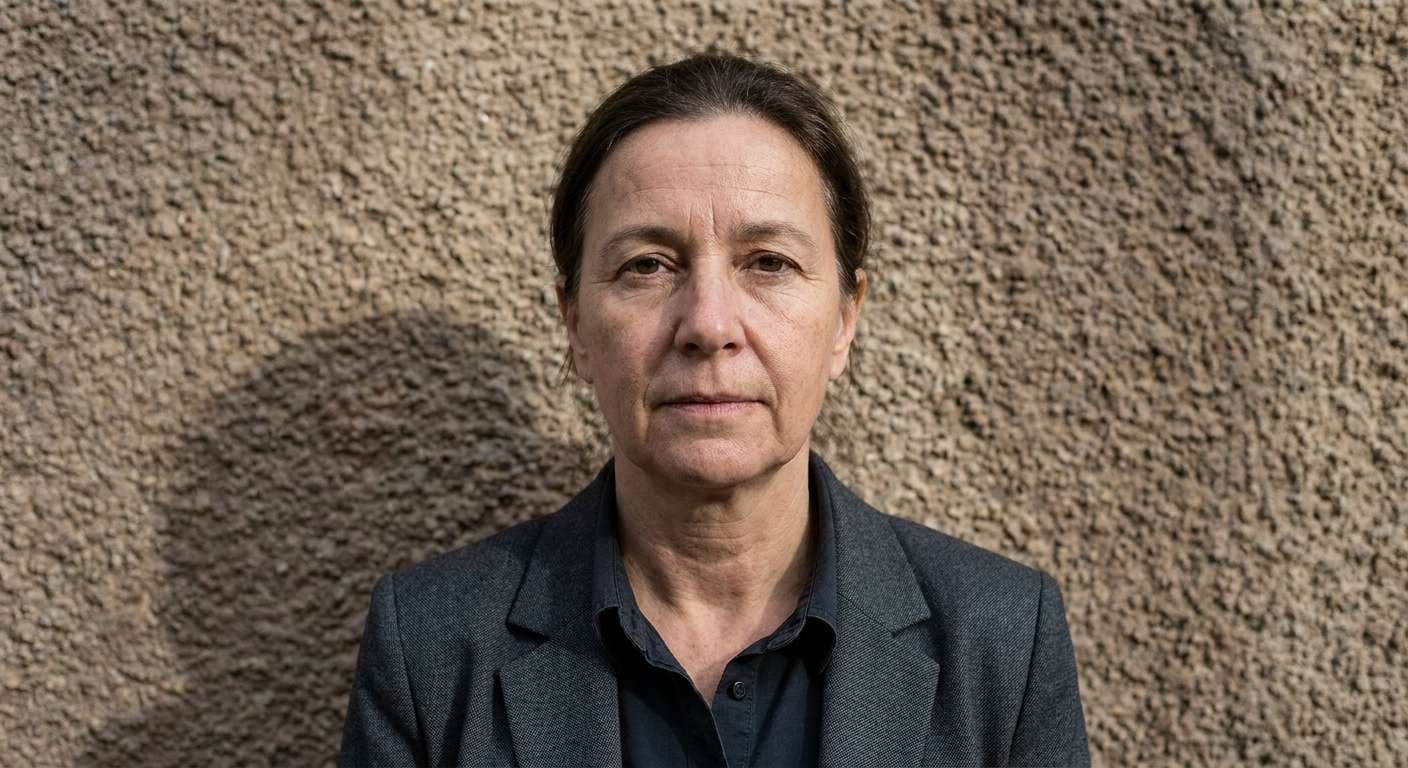
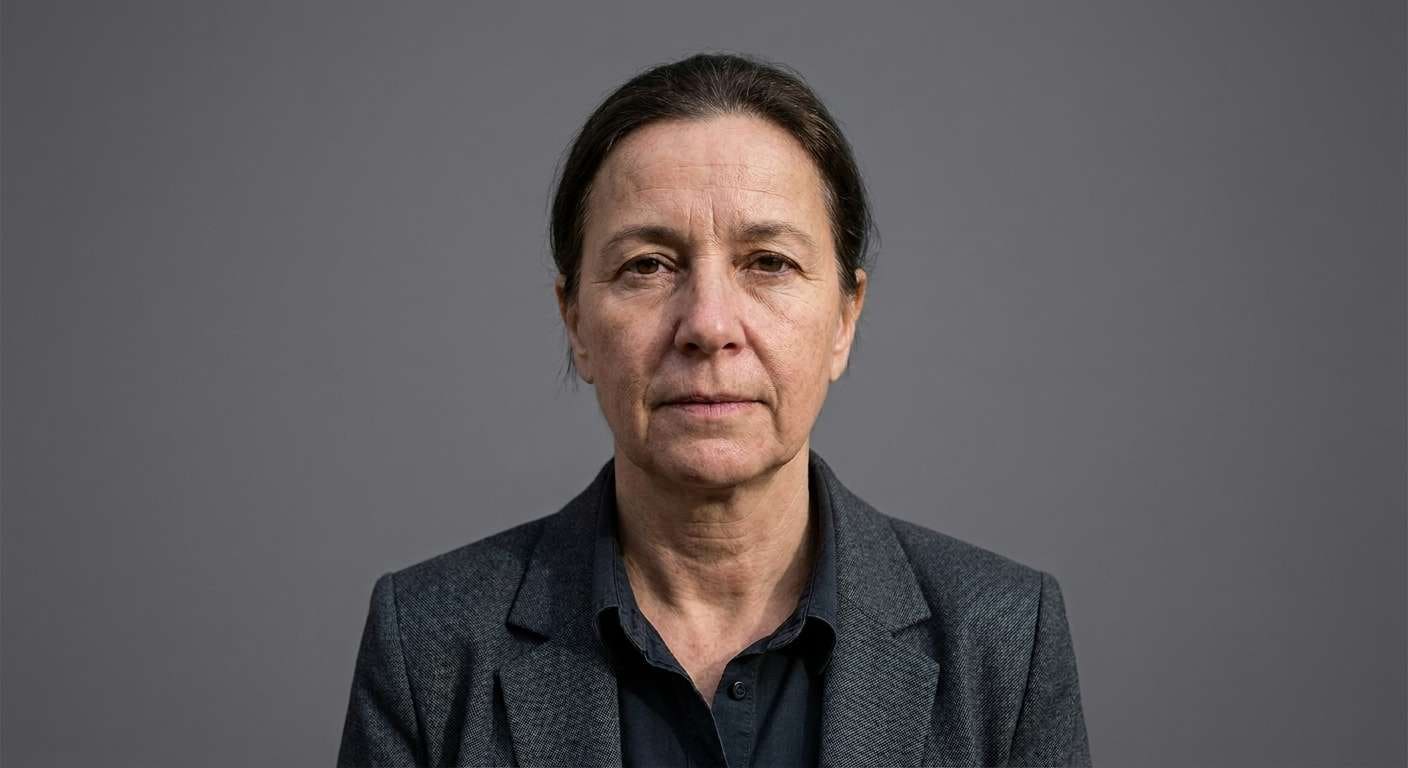
Formal ID Background Fix
Clean up the background behind a formal portrait for document applications, forms, and identity cards.
Upload an ID photo, selfie, or document headshot to Media.io AI image tool, choose a tested passport photo background changer prompt, and generate a clean studio-style background for compliant application photos without manual masking.
Copy a white, blue, gray, or embassy-style prompt below and keep the face, hair, and shoulders unchanged.
Preview the cleaned background, check edge quality, and download a polished passport-ready result.
Use these AI templates to replace cluttered, shadowy, or colorful backgrounds with clean ID-photo backdrops. Each example is designed for face preservation, neat shoulder edges, and realistic document-photo lighting.
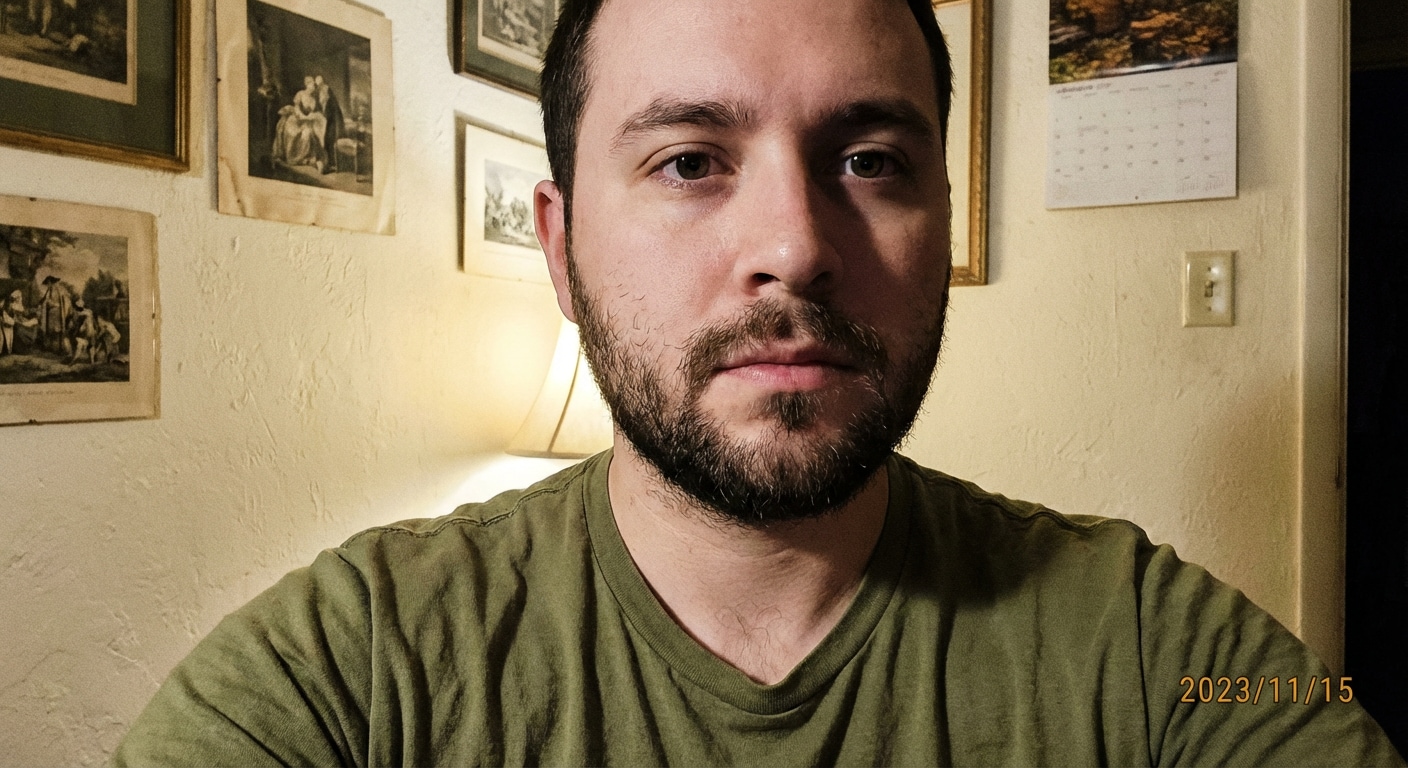
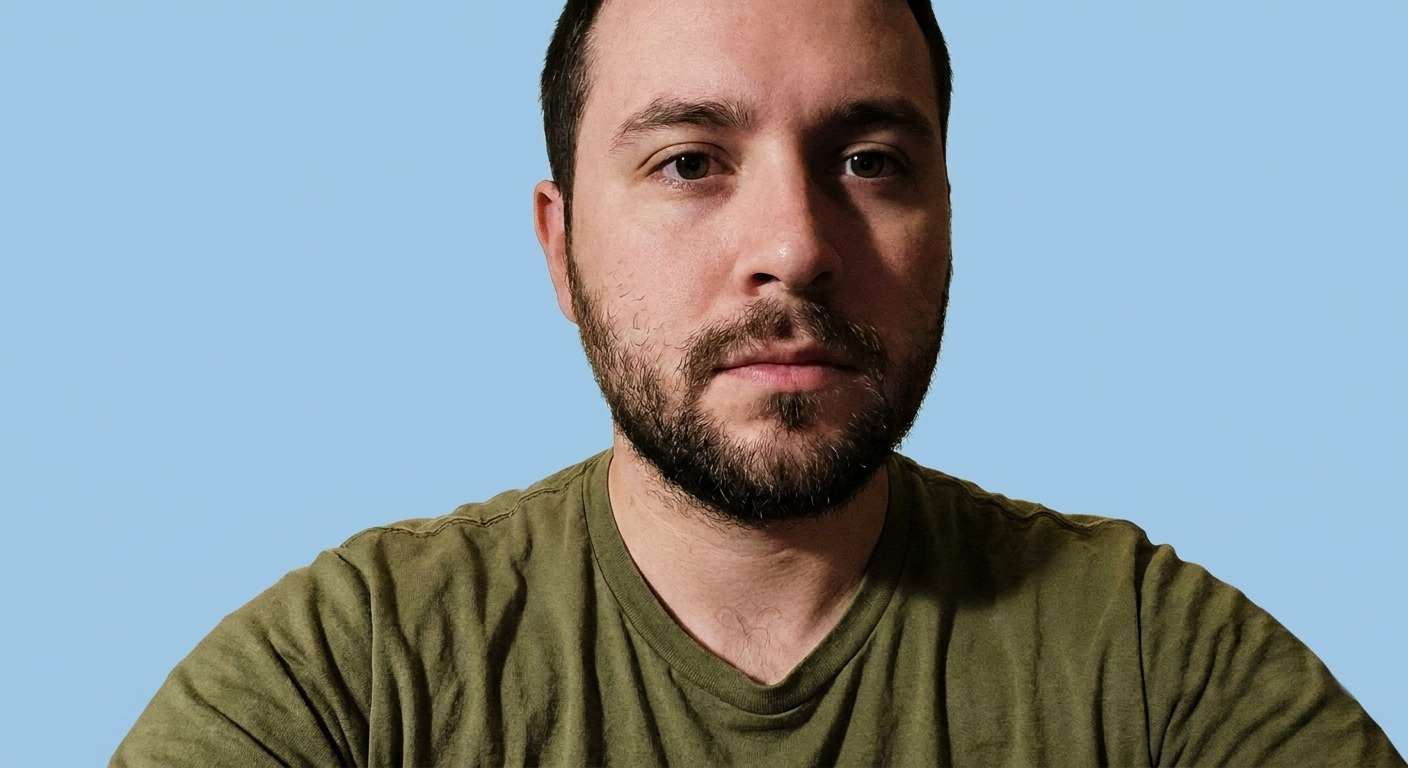
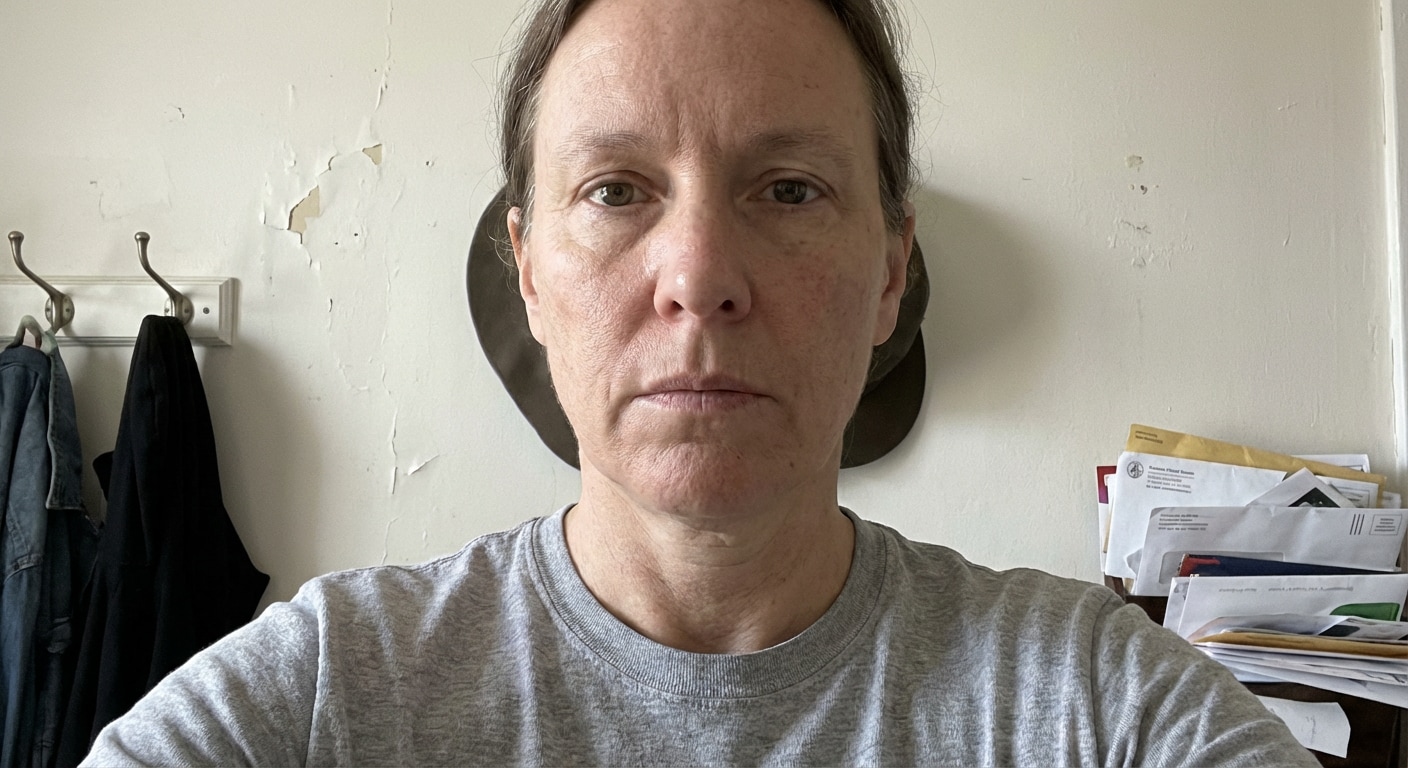
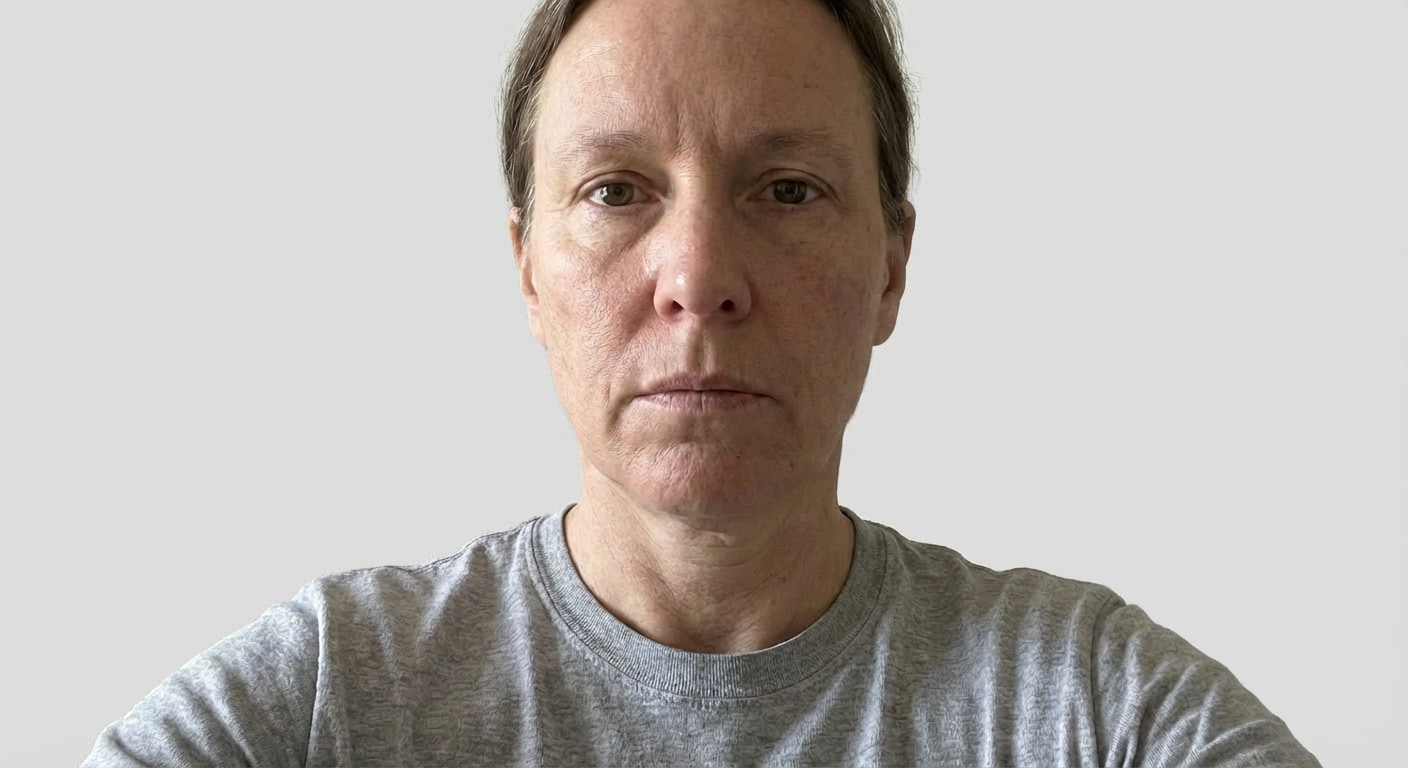
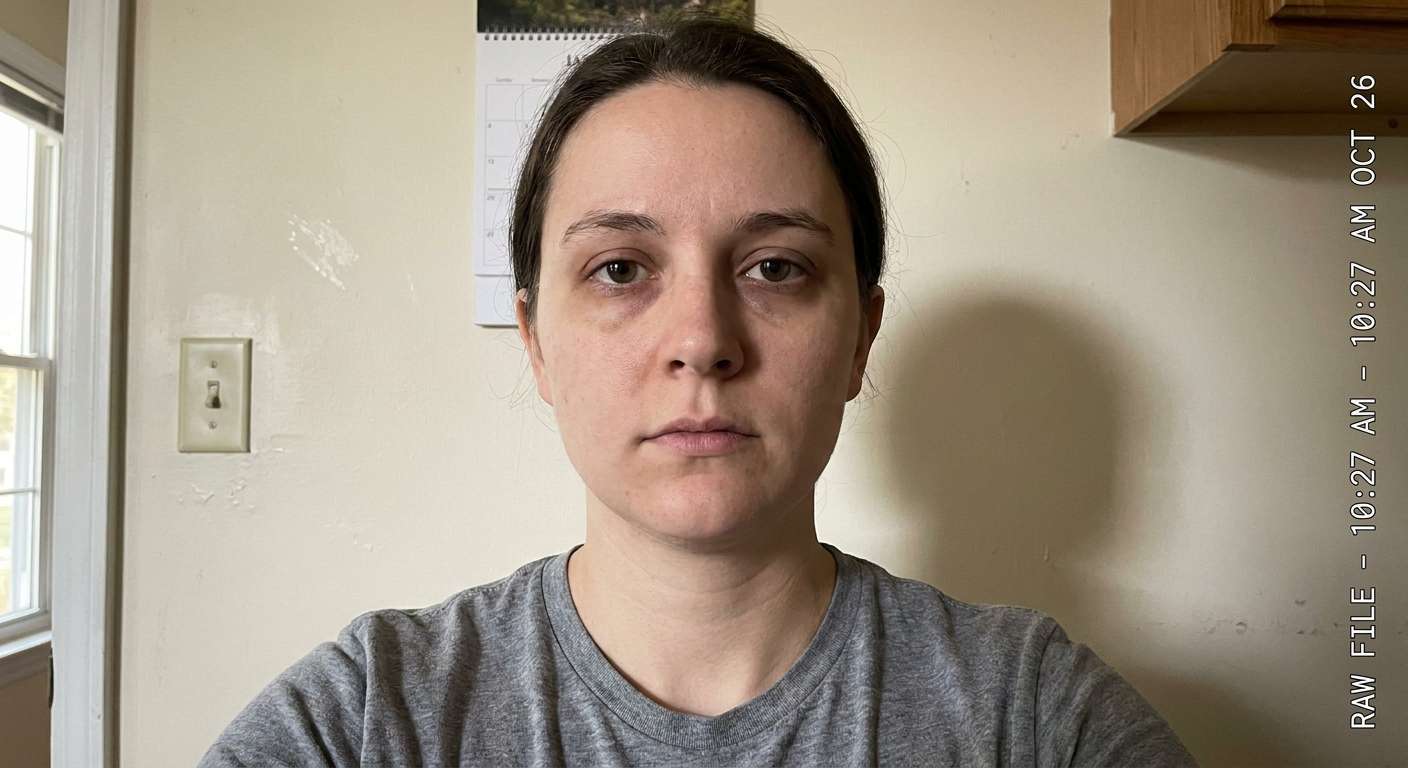
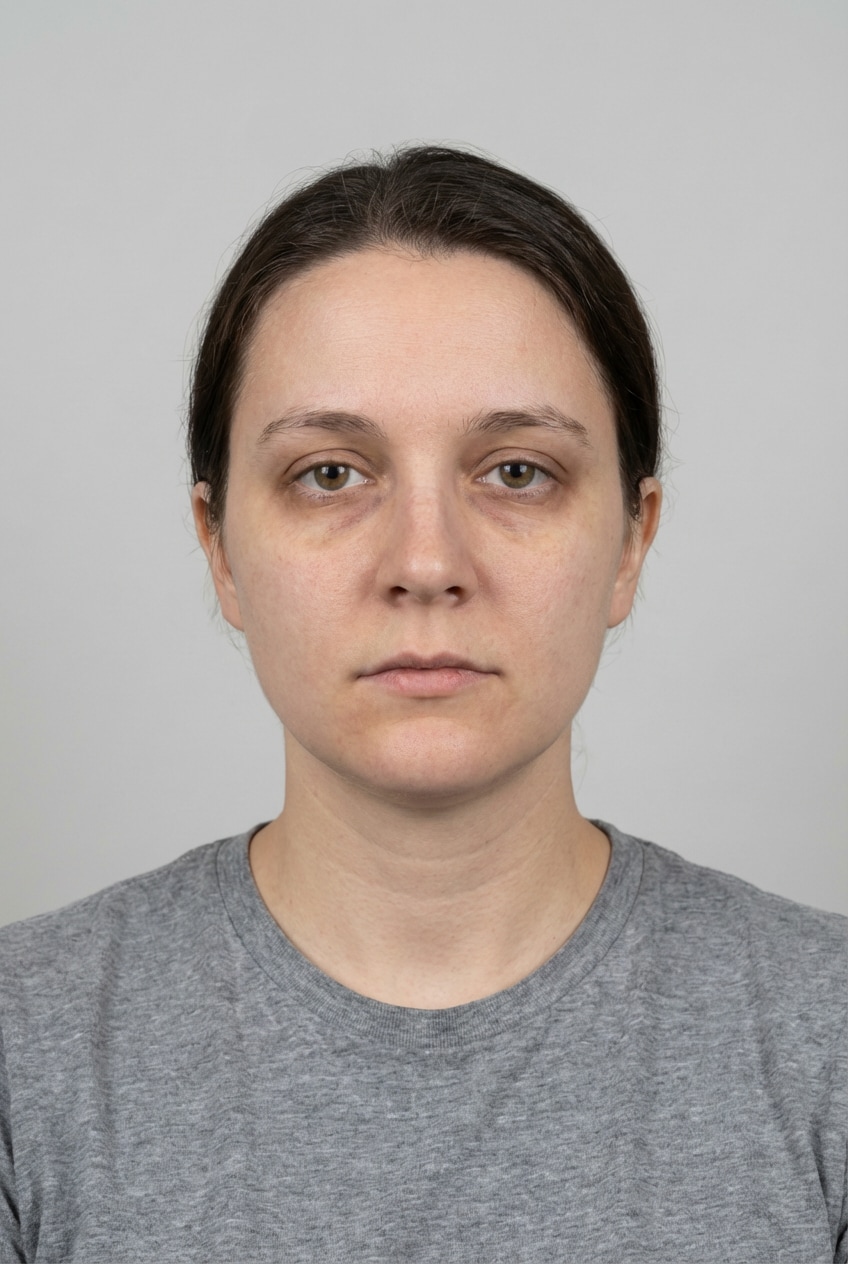
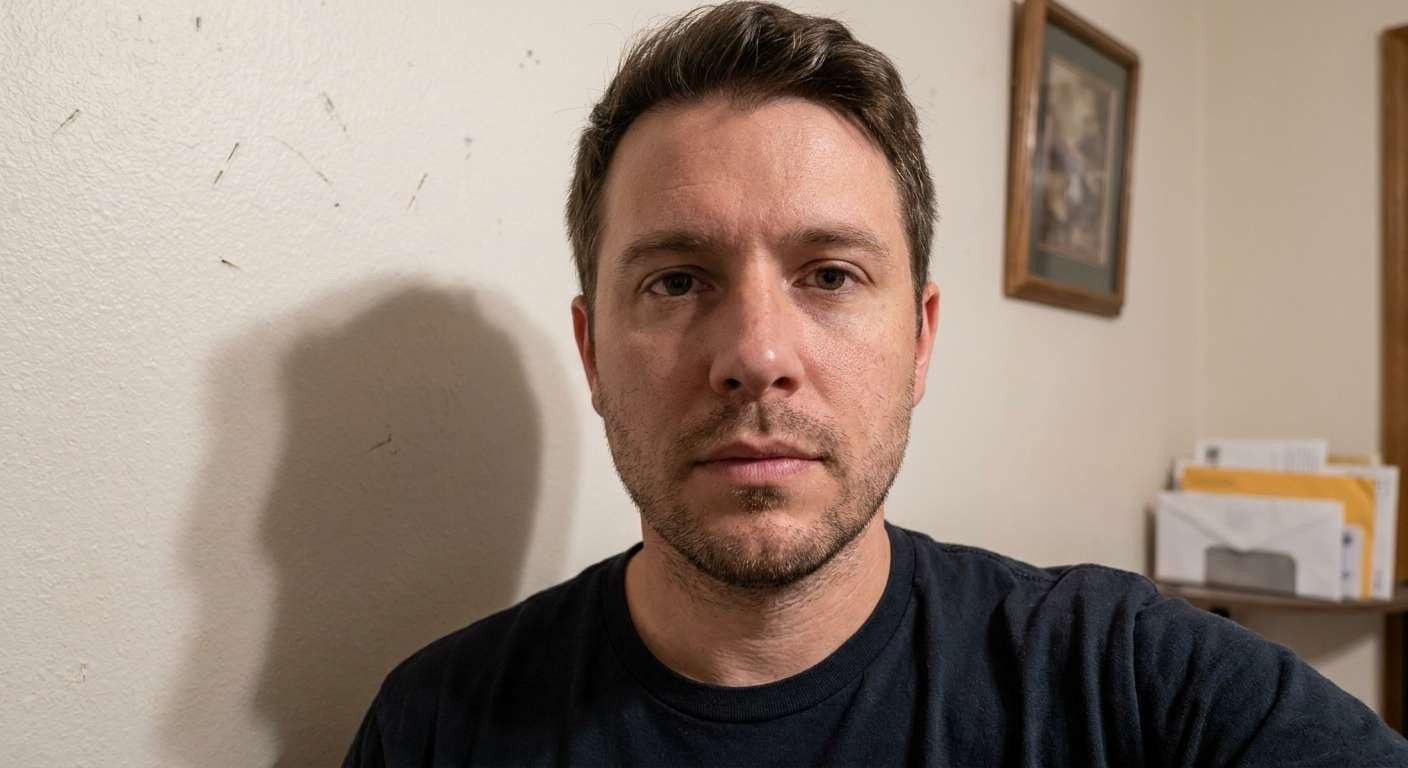
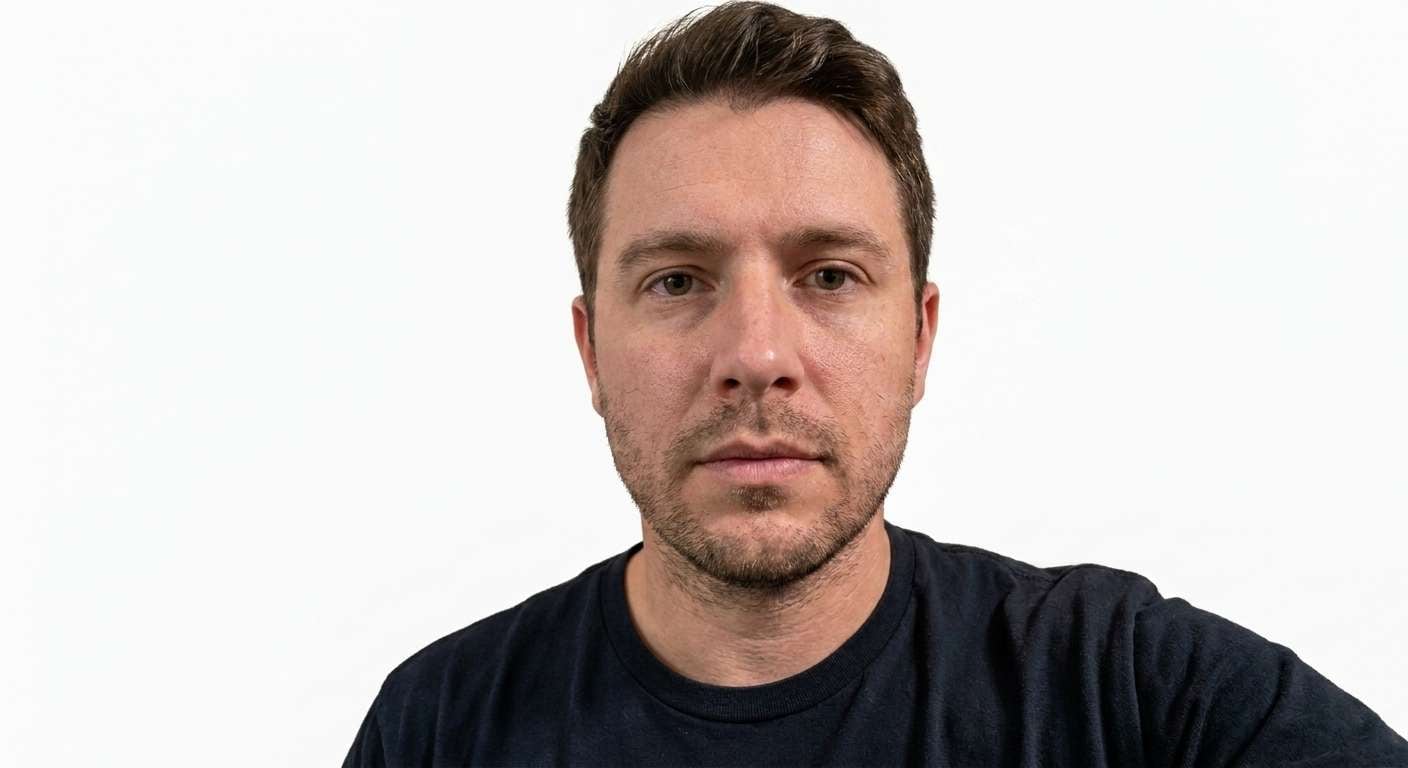
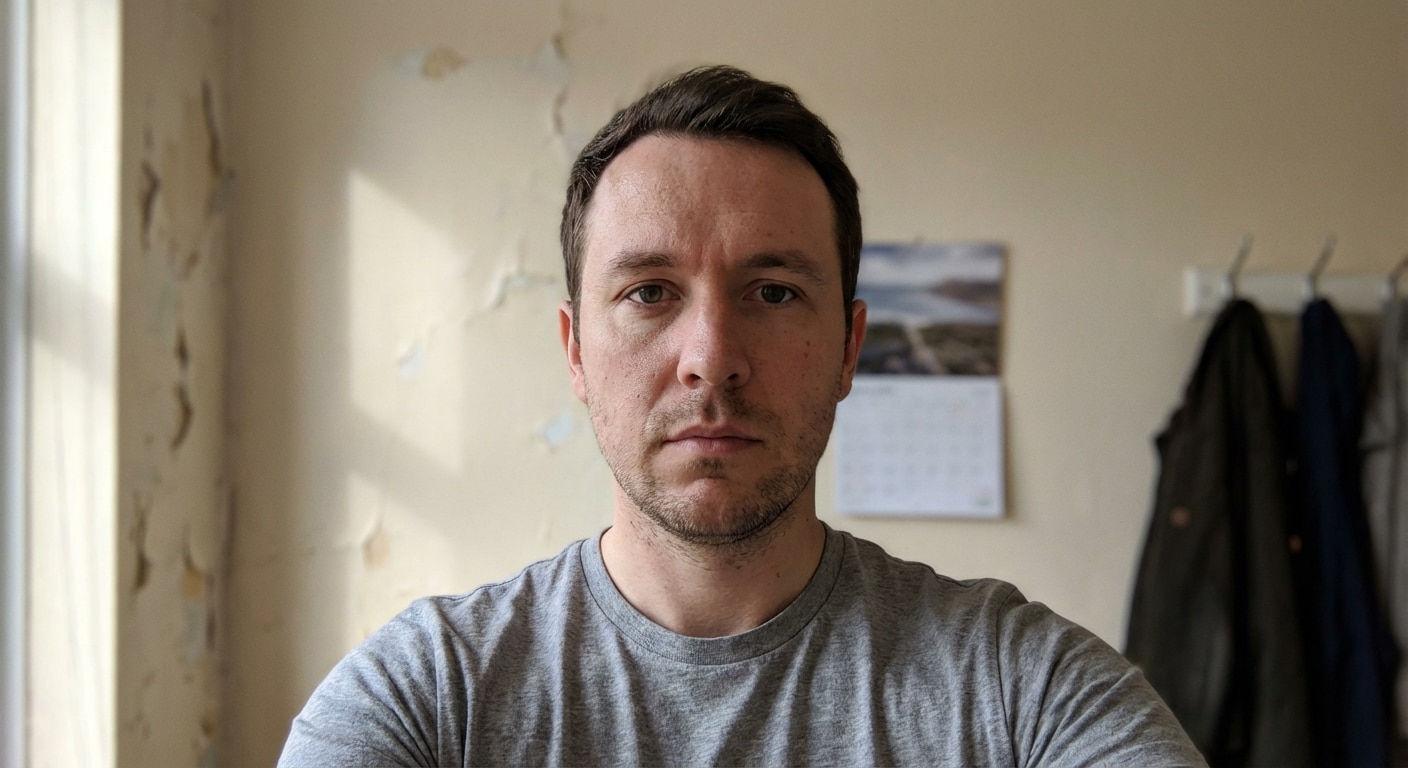
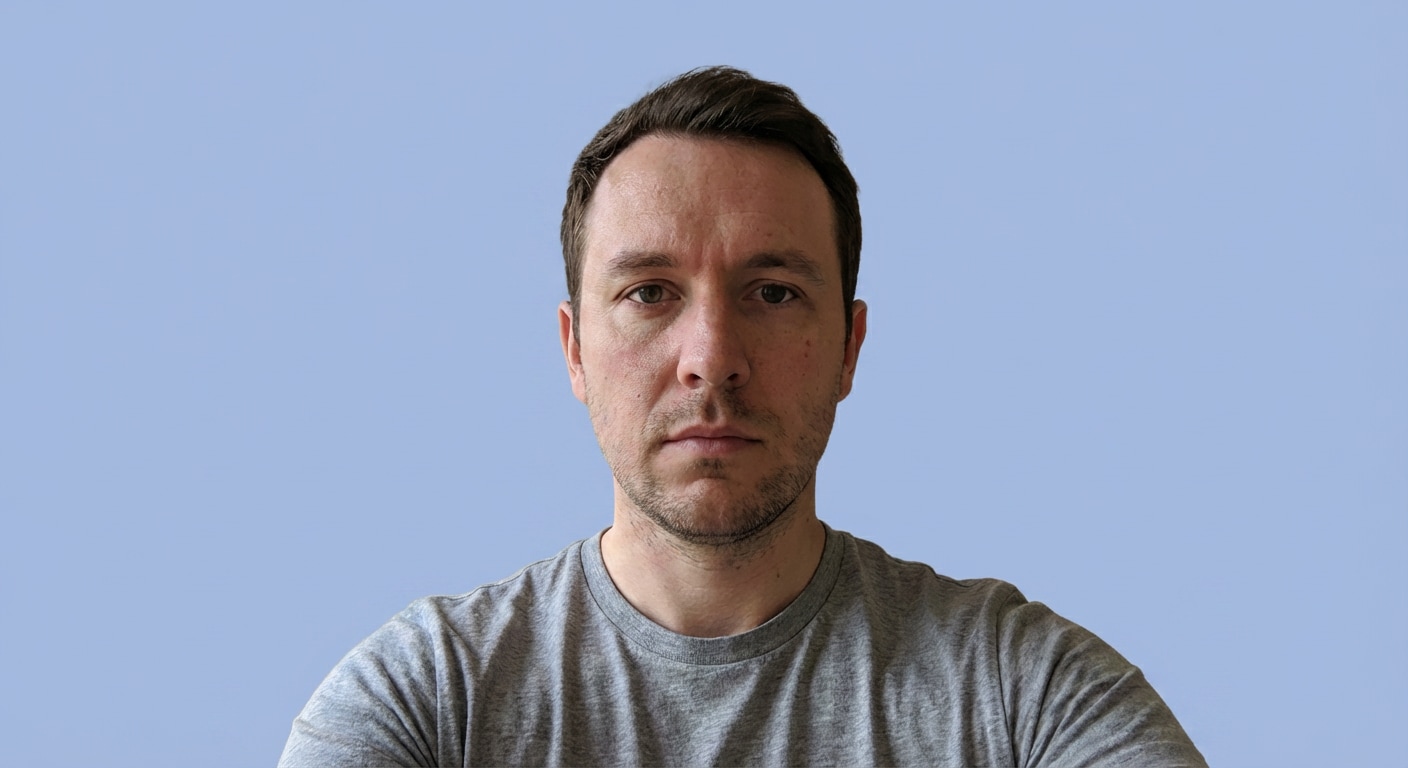
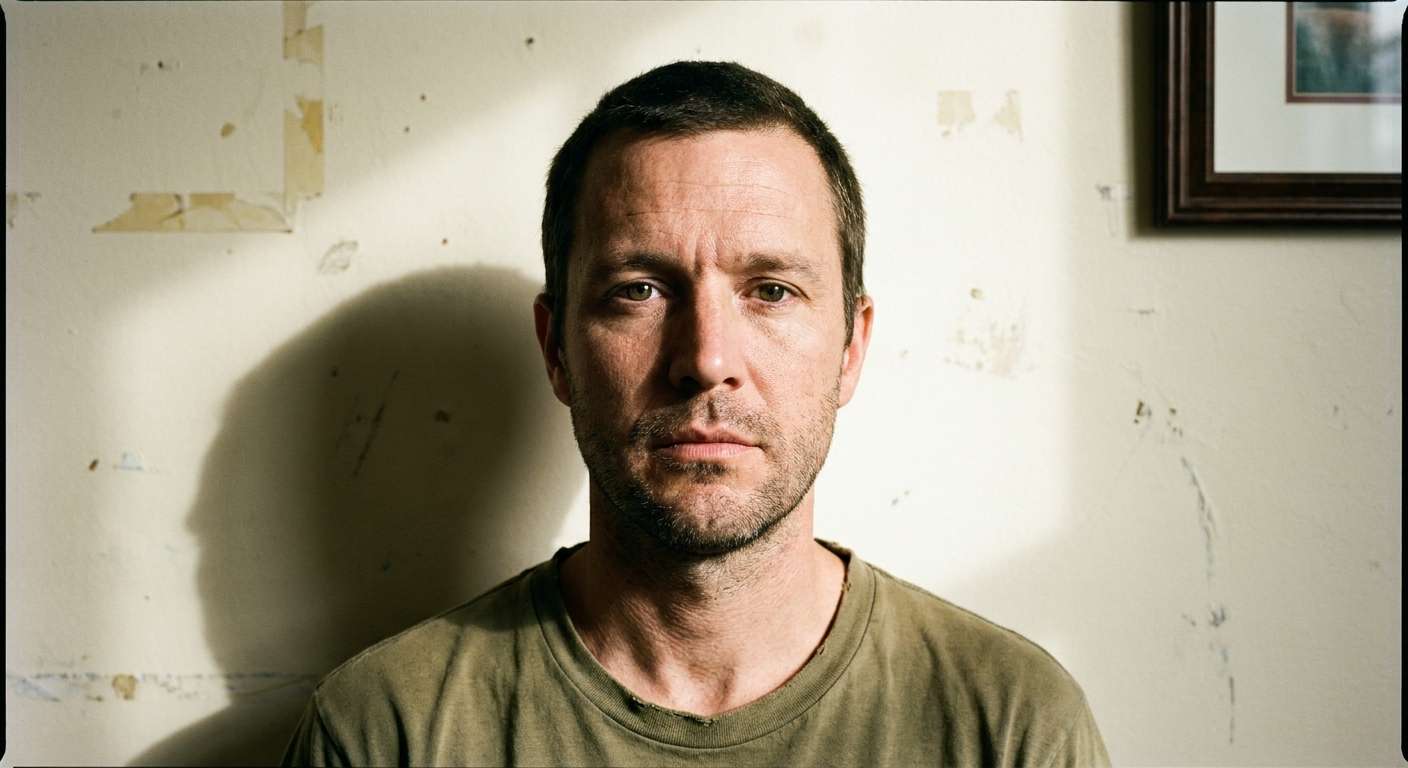
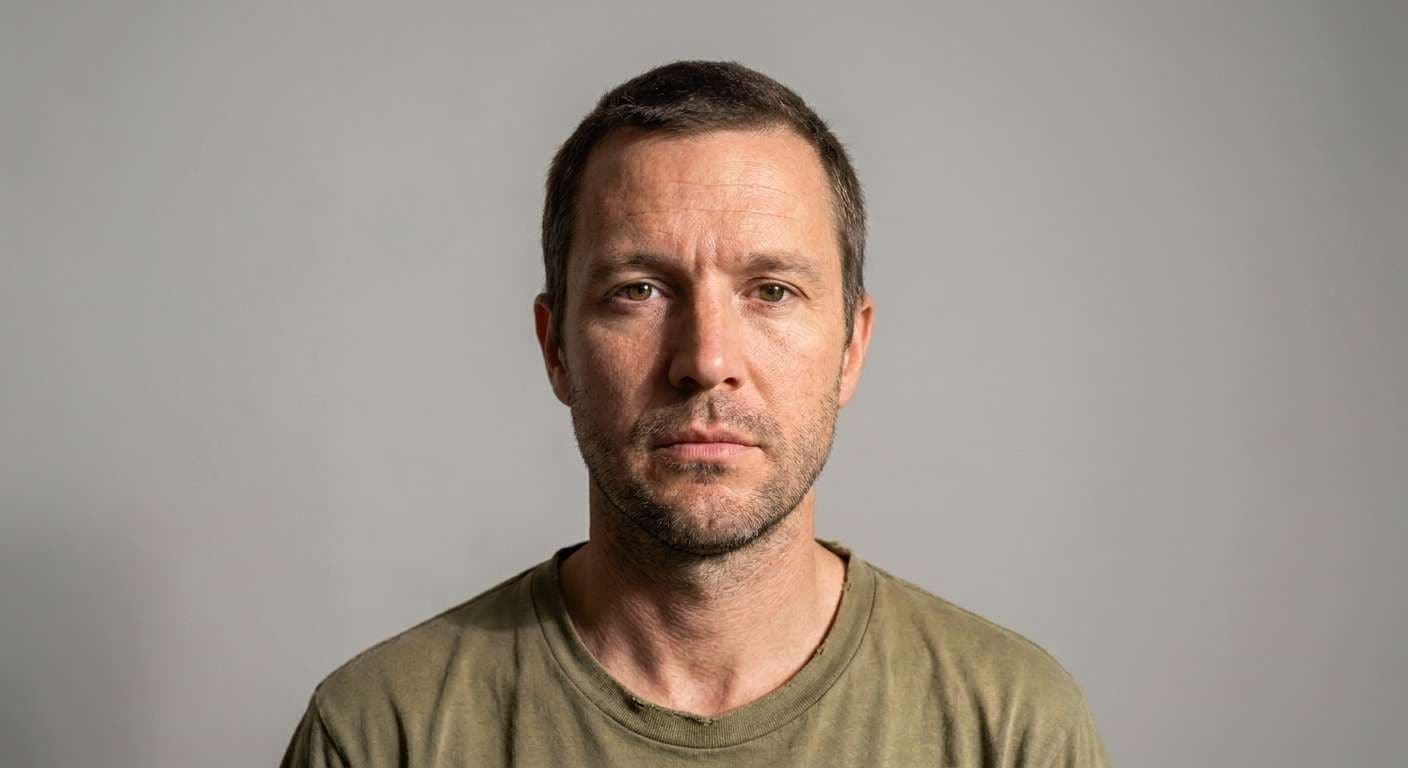
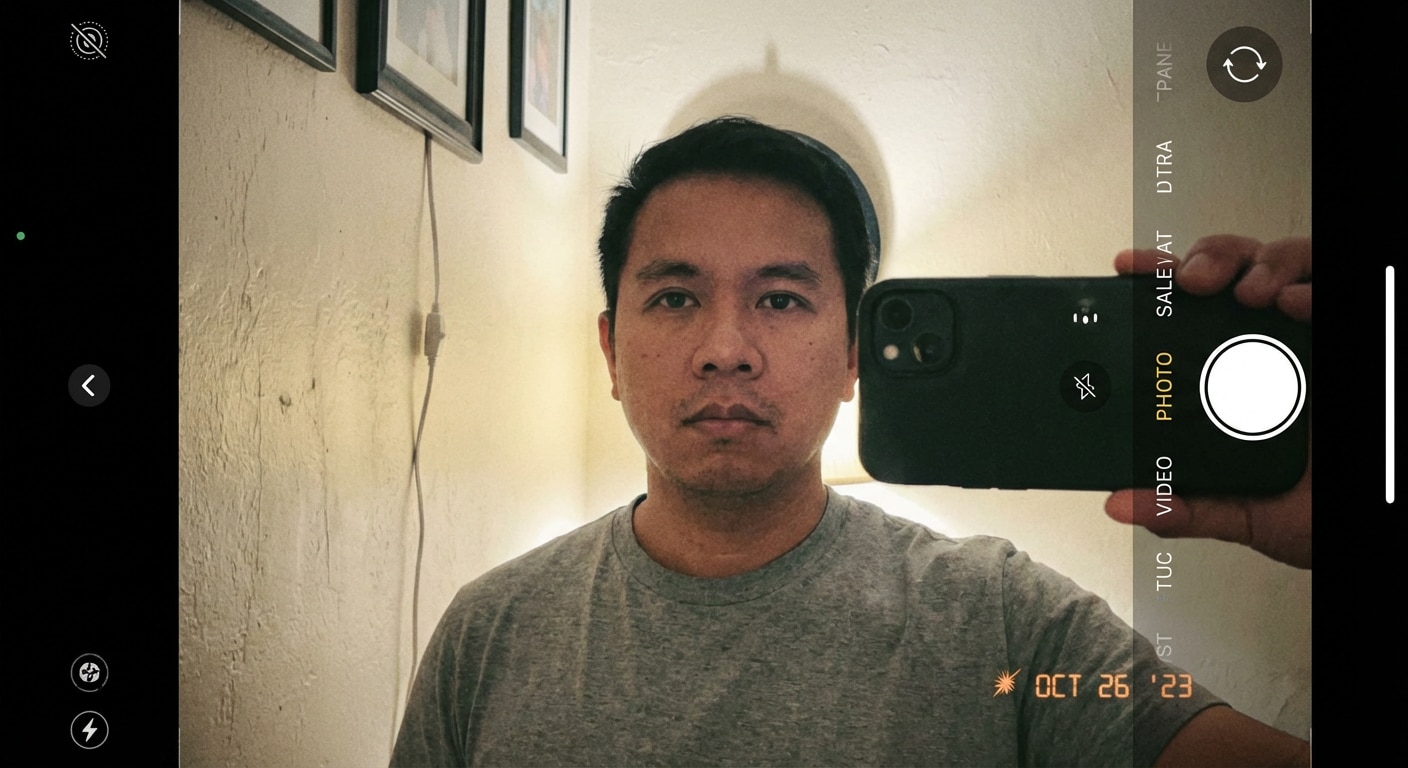
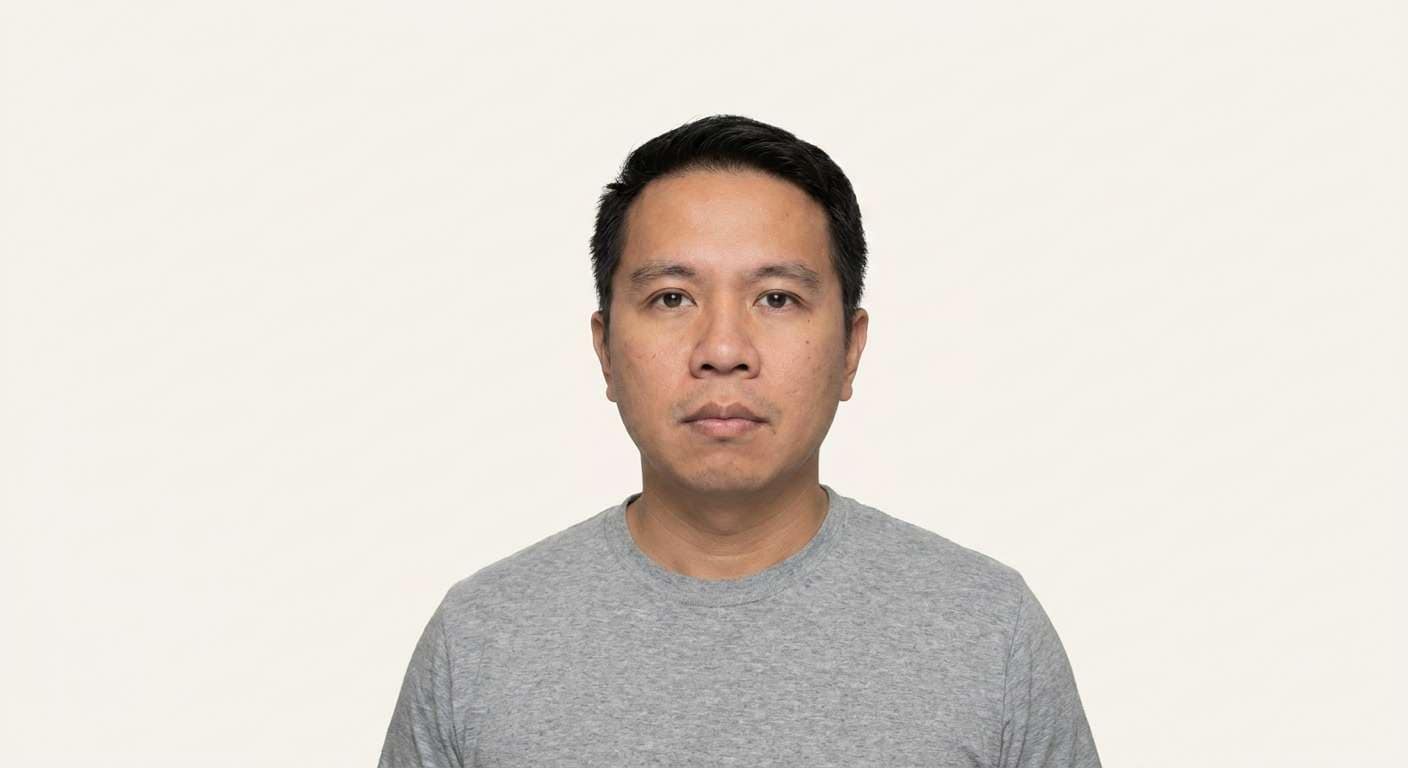
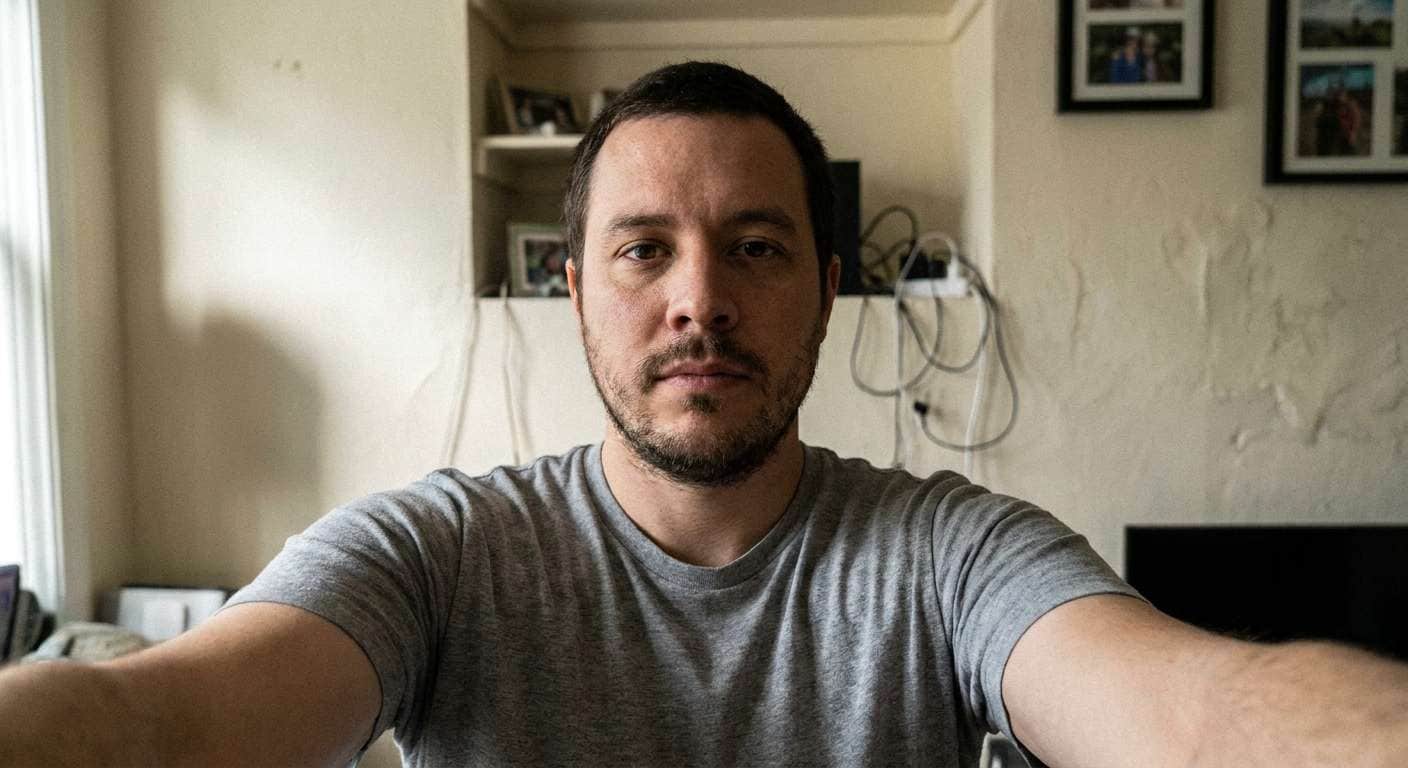
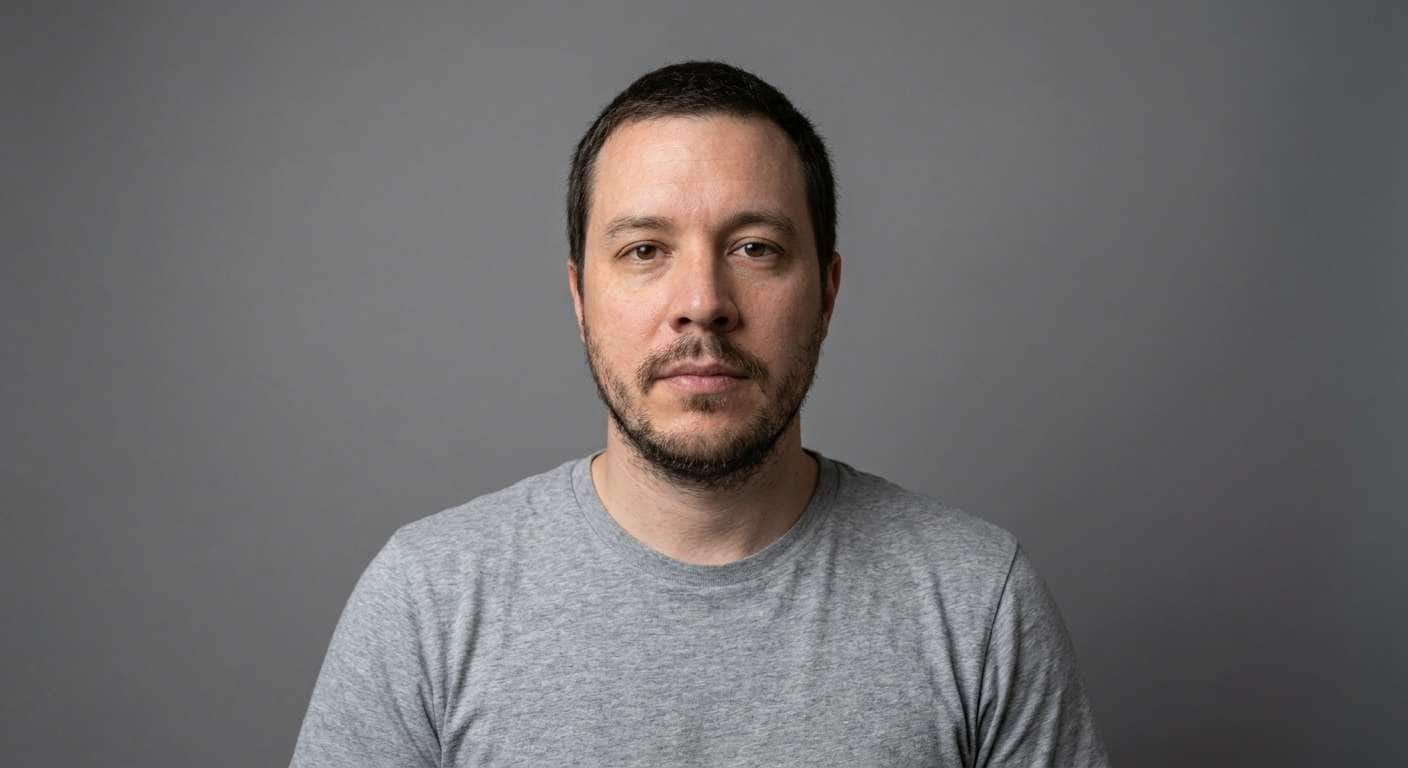
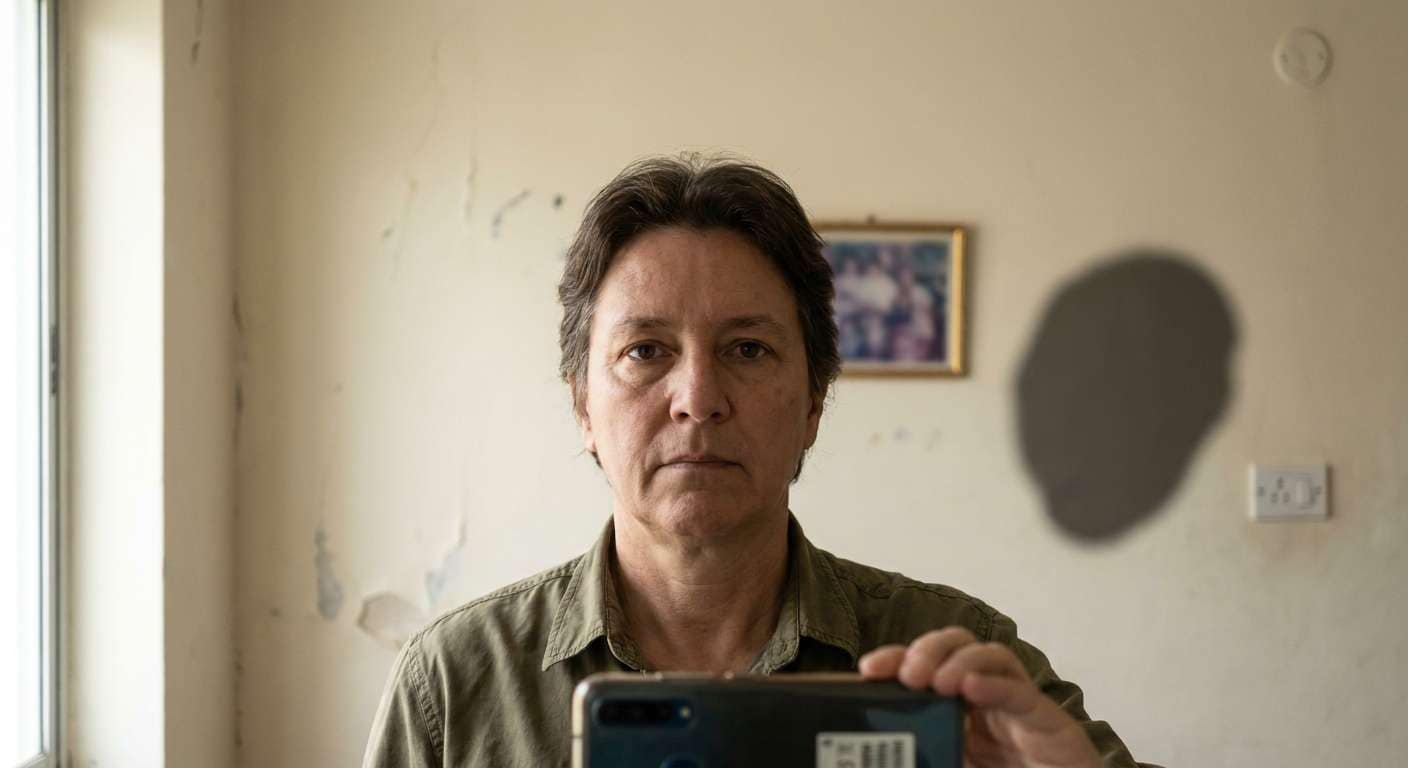
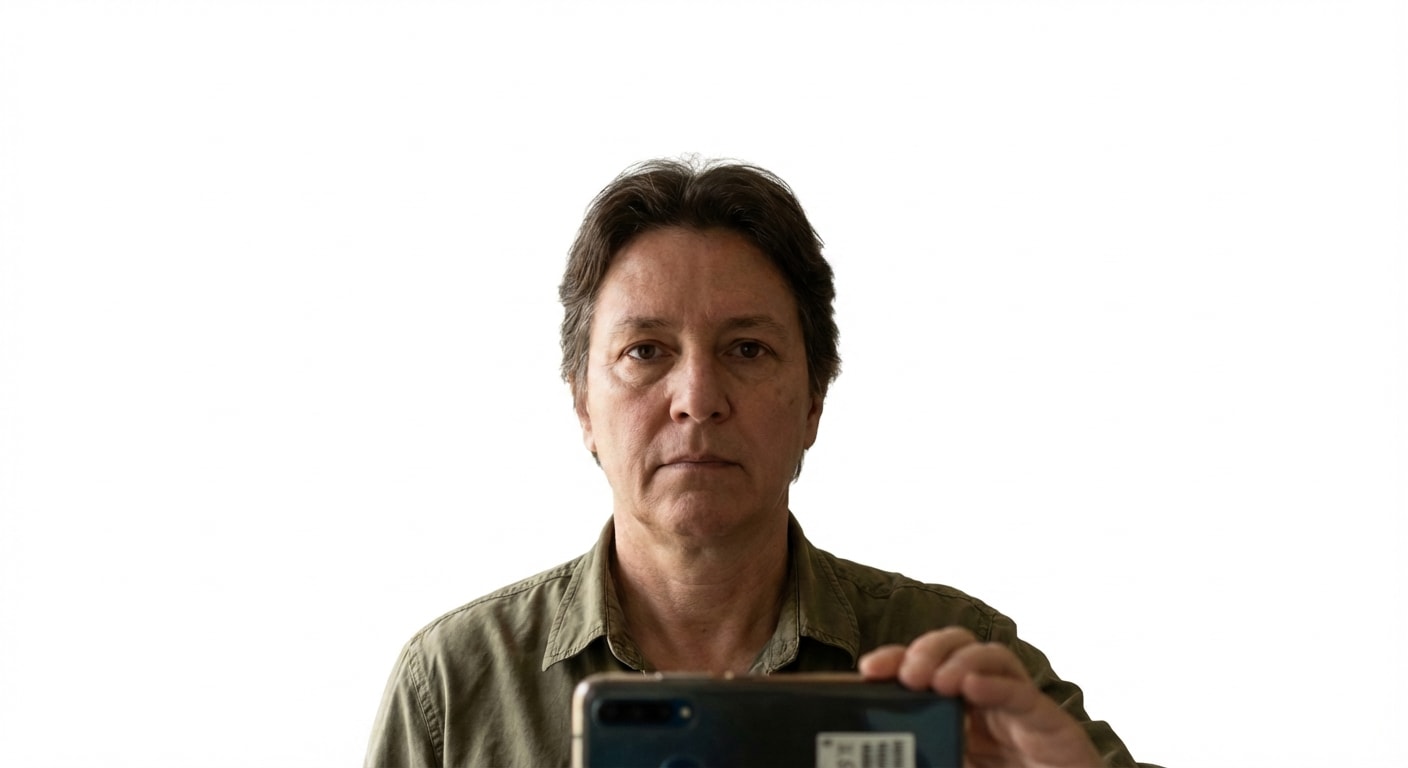








Media.io makes it easy to convert casual selfies into clean passport-style images with studio backgrounds, realistic edge cleanup, and fast AI-driven document photo enhancement.

Perfect for removing room clutter, wall texture, and uneven shadows from passport photos.

Keeps facial proportions, hairstyle edges, ears, and shoulder outlines natural for ID use.

Switch to white, light gray, pale blue, or embassy-style backgrounds for different use cases.

Use copy-ready prompts plus Media.io image-to-image for quick, repeatable passport edits.


Upload your headshot to Media.io, paste a passport background changer prompt, and let AI replace the background with a clean white, blue, or gray studio-style backdrop automatically.
Yes. A strong prompt can preserve your face, hairline, ears, shoulders, and clothing edges while only changing the background and improving overall lighting balance.
The most common choices are white, light gray, and light blue. The right option depends on the country, visa type, or application requirement.
Yes. Media.io can help convert casual selfies into cleaner ID-style images by removing cluttered backgrounds and replacing them with a formal studio backdrop.
The best prompt asks AI to replace only the background, preserve facial identity and edges, keep lighting soft and front-facing, and produce a realistic document-photo result.
 4.7 (162,357 Votes)


