Jewelry Product Background Changer
Create High-End Jewelry Product Images with AI Background Replacement
Use Media.io to change jewelry product background for rings, necklaces, earrings, bracelets, and gemstone close-ups. Replace messy tabletops and distracting indoor scenes with clean white, luxury display, or editorial jewelry backdrops while preserving reflections, metal tones, gemstone clarity, and sparkle.
Upload a jewelry photo to Media.io AI image tool, choose a tested jewelry product background changer prompt, and generate cleaner retail visuals with preserved metal reflections, gemstone detail, and premium studio styling.
1
Upload a Jewelry Product Photo
Add a ring, necklace, earring, bracelet, or gemstone close-up to Media.io AI image tool.
2
Choose a Jewelry Background Style
Copy a white studio, luxury display, editorial, or gem-focused prompt below to keep the jewelry exact while upgrading the background.
3
Generate & Download
Preview the updated jewelry image, check reflections, gemstone edges, and sparkle, then download a polished high-end result.
Jewelry Background Before & After Templates
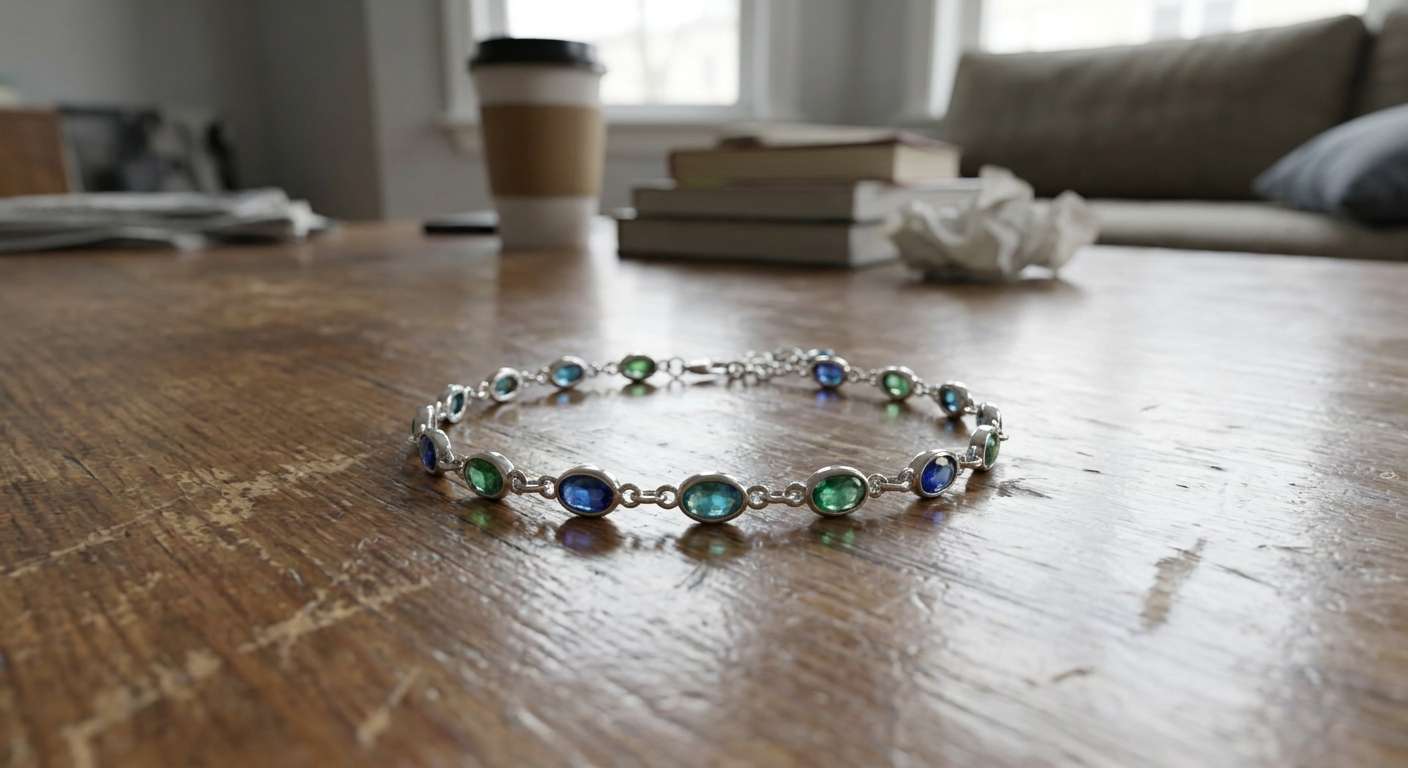
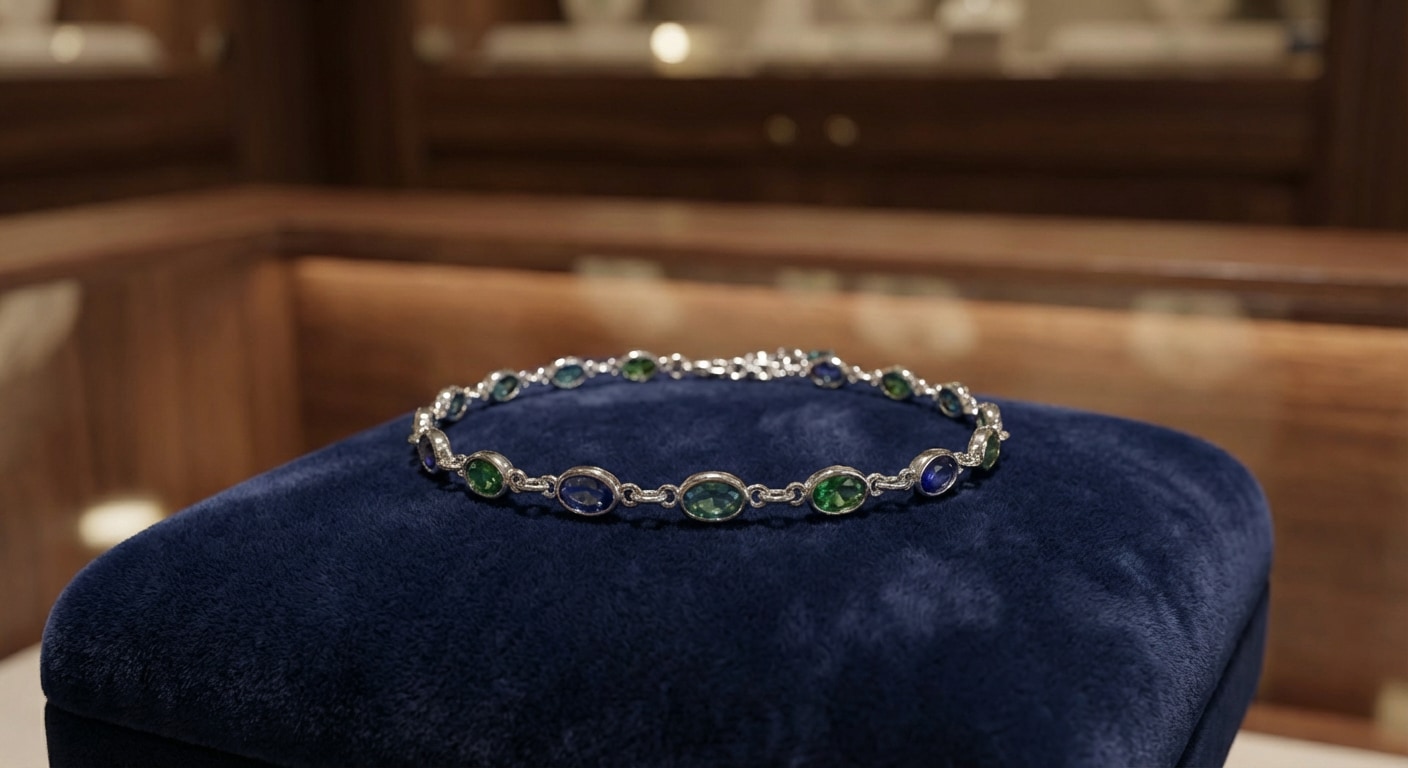
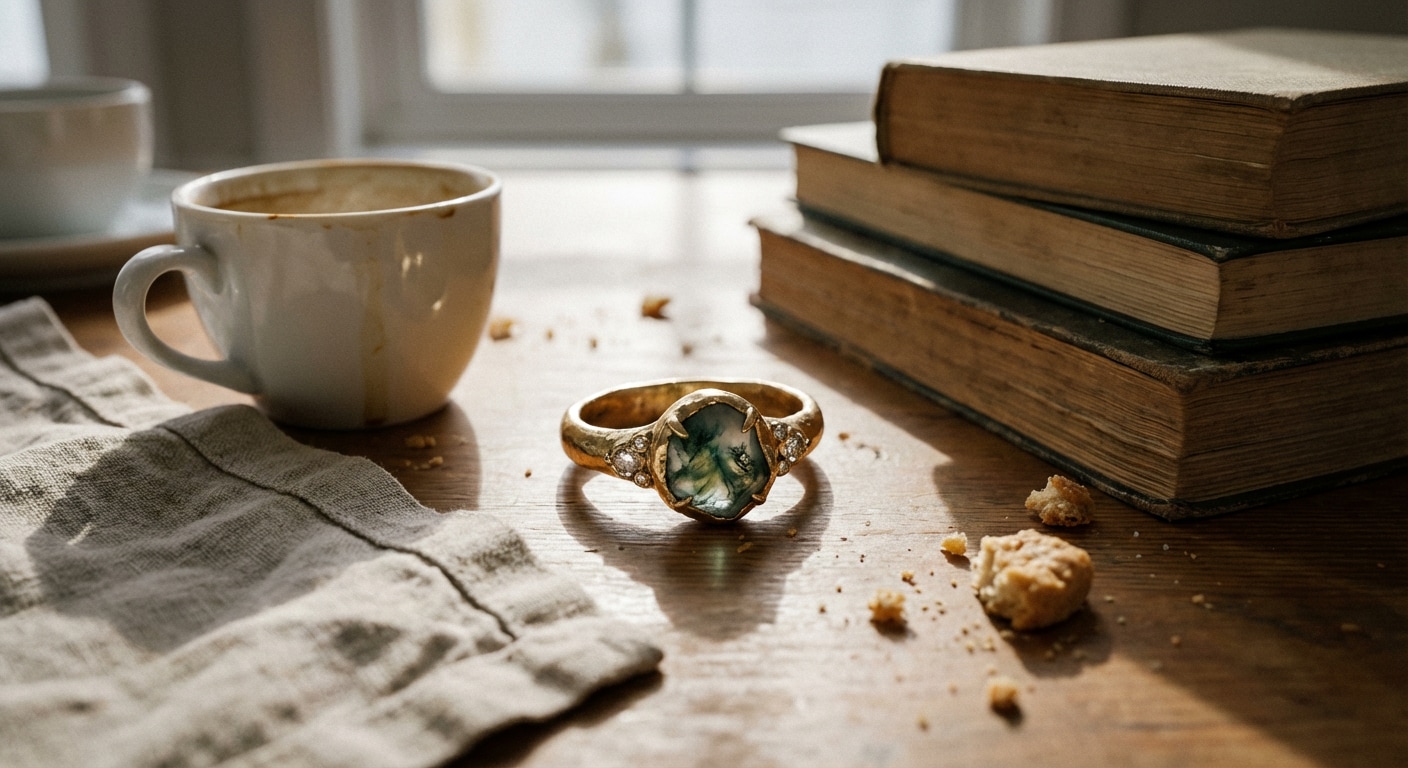
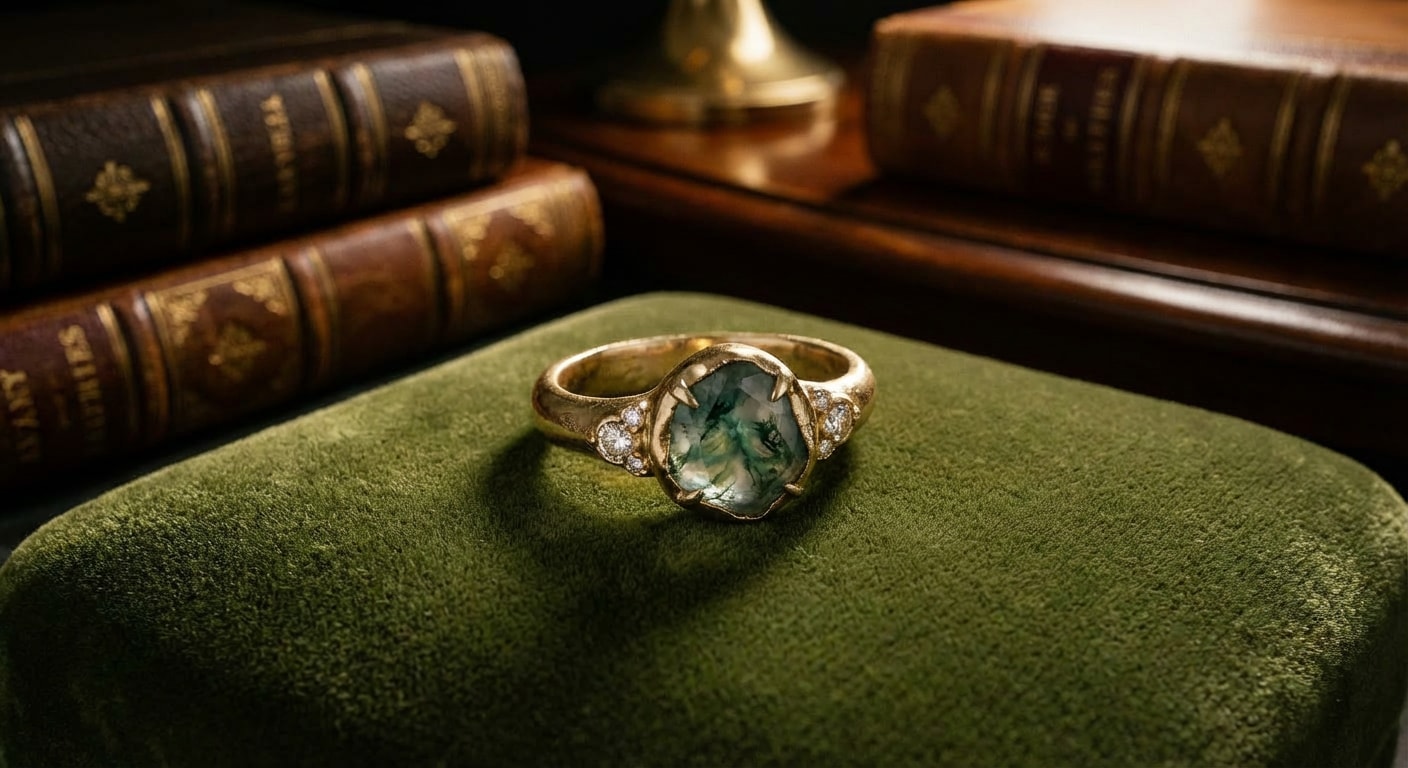
Use these AI templates to turn casual jewelry photos into cleaner high-end product visuals with preserved gemstone detail, realistic reflections, and better luxury presentation.
BeforeAfter
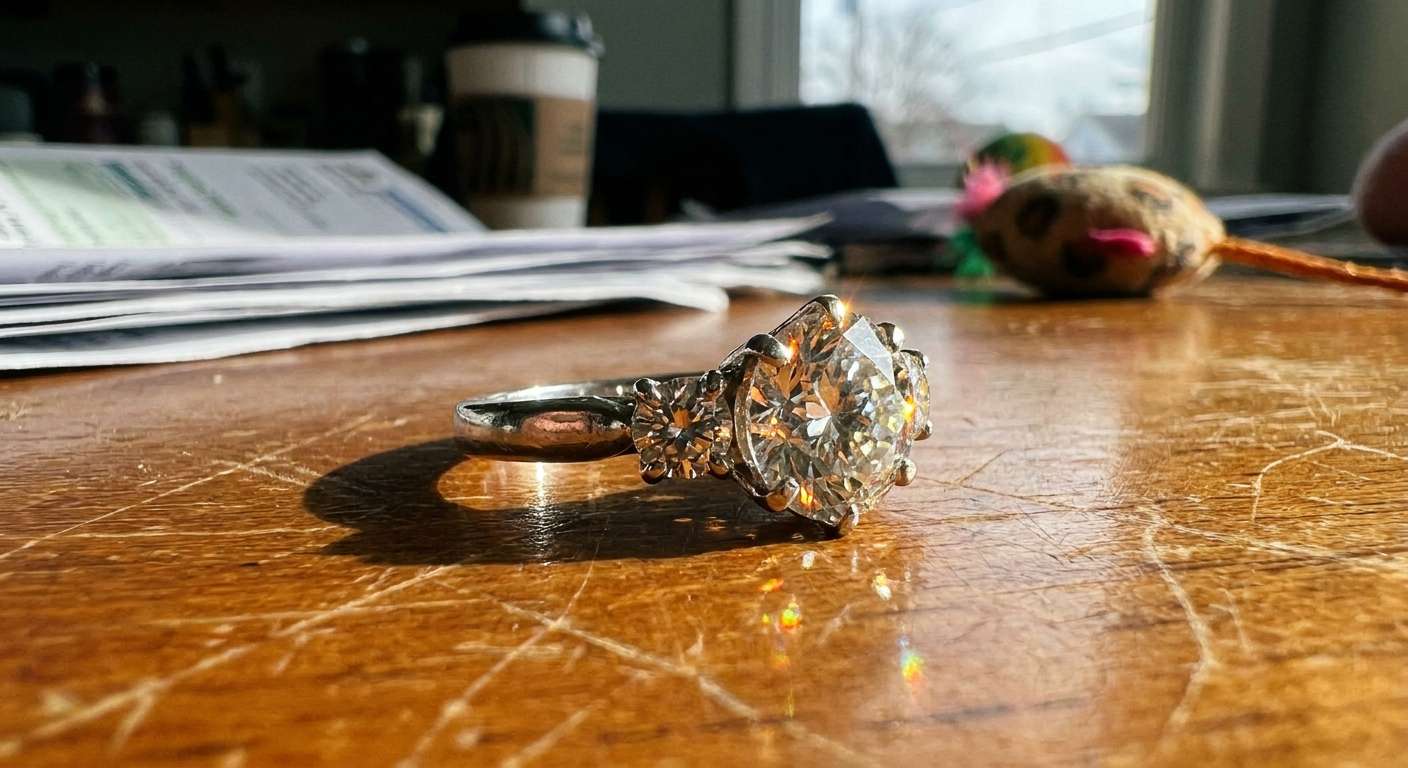
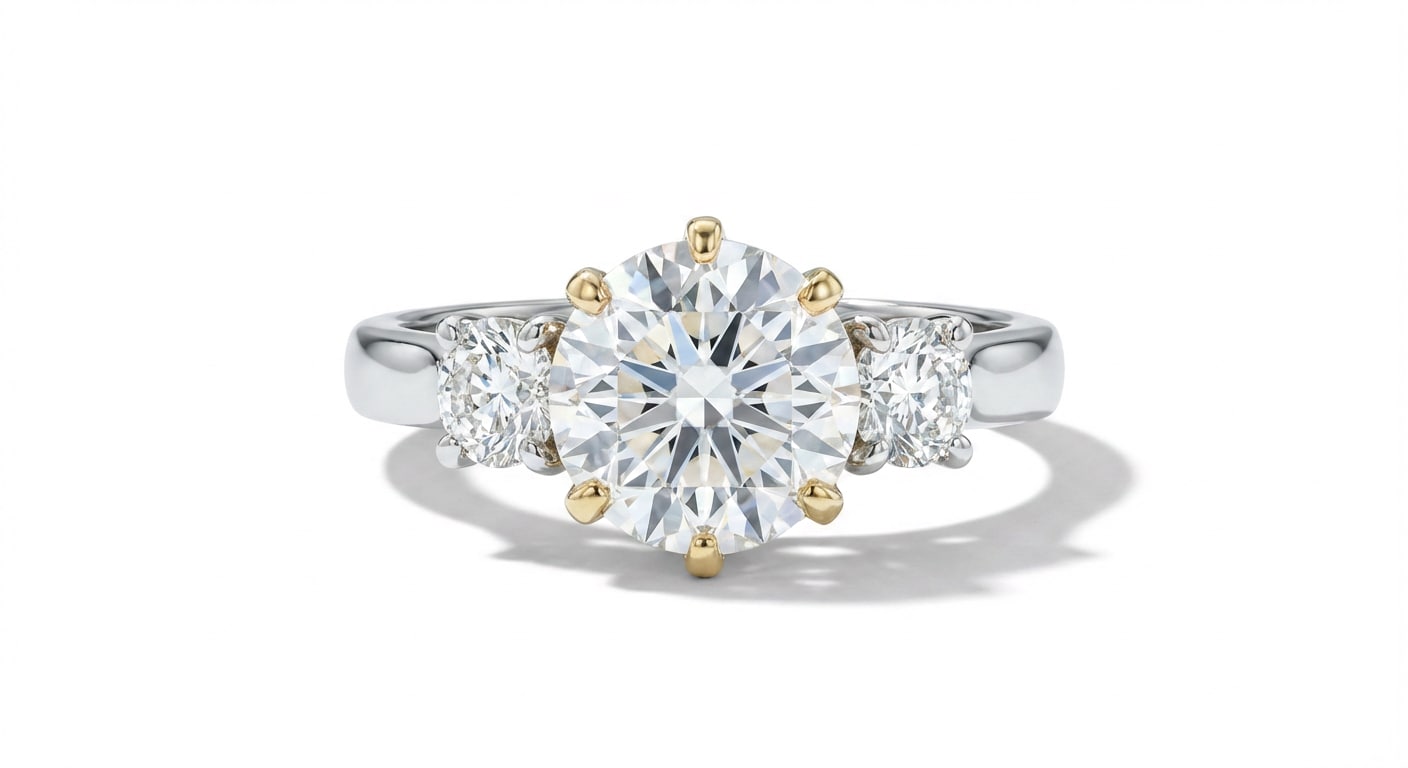
White Studio
White Studio Jewelry Background
Best for rings and jewelry listings that need a clean white studio backdrop with accurate reflections and gemstone detail.
Prompt
Transform this exact jewelry product shot into a clean premium white-background studio image, preserve the exact ring, preserve metal color, gemstone clarity, reflections, prongs, shape, and fine detail, remove clutter completely, and create a polished luxury retail result.
Great for product pages and boutique storefront visuals that need a refined luxury display background.
Prompt
Replace the background of this exact jewelry image with a refined luxury display backdrop, preserve the exact jewelry piece, preserve gemstone detail, metal tone, reflections, silhouette, and create a polished high-end retail visual.
Ideal for editorial-style jewelry visuals that need a premium campaign scene without changing the piece itself.
Prompt
Convert this exact jewelry photo into an editorial luxury visual, replace only the background with an elegant campaign-style jewelry setting, preserve the exact piece, preserve shine, reflections, gemstone details, and create a premium sellable result.
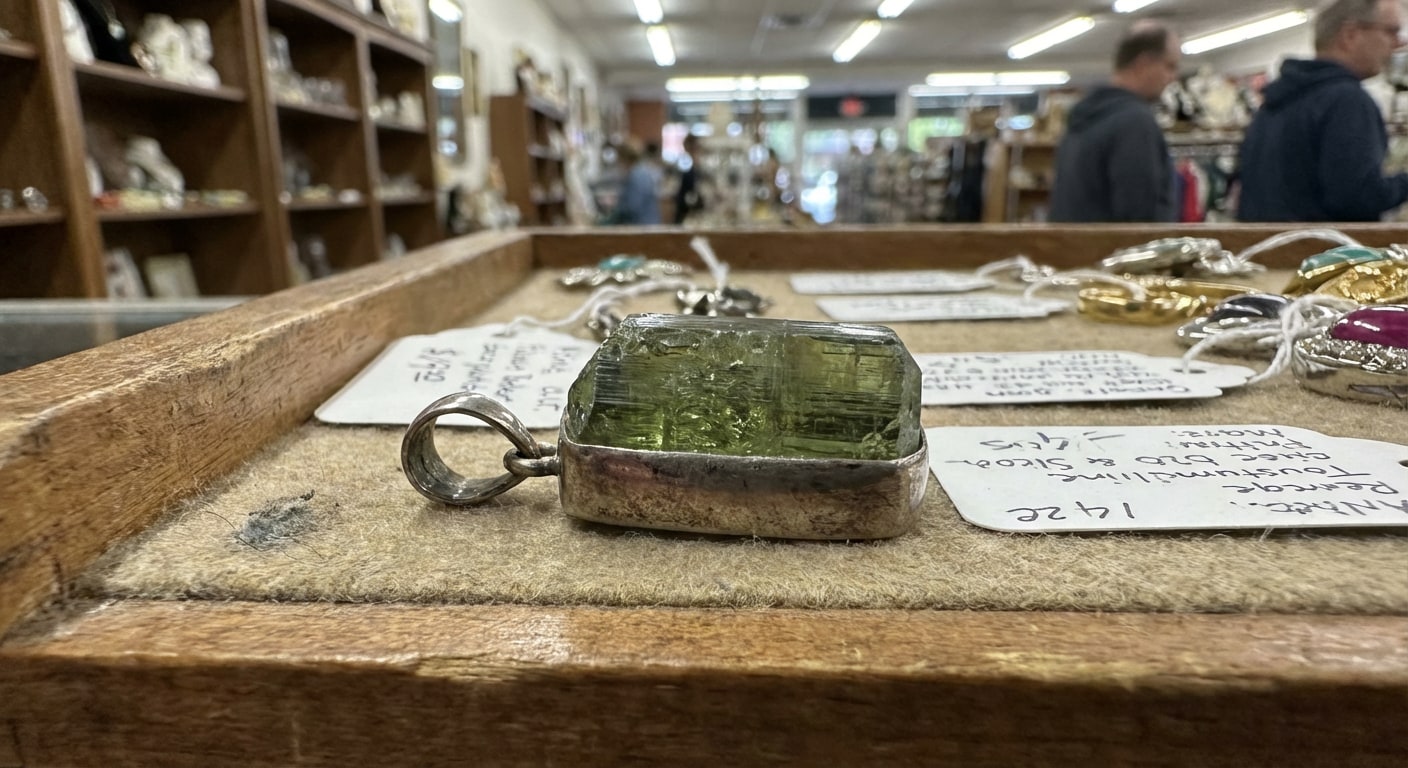
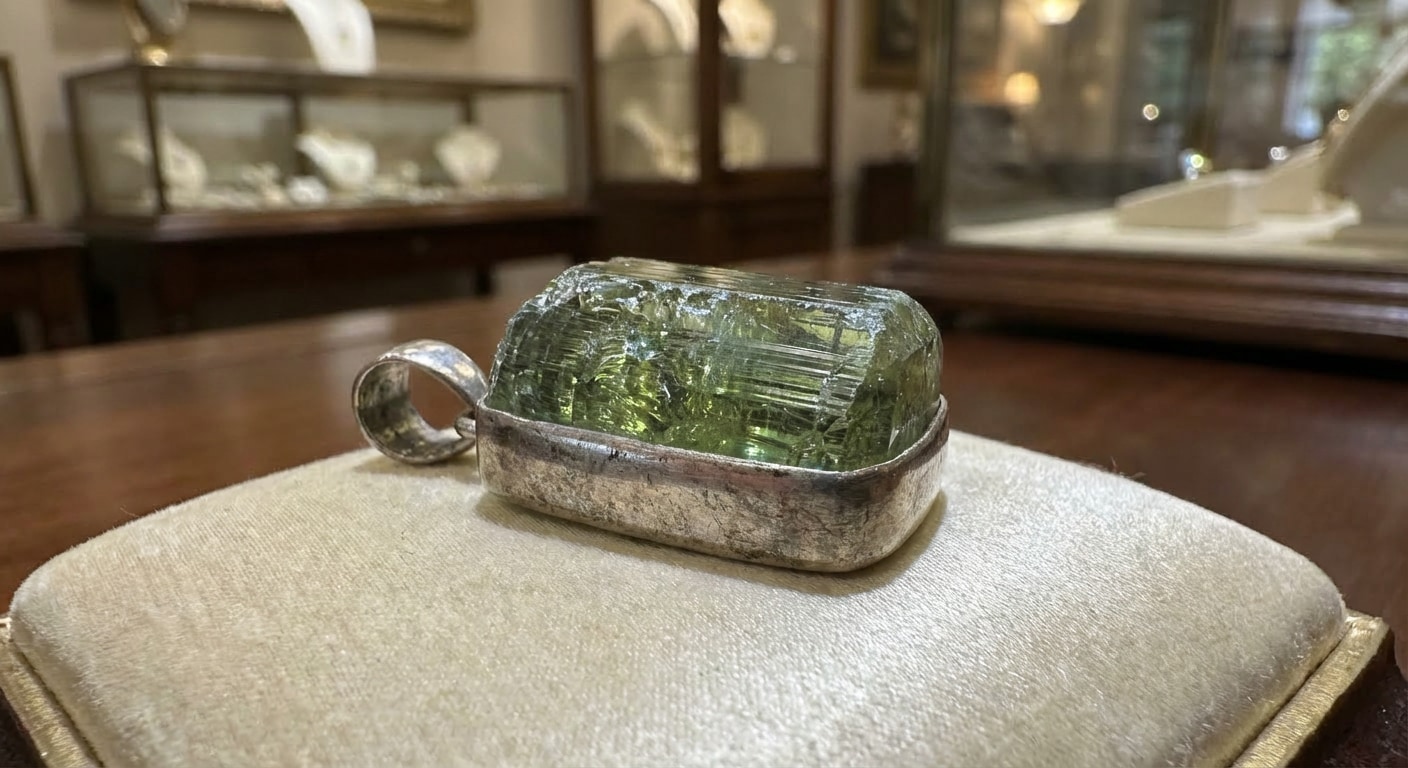
Perfect for gemstone-led jewelry images where facets, sparkle, and metal framing need to stay sharp while the background is upgraded.
Prompt
Turn this exact jewelry image into a premium gem-focused showcase, replace the background with a clean elegant luxury scene, preserve gemstone facets, metal frame, reflections, sparkle, and keep the result realistic and high-end.
Why Media.io Is Great for Jewelry Product Background Changes
Media.io helps jewelry brands and sellers turn ordinary jewelry photos into polished luxury visuals with clean backgrounds, preserved shine, and premium commercial presentation.
Luxury Product Cleanup
Remove messy surfaces and distracting backgrounds from rings, necklaces, and gemstone photos.
Reflection & Detail Preservation
Keep metal tones, gemstone facets, engraving, sparkle, and fine edges accurate while changing the background.
High-End Background Styles
Switch between white, luxury gradient, editorial, and premium showcase backgrounds for different jewelry assets.
Faster Catalog Production
Generate cleaner jewelry listing images and luxury campaign visuals without manual compositing.
Common Questions About Jewelry Product Background Changes
1. How can I change a jewelry product background online?
Upload your jewelry image to Media.io, paste a jewelry product background changer prompt, and let AI replace the background with a clean white, luxury, or editorial scene automatically.
2. Will AI keep reflections and gemstone details accurate?
Yes. A strong prompt can preserve metal tones, gemstone clarity, reflections, engraving, and shape while only changing the background.
3. Can I make jewelry photos for luxury product pages?
Yes. Media.io works well for clean white-background jewelry images as well as luxury and editorial visuals for boutiques, catalogs, and landing pages.
4. What backgrounds work best for jewelry photos?
White backgrounds work well for clean listings, while luxury gradient and editorial backdrops are useful for premium hero images and campaign visuals.
5. What prompt works best for jewelry background replacement?
The best prompt asks AI to keep the jewelry unchanged, preserve reflections and gemstone details, remove clutter, and create a polished high-end retail background.