
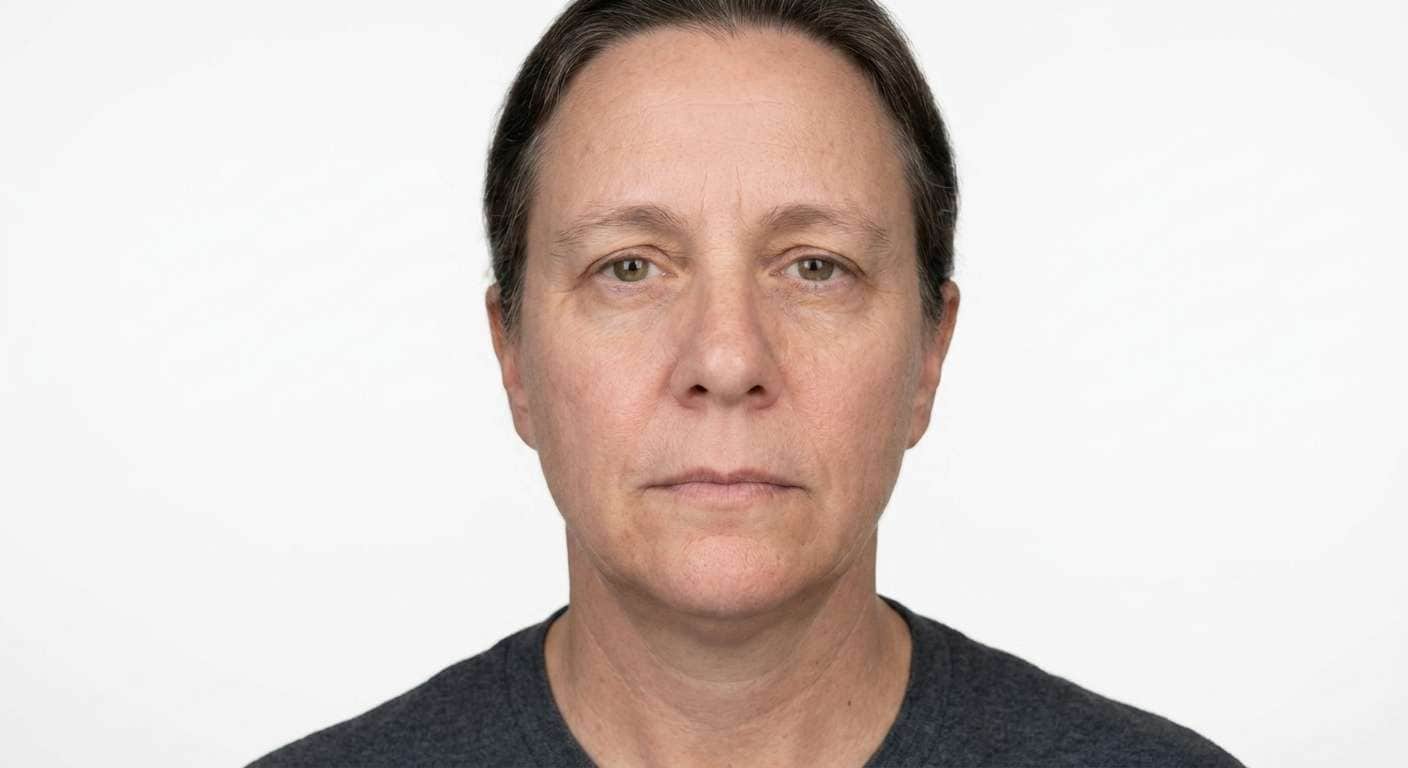
Prompt
Replace the background of this ID-style portrait with a pure white official backdrop, preserve the same person, preserve facial identity, neckline, ears, shoulders, and clothing edges, and keep the result polished and realistic.
Use Media.io to change ID photo background for employee badges, school cards, membership IDs, and official forms. Replace messy rooms and distracting walls with a clean white, pale blue, or neutral gray studio-style backdrop in seconds.
White Employee ID Background
Turn a casual headshot into a clean white-background ID card photo with natural face detail and sharp edges.


Blue School ID Photo
Create a neat blue-background school or membership ID portrait while preserving facial features and natural skin tone.

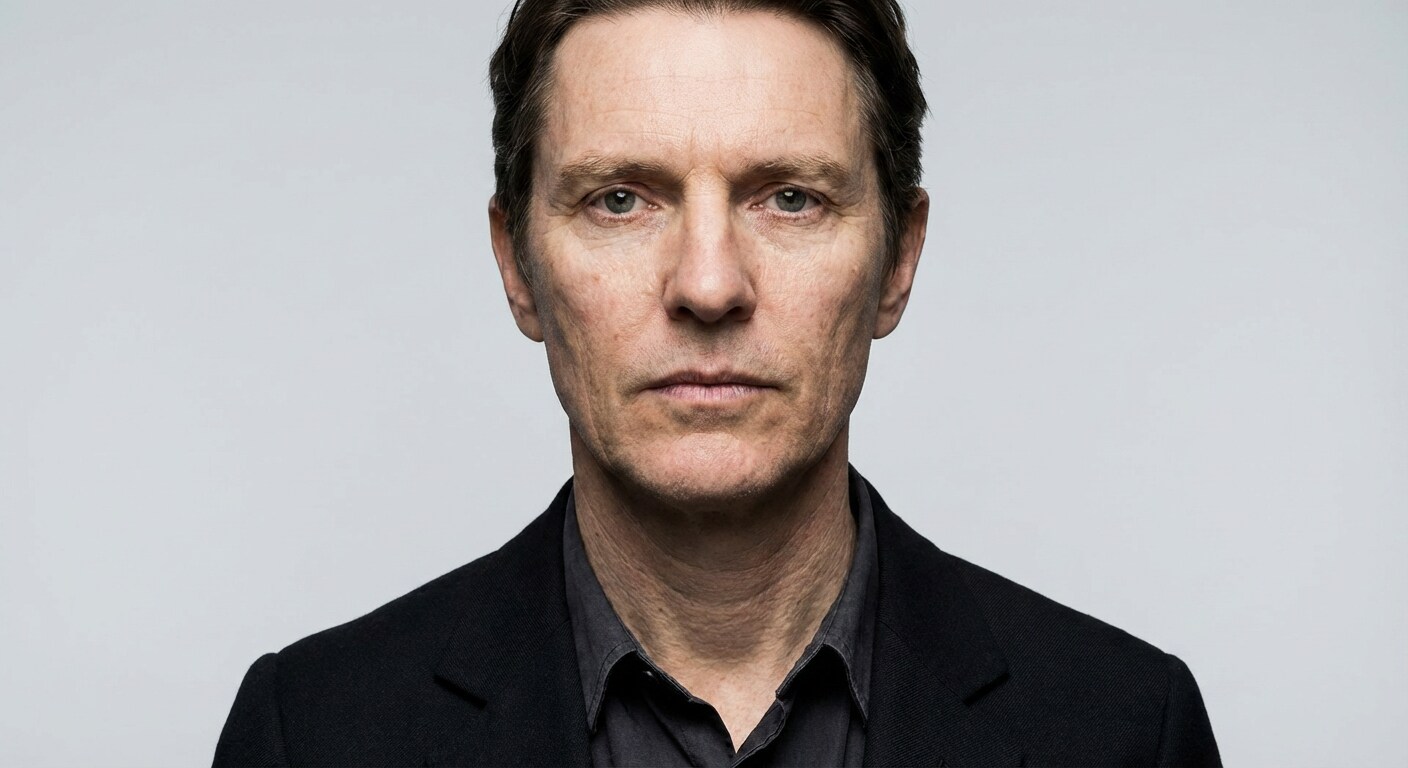
Gray Membership Card Photo
Swap a distracting wall for a neutral gray membership-card background with balanced lighting and tidy edges.
Upload an employee headshot, school photo, or official portrait to Media.io AI image tool, choose a tested ID photo background changer prompt, and generate a clean studio-style background without manual editing.
Copy a white, blue, gray, or formal prompt below and keep the subject exactly the same.
Preview the polished ID photo and download a clean card-ready result.
Explore AI templates for cleaning up school, company, club, and membership ID portraits with realistic identity preservation and neat official-looking backgrounds.
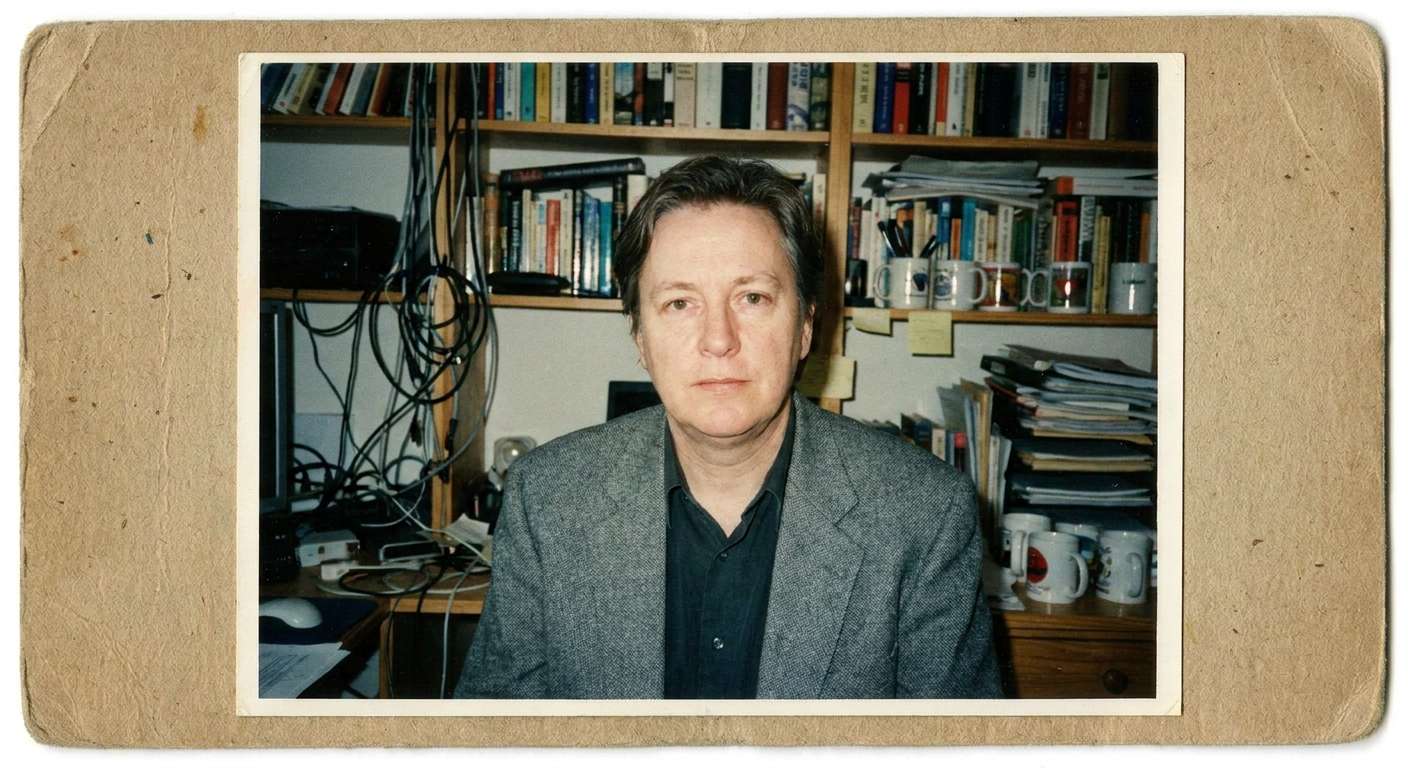









Media.io makes it easy to convert casual portraits into clean ID-ready images with studio-style backdrops, preserved facial identity, and fast one-click AI editing.

Remove visual clutter and messy walls behind employee, student, and membership card portraits.

Keep face shape, ears, hairline, neck, and shoulders natural for official ID use.

Switch to white, blue, gray, or plain badge-style backdrops for different ID needs.

Use copy-ready prompts to generate consistent ID photos quickly at scale.


Upload your portrait to Media.io, paste an ID background changer prompt, and let AI replace the background with a clean white, blue, or gray studio-style backdrop automatically.
Yes. A strong prompt can preserve your facial identity, hairline, ears, shoulders, and clothing edges while only changing the background and improving lighting.
White, light blue, and light gray are common choices. The best option depends on the type of ID card or organization requirement.
Yes. Media.io can help convert casual portraits into cleaner ID-style images by removing cluttered backgrounds and replacing them with a plain official-looking backdrop.
The best prompt asks AI to replace only the background, preserve identity and edges, improve lighting softly, and produce a realistic card-ready photo.
 4.7 (162,357 Votes)


