

100% Online, No Browser Extension
Skip unreliable Chrome extensions, scripts, or developer tools. Remove the Dola watermark online directly in your browser on Windows, Mac, iPhone, or Android.
Remove the visible Dola AI watermark from videos you have already exported. Upload your clip to Media.io's Dola AI Watermark Remover , select the logo area, and let AI reconstruct the covered region without cropping your frame. No extension, script, or browser setup required.
Free credits on signup. No Chrome extension required.
For videos you own or are authorized to edit. This tool removes visible on-frame logos and overlays only.







Skip unreliable Chrome extensions, scripts, or developer tools. Remove the Dola watermark online directly in your browser on Windows, Mac, iPhone, or Android.
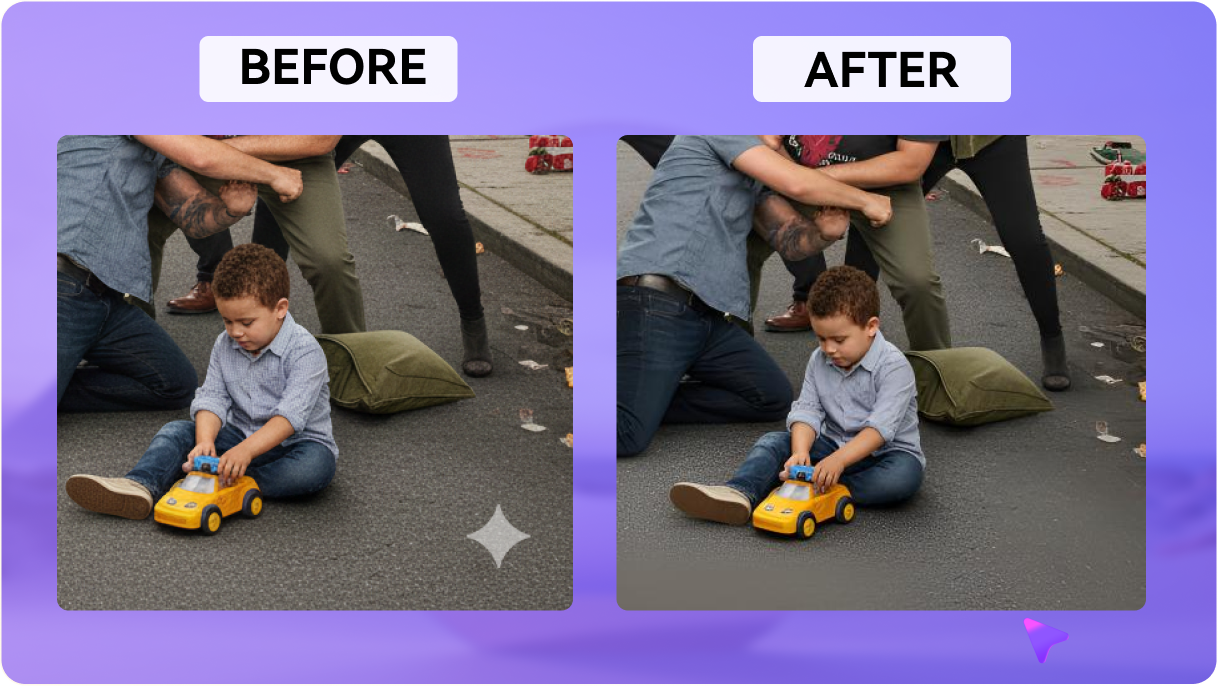
Preserve your original composition. Media.io reconstructs the visible Dola logo area using surrounding visual information instead of forcing you to crop the frame.
Clean only the selected watermark region while keeping the rest of your Dola-generated video intact, including its framing, motion, and visual detail.
Upload common exported video formats and clean vertical, square, or landscape Dola clips without changing the original aspect ratio.
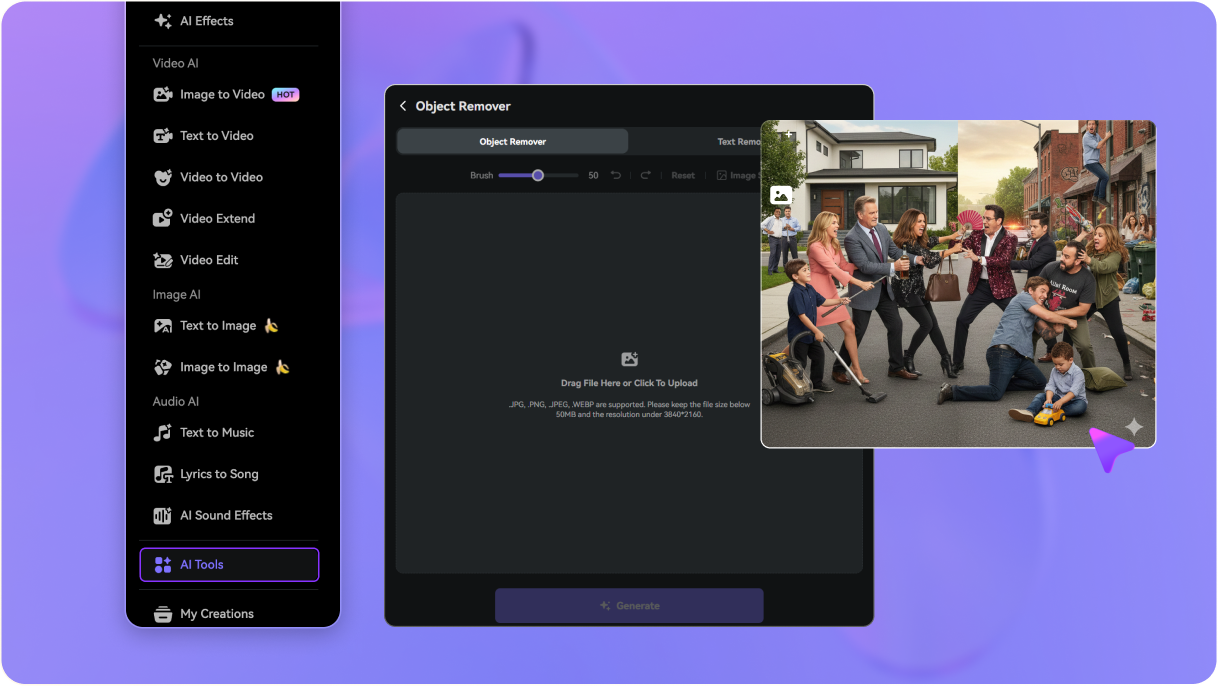
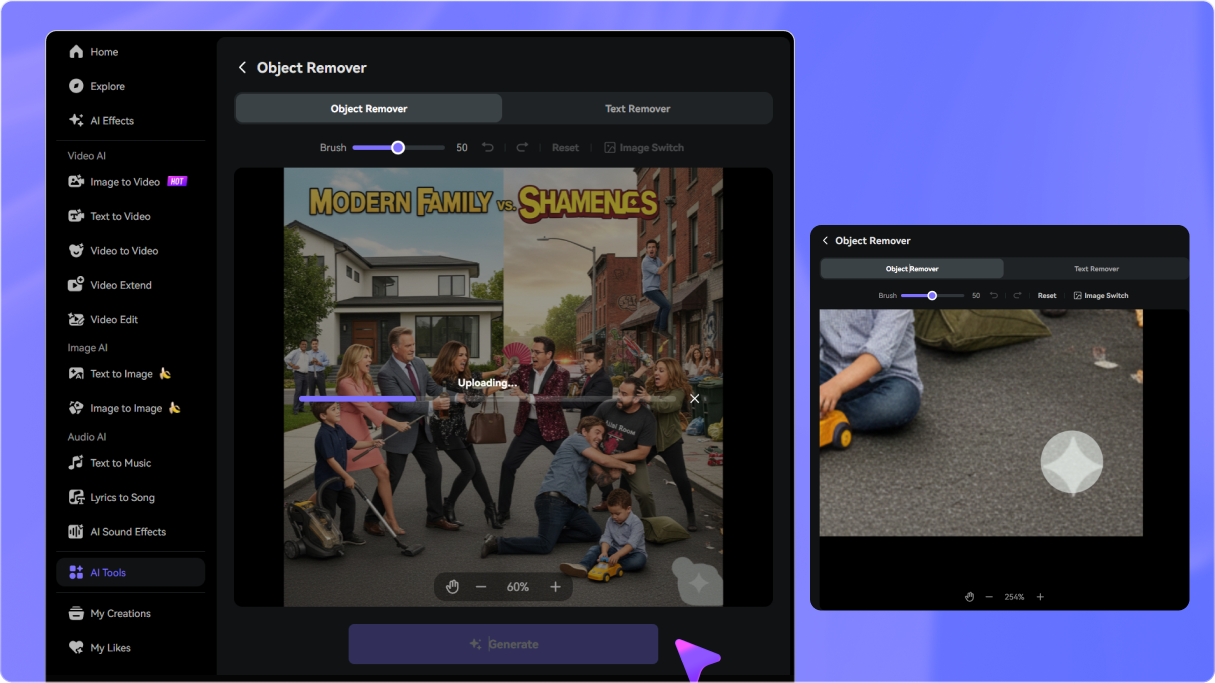
Open Media.io Video Eraser and upload the Dola AI video you already exported. You can start directly from your browser without installing an extension or script.
Choose a removal mode and brush over the visible Dola logo. Set the timeline so the selection covers every frame where the watermark appears.
Click Generate and review the reconstructed watermark area. Refine the selection if needed, then download your cleaned Dola AI video.

Short-Form Video Producer

“Much easier than relying on browser extensions.” I already had the exported Dola video, so I uploaded it directly and cleaned the visible logo area without installing anything else.

AI Motion Designer
“I could keep the full vertical frame.” Cropping the Dola watermark would have cut into my 9:16 composition. Cleaning only the logo area let me preserve the original framing.

Social Media Marketing Lead
“Useful for preparing client-ready exports.” I used it on Dola clips that already had visible branding. The preview made it easy to check the repaired area before downloading.

Anime & AI Art Creator
“Previewing helped with moving backgrounds.” My clip had a lot of movement around the watermark area, so being able to review the result and refine the selection was especially useful.


 4.7 (162,357 Votes)






