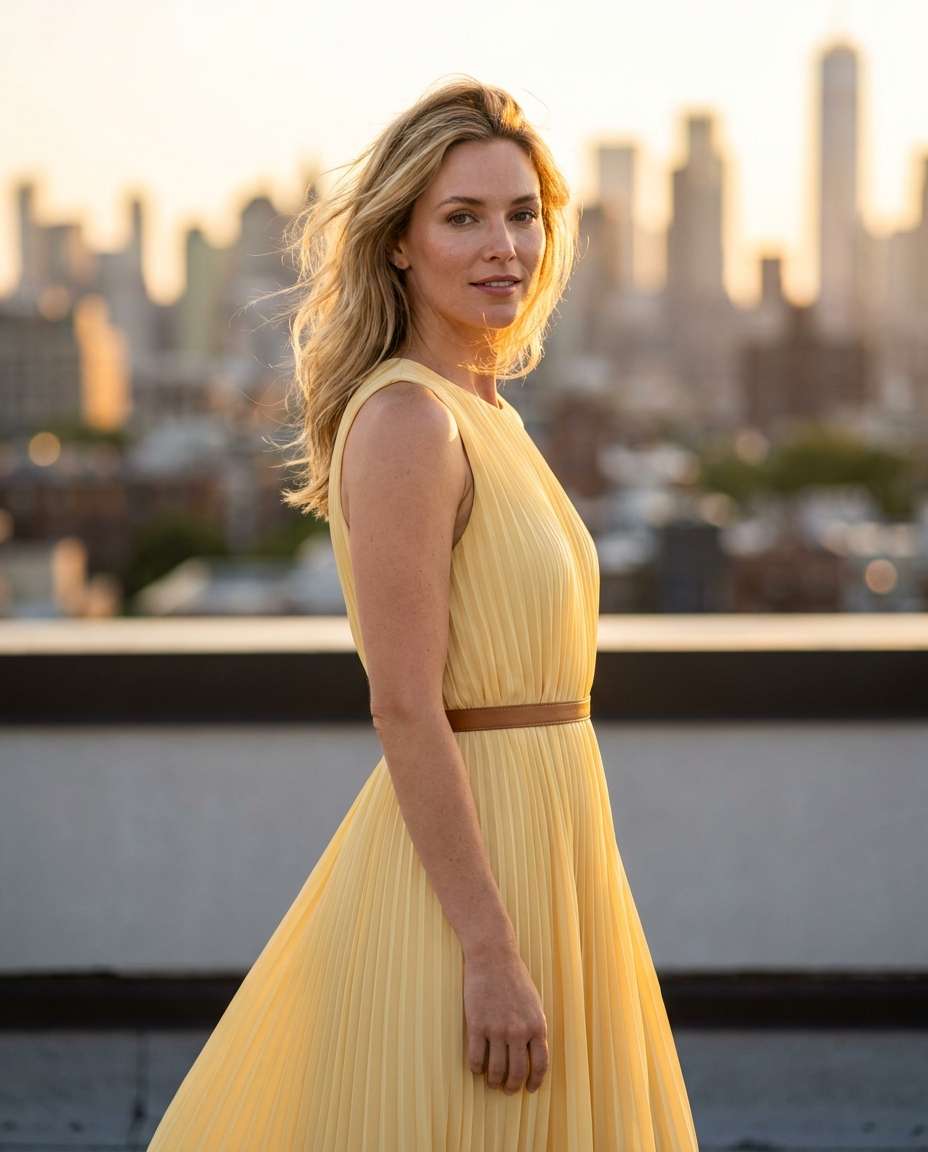
Rooftop Golden Hour
Using the uploaded photo as the base, keep the same face and hairstyle, change outfit to a flowing butter-yellow midi dress with soft pleats and a thin waist belt, rooftop at golden hour with warm rim light, city skyline bokeh, wind-blown hair, shot on Sony A7IV 85mm f/1.4, half-body framing, shallow depth of field, photorealistic skin texture, editorial fashion color grading --ar 4:5
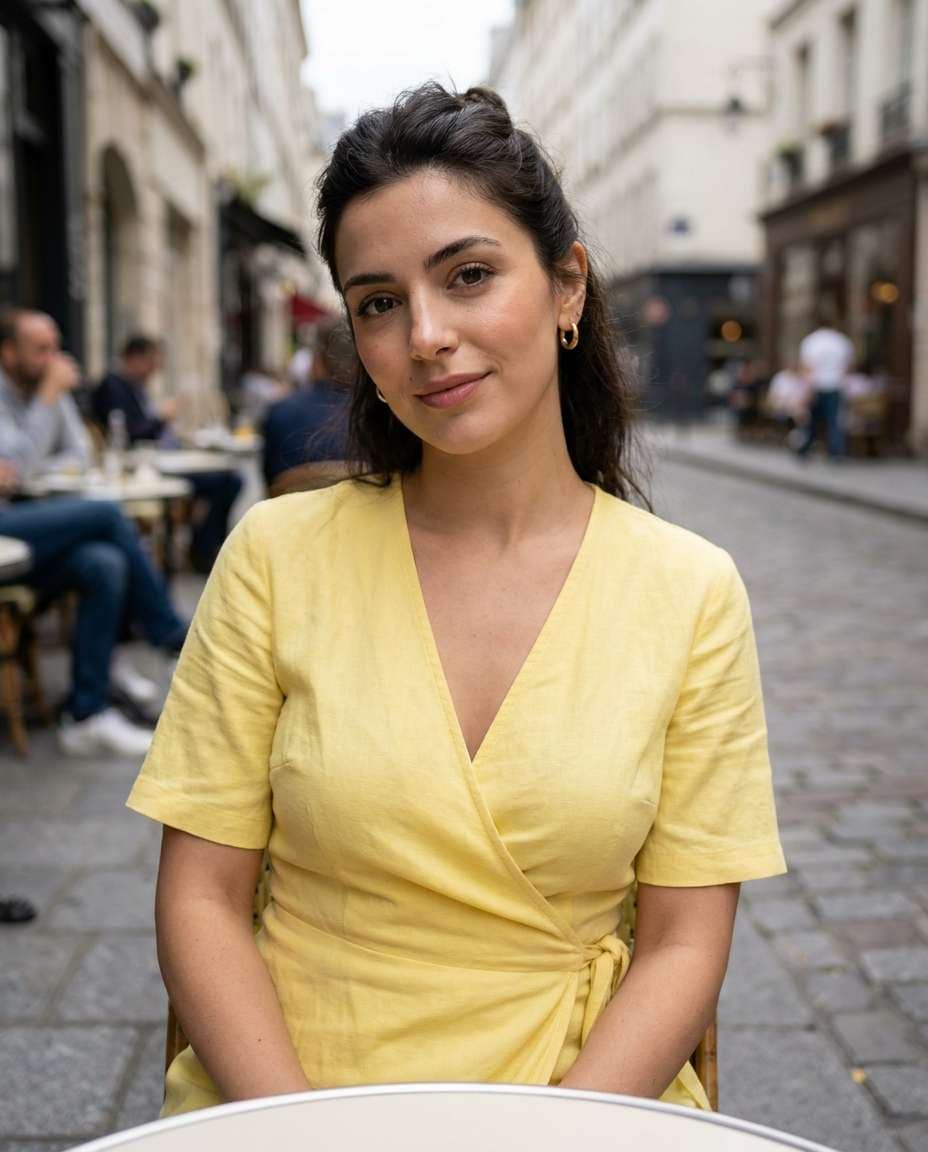
Paris Cafe Street
Edit the uploaded portrait: preserve identity, replace clothing with a chic lemon-yellow wrap dress, subtle gold hoops, natural makeup, sitting at a Paris sidewalk cafe, cobblestone street background softly blurred, overcast daylight with gentle contrast, Canon R5 50mm f/1.8, candid lifestyle composition, realistic fabric texture and shadows --ar 4:5
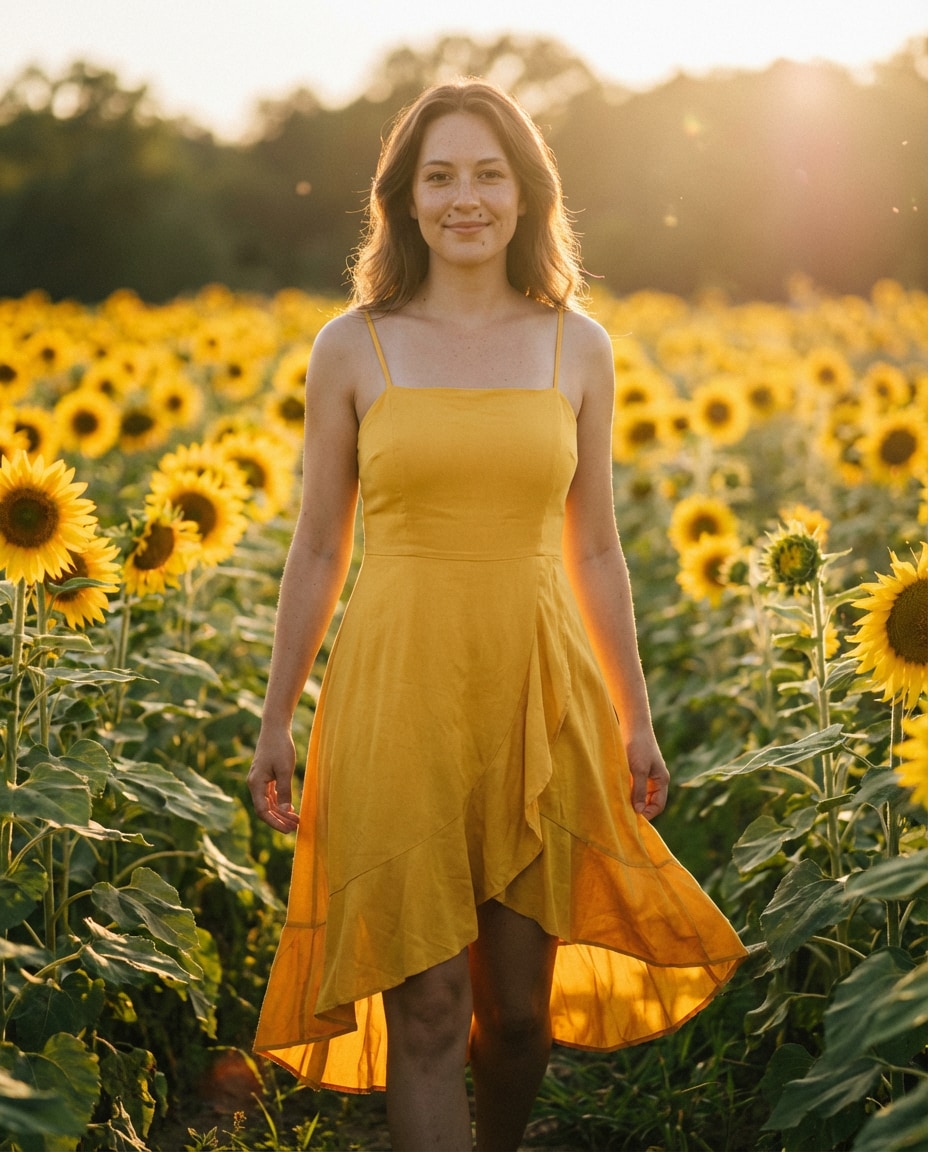
Sunflower Field Walk
Keep the subject from the uploaded photo, outfit swap into a sunflower-yellow sundress with thin straps and flutter skirt, walking through a sunflower field, late afternoon golden light, soft haze, Nikon Z8 85mm f/1.8, full-body shot, dreamy bokeh, natural pores, warm film-like grading, realistic movement in dress folds --ar 4:5
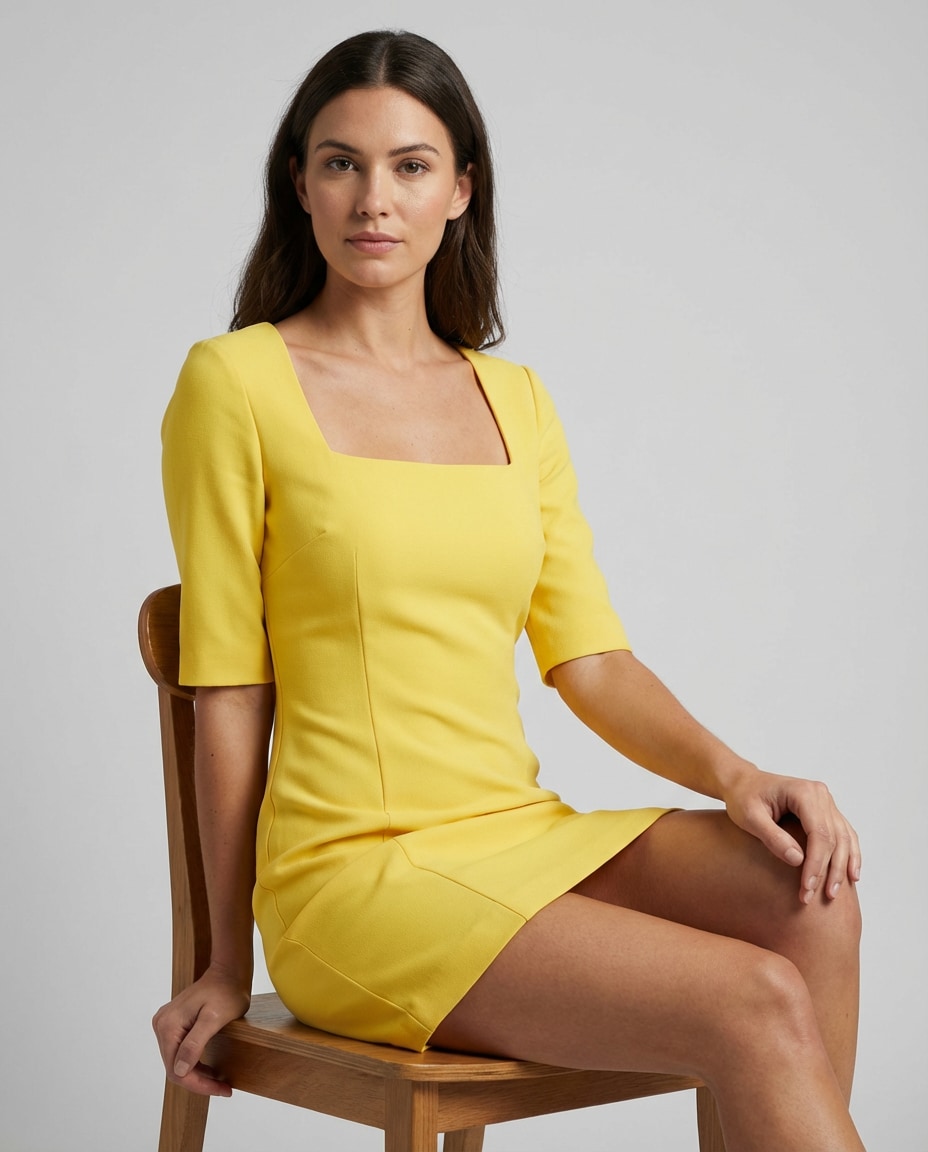
Clean Studio Seamless
Use the uploaded photo, keep face and pose, change outfit to a structured canary-yellow mini dress with square neckline, studio seamless light gray background, three-point softbox lighting with gentle shadows, Phase One medium format look, 80mm lens, sharp focus, high-end catalog photography, accurate color and crisp fabric edges --ar 4:5
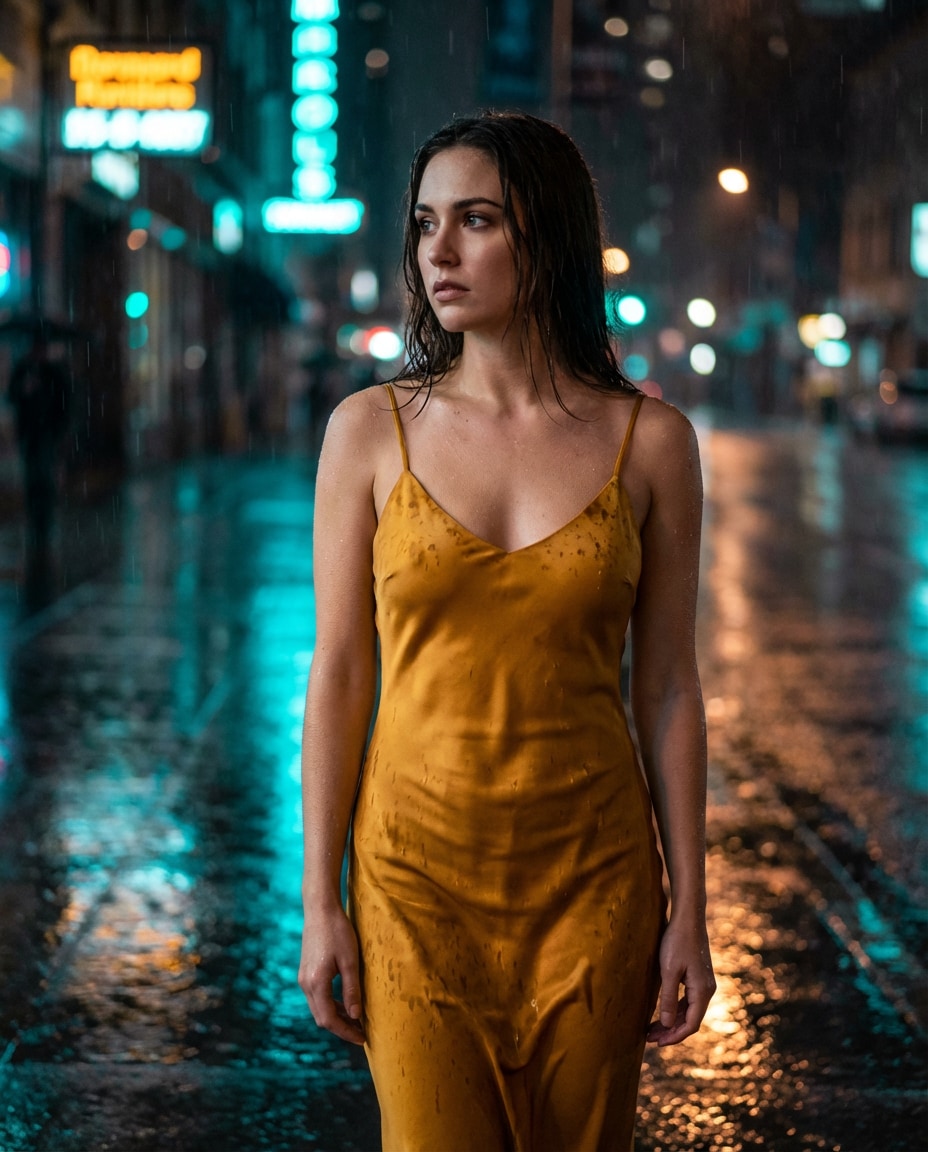
Rainy Neon Night
Edit the uploaded image: keep identity, add a satin mustard-yellow slip dress with thin straps, rainy city street at night with neon reflections, wet pavement, cinematic teal and amber lighting, Sony A7S III 35mm f/1.4, shallow depth, moody expression, realistic raindrops and specular highlights on fabric --ar 4:5
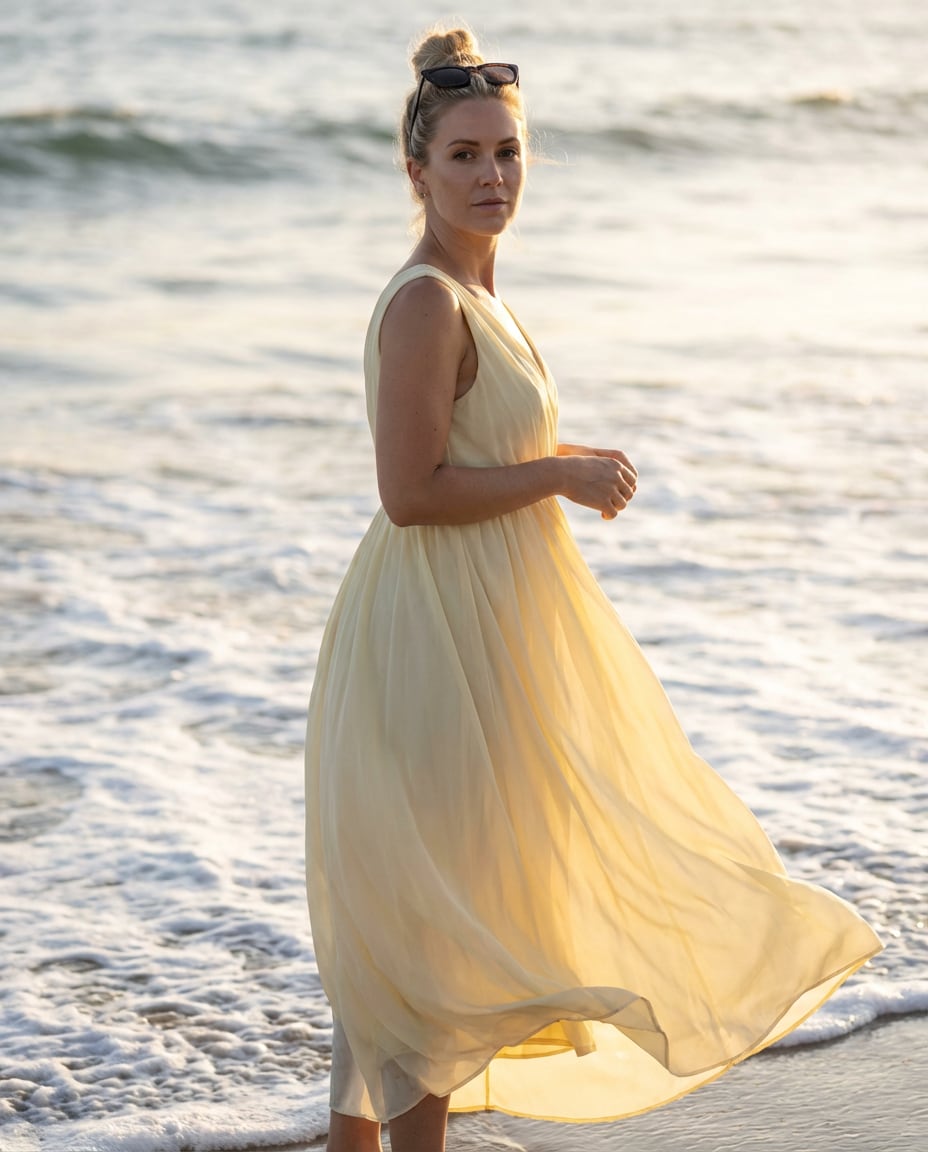
Beach Breeze Portrait
Using the uploaded photo, preserve the face, switch outfit to a light chiffon pale-yellow maxi dress, beach shoreline with rolling waves, soft sunset backlight, wind catching the dress, Fujifilm GFX 100 110mm, full-body portrait, airy mood, photorealistic skin and hair strands, natural shadows --ar 4:5
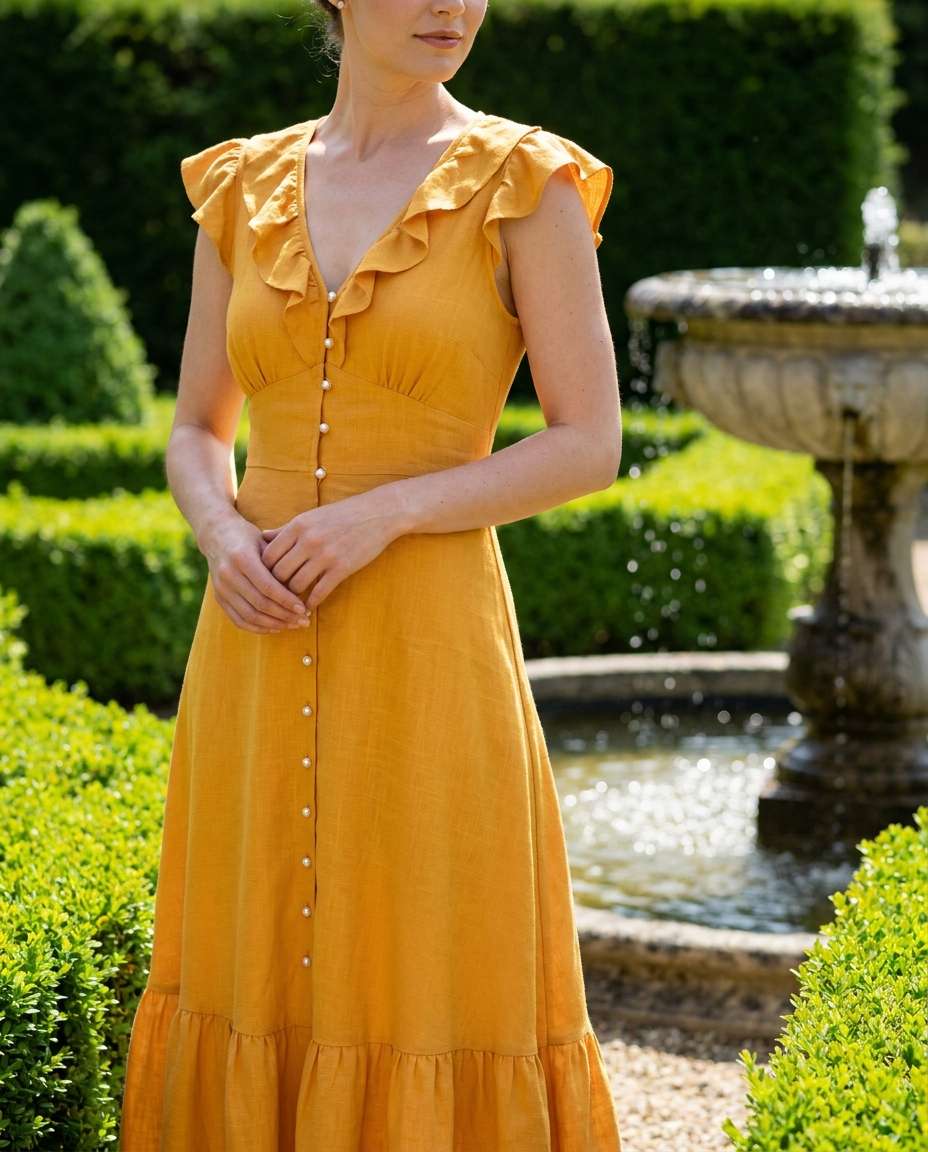
Old Money Garden
Keep the uploaded subject identity, outfit swap to an elegant marigold-yellow tea dress with pearl buttons, manicured estate garden with hedges and stone fountain, bright midday sun softened by diffusion, Leica SL2 75mm, refined posture, editorial composition, crisp highlights, realistic fabric weave detail --ar 4:5
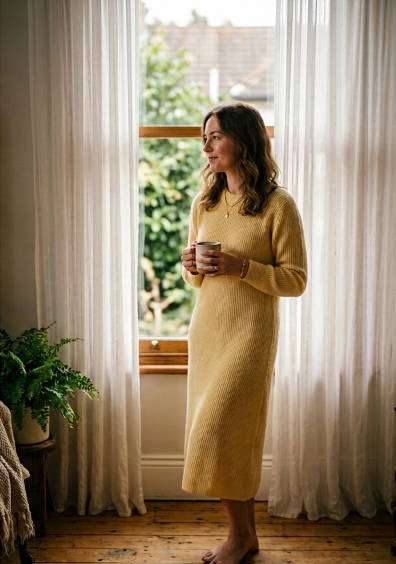
Window Light Bedroom
Edit the uploaded portrait: keep same face, change into a soft pastel-yellow knit dress with long sleeves, standing by a window with sheer curtains, morning window light, gentle shadow falloff, Canon EOS R6 85mm f/2, intimate cozy mood, true-to-life skin texture, subtle warm tones --ar 4:5
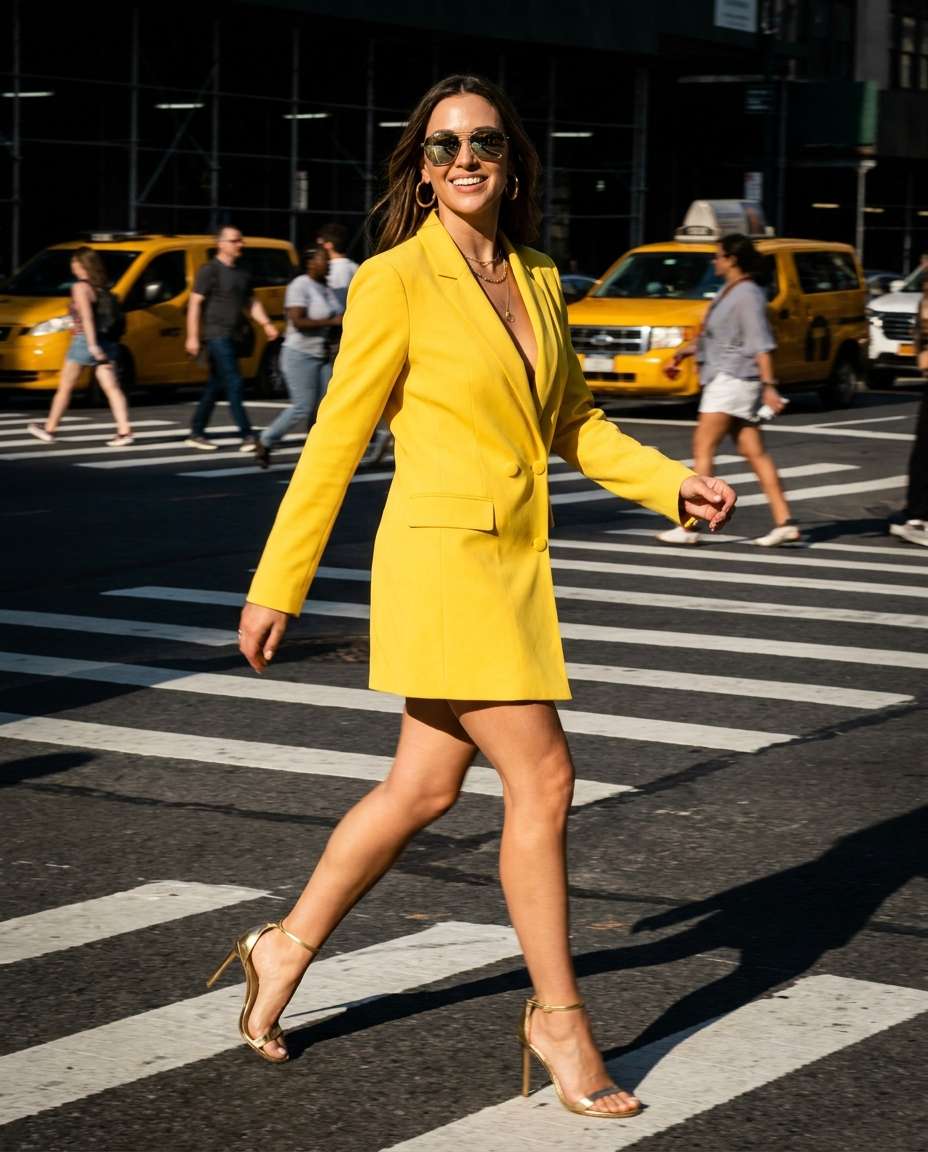
City Crosswalk Chic
Use the uploaded photo as reference, preserve identity, change outfit to a bright yellow blazer dress with matching heels, busy city crosswalk background motion blur, hard side sunlight with punchy contrast, Sony A1 50mm, street-style editorial, sharp subject with dynamic energy, realistic reflections on accessories --ar 4:5
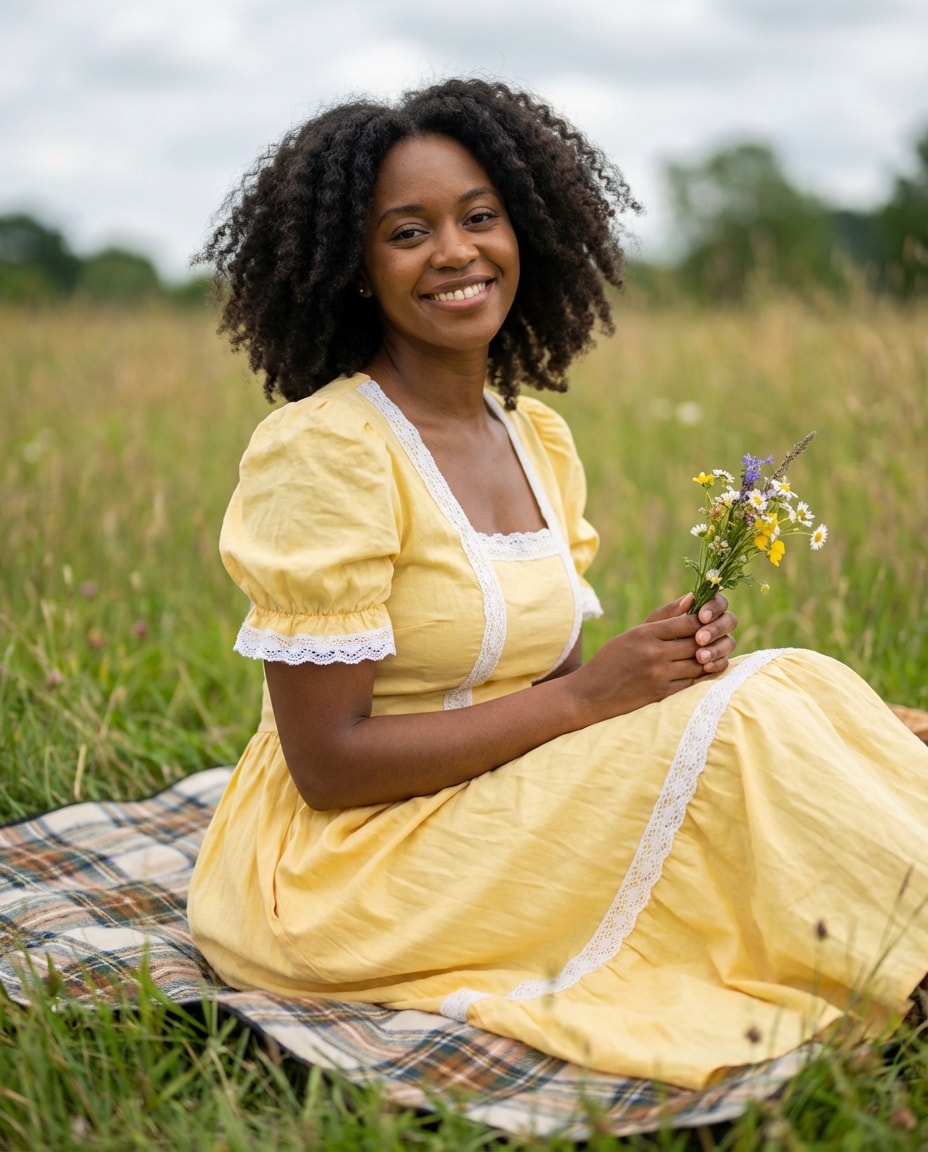
Cottagecore Picnic
Keep the person from the uploaded photo, outfit swap into a buttercup-yellow puff-sleeve dress with lace trim, countryside meadow picnic blanket, wildflowers, soft cloudy daylight, Nikon D850 85mm, warm nostalgic mood, natural hair texture, realistic cloth wrinkles and grass detail --ar 4:5
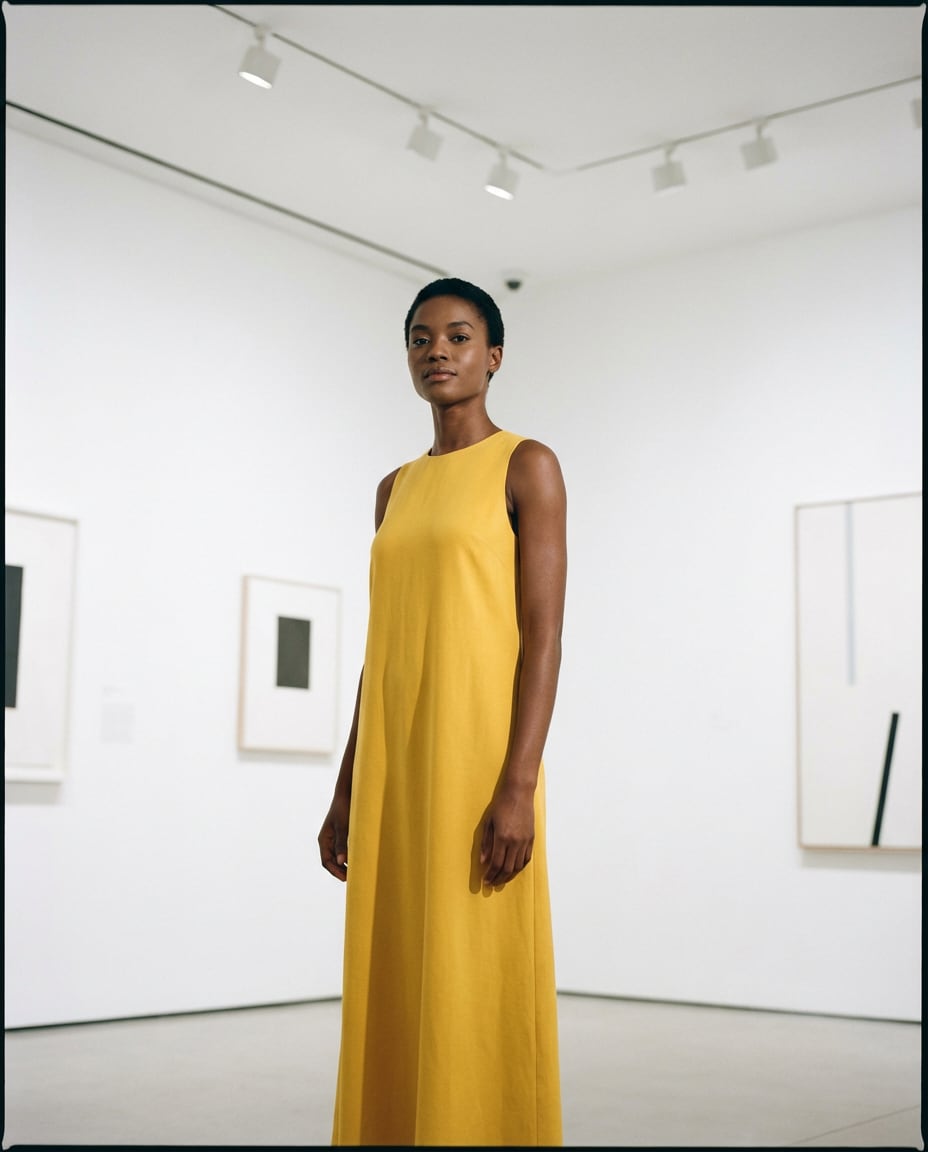
Museum Gallery Minimal
Edit the uploaded image: maintain face identity, replace outfit with a minimalist sunflower-yellow column dress, modern art museum interior with clean white walls, soft overhead lighting, Hasselblad look 65mm, calm confident pose, high-fashion simplicity, accurate shadows under chin and along dress folds --ar 4:5
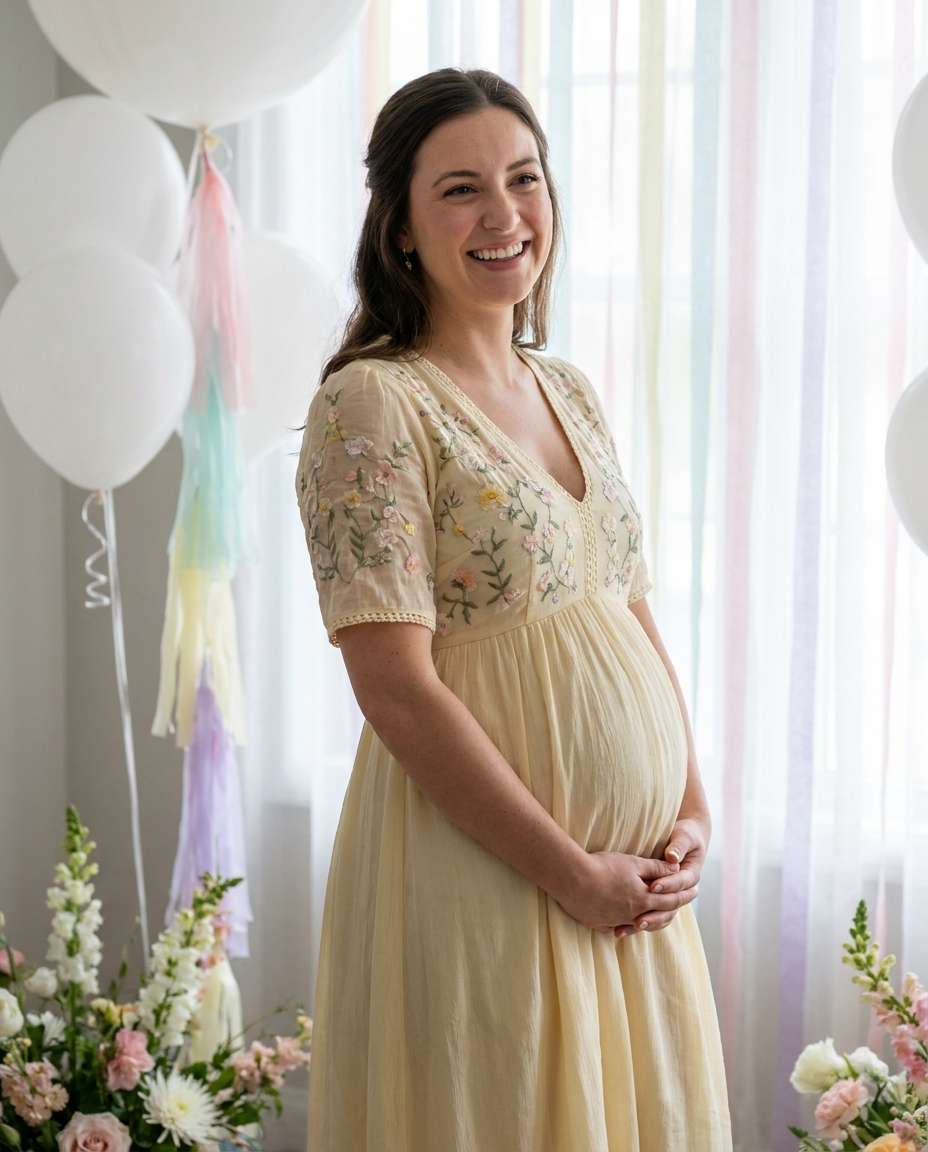
Bridal Shower Guest
Using the uploaded portrait, keep the same face and body shape, change outfit to a pale-yellow midi dress with subtle floral embroidery, indoor bridal shower scene with white balloons and soft pastel decor, flattering diffused lighting, Canon R5 85mm, joyful candid smile, realistic embroidery texture --ar 4:5
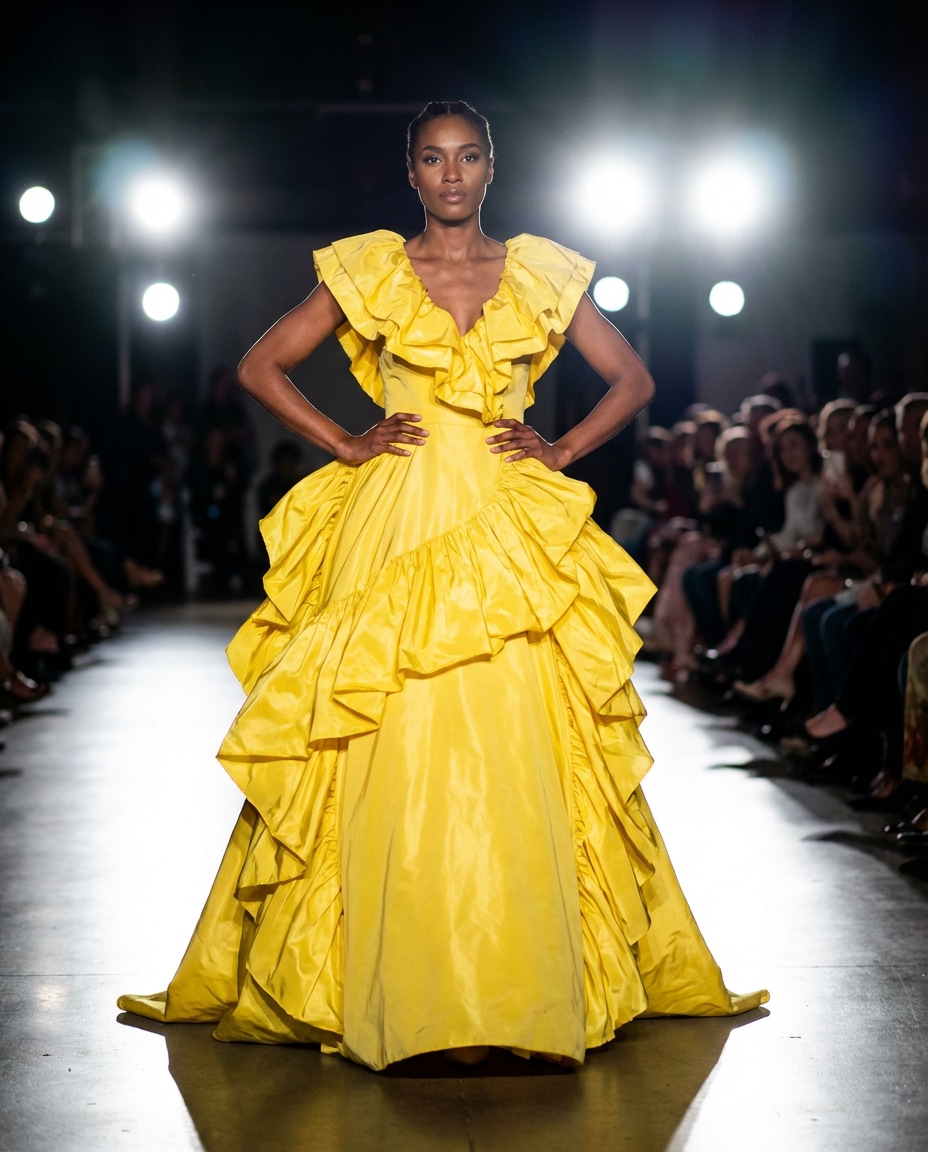
Runway Spotlight
Edit the uploaded photo: preserve identity, outfit swap into a bold canary-yellow couture gown with dramatic ruffles, fashion runway background with spotlights and audience blur, high-contrast stage lighting, Sony A9 II 70mm, full-body framing, confident power pose, glossy fabric highlights, editorial sharpness --ar 4:5
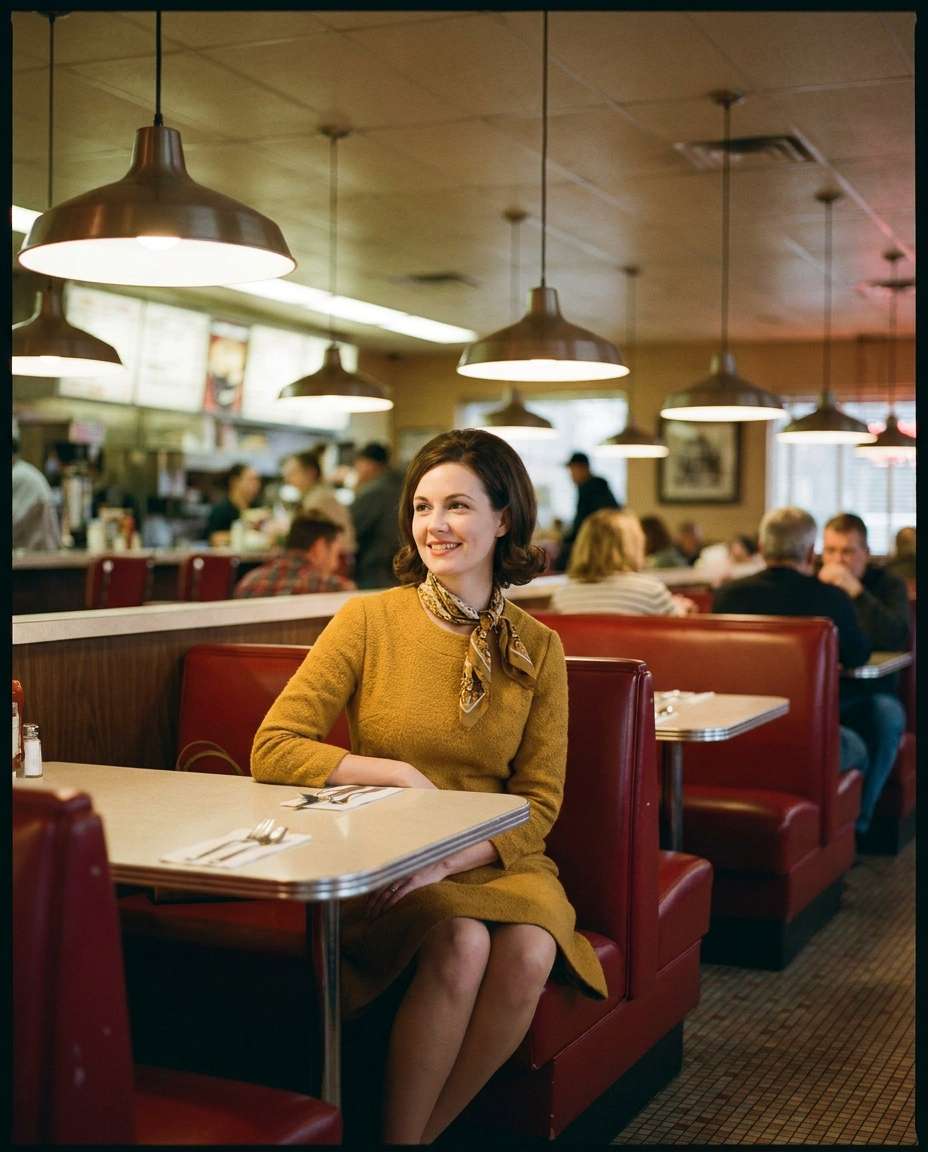
Vintage Film Look
Keep the uploaded subject, change outfit to a mustard-yellow retro 1960s A-line dress, classic diner interior, warm tungsten lighting, subtle film grain, Kodak Portra-style color, Leica M look 35mm, candid framing, slightly softened highlights, realistic textures and authentic vintage vibe --ar 4:5
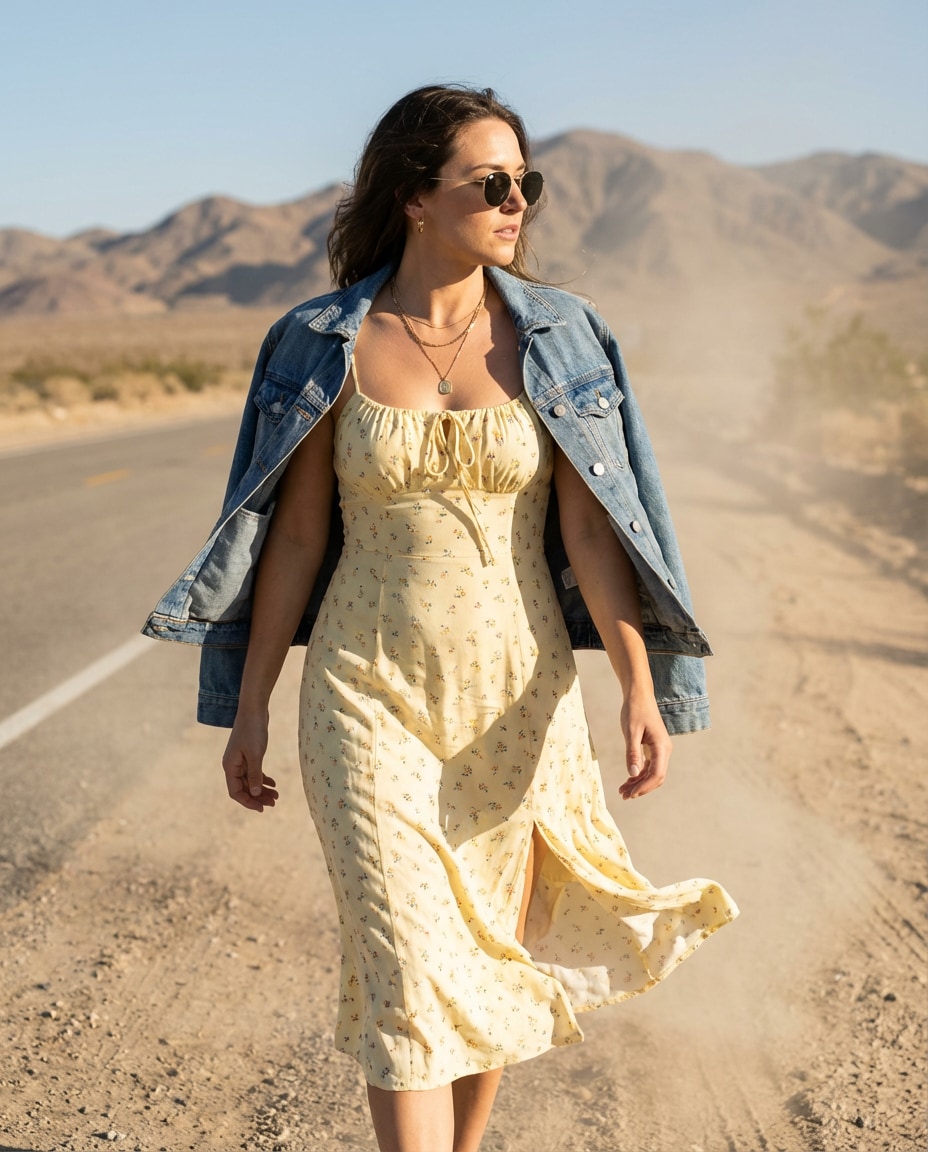
Desert Road Trip
Use the uploaded photo as base, preserve identity, swap outfit to a light yellow sundress with denim jacket draped on shoulders, desert highway with mountains, harsh sun with reflector fill, Canon 5D Mark IV 50mm, adventurous mood, crisp shadows, dust in the air, realistic skin and fabric movement --ar 4:5
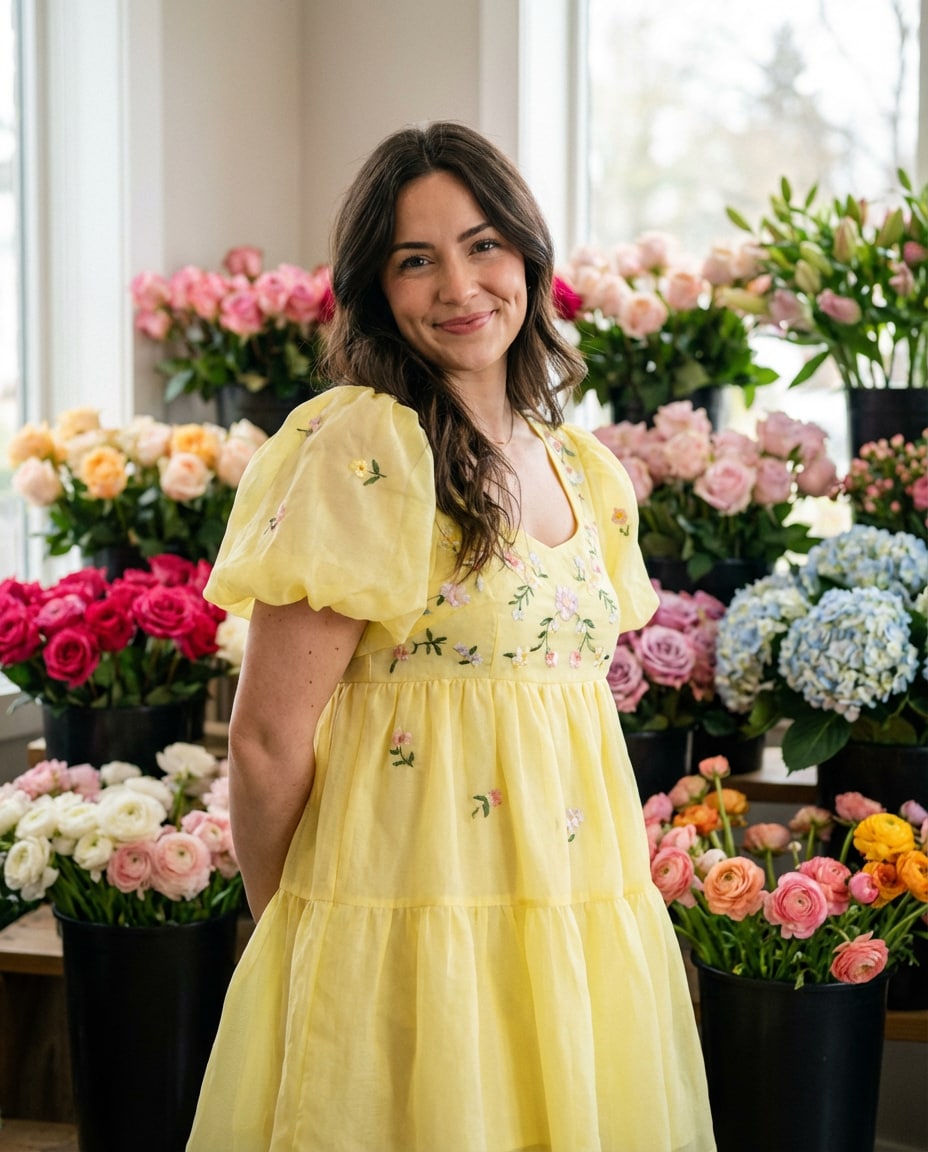
Flower Shop Cute
Edit the uploaded portrait: keep face, change outfit to a lemon-yellow babydoll dress, inside a flower shop surrounded by bouquets, soft diffused indoor light, Fujifilm X-T5 56mm f/1.2, half-body composition, playful smile, creamy bokeh, realistic petal detail and clean edges --ar 4:5
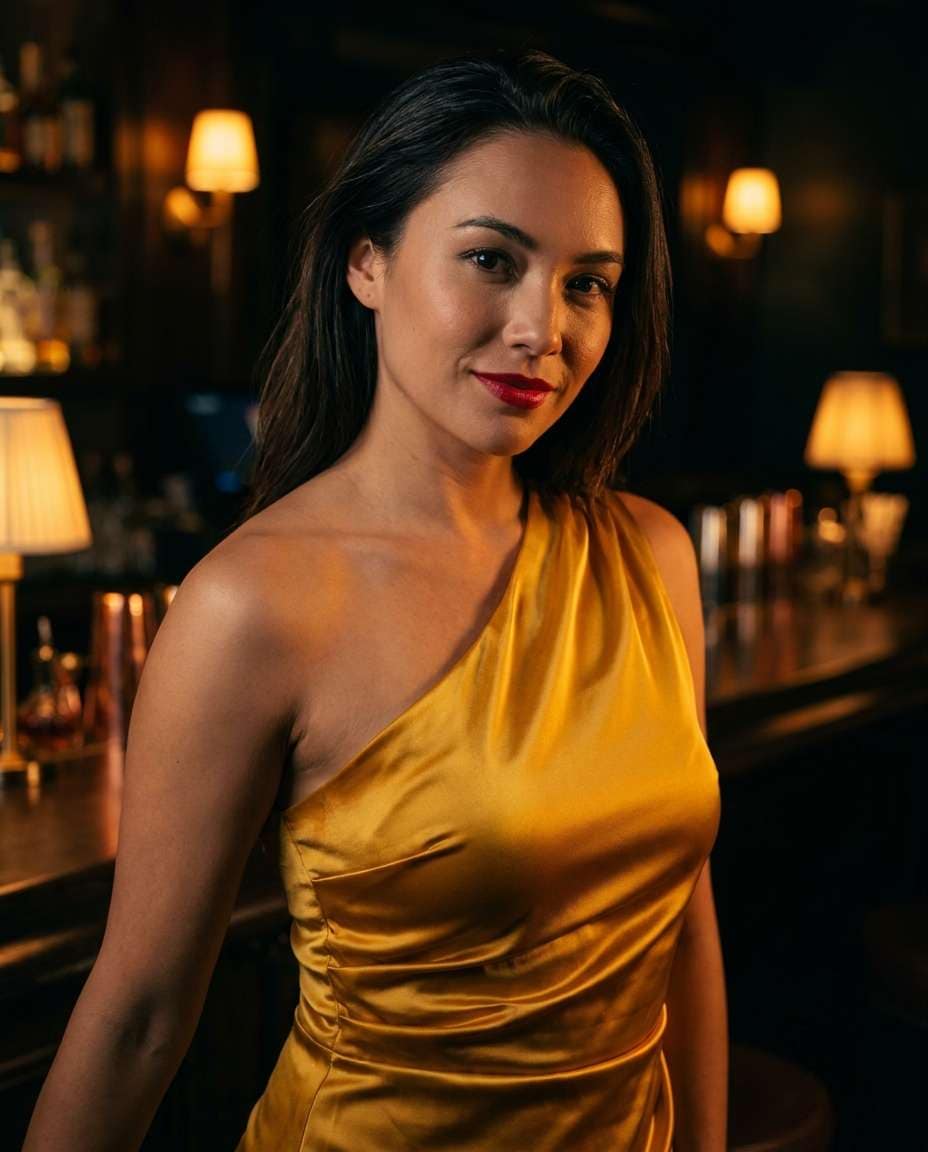
Evening Cocktail Bar
Using the uploaded photo, preserve identity, outfit swap into a satin golden-yellow cocktail dress with one-shoulder cut, moody lounge bar background with warm practical lights, cinematic low-key lighting, Sony A7IV 85mm f/1.4, close-up portrait, glossy highlights on dress, elegant atmosphere --ar 4:5
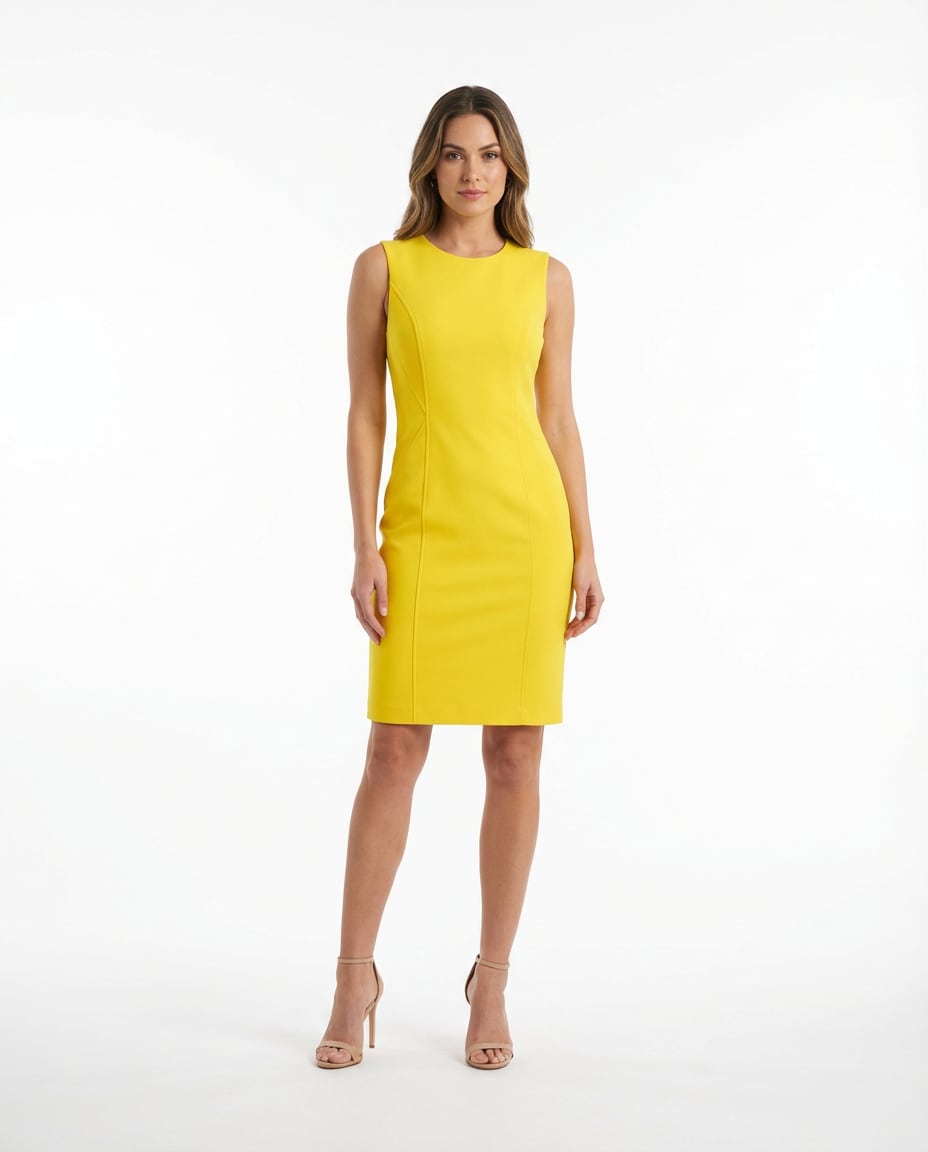
High Key White Studio
Keep the subject from the uploaded image, change clothing to a bright yellow sleeveless sheath dress, pure white high-key studio background, even softbox lighting, minimal shadows, commercial fashion photography, Canon R3 70mm, full-body centered framing, accurate color reproduction and sharp fabric seams --ar 4:5
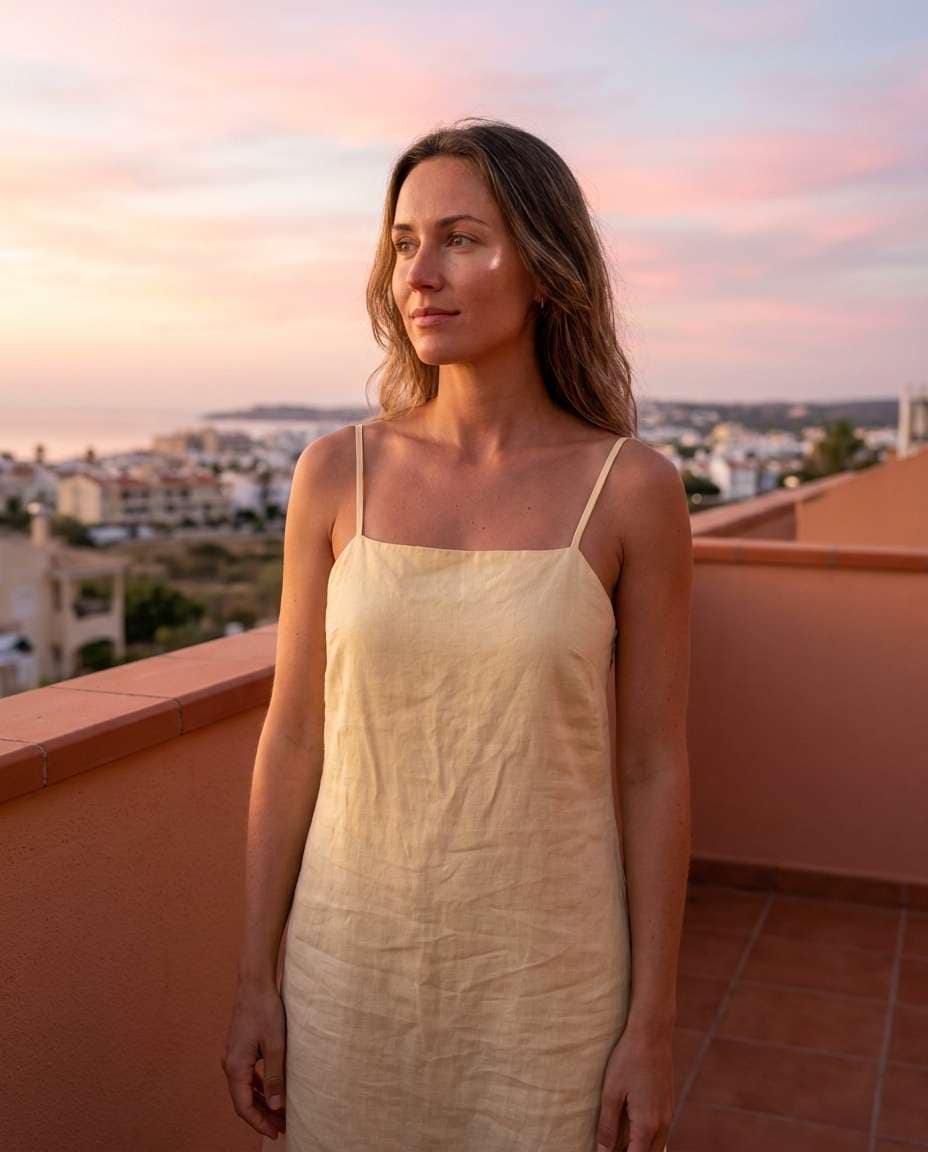
Balcony Sunrise Calm
Edit the uploaded portrait: maintain face identity, outfit swap into a pale-yellow linen dress with thin straps, standing on a balcony at sunrise, soft pink sky, gentle backlight with fill, Nikon Z6 II 50mm f/1.8, serene mood, natural skin highlights, realistic linen texture and subtle creases --ar 4:5
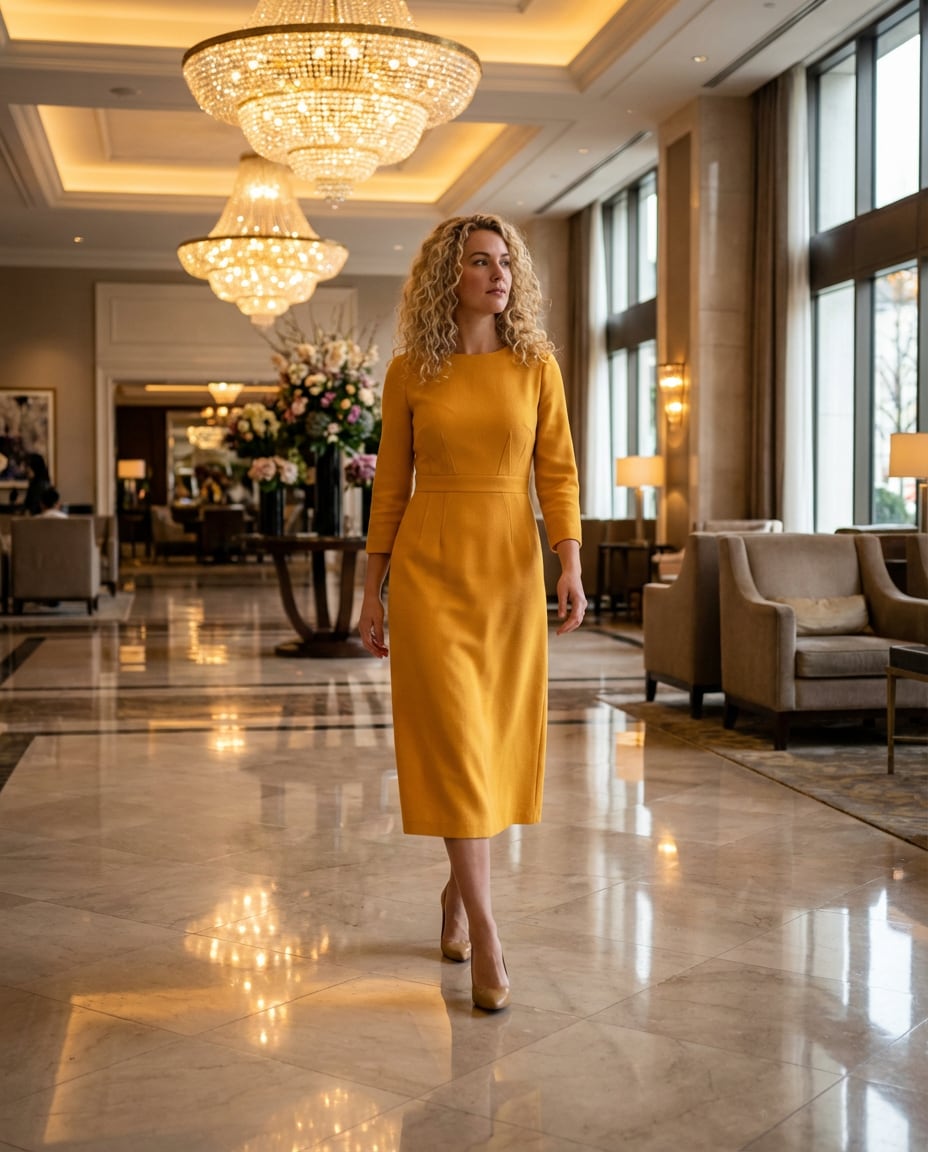
Luxury Hotel Lobby
Using the uploaded image as base, keep face and hair, change outfit to a refined marigold-yellow midi dress with tailored waist, luxury hotel lobby with marble floors and warm chandeliers, mixed lighting balanced naturally, Sony A1 35mm, candid walking shot, glossy reflections, high-end editorial finish --ar 4:5
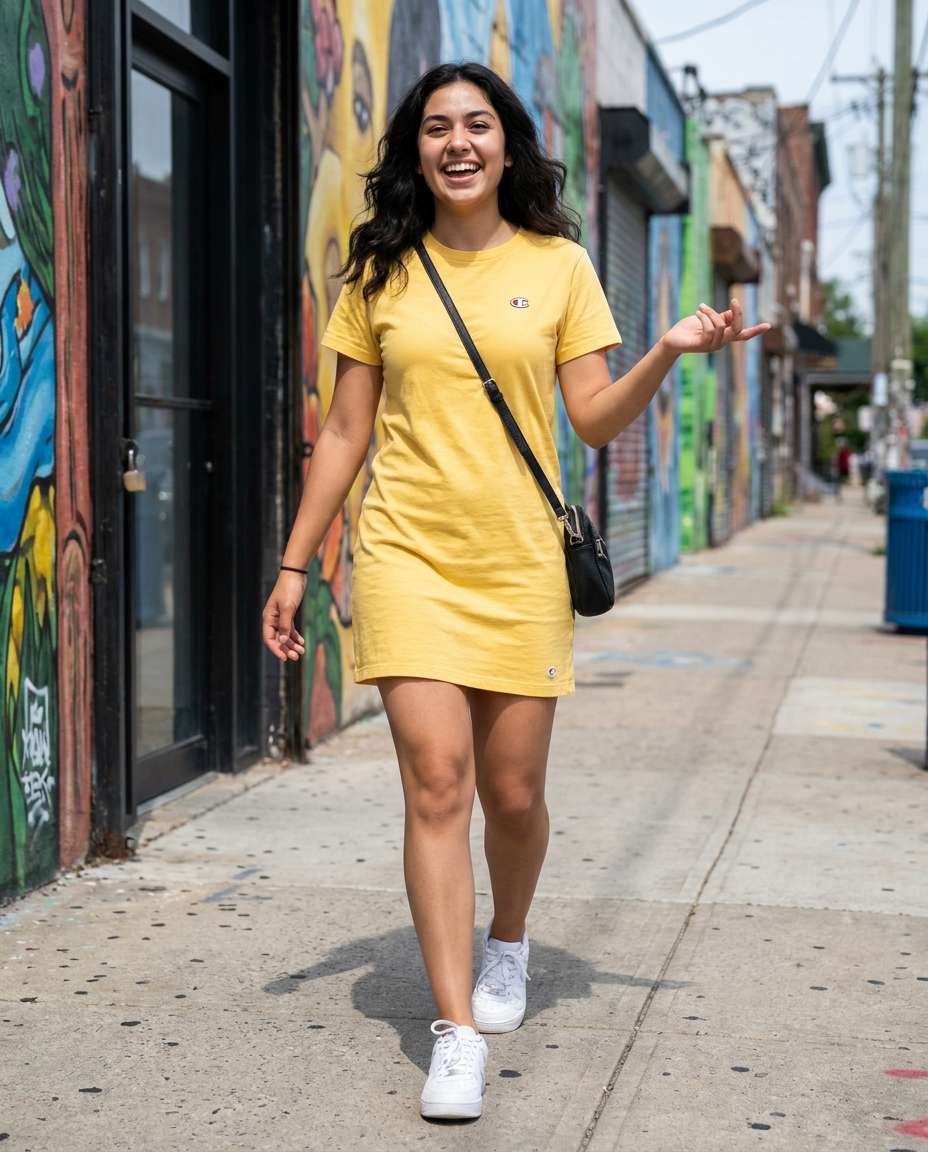
Sporty Street Layers
Keep the uploaded subject identity, swap outfit to a sporty yellow T-shirt dress with white sneakers and a crossbody bag, urban street scene with murals, bright daylight, Nikon D780 35mm, full-body angle, energetic vibe, realistic shadows under feet, crisp edges around hair and clothing --ar 4:5
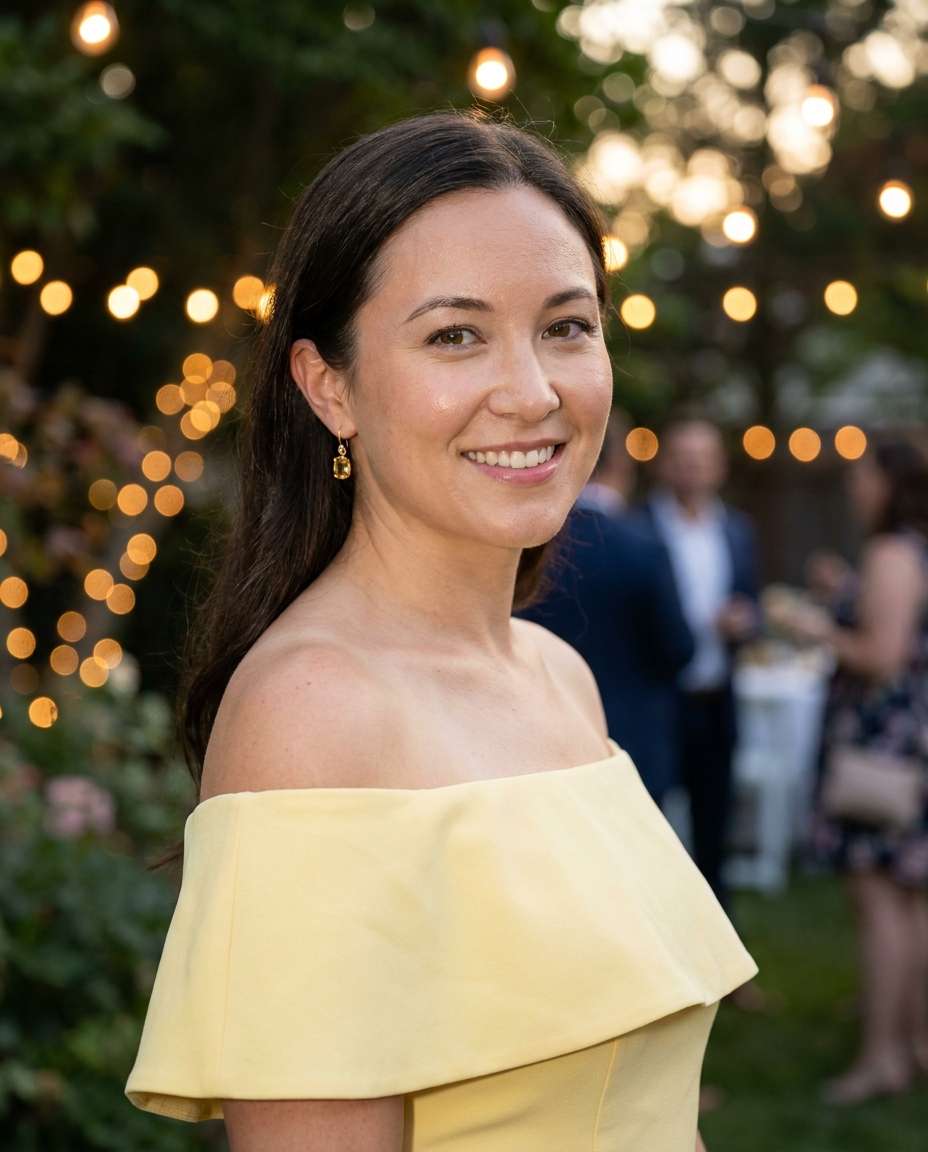
Evening Garden Party
Edit the uploaded portrait: preserve identity, outfit swap into a soft yellow off-shoulder dress with delicate earrings, string lights in a backyard garden party, warm bokeh, gentle flash fill with ambient glow, Canon R6 50mm f/1.4, half-body, romantic mood, realistic skin texture --ar 4:5
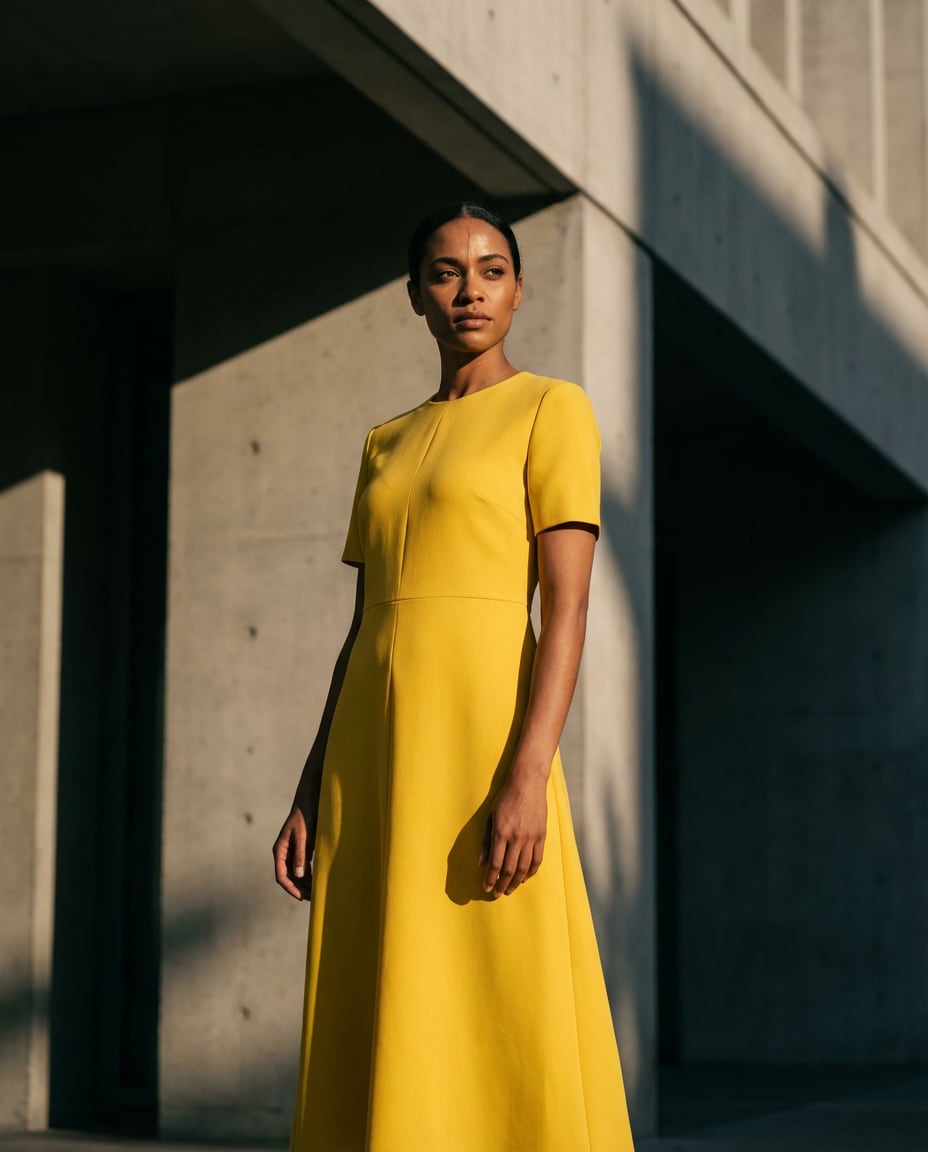
Architectural Shadows
Using the uploaded photo, keep the same face, change outfit to a bright yellow midi dress with clean lines, modern concrete architecture background, dramatic late afternoon shadows, high contrast, Sony A7R V 85mm, strong pose, rule-of-thirds composition, crisp detail, editorial color grading, soft cinematic lighting --ar 4:5
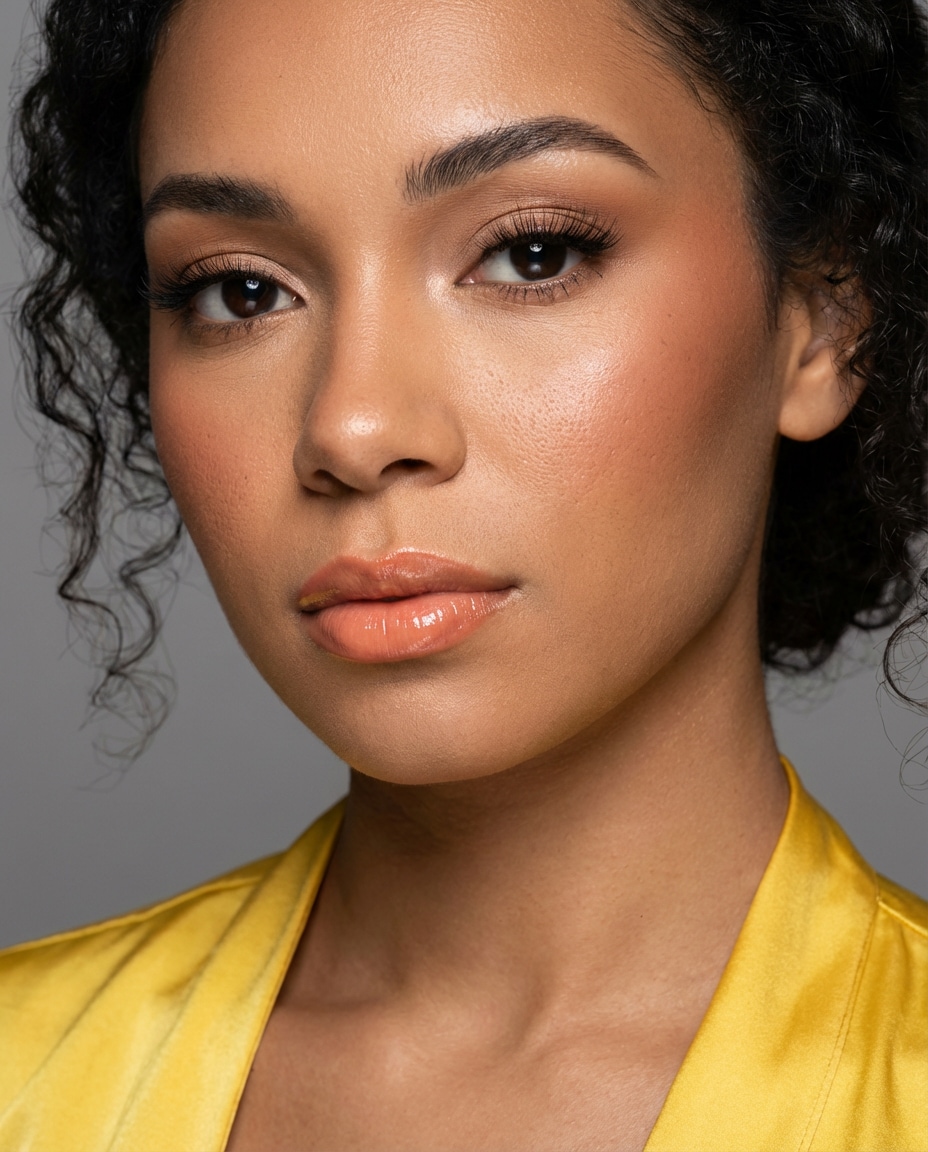
Soft Glam Closeup
Edit the uploaded portrait: preserve identity, change outfit to a yellow satin dress visible at neckline, add soft glam makeup and subtle highlight, neutral studio background, beauty dish lighting, Nikon Z9 105mm, tight close-up framing, sharp eyelashes, natural pores, polished editorial retouch look --ar 4:5
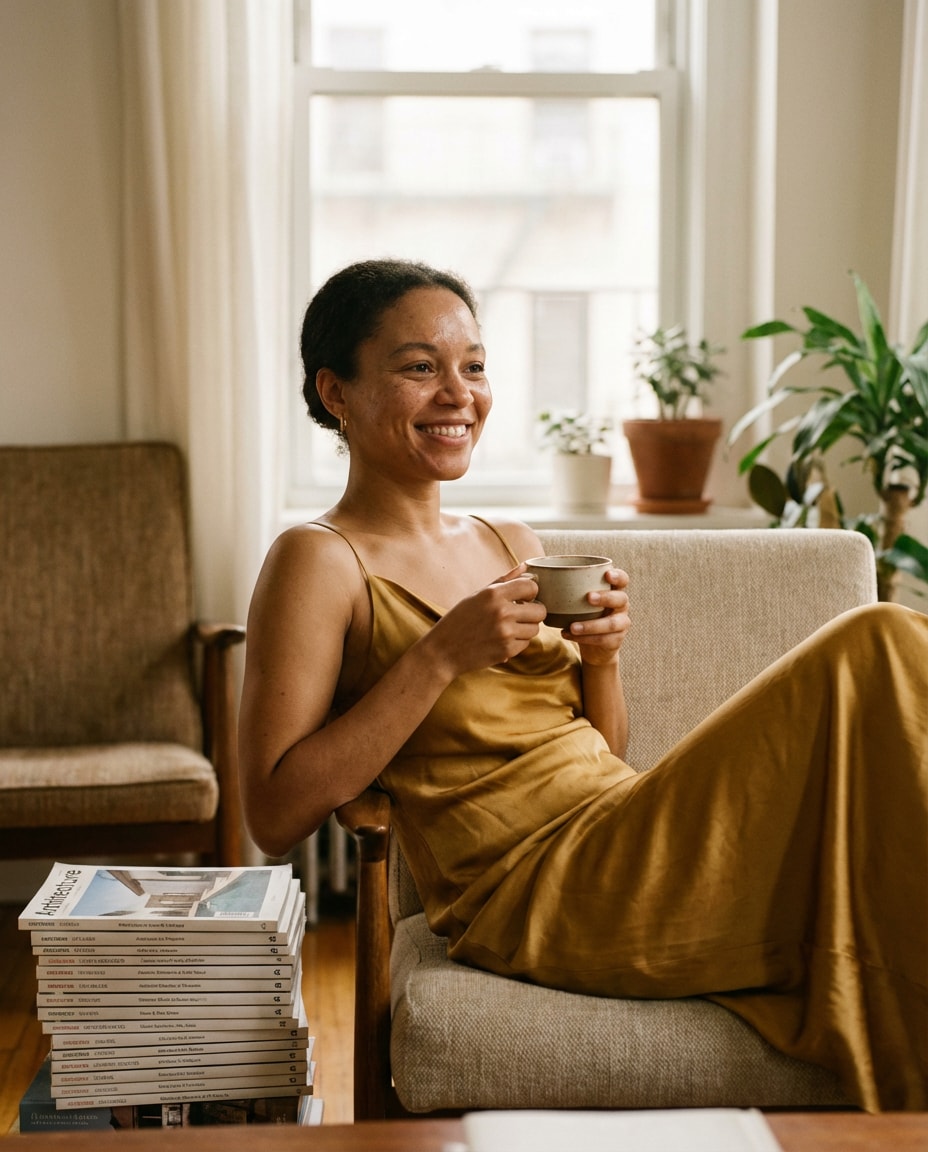
Golden Hour Portrait
realistic Edit with Yellow Dress portrait, stylish lifestyle setting, soft cinematic lighting, 85mm lens, shallow depth of field, editorial composition, natural skin texture --ar 4:5


