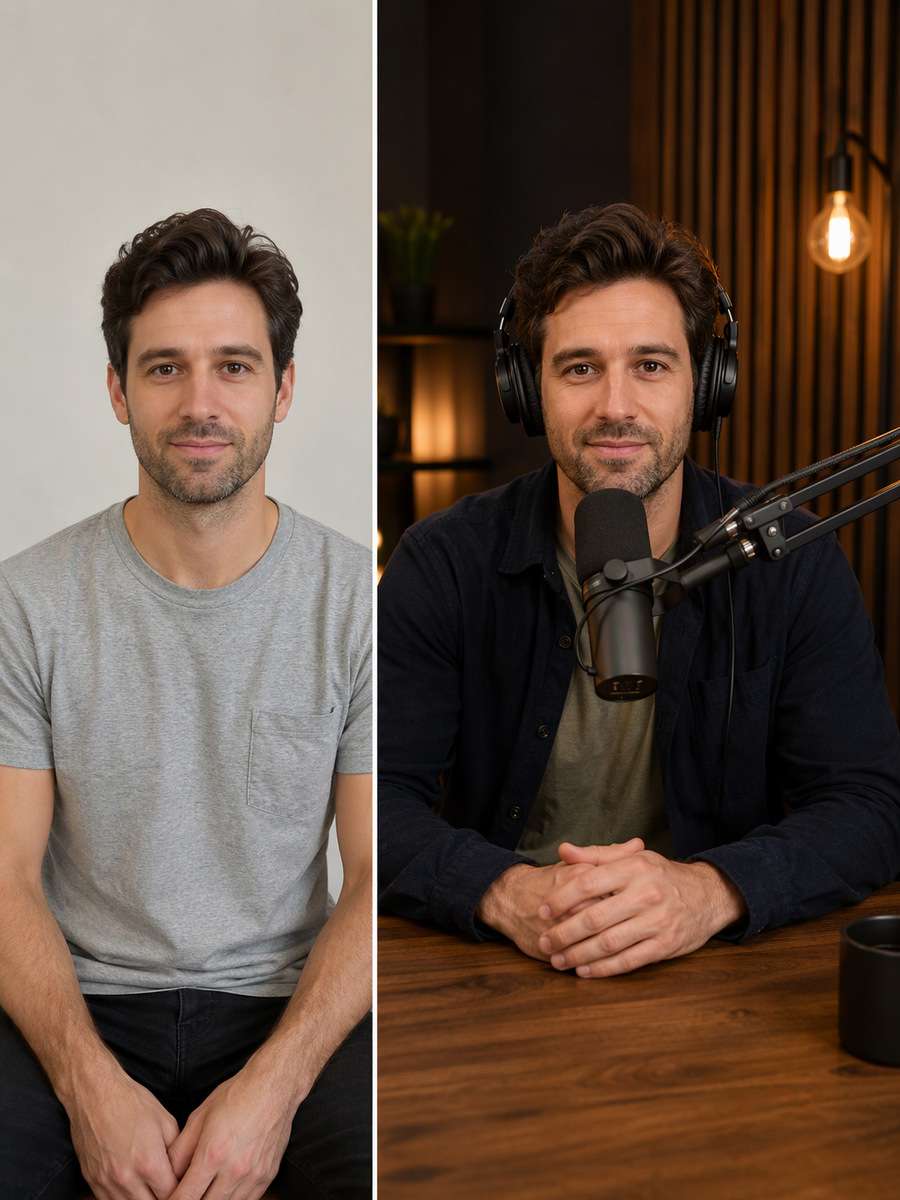
Home>AI Prompts>25 ChatGPT Podcast Host Photo Prompts for Shows and Clips
25 ChatGPT Podcast Host Photo Prompts for Shows and Clips
A podcast photo needs to show the person behind the voice, not just a microphone floating in a studio. These ChatGPT Podcast Host Photo Prompts include thoughtful desk portraits, lively co-host moments, warm home recording setups and clean cover-art images. Decide whether you need a square show thumbnail, a guest announcement or a website About portrait, then adjust the crop, expression and equipment around that job.
Explore microphone portraits, recording-room candids and podcast cover visuals edited with Media.io - powered by ChatGPT.
How to Create Podcast Host Photos for Cover Art
Podcast-host imagery that fits a show brand and actual recording setup starts with a real source photo and a scene you can clearly describe. Use this three-step workflow to keep the result believable.
1
Choose the source photo that fits the scene
A recent host portrait or consented co-host group photo. Check that the source has enough visible detail for the visual change you plan, and only use pictures you are authorized to edit.
2
Copy a scene-specific editing prompt
Choose one of the 25 scene ideas below, then specify its camera position, setting and important materials. Microphone at correct mouth height and headphone cable coherence help keep this edit on-theme.
3
Generate and review the result
Open the linked Media.io ChatGPT image-to-image tool, upload your own reference and paste the chosen prompt. Check floating microphones, fake guest identities and tiny illegible episode titles before using the image publicly.
25 Podcast Host Photo Ideas for Covers and Launches
Host Behind a Broadcast Microphone
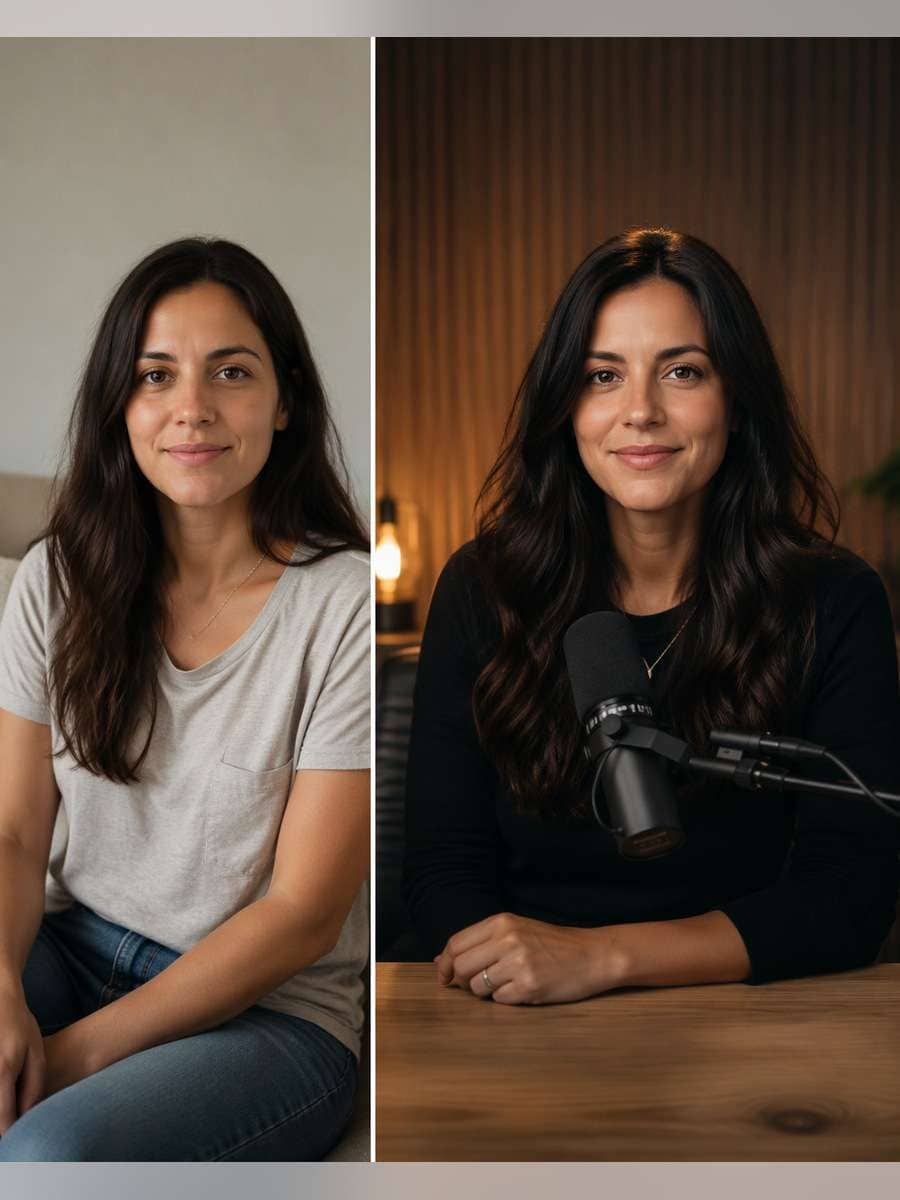
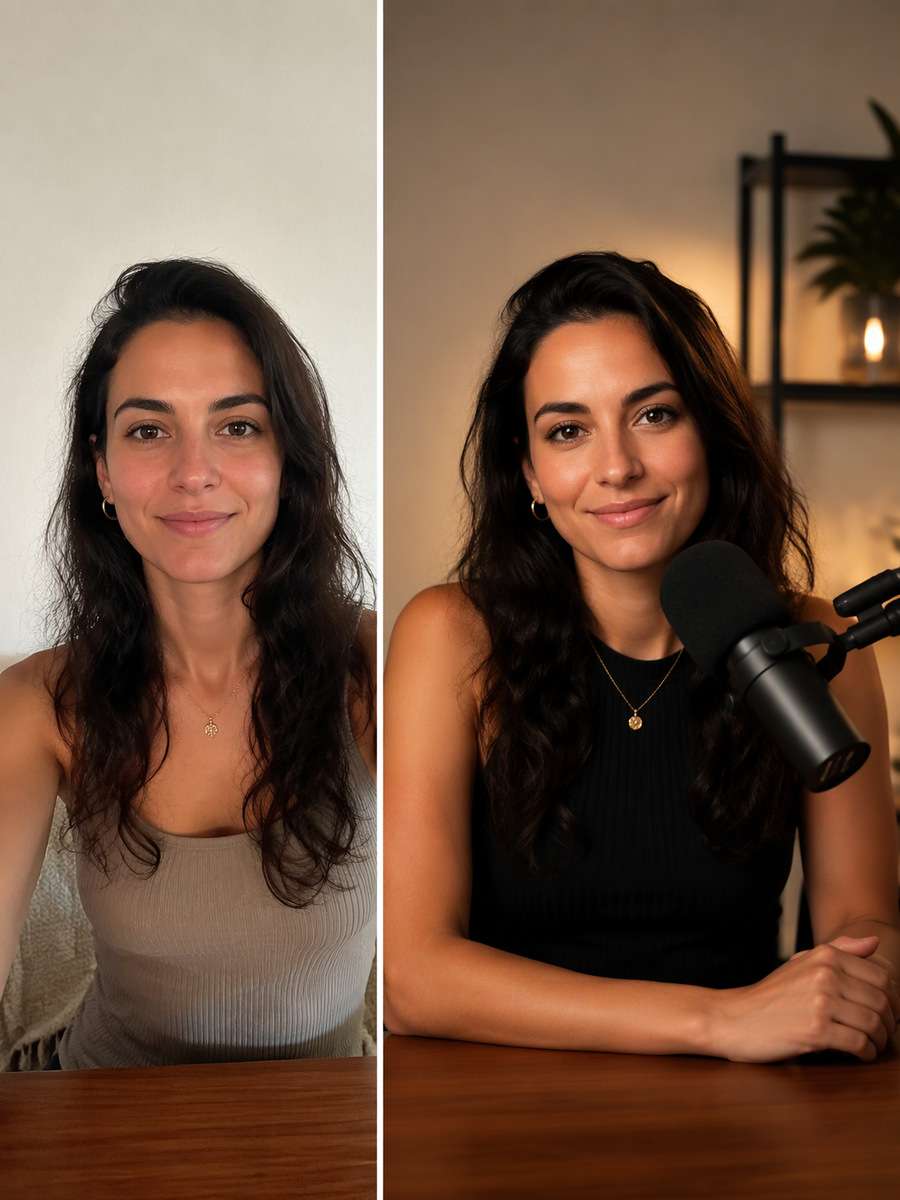
Use the original uploaded portrait as the person reference. For this particular concept, seat one host at a real boom-arm microphone with correct mount and warm recording-room light. Keep the original face, hairline, skin texture, age and number of people; make the edited scene physically coherent rather than a pasted-face effect. Match environmental reflections and shadows to the actual light sources. Keep the real host recognizable and equipment physically connected; do not fabricate famous guests, podcast chart positions or sponsorship logos. Avoid these common errors: floating microphones, fake guest identities and tiny illegible episode titles. Create a usable standalone image suitable for podcast covers, episode announcements and host websites.
Square Podcast Cover Portrait
Restyle the existing photograph, retaining the same individual. For this particular concept, create a clean face-centered square cover concept with quiet background and generous empty border for later text. Keep the original face, hairline, skin texture, age and number of people; make the edited scene physically coherent rather than a pasted-face effect. Choose framing that gives the subject and its key details enough space to be recognizable. Keep the real host recognizable and equipment physically connected; do not fabricate famous guests, podcast chart positions or sponsorship logos. Avoid these common errors: floating microphones, fake guest identities and tiny illegible episode titles. Create a usable standalone image suitable for podcast covers, episode announcements and host websites.
Home Studio Casual Host
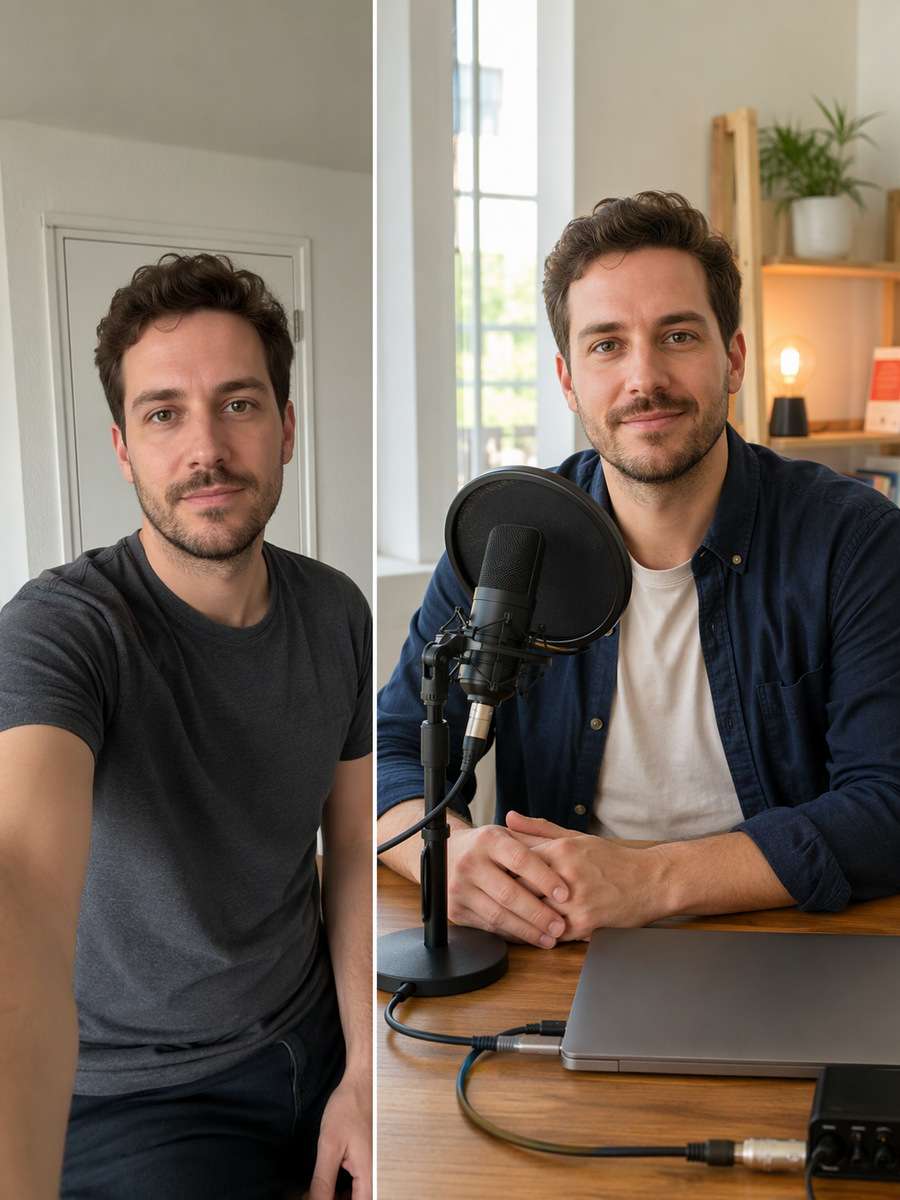
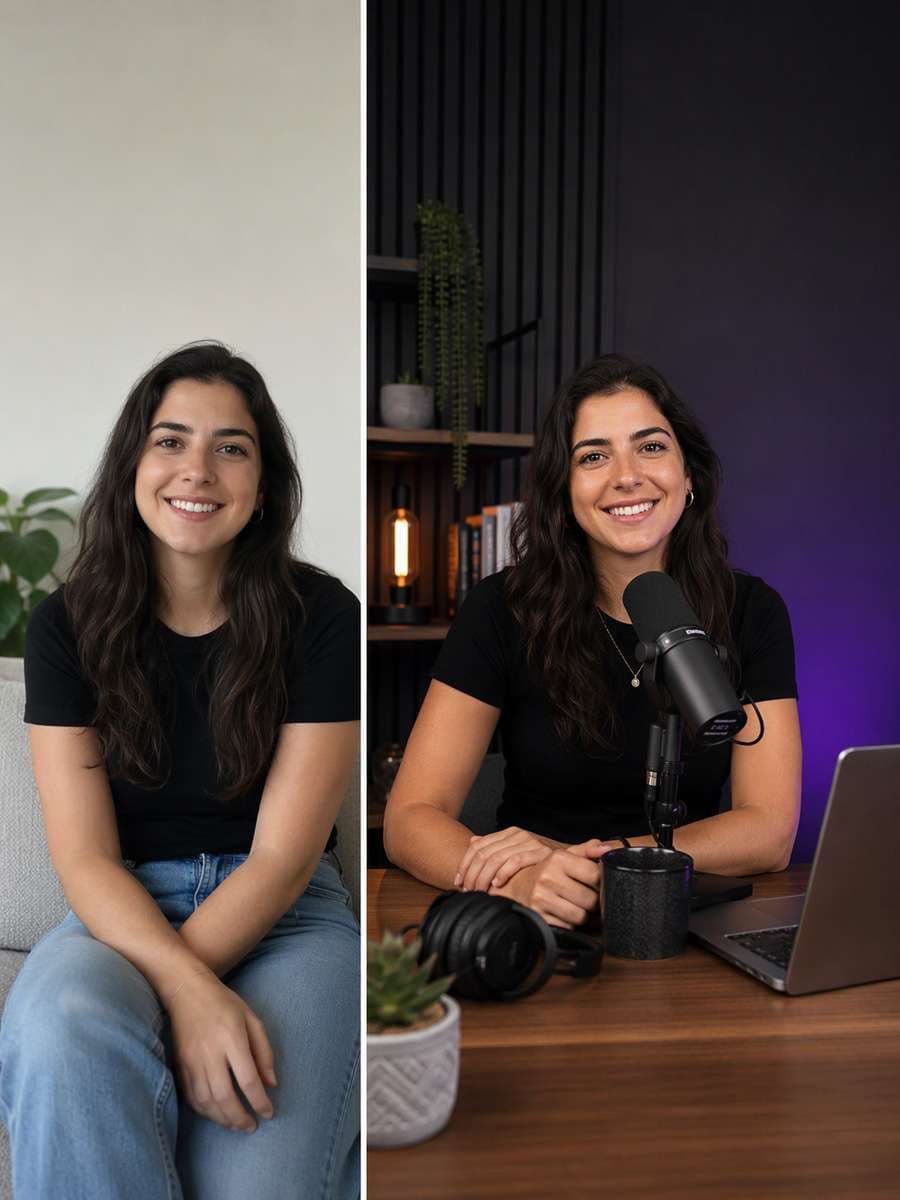
Begin with a clear consented selfie or body portrait. For this particular concept, show host at small home desk with closed laptop, pop filter and real cable connections in daylight. Keep the original face, hairline, skin texture, age and number of people; make the edited scene physically coherent rather than a pasted-face effect. Use natural material textures and avoid forced high saturation or artificial glow. Keep the real host recognizable and equipment physically connected; do not fabricate famous guests, podcast chart positions or sponsorship logos. Avoid these common errors: floating microphones, fake guest identities and tiny illegible episode titles. Create a usable standalone image suitable for podcast covers, episode announcements and host websites.
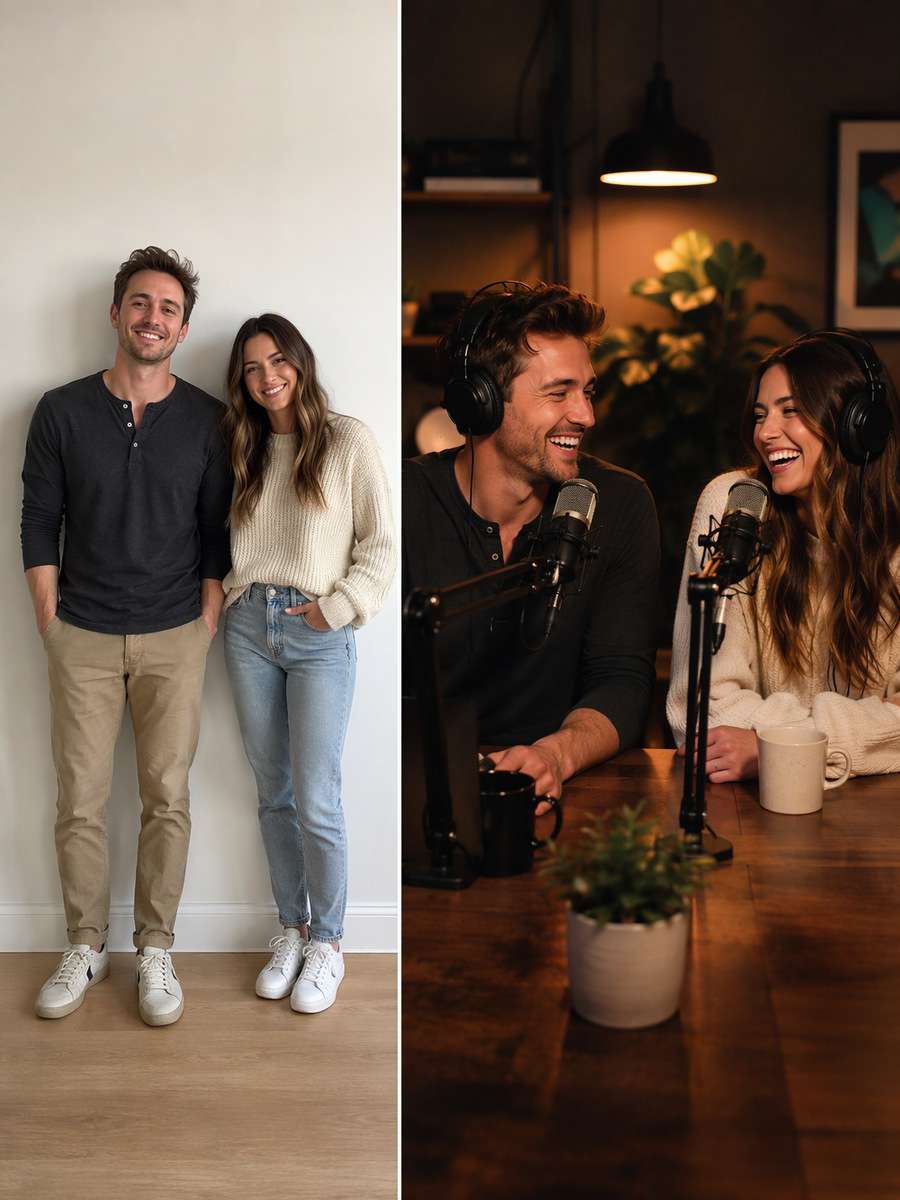
Co-host Conversation
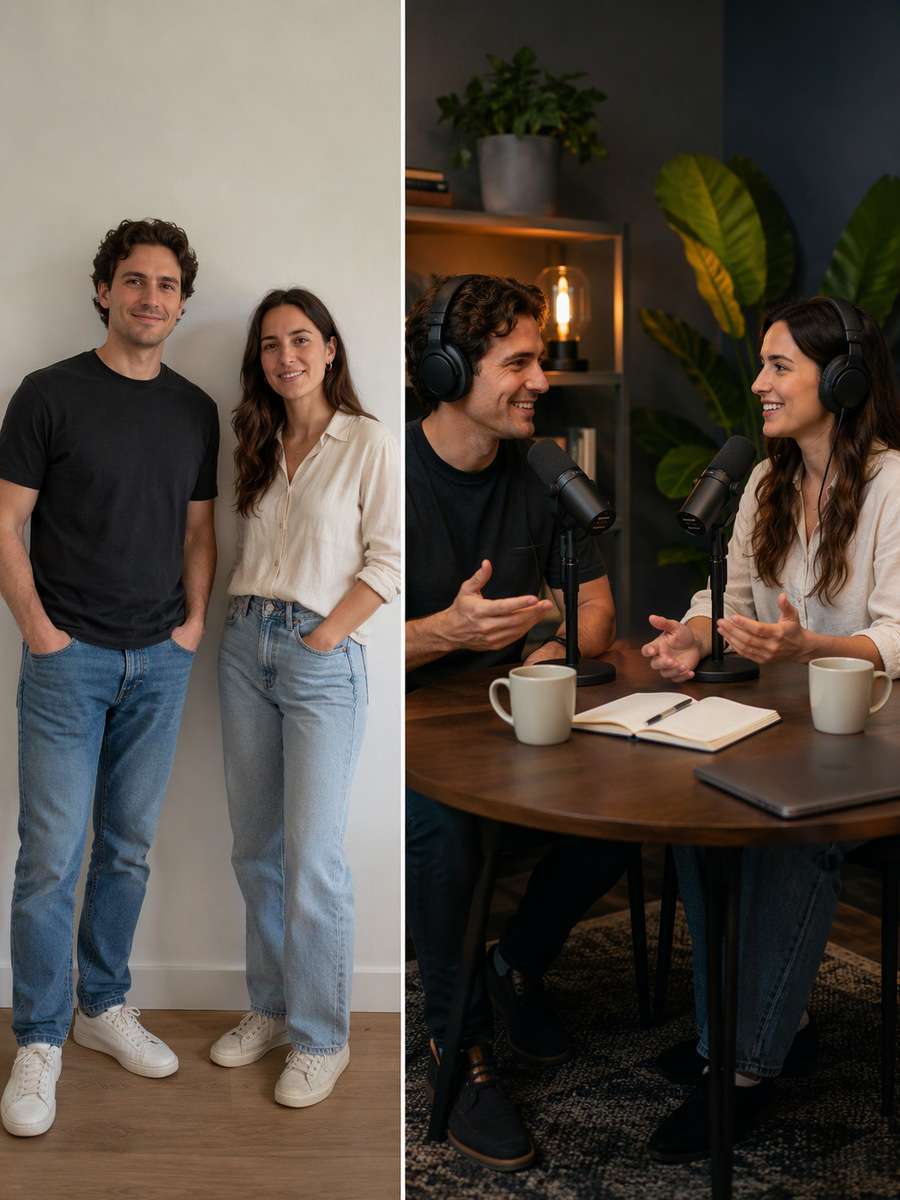
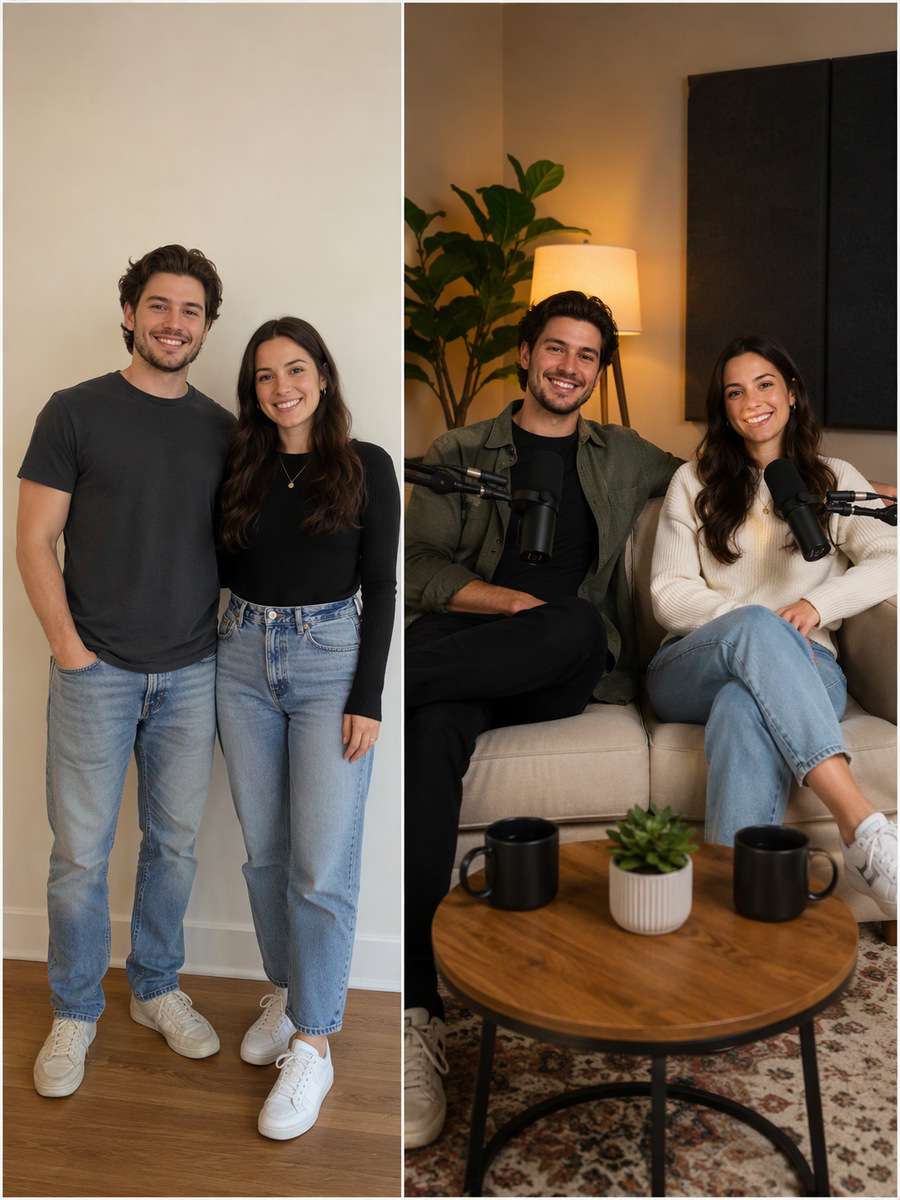
Use the original uploaded portrait as the person reference. For this particular concept, frame two consenting hosts facing one another across microphones with natural eye contact and separate hands. Keep the original face, hairline, skin texture, age and number of people; make the edited scene physically coherent rather than a pasted-face effect. Keep hand positions, object contact points and camera perspective plausible. Keep the real host recognizable and equipment physically connected; do not fabricate famous guests, podcast chart positions or sponsorship logos. Avoid these common errors: floating microphones, fake guest identities and tiny illegible episode titles. Create a usable standalone image suitable for podcast covers, episode announcements and host websites.
Headphones and Desk Notes
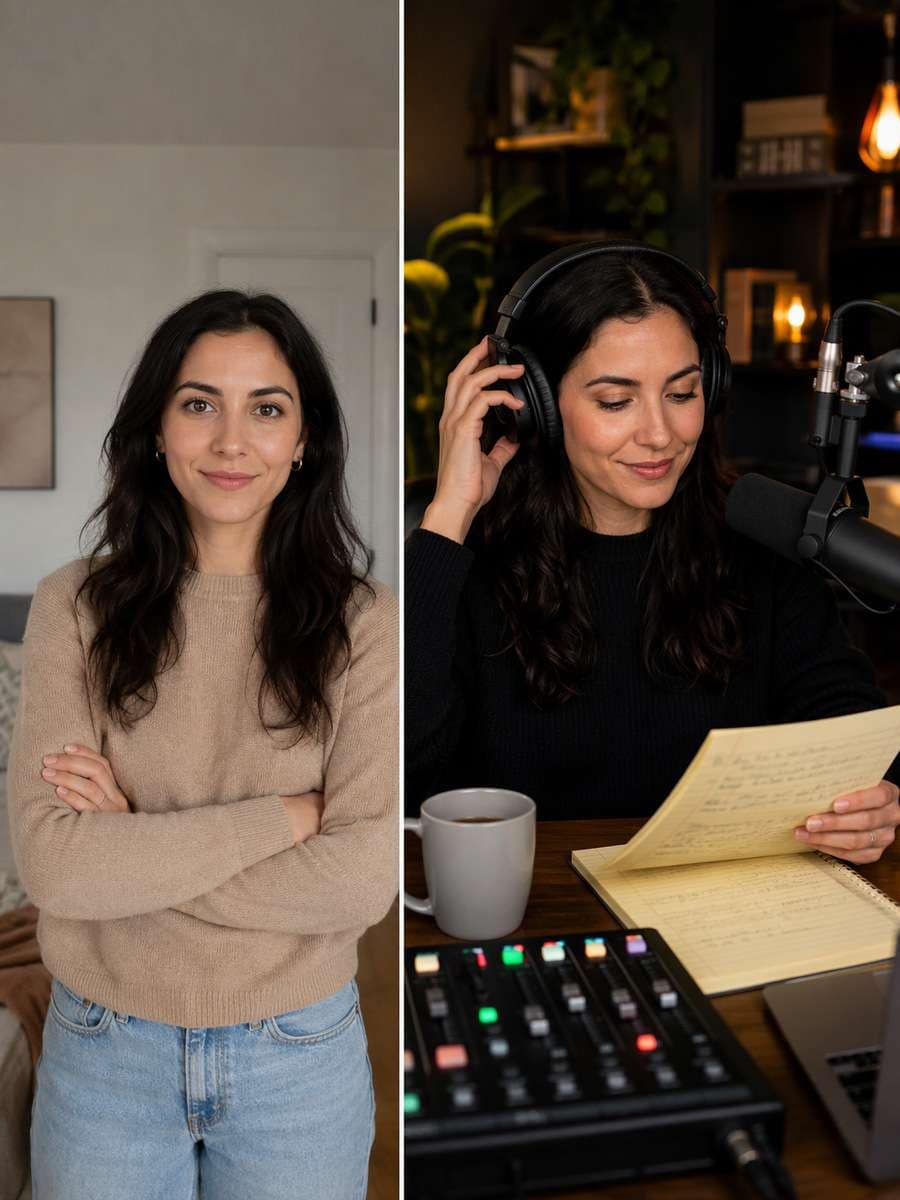
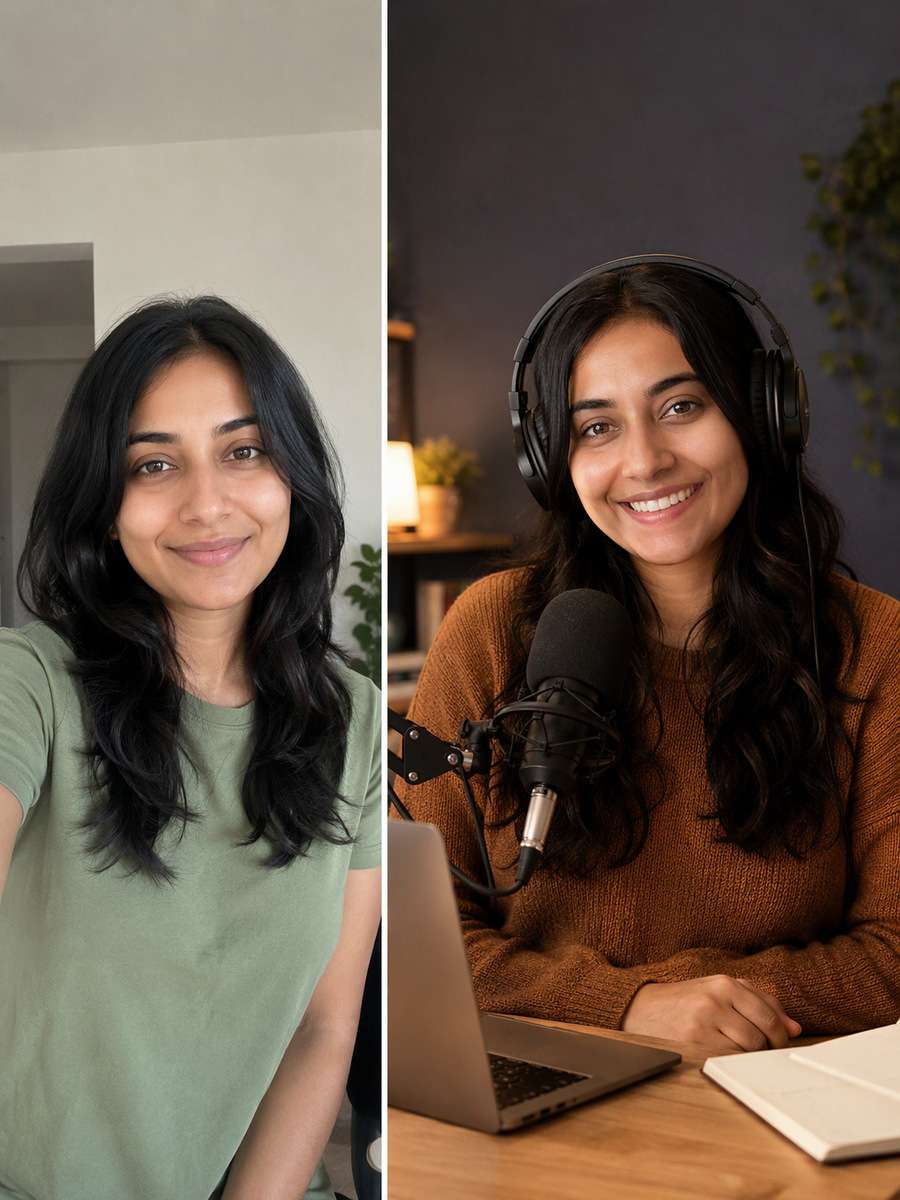
Restyle the existing photograph, retaining the same individual. For this particular concept, photograph host adjusting one earcup while reading original handwritten notes beside mixer. Keep the original face, hairline, skin texture, age and number of people; make the edited scene physically coherent rather than a pasted-face effect. Finish with restrained photographic detail rather than generic AI glamour effects. Keep the real host recognizable and equipment physically connected; do not fabricate famous guests, podcast chart positions or sponsorship logos. Avoid these common errors: floating microphones, fake guest identities and tiny illegible episode titles. Create a usable standalone image suitable for podcast covers, episode announcements and host websites.
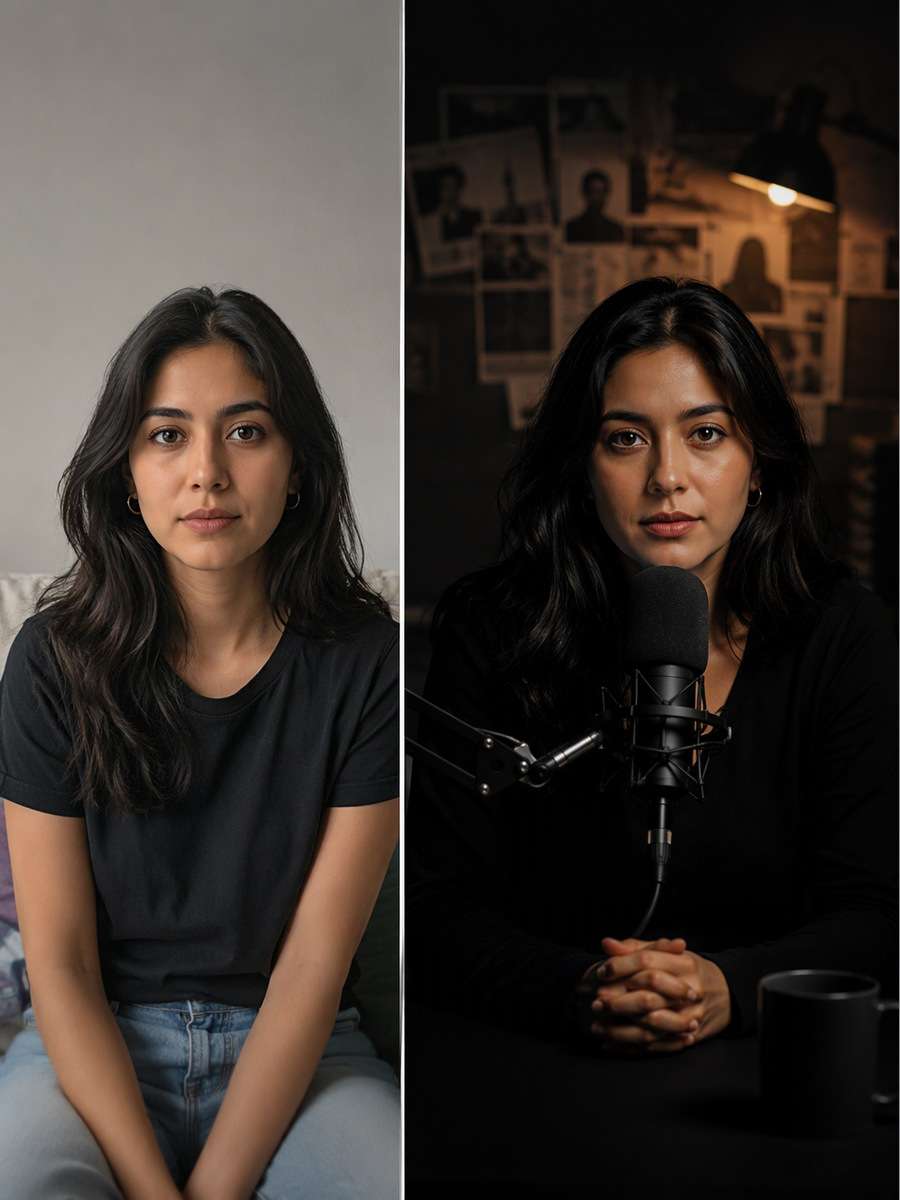
Dark Crime Story Show Mood
Begin with a clear consented selfie or body portrait. For this particular concept, use restrained low-key light on a true-crime host with microphone silhouette and no fake evidence props. Keep the original face, hairline, skin texture, age and number of people; make the edited scene physically coherent rather than a pasted-face effect. Match environmental reflections and shadows to the actual light sources. Keep the real host recognizable and equipment physically connected; do not fabricate famous guests, podcast chart positions or sponsorship logos. Avoid these common errors: floating microphones, fake guest identities and tiny illegible episode titles. Create a usable standalone image suitable for podcast covers, episode announcements and host websites.
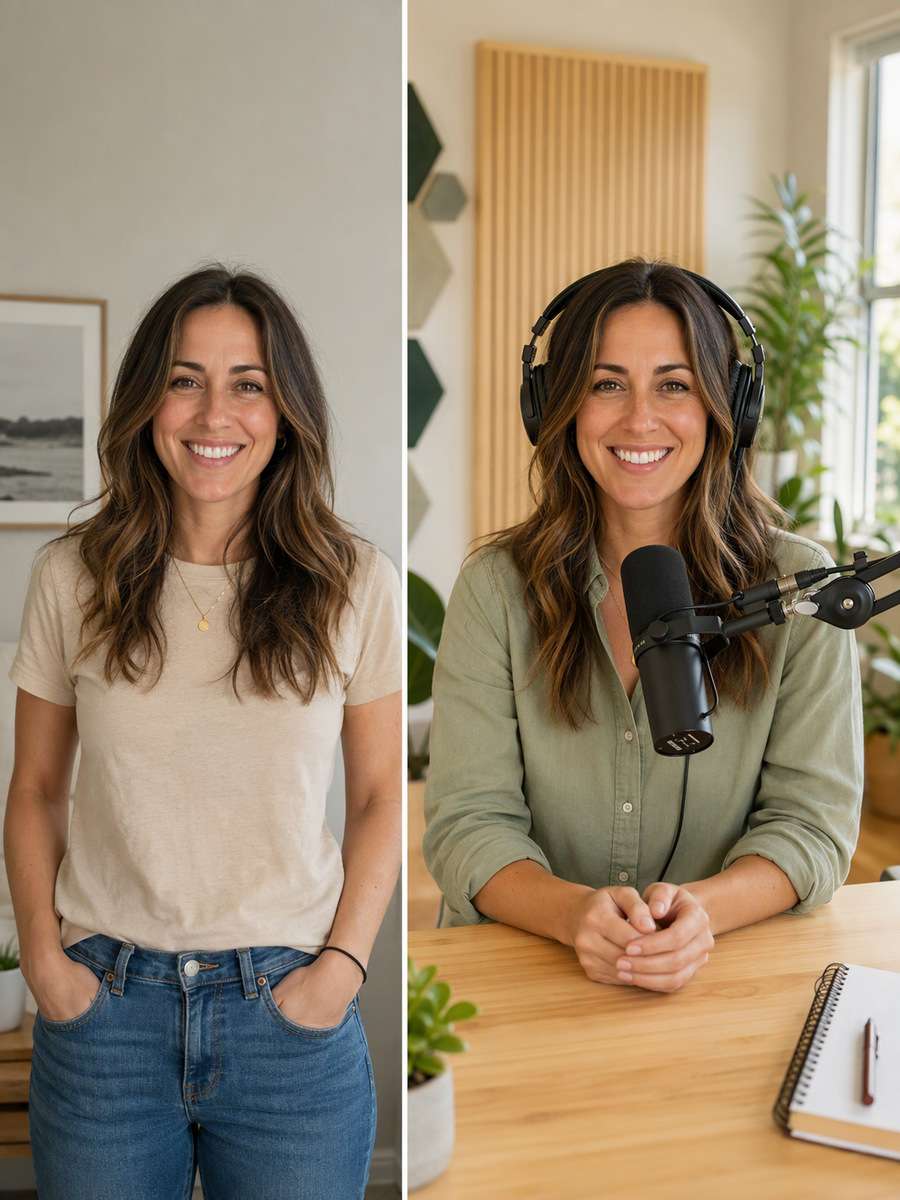
Bright Wellness Podcast Studio
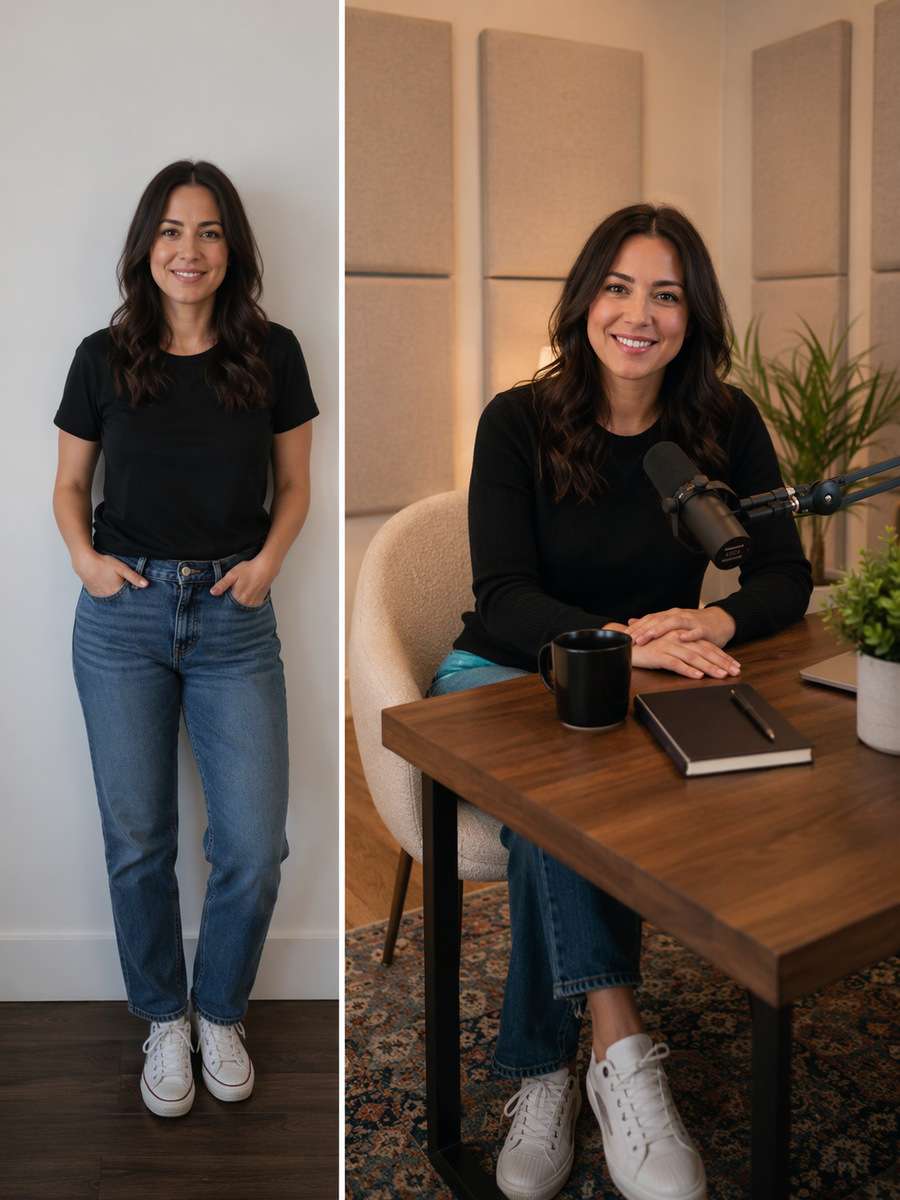
Use the original uploaded portrait as the person reference. For this particular concept, place health podcast host in a light-filled recording room with plants and acoustic panels. Keep the original face, hairline, skin texture, age and number of people; make the edited scene physically coherent rather than a pasted-face effect. Choose framing that gives the subject and its key details enough space to be recognizable. Keep the real host recognizable and equipment physically connected; do not fabricate famous guests, podcast chart positions or sponsorship logos. Avoid these common errors: floating microphones, fake guest identities and tiny illegible episode titles. Create a usable standalone image suitable for podcast covers, episode announcements and host websites.
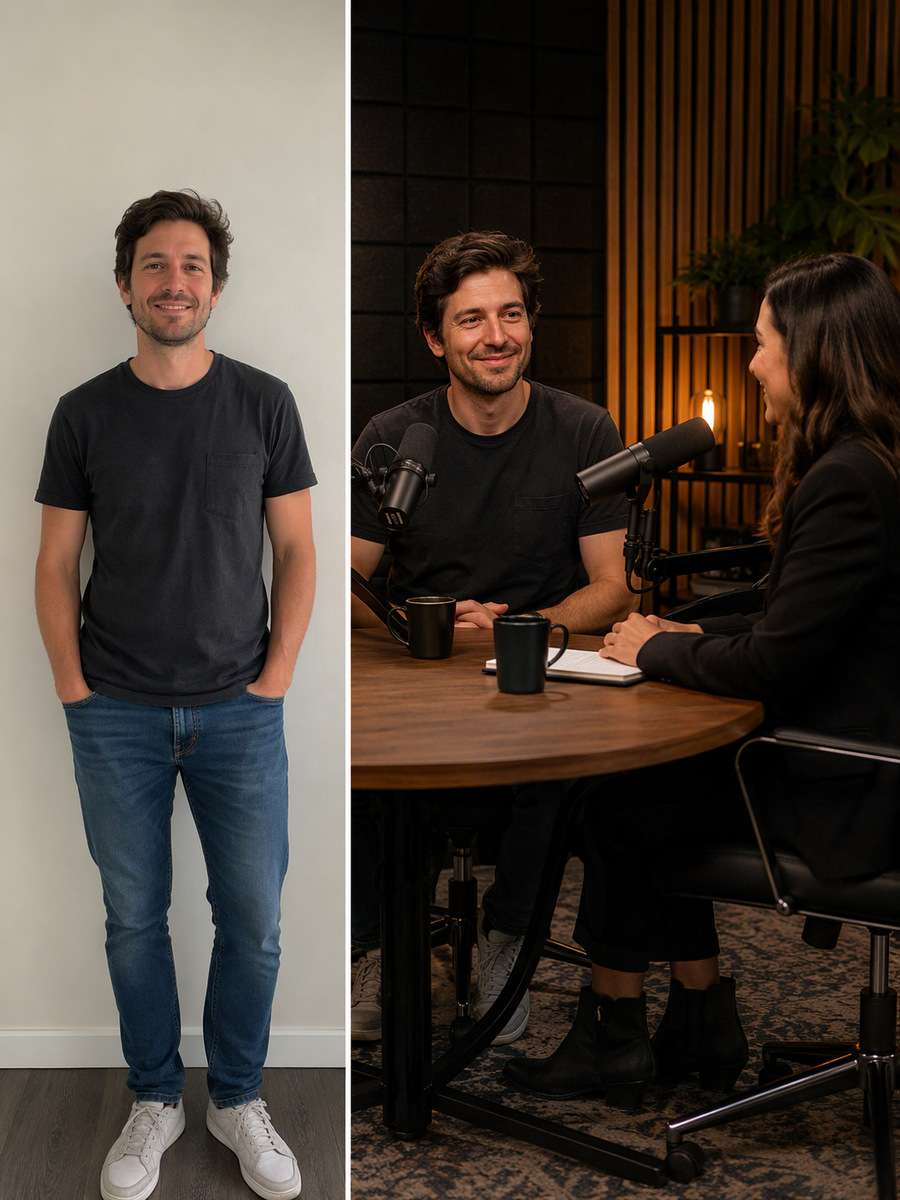
Interview Guest Welcome
Restyle the existing photograph, retaining the same individual. For this particular concept, show host greeting an original fictional guest across a studio table without assigning real public identities. Keep the original face, hairline, skin texture, age and number of people; make the edited scene physically coherent rather than a pasted-face effect. Use natural material textures and avoid forced high saturation or artificial glow. Keep the real host recognizable and equipment physically connected; do not fabricate famous guests, podcast chart positions or sponsorship logos. Avoid these common errors: floating microphones, fake guest identities and tiny illegible episode titles. Create a usable standalone image suitable for podcast covers, episode announcements and host websites.
Podcast Trailer Social Still
Begin with a clear consented selfie or body portrait. For this particular concept, make vertical podcast-host portrait with open negative space for future episode announcement layout. Keep the original face, hairline, skin texture, age and number of people; make the edited scene physically coherent rather than a pasted-face effect. Keep hand positions, object contact points and camera perspective plausible. Keep the real host recognizable and equipment physically connected; do not fabricate famous guests, podcast chart positions or sponsorship logos. Avoid these common errors: floating microphones, fake guest identities and tiny illegible episode titles. Create a usable standalone image suitable for podcast covers, episode announcements and host websites.
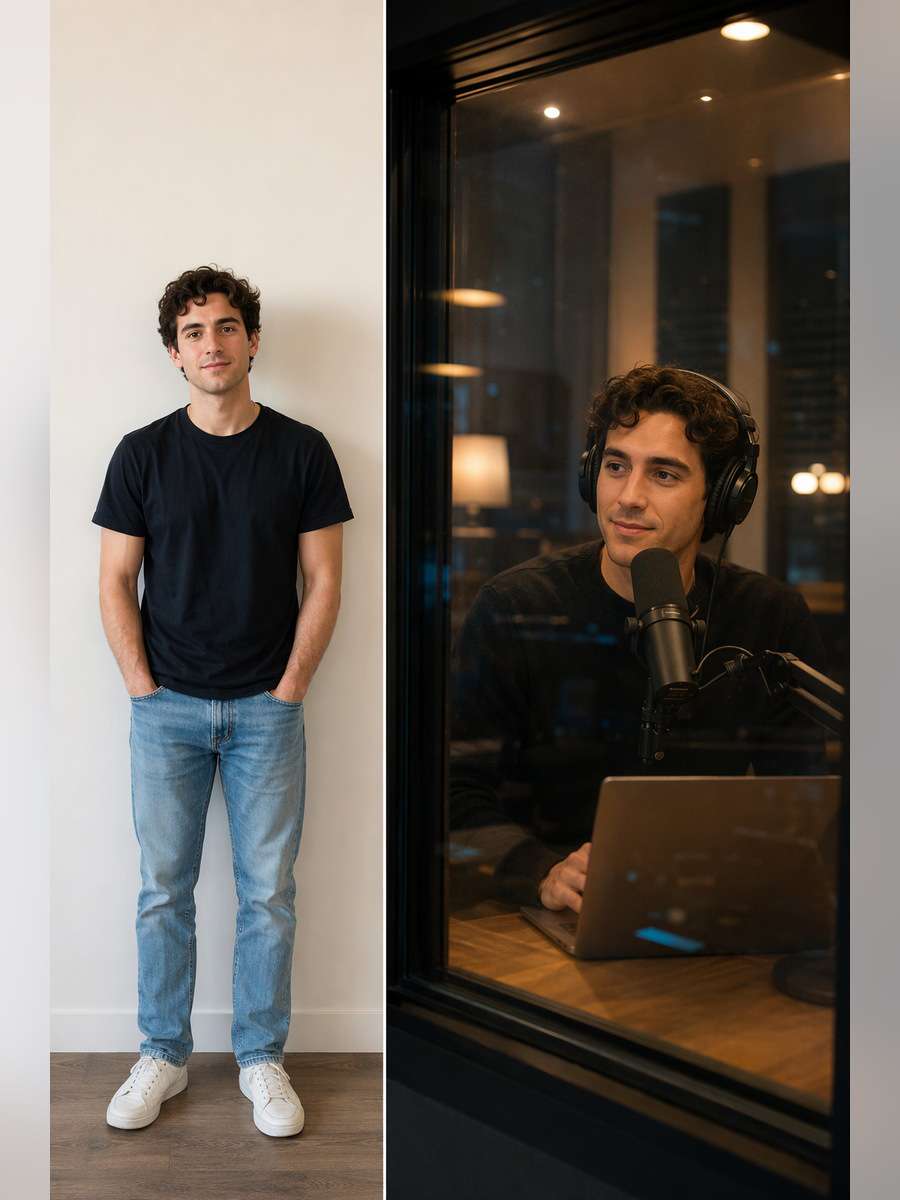
Creative Producer Behind Glass
Use the original uploaded portrait as the person reference. For this particular concept, photograph host through actual recording booth glass with studio lamps reflected softly. Keep the original face, hairline, skin texture, age and number of people; make the edited scene physically coherent rather than a pasted-face effect. Finish with restrained photographic detail rather than generic AI glamour effects. Keep the real host recognizable and equipment physically connected; do not fabricate famous guests, podcast chart positions or sponsorship logos. Avoid these common errors: floating microphones, fake guest identities and tiny illegible episode titles. Create a usable standalone image suitable for podcast covers, episode announcements and host websites.
Laughing Co-host Moment
Restyle the existing photograph, retaining the same individual. For this particular concept, capture two hosts laughing between recording segments at separate microphone arms. Keep the original face, hairline, skin texture, age and number of people; make the edited scene physically coherent rather than a pasted-face effect. Match environmental reflections and shadows to the actual light sources. Keep the real host recognizable and equipment physically connected; do not fabricate famous guests, podcast chart positions or sponsorship logos. Avoid these common errors: floating microphones, fake guest identities and tiny illegible episode titles. Create a usable standalone image suitable for podcast covers, episode announcements and host websites.
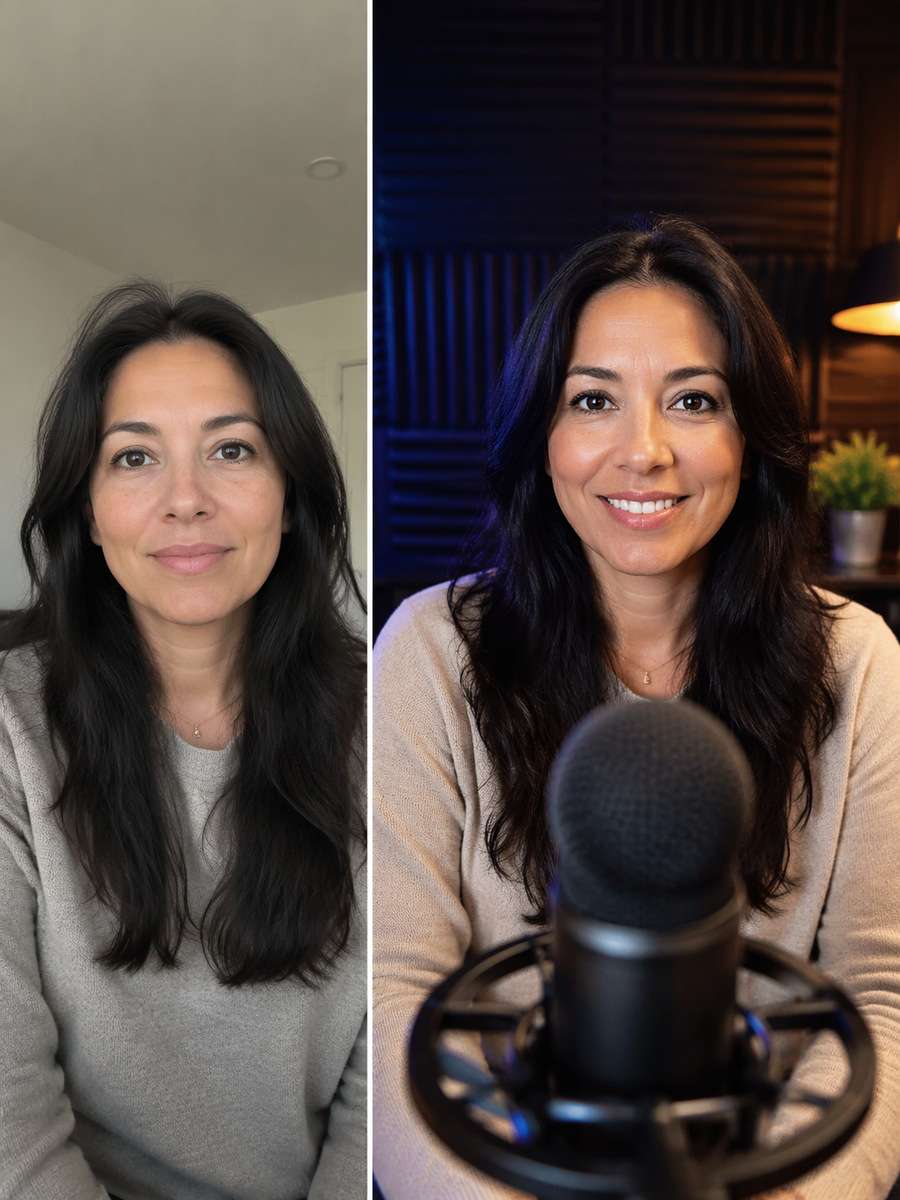
Microphone Detail and Host
Begin with a clear consented selfie or body portrait. For this particular concept, use foreground mic grille in soft focus and host's recognizable face sharply behind it. Keep the original face, hairline, skin texture, age and number of people; make the edited scene physically coherent rather than a pasted-face effect. Choose framing that gives the subject and its key details enough space to be recognizable. Keep the real host recognizable and equipment physically connected; do not fabricate famous guests, podcast chart positions or sponsorship logos. Avoid these common errors: floating microphones, fake guest identities and tiny illegible episode titles. Create a usable standalone image suitable for podcast covers, episode announcements and host websites.
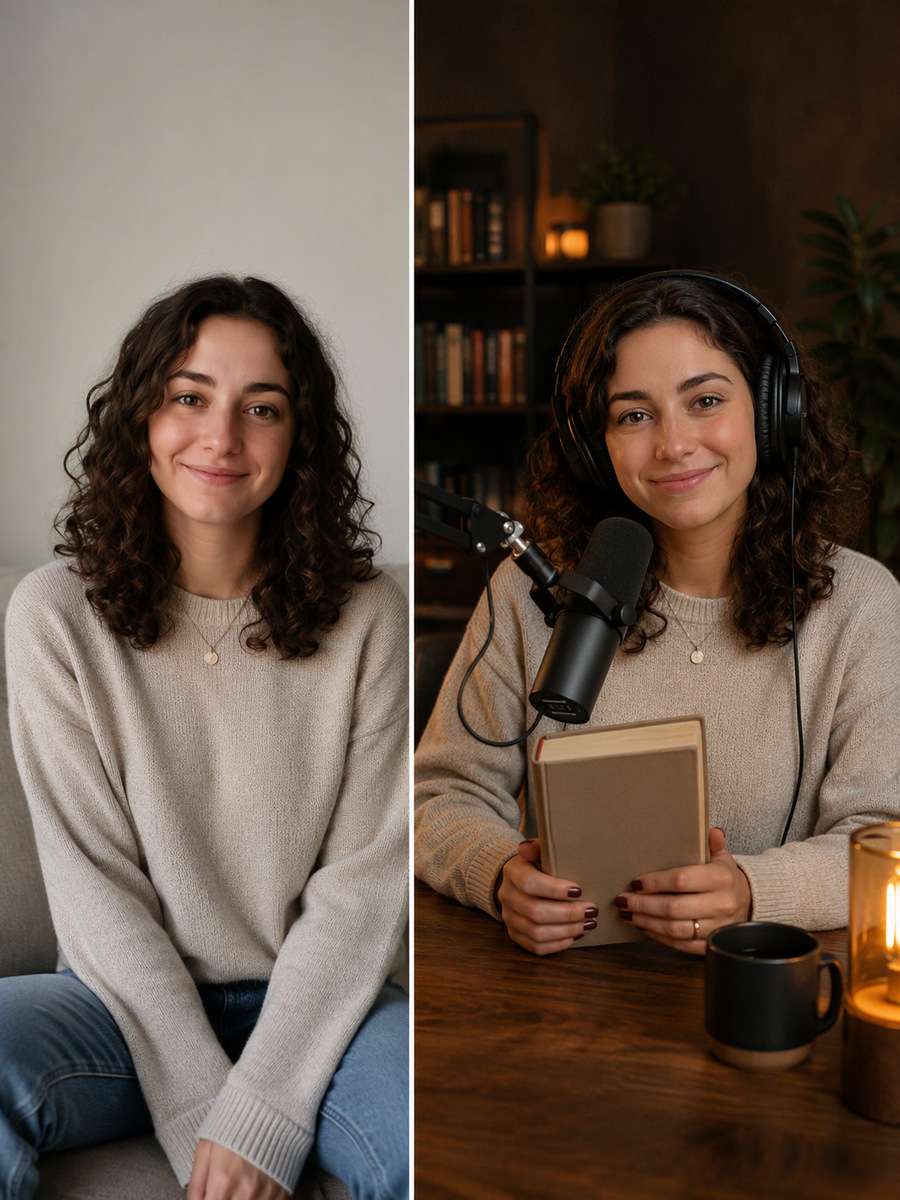
Fiction Discussion Podcast
Use the original uploaded portrait as the person reference. For this particular concept, show literary discussion host with one untitled book and headset on a warm studio desk. Keep the original face, hairline, skin texture, age and number of people; make the edited scene physically coherent rather than a pasted-face effect. Use natural material textures and avoid forced high saturation or artificial glow. Keep the real host recognizable and equipment physically connected; do not fabricate famous guests, podcast chart positions or sponsorship logos. Avoid these common errors: floating microphones, fake guest identities and tiny illegible episode titles. Create a usable standalone image suitable for podcast covers, episode announcements and host websites.
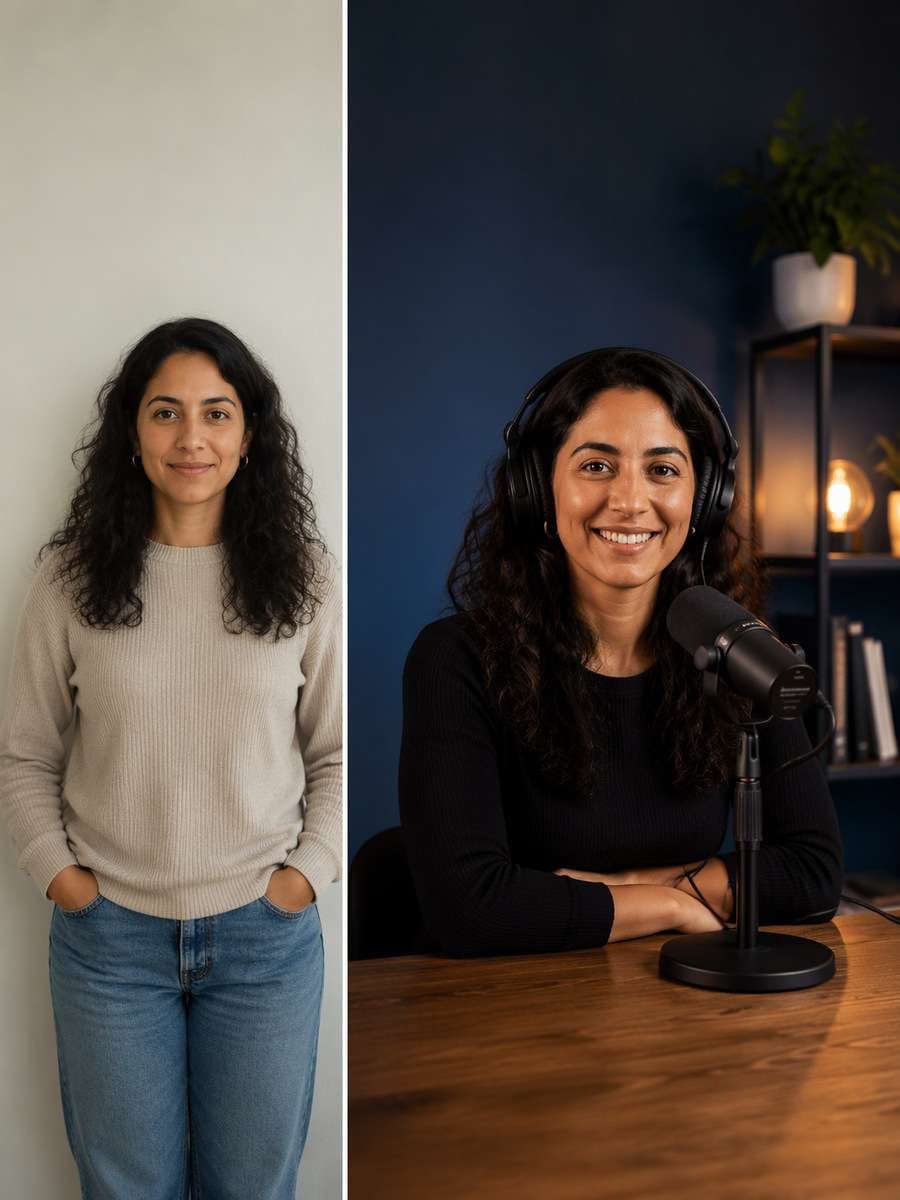
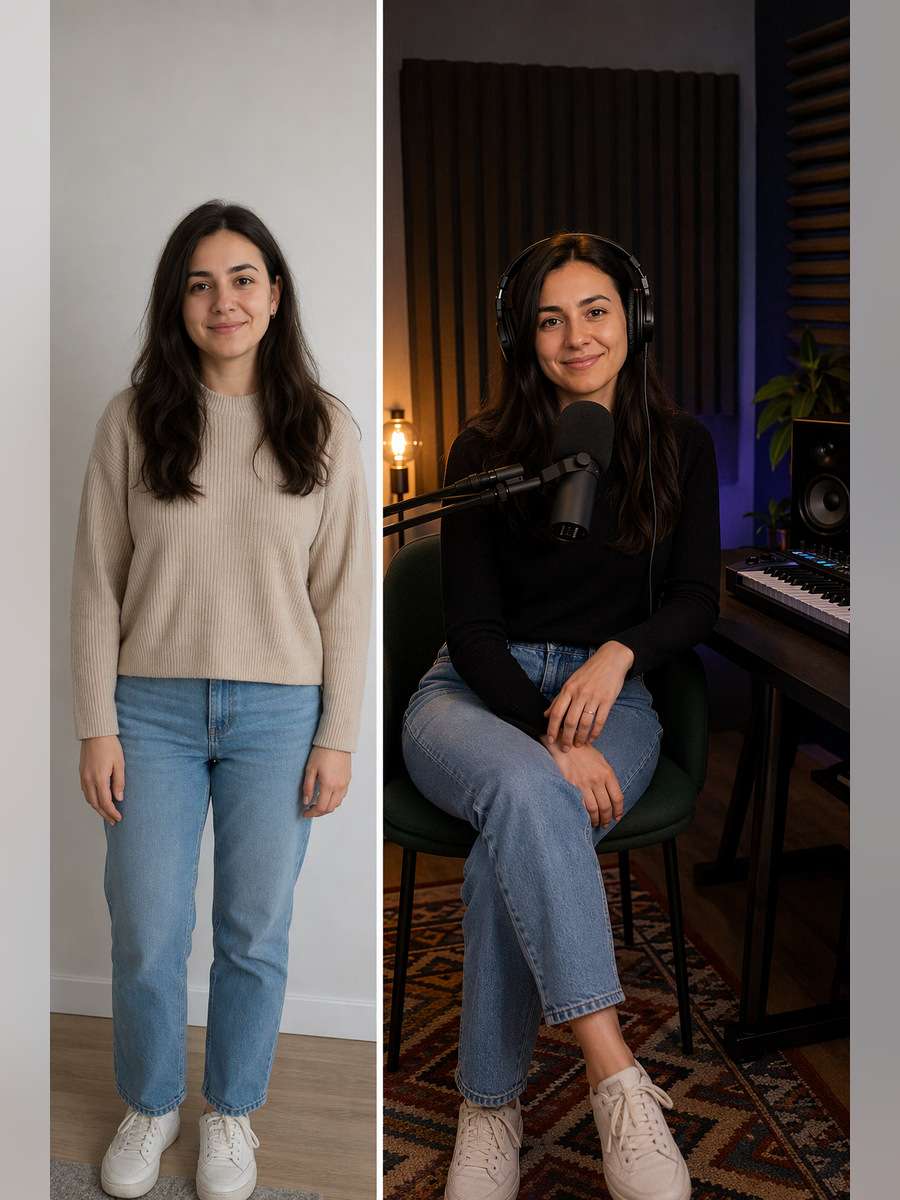
Music Chat Recording Space
Restyle the existing photograph, retaining the same individual. For this particular concept, place host at a compact music-discussion studio with headphones and visible sound panels. Keep the original face, hairline, skin texture, age and number of people; make the edited scene physically coherent rather than a pasted-face effect. Keep hand positions, object contact points and camera perspective plausible. Keep the real host recognizable and equipment physically connected; do not fabricate famous guests, podcast chart positions or sponsorship logos. Avoid these common errors: floating microphones, fake guest identities and tiny illegible episode titles. Create a usable standalone image suitable for podcast covers, episode announcements and host websites.
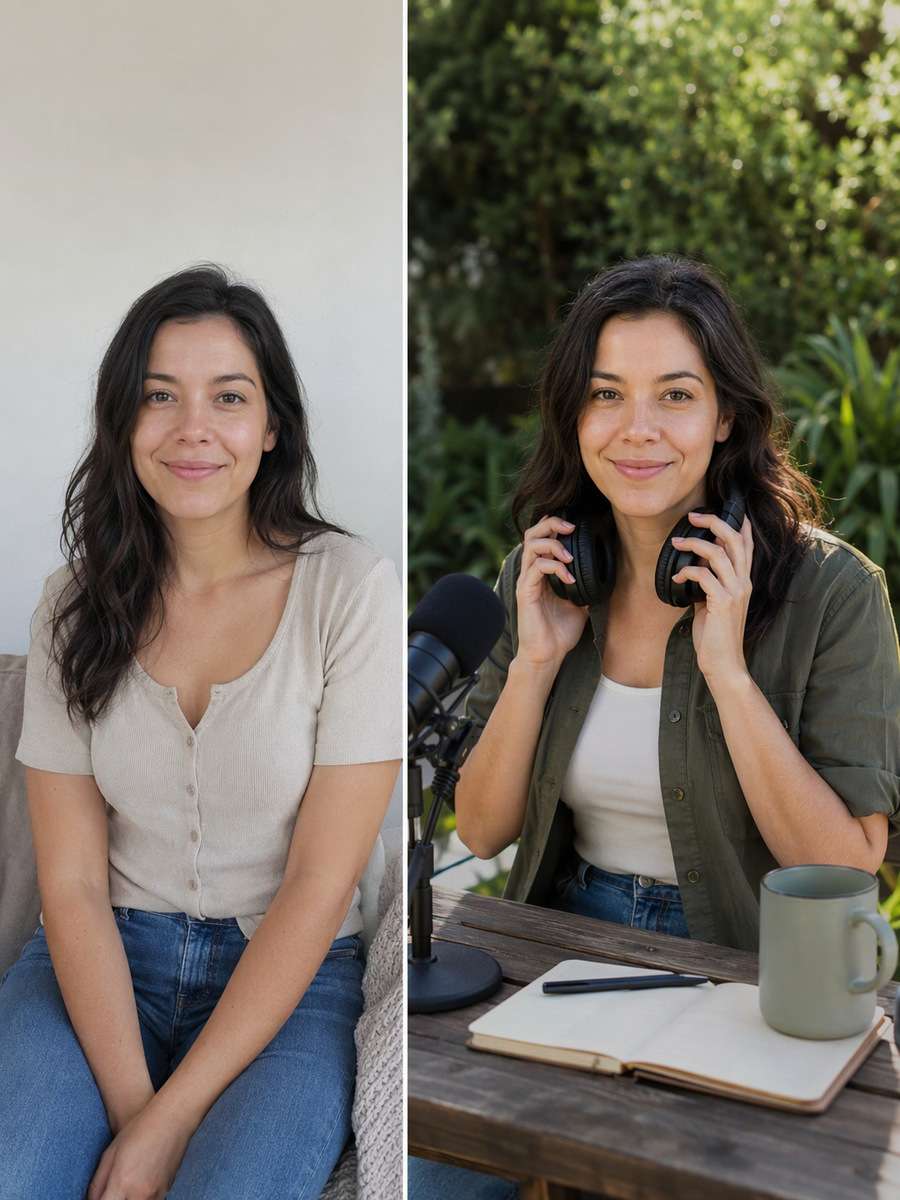
Outdoor Podcast Portrait
Begin with a clear consented selfie or body portrait. For this particular concept, make a relaxed podcast brand photo of the host outside studio holding headphones, no false broadcast recording. Keep the original face, hairline, skin texture, age and number of people; make the edited scene physically coherent rather than a pasted-face effect. Finish with restrained photographic detail rather than generic AI glamour effects. Keep the real host recognizable and equipment physically connected; do not fabricate famous guests, podcast chart positions or sponsorship logos. Avoid these common errors: floating microphones, fake guest identities and tiny illegible episode titles. Create a usable standalone image suitable for podcast covers, episode announcements and host websites.
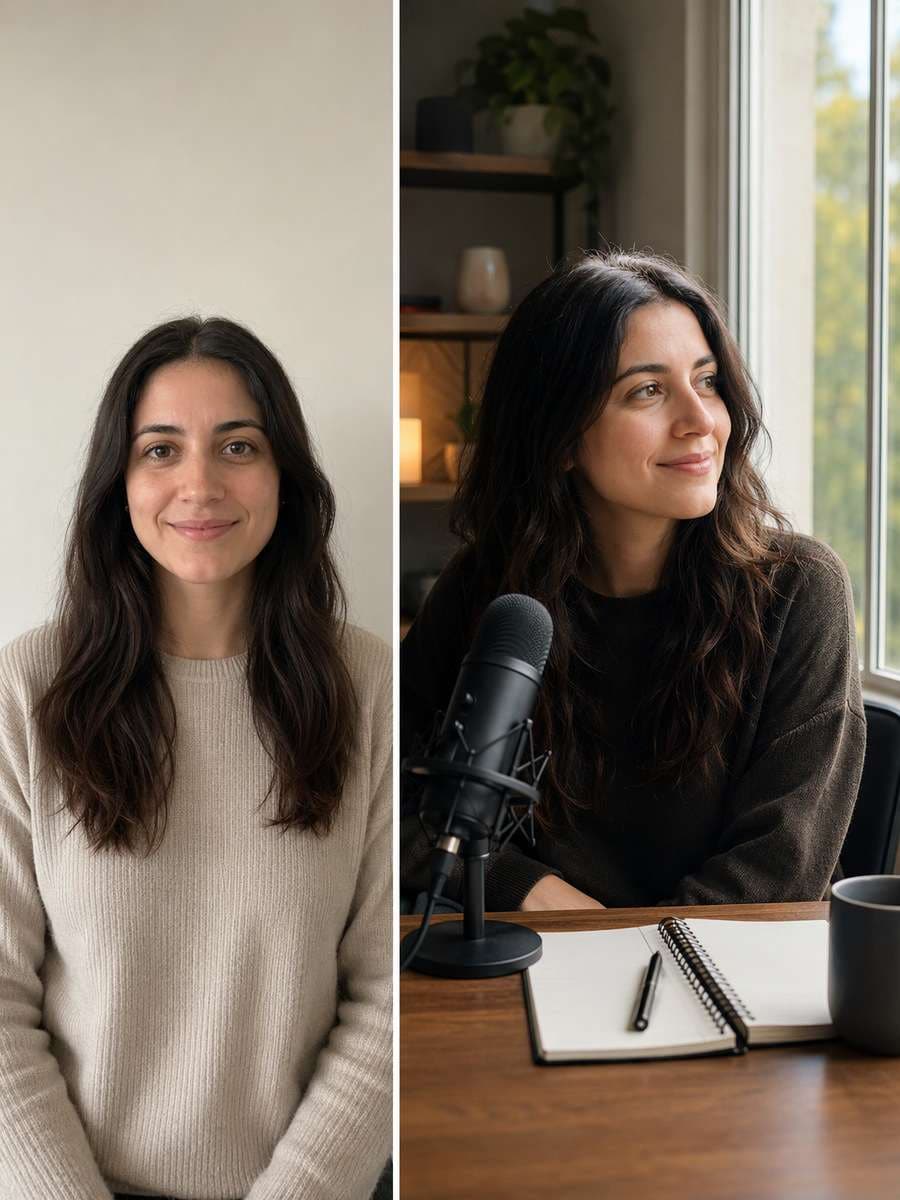
Solo Host Window Portrait
Use the original uploaded portrait as the person reference. For this particular concept, photograph host looking toward window while a microphone and blank notebook sit nearby on desk. Keep the original face, hairline, skin texture, age and number of people; make the edited scene physically coherent rather than a pasted-face effect. Match environmental reflections and shadows to the actual light sources. Keep the real host recognizable and equipment physically connected; do not fabricate famous guests, podcast chart positions or sponsorship logos. Avoid these common errors: floating microphones, fake guest identities and tiny illegible episode titles. Create a usable standalone image suitable for podcast covers, episode announcements and host websites.
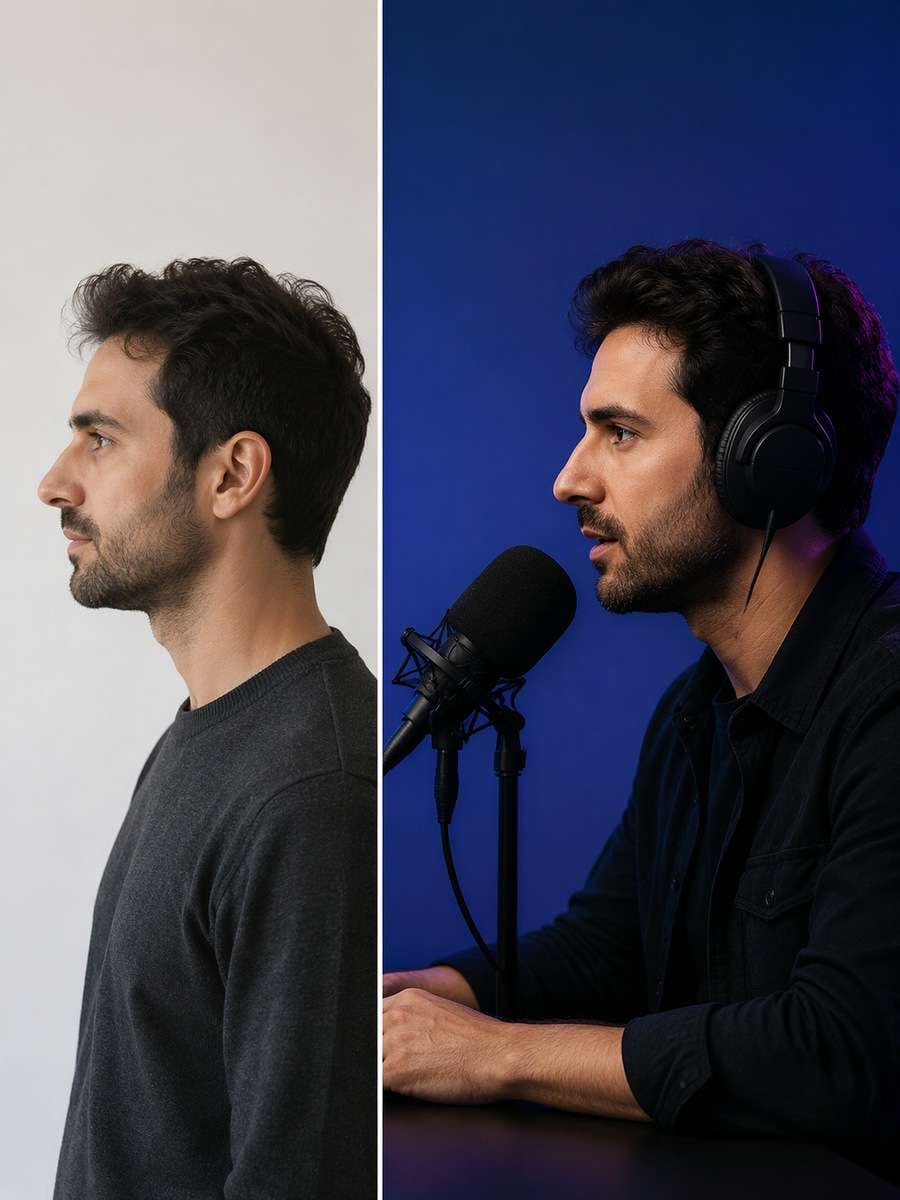
Podcast Cover Side Profile
Restyle the existing photograph, retaining the same individual. For this particular concept, create a bold side-profile host image against colored backdrop with clean square crop. Keep the original face, hairline, skin texture, age and number of people; make the edited scene physically coherent rather than a pasted-face effect. Choose framing that gives the subject and its key details enough space to be recognizable. Keep the real host recognizable and equipment physically connected; do not fabricate famous guests, podcast chart positions or sponsorship logos. Avoid these common errors: floating microphones, fake guest identities and tiny illegible episode titles. Create a usable standalone image suitable for podcast covers, episode announcements and host websites.
Recording Level Adjust
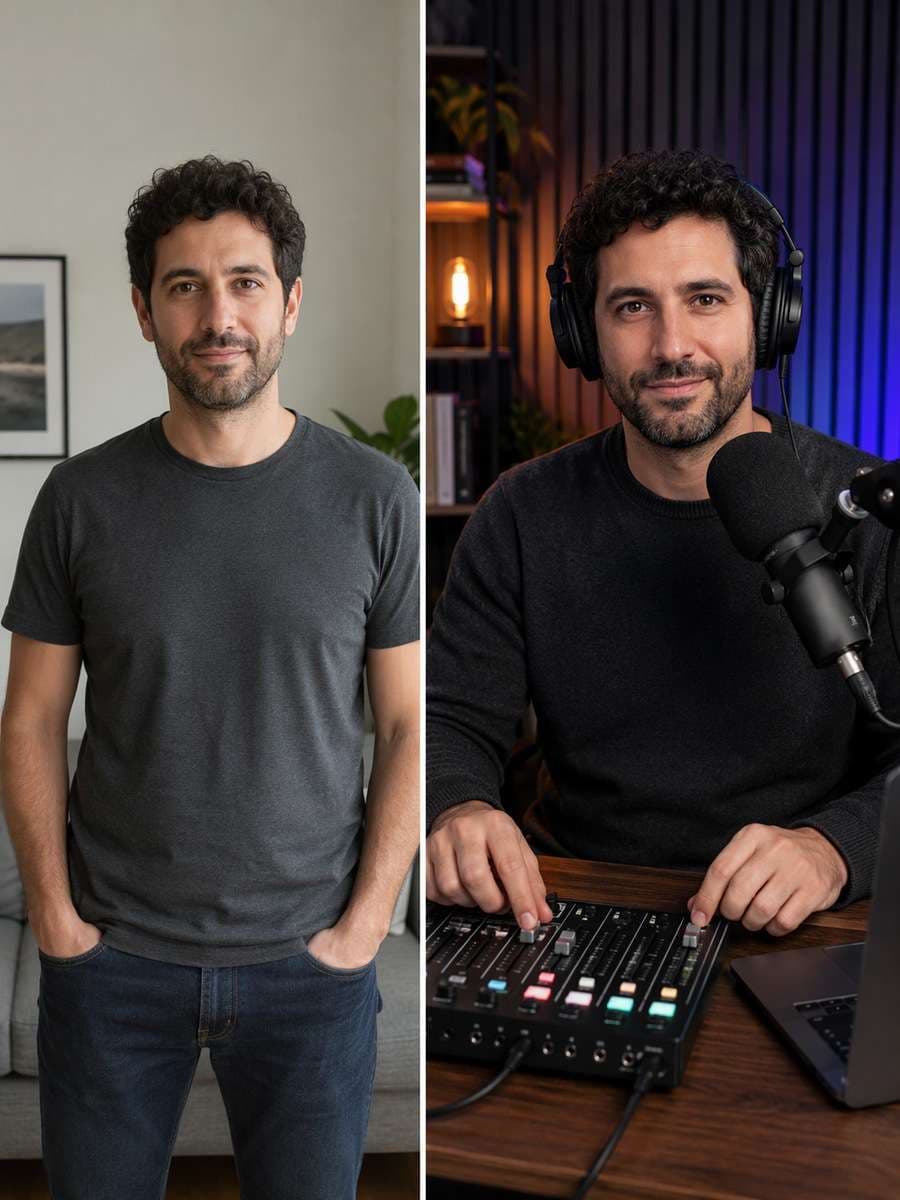
Begin with a clear consented selfie or body portrait. For this particular concept, show host using audio mixer with realistic fingers, unbranded screen and one correctly placed mic. Keep the original face, hairline, skin texture, age and number of people; make the edited scene physically coherent rather than a pasted-face effect. Use natural material textures and avoid forced high saturation or artificial glow. Keep the real host recognizable and equipment physically connected; do not fabricate famous guests, podcast chart positions or sponsorship logos. Avoid these common errors: floating microphones, fake guest identities and tiny illegible episode titles. Create a usable standalone image suitable for podcast covers, episode announcements and host websites.
Female Host Studio Introduction
Use the original uploaded portrait as the person reference. For this particular concept, make a welcoming studio portrait with light-colored acoustic panels and natural smile from the same source woman. Keep the original face, hairline, skin texture, age and number of people; make the edited scene physically coherent rather than a pasted-face effect. Keep hand positions, object contact points and camera perspective plausible. Keep the real host recognizable and equipment physically connected; do not fabricate famous guests, podcast chart positions or sponsorship logos. Avoid these common errors: floating microphones, fake guest identities and tiny illegible episode titles. Create a usable standalone image suitable for podcast covers, episode announcements and host websites.
Male Host Moody Session
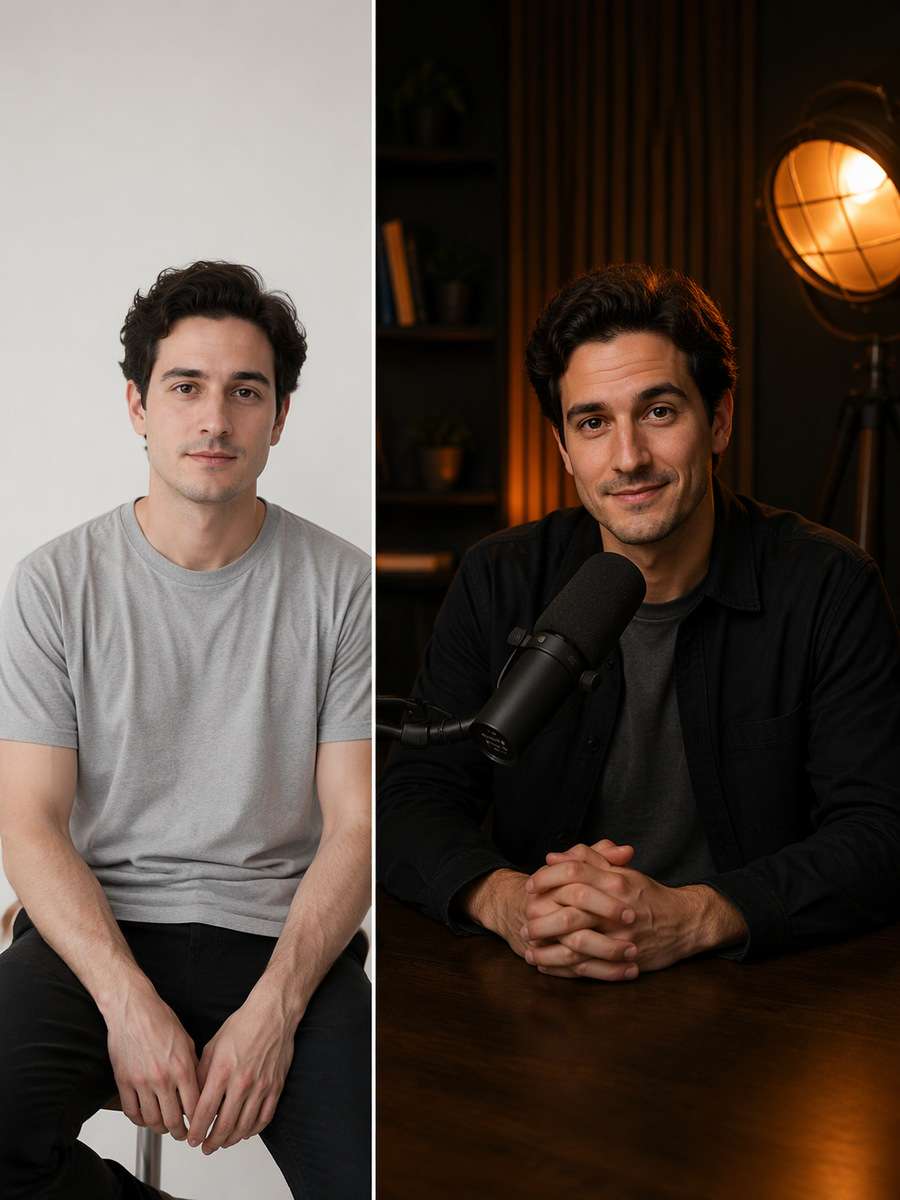
Restyle the existing photograph, retaining the same individual. For this particular concept, create a restrained editorial portrait of host with black microphone and tungsten studio lamp. Keep the original face, hairline, skin texture, age and number of people; make the edited scene physically coherent rather than a pasted-face effect. Finish with restrained photographic detail rather than generic AI glamour effects. Keep the real host recognizable and equipment physically connected; do not fabricate famous guests, podcast chart positions or sponsorship logos. Avoid these common errors: floating microphones, fake guest identities and tiny illegible episode titles. Create a usable standalone image suitable for podcast covers, episode announcements and host websites.
Behind the Scenes Cable Check
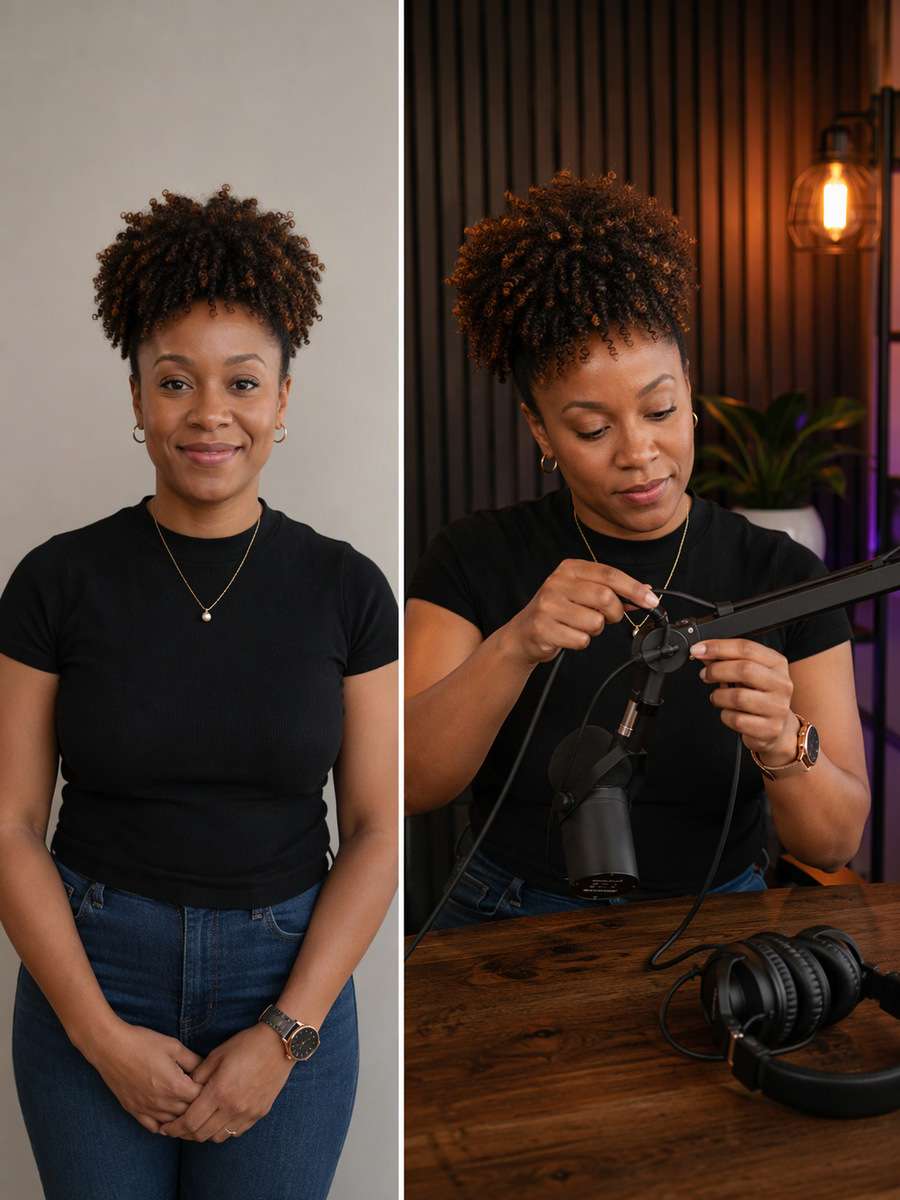
Begin with a clear consented selfie or body portrait. For this particular concept, capture host arranging boom arm and headphone cable before a recording, no distorted equipment. Keep the original face, hairline, skin texture, age and number of people; make the edited scene physically coherent rather than a pasted-face effect. Match environmental reflections and shadows to the actual light sources. Keep the real host recognizable and equipment physically connected; do not fabricate famous guests, podcast chart positions or sponsorship logos. Avoid these common errors: floating microphones, fake guest identities and tiny illegible episode titles. Create a usable standalone image suitable for podcast covers, episode announcements and host websites.
Co-hosts on Sofa Set
Use the original uploaded portrait as the person reference. For this particular concept, place two consenting hosts on a lounge sofa with tabletop mics, legible body positions and casual expressions. Keep the original face, hairline, skin texture, age and number of people; make the edited scene physically coherent rather than a pasted-face effect. Choose framing that gives the subject and its key details enough space to be recognizable. Keep the real host recognizable and equipment physically connected; do not fabricate famous guests, podcast chart positions or sponsorship logos. Avoid these common errors: floating microphones, fake guest identities and tiny illegible episode titles. Create a usable standalone image suitable for podcast covers, episode announcements and host websites.
Guest Announcement Neutral Frame
Restyle the existing photograph, retaining the same individual. For this particular concept, provide portrait of host by mic with wide blank background for a separately designed guest announcement. Keep the original face, hairline, skin texture, age and number of people; make the edited scene physically coherent rather than a pasted-face effect. Use natural material textures and avoid forced high saturation or artificial glow. Keep the real host recognizable and equipment physically connected; do not fabricate famous guests, podcast chart positions or sponsorship logos. Avoid these common errors: floating microphones, fake guest identities and tiny illegible episode titles. Create a usable standalone image suitable for podcast covers, episode announcements and host websites.
Podcast Website Hero Wide
Begin with a clear consented selfie or body portrait. For this particular concept, make a wide crop with host at recording table left and clean studio wall right for homepage copy. Keep the original face, hairline, skin texture, age and number of people; make the edited scene physically coherent rather than a pasted-face effect. Keep hand positions, object contact points and camera perspective plausible. Keep the real host recognizable and equipment physically connected; do not fabricate famous guests, podcast chart positions or sponsorship logos. Avoid these common errors: floating microphones, fake guest identities and tiny illegible episode titles. Create a usable standalone image suitable for podcast covers, episode announcements and host websites.
First Episode Celebration
Use the original uploaded portrait as the person reference. For this particular concept, show host smiling beside a studio microphone and headphones with authentic modest joy, no fictional award. Keep the original face, hairline, skin texture, age and number of people; make the edited scene physically coherent rather than a pasted-face effect. Finish with restrained photographic detail rather than generic AI glamour effects. Keep the real host recognizable and equipment physically connected; do not fabricate famous guests, podcast chart positions or sponsorship logos. Avoid these common errors: floating microphones, fake guest identities and tiny illegible episode titles. Create a usable standalone image suitable for podcast covers, episode announcements and host websites.
Get the Details Right for Podcast Host Photo Prompts
Podcast-host imagery that fits a show brand and actual recording setup works best when you decide on the input, visual scene and subject constraints before generating. A strong edit should feel specific to the subject, not a stock-style filter.
Start With the Right Original Photo
Best source: a recent host portrait or consented co-host group photo.
Use visible microphone at correct mouth height as the visual anchor. Build around headphone cable coherence rather than adding unrelated decoration.
Preserve source truth: Keep the real host recognizable and equipment physically connected; do not fabricate famous guests, podcast chart positions or sponsorship logos.
Refine Style Without Losing Accuracy
Work deliberately with host to cohost relationship and thumbnail-safe cover space.
The result should be appropriate for podcast covers, episode announcements and host websites.
Common errors to correct: floating microphones, fake guest identities and tiny illegible episode titles.
Ways to Use Podcast Host Photo Prompts
Pick a practical outlet for podcast covers, episode announcements and host websites; these four uses call for slightly different crops, detail levels and lighting.
Podcast cover art
Use a dedicated source-photo edit built around microphone at correct mouth height. For podcast cover art, adjust framing and background to fit the final display while keeping the original subject accurate.
Guest announcement
Use a dedicated source-photo edit built around headphone cable coherence. For guest announcement, adjust framing and background to fit the final display while keeping the original subject accurate.
Host About page
Use a dedicated source-photo edit built around host to cohost relationship. For host about page, adjust framing and background to fit the final display while keeping the original subject accurate.
Episode launch post
Use a dedicated source-photo edit built around thumbnail-safe cover space. For episode launch post, adjust framing and background to fit the final display while keeping the original subject accurate.
FAQs About Podcast Host Photo Prompts
1. How do I make a podcast host portrait work in a small cover thumbnail?
Keep the real host large enough to recognize, give the show logo or headline an empty area to be added later, and use a simple microphone setup rather than filling every corner with equipment.
2. What camera crop works for a podcast cover and an episode post?
Create a square crop with enough headroom for cover design, then a separate landscape or vertical crop for clips and social posts. Keep the face clear at thumbnail size.
3. How do I make microphone and headphones look realistic in a host portrait?
Name a boom arm, microphone position and one believable cable path. Avoid floating equipment, impossible headphones and fabricated logos or celebrity guests.
4. What should I check when editing photos for podcast covers, episode announcements and host websites?
Compare the result with the source for factual details. In particular, avoid floating microphones, fake guest identities and tiny illegible episode titles. If you share the image publicly, distinguish a synthetic edit from a documentary photograph where necessary.