AI Reshot Online Free
AI Reshot helps you transform ordinary photos into polished, professional visuals in seconds. Whether you want a better business headshot, a more aesthetic social media photo, or a more appealing product image, AI Reshot online free makes the process simple. With smart scene enhancement, realistic style upgrades, and natural image refinement, Media.io lets you create stunning before-and-after results without complex editing. Try Media.io AI Reshot now.

How to Use AI Reshot Online Free
Using AI Reshot is simple. Upload your image, describe the upgraded result you want, and let Media.io generate a more polished version in seconds.
Upload Your Original Photo
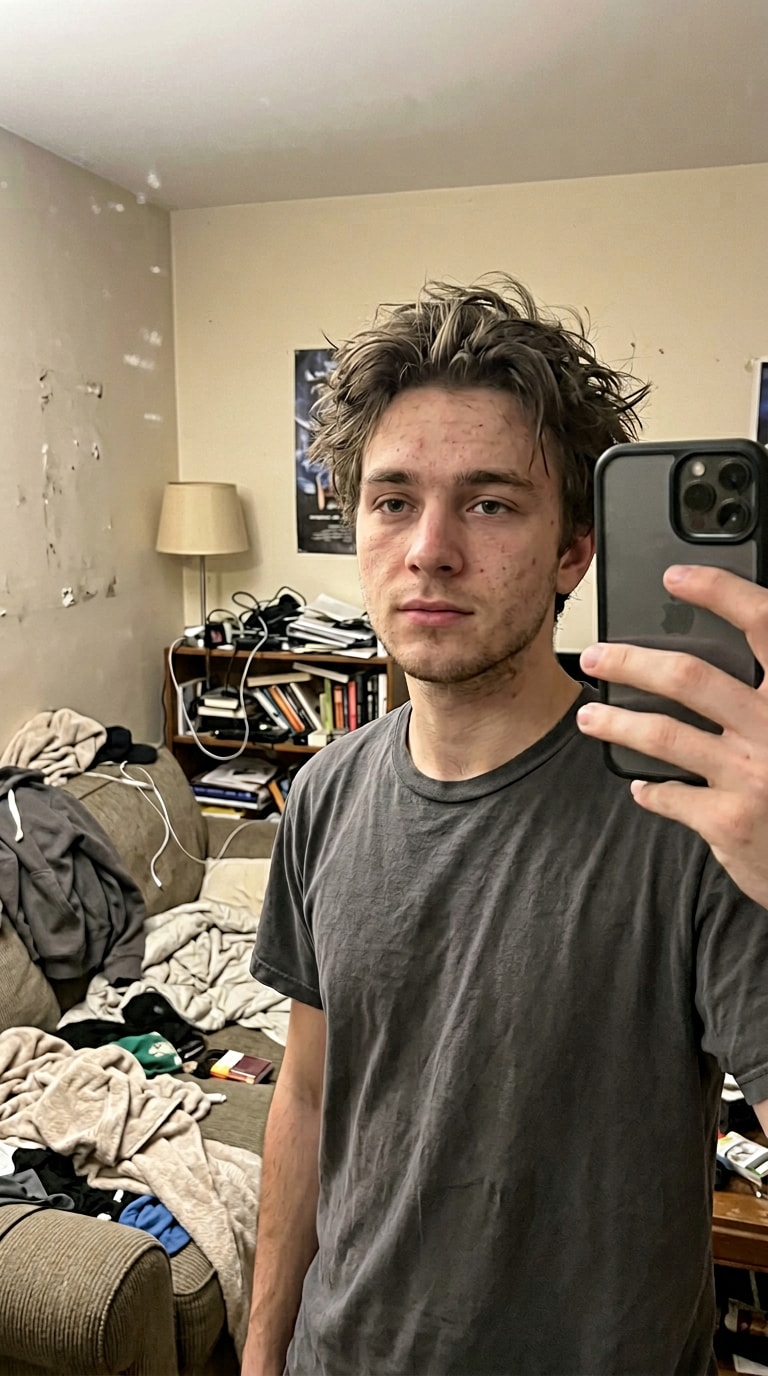
Open the AI Reshot online tool and upload a selfie, lifestyle photo, or product image you want to improve.
Enter Your Reshot Prompt
Describe the upgraded look you want, such as:
“Turn this casual selfie into a professional corporate headshot with studio lighting.”
Generate & Download
Click Generate. AI Reshot will enhance the image style, setting, and overall quality. Then preview and download your final result.
AI Reshot for Headshots, Social Media & Product Photos
Media.io AI Reshot helps users upgrade ordinary photos into more polished, useful visuals. Whether for personal branding, social content, or product marketing, AI Reshot makes image enhancement fast and natural.








Why Choose Media.io AI Reshot?
Media.io AI Reshot is designed for users who want better-looking photos without complicated editing. It works across portraits, social posts, and e-commerce images, making it easy to generate polished results from everyday uploads.

Turn Casual Photos Into Professional Headshots
Use AI reshot headshot generation to create cleaner, sharper, more professional portraits for LinkedIn, resumes, team pages, and business profiles. It upgrades lighting, styling, and overall visual confidence without requiring a studio shoot.

Make Social Photos More Stylish
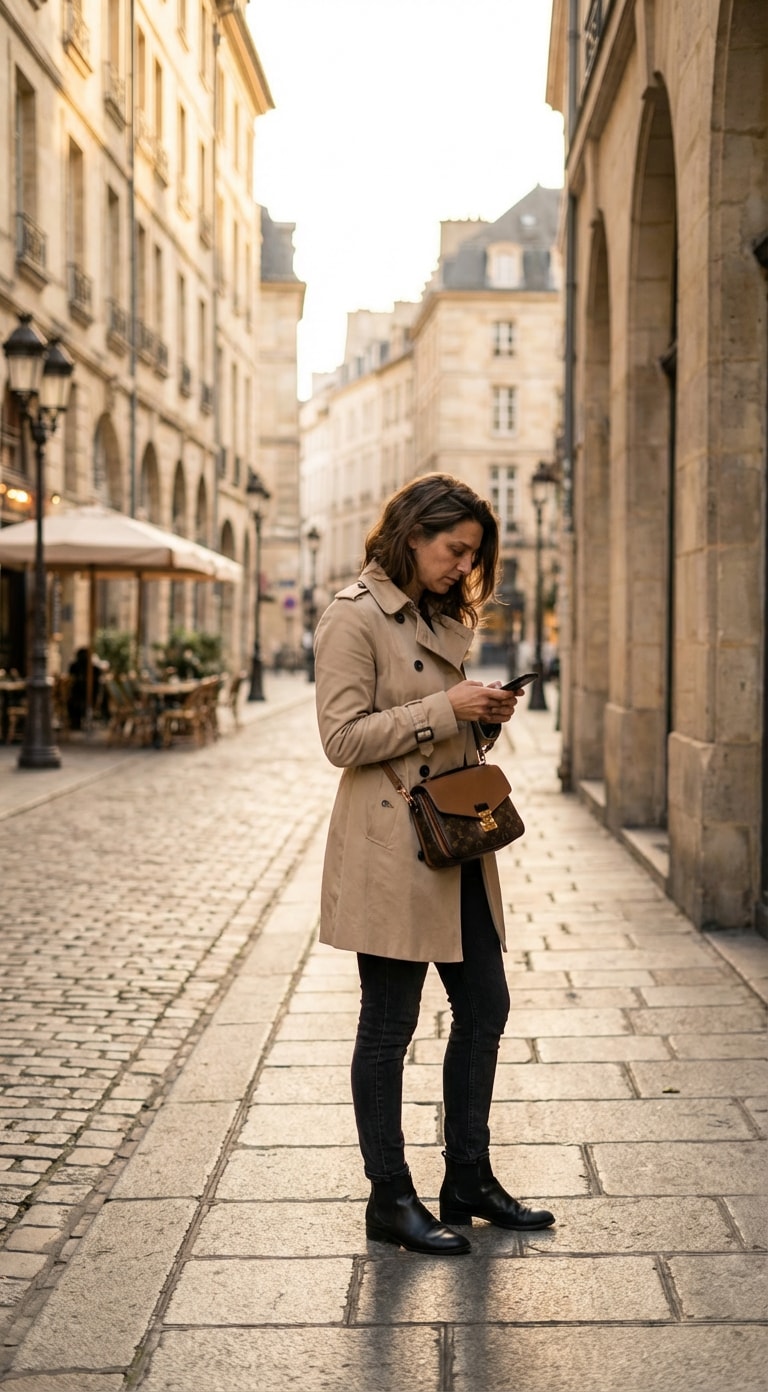
Upgrade ordinary selfies, street shots, and travel photos into more aesthetic, trend-friendly content. AI Reshot helps improve tone, composition, and mood so your content looks more intentional and platform-ready.

Create Better E-commerce Images
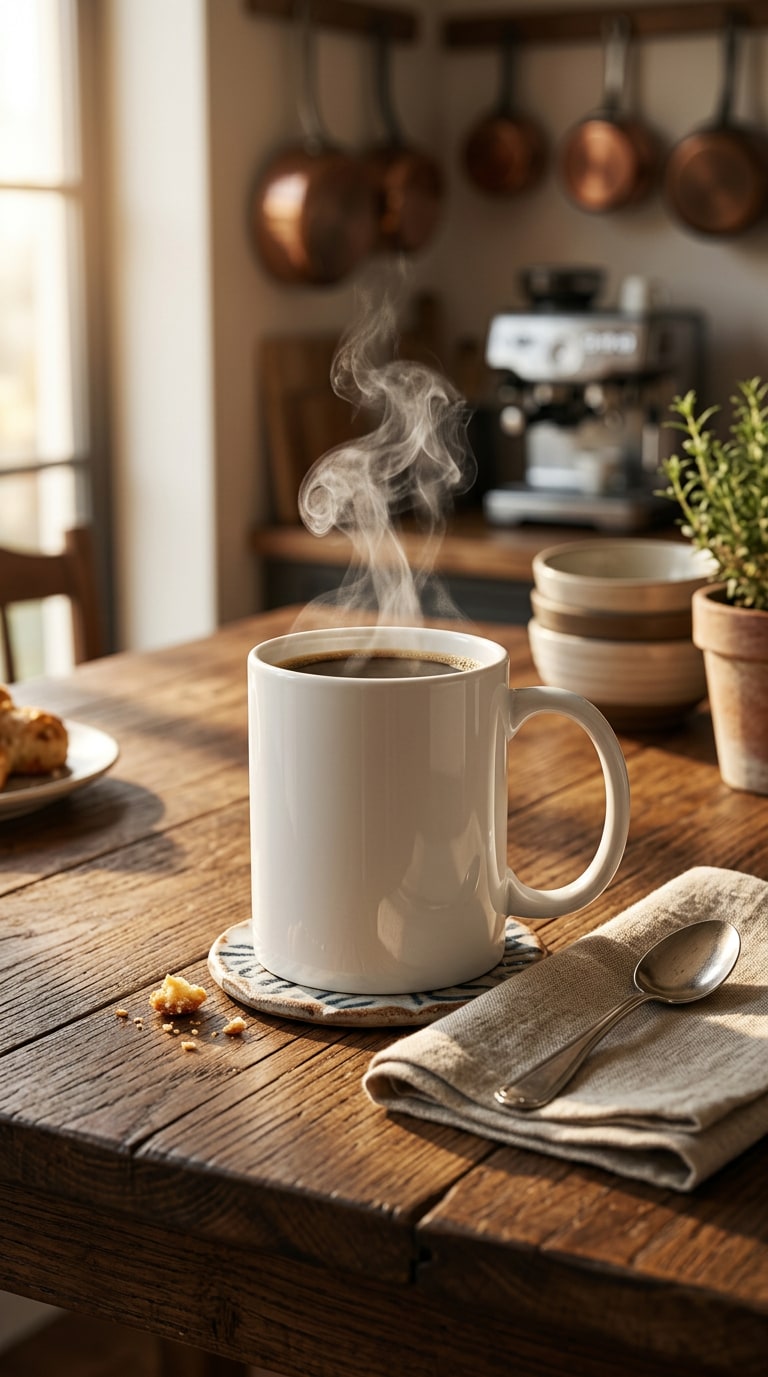
Turn plain product photos into richer lifestyle visuals, AI model showcases, and more conversion-friendly marketing images. It is ideal for sellers, brands, and creators who want premium-looking assets without expensive production.

Online, Fast & Beginner-Friendly
Try AI Reshot online free in your browser with no complicated workflow. Just upload an image, enter a prompt, and let the AI generate a polished result in seconds.
Realistic Before-and-After Results
Instead of over-editing, AI Reshot focuses on believable upgrades. It keeps identity, product shape, and scene context more consistent while improving visual quality and presentation.
Flexible for Multiple Use Cases
From professional headshots to creator content and product marketing, one workflow can support multiple goals. That makes Media.io a strong reshot ai alternative for users who need broader creative flexibility.
What Users Say About AI Reshot
Users value AI Reshot most when it saves them time, removes the need for reshooting, and gives them images that feel more usable right away.
“I used AI Reshot for my Instagram profile photo, and the result looked like it came from a real photoshoot. The lighting felt cleaner, the overall portrait looked more intentional, and I did not need to edit anything manually.”
“I did not want to pay for a photographer just to update my LinkedIn picture. AI Reshot made my casual selfie look much more professional, and it felt like a practical shortcut for job applications.”
“I turned simple product photos into warmer, more lifestyle-focused images for my store. The upgraded visuals looked more premium and helped me present my products with less effort.”
Frequently Asked Questions
About AI Reshot
1. What is AI Reshot?


AI Reshot is an AI-powered image enhancement workflow that turns ordinary photos into more polished results, such as professional headshots, aesthetic social content, and stronger product images. Instead of starting from zero, it improves the image you already have.
2. Can I use AI Reshot online free?
Yes. You can try AI Reshot online free on Media.io to upgrade portraits, social photos, and product images directly in your browser. It is a convenient option for users who want quick before-and-after results without installing desktop software.
3. Is AI Reshot good for business headshots?
Yes. AI reshot headshot generation is one of the most popular use cases. It helps turn casual selfies into more professional portraits for LinkedIn, resumes, team pages, and company websites, especially for people who do not want to book a studio session.
4. Can AI Reshot improve social media photos?
Absolutely. AI Reshot is useful for selfies, street photos, travel photos, and creator content. It can make everyday images feel more aesthetic, more cinematic, and more aligned with how users want to present themselves online.
5. Can AI Reshot improve product photos?
Yes. AI Reshot can turn plain packshots into lifestyle product scenes, fashion-on-model visuals, and more premium e-commerce images. That makes it valuable for marketplaces, landing pages, social ads, and store galleries.
6. Do I need editing skills to use AI Reshot?
No. Media.io is built to be beginner-friendly. Just upload an image, enter a prompt, and let the AI generate a stronger result for you. This is one reason many users search for ai reshot online free instead of learning professional editing tools.
7. Is Media.io a good Reshot AI alternative?
Yes. If you are looking for a reshot ai alternative, Media.io is a practical choice because it supports multiple image enhancement scenarios in one place, including headshots, creator photos, and product visuals.
Still exploring whether AI Reshot fits your workflow? Start with a selfie, a lifestyle photo, or a product packshot, and see how quickly a stronger version can be generated.



