Home>Comparison>Vizcom AI

Vizcom AI Sketch to Render: For Industrial Designers?

Industrial designers need to control form, material and iteration rather than generate a random pretty picture. Vizcom AI offers sketch-led renders and an editable visual workspace. Its plan-specific privacy and 3D quotas should be evaluated alongside your team's actual design handoff needs. Make a concept image from an approved sketch without promising editable industrial-design workbench files.

Primary Features of Vizcom AI Sketch to Render

Vizcom AI is a collaborative design visualization platform that turns industrial design sketches into concept renders and editable visual studies, with palettes, canvas layers, live rendering, 3D exploration and team workflows.

Core Feature Overview

Sketch to Render for Product Concepts

Convert drawn product forms into more polished materials and lighting studies while keeping designer intent visible. Render a handheld device sketch in three different CMF directions for a design review. A concept visualization does not replace dimensioned CAD drawings or fit-for-manufacture validation.

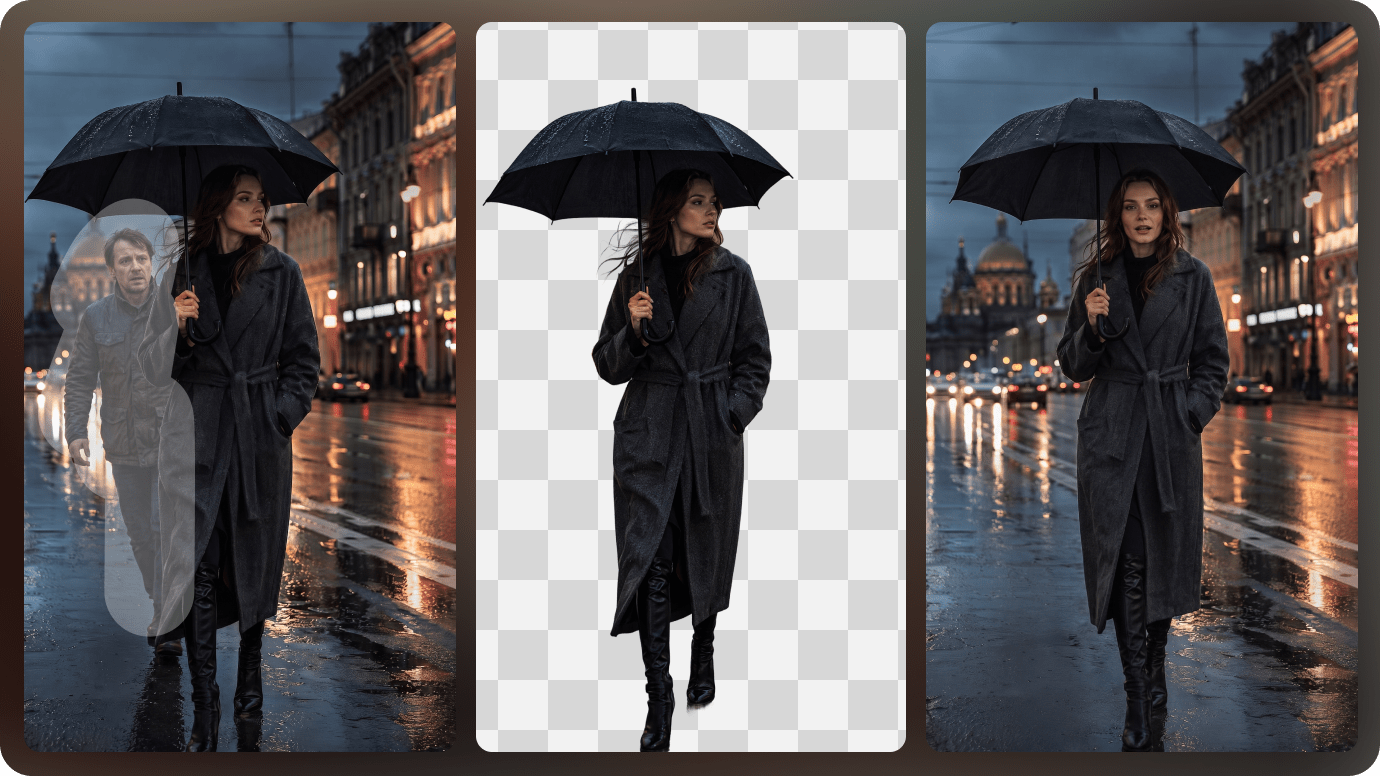
Illustrative Media.io workflow graphic, not a Vizcom AI interface screenshot

Workbench and Infinite Canvas

Organize design explorations in a broad editable workspace rather than a one-off prompt list. Compare rubber, leather and textile finishes over a shoe silhouette. Published Professional and Starter plans differ in their per-month allowances for newer tools.

Illustrative Media.io workflow graphic, not a Vizcom AI interface screenshot

Palettes and Material References

Apply color and material references to a sketch when exploring several industrial design directions. Improve presentation quality of concept sketches without pretending they are CAD-ready drawings. Professional project privacy and enterprise team governance should not be assumed on the free tier.

Illustrative Media.io workflow graphic, not a Vizcom AI interface screenshot

Layered Editing and Smart Selection

Use image layers and selections to adjust particular regions of a proposed product rendering. Review wood and metal materials on a prototype chair image. Material direction can be hard to control with noisy or low-quality input sketches.

Illustrative Media.io workflow graphic, not a Vizcom AI interface screenshot

2D to 3D Design Exploration

Investigate rough 3D shape representations from reference images where the plan allows. Share a controlled board of product render variants with engineering and marketing. Editing and administrative permissions differ across paid and viewer accounts.

Illustrative Media.io workflow graphic, not a Vizcom AI interface screenshot

Team Files and Privacy Controls

Share files, project references and approval views across design teams with tier-specific governance. Explore form ideas before building a detailed engineering-grade 3D model. Vizcom is built around editable product design process rather than one-click consumer filters.
Illustrative Media.io workflow graphic, not a Vizcom AI interface screenshot

How to Edit Product Photos Online With Media.io

1
2
3
1
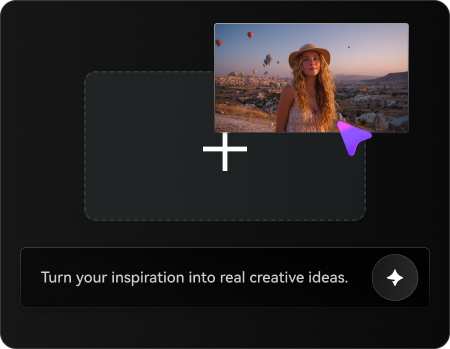
Upload your product photo

Upload a rights-cleared product image, then describe the changes you want to make while keeping essential product details intact.

2
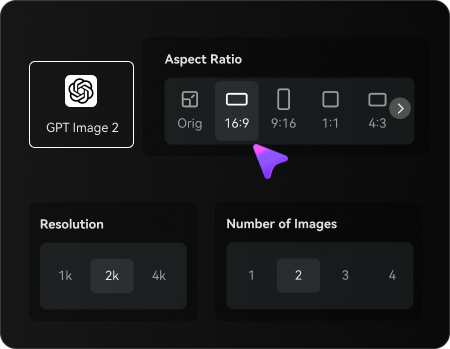
Set your image options

Choose a suitable AI model, adjust the aspect ratio and resolution, and select the number of images to generate.

3
Generate and refine your image

Generate your edited product photo, compare it with the original to check product details and visual accuracy, then refine or regenerate the result before downloading.

Illustrative Media.io workflow graphic, not a Vizcom AI interface screenshot

Best Use Cases for Vizcom AI: Product and Design Workflows

Render a handheld device sketch in three different CMF directions for a design review. Other realistic decisions include industrial design portfolio and cross-functional design meeting; those jobs test the exact value of sketch to render for product concepts before committing to a subscription.

Consumer Electronics Design Pitch

Render a handheld device sketch in three different CMF directions for a design review. For a related Media.io workflow, see Sketch To Render AI.

Footwear Material Study

Compare rubber, leather and textile finishes over a shoe silhouette.

Industrial Design Portfolio

Improve presentation quality of concept sketches without pretending they are CAD-ready drawings.

Furniture Concept Critique

Review wood and metal materials on a prototype chair image. For a related Media.io workflow, see Helmet Design.

Cross-Functional Design Meeting

Share a controlled board of product render variants with engineering and marketing.

Early 3D Form Investigation

Explore form ideas before building a detailed engineering-grade 3D model.

Vizcom AI Pricing, Quality Limits and Production Tradeoffs

A concept visualization does not replace dimensioned CAD drawings or fit-for-manufacture validation. Material direction can be hard to control with noisy or low-quality input sketches. These tradeoffs matter for cross-functional design meeting as much as they do for a first sample.

Rendered Sketches Are Not Engineering Files

A concept visualization does not replace dimensioned CAD drawings or fit-for-manufacture validation.

3D and Video Quotas Vary

Published Professional and Starter plans differ in their per-month allowances for newer tools.

Data Privacy Is Tier-Specific

Professional project privacy and enterprise team governance should not be assumed on the free tier.

Custom Palettes Need Suitable References

Material direction can be hard to control with noisy or low-quality input sketches.

Team Collaboration Has Seat Rules

Editing and administrative permissions differ across paid and viewer accounts.

Different Tool From General Photo Editing

Vizcom is built around editable product design process rather than one-click consumer filters.

Vizcom AI vs Media.io: Features, Pricing and Best Uses

Vizcom AI is designed around editable sketch-to-render workflows for industrial and product design teams. Make a concept image from an approved sketch without promising editable industrial-design workbench files. A meaningful comparison must account for 3d and video quotas vary and furniture concept critique rather than assuming the products are interchangeable.

Decision Factor Vizcom AI Media.io
Primary creation task editable sketch-to-render workflows for industrial and product design teams creative image transformations from existing photos
Distinctive feature Sketch to Render for Product Concepts. Convert drawn product forms into more polished materials and lighting studies while keeping designer intent visible. Make a concept image from an approved sketch without promising editable industrial-design workbench files.
Source and reference Apply color and material references to a sketch when exploring several industrial design directions. Explore Sketch to Render AI for a single product presentation image.
Typical production result Review wood and metal materials on a prototype chair image. Generate a marketing mockup from an existing visual reference, not an engineering CAD deliverable.
Limits to examine A concept visualization does not replace dimensioned CAD drawings or fit-for-manufacture validation. Try helmet, furniture or packaging concepts for early visual communication.
Iteration or credits Vizcom's published plans distinguish a free Starter tier from Professional and Enterprise tools; private projects, 3D generation allowances, 4K exports and team controls depend on plan. Review all generated dimensions and materials against the real design specification.
Workflow complexityUse image layers and selections to adjust particular regions of a proposed product rendering.Choose Vizcom when layer control, team workspaces and design iterations are indispensable.
Rights and quality Vizcom is built around editable product design process rather than one-click consumer filters. Review all generated dimensions and materials against the real design specification. Check licensing and output details on both services.
Best-fit audience editable sketch-to-render workflows for industrial and product design teams Choose Vizcom when layer control, team workspaces and design iterations are indispensable.
Best for Vizcom AI

Choose Vizcom AI If You Need:

Convert drawn product forms into more polished materials and lighting studies while keeping designer intent visible. In particular, Render a handheld device sketch in three different CMF directions for a design review. A concept visualization does not replace dimensioned CAD drawings or fit-for-manufacture validation.

  • Consumer Electronics Design Pitch: Render a handheld device sketch in three different CMF directions for a design review.
  • Footwear Material Study: Compare rubber, leather and textile finishes over a shoe silhouette.
  • Industrial Design Portfolio: Improve presentation quality of concept sketches without pretending they are CAD-ready drawings.
  • Furniture Concept Critique: Review wood and metal materials on a prototype chair image.
  • Cross-Functional Design Meeting: Share a controlled board of product render variants with engineering and marketing.
Visit Vizcom AI
Best for Media.io

Choose Media.io If You Need:

Make a concept image from an approved sketch without promising editable industrial-design workbench files. Choose Vizcom when layer control, team workspaces and design iterations are indispensable.

  • Make a concept image from an approved sketch without promising editable industrial-design workbench files.
  • Explore Sketch to Render AI for a single product presentation image.
    • Generate a marketing mockup from an existing visual reference, not an engineering CAD deliverable.
  • Try helmet, furniture or packaging concepts for early visual communication.
  • Review all generated dimensions and materials against the real design specification.
Edit an Image With Media.io

Is Vizcom AI Worth It? Our Final Verdict

Our Take

Render a handheld device sketch in three different CMF directions for a design review. Convert drawn product forms into more polished materials and lighting studies while keeping designer intent visible. A more telling test is industrial design portfolio: Improve presentation quality of concept sketches without pretending they are CAD-ready drawings.

A concept visualization does not replace dimensioned CAD drawings or fit-for-manufacture validation. Published Professional and Starter plans differ in their per-month allowances for newer tools. On cost, vizcom's published plans distinguish a free Starter tier from Professional and Enterprise tools; private projects, 3D generation allowances, 4K exports and team controls depend on plan. For cross-functional design meeting, editing and administrative permissions differ across paid and viewer accounts.

Use Vizcom AI for editable sketch-to-render workflows for industrial and product design teams, particularly footwear material study. Try helmet, furniture or packaging concepts for early visual communication. Choose Vizcom when layer control, team workspaces and design iterations are indispensable.

Vizcom AI FAQ: Features, Pricing and Alternatives

What is Vizcom AI used for?
faq faq

Vizcom AI is a collaborative design visualization platform that turns industrial design sketches into concept renders and editable visual studies, with palettes, canvas layers, live rendering, 3D exploration and team workflows.

Convert drawn product forms into more polished materials and lighting studies while keeping designer intent visible.

Compare rubber, leather and textile finishes over a shoe silhouette. Professional project privacy and enterprise team governance should not be assumed on the free tier.

Layered Editing and Smart Selection: Use image layers and selections to adjust particular regions of a proposed product rendering.

Vizcom offers a free Starter plan with constrained project and tool allowances; private design work and larger 3D usage are tier-specific.

Vizcom's published plans distinguish a free Starter tier from Professional and Enterprise tools; private projects, 3D generation allowances, 4K exports and team controls depend on plan.

Published Professional and Starter plans differ in their per-month allowances for newer tools. Editing and administrative permissions differ across paid and viewer accounts.

Render a handheld device sketch in three different CMF directions for a design review. Make a concept image from an approved sketch without promising editable industrial-design workbench files. This distinction matters because a concept visualization does not replace dimensioned cad drawings or fit-for-manufacture validation.

Vizcom AI addresses editable sketch-to-render workflows for industrial and product design teams. Try helmet, furniture or packaging concepts for early visual communication. For the specialist use case, vizcom is built around editable product design process rather than one-click consumer filters.

What Media.io Creators Say About Their Workflow

Media.io AI video generator user
Sarah L.

Content Creator

star star star star half star

Media.io makes it much easier to test different AI video styles without jumping between several platforms. I can start with a text prompt or image, compare model results, and then resize or polish the clip for social media in the same workspace.

Media.io AI video creator
John D.

Social Media Marketer

star star star star half star

I use Media.io to create quick product clips, ad concepts, and short-form videos from images. The biggest advantage is that generation does not feel like the final step - I can continue with music, captions, enhancement, and format conversion before publishing.

Media.io AI video editing user
Emily T.

Freelance Designer

star star star star half star

The workflow is approachable even when I am experimenting with unfamiliar AI models. I can animate artwork, try different motion prompts, preview the output, and prepare a cleaner final version without needing advanced video-editing experience.

Media.io Online Tools Quality Rating:
vote 4.7 (162,357 Votes)
media.io

AI Video Generator star

Easily generate videos from text or images

Generate