Image to Image
Nano Banana Pro
Upload Image
0 / 9
Click or drag to upload, or choose from My History
No ideas? Generate an image first >
Support upload format: jpg, png, jpeg.
Prompt
0/2000
Aspect Ratio
Auto
9:16
16:9
1:1
4:3
3:4
3:2
2:3
21:9
Resolution
1K
2K
4K
Unlimited Banana Pro
Number of Images
1
2
3
4
Public Visibility
All
Image
Video
Audio
Generate List
The generated results will be kept for 7 days. Please save them in time.
ai_video_generatorUnlock your creative potential and experience the magic of Media AI right away!

AI T-Shirt Mockup Generator for Realistic Merch Previews Fast

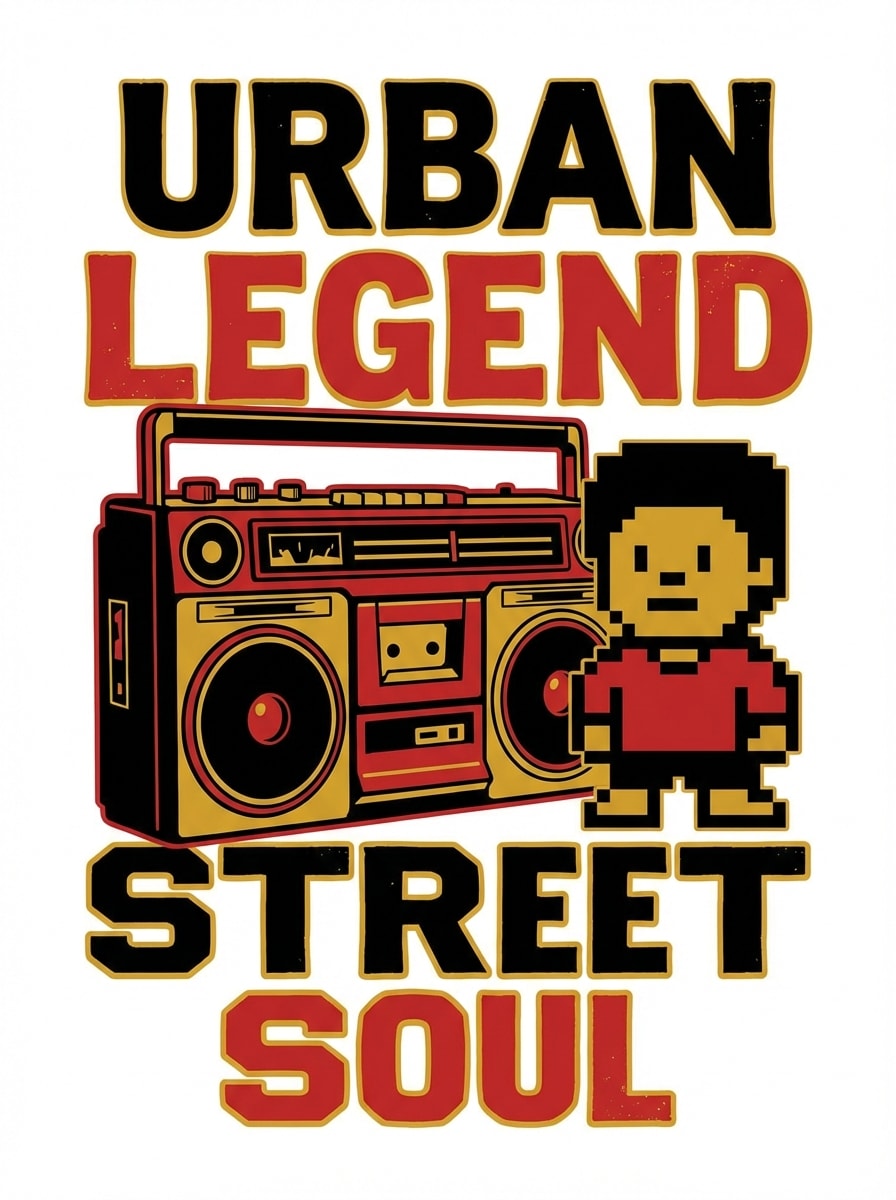
T-Shirt Mockup Generator Before
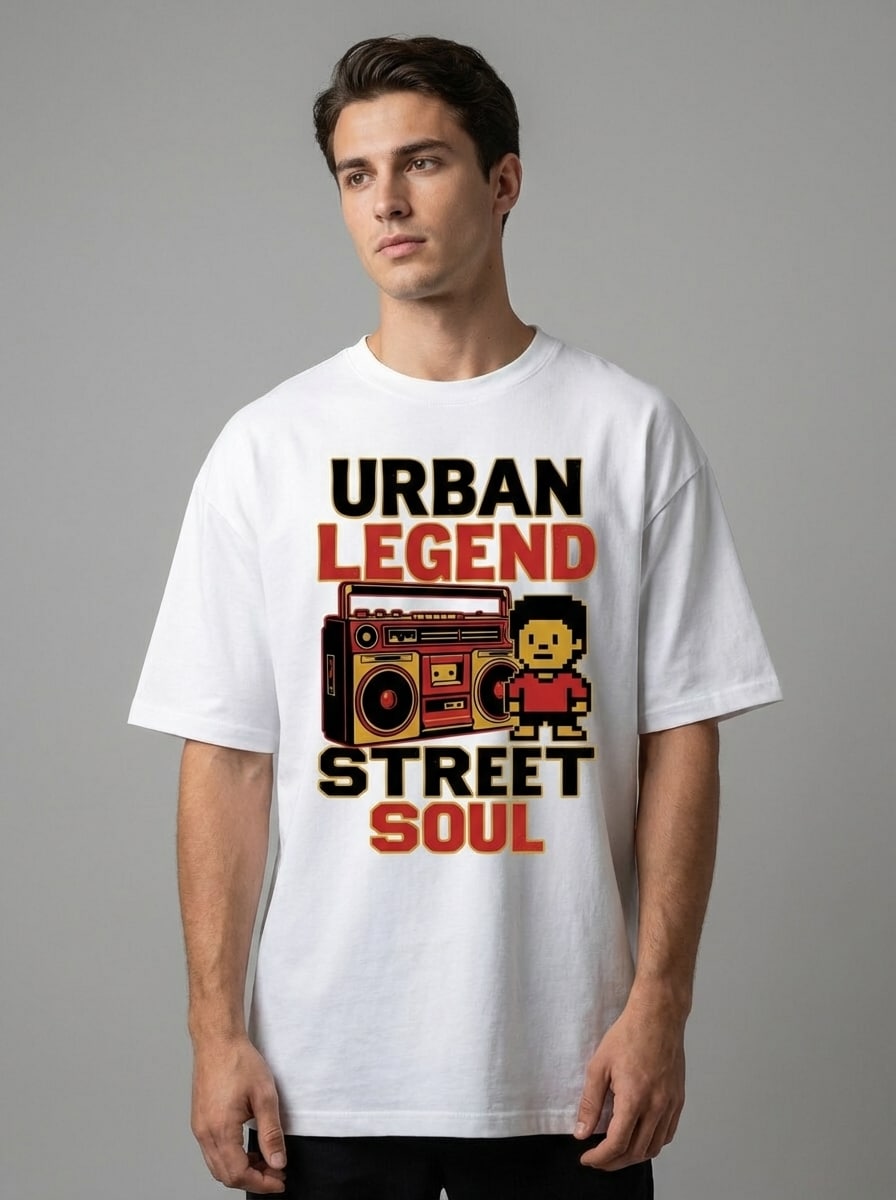
T-Shirt Mockup Generator After

Turn logos, sketches, artwork, or apparel photos into polished t-shirt mockups in seconds. Create front, back, flat lay, and on-model shirt previews with AI for ecommerce, print-on-demand, ads, and social posts—right in your browser.

Create My T-Shirt Mockup

Type your idea -> AI designs it. Free to try.

Explore our curated collection of T-Shirt Mockup styles.

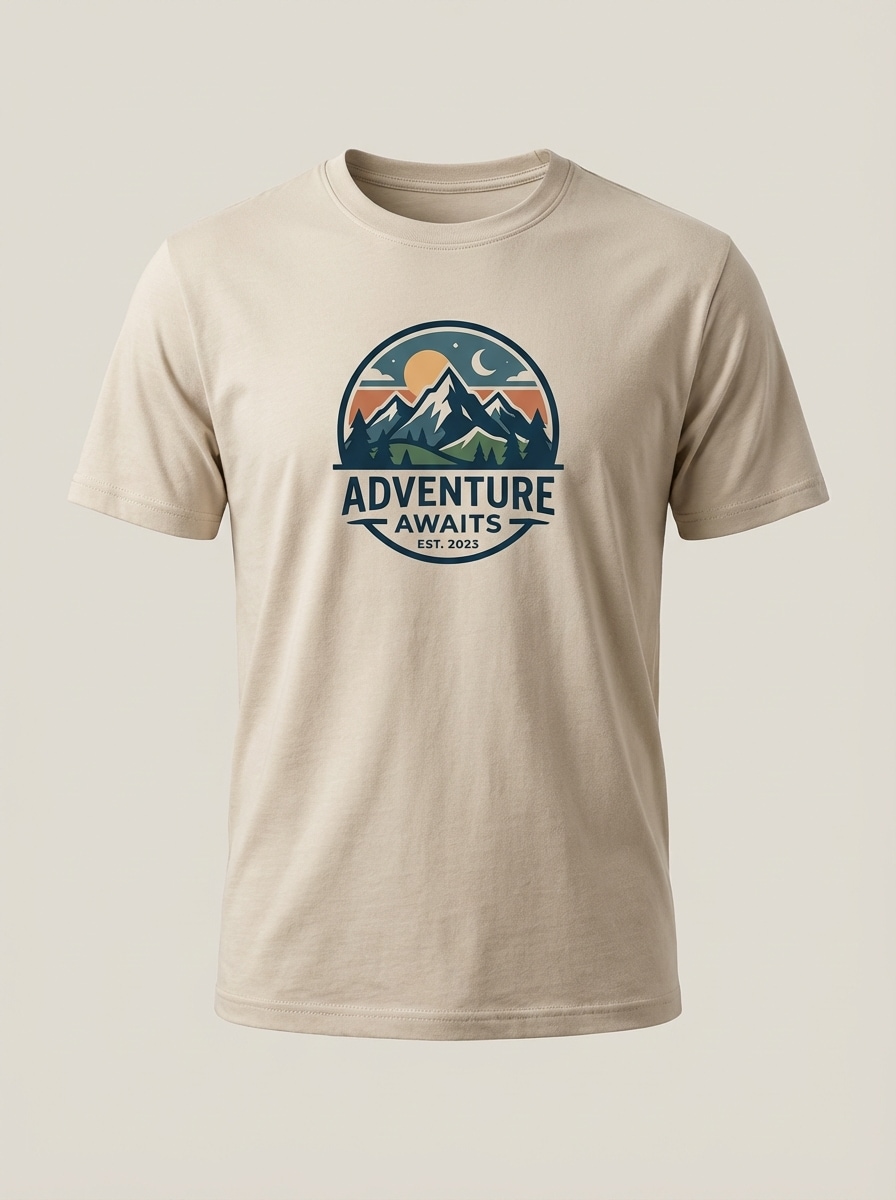
Clean Front Tshirt Mockup

Clean Front Tshirt Mockup

Generate a realistic front-view t-shirt mockup with the uploaded artwork accurately centered on the chest area. Plain light neutral background, soft studio lighting, premium cotton texture, realistic seams and folds, balanced product framing, minimal distractions, high-detail ecommerce styling, sharp print visibility, clean commercial presentation.
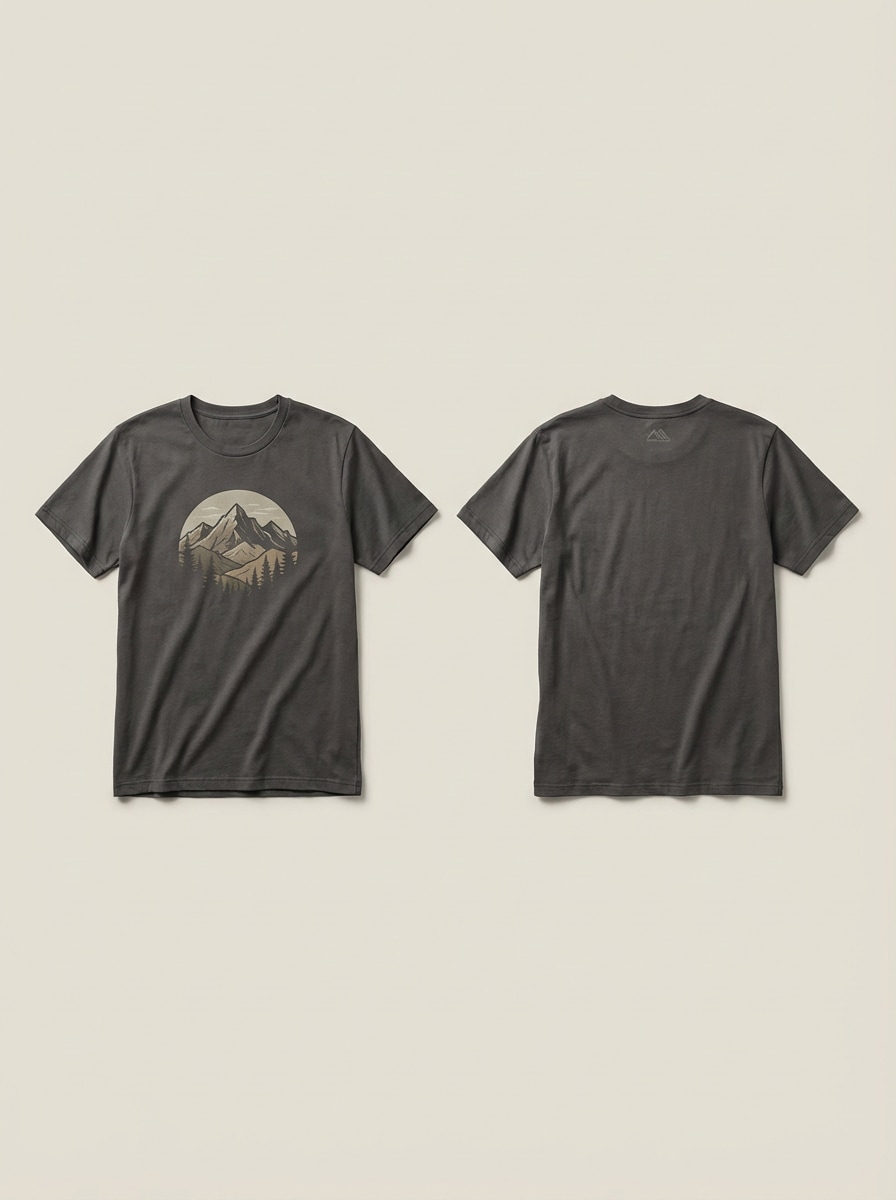
Front Back Tshirt Mockup

Front Back Tshirt Mockup

Create a realistic front and back t-shirt mockup set using the uploaded artwork with accurate placement and consistent shirt color. Neutral studio background, soft commercial lighting, detailed cotton texture, realistic stitching and folds, balanced spacing between garments, clean ecommerce presentation, and high-resolution apparel visualization.

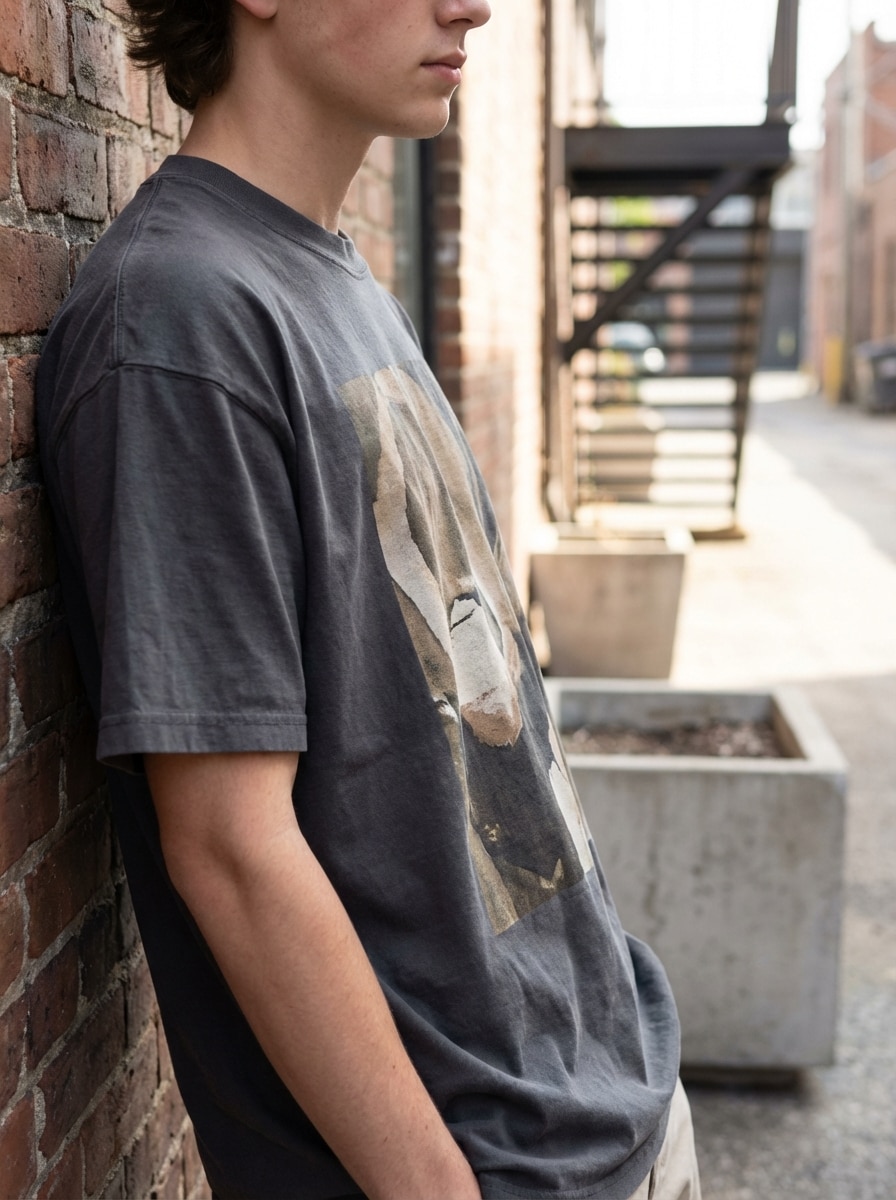
Streetwear Model Tshirt Mockup

Streetwear Model Tshirt Mockup

Generate a realistic lifestyle t-shirt mockup of a model wearing an oversized streetwear tee featuring the uploaded design. Soft daylight, relaxed natural pose, urban-inspired styling, premium cotton fabric drape, realistic folds, muted modern color palette, crisp print placement, and high-end brand campaign quality.

Flat Lay Branding Tshirt Mockup

Flat Lay Branding Tshirt Mockup

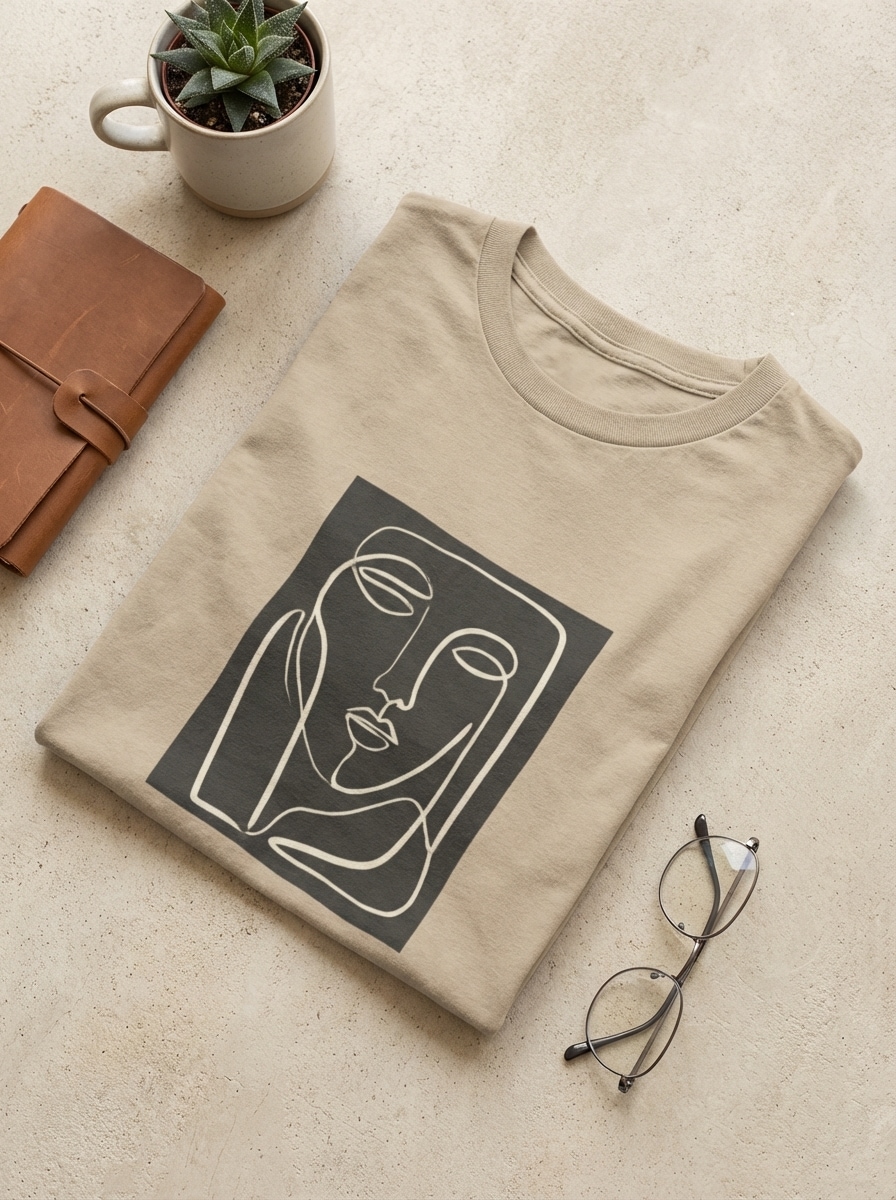
Generate a realistic top-down flat lay t-shirt mockup featuring the uploaded design. Neatly arranged garment, subtle lifestyle accessories, soft shadows, modern neutral palette, detailed cotton weave, clean brand-focused composition, accurate artwork placement, crisp visual hierarchy, and polished ecommerce-ready presentation.

Vintage Washed Tshirt Mockup

Vintage Washed Tshirt Mockup

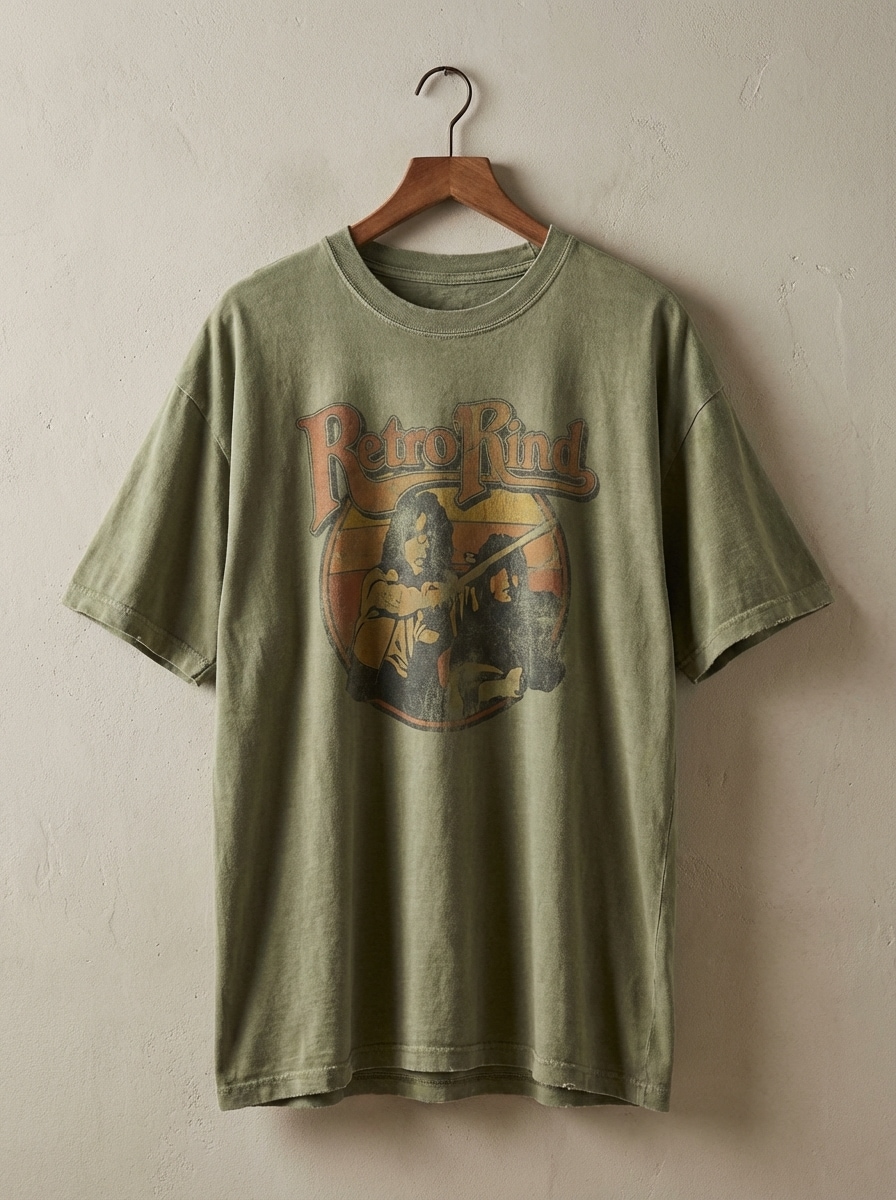
Generate a realistic vintage washed t-shirt mockup with the uploaded artwork blended naturally into faded fabric. Slightly oversized silhouette, authentic cotton grain, muted earthy palette, soft directional studio lighting, subtle wrinkles, worn-in texture, balanced framing, and premium retro streetwear presentation.

Why Use Media.io for AI T-Shirt Mockups

Transform Existing Designs Into Mockups

Upload a JPG, PNG, or JPEG logo, sketch, artwork file, or apparel reference and turn it into a realistic t-shirt mockup generator result with AI-guided image-to-image creation.

More Control Over Apparel Output

Choose 1K, 2K, or 4K output, switch aspect ratios like 3:4 or 1:1, and generate 1 to 4 images at once to test product listing, ad, or social-ready variations quickly.

Advanced Models for Clothing Consistency

Media.io is powered by Nano Banana Pro and Nano Banana 2, with specialized options like Media 2.0 for stronger clothing control and more consistent, polished mockup results.

Browser-Based on Any Device

Create and edit AI t-shirt mockup generator outputs on Windows, Mac, iPhone, iPad, or Android. No software install is needed—just open Media.io in your browser and start designing.

How to Create a T-Shirt Mockup with Media.io

1
2
3
1
Step 1: Open Media.io T-Shirt Mockup Generator

Go to AI Image to Image Generator and open the T-Shirt Mockup Generator under AI -> Image to Image. This online tool runs in your browser, so you can create realistic merch previews on desktop or mobile without installing design software.

2
Step 2: Enter a Prompt or Upload

Upload your logo, artwork, sketch, or shirt reference image, then add a detailed prompt such as "Use my uploaded logo and place it on an oversized cream t-shirt mockup with realistic cotton texture, soft daylight, and a clean ecommerce background." Adjust style, aspect ratio, and resolution as needed.

3
Step 3: Generate, Refine & Download

Click Generate. Tweak the prompt or settings if needed, create more variations, and download your preferred mockup in high resolution for storefronts, ads, product pages, or social media.

Step 1
Step 2
Step 3

Unlock the Potential of T Shirt Mockup Generator

Discover how creators and professionals are using our AI-powered T Shirt Mockup Generator to transform their creative workflows and bring unique ideas to life.

Launch Ecommerce Product Pages Faster

Turn artwork or logo files into clean front-view, flat lay, or model-based t-shirt mockups for Shopify, Etsy, and print-on-demand listings. It is a fast way to test colorways, placements, and hero images before you invest in physical samples.

Preview Merch Concepts Before Printing

Creators, bands, and small brands can convert sketches or draft graphics into realistic apparel previews to validate ideas early. Use AI-generated shirt mockups to compare oversized, minimal, or vintage looks and choose the strongest concept for production.

Create Social-Ready Brand Visuals

Build polished t-shirt mockups for Instagram launches, ad creatives, lookbooks, or promotional posts. On-model and lifestyle scenes help your designs feel more premium, making it easier to communicate your brand style and increase audience interest.

What Users Say About This T-Shirt Mockup Generator

user
Jordan M.

Print-on-Demand Seller

star star star star star

"Great for quick storefront previews" I upload a logo and get clean shirt mockups much faster than building every product image manually. The front-view and lifestyle results look polished enough for testing new listings.

user
Alicia R.

Independent Clothing Brand Owner

star star star star star

"Helpful for merch concept validation" This helped me turn rough artwork into realistic oversized tee previews before ordering samples. It made it easier to compare branding ideas and choose the direction that fit my collection.

user
Tyrese B.

Social Media Designer

star star star star star

"Useful on both desktop and phone" I like that I can make quick t-shirt mockups in the browser without special software. The mobile workflow is good for fast revisions when a client wants new apparel visuals the same day.

user
Emily K.

Ecommerce Marketing Specialist

star star star star star

"Easy way to build realistic merch images" We use it to create realistic shirt previews for campaigns and landing pages. The ability to upload a reference image and steer the style makes the output more usable than generic mockup tools.

T-Shirt Mockup Generator FAQs

1. How do I create a t-shirt mockup online?

Open Media.io in your browser, go to the AI image-to-image tool, and upload your logo, artwork, sketch, or apparel reference. Then add a prompt describing the t-shirt style you want, such as front view, oversized fit, or model mockup. Generate the image, refine it if needed, and download the result. This helps you create t-shirt mockup generator results more consistently.

Yes. Media.io supports image-to-image creation, so you can upload an existing design or reference image in JPG, PNG, or JPEG format and use AI to turn it into a realistic t-shirt mockup. This is useful for transforming logos, flat artwork, sketches, or apparel references into product-style visuals. This helps you create t-shirt mockup generator results more consistently.

Yes, free users can try the t-shirt mockup generator with free credits. If you need more generations or advanced usage, you can upgrade through the pricing page. Free users can use free credits. For more usage, users can subscribe to a plan on the pricing page.

Yes. You can prompt Media.io to create front-view and back-view shirt mockups, and you can also generate multiple images in one batch to explore different layouts. This makes it easier to build apparel previews for product listings, catalogs, and merch presentations. This helps you create t-shirt mockup generator results more consistently.

Yes. Media.io is a web-based tool that works on any device with a browser, including Windows, Mac, iPhone, iPad, and Android. You can create realistic t-shirt mockups on desktop or mobile without installing software. Media.io is a web-based tool that works on any device with a browser (Windows, Mac, iOS, Android). This helps you create t-shirt mockup generator results more consistently.

Yes. You can prompt Media.io to create front-view and back-view shirt mockups, and you can also generate multiple images in one batch to explore different layouts. This makes it easier to build apparel previews for product listings, catalogs, and merch presentations. This helps you create t-shirt mockup generator results more consistently.

Media.io Online AI Tools Quality Rating:
vote 4.7 (162,357 Votes)