Home>Comparison>Updream AI

Updream AI: From Script Idea to Storyboard and Video

A short film often fails before the first video model is even selected: the characters, shot list and visual references are not organized. Updream AI, the AI video creation assistant linked to Bilibili, puts planning first through a conversational agent, reusable skills and an infinite canvas for scripts, storyboards and production assets. It also connects model-based video generation. This review explains where that production-board approach helps creators, what remains unclear about pricing, and how Media.io compares for script-led creation, social formats and simpler image-to-video jobs.

Inside Updream AI: The Features That Matter

Updream is best evaluated as a planning and production workspace rather than a single video generator. Agent conversation, a node-based canvas, storyboards, characters and reusable project skills form the key product proposition.This Updream AI review centers on preproduction, not just final render output.

Core Feature Overview

Develop a Story with an AI Agent

Updream lets creators start with a loose premise and turn it into a structured brief through conversation. That is useful for an educational explainer or mini drama where the first challenge is deciding what each scene should show. Rather than jumping straight into Updream text to video, the creator can refine pacing, characters and narrative intent. The public site highlights its skills for script planning and scene descriptions. Media.io Script to Video offers a task-led alternative when a written draft is ready to become a video.

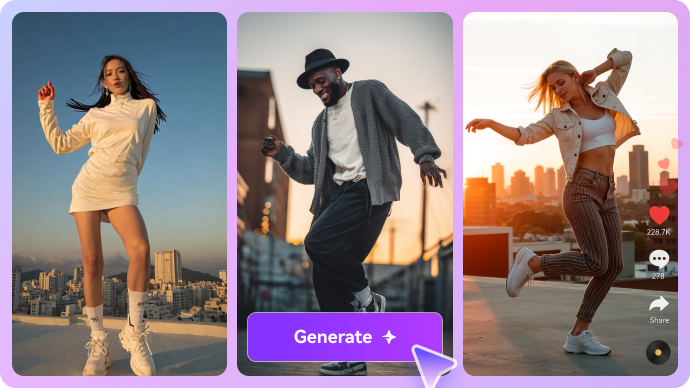
Illustrative AI image and visual styling example

Organize an Infinite Canvas of Scenes and Assets

The Updream storyboard workflow uses a canvas that can hold prompts, scripts, images, characters and video ideas in connected nodes. The advantage appears during revision: changing a scene or reference does not require recreating the whole plan as a single text prompt. For a multi-shot story, separate frames help keep track of what changed. A simple product reveal might not need this extra planning surface, but an animation team can find it valuable for coordinating character, location and visual style.

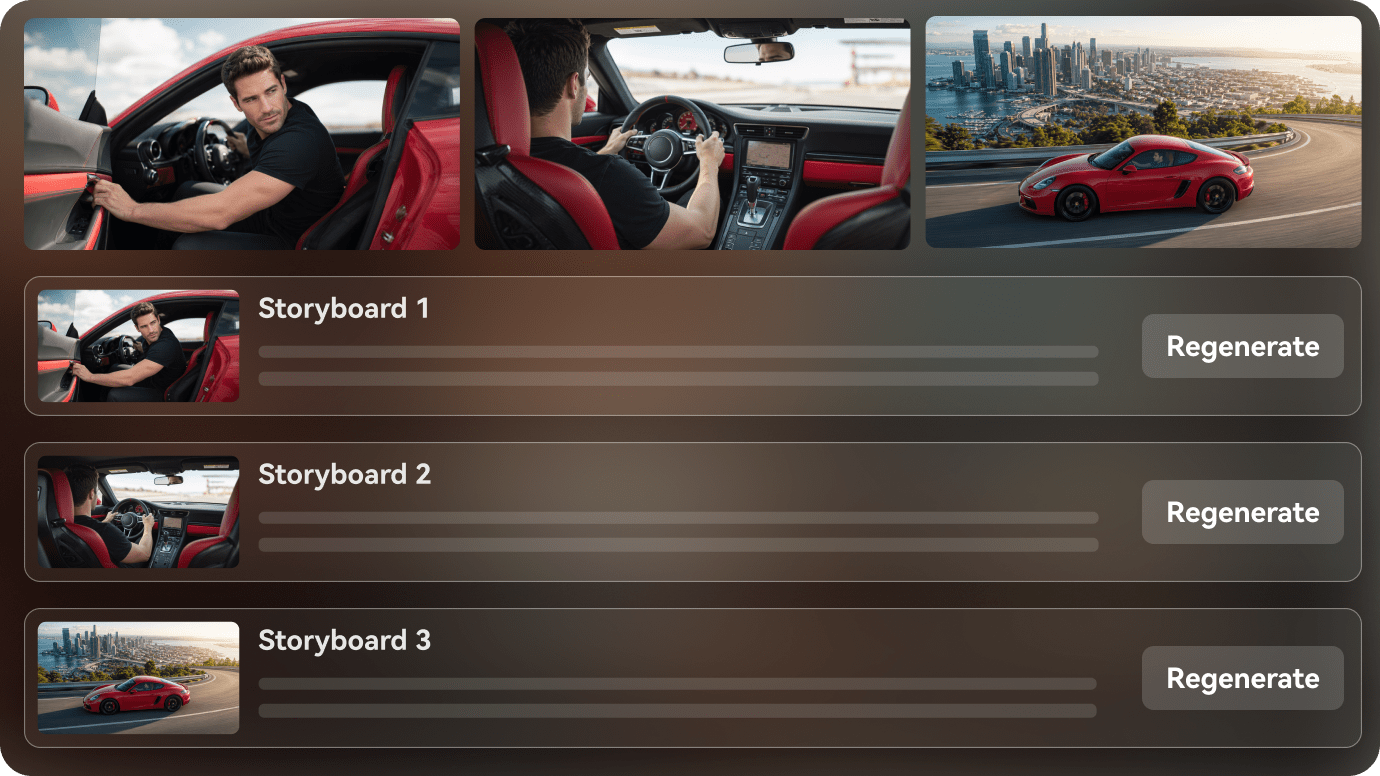
Illustrative photo to video motion example

Use Reusable Skills to Maintain a Visual Language

Updream promotes a skills library for repeated tasks such as multi-angle character images, visual style transfer and storyboard creation. That makes it closer to a process tool than a standard clip generator. A creator working on an episodic series could keep a character brief and scene structure available across production sessions. Reusable skills still require a human check for continuity; identical prompts do not guarantee stable facial features or props. Media.io AI Story is appropriate when an end-to-end story video is the main deliverable.

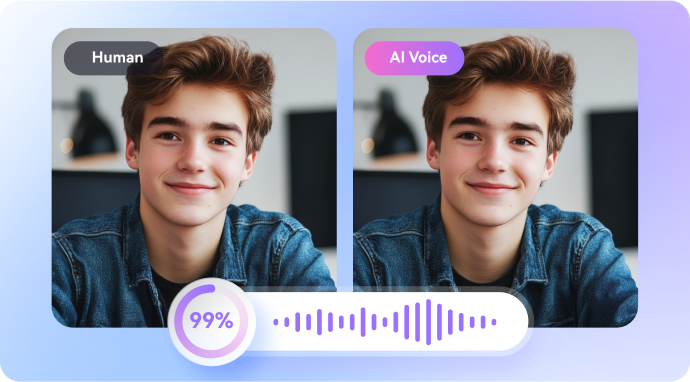
Illustrative talking video creative example

Choose Seedance, Kling and Other Engines

Updream's public product materials discuss access to Seedance, Kling, Wan, Vidu and other video families. For someone searching Updream Seedance or Updream Kling, the useful question is where the model sits in the production process: first draft, animated key frame or polished final shot. Its Bilibili-linked site also advertises limited-time model promotions. Prices and model lists can change quickly, so verify the active model selector and current event offer instead of treating promotional banners as permanent prices. Updream AI video generator capabilities are part of that broader production canvas.

Illustrative generative image and editing example

Generate Motion from Images and Written Prompts

An Updream image to video workflow can begin with a storyboard frame or character image, while text-driven generation starts from a scene description. If you already have a shot list, this can help keep production assets organized. But a video generator may still alter faces, costumes and background geometry, especially across connected clips. For a creator with only one reference photo and a clear motion instruction, Media.io image-to-video removes some of the storyboard overhead. A simple Updream video generator task may be faster without a full node graph.

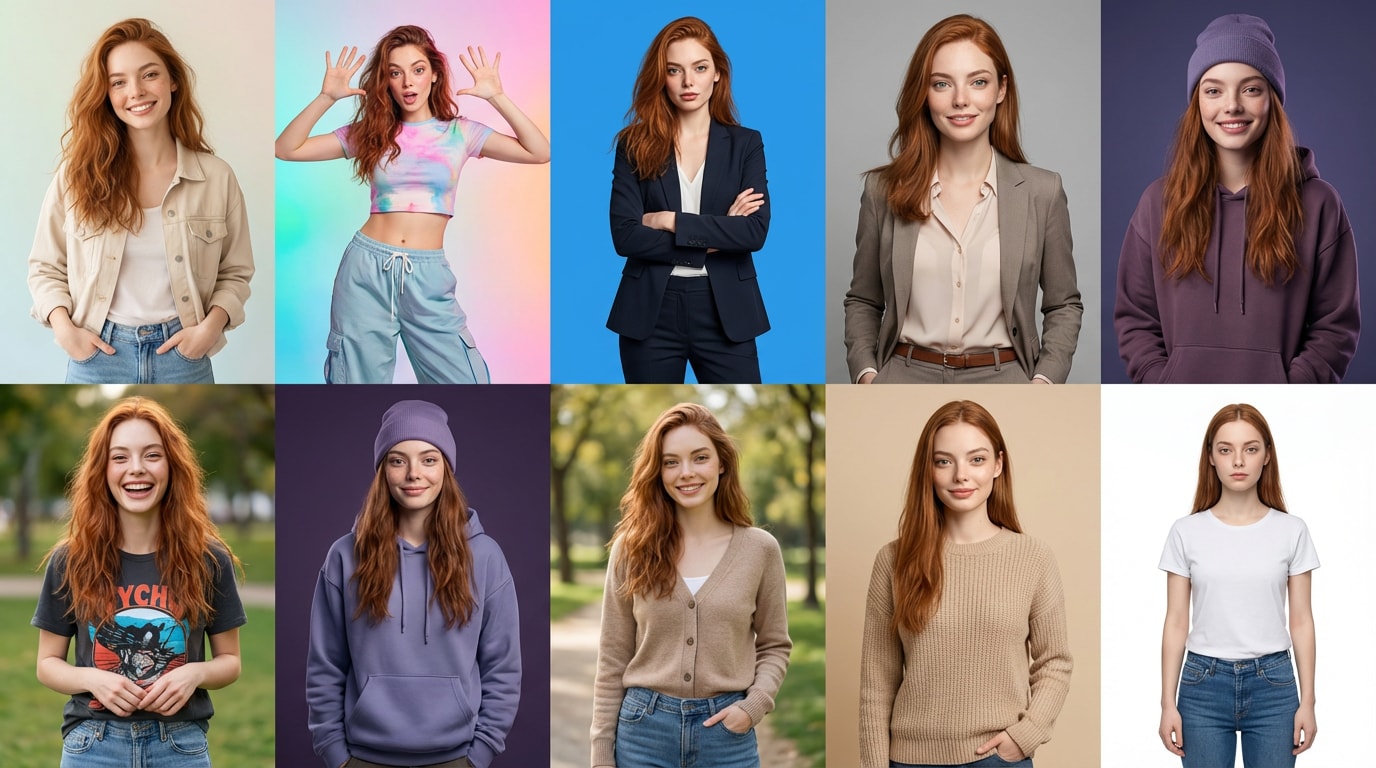
Illustrative character or scene visual transformation

Understand Access and Pricing Before Building a Series

The main Updream portal advertises creator activities, model promotions and some free-to-try experiences, but it does not provide a stable, complete English pricing matrix in the public material reviewed. That makes Updream pricing and Updream free important account-level checks. Before committing to a multi-episode project, verify generation credits, model-specific costs, export options and whether Bilibili account requirements affect your intended usage. Do not plan an entire series around a temporary discounted model rate.

Illustrative image to video workflow example

How to Turn a Short Script into Video with Media.io

1
2
3
1
Step 1: Paste the Story or Scene Outline

Use a concise script with clear narration and scene goals.

2
Step 2: Review Scene Planning and References

Choose a guided script workflow and check characters, imagery and pacing.

3
Step 3: Generate and Refine the Video

Inspect scene continuity, add finishing touches and export for the target platform.

Media.io step 1 illustrative creative workflow
Media.io step 2 illustrative creative workflow
Media.io step 3 illustrative creative workflow

Where Updream AI Fits into Actual Creative Work

Specific projects where the platform's capabilities are useful - and what to inspect before treating a render as finished.

Bilibili Creator Scripts

Develop a short-form concept into a scene list that matches the pace and tone of the intended channel.

Multi-Scene Animation

Track characters, props, locations and versioned shots on a connected canvas rather than a single prompt.

Creative Team Alignment

Use a storyboard as a shared visual brief before rendering expensive clips.

AI Short Drama Experiments

Turn a narrative premise into character assets and shot prompts, then iterate one scene at a time.

Education and Training Videos

Structure an explanation by scene so the visuals match the learning objective.

Recurring Channel Format

Reuse skills and production conventions when episodes share the same tone or characters.

What to Consider Before Paying for Updream AI

These are workflow and purchase trade-offs, not claims based on invented benchmark tests.

Not a One-Click Film Guarantee

Agent planning and node workflows still require editing, approvals and consistency checks.

Learning Curve of a Canvas

A connected production board is powerful but excessive for a single image animation.

Pricing Is Not Fully Transparent Publicly

A stable public English subscription matrix could not be verified; confirm in the actual account.

Regional Platform Assumptions

Updream is Bilibili-connected; language, account and publishing paths may not suit every global creator.

Model Costs and Promotions Change

Temporary banners should not be used as a permanent cost estimate for a production season.

Video Fidelity Needs Review

Matching a storyboard does not ensure consistent clothing, hands or facial identity in every animated shot.

Updream AI vs Media.io: Match the Tool to the Task

Updream approaches creation from the planning stage, combining agents, references, storyboards and an infinite canvas before the final video render. Media.io puts more of its value into accessible model choice and ready-made production tasks such as story videos, ad generation and editing. Choose based on whether production planning itself requires a connected visual workspace.

Creative Need Updream AI Media.io
Conversational planning Strong Fit strong workflow fit
Strong fit: AI agent refines concepts, scripts and scene structure.
Script-to-video provides guided script-to-scene workflows.
Infinite canvas Strong Fit strong workflow fit
Node-oriented planning and creative asset connections.
Task-based workflows; not presented as the same node canvas.
Reusable skills Strong Fit strong workflow fit
Creator-focused routines for storyboards and assets.
Purpose-built video and image tools for individual creative tasks.
Storyboarding Strong Fit strong workflow fit
Script-to-storyboard and character planning are central.
AI Story and script workflow can organize planned scenes.
Video models Seedance, Kling, Wan and other available models. Strong Fit strong workflow fit
Mainstream models plus direct image-to-video and text-to-video.
Image to video Animate prepared key frames and scene assets. Strong Fit strong workflow fit
Quick animation from an uploaded photo.
Pricing visibilityPromotions appear; full subscription matrix needs account verification.Consult current feature and model prices before generation.
Publishing workflow Strong Fit strong workflow fit
Strong Bilibili and Chinese creator ecosystem orientation.
Browser workflows for broader social and marketing assets.
Best fit Creators who want agent-led planning and a connected production canvas. Users who want model access and direct story, video and ad workflows.
Best for Updream AI Users

Choose Updream AI When You Need:

The strongest reasons are the distinctive product workflows and trade-offs described above.

  • You plan recurring short dramas or animated series
  • You want an infinite canvas to manage creative assets
  • Your script needs substantial agent-assisted planning
  • You prefer saving reusable creative skills
  • You produce for Bilibili or similar creator workflows
Visit Updream AI Official Site
Best for Model + Task Workflows

Choose Media.io When You Need:

Media.io combines popular image and video models with task-based paths for actual creative deliverables.

  • You already have a script and want to generate a structured video
  • You need to animate a single existing still
  • You want short ads or social content without maintaining a node canvas
  • You need enhancement and editing after generation
Turn a Script into Video

Final Verdict: Is Updream AI Worth It?

Our Take

Updream deserves attention from creators whose bottleneck is organization. An agent can help clarify a premise, and the infinite canvas gives storyboards, characters and shots a place to live together. That is especially appealing for serial animation and collaborative short drama concepts. In this Updream review, the value of organizing work matters more than a single model demo.

The trade-off is added production overhead and incomplete public price visibility. A creator making one five-second shot probably does not need a storyboard canvas, while a multi-episode team should verify access, credits and export behavior before committing. Its Bilibili roots also matter if the audience or operating environment is international.

Choose Updream for agent-led planning, node-based production assets and repeated narrative work. Choose Media.io when a script, photo or product idea should move more directly into generation, editing and distribution-ready creative assets.

Updream AI FAQ

What is Updream AI?
faq faq

Updream is an AI video planning and creation assistant connected with Bilibili, with agent conversations, an infinite canvas and model-based generation.

No. It organizes scripts, storyboards and creative assets around supported image and video generation models.

Its official materials list these model families alongside others such as Wan and Vidu. Live versions and costs can change.

Yes. Storyboard design and script-to-scene planning are prominent tools, supported by reusable creator skills.

Its video workflows include image-guided generation from prepared frames or other approved visual references.

The site advertises some accessible experiences and promotions, but the current account-level generation allowances must be checked directly.

A complete stable English price chart could not be verified from the public pages reviewed. Check the current account checkout and per-model costs.

It may be valuable when organizing scripts, characters and many connected shots is more important than producing one clip quickly.

Media.io offers script-to-video, AI Story, image-to-video and dedicated editing paths without requiring a full node-based production canvas.

What Media.io Creators Say About Their Workflow

Media.io AI video generator user
Sarah L.

Content Creator

star star star star half star

Media.io makes it much easier to test different AI video styles without jumping between several platforms. I can start with a text prompt or image, compare model results, and then resize or polish the clip for social media in the same workspace.

Media.io AI video creator
John D.

Social Media Marketer

star star star star half star

I use Media.io to create quick product clips, ad concepts, and short-form videos from images. The biggest advantage is that generation does not feel like the final step - I can continue with music, captions, enhancement, and format conversion before publishing.

Media.io AI video editing user
Emily T.

Freelance Designer

star star star star half star

The workflow is approachable even when I am experimenting with unfamiliar AI models. I can animate artwork, try different motion prompts, preview the output, and prepare a cleaner final version without needing advanced video-editing experience.

Media.io Online Tools Quality Rating:
vote 4.7 (162,357 Votes)
media.io

AI Video Generator star

Easily generate videos from text or images

Generate