





Home>Comparison>Prolifik AI

Prolifik AI: From Product Links and Streams to Scheduled Shorts

A startup can have a product page full of benefits and still lack a daily short-video schedule. Prolifik AI attacks the distribution problem: paste a product link for branded short-form formats, or submit a Twitch, Kick or YouTube recording for clipped highlights, then approve and schedule what you want to publish. Its allowance model also separates approved videos, AI Studio credits and source clipping minutes. This review examines those tradeoffs rather than treating the platform as a simple one-click video generator.

Primary Prolifik AI Features for Shorts, Clipping and Posting

Prolifik AI is a short-form content platform that turns product URLs and long videos into scripted, captioned branded social posts, clips Twitch, Kick and YouTube sources, and schedules approved videos to TikTok, Instagram and YouTube.

Core Feature Overview

Product URL to Multiple Short-Form Formats

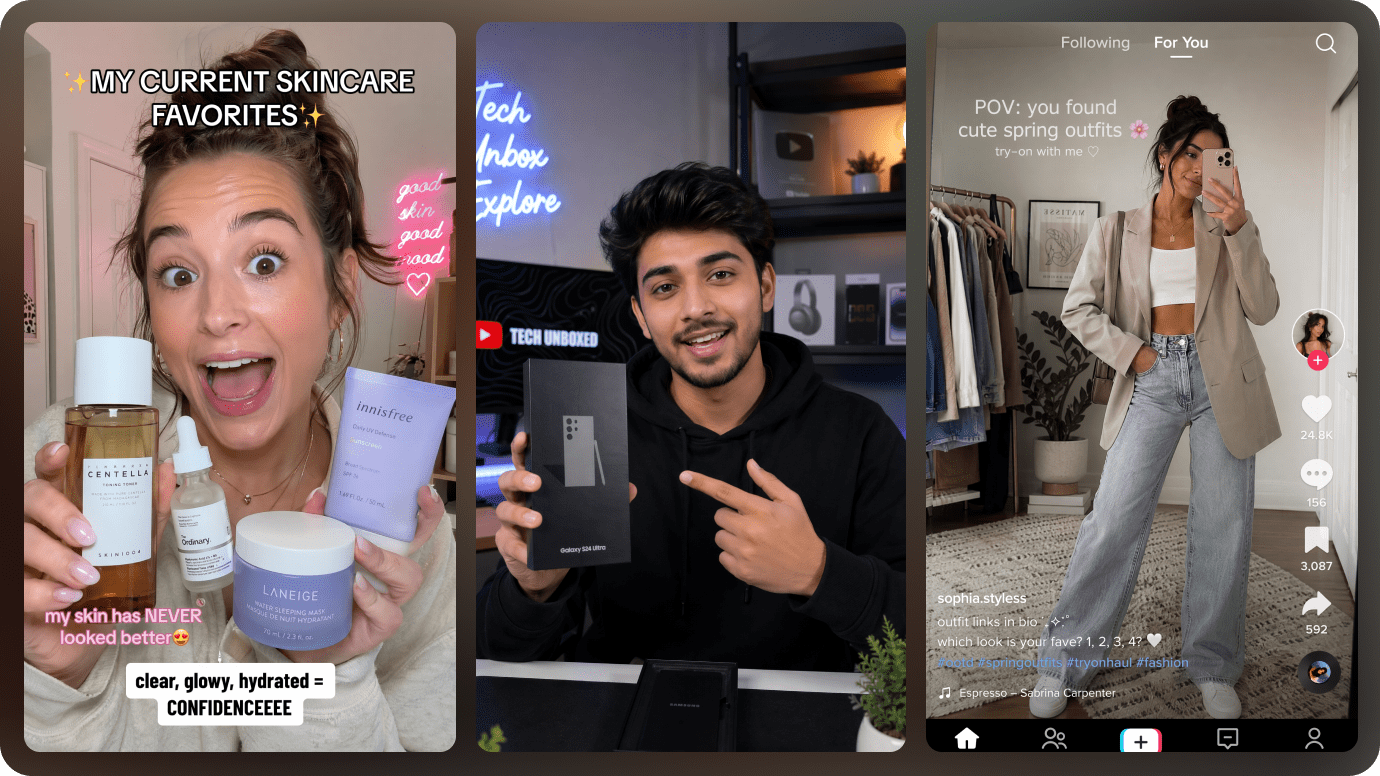
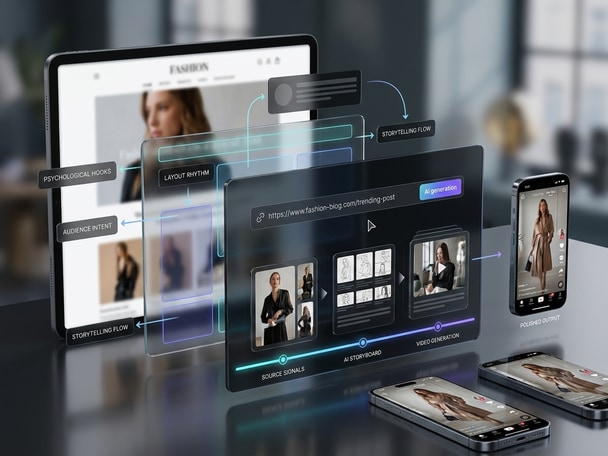
Prolifik reads a supplied page, extracts brand context and generates batches in formats such as hook-and-demo, caption meme, text story, image carousel, reaction meme and clip montage. A software startup can use the same feature announcement to test a testimonial-style explanation against a fast product demonstration. This is repurposing rather than evidence creation: any claim, price or performance statistic derived from the page must be verified against the current product offer before a scheduled post goes live.

Illustrative Media.io visual, not a Prolifik AI product screenshot

AI Clipper for Twitch, Kick and YouTube

Prolifik explicitly supports Twitch VODs, Kick recordings and YouTube streams or videos. Its Clipper evaluates audio and transcripts to find shareable moments and avoids ending a clip mid-sentence. Optional multicam layouts, reaction cutaways and sound hits make it suitable for gaming and interview channels. A streamer can process a two-hour broadcast and receive candidate Shorts, but the source-minute allowance is charged on the full submitted recording, not the total length of selected clips. That billing distinction matters before uploading a long archive.

Illustrative Media.io visual, not a Prolifik AI product screenshot

Brand-Aware Captions and Visual Identity

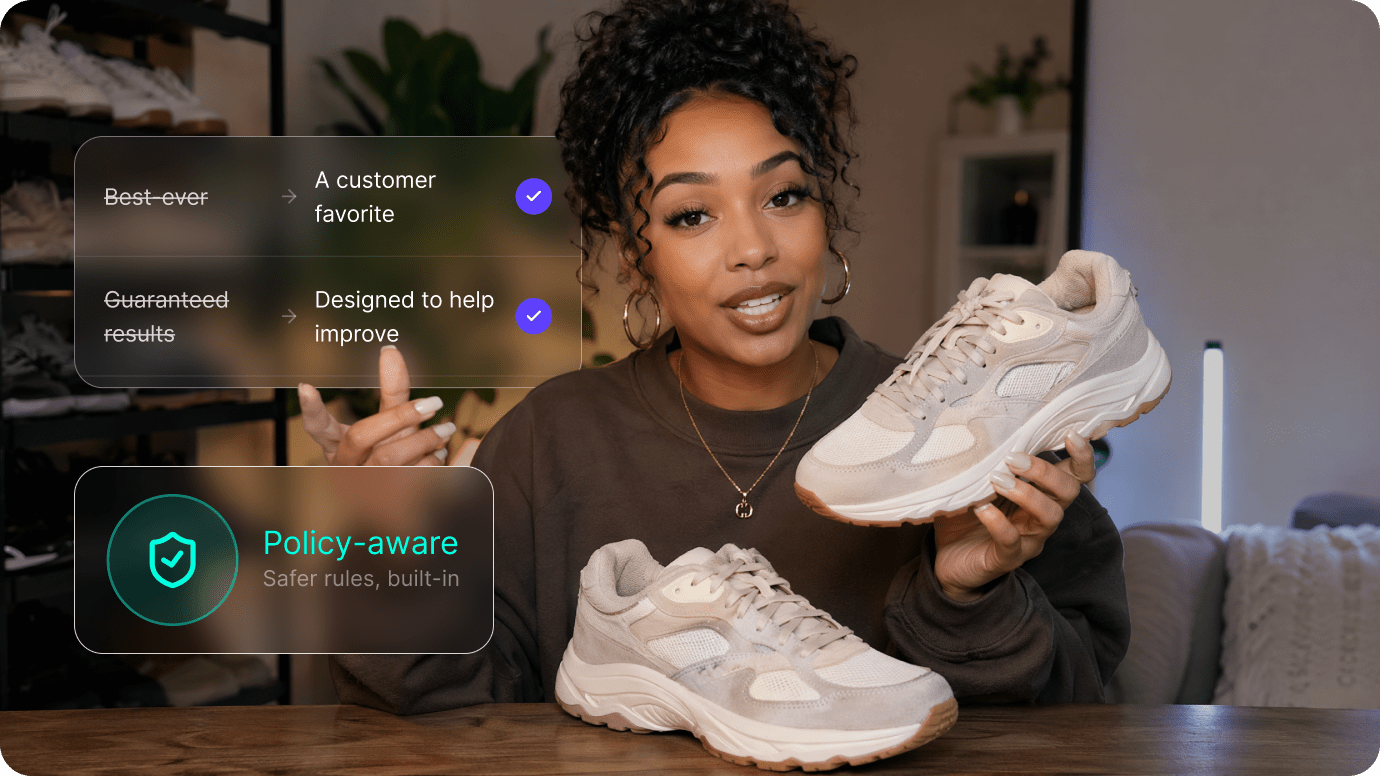
A recurring creator cannot redesign every subtitle and social overlay each morning. Prolifik describes extracting brand information from a company website and applying consistent caption styles to created videos and clipped highlights. A marketing team can review how the fonts and color contrast appear over busy gameplay or product footage. Automated branding is a useful starting point, but logos, safe areas and accessibility contrast need checking for every target platform.

Illustrative Media.io visual, not a Prolifik AI product screenshot

Review Queue Before Video Allowance Is Used

The official pricing page says the monthly video allowance counts approved outputs when the user schedules or downloads them, rather than every exploratory draft. This suits teams testing hooks before choosing what to publish. However, other resource meters still exist: AI Clipping source minutes and separate AI Studio credits. A rejected concept may avoid one type of quota without making all AI generation cost-free. Teams should track each meter independently instead of calculating an unrealistic flat price per draft.

Illustrative Media.io visual, not a Prolifik AI product screenshot

Connected Social Calendar and Auto-Posting

Prolifik combines generation with a content calendar rather than stopping at an MP4. A brand manager can prepare a week of product demos and schedule them at chosen times without a separate social publishing product. Its documentation emphasizes human approval before posts go live, which is important for changing offers and sensitive creator content. Review connected account permissions, platform rules and final caption text; an automated schedule can publish an outdated claim with perfect punctuality.

Illustrative Media.io visual, not a Prolifik AI product screenshot

Video, Clipping Minutes and AI Studio Credits as Separate Quotas

The official pricing page lists Lite, Starter and Pro plans with increasing approved-video allowances and AI Clipping minutes; AI Studio credits are included at higher levels. For example, a 120-minute broadcast uses 120 source minutes regardless of whether it yields five or fifteen clips. AI Studio generation may require its own credit budget, so teams making more elaborate clips should assess that allowance as well. Monthly caps are operational constraints, not a mere price label. Check the billing page for the current values and annual discount terms.

Illustrative Media.io visual, not a Prolifik AI product screenshot

How to Turn a Product URL Into a Video With Media.io

1
2
3
1
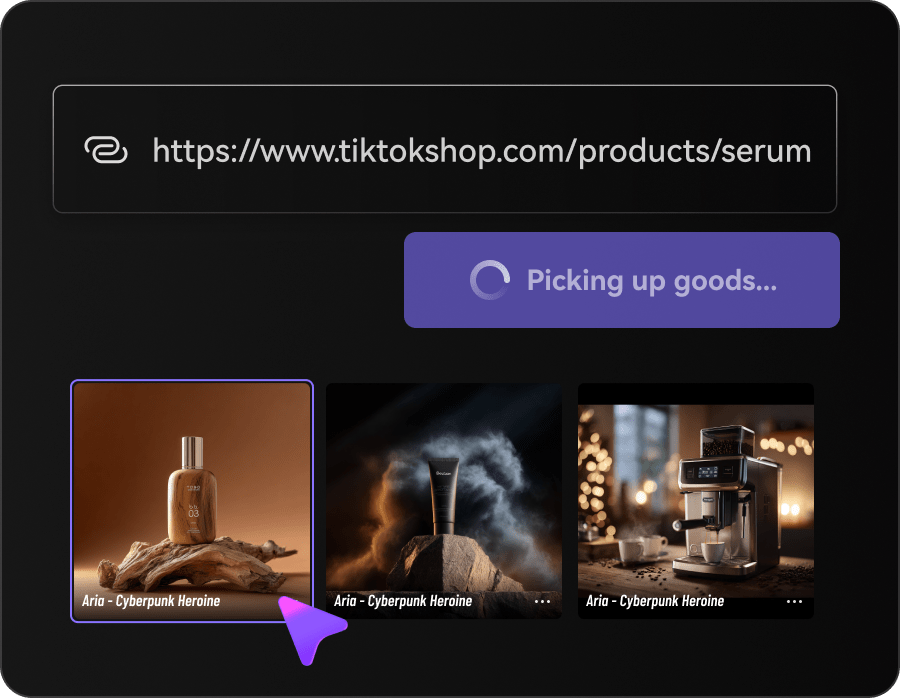
Choose a current product page

Copy an approved public product URL and verify that its price, imagery and offer are up to date.

2
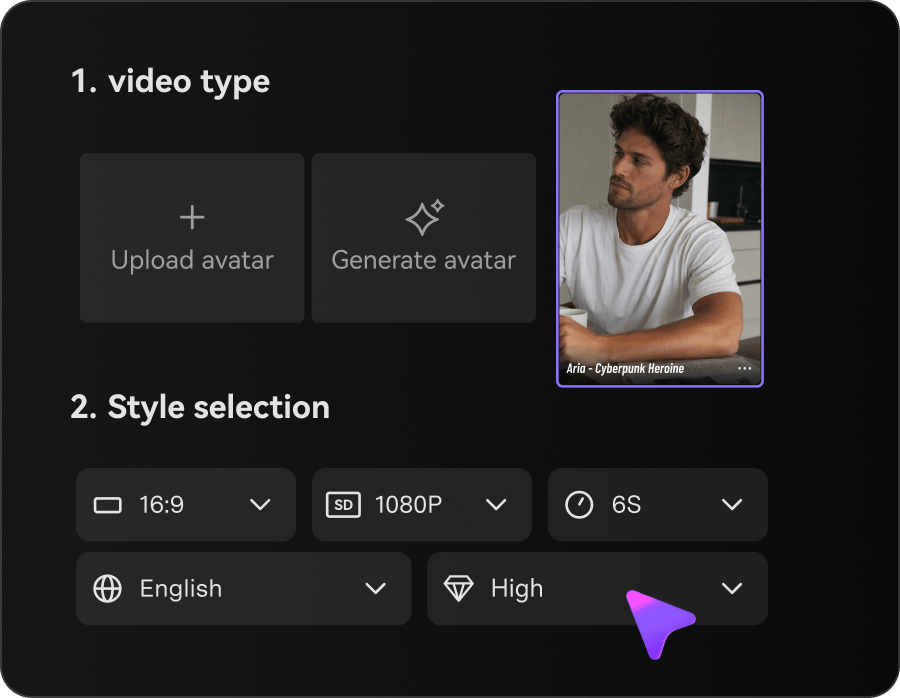
Generate a URL-based video

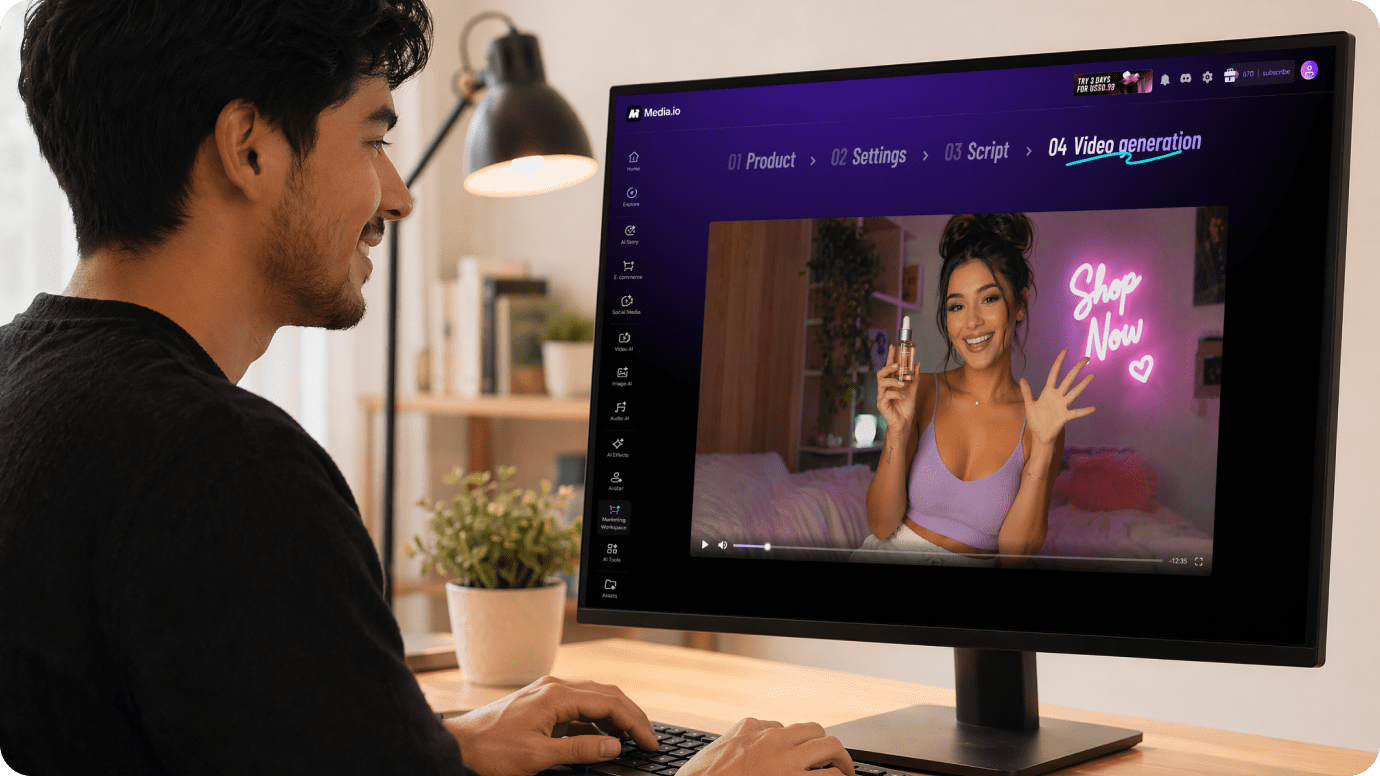
Use Media.io URL to Video AI to develop a short video from the product page content and refine the visual hook.

3
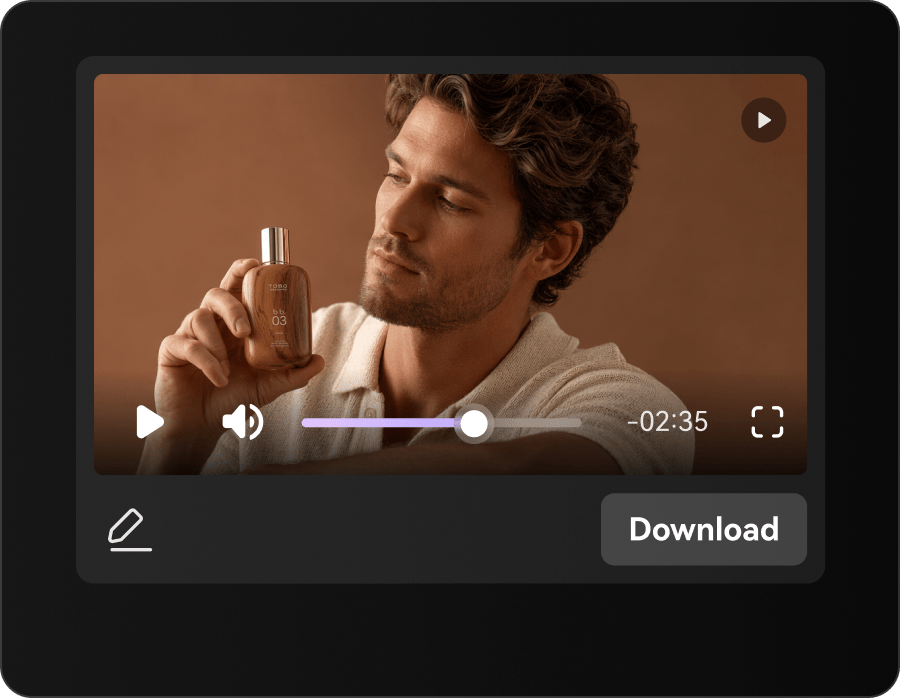
Approve and distribute

Check product facts and captions, export the result and schedule it through your established social publishing process.

Illustrative Media.io creation step, not Prolifik AI interface screenshot

Prolifik AI Use Cases for Daily Shorts and Stream Highlights

Prolifik is most useful when creation is coupled to a publishing cadence. A good workflow includes quality approval, quota planning and the channel calendar, not just a generated video file.

Product Launch Without a Creator Shoot

Paste the current landing page, compare a hook-and-demo against a caption-led format, then approve only the claims that match the live offer.

Twitch Highlight Publishing

Submit the most recent stream VOD, review candidate 9:16 moments and avoid using all monthly source minutes on irrelevant footage. For a related Media.io workflow, see Tiktok URL to Video.

Kick Stream to Reels

Convert a reaction-heavy gaming recording into captioned highlight clips with cutaways, then schedule the strongest moments for Instagram.

Founder Podcast Repurposing

Clip a long interview into a small series of complete arguments rather than disconnected sound bites, and keep context for potentially sensitive quotes.

Multi-Format B2B Social Calendar

Turn one SaaS feature page into a demo post, caption meme, comparison hook and product image carousel across the same branded week. For a related Media.io workflow, see AI Ad Generator.

Agency Approval Pipeline

Maintain a review queue for several content ideas, approve platform-specific exports and verify client access before automated posting.

Prolifik AI Pricing, Clipping Minutes and Posting Risks

A monthly approved-video allowance does not make the whole workflow unmetered. Compare source-video minutes, AI Studio credit balances and live-channel connections as separate constraints.

Source Minutes Are Not Output Minutes

A two-hour input consumes two hours of clipping allowance even when the AI returns only a few short clips. Budget by raw stream length.

Approved Video Caps Are Separate From AI Credits

Monthly plan video counts, AI Studio credits and source clipping minutes are distinct meters. A high number of draft ideas does not mean unlimited finished posts.

Posting Requires Connected Accounts

Automatic publication depends on valid TikTok, Instagram and YouTube permissions and compliance with those platforms' own restrictions.

URL Extraction Can Repeat Old Claims

A product listing or landing page may contain an expired offer or unapproved comparison. Read generated scripts before scheduled publication.

Platform Format Coverage Is Specific

The core scheduled channels advertised are TikTok, Instagram and YouTube. Do not assume every other social network or private-stream source is supported.

Unused Allowance and Rollover Matter

The official pricing FAQ says unused monthly video credits do not roll over. Heavy seasonal posting may fit the limits differently from an even weekly schedule.

Prolifik AI vs Media.io: Automated Social Calendar or URL Video?

Prolifik combines product-link content generation, stream clipping and scheduled publishing. Media.io URL to Video AI is more targeted when the first task is a video draft from a product link and publishing stays with an existing social workflow.

Decision Factor Prolifik AI Media.io
Primary task Generate multiple short formats and schedule approved posts. Turn a product or landing-page URL into a video asset.
Input material Product URLs, long YouTube videos, Twitch and Kick streams. An approved public URL for a product or related content.
Original short formats Hook-and-demo, meme, text story, carousel and montage formats. Produce a URL-based video draft for further distribution.
Stream clipping Analyze source videos and pick complete candidate moments. Use a separate clipping workflow if a long video is the source.
Brand handling Website-derived fonts and visual styles are described. Provide your own approved imagery and campaign direction.
Auto-publishing Integrated calendar for TikTok, Instagram and YouTube. Export to a separate existing posting or scheduling process.
LimitsApproved videos, clipping minutes and AI Studio credits differ.Review the generation cost and format of the URL-based task.
Risk to check Unreviewed drafts could publish inaccurate offers or claims. Review the generated script before exporting and posting elsewhere.
Who should buy A social team requiring production plus scheduled publishing. A marketer who primarily needs a new product-link video asset.
Best for Prolifik AI

Choose Prolifik for Recurring Social Production

Prolifik is better aligned with creators who need one system for batches of shorts, livestream highlights, approval and automatic posting.

  • Generate several short-video formats from one product page.
  • Clip Twitch, Kick or YouTube streams into finished moments.
  • Apply recurring brand captions and overlays to vertical posts.
  • Approve clips before using monthly posting allowances.
  • Schedule across the advertised connected social channels.
Visit Prolifik AI
Best for Media.io

Choose Media.io for Product URL Video Creation

If you already manage social scheduling elsewhere and only need to transform an approved product URL into a short video, Media.io URL to Video AI targets that simpler creative step.

  • Start from the current product URL and verified promotional claims.
  • Create a focused product video without an integrated social calendar.
  • Review the hook, captions and product imagery before exporting.
  • Publish through your existing marketing approval and scheduling tools.
Make a Video From a URL

Prolifik AI Review: Is the Scheduler Worth the Quotas?

Our Take

Prolifik combines several jobs that are often separated: writing from a product page, extracting strong moments from streams, applying recurring captions and getting approved content onto social channels. That integration can be useful for a founder whose bottleneck is consistent publishing rather than the quality of a single cinematic render.

The subscription economics require three calculations. Count approved posts, total source minutes submitted to the Clipper and any separate AI Studio credit use. A small channel posting a few clips weekly may fit Lite, while a gaming creator running daily long streams could exhaust source minutes long before reaching the approved-video cap.

Choose Prolifik if your operating problem is daily batches of branded Shorts with integrated approval and posting. Choose Media.io URL to Video when the job is creating one focused asset from a live product page and your team already owns distribution.

Prolifik AI FAQ: Features, Pricing and Media.io Alternatives

What does Prolifik AI do?
faq faq

Prolifik turns product links into multiple branded short-video formats, clips long YouTube, Twitch and Kick recordings, applies captions and offers a connected publishing calendar for TikTok, Instagram and YouTube.

Yes. The homepage explains that Prolifik reads a supplied product page, develops scripts and assembles several possible short-form formats. Review any imported prices, performance claims and images before publishing.

Yes. Its Clipper documentation lists Twitch, Kick and YouTube inputs. The tool searches recordings for shareable segments, creates vertical candidates and can apply brand styling before user approval.

Clip minutes refer to the length of the source video submitted, not the total duration of selected exports. A two-hour recording can use 120 source minutes even if the result is only a handful of Shorts.

The current official pricing page lists Lite at 20 euros per month, Starter at 49 euros and Pro at 149 euros before applicable tax, with separate video and clipping allowances. Verify prices and billing terms at checkout.

The official FAQ describes a seven-day trial for new accounts without requiring a card, subject to limited videos, source clipping minutes and connected social accounts. Check the live onboarding for the current allowance.

Prolifik says drafts can be reviewed or refined without using the approved-video allowance; scheduling or downloading the finished video counts it. AI Studio credits and source clipping minutes remain separate restrictions.

The official product pages describe approved content being scheduled to TikTok, Instagram Reels and YouTube Shorts. Users must connect supported accounts and review platform permissions.

Media.io URL to Video AI can help create a short product video from a web link. It is not presented as a full substitute for Prolifik's Twitch/Kick clipping and integrated scheduling system.

What Media.io Creators Say About Their Workflow

Media.io AI video generator user
Sarah L.

Content Creator

star star star star half star

Media.io makes it much easier to test different AI video styles without jumping between several platforms. I can start with a text prompt or image, compare model results, and then resize or polish the clip for social media in the same workspace.

Media.io AI video creator
John D.

Social Media Marketer

star star star star half star

I use Media.io to create quick product clips, ad concepts, and short-form videos from images. The biggest advantage is that generation does not feel like the final step - I can continue with music, captions, enhancement, and format conversion before publishing.

Media.io AI video editing user
Emily T.

Freelance Designer

star star star star half star

The workflow is approachable even when I am experimenting with unfamiliar AI models. I can animate artwork, try different motion prompts, preview the output, and prepare a cleaner final version without needing advanced video-editing experience.

Media.io Online Tools Quality Rating:
vote 4.7 (162,357 Votes)
media.io

AI Video Generator star

Easily generate videos from text or images

Generate