AI Shopify Ad Maker -
Paste a Product Link, Launch Store-Ready Video Ads
The AI Shopify ad maker for operators who live between product pages, TikTok tests, and abandoned-cart follow-ups. Paste a Shopify product URL, and Media.io's URL to Ads workflow pulls titles, gallery assets, variants, benefits, and offer cues into a short-form ad setup with script generation, avatar/style controls, and policy-aware wording.















Let your Shopify product page become the creative starting point.
Your PDP already holds the raw material: variant names, benefit bullets, lifestyle images, bundles, price anchors, and proof. This Shopify video ad generator is designed to turn that store context into tutorial, review, UGC, lifestyle, unboxing, and retargeting concepts without making the marketer start from an empty timeline.

Portable Blender
shopify.com/products/blender

Red Shoulder Bag
shopify.com/products/red-shoulder-bag

Legend Premium Beer
temu.com/products/legend-energy-drink

World Cup Potato Chips
tiktokshop.com/products/world-cup-potato-chips

Glow Serum
tiktokshop.com/products/serum

Matcha Latte App
appstore.com/app/matcha-latte

Luxury Chronograph Watch
ebay.com/itm/luxury-chronograph-watch
Shopify ads get stuck between the PDP and the first usable cut.
Store owners already have product pages, images, variants, and offers ready. The time leak is translating that page into channel-ready scripts, vertical scenes, avatar/style choices, and safer claim language for launch ads, TikTok acquisition, cart recovery, and dropshipping validation.
PDP HANDOFF
Product pages contain the details, but marketers still have to translate descriptions, variants, and bundles into ad-ready scenes.
CHANNEL FIT
A homepage video, TikTok opener, product review, and retargeting reminder each need different pacing and proof.
DROP SPEED
New drops and test products can move faster than the team can write scripts, choose styles, and prepare vertical variants.
CLAIM CLEANUP
Urgent offers and benefit-heavy copy need a review pass before bold promises become baked into a rendered video.
Built around the Shopify PDP, not a blank editor.
A URL-first Shopify marketing video maker for store teams.
Media.io's URL to Ads workflow starts where Shopify teams already work: product URLs, image galleries, variants, offer copy, and storefront positioning. From there, it helps shape short-form ad concepts, script drafts, video settings, and review-friendly language for store growth campaigns.
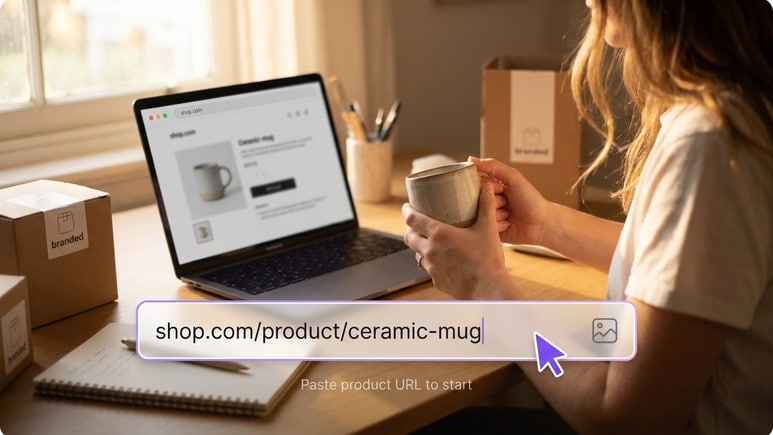
Start from the product URL your store already has.
A useful Shopify product video generator should understand the product handle, gallery, variant options, bundles, and benefit copy before it writes the first scene. Drop a Shopify product URL so the ad draft begins with store data, not a generic prompt.
✓Extracts titles, descriptions, gallery images, product names, offer cues, and sellable benefits
✓Turns variants, bundles, and product proof into scene ideas instead of placeholder text
✓Creates first drafts for Shopify launches, product-page videos, and dropshipping validation
Shape the same product for TikTok, PDP, and cart recovery.
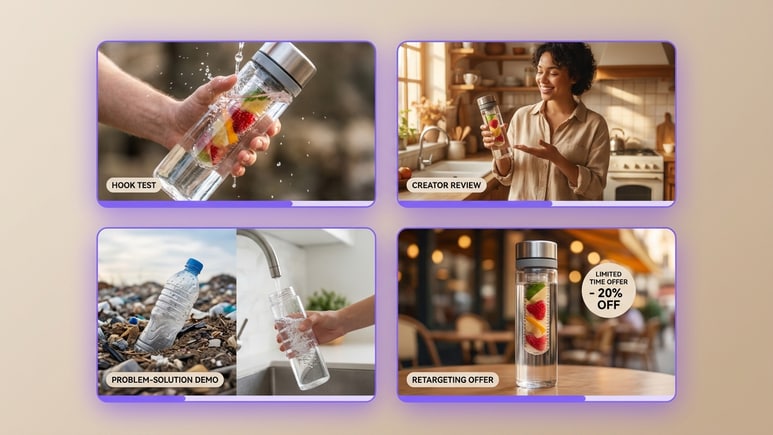
The same product page can support a first-touch TikTok concept, a store-page explainer, a creator-style review, and a retargeting reminder. Generate video ads for Shopify that change the buyer situation, not just the visual template.
✓Build Shopify TikTok ads, product education clips, offer reminders, and launch teasers from one URL
✓Match each concept to short-form pacing, product proof, and a clear next action
✓Refresh the message for cold traffic, warm visitors, and cart abandoners without starting over
Set the ad format before the AI starts rendering.
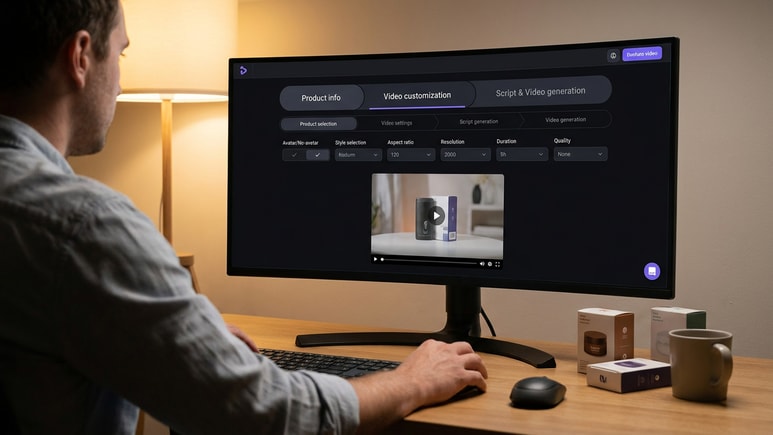
Use it as a Shopify marketing video maker when the setup needs to be fast but still intentional. Choose no-avatar mode or an AI/avatar role, pick a style, and set aspect ratio, resolution, duration, and quality before the script and video are generated.
✓Move through product selection, video settings, script generation, and video generation in order
✓Control avatar/no-avatar mode, style, ratio, resolution, duration, and output quality
✓Review the generated script before rendering, editing, or regenerating the final Shopify ad
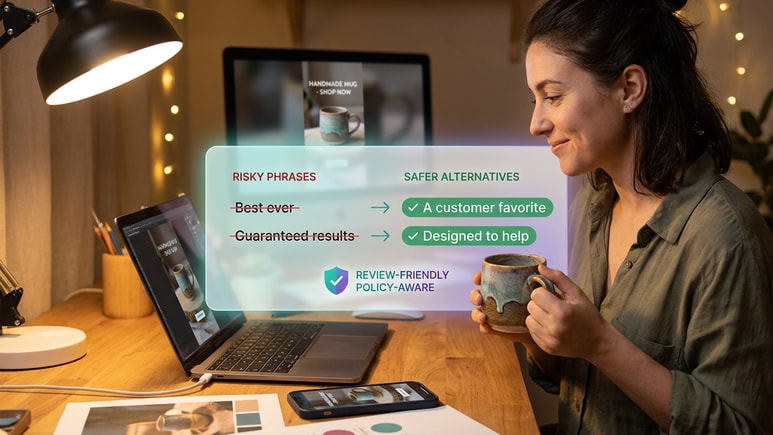
Clean up product claims before they become video.
Shopify teams often write under pressure: limited-time offers, benefit-heavy landing pages, and aggressive comparison copy. Media.io is being built to flag risky wording early, so scripts can stay persuasive while reducing common review issues.
✓Screen for absolute wording, exaggerated claims, and unsupported product promises
✓Suggest safer alternatives that keep the offer clear without making guarantees
✓Keep product facts, buyer angle, offer language, and CTA consistent across variants
From Shopify URL to generated ad: the working flow.
The public flow follows how a store team actually prepares an ad: pull the product facts, set the video format, then generate a script and render the video for review, sharing, or publishing.
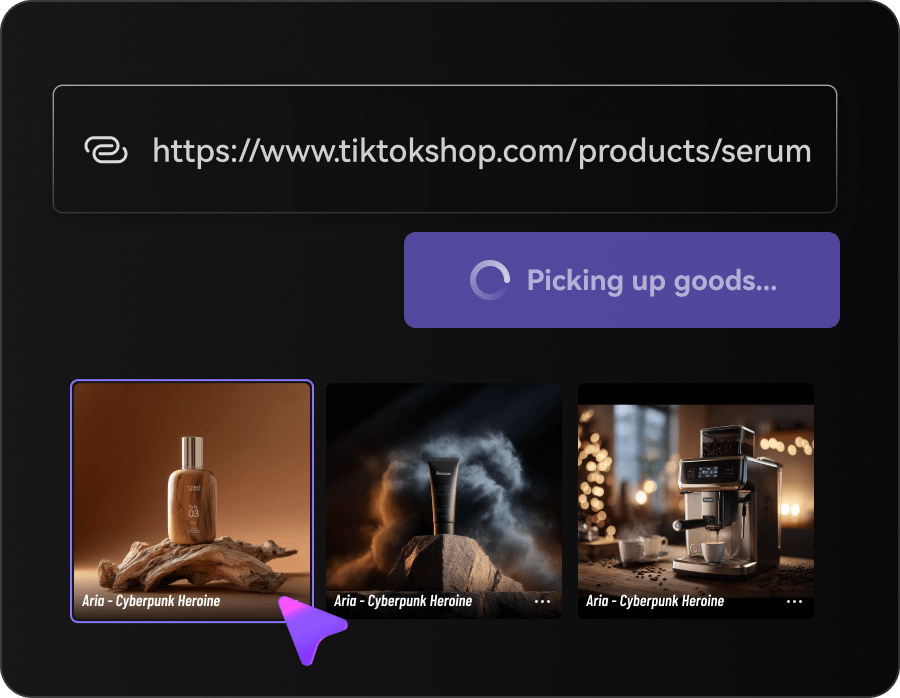
Fetch product information and selling points
Paste a Shopify product URL, upload product images, or reuse a saved product. Media.io extracts the product name, title, description, gallery, offer cues, and sellable benefits before script generation.
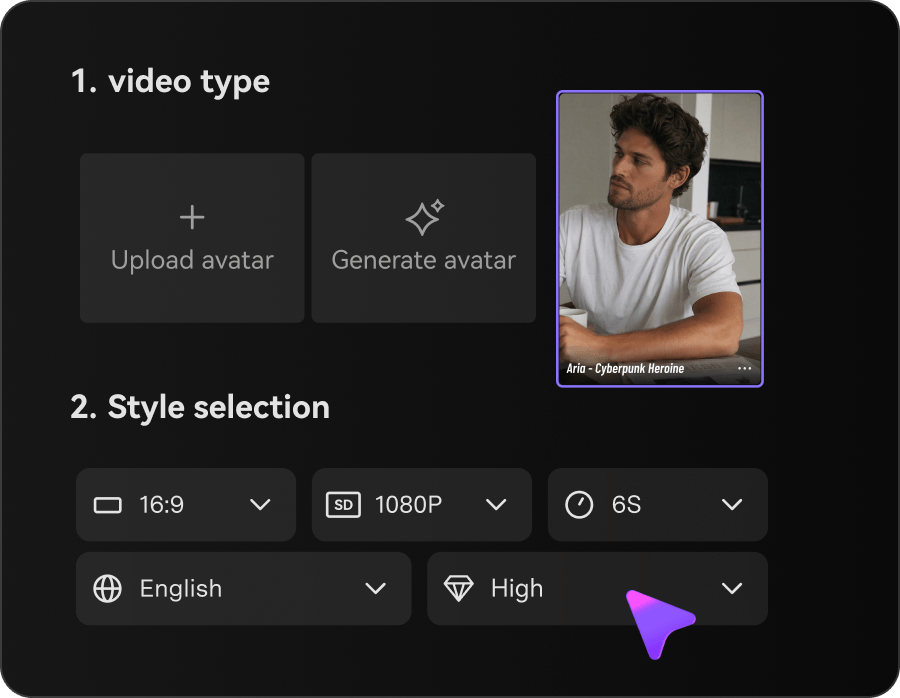
Customize avatar, style, and video settings
Choose no-avatar mode or an AI/avatar role from the library, upload, or generation options. Then select the style, aspect ratio, resolution, duration, and quality for the Shopify ad.
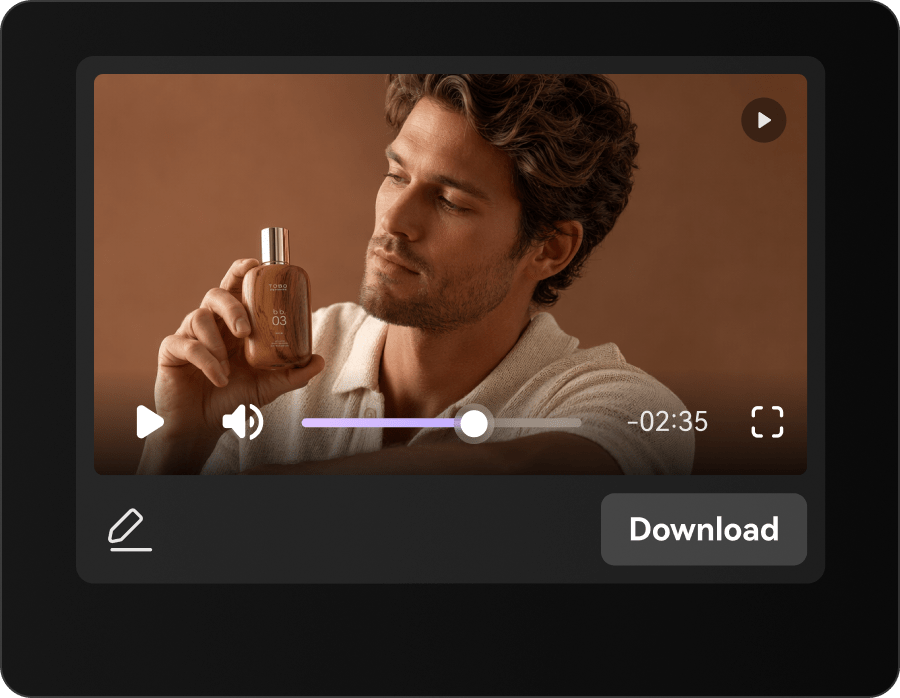
Generate the script, then the video
Click Generate Script to create the storyboard and script from the product details and settings. Review or edit the script, then click Generate Video and use result actions such as download, share, publish, edit, regenerate, enhance, or erase.
Built for the people turning Shopify pages into paid creative
URL to Ads is for lean store teams that already know the product page, but do not want every ad to become a new editing project. Use it when product launches, TikTok ads for Shopify, retargeting reminders, and dropshipping tests all need fresh video angles from the same storefront source.
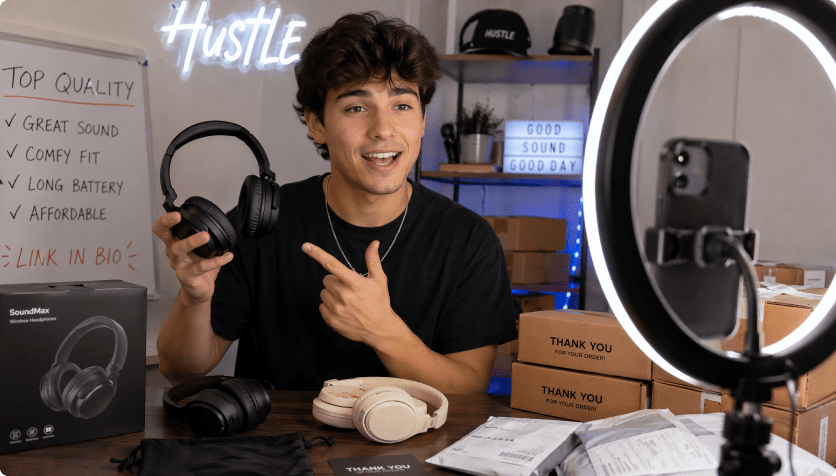
Shopify growth marketers
Move from PDP to prospecting, retargeting, and offer-test concepts without writing every creative brief from scratch.
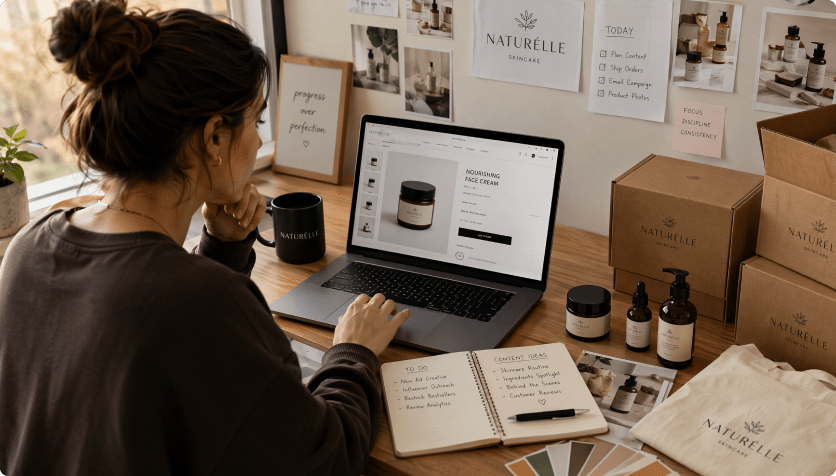
DTC founders on Shopify
Use it as a Shopify ad generator when a new drop needs a product demo, founder-style angle, TikTok opener, and follow-up ad in one sprint.
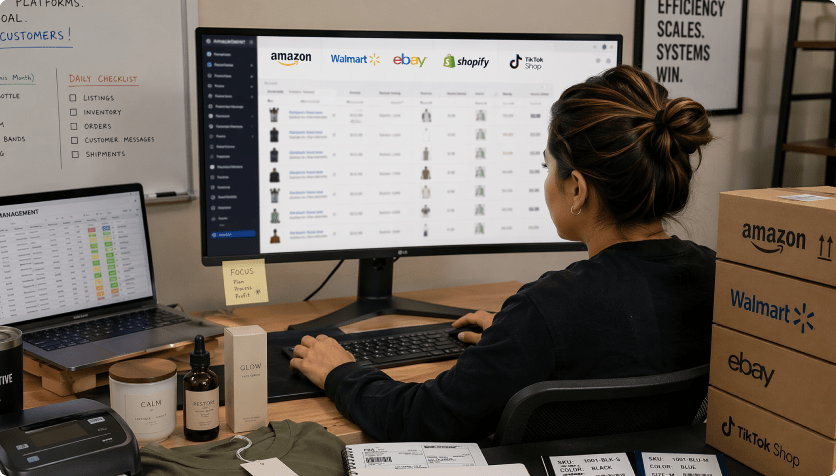
Dropshipping test stores
Turn Shopify dropshipping video ads into fast validation assets before committing to a full creative batch.
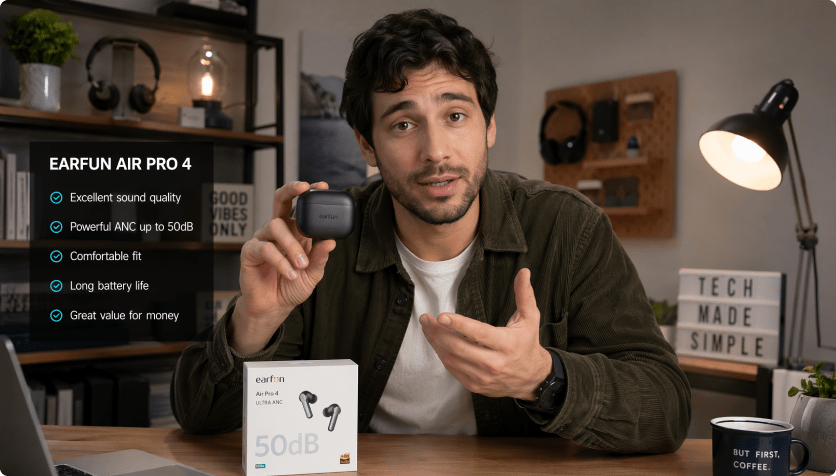
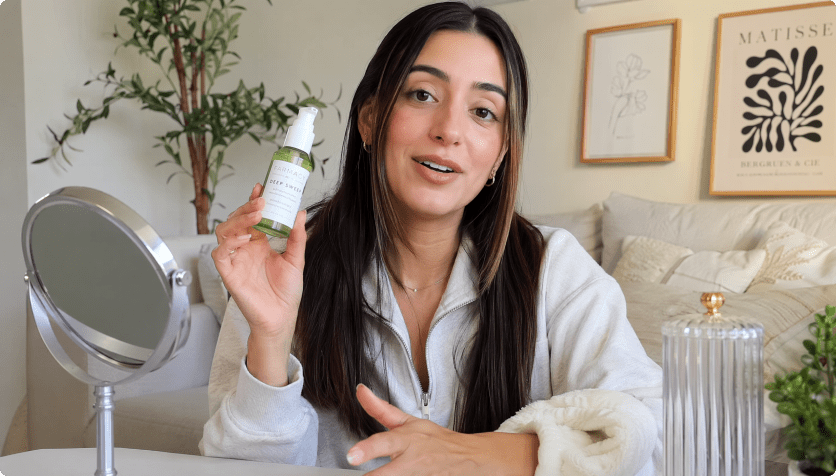
Shopify ad templates vs. URL-first ad generation
Template-first Shopify ad makers

- Pick a layout before the product page has been interpreted
- Copy benefits, variants, and offers into fields one by one
- Guess which gallery image should carry the first three seconds
- Rewrite a separate script for each TikTok, PDP, and cart-recovery cut
- Notice risky promises after the video is already assembled
- Refresh a winning product by duplicating timelines manually
AI URL to Ads for Shopify Stores
- Start with a Shopify product URL or uploaded product images
- Extract product names, descriptions, gallery assets, benefits, and offer cues
- Prepare concepts for TikTok acquisition, PDP support, and abandoned-cart reminders
- Set avatar, style, ratio, duration, resolution, and quality before rendering
- Review generated script language while it is still easy to change
- Render, download, share, publish, edit, regenerate, enhance, or erase results
What Shopify operators want from URL to Ads.
The demand is practical: less blank-page scripting, faster product-page interpretation, cleaner claim language, and more ways to test the same store item across paid and owned placements.


Our product pages already explain the offer. I want the ad workflow to read that page first, then help us decide whether the video should feel like a demo, a review, or a retargeting reminder.

When a TikTok test needs three openings by tomorrow, the slowest part is turning the product page into a clean script. Starting from the URL would remove a lot of setup work.

Every new drop needs a launch video, a proof angle, and a follow-up reminder. I care less about another template library and more about getting a usable first script from the product URL.

The same item has to work on our product page, in Stories-style content, and in paid tests. A URL-first draft keeps the message closer to what the customer actually sees in the store.

I do not need a studio workflow for every product. I need quick, editable drafts that let me test whether shoppers respond to the feature, the bundle, the discount, or the use case.

For affiliate posts, the product link should give me the first structure. Then I can add my own point of view instead of spending the first hour decoding the listing.
AI Shopify Ad Maker FAQs
What is a Shopify ad maker?
A Shopify ad maker helps store owners turn product-page information into short video ads for product launches, paid social, store pages, and retargeting. Media.io's version is built around URL to Ads: paste a Shopify product page, extract product details and selling points, customize the video setup, generate a script, then render a product-led ad draft without starting from a blank editor.
How does URL to Ads create video ads for Shopify?
Paste a Shopify product URL or upload product images. The workflow reads visible product details, gallery assets, offer cues, and selling points, then uses your avatar, style, and video settings to generate a script and video. In short, it helps create video ads for Shopify from the product source instead of a blank prompt box.
Can I use it for Shopify TikTok ads?
Yes. If you run Shopify TikTok ads, URL to Ads can help shape vertical short-form concepts from the product page, including a fast opener, product proof, creator-style framing, and a clear next action. You still review final specs, claims, and platform rules before publishing TikTok ads for Shopify.
How is this different from a Shopify video ad generator or template editor?
A traditional Shopify video ad generator or template editor usually starts with a layout, a timeline, or uploaded clips. URL to Ads starts with the Shopify product page, then moves through product extraction, video customization, script generation, and video generation so the draft is tied to the store item instead of a generic layout.
Can it work as a Shopify product video generator?
Yes. As a Shopify product video generator, the planned workflow can support tutorials, product reviews, UGC-style proof, lifestyle clips, unboxing scenes, comparison ideas, promo ads, and retargeting reminders. The goal is to help one Shopify product page supply several buyer moments.
Can it support Shopify dropshipping video ads?
Yes. Shopify dropshipping video ads often need fast validation before the seller commits to inventory, media spend, or a larger creative batch. URL to Ads is designed to turn one product page into several draft angles so sellers can compare the problem, proof, offer, and style. Planned product sources also include Amazon, eBay, Etsy, Temu, TikTok Shop, Mercado Libre, Google Play, App Store, and SHEIN.
Do I need video editing skills?
No. The workflow is designed for Shopify sellers, marketers, and creators who need ad drafts without managing a professional editing timeline. You still control the product source, avatar/no-avatar choice, style, aspect ratio, resolution, duration, quality, and script review, while the guided flow handles the heavy assembly work.
Can I edit the AI-written Shopify ad script before rendering?
Yes. You can review the AI-written storyboard and script before the final render. Edit weak lines, regenerate sections, change the language, or remove phrases that sound too aggressive for your product category. Planned language support includes English, Korean, Spanish, German, Chinese, Portuguese, French, and Japanese.
Does review-friendly copy guarantee Shopify or TikTok ad approval?
No tool can guarantee ad approval on Shopify, TikTok, or any other ad platform. Media.io's policy-aware script review is designed to reduce common risks by flagging exaggerated claims, absolute wording, sensitive phrasing, and unsupported product promises before rendering, so your Shopify ad drafts start from cleaner copy.
More AI tools for Shopify store creative

 4.7 (162,357 Votes)