Home>Comparison>Arting AI

Arting AI Review: Is It Useful Beyond Anime Art?

Need a character illustration that can also become a short animated scene? Arting AI offers text-to-image, image editing and image-to-video in a compact app workflow. Its Google Play listing names model families for both still images and motion, but the public website did not expose a stable, verifiable subscription table for this review. Before investing in a recurring character series, consider how references carry over, how generation credits are charged and whether you will need a separate finishing editor.

Core Feature Overview: What Makes Arting AI Different

Arting mixes prompt-created images, portrait edits and short video experiments. Its strongest use is moving from a still concept to another visual format, with billing transparency and character control worth checking in the live app.

Core Feature Overview

Text Prompts to Art and Posters

Arting's official app description includes text-to-image for poster concepts, illustrations, product shots and portraits. State the subject, framing, lighting and mood in one prompt to make revisions comparable. It is better evaluated through an actual image brief than by a list of visual styles; the final export should satisfy the format and size you need.

Illustrative Media.io creation workflow graphic, not a Arting AI product screenshot

Photo-Based Image Editing

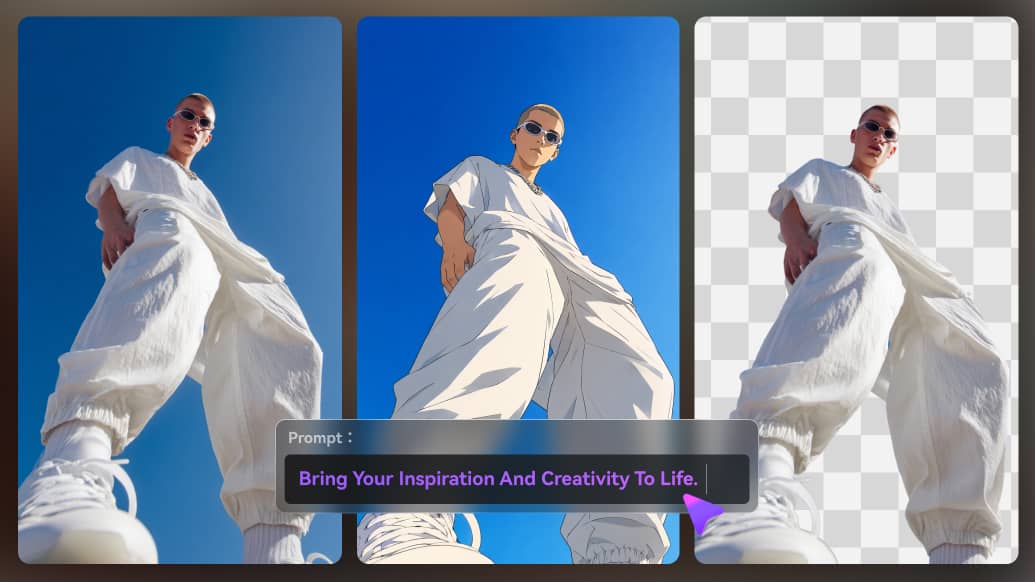
The Google Play description lists image-to-image, image extending and image combining alongside ordinary generation. That makes Arting relevant to an existing portrait or product photograph, not just a blank-canvas prompt. Use authorized inputs and inspect whether the edit preserved identities, logos and other details that a creative brief cannot afford to lose.

Illustrative Media.io creation workflow graphic, not a Arting AI product screenshot

From One Still to a Motion Clip

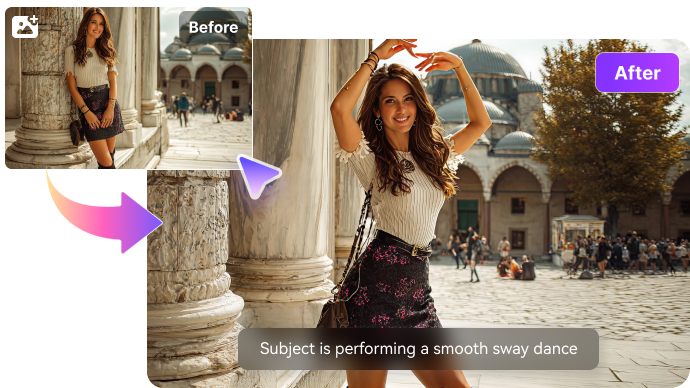
Image-to-video and photo animation are advertised in the mobile listing. A user can create a strong first frame and request modest motion, such as a camera glide or subject movement. Inspect whether the resulting clip respects the original illustration; a moving character may drift even when the source still looks excellent.

Illustrative Media.io creation workflow graphic, not a Arting AI product screenshot

Cross-Model Selection for Video

The app listing mentions video model options including Kling, Vidu, Seedance and Q3 Pro. Model access, versions and credit costs may differ by device, region or account. Compare the same brief at the required duration and aspect ratio rather than assuming every named model is included in a free session.

Illustrative Media.io creation workflow graphic, not a Arting AI product screenshot

Image Model Families and Styles

The listing also mentions Nano Banana 2 and GPT Image 2 among still-image choices. These models suit different editing and image-generation tasks, but availability should be checked directly inside the current app. For a recurring anime cast, preserve a reference sheet instead of expecting a style label alone to guarantee identity.

Illustrative Media.io creation workflow graphic, not a Arting AI product screenshot

Mobile Workflow and Purchase Visibility

Arting offers a mobile-first route from idea to export, with in-app purchases shown on the Google Play listing. A consistent, publicly accessible full price table could not be verified. The safe budget test is to inspect cost before each generation, export conditions and the actual allowance shown in your account.
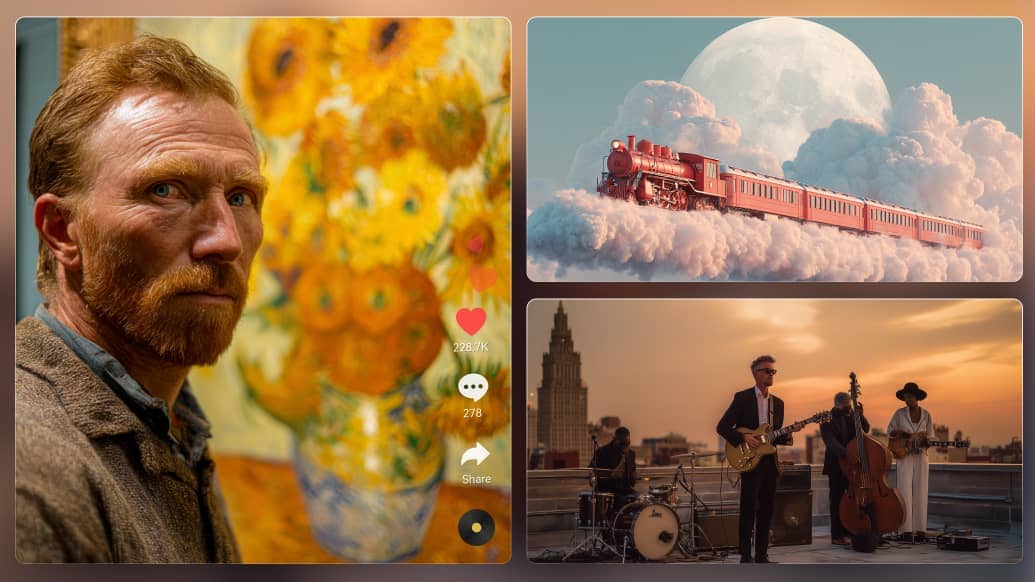
Illustrative Media.io creation workflow graphic, not a Arting AI product screenshot

How to Restyle an Image with AI on Media.io

1
2
3
1
Step 1: Upload Your Image and  Describe the Look

Open Image to Image, upload your photo, and describe the illustration or character style you want while preserving key details.

2
Step 2: Adjust Your Image Settings

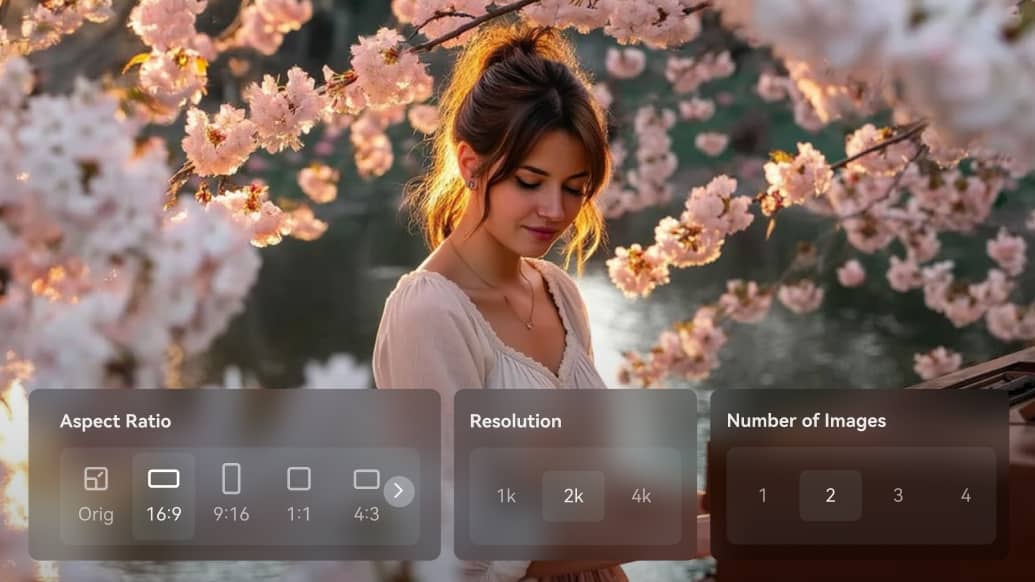
Choose your AI model, aspect ratio, resolution, and number of images to generate.

3
Step 3: Generate and review

Generate your image, review the result, then download it or refine your prompt for a better version.

Illustrative Media.io creation workflow graphic, not a Arting AI product screenshot

Six Practical Uses for Arting AI

Use Arting for distinct image and motion jobs, rather than assuming an illustration, portrait and video all follow the same creation steps or credit rules.

Anime Character Concept Sheet

Generate one original character with a defined outfit and color palette, then review the face and costume across alternate poses before animating.

Illustrated Event Poster

Write a festival or classroom poster prompt with enough negative space for approved text, then inspect spelling and layout before publication.

Product Hero Art

Use a product photograph or prompt as the basis for a stylized launch illustration. Make sure shape, packaging and protected brand marks are accurate.

A Five-Second Character Loop

Animate a finished fantasy portrait with subtle motion. A restrained movement prompt usually makes identity checks easier than a complex action sequence.

School Visual Reference

Create an educational concept image and verify any depicted diagrams or facts. Decorative images are not a substitute for a reviewed teaching resource.

Social Artwork Variations

Produce square and vertical versions of the same creative idea. Compare cropping and subject consistency instead of rebuilding a new subject every time.

What to Check Before Buying Arting AI

Arting public information is less complete than most other tools in this comparison. Treat unknown price and web entitlements as items to verify, not evidence of a negative feature.

Public Price Details Are Incomplete

In-app purchases are documented, but a complete current tier-and-credit table could not be verified from Arting's public website. Treat advertised free generation as conditional on the live account offer.

Named Models May Not Be Free

A model appearing in an app description is not proof it is included in the free allowance. Confirm model-specific entitlements and price before a multi-image batch.

Animated Characters Can Drift

An appealing still does not guarantee the same facial details survive motion. Keep a source frame and compare repeated attempts for identity changes.

Short Clips Are Not Finished Films

Image-to-video works best as an individual shot. Longer narratives need scene planning, audio pacing and editing work beyond one prompt.

Mobile and Web Paths May Differ

Public app-store copy confirms an Android experience, but specific web options and checkout behavior were not independently verified. Do not assume feature parity.

Prompt Accuracy Still Needs Review

AI pictures can distort hands, typography, brand logos and product geometry. A creator should verify claims and visual identity before using an image commercially.

Arting AI vs Media.io: Features, Costs and Workflow Fit

Arting is oriented toward mobile image and motion exploration. Media.io is more useful when an approved source picture needs targeted changes and adjacent video work.

Decision Factor Arting AI Media.io
Core creation style Prompt images, art styles and photo-based motion Dedicated image and video generators by task
Illustration to motion Mobile-described image-to-video workflow Image-to-video tool for selected scenes
Character reuse References help, but continuity requires inspection Consistency varies by chosen creation workflow
Image editing Image extension, combination and restyling described Image-to-image and specialty photo editing tools
Model choice App listing names still-image and video model families Verify currently available models in the live console
Plan transparency In-app purchases; no stable full web tier table verified Inspect chosen model and credit cost at generation
Video assemblyShort motion experiments from stillsScript and story workflows for connected content
Finishing Export-and-review workflow described Separate enhancement and editing options
Best buyer fit Mobile creators exploring art and short character motion Users adapting one image across multiple media tasks
Best for Arting AI Projects

Choose Arting AI If You Need:

Choose Arting for quick mobile art, portraits, visual concepts and occasional animation when its current in-app model and credit options fit your budget.

  • Generate Artwork from Text: Arting allows users to describe an artwork or scene in natural language.
  • Style Variations for Images: Its mobile app promotes different visual looks.
  • Turn an Image into Video: Video creation from an uploaded picture is listed among its creative functions.
  • Anime and Character Concepts: Character and anime-oriented searches suggest illustration is an important user job.
  • Plan selection: A stable, publicly verifiable Arting tier table was not available for this review. Confirm free generations, watermark/export rules, purchase terms and account access within the actual browser or mobile product before stating a price.
Visit Arting AI
Best for Connected Creation

Choose Media.io If You Need:

Choose Media.io when a still must be retouched, animated and included in a more structured video workflow. Do not assume either platform reproduces a character perfectly across multiple shots.

  • Try prompt-guided or image-to-image creation with the Media.io model available for the desired style.
  • Use successive image edits to explore visual alternatives without claiming a matched Arting preset.
    • Animate an approved image with a separate image-to-video flow if the project calls for motion.
  • Maintain a character description and references when making repeated concept images.
  • Final production: when you must deliberately revise an approved image or carry it into a video-oriented workflow; verify both platforms on the same reference image first.
Explore Media.io AI Tools

Final Verdict: Who Should Use Arting AI?

Our Take

Arting offers a credible entry point for prompt illustrations and an image-to-video follow-up in the same creator app.

The key unresolved question is not whether the listed model names sound impressive but what they cost and which models your account can export. Its public pricing evidence is thinner than that of several rivals.

Choose Arting for exploratory mobile artwork and short motion; choose Media.io for editing and reusing a visual across image-to-image and video tools. First test the same approved character in two poses and a short clip.

Arting AI Frequently Asked Questions

What is Arting AI used for?
faq faq

Its Google Play listing describes text-to-image, image-to-image, posters, portrait creation and photo animation. It combines still-image ideas with short AI video experiments.

The app supports illustrated styles and character-oriented prompts. Preserve consistent descriptions and compare several generations before using a character in a recurring story.

Yes, image-to-video and photo animation are listed among its mobile features. Check the live model, duration and export options in your account.

The app listing names Kling, Vidu, Seedance and Q3 Pro for video and Nano Banana 2 and GPT Image 2 for images. Availability and prices may change.

The public listing shows in-app purchases. A stable public table documenting full free and paid allowances could not be verified, so check live limits before generating.

The exact current package and credit prices were not reliably available from a verified public table. The in-app checkout is the appropriate source for a purchase decision.

The app describes image-to-image, extending and combining pictures. Review the exported asset to ensure key source details were preserved.

It is positioned around individual images and short video creation, not documented as an end-to-end serialized film editor. Longer episodes require scene assembly and quality checks.

Media.io is relevant when you need to edit the same image, animate it and finish the result with specialized visual tools rather than use one compact creator app.

What Media.io Creators Say About Their Workflow

Media.io AI video generator user
Sarah L.

Content Creator

star star star star half star

Media.io makes it much easier to test different AI video styles without jumping between several platforms. I can start with a text prompt or image, compare model results, and then resize or polish the clip for social media in the same workspace.

Media.io AI video creator
John D.

Social Media Marketer

star star star star half star

I use Media.io to create quick product clips, ad concepts, and short-form videos from images. The biggest advantage is that generation does not feel like the final step - I can continue with music, captions, enhancement, and format conversion before publishing.

Media.io AI video editing user
Emily T.

Freelance Designer

star star star star half star

The workflow is approachable even when I am experimenting with unfamiliar AI models. I can animate artwork, try different motion prompts, preview the output, and prepare a cleaner final version without needing advanced video-editing experience.

Media.io Online Tools Quality Rating:
vote 4.7 (162,357 Votes)
media.io

AI Video Generator star

Easily generate videos from text or images

Generate