

Image to Video
ToMusic 1.0
上傳音頻
Upload
上傳長度為 1 秒到 3 分鐘的音訊檔案。
Upload Image
Upload
Support upload format: jpg, png, jpeg.
Aspect Ratio
Auto
9:16
16:9
1:1
Sample Video

Create Stunning Music Videos From Any Picture

With Media.io's AI Music Video Generator, you can convert your static images into lively, beat-synced visual stories. Upload your photo and favorite audio track to see them merge creatively into a professional-looking MV. The AI recognizes both picture and rhythm to produce seamless motion, lighting, and style transitions. Whether it's a portrait, album cover, or scenic photo, your visuals come alive perfectly timed to your soundtrack.

Generate Music Video Now

Upload an image and a music track to start your visual remix.

Upload a Picture and Music
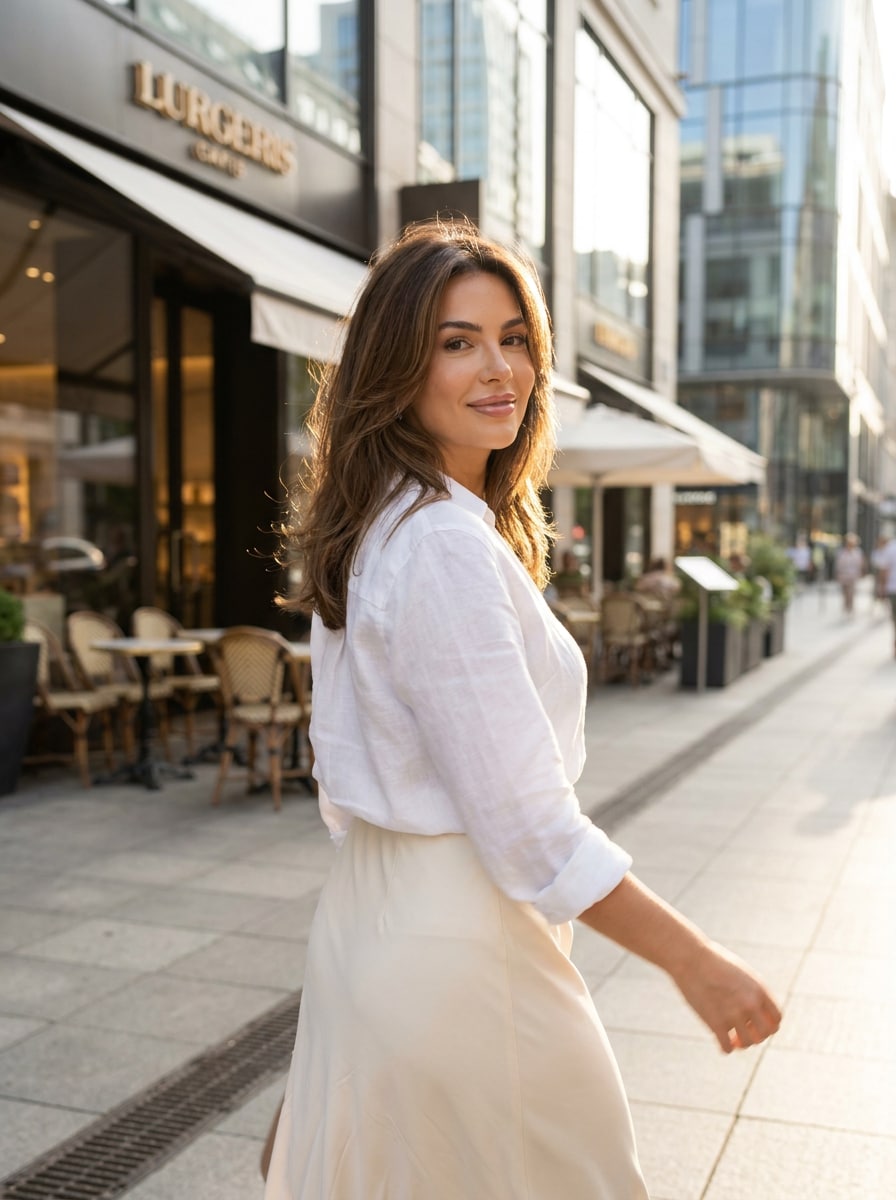
Picture to Music Video AI sample visual
Example soundtrack preview
wave
wave
0:09
Generate AI Music Video Demo ↗
Watch the AI Turn Your Picture into a Stylized Music Video
✓ Fast Render ✓ Beat Sync ✓ Cinematic Motion ✓ Free Preview

Why Choose Media.io Picture to Music Video Generator

Instant AI Motion from Any Still Image

Media.io uses advanced AI motion synthesis to convert a static photograph into flowing video sequences with lifelike movement. The algorithm interprets scene structures, depth, and tone to craft natural camera pans and dynamic transitions. Users simply upload one image and a song to achieve cinematic animation without editing skills. It's perfect for creators who want fast, eye-catching results from a single visual.

Audio-Responsive Scene Generation

Every video you make is timed to the rhythm of your chosen track. The AI analyzes beats, tempo changes, and melody dynamics to align motion and lighting effects. This ensures that your final AI video looks like it was manually edited to follow the music perfectly. The result is a smooth, immersive audiovisual experience that's ideal for TikTok loops or YouTube shorts.

Creative Control with Prompts and Styles

Add custom text prompts to steer the AI in styling your video toward cinematic, dreamlike, or minimalistic looks. You can explore your artistic direction by changing genre cues such as "neon pop," "vintage film," or "soft focus. " Media.io interprets these instructions to adjust tone, texture, and scene dynamics. This helps you stay consistent with your brand or musical theme effortlessly.

One Platform for Rapid Content Creation

You don't need multiple tools to create, edit, and share engaging visual music content. Media.io combines AI processing, easy uploads, and export optimization in a single browser-based workflow. Produce vertical or square videos for Reels, feed posts, or promotional teasers instantly. Every output is optimized for social platforms, saving hours of manual editing.

How to Create a Picture to Music Video with Media.io

01

Step 1: Upload Your Picture and Audio Track

Start by uploading one photo or image and your own soundtrack or audio snippet. The system supports multiple formats, ensuring smooth compatibility. Your picture can be any subject-portrait, landscape, or cover art. Once uploaded, Media.io's AI tool prepares both layers for analysis.

02

Step 2: Add a Style Prompt or Let AI Auto-Detect

If you want a specific artistic mood, enter a short prompt such as 'dreamy sunset vibe' or 'urban stage performance.' Otherwise, the AI automatically matches the picture's theme and track rhythm. It determines motion flow and scene energy for best results. You will see a preview before generating the final clip.

03

Step 3: Generate, Preview, and Download

Click on generate to start the AI rendering process. Within seconds, you'll get a short cinematic video where your image dances to your music. Preview it instantly and adjust if needed before final download. You can export ready-to-share clips for your music video reels or promos.

What Creators Say About Media.io

user
Alicia R.

Independent Musician

starstarstarstarstar

"Brought My Album Art to Life!" I used Media.io's picture to music video feature to animate my debut EP cover. The AI synchronized lighting effects perfectly with the beat, making the video feel professionally edited. It saved me hours compared to conventional software. Now I use it for every single release announcement across TikTok and Instagram.

user
Mark P.

Visual Content Creator

starstarstarstarstar

"An Incredible AI Picture Video Maker" The ability to turn photos into rhythmic video pieces amazed me. I experimented with cityscapes and a jazz track, and the vibe matched flawlessly. It feels like working with a motion designer who understands tempo and mood. Media.io gave me creative power without needing After Effects or complicated software.

user
Sonia K.

Podcast Host

starstarstarstarstar

"Perfect for Audio-Driven Social Clips" I often repurpose snippets from my podcast by pairing them with pictures for promo. The AI picture video maker adapted my images to the rhythm of voice segments naturally. The transitions gave life to static branding photos I already had. Sharing on Reels became more engaging thanks to Media.io's intuitive workflow.

user
Jeff T.

Digital Marketer

starstarstarstarstar

"Easy Way To Create Branded MV Animations" I used the AI to craft short brand teasers by combining product stills with theme music. Each clip looked intentionally choreographed despite being AI-generated. The platform handled all timing, motion, and export sizes perfectly. It made my campaign stand out with minimal effort and great quality output.

Page Not Found - Media.io

Pick Your Tools

WHAT WILL YOU CREATE TODAY?

Create Authentic Images And Videos.

Generate Video
Create videos from text
Create Image
Turn words into images
Make Music
Generate music in seconds
Remove from video
Delete anything from video
Remove from image
Remove object from photo
Reduce Noise
Clean audio & video
Cartoonizer
Turn video into anime
Enhance Video
Boost video quality fast
Edit Video
Edit faster with AI
Motion Control
Control motion precisely
AI Character
Copy & change looks
Remove Vocal
Extract clean vocals
Make Photo Talk
Turn photos into speakers
Lip Sync Video
Perfect lip sync fast

Get Inspiration

Smile Filter

AI Transition

Beach Photo

Beach Photo

Celebrity Lookalike

Celebrity Lookalike

Viral Effects

Motion Control

Baby Dance

AI Hairstyle

AI Hairstyle

Couple Photoshoot

Couple Photoshoot

Age Filter

Age Filter

Birthday Photoshoot

Birthday Photoshoot

Me & My Pet

Me & My Pet

Gender Swap

AI Dance

AI Pet Videos

media.io

AI Video Generator star

Easily generate videos from text or images

Generate

Frequently Asked Questions About Picture to Music Video

1. How Does the Media.io AI Generate Motion from a Still Picture?

The AI uses deep learning to map textures, edges, and lighting across your image before simulating virtual camera movement. It layers depth cues and computes frame-by-frame shifts that feel organic. Then, it synchronizes those shifts to beat elements from your uploaded music. The result is a visually consistent, rhythmically tuned animation rendered automatically.

Yes, Media.io lets you export in vertical, square, or landscape ratios depending on social media needs. You can preview framing before rendering to check composition. The AI adjusts motion focus and cropping intelligently to avoid distorting key subjects. This flexibility ensures your picture-to-video creation suits every channel format.

You may upload full songs, instrumental tracks, or short audio snippets that set the tone. The AI performs tempo detection, so cleaner rhythm tracks yield sharper motion sync. For ambient pieces, it creates slower, atmospheric movement. Matching track intensity to image mood helps achieve the most cinematic outcome.

You can generate multiple clips daily depending on your plan level. Each upload processes one image and one track at a time, ensuring optimal quality output. The workflow is streamlined to balance speed and resolution. Users can batch-create short social clips quickly and easily without advanced settings.

Yes, you retain rights to your uploaded photo and soundtrack, and your generated video is yours to share or monetize. Always confirm copyright ownership when using original or licensed music. Media.io simply processes your inputs without claiming creative rights. Your finished clip can be uploaded safely across social and commercial platforms.

Media.io Online AI Tools Quality Rating:
vote 4.7 (162,357 Votes)