25+ AI Icon Design Prompt Ideas for Clean, Clickable Branding
If you want to design a crisp icon pack that feels instantly premium: thin-stroke outlines, soft gradients, and glassy 3D app icons on a clean grid. Use an AI icon design prompt from the list below, paste it into Media.io, and generate consistent symbols for UI, websites, and brand kits in minutes. No pixel-pushing required.
Try these 25+ prompts→
Stunning AI ai icon design generated with Media.io - powered by
Nano Banana Pro.
How to Create AI Icon Design Prompt in 3 Steps
Creating icons in Media.io is a fast three-step loop. Pick a prompt, tweak the style, and generate a whole look you can reuse across your product screens.
1
Open Media.io AI Generator
Go to Media.io and open the AI image generator. Choose a square or portrait canvas for icon previews, then set your quality options. This keeps your icon grid, padding, and background consistent from the first generation.
2
Upload or Paste Prompt
Paste a ready-made ai icon design prompt from the cards below. If you want brand accuracy, upload a reference screenshot of your UI or a logo mark, then describe your color palette, stroke weight, corner radius, and whether you want outline, filled, or 3D icons.
3
Generate and Download
Click Generate, review for consistent line thickness, spacing, and visual weight, then iterate with small edits like "same style, simpler shapes" or "increase padding." When it looks right, download and use the icons in your UI, slides, or marketing assets.
Best AI Icon Design Prompt Ideas & Examples
Minimal Outline Pack
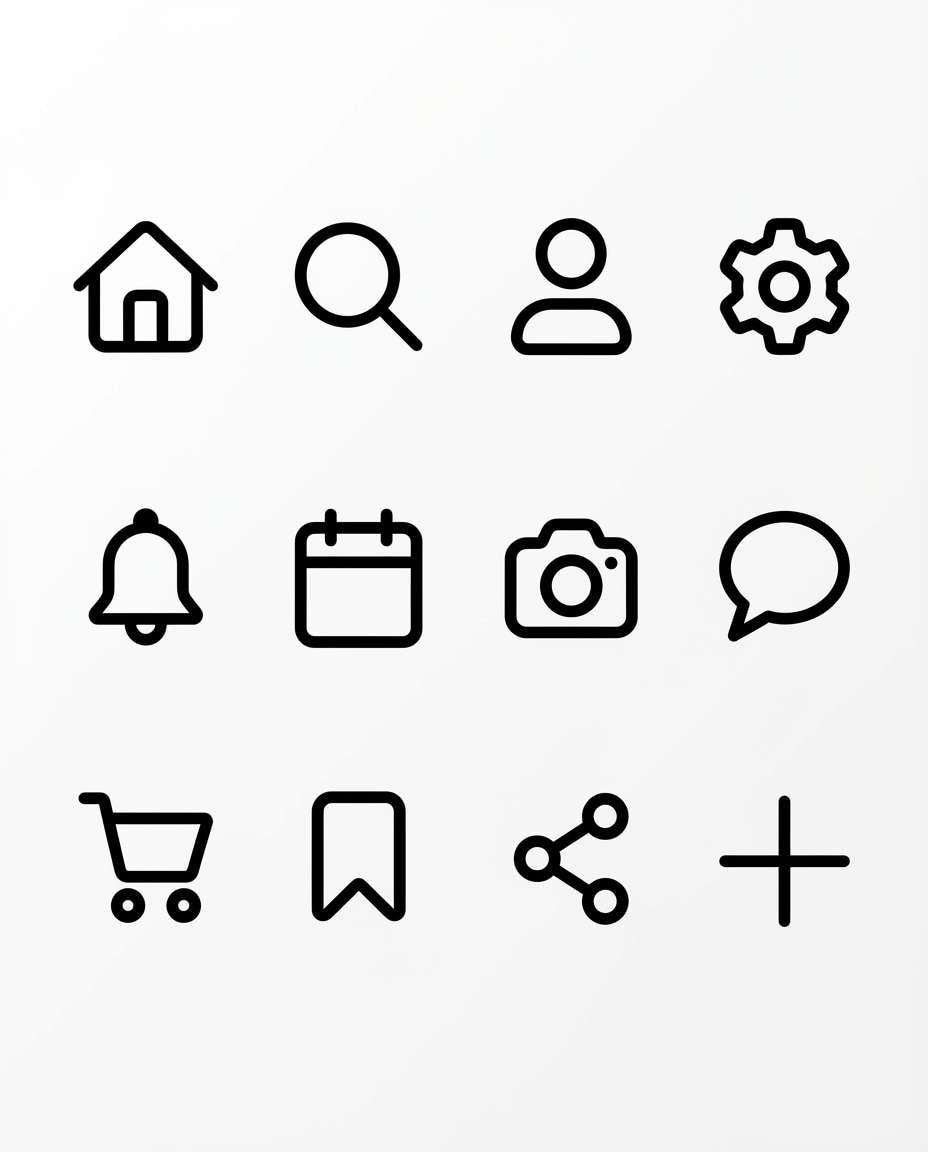
A cohesive set of 12 minimal outline vector icons for a modern mobile app UI, consistent 2px stroke, rounded caps, geometric shapes, evenly balanced visual weight, black icons on pure white background, presented on a neat 3x4 grid with equal padding, clean SVG-style, crisp edges, product design system look, dribbble presentation, 85mm lens, shallow depth of field, soft cinematic lighting --ar 4:5
Bold Filled Icons
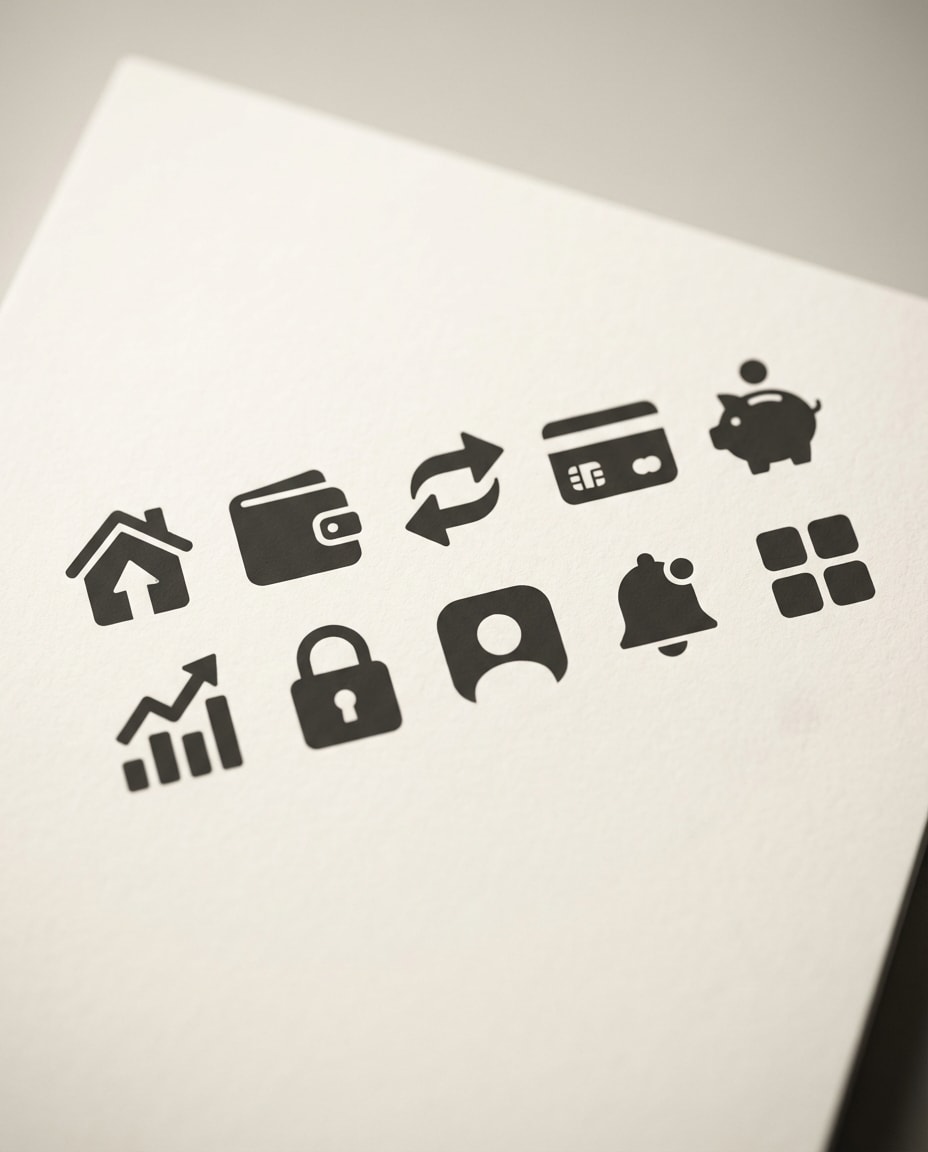
A cohesive set of 10 bold filled icons for a fintech app, simple solid shapes, subtle corner rounding, consistent silhouette thickness, monochrome charcoal on off-white background, arranged on a clean grid with generous spacing, modern UI iconography, high contrast, export-ready look, 85mm lens, shallow depth of field, soft cinematic lighting --ar 4:5
Two-Tone Duotone
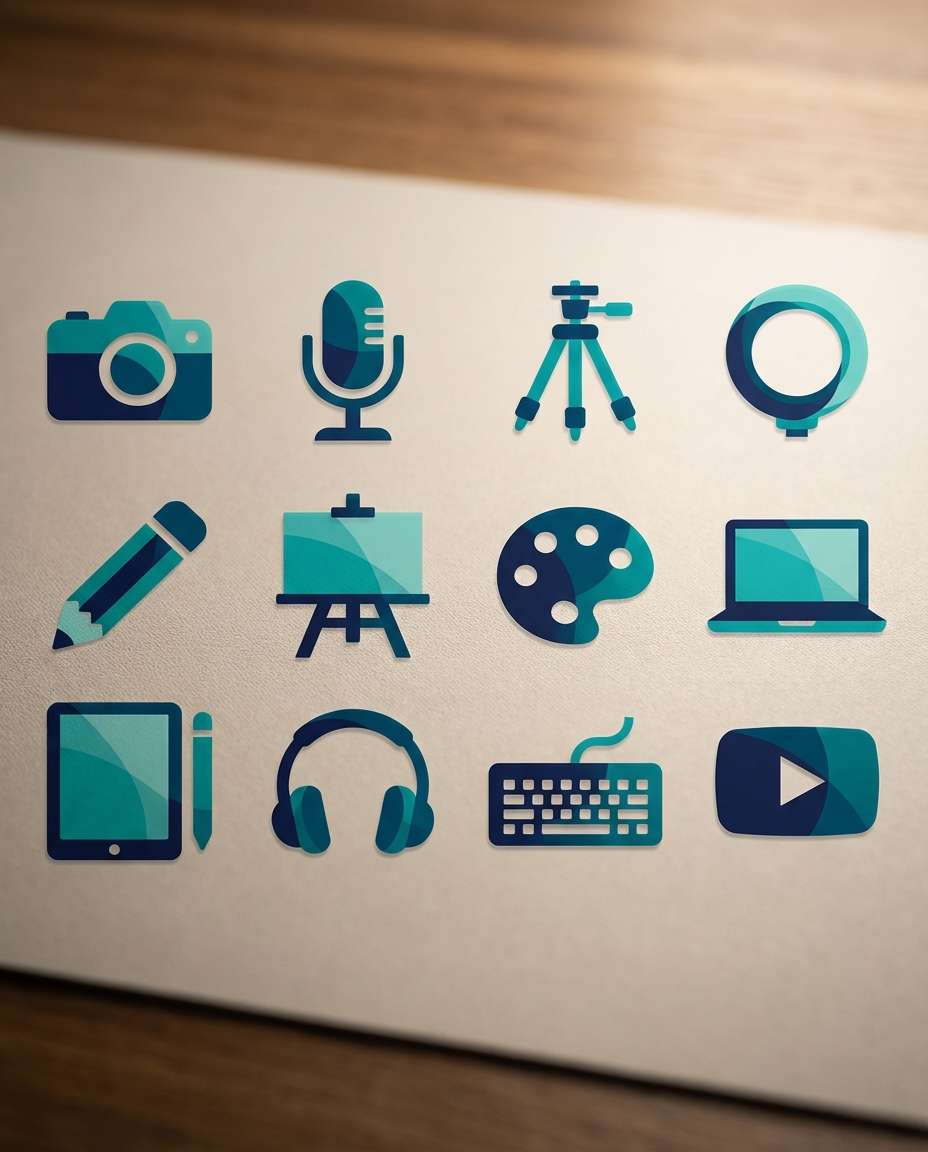
A duotone icon set of 12 for a creator toolkit, consistent shapes with two-color layering, teal and deep navy palette, flat vector style, subtle overlaps, clean negative space, arranged on a 3x4 grid with consistent padding, modern SaaS aesthetic, crisp edges, 85mm lens, shallow depth of field, soft cinematic lighting --ar 4:5
Soft Gradient Icons
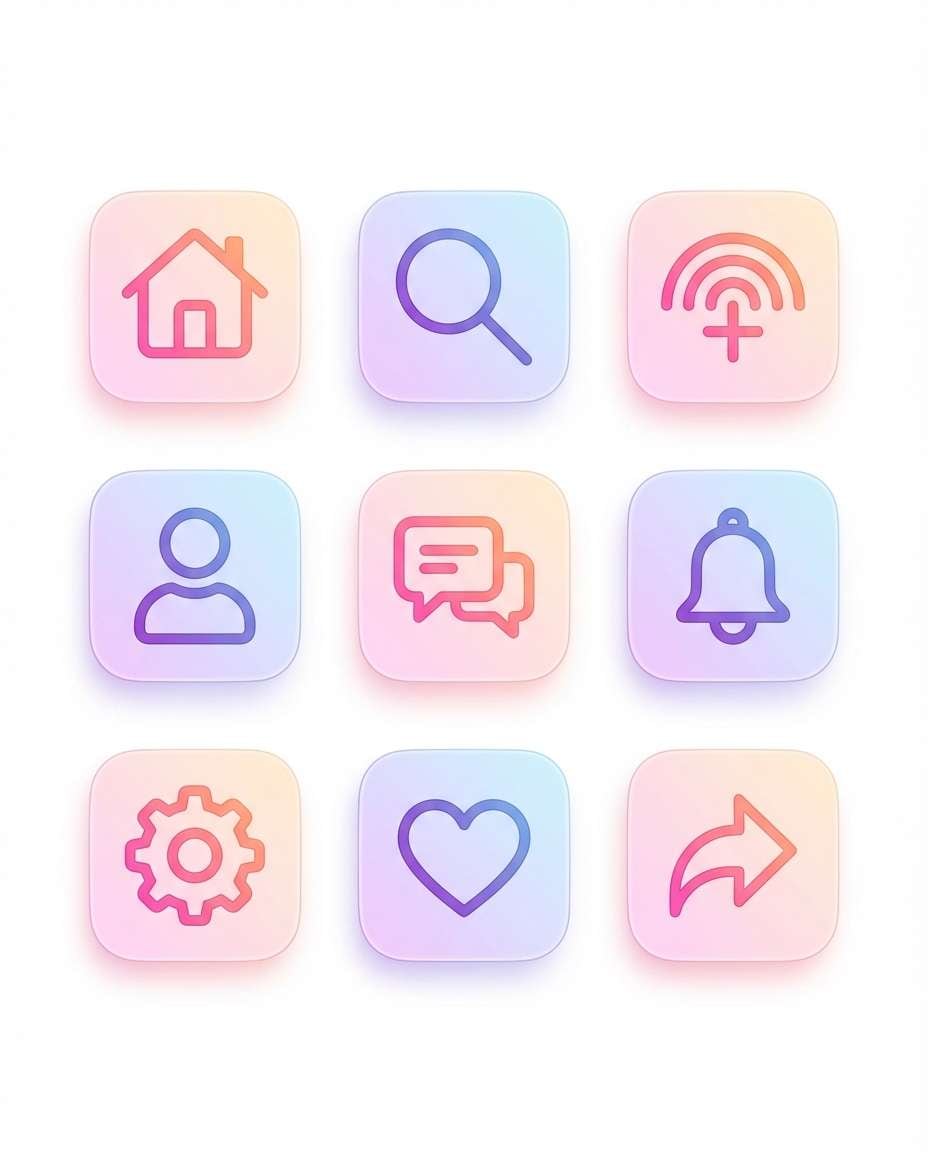
A cohesive gradient icon pack of 9 for a social media app, smooth pastel gradients (pink to orange, purple to blue), flat vector with gentle depth, consistent line thickness and rounded corners, icons centered in rounded-square tiles, clean white background, app-store-ready visual polish, 85mm lens, shallow depth of field, soft cinematic lighting --ar 4:5
Glassmorphism Set
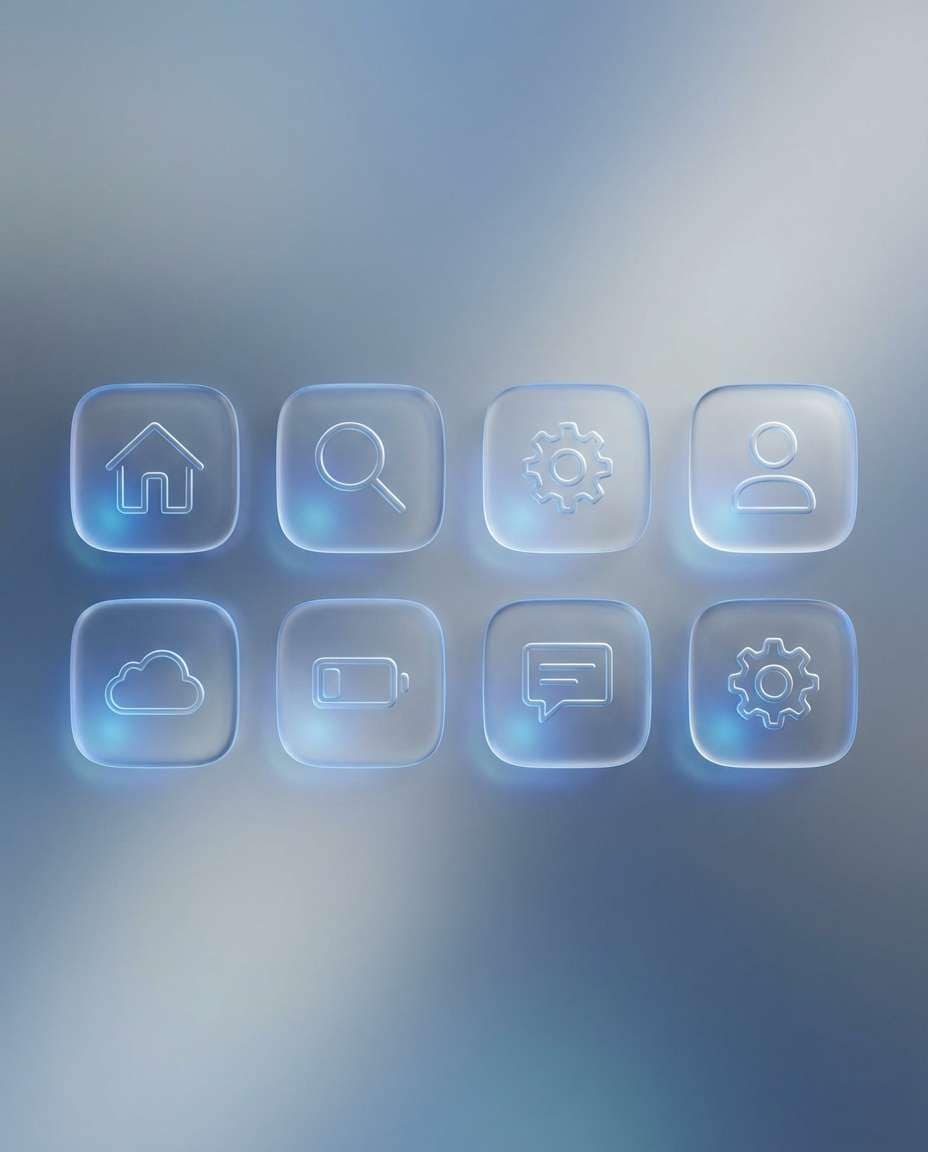
A set of 8 glassmorphism UI icons inside frosted glass rounded squares, subtle blur and light refraction, cool blue highlights, consistent icon style and thickness, minimal background with soft light gradients, premium modern interface aesthetic, clean spacing and alignment, 85mm lens, shallow depth of field --ar 4:5
3D App Icon Style
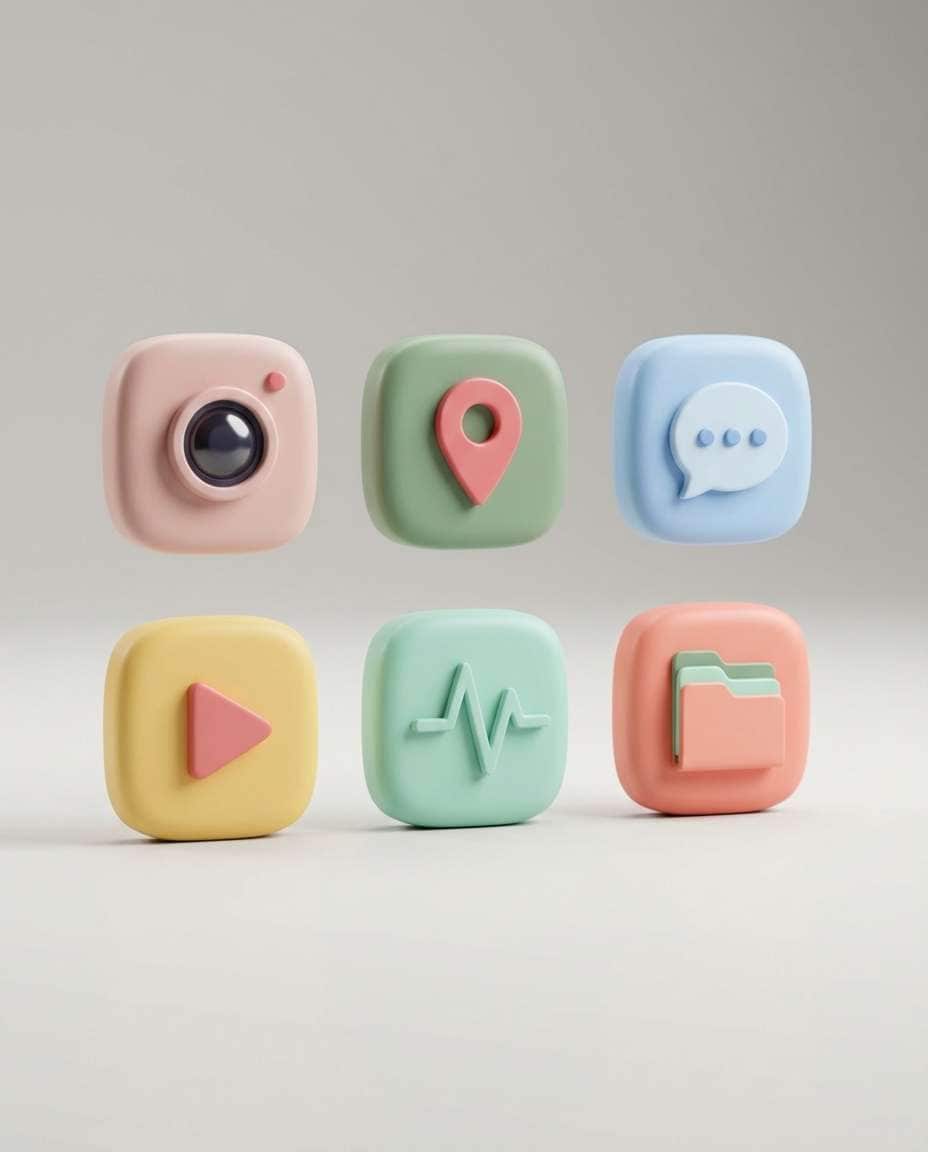
A cohesive set of 6 3D app-style icons, smooth rounded forms, soft studio lighting, subtle shadows, playful but premium look, consistent materials (matte plastic), gentle reflections, icons arranged in a tidy grid on a light neutral background, modern product aesthetic, 85mm lens, shallow depth of field --ar 4:5
Clay 3D Icons
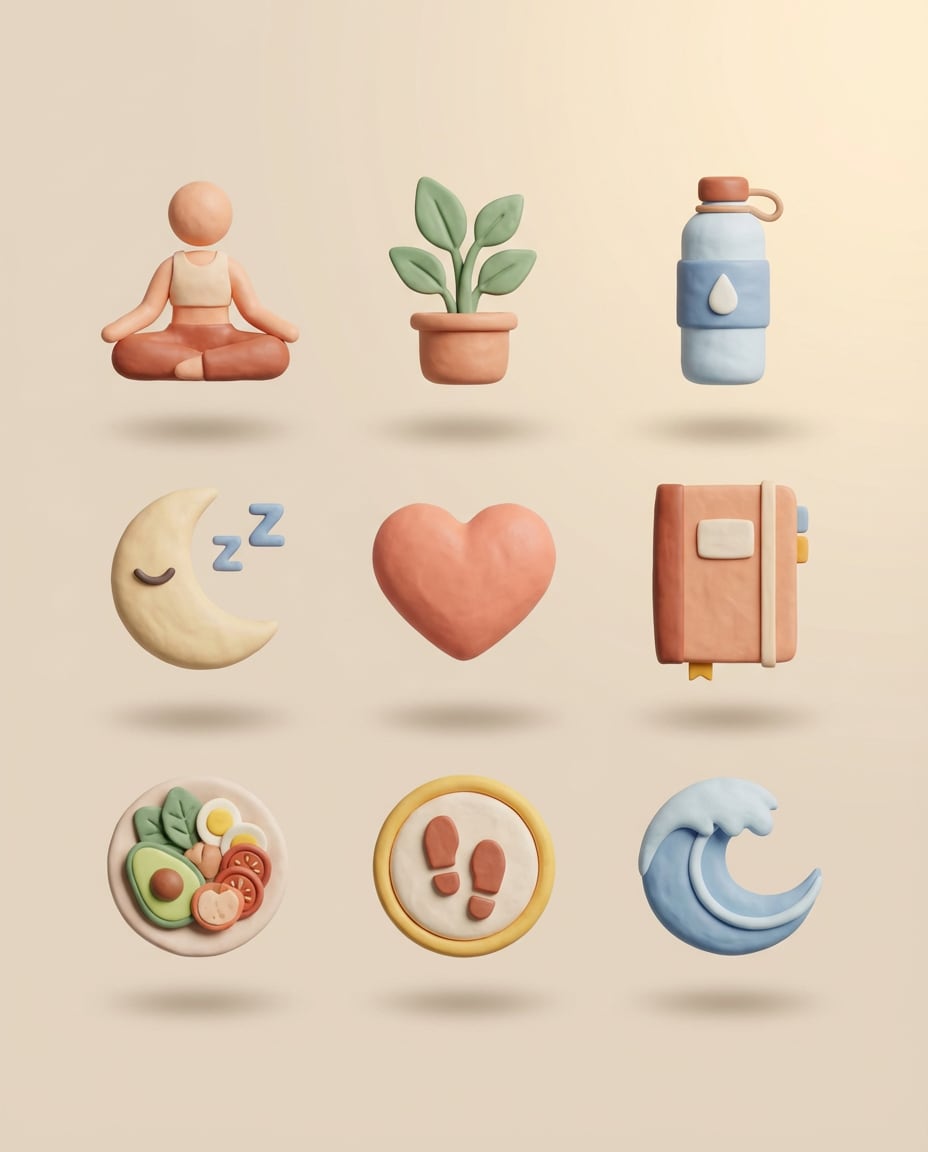
A set of 9 clay-style 3D icons for a wellness app, soft tactile plasticine texture, rounded cute proportions, warm pastel palette, consistent lighting and shadow direction, icons floating with soft drop shadows on a clean beige background, cohesive pack presentation, 85mm lens, shallow depth of field --ar 4:5
Isometric Dashboard Icons
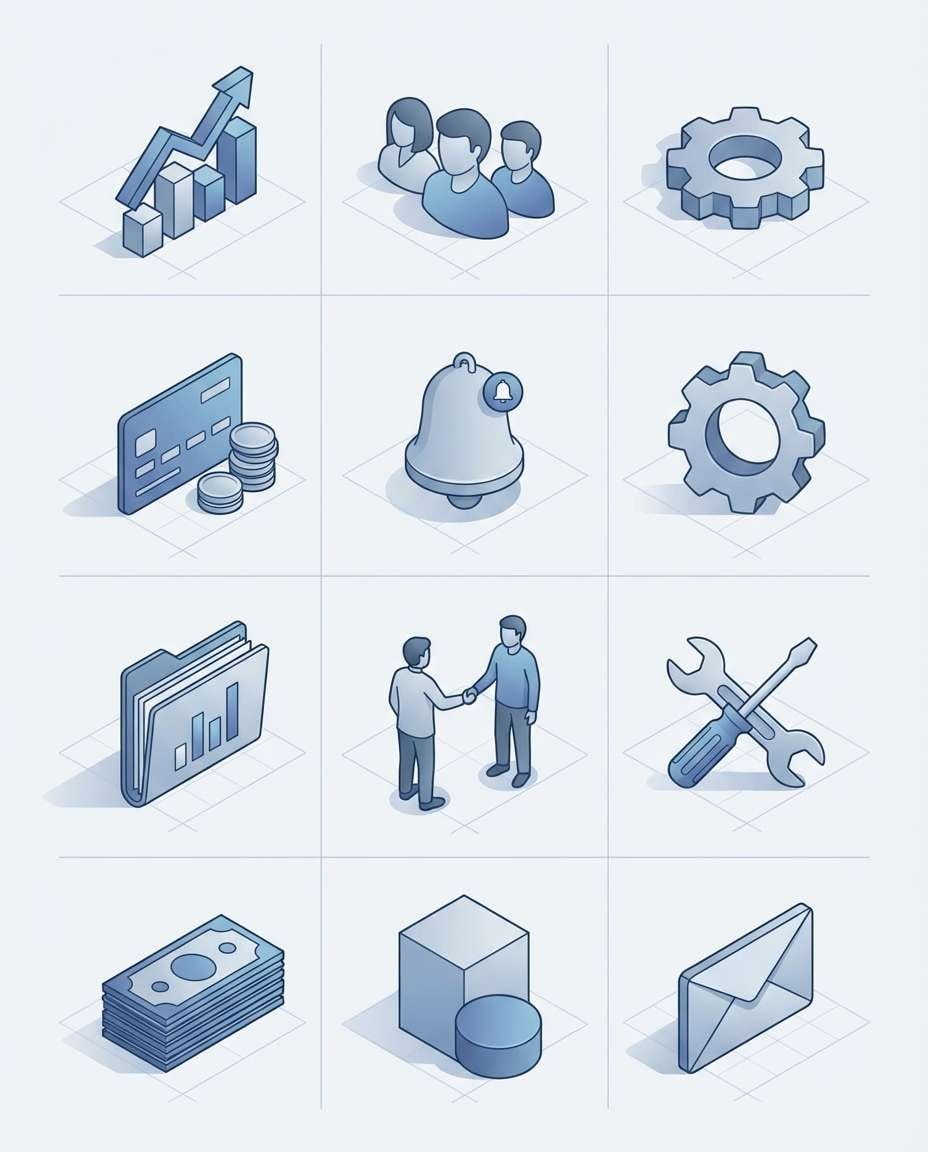
A set of 10 isometric icons for a SaaS dashboard (analytics, users, settings, billing, notifications), clean isometric vector style, consistent perspective and stroke, subtle shadows, cool blue and gray palette, arranged on a grid with consistent spacing, enterprise UI feel, soft cinematic lighting --ar 4:5
Neumorphism UI Tiles
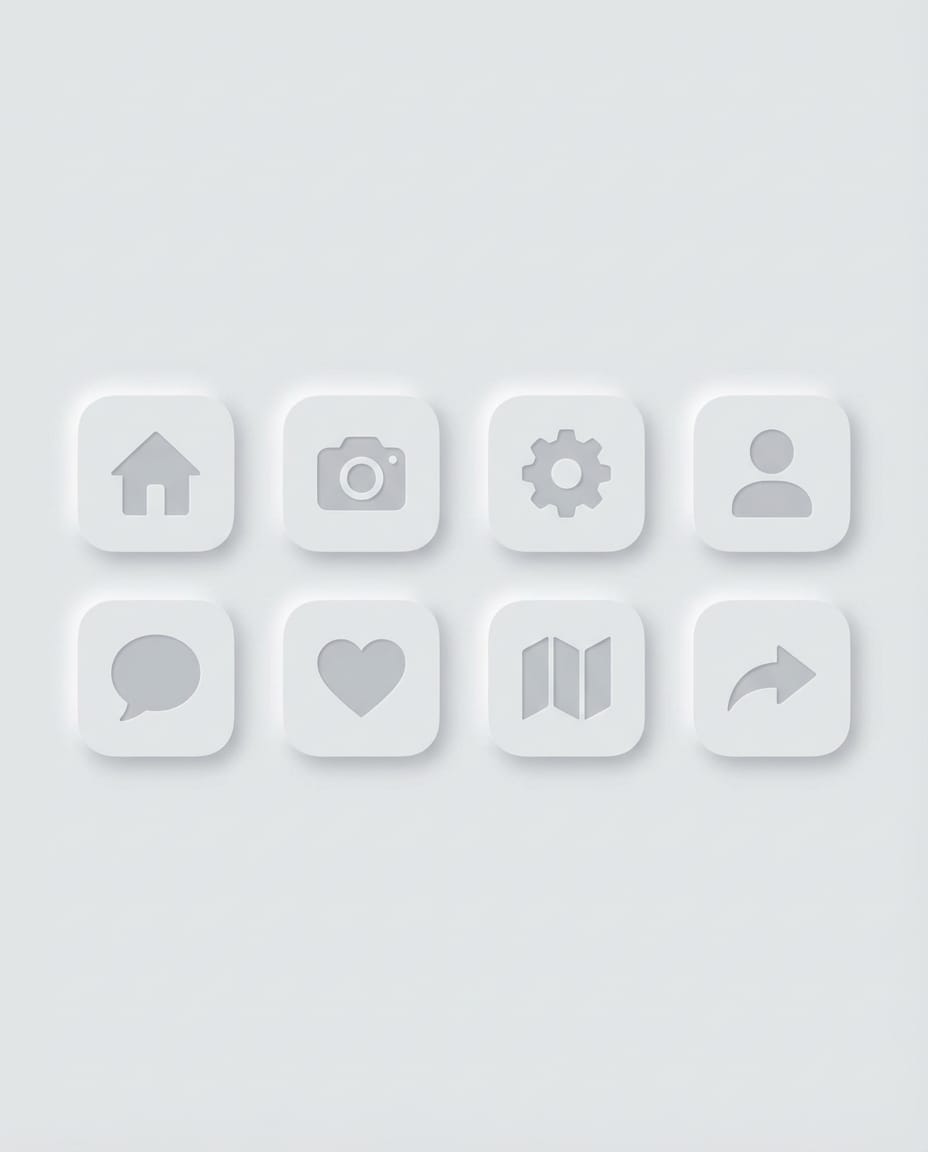
A neumorphism icon set of 8 embedded in soft raised UI tiles, subtle highlights and shadows, monochrome light gray palette, rounded corners, minimalist symbols, consistent size and padding, clean background, modern UX trend look, 85mm lens, shallow depth of field --ar 4:5
Pixel-Perfect Outline
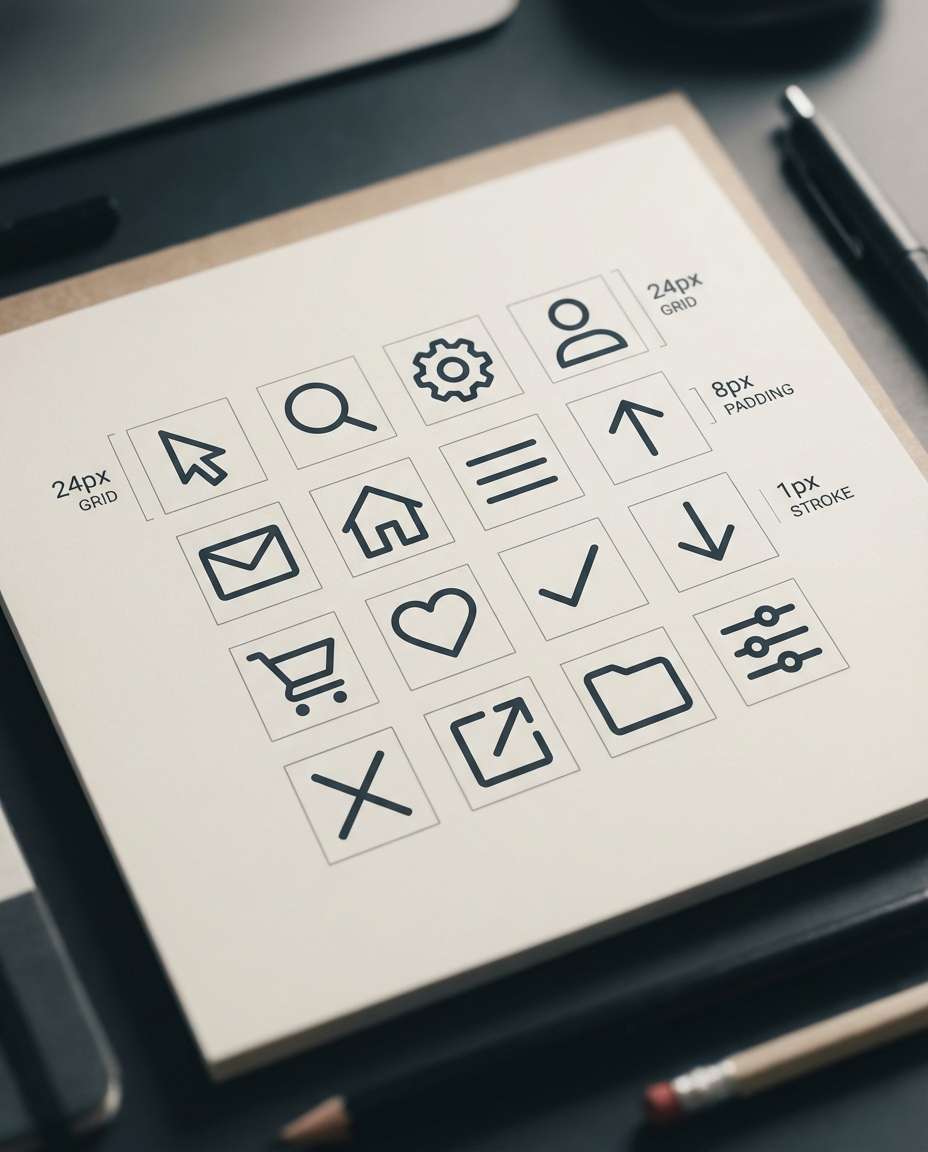
A pixel-perfect outline icon set of 16 for web UI, consistent stroke width, sharp clean curves, aligned to a grid system, minimal geometric forms, dark slate icons on white background, presented as a design system sheet with consistent padding and sizing labels, 85mm lens, shallow depth of field, soft cinematic lighting --ar 4:5
Monoline Brand Icons
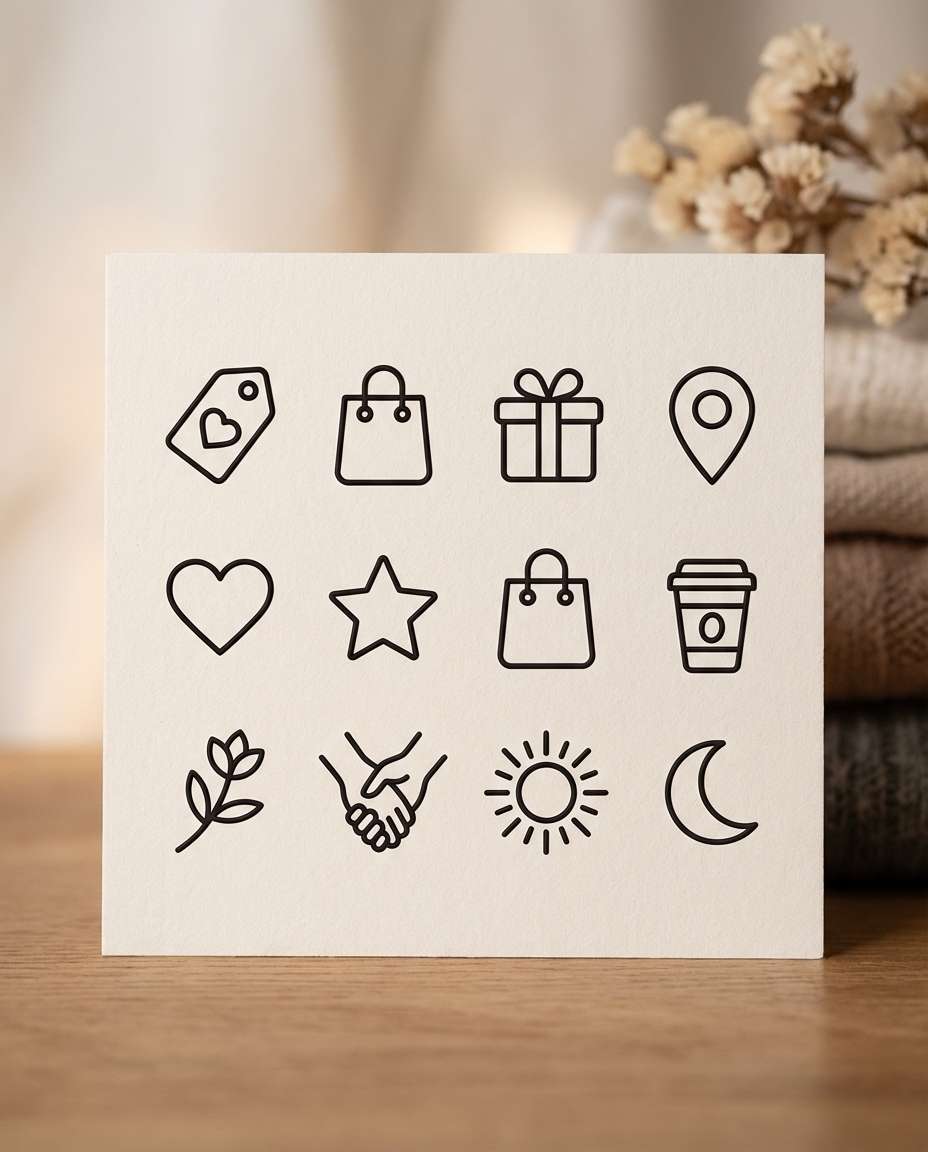
A monoline icon pack of 12 for a boutique brand (tag, bag, gift, location, heart, star), single continuous line feel, consistent thin stroke, rounded line ends, elegant minimal style, black on warm white background, arranged on a clean grid, premium branding vibe, 85mm lens, shallow depth of field, soft cinematic lighting --ar 4:5
Travel Icon Set
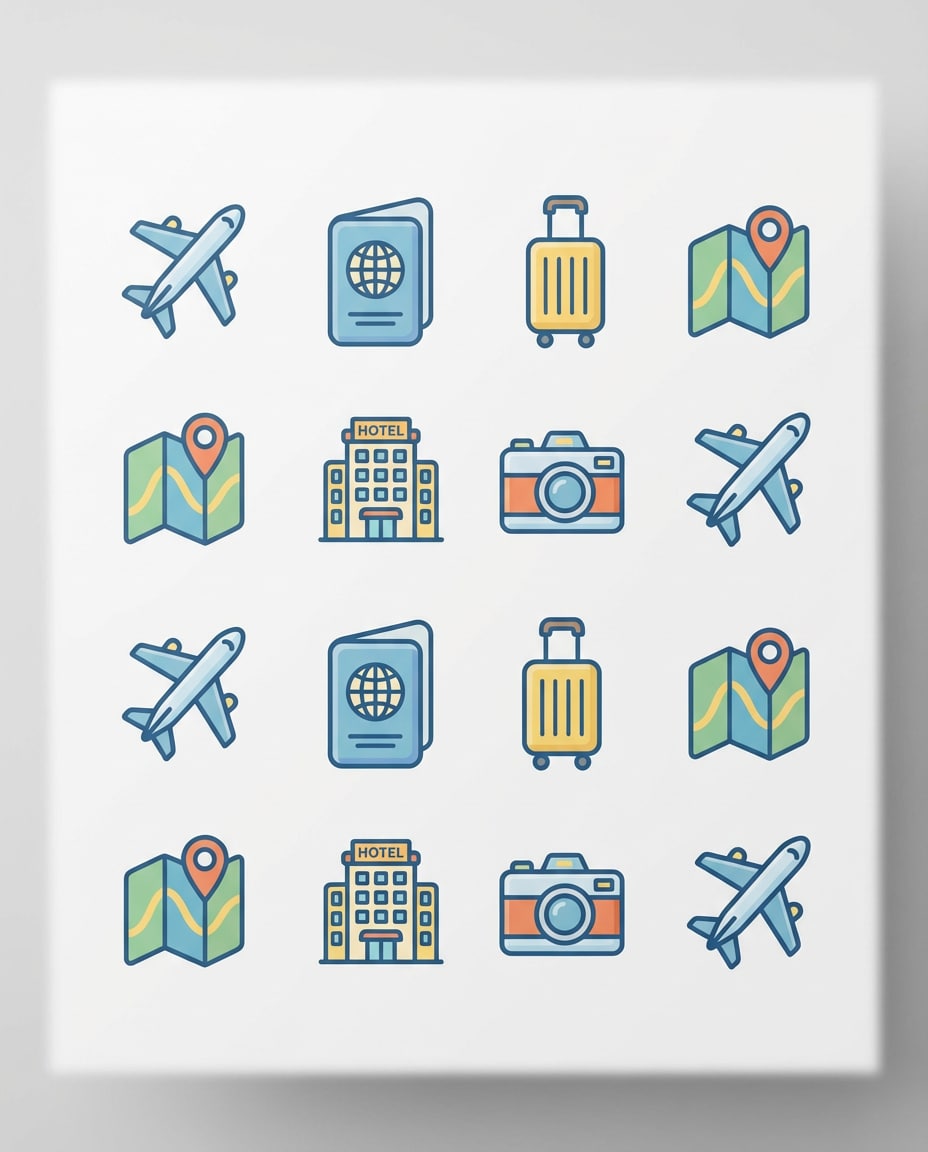
A cohesive set of 12 travel icons (plane, passport, suitcase, map, hotel, camera), flat vector style, consistent stroke and corner radius, friendly rounded geometry, bright but restrained palette, icons on white background in a tidy 3x4 grid, UI-ready and cohesive, 85mm lens, shallow depth of field, soft cinematic lighting --ar 4:5
Food Delivery Icons
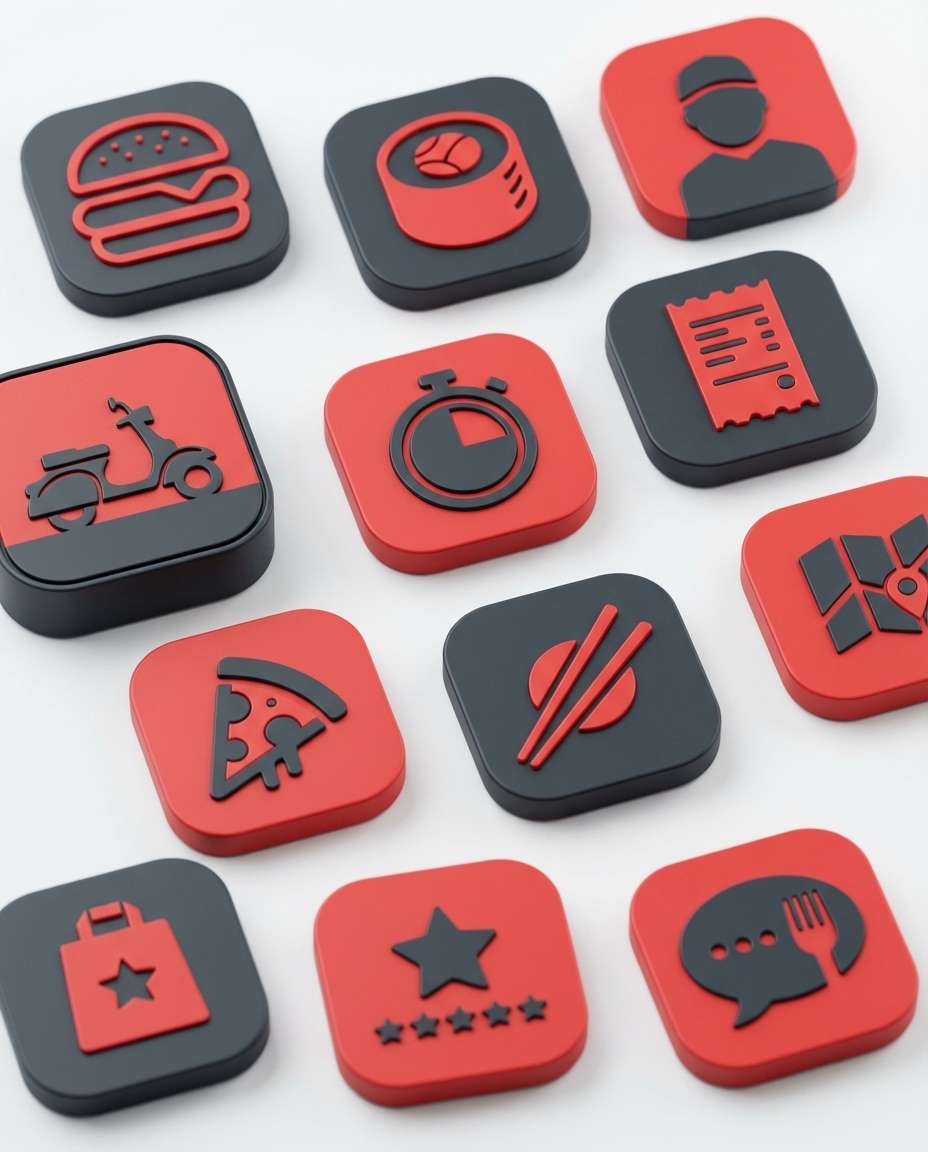
A set of 12 food delivery app icons (burger, sushi, courier, scooter, timer, receipt), bold filled vector shapes, consistent visual weight, red and charcoal palette, icons centered in rounded-square containers, clean white background, modern app UI look, 85mm lens, shallow depth of field, soft cinematic lighting --ar 4:5
Ecommerce UI Icons
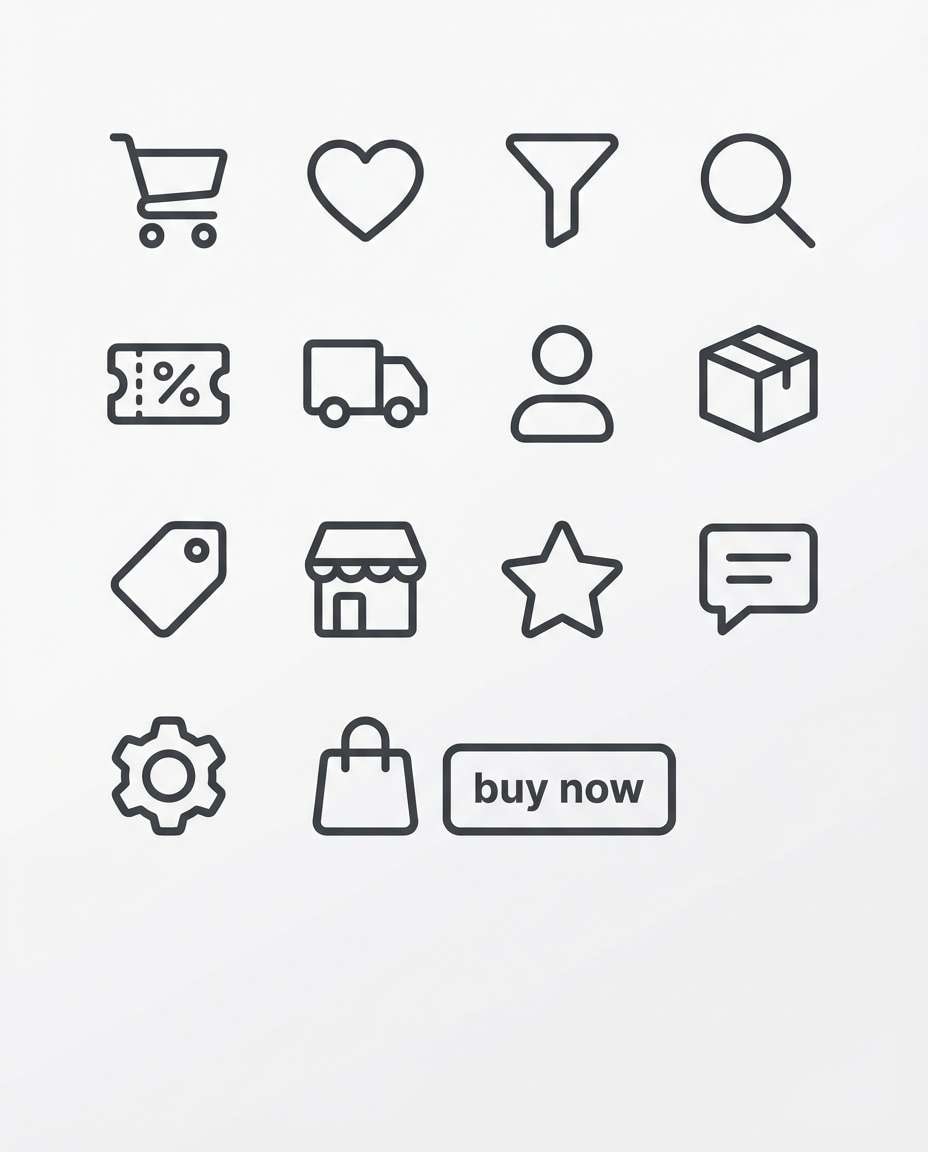
A cohesive set of 14 ecommerce icons (cart, wishlist, filter, search, coupon, shipping), clean outline vector style, consistent 2.5px stroke, rounded corners, neutral dark gray on white background, arranged in a grid with consistent spacing, professional UI kit vibe, soft cinematic lighting --ar 4:5
Finance Symbol Pack
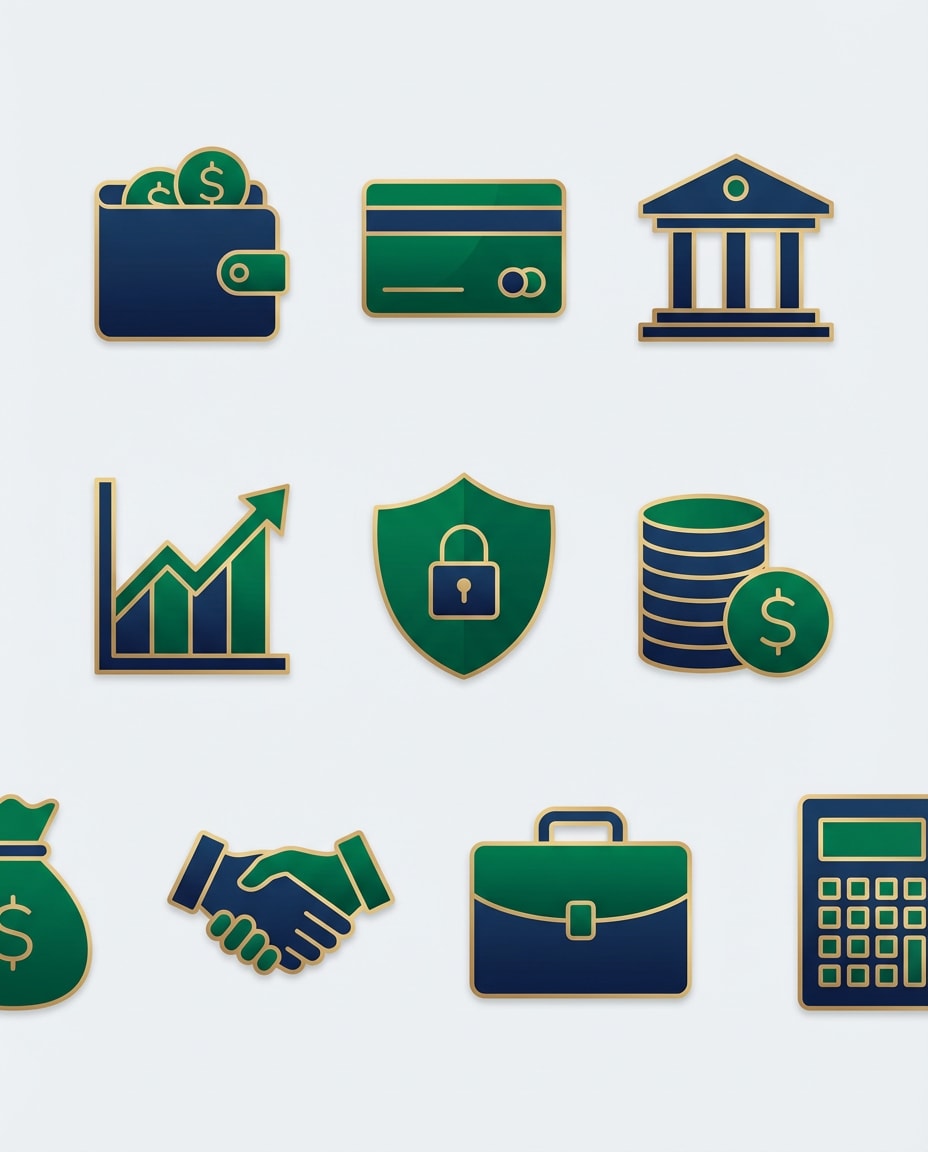
A premium finance icon set of 10 (wallet, card, bank, chart, shield, coin), flat vector with subtle inner shading, consistent geometry and stroke, navy and emerald palette, icons on light background with generous padding, trustworthy enterprise feel, 85mm lens, shallow depth of field --ar 4:5
Healthcare Icon Sheet
A cohesive healthcare icon set of 12 (stethoscope, pill, heart, appointment, lab), clean outline vector style, consistent stroke width and rounding, calming blue palette, icons evenly spaced on a white grid, accessible and friendly UI look, 85mm lens, shallow depth of field, soft cinematic lighting --ar 4:5
Education Icons
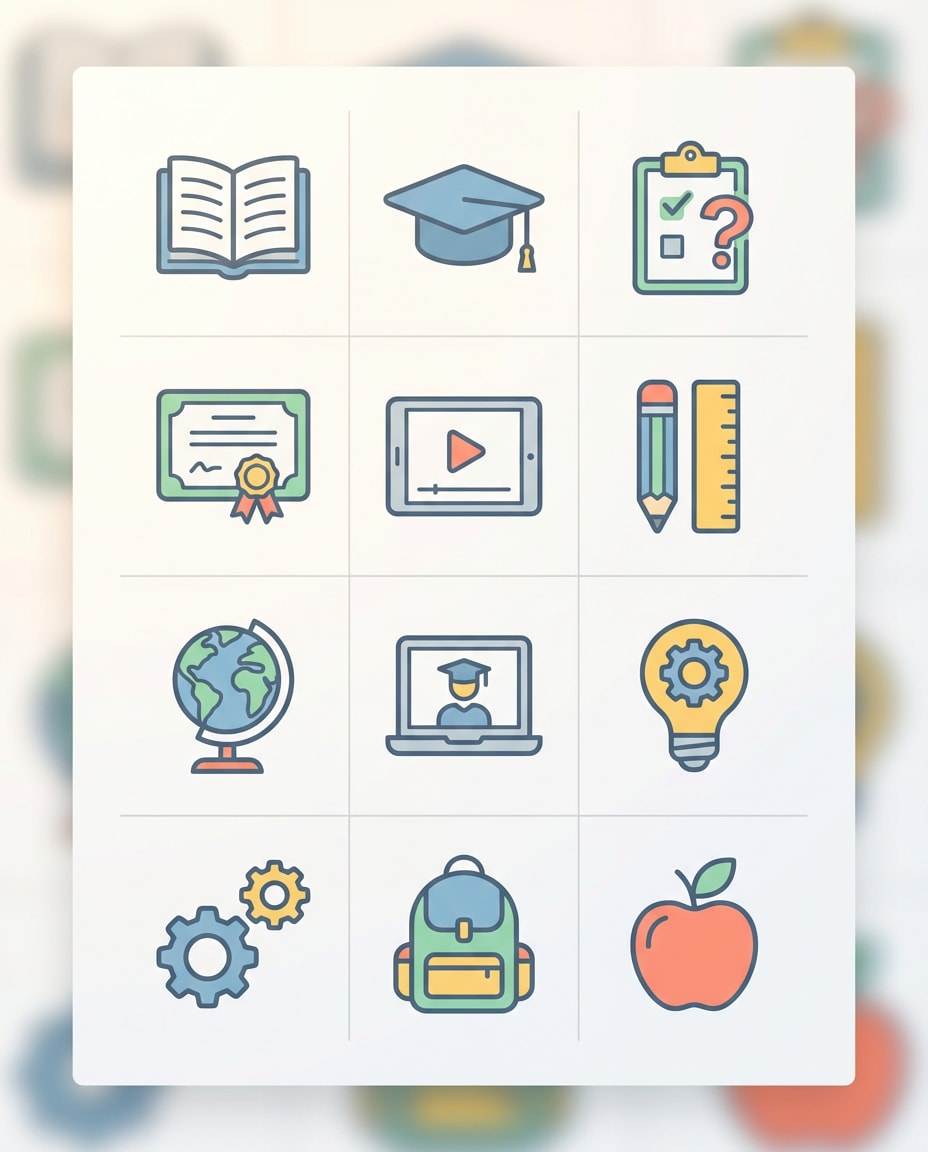
A set of 12 education icons (book, graduation cap, quiz, certificate, video lesson), flat vector style, consistent stroke and proportions, cheerful but minimal color palette, icons centered on a clean white background grid, modern edtech aesthetic, 85mm lens, shallow depth of field, soft cinematic lighting --ar 4:5
Security Icons
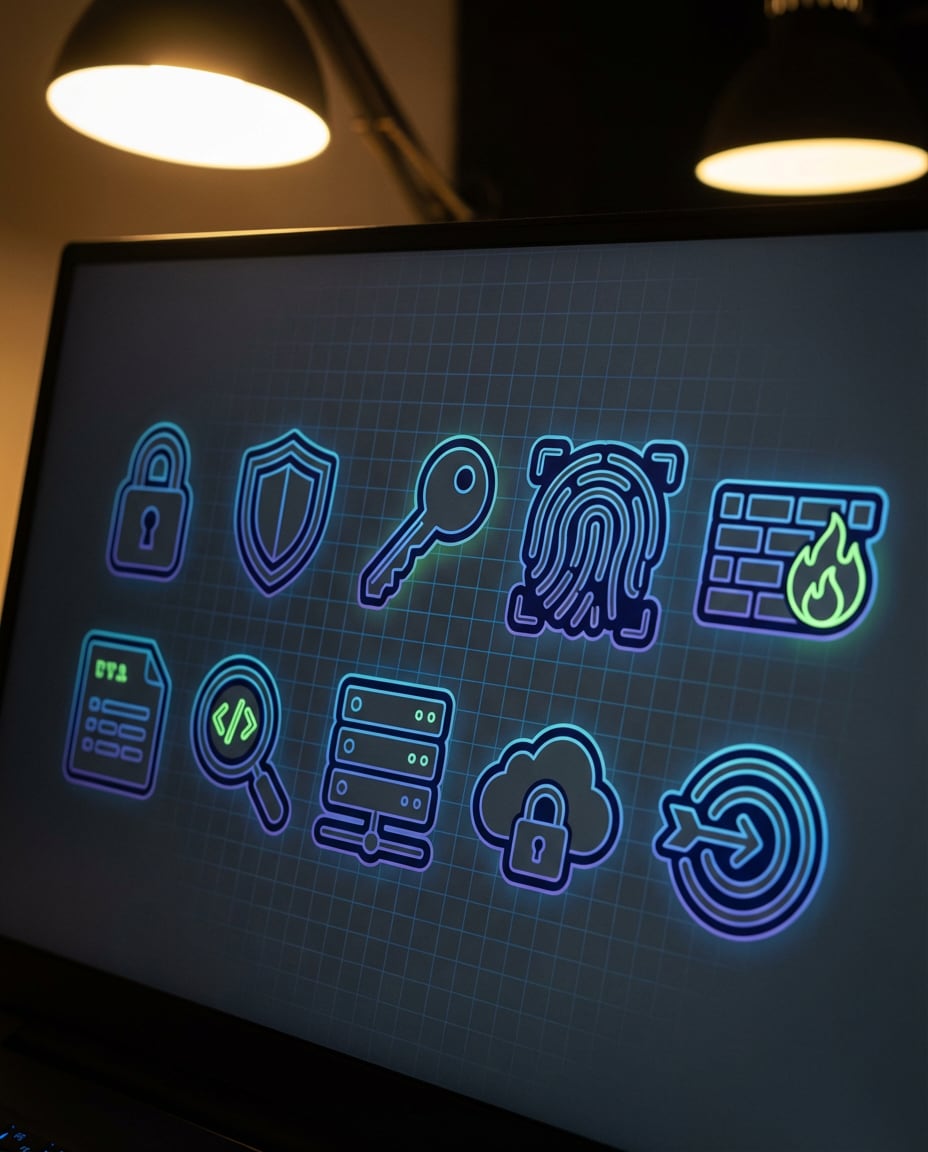
A cohesive cybersecurity icon pack of 10 (lock, shield, key, fingerprint, firewall), angular but friendly vector style, consistent line thickness, dark mode palette preview on near-black background with subtle grid, high-contrast UI-ready look, 85mm lens, shallow depth of field, soft cinematic lighting --ar 4:5
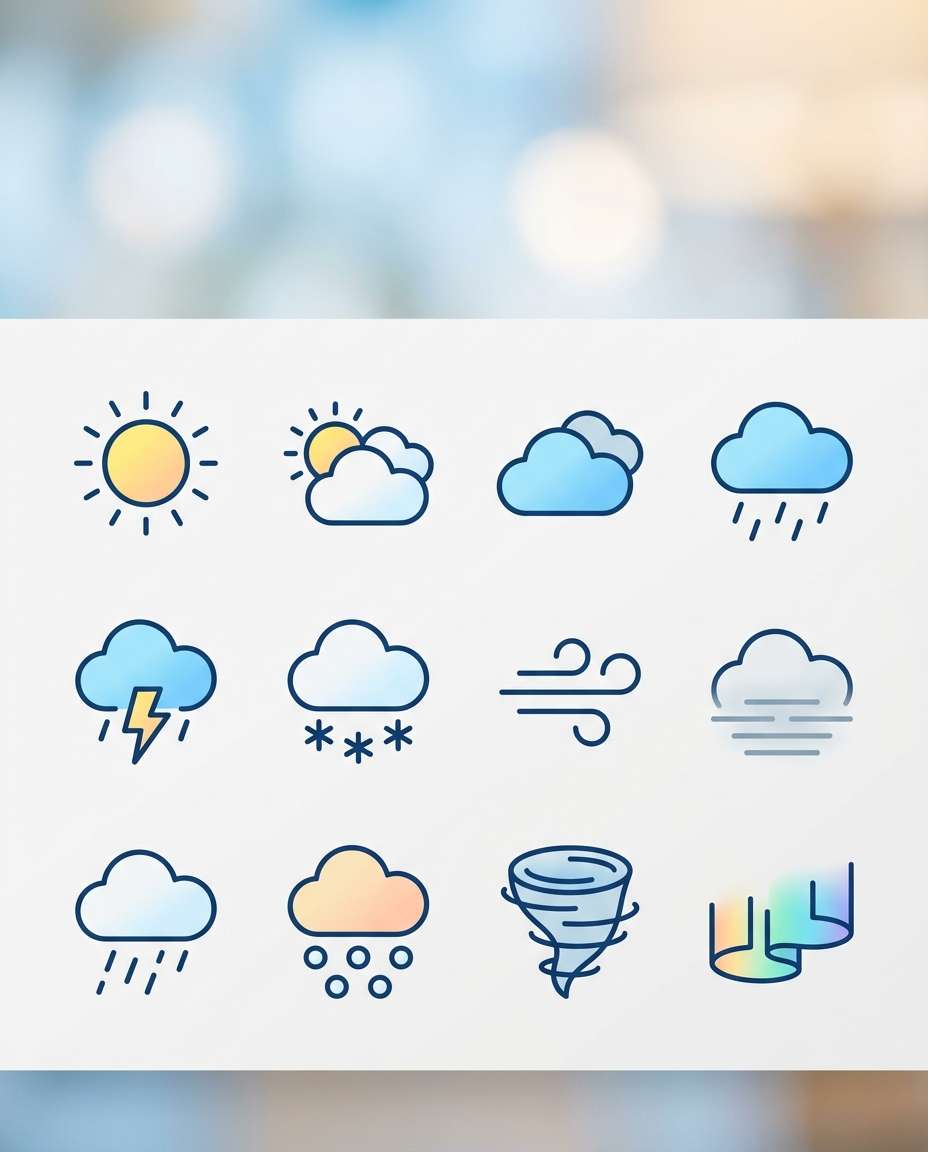
Weather Icon Set
A set of 12 modern weather icons, clean outline with minimal fills, consistent stroke width, smooth curves, soft gradient accents, icons displayed on a neat grid with equal padding, bright sky-inspired palette, crisp app-ready style, 85mm lens, shallow depth of field, soft cinematic lighting --ar 4:5
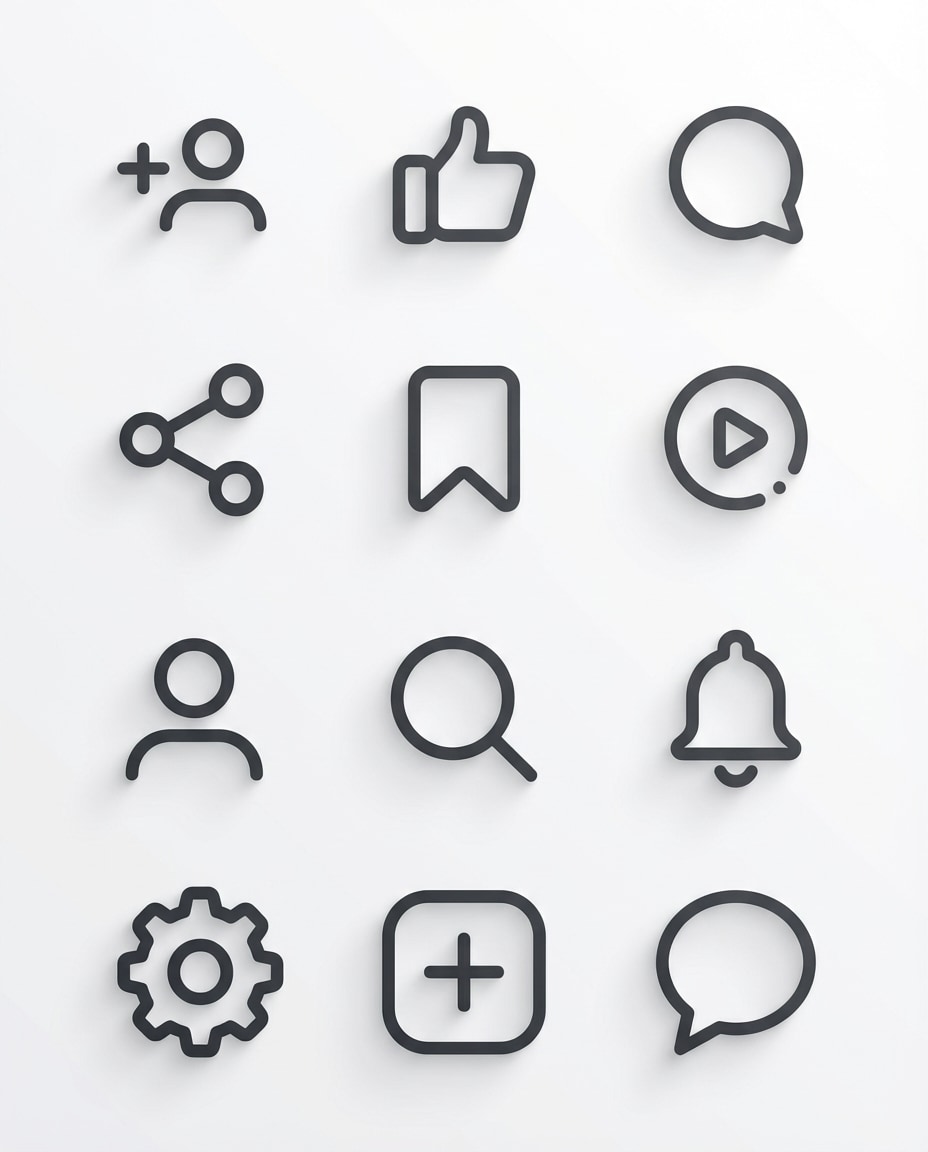
Social Feature Icons
A cohesive set of 12 icons for social features (follow, like, comment, share, bookmark, story), minimal outline vector style, consistent corner radius, uniform line weight, dark gray on white background, arranged on a tight grid, clean UI kit look, soft cinematic lighting --ar 4:5
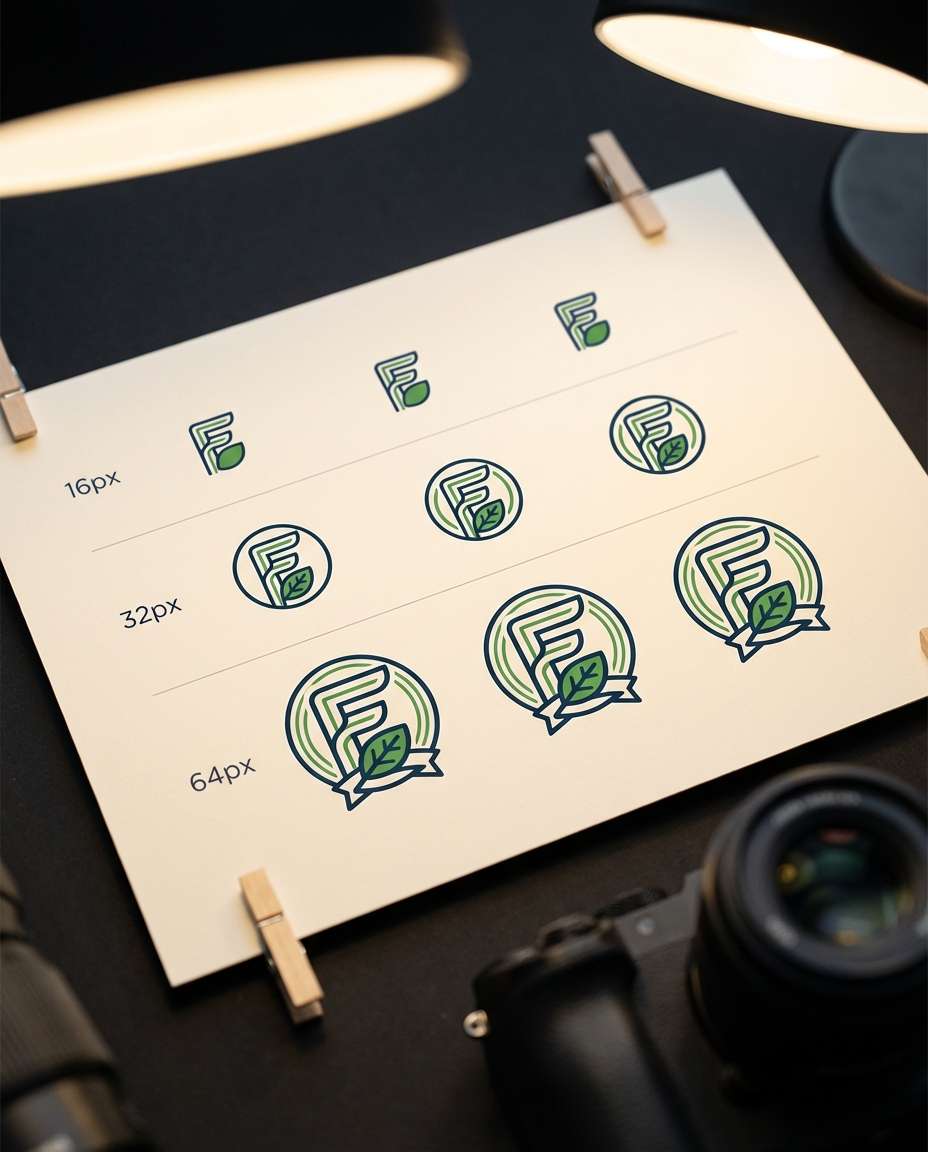
Favicon Variations
A sheet of 9 favicon-ready icon variations for a single brand symbol, simplified at multiple detail levels for 16px to 64px, clean vector style, consistent stroke and geometry, displayed in a grid with size labels, sharp and legible at small sizes, 85mm lens, shallow depth of field, soft cinematic lighting --ar 4:5
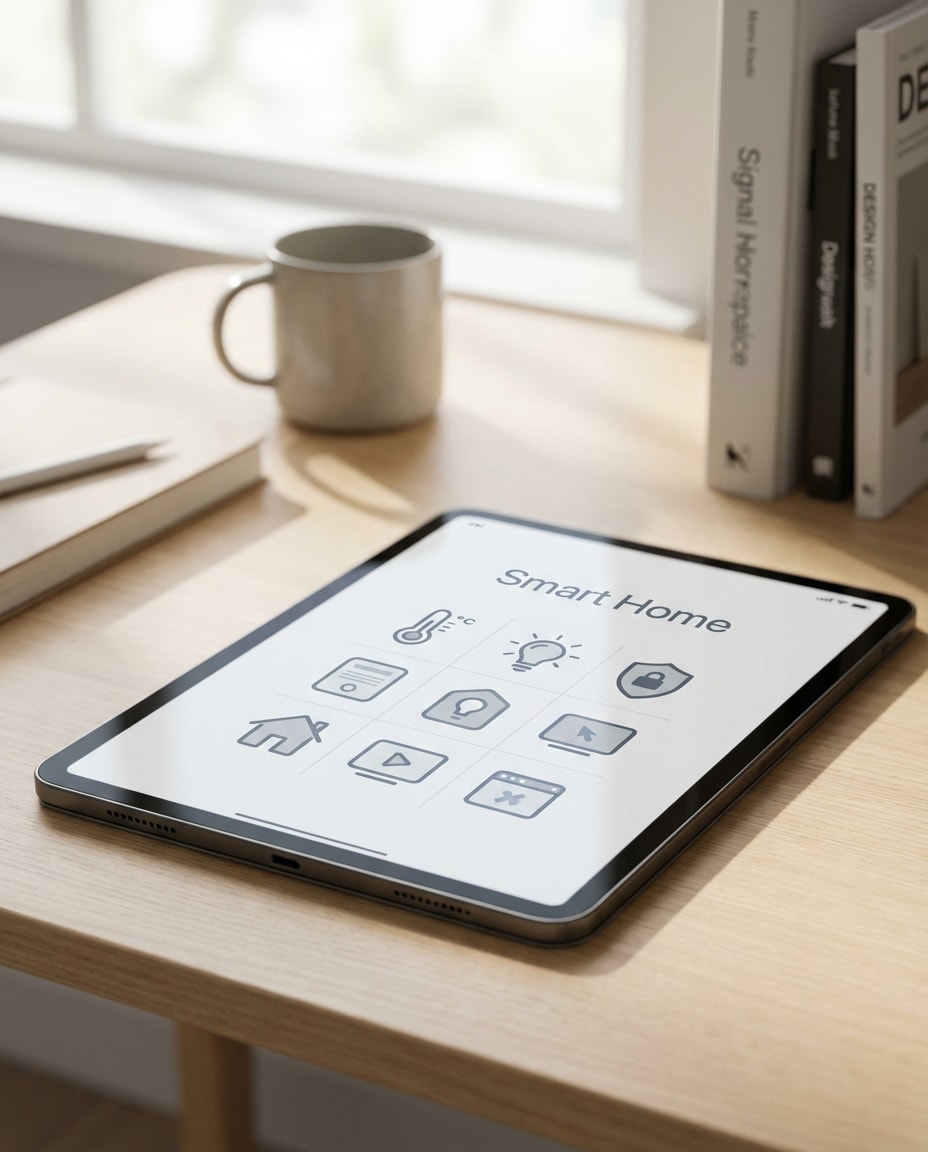
Icon Pack Mockup
A photorealistic designer presentation showing a tablet screen with a cohesive icon set displayed in a grid, minimal workspace, soft daylight, clean modern desk setup, subtle shadows, premium product design mood, icons are consistent outline style and balanced spacing, 85mm lens, shallow depth of field --ar 4:5
App Screen Preview
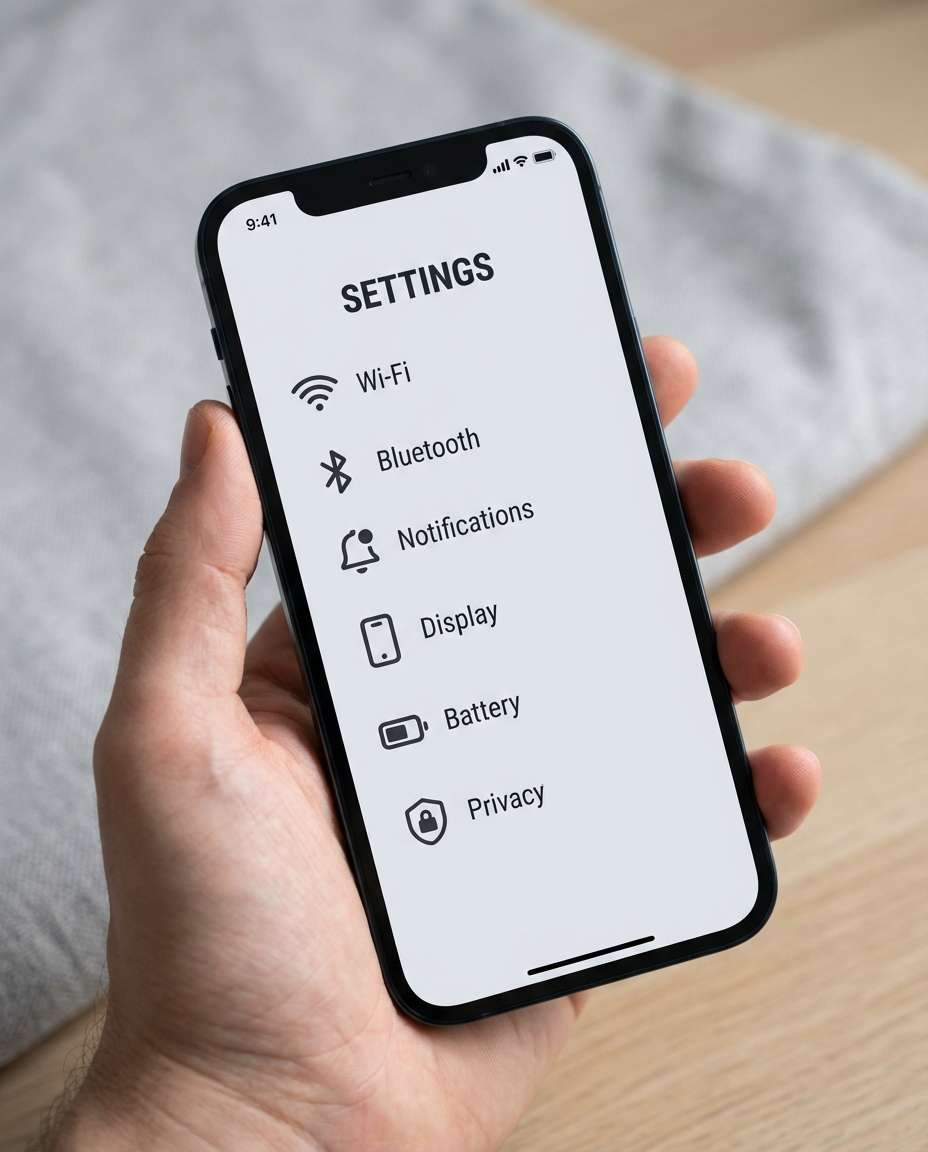
A photorealistic mobile UI mockup on a phone in hand, showing a settings page using a consistent custom icon pack, soft studio lighting, shallow depth of field, modern minimal aesthetic, icons have matching stroke weight and rounded corners, professional product shot, 85mm lens, shallow depth of field --ar 4:5
Sketch To Icon
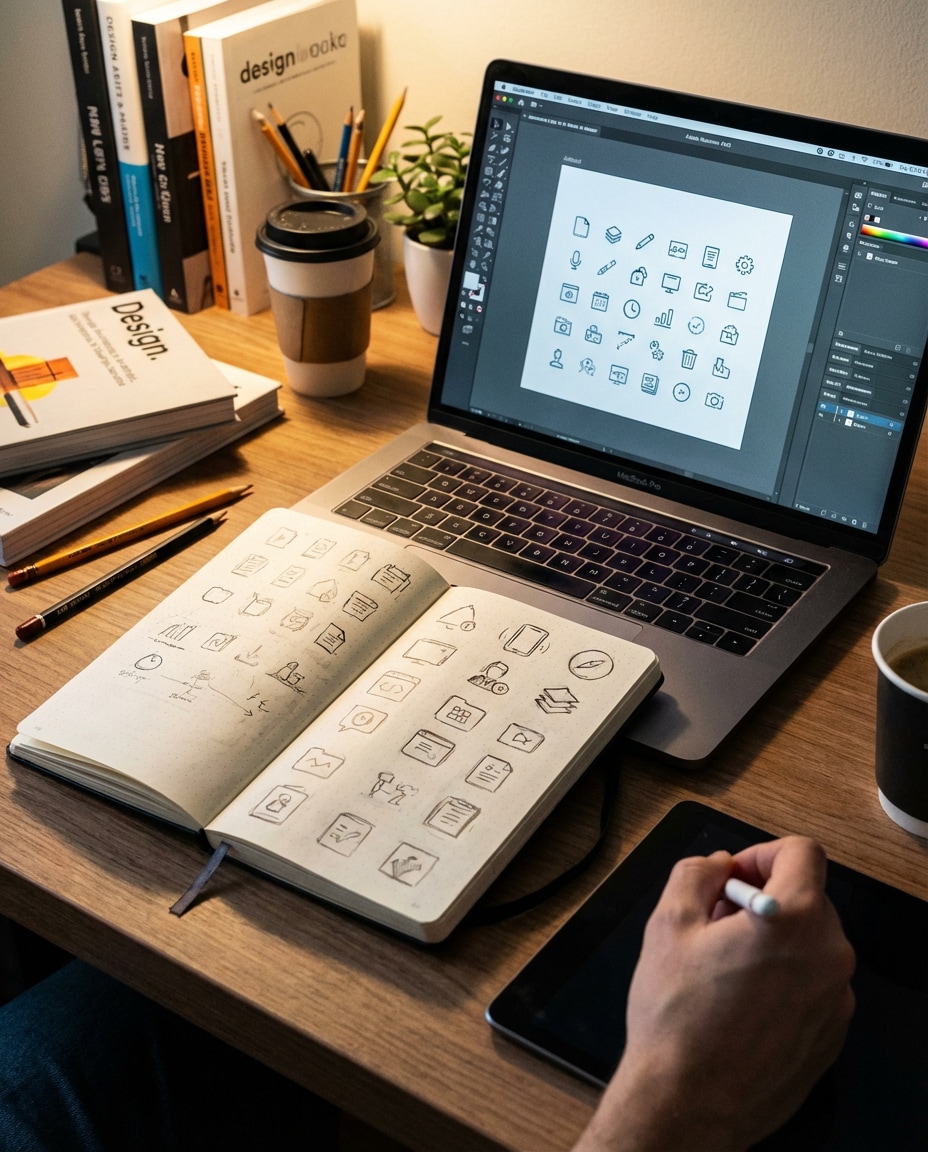
A photorealistic scene of a designer notebook with rough icon sketches beside a laptop showing refined vector icons, warm desk lamp lighting, creative studio vibe, focus on the transformation from sketch to consistent icon set, clean modern workspace composition, 85mm lens, shallow depth of field --ar 4:5
Brand Kit Board
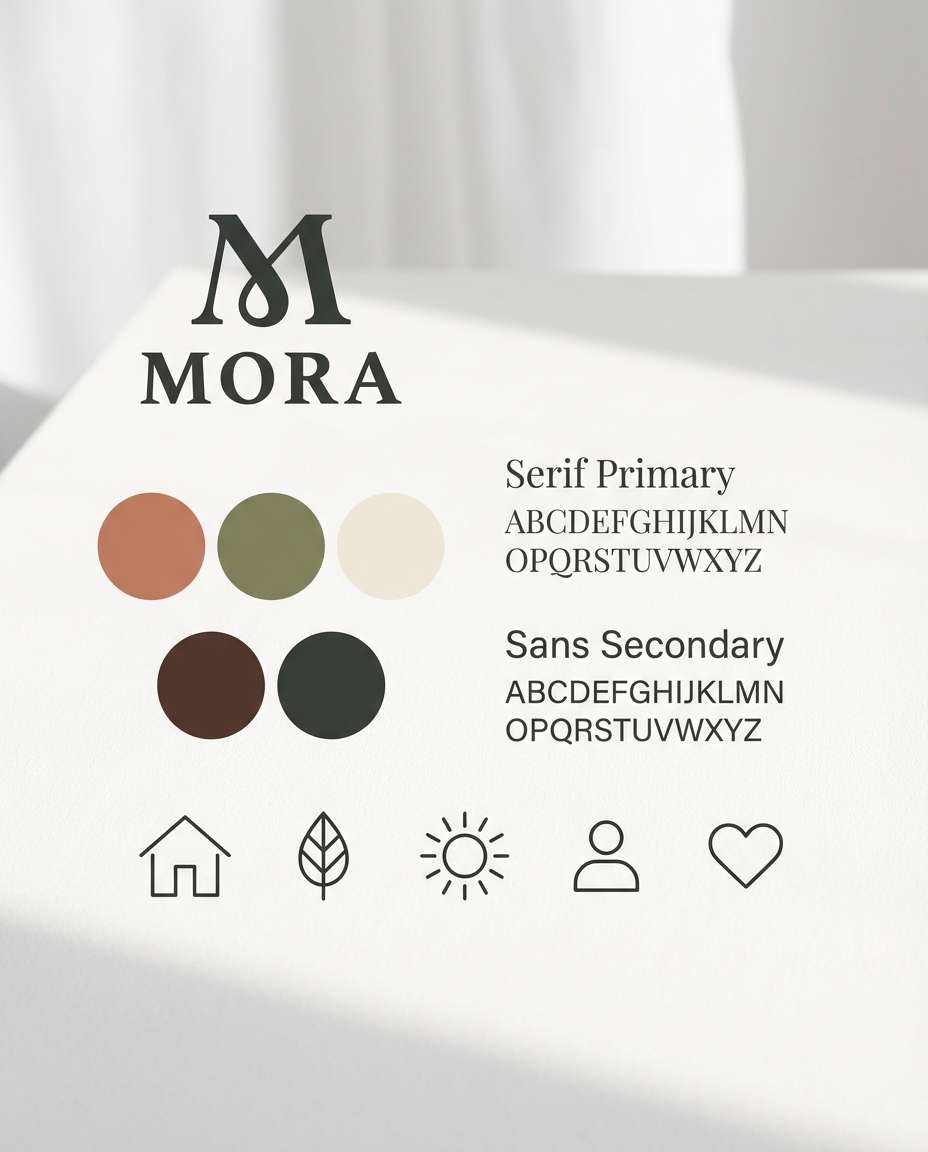
A photorealistic brand board layout featuring a logo, color palette swatches, typography, and a cohesive set of custom icons, neatly arranged on a white surface, soft daylight and gentle shadows, premium minimalist style, clear hierarchy and spacing, 85mm lens, shallow depth of field --ar 4:5
Consistency beats complexity in icon design. When you use a minimal vector ai icon design prompt examples approach, you get a set that looks intentional across every screen. Start with a tight style spec, then iterate in small changes until the pack feels unified.
Recommended Prompt Formula
Icon pack goal: app UI, website, brand kit, or dashboard
Consistency lock: same visual weight, same perspective, same lighting direction (if 3D)
Prompt Tips That Fix Common Issues
If icons look mismatched, add: "same stroke width and visual weight across all icons."
For UI clarity, request simplified silhouettes and stronger negative space, especially for small sizes like favicons.
To build a full set fast, generate 6-12 icons first, then expand with: "continue the same icon pack style for these new items."
When colors drift, define exact palette names and ask for a white or near-black background preview.
If you are targeting a product team workflow, specify: "best ai icon prompts for UI design, export-ready vector look, clean edges."
For dashboards, lock perspective by stating isometric angle and shadow direction to avoid inconsistent depth.
Why Choose Media.io for AI Icon Design?
Generate realistic AI images faster with powerful tools and flexible prompt control.
Copy, Paste, Create
Skip blank-canvas stress. Choose a prompt, tweak a few style tokens, and generate a cohesive icon look in minutes. Media.io helps you iterate quickly so your icons feel like a real design system, not a random mix of symbols.
Consistent Pack Results
Great icons share the same stroke, spacing, and visual weight. Use Media.io to refine outputs with small prompt edits until every icon reads clearly at small sizes, from toolbar buttons to onboarding screens and marketing graphics.
UI-Ready Styles
Generate styles that match current product trends: outline sets, filled glyphs, duotone, neumorphism, glass effects, and 3D app icons. Perfect when you need an ai icon design prompt for SaaS dashboard icons that looks polished and modern.
Fast Preview Workflow
Preview your icons as a grid, in tiles, or inside an app screen mockup so you can judge balance and legibility instantly. Media.io makes it easy to compare variations and keep what works before you download for production.
FAQs About
AI Icon Design Prompt
1. What makes a good ai icon design prompt?
A good ai icon design prompt defines a system, not just a subject. Specify icon style (outline or filled), stroke width, corner radius, palette, and how the icons should be presented (grid, tiles, padding). Add a consistency clause like "same visual weight across all icons" to keep the pack unified.
2. How do I write an ai icon design prompt for a consistent icon set?
Start by locking the rules: grid size, stroke thickness, rounding, and color palette. Then list the exact icon subjects you need (8 to 16 is a solid batch). Use one generation as the baseline, then iterate with "keep the same style system" to expand the set. This matches how to write an ai icon design prompt for a consistent icon set in real workflows.
3. Can I use an ai icon design prompt for app icons and favicons?
Yes. For app icons, request a rounded-square container, lighting style (flat or 3D), and a simple central symbol. For favicons, ask for simplified shapes and multiple detail levels so it stays legible at 16px. This is especially useful as an ai icon design prompt for app icons across iOS, Android, and web.
4. Do I need to upload a reference for ai icon design prompt results?
Not required, but a reference helps a lot. Upload a UI screenshot or brand board if you want icons to match an existing product. If you are starting from scratch, define palette and stroke rules in text. For teams, combining a reference with best ai icon prompts for UI design improves consistency faster.
5. What prompt format works best for minimal vector icon sets?
Use a structured format: "set of X icons," then define stroke width, rounding, palette, and grid presentation. Add "clean SVG-style, crisp edges, consistent padding" for that minimal look. If the output becomes too detailed, request "simpler silhouettes, stronger negative space." This aligns with minimal vector ai icon design prompt examples people search for.
Why Creators Love Media.io's AI Icon Design Generator?
Alex M.
Photographer
Ultra Realistic Results.
I used these ai icon design prompts to create visuals that looked like real photography. The lighting, textures, and colors felt incredibly natural.
Maya J.
Designer
Perfect Lighting & Detail.
The prompts produced cinematic compositions and soft lighting, making every image feel like a professional shoot.
Jordan P.
Creator
Perfect for Social Media.
I used these prompts to create viral content. It's fast, easy, and consistently produces stunning visuals.