25+ AI Graphic Design Prompts to Spark Scroll-Stopping Visuals
Want to design a glossy poster wall with Swiss-grid typography, gradient-mesh hero shapes, and crisp brand marks that look ready for a pitch deck? Explore these AI Graphic Design Prompts are built for modern creators: copy, paste, and generate realistic mockups or clean layouts in seconds. Less fiddling, more finished work.
Stunning AI ai graphic design generated with Media.io - powered by
Nano Banana Pro.
How to Create AI Graphic Design in 3 Steps
Get from idea to shareable design fast. Here is the simple 3-step flow in Media.io.
1
Open Media.io AI Generator
Go to Media.io and open the AI image generator tool. Choose a design-friendly workflow that supports mockups and high-detail visuals, so your posters, logo presentations, and social graphics render with crisp edges and clean composition.
2
Upload or Start from Text
Upload a reference photo for a mockup (wall frame, phone screen, product packaging) or start from text only. Paste one of the prompts below, then swap colors, typography style, and brand name to match your graphic design goal.
3
Generate and Download
Click Generate, compare a few variations, and refine the prompt for layout balance and legibility. When it looks right, download your final image for client previews, social posts, or concept boards. Repeat with new prompts to build a full set.
Best AI Graphic Design Prompts Ideas & Examples
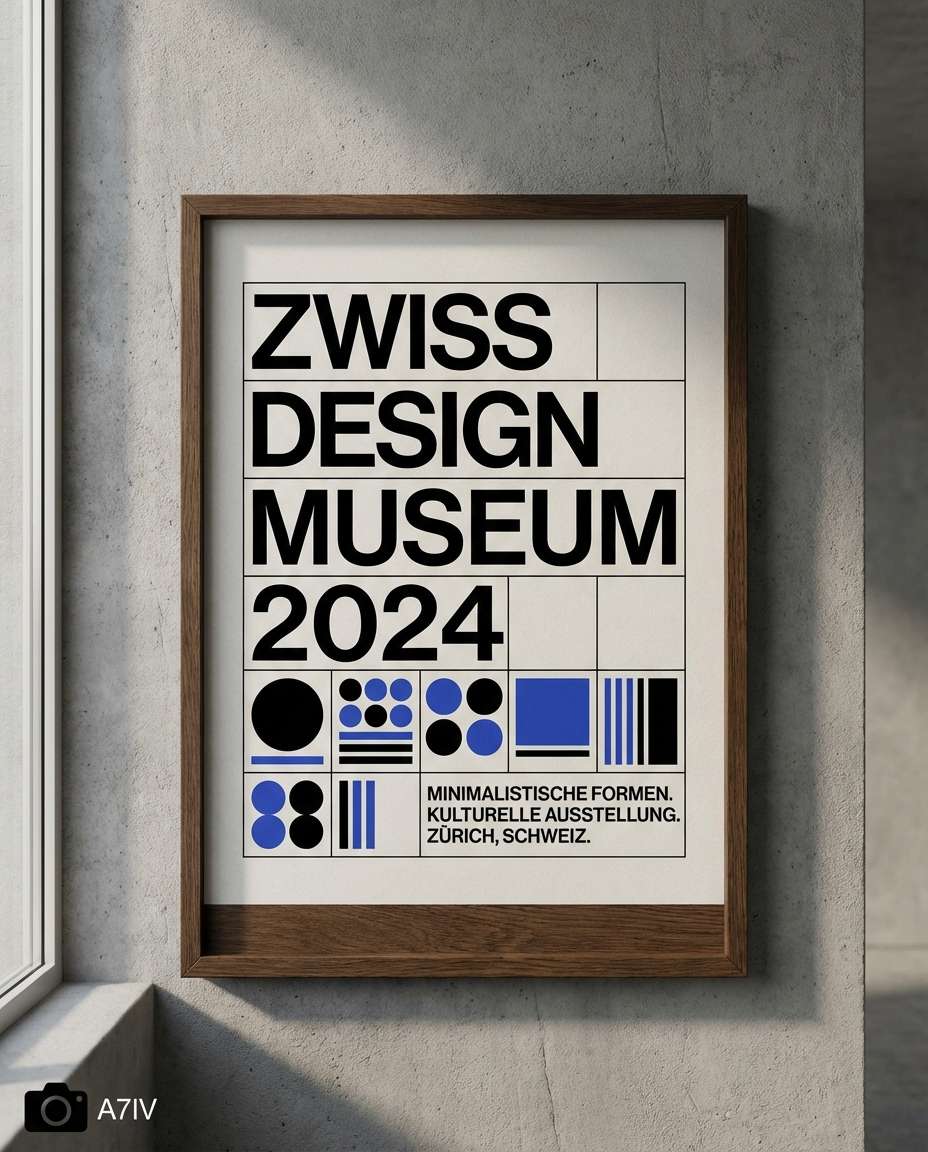
Swiss Tech Poster
A photorealistic framed Swiss-style graphic design poster mockup on a concrete gallery wall, bold sans-serif typography, strict grid layout, black and cobalt palette, minimal geometric shapes, clean negative space, subtle paper texture, soft side window light, shot on Sony A7IV 50mm, straight-on perspective, sharp focus, editorial design presentation --ar 4:5
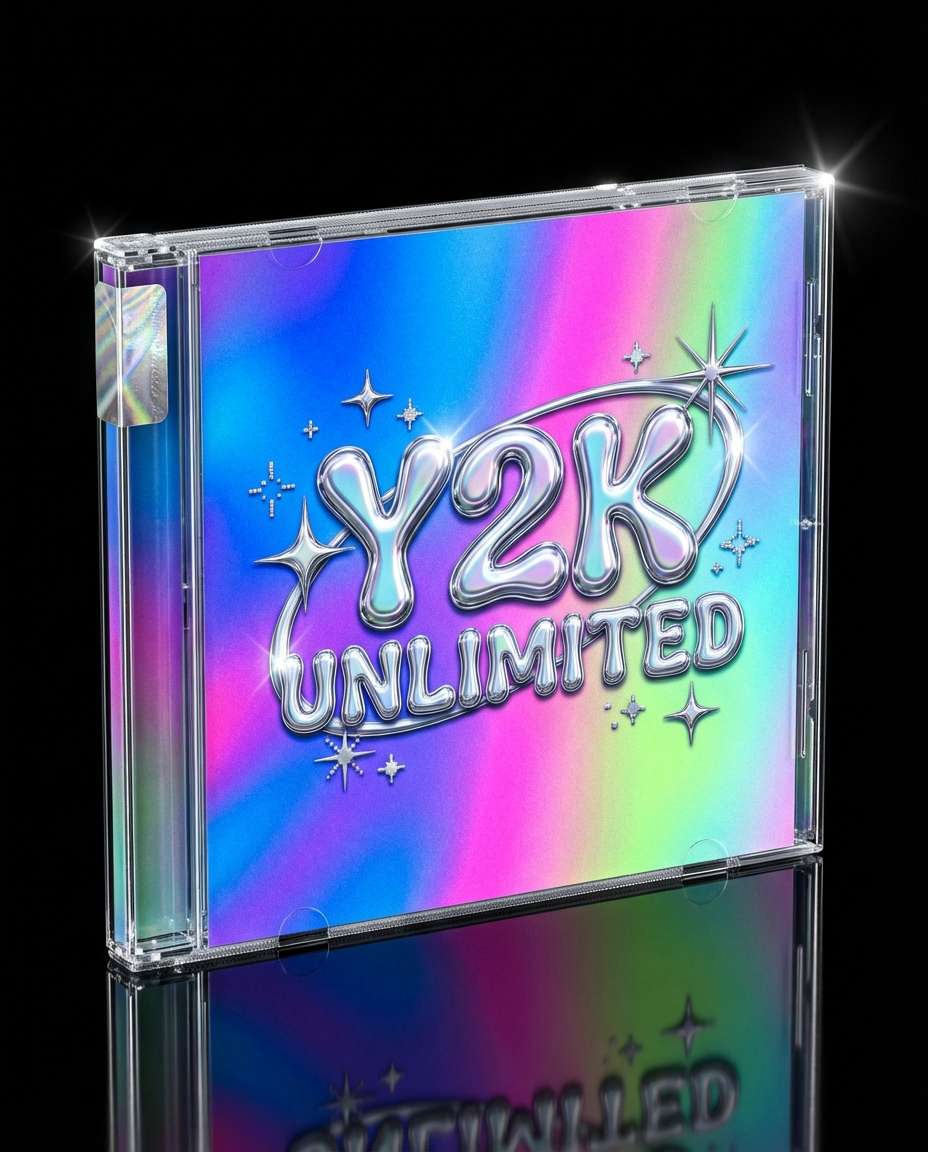
Y2K Album Cover
A photorealistic CD jewel case mockup featuring a Y2K graphic design album cover, chrome bubble typography, iridescent gradient background, glossy highlights, tiny starbursts and sparkles, high-contrast color pop, placed on reflective acrylic surface, studio lighting with specular reflections, shot on Canon R5 85mm, premium product photo look --ar 4:5
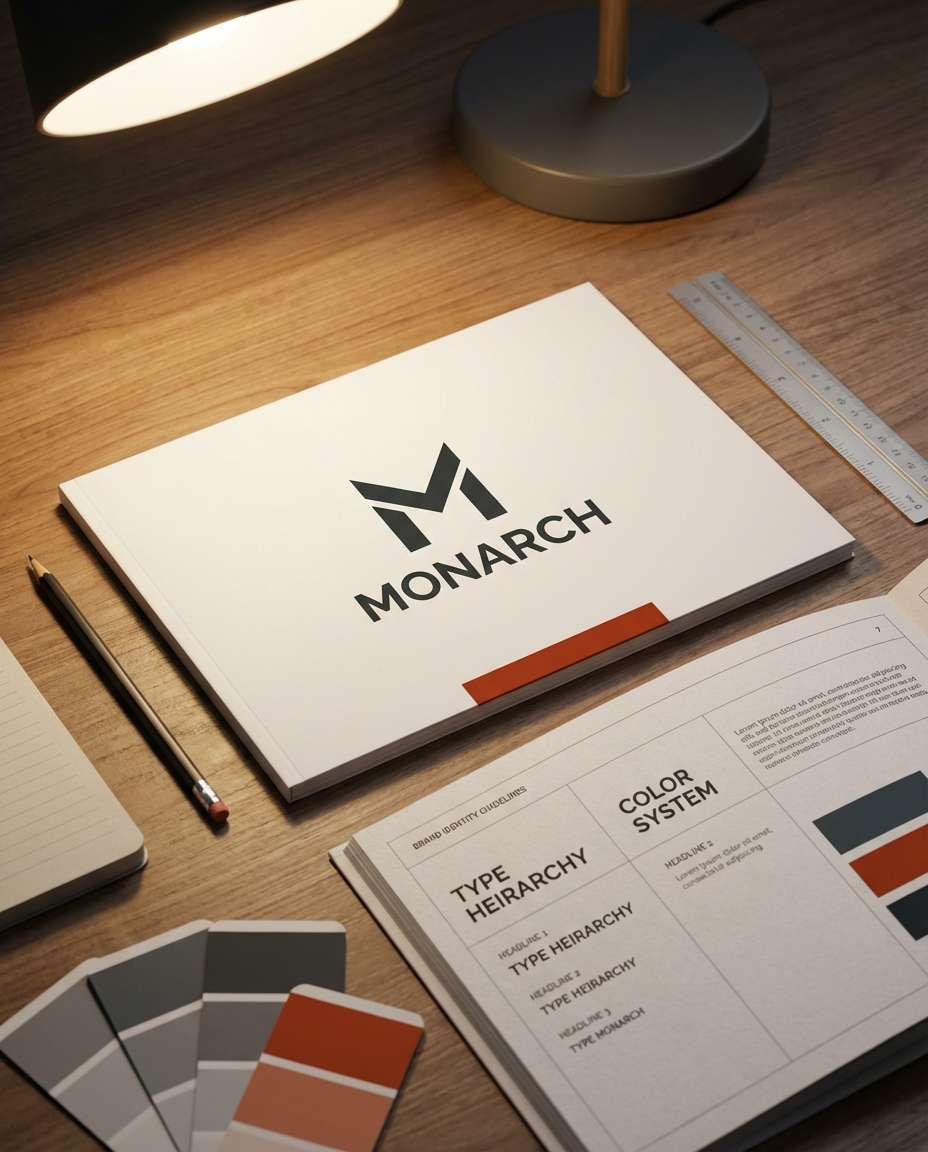
Logo Guideline Booklet
A photorealistic brand identity guidelines booklet on a designer desk, cover shows a minimalist logo mark and wordmark system, monochrome palette with one accent color, clean typographic hierarchy, grid-based layout, surrounding tools like a pencil and color swatches, warm desk lamp lighting, shot on Nikon Z7II 35mm, crisp print texture detail --ar 4:5
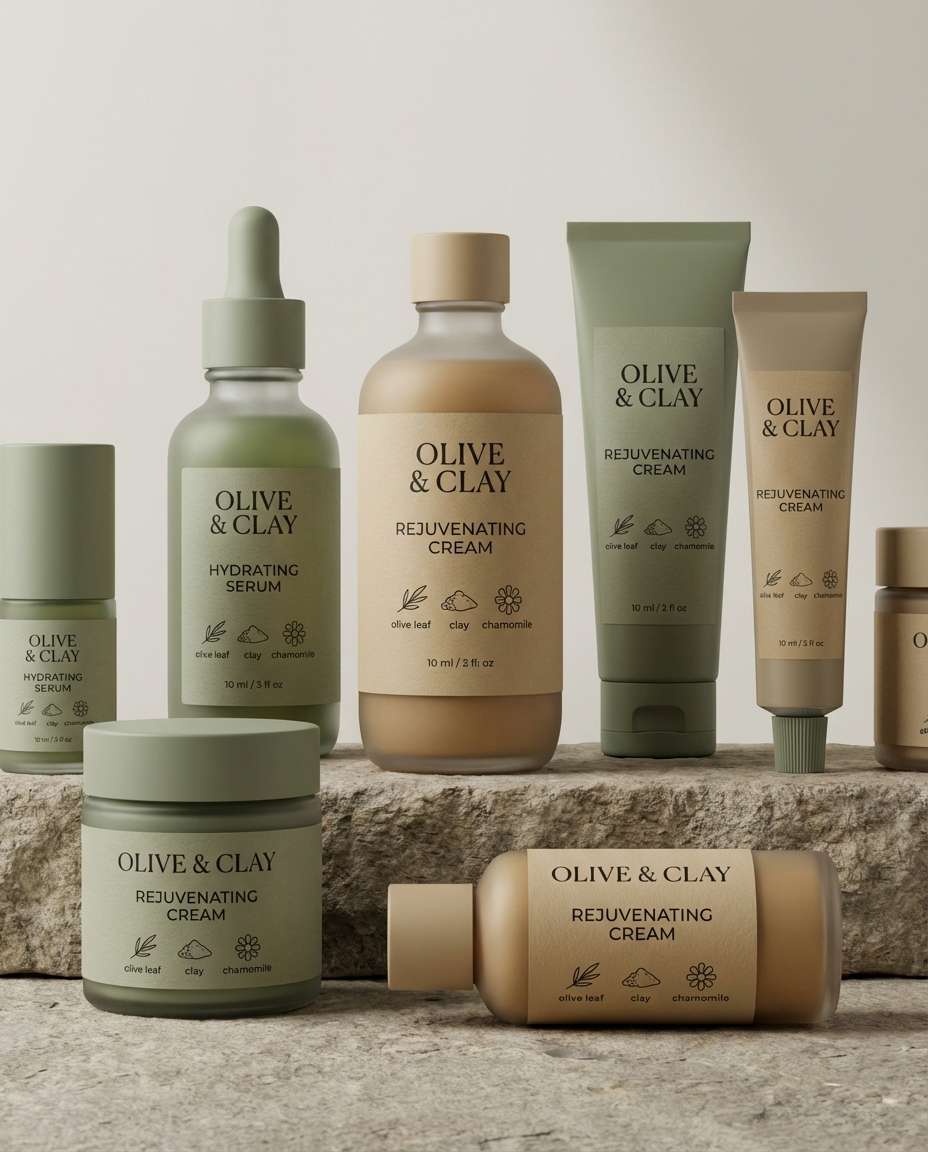
Eco Skincare Labels
Photorealistic cosmetic packaging design mockup of eco skincare bottles and jars with matching labels, modern serif and sans typography pairing, earthy sage and sand palette, ingredient icons, lots of whitespace, matte paper label texture, arranged in a clean studio still life, softbox lighting, shot on Sony A7R IV 85mm, high-end brand presentation --ar 4:5
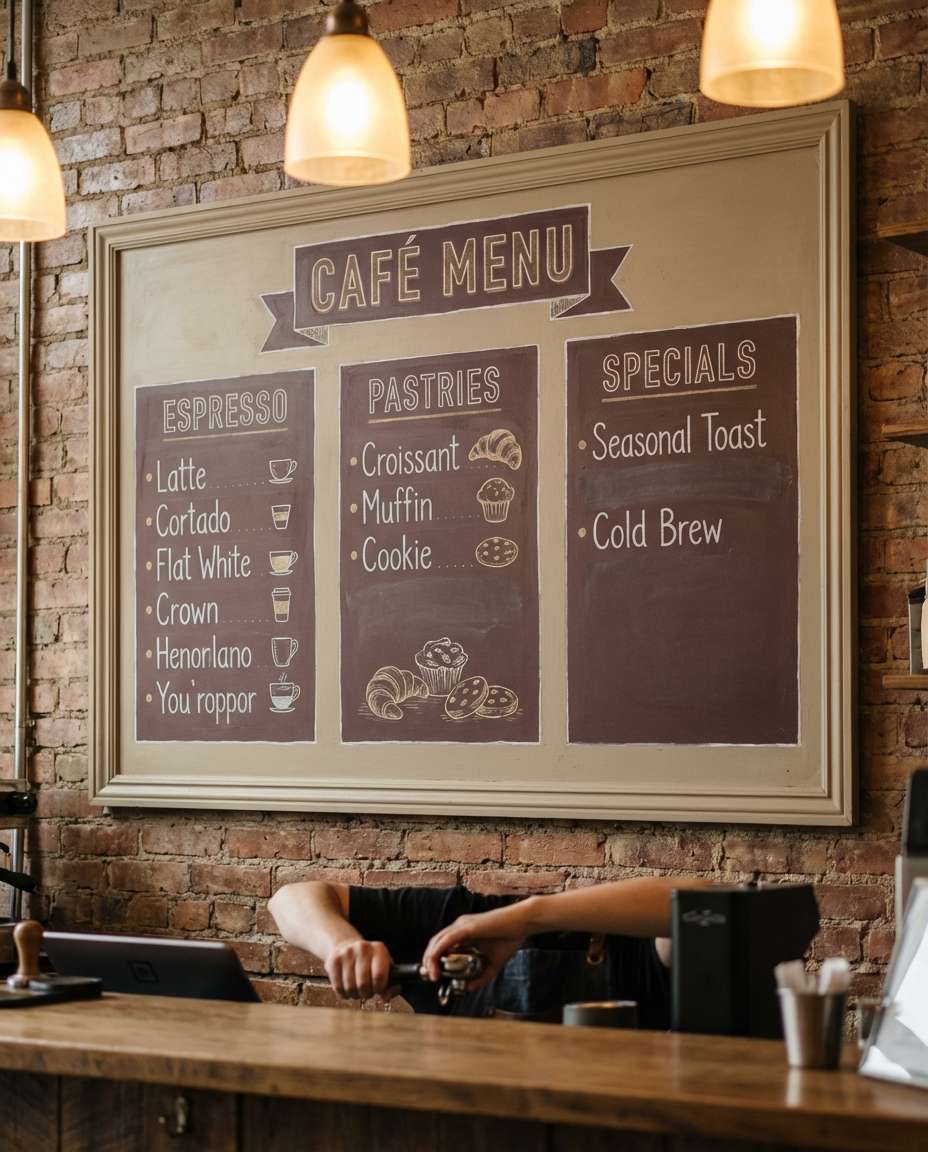
Coffee Shop Menu
A photorealistic cafe menu board design displayed on a wall above a counter, hand-drawn icon accents, clear typographic sections for espresso, pastries, and specials, warm beige and espresso-brown palette, subtle chalkboard texture, cozy ambient lighting, shot on Fujifilm GFX 50S 45mm, lifestyle brand vibe, readable layout --ar 4:5
Instagram Carousel Template
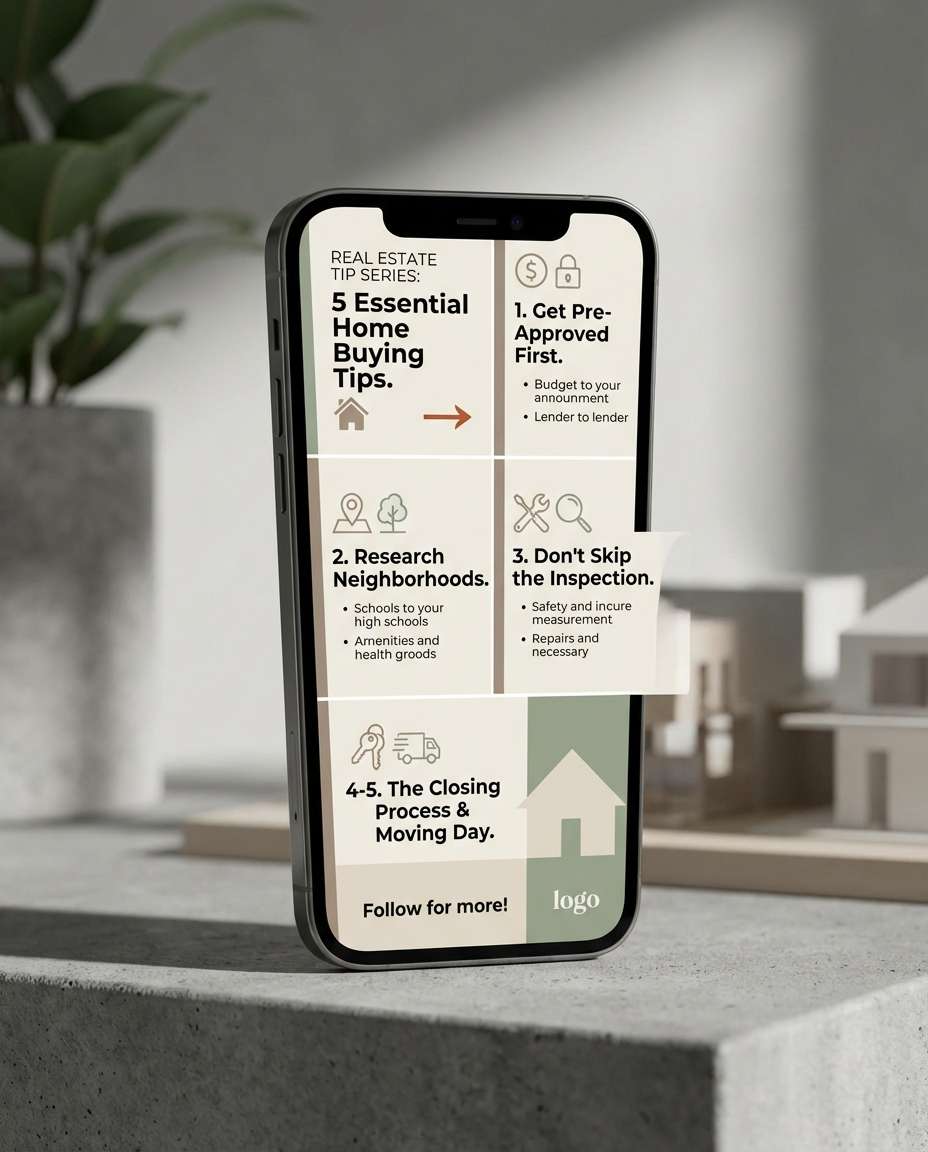
A photorealistic smartphone mockup showing a 5-slide Instagram carousel graphic design template for a real estate tip series, clean modular layout, bold headline type, icon bullets, neutral palette with one bright accent, consistent margins, modern drop shadows, shot on iPhone-style product photo setup, soft studio lighting, crisp screen detail, 85mm lens, shallow depth of field --ar 4:5
YouTube Thumbnail Set
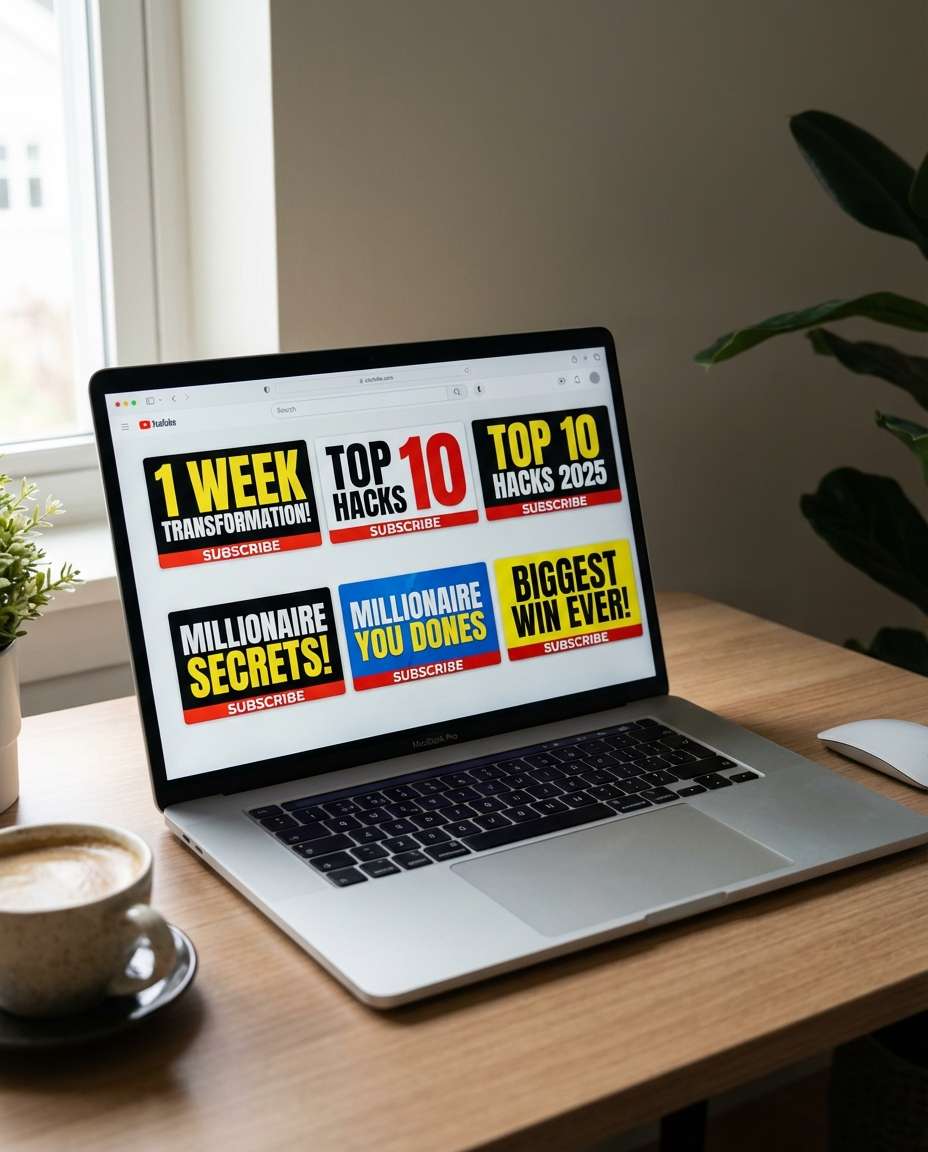
A photorealistic laptop screen mockup displaying a cohesive set of 6 YouTube thumbnail designs, bold high-contrast typography, oversized numbers, attention-grabbing color blocks, consistent branding strip, subtle grain, designed for maximum click-through, desk environment with soft daylight, shot on Sony A7IV 35mm, sharp screen reflection control --ar 4:5
Podcast Cover Art
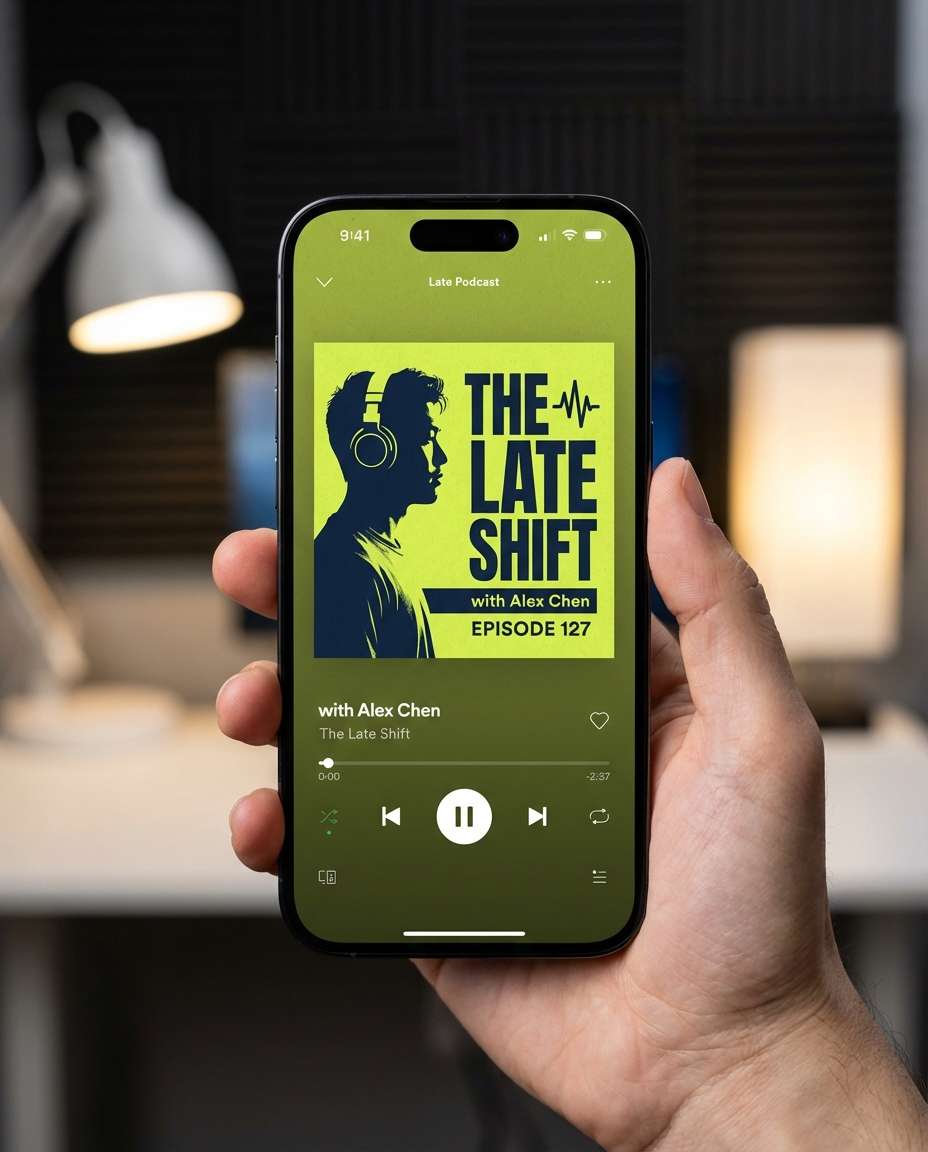
A photorealistic podcast cover graphic design shown on a phone music app interface, strong typographic lockup, simple symbol mark, duotone portrait silhouette, deep navy and neon lime palette, clean alignment, subtle texture overlay, studio-lit phone mockup with shallow depth of field, shot on Canon R6 85mm, modern and premium, soft cinematic lighting --ar 4:5
Street Flyer In Hand
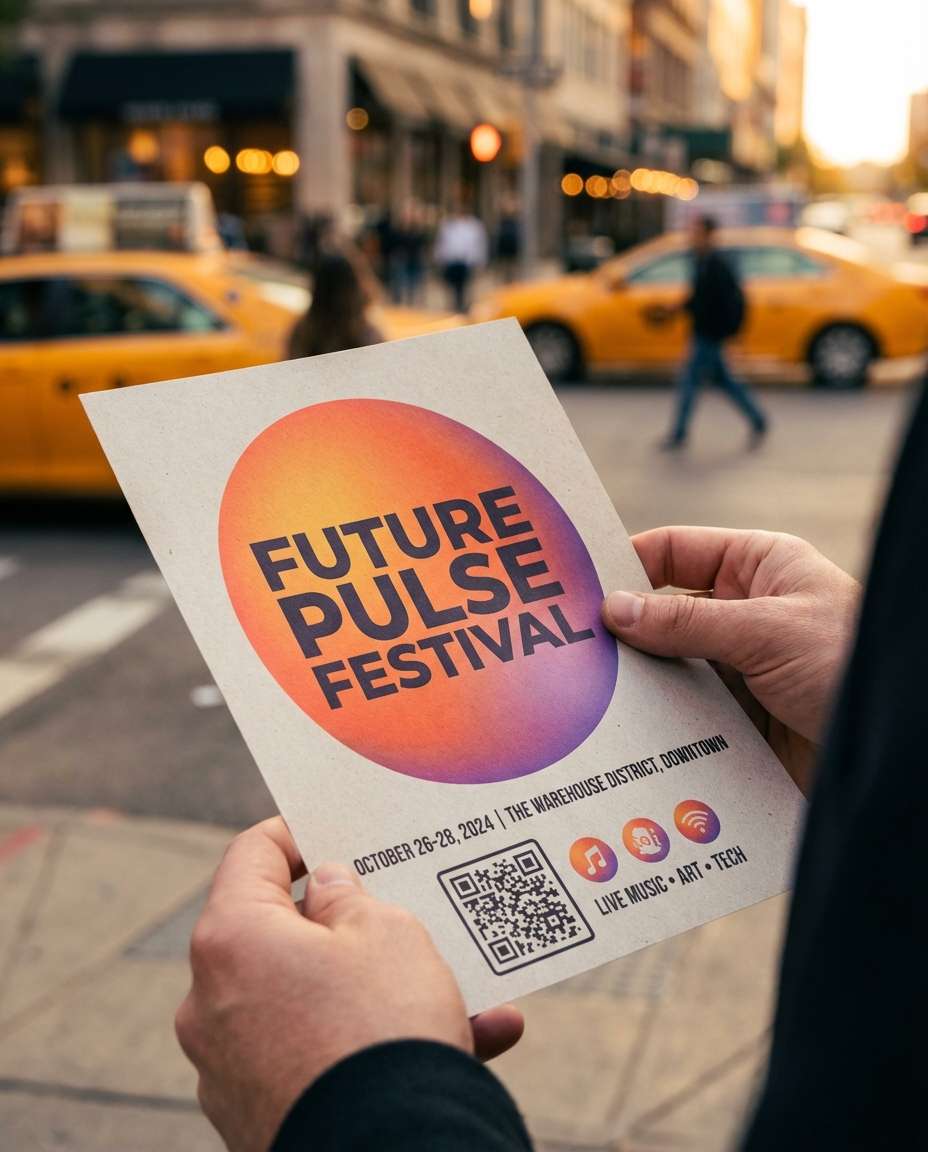
A photorealistic scene of a person holding a modern event flyer design on a city street, bold headline typography, gradient orb background, clear date and venue hierarchy, QR code area, paper stock visible, golden hour light, candid angle, shot on Sony A7III 50mm f/1.8, realistic motion blur in background, sharp flyer focus --ar 4:5
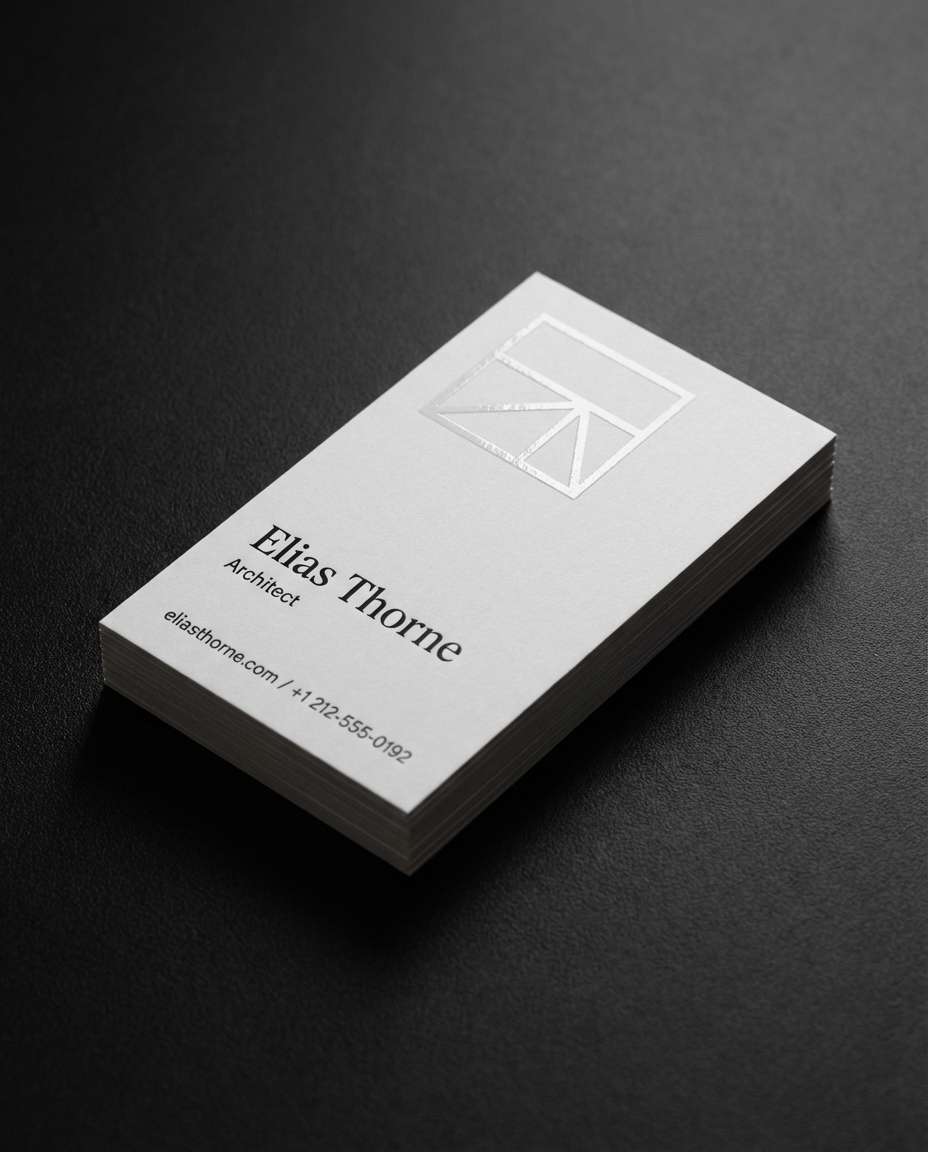
Business Card Stack
A photorealistic business card mockup stack on a matte black desk, clean logo mark, modern serif name typography, minimal contact layout, spot UV gloss on the logo, soft shadows, high-end print finishing, studio lighting with gentle falloff, shot on Nikon D850 105mm macro, ultra crisp edges and texture --ar 4:5
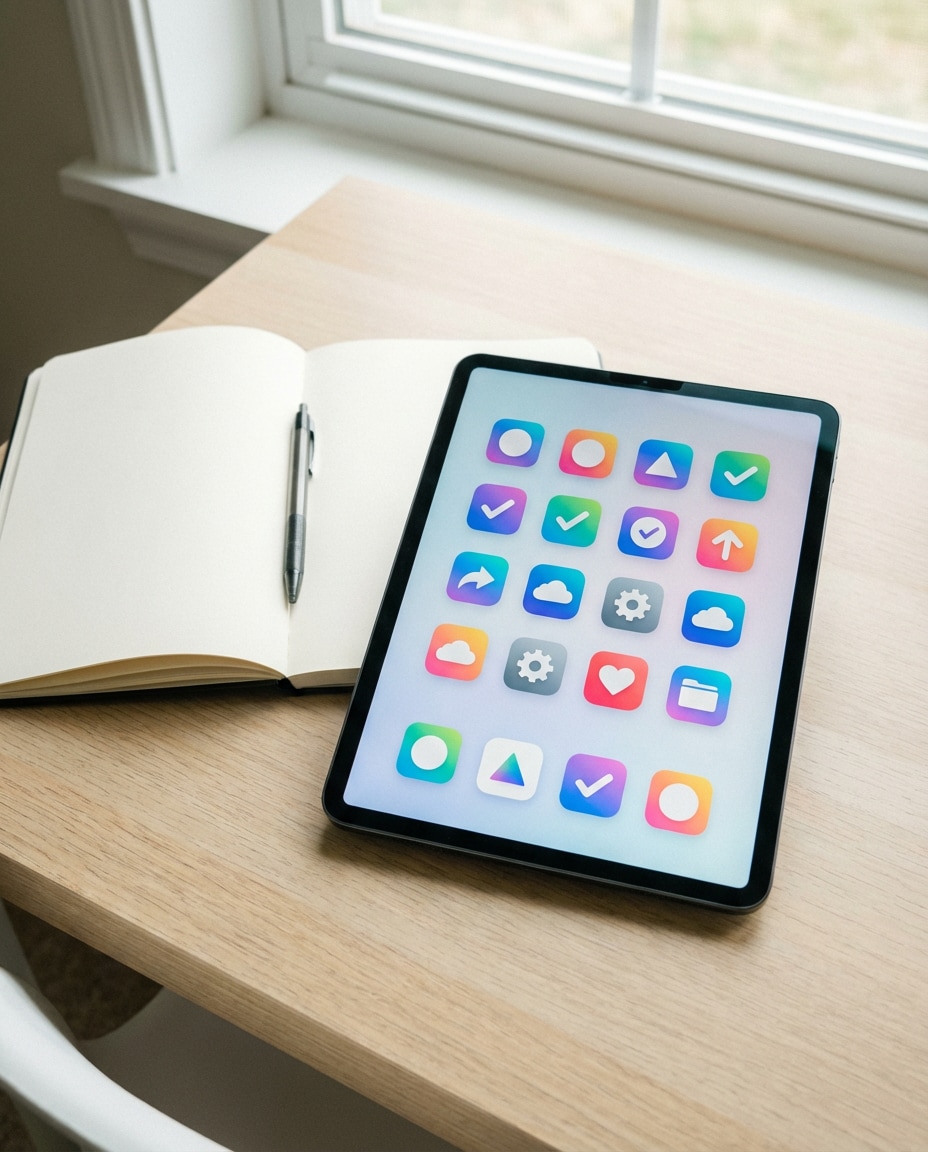
App Icon Grid
A photorealistic presentation of a mobile app icon set in a neat grid, consistent rounded-square shape, vibrant gradient palette, simple geometric symbols, shown on a tablet screen mockup beside a notebook, soft daylight, shot on Fujifilm X-T5 35mm, clean product design aesthetic, high clarity --ar 4:5
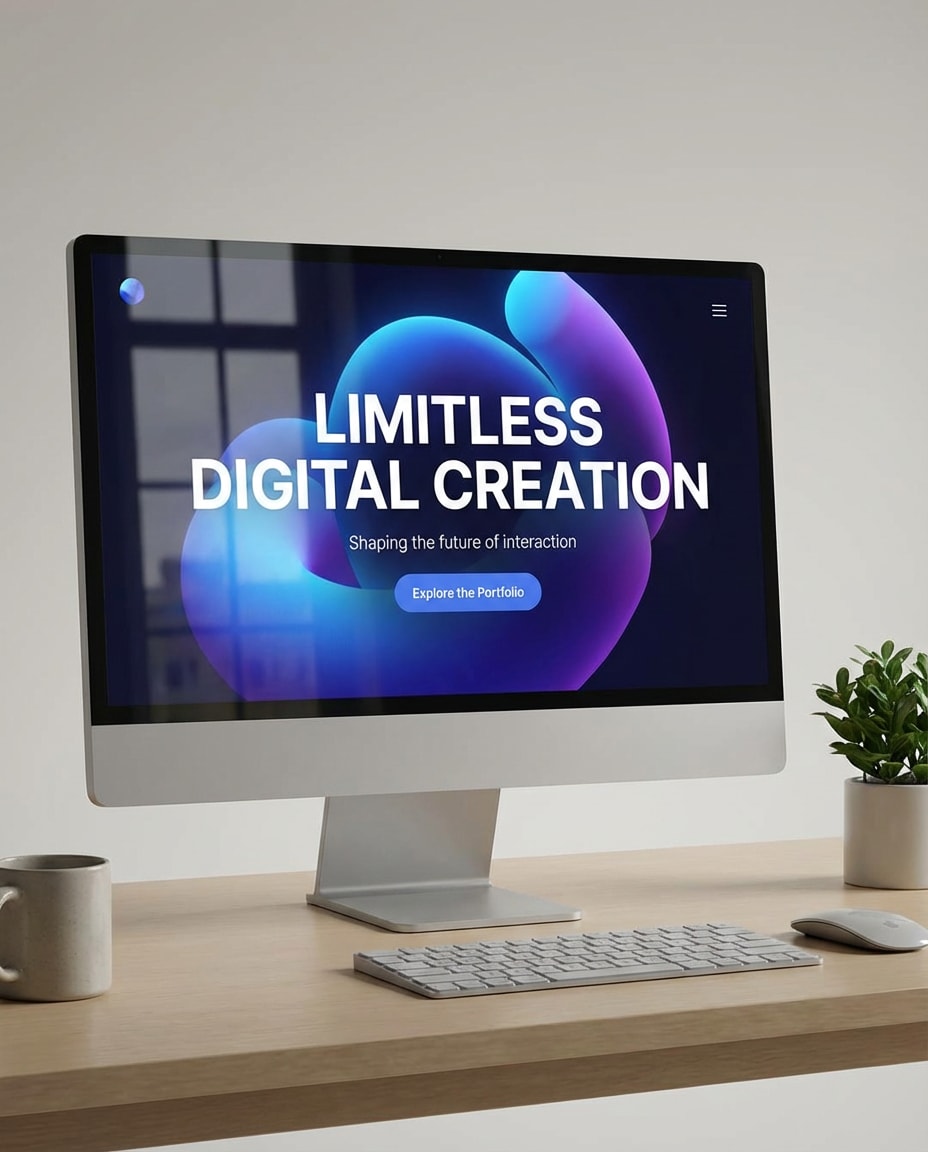
Landing Hero Mockup
A photorealistic desktop monitor mockup featuring a modern website hero section design, bold headline, clean subhead, CTA button, abstract 3D gradient shapes, generous whitespace, responsive layout hints, desk setup with minimal props, soft studio lighting, shot on Canon R5 50mm, sharp UI details and realistic reflections --ar 4:5
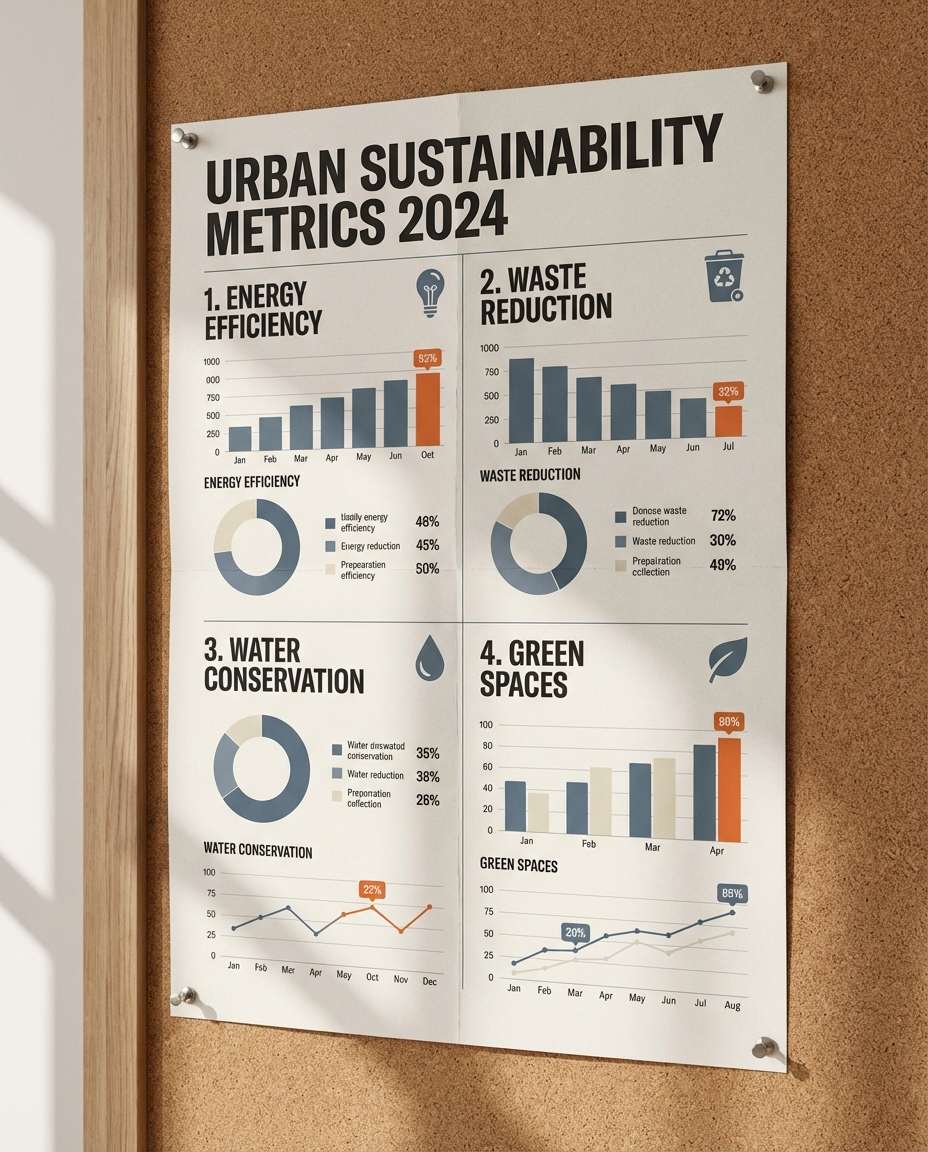
Data Infographic Poster
A photorealistic infographic poster design pinned to a wall, clear charts and icons, strong typographic hierarchy, limited color palette with one accent, grid-aligned sections, legible labels, subtle paper grain, soft side lighting, shot on Sony A7R IV 50mm, documentary-style design presentation with crisp readability --ar 4:5
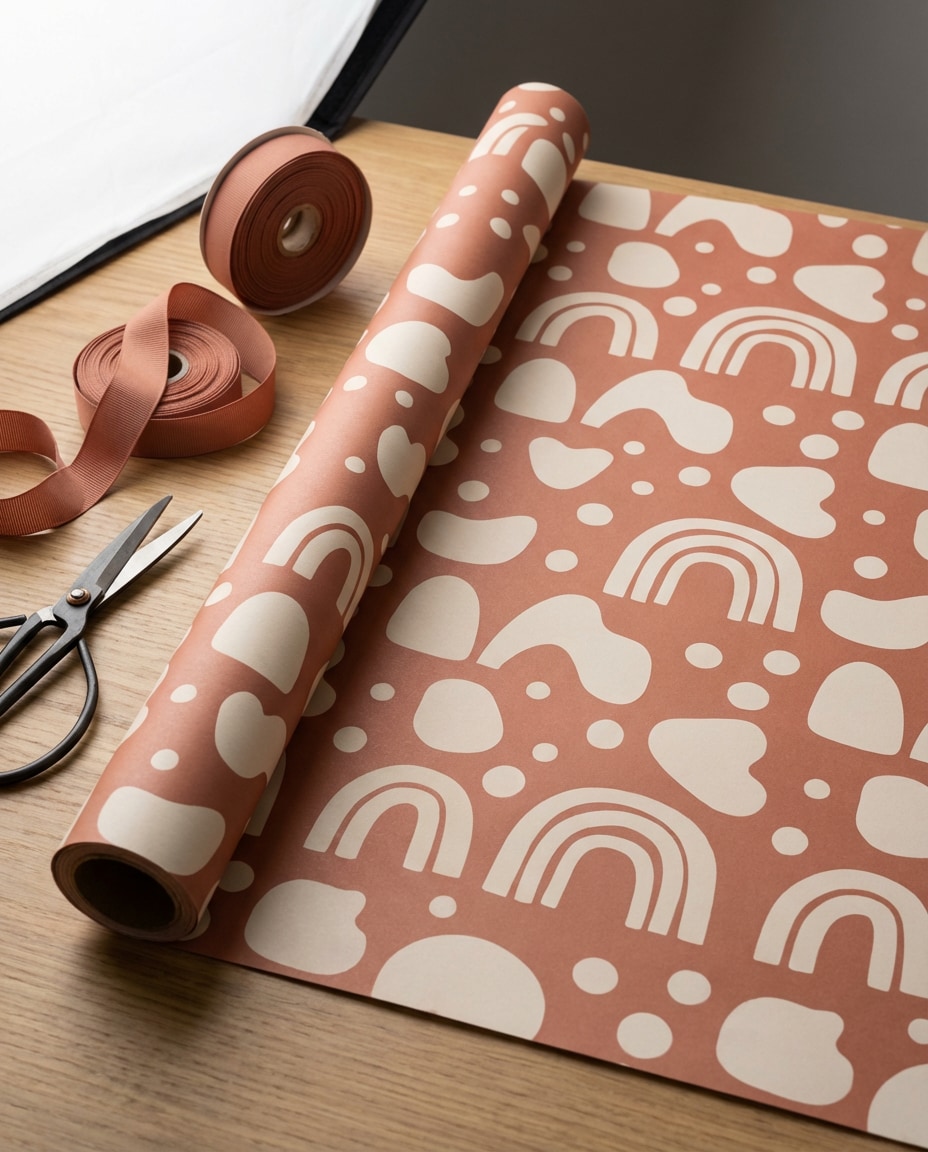
Wrapping Paper Pattern
A photorealistic roll of wrapping paper showing a seamless repeating pattern design, modern playful shapes, two-tone palette, consistent spacing, clean vector look printed on matte paper, arranged on a studio table with ribbon, softbox lighting, shot on Nikon Z8 50mm, high detail texture and pattern continuity --ar 4:5
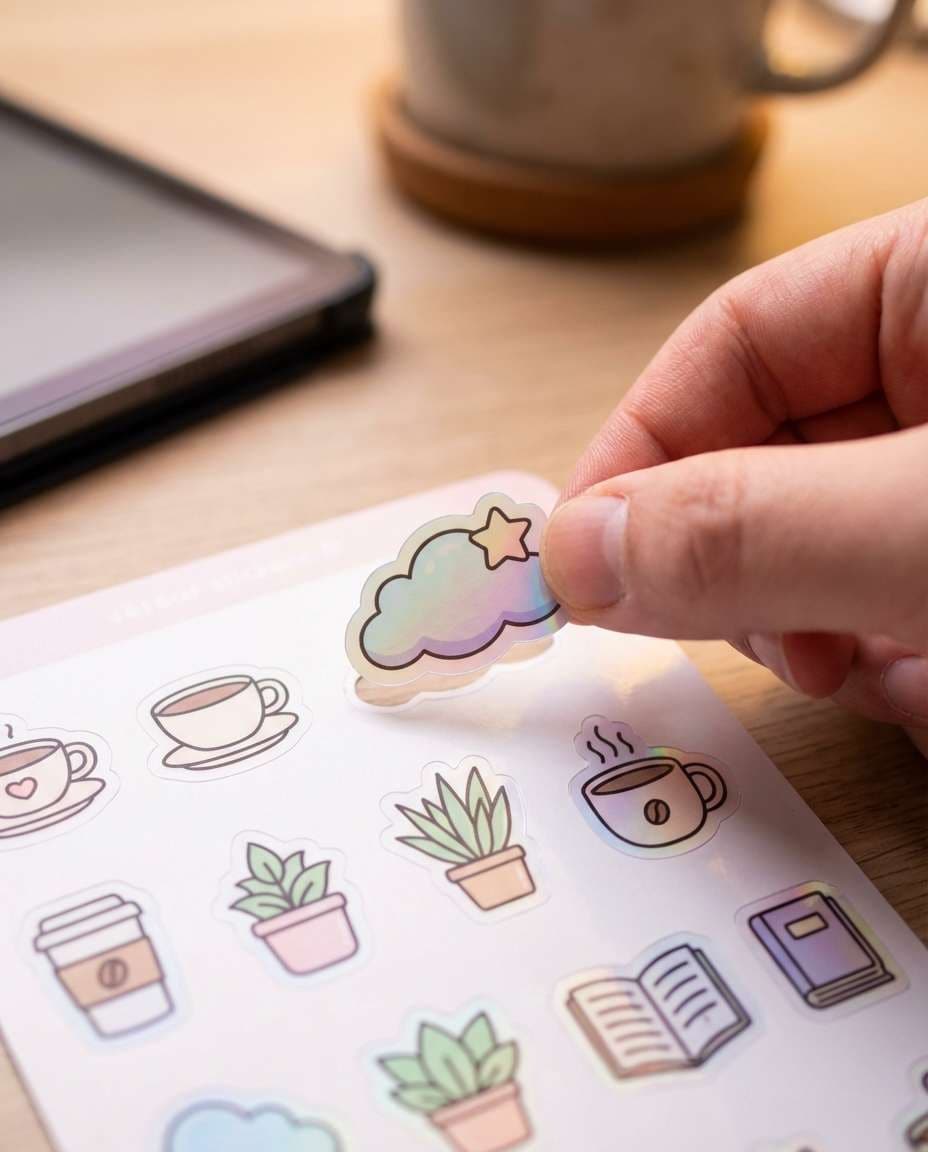
Sticker Sheet Peel
A photorealistic close-up of a hand peeling a die-cut sticker from a sticker sheet design, cute icon set with consistent outline stroke, pastel palette, white border stickers, subtle holographic laminate sheen, desk surface and tablet nearby, shot on Canon R6 100mm macro, sharp focus on sticker edge and texture, soft cinematic lighting --ar 4:5
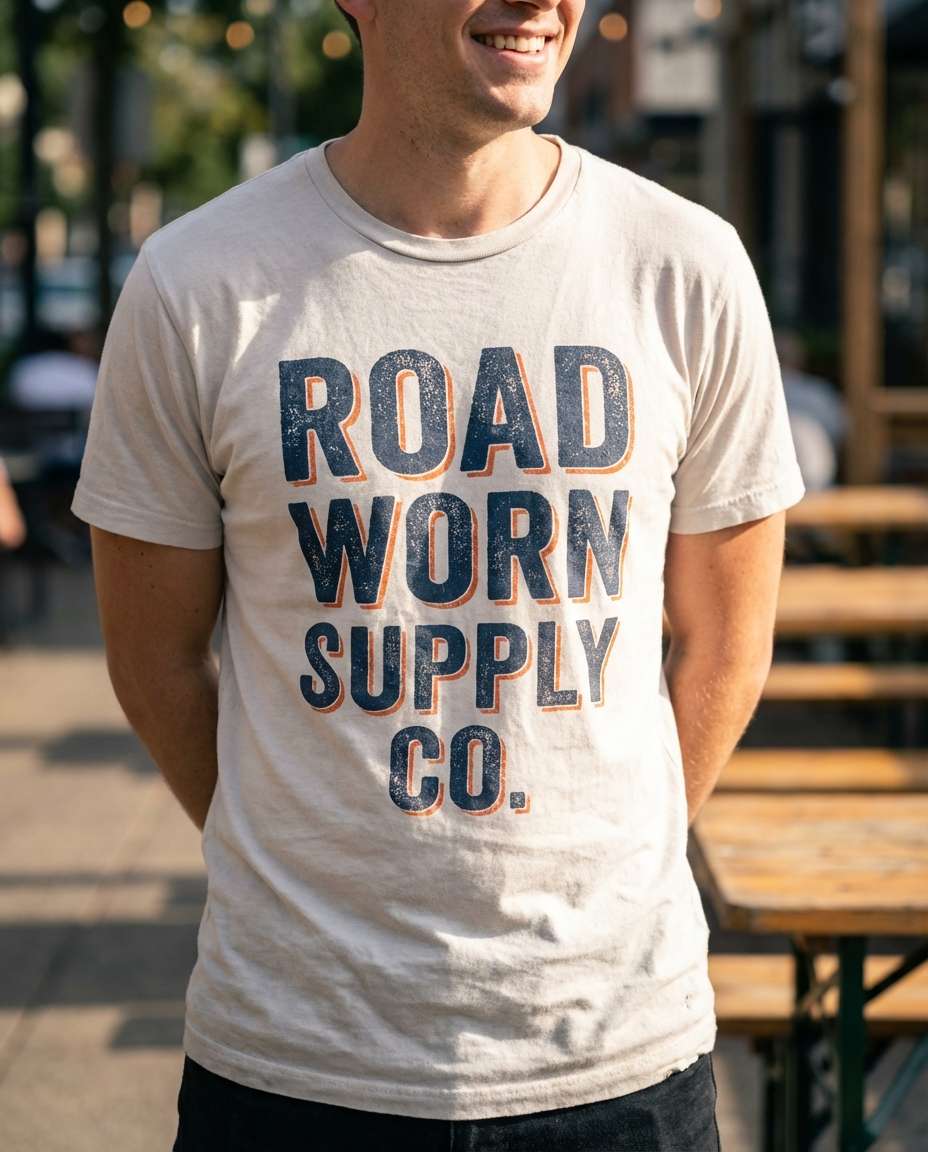
T-Shirt Graphic Mockup
A photorealistic torso-up lifestyle shot of a person wearing a t-shirt with a bold typographic graphic design print, vintage inspired distressed ink texture, strong center alignment, limited color screenprint look, natural outdoor light, shallow depth of field, shot on Sony A7IV 85mm f/1.4, crisp fabric folds and print realism --ar 4:5
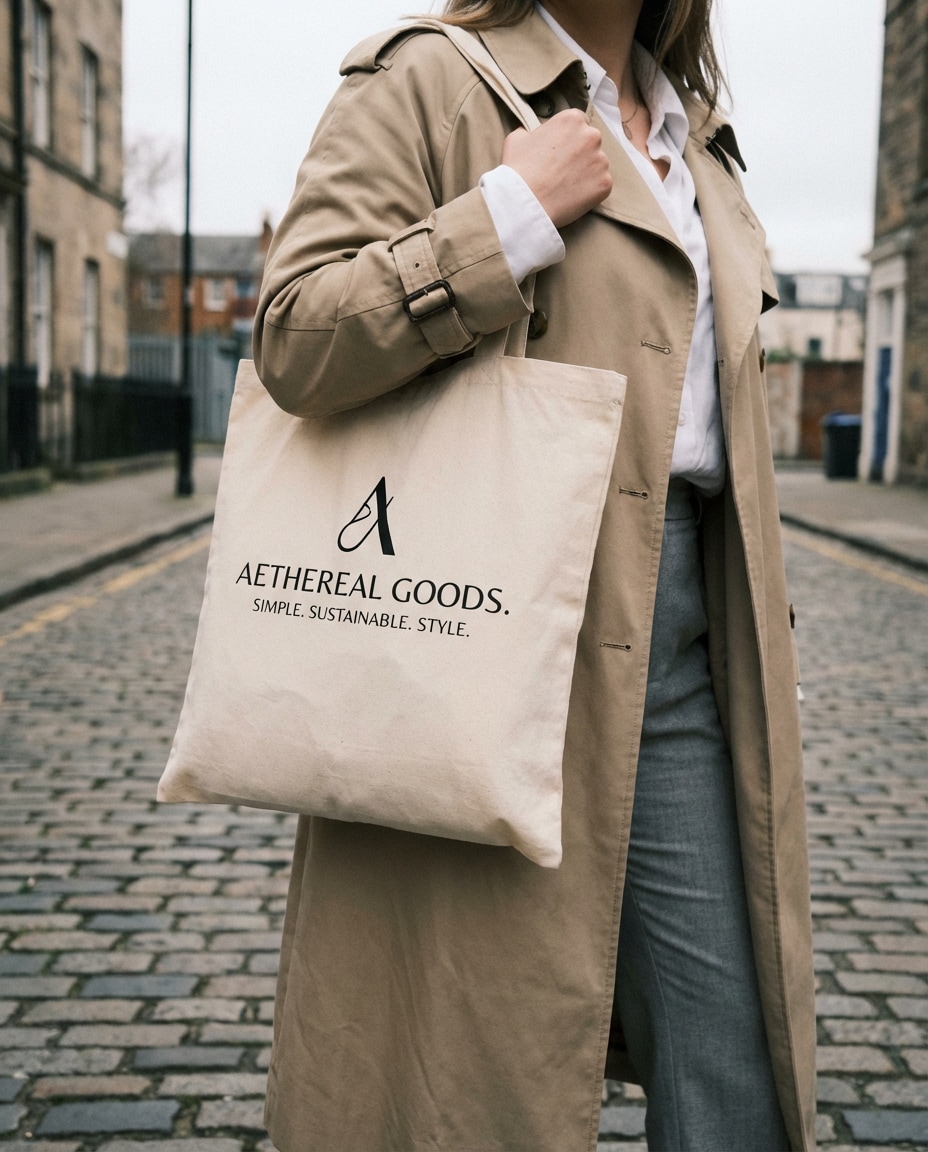
Tote Bag Branding
A photorealistic street-style shot of a person carrying a canvas tote bag with minimalist brand mark and tagline design, black ink print, clean spacing, modern serif typography, neutral outfit styling, soft overcast lighting, shot on Fujifilm X100V 35mm equivalent, candid composition, premium lifestyle brand feel --ar 4:5
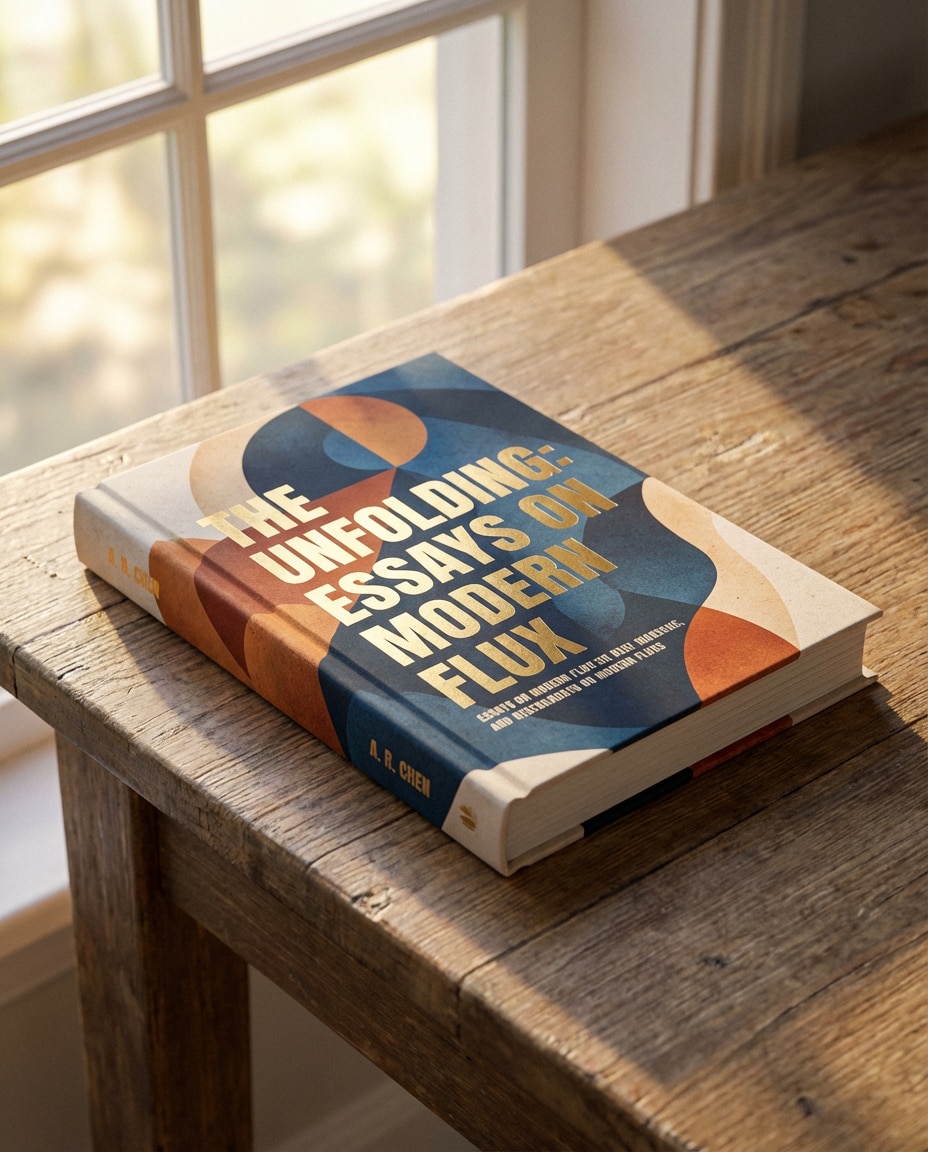
Book Cover Mockup
A photorealistic hardcover book mockup featuring a contemporary book cover graphic design, bold title typography, abstract shapes, subtle grain overlay, cohesive spine design, placed on a wooden table with soft window light, shot on Nikon D850 50mm, sharp focus on cover texture and foiled title accents --ar 4:5
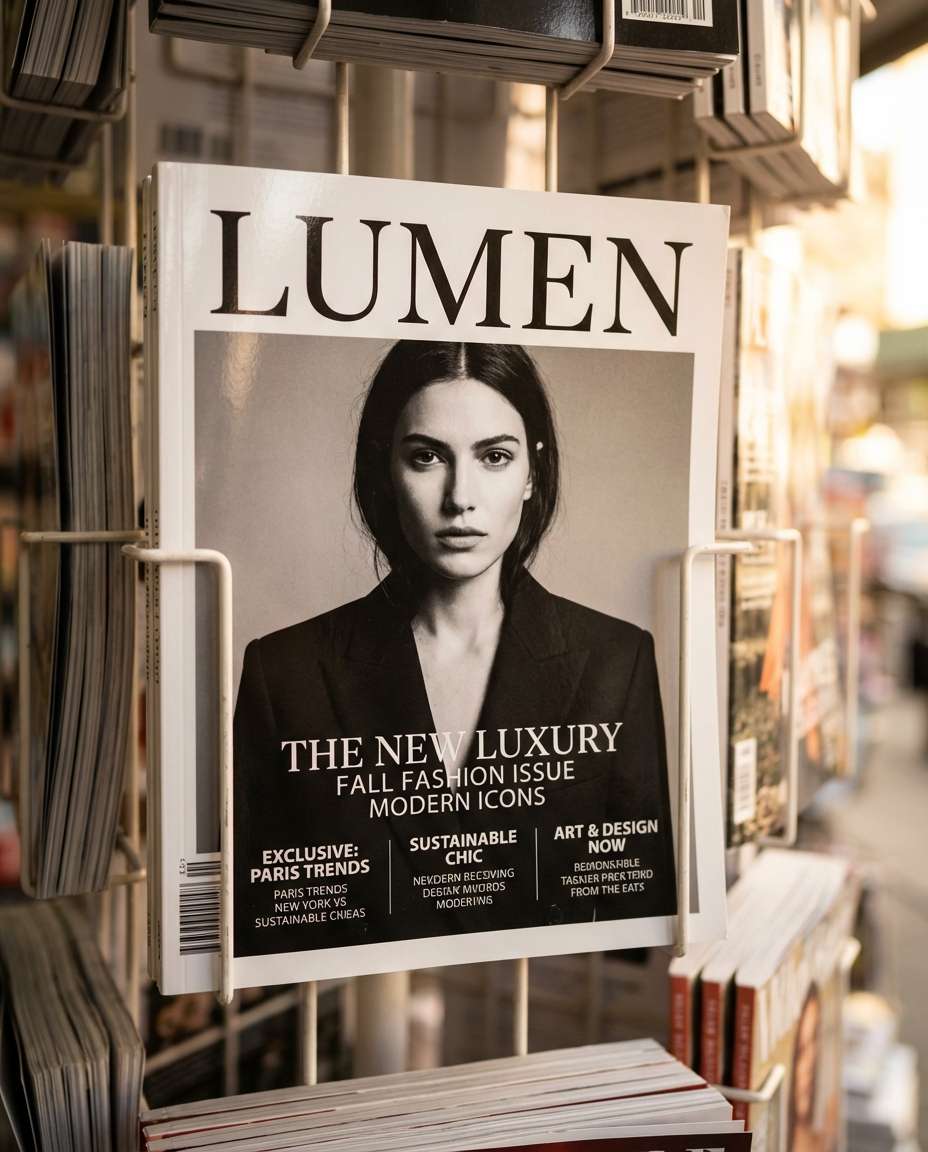
Magazine Cover Stand
A photorealistic magazine cover design displayed on a retail stand, strong masthead, clean cover lines, fashion editorial layout, high contrast portrait area reserved with modern type overlays, sophisticated color grading, realistic print sheen, shot on Sony A7R IV 35mm, depth and realism like a real newsstand, soft cinematic lighting --ar 4:5
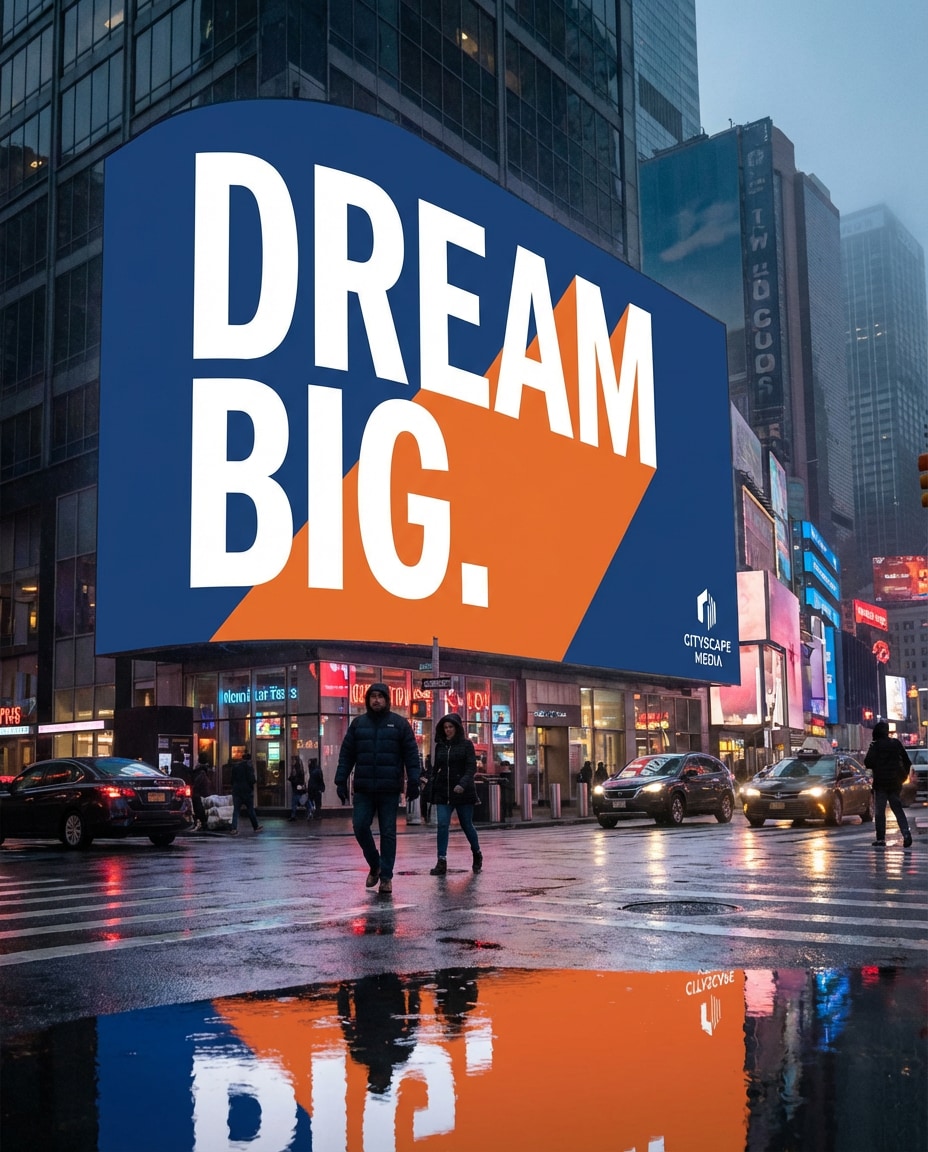
City Billboard Ad
A photorealistic large outdoor billboard mockup in a city scene, bold advertising graphic design with huge typography, minimal message, striking color block background, clean logo placement, dusk lighting with street reflections, shot on Canon R5 35mm, cinematic atmosphere, billboard perfectly readable --ar 4:5
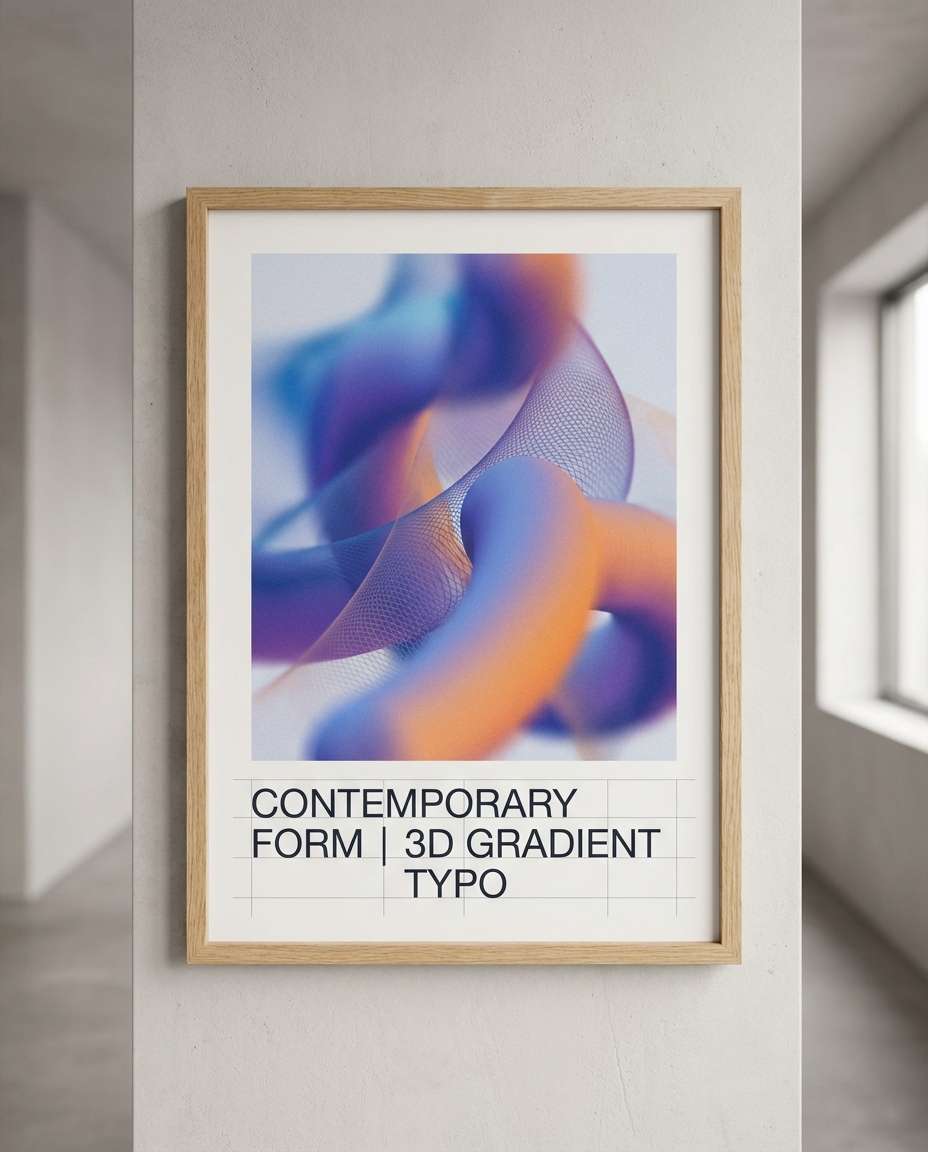
3D Gradient Poster
A photorealistic poster mockup featuring abstract 3D gradient shapes and modern typography, smooth mesh gradients, subtle noise texture, clean grid alignment, placed in a minimalist hallway frame, soft ambient lighting, shot on Sony A7IV 50mm, premium contemporary design showcase --ar 4:5
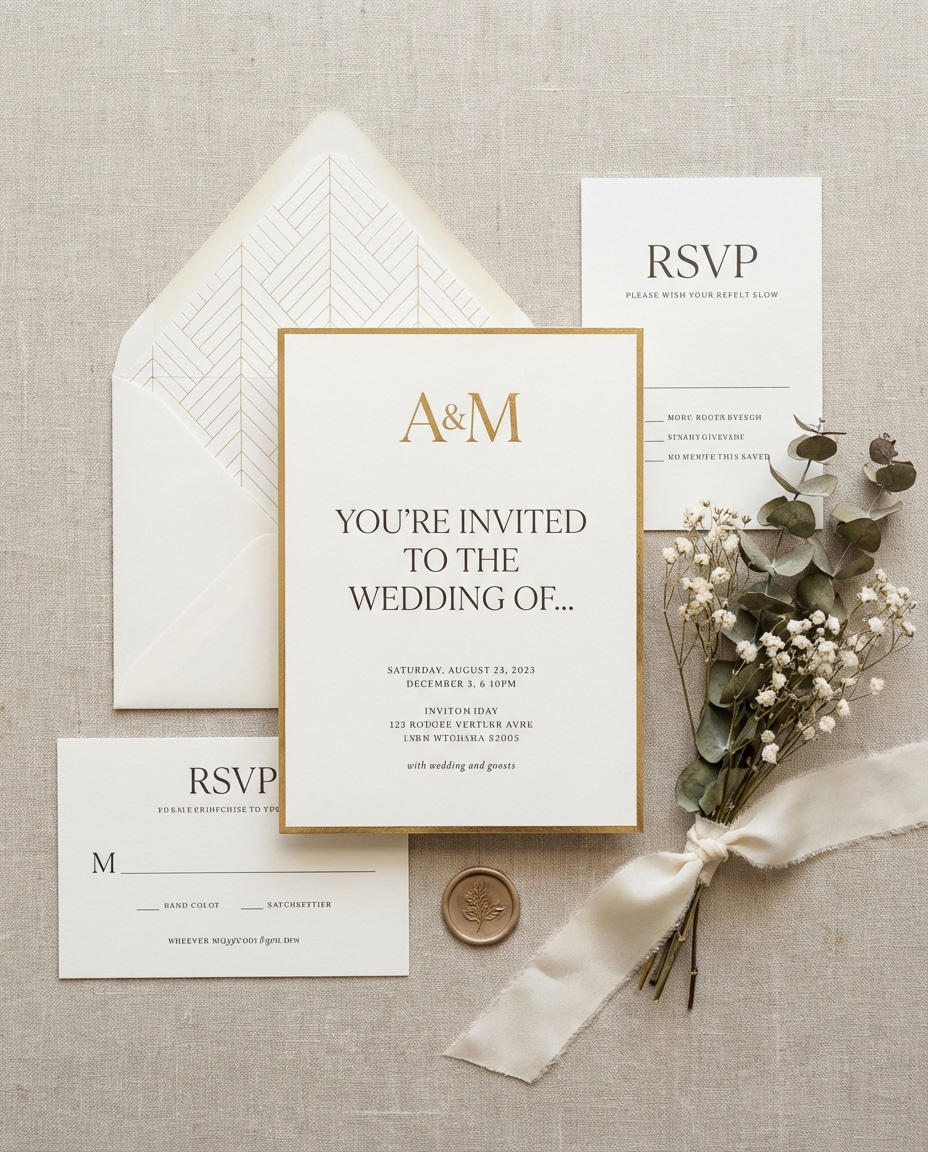
Wedding Invite Suite
A photorealistic flat lay of a wedding invitation suite graphic design, modern minimalist layout, elegant serif typography, monogram, RSVP card, envelope liner pattern, ivory paper with gold foil accents, styled with a ribbon and dried flowers, soft natural light, shot on Nikon Z7II 85mm, crisp detail --ar 4:5
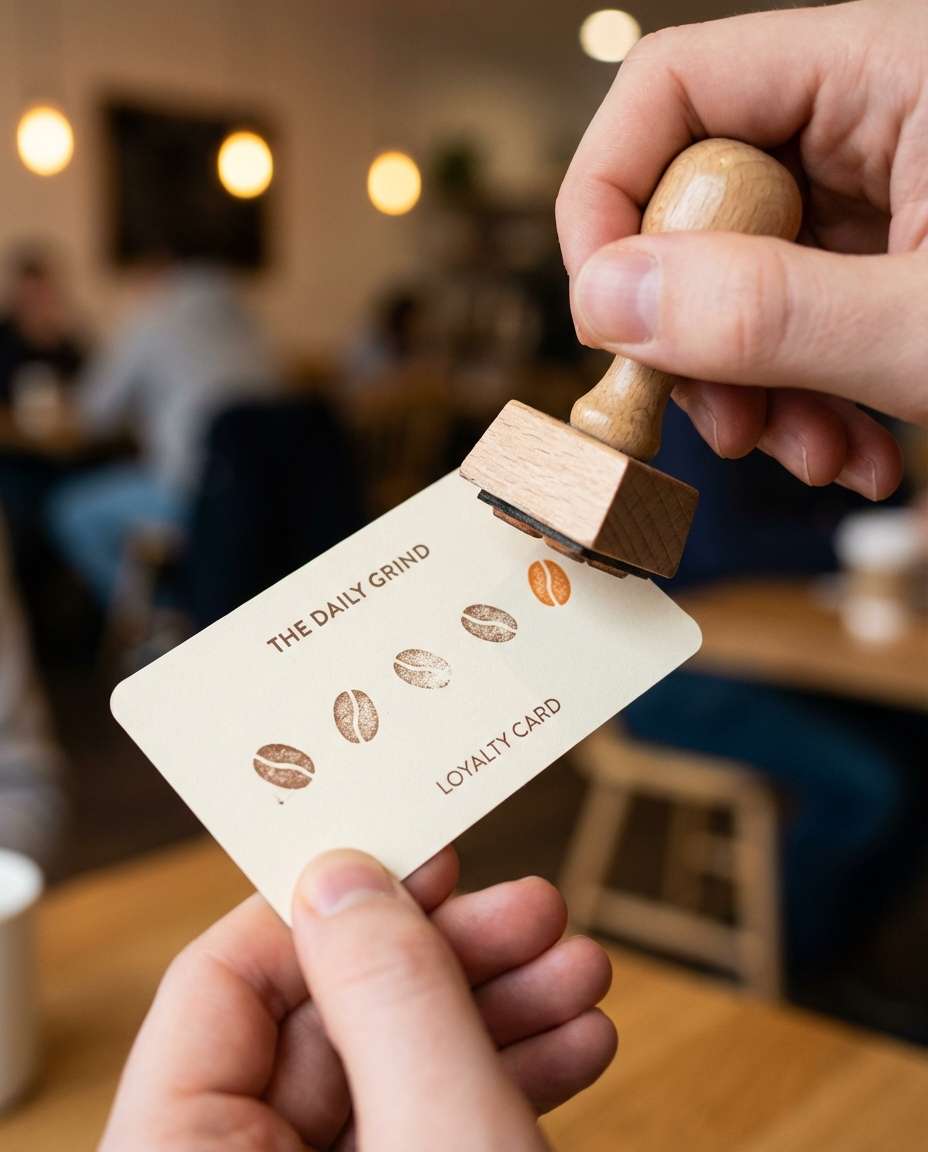
Loyalty Stamp Card
A photorealistic close-up of a hand holding a coffee loyalty card design while stamping it, clean icon system, minimal typography, brand color accent, rounded corners, matte card stock, cozy cafe background bokeh, shot on Canon R6 50mm f/1.8, sharp focus on card and stamp texture, soft cinematic lighting --ar 4:5
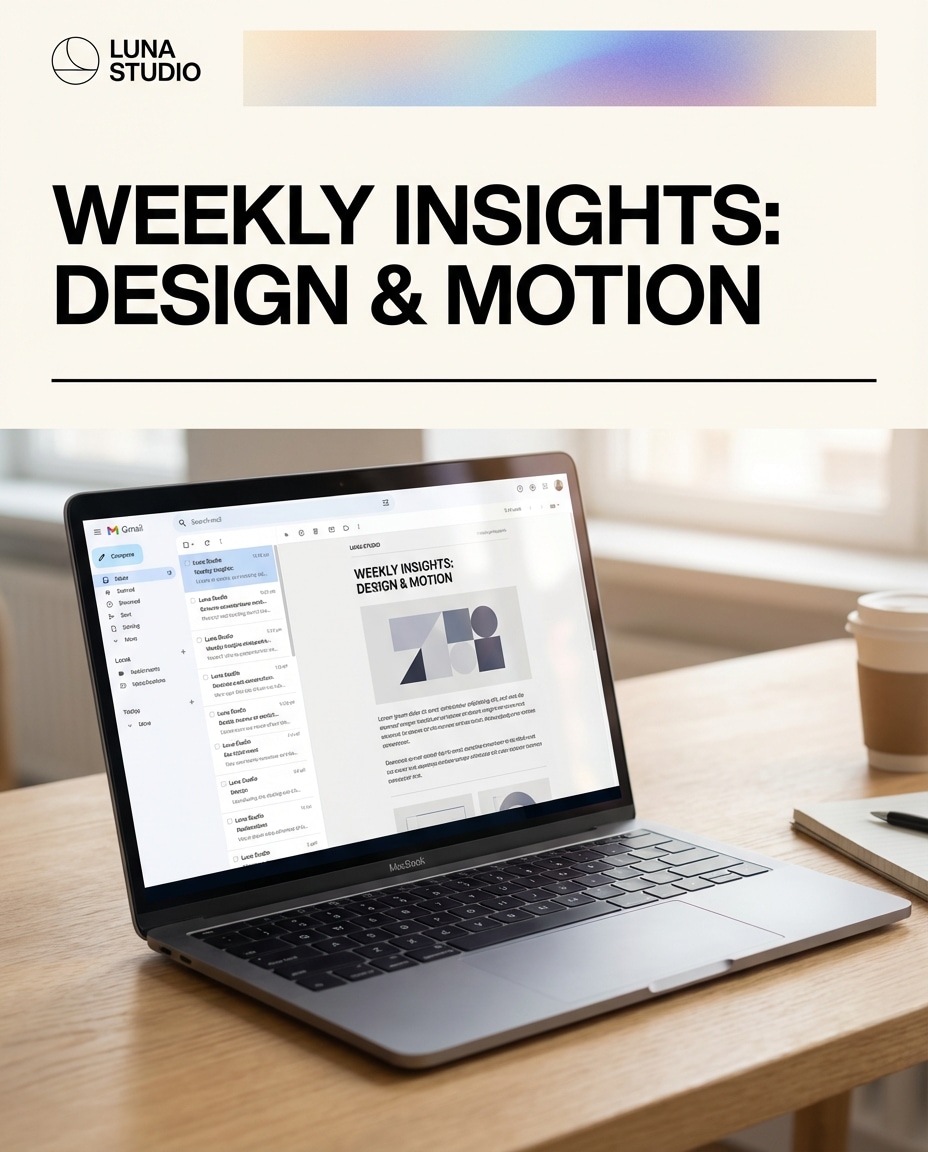
Newsletter Header Design
A photorealistic email client screen mockup showing a newsletter header graphic design, strong typographic headline, clean divider lines, subtle gradient banner, consistent spacing, brand logo top-left, placed on a laptop in a bright workspace, shot on Sony A7III 35mm, realistic screen glow and reflections, soft cinematic lighting --ar 4:5
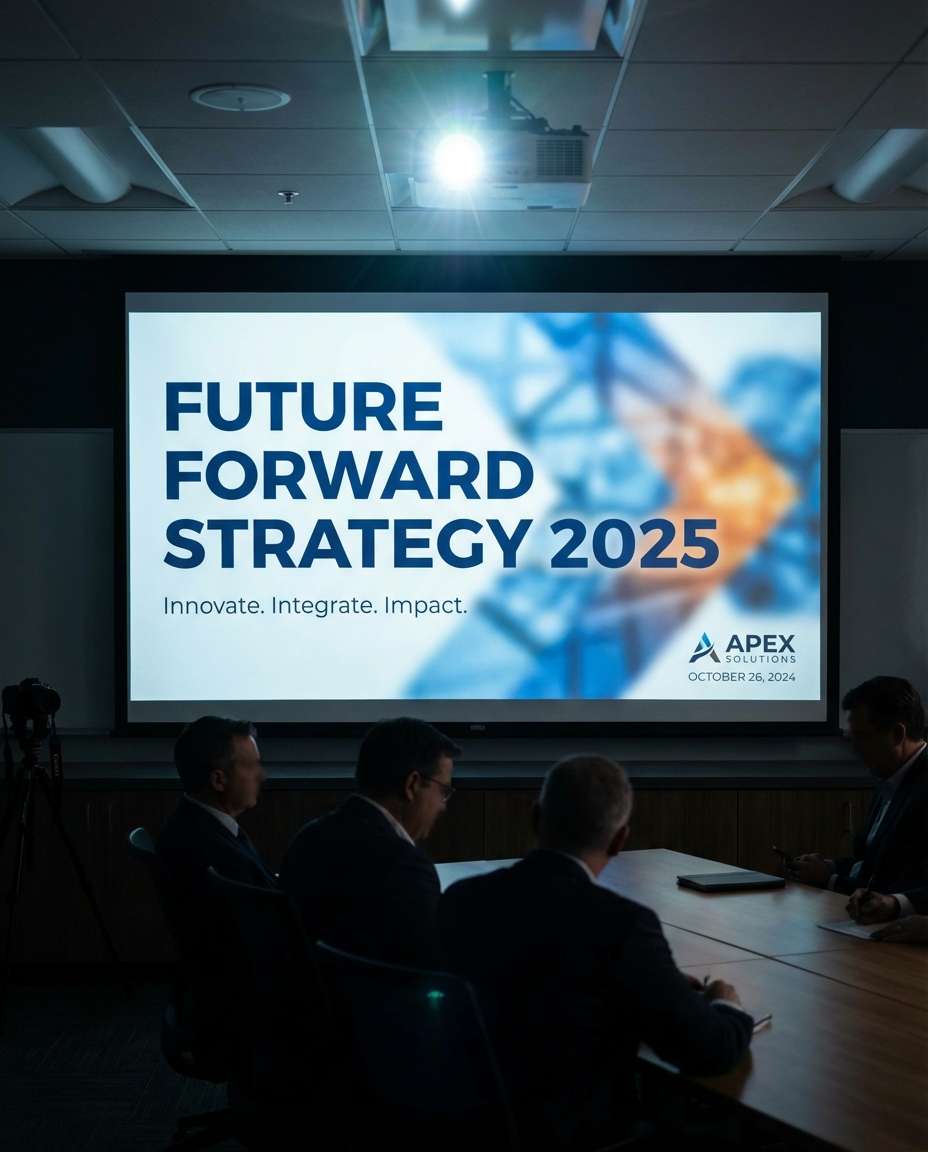
Slide Deck Cover
A photorealistic conference room scene with a projector displaying a presentation cover slide design, bold title typography, modern abstract background, simple subtitle hierarchy, brand logo and date line, dim room lighting with projector glow, shot on Canon R5 35mm, cinematic but readable layout --ar 4:5
Great AI Graphic Design Prompts are specific enough to control layout, but flexible enough to iterate fast. When you are testing copy paste prompts for AI social media graphics, focus on clarity, hierarchy, and a single visual hook. Small prompt edits can shift a design from random to brand-ready.
Prompt Formula (Copy-Paste)
Design type + platform: poster, logo sheet, carousel, thumbnail, packaging mockup
Brand identity: name, vibe keywords, target audience, do and do not list
Typography direction: serif vs sans, weight, spacing, headline to body ratio
Color system: primary, accent, neutrals, gradient notes, contrast requirements
Output finish: paper texture, print effects, mockup scene, lighting, camera angle
Fast Wins for Better Results
Call out hierarchy explicitly: headline size, subhead placement, and where the logo sits.
Name a layout system: Swiss grid, modular cards, asymmetrical editorial, or centered minimal.
Limit the palette to 2 to 4 colors to avoid muddy, over-designed outputs.
Specify legibility constraints: large readable type, clear spacing, high contrast, no clutter.
Ask for a mockup context when needed: framed wall, phone screen, business cards, or packaging on a studio table.
Iterate with one change at a time: color, type style, or composition, not all three.
Why Choose Media.io for AI Graphic Design?
Generate realistic AI images faster with powerful tools and flexible prompt control.
One-click variations
Generate multiple design directions quickly without starting over. Try different palettes, type pairings, and layout grids to explore options for posters, packaging, and social graphics, then keep the strongest direction for your next iteration.
Mockup-ready outputs
Create realistic scenes that sell the concept: framed posters, card stacks, phone screens, and product labels with believable lighting and texture. Perfect for pitching ideas, building a portfolio, or previewing how a design looks in the real world.
Creator-speed workflow
Copy, paste, and refine prompts in seconds so you can produce more deliverables per session. Use Media.io to test copy paste prompts for AI social media graphics and build a consistent visual system across posts, carousels, and thumbnails.
Clean, crisp detail
Get sharp edges, clear hierarchy, and high-resolution results that look polished. With the right prompt structure, Media.io helps you generate designs that feel intentional, modern, and ready to present, even when you are moving fast.
FAQs About
AI Graphic Design Prompts
1. How do I use AI Graphic Design Prompts to generate a poster mockup?
Pick a poster prompt that specifies layout (grid, margins, hierarchy) and a realistic mockup scene (framed wall, studio table, street billboard). In Media.io, paste the prompt, customize the event title and colors, then generate variations until the typography feels balanced and readable.
2. What makes a good AI Graphic Design Prompt for clean typography?
A strong prompt names the type style (modern sans, elegant serif), sets hierarchy (headline, subhead, body), and enforces spacing (generous margins, consistent alignment). Add contrast rules like “high legibility, minimal clutter” to keep results crisp. AI Graphic Design Prompts work best when you limit palette and define the grid.
3. Can I use AI prompts for logo design and branding with consistent rules?
Yes. Use a prompt that requests a logo mark, wordmark, and a small brand sheet (colors, typography, spacing). Keep the same brand keywords each time and only change one variable per run, like color or symbol concept. This helps AI prompts for logo design and branding stay consistent across iterations.
4. Do I need to upload a photo for AI Graphic Design Prompts?
Not always. Text-only prompts are great for flat layouts and concept visuals. Upload a reference image when you want a realistic presentation, like a phone screen, packaging, or a framed poster. In Media.io, the upload helps lock the scene so your design appears placed naturally and looks more client-ready.
5. What is the best format for copy paste prompts for AI social media graphics?
Use a repeatable structure: platform + format (Instagram carousel, story, thumbnail), layout rules (modular cards, consistent margins), type hierarchy, color palette, and a clear content theme. Include “safe margins, readable text, strong headline” to avoid cramped layouts. Copy paste prompts for AI social media graphics should prioritize clarity over decoration.
Why Creators Love Media.io's AI Graphic Design Generator?
Alex M.
Photographer
Ultra Realistic Results.
I used these ai graphic design prompts to create visuals that looked like real photography. The lighting, textures, and colors felt incredibly natural.
Maya J.
Designer
Perfect Lighting & Detail.
The prompts produced cinematic compositions and soft lighting, making every image feel like a professional shoot.
Jordan P.
Creator
Perfect for Social Media.
I used these prompts to create viral content. It's fast, easy, and consistently produces stunning visuals.