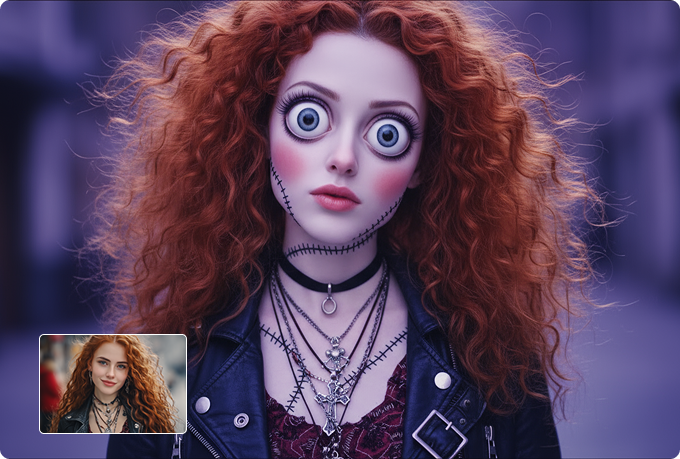
AI Shinigami PhotoCreate a Cinematic AI Shinigami Photo with Your Selfie
Upload your photo and instantly generate a cinematic AI shinigami photo that looks dark, realistic, and visually striking.
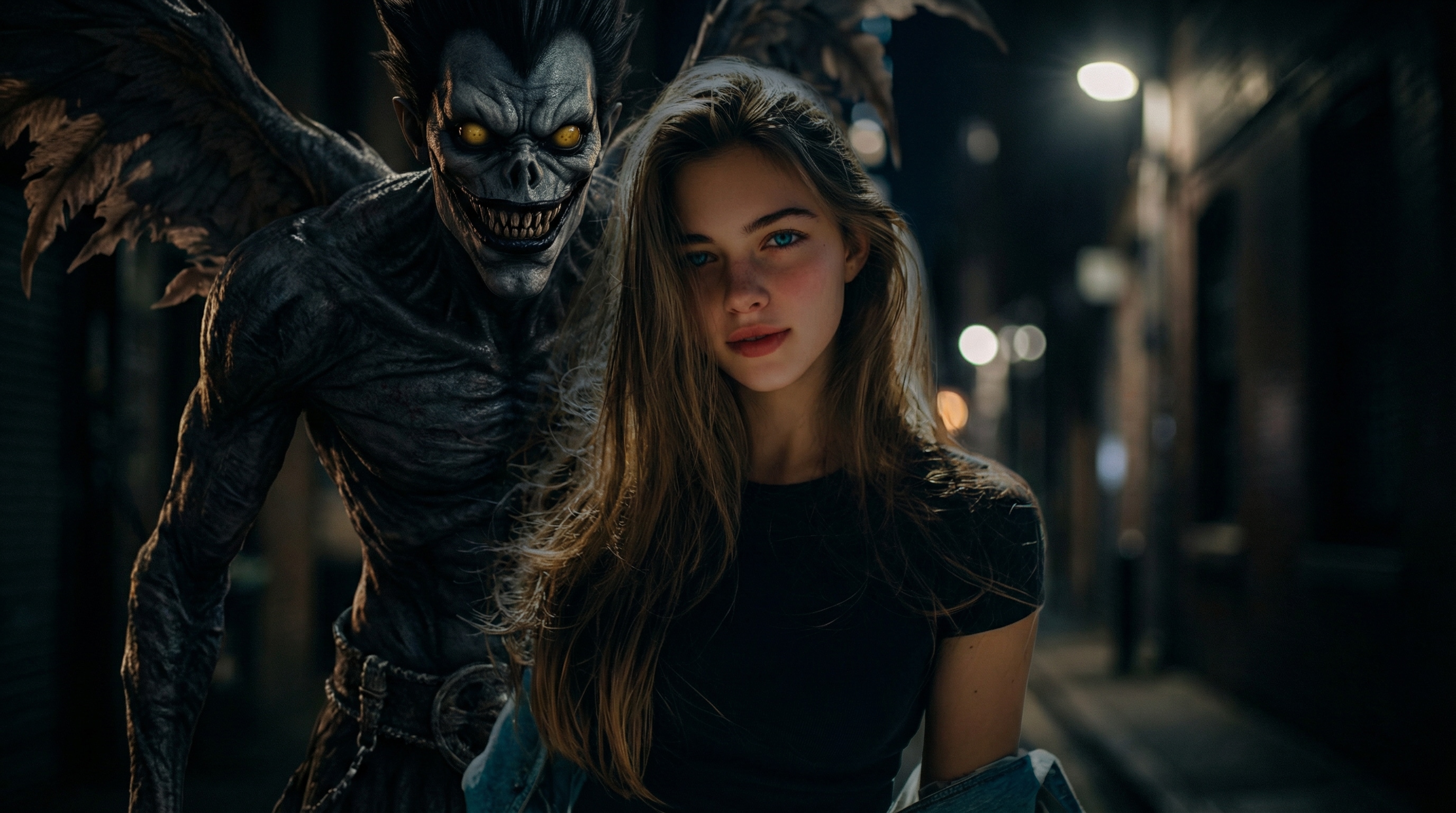
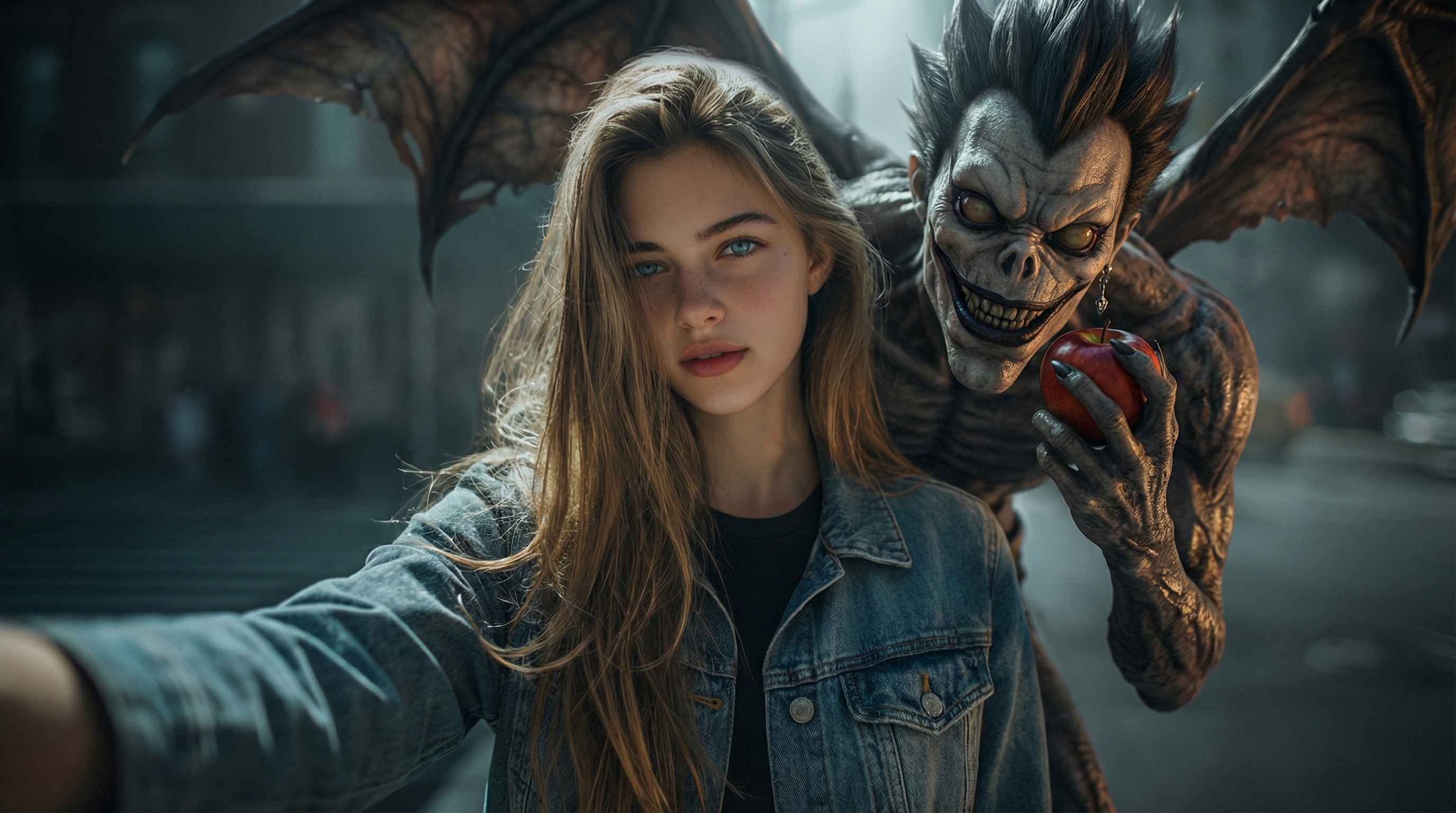
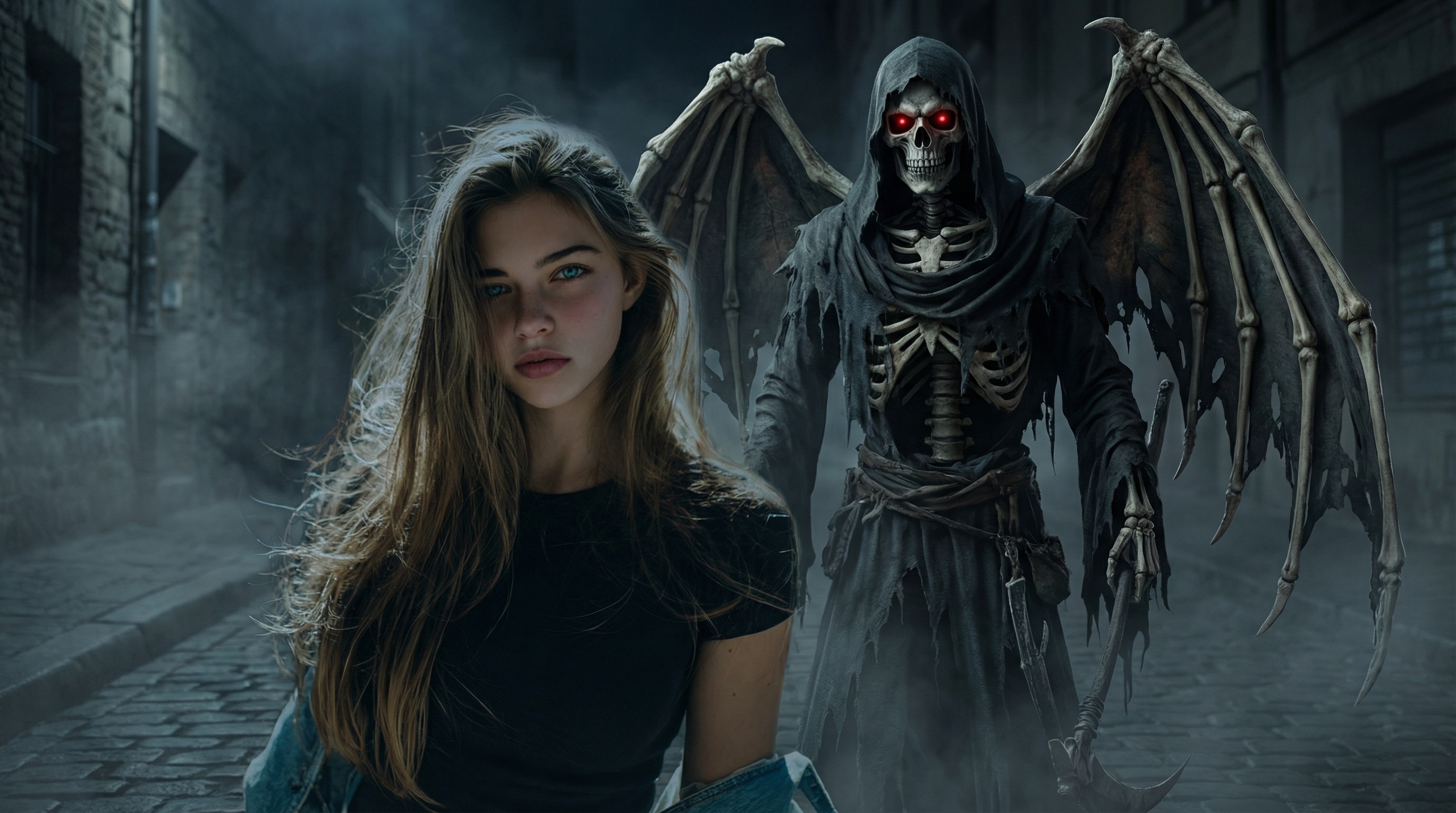
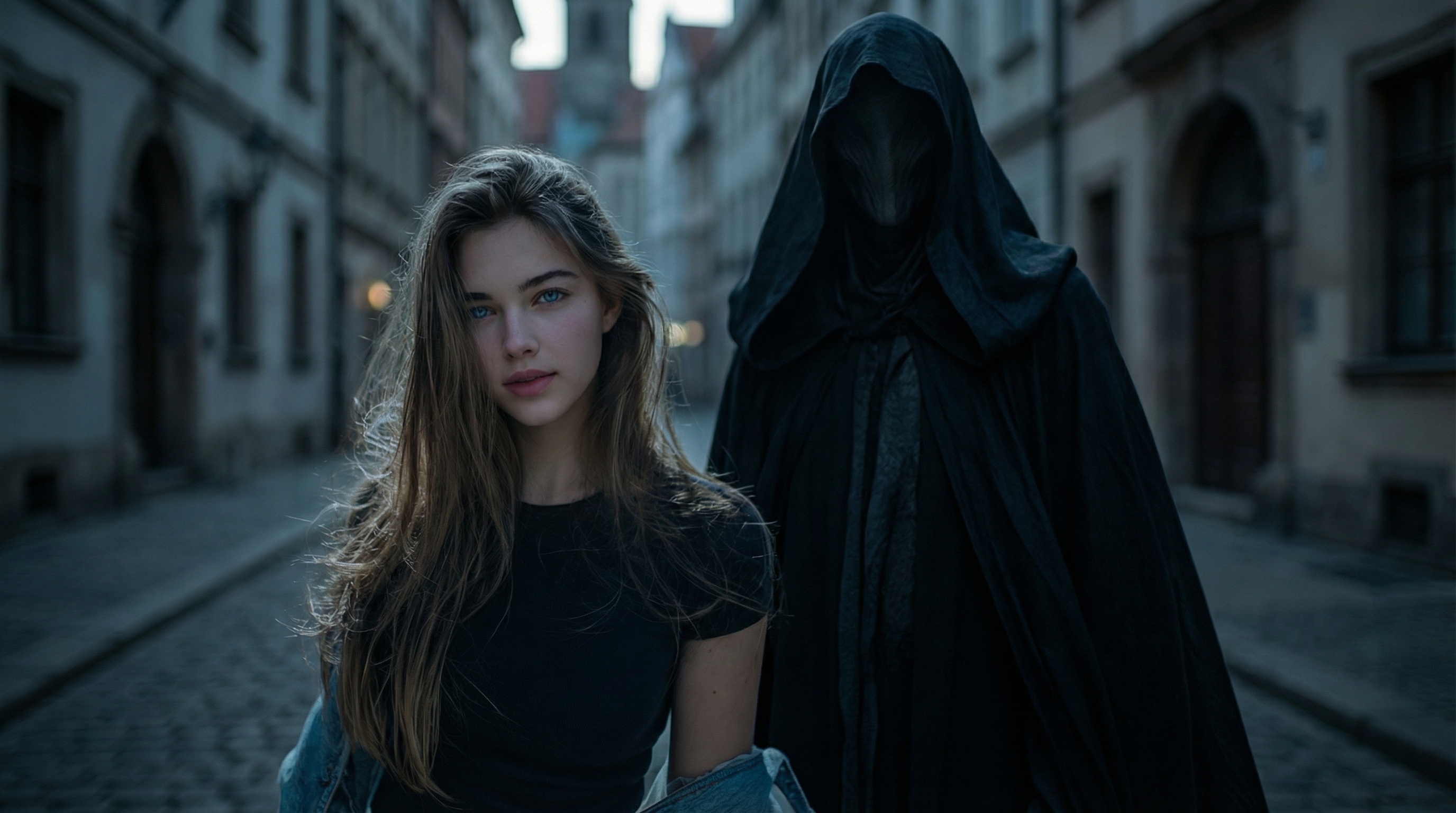
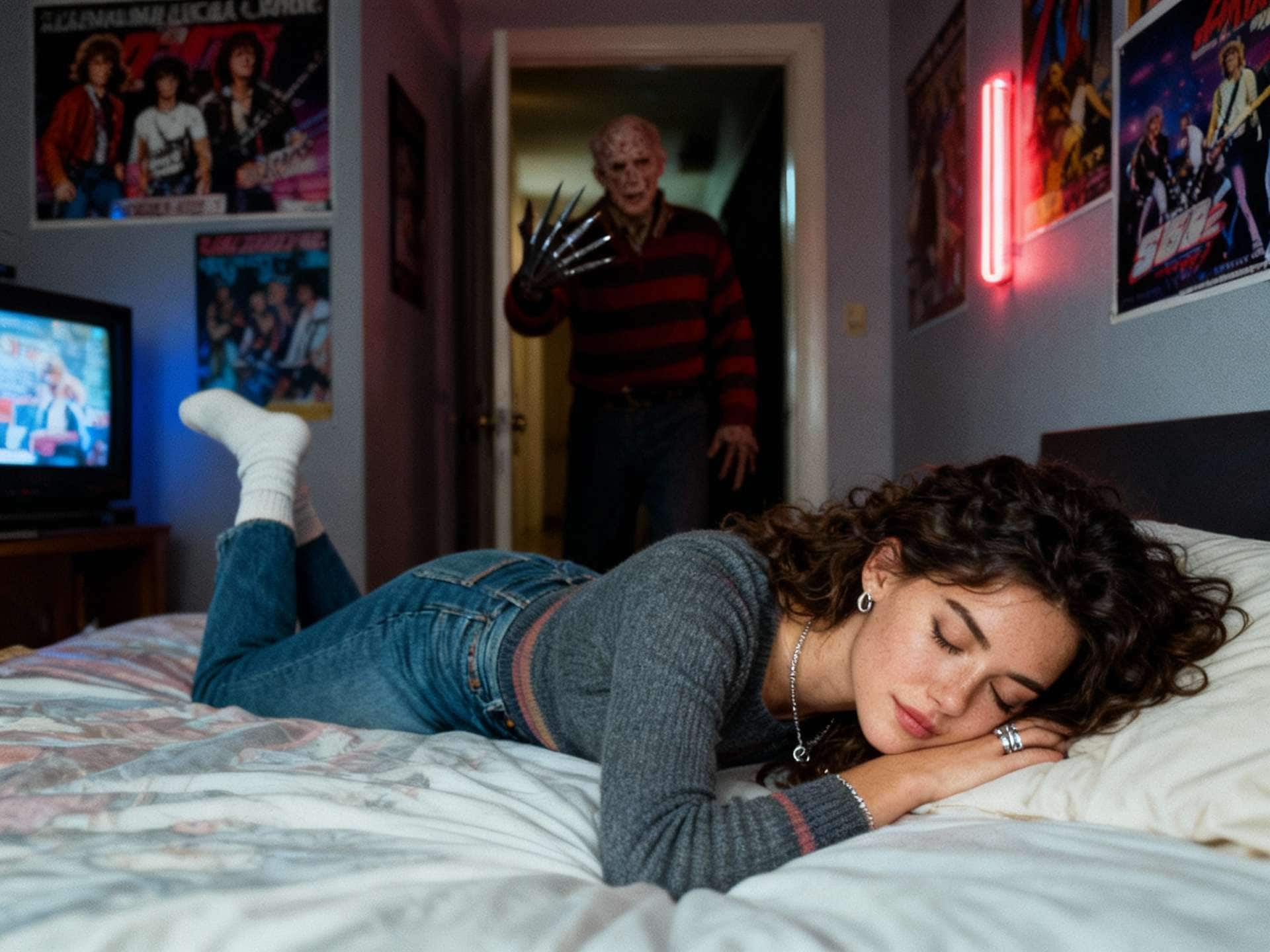
Create a powerful Ryuk-style Death Note effect, where a god of death appears naturally beside you—perfectly matched lighting, shadows, and depth for a true “taken-together” selfie look.
Our advanced AI preserves your facial features while adding dramatic horror details, delivering a high-quality shinigami selfie without distortion or over-stylization.
No prompts to write, no editing skills required—just upload, generate, and share your AI shinigami photo in seconds.
Many users searching for AI shinigami photo or Ryuk selfie AI worry about one thing: “Will it ruin my face?”
Media.io focuses on facial preservation first—your expression, skin tone, and structure stay intact, while the shinigami appears naturally beside you. The result feels like a real photo taken together, not an artificial face swap.
This makes it perfect for anyone who wants a realistic shinigami selfie, not an overprocessed or distorted image.
Cinematic Horror, Not Cartoon Filters
The appeal of the Death Note shinigami effect lies in its dark, cinematic atmosphere—not exaggerated cartoon horror.
Media.io uses controlled shadows, depth, and dramatic lighting to create a moody, film-like scene that feels grounded and believable.
If you’re searching for a cinematic AI shinigami photo that looks serious, stylish, and share-worthy, this is the difference you’ll notice immediately.
Built for Viral Social Sharing
This trend lives on TikTok, Instagram, and Reels—and your photo needs to stand out in seconds.
Media.io creates visually striking shinigami photos that grab attention instantly, whether it’s the god of death appearing behind you or standing face-to-face in a dramatic pose.
That’s why users creating Ryuk-style Death Note selfies often choose Media.io for content meant to be shared, not just saved.
Simple Enough for First-Time Users
Not everyone searching for a shinigami ai effect. wants to write complex prompts or tweak settings.
With Media.io, you can upload a photo, use a ready-made shinigami prompt, and generate results in seconds—no learning curve, no editing skills required.
Whether you’re experimenting for fun or recreating a viral trend, the process stays fast, intuitive, and frustration-free.
Turn your selfie into a dark, cinematic AI shinigami photo in just a few simple steps.
No editing experience needed—everything is designed for fast, realistic results.
01
Step 1 Open the AI Shinigami Photo Generator
Open the AI Shinigami Photo Generator on Media.io from your browser.
This tool is optimized for creating realistic, horror-style character photos with cinematic lighting.
No downloads, no setup—everything works online.
02
Step 2 Upload Your Photo & Add a Prompt
Upload a clear selfie or portrait photo to get the best result.
Enter a shinigami prompt to define the scene, pose, and atmosphere—such as a Ryuk-style god of death standing beside you.
You can also copy and use ready-made prompts from the Prompt Library below for guaranteed results.
03
Step 3 Generate & Save Your Shinigami Photo
Click generate and let the AI create your cinematic shinigami selfie in seconds.
The system preserves your facial features while adding dark shadows, depth, and supernatural details.
Preview the result, then download or share your AI shinigami photo instantly.
AI Shinigami Photo Generator
Ready-to-copy prompts for making AI Shinigami photos online.
Create a dark, cinematic AI shinigami photo.
Keep the uploaded person exactly the same, with identical facial features, skin tone, expression, and hairstyle.
A tall, eerie shinigami appears standing slightly behind and beside the person, inspired by a Ryuk-style god of death.
The shinigami has sharp teeth, a wide unsettling grin, dark textured skin, and glowing eyes.
Use dramatic cinematic lighting, deep shadows, realistic depth of field, and a horror movie atmosphere.
Ultra-realistic photography style, no cartoon, no illustration, no anime.
Death Note–Inspired Shinigami with Apple
Generate a realistic Death Note–inspired shinigami photo.
Preserve the main person perfectly from the uploaded image with no facial distortion.
A creepy shinigami with a Ryuk-style appearance leans in from behind, holding a red apple near its mouth.
The scene looks like a real selfie taken together, with natural perspective and realistic proportions.
Moody lighting, dark background, subtle fog, cinematic horror tone.
Photorealistic, high detail, no cartoon style.
Cinematic Horror Movie Still
Ultra-realistic cinematic horror photo.
The uploaded person remains unchanged and clearly recognizable.
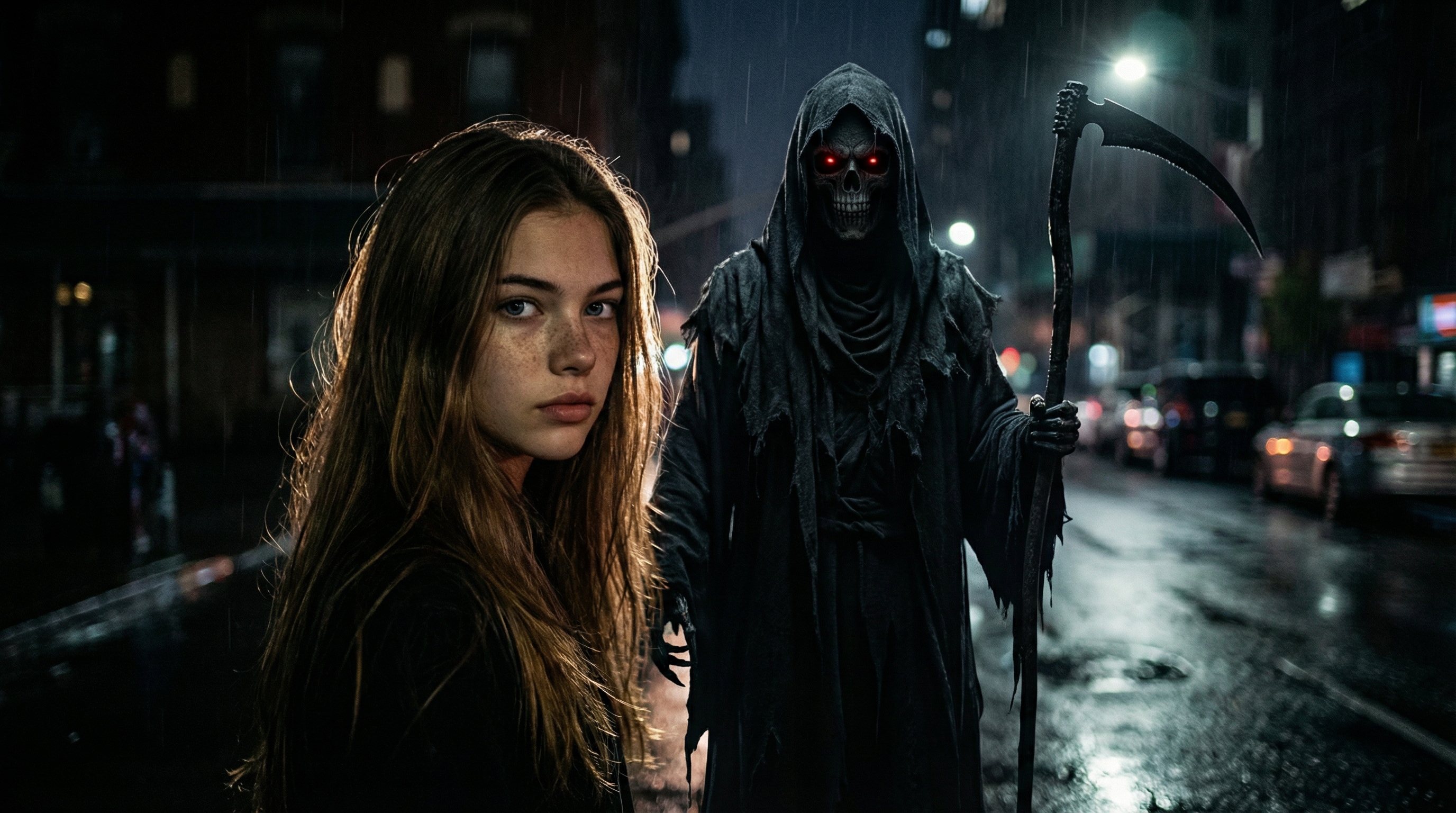
A supernatural shinigami figure stands beside the person like a movie character in a dark film scene.
Low-key lighting, dramatic rim light, soft shadows, realistic skin texture.
The image feels like a paused frame from a horror movie, serious and atmospheric.
No anime, no stylization, no fantasy illustration.
Shinigami Appearing Behind Me
Create a realistic shinigami appearing behind me.
Keep the main person exactly as in the uploaded photo.
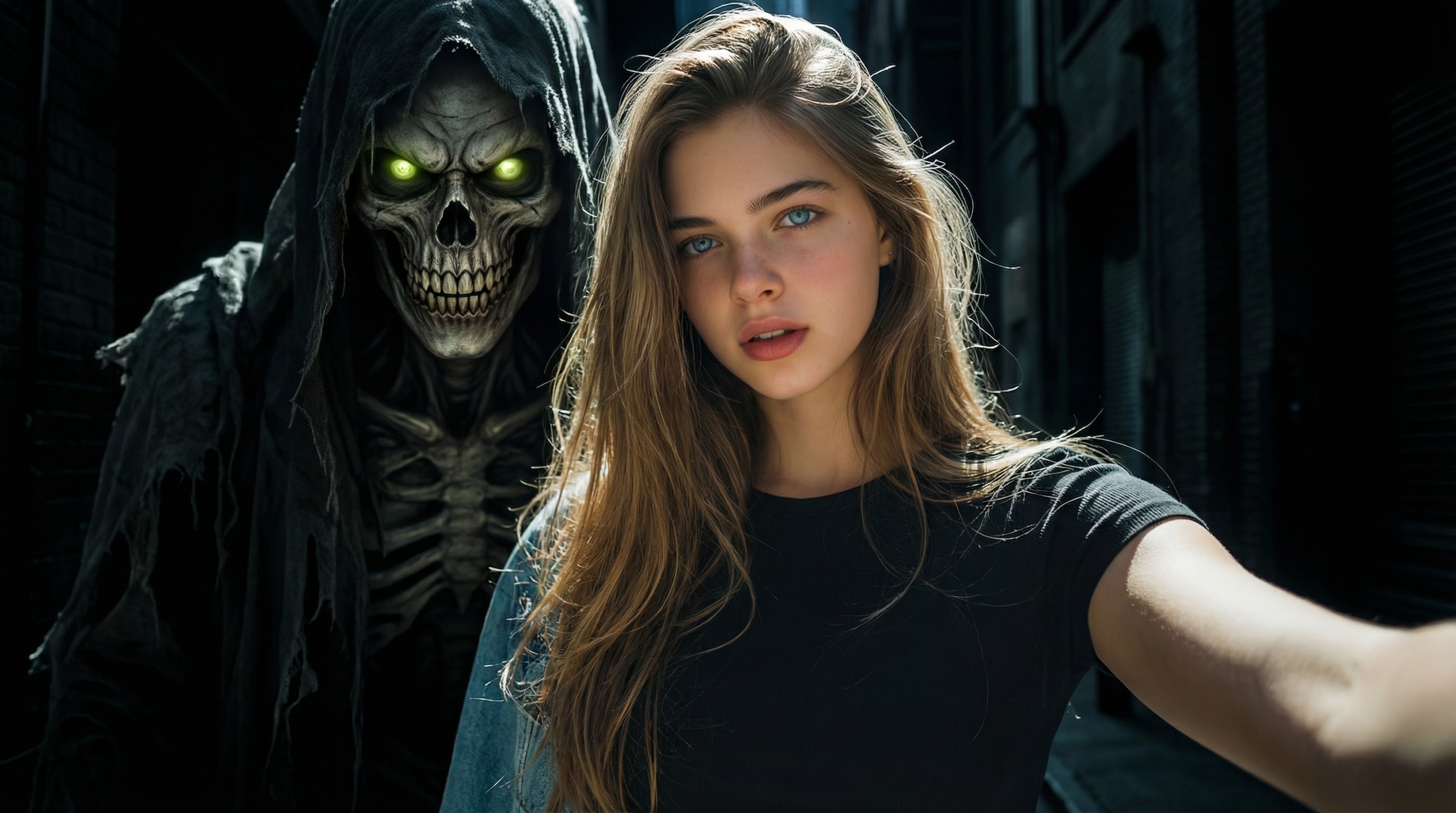
A terrifying shinigami slowly emerges from the shadows behind the person’s shoulder.
Its face is partially visible, with glowing eyes and a sinister smile.
Dark background, strong contrast lighting, realistic horror atmosphere.
Photorealistic selfie style, no cartoon or anime.
IP-Safe Shinigami
Generate a dark, realistic god of death photo.
Preserve the uploaded person with identical facial features and expression.
A supernatural shinigami-like creature stands beside the person, tall and skeletal with an eerie presence.
No specific character names.
Cinematic lighting, misty shadows, realistic textures, horror movie mood.
Ultra-realistic photography, no illustration.
Clean & Stylish Shinigami
Create a stylish, cinematic shinigami photo.
Keep the person natural and unchanged from the uploaded image.
A mysterious shinigami stands beside the person with a calm, elegant dark presence.
Soft cinematic lighting, controlled shadows, clean composition.
Dark fantasy mood without extreme horror.
Photorealistic, no cartoon style.
Made my AI shinigami photo incredibly realistic.
I uploaded a simple selfie and generated a cinematic AI shinigami photo with a Ryuk-style god of death beside me. The lighting, shadows, and facial details looked so natural that it felt like a real photo taken together. Way better than I expected.
Maya J.
Graphy Designer
I was worried it might look fake—but it didn’t at all.
Most filters ruin your face, but this Death Note–style shinigami effect kept my features perfectly intact. The depth, dark atmosphere, and positioning made it look like an actual horror movie still. It honestly surprised me.
Jordan P
Casual User
Tried the shinigami trend and it went viral.
I created a Ryuk-style AI shinigami selfie, posted it on TikTok, and people couldn’t stop asking how I made it. The cinematic look and creepy vibe stood out instantly in the feed—perfect for social sharing.
Is my photo safe when using the AI Shinigami Photo Generator?
Yes. Media.io takes user privacy seriously.
Your uploaded photos and generated results are securely processed and automatically deleted within 7 days, ensuring your content is never stored long-term or reused without permission.
You can create your AI shinigami photo with full peace of mind.
Can I try the AI Shinigami Photo Generator for free?
Absolutely. You can try the AI shinigami photo generator for free to preview the effect and see how it looks with your own selfie.
Free users can test the core features before deciding whether to upgrade for higher-quality downloads or additional options.
Will the shinigami photo actually look like me?
Yes—this is one of the most important things users care about.
Media.io is designed to preserve your facial features, skin tone, and expression while adding a Ryuk-style shinigami effect beside you.
The result feels like a real, cinematic photo taken together, not a distorted or artificial face swap.
Do I need to write my own prompts to get good results?
Not at all.
You can simply upload your photo and use the ready-made shinigami prompts provided on the page, which are optimized for realistic and cinematic results.
If you enjoy experimenting, you’re also free to customize prompts to create different moods or styles.
Can I use my AI shinigami photo on social media or for other purposes?
Many users create AI shinigami photos for personal sharing on platforms like TikTok, Instagram, or creative projects.
If you plan to use generated images beyond personal or entertainment purposes, it’s a good idea to ensure your usage aligns with relevant platform guidelines and local regulations.
As with any AI-generated content, users are encouraged to apply their own judgment when sharing or repurposing results.