Home>Comparison>ZenCreator AI

ZenCreator AI: Features, Model Credits and Alternatives

Creators comparing ZenCreator AI often start with one tool and end up using several: a generated image, a video transformation, a face edit or a sharper export. The platform's appeal is this toolbox approach rather than a single storyboard system. The key buying question is how credits move between image tools, video-to-video effects and more expensive per-second models, especially when the input clip's length also affects the bill.

Primary Features of ZenCreator AI Video and Image Tools

ZenCreator AI is a credit-based image and video creation toolbox offering text-to-image, image editing, video-to-video transformations, face and head swaps, lip sync, image upscaling and model-specific video generation workflows.

Core Feature Overview

  • Text-to-Image and Image Variations: ZenCreator provides several image models, image-to-image edits and variation workflows. A selected model and output resolution determine the credits charged per image.
  • Video-to-Video Transformations: Its help documentation separates animation and replacement workflows that transform existing footage. Rights to the input video remain the user's responsibility.
  • Model-Specific Video Generation: ZenCreator lists different models and credit calculations for video work. For some modes, both input and output seconds are part of the metered calculation.
  • Face and Head Swap Tools: The toolbox includes face-only and full-head replacement options. Only use the likeness of someone who has consented to that specific use.
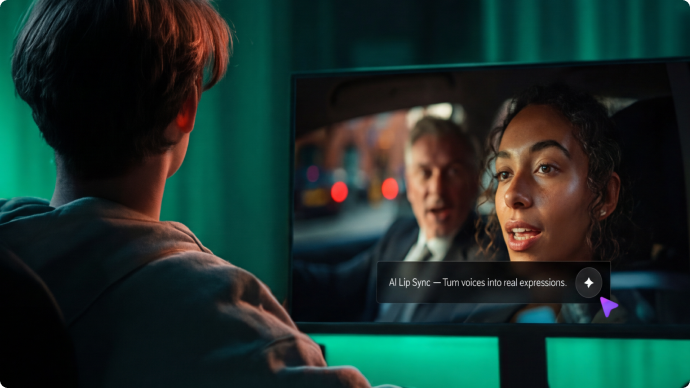
  • Lip Sync and Audio-Based Motion: Lip-sync generation is priced relative to audio length in the documentation. Voice ownership, accurate mouth movements and playback timing need review.
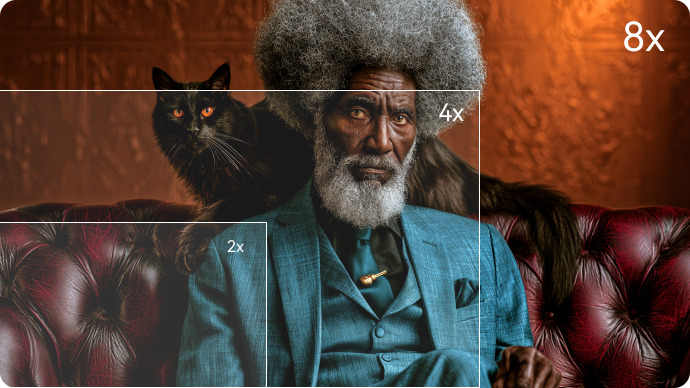
  • Image Upscaler and Finishing: Basic and premium enhancement choices support resolution-focused finishing. The published help material lists different credit costs for different upscale methods and output sizes.
Text-to-Image and Image Variations

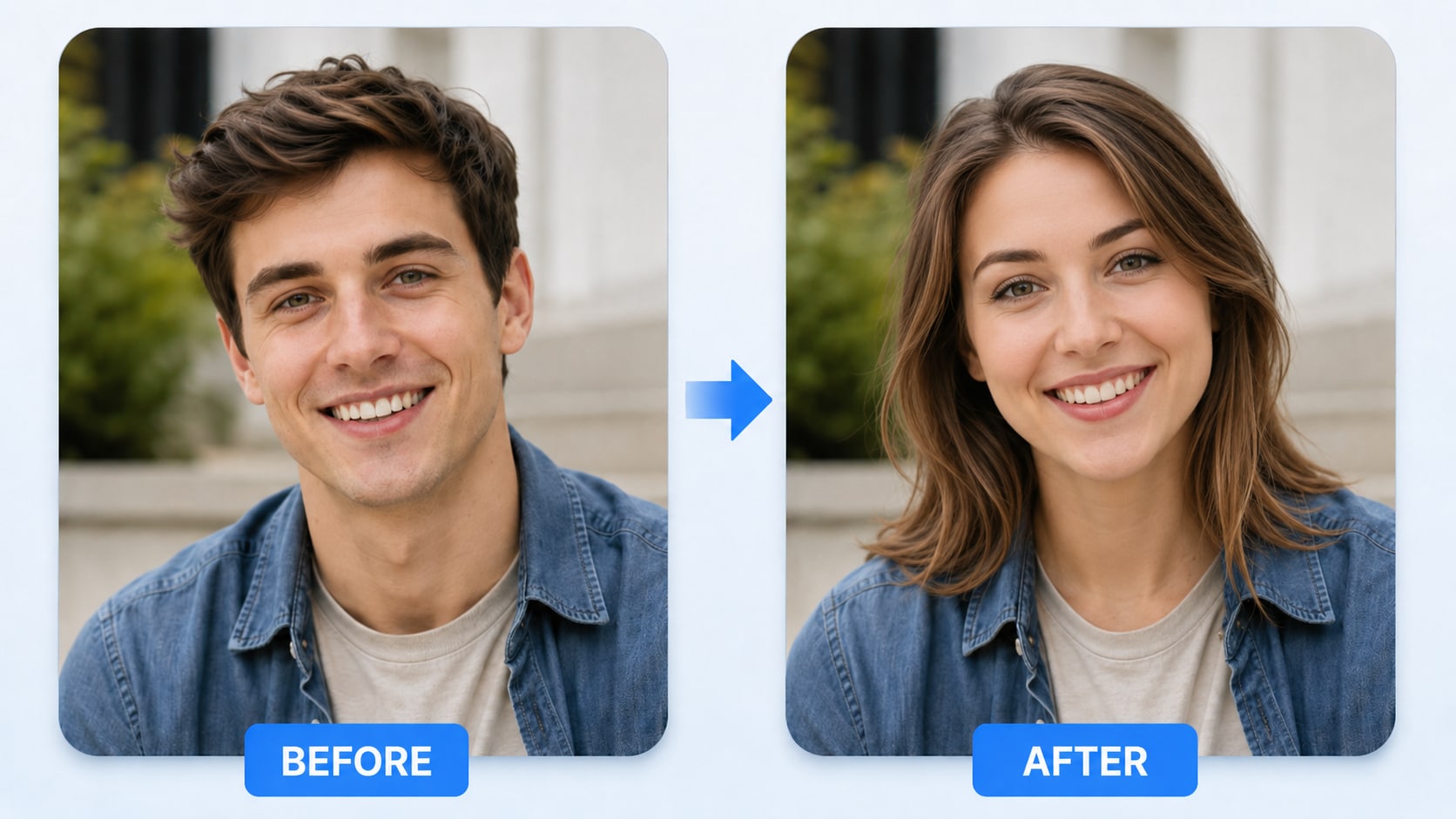
ZenCreator provides several image models, image-to-image edits and variation workflows. A selected model and output resolution determine the credits charged per image. For ZenCreator AI, a useful first project is portrait cleanup and restyle; Edit an owned portrait and compare face preservation before sharing it publicly.

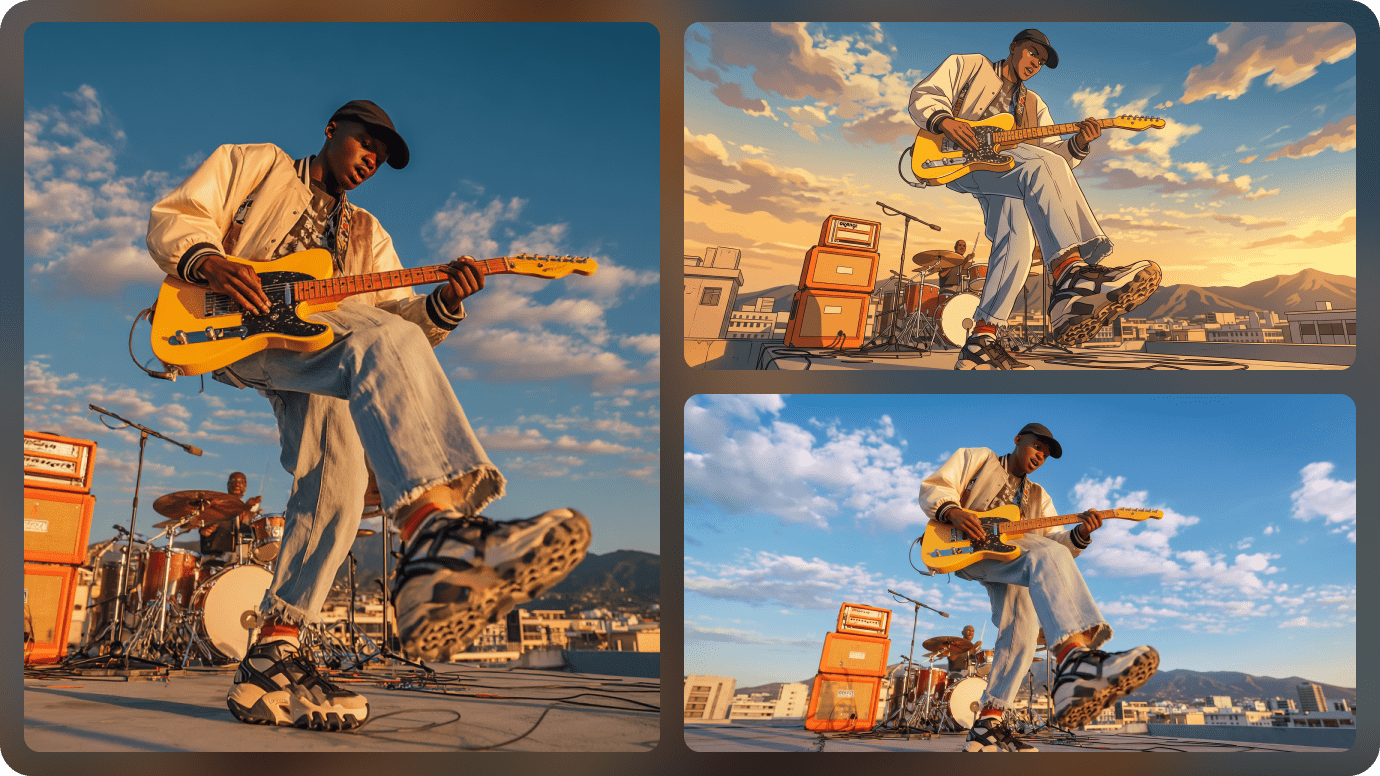
Illustrative Media.io workflow graphic; not a screenshot of ZenCreator AI

Video-to-Video Transformations

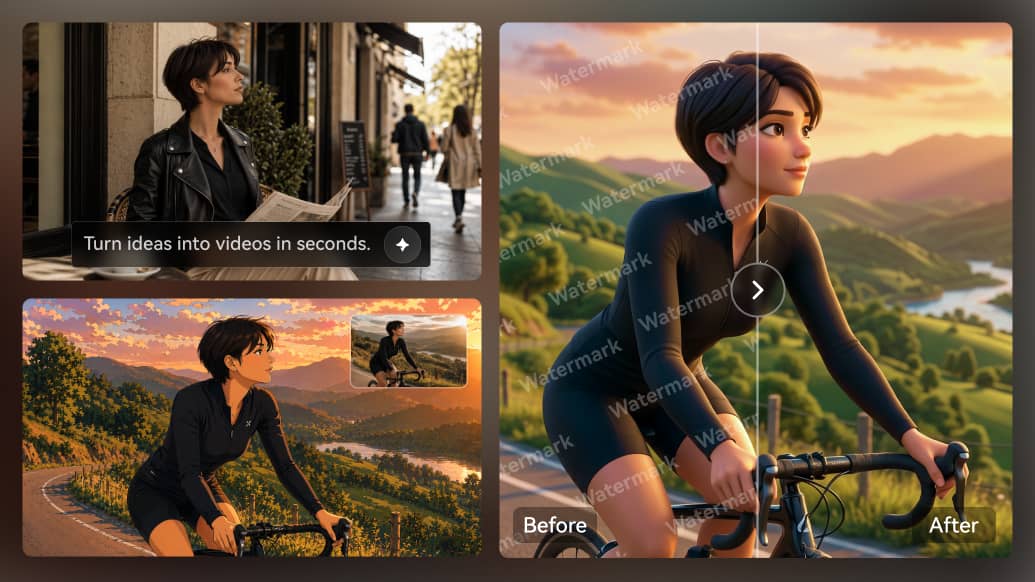
Its help documentation separates animation and replacement workflows that transform existing footage. Rights to the input video remain the user's responsibility. Before relying on video-to-video transformations, check the tradeoff named tools consume different credit units: A face swap, an upscale and a lip-sync scene are not priced alike. Compare a realistic full workflow, not one cheap sample operation.

Illustrative Media.io workflow graphic; not a screenshot of ZenCreator AI

Model-Specific Video Generation

ZenCreator lists different models and credit calculations for video work. For some modes, both input and output seconds are part of the metered calculation. For ZenCreator AI work on multi-tool images and video with credit metering, Synchronize permitted audio to an approved face and check lip quality at full playback speed.

Illustrative Media.io workflow graphic; not a screenshot of ZenCreator AI

Face and Head Swap Tools

The toolbox includes face-only and full-head replacement options. Only use the likeness of someone who has consented to that specific use. To assess whether this is repeatable, generate several drafts with different video models and log each per-second cost.

Illustrative Media.io workflow graphic; not a screenshot of ZenCreator AI

Lip Sync and Audio-Based Motion

Lip-sync generation is priced relative to audio length in the documentation. Voice ownership, accurate mouth movements and playback timing need review. For a concrete example, enhance small product visuals while checking edges, text and fine packaging details.

Illustrative Media.io workflow graphic; not a screenshot of ZenCreator AI

Image Upscaler and Finishing

Basic and premium enhancement choices support resolution-focused finishing. The published help material lists different credit costs for different upscale methods and output sizes. The final check is no unified storyboard assumed: A broad toolbox does not necessarily offer one automatic long-story timeline. Plan how separate assets will be combined and revised.
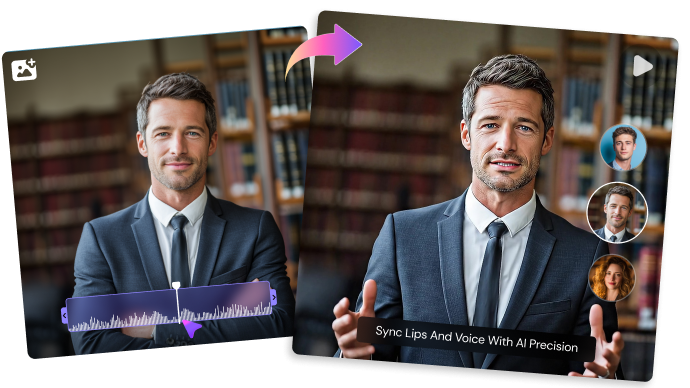
Illustrative Media.io workflow graphic; not a screenshot of ZenCreator AI

How to Create a Portrait Cleanup and Restyle Video with Media.io

1
2
3
1
Upload Your Portrait Video

Upload a portrait video you own or have permission to edit.

2
Choose a Restyle Effect

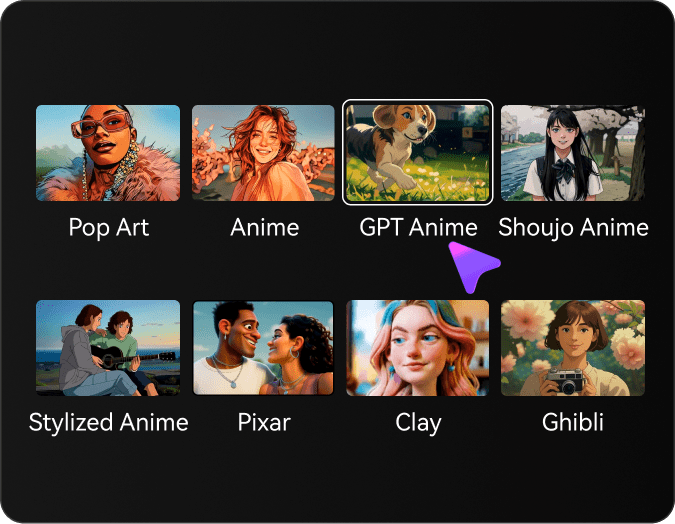
Select an artistic style, such as Anime, Pixar, Clay, or Pop Art, and adjust the style strength to balance identity and visual transformation.

3
Generate and Review

Let AI restyle your video, then check facial details and visual consistency before downloading.

Illustrative Media.io workflow graphic; not a screenshot of ZenCreator AI

ZenCreator AI Use Cases Across Images and Video

From portrait cleanup and restyle to image upscaling workflow, these are distinct projects where ZenCreator AI could be useful, with checks that match each task.

Portrait Cleanup and Restyle

Edit an owned portrait and compare face preservation before sharing it publicly. A related Media.io workflow to explore is Face Swap.

Animation of Existing Footage

Use an authorized short clip to explore a visual transformation at a known output resolution.

Talking Portrait Concept

Synchronize permitted audio to an approved face and check lip quality at full playback speed.

Social Video Style Test

Generate several drafts with different video models and log each per-second cost. A related Media.io workflow to explore is AI Lip Sync.

Image Upscaling Workflow

Enhance small product visuals while checking edges, text and fine packaging details.

Batch Character Variations

Create a set of original character references and compare whether their visual traits survive each edit.

ZenCreator AI Tradeoffs Buyers Should Calculate

Before planning multi-tool images and video with credit metering, evaluate video pricing may include input seconds and tools consume different credit units as carefully as the headline features.

Video Pricing May Include Input Seconds

The help page documents video-to-video charges using input plus output durations for selected models. A seemingly short finished clip may cost more than expected.

Tools Consume Different Credit Units

A face swap, an upscale and a lip-sync scene are not priced alike. Compare a realistic full workflow, not one cheap sample operation.

Likeness Editing Raises Consent Issues

Face and head replacement can be misleading without permission. Check image rights and disclose synthetic portrayals where appropriate.

Model Names and Rates Change

The product updates model-specific rates in help documents. Recheck the exact model and resolution rather than assuming a published screenshot remains current.

Upscaling Can Change Fine Details

Higher pixel dimensions do not ensure accurate restored text, skin texture or branded marks. Inspect outputs against the source asset.

No Unified Storyboard Assumed

A broad toolbox does not necessarily offer one automatic long-story timeline. Plan how separate assets will be combined and revised.

ZenCreator AI vs Media.io: Which Workflow Fits?

The deciding difference for ZenCreator AI is its text-to-image and image variations and face and head swap tools; by comparison, the Media.io Image to Video option focuses on portrait cleanup and restyle; compare supported inputs and output rights.

Decision Factor ZenCreator AI Media.io
Starting workflow ZenCreator provides several image models, image-to-image edits and variation workflows. For portrait cleanup and restyle, Media.io Image to Video starts with a targeted tool; ZenCreator AI instead emphasizes text-to-image and image variations.
Primary capability Video-to-Video Transformations: Its help documentation separates animation and replacement workflows that transform existing footage. Choose a relevant creation feature for portrait cleanup and restyle, subject to the tool's current options.
Reference handling ZenCreator lists different models and credit calculations for video work. Use supported reference input where helpful for animation of existing footage.
Editing and revision The toolbox includes face-only and full-head replacement options. For talking portrait concept, use the available editing and finishing controls as needed.
Output workflow Lip-sync generation is priced relative to audio length in the documentation. Check whether social video style test needs captions, enhancement or editing after generation.
Cost model ZenCreator's help center lists one-time credit packs and tool-specific rates; some video modes use duration and resolution formulas. Check current charges for the Image to Video route, not ZenCreator AI subscription pricing.
Key buying constraintThe help page documents video-to-video charges using input plus output durations for selected models.Confirm supported input and export conditions for multi-tool images and video with credit metering alternatives.
Specialized strength Image Upscaler and Finishing. A focused option for image upscaling workflow and the corresponding downstream edits.
Best fit Multi-tool images and video with credit metering. For a project like portrait cleanup and restyle, choose the Media.io Image to Video workflow over the broader ZenCreator AI offering.
Best for ZenCreator AI Projects

Choose ZenCreator AI If You Need:

Choose ZenCreator AI when text-to-image and image variations and video-to-video transformations are needed in your real work. For image upscaling workflow, check cost and revision permissions before committing to production.

  • Portrait Cleanup and Restyle: Edit an owned portrait and compare face preservation before sharing it publicly.
  • Animation of Existing Footage: Use an authorized short clip to explore a visual transformation at a known output resolution.
  • Talking Portrait Concept: Synchronize permitted audio to an approved face and check lip quality at full playback speed.
  • Social Video Style Test: Generate several drafts with different video models and log each per-second cost.
  • Image Upscaling Workflow: Enhance small product visuals while checking edges, text and fine packaging details.
Visit ZenCreator AI
Best for Media.io Animation of Existing Footage Projects

Choose Media.io for Portrait Cleanup and Restyle If You Need:

For ZenCreator AI readers pursuing portrait cleanup and restyle, the Media.io Image to Video route is one option for talking portrait concept. It differs from ZenCreator AI video-to-video transformations.

  • Try AI Video Generation workflow: Begin from a permitted input related to portrait cleanup and restyle.
  • Animation of Existing Footage review: Assess whether Media.io output supports animation of existing footage without special manual corrections.
    • Finishing for Talking Portrait Concept: Explore relevant Media.io editing tools for talking portrait concept.
  • Focused generation scope: Choose only the tools required for social video style test.
  • Rights for Image Upscaling Workflow: Use authorized source media and double-check outputs intended for image upscaling workflow.
Try AI Video Generation

Is ZenCreator AI Worth It? Our Verdict

Our Take

ZenCreator AI deserves consideration when portrait cleanup and restyle or animation of existing footage is the core job. The combination of text-to-image and image variations and lip sync and audio-based motion distinguishes its proposition.

ZenCreator's help center lists one-time credit packs and tool-specific rates; some video modes use duration and resolution formulas. Check rates at generation time instead of assuming a flat price per video. The purchase risk centers on video pricing may include input seconds and likeness editing raises consent issues. Budget a complete project with corrections and final export.

Choose ZenCreator AI for multi-tool images and video with credit metering, especially when model-specific video generation is required. Consider Media.io Image to Video when image upscaling workflow matters more than the specialist model-specific video generation capability; verify output and export terms.

ZenCreator AI FAQ: Features, Pricing and Alternatives

What are the main ZenCreator AI video and image tools?
faq faq

ZenCreator AI is a credit-based image and video creation toolbox offering text-to-image, image editing, video-to-video transformations, face and head swaps, lip sync, image upscaling and model-specific video generation workflows.

ZenCreator provides several image models, image-to-image edits and variation workflows. A selected model and output resolution determine the credits charged per image.

Its help documentation separates animation and replacement workflows that transform existing footage. Rights to the input video remain the user's responsibility.

ZenCreator's help center lists one-time credit packs and tool-specific rates; some video modes use duration and resolution formulas. Check rates at generation time instead of assuming a flat price per video.

The help page documents video-to-video charges using input plus output durations for selected models. A seemingly short finished clip may cost more than expected. A face swap, an upscale and a lip-sync scene are not priced alike. Compare a realistic full workflow, not one cheap sample operation.

Edit an owned portrait and compare face preservation before sharing it publicly. Face and head replacement can be misleading without permission. Check image rights and disclose synthetic portrayals where appropriate.

The toolbox includes face-only and full-head replacement options. Only use the likeness of someone who has consented to that specific use.

For portrait cleanup and restyle, compare the Media.io Image to Video path against ZenCreator AI results. It can handle a distinct video step; ZenCreator AI remains more specific to video-to-video transformations, so compare current plan costs and usage rights.

If your recurring task is image upscaling workflow, the main question is whether the advantages of text-to-image and image variations outweigh the limitations. Higher pixel dimensions do not ensure accurate restored text, skin texture or branded marks. Inspect outputs against the source asset.

What Media.io Creators Say About Their Workflow

Media.io AI video generator user
Sarah L.

Content Creator

star star star star half star

Media.io makes it much easier to test different AI video styles without jumping between several platforms. I can start with a text prompt or image, compare model results, and then resize or polish the clip for social media in the same workspace.

Media.io AI video creator
John D.

Social Media Marketer

star star star star half star

I use Media.io to create quick product clips, ad concepts, and short-form videos from images. The biggest advantage is that generation does not feel like the final step - I can continue with music, captions, enhancement, and format conversion before publishing.

Media.io AI video editing user
Emily T.

Freelance Designer

star star star star half star

The workflow is approachable even when I am experimenting with unfamiliar AI models. I can animate artwork, try different motion prompts, preview the output, and prepare a cleaner final version without needing advanced video-editing experience.

Media.io Online Tools Quality Rating:
vote 4.7 (162,357 Votes)
media.io

AI Video Generator star

Easily generate videos from text or images

Generate