Home>Comparison>WearView AI

WearView AI Fashion Models: Catalog Photo Review

A small fashion label can launch new colorways before it has booked the next model shoot. WearView AI is built for that product-first need: upload a garment image, select an AI model and produce on-model listings, lookbook styles or campaign variants. It also promotes model swaps, ghost mannequin output and product video. A useful evaluation goes beyond speed claims: look closely at whether prints, hems, sizing presentation and commercial permissions meet the store's requirements.

Primary Features of WearView AI Fashion Model Generator

WearView is an AI fashion model generator for e-commerce brands that turns garment photos into on-model marketing imagery, with virtual try-on, product-to-model conversion, model swaps, ghost mannequin cleanup and fashion videos.

Core Feature Overview

  • Garment-to-Model Generation: Convert a flat-lay, hanger or worn clothing photo into a fashion image showing the item on a selected virtual model.
  • AI Fashion Model Selection: Choose from diverse model appearances and styles for a lookbook; review inclusivity and accuracy against the brand brief.
  • Model Swap While Keeping Clothing: Change the person displayed in a product image while trying to preserve the original outfit silhouette and design.
  • Ghost Mannequin Processing: Replace a visible mannequin with a clean shape-first product visual for category pages and product detail galleries.
  • Fashion Video From Static Photos: Animate product photography into short fashion-led clips for ads and social platforms, subject to the available video plan.
  • Pose and Product-to-Model Variants: Build alternative model angles and scenes from one clothing input, then manually inspect fabric and logo fidelity.
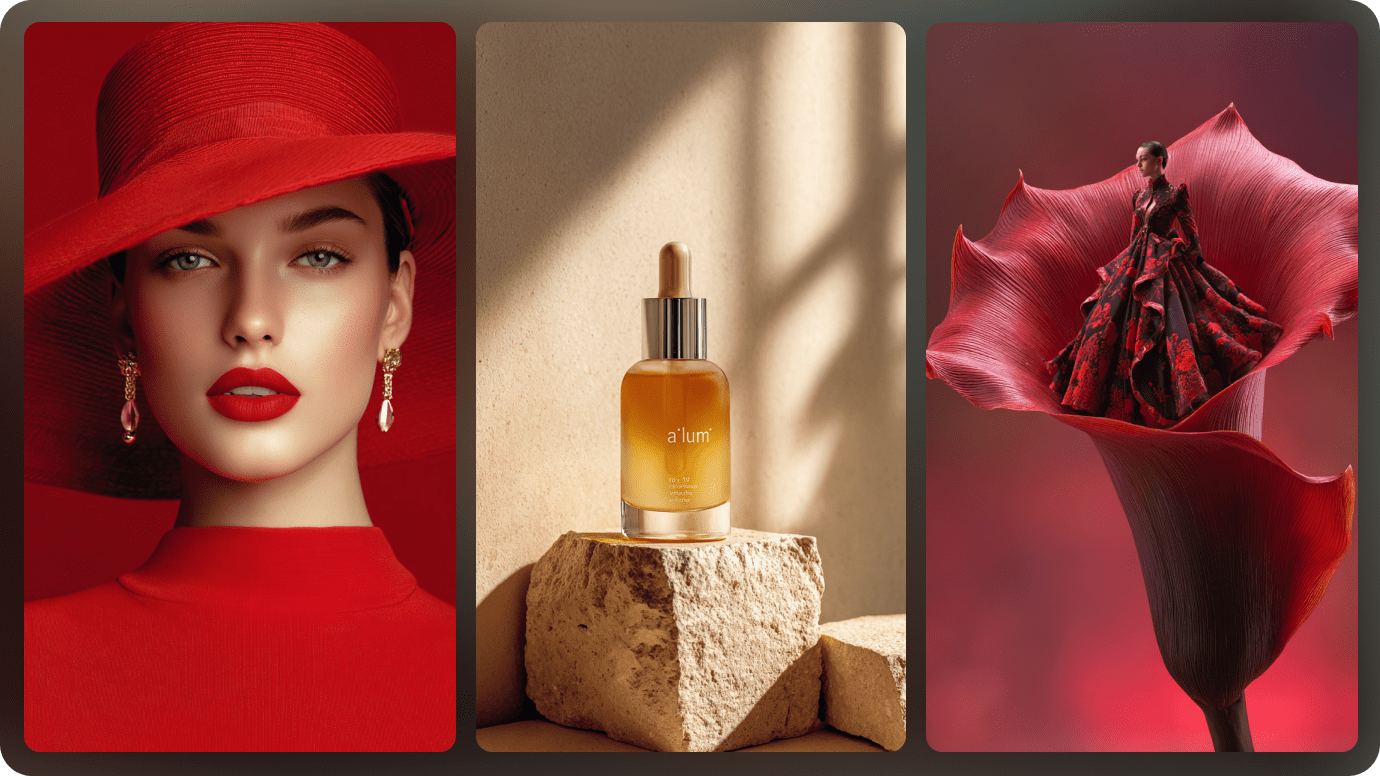
Garment-to-Model Generation

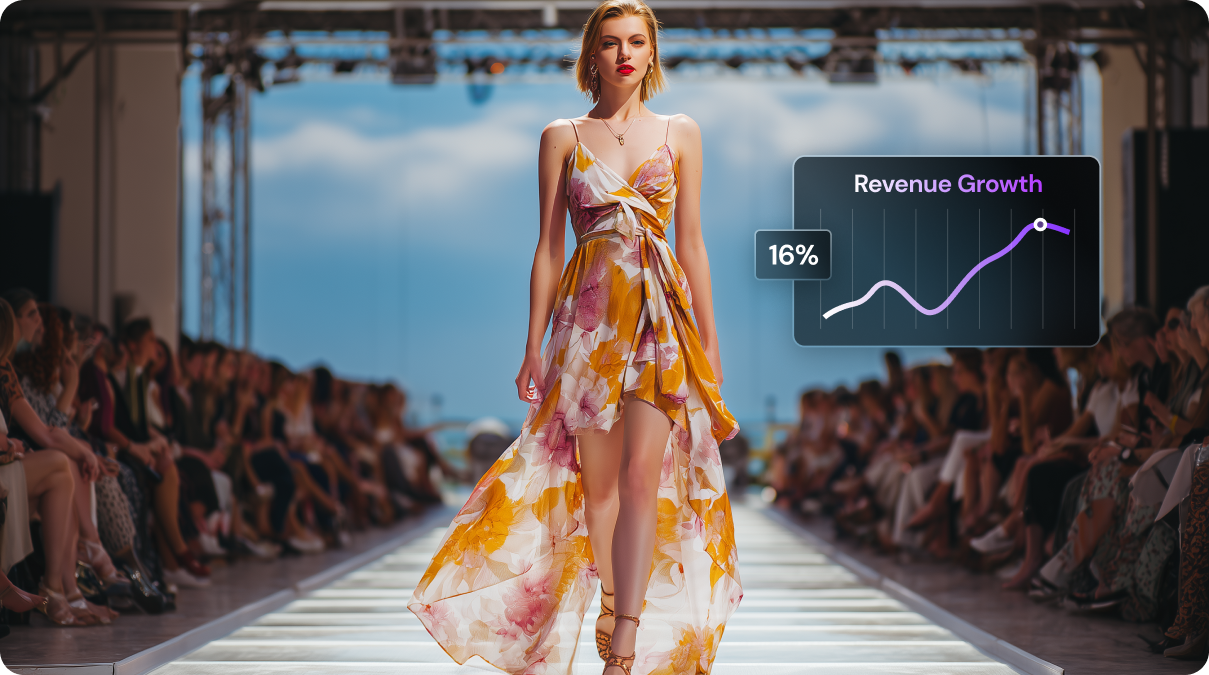
Convert a flat-lay, hanger or worn clothing photo into a fashion image showing the item on a selected virtual model. For shopify apparel catalog, create on-model photos for tops and outerwear without scheduling a new fashion shoot for each SKU. For the shopify apparel catalog brief, check details against the original before publication.

Illustrative Media.io workflow graphic, not a WearView AI interface screenshot

AI Fashion Model Selection

Choose from diverse model appearances and styles for a lookbook; review inclusivity and accuracy against the brand brief. For streetwear lookbook, present a collection with consistent styling across street and studio scenes. Decide in advance which details must remain faithful for streetwear lookbook.

Illustrative Media.io workflow graphic, not a WearView AI interface screenshot

Model Swap While Keeping Clothing

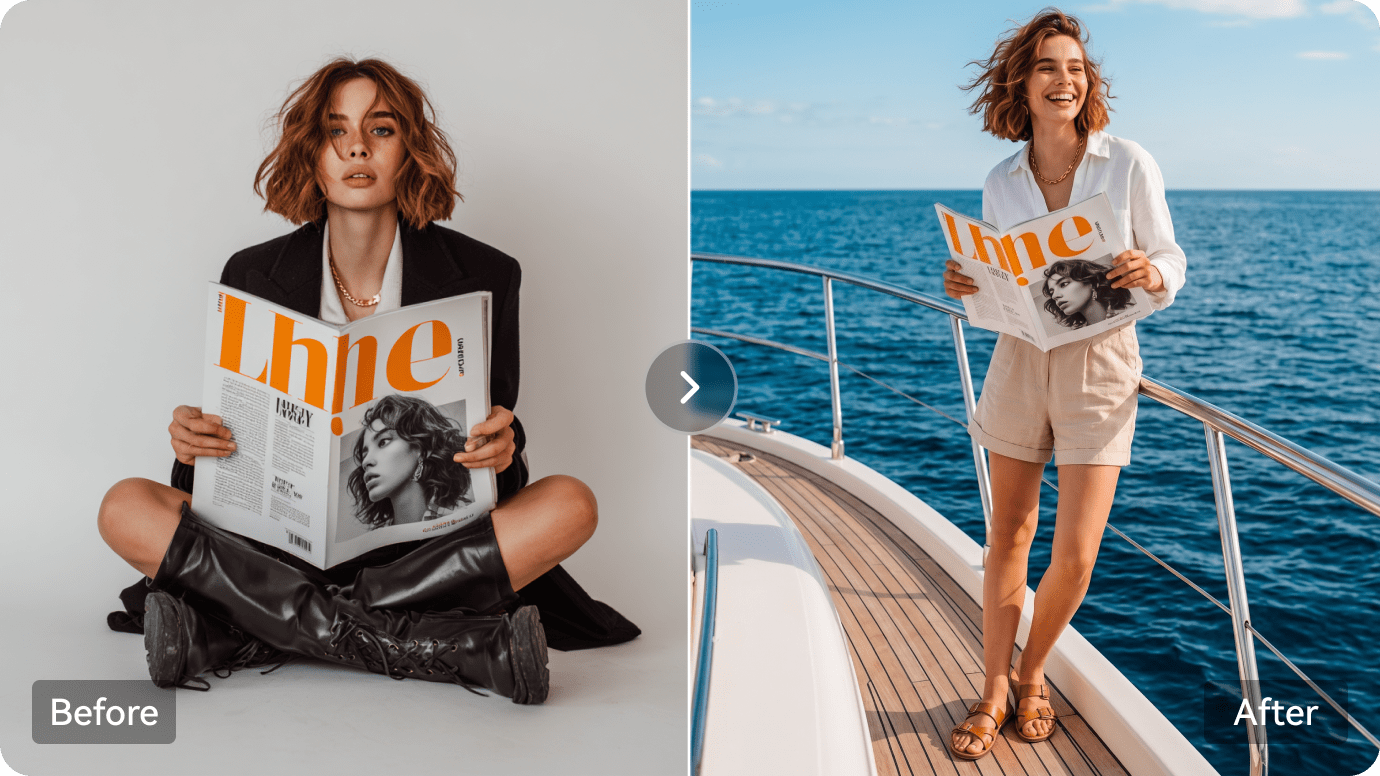
Change the person displayed in a product image while trying to preserve the original outfit silhouette and design. For inclusive product presentation, show a garment on alternative virtual models for merchandising concepts while avoiding claims about actual fit. For inclusive product presentation, the visual is a preview rather than proof of a physical outcome.

Illustrative Media.io workflow graphic, not a WearView AI interface screenshot

Ghost Mannequin Processing

Replace a visible mannequin with a clean shape-first product visual for category pages and product detail galleries. For marketplace hero image, prepare a clean garment or on-model visual for a listing that requires accurate merchandise display. Compare controlled changes to the source before finalizing marketplace hero image.

Illustrative Media.io workflow graphic, not a WearView AI interface screenshot

Fashion Video From Static Photos

Animate product photography into short fashion-led clips for ads and social platforms, subject to the available video plan. For seasonal fashion ads, turn a static product photo into a short creative for a sale or new-season drop. Confirm license and export permissions for seasonal fashion ads before delivery.

Illustrative Media.io workflow graphic, not a WearView AI interface screenshot

Pose and Product-to-Model Variants

Build alternative model angles and scenes from one clothing input, then manually inspect fabric and logo fidelity. For budget-constrained boutique, prototype campaign visuals before investing in professional photography for final product approval. Test a representative sample of budget-constrained boutique outputs before scaling.

Illustrative Media.io workflow graphic, not a WearView AI interface screenshot

How to Restyle a Fashion Product Photo Online

1
2
3
1
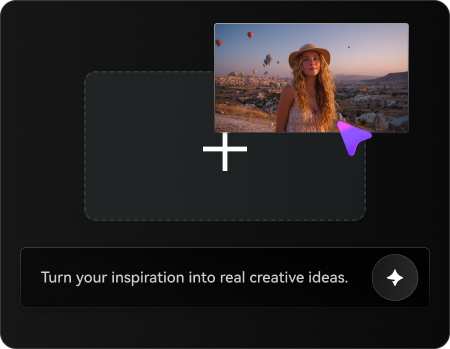
Upload Your Original Image

Upload a licensed fashion product photo you own or have permission to edit.

2
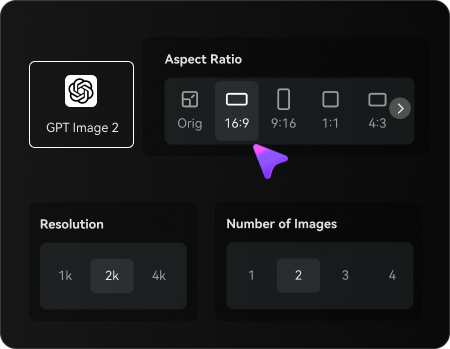
Set Your Image Options

Choose an AI model, adjust the aspect ratio and resolution, and select the number of images to generate.

3
Generate and Review the Result

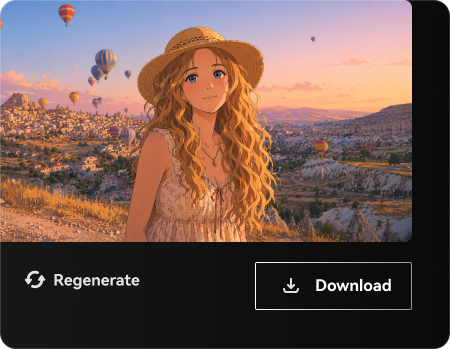
Review the generated fashion visuals, check product details and styling, then refine or regenerate before downloading.

Illustrative Media.io workflow graphic, not a WearView AI interface screenshot

Best Use Cases for WearView AI

Explore WearView AI in real projects such as shopify apparel catalog, inclusive product presentation and budget-constrained boutique. Each has a different input, output and quality check.

Shopify Apparel Catalog

Create on-model photos for tops and outerwear without scheduling a new fashion shoot for each SKU.

Streetwear Lookbook

Present a collection with consistent styling across street and studio scenes. A related Media.io resource for this specific scenario is Lifestyle Product Photography; this explores streetwear lookbook as a related image task, not the full WearView AI product workflow.

Inclusive Product Presentation

Show a garment on alternative virtual models for merchandising concepts while avoiding claims about actual fit.

Marketplace Hero Image

Prepare a clean garment or on-model visual for a listing that requires accurate merchandise display.

Seasonal Fashion Ads

Turn a static product photo into a short creative for a sale or new-season drop. A related Media.io resource for this specific scenario is AI Fashion Design; this explores seasonal fashion ads as a related image task, not the full WearView AI product workflow.

Budget-Constrained Boutique

Prototype campaign visuals before investing in professional photography for final product approval.

WearView AI Pricing and Garment Fidelity Considerations

WearView AI has distinct tradeoffs for streetwear lookbook: evaluate garment details can shift, product-specific workflow and the current usage terms before investing.

Garment Details Can Shift

Inspect button spacing, printed patterns, logos and hems; generated imagery is not a substitute for product inspection.

Synthetic Fit Is Not Size Proof

An AI model image cannot establish how an actual garment fits a specific customer body.

Product-Specific Workflow

WearView focuses on fashion item presentation rather than broad image design or unrelated media creation.

Rights And Representation

Check commercial permissions and make sure model portrayals are used responsibly in advertising.

Plan Terms Are Dynamic

The official site advertises plans from a starting monthly price, but exact rendering quotas and exports require current checkout verification.

Volume Requires Consistency Checks

Generating many SKUs at once increases the need for art direction and human quality checks.

WearView AI vs Media.io: Features, Pricing and Audience

Choose WearView if you need repeatable, clothing-led product photographs featuring AI models and ghost mannequin output. Choose Media.io for wider image-to-image transformations, campaign graphics or creative video variations beyond apparel-only merchandising. The deciding factor for shopify apparel catalog is whether you need garment-to-model generation or image transformations, campaign styling and general-purpose creative photo edits.

Decision Factor WearView AI Media.io
Primary job on-model apparel imagery for e-commerce product catalogs image transformations, campaign styling and general-purpose creative photo edits
Distinctive workflow Convert a flat-lay, hanger or worn clothing photo into a fashion image showing the item on a selected virtual model. Media.io supports image transformation for shopify apparel catalog without claiming the same specialist workflow.
Reference inputs Choose from diverse model appearances and styles for a lookbook; review inclusivity and accuracy against the brand brief. Use an uploaded image and an edit prompt for streetwear lookbook; confirm fidelity manually.
Creative control Change the person displayed in a product image while trying to preserve the original outfit silhouette and design. Iterate image treatments for inclusive product presentation rather than assuming feature parity.
Editing depth Replace a visible mannequin with a clean shape-first product visual for category pages and product detail galleries. WearView AI includes ghost mannequin processing for marketplace hero image; Media.io instead supports image transformations, campaign styling and general-purpose creative photo edits.
Production workflow Animate product photography into short fashion-led clips for ads and social platforms, subject to the available video plan. Media.io is useful for image transformations, campaign styling and general-purpose creative photo edits where the specialized interface is unnecessary.
Pricing and quotasWearView advertises subscriptions starting from a monthly plan and presents garment-to-model workflows; confirm the current credit or export rules inside the account before estimating bulk catalog costs.Media.io budgets for shopify apparel catalog should compare image creation attempts against the distinct WearView AI plan or credit system.
Risk and rights Generating many SKUs at once increases the need for art direction and human quality checks. Media.io outputs for budget-constrained boutique also require licensed source images and human review.
Best-fit users Choose WearView if you need repeatable, clothing-led product photographs featuring AI models and ghost mannequin output. Choose Media.io for wider image-to-image transformations, campaign graphics or creative video variations beyond apparel-only merchandising.
Best for WearView AI

Choose WearView AI If You Need:

Choose WearView if you need repeatable, clothing-led product photographs featuring AI models and ghost mannequin output. The leading shopify apparel catalog tasks include:

  • Shopify Apparel Catalog: Create on-model photos for tops and outerwear without scheduling a new fashion shoot for each SKU.
  • Streetwear Lookbook: Present a collection with consistent styling across street and studio scenes.
  • Inclusive Product Presentation: Show a garment on alternative virtual models for merchandising concepts while avoiding claims about actual fit.
  • Marketplace Hero Image: Prepare a clean garment or on-model visual for a listing that requires accurate merchandise display.
  • Seasonal Fashion Ads: Turn a static product photo into a short creative for a sale or new-season drop.
Explore Image Enhancement
Media.io for Inclusive Product Presentation

Choose Media.io for Inclusive Product Presentation:

Choose Media.io for wider image-to-image transformations, campaign graphics or creative video variations beyond apparel-only merchandising. For the inclusive product presentation brief, related image-creation tasks include:

  • Streetwear Lookbook: Choose Media.io for wider image-to-image transformations, campaign graphics or creative video variations beyond apparel-only merchandising. For shopify apparel catalog, compare the practical outcome with garment-to-model generation rather than assuming identical capabilities.
  • Inclusive Product Presentation: Choose Media.io for wider image-to-image transformations, campaign graphics or creative video variations beyond apparel-only merchandising. For streetwear lookbook, compare the practical outcome with ai fashion model selection rather than assuming identical capabilities.
    • Seasonal Fashion Ads: Choose Media.io for wider image-to-image transformations, campaign graphics or creative video variations beyond apparel-only merchandising.
  • Marketplace Hero Image: Choose Media.io for wider image-to-image transformations, campaign graphics or creative video variations beyond apparel-only merchandising. For inclusive product presentation, compare the practical outcome with model swap while keeping clothing rather than assuming identical capabilities.
  • Seasonal Fashion Ads: Choose Media.io for wider image-to-image transformations, campaign graphics or creative video variations beyond apparel-only merchandising. For marketplace hero image, compare the practical outcome with ghost mannequin processing rather than assuming identical capabilities.
Create Inclusive Product Visuals With Media.io

Is WearView AI Worth It? Final Verdict

Our Take

WearView AI is most relevant when on-model apparel imagery for e-commerce product catalogs is the actual deliverable. Convert a flat-lay, hanger or worn clothing photo into a fashion image showing the item on a selected virtual model. For a team preparing shopify apparel catalog, that specialist capability can justify a pilot.

WearView advertises subscriptions starting from a monthly plan and presents garment-to-model workflows; confirm the current credit or export rules inside the account before estimating bulk catalog costs. WearView focuses on fashion item presentation rather than broad image design or unrelated media creation. For budget-constrained boutique, record the cost of usable outputs before increasing volume.

Choose WearView if you need repeatable, clothing-led product photographs featuring AI models and ghost mannequin output. Choose Media.io for wider image-to-image transformations, campaign graphics or creative video variations beyond apparel-only merchandising. Validate a sample project, image rights and current plan details before scaling.

WearView AI FAQ: Features, Pricing and Alternatives

What is WearView AI mainly used for?
faq faq

WearView is an AI fashion model generator for e-commerce brands that turns garment photos into on-model marketing imagery, with virtual try-on, product-to-model conversion, model swaps, ghost mannequin cleanup and fashion videos.

Convert a flat-lay, hanger or worn clothing photo into a fashion image showing the item on a selected virtual model.

Choose from diverse model appearances and styles for a lookbook; review inclusivity and accuracy against the brand brief. Present a collection with consistent styling across street and studio scenes.

Change the person displayed in a product image while trying to preserve the original outfit silhouette and design. Replace a visible mannequin with a clean shape-first product visual for category pages and product detail galleries.

WearView advertises subscriptions starting from a monthly plan and presents garment-to-model workflows; confirm the current credit or export rules inside the account before estimating bulk catalog costs.

WearView advertises subscriptions starting from a monthly plan and presents garment-to-model workflows; confirm the current credit or export rules inside the account before estimating bulk catalog costs. Inspect button spacing, printed patterns, logos and hems; generated imagery is not a substitute for product inspection.

An AI model image cannot establish how an actual garment fits a specific customer body. WearView focuses on fashion item presentation rather than broad image design or unrelated media creation.

Choose WearView if you need repeatable, clothing-led product photographs featuring AI models and ghost mannequin output. Choose Media.io for wider image-to-image transformations, campaign graphics or creative video variations beyond apparel-only merchandising.

Choose WearView if you need repeatable, clothing-led product photographs featuring AI models and ghost mannequin output. Generating many SKUs at once increases the need for art direction and human quality checks.

What Media.io Creators Say About Their Workflow

Media.io AI video generator user
Sarah L.

Content Creator

star star star star half star

Media.io makes it much easier to test different AI video styles without jumping between several platforms. I can start with a text prompt or image, compare model results, and then resize or polish the clip for social media in the same workspace.

Media.io AI video creator
John D.

Social Media Marketer

star star star star half star

I use Media.io to create quick product clips, ad concepts, and short-form videos from images. The biggest advantage is that generation does not feel like the final step - I can continue with music, captions, enhancement, and format conversion before publishing.

Media.io AI video editing user
Emily T.

Freelance Designer

star star star star half star

The workflow is approachable even when I am experimenting with unfamiliar AI models. I can animate artwork, try different motion prompts, preview the output, and prepare a cleaner final version without needing advanced video-editing experience.

Media.io Online Tools Quality Rating:
vote 4.7 (162,357 Votes)
media.io

AI Video Generator star

Easily generate videos from text or images

Generate