Home>Comparison>Viyou AI

Viyou AI Video Generator: Image Motion, Models and Credits

A clip may begin as a text scene, a selfie or a reference dance video. Viyou AI organizes these different starting points in one browser-based video and image platform, including motion control, video extension and themed effects. The decision is less about the number of models advertised and more about which mode fits the input, how daily reward credits work and whether the resulting footage can be reused under its current terms.

Primary Features of Viyou AI Video Generator

Viyou AI is an online image and video generation platform providing text-to-video, image-to-video, image editing, motion control, video extension, dance and themed video effects, with model selection and a daily-credit reward system.

Core Feature Overview

  • Text-to-Video Model Selection: A creator can begin with a descriptive prompt and select among available video model options, subject to each model's current supported settings.
  • Image-to-Video Animation: The product accepts single images and multi-image references for video scenes, including character and lifestyle use cases.
  • Motion Control and Dance Effects: Motion-oriented tools transfer a reference action or animate a still image into a choreographed or themed movement.
  • Video Extension: The video extender adds continuation to an existing clip. Users should inspect whether new frames preserve subjects and background details.
  • AI Image Editing and Styling: Image-to-image editing, background removal and visual effects provide ways to prepare a source image before generating motion.
  • Reward-Based Free Access: The official FAQ describes daily check-ins and referrals that can earn credits; free access is not equivalent to unlimited premium-model output.
Text-to-Video Model Selection

A creator can begin with a descriptive prompt and select among available video model options, subject to each model's current supported settings. For Viyou AI, a useful first project is one-photo social animation; Animate an authorized portrait or product image and check faces and objects in every segment.

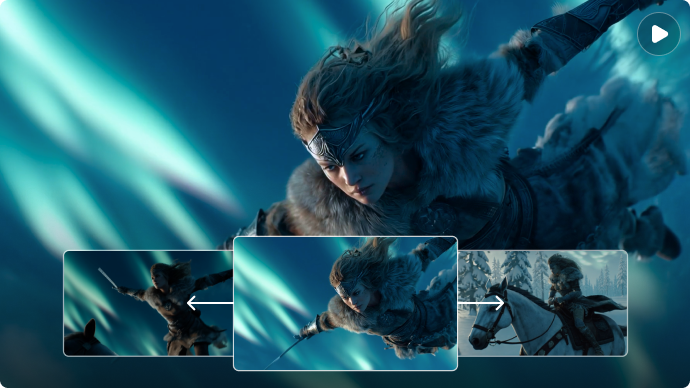
Illustrative Media.io workflow graphic; not a screenshot of Viyou AI

Image-to-Video Animation

The product accepts single images and multi-image references for video scenes, including character and lifestyle use cases. Before relying on image-to-video animation, check the tradeoff named models have different control surfaces: Duration, quality, sound and reference limits differ across named video generators. Check the active form rather than a generic FAQ.

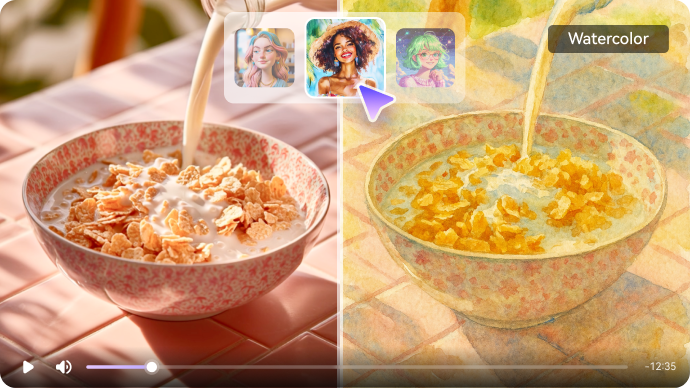
Illustrative Media.io workflow graphic; not a screenshot of Viyou AI

Motion Control and Dance Effects

Motion-oriented tools transfer a reference action or animate a still image into a choreographed or themed movement. For Viyou AI work on multi-model short video and photo effects, Use a permitted motion source and avoid using a recognizable performer's movement or identity without consent.

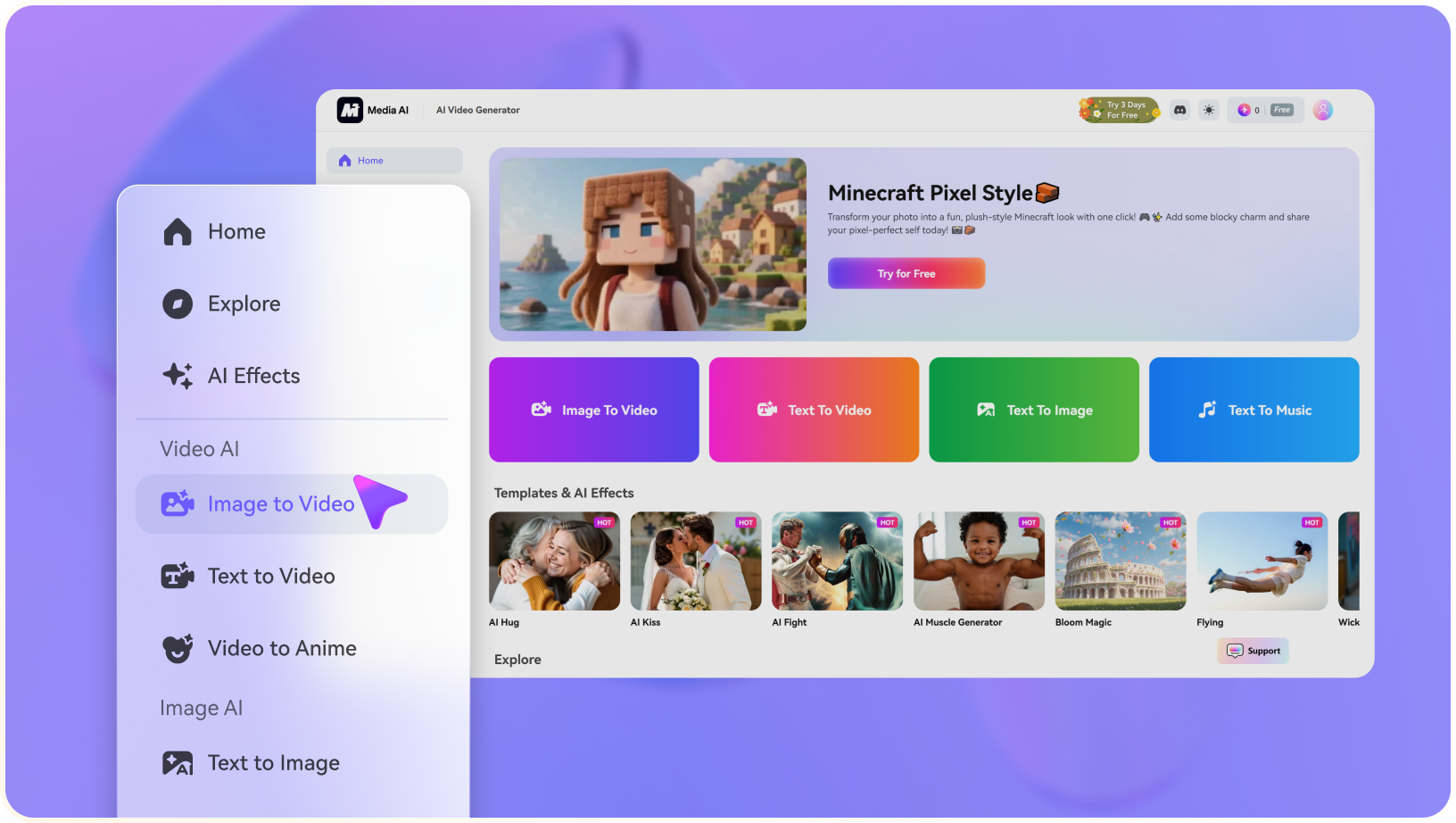
Illustrative Media.io workflow graphic; not a screenshot of Viyou AI

Video Extension

The video extender adds continuation to an existing clip. Users should inspect whether new frames preserve subjects and background details. To assess whether this is repeatable, extend an initial short clip and compare the transition point for visual and temporal discontinuities.

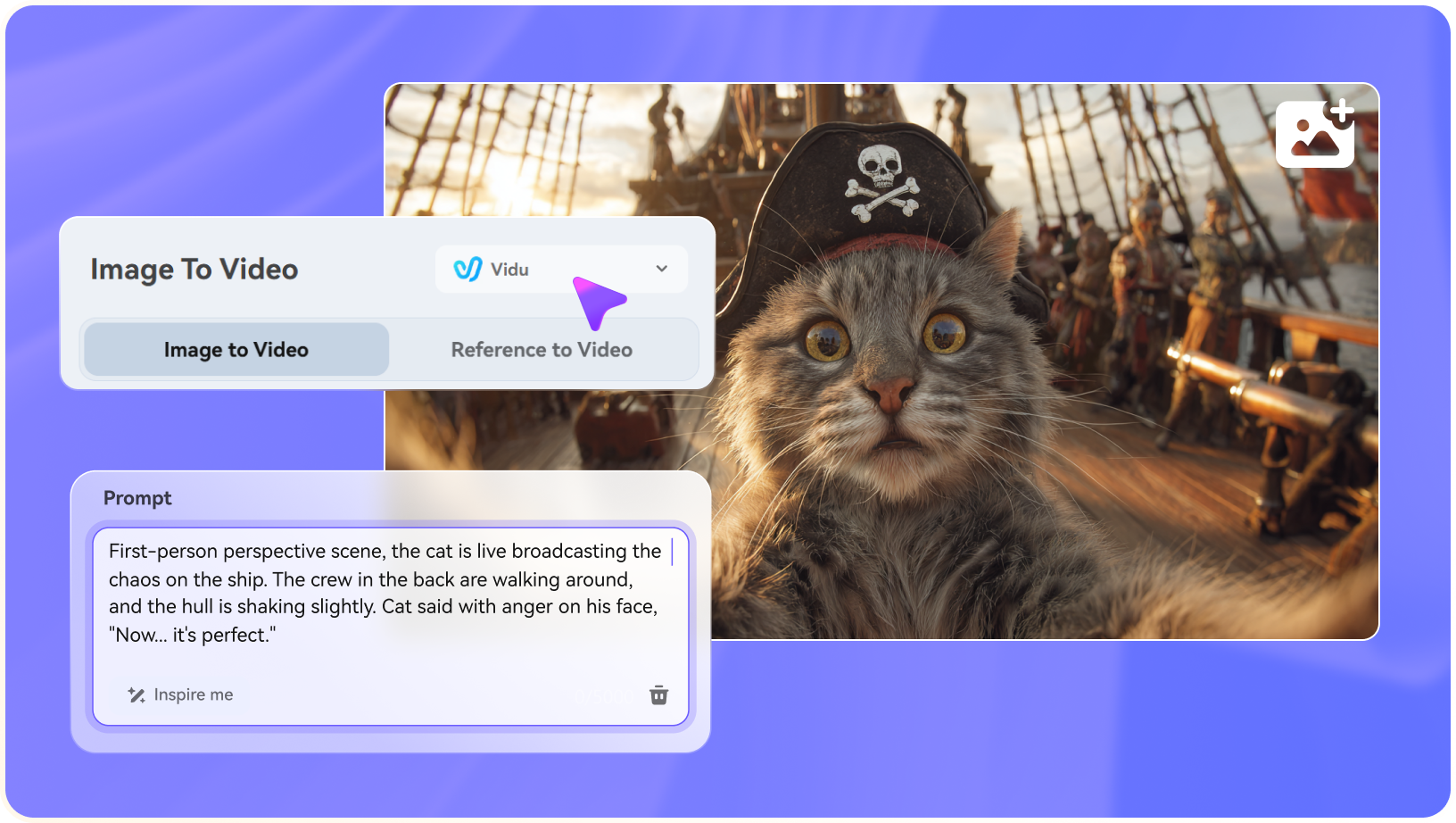
Illustrative Media.io workflow graphic; not a screenshot of Viyou AI

AI Image Editing and Styling

Image-to-image editing, background removal and visual effects provide ways to prepare a source image before generating motion. For a concrete example, edit an outfit or background first, then animate the resulting approved image.

Illustrative Media.io workflow graphic; not a screenshot of Viyou AI

Reward-Based Free Access

The official FAQ describes daily check-ins and referrals that can earn credits; free access is not equivalent to unlimited premium-model output. The final check is open creative modes still have rules: Marketing mentions creative freedom, but terms still prohibit unlawful, infringing and nonconsensual content.
Illustrative Media.io workflow graphic; not a screenshot of Viyou AI

How to Create a One-Photo Social Animation Video with Media.io

1
2
3
1
Choose your one-photo social animation source

Animate an authorized portrait or product image and check faces and objects in every segment.

2
Define the image-to-video animation brief

The product accepts single images and multi-image references for video scenes, including character and lifestyle use cases.

3
Evaluate the lifestyle image restyle output

Edit an outfit or background first, then animate the resulting approved image.

Illustrative Media.io workflow graphic; not a screenshot of Viyou AI

Viyou AI Creative Video Scenarios

From one-photo social animation to lifestyle image restyle, these are distinct projects where Viyou AI could be useful, with checks that match each task.

One-Photo Social Animation

Animate an authorized portrait or product image and check faces and objects in every segment. A related Media.io workflow to explore is Kling Motion Control.

Prompt-Based Fantasy Scene

Write a short cinematic prompt and compare output settings across the available model choices.

Dance Trend Experiment

Use a permitted motion source and avoid using a recognizable performer's movement or identity without consent.

Longer Story Continuation

Extend an initial short clip and compare the transition point for visual and temporal discontinuities. A related Media.io workflow to explore is AI Transition.

Lifestyle Image Restyle

Edit an outfit or background first, then animate the resulting approved image.

Daily Credit Trial

Test a low-cost creation mode using earned rewards before deciding whether a paid plan is worthwhile.

Viyou AI Model, Coin and Rights Tradeoffs

Before planning multi-model short video and photo effects, evaluate rewards are not unlimited premium usage and models have different control surfaces as carefully as the headline features.

Rewards Are Not Unlimited Premium Usage

Daily check-ins may award free credits, but expensive models and higher settings can consume more of them.

Models Have Different Control Surfaces

Duration, quality, sound and reference limits differ across named video generators. Check the active form rather than a generic FAQ.

Video Extension Can Drift

Continuing a shot can change clothing, face shape or background objects. Review the join and entire continuation.

Commercial Rights Need Terms Review

The product terms restrict unauthorized likeness, copyrighted material and some public sharing; don't infer blanket rights from marketing copy.

Account and Cancellation Conditions

The published terms discuss contacting support to cancel. Confirm the current payment and renewal workflow before subscribing.

Open Creative Modes Still Have Rules

Marketing mentions creative freedom, but terms still prohibit unlawful, infringing and nonconsensual content.

Viyou vs Media.io: Motion Effects, Models and Credits

The deciding difference for Viyou AI is its text-to-video model selection and video extension; by comparison, the Media.io Image to Video option focuses on one-photo social animation; compare supported inputs and output rights.

Decision Factor Viyou AI Media.io
Starting workflow A creator can begin with a descriptive prompt and select among available video model options, subject to each model's current supported settings. For one-photo social animation, Media.io Image to Video starts with a targeted tool; Viyou AI instead emphasizes text-to-video model selection.
Primary capability Image-to-Video Animation: The product accepts single images and multi-image references for video scenes, including character and lifestyle use cases. Choose a relevant creation feature for one-photo social animation, subject to the tool's current options.
Reference handling Motion-oriented tools transfer a reference action or animate a still image into a choreographed or themed movement. Use supported reference input where helpful for prompt-based fantasy scene.
Editing and revision The video extender adds continuation to an existing clip. For dance trend experiment, use the available editing and finishing controls as needed.
Output workflow Image-to-image editing, background removal and visual effects provide ways to prepare a source image before generating motion. Check whether longer story continuation needs captions, enhancement or editing after generation.
Cost model Viyou advertises free credit rewards from check-ins and referrals. Check current charges for the Image to Video route, not Viyou AI subscription pricing.
Key buying constraintDaily check-ins may award free credits, but expensive models and higher settings can consume more of them.Confirm supported input and export conditions for multi-model short video and photo effects alternatives.
Specialized strength Reward-Based Free Access. A focused option for lifestyle image restyle and the corresponding downstream edits.
Best fit Multi-model short video and photo effects. For a project like one-photo social animation, choose the Media.io Image to Video workflow over the broader Viyou AI offering.
Best for Viyou AI Projects

Choose Viyou AI If You Need:

Choose Viyou AI when text-to-video model selection and image-to-video animation are needed in your real work. For lifestyle image restyle, check cost and revision permissions before committing to production.

  • One-Photo Social Animation: Animate an authorized portrait or product image and check faces and objects in every segment.
  • Prompt-Based Fantasy Scene: Write a short cinematic prompt and compare output settings across the available model choices.
  • Dance Trend Experiment: Use a permitted motion source and avoid using a recognizable performer's movement or identity without consent.
  • Longer Story Continuation: Extend an initial short clip and compare the transition point for visual and temporal discontinuities.
  • Lifestyle Image Restyle: Edit an outfit or background first, then animate the resulting approved image.
Visit Viyou AI
Best for Media.io Prompt-Based Fantasy Scene Projects

Choose Media.io for One-Photo Social Animation If You Need:

For Viyou AI readers pursuing one-photo social animation, the Media.io Image to Video route is one option for dance trend experiment. It differs from Viyou AI image-to-video animation.

  • Try AI Video Generation workflow: Begin from a permitted input related to one-photo social animation.
  • Prompt-Based Fantasy Scene review: Assess whether Media.io output supports prompt-based fantasy scene without special manual corrections.
    • Finishing for Dance Trend Experiment: Explore relevant Media.io editing tools for dance trend experiment.
  • Focused generation scope: Choose only the tools required for longer story continuation.
  • Rights for Lifestyle Image Restyle: Use authorized source media and double-check outputs intended for lifestyle image restyle.
Try AI Video Generation

Is Viyou AI Worth It? Our Verdict

Our Take

Viyou AI deserves consideration when one-photo social animation or prompt-based fantasy scene is the core job. The combination of text-to-video model selection and ai image editing and styling distinguishes its proposition.

Viyou advertises free credit rewards from check-ins and referrals. Exact paid model costs and plan prices were not consistently available in public pages; check the currently selected mode and checkout. The purchase risk centers on rewards are not unlimited premium usage and video extension can drift. Budget a complete project with corrections and final export.

Viyou may suit photo-to-dance experiments, clip extension and browsing its evolving video model catalog. Media.io is an alternative when you want an identifiable creation or editing task with related finishing tools. Compare the specific model's credits, privacy settings and available export rights rather than headline model counts.

Viyou AI FAQ: Features, Pricing and Alternatives

Can Viyou AI make video from a text prompt?
faq faq

Viyou AI is an online image and video generation platform providing text-to-video, image-to-video, image editing, motion control, video extension, dance and themed video effects, with model selection and a daily-credit reward system.

A creator can begin with a descriptive prompt and select among available video model options, subject to each model's current supported settings.

The product accepts single images and multi-image references for video scenes, including character and lifestyle use cases.

Viyou advertises free credit rewards from check-ins and referrals. Exact paid model costs and plan prices were not consistently available in public pages; check the currently selected mode and checkout.

Daily check-ins may award free credits, but expensive models and higher settings can consume more of them. Duration, quality, sound and reference limits differ across named video generators. Check the active form rather than a generic FAQ.

Animate an authorized portrait or product image and check faces and objects in every segment. Continuing a shot can change clothing, face shape or background objects. Review the join and entire continuation.

The video extender adds continuation to an existing clip. Users should inspect whether new frames preserve subjects and background details.

For one-photo social animation, compare the Media.io Image to Video path against Viyou AI results. It can handle a distinct video step; Viyou AI remains more specific to image-to-video animation, so compare current plan costs and usage rights.

If your recurring task is lifestyle image restyle, the main question is whether the advantages of text-to-video model selection outweigh the limitations. The published terms discuss contacting support to cancel. Confirm the current payment and renewal workflow before subscribing.

What Media.io Creators Say About Their Workflow

Media.io AI video generator user
Sarah L.

Content Creator

star star star star half star

Media.io makes it much easier to test different AI video styles without jumping between several platforms. I can start with a text prompt or image, compare model results, and then resize or polish the clip for social media in the same workspace.

Media.io AI video creator
John D.

Social Media Marketer

star star star star half star

I use Media.io to create quick product clips, ad concepts, and short-form videos from images. The biggest advantage is that generation does not feel like the final step - I can continue with music, captions, enhancement, and format conversion before publishing.

Media.io AI video editing user
Emily T.

Freelance Designer

star star star star half star

The workflow is approachable even when I am experimenting with unfamiliar AI models. I can animate artwork, try different motion prompts, preview the output, and prepare a cleaner final version without needing advanced video-editing experience.

Media.io Online Tools Quality Rating:
vote 4.7 (162,357 Votes)
media.io

AI Video Generator star

Easily generate videos from text or images

Generate