Home>Comparison>Viddo AI

Viddo AI Review: Which Video Model Fits Your Budget?

Choosing a video generator is no longer only about writing the best prompt. Viddo AI puts several model families and production modes behind one interface, from image-to-video and text-to-video to extensions, audio and marketing clips. The challenge is comparing models that charge differently by duration, resolution and output count, while promotional prices can change. This review maps the important settings, the practical use of reference images and seeds, and the reasons Media.io may suit a more directed ad or script task.

Core Feature Overview: What Makes Viddo AI Different

Viddo is positioned as a cross-model video and image workstation. Its real value is model choice and multiple input modes, while per-generation credits, export settings and repeatability determine cost.

Core Feature Overview

Text-to-Video Across Model Families

Viddo lists several video model families including Seedance, Veo, Kling, Hailuo and Vidu options on its public interface. Choosing a model is only the first decision: prompt detail, clip length, aspect ratio and audio settings affect the task and cost. Compare one clearly defined scene across two options instead of generating broad prompts on every model.

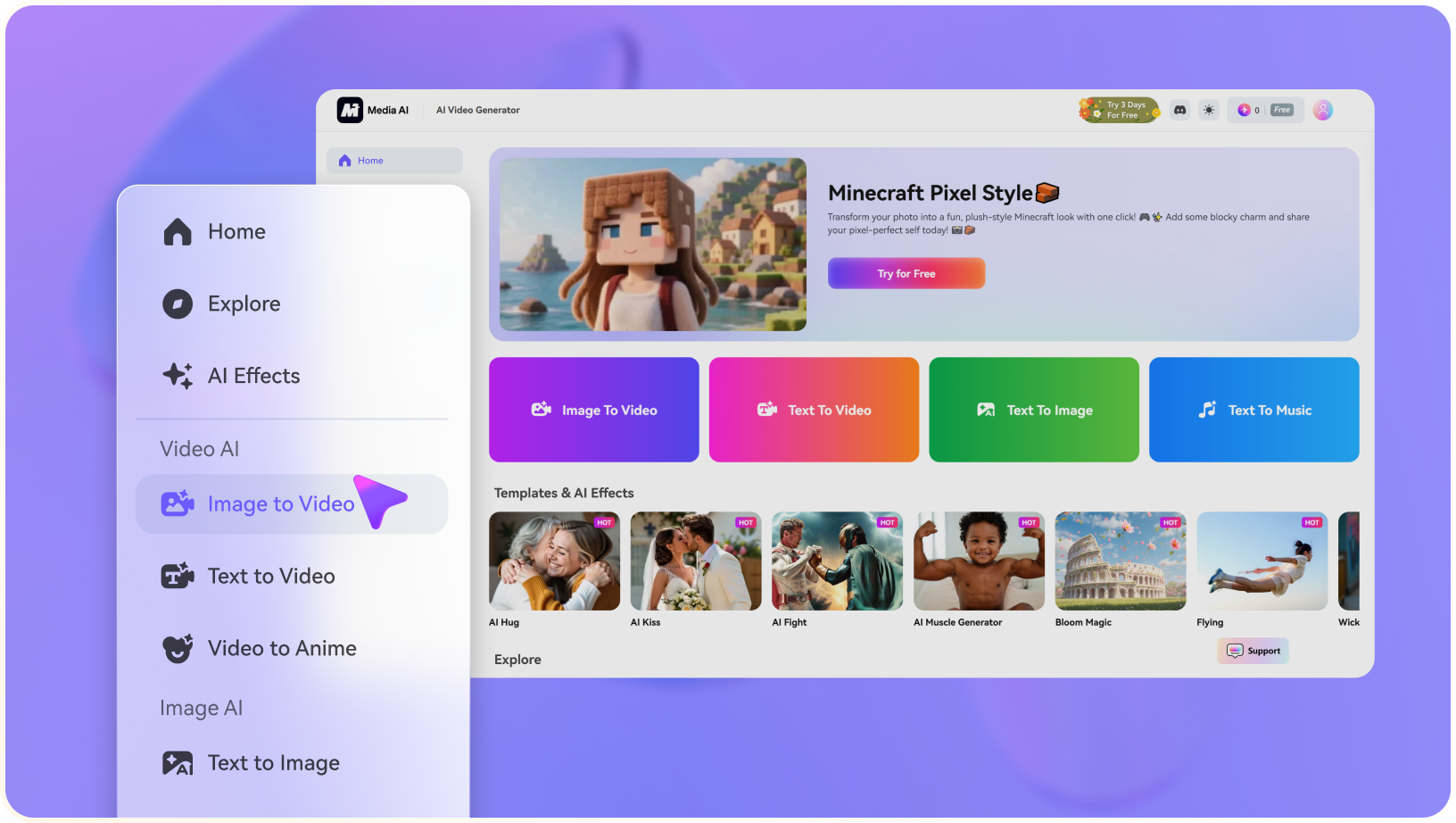
Illustrative Media.io creation workflow graphic, not a Viddo AI product screenshot

Image-to-Video with Uploaded References

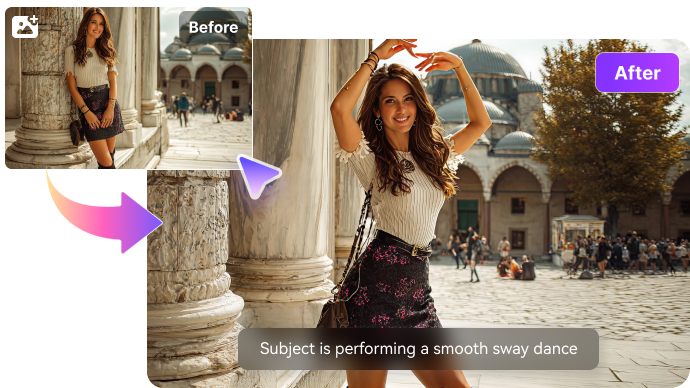
The creator interface supports uploading media as a reference and animating an approved image. It is valuable for preserving a real product composition or a character established in a still. Check whether the source geometry survives movement, especially around logos, hands and faces. Reference support can differ across models.

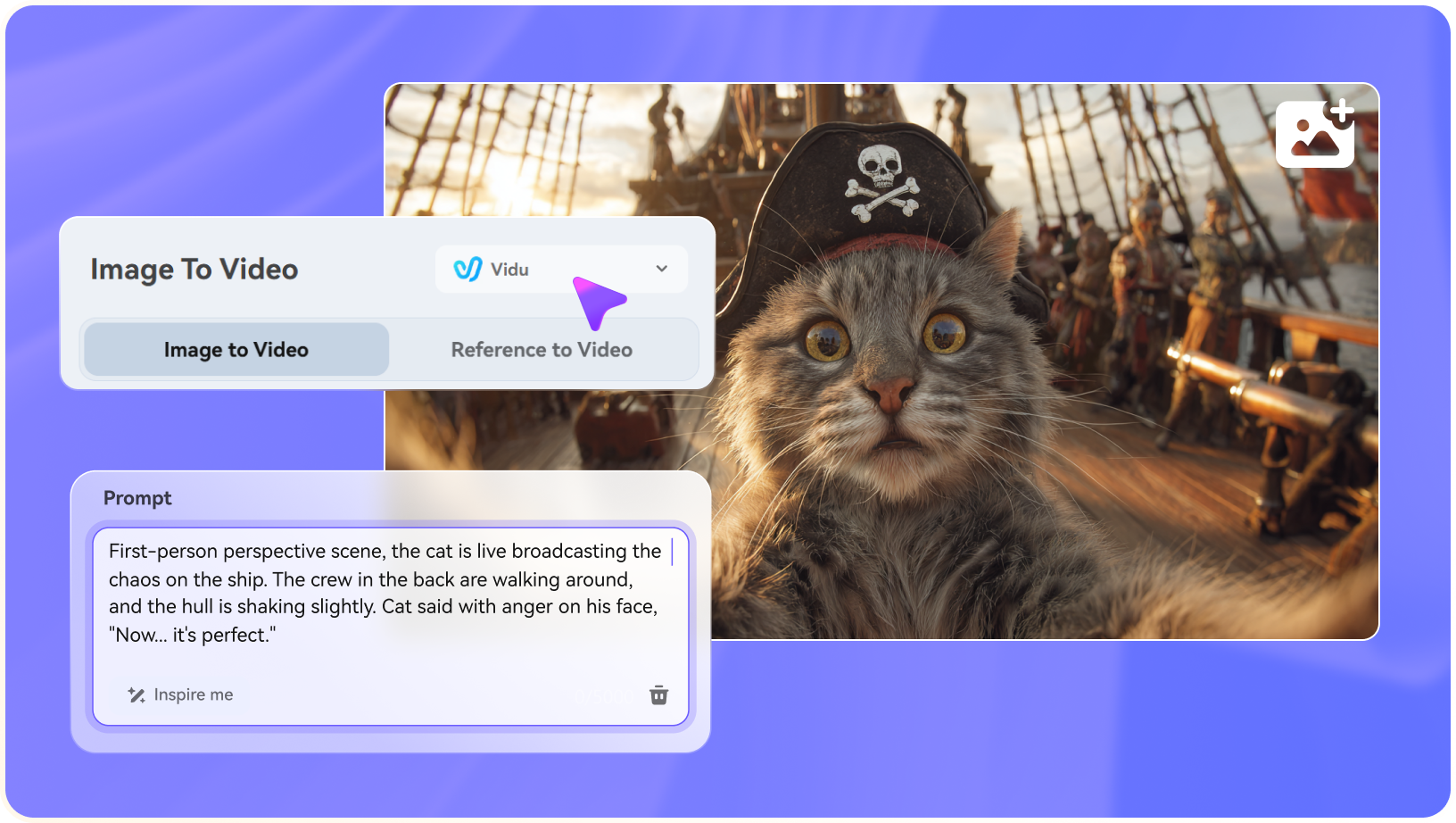
Illustrative Media.io creation workflow graphic, not a Viddo AI product screenshot

Video Extension and Motion Tools

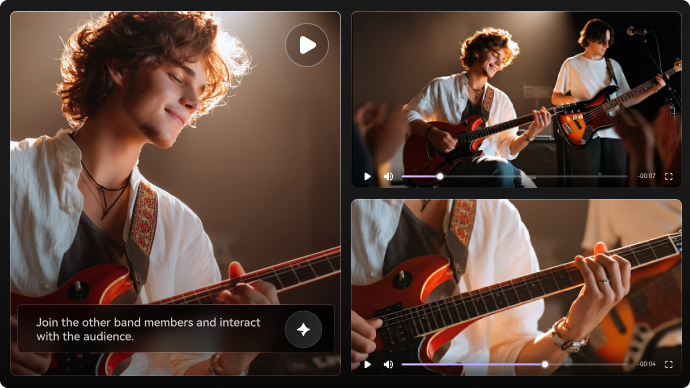
Viddo promotes video extending, motion control and reference-video tasks beyond one-shot generation. A longer story may need additional generations that match previous frames and motion direction. Judge the seam between clips, not only the visual quality of the first few seconds.

Illustrative Media.io creation workflow graphic, not a Viddo AI product screenshot

Aspect Ratio, Duration and Resolution Controls

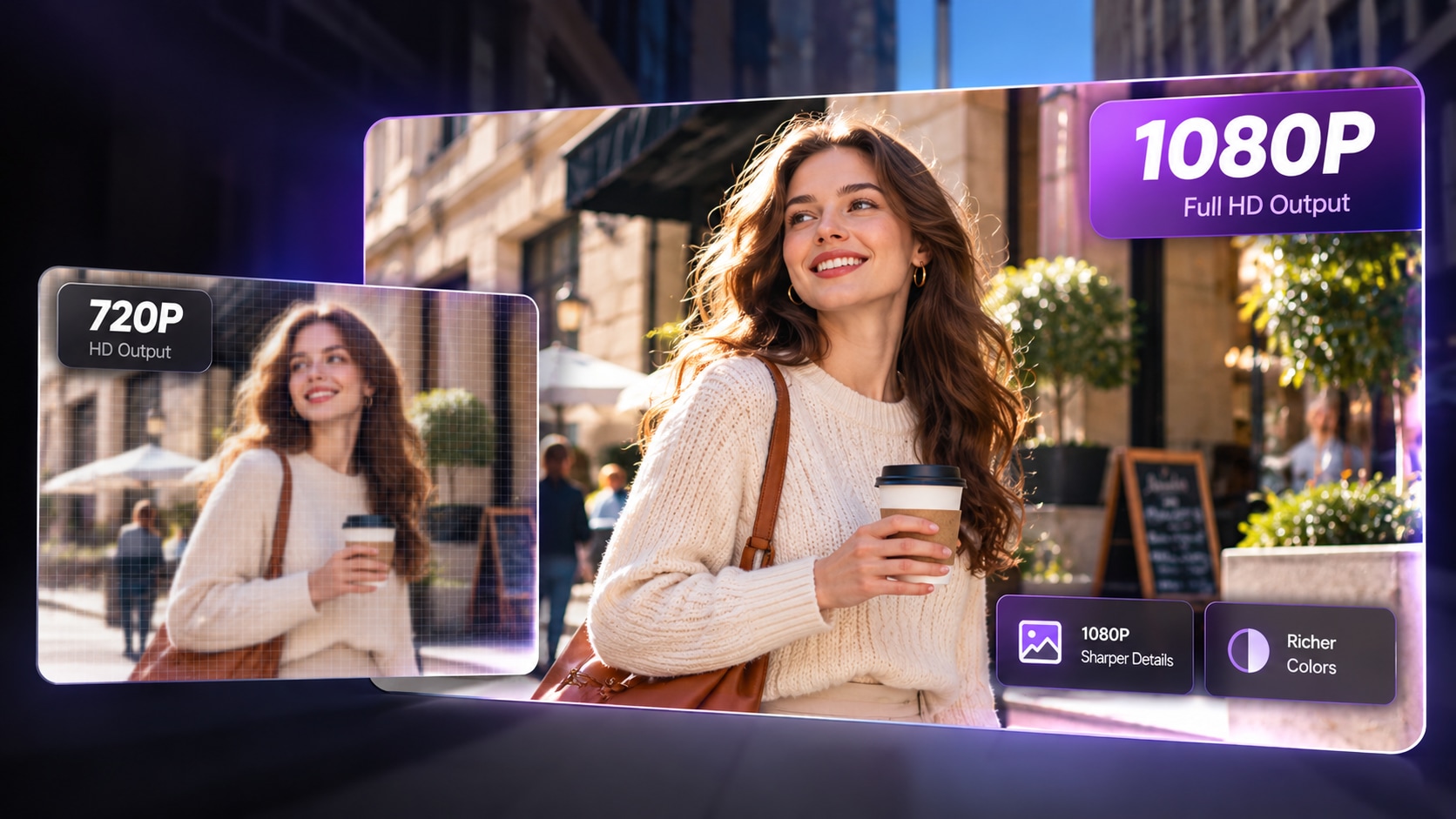
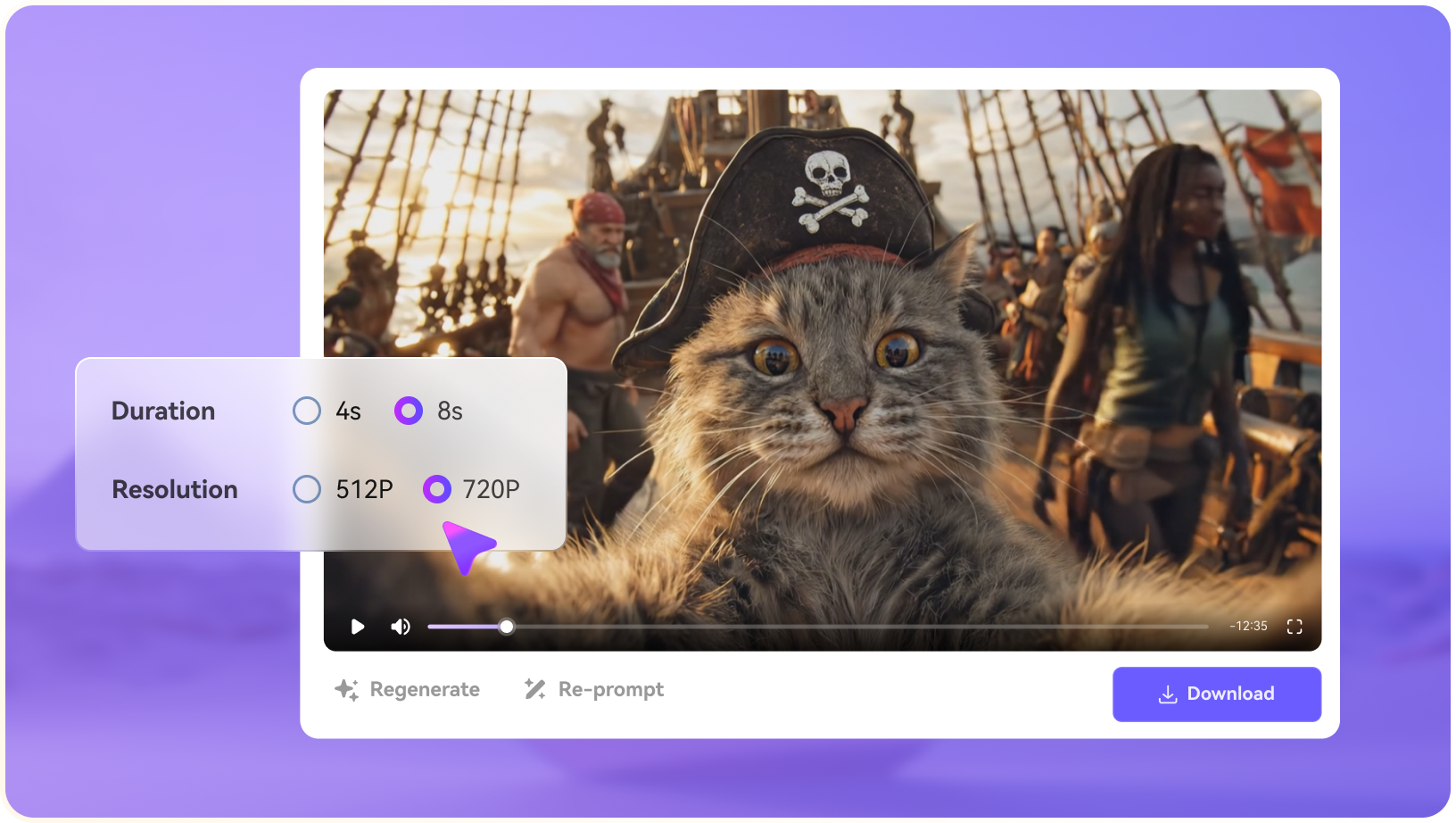
Its visible generation interface includes common portrait, landscape and square ratios, with selectors for video length and resolution. Those controls can vary with chosen models or account status. Specify the destination platform first and compare output at the intended resolution; an appealing preview may not reflect the paid export.

Illustrative Media.io creation workflow graphic, not a Viddo AI product screenshot

Voice, Music and Media Editing Utilities

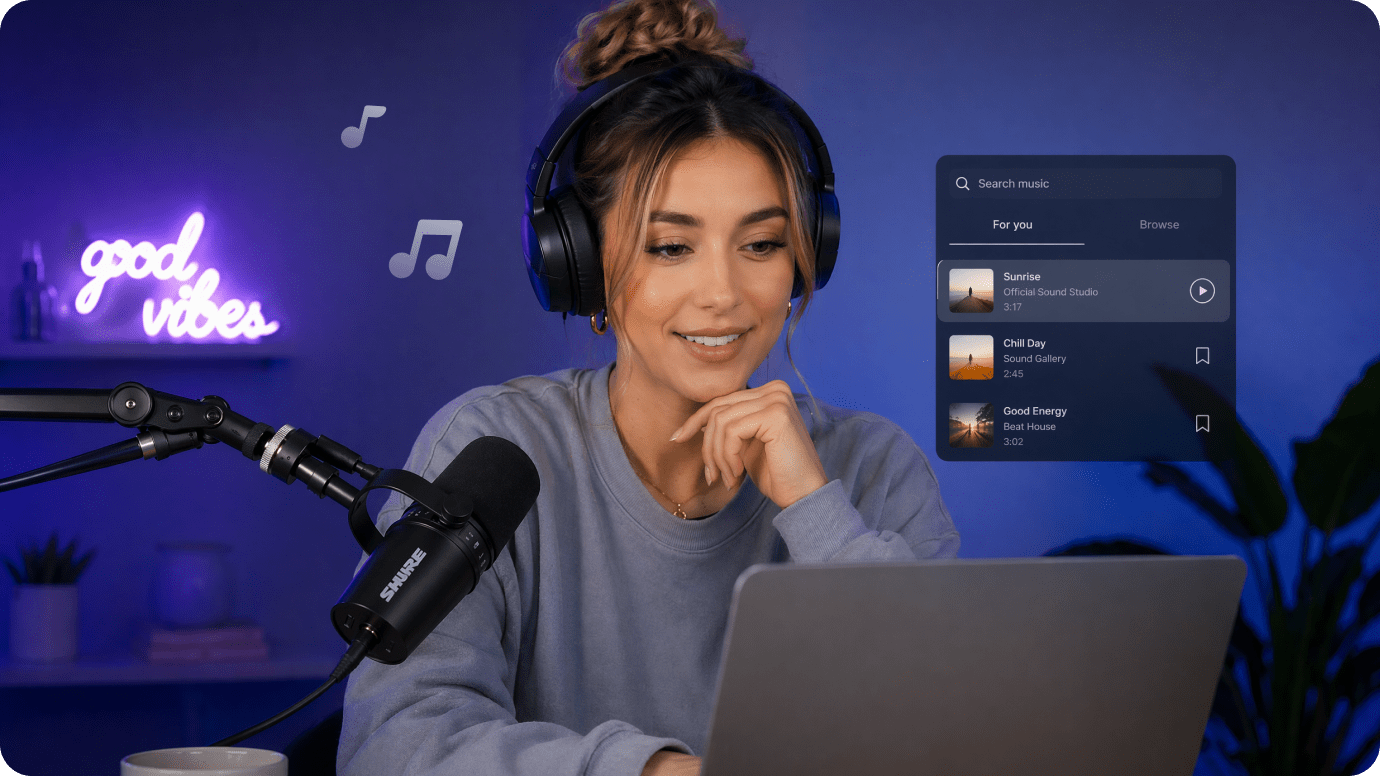
Viddo's navigation includes AI voice, music and editing tools such as video enhancement and trimming. That makes it more than a text-to-video prompt box, but audio and video may be billed differently. Confirm whether the chosen video model already generates sound before ordering a separate voiceover.

Illustrative Media.io creation workflow graphic, not a Viddo AI product screenshot

Variable Credit Pricing by Model

Viddo's price FAQ says credits depend on model, duration, resolution and number of outputs. Its public examples promote low per-video starting prices, but they are not a universal flat rate. Calculate the cost of two or three rejected attempts and any video extension before committing to a larger package.

Illustrative Media.io creation workflow graphic, not a Viddo AI product screenshot

How to Turn a Reference Image into Video with Media.io

1
2
3
1
Step 1: Choose Image to Video

Upload a reference image you have permission to animate.

2
Step 2: Write the motion prompt

Set the movement and framing appropriate to the scene and available model.

3
Step 3: Generate and review

Inspect reference fidelity, timing and any generated audio before reuse.

Illustrative Media.io creation workflow graphic, not a Viddo AI product screenshot

Six Practical Uses for Viddo AI

Cross-model video production works best with tightly defined briefs. These examples highlight why reference quality and cost per usable scene matter more than the cheapest headline rate.

A Product Motion Test

Animate an approved product photograph with a subtle camera orbit and check label fidelity before incorporating it into a sales asset.

A Short Cinematic Scene

Generate the same storyboard prompt with two available video models and compare motion, character detail and credit cost.

A Vertical Social Transition

Use portrait framing from the beginning and review whether rapid camera movement remains legible on mobile.

Extending a Story Clip

Continue an existing scene and inspect the join between generations, maintaining lighting, costume and motion direction.

A Voice-Led Ad Draft

Combine an approved script with appropriate sound or voice features, then check whether audio is native to the selected model.

A Multi-Model Creative Comparison

Log credit usage, result duration and the reason each trial was rejected. The cheapest listed generation is not always the cheapest publishable asset.

What to Check Before Buying Viddo AI

Model choice creates variation in price, output and controls. Treat these as practical evaluation points rather than unsupported claims about image quality.

Promotional Prices Are Not Universal

Viddo displays starting per-video offers, while its pricing FAQ says charges depend on the chosen model and settings. Estimate your actual configuration, not an advertised minimum.

Premium Models Consume Different Credits

Model families may differ in duration, resolution and audio. A prompt that costs little on one mode can be more expensive on another.

Reference Seeds Do Not Guarantee Identity

Viddo describes locking a seed for greater consistency. A repeated seed may help style, but not prove exact character preservation across all models and shots.

Longer Videos Need Additional Control

Extension and long-video tools add flexibility but can create continuity gaps. Test edits and joins before delivering a client narrative.

Free Access Is Account Dependent

Free-tool landing pages and reward mechanisms do not mean every premium model or 1080p render is free. Inspect the live credit quote before generating.

Rights and Audio Need Review

Different underlying models can have different input, output and commercial conditions. Check current terms and verify any attached speech or music before publication.

Viddo AI vs Media.io: Features, Costs and Workflow Fit

Viddo consolidates several third-party models and controls. Media.io is better compared as a task-oriented story, clip or ad creation path rather than a model-count contest.

Decision Factor Viddo AI Media.io
Model selection Broad multi-vendor video model roster Choose from available model and task routes
Text-to-video Direct prompt-to-video modes Text-to-video tools and scenario-led creation
Reference images Image-to-video with media upload and seed controls Image-to-video using authorized reference input
Video duration Model-dependent clip duration and extension Duration depends on chosen Media.io generator
Audio and speech Voice and music utilities alongside video Audio creation and enhancement tools
Pricing clarity Credits vary by model, duration and resolution Inspect cost of each tool and model before use
Ad assemblyMarketing studio plus individual generationDedicated AI Ad Generator and scripted video tools
Finishing Trimming, enhancement and other utilities Specialized video cleanup and editing workflows
Best buyer fit Creators comparing video models and effects Users producing a defined ad or story outcome
Best for Viddo AI Projects

Choose Viddo AI If You Need:

Choose Viddo when the main purpose is to compare multiple video engines or use its reference and extension controls for individual creative shots.

  • Image-to-Video Across Model Families: Viddo lists many model families including Veo, Seedance, Kling and Wan.
  • Text to Video for New Scenes: Prompt-led video is useful when no source photo exists.
  • Reference to Video and Motion Control: These tools prioritize source fidelity or a desired movement pattern.
  • Video Extension and Transition: Extending a clip and transitioning between shots helps build more than a single short render.
  • Plan selection: Viddo describes subscriptions and model-specific consumption, but a stable public table was not independently extractable for every model. Check resolution, duration, reference controls and rate in the logged-in generator before calculating cost.
Visit Viddo AI
Best for Connected Creation

Choose Media.io If You Need:

Choose Media.io when a short ad, story or image-based clip is the main deliverable and post-generation adjustments should be part of the workflow. Check model availability before comparing exact features.

  • Media.io has image-to-video routes; model and length controls need live verification.
  • Use text-driven video generation for new concepts rather than an image motion reference.
    • Do not assume the same Viddo reference-motion controls are available.
  • Clip extension and transitions may require a separate post-production stage.
  • Final production: when you prefer to iterate from source image to video and continue refining the creative in one related set of tools; verify active models on both sites.
Explore Media.io AI Tools

Final Verdict: Who Should Use Viddo AI?

Our Take

Viddo is worth investigating as a multi-model video workstation rather than a single-purpose generator. Reference uploads, aspect controls and extension paths can help creators explore a difficult scene.

Its checkout decision is primarily about unit economics. Published lowest-price examples are not representative of every premium model or output resolution, so compare the real credit quote for your job.

Choose Viddo for exploratory cross-model shooting. Choose Media.io for a defined script, image-to-video or ad workflow with specialist finishing options. Keep a test ledger of prompts, credits and usable outputs.

Viddo AI Frequently Asked Questions

What does Viddo AI generate?
faq faq

Viddo provides text-to-video, image-to-video, image generation and related audio and editing utilities through a multi-model interface.

Its public pages list model families such as Seedance, Veo, Kling, Hailuo and Vidu. Exact versions and eligibility can change in the live workspace.

Yes. You can upload an approved image as reference and choose supported motion and framing settings. Check the model-specific options before generating.

The site promotes free experiences and credit rewards, but individual premium models and settings can carry charges. Check the displayed quote in your account.

According to its pricing FAQ, credits depend on model, video length, resolution and output count. A public starting price is not a fixed rate for every generation.

Viddo advertises video extension and motion tools. Evaluate the continuity between original and extended clips and budget any additional generation costs.

The interface explains seed locking for similar style and character appearance. It is a useful control, but identical character identity is not guaranteed across every output.

Its navigation lists AI voice, speech and music capabilities. Audio generation and permissions should be reviewed separately from each video model.

Media.io is useful when you want a short story, product ad or reference-image clip with clear finishing options instead of exploring many model settings.

What Media.io Creators Say About Their Workflow

Media.io AI video generator user
Sarah L.

Content Creator

star star star star half star

Media.io makes it much easier to test different AI video styles without jumping between several platforms. I can start with a text prompt or image, compare model results, and then resize or polish the clip for social media in the same workspace.

Media.io AI video creator
John D.

Social Media Marketer

star star star star half star

I use Media.io to create quick product clips, ad concepts, and short-form videos from images. The biggest advantage is that generation does not feel like the final step - I can continue with music, captions, enhancement, and format conversion before publishing.

Media.io AI video editing user
Emily T.

Freelance Designer

star star star star half star

The workflow is approachable even when I am experimenting with unfamiliar AI models. I can animate artwork, try different motion prompts, preview the output, and prepare a cleaner final version without needing advanced video-editing experience.

Media.io Online Tools Quality Rating:
vote 4.7 (162,357 Votes)
media.io

AI Video Generator star

Easily generate videos from text or images

Generate