Home>Comparison>VibeVideo

VibeVideo Review: Can One Workflow Build an Entire Short Story?

A short film can fall apart between shots even when each individual AI clip looks compelling. VibeVideo is designed around the larger story: write the script, plan scenes, create visual references and assemble motion and voiceover in one place. It advertises models such as Seedance, Kling and Vidu, with separate costs for generation and export. The practical question is whether its guided story workflow saves more time than it consumes in credits. This review looks at narrative continuity, available plans and what a creator should test before producing a series.

Core Features of VibeVideo AI Video Generator

VibeVideo is a story-to-video AI creation platform that develops ideas into scripts, storyboards and connected video scenes using character-continuity tools, multiple generation models, supporting image and audio assets, and a scene-level workflow for revising short visual stories.

Core Feature Overview

VibeVideo Script to Video and Storyboard Planning

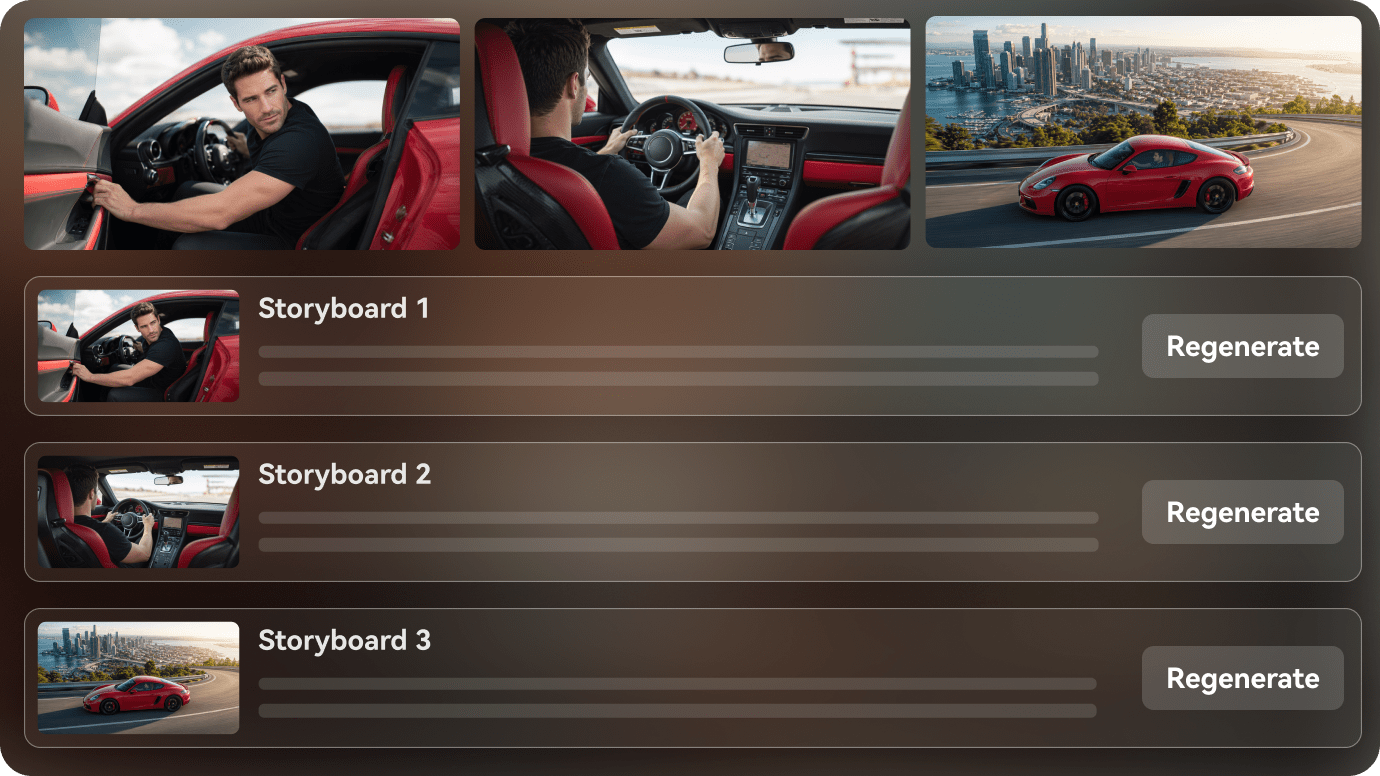
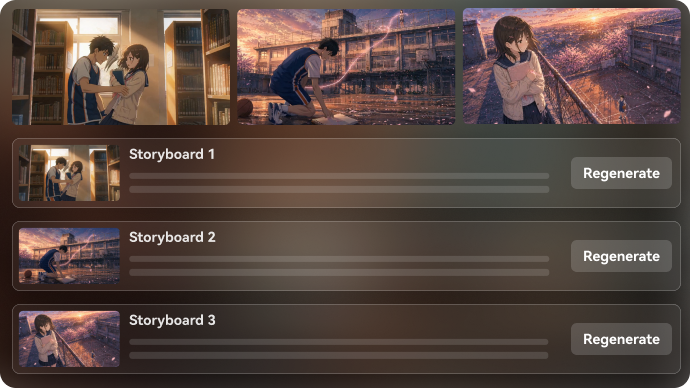
VibeVideo positions itself as a director-like tool that turns an idea into script and storyboards. This can make scene order and character introductions easier to review before costly video generation. Approve the words, visual beats and scene count before choosing more expensive models.

Illustrative Media.io creation workflow graphic, not a VibeVideo product screenshot

VibeVideo Storyboard Generator and Character Continuity

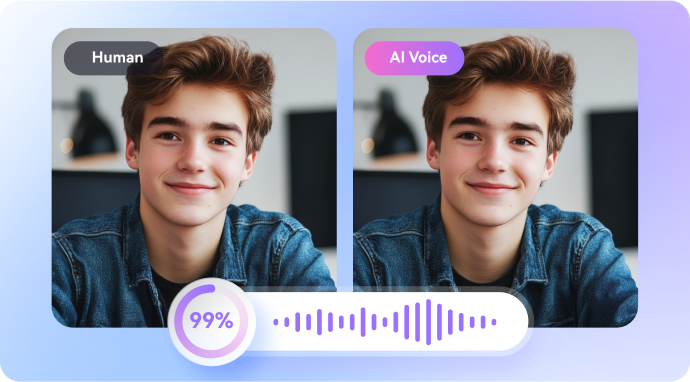
The product describes keeping characters and story details coherent across shots. That is especially useful for recurring hosts or a short narrative with identifiable locations. Compare costume, pose, lighting and props frame by frame; consistency should still be tested rather than assumed.

Illustrative Media.io creation workflow graphic, not a VibeVideo product screenshot

Multiple Video Generation Models

VibeVideo.io mentions Seedance, Kling and Vidu in its model ecosystem. Its published credit documentation charges some models per second and at different rates by resolution. A script with ten shots must be budgeted by actual model and shot length.

Illustrative Media.io creation workflow graphic, not a VibeVideo product screenshot

Image and Audio Asset Creation

The workflow spans visual generation and voiceover using other tools described on the official site. An approved voice and consistent art direction can speed production, but each media component may incur separate usage or export costs.

Illustrative Media.io creation workflow graphic, not a VibeVideo product screenshot

Storyboard and Timeline Adjustments

Instead of treating text-to-video as one finished answer, the project can be revised scene by scene. This is useful for pacing and client approvals, although revision costs increase when motion generation must be repeated.

Illustrative Media.io creation workflow graphic, not a VibeVideo product screenshot

Free Credits, Plans and Export Fees

The English overview advertises 50 free sign-up credits and monthly plans of 2,000, 5,000 or 10,000 credits. A separate official credit guide also describes model-rate calculations and export costs. Verify the account's live price table when estimating a finished video.
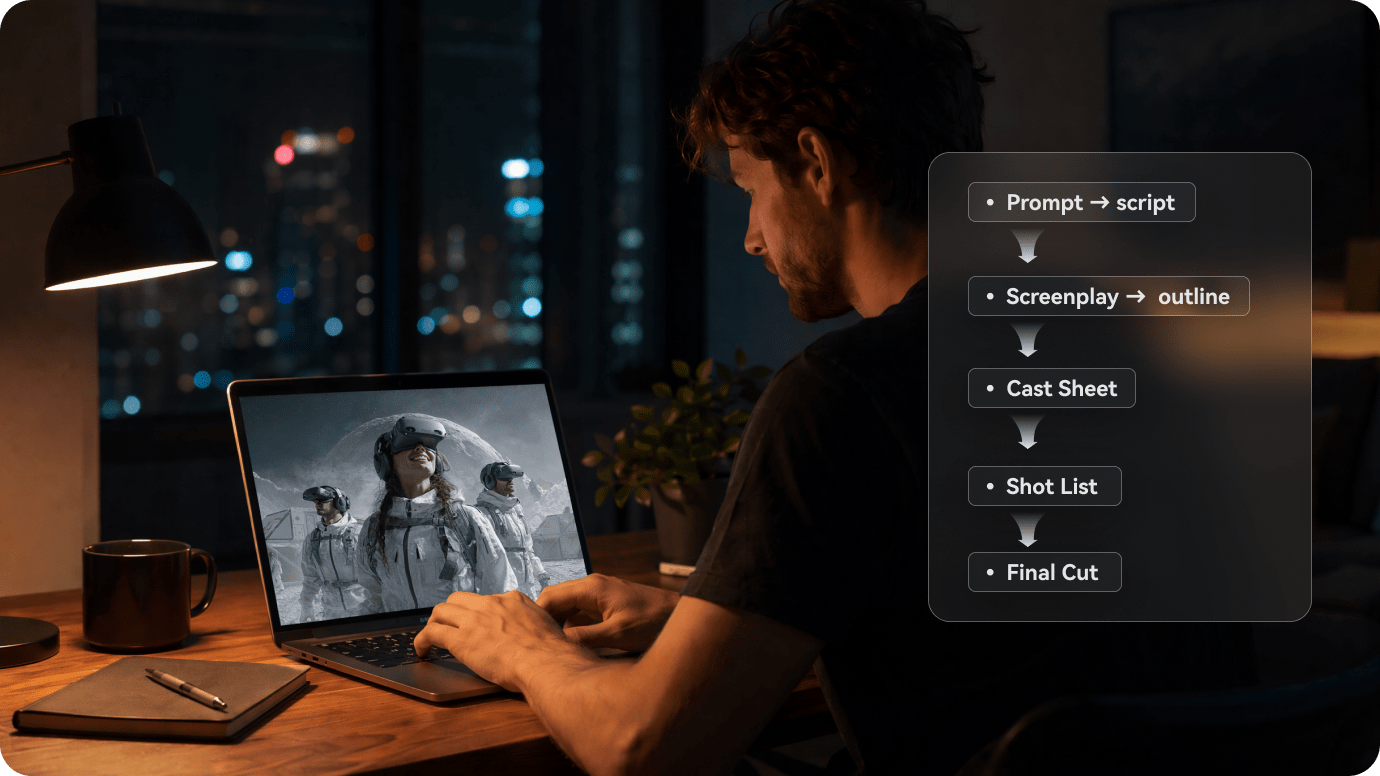
Illustrative Media.io creation workflow graphic, not a VibeVideo product screenshot

How to Make a Short Story Video from a Script with Media.io

1
2
3
1
Step 1: Start in Script to Video

Use a concise original outline with a clear beginning, middle and ending that fits a short video.

2
Step 2: Specify scenes and voice

Describe the cast, scene transitions and narration requirements, and review the outline for factual or continuity issues.

3
Step 3: Generate and check pacing

Preview each scene, revise weak shots and finish the sequence using the available creation tools.

Illustrative Media.io creation workflow graphic, not a VibeVideo product screenshot

Where a VibeVideo Story Workflow Is Useful

Narrative structure matters in these scenarios more than simply choosing the newest generation model.

A 60-Second Mystery Story

Write a hook, two clues and a reveal, then use storyboards to check whether the viewer can follow character motivation between scenes. For a simpler first script experiment, explore the free AI story generator workflow.

Repeated Brand Mascot Explainers

Keep a mascot's clothing, colors and environment consistent while the script introduces a product problem and solution. Test the first and last shot together.

Children's Animated Tale

Plan short scenes around a single character and simple dialogue. Review character safety, age suitability and voice clarity before rendering all motion.

Social Mini-Series

Produce an episode template with stable locations and recurring cast. Monitor whether character consistency holds over multiple prompts and weeks.

Product Launch Storyboard

Get an approval-ready shot list before allocating generation credits. A storyboard can reveal missing footage needs earlier than a finished video.

Educational Micro-Lesson

Script each concept and spoken explanation to fit the intended time. Subtitle and voice accuracy are more important than cinematic flourishes.

VibeVideo Limitations and Cost Questions

Its end-to-end promise has several distinct metering and project-management implications.

Generating and Exporting Use Different Credit Rules

The official credit documentation describes video generation charged per second, while exports have resolution-dependent per-minute costs. Budget both operations when calculating a completed story.

Model Rates Change by Quality

Seedance, Kling and Vidu rows show different per-second charges and supported resolutions. A full-resolution replacement for every weak scene can quickly exceed an estimate based on low-resolution drafts.

A Free Sign-Up Bonus Is Not Full Production

VibeVideo advertises 50 free sign-up credits, which do not establish enough capacity for a narrated multi-scene film. Test the storyboard before committing to a paid project.

Character Continuity Still Needs Editorial Review

Product positioning emphasizes coherent recurring characters, but AI-generated hands, outfits and environments can vary. Keep reference sheets and check every recurring element.

Similar Brand Names Can Confuse Searches

VibeVideo.io is distinct from VibeVideo.ai, whose product is oriented toward clipping existing videos. Using price or output specifications from the wrong domain can lead to an incorrect buying decision.

Voiceover and Long-Form Pacing Add Work

A script may need substantial cuts to fit short-video pacing. Synthesized voice, title cards and music should be checked as separate layers before export.

VibeVideo.io vs Media.io: Guided Story or Focused Script Tool?

VibeVideo tries to manage a complete video narrative. Media.io can be evaluated on a specific script-based scene or short-form task.

Decision Factor VibeVideo Media.io
Project starting point Story concept to script and storyboard Script-to-video generation and scenario tools
Continuity Recurring characters and scene references emphasized Review and refine scenes using appropriate tools
Model access Mentions Seedance, Kling, Vidu Active model availability should be checked
Audio Voiceover and music as part of story flow Relevant narration and finishing options by tool
Video charges Per-second model and resolution rates Verify live job-specific credit costs
Export charges Separate resolution-based export meter Check current export options per workflow
Free optionSign-up bonus of 50 credits on official siteTrial terms depend on active Media.io product
Best audience Writers making episodic multi-shot narratives Creators needing a short script-driven deliverable
Workflow risk Multiple generation and export steps Scene relevance and final editing still need review
Best for VibeVideo Projects

Choose VibeVideo If You Need:

Choose VibeVideo.io when you need script, storyboard, cast references and model choices coordinated around a whole narrative.

  • Start from an entire story and storyboard, not an isolated motion prompt.
  • Build consistent characters across multiple scenes and recurring narrative settings.
  • Compare specific Seedance, Kling or Vidu generation rates by clip length.
  • Need visual reference organization, voiceover and a scene-by-scene revision process.
  • Can budget both model-render costs and resolution-based export charges.
Visit VibeVideo
Best for Connected Creation

Choose Media.io If You Need:

Choose Media.io when the core need is a short story, explainer or ad generated from a prepared script, with specialized finishing rather than a more involved story studio. If the project specifically calls for a cartoon narrative, compare the cartoon story video generator.

  • Begin with a concise finalized script for a short commercial or story.
  • Prefer an explicit task-oriented generator over an end-to-end film production desk.
    • Need a one-off cartoon or animated story without a long episodic workflow.
  • Use a focused tool to develop a shot and then improve its video quality.
  • Would rather review an individual deliverable than manage multiple model meters.
Create a Script Video

Is VibeVideo Worth It for Story-Based Shorts?

Our Take

VibeVideo is a credible option for creators who think in scenes and episodes. Its script-and-storyboard starting point directly addresses a common weakness of one-shot AI video generators: disconnected narrative beats.

The budgeting challenge is that the end product can involve model generation, voice/music elements and an export charge. The free sign-up allowance is most useful for exploring the workflow, not necessarily completing a finished episode.

Choose VibeVideo.io for multi-shot story planning with controlled model selection. Choose Media.io for shorter prepared-script content when a focused route is preferable. Be sure you are comparing vibevideo.io, not the separate VibeVideo.ai editing service.

VibeVideo Frequently Asked Questions

What is VibeVideo.io?
faq faq

VibeVideo.io is an AI story-to-video service combining script development, storyboards, generation models, visual planning and voiceover-oriented production.

Its official English overview lists 50 sign-up free credits and an entry-level free option. That is a small trial and should not be assumed to cover a full multi-scene project.

VibeVideo.io lists monthly options of $20 for 2,000 credits, $50 for 5,000 and $100 for 10,000, alongside a free tier. Check live checkout and regional availability.

Yes. Script and storyboard planning are at the center of its advertised workflow, helping align narrative scenes before video generation.

Its overview names Seedance, Kling and Vidu, while its separate credit guide shows model-specific rates. Exact versions and access are subject to change.

VibeVideo promotes continuity of characters and plot. Use references and review successive shots because consistency claims do not guarantee identical facial or costume details.

The official credit guide describes export costs by resolution per minute alongside separate model generation pricing. Review the estimate for your chosen final quality.

No. These are different domains describing different products. This page concerns vibevideo.io's story and storyboard creation service, not the separate video clipping product.

Media.io Script to Video supports task-oriented short narrative creation. The appropriate choice depends on how much control you need over cast references, storyboards and model-specific generation.

What Media.io Creators Say About Their Workflow

Media.io AI video generator user
Sarah L.

Content Creator

star star star star half star

Media.io makes it much easier to test different AI video styles without jumping between several platforms. I can start with a text prompt or image, compare model results, and then resize or polish the clip for social media in the same workspace.

Media.io AI video creator
John D.

Social Media Marketer

star star star star half star

I use Media.io to create quick product clips, ad concepts, and short-form videos from images. The biggest advantage is that generation does not feel like the final step - I can continue with music, captions, enhancement, and format conversion before publishing.

Media.io AI video editing user
Emily T.

Freelance Designer

star star star star half star

The workflow is approachable even when I am experimenting with unfamiliar AI models. I can animate artwork, try different motion prompts, preview the output, and prepare a cleaner final version without needing advanced video-editing experience.

Media.io Online Tools Quality Rating:
vote 4.7 (162,357 Votes)
media.io

AI Video Generator star

Easily generate videos from text or images

Generate