Home>Comparison>FOTOhub AI

FOTOhub AI Review: One Creative Studio, Two Billing Systems

Can one AI workspace handle campaign images, moving shots, voice and even a 3D concept? FOTOhub AI brings those studios under one account, making it appealing to teams that switch formats throughout a brief. The important catch is not the model count: web-app generations use credits, while its developer API bills a separate prepaid USD wallet. This review breaks down what each workflow actually buys, where costs diverge and when Media.io offers a more direct route to finished images or videos.

Core Feature Overview: What Makes FOTOhub AI Different

FOTOhub brings image, video, audio, text and 3D work into one web studio. Its public free offer includes 50 web credits, but its API runs on a different billing ledger. Compare the creation workflow and the developer workflow separately before choosing a plan.

Core Feature Overview

Web Credits for Multiple Creative Studios

The public FOTOhub pricing page says one web-app credit balance covers images, video, audio, 3D and chat. A free account starts with 50 credits, and each model reveals its generation cost before the operation. This is useful for a campaign that needs several asset types, but one credit is not a fixed number of images or seconds across models.

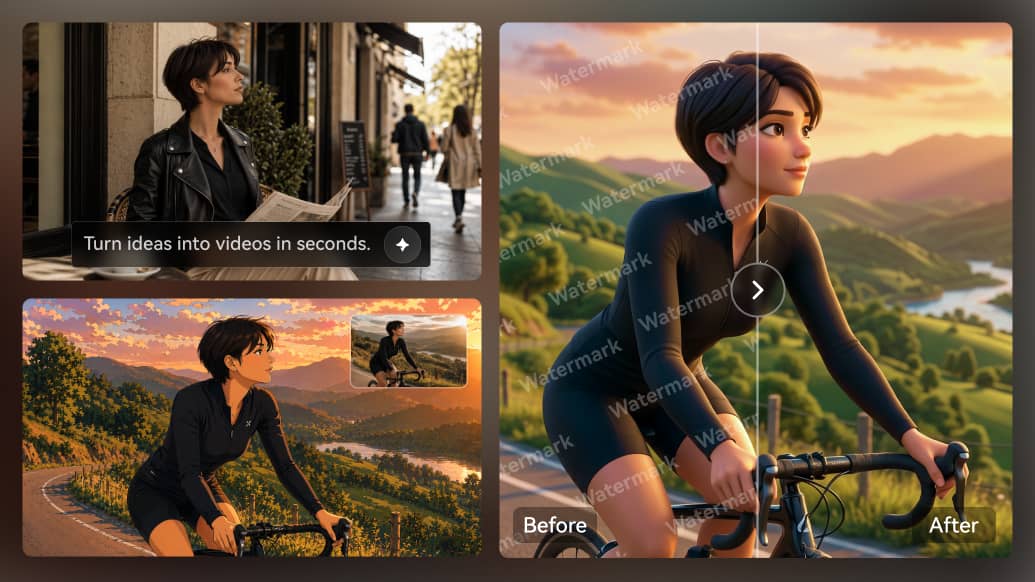
Illustrative Media.io creative workflow graphic; not a fotohub-ai interface screenshot

Image Studio for Concepts and Variants

The FOTOhub AI image generator can create exploratory packaging scenes, lifestyle compositions and alternative visual directions before a team commits to motion. For branded work, save the source product photo, inspect text and logos, and compare consistency across several drafts rather than judging one attractive example.

Illustrative Media.io creative workflow graphic; not a fotohub-ai interface screenshot

Video Models for Motion Studies

The FOTOhub AI video generator sits alongside still-image tools, so an approved visual direction can lead to a moving concept in the same web account. Calculate the actual price for each model, resolution and duration in the interface; a large model catalog does not mean identical controls or credit costs.

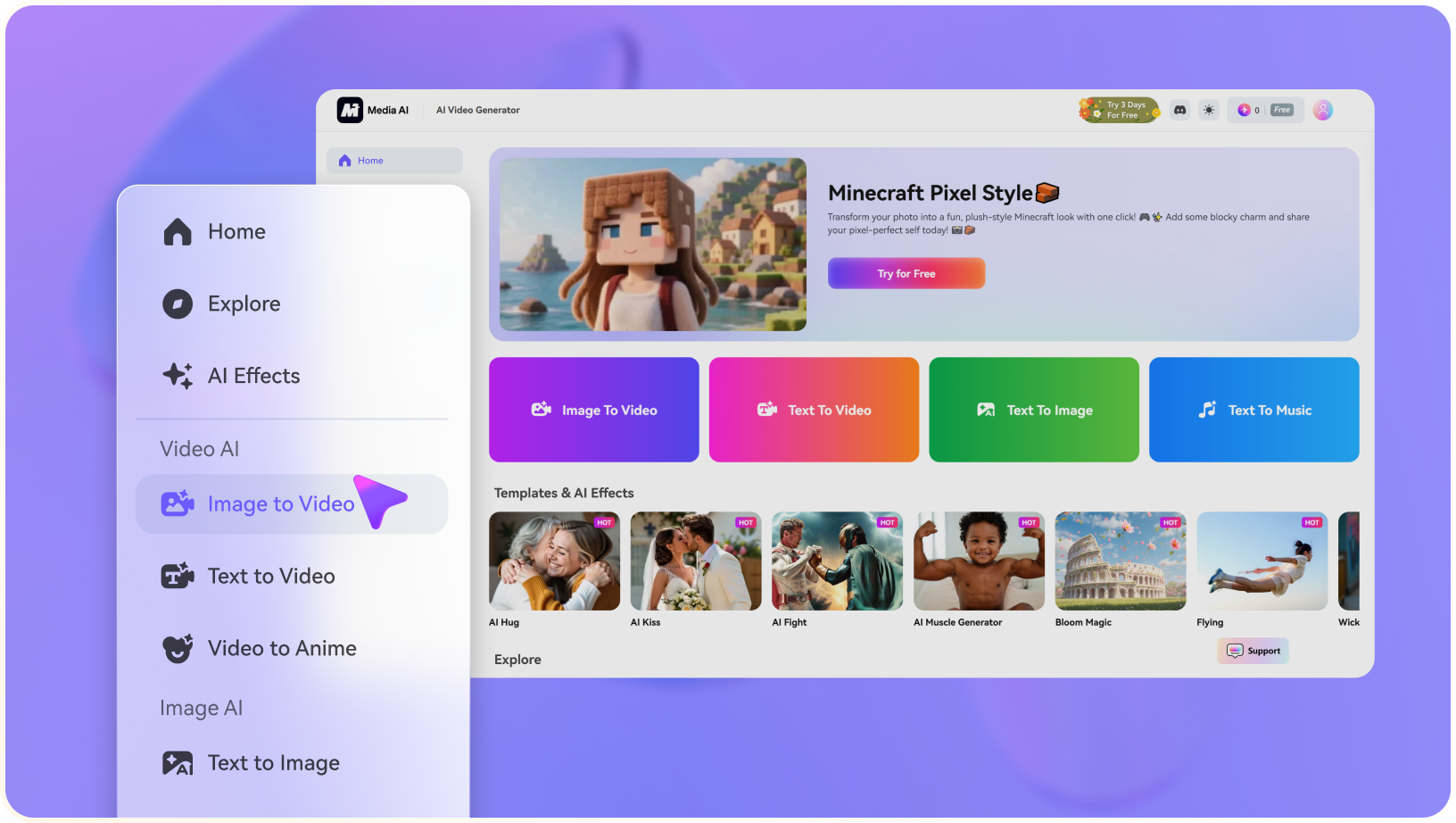
Illustrative Media.io creative workflow graphic; not a fotohub-ai interface screenshot

Audio, Voice and Text in the Workflow

Audio and text tools broaden the platform beyond visual generation. An agency can explore a script, voice direction and supporting sound while developing the shot list. The real handoff to production still depends on timing, asset ownership, language coverage and whether the export can be edited in its destination application.

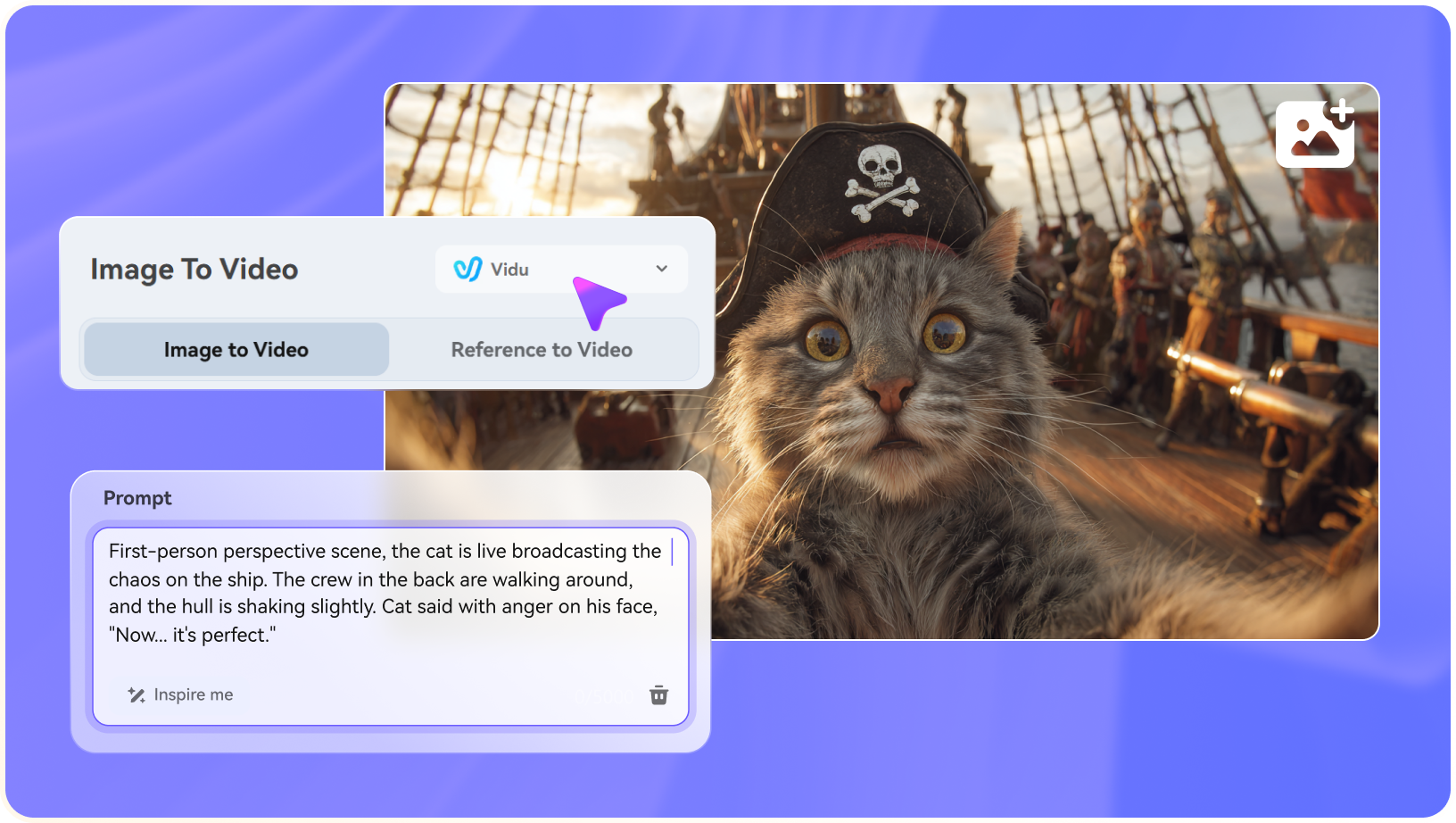
Illustrative Media.io creative workflow graphic; not a fotohub-ai interface screenshot

Flows, Design Tools and Multi-Step Work

FOTOhub advertises integrated studios, Flows and automation for chaining tasks. That can reduce context switching when an output must pass through generation, revision and publication stages. Test whether the specific operations you need are supported, and preserve each approved source asset so an automation does not propagate an unreviewed visual error.

Illustrative Media.io creative workflow graphic; not a fotohub-ai interface screenshot

Developer API with Separate USD Billing

The API is not paid for by web subscription credits. Official developer documentation states it requires a prepaid USD wallet, has no API free tier and returns HTTP 402 when an account lacks funds. The documented minimum wallet top-up is $10. Test exact endpoints, provider-specific unit prices and failure handling before turning an API demo into a production pipeline.

Illustrative Media.io creative workflow graphic; not a fotohub-ai interface screenshot

How to Turn an Approved Product Image into Video with Media.io

1
2
3
1
Step 1: Choose the Campaign Image

Select the product or concept still you have approved for the shot.

2
Step 2: Describe One Camera Move

Open Media.io Image to Video and specify motion and visual emphasis.

3
Step 3: Review and Polish the Clip

Check brand details, movement and crop before final delivery.

Illustrative Media.io creative workflow graphic; not a fotohub-ai interface screenshot

Six Practical Uses for FOTOhub AI

A shared web studio is most useful when the creative brief crosses formats. These examples show when to keep a single web budget and when a separate API budget is required.

Multi-format product launch

Start with a product reference, produce candidate hero imagery, then build a short motion concept and draft supporting voice. Assign a cost ceiling per output type: the shared web wallet is convenient, but the same credit spend can buy very different results by model.

Creative direction before a photo shoot

Generate several lighting, backdrop and composition directions for an internal review. Treat them as concept art, then keep a human approval step for trademark placement, product geometry and claims on packaging.

3D-style pitch exploration

Use the 3D studio to visualize a rough object or environment for a pitch. Before treating any generated asset as production-ready, test geometry, file type, texturing and compatibility with the intended 3D application.

Storyboards for a social campaign

Plan still frames, motion ideas and dialogue tone in one account. Use consistent references to judge whether a product or character remains recognizable across the sequence.

Developer-driven batch generation

A team integrating FOTOhub API should create a separate USD budget, monitor HTTP 402 and rate-limit responses, and log unit costs. Web credits cannot fund these API jobs, even when the same team uses both interfaces.

Audio and image variations for different markets

Build several campaign variants with different captions and voice direction. Check localization, licensed music and final human review rather than assuming a shared generation workflow also handles regional publishing compliance.

What to Check Before Buying FOTOhub AI

The platform has a useful range of studios, but web and API usage must be budgeted differently. These are documented limits and practical validation checks, not claims based on our own testing.

Web Credits Do Not Pay for API Calls

FOTOhub documents two billing ledgers. Web subscriptions spend credits, while API requests spend prepaid USD; an account with web credits and a $0 API balance still receives an HTTP 402 for billed calls.

Generation Prices Change by Model

The site shows an operation price before execution. Budget a real test batch covering stills, clips, voice and rerenders instead of converting a headline credit balance into a fixed number of projects.

API Has Its Own Funding and Rate Limits

The API has no free tier, requires a wallet top-up and applies rate limits according to account tier. A production team must handle funding thresholds, retries, response status and vendor model changes.

3D Preview Is Not an Approved Mesh

A plausible 3D preview may not satisfy topology, texture or export requirements. Validate your precise downstream format before selling the result as a finished production asset.

Brand Consistency Needs Manual Review

Multiple image and video models can produce different interpretations of a product. Compare logos, typography and reference-object shapes frame by frame before using the asset commercially.

Cross-Studio Workflows Still Need Governance

Connecting text, image, video and audio does not automatically resolve copyright, approval or version control. Maintain source files, generation settings and sign-off for each deliverable.

FOTOhub AI vs Media.io: Which Workflow Fits?

The deciding difference is workflow scope and billing: FOTOhub web studios share credits, while its API charges USD separately. Media.io is more closely organized around specific generation and editing jobs. The two do not have identical 3D or developer offerings.

Decision Factor FOTOhub AI Media.io
Creative scope Web studios span images, video, audio, text and 3D. Focused AI image, video and audio creation/editing tools; do not assume native 3D parity.
Web billing One credit balance across FOTOhub web studios; 50 initial free credits publicly advertised. Costs and availability depend on the selected Media.io task or model.
Developer API Separate prepaid USD wallet, not web credits; minimum documented top-up $10. Do not assume an equivalent public API or identical endpoints.
Video experimentation Model choices and per-operation prices shown at generation time. Model-backed generation plus dedicated video enhancement and finishing routes.
Image design Image generation and concept variations live beside other studios. Image generation and image-to-image editing for specific visual tasks.
3D deliverables Dedicated 3D area is part of its advertised studio set. No one-to-one 3D geometry workflow should be assumed.
AutomationFlows and documented developer API for custom integrations.Task-oriented interfaces, including story or advertisement creation; API equivalence not verified.
Cost forecasting Separate web credit and API USD budgets are mandatory. Estimate by the exact tool and model selected; check current costs in-app.
Best fit A multi-format team that values cross-media web tools or builds API integrations. A creator needing a guided image/video workflow and editing before delivery.
Best for FOTOhub AI Projects

Choose FOTOhub AI If You Need:

Choose FOTOhub when several asset formats share one creative brief and its integrated studios reduce switching. If you need programmatic generation, separately fund and evaluate the API wallet; the web credit balance will not cover those calls.

  • One Wallet Across Media: FOTOhub combines images, film, sound, writing and 3D tools.
  • Image Studio for Branded Concepts: Use image prompts to explore set design, portrait style or ecommerce hero compositions before committing to an animation.
  • Video Studio and Motion Work: The video area provides multiple model options.
  • Audio and Text in the Same Plan: Voice and text workflows make FOTOhub broader than an image-only generator.
  • Plan selection: FOTOhub has advertised 50 free monthly credits, a $8 Starter with 300 credits, and a $65 Professional plan with 5,000 credits. Calculate cost by actual image, video, audio and API actions because the wallet alone is not a uniform cost per asset.
Visit FOTOhub AI
Best for Connected Creation

Choose Media.io If You Need:

Choose Media.io when your task starts with a specific deliverable, such as creating a product video from a reference image or refining a finished clip. Its task-led routes can reduce the research required to pick a studio, but they are not a substitute for FOTOhub's 3D or documented API.

  • Media.io emphasizes distinct creative tools rather than a universal wallet shared with FOTOhub.
  • Use image-to-image or image-generation workflows for visual concepts.
    • Choose a suitable video generation and editing workflow for motion.
  • Audio creation and cleanup may require a separate Media.io function.
  • Final production: for an editor-led workflow where story, ad and finishing features are more useful than adding every media category to one balance.
Explore Media.io AI Tools

Final Verdict: Who Should Use FOTOhub AI?

Our Take

FOTOhub is particularly interesting for mixed-media teams: one web account can move from a visual concept to sound, motion and 3D exploration. Its 50-credit starter allowance is useful for trying the interface, but evaluate each model with a real brief, not just an attractive sample.

FOTOhub pricing has an important split: a free web allowance of 50 credits is not a developer API allowance. The official API requires a separate prepaid USD wallet, and billed endpoints reject unfunded requests. Budget each integration and test rate limits before committing to a monthly production schedule.

Choose FOTOhub for cross-studio breadth or API-connected workflows that you have verified. Choose Media.io when your primary job is a defined AI image or video task with editing and finishing steps, rather than a mixed 3D-and-API stack.

FOTOhub AI Frequently Asked Questions

Does FOTOhub AI have a free plan?
faq faq

FOTOhub publicly advertises an account with 50 free web credits and no card required. That allowance belongs to the web studios and does not create a free API balance.

No. Official API billing documentation states the API requires a separate prepaid USD wallet. Even an account holding thousands of web credits will receive HTTP 402 for a billed API request if its USD wallet balance is zero.

The official developer getting-started guide states a $10 USD minimum API wallet top-up. Endpoint prices and available models should be checked in the live API catalog before running a batch.

The public pricing page says one web credit balance applies to image, video, audio, 3D and chat operations, with the specific cost displayed before a generation runs. The number of outputs per credit differs by model and task.

It advertises 3D generation, making it suitable for concept exploration. For production use, verify the actual exported format, topology and material requirements in your preferred 3D tool.

Yes. Its public site advertises a broad catalog spanning image and video model families. Check availability, settings, price and output rights for the exact model you intend to use.

The product site describes Flows and automation, while the developer documentation details API endpoints. These are different paths with different billing; confirm that your required steps exist before designing an automated pipeline.

FOTOhub emphasizes a unified set of web studios and a separate developer API. Media.io emphasizes use-case-specific creation and editing workflows. Neither should be assumed to duplicate all the other platform's functions.

FOTOhub is worth evaluating when your team regularly creates images, video, audio and 3D in one web workspace. Compare FOTOhub alternatives such as task-led Media.io creation tools by counting completed deliverables, while budgeting its separate API USD wallet independently.

What Media.io Creators Say About Their Workflow

Media.io AI video generator user
Sarah L.

Content Creator

star star star star half star

Media.io makes it much easier to test different AI video styles without jumping between several platforms. I can start with a text prompt or image, compare model results, and then resize or polish the clip for social media in the same workspace.

Media.io AI video creator
John D.

Social Media Marketer

star star star star half star

I use Media.io to create quick product clips, ad concepts, and short-form videos from images. The biggest advantage is that generation does not feel like the final step - I can continue with music, captions, enhancement, and format conversion before publishing.

Media.io AI video editing user
Emily T.

Freelance Designer

star star star star half star

The workflow is approachable even when I am experimenting with unfamiliar AI models. I can animate artwork, try different motion prompts, preview the output, and prepare a cleaner final version without needing advanced video-editing experience.

Media.io Online Tools Quality Rating:
vote 4.7 (162,357 Votes)
media.io

AI Video Generator star

Easily generate videos from text or images

Generate