Image to Image
Nano Banana Pro
Upload Image
0 / 9
Click or drag to upload, or choose from My History
No ideas? Generate an image first >
Support upload format: jpg, png, jpeg.
Prompt
0/2000
Aspect Ratio
Auto
9:16
16:9
1:1
4:3
3:4
3:2
2:3
21:9
Resolution
1K
2K
4K
Unlimited Banana Pro
Number of Images
1
2
3
4
Public Visibility
All
Image
Video
Audio
Generate List
The generated results will be kept for 7 days. Please save them in time.
ai_video_generatorUnlock your creative potential and experience the magic of Media AI right away!

Create AI Generated 3D Models From Image for Fast Visual Assets

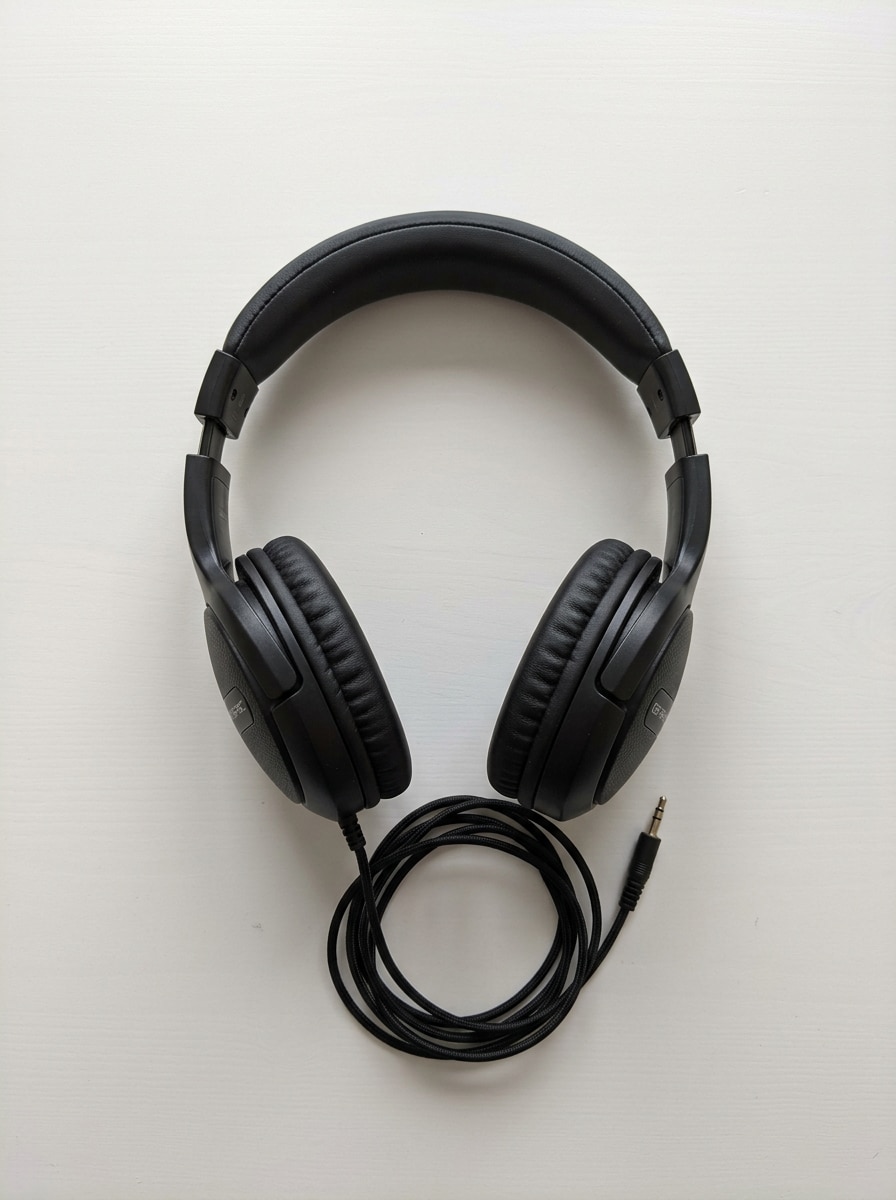
AI Generated 3D Models From Image Before
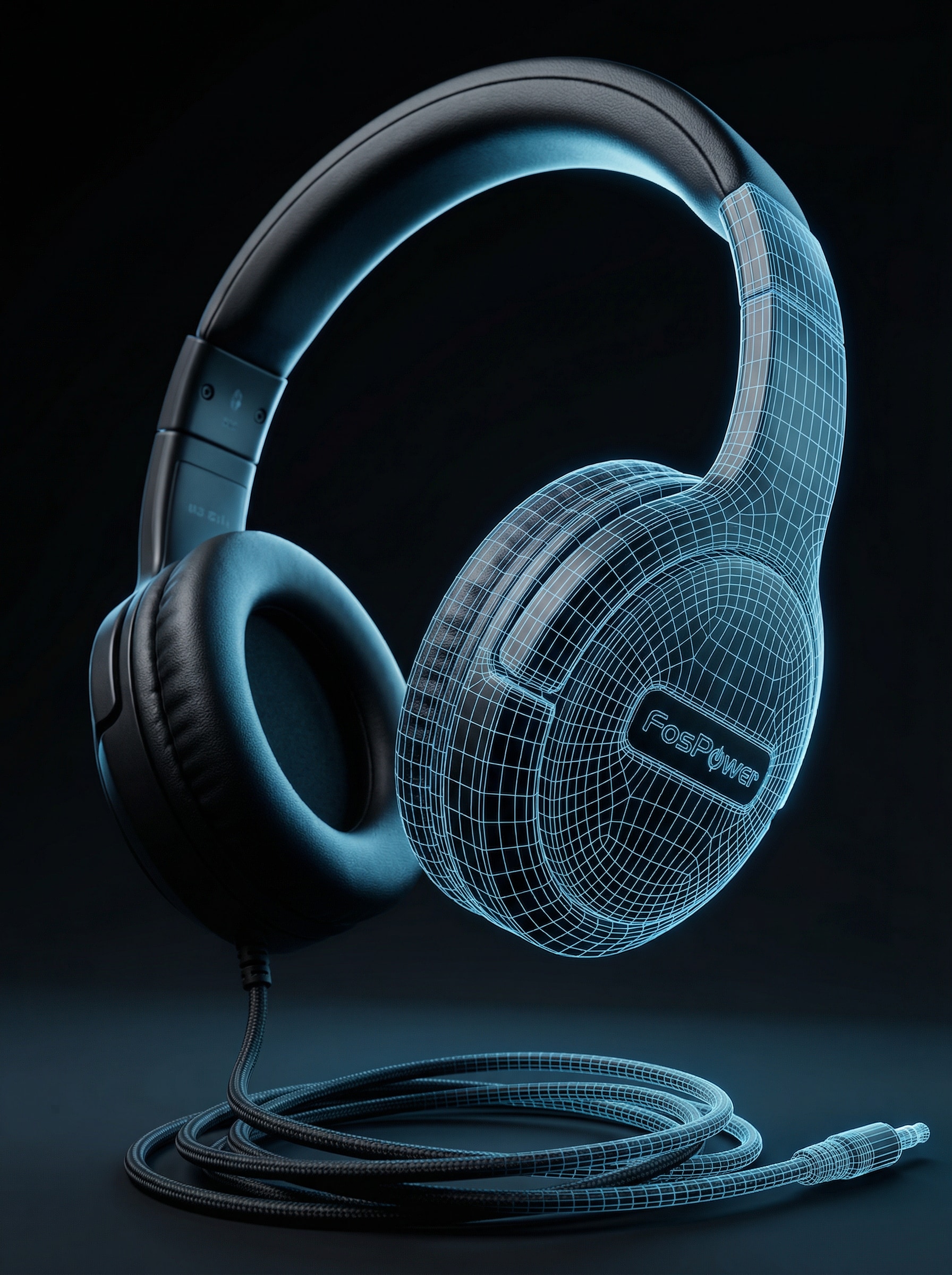
AI Generated 3D Models From Image After

Turn a single photo into polished AI-generated 3D-style visuals for product demos, game concepts, AR previews, and design mockups. Upload your image, choose a render style, and generate clean, high-resolution results in minutes right from your browser.

Create My 3D Image

Type your idea -> AI designs it. Free to try.

Explore our curated collection of ai generated 3d models from image styles.

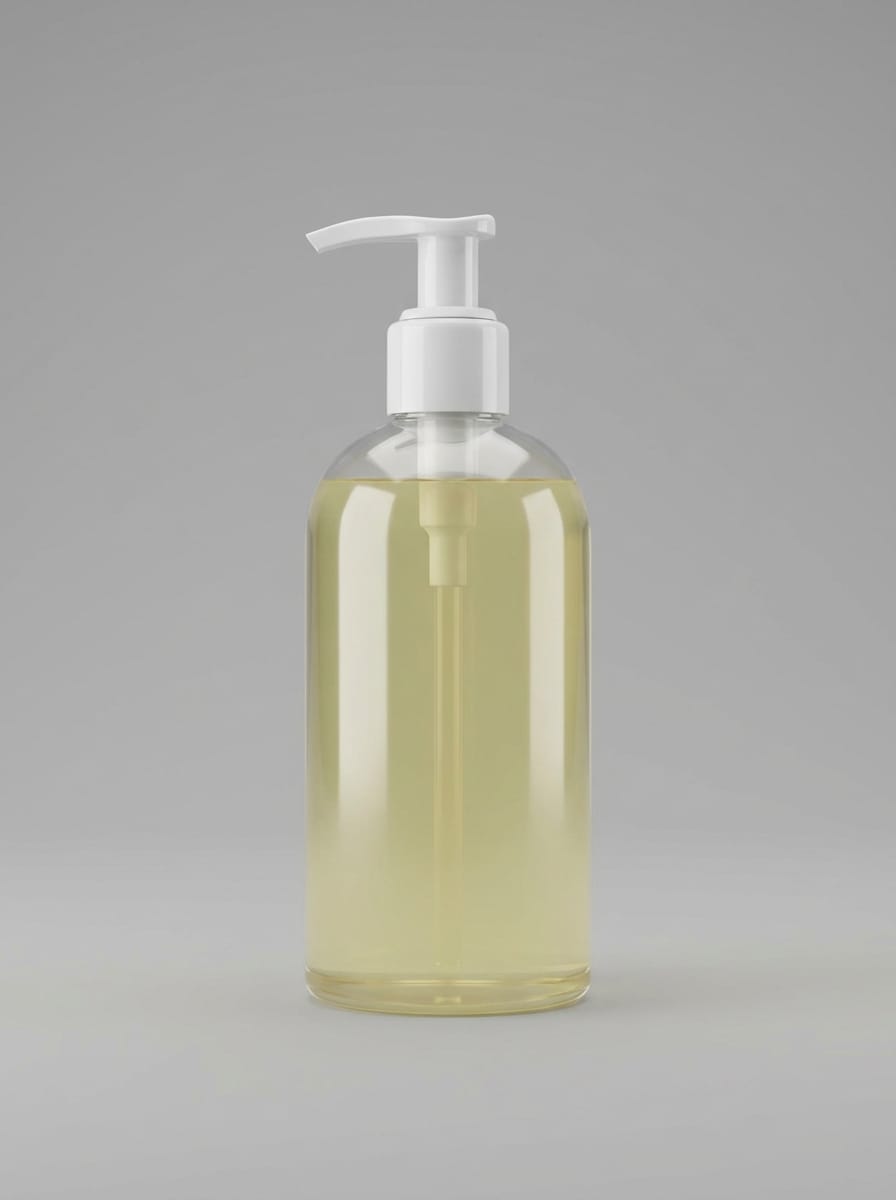
Studio Product Render

Studio Product Render

Use the uploaded image as the subject and transform it into a realistic 3D studio product render with accurate proportions, clean geometry, premium surface detail, softbox lighting, subtle reflections, neutral gray backdrop, centered composition, crisp edges, realistic materials, and an ecommerce-ready polished finish.

360 Packshot Asset

360 Packshot Asset

Use the uploaded product image as the base and convert it into a clean 3D packshot asset optimized for 360-style presentation, with consistent surface texture, balanced highlights, accurate silhouette, smooth edges, centered framing, seamless neutral background, polished commercial lighting, and a premium catalog-ready look.

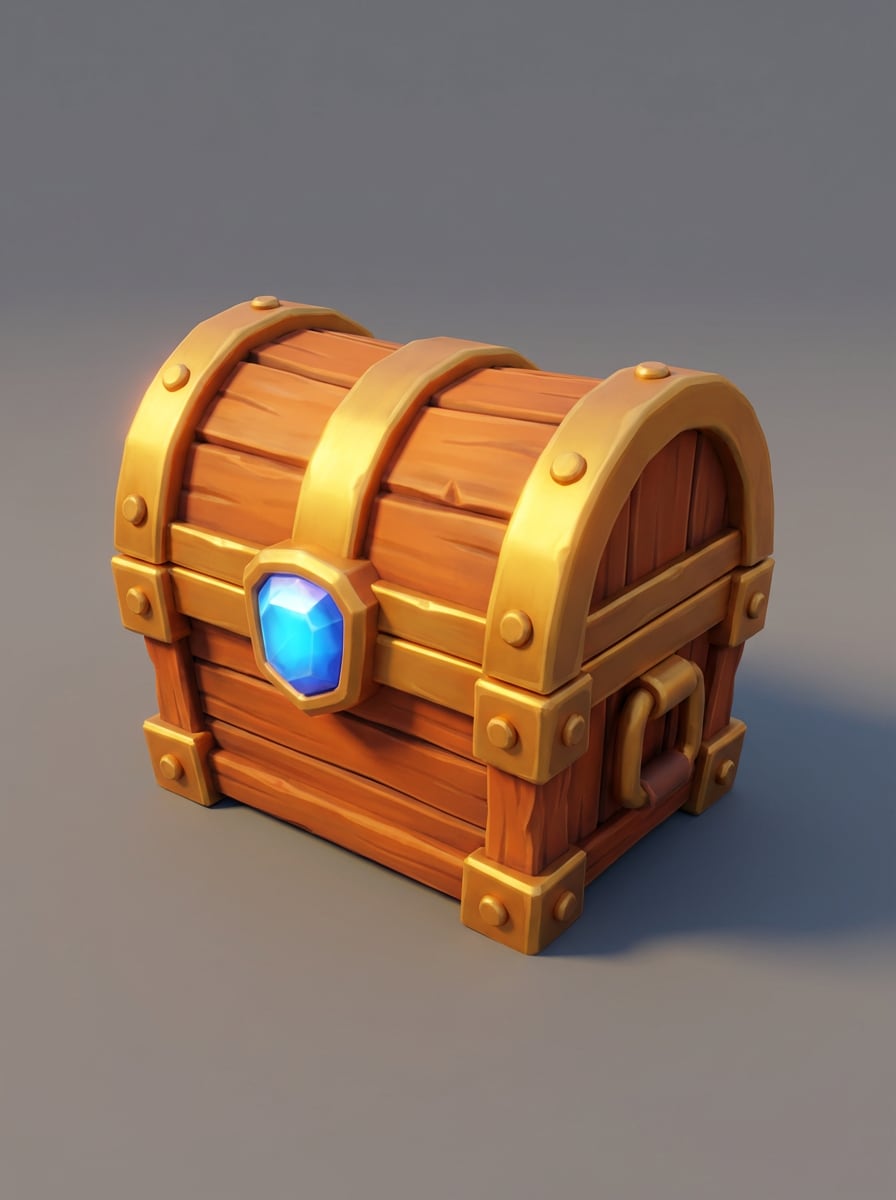
Stylized Game Prop

Stylized Game Prop

Use the uploaded object image as the subject and transform it into a stylized 3D game prop with simplified topology, bold readable silhouette, hand-painted texture feel, slightly exaggerated proportions, soft rim lighting, vibrant but controlled color palette, clean presentation angle, and polished indie-game asset quality.

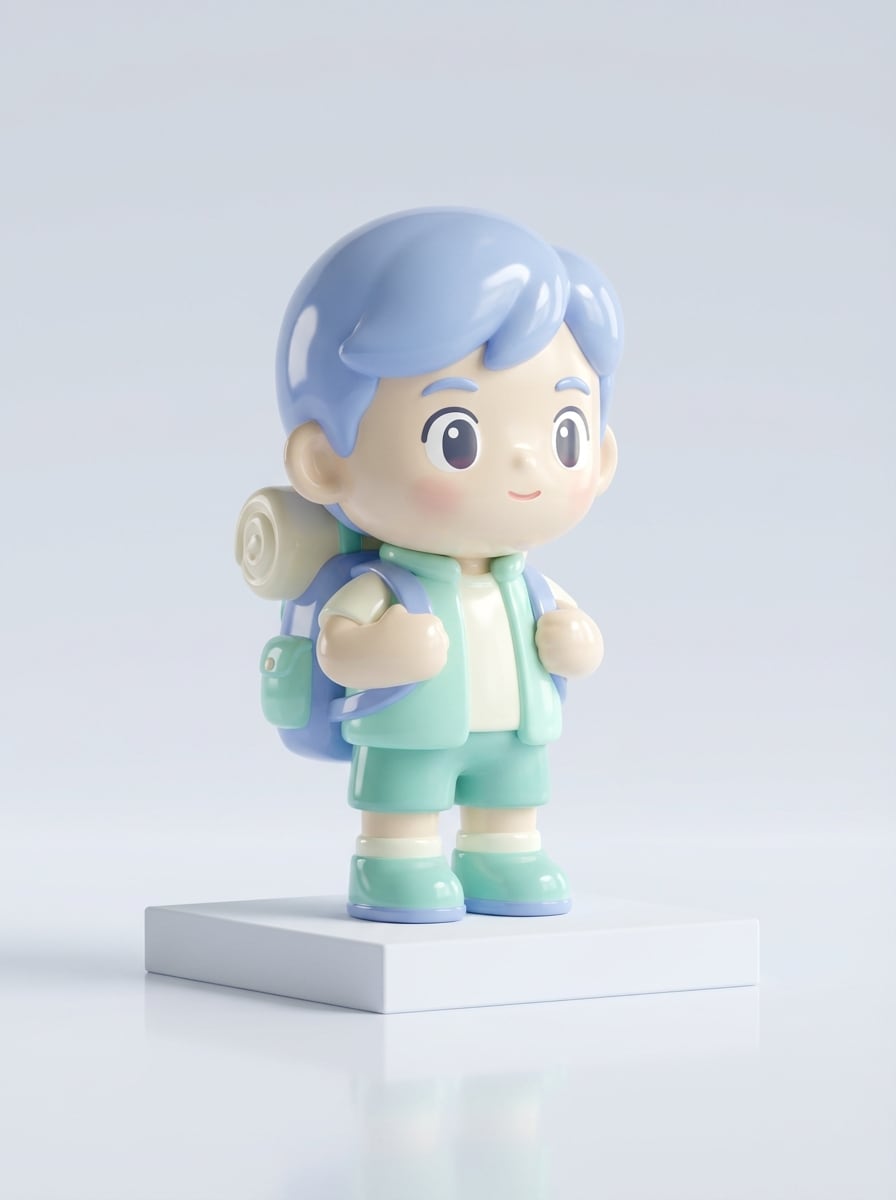
Toy Figurine 3D

Toy Figurine 3D

Use the uploaded character image as the subject and convert it into a collectible toy-style 3D figure with rounded forms, glossy vinyl material, cute display proportions, smooth sculpted surfaces, soft studio lighting, subtle pedestal base, cheerful color palette, and a premium retail figurine presentation.

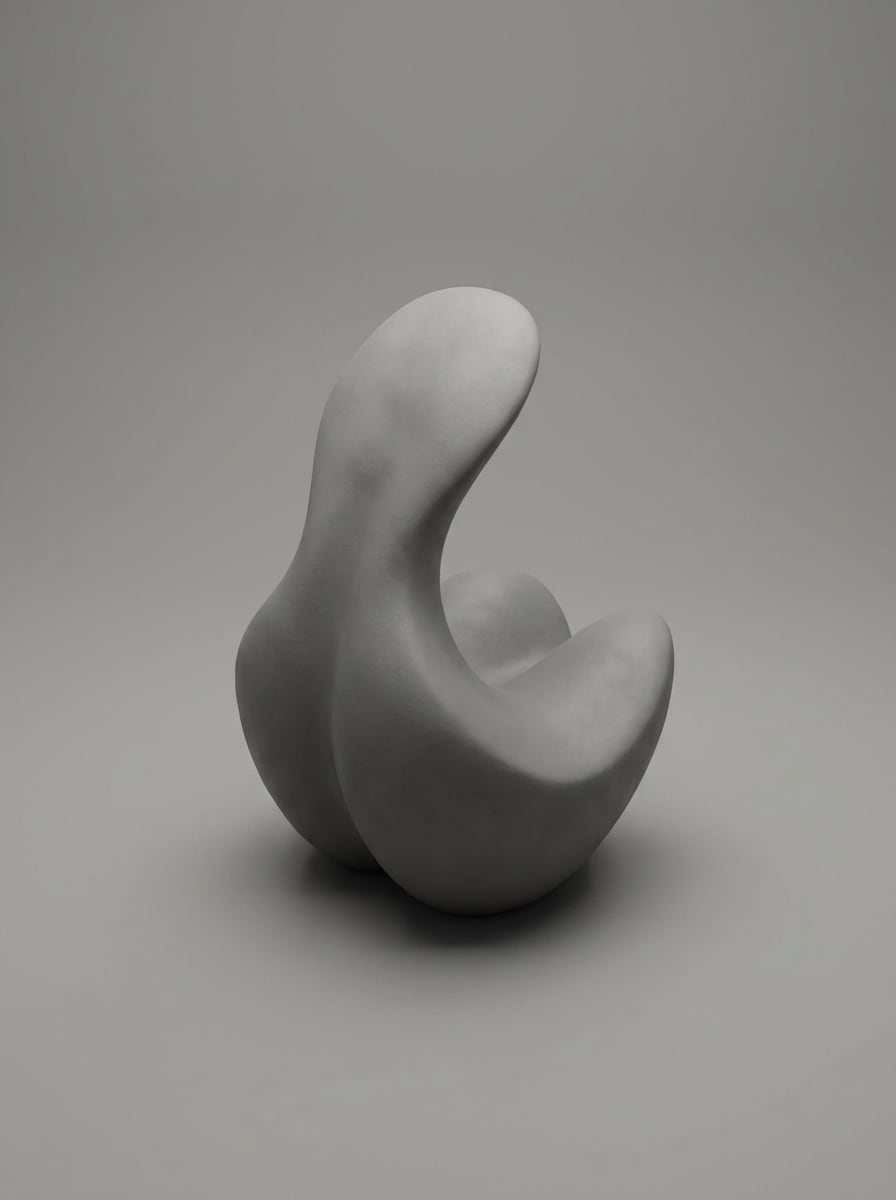
Clay Render Model

Clay Render Model

Use the uploaded image as the source and transform it into a sculptural clay-style 3D model with monochrome matte material, smooth surfaces, refined contours, soft studio shadows, subtle depth, elegant centered composition, muted off-white palette, and a clean concept-art presentation that highlights shape and volume.

Why Use Media.io for AI Generated 3D Models From Image

Built for Image-to-Image Control

Upload a JPG, PNG, or JPEG reference image and guide the final 3D-style result with far more visual consistency than text-only workflows.

High-Resolution Output Options

Generate detailed visuals in 1K, 2K, or 4K, ideal for ecommerce mockups, concept presentations, creative pitches, and polished marketing assets.

Flexible Ratios and Batch Creation

Choose from popular aspect ratios like 1:1, 16:9, 9:16, and 3:4, and generate 1 to 4 images at a time for faster iteration.

Advanced AI Models for Better Results

Powered by Nano Banana Pro, Nano Banana 2, and specialized models including Media 2.0, giving you strong style quality and dependable transformation performance.

How to Create AI Generated 3D Models From Image

1
2
3
1
Open Media.io Image Generator

Go to AI Image to Image Generator and open the Image Generator under AI -> AI Image Generator. This online tool runs in your browser, so you can create image-to-3D-style visuals on desktop or mobile without installing software.

2
Enter a Prompt or Upload

Upload a reference photo, then add a detailed prompt such as "Use the uploaded product image as the subject and turn it into a clean 3D studio render with accurate shape, soft lighting, realistic materials, and a neutral background." Adjust resolution, aspect ratio, and image count as needed.

3
Generate, Refine & Download

Click Generate. Review the result, refine your prompt or settings if needed, and then download your high-resolution image for ecommerce mockups, concept art, presentations, or creative workflows.

Step 1
Step 2
Step 3

Unlock the Potential of AI Generated 3D Models From Image

Discover how creators and professionals are using our AI-powered Generated 3D Models From Image to transform their creative workflows and bring unique ideas to life.

Create Product Demos for Ecommerce Listings

Turn a single product photo into a polished 3D-style visual for storefront banners, product pages, ad creatives, and rotating packshot concepts. It is a fast way to present products with more depth and premium appeal.

Visualize Game Props and Collectibles Faster

Use image-to-3D-style generation to explore stylized props, toy figures, and collectible concepts before moving into a deeper 3D modeling pipeline. Creators can test forms, materials, and presentation styles in less time.

Build AR and Design Mockup Concepts

Convert reference photos into clean 3D-inspired assets for AR previews, design pitches, moodboards, and concept presentations. This helps teams communicate volume, material feel, and visual direction more clearly from a single image.

What Users Say

user
Olivia Chen

Ecommerce Designer

star star star star star

"Great for fast product visualization" I used Media.io to turn product photos into 3D-style renders for a pitch deck. The results looked clean and premium, especially with studio-style prompts. It helped us communicate the idea much faster.

user
Marcus Bell

Indie Game Artist

star star star star star

"Helpful for prop concepting" For early asset ideation, this is a very practical workflow. I upload a reference image, choose a stylized prompt, and get game-prop visuals that are useful for moodboards and direction before modeling.

user
Sofia Ramirez

Creative Strategist

star star star star star

"Easy on both laptop and phone" I like that it runs in the browser and works on mobile too. I tested a few product images and generated polished 3D-inspired visuals quickly without needing any heavy design software.

user
Daniel Park

AR Prototype Consultant

star star star star star

"Useful for quick AR concept mockups" When clients want to see a product with more depth from a single photo, Media.io is a convenient starting point. The resolution options and aspect ratio controls make the outputs easier to use in presentations.

Frequently Asked Questions

1. Can I generate a 3D model from a single image?

Yes. Media.io supports an image-to-image workflow, so you can upload one reference photo and generate a 3D-style visual based on it. This is useful when you want to convert image to 3D model concepts quickly for presentations, ecommerce, creative exploration, or mockups. This helps you create ai generated 3d models from image results more consistently.

Yes. Free users can try Media.io with free credits. If you need more usage, you can upgrade on the pricing page. Free exports may include a watermark, while paid subscribers can download watermark-free high-resolution images. Free users can use free credits. For more usage, users can subscribe to a plan on the pricing page.

Accuracy depends on the clarity of your uploaded image and the prompt details. Media.io lets you guide the output with a reference photo, advanced models, and settings like resolution and aspect ratio, which helps produce more consistent AI generated 3D models from image results for concept and visualization use.

Based on the available product details, Media.io supports uploading JPG, PNG, and JPEG reference images and downloading generated high-resolution images. Specific 3D export formats for modeling or AR are not listed in the provided product information, so it is best to use the generated visuals as concept assets unless your workflow specifies otherwise. This helps you create ai generated 3d models from image results more consistently.

Yes. Media.io is well suited for turning product photos into polished 3D-style ecommerce visuals. Upload a clean product shot, describe the render style you want, and generate packshot-style outputs with studio lighting, realistic materials, and high-resolution detail for listings, ads, or presentations. This helps you create ai generated 3d models from image results more consistently.

Yes. Media.io is web-based and works on any device with a browser, including Windows, Mac, iOS, and Android. That makes it easy to create an AI 3D model from photo workflow whether you are working from a desktop, laptop, tablet, or phone. Media.io is a web-based tool that works on any device with a browser (Windows, Mac, iOS, Android). This helps you create ai generated 3d models from image results more consistently.

Media.io Online AI Tools Quality Rating:
vote 4.7 (162,357 Votes)