Home>Comparison>Fetra AI

Fetra AI Review: Direct Ads, Remix Trends and Create Video

A brand video may start with a product shot, a viral reference or a conversation about what the campaign should feel like. Fetra AI combines those starting points in one platform: AI Director for conversational production, Viral Remix for adapting reference formats, leading image/video models and tools for creators or marketing teams. The buying decision is not simply whether Fetra has Kling or Veo. It is whether its particular path from a reference to a ready-to-post asset fits your workflow - and how credits, unlimited-model windows and scheduling influence the real cost.

Inside Fetra AI: The Features That Matter

Fetra pairs mainstream model access with AI Director, viral remixes, templates, character assets, voice tools and social scheduling. Its workflow emphasis is closer to creative campaign production than to a standalone single-model generator.This Fetra review looks at campaign orchestration as well as model access.

Core Feature Overview

Direct a Video Through Conversation

Fetra's AI Director lets the user discuss a brief, add references or documents and refine a project through conversation. A creator can start with "a playful soda launch," then ask for a tighter opening shot or clearer product reveal. That is materially different from pasting one prompt into a model. The Fetra AI Director workflow is strongest when the creative direction will change over several revisions. Media.io Script to Video is worth comparing if a written script and structured scenes are already the starting point.

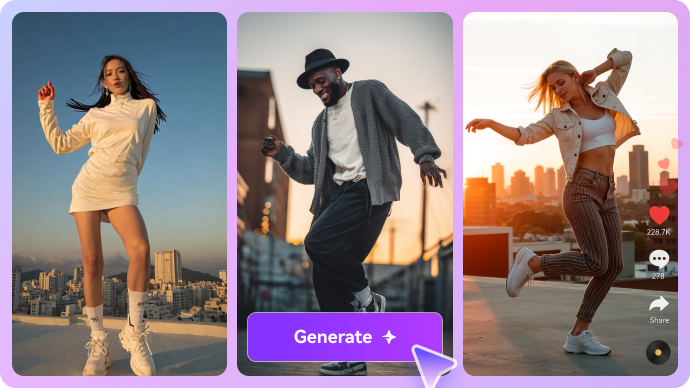
Illustrative AI image and visual styling example

Remix Viral Formats with a Reference

Fetra Viral Remix starts from a reference clip or template and adapts its creative structure using the user's material. That can speed up short-form ideation, but a sound business workflow still checks rights to the reference, originality and any required brand approval. It is better to borrow pacing or framing concepts than duplicate someone else's identifiable assets. Media.io Viral Studio is another scenario-based route for trend-inspired content, making the difference about inputs and controls rather than claiming one platform has invented remixing.

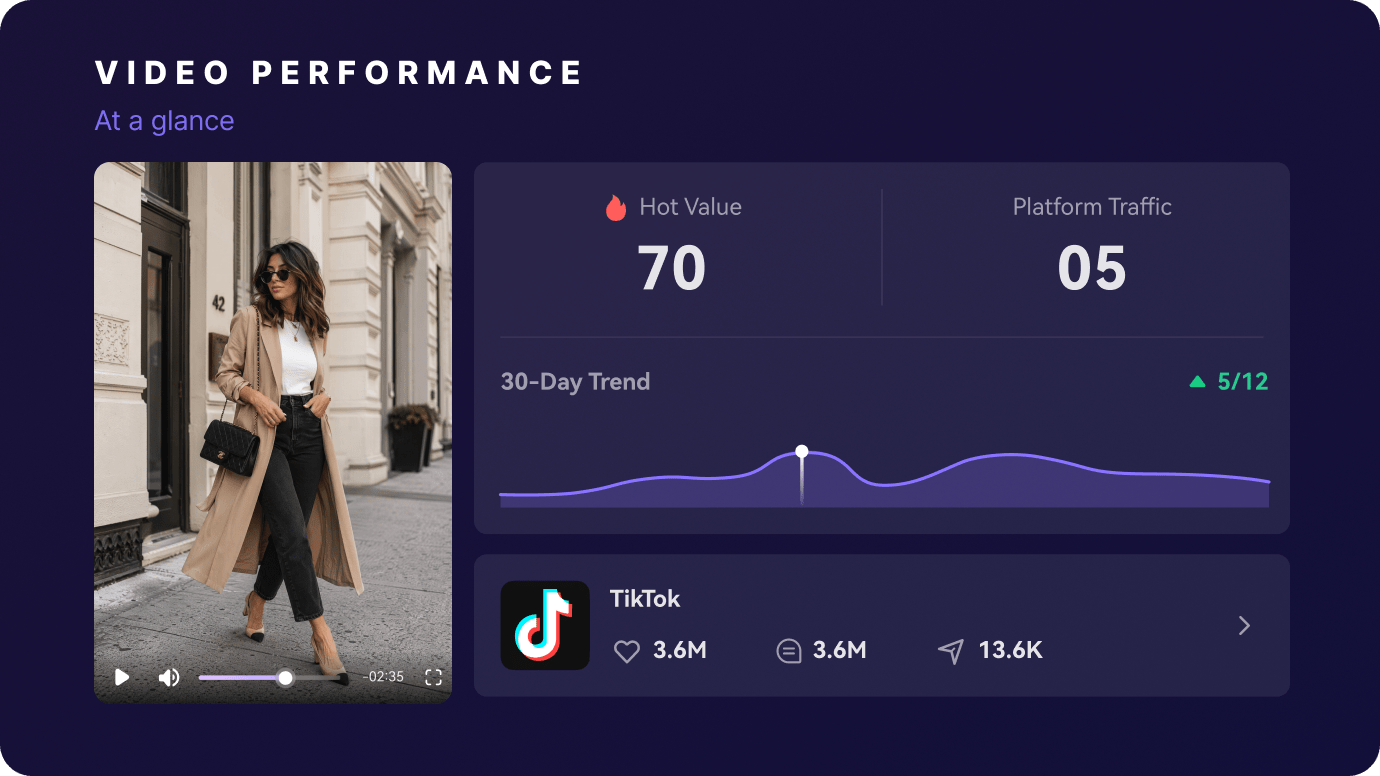
Illustrative photo to video motion example

Create UGC-Like and Product Advertisement Concepts

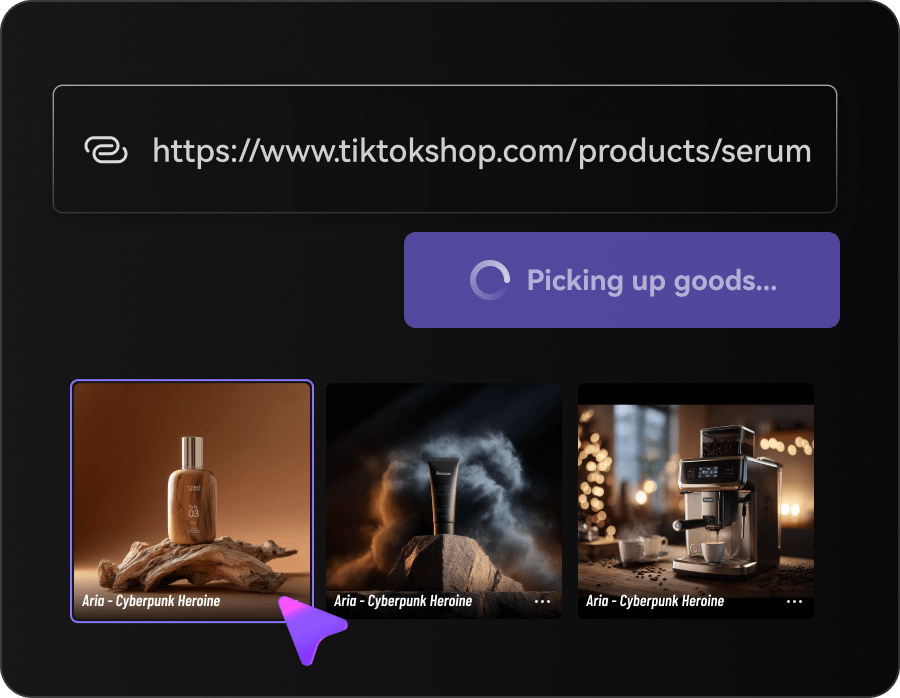
Fetra positions its tools around brand ads, product showcases, UGC-style videos, unboxing and tutorials. The Fetra AI UGC use case is particularly relevant to performance marketers testing multiple hooks. A source product photo can guide a storyboard, but packaging, product claims and spokesperson realism need review. For teams starting from a product URL or catalog image, Media.io AI Ad Generator provides a similarly task-oriented alternative rather than asking the user to pick a model first.

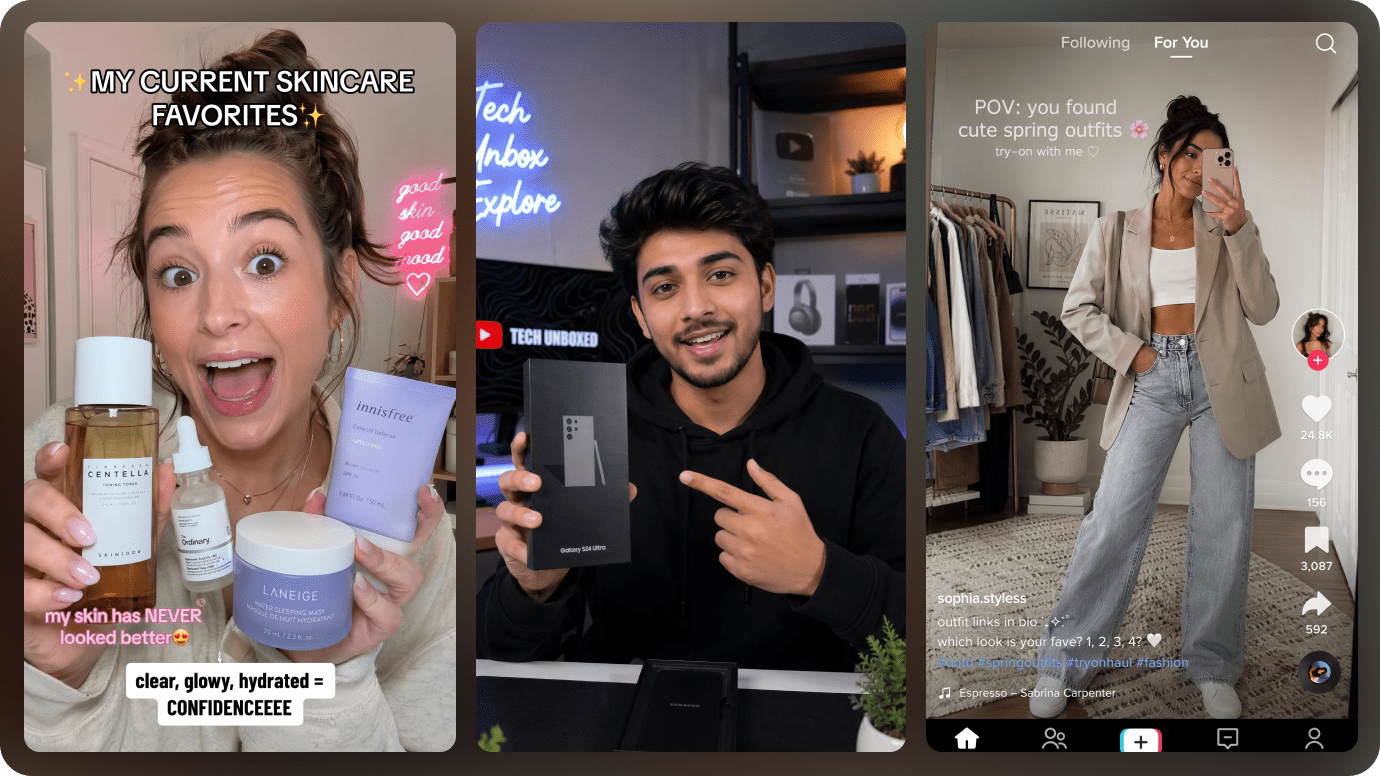
Illustrative talking video creative example

Choose Models for Image and Video Generation

Fetra describes a growing lineup including Seedance, Kling, Veo, GPT Image, Nano Banana and Seedream. The Fetra AI video generator supports short clips and model-dependent resolutions, while image tools can generate or edit stills on a shared canvas. Its homepage advertises video output up to 30 seconds and up to 4K in supported modes; that does not mean every model or free plan offers those settings. A Fetra Seedance or Fetra Kling workflow should begin by checking the actual parameter and credit estimate. The Fetra AI image generator also supports preparing still assets and revisions prior to motion.

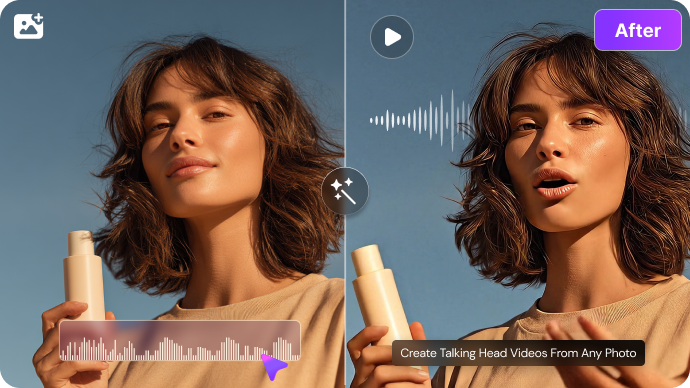
Illustrative generative image and editing example

Build Characters, Voices and Creative Assets

Fetra includes reference-based characters, text-to-speech, voice-related tools and an asset collection area. A recurring brand mascot, a consistent outfit or narrated product story can benefit from that organization. The Fetra AI avatar question should be interpreted as character continuity and supported speaking/visual workflows - not as proof of unlimited digital-human generation. Media.io talking avatars and other specialized AI tools address specific character/video tasks when that is all a creator needs.

Illustrative character or scene visual transformation

Evaluate Credits, Unlimited Windows and Scheduling

The Fetra pricing page describes Basic, Standard and Pro credit tiers, a limited free allowance and model-specific "Unlimited" periods under selected plans. The homepage illustrates annual-billed monthly equivalents of $10, $14.50 and $59 for Basic, Standard and Pro during a sale; these should not be mistaken for unrestricted month-to-month prices. Unlimited runs can use fair-use queues, and generation cost otherwise depends on model, duration and resolution. Fetra also advertises social post scheduling, which may matter to campaign teams more than a larger model list.

Illustrative image to video workflow example

How to Create a Product Ad from a Photo with Media.io

1
2
3
1
Step 1: Choose a Product Photo or URL

Start from accurate product imagery, pricing and approved product claims.

2
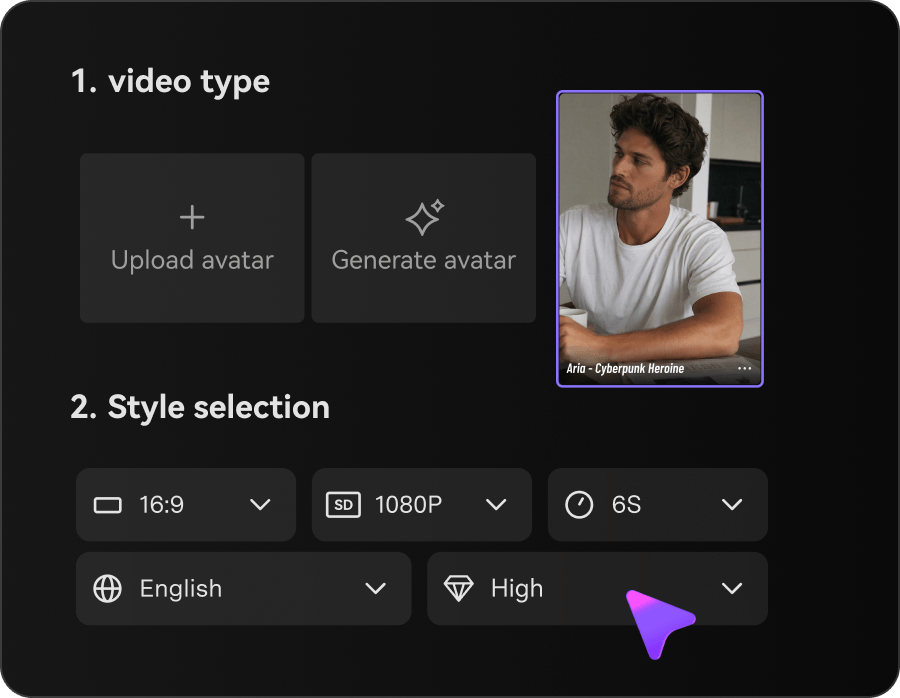
Step 2: Select the Ad Concept

Choose a visual direction and audience-appropriate creative brief.

3
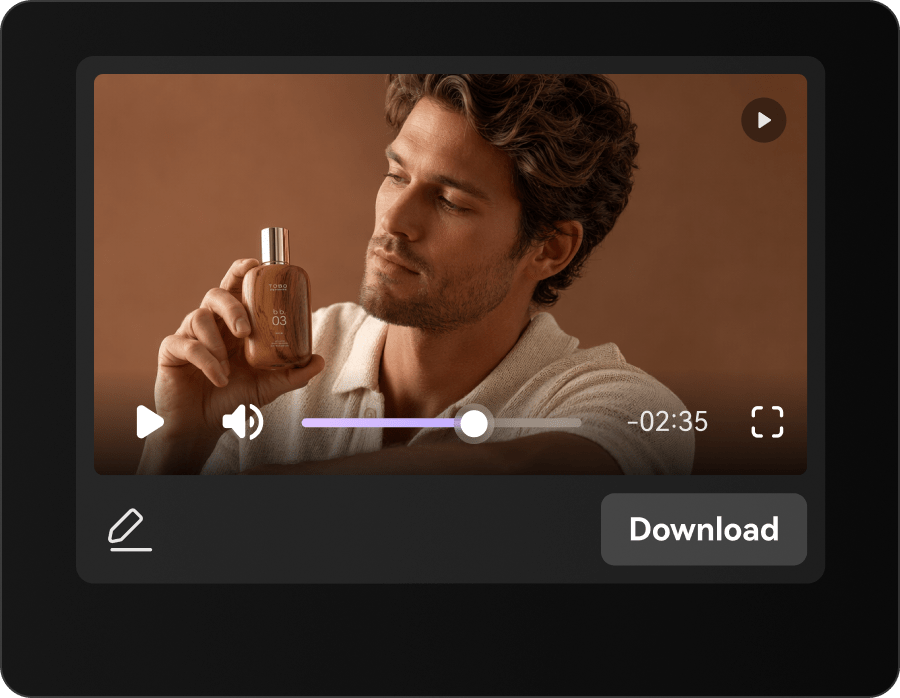
Step 3: Review the Generated Ad

Check branding, subtitles, product fidelity and legal claims before exporting.

Media.io step 1 illustrative creative workflow
Media.io step 2 illustrative creative workflow
Media.io step 3 illustrative creative workflow

Where Fetra AI Fits into Actual Creative Work

Specific projects where the platform's capabilities are useful - and what to inspect before treating a render as finished.

UGC Product Launch

Draft variations of an ad hook and reference the product while checking that the output does not invent product claims.

Short Social Remix

Use an approved trend reference as structural inspiration, then replace subject matter and brand assets.

Conversational Film Brief

Develop a multi-shot idea with AI Director instead of deciding every frame upfront.

Character-Based Campaign

Reuse a recognizable spokesperson or mascot across several conceptual scenes.

Multi-Model Image Campaign

Generate stills first, refine a consistent product look and then animate the selected frame. For a Fetra Veo shot, check the live duration, audio and cost settings before treating it as a campaign-approved asset.

Social Calendar Production

Organize creative assets and scheduling once a team has approved final posts.

What to Consider Before Paying for Fetra AI

These are workflow and purchase trade-offs, not claims based on invented benchmark tests.

Unlimited Has Conditions

Unlimited access applies only to specified models, time windows and fair-use processing conditions.

Promotional Prices Vary

Annual-billed sale prices are not necessarily equivalent to ordinary monthly checkout rates.

Remix Rights Need Review

A reference video may convey copyrighted content or identifiable branding. A remix is not automatically cleared for use.

Campaign Fidelity Is Essential

Generative advertising may change product geometry or imply unsupported benefits; inspect every claim and logo.

Model Settings Are Uneven

Not every video model supports the same duration, audio, references or output resolution.

Conversational Creation Still Needs Review

AI Director speeds ideation but does not replace editorial review, approval or the final production judgment.

Fetra AI vs Media.io: Match the Tool to the Task

Fetra connects image and video generation to creative campaign work, including AI Director, UGC-style formats and reference-led viral remixes. Media.io also supports viral and ad-focused creation, alongside script-to-video and a large collection of editing utilities. A fair choice compares the creative brief, ability to reuse source assets and required finishing steps rather than relying on vague all-in-one claims.

Creative Need Fetra AI Media.io
Conversational video direction Strong Fit strong workflow fit
Strong fit: AI Director turns briefs into evolving projects.
Script-to-video and AI Story provide structured video creation paths.
Viral reference remixes Strong Fit strong workflow fit
Viral Remix and templates are major entry points.
Viral Studio supports trend-oriented creative workflows.
UGC and product ads Strong Fit strong workflow fit
Product showcase, brand story and UGC-style templates.
AI Ad Generator works from product assets or a URL.
Leading AI video models Kling, Veo, Seedance and others under one account. Strong Fit strong workflow fit
Popular model families available across browser generation tasks.
AI image editing Model-based generation, canvas edits and asset management. Strong Fit strong workflow fit
Image-to-image, specialized tools and enhancement.
Characters and voice Character assets, voice generation and some cloning workflows. Strong Fit strong workflow fit
Talking-avatar, lip-sync and audio editing tools.
Social schedulingStrong Fit strong workflow fit
Advertises connected social posting and calendar features.
Creation and media finishing; do not assume identical scheduling.
Credit pricing Credit tiers and time-limited Unlimited programs for certain models. Media.io's prices and credits depend on the feature and selected engine.
Best fit Campaign creators seeking AI Director, viral templates and scheduling. Creators needing flexible model access plus story, ad and editing tools.
Best for Fetra AI Users

Choose Fetra AI When You Need:

The strongest reasons are the distinctive product workflows and trade-offs described above.

  • You want to plan a video conversationally with AI Director
  • You are adapting an approved viral creative reference
  • You produce many ad hooks or UGC-style concepts
  • You value asset organization and social scheduling
  • You understand the limits of model-specific Unlimited periods
Visit Fetra AI Official Site
Best for Model + Task Workflows

Choose Media.io When You Need:

Media.io combines popular image and video models with task-based paths for actual creative deliverables.

  • You prefer a direct product-to-ad creative workflow
  • You want to turn a script into a planned story video
  • You need dedicated image, face, audio or video enhancement tools
  • You want several popular models with task-based entry points
Create a Product Ad

Final Verdict: Is Fetra AI Worth It?

Our Take

Fetra is a credible choice for people who think in campaigns rather than isolated AI clips. Its conversational Director, remix templates, product-ad concepts, character assets and scheduling speak to marketing teams who repeat the same format across multiple posts. That is a more specific value proposition than "all the newest models in one place."

The key fine print sits in its pricing and rights considerations. Promotional annual equivalents do not necessarily equal normal month-to-month prices; Unlimited model access is limited by eligible models, duration and queue conditions. Remix references also require legal and brand checks, and product-focused videos need manual fidelity review.

Choose Fetra when AI Director, approved viral remixes and campaign scheduling are central. Choose Media.io when you want mainstream models plus focused workflows for scripts, ads, trends and specialized post-generation editing.

Fetra AI FAQ

What is Fetra AI?
faq faq

Fetra is an AI image and video platform offering AI Director, Viral Remix, creative models, ad templates and related social content tools.

It lets creators develop and refine video projects through conversation, supported references and iterative directions.

Yes. Its site highlights product ads, unboxing, trend templates and UGC-like campaign formats.

A user starts from a supported reference or template and supplies creative assets to generate a new take on that structure. Check permissions for the source.

Fetra lists these model families among its image and video options. Specific versions and generation settings can change.

The pricing comparison lists a free tier with limited credits. Eligible models and available output settings should be checked in the current account.

Its homepage currently shows promotional annual-billed monthly equivalents around $10 Basic, $14.50 Standard and $59 Pro. Verify checkout rates and subscription periods.

It can be when conversational creative direction, UGC templates, viral remixes and scheduling fit your production cadence, provided rights and costs are reviewed.

Media.io offers popular models, AI Ad Generator, Viral Studio, AI Story and dedicated media editing; compare the specific workflow you need.

What Media.io Creators Say About Their Workflow

Media.io AI video generator user
Sarah L.

Content Creator

star star star star half star

Media.io makes it much easier to test different AI video styles without jumping between several platforms. I can start with a text prompt or image, compare model results, and then resize or polish the clip for social media in the same workspace.

Media.io AI video creator
John D.

Social Media Marketer

star star star star half star

I use Media.io to create quick product clips, ad concepts, and short-form videos from images. The biggest advantage is that generation does not feel like the final step - I can continue with music, captions, enhancement, and format conversion before publishing.

Media.io AI video editing user
Emily T.

Freelance Designer

star star star star half star

The workflow is approachable even when I am experimenting with unfamiliar AI models. I can animate artwork, try different motion prompts, preview the output, and prepare a cleaner final version without needing advanced video-editing experience.

Media.io Online Tools Quality Rating:
vote 4.7 (162,357 Votes)
media.io

AI Video Generator star

Easily generate videos from text or images

Generate