Home>Comparison>EasySlice AI

EasySlice AI: Auto Clipping, Posting and Pricing

A podcaster or streamer may already have the right source footage but no time to find the moments that deserve a short. EasySlice AI is designed for that repurposing problem: connect a YouTube channel, identify clips, format captions vertically and schedule distribution. It is not primarily a text-to-video engine. The meaningful constraints are how many channels and clips each plan supports, whether highlights make sense without context, and how automated posting is approved.

Key Features of EasySlice AI Clip Maker and Auto-Posting

EasySlice AI is an automated video-clipping and distribution service that connects YouTube channels, selects highlight moments, creates captioned vertical clips and posts them across YouTube, TikTok, Instagram and Facebook.

Core Feature Overview

  • YouTube Channel Connection: The service is built around connected YouTube sources rather than invented AI movie scenes. The source owner must control or have permission to repurpose the channel's footage.
  • AI Highlight Discovery: EasySlice selects moments from longer recordings to become shorter clips. An automatically selected moment can still omit essential context, so review is necessary.
  • Vertical Formatting and Captions: Generated clips are prepared for vertical platforms with on-screen captions. Check names, sentence breaks and safe margins before posting.
  • Cross-Platform Auto Posting: The product lists automatic distribution to Facebook, Instagram, TikTok and YouTube. Actual account permissions and publishing policies may differ by channel.
  • Optional AI B-Roll and Editing: Higher tiers describe AI B-roll integration and expanded clipping tools. Adding generated visuals should not change the original speaker's meaning.
  • Analytics and Content Scheduling: The tiers distinguish basic from advanced analytics and supported channel counts. Editorial planning remains necessary for an effective release cadence.


YouTube Channel Connection

The service is built around connected YouTube sources rather than invented AI movie scenes. The source owner must control or have permission to repurpose the channel's footage. For EasySlice AI, a useful first project is weekly podcast highlights; Cut one approved interview into context-preserving quotable moments with captions.

Illustrative Media.io workflow graphic; not a screenshot of EasySlice AI

AI Highlight Discovery

EasySlice selects moments from longer recordings to become shorter clips. An automatically selected moment can still omit essential context, so review is necessary. Before relying on ai highlight discovery, check the tradeoff named connected channel count depends on plan: Entry pricing is based on one connected channel, with higher plans supporting more. A multi-client agency should check that before subscribing.

Illustrative Media.io workflow graphic; not a screenshot of EasySlice AI

Vertical Formatting and Captions

Generated clips are prepared for vertical platforms with on-screen captions. Check names, sentence breaks and safe margins before posting. For EasySlice AI work on youtube to shorts with automatic posting, Format and approve vertical highlights before distributing them to social accounts.

Illustrative Media.io workflow graphic; not a screenshot of EasySlice AI

Cross-Platform Auto Posting

The product lists automatic distribution to Facebook, Instagram, TikTok and YouTube. Actual account permissions and publishing policies may differ by channel. To assess whether this is repeatable, select exciting clips from a long recording but check audio and game-stream rights.

Illustrative Media.io workflow graphic; not a screenshot of EasySlice AI

Optional AI B-Roll and Editing

Higher tiers describe AI B-roll integration and expanded clipping tools. Adding generated visuals should not change the original speaker's meaning. For a concrete example, manage several authorized client channels, tracking monthly clip limits per plan.

Illustrative Media.io workflow graphic; not a screenshot of EasySlice AI

Analytics and Content Scheduling

The tiers distinguish basic from advanced analytics and supported channel counts. Editorial planning remains necessary for an effective release cadence. The final check is third-party social permissions matter: Cross-posting depends on platform API permissions, account status and copyright restrictions that the clipping tool cannot override.

Illustrative Media.io workflow graphic; not a screenshot of EasySlice AI

How to Repurpose Trending Videos with AI 

1
2
3
1
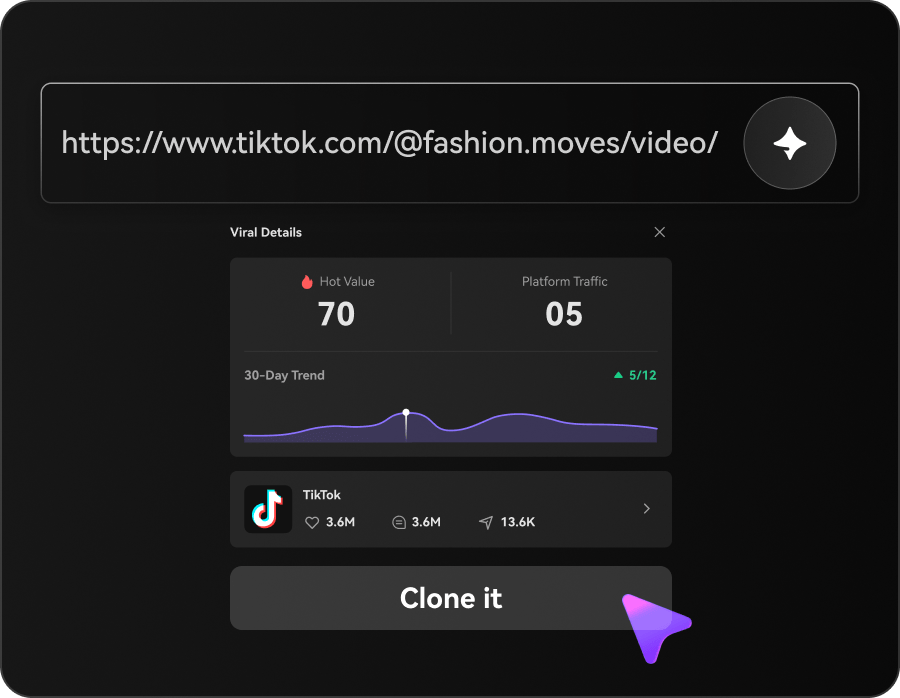
Explore Trending Ideas

Choose a trending topic or paste a social media video link to find content worth recreating.

2
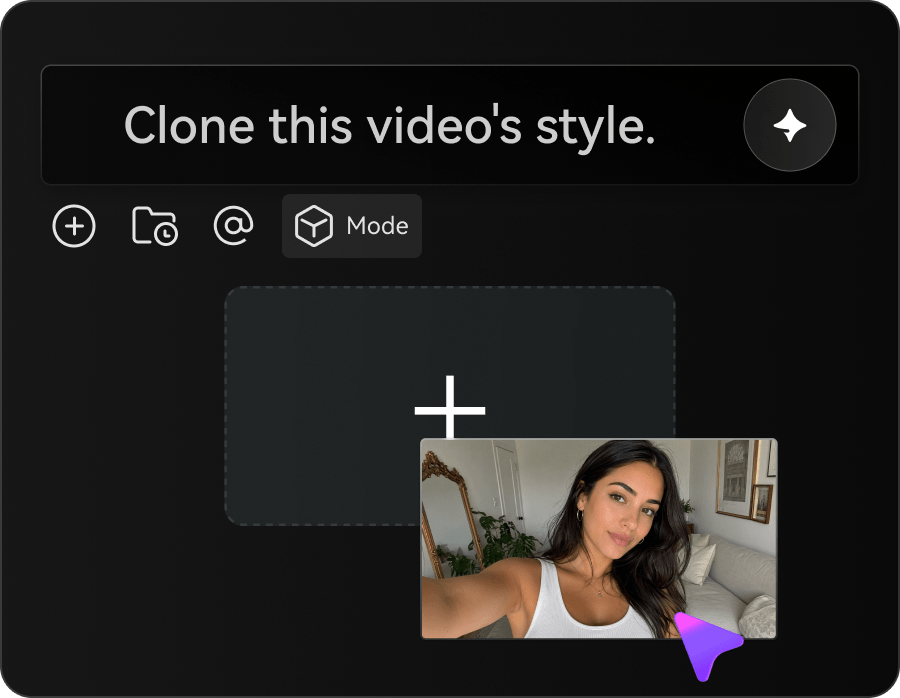
Create Your Version

Upload your own assets and customize the cloned template to create a short video in your style.

3
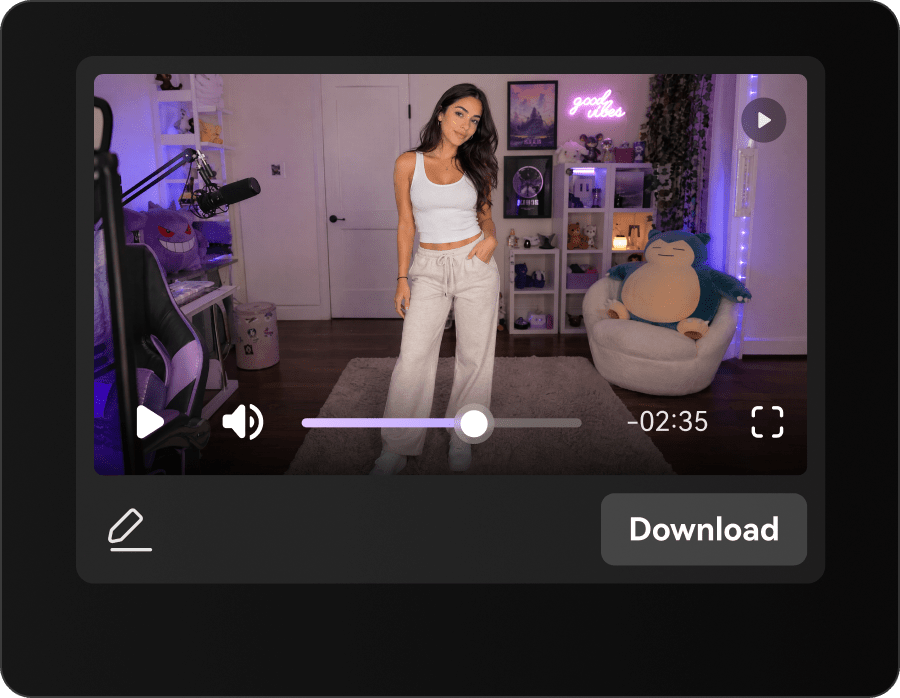
Generate and Publish

Generate your video, review the result, and share your finished clip on social media.

Illustrative Media.io workflow graphic; not a screenshot of EasySlice AI

Best EasySlice AI Jobs for Existing Long Videos

From weekly podcast highlights to small agency clip queue, these are distinct projects where EasySlice AI could be useful, with checks that match each task.

Weekly Podcast Highlights

Cut one approved interview into context-preserving quotable moments with captions. A related Media.io workflow to explore is Create Reels From YouTube Video.

YouTube Tutorial Shorts

Find concise instructions from a longer demonstration and retain the relevant source step.

Creator Multi-Platform Publishing

Format and approve vertical highlights before distributing them to social accounts.

Livestream Moment Recaps

Select exciting clips from a long recording but check audio and game-stream rights. A related Media.io workflow to explore is Viral Reels Generator.

Small Agency Clip Queue

Manage several authorized client channels, tracking monthly clip limits per plan.

Caption-Led Social Teasers

Use short clips to point users back to a full episode without overstating a guest's claims.

EasySlice AI Limitations for Automated Clipping

Before planning youtube to shorts with automatic posting, evaluate monthly clip counts are hard limits and connected channel count depends on plan as carefully as the headline features.

Monthly Clip Counts Are Hard Limits

The public annual-plan examples allow 10, 30 or 100 generated clips per month by tier. High-frequency accounts need realistic volume estimates.

Connected Channel Count Depends on Plan

Entry pricing is based on one connected channel, with higher plans supporting more. A multi-client agency should check that before subscribing.

Auto-Posting Needs Human Review

Posting clips automatically can publish an inaccurate transcript or context-free quote. Include an approval gate in the workflow.

AI B-Roll Is Not Universal

B-roll integration is described in higher plans, so the cheapest tier may not provide the same visual polish.

Not a Text-to-Video Filmmaker

The product needs source videos to slice. Use a different generation workflow when there is no original footage to repurpose.

Third-Party Social Permissions Matter

Cross-posting depends on platform API permissions, account status and copyright restrictions that the clipping tool cannot override.

EasySlice AI vs Media.io: Which Workflow Fits?

The deciding difference for EasySlice AI is its youtube channel connection and cross-platform auto posting; by comparison, the Media.io Viral Studio option focuses on weekly podcast highlights; compare supported inputs and output rights.

Decision Factor EasySlice AI Media.io
Starting workflow The service is built around connected YouTube sources rather than invented AI movie scenes. For weekly podcast highlights, Media.io Viral Studio starts with a targeted tool; EasySlice AI instead emphasizes youtube channel connection.
Primary capability AI Highlight Discovery: EasySlice selects moments from longer recordings to become shorter clips. Choose a relevant creation feature for weekly podcast highlights, subject to the tool's current options.
Reference handling Generated clips are prepared for vertical platforms with on-screen captions. Use supported reference input where helpful for youtube tutorial shorts.
Editing and revision The product lists automatic distribution to Facebook, Instagram, TikTok and YouTube. For creator multi-platform publishing, use the available editing and finishing controls as needed.
Output workflow Higher tiers describe AI B-roll integration and expanded clipping tools. Check whether livestream moment recaps needs captions, enhancement or editing after generation.
Cost model EasySlice's pricing page lists annual-billing examples at $12. Check current charges for the Viral Studio route, not EasySlice AI subscription pricing.
Key buying constraintThe public annual-plan examples allow 10, 30 or 100 generated clips per month by tier.Confirm supported input and export conditions for youtube to shorts with automatic posting alternatives.
Specialized strength Analytics and Content Scheduling. A focused option for small agency clip queue and the corresponding downstream edits.
Best fit Youtube to shorts with automatic posting. For a project like weekly podcast highlights, choose the Media.io Viral Studio workflow over the broader EasySlice AI offering.
Best for EasySlice AI Projects

Choose EasySlice AI If You Need:

Choose EasySlice AI when youtube channel connection and ai highlight discovery are needed in your real work. For small agency clip queue, check cost and revision permissions before committing to production.

  • Weekly Podcast Highlights: Cut one approved interview into context-preserving quotable moments with captions.
  • YouTube Tutorial Shorts: Find concise instructions from a longer demonstration and retain the relevant source step.
  • Creator Multi-Platform Publishing: Format and approve vertical highlights before distributing them to social accounts.
  • Livestream Moment Recaps: Select exciting clips from a long recording but check audio and game-stream rights.
  • Small Agency Clip Queue: Manage several authorized client channels, tracking monthly clip limits per plan.
Visit EasySlice AI
Best for Media.io YouTube Tutorial Shorts Projects

Choose Media.io for Weekly Podcast Highlights If You Need:

For EasySlice AI readers pursuing weekly podcast highlights, the Media.io Viral Studio route is one option for creator multi-platform publishing. It differs from EasySlice AI ai highlight discovery.

  • Create Social Video Clips workflow: Begin from a permitted input related to weekly podcast highlights.
  • YouTube Tutorial Shorts review: Assess whether Media.io output supports youtube tutorial shorts without special manual corrections.
    • Finishing for Creator Multi-Platform Publishing: Explore relevant Media.io editing tools for creator multi-platform publishing.
  • Focused generation scope: Choose only the tools required for livestream moment recaps.
  • Rights for Small Agency Clip Queue: Use authorized source media and double-check outputs intended for small agency clip queue.
Create Social Video Clips

Is EasySlice AI Worth It? Our Verdict

Our Take

EasySlice AI deserves consideration when weekly podcast highlights or youtube tutorial shorts is the core job. The combination of youtube channel connection and optional ai b-roll and editing distinguishes its proposition.

EasySlice's pricing page lists annual-billing examples at $12.49, $24.99 and $49.99 per month, differing by channel connections, monthly clip counts and advanced features. Confirm current billing cycle terms. The purchase risk centers on monthly clip counts are hard limits and auto-posting needs human review. Budget a complete project with corrections and final export.

Choose EasySlice AI for youtube to shorts with automatic posting, especially when vertical formatting and captions is required. Consider Media.io Viral Studio when small agency clip queue matters more than the specialist vertical formatting and captions capability; verify output and export terms.

EasySlice AI FAQ: Features, Pricing and Alternatives

What type of videos does EasySlice AI create?
faq faq

EasySlice AI is an automated video-clipping and distribution service that connects YouTube channels, selects highlight moments, creates captioned vertical clips and posts them across YouTube, TikTok, Instagram and Facebook.

The service is built around connected YouTube sources rather than invented AI movie scenes. The source owner must control or have permission to repurpose the channel's footage.

EasySlice selects moments from longer recordings to become shorter clips. An automatically selected moment can still omit essential context, so review is necessary.

EasySlice's pricing page lists annual-billing examples at $12.49, $24.99 and $49.99 per month, differing by channel connections, monthly clip counts and advanced features. Confirm current billing cycle terms.

The public annual-plan examples allow 10, 30 or 100 generated clips per month by tier. High-frequency accounts need realistic volume estimates. Entry pricing is based on one connected channel, with higher plans supporting more. A multi-client agency should check that before subscribing.

Cut one approved interview into context-preserving quotable moments with captions. Posting clips automatically can publish an inaccurate transcript or context-free quote. Include an approval gate in the workflow.

The product lists automatic distribution to Facebook, Instagram, TikTok and YouTube. Actual account permissions and publishing policies may differ by channel.

For weekly podcast highlights, compare the Media.io Viral Studio path against EasySlice AI results. It can handle a distinct video step; EasySlice AI remains more specific to ai highlight discovery, so compare current plan costs and usage rights.

If your recurring task is small agency clip queue, the main question is whether the advantages of youtube channel connection outweigh the limitations. The product needs source videos to slice. Use a different generation workflow when there is no original footage to repurpose.

What Media.io Creators Say About Their Workflow

Media.io AI video generator user
Sarah L.

Content Creator

star star star star half star

Media.io makes it much easier to test different AI video styles without jumping between several platforms. I can start with a text prompt or image, compare model results, and then resize or polish the clip for social media in the same workspace.

Media.io AI video creator
John D.

Social Media Marketer

star star star star half star

I use Media.io to create quick product clips, ad concepts, and short-form videos from images. The biggest advantage is that generation does not feel like the final step - I can continue with music, captions, enhancement, and format conversion before publishing.

Media.io AI video editing user
Emily T.

Freelance Designer

star star star star half star

The workflow is approachable even when I am experimenting with unfamiliar AI models. I can animate artwork, try different motion prompts, preview the output, and prepare a cleaner final version without needing advanced video-editing experience.

Media.io Online Tools Quality Rating:
vote 4.7 (162,357 Votes)
media.io

AI Video Generator star

Easily generate videos from text or images

Generate