Home>Comparison>Aura AI Video Generator

Aura AI Video Generator: Mobile Agent Features and Pricing

For mobile-first creators, opening a desktop video editor can be more work than making the actual clip. Aura AI Video Generator is a crowded brand phrase, so this review follows the product at auraai.app, which promotes a chat-first image and video agent for Apple devices and Android. The practical questions are how its agent chooses creation steps, which model settings and purchases are available, and whether its advertised clean exports match the app version you install.

Primary Features of Aura AI Video Generator App

Aura AI at auraai.app is a mobile-oriented image and video creation agent with chat-based prompting, image editing, photo animation, multi-model video options, cloud synchronization and iOS, iPadOS, Mac and Android product pages.

Core Feature Overview

  • Chat-First AI Creation Agent: The product describes a conversational flow that can generate an image, edit it and animate it without manually navigating several separate applications.
  • Photo-to-Video Animation: A user can provide a photo and ask the agent to add motion or a new scene, subject to the model selected in the app.
  • Multi-Model Video Options: Official product pages name third-party video models; availability depends on device, plan and the current app release.
  • Image Generation and Restyling: The workflow supports producing illustrations and editing photos as the first step before motion creation.
  • Cross-Device Cloud Sync: The site advertises access to projects across supported devices, which introduces cloud storage and sign-in considerations.
  • Mobile App Interface and Export: Touch-first controls are advertised for Apple and Android devices, with watermark-free generation claims that should be checked in the installed app.
Chat-First AI Creation Agent

The product describes a conversational flow that can generate an image, edit it and animate it without manually navigating several separate applications. For Aura AI Video Generator, a useful first project is phone-first video prompt; Draft a short visual concept while away from a computer and review the agent's chosen settings.

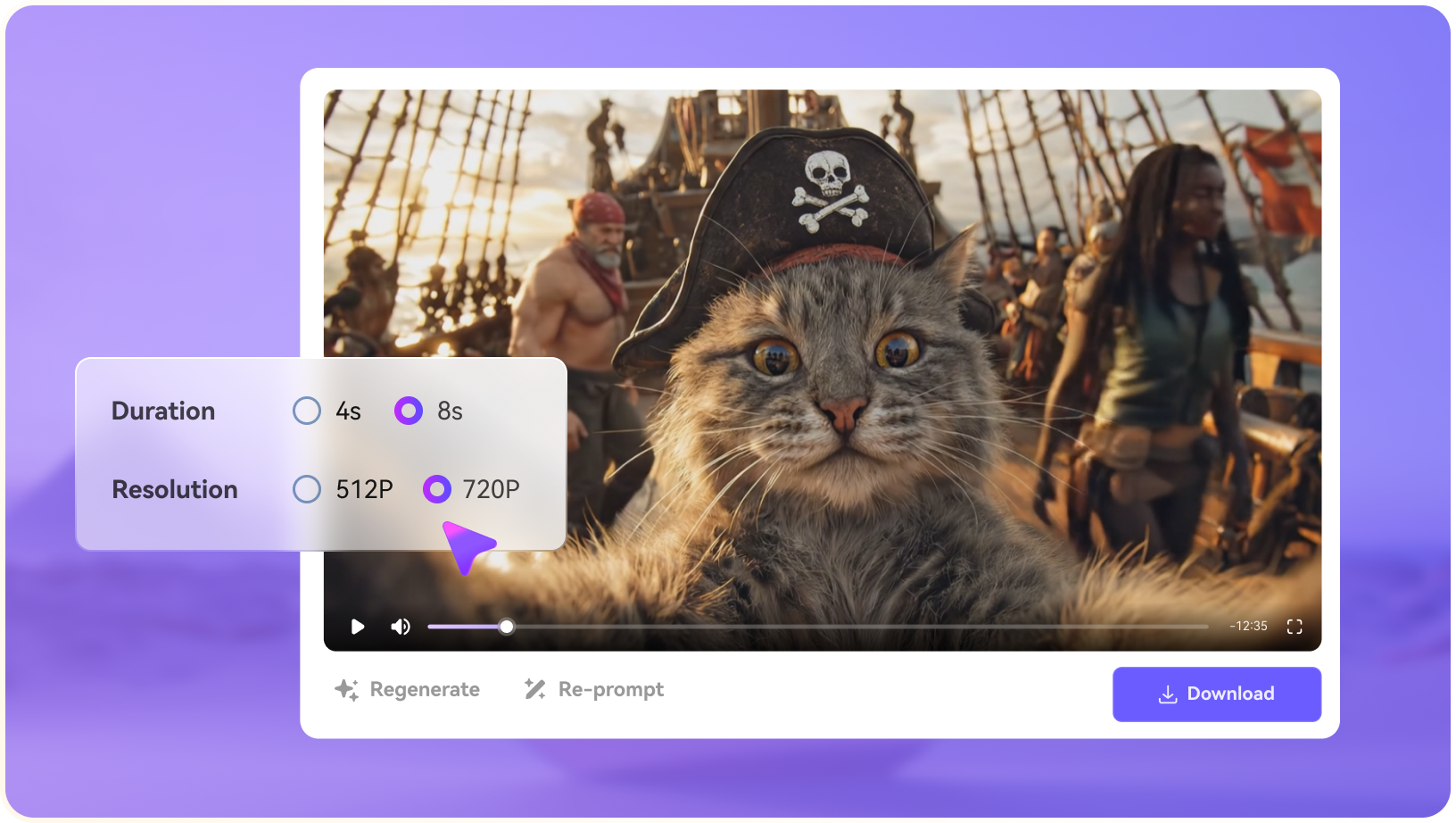
Illustrative Media.io workflow graphic; not a screenshot of Aura AI Video Generator

Photo-to-Video Animation

A user can provide a photo and ask the agent to add motion or a new scene, subject to the model selected in the app. Before relying on photo-to-video animation, check the tradeoff named mobile access still uses cloud models: Despite native app UI, model generation can require internet and cloud processing; it is not equivalent to fully offline rendering.

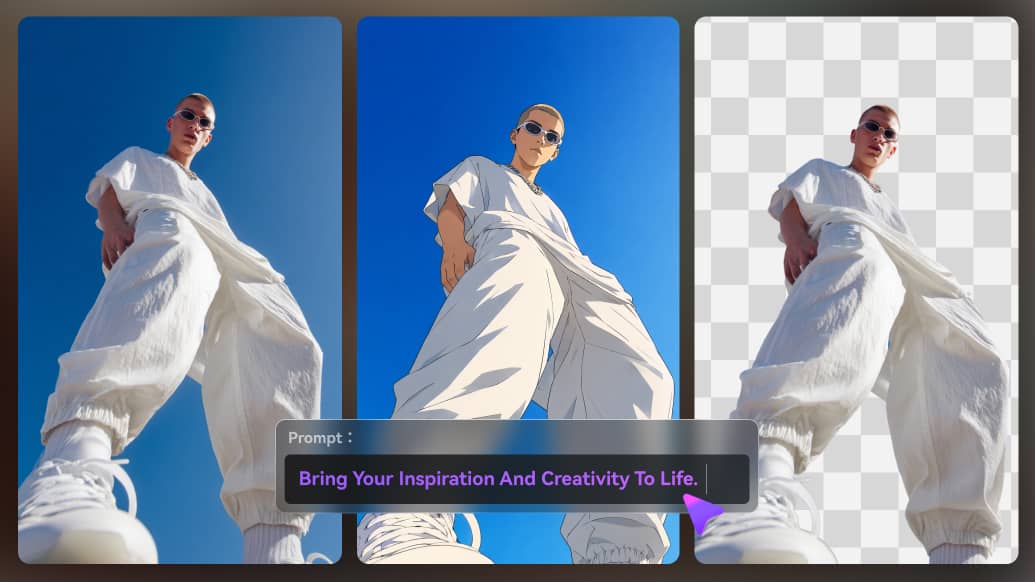
Illustrative Media.io workflow graphic; not a screenshot of Aura AI Video Generator

Multi-Model Video Options

Official product pages name third-party video models; availability depends on device, plan and the current app release. For Aura AI Video Generator work on mobile chat-based AI image and video creation, Create a visual idea for a trip recap and edit it into a mobile-friendly format.

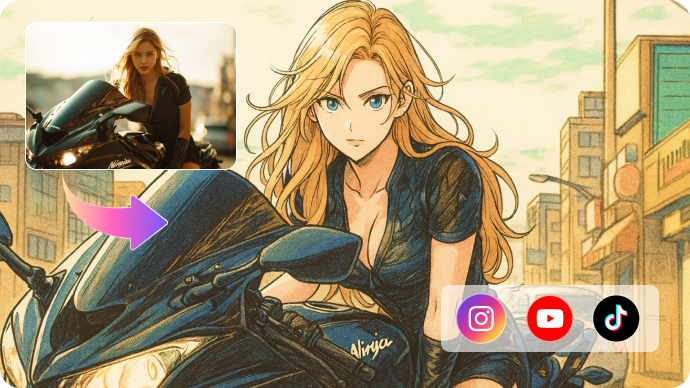
Illustrative Media.io workflow graphic; not a screenshot of Aura AI Video Generator

Image Generation and Restyling

The workflow supports producing illustrations and editing photos as the first step before motion creation. To assess whether this is repeatable, begin work on a tablet and check whether the saved project appears on the same account on another supported device.

Illustrative Media.io workflow graphic; not a screenshot of Aura AI Video Generator

Cross-Device Cloud Sync

The site advertises access to projects across supported devices, which introduces cloud storage and sign-in considerations. For a concrete example, try a new artistic look for a personal portrait before deciding whether to animate it.

Illustrative Media.io workflow graphic; not a screenshot of Aura AI Video Generator

Mobile App Interface and Export

Touch-first controls are advertised for Apple and Android devices, with watermark-free generation claims that should be checked in the installed app. The final check is no-watermark claims need version testing: The marketing pages claim clean exports, but check actual output limits, file quality and watermark behavior on the current paid or free tier.

Illustrative Media.io workflow graphic; not a screenshot of Aura AI Video Generator

How to Create a Phone-First Video Prompt Video with Media.io

1
2
3
1
Choose your phone-first video prompt source

Draft a short visual concept while away from a computer and review the agent's chosen settings.

2
Define the photo-to-video animation brief

A user can provide a photo and ask the agent to add motion or a new scene, subject to the model selected in the app.

3
Evaluate the social portrait restyle output

Try a new artistic look for a personal portrait before deciding whether to animate it.

Illustrative Media.io workflow graphic; not a screenshot of Aura AI Video Generator

Aura AI Mobile Creator Use Cases

From phone-first video prompt to social portrait restyle, these are distinct projects where Aura AI Video Generator could be useful, with checks that match each task.

Phone-First Video Prompt

Draft a short visual concept while away from a computer and review the agent's chosen settings. A related Media.io workflow to explore is AI Transition.

Photo Animation From Camera Roll

Animate an authorized image and inspect facial or background distortion in the resulting clip.

Travel-Themed Short

Create a visual idea for a trip recap and edit it into a mobile-friendly format.

Multi-Device Creative Continuation

Begin work on a tablet and check whether the saved project appears on the same account on another supported device. A related Media.io workflow to explore is Face Swap.

Social Portrait Restyle

Try a new artistic look for a personal portrait before deciding whether to animate it.

Simple Marketing Teaser

Create a brief social teaser with original product imagery and confirm available output and usage rights.

Aura AI Mobile App and Brand Limitations

Before planning mobile chat-based AI image and video creation, evaluate multiple apps use the aura ai name and mobile access still uses cloud models as carefully as the headline features.

Multiple Apps Use the Aura AI Name

Other developers publish similarly named video apps. This page describes auraai.app and must not borrow unrelated App Store ratings or pricing.

Mobile Access Still Uses Cloud Models

Despite native app UI, model generation can require internet and cloud processing; it is not equivalent to fully offline rendering.

Model Availability Changes by Platform

Official iOS and Android pages may list models not yet active in one device build or subscription tier.

In-App Purchases Need Checking

The website does not establish one universal price for all devices. Confirm Apple or Google billing and trial conditions directly.

Cloud Sync Raises Data Questions

Uploading private photos to an agent may involve account and server storage. Review policy and deletion controls.

No-Watermark Claims Need Version Testing

The marketing pages claim clean exports, but check actual output limits, file quality and watermark behavior on the current paid or free tier.

Aura vs Media.io: Phone Agent or Browser Video Tools?

The deciding difference for Aura AI Video Generator is its chat-first ai creation agent and image generation and restyling; by comparison, the Media.io Image to Video option focuses on phone-first video prompt; compare supported inputs and output rights.

Decision Factor Aura AI Video Generator Media.io
Starting workflow The product describes a conversational flow that can generate an image, edit it and animate it without manually navigating several separate applications. For phone-first video prompt, Media.io Image to Video starts with a targeted tool; Aura AI Video Generator instead emphasizes chat-first ai creation agent.
Primary capability Photo-to-Video Animation: A user can provide a photo and ask the agent to add motion or a new scene, subject to the model selected in the app. Choose a relevant creation feature for phone-first video prompt, subject to the tool's current options.
Reference handling Official product pages name third-party video models; availability depends on device, plan and the current app release. Use supported reference input where helpful for photo animation from camera roll.
Editing and revision The workflow supports producing illustrations and editing photos as the first step before motion creation. For travel-themed short, use the available editing and finishing controls as needed.
Output workflow The site advertises access to projects across supported devices, which introduces cloud storage and sign-in considerations. Check whether multi-device creative continuation needs captions, enhancement or editing after generation.
Cost model Aura AI's product pages advertise mobile access but do not present a single clearly comparable cross-platform subscription price. Check current charges for the Image to Video route, not Aura AI Video Generator subscription pricing.
Key buying constraintOther developers publish similarly named video apps.Confirm supported input and export conditions for mobile chat-based AI image and video creation alternatives.
Specialized strength Mobile App Interface and Export. A focused option for social portrait restyle and the corresponding downstream edits.
Best fit Mobile chat-based ai image and video creation. For a project like phone-first video prompt, choose the Media.io Image to Video workflow over the broader Aura AI Video Generator offering.
Best for Aura AI Video Generator Projects

Choose Aura AI Video Generator If You Need:

Choose Aura AI Video Generator when chat-first ai creation agent and photo-to-video animation are needed in your real work. For social portrait restyle, check cost and revision permissions before committing to production.

  • Phone-First Video Prompt: Draft a short visual concept while away from a computer and review the agent's chosen settings.
  • Photo Animation From Camera Roll: Animate an authorized image and inspect facial or background distortion in the resulting clip.
  • Travel-Themed Short: Create a visual idea for a trip recap and edit it into a mobile-friendly format.
  • Multi-Device Creative Continuation: Begin work on a tablet and check whether the saved project appears on the same account on another supported device.
  • Social Portrait Restyle: Try a new artistic look for a personal portrait before deciding whether to animate it.
Visit Aura AI Video Generator
Best for Media.io Photo Animation From Camera Roll Projects

Choose Media.io for Phone-First Video Prompt If You Need:

For Aura AI Video Generator readers pursuing phone-first video prompt, the Media.io Image to Video route is one option for travel-themed short. It differs from Aura AI Video Generator photo-to-video animation.

  • Try AI Video Generation workflow: Begin from a permitted input related to phone-first video prompt.
  • Photo Animation From Camera Roll review: Assess whether Media.io output supports photo animation from camera roll without special manual corrections.
    • Finishing for Travel-Themed Short: Explore relevant Media.io editing tools for travel-themed short.
  • Focused generation scope: Choose only the tools required for multi-device creative continuation.
  • Rights for Social Portrait Restyle: Use authorized source media and double-check outputs intended for social portrait restyle.
Try AI Video Generation

Is Aura AI Video Generator Worth It? Our Verdict

Our Take

Aura AI Video Generator deserves consideration when phone-first video prompt or photo animation from camera roll is the core job. The combination of chat-first ai creation agent and cross-device cloud sync distinguishes its proposition.

Aura AI's product pages advertise mobile access but do not present a single clearly comparable cross-platform subscription price. Check the installed app's purchase screen, plan and renewal terms. The purchase risk centers on multiple apps use the aura ai name and model availability changes by platform. Budget a complete project with corrections and final export.

Aura at auraai.app is most relevant for mobile-first creators who value its conversational agent and cross-device creation. Media.io may suit people who prefer an accessible browser workflow with explicit editing tools. Confirm the developer and purchase screen of the Aura app you install, because similarly named apps are not necessarily related.

Aura AI Video Generator FAQ: Features, Pricing and Alternatives

Which Aura AI Video Generator is reviewed here?
faq faq

Aura AI at auraai.app is a mobile-oriented image and video creation agent with chat-based prompting, image editing, photo animation, multi-model video options, cloud synchronization and iOS, iPadOS, Mac and Android product pages.

The product describes a conversational flow that can generate an image, edit it and animate it without manually navigating several separate applications.

A user can provide a photo and ask the agent to add motion or a new scene, subject to the model selected in the app.

Aura AI's product pages advertise mobile access but do not present a single clearly comparable cross-platform subscription price. Check the installed app's purchase screen, plan and renewal terms.

Other developers publish similarly named video apps. This page describes auraai.app and must not borrow unrelated App Store ratings or pricing. Despite native app UI, model generation can require internet and cloud processing; it is not equivalent to fully offline rendering.

Draft a short visual concept while away from a computer and review the agent's chosen settings. Official iOS and Android pages may list models not yet active in one device build or subscription tier.

The workflow supports producing illustrations and editing photos as the first step before motion creation.

For phone-first video prompt, compare the Media.io Image to Video path against Aura AI Video Generator results. It can handle a distinct video step; Aura AI Video Generator remains more specific to photo-to-video animation, so compare current plan costs and usage rights.

If your recurring task is social portrait restyle, the main question is whether the advantages of chat-first ai creation agent outweigh the limitations. Uploading private photos to an agent may involve account and server storage. Review policy and deletion controls.

What Media.io Creators Say About Their Workflow

Media.io AI video generator user
Sarah L.

Content Creator

star star star star half star

Media.io makes it much easier to test different AI video styles without jumping between several platforms. I can start with a text prompt or image, compare model results, and then resize or polish the clip for social media in the same workspace.

Media.io AI video creator
John D.

Social Media Marketer

star star star star half star

I use Media.io to create quick product clips, ad concepts, and short-form videos from images. The biggest advantage is that generation does not feel like the final step - I can continue with music, captions, enhancement, and format conversion before publishing.

Media.io AI video editing user
Emily T.

Freelance Designer

star star star star half star

The workflow is approachable even when I am experimenting with unfamiliar AI models. I can animate artwork, try different motion prompts, preview the output, and prepare a cleaner final version without needing advanced video-editing experience.

Media.io Online Tools Quality Rating:
vote 4.7 (162,357 Votes)
media.io

AI Video Generator star

Easily generate videos from text or images

Generate