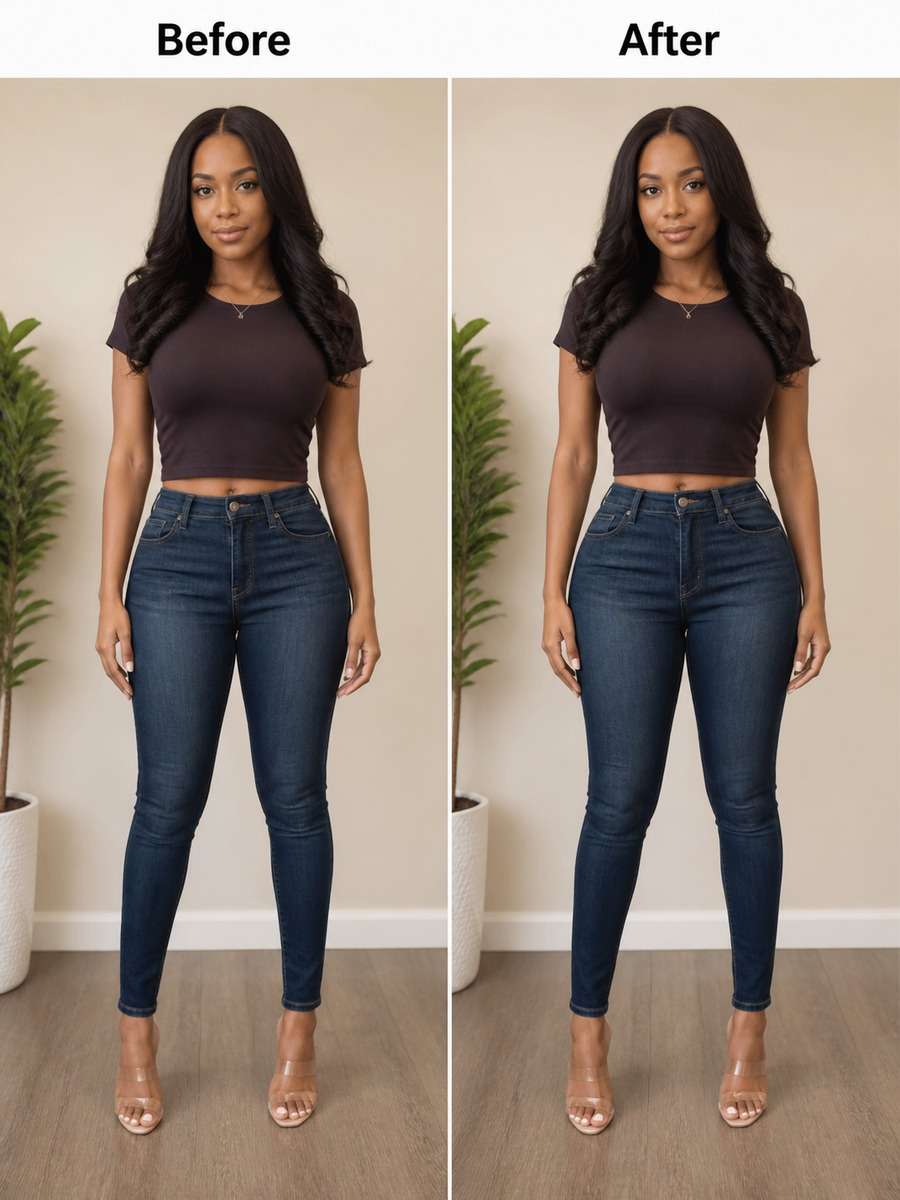
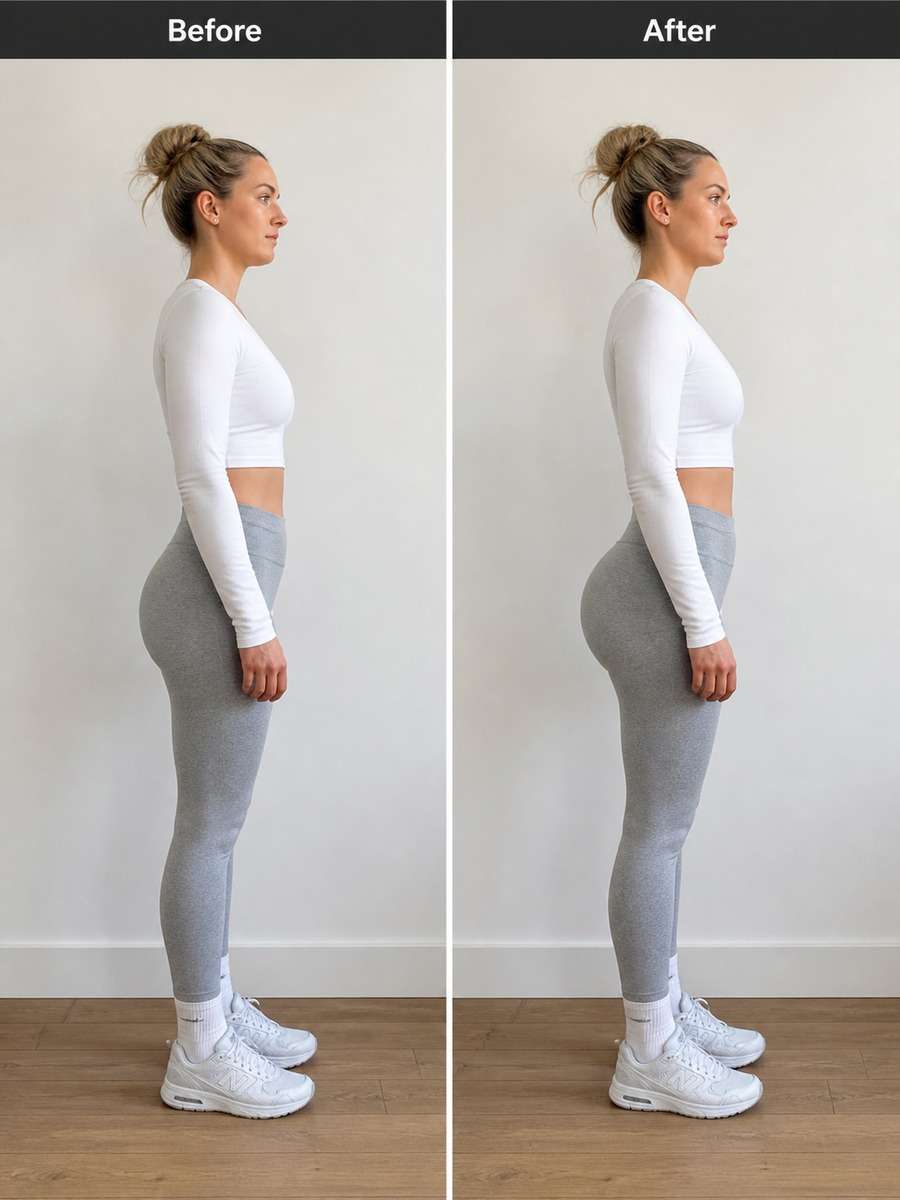
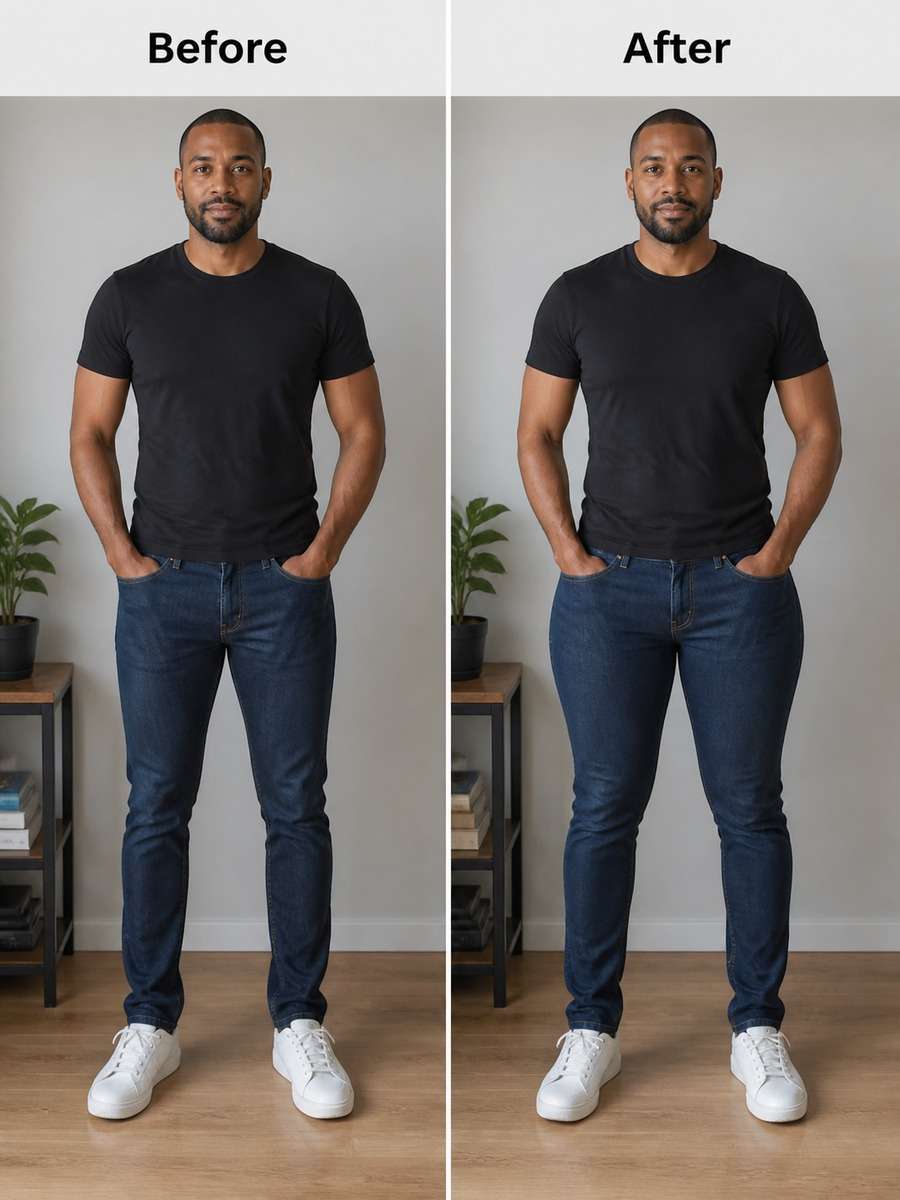
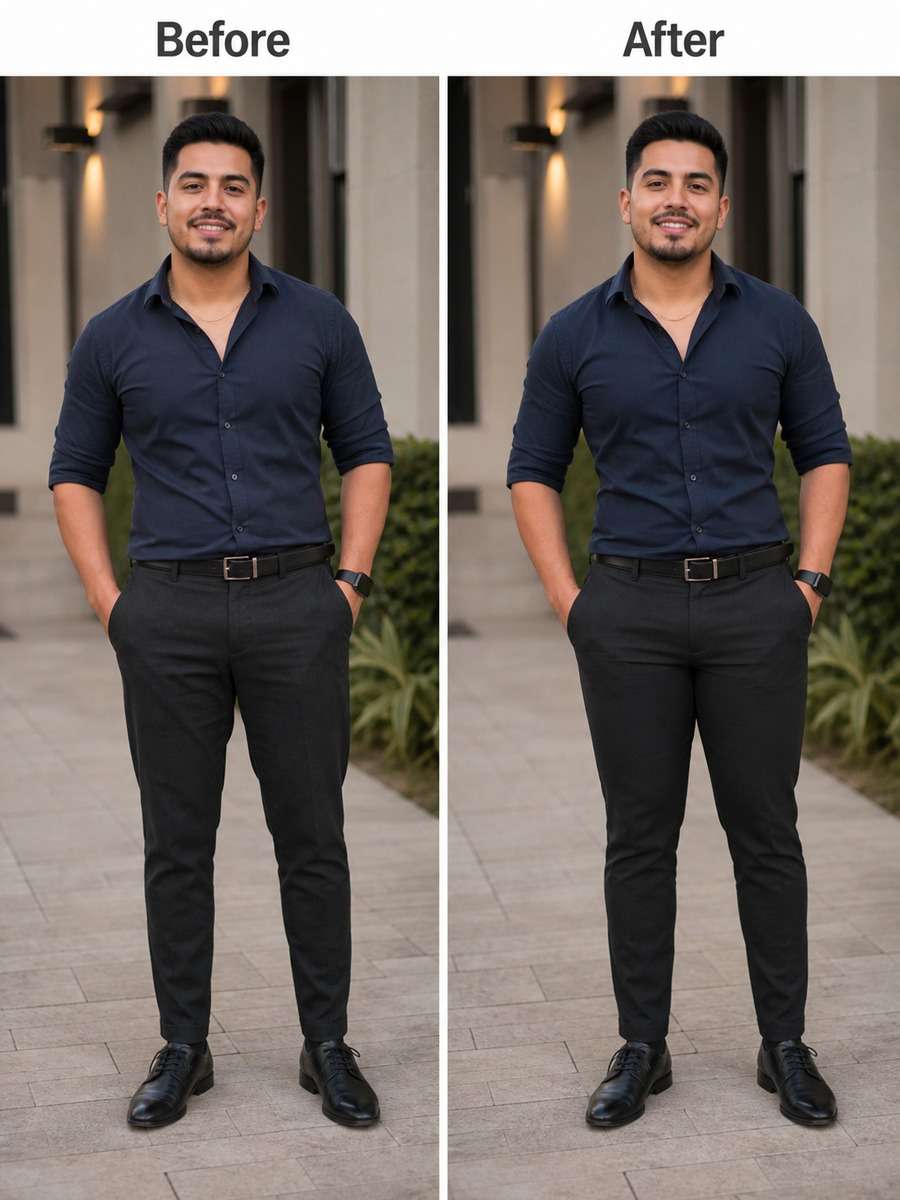
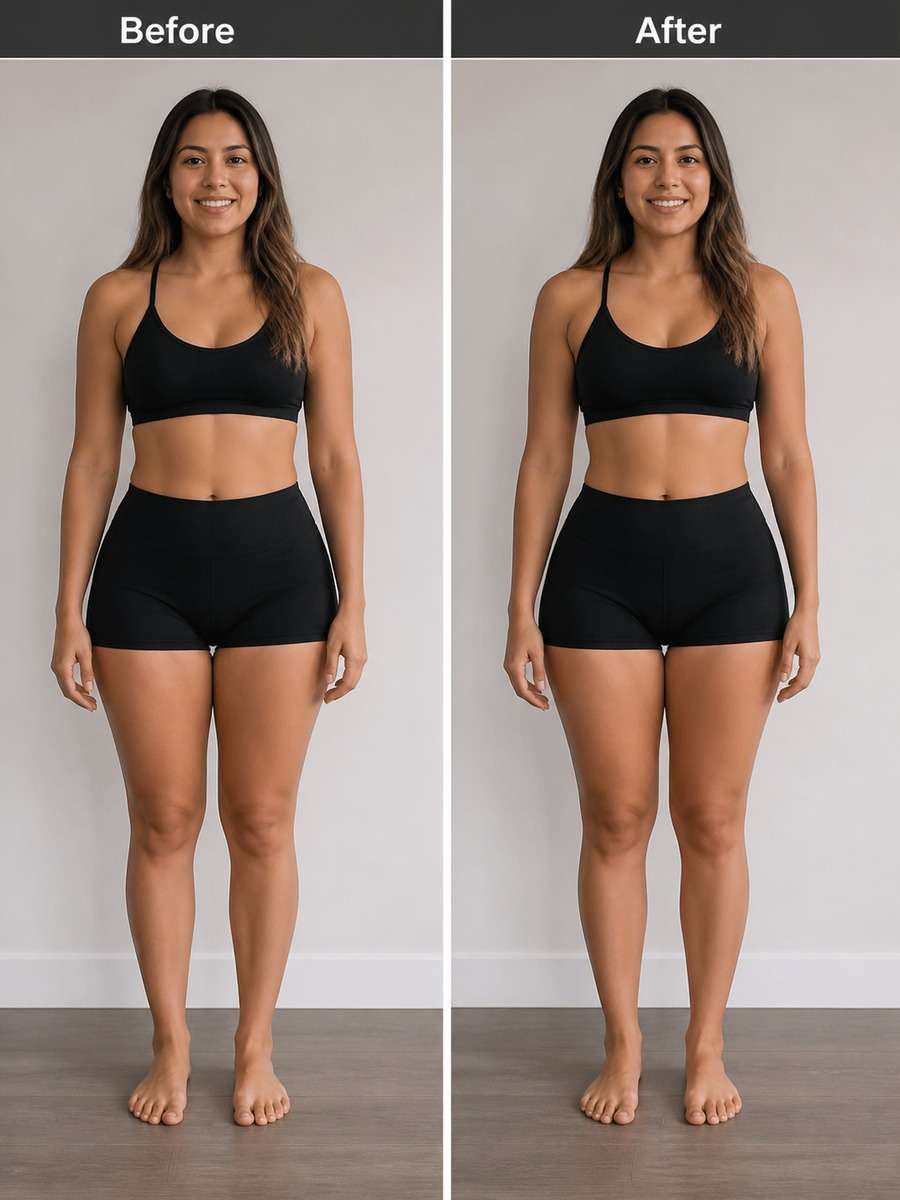
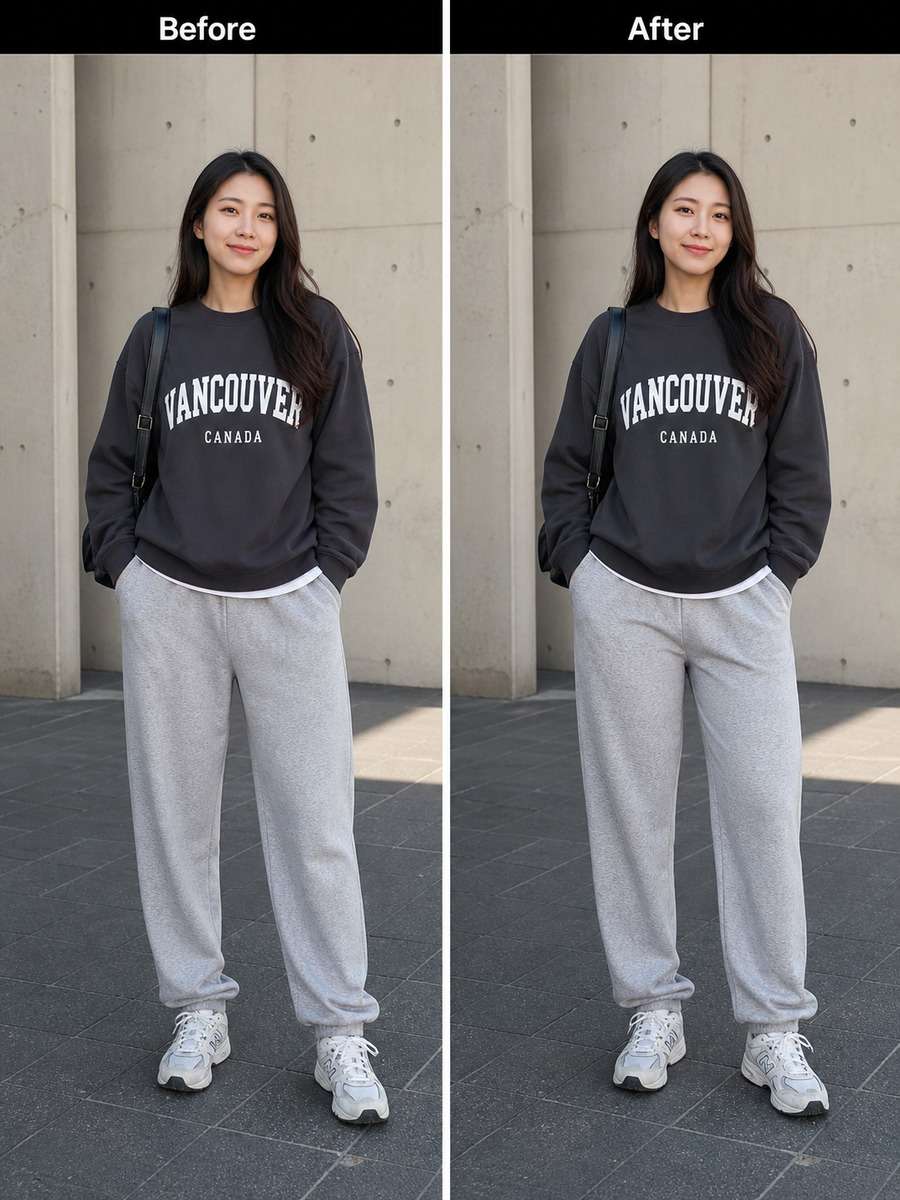
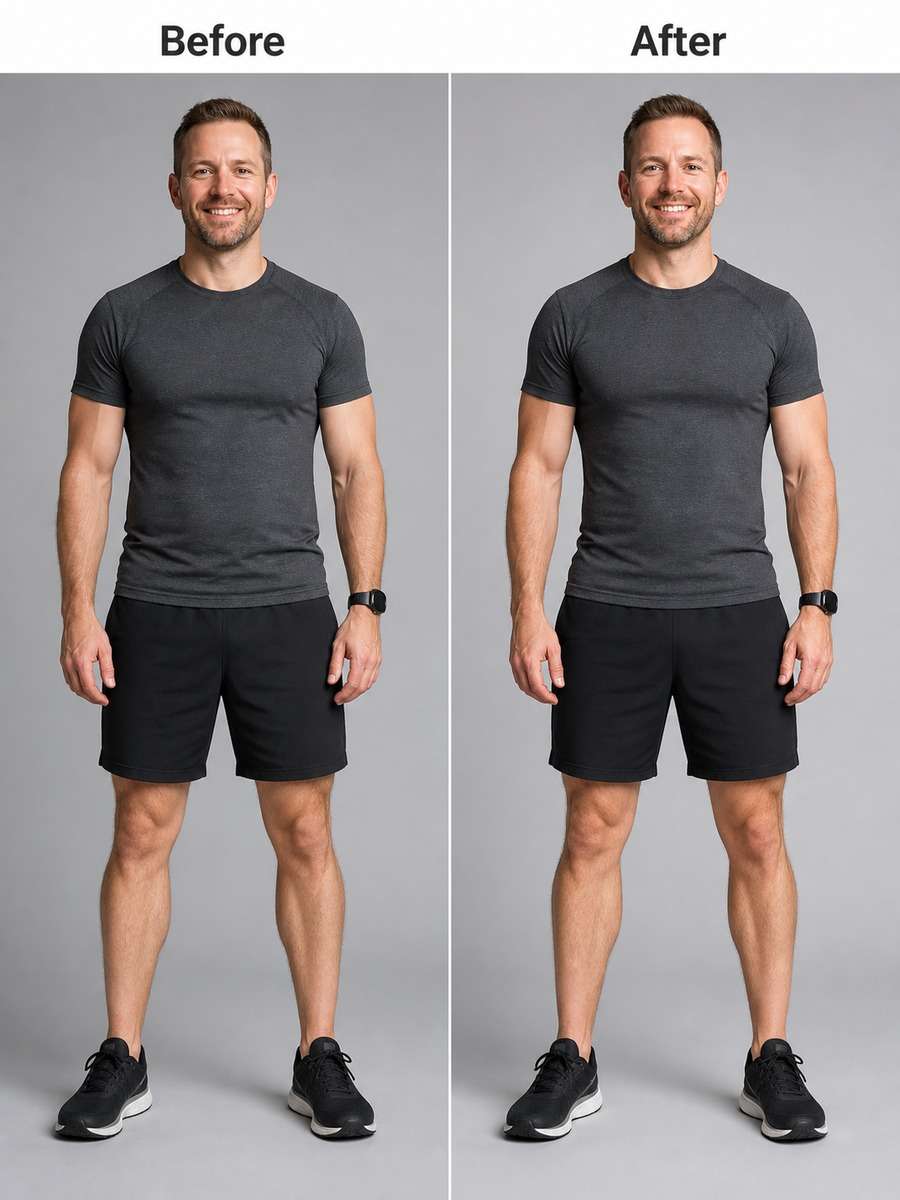
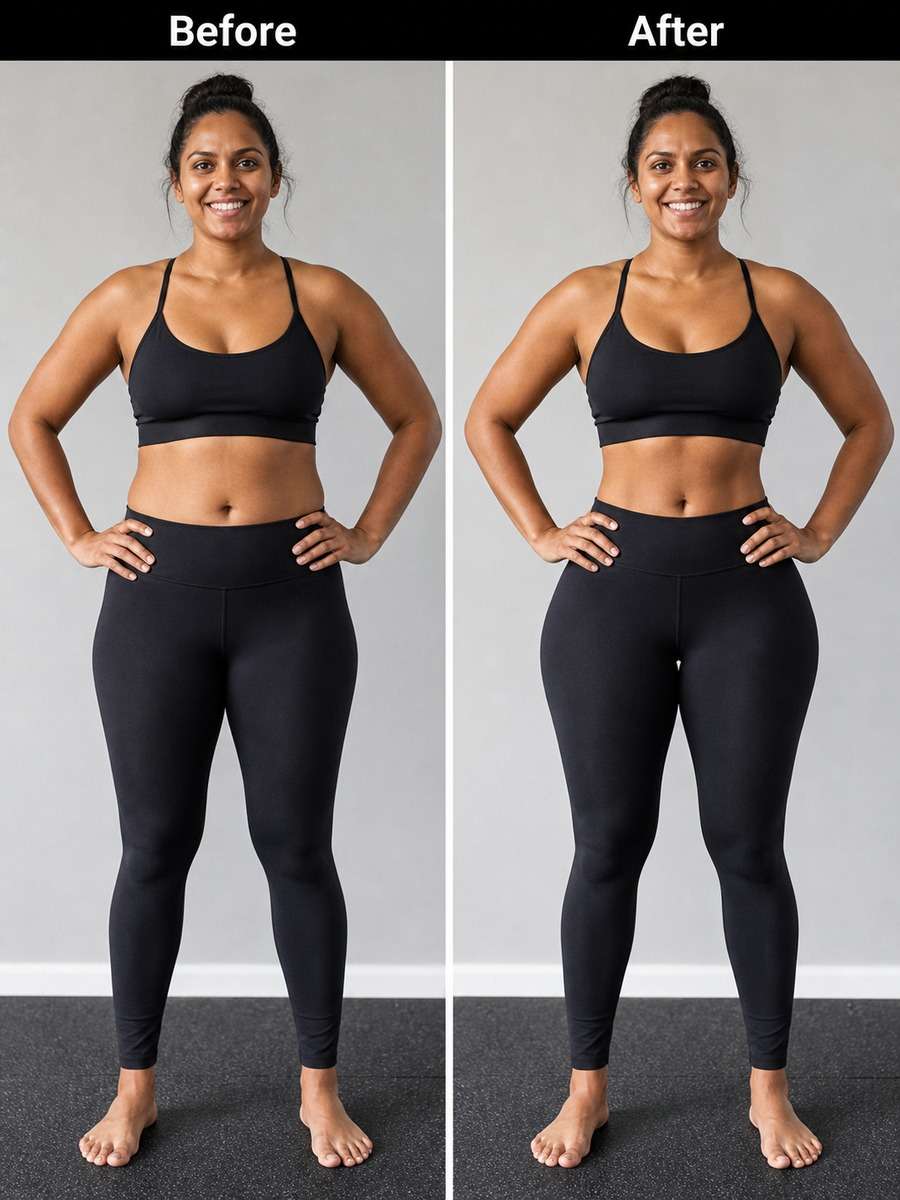
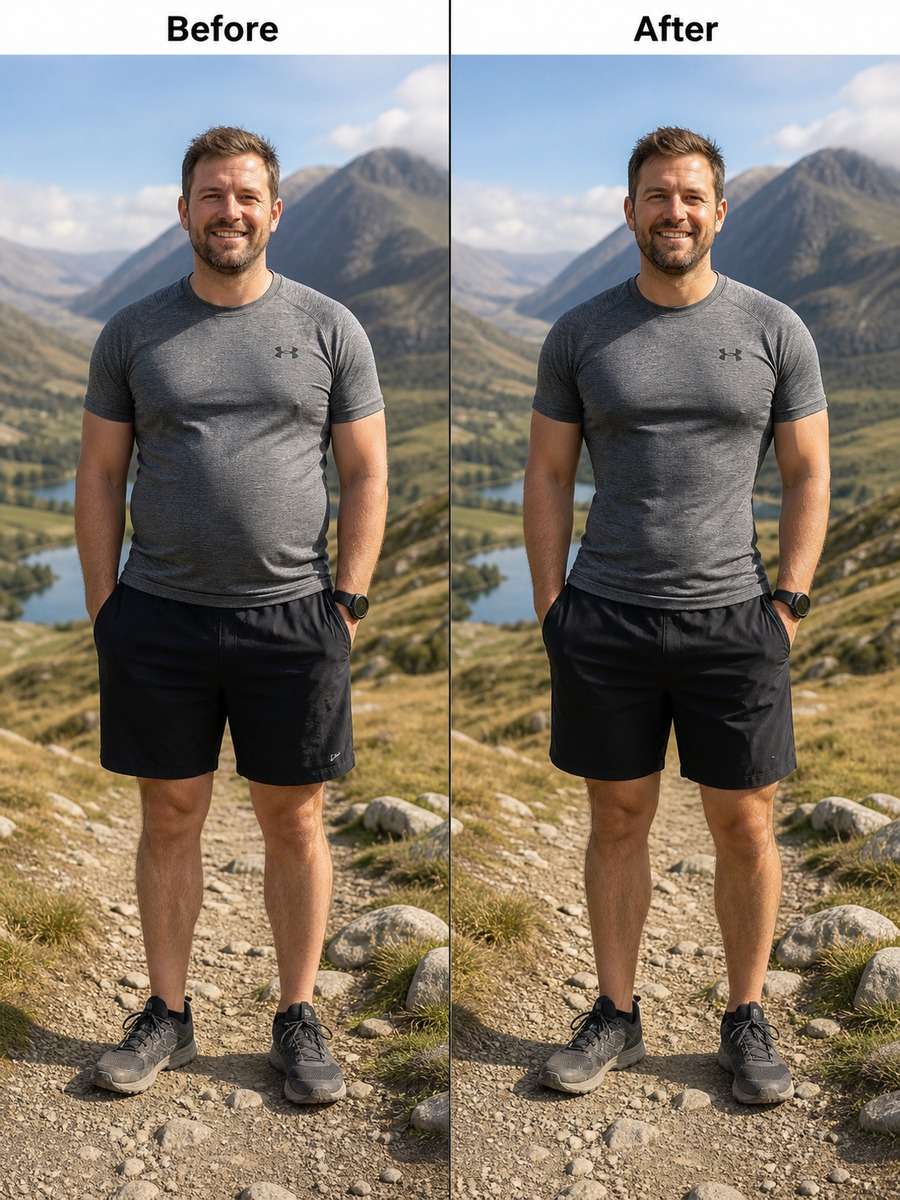
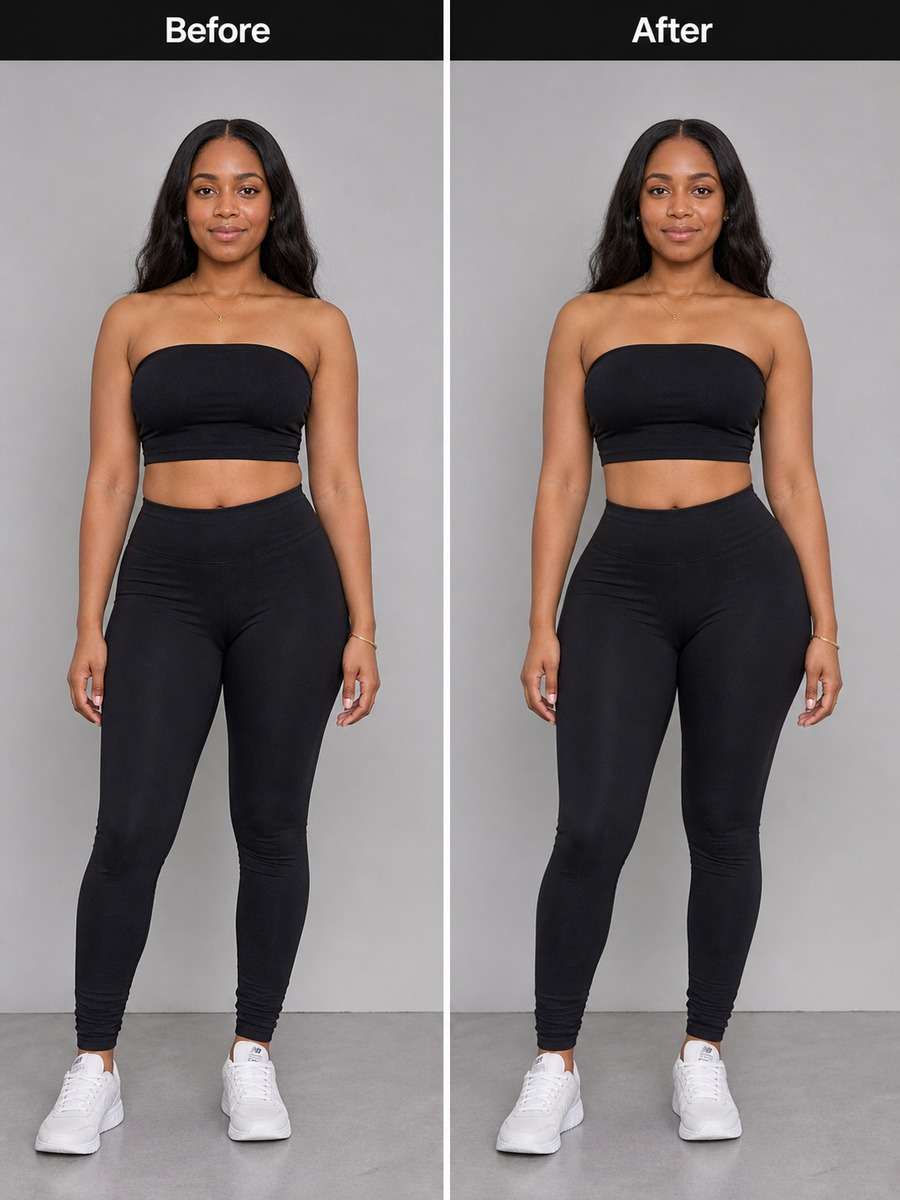
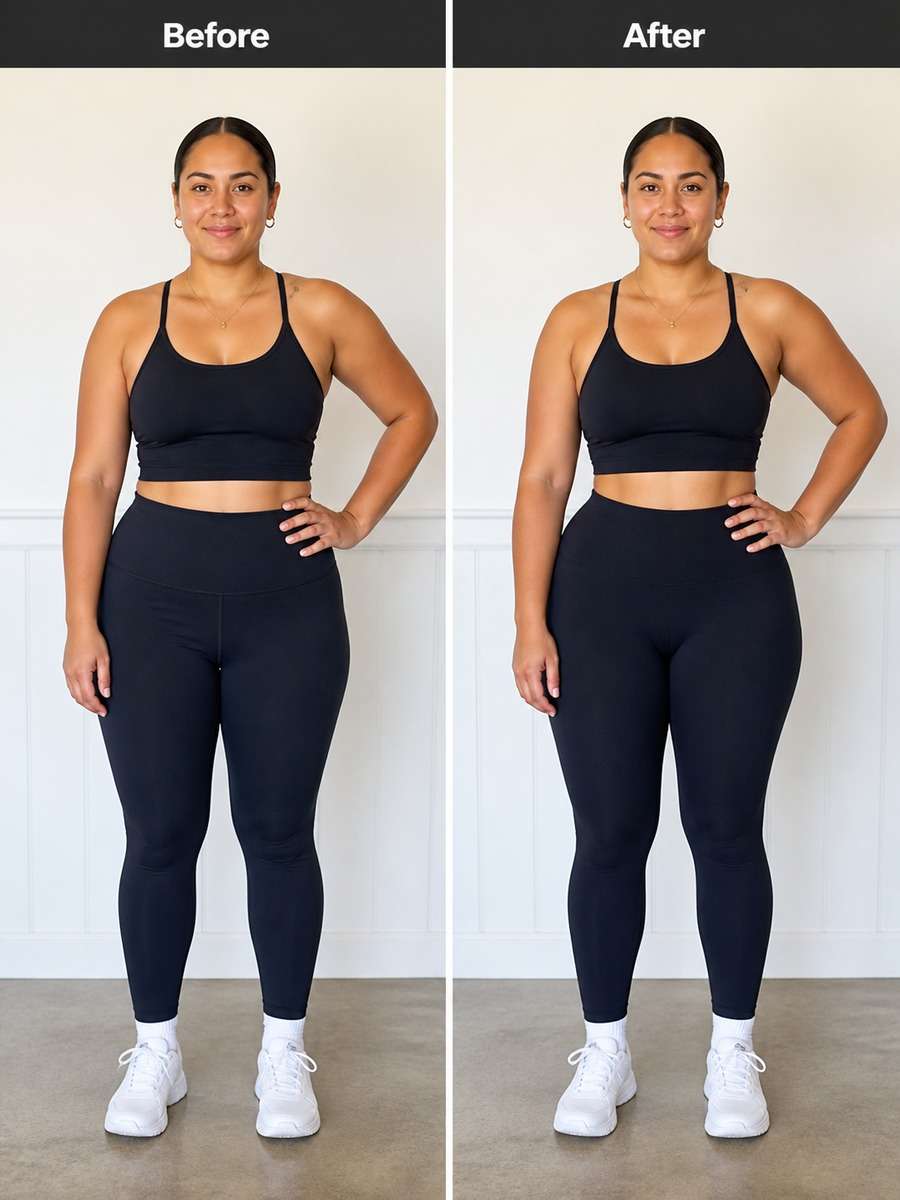
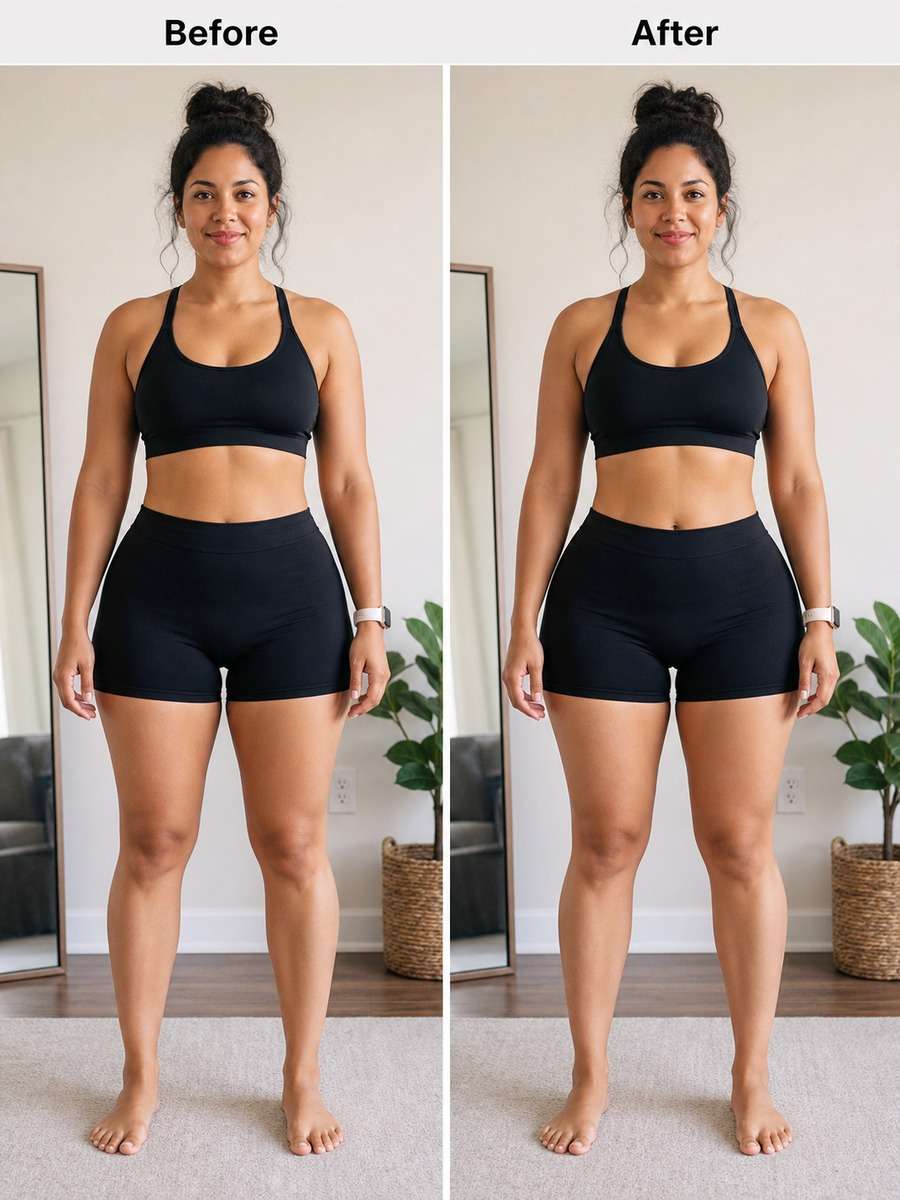
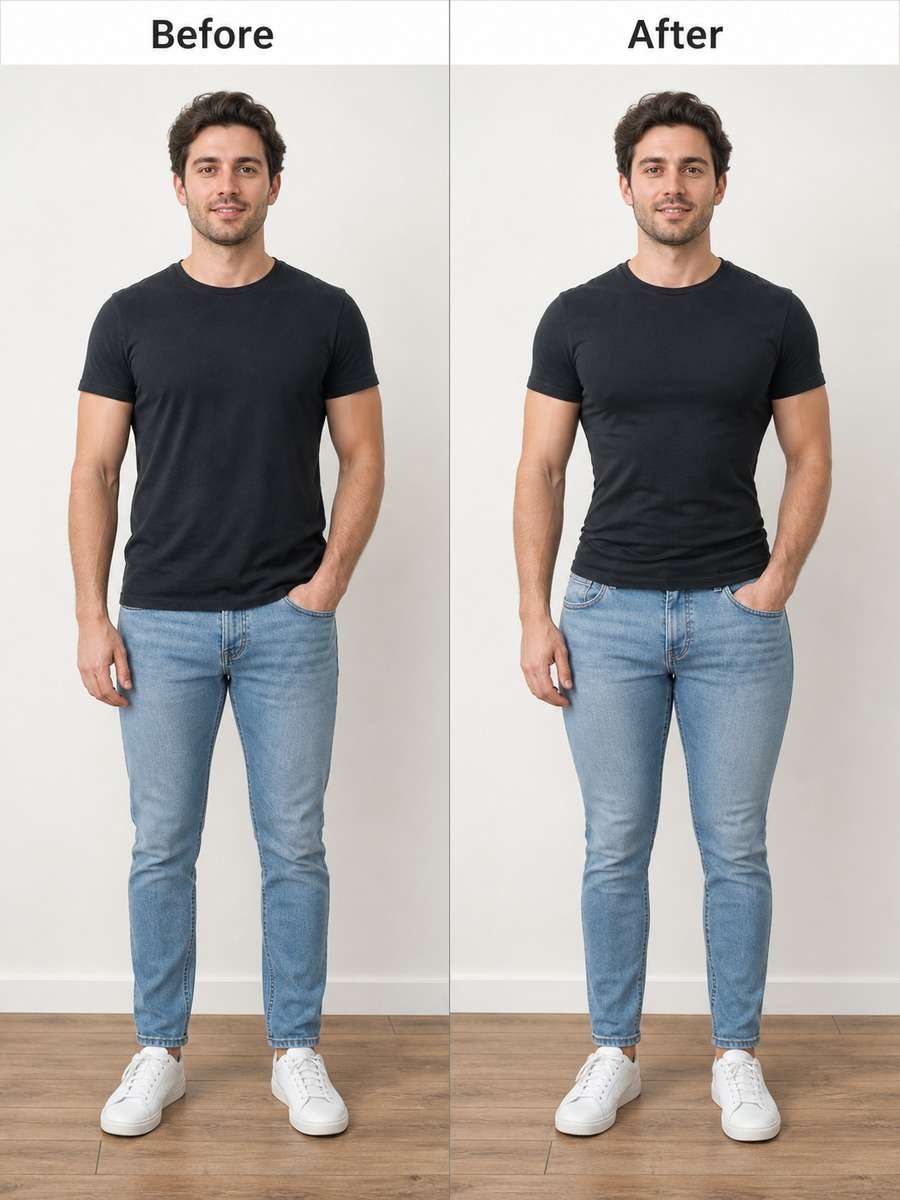
Natural Hip Enhancement Prompts for AI Image Editing
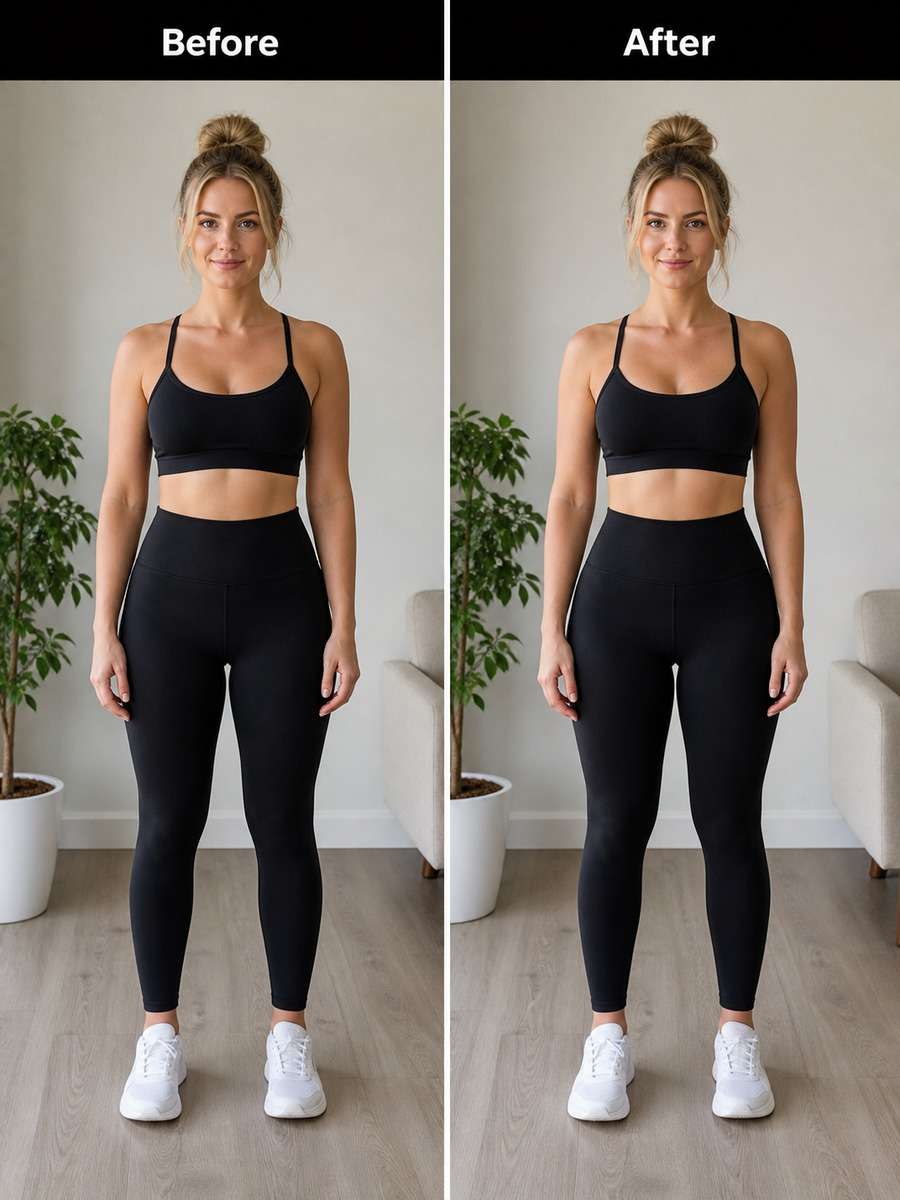
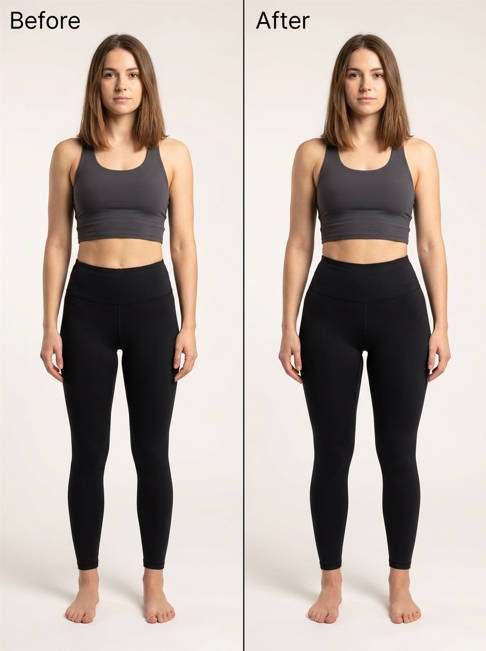
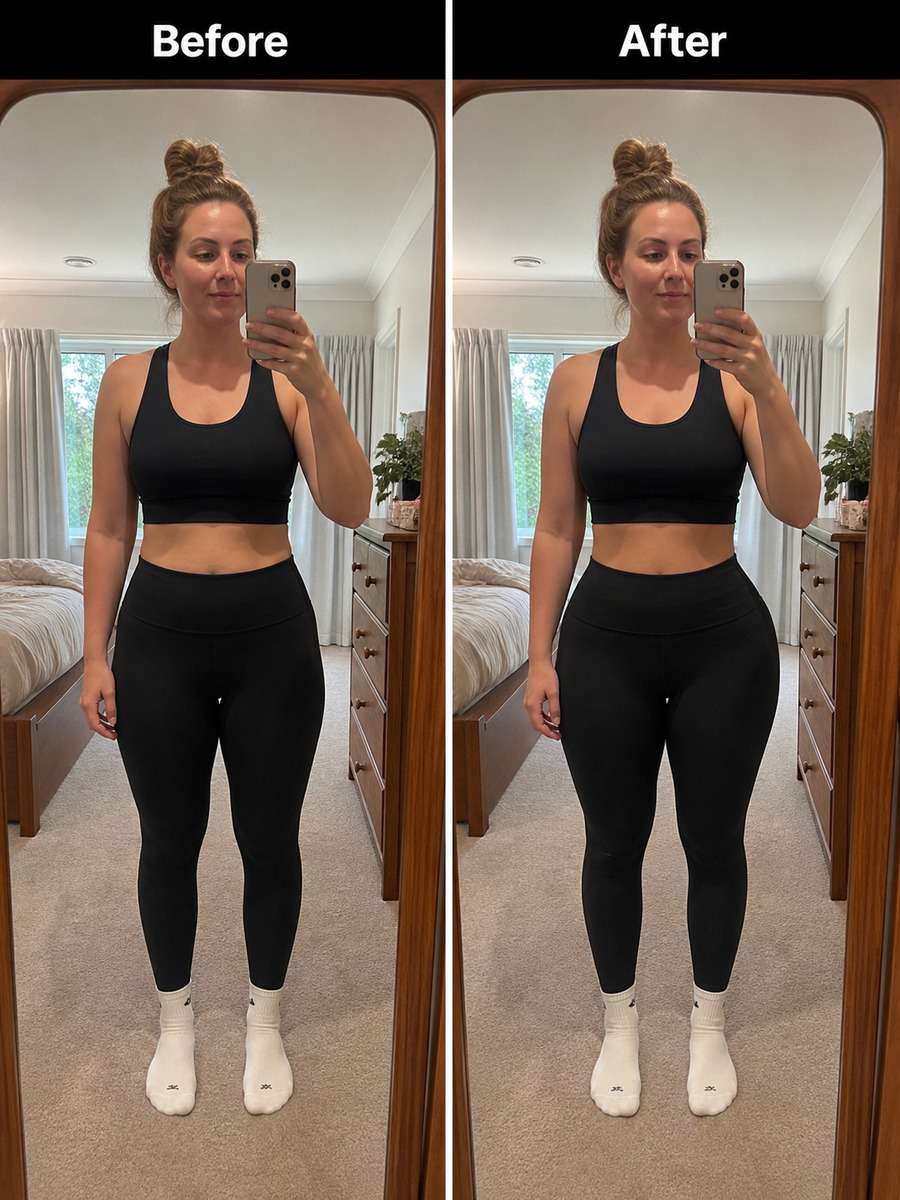
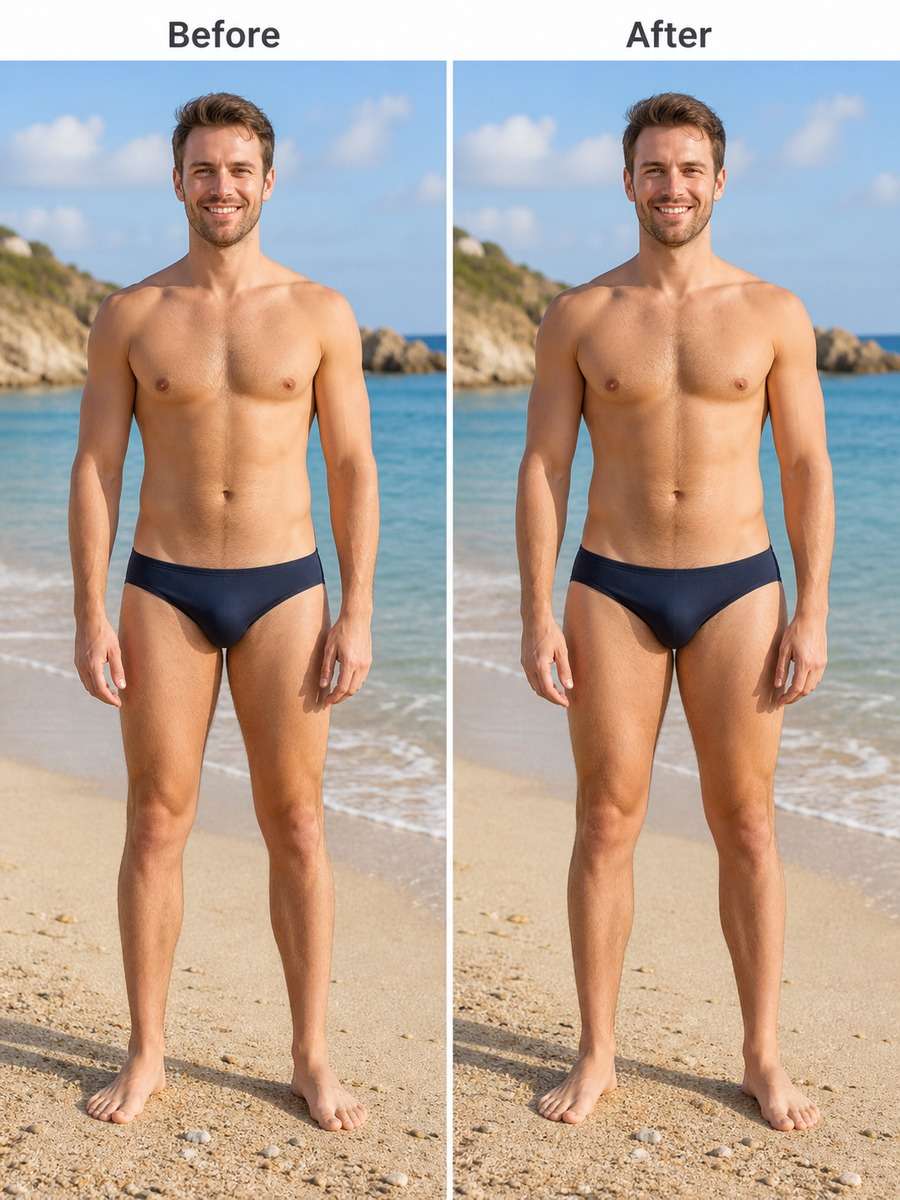
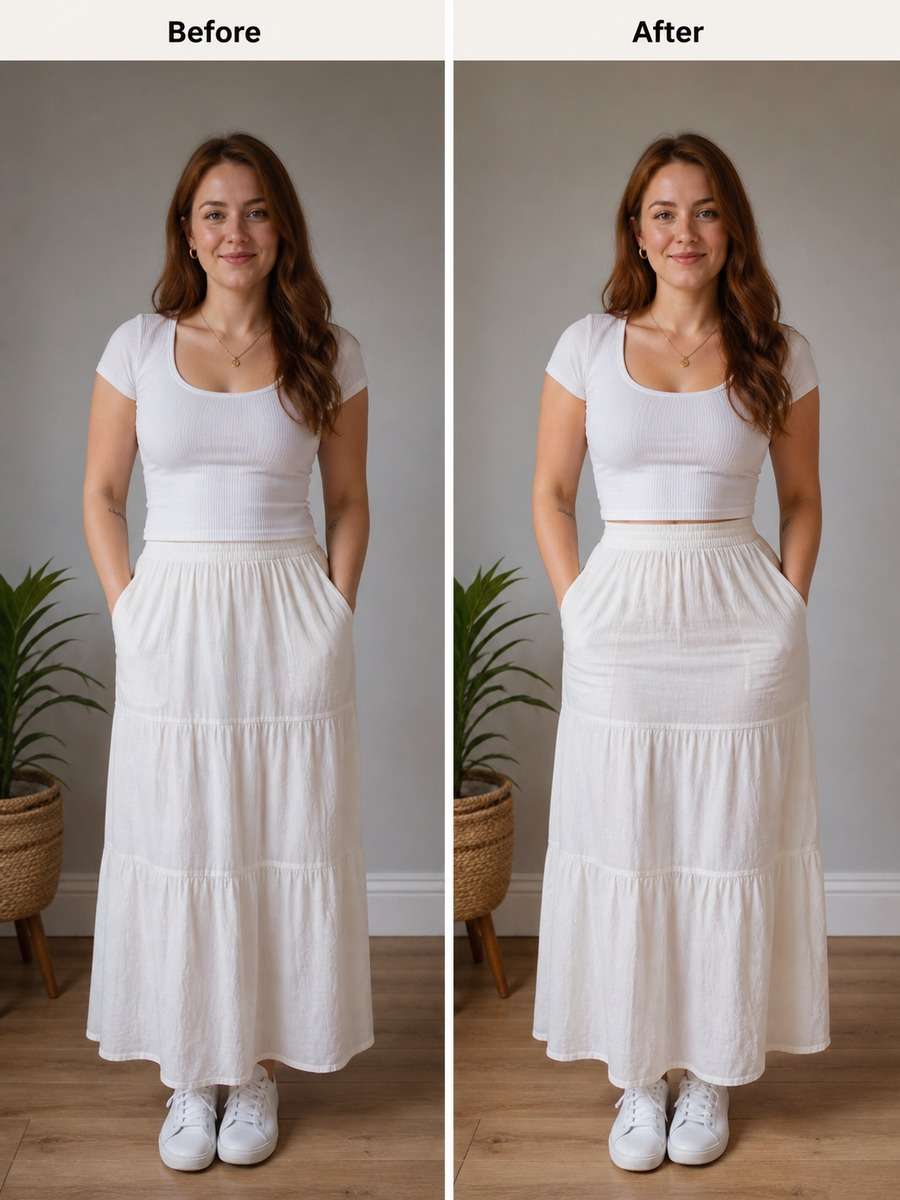
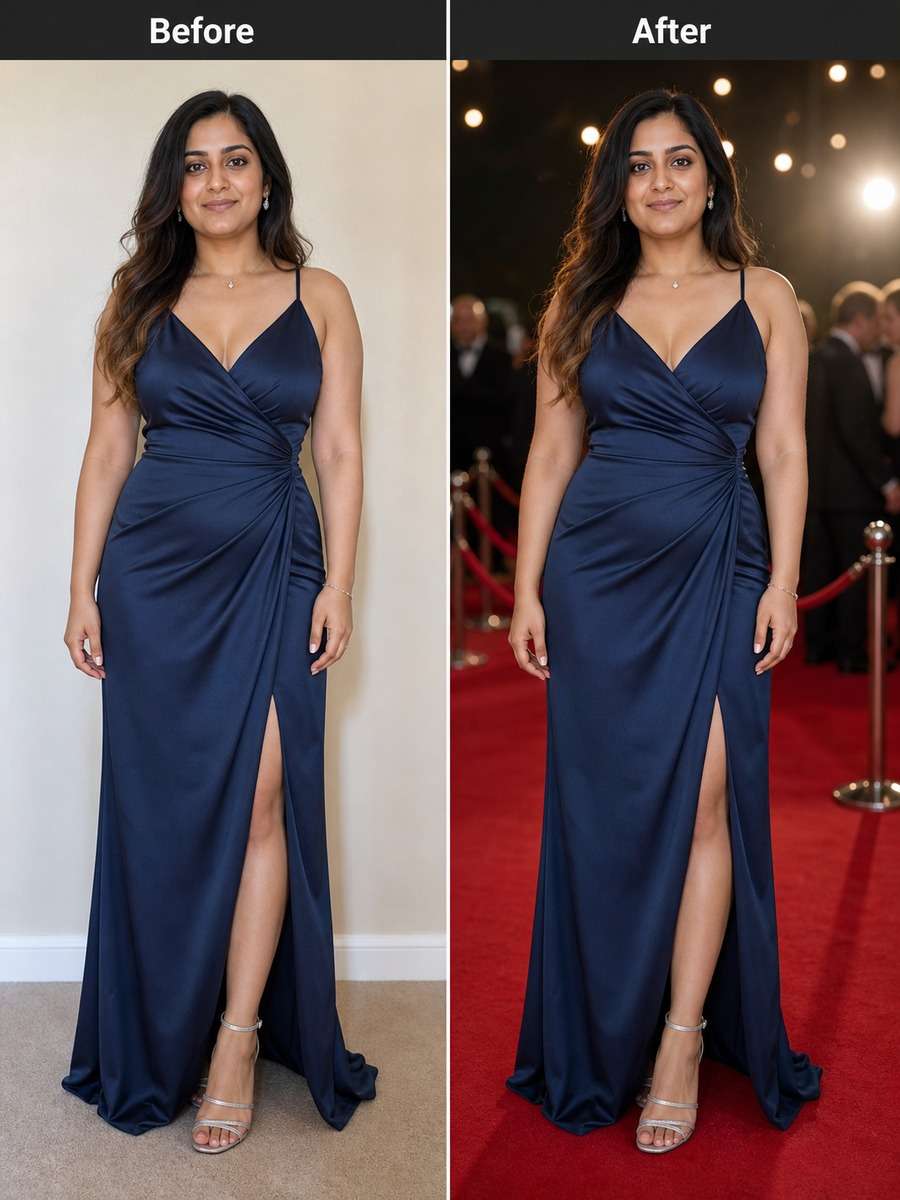
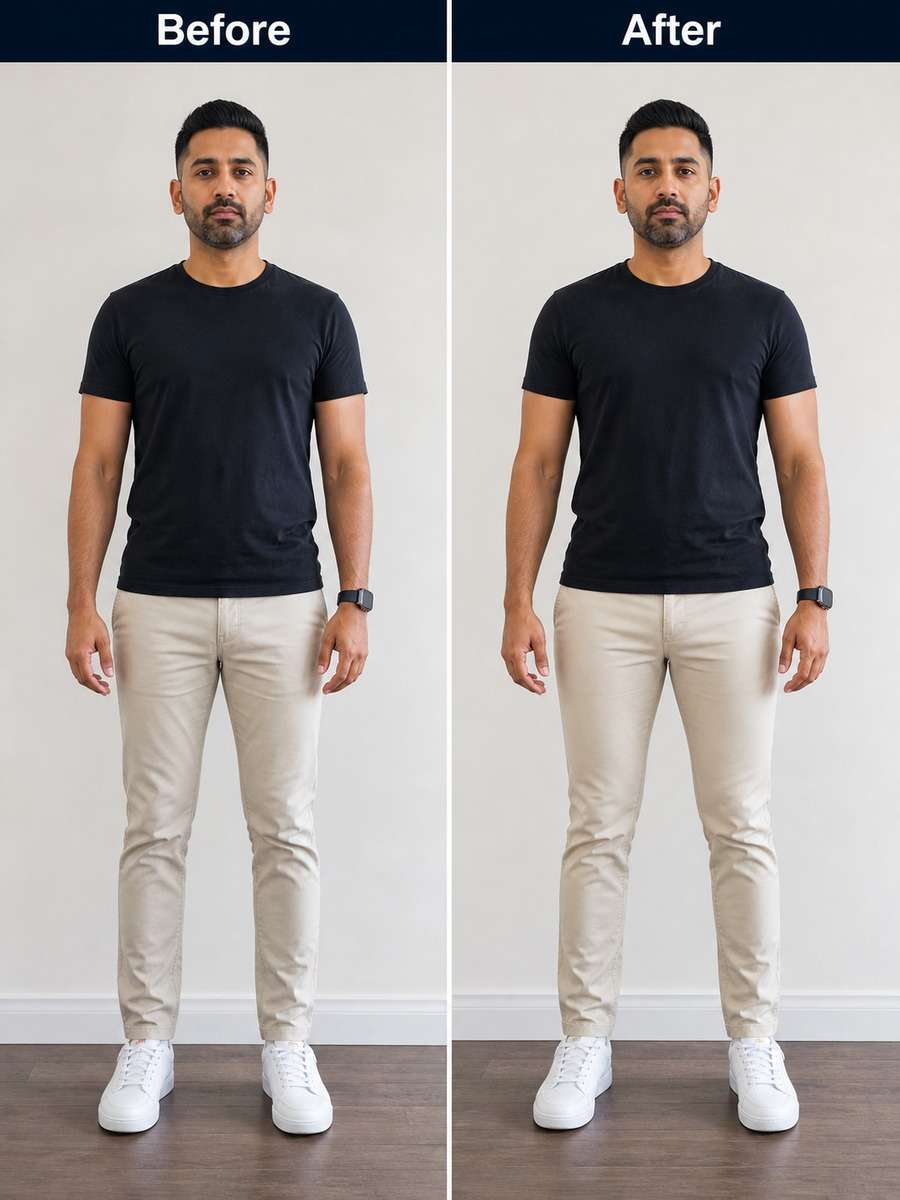
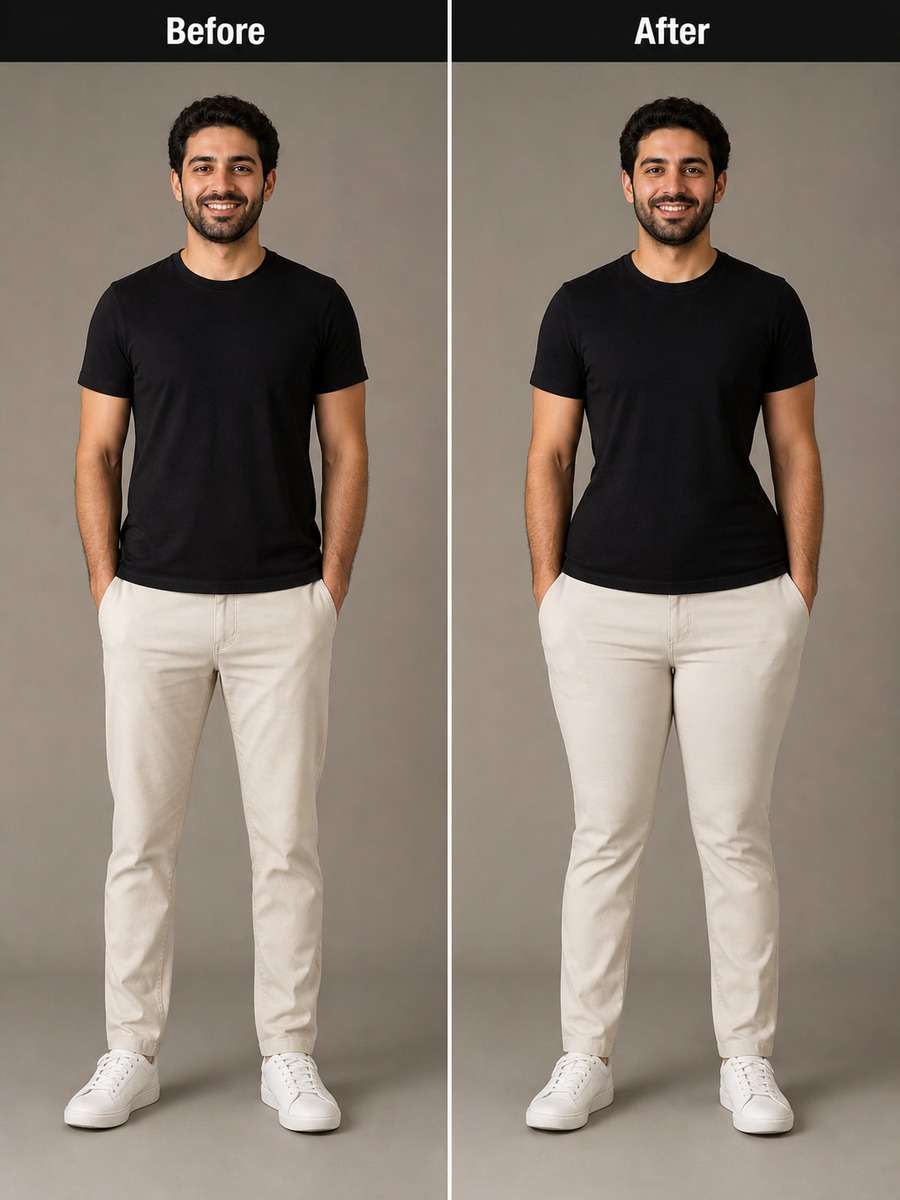
Looking for the best Gemini AI hip enhancement prompt for realistic photo retouching? This page gives you ready-to-use image editing prompts designed for natural body contour refinement. Each prompt helps adjust hip width, silhouette balance, and outfit flow while preserving the person's identity, pose, lighting, and overall realism.
Stunning AI hip enhancement generated with Media.io - powered by
Nano Banana Pro.
How to Create Gemini AI Hip Enhancement Prompt in 3 Steps
Follow these simple steps to apply a hip enhancement prompt to your uploaded image in Media.io.
1
Upload Your Reference Photo
Choose a clear full-body or mid-length image where the hips and outfit are visible. Front-facing, side-profile, and fashion poses work best for accurate contour edits.
2
Paste a Matching Hip Enhancement Prompt
Select one of the prompts below based on your photo style, such as casual portraits, studio fashion shots, fitness looks, or Casual wear.
3
Generate and Fine-Tune the Result
Apply the prompt, review the edit, and adjust for a subtle or more noticeable enhancement while keeping proportions natural and centered in frame.
Best Gemini AI Hip Enhancement Prompt Ideas & Examples
Natural Curved Silhouette Edit
Based on the uploaded reference image, carefully preserve the person's facial features, face shape, and identity details, subtly enhance the hip width and outer curve for a more balanced hourglass silhouette, keep the waist, legs, posture, clothing texture, and lighting realistic, avoid exaggerated proportions, maintain a complete centered subject and clean natural anatomy --ar 3:4
Soft Fashion Body Contour Upgrade
Based on the uploaded reference image, carefully preserve the person's facial features, face shape, and identity details, refine the hip contour to look slightly fuller and smoother in a fashion-forward but realistic way, keep the pose, outfit folds, body proportions, and skin texture consistent with the original photo, maintain a complete centered subject --ar 3:4
Subtle Side Profile Hip Enhancement
Based on the uploaded reference image, carefully preserve the person's facial features, face shape, and identity details, enhance the hip projection slightly from the side view to create a smoother and more defined profile, keep the lower back, legs, outfit fit, and lighting natural, avoid cartoonish shaping, keep the full subject centered --ar 3:4
Jeans Fit Hip Curve Edit
Based on the uploaded reference image, carefully preserve the person's facial features, face shape, and identity details, slightly widen and smooth the hip area so jeans or fitted pants look more flattering and naturally contoured, preserve seam lines, fabric tension, leg shape, and pose, maintain realism and a complete centered subject --ar 3:4
Dress Silhouette Hip Refinement
Based on the uploaded reference image, carefully preserve the person's facial features, face shape, and identity details, refine the hips to create a smoother and slightly fuller dress silhouette, keep the waistline, hemline, fabric drape, pose, and lighting consistent, aim for elegant realism with a full centered subject --ar 3:4
Balanced Hourglass Shape Prompt
Based on the uploaded reference image, carefully preserve the person's facial features, face shape, and identity details, adjust the hip width just enough to create a balanced hourglass proportion while keeping the waist natural and believable, preserve pose, clothing details, shadows, and body symmetry, keep the complete subject centered --ar 3:4
Street Style Hip Enhancement
Based on the uploaded reference image, carefully preserve the person's facial features, face shape, and identity details, enhance the hip contour slightly for a stylish streetwear silhouette, keep oversized or layered clothing believable with natural folds, preserve pose, shadows, and body alignment, maintain a complete centered subject --ar 3:4
Studio Portrait Body Shape Edit
Based on the uploaded reference image, carefully preserve the person's facial features, face shape, and identity details, make the hips look slightly fuller and smoother for a polished studio portrait result, retain the original stance, leg spacing, garment contours, and professional lighting, keep the subject complete and centered --ar 3:4
Gym Wear Hip Curve Prompt
Based on the uploaded reference image, carefully preserve the person's facial features, face shape, and identity details, enhance the hip shape modestly to improve the silhouette in gym wear, keep athletic proportions, muscle tone, waistband alignment, and fabric stretch realistic, avoid overediting, maintain a complete centered subject --ar 3:4
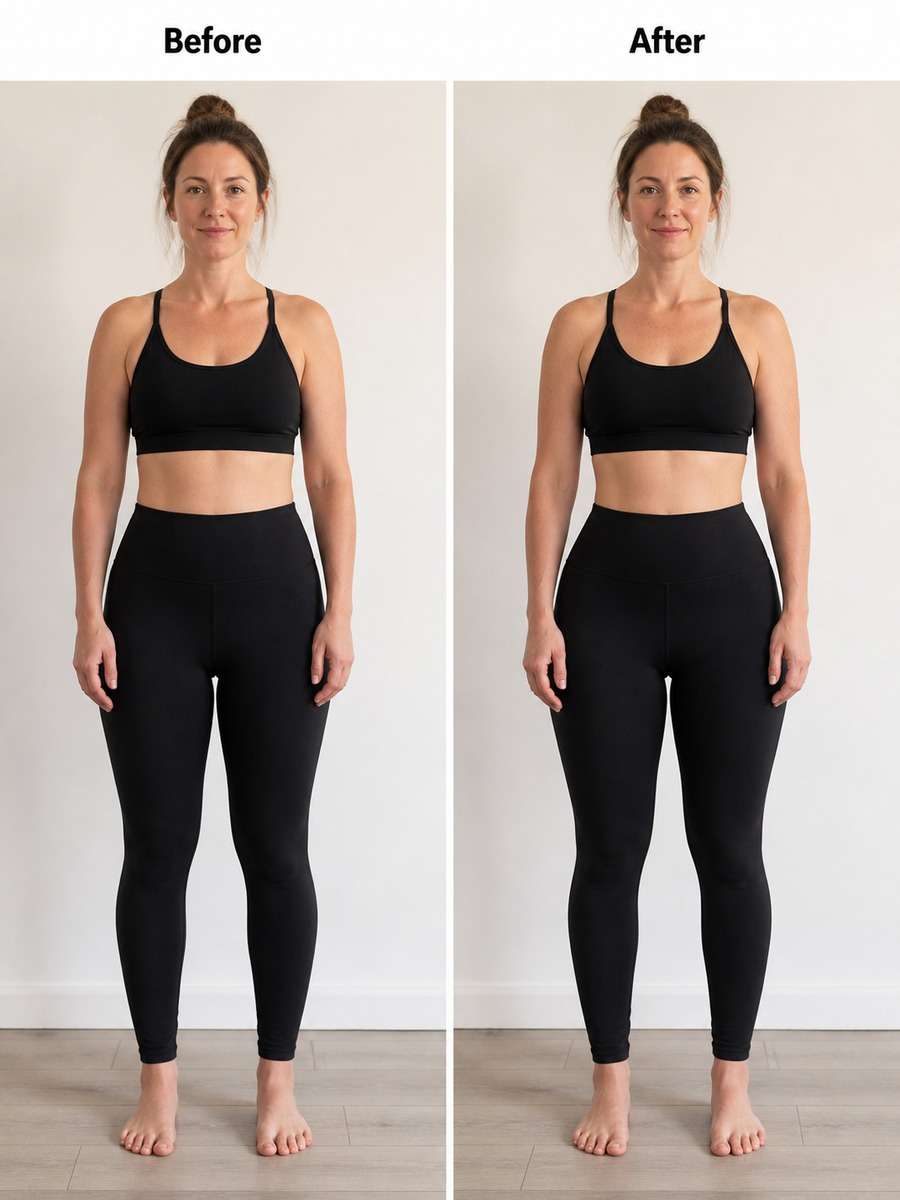
Leggings Contour Enhancement
Based on the uploaded reference image, carefully preserve the person's facial features, face shape, and identity details, slightly increase the fullness of the hips to create a smoother leggings contour, preserve the waistband, fabric compression, leg lines, and natural anatomy, keep the full subject centered and realistic --ar 3:4
Casual Look Hip Edit
Based on the uploaded reference image, carefully preserve the person's facial features, face shape, and identity details, refine the hips to complement an Casual outfit with a graceful fuller silhouette, keep fabric shine, dress seams, posture, and lighting natural, maintain a complete centered subject --ar 3:4
Casual Mirror Selfie Hip Upgrade
Based on the uploaded reference image, carefully preserve the person's facial features, face shape, and identity details, subtly enhance the hips while keeping a casual mirror selfie look realistic, preserve phone position, mirror perspective, clothing fit, and room lighting, maintain a complete centered subject --ar 3:4
Natural Bikini Silhouette Edit
Based on the uploaded reference image, carefully preserve the person's facial features, face shape, and identity details, gently refine the hip curve to create a more balanced swimwear silhouette, keep body proportions, skin texture, shadows, and pose natural and tasteful, maintain a complete centered subject --ar 3:4
High-Waist Outfit Shape Prompt
Based on the uploaded reference image, carefully preserve the person's facial features, face shape, and identity details, improve the hip curve slightly to complement a high-waisted skirt or pants look, preserve waistband placement, fabric flow, body posture, and lighting consistency, keep the complete subject centered --ar 3:4
Red Carpet Inspired Contour Edit
Based on the uploaded reference image, carefully preserve the person's facial features, face shape, and identity details, shape the hips modestly for a refined red-carpet-inspired silhouette, keep the gown structure, posture, shadows, and anatomy believable, avoid extreme retouching, maintain a complete centered subject --ar 3:4
Slim Waist Balanced Hip Edit
Based on the uploaded reference image, carefully preserve the person's facial features, face shape, and identity details, slightly expand the hips to better balance a slim waist without changing identity or posture, keep the torso, thighs, clothing details, and lighting natural, maintain a complete centered subject --ar 3:4
Soft Curvy Editorial Prompt
Based on the uploaded reference image, carefully preserve the person's facial features, face shape, and identity details, create a soft curvier hip silhouette suitable for an editorial look while keeping the body realistic and proportionate, preserve clothing lines, stance, and skin texture, keep the complete subject centered --ar 3:4
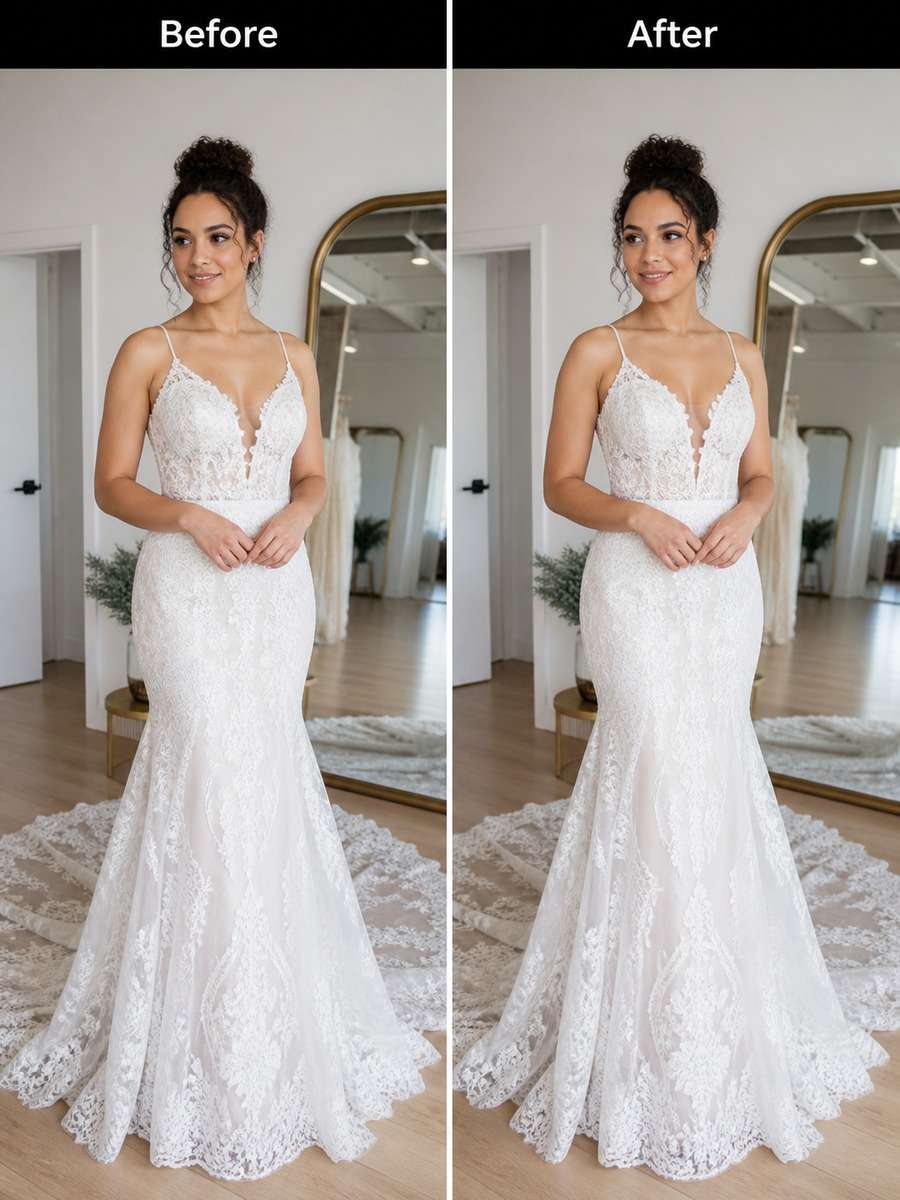
Wedding Dress Hip Silhouette Refinement
Based on the uploaded reference image, carefully preserve the person's facial features, face shape, and identity details, refine the hips slightly so the wedding dress silhouette appears more balanced and elegant, maintain dress structure, lace details, train flow, pose, and lighting, keep the complete centered subject --ar 3:4
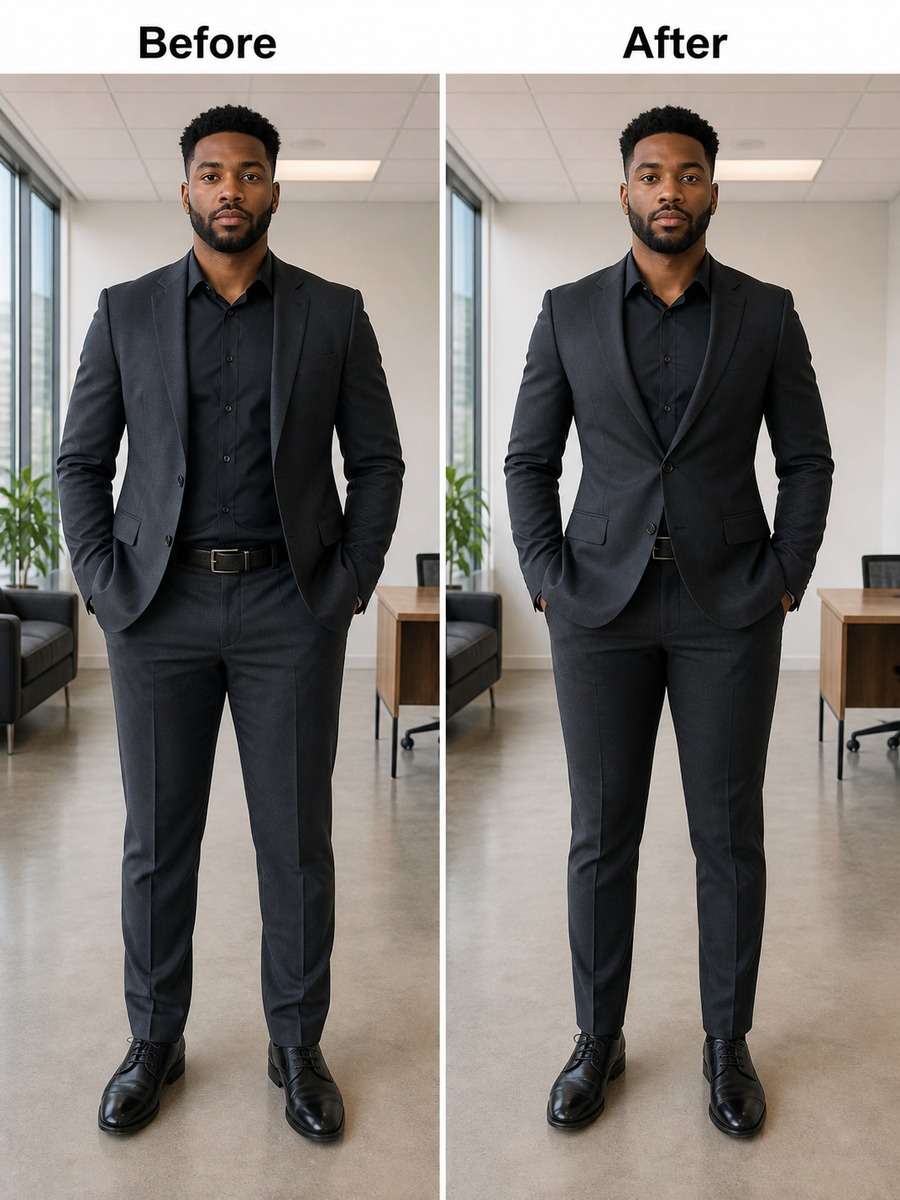
Office Wear Figure Balance Edit
Based on the uploaded reference image, carefully preserve the person's facial features, face shape, and identity details, adjust the hips subtly to create a polished balanced silhouette in office wear, preserve blazer shape, trouser lines, body posture, and realistic proportions, keep the full subject centered --ar 3:4
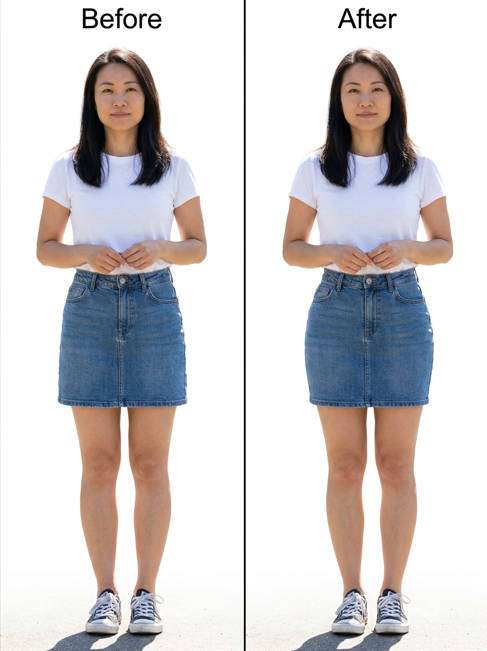
Denim Skirt Hip Curve Prompt
Based on the uploaded reference image, carefully preserve the person's facial features, face shape, and identity details, enhance the hip area gently so a denim skirt or fitted bottom looks more naturally curved, preserve fabric texture, seams, leg proportions, and pose, maintain a complete centered subject --ar 3:4
Minimalist Portrait Hip Adjustment
Based on the uploaded reference image, carefully preserve the person's facial features, face shape, and identity details, make a very subtle hip enhancement for a cleaner balanced body line in a minimalist portrait, keep the original mood, proportions, outfit shape, and shadows intact, maintain a complete centered subject --ar 3:4
Outdoor Lifestyle Shape Refinement
Based on the uploaded reference image, carefully preserve the person's facial features, face shape, and identity details, refine the hips slightly for a flattering outdoor lifestyle portrait, maintain natural stance, clothing movement, background perspective, and sunlight consistency, keep the complete subject centered --ar 3:4
Model Portfolio Hip Enhancement
Based on the uploaded reference image, carefully preserve the person's facial features, face shape, and identity details, enhance the hips with subtle portfolio-quality contouring while keeping the body elegant and realistic, preserve pose lines, outfit styling, and studio lighting, maintain a complete centered subject --ar 3:4
Confident Standing Pose Edit
Based on the uploaded reference image, carefully preserve the person's facial features, face shape, and identity details, add a modest hip enhancement that complements a confident standing pose, keep the legs, shoulders, clothing shape, and anatomy naturally aligned, maintain a complete centered subject --ar 3:4
Realistic Before-and-After Style Prompt
Based on the uploaded reference image, carefully preserve the person's facial features, face shape, and identity details, create a realistic hip enhancement result that looks like a professional beauty retouch rather than a dramatic transformation, keep body proportions, outfit texture, and lighting believable, maintain a complete centered subject --ar 3:4
How to Write Better Gemini AI Hip Enhancement Prompt
The best hip enhancement prompts are specific, natural, and proportion-focused. They should guide the model to improve body contour without changing identity or introducing distorted anatomy.
Simple Prompt Formula
Start with identity preservation: keep facial features, face shape, and likeness intact.
Describe the edit clearly: subtly enhance hip width, curve, or silhouette.
Protect realism: maintain anatomy, clothing folds, pose, shadows, and lighting.
Control intensity: ask for balanced, natural, and proportionate results.
Frame the subject: request a complete centered subject with no random cropping.
Prompt Writing Tips
Use words like subtle, natural, balanced, and realistic to avoid overediting.
Mention the outfit type if fabric fit matters, such as jeans, dresses, leggings, or office wear.
Preserve waist, legs, and posture so the edit feels consistent with the original image.
If the source image is side-facing, ask for profile-friendly hip projection rather than front-view widening.
Avoid conflicting instructions like dramatic body changes plus realistic anatomy.
For cleaner outputs, use clear full-body images where the hips are visible and not blocked by hands or objects.
Why Choose Media.io for Gemini AI Hip Enhancement Prompt
Why use Media.io for AI hip enhancement prompt editing
Built for Image-to-Image Retouching
Media.io makes it easy to upload a real photo and apply precise prompt-based edits for natural body contour refinement.
Identity-Safe Results
Prompts can preserve facial features, expression, and overall likeness while adjusting the silhouette in a realistic way.
Natural Fashion-Focused Enhancements
From casual selfies to editorial portraits, Media.io supports subtle shape improvements that match clothing, pose, and lighting.
Fast Prompt Testing
Try multiple hip enhancement prompt styles quickly to compare soft, balanced, or more polished retouch results.
FAQs About
Gemini AI Hip Enhancement Prompt
1. What is a Gemini AI hip enhancement prompt?
It is a written instruction used to guide an AI image editor to refine the hip area in a photo. A good prompt asks for subtle, realistic body contour changes while preserving identity, pose, clothing, and lighting.
2. Are these prompts for image-to-image editing or text-to-image generation?
These prompts are designed for image-to-image editing. You upload a reference photo first, then apply the prompt to adjust the silhouette naturally.
3. How can I make the result look realistic?
Use terms like subtle, balanced, proportional, and natural anatomy. It also helps to mention preserving fabric folds, shadows, and the person's original stance.
4. Will the face or identity change during editing?
It should not if your prompt clearly asks to preserve facial features, face shape, and identity details. Starting with a high-quality reference image also improves consistency.
5. Which photos work best for hip enhancement prompts?
Clear full-body or mid-length images work best, especially when the hips are visible and the subject is centered. Fashion portraits, studio photos, selfies, and lifestyle shots are all good options.
Why Creators Love Media.io's Gemini AI Hip Enhancement Prompt?
Alex M.
Photographer
Natural Travel Realism. The prompts helped me create polished images with believable lighting, complete framing, and enough local detail to feel intentional.
Maya J.
Designer
Easy to Adapt. I could change the city, outfit, or light direction without losing the structure of the prompt.
Jordan P.
Creator
Great for Social Posts. The 3:4 framing made the images easy to use in feed posts and campaign cards.