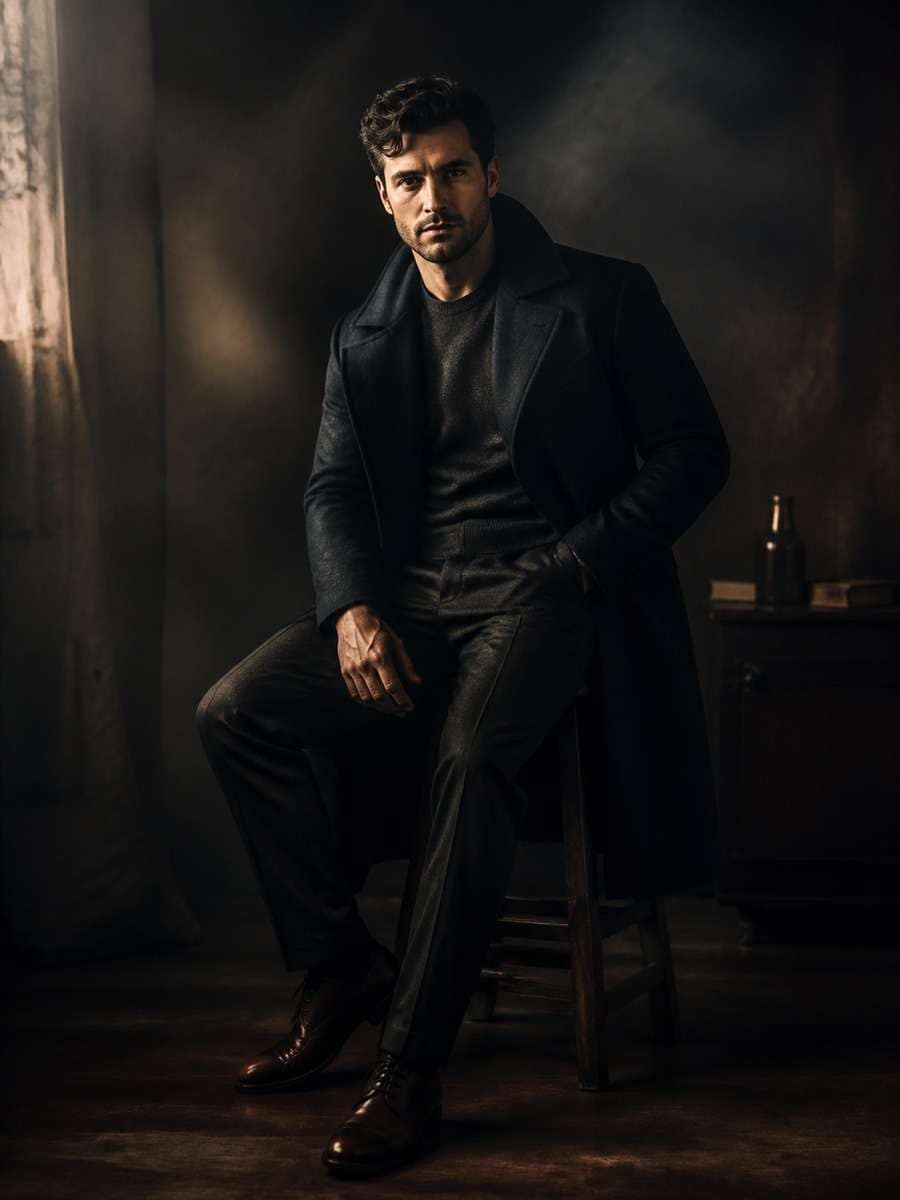
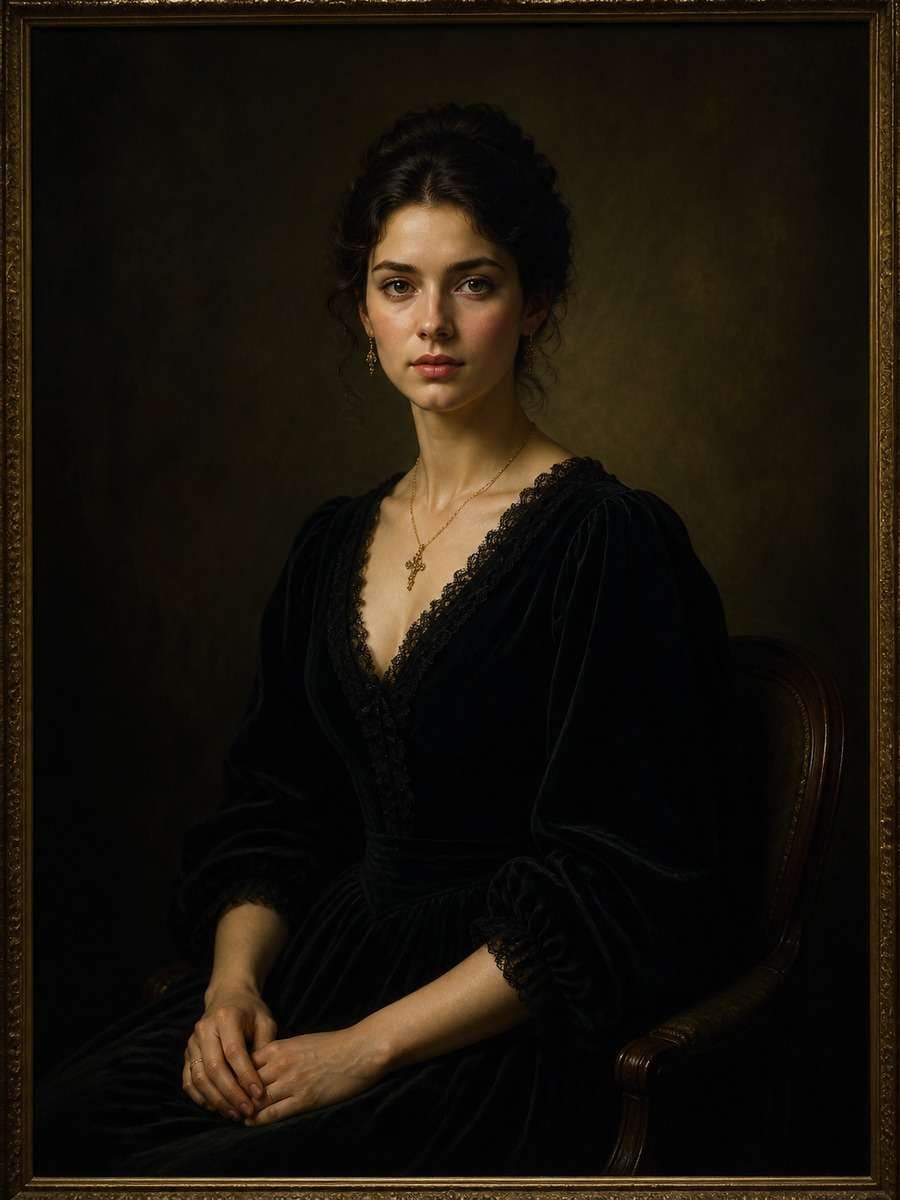
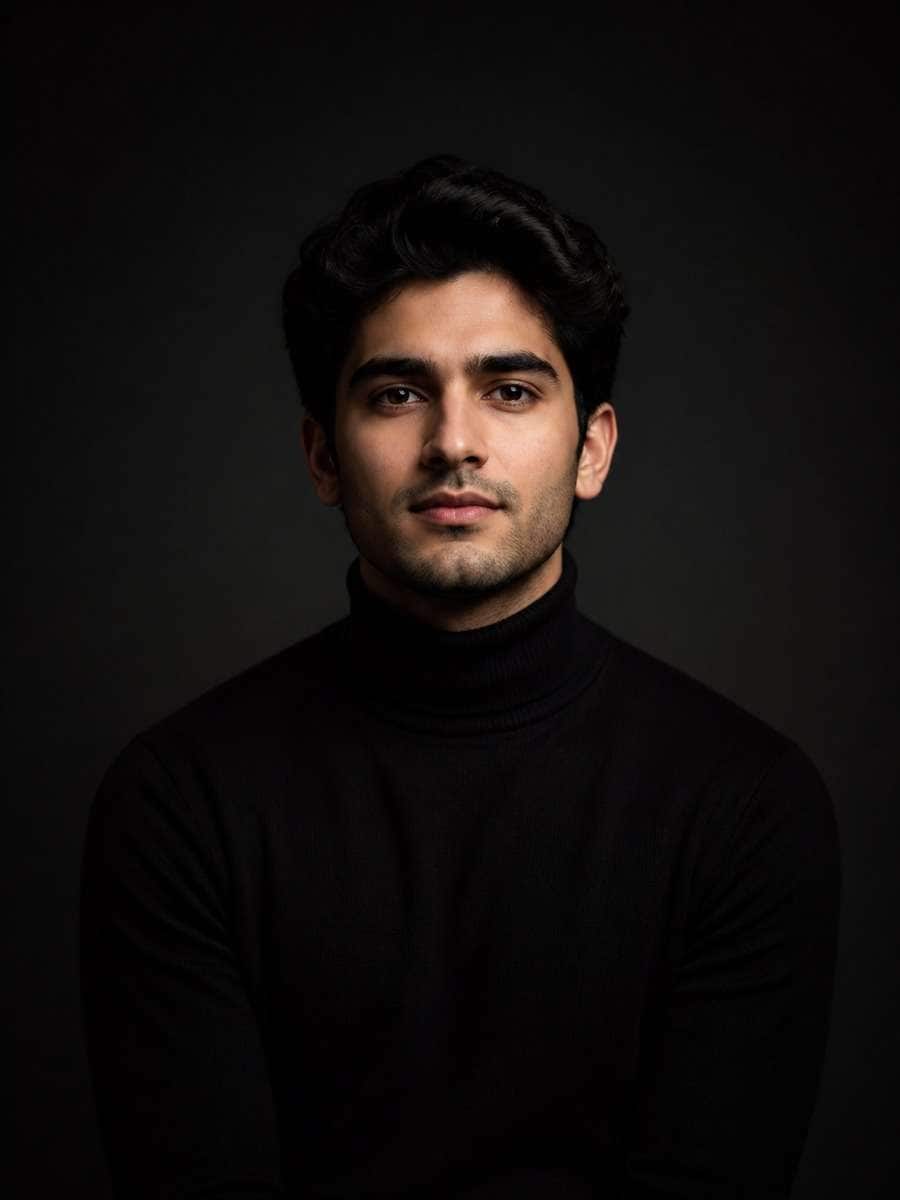
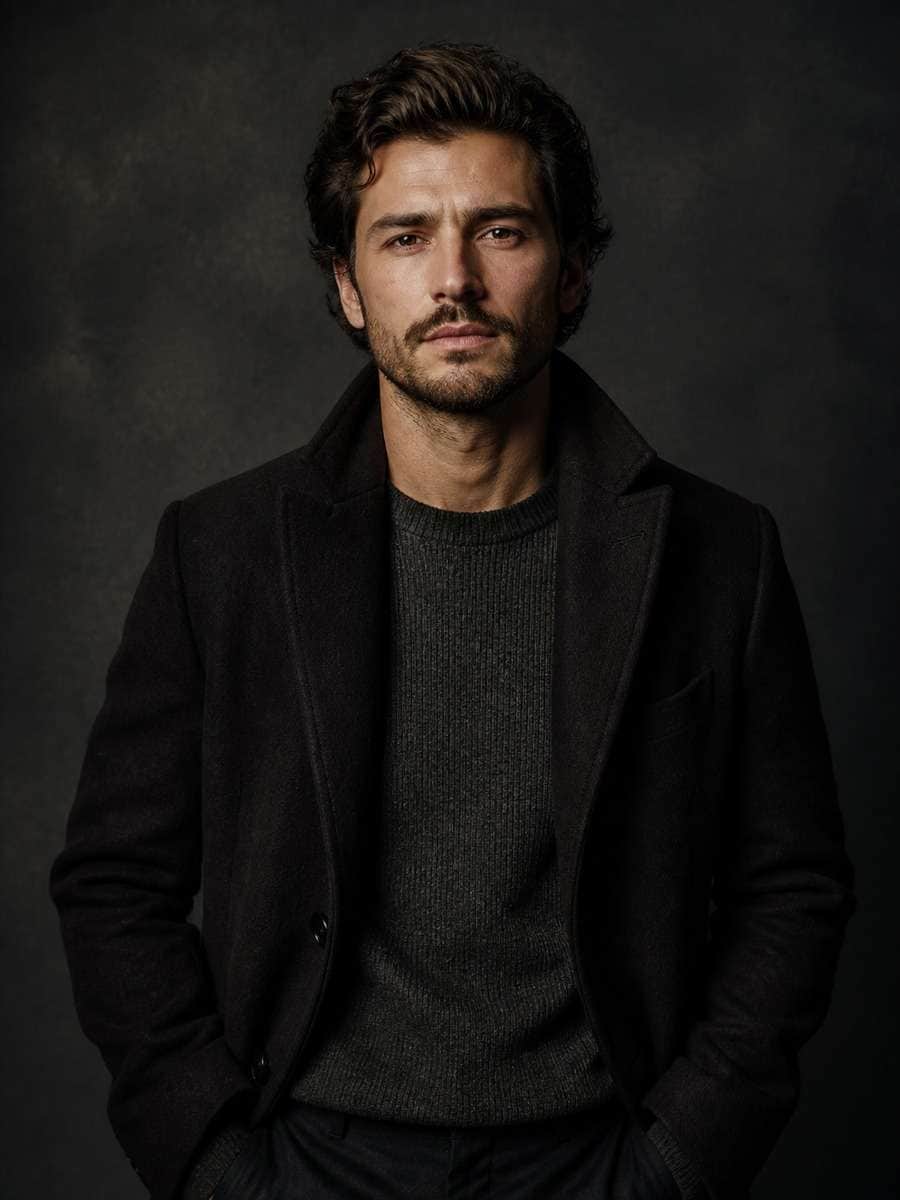
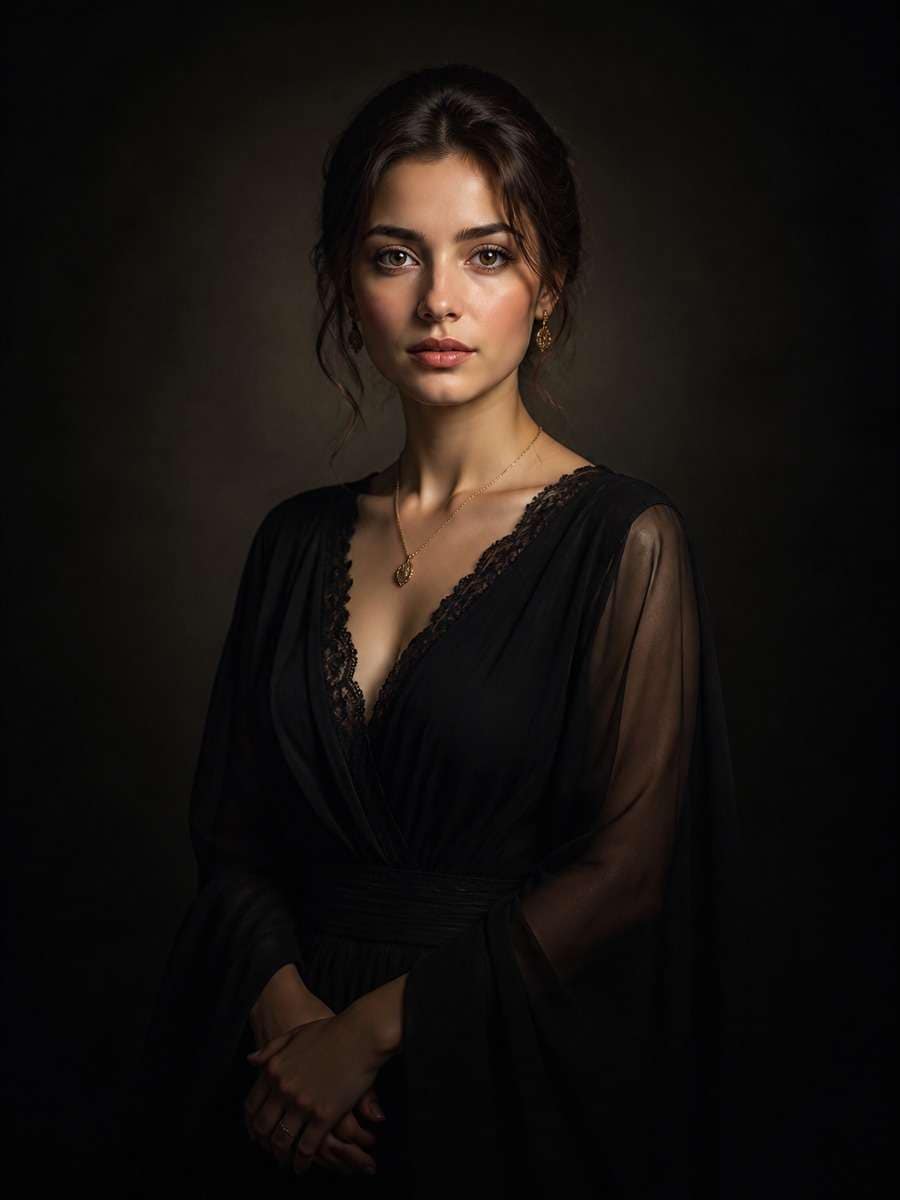
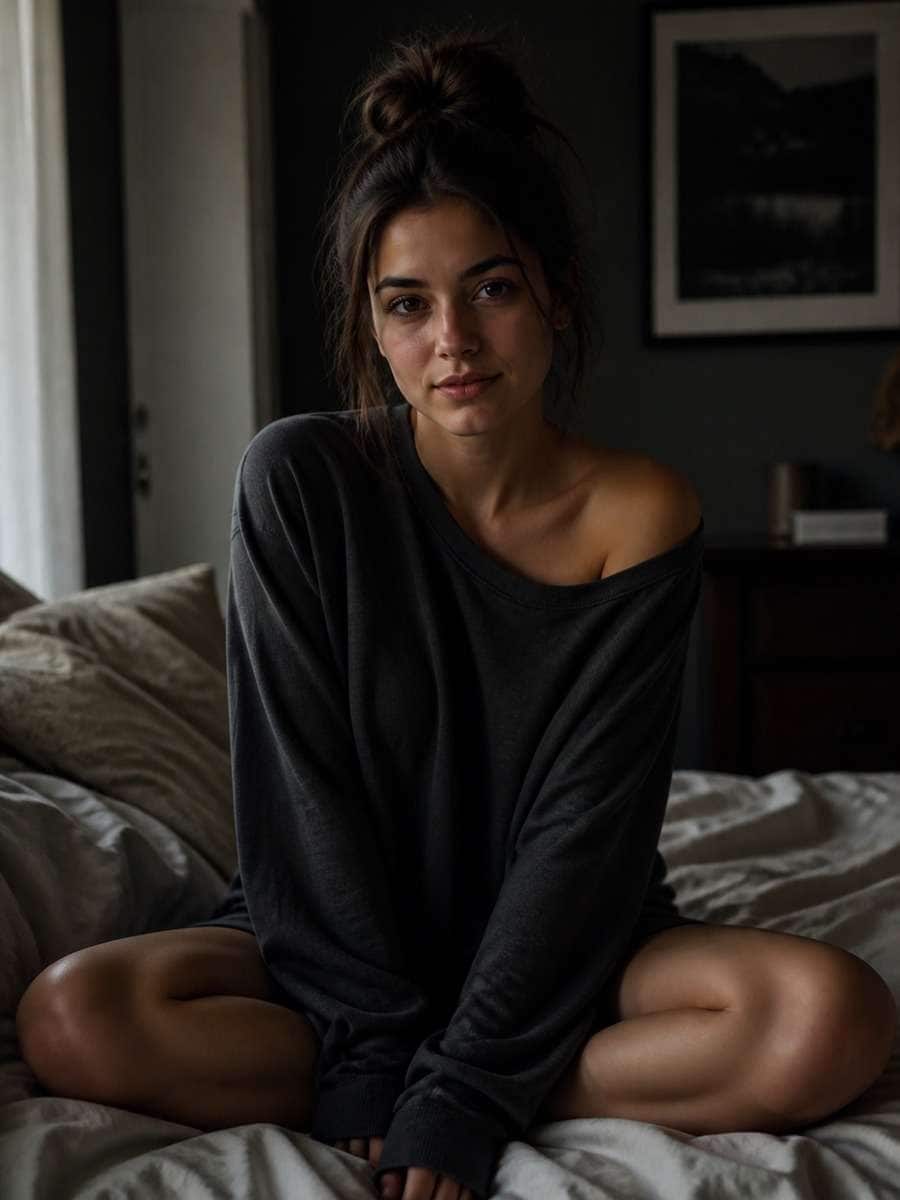
Turn Any Photo Into a Striking Shadow Portrait with Gemini AI Prompts
Looking for the best gemini ai shadow portrait prompt to give your photos a dramatic, artistic edge? This page brings together ready-to-use prompt ideas designed for image-to-image editing, so you can upload a portrait and turn it into a moody shadow composition without losing identity, facial structure, or realism. From cinematic side lighting to bold silhouette styling, these prompts help you create polished shadow portraits fast in Media.io.
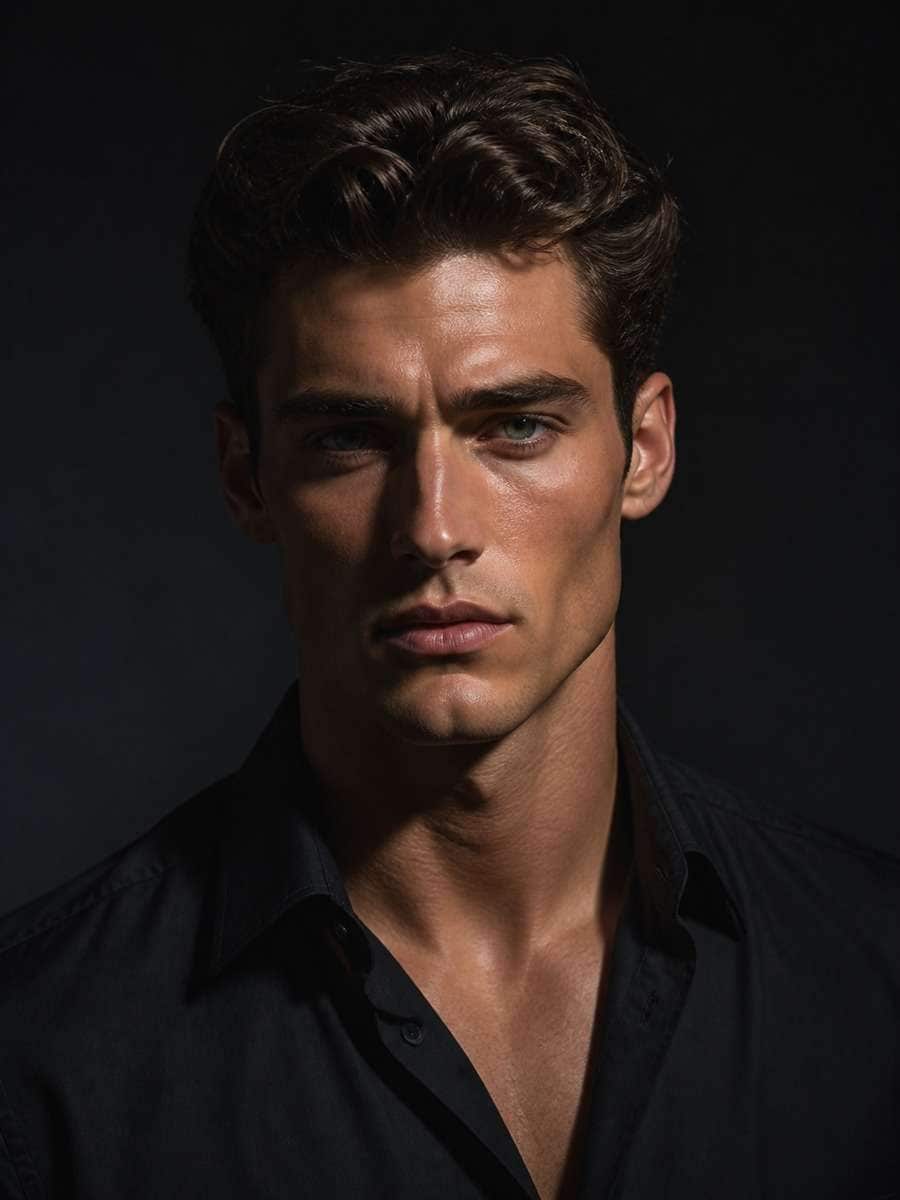
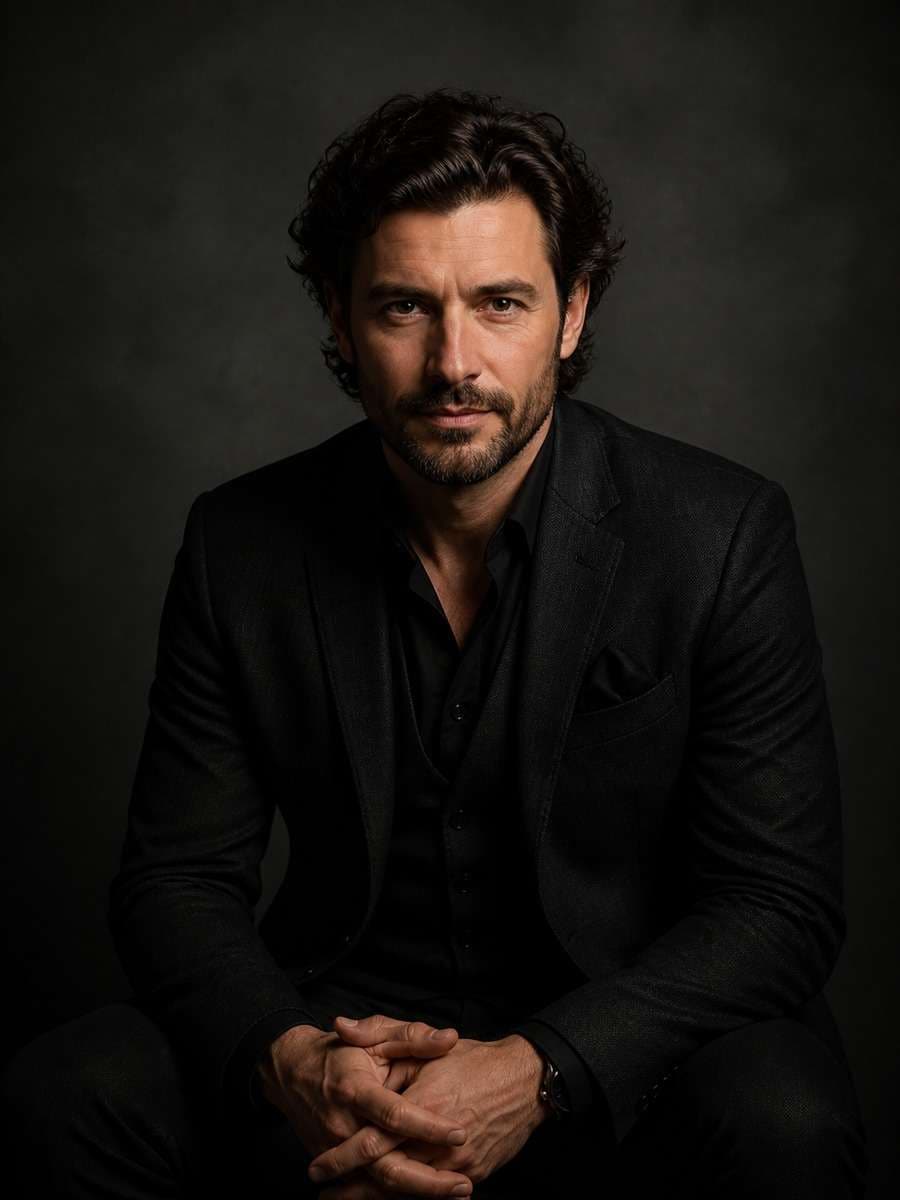
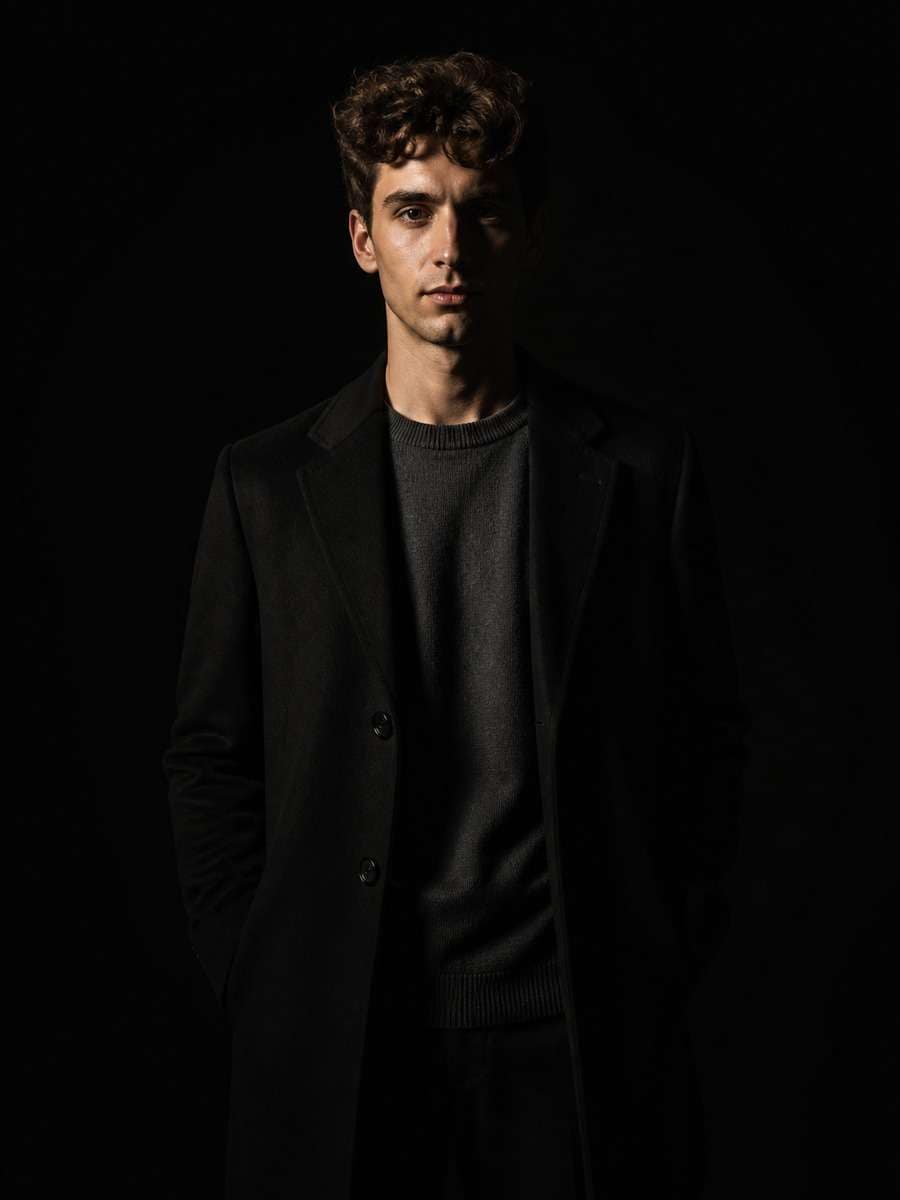
Stunning AI shadow portrait generated with Media.io - powered by
Nano Banana Pro.
How to Create Gemini AI Shadow Portrait in 3 Steps
Follow these simple steps to apply a shadow portrait prompt to your image.
1
Upload a clear portrait photo
Start with a well-framed image where the person's face is visible and centered. This gives the AI a strong reference for preserving identity during the shadow portrait edit.
2
Pick a shadow portrait prompt
Choose a prompt style that matches your goal, such as cinematic shadows, side lighting, silhouette drama, or soft low-key studio mood.
3
Generate and refine the result
Run the edit, compare versions, and adjust lighting words, background mood, or shadow intensity until the portrait looks balanced, dramatic, and natural.
Best Gemini AI Shadow Portrait Prompt Ideas & Examples
Cinematic Side Shadow Portrait
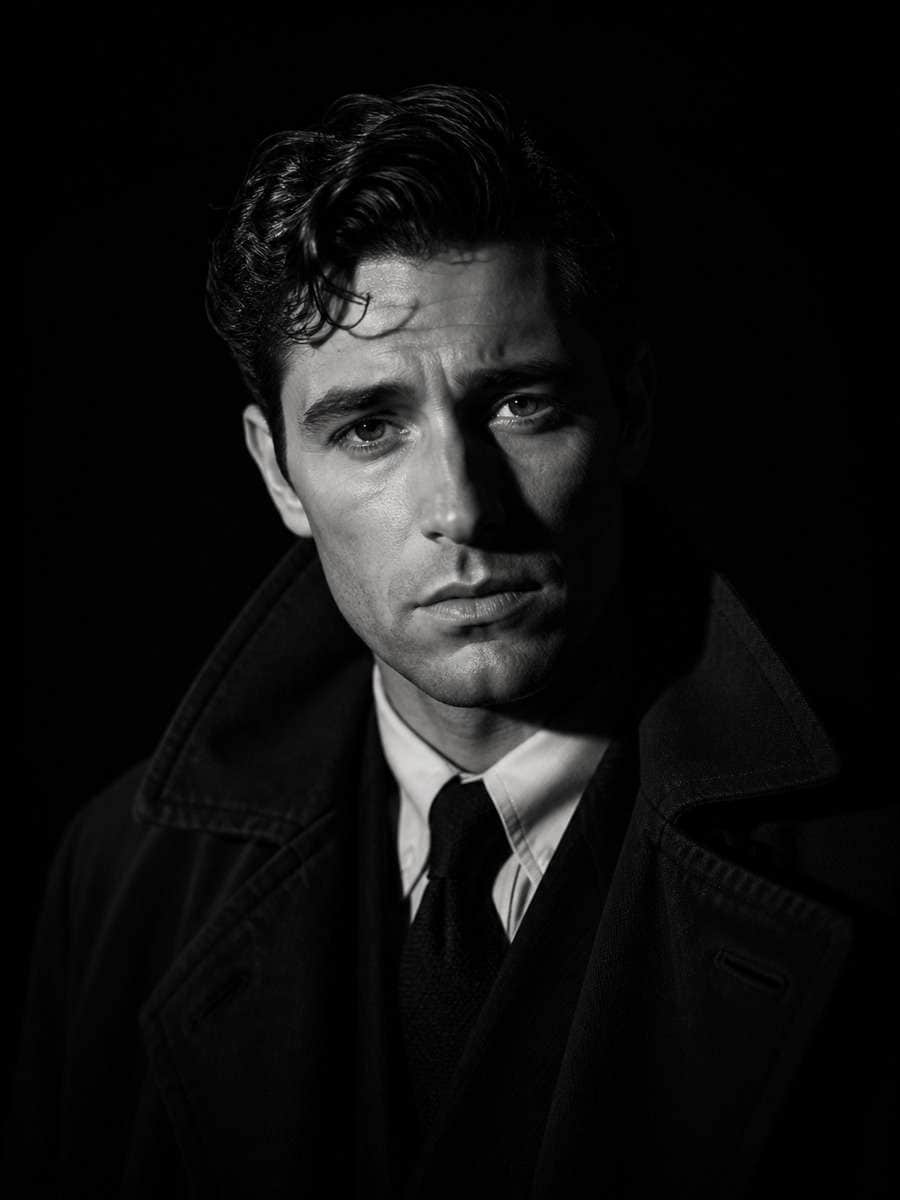
Based on the uploaded reference image, carefully preserve the person's facial features, face shape, and identity details, transform the portrait into a cinematic side-lit shadow portrait with deep contrast, one side of the face illuminated and the other side fading into soft darkness, clean black background, realistic skin texture, complete centered subject, dramatic editorial photography style --ar 3:4
Soft Low-Key Studio Shadow
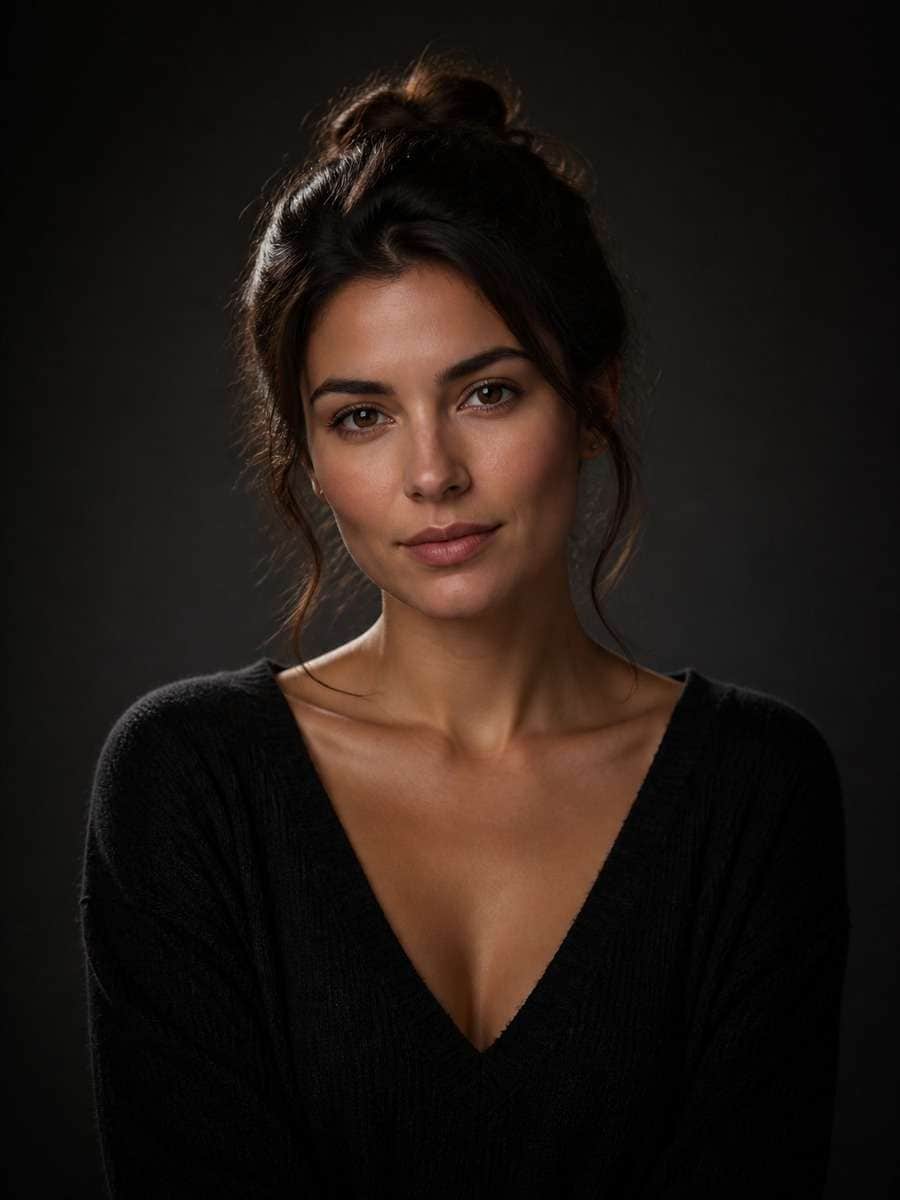
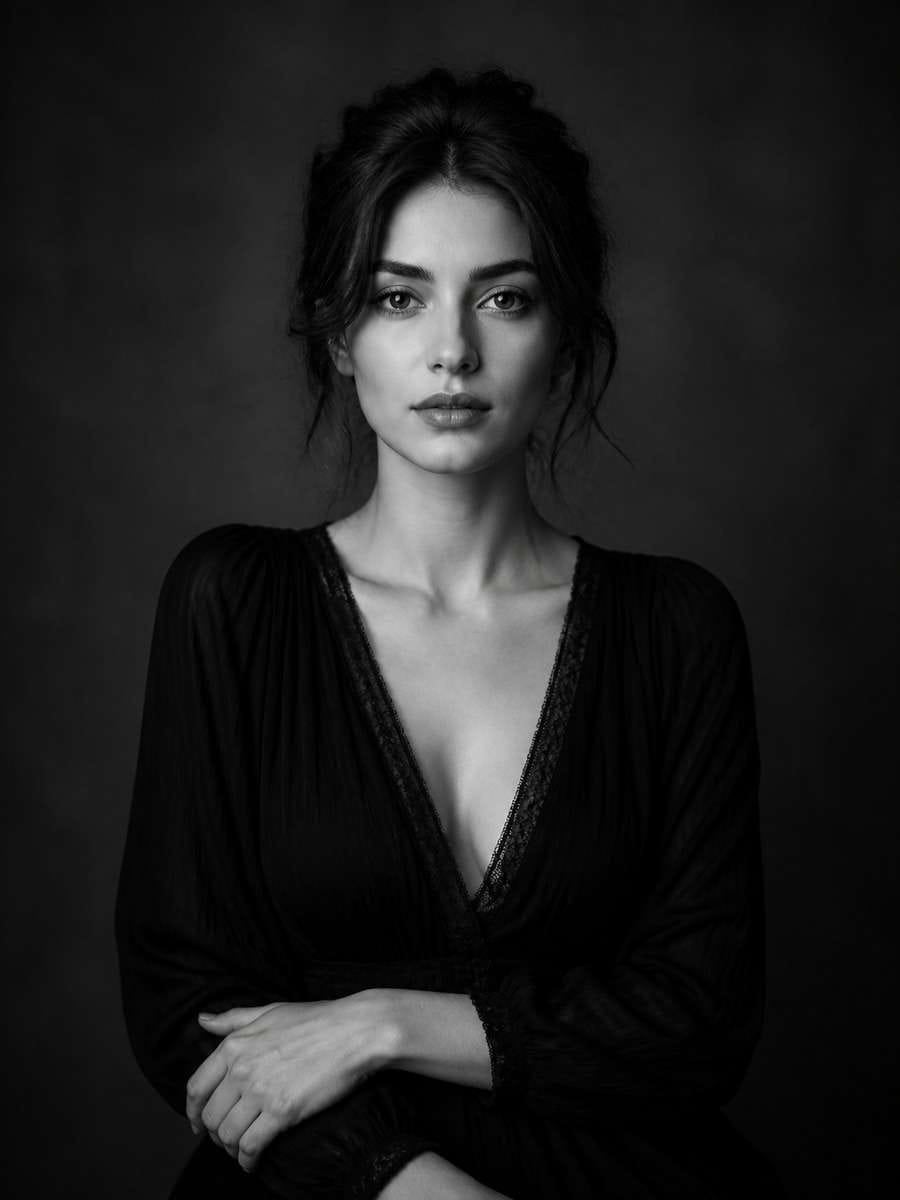
Based on the uploaded reference image, carefully preserve the person's facial features, face shape, and identity details, restyle the image as a soft low-key studio portrait with gentle shadows wrapping around the face, subtle rim light, dark neutral background, refined mood, realistic details, complete centered subject --ar 3:4
Window Light Shadow Portrait
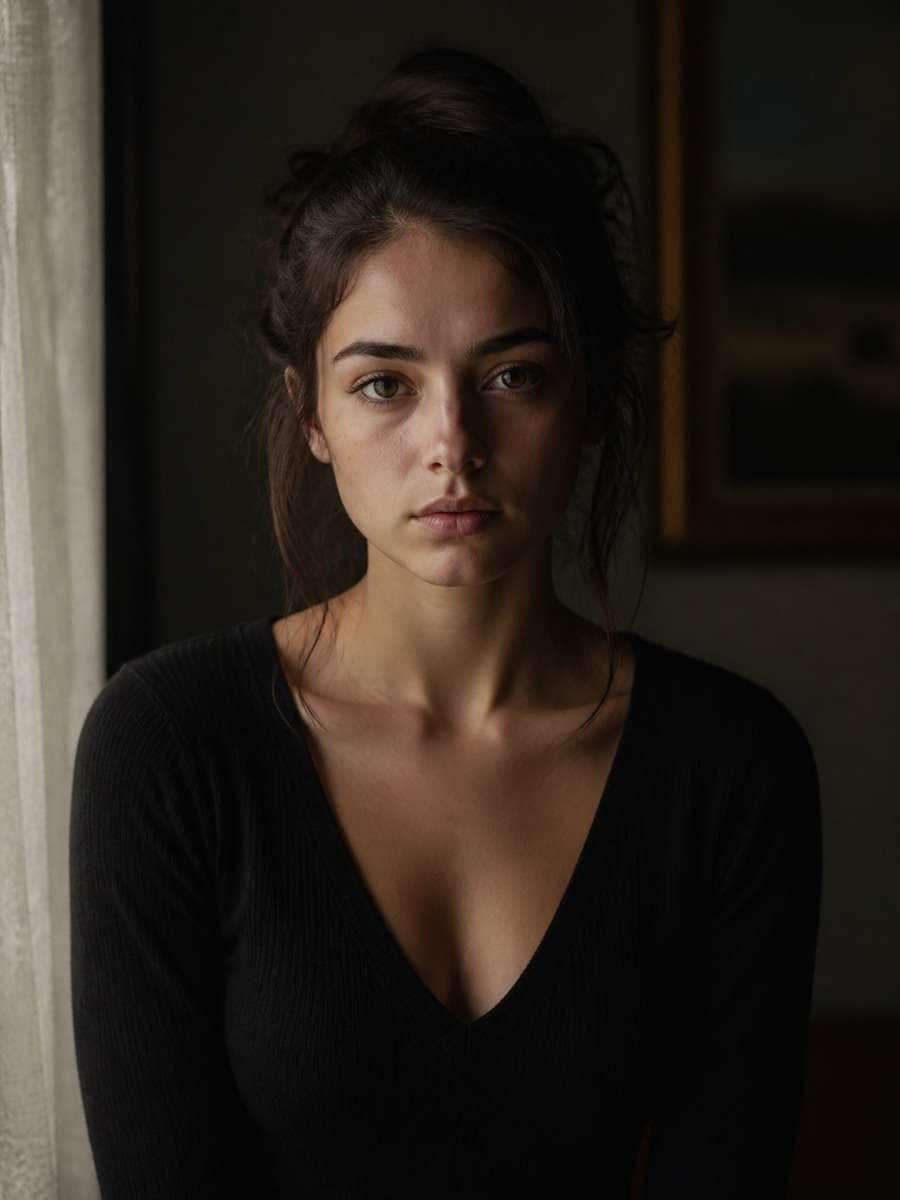
Based on the uploaded reference image, carefully preserve the person's facial features, face shape, and identity details, convert the photo into a moody window-light shadow portrait with soft directional light, natural falloff across the face, delicate shadows, dark indoor background, realistic photography finish, complete centered subject --ar 3:4
Half Face in Shadow
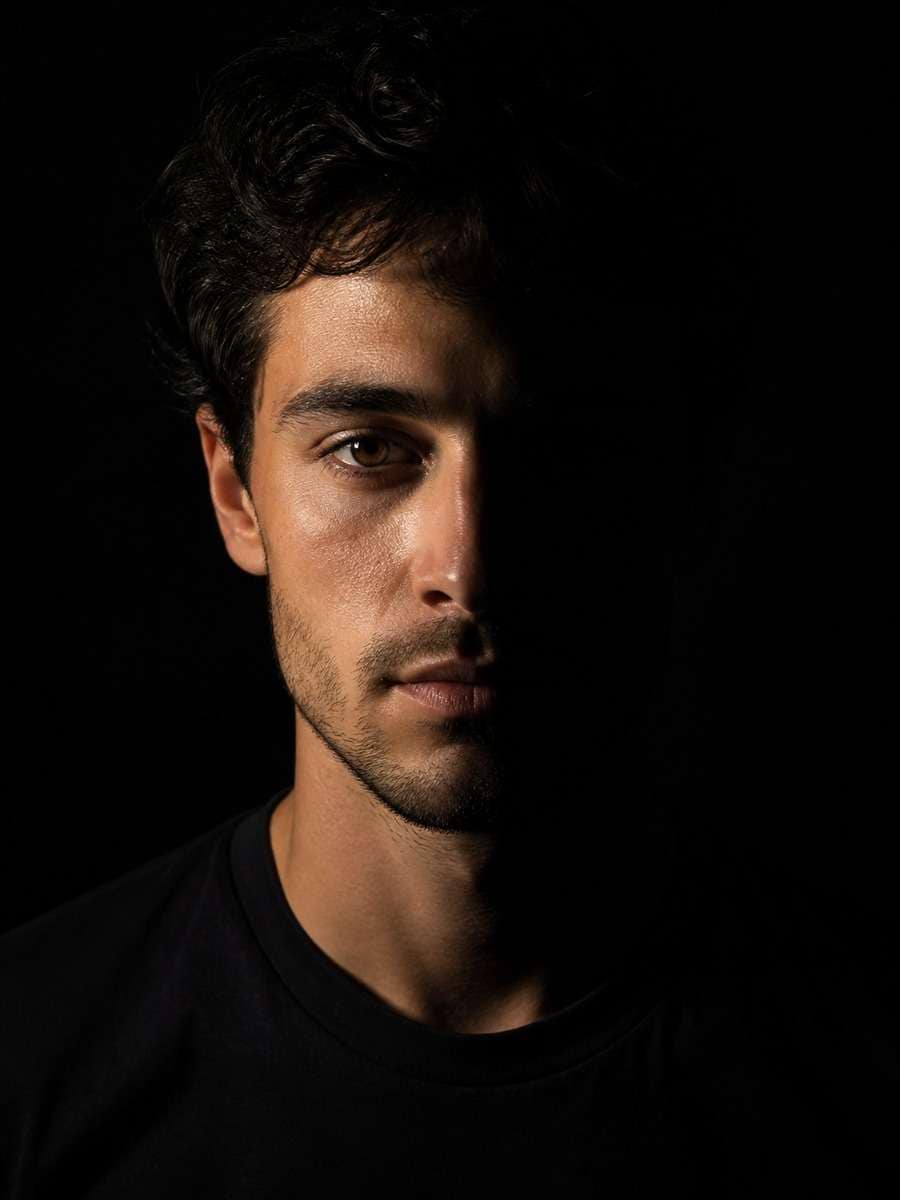
Based on the uploaded reference image, carefully preserve the person's facial features, face shape, and identity details, create a dramatic half-face shadow portrait where one half of the face is illuminated and the other half is fully shaded, minimal black backdrop, sharp realism, complete centered subject --ar 3:4
Fine Art Shadow Portrait
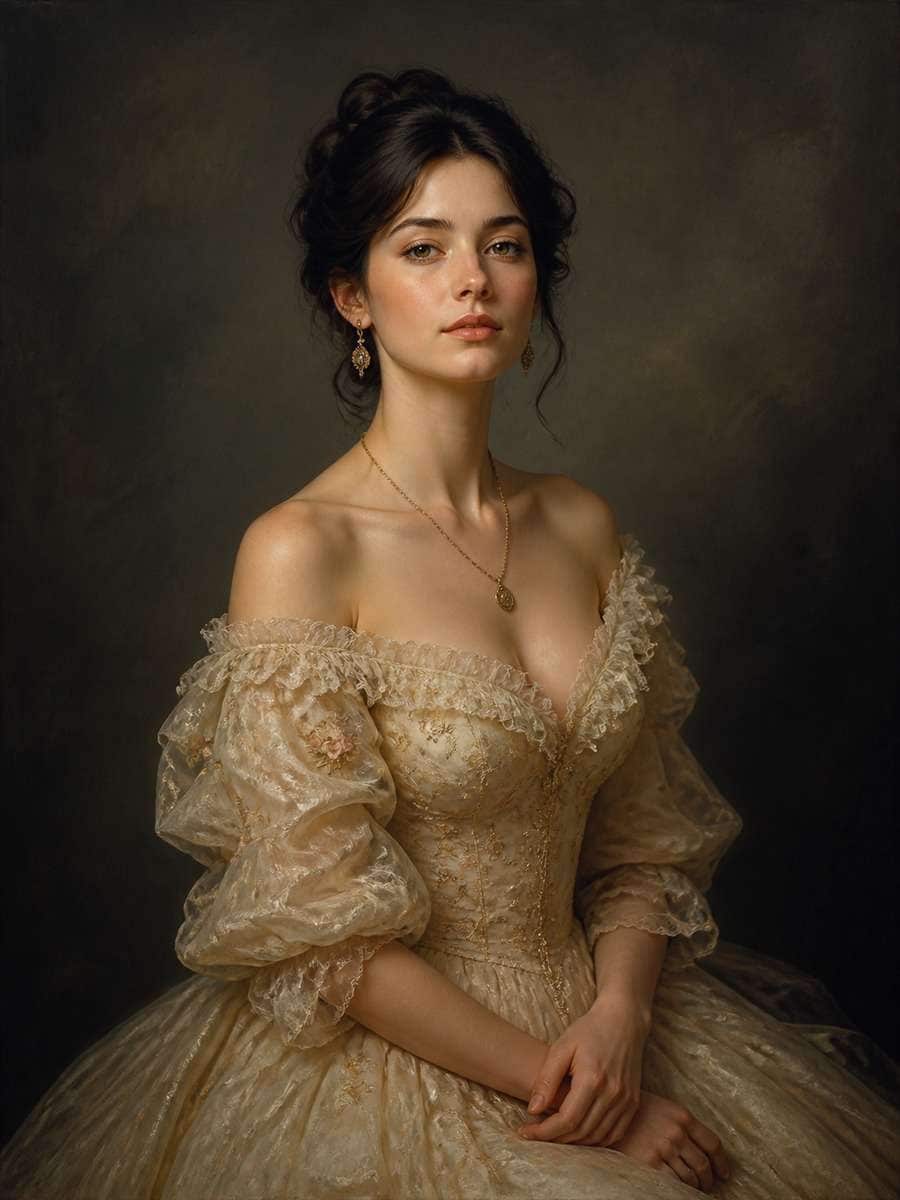
Based on the uploaded reference image, carefully preserve the person's facial features, face shape, and identity details, transform the portrait into a fine art shadow study with sculpted light, soft dark gradients, painterly elegance, muted background, premium gallery portrait mood, complete centered subject --ar 3:4
Noir Black Background Portrait
Based on the uploaded reference image, carefully preserve the person's facial features, face shape, and identity details, edit the image into a noir-inspired shadow portrait with a pure black background, dramatic side light, rich shadows, subtle catchlight in the eyes, timeless monochrome mood, complete centered subject --ar 3:4
Monochrome Shadow Portrait
Based on the uploaded reference image, carefully preserve the person's facial features, face shape, and identity details, restyle the photo as a black-and-white shadow portrait with smooth tonal contrast, deep moody shadows, elegant facial definition, classic studio look, complete centered subject --ar 3:4
Rim Light Shadow Portrait
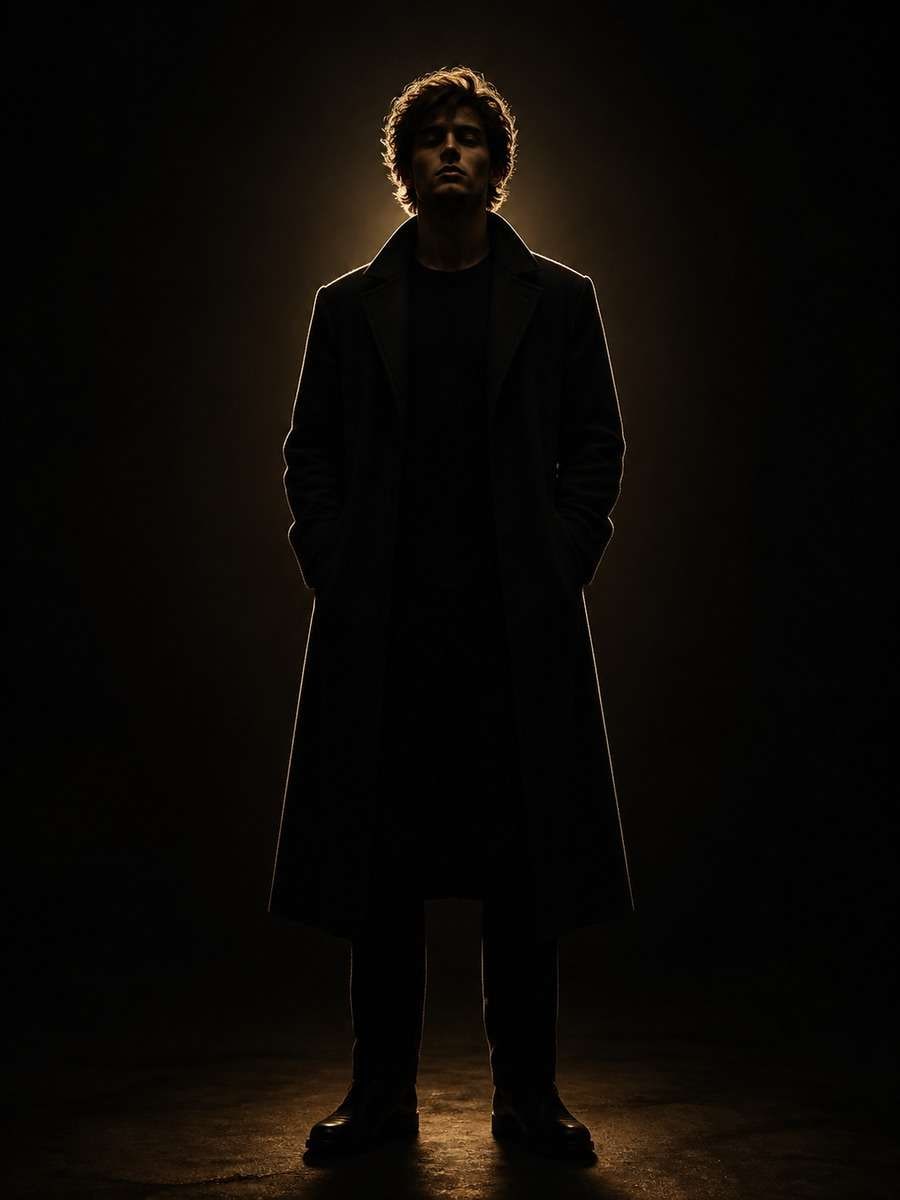
Based on the uploaded reference image, carefully preserve the person's facial features, face shape, and identity details, turn the portrait into a dramatic rim-lit shadow image with a glowing edge around the head and shoulders, the face mostly in shadow, dark background, cinematic atmosphere, complete centered subject --ar 3:4
Golden Shadow Editorial Look
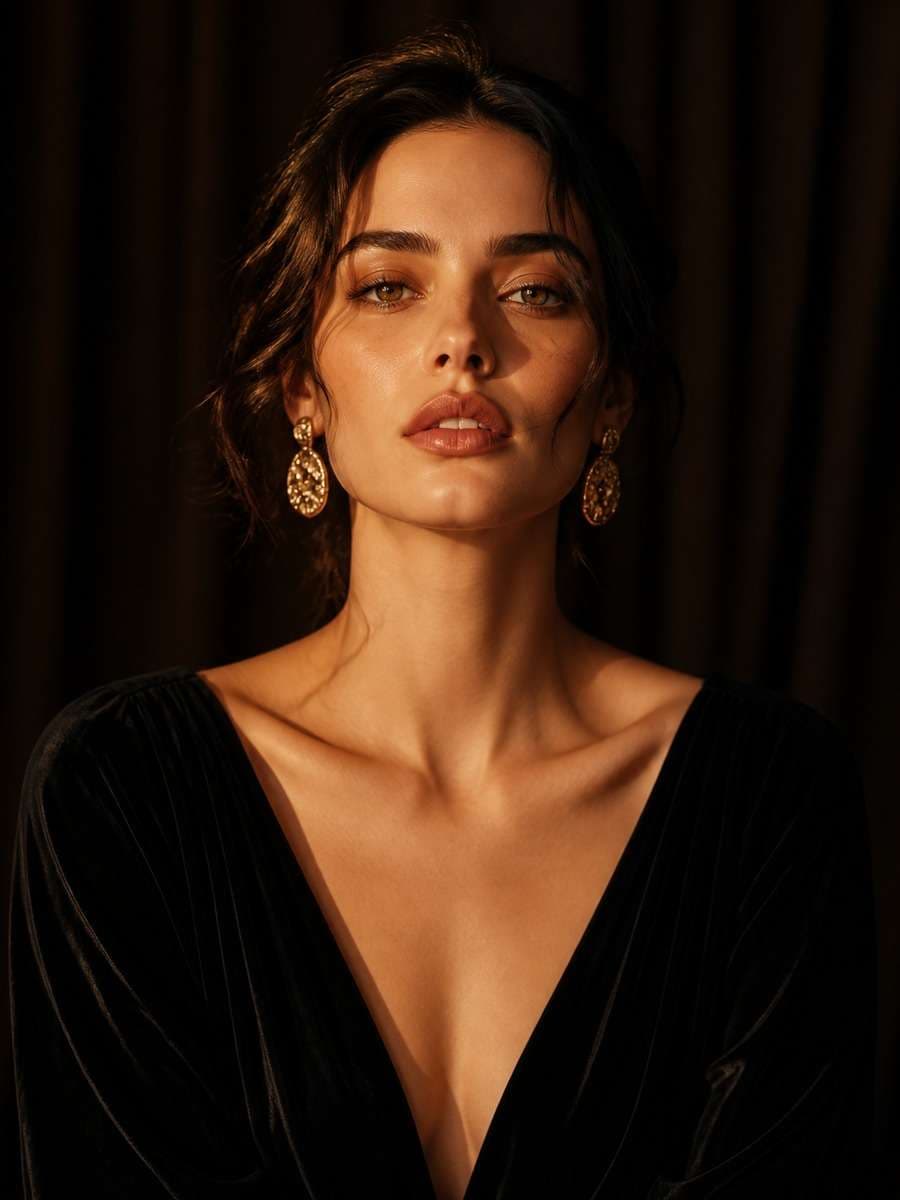
Based on the uploaded reference image, carefully preserve the person's facial features, face shape, and identity details, edit the image into a warm editorial shadow portrait with golden directional light, soft shadow planes across the face, luxurious dark backdrop, polished magazine style, complete centered subject --ar 3:4
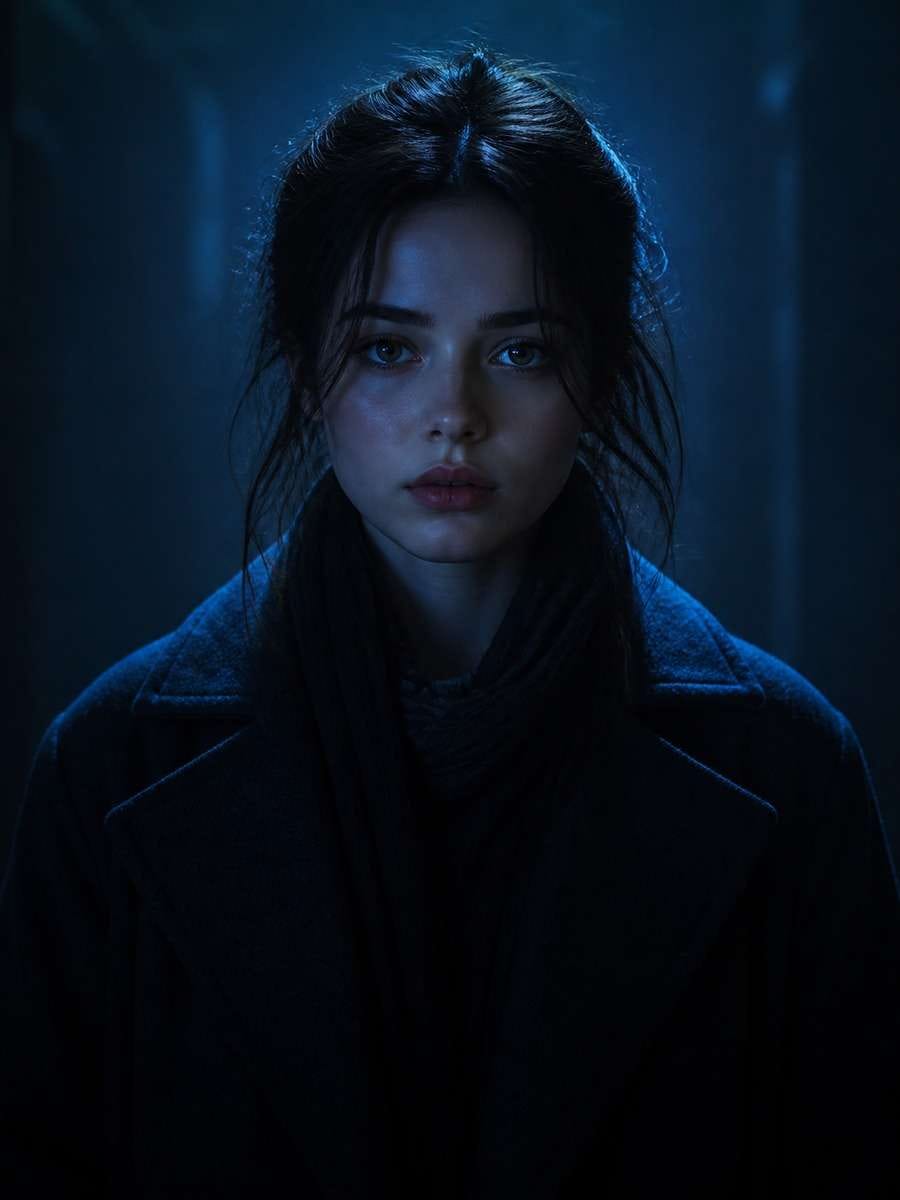
Cool Blue Shadow Mood
Based on the uploaded reference image, carefully preserve the person's facial features, face shape, and identity details, transform the portrait into a cool-toned shadow composition with blue-tinted low-key lighting, calm atmospheric darkness, realistic face detail, modern cinematic style, complete centered subject --ar 3:4
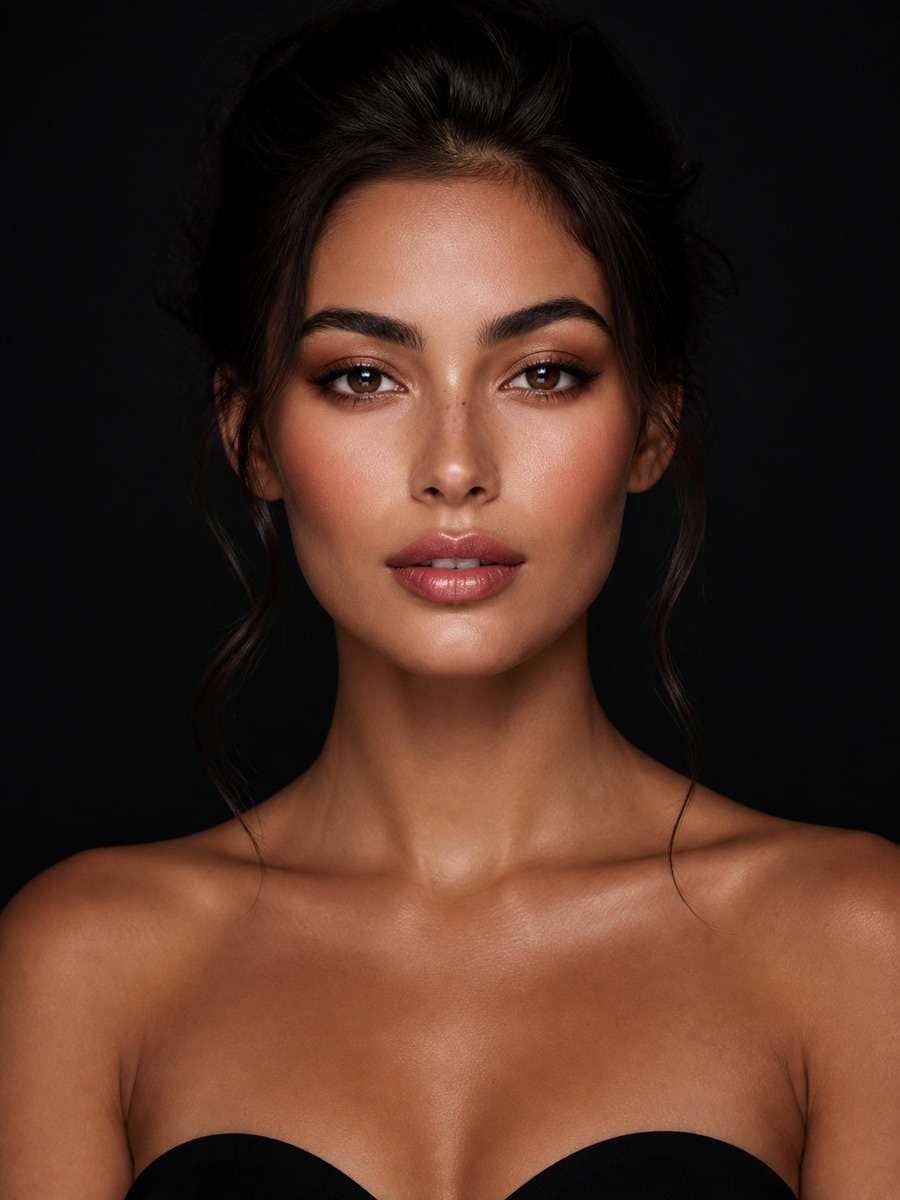
Soft Shadow Beauty Portrait
Based on the uploaded reference image, carefully preserve the person's facial features, face shape, and identity details, refine the image into a soft shadow beauty portrait with flattering light, subtle cheek shadows, smooth skin realism, dark seamless background, elegant cosmetic campaign feel, complete centered subject --ar 3:4
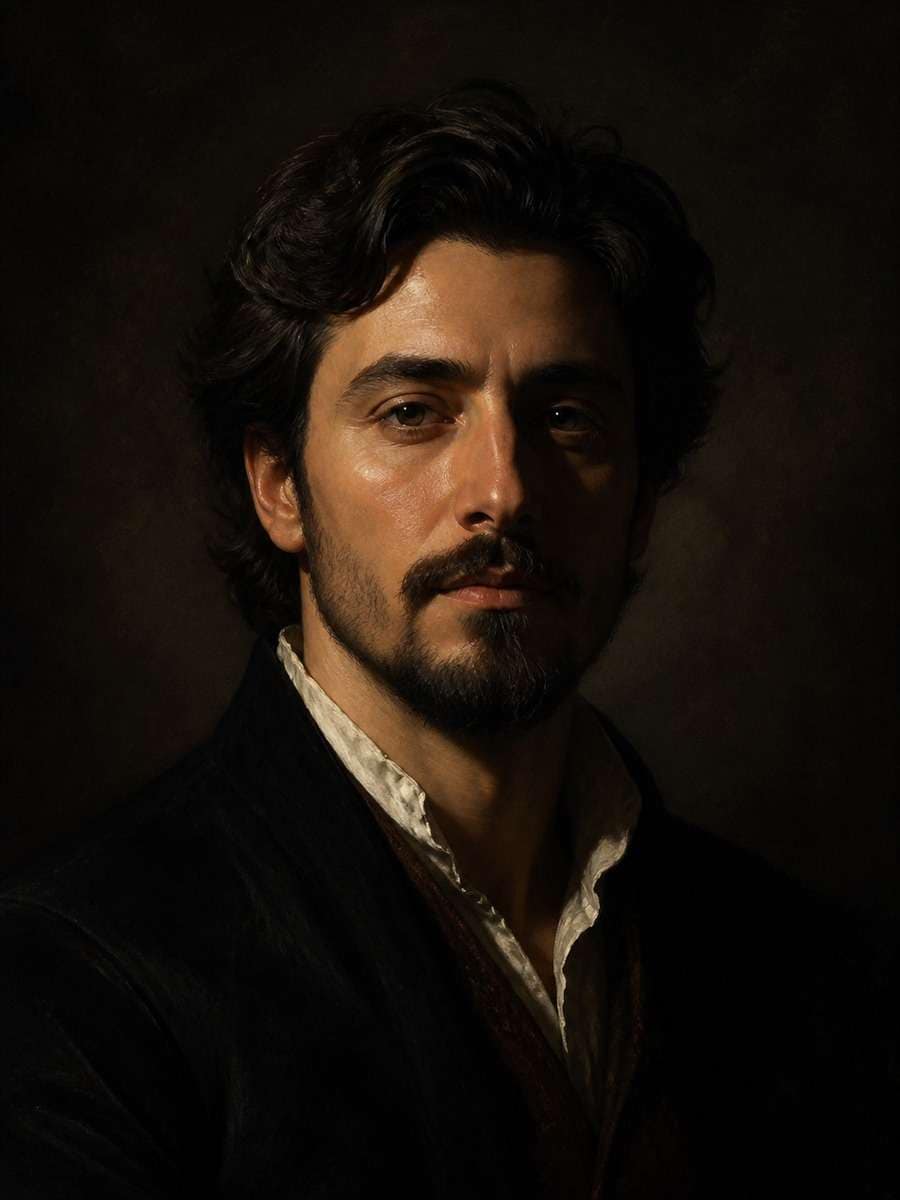
Rembrandt Shadow Portrait
Based on the uploaded reference image, carefully preserve the person's facial features, face shape, and identity details, rework the portrait into a Rembrandt-style shadow setup with a small triangle of light on the shadowed cheek, rich low-key contrast, dark studio backdrop, classical realism, complete centered subject --ar 3:4
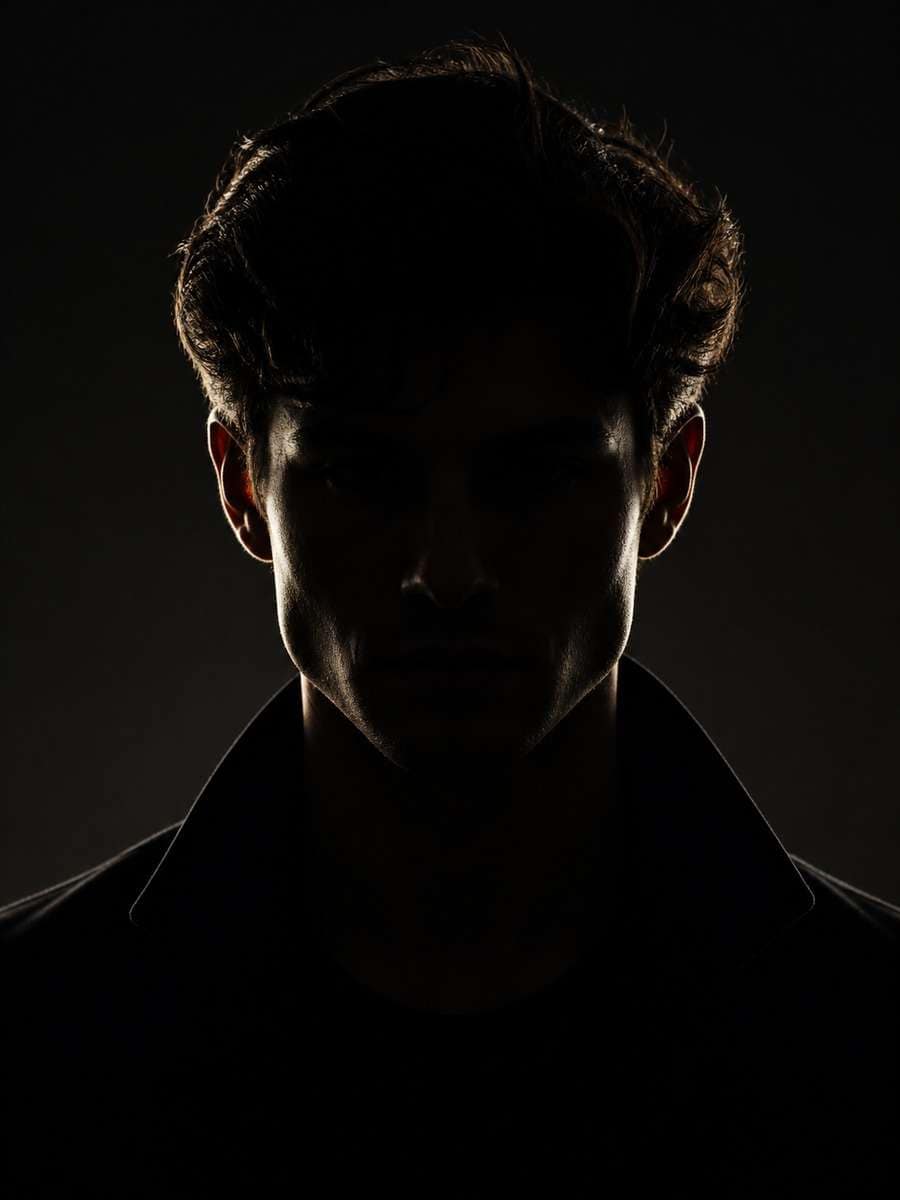
Silhouette With Facial Detail
Based on the uploaded reference image, carefully preserve the person's facial features, face shape, and identity details, create a near-silhouette portrait with most of the face in darkness while keeping subtle recognizable facial contours, minimal background, cinematic edge light, complete centered subject --ar 3:4
Shadow Portrait With Smoke Mood
Based on the uploaded reference image, carefully preserve the person's facial features, face shape, and identity details, transform the image into a moody shadow portrait with faint atmospheric haze, directional side light, rich dark tones, cinematic studio environment, realistic result, complete centered subject --ar 3:4
Museum-Style Dark Portrait
Based on the uploaded reference image, carefully preserve the person's facial features, face shape, and identity details, restyle the photo as a museum-style dark portrait with controlled shadow depth, subtle facial highlights, quiet elegant background, timeless fine portrait mood, complete centered subject --ar 3:4
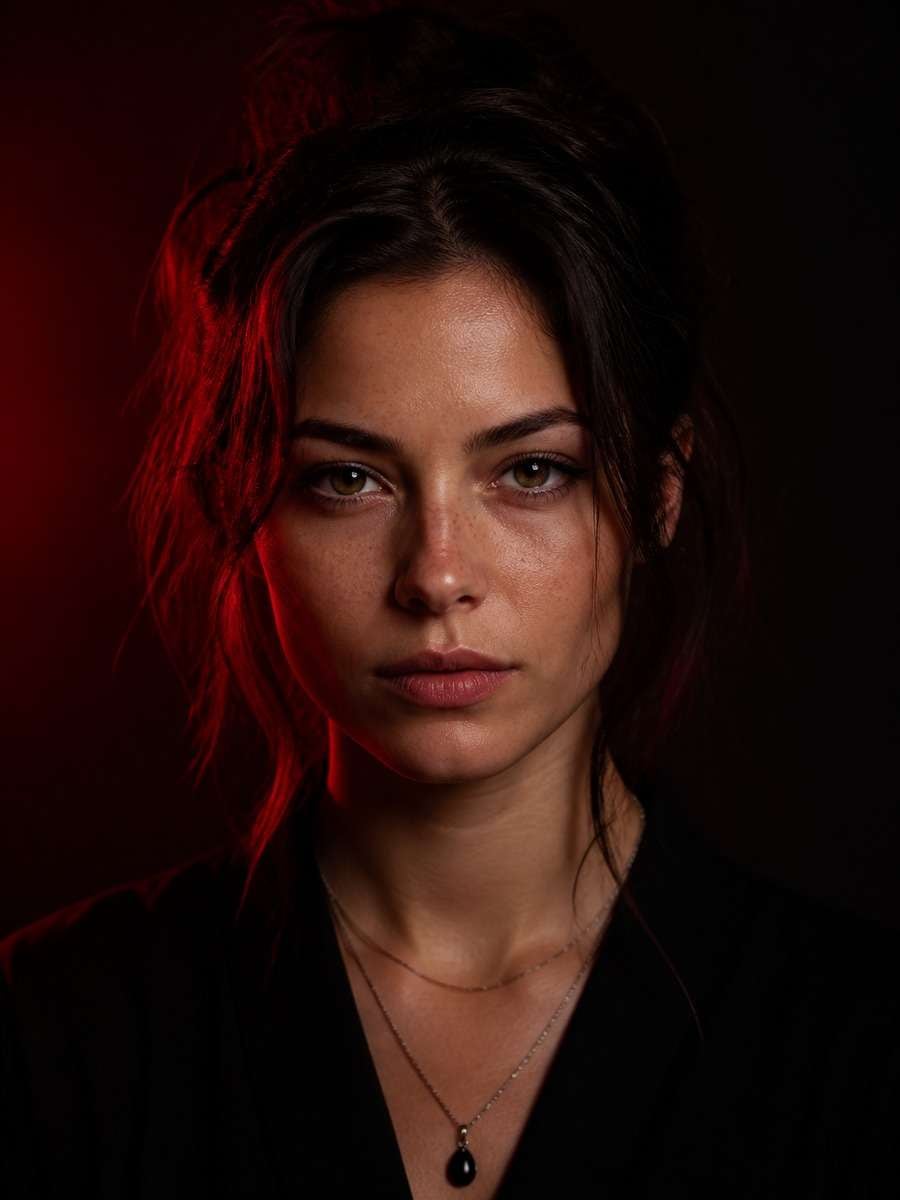
Shadow Portrait With Red Accent Light
Based on the uploaded reference image, carefully preserve the person's facial features, face shape, and identity details, edit the portrait into a dramatic shadow scene with soft red accent light along one side, deep black shadows, modern creative studio aesthetic, realistic facial identity, complete centered subject --ar 3:4
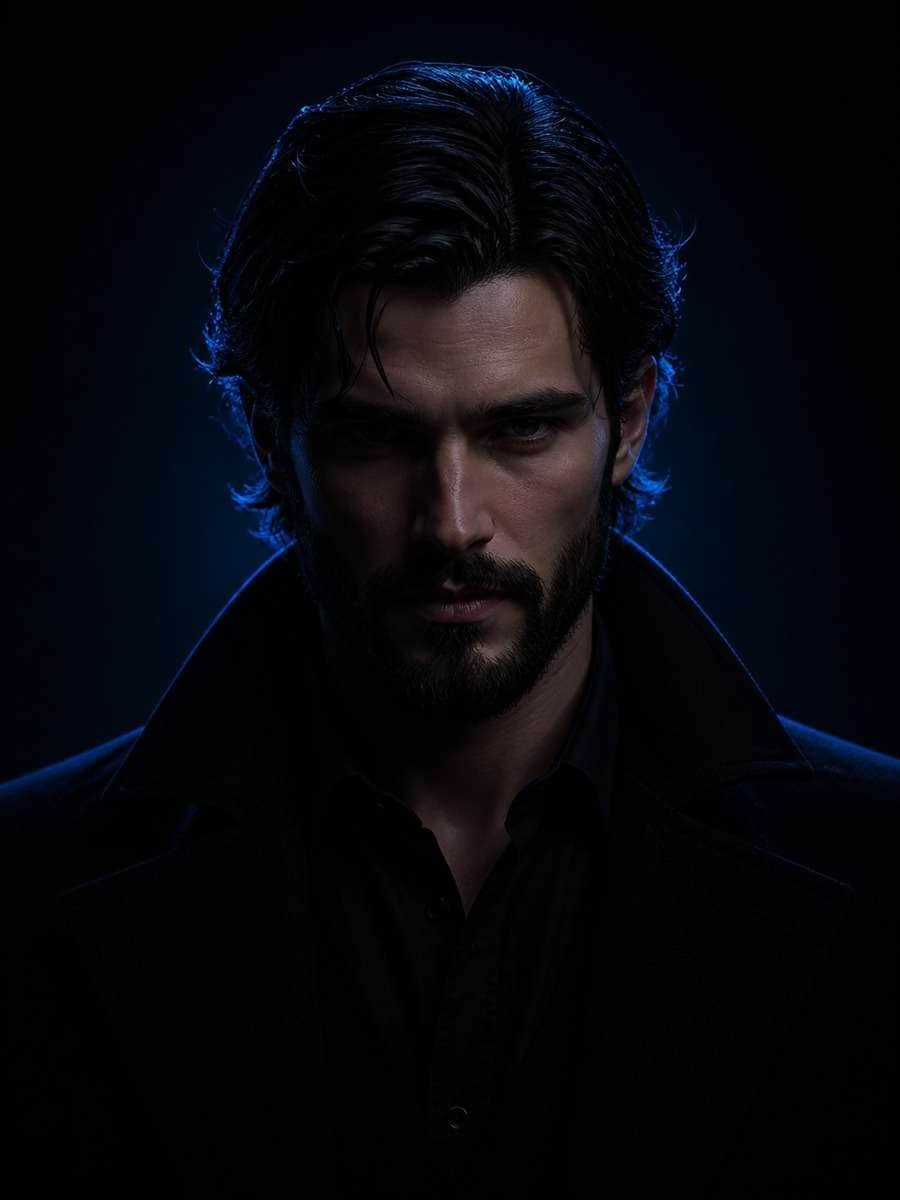
Shadow Portrait With Blue Rim Glow
Based on the uploaded reference image, carefully preserve the person's facial features, face shape, and identity details, convert the image into a dark portrait with subtle blue rim glow, low-key lighting, deep facial shadows, polished cinematic feel, clean background, complete centered subject --ar 3:4
Minimalist Shadow Headshot Style
Based on the uploaded reference image, carefully preserve the person's facial features, face shape, and identity details, turn the photo into a minimalist shadow portrait with simple composition, smooth dark backdrop, focused light on the face, understated professional aesthetic, complete centered subject --ar 3:4
Dramatic Shadow With Textured Background
Based on the uploaded reference image, carefully preserve the person's facial features, face shape, and identity details, transform the portrait into a dramatic shadow edit with a subtle textured dark backdrop, strong directional light, dimensional face shadows, premium editorial mood, complete centered subject --ar 3:4
Shadow Portrait With Soft Spotlight
Based on the uploaded reference image, carefully preserve the person's facial features, face shape, and identity details, restyle the image with a soft spotlight effect that illuminates the face while surrounding areas fade into darkness, elegant contrast, studio realism, complete centered subject --ar 3:4
Natural Shadow Portrait Indoors
Based on the uploaded reference image, carefully preserve the person's facial features, face shape, and identity details, convert the portrait into a natural indoor shadow image with soft ambient side light, believable dark tones, intimate mood, realistic photography finish, complete centered subject --ar 3:4
Shadow Portrait With Strong Jawline Light
Based on the uploaded reference image, carefully preserve the person's facial features, face shape, and identity details, reshape the lighting into a dramatic shadow portrait that emphasizes the jawline and cheekbones with directional side light, dark backdrop, sculpted face depth, complete centered subject --ar 3:4
Classic Studio Low-Key Portrait
Based on the uploaded reference image, carefully preserve the person's facial features, face shape, and identity details, transform the image into a classic low-key studio portrait with restrained highlights, rich shadow falloff, dark charcoal background, timeless professional look, complete centered subject --ar 3:4
How to Write Better Gemini AI Shadow Portrait Prompt
Strong shadow portrait prompts work best when they clearly describe what should stay the same and what should change in the lighting, mood, and background.
Simple shadow portrait prompt formula
Preserve identity: mention facial features, face shape, and realism
Define light direction: side light, rim light, spotlight, or window light
Control shadow strength: soft, deep, dramatic, or high contrast
Set the background: black, charcoal, textured dark, or muted studio
Add style cues: cinematic, editorial, fine art, noir, or classic low-key
Tips for better results
Upload a front-facing or slightly angled portrait with clear facial detail.
If the result looks too harsh, replace words like strong or bold with soft or subtle.
Use black background or dark studio backdrop if you want a cleaner shadow effect.
Mention realistic skin texture to avoid over-smoothed or plastic-looking outputs.
Keep the subject complete and centered for balanced portrait framing.
Try monochrome or noir wording when you want a more timeless shadow portrait style.
Why Choose Media.io for Gemini AI Shadow Portrait Prompt
Everything you need to turn a regular portrait into a polished shadow edit.
Identity-Preserving Photo Edits
Keep the person recognizable while changing the lighting style, shadow depth, and portrait mood.
Ready-to-Use Prompt Examples
Choose from 20+ curated shadow portrait prompts tailored for dramatic, cinematic, and studio-quality edits.
Fast Image-to-Image Workflow
Upload a reference image, apply a prompt, and generate a professional shadow portrait in just a few steps.
Flexible Visual Styles
Create noir portraits, low-key studio looks, artistic silhouettes, or editorial shadow photography from one original image.
FAQs About
Gemini AI Shadow Portrait Prompt
1. What is a Gemini AI shadow portrait prompt?
It is a prompt that tells the AI how to edit an uploaded portrait into a darker, more dramatic image using controlled shadows, directional light, and a moody background.
2. Can I use these prompts for image-to-image editing?
Yes. These prompts are written for image-to-image editing, so they focus on preserving the original person's identity while changing lighting and style.
3. What kind of photo works best for a shadow portrait edit?
A clear, centered portrait with visible facial detail works best. Even lighting in the original image usually gives the AI more flexibility when adding dramatic shadows.
4. How do I make the shadow look more cinematic?
Use terms like cinematic side light, deep contrast, rim light, low-key studio, or noir black background. These words help create a more polished dramatic effect.
5. Will the AI keep the face recognizable?
If your prompt clearly says to preserve facial features, face shape, and identity details, the result is much more likely to stay recognizable while still adding strong shadow styling.
Why Creators Love Media.io's Gemini AI Shadow Portrait Prompt?
Alex M.
Photographer
Natural Travel Realism. The prompts helped me create polished images with believable lighting, complete framing, and enough local detail to feel intentional.
Maya J.
Designer
Easy to Adapt. I could change the city, outfit, or light direction without losing the structure of the prompt.
Jordan P.
Creator
Great for Social Posts. The 3:4 framing made the images easy to use in feed posts and campaign cards.