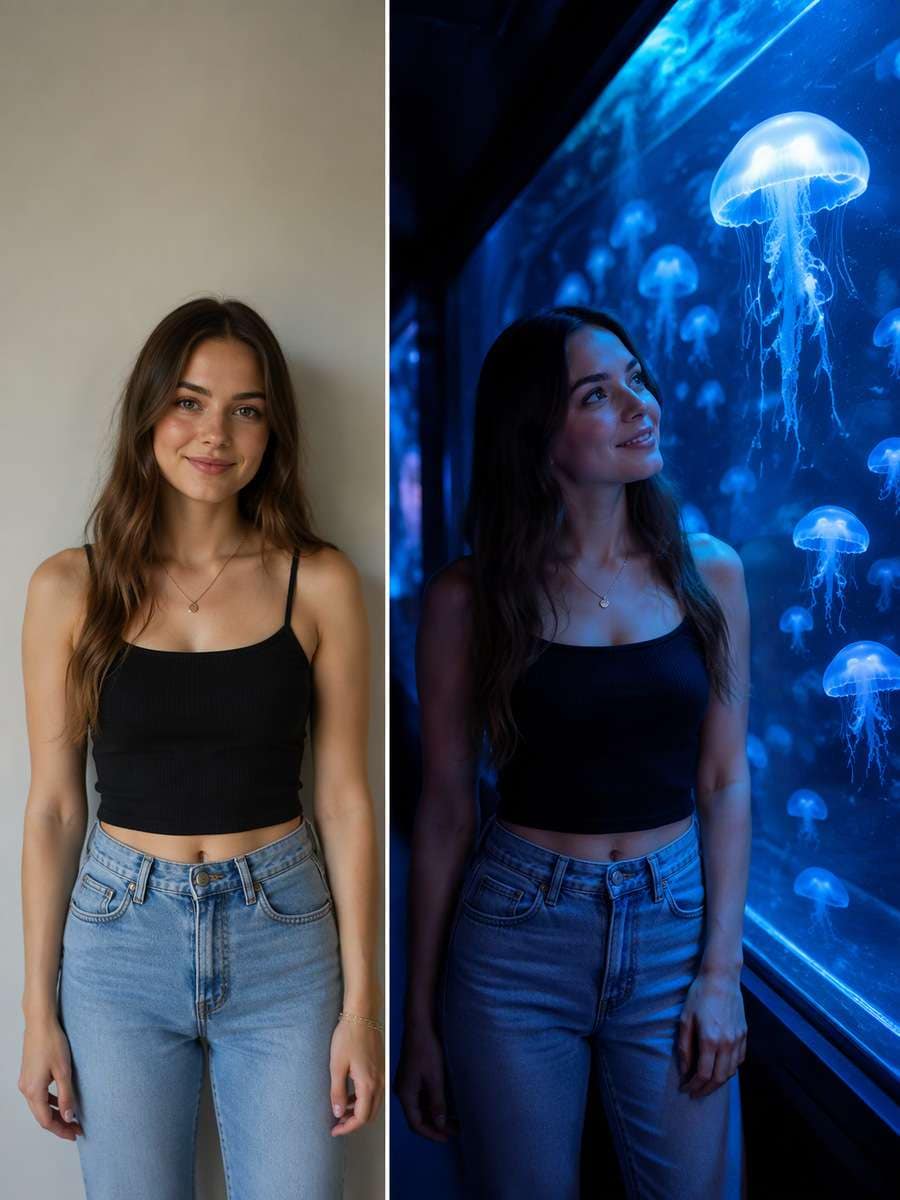
Home>AI Prompts>25 ChatGPT Aquarium Photoshoot Prompts for Blue-Hour Portraits
25 ChatGPT Aquarium Photoshoot Prompts for Blue-Hour Portraits
An aquarium gives you color and atmosphere before you add a single filter. With ChatGPT Aquarium Photoshoot Prompts, try glowing jellyfish portraits, underwater tunnel photos, soft date-night silhouettes and a face lit by moving blue water. Each prompt considers the tank glass, nearby visitors and the direction of the light. Pick a scene that feels like a real aquarium moment, with marine life behind glass rather than floating beside you.
Explore jellyfish tank portraits, aquarium dates and blue-light silhouettes edited with Media.io - powered by ChatGPT.
How to Make an Aquarium Photoshoot from Your Picture
Credible aquarium portraits with truthful water and glass optics starts with a real source photo and a scene you can clearly describe. Use this three-step workflow to keep the result believable.
1
Choose the source photo that fits the scene
A portrait or couple photo suitable for low blue illumination. Check that the source has enough visible detail for the visual change you plan, and only use pictures you are authorized to edit.
2
Copy a scene-specific editing prompt
Choose one of the 25 scene ideas below, then specify its camera position, setting and important materials. Jellyfish translucency behind glass and strong aquarium blue spill help keep this edit on-theme.
3
Generate and review the result
Open the linked Media.io ChatGPT image-to-image tool, upload your own reference and paste the chosen prompt. Check fish floating outside tanks, blue skin washout and impossible tunnel geometry before using the image publicly.
25 Aquarium Portrait Ideas with Jellyfish and Blue Light
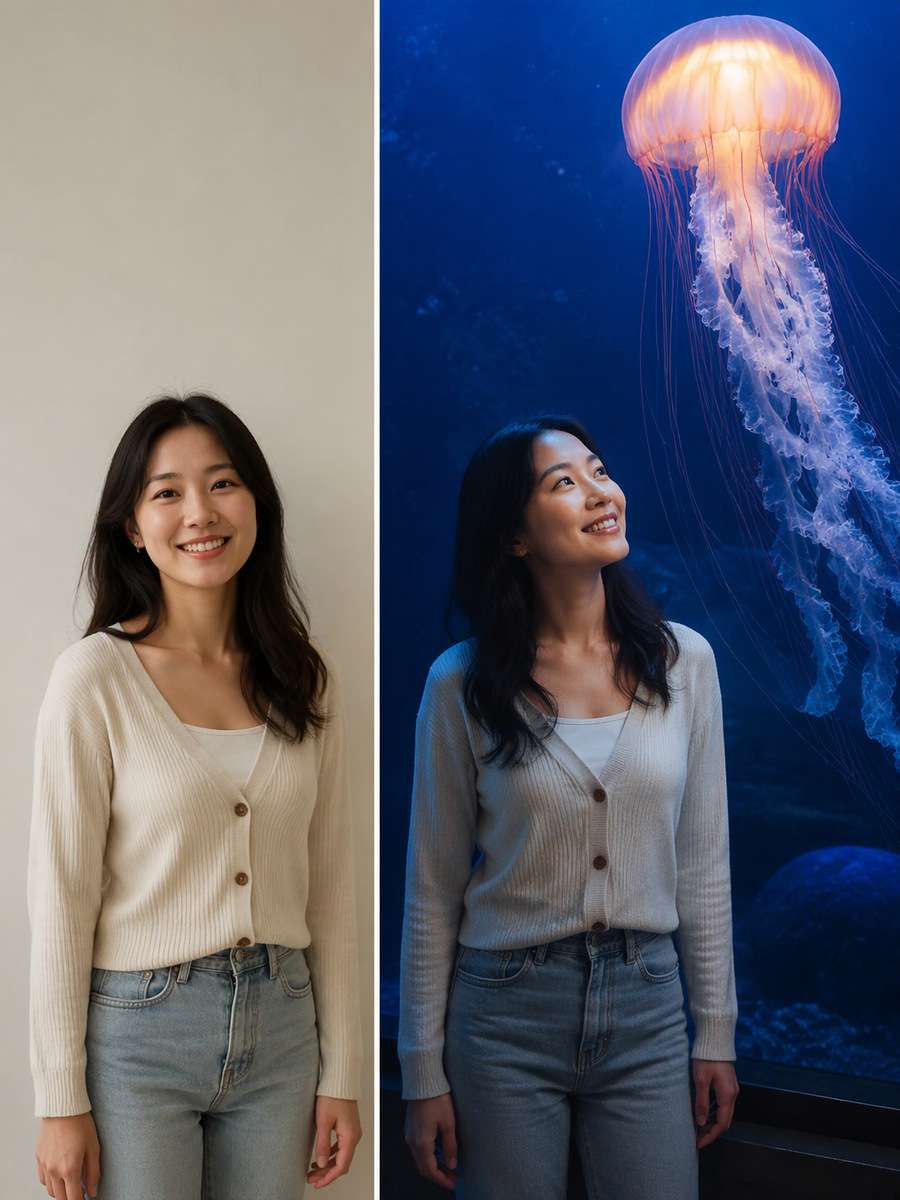
Jellyfish Wall Portrait
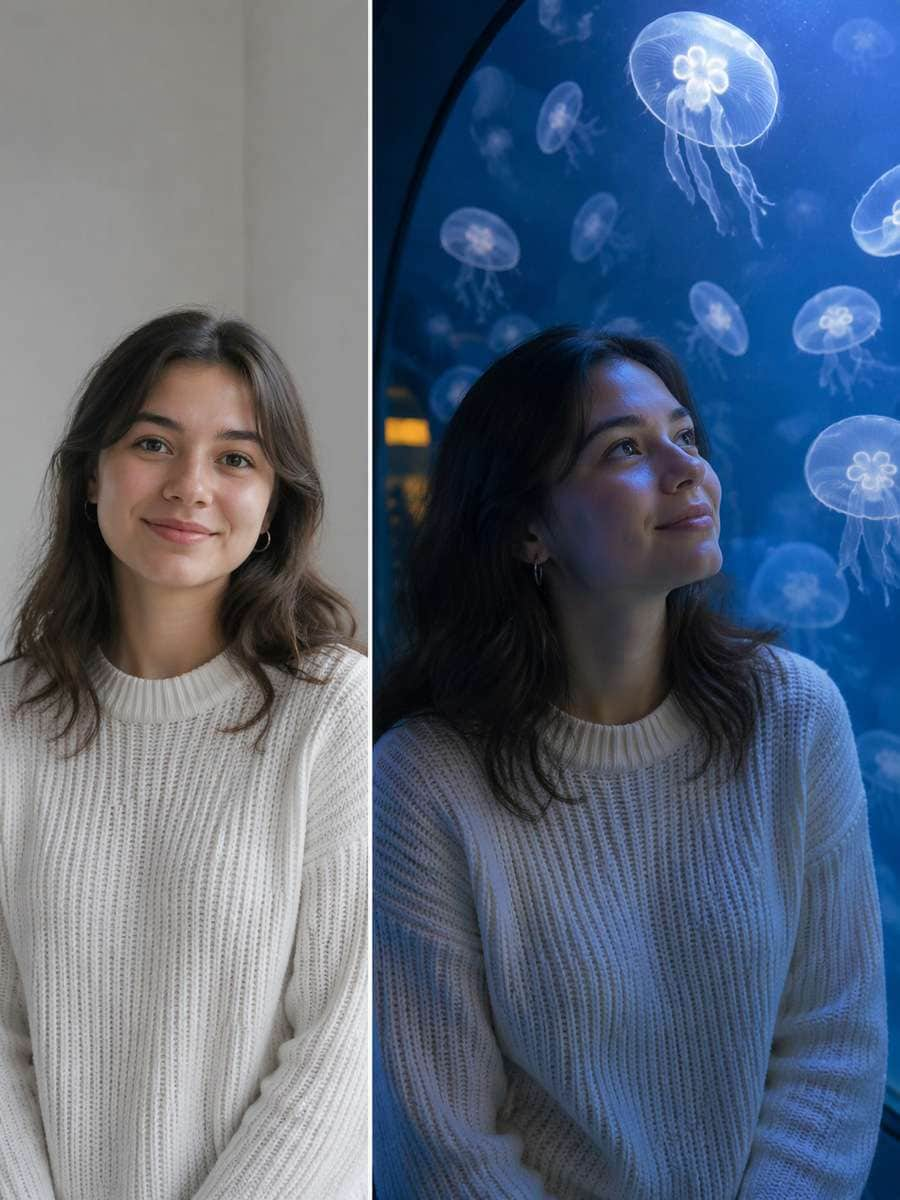
Use the original uploaded portrait as the person reference. For this particular concept, stand beside a glowing blue jellyfish tank, subject lit softly by water while animals remain behind glass. Keep the original face, hairline, skin texture, age and number of people; make the edited scene physically coherent rather than a pasted-face effect. Match environmental reflections and shadows to the actual light sources. Keep animals fully inside glass tanks with real water, no direct contact, consistent blue-green spill and realistic double reflections; protect facial identity in low light. Avoid these common errors: fish floating outside tanks, blue skin washout and impossible tunnel geometry. Create a usable standalone image suitable for aquarium date imagery and immersive blue portraits.
Underwater Tunnel Date
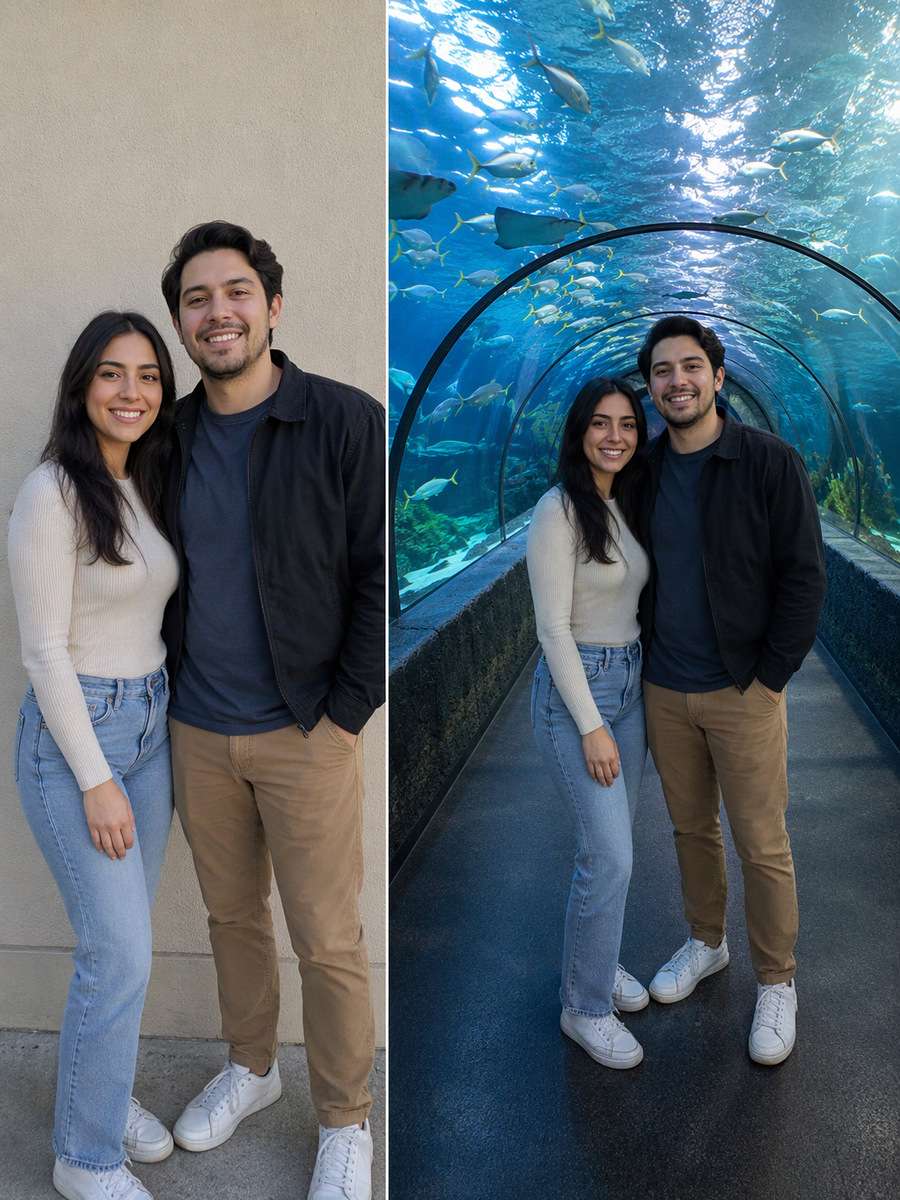
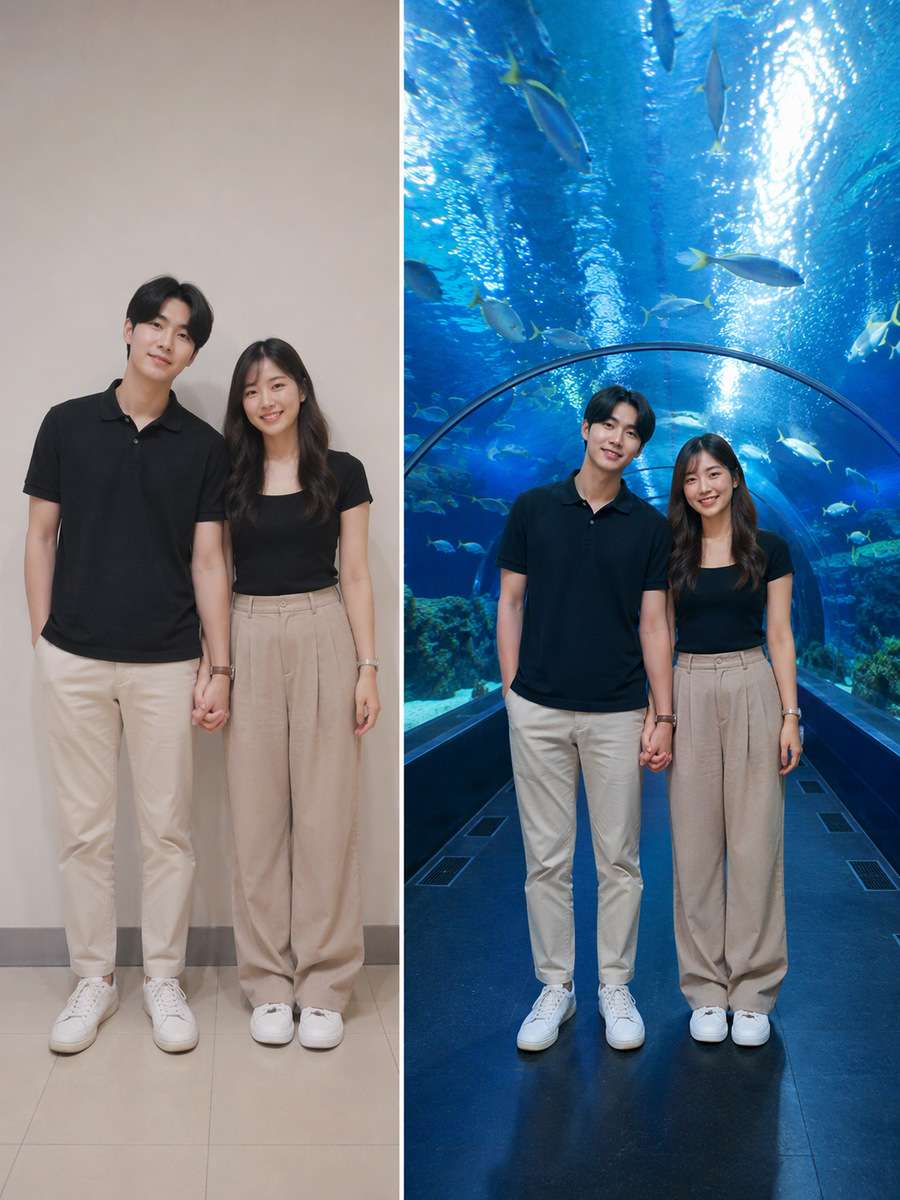
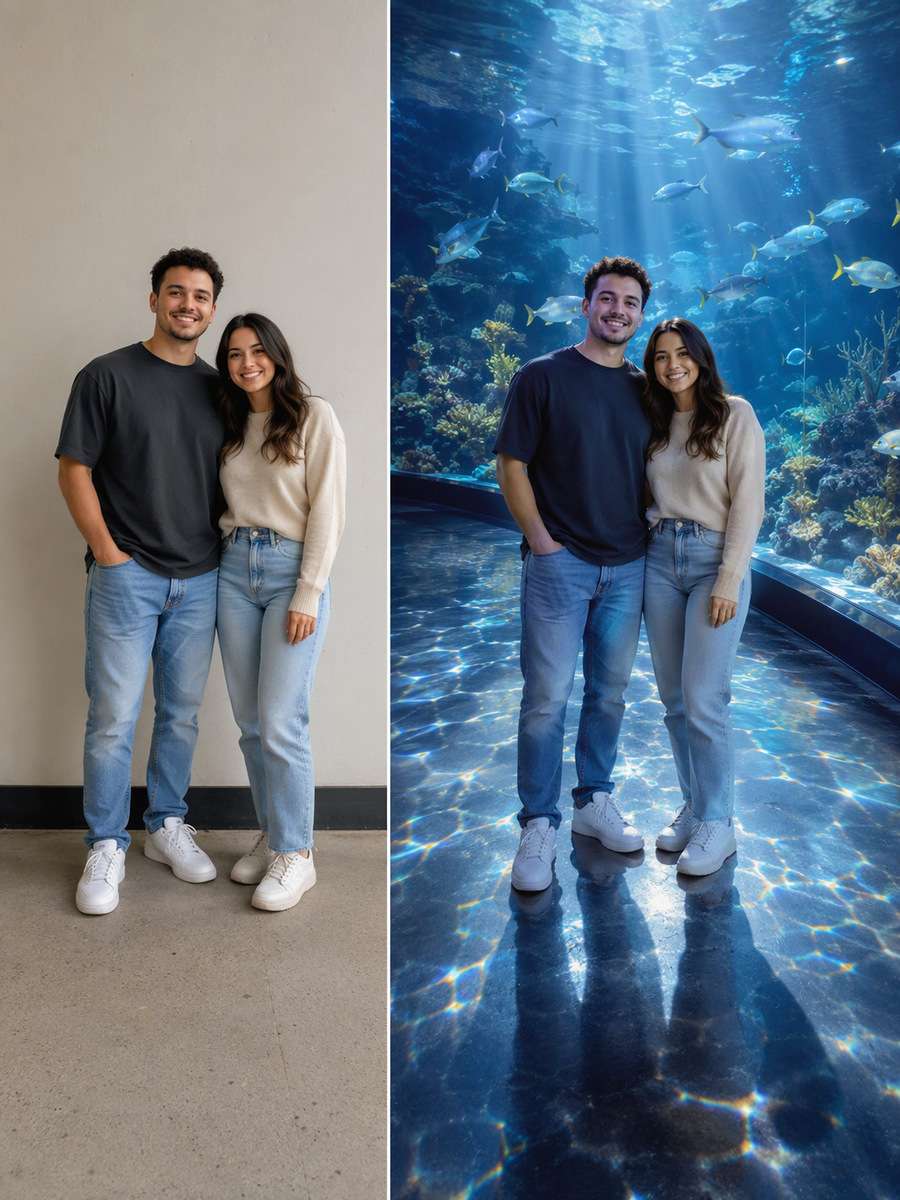
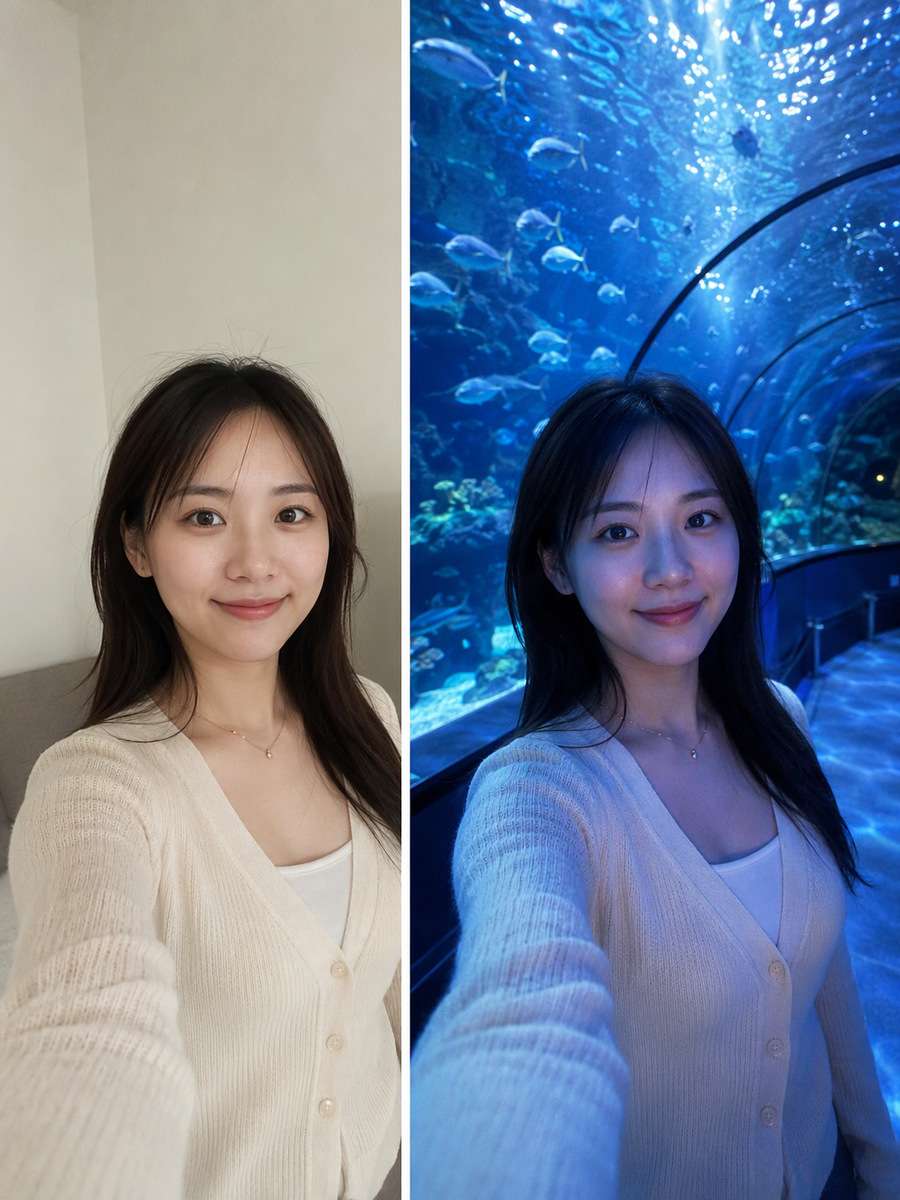
Restyle the existing photograph, retaining the same individual. For this particular concept, place two consenting adults under a curved transparent aquarium tunnel with fish overhead and safe walkway. Keep the original face, hairline, skin texture, age and number of people; make the edited scene physically coherent rather than a pasted-face effect. Choose framing that gives the subject and its key details enough space to be recognizable. Keep animals fully inside glass tanks with real water, no direct contact, consistent blue-green spill and realistic double reflections; protect facial identity in low light. Avoid these common errors: fish floating outside tanks, blue skin washout and impossible tunnel geometry. Create a usable standalone image suitable for aquarium date imagery and immersive blue portraits.
Manta Ray Overhead
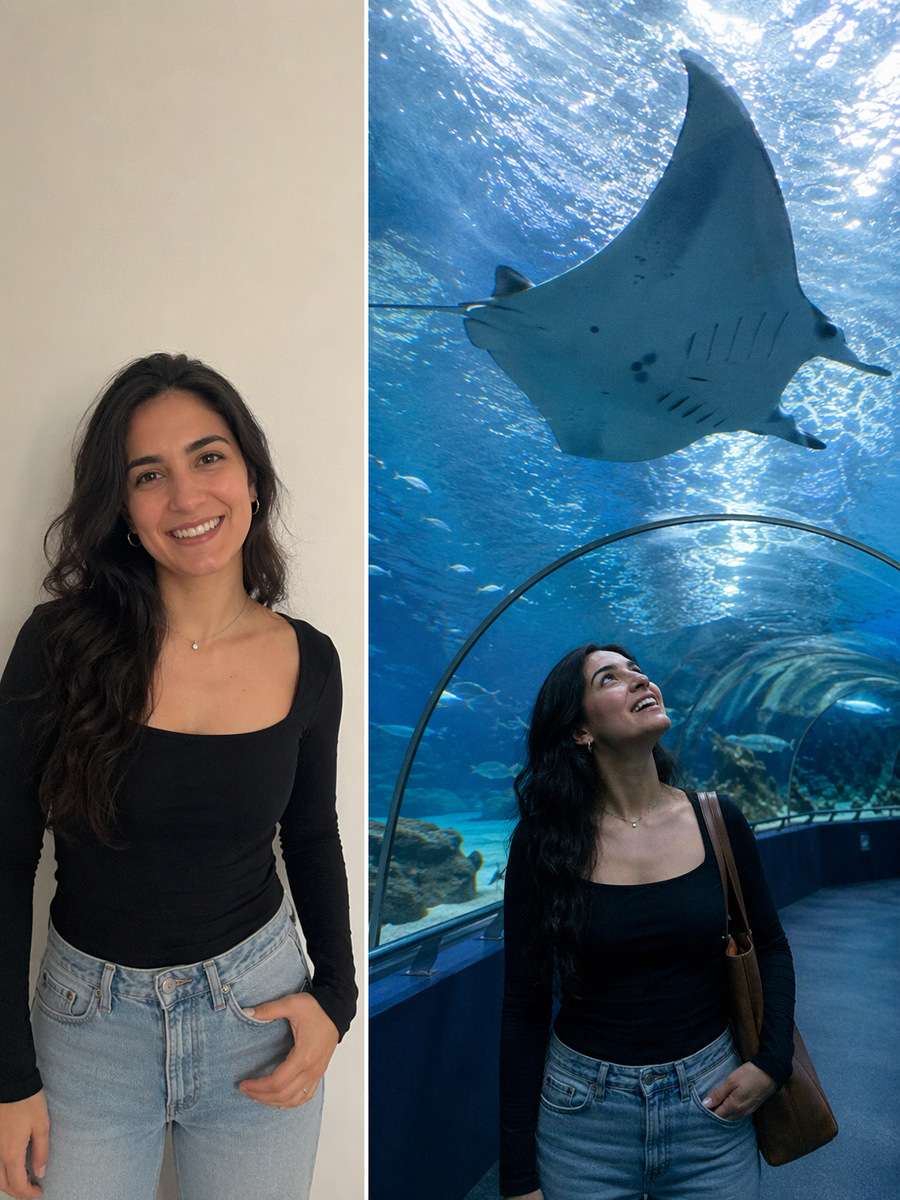
Begin with a clear consented selfie or body portrait. For this particular concept, shoot one person looking upward as a manta ray passes above an aquarium tunnel, realistic aquatic scale. Keep the original face, hairline, skin texture, age and number of people; make the edited scene physically coherent rather than a pasted-face effect. Use natural material textures and avoid forced high saturation or artificial glow. Keep animals fully inside glass tanks with real water, no direct contact, consistent blue-green spill and realistic double reflections; protect facial identity in low light. Avoid these common errors: fish floating outside tanks, blue skin washout and impossible tunnel geometry. Create a usable standalone image suitable for aquarium date imagery and immersive blue portraits.
Blue Glass Hand Reflection
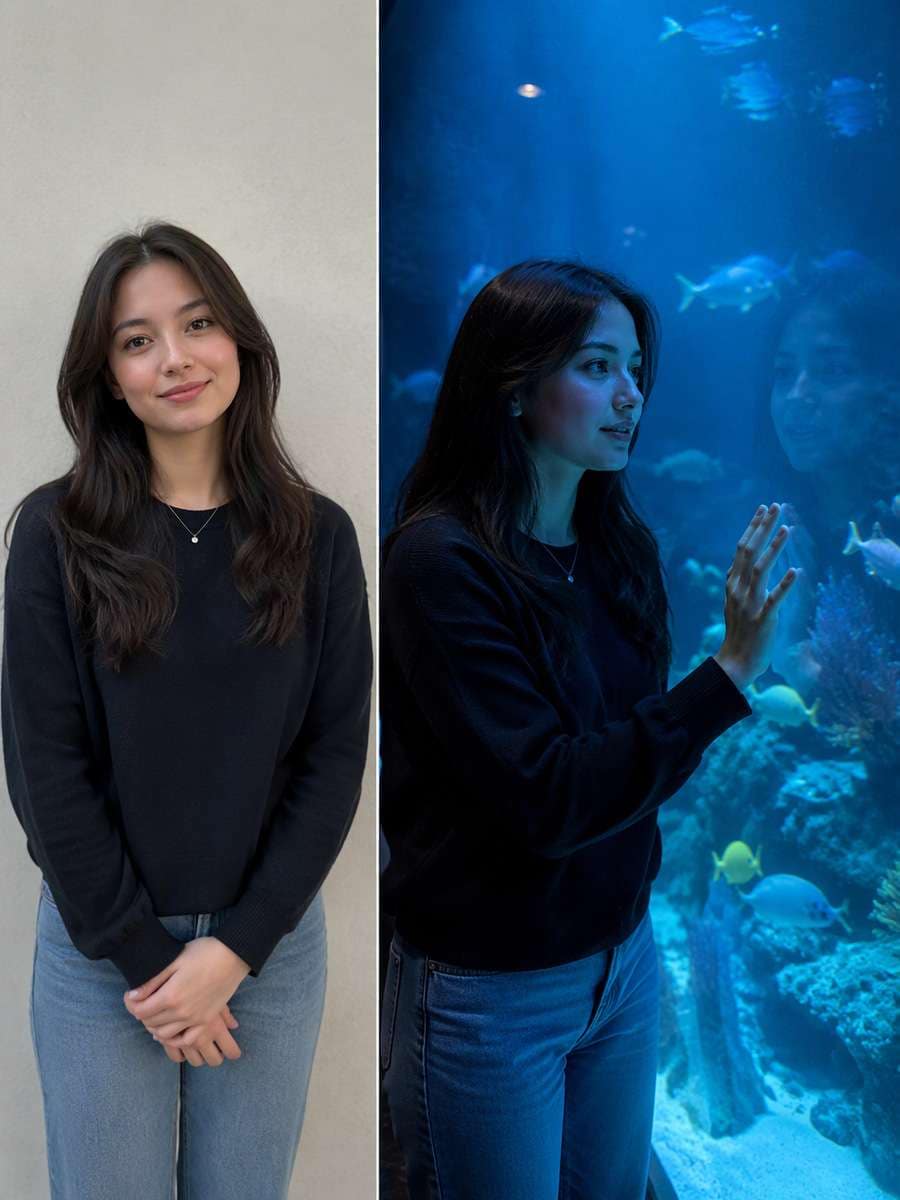
Use the original uploaded portrait as the person reference. For this particular concept, pose a person with hand near but not through tank glass, reflected fingers and fish in background. Keep the original face, hairline, skin texture, age and number of people; make the edited scene physically coherent rather than a pasted-face effect. Keep hand positions, object contact points and camera perspective plausible. Keep animals fully inside glass tanks with real water, no direct contact, consistent blue-green spill and realistic double reflections; protect facial identity in low light. Avoid these common errors: fish floating outside tanks, blue skin washout and impossible tunnel geometry. Create a usable standalone image suitable for aquarium date imagery and immersive blue portraits.
Sea Turtle Tank Window
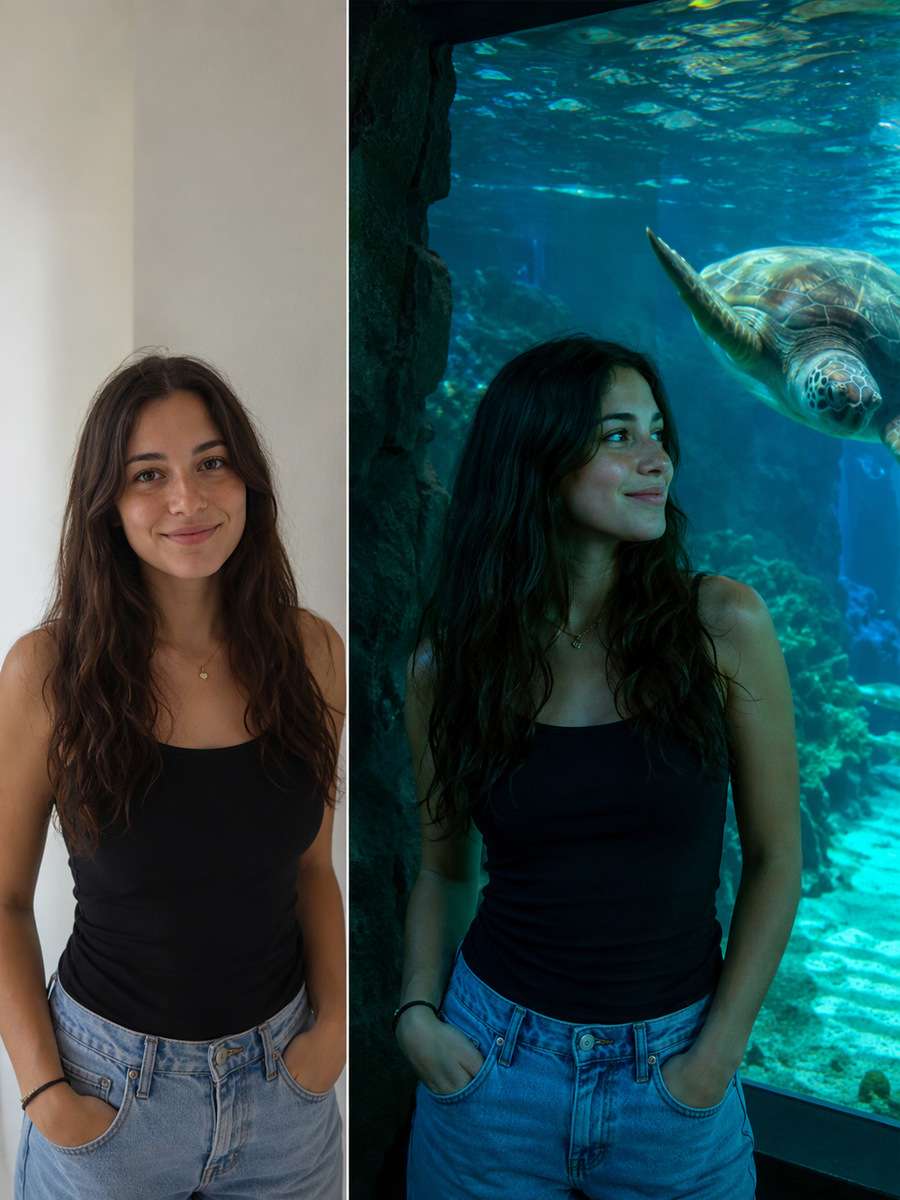
Restyle the existing photograph, retaining the same individual. For this particular concept, frame an aquarium visitor by a sea-turtle exhibit under mixed cyan and green light, no direct animal contact. Keep the original face, hairline, skin texture, age and number of people; make the edited scene physically coherent rather than a pasted-face effect. Finish with restrained photographic detail rather than generic AI glamour effects. Keep animals fully inside glass tanks with real water, no direct contact, consistent blue-green spill and realistic double reflections; protect facial identity in low light. Avoid these common errors: fish floating outside tanks, blue skin washout and impossible tunnel geometry. Create a usable standalone image suitable for aquarium date imagery and immersive blue portraits.
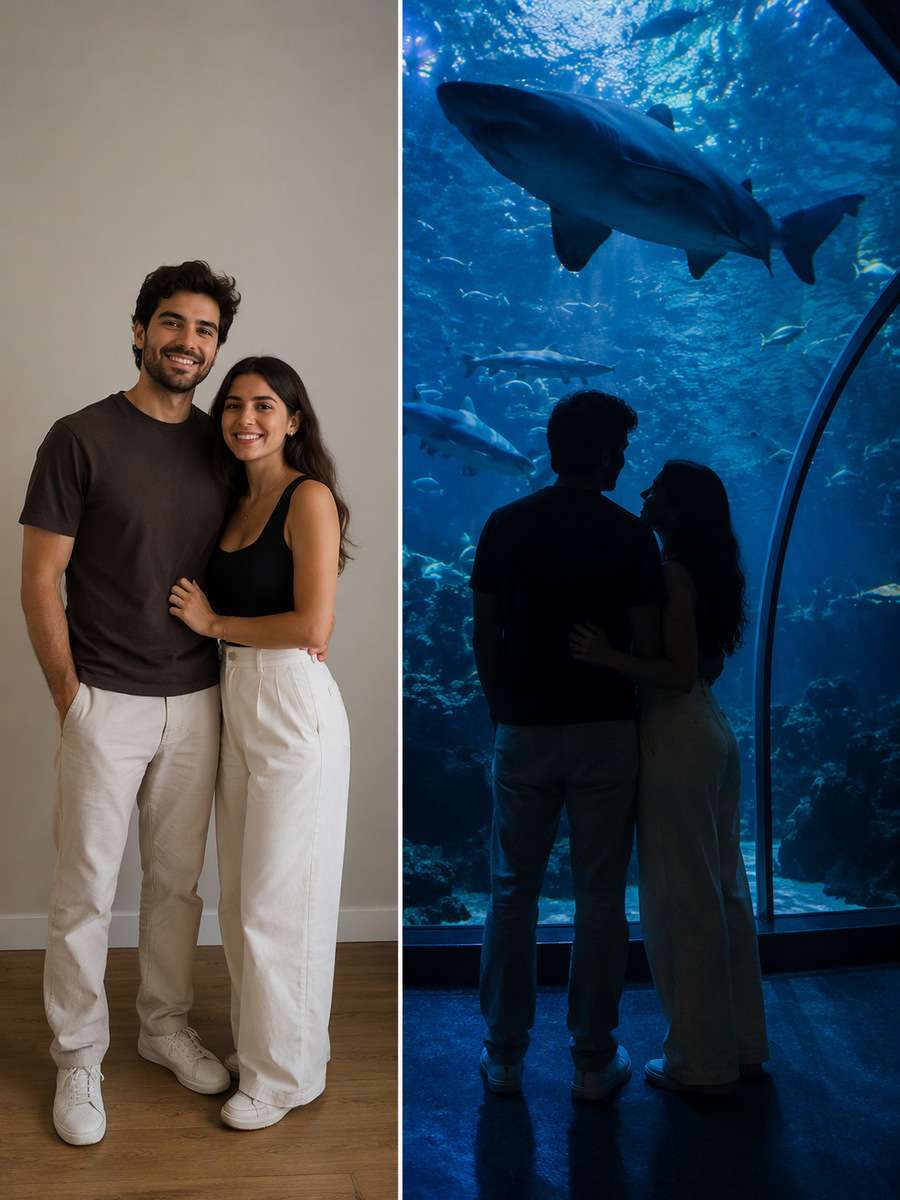
Couple Silhouette by Shark Tunnel
Begin with a clear consented selfie or body portrait. For this particular concept, show an adult couple in silhouette beneath a large shark tank, underwater blue spill and clear glass edge. Keep the original face, hairline, skin texture, age and number of people; make the edited scene physically coherent rather than a pasted-face effect. Match environmental reflections and shadows to the actual light sources. Keep animals fully inside glass tanks with real water, no direct contact, consistent blue-green spill and realistic double reflections; protect facial identity in low light. Avoid these common errors: fish floating outside tanks, blue skin washout and impossible tunnel geometry. Create a usable standalone image suitable for aquarium date imagery and immersive blue portraits.
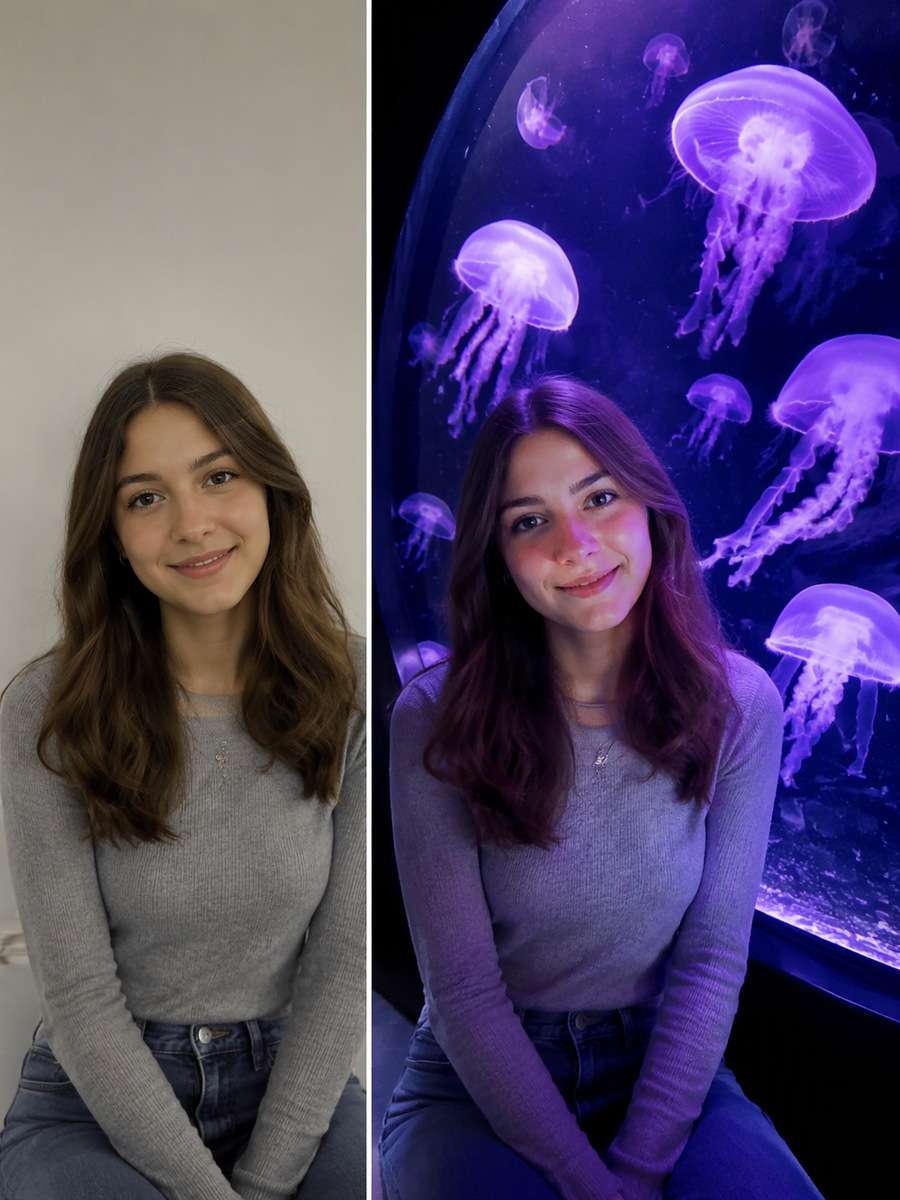
Purple Jellyfish Portrait
Use the original uploaded portrait as the person reference. For this particular concept, use a purple jellyfish bell display as separate rear subject, face illuminated by gentle lavender spill. Keep the original face, hairline, skin texture, age and number of people; make the edited scene physically coherent rather than a pasted-face effect. Choose framing that gives the subject and its key details enough space to be recognizable. Keep animals fully inside glass tanks with real water, no direct contact, consistent blue-green spill and realistic double reflections; protect facial identity in low light. Avoid these common errors: fish floating outside tanks, blue skin washout and impossible tunnel geometry. Create a usable standalone image suitable for aquarium date imagery and immersive blue portraits.
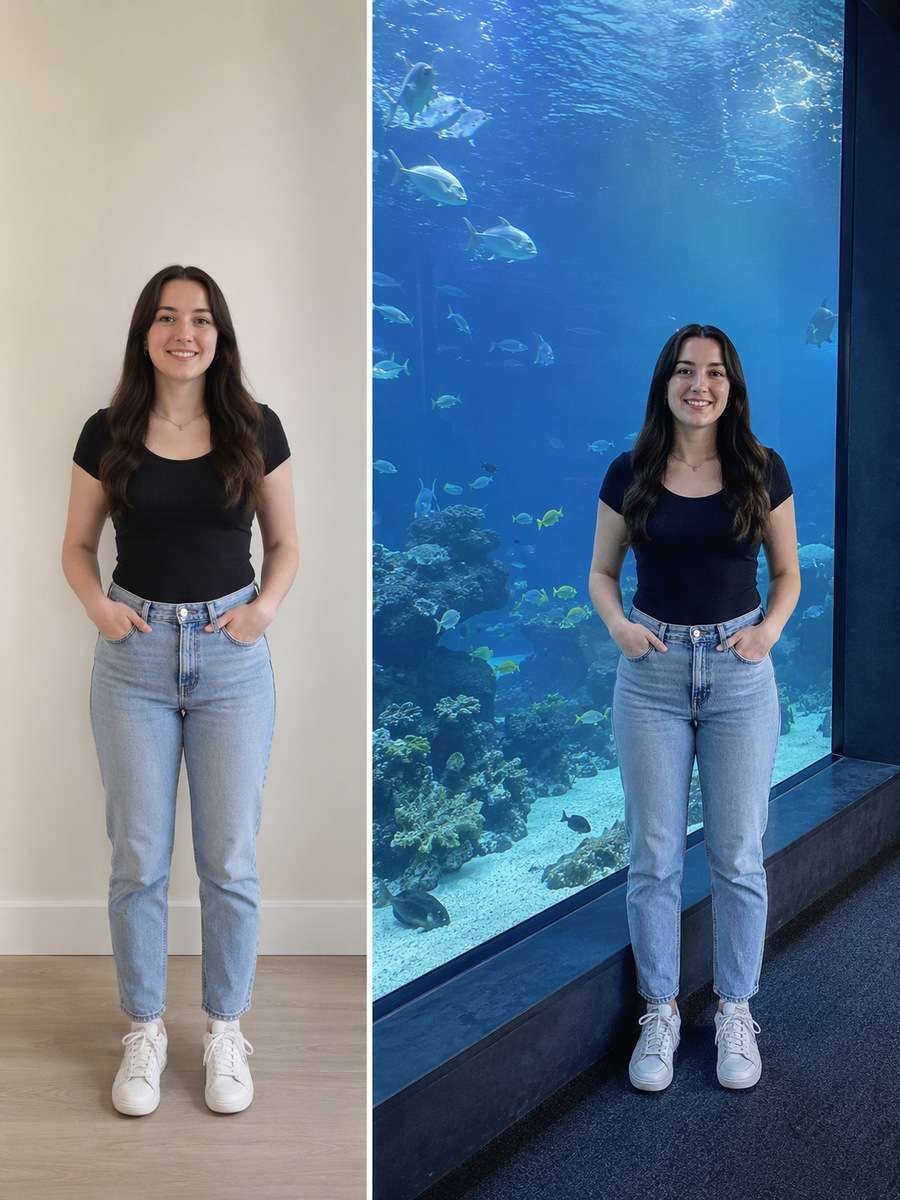
Floor-to-Ceiling Aquarium Window
Restyle the existing photograph, retaining the same individual. For this particular concept, photograph one standing adult beside a huge wall tank with fish in real water and strong depth cues. Keep the original face, hairline, skin texture, age and number of people; make the edited scene physically coherent rather than a pasted-face effect. Use natural material textures and avoid forced high saturation or artificial glow. Keep animals fully inside glass tanks with real water, no direct contact, consistent blue-green spill and realistic double reflections; protect facial identity in low light. Avoid these common errors: fish floating outside tanks, blue skin washout and impossible tunnel geometry. Create a usable standalone image suitable for aquarium date imagery and immersive blue portraits.
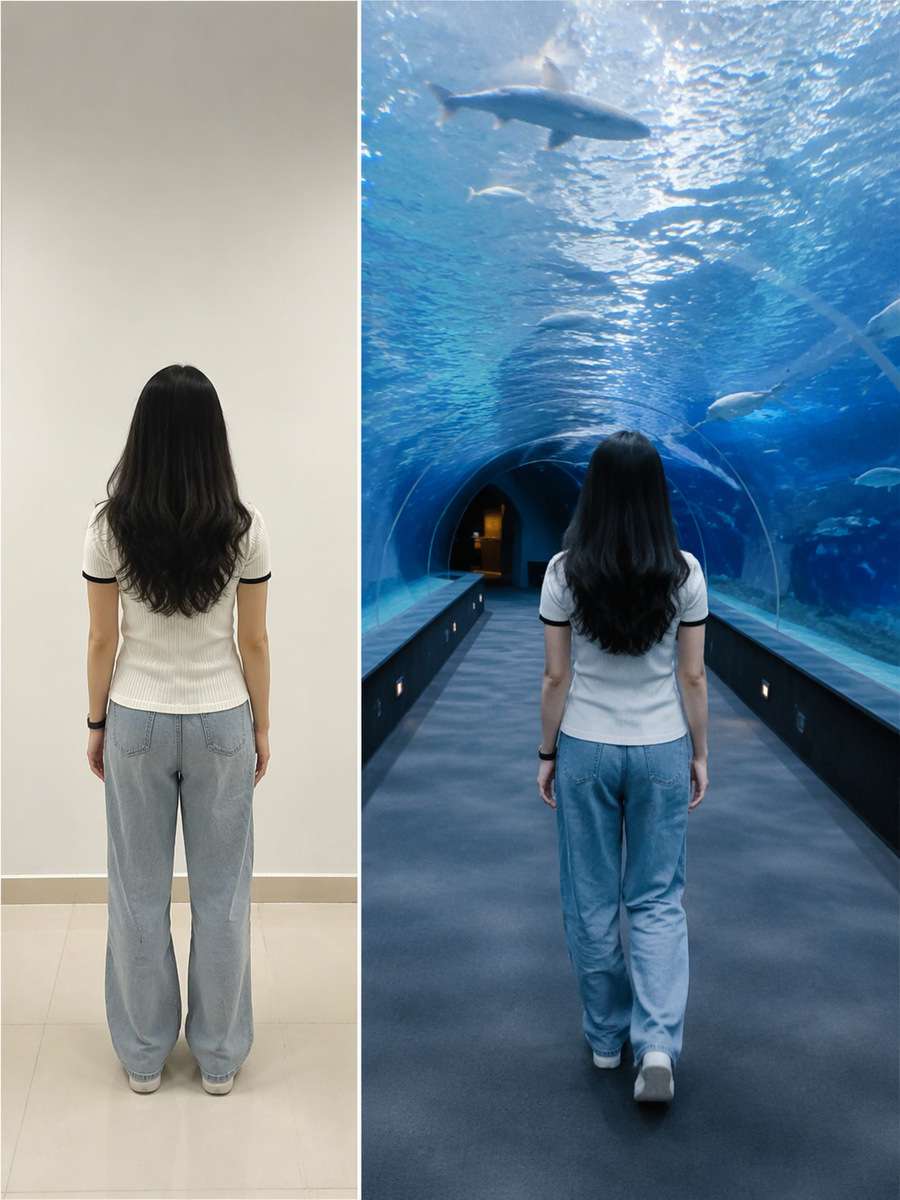
Aquarium Tunnel Back View
Begin with a clear consented selfie or body portrait. For this particular concept, shoot from behind a traveler walking in glass tunnel, no face visible and natural fish overhead perspective. Keep the original face, hairline, skin texture, age and number of people; make the edited scene physically coherent rather than a pasted-face effect. Keep hand positions, object contact points and camera perspective plausible. Keep animals fully inside glass tanks with real water, no direct contact, consistent blue-green spill and realistic double reflections; protect facial identity in low light. Avoid these common errors: fish floating outside tanks, blue skin washout and impossible tunnel geometry. Create a usable standalone image suitable for aquarium date imagery and immersive blue portraits.
Quiet Bench at Blue Exhibit
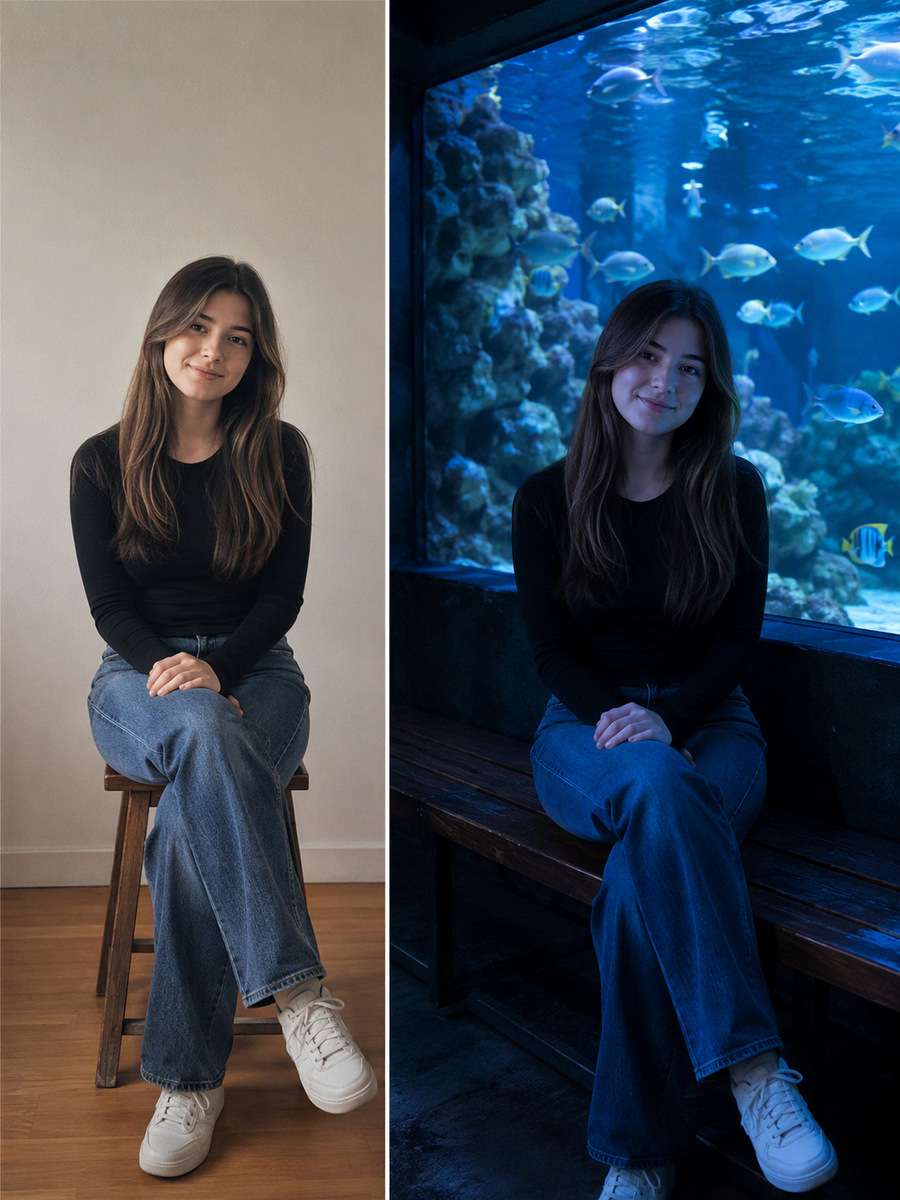
Use the original uploaded portrait as the person reference. For this particular concept, seat one person on a bench beside a luminous marine display with realistic low-light noise. Keep the original face, hairline, skin texture, age and number of people; make the edited scene physically coherent rather than a pasted-face effect. Finish with restrained photographic detail rather than generic AI glamour effects. Keep animals fully inside glass tanks with real water, no direct contact, consistent blue-green spill and realistic double reflections; protect facial identity in low light. Avoid these common errors: fish floating outside tanks, blue skin washout and impossible tunnel geometry. Create a usable standalone image suitable for aquarium date imagery and immersive blue portraits.
Aquarium Date Handhold
Restyle the existing photograph, retaining the same individual. For this particular concept, create a couple holding hands in a fish tunnel, distinct fingers and no invented touching of marine animals. Keep the original face, hairline, skin texture, age and number of people; make the edited scene physically coherent rather than a pasted-face effect. Match environmental reflections and shadows to the actual light sources. Keep animals fully inside glass tanks with real water, no direct contact, consistent blue-green spill and realistic double reflections; protect facial identity in low light. Avoid these common errors: fish floating outside tanks, blue skin washout and impossible tunnel geometry. Create a usable standalone image suitable for aquarium date imagery and immersive blue portraits.
Deep Sea Coral Tank
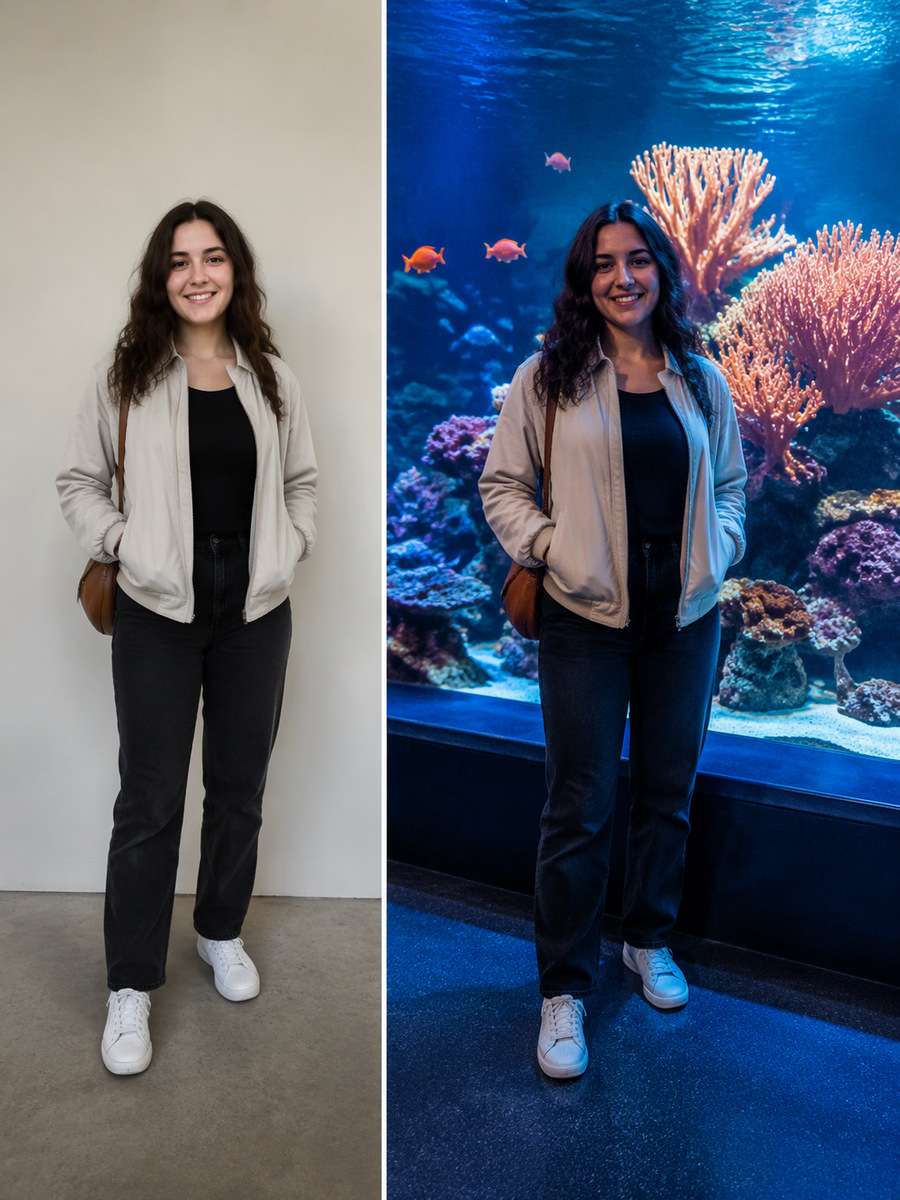
Begin with a clear consented selfie or body portrait. For this particular concept, frame an adult with orange coral reef display behind glass and soft blue light over jacket edges. Keep the original face, hairline, skin texture, age and number of people; make the edited scene physically coherent rather than a pasted-face effect. Choose framing that gives the subject and its key details enough space to be recognizable. Keep animals fully inside glass tanks with real water, no direct contact, consistent blue-green spill and realistic double reflections; protect facial identity in low light. Avoid these common errors: fish floating outside tanks, blue skin washout and impossible tunnel geometry. Create a usable standalone image suitable for aquarium date imagery and immersive blue portraits.
Aquarium Glass Reflection Portrait
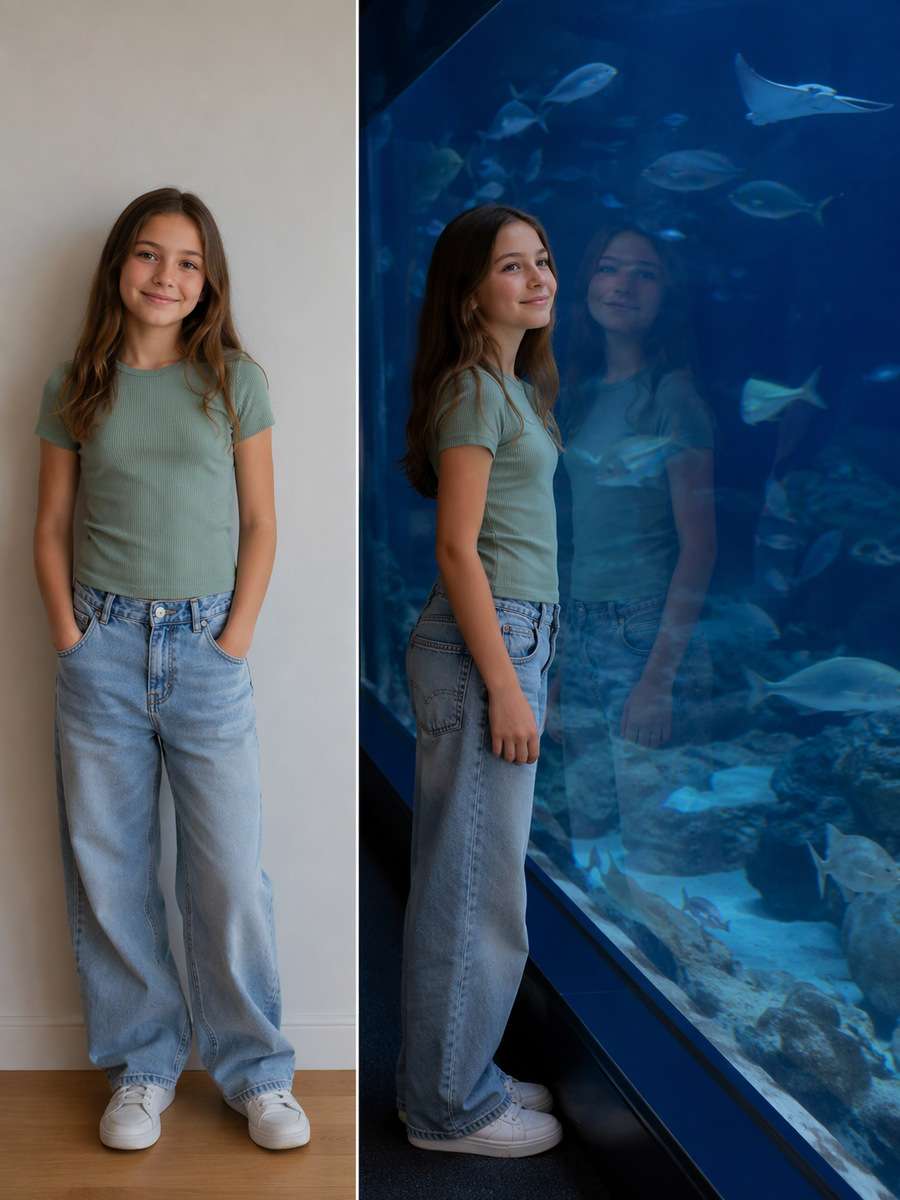
Use the original uploaded portrait as the person reference. For this particular concept, double the subject faintly on tank glass with one true face and fish deeper in exhibit. Keep the original face, hairline, skin texture, age and number of people; make the edited scene physically coherent rather than a pasted-face effect. Use natural material textures and avoid forced high saturation or artificial glow. Keep animals fully inside glass tanks with real water, no direct contact, consistent blue-green spill and realistic double reflections; protect facial identity in low light. Avoid these common errors: fish floating outside tanks, blue skin washout and impossible tunnel geometry. Create a usable standalone image suitable for aquarium date imagery and immersive blue portraits.
Dramatic Overhead Jellyfish
Restyle the existing photograph, retaining the same individual. For this particular concept, place glowing jellyfish high behind a visitor's shoulder, give tentacles physically plausible lengths. Keep the original face, hairline, skin texture, age and number of people; make the edited scene physically coherent rather than a pasted-face effect. Keep hand positions, object contact points and camera perspective plausible. Keep animals fully inside glass tanks with real water, no direct contact, consistent blue-green spill and realistic double reflections; protect facial identity in low light. Avoid these common errors: fish floating outside tanks, blue skin washout and impossible tunnel geometry. Create a usable standalone image suitable for aquarium date imagery and immersive blue portraits.
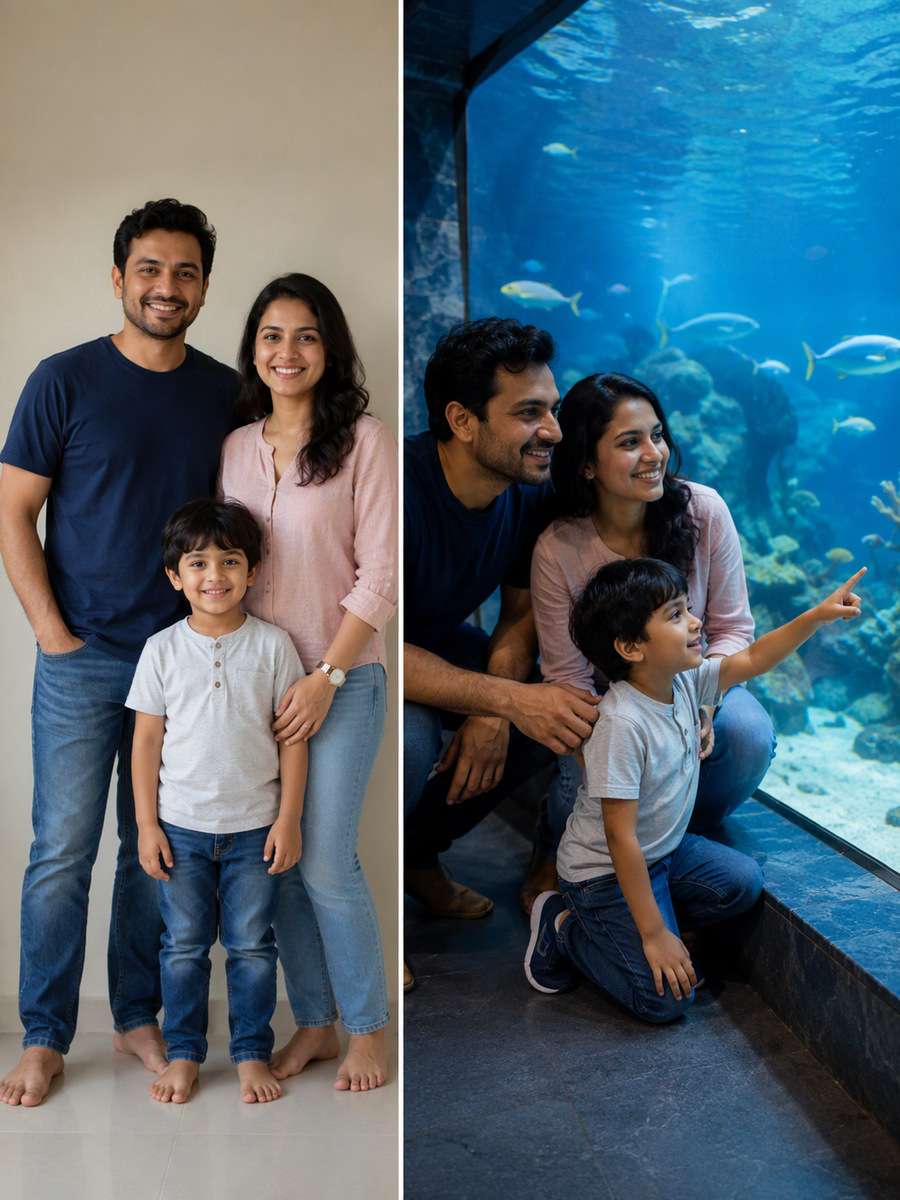
Children's Science Aquarium Visit
Begin with a clear consented selfie or body portrait. For this particular concept, show a consenting family with child at a low exhibit window safely beside guardian, age-accurate faces. Keep the original face, hairline, skin texture, age and number of people; make the edited scene physically coherent rather than a pasted-face effect. Finish with restrained photographic detail rather than generic AI glamour effects. Keep animals fully inside glass tanks with real water, no direct contact, consistent blue-green spill and realistic double reflections; protect facial identity in low light. Avoid these common errors: fish floating outside tanks, blue skin washout and impossible tunnel geometry. Create a usable standalone image suitable for aquarium date imagery and immersive blue portraits.
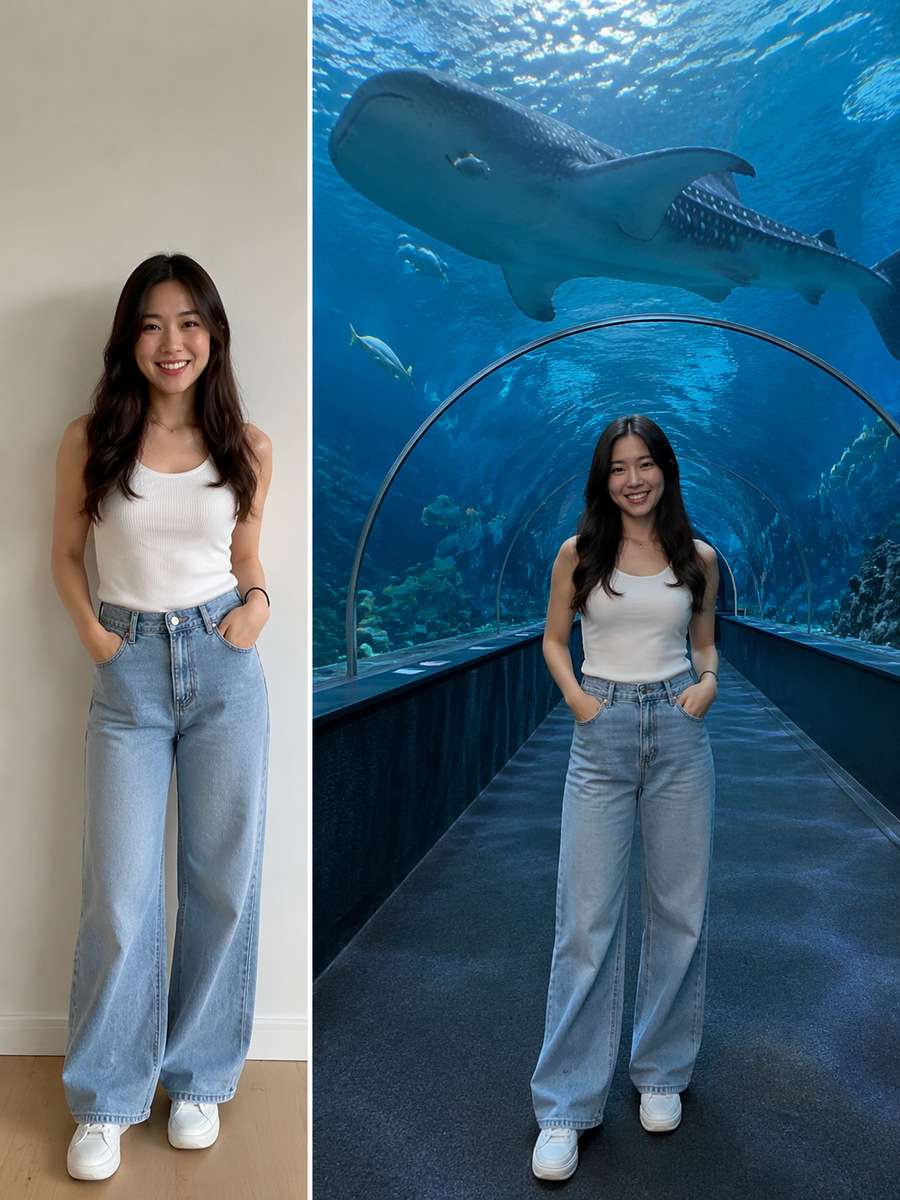
Whale Shark Tunnel Perspective
Use the original uploaded portrait as the person reference. For this particular concept, make a wide-angle aquarium tunnel portrait with a whale shark at realistic behind-glass distance. Keep the original face, hairline, skin texture, age and number of people; make the edited scene physically coherent rather than a pasted-face effect. Match environmental reflections and shadows to the actual light sources. Keep animals fully inside glass tanks with real water, no direct contact, consistent blue-green spill and realistic double reflections; protect facial identity in low light. Avoid these common errors: fish floating outside tanks, blue skin washout and impossible tunnel geometry. Create a usable standalone image suitable for aquarium date imagery and immersive blue portraits.
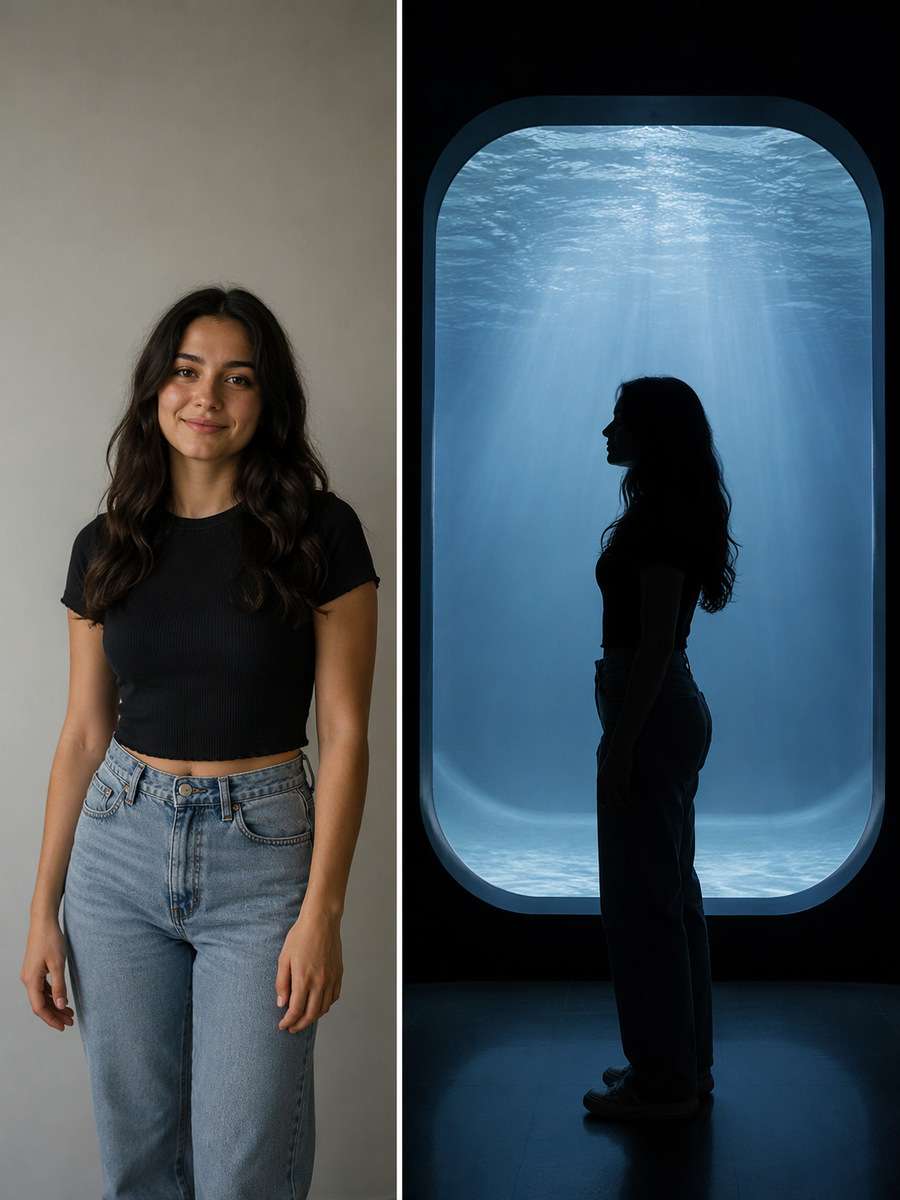
Monochrome Aquarium Silhouette
Restyle the existing photograph, retaining the same individual. For this particular concept, create muted near-black silhouette against one luminous exhibit, preserve tank contours without floating aquatic creatures. Keep the original face, hairline, skin texture, age and number of people; make the edited scene physically coherent rather than a pasted-face effect. Choose framing that gives the subject and its key details enough space to be recognizable. Keep animals fully inside glass tanks with real water, no direct contact, consistent blue-green spill and realistic double reflections; protect facial identity in low light. Avoid these common errors: fish floating outside tanks, blue skin washout and impossible tunnel geometry. Create a usable standalone image suitable for aquarium date imagery and immersive blue portraits.
Teal Aquarium Fashion Portrait
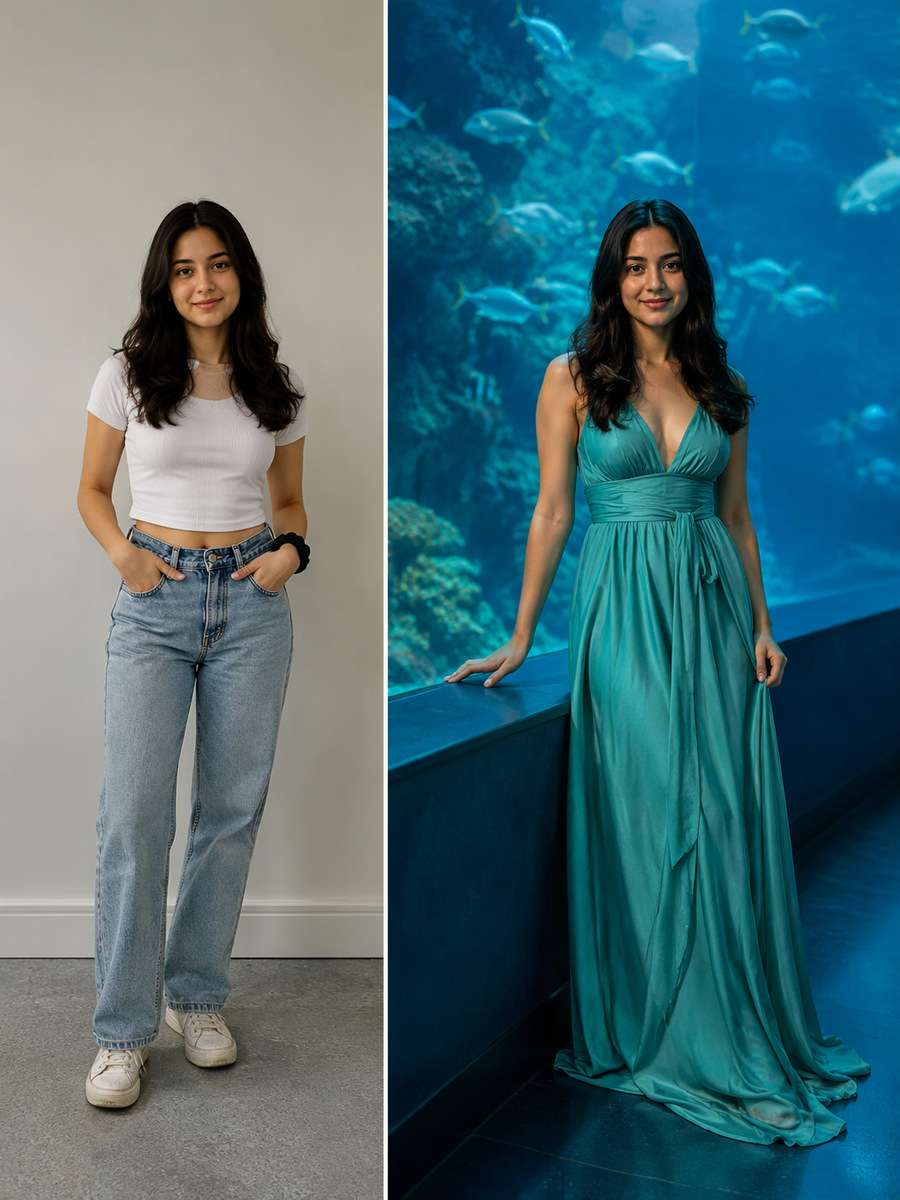
Begin with a clear consented selfie or body portrait. For this particular concept, feature a sea-green outfit beside a blue tank, skin remains natural with controlled cyan spill. Keep the original face, hairline, skin texture, age and number of people; make the edited scene physically coherent rather than a pasted-face effect. Use natural material textures and avoid forced high saturation or artificial glow. Keep animals fully inside glass tanks with real water, no direct contact, consistent blue-green spill and realistic double reflections; protect facial identity in low light. Avoid these common errors: fish floating outside tanks, blue skin washout and impossible tunnel geometry. Create a usable standalone image suitable for aquarium date imagery and immersive blue portraits.
Aquarium Floor Reflections
Use the original uploaded portrait as the person reference. For this particular concept, frame feet and shadows on polished walkway with luminous tank reflections and correct floor perspective. Keep the original face, hairline, skin texture, age and number of people; make the edited scene physically coherent rather than a pasted-face effect. Keep hand positions, object contact points and camera perspective plausible. Keep animals fully inside glass tanks with real water, no direct contact, consistent blue-green spill and realistic double reflections; protect facial identity in low light. Avoid these common errors: fish floating outside tanks, blue skin washout and impossible tunnel geometry. Create a usable standalone image suitable for aquarium date imagery and immersive blue portraits.
Two Friends Watching Rays
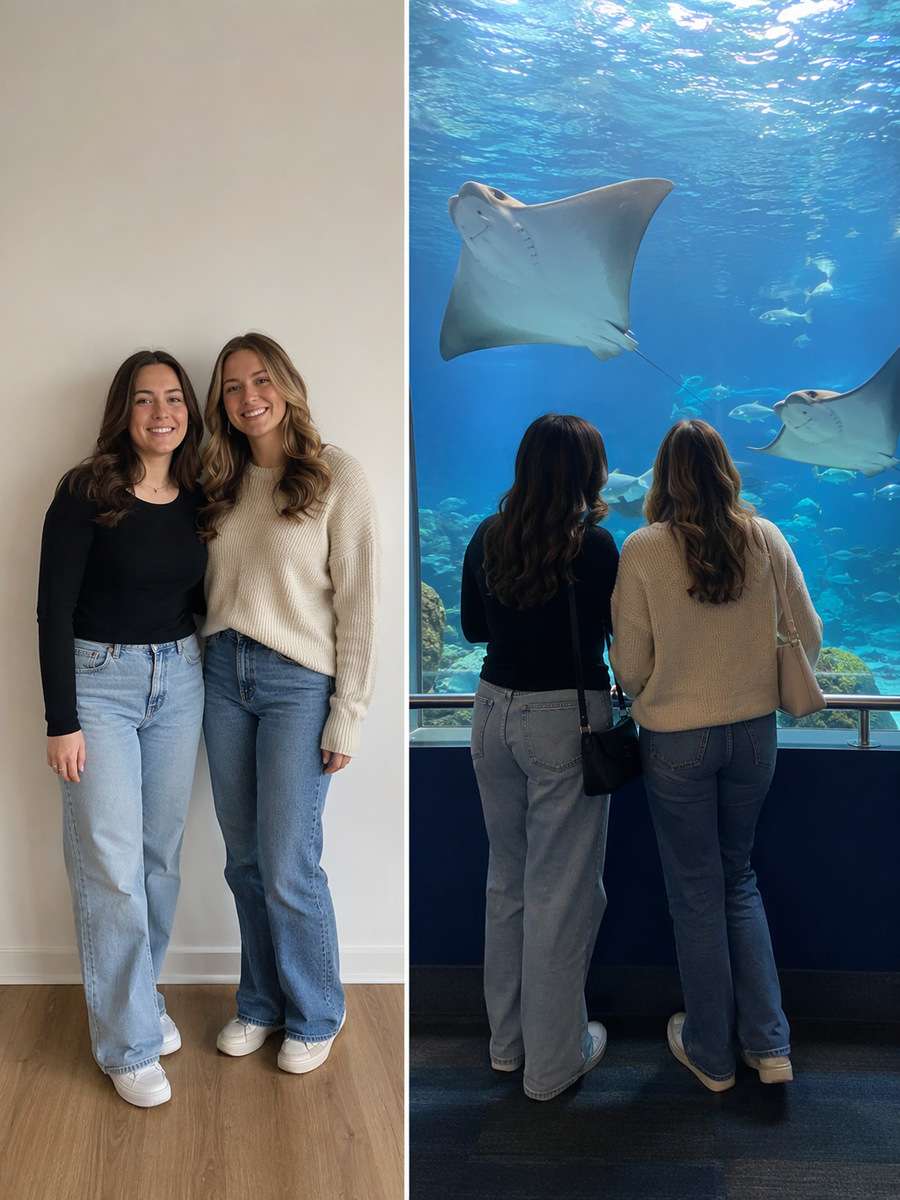
Restyle the existing photograph, retaining the same individual. For this particular concept, pose two adult friends on observation platform facing stingrays inside glass, candid natural spacing. Keep the original face, hairline, skin texture, age and number of people; make the edited scene physically coherent rather than a pasted-face effect. Finish with restrained photographic detail rather than generic AI glamour effects. Keep animals fully inside glass tanks with real water, no direct contact, consistent blue-green spill and realistic double reflections; protect facial identity in low light. Avoid these common errors: fish floating outside tanks, blue skin washout and impossible tunnel geometry. Create a usable standalone image suitable for aquarium date imagery and immersive blue portraits.
Water Pattern on Face
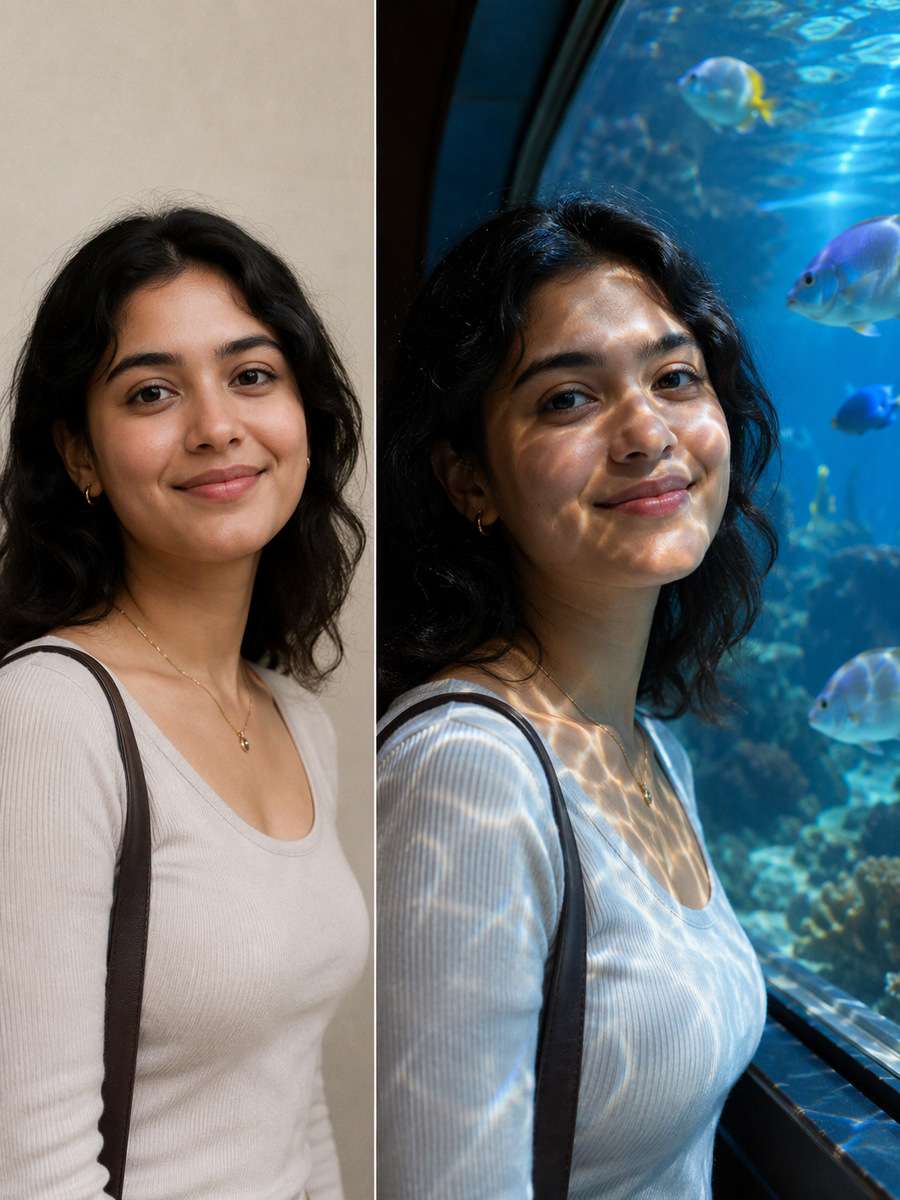
Begin with a clear consented selfie or body portrait. For this particular concept, cast soft caustic water light patterns on a visitor's cheeks near tank while keeping actual fish behind glass. Keep the original face, hairline, skin texture, age and number of people; make the edited scene physically coherent rather than a pasted-face effect. Match environmental reflections and shadows to the actual light sources. Keep animals fully inside glass tanks with real water, no direct contact, consistent blue-green spill and realistic double reflections; protect facial identity in low light. Avoid these common errors: fish floating outside tanks, blue skin washout and impossible tunnel geometry. Create a usable standalone image suitable for aquarium date imagery and immersive blue portraits.
Aquarium Blue-Hour Selfie
Use the original uploaded portrait as the person reference. For this particular concept, make a realistic phone selfie near a tunnel with moderate ISO grain and full facial features. Keep the original face, hairline, skin texture, age and number of people; make the edited scene physically coherent rather than a pasted-face effect. Choose framing that gives the subject and its key details enough space to be recognizable. Keep animals fully inside glass tanks with real water, no direct contact, consistent blue-green spill and realistic double reflections; protect facial identity in low light. Avoid these common errors: fish floating outside tanks, blue skin washout and impossible tunnel geometry. Create a usable standalone image suitable for aquarium date imagery and immersive blue portraits.
Close Jellyfish Glass Portrait
Restyle the existing photograph, retaining the same individual. For this particular concept, focus on visitor face and jellyfish visible behind glass with controlled depth of field and no overlaps. Keep the original face, hairline, skin texture, age and number of people; make the edited scene physically coherent rather than a pasted-face effect. Use natural material textures and avoid forced high saturation or artificial glow. Keep animals fully inside glass tanks with real water, no direct contact, consistent blue-green spill and realistic double reflections; protect facial identity in low light. Avoid these common errors: fish floating outside tanks, blue skin washout and impossible tunnel geometry. Create a usable standalone image suitable for aquarium date imagery and immersive blue portraits.
Aquarium Gift Shop Window
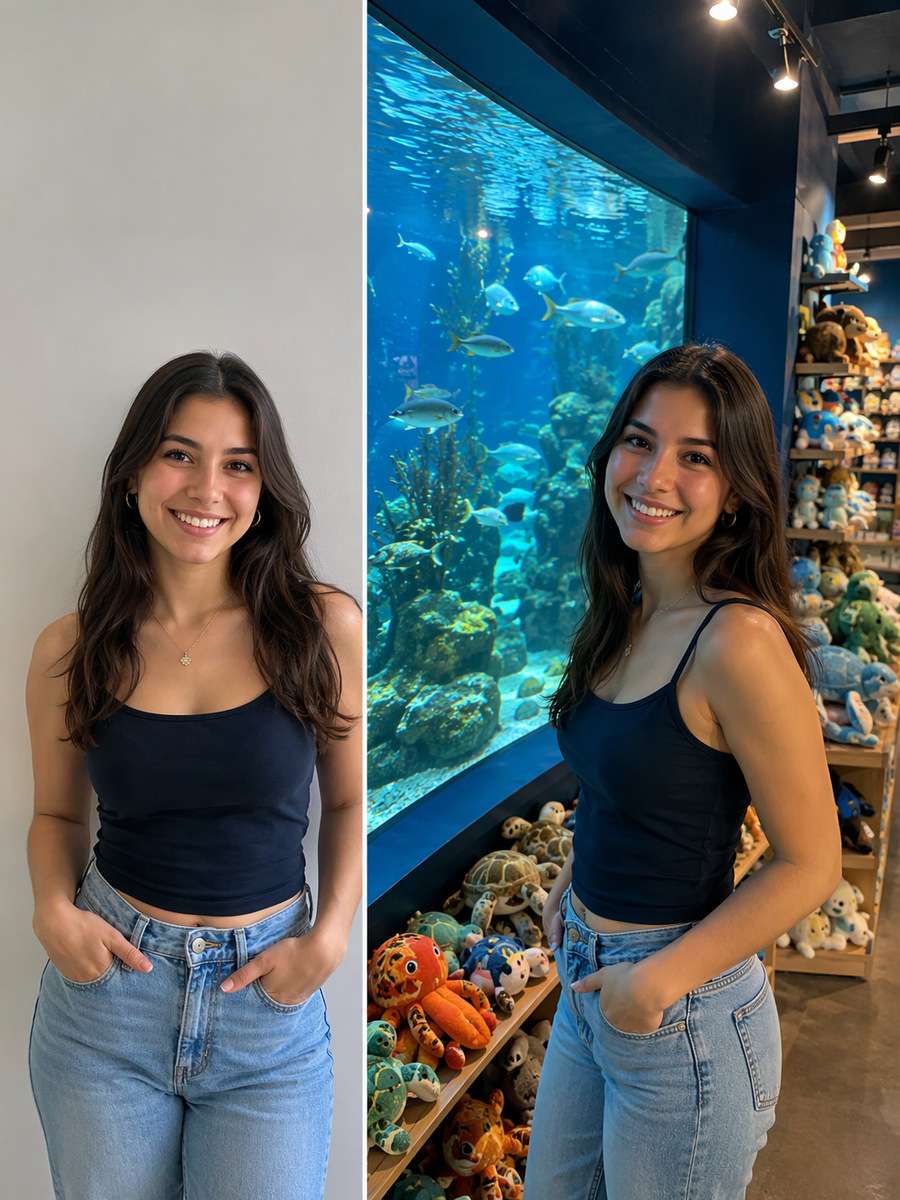
Begin with a clear consented selfie or body portrait. For this particular concept, photograph visitor near aquarium display and souvenir shelves, tanks and shop clearly separated. Keep the original face, hairline, skin texture, age and number of people; make the edited scene physically coherent rather than a pasted-face effect. Keep hand positions, object contact points and camera perspective plausible. Keep animals fully inside glass tanks with real water, no direct contact, consistent blue-green spill and realistic double reflections; protect facial identity in low light. Avoid these common errors: fish floating outside tanks, blue skin washout and impossible tunnel geometry. Create a usable standalone image suitable for aquarium date imagery and immersive blue portraits.
Wide Finale Tank Scene
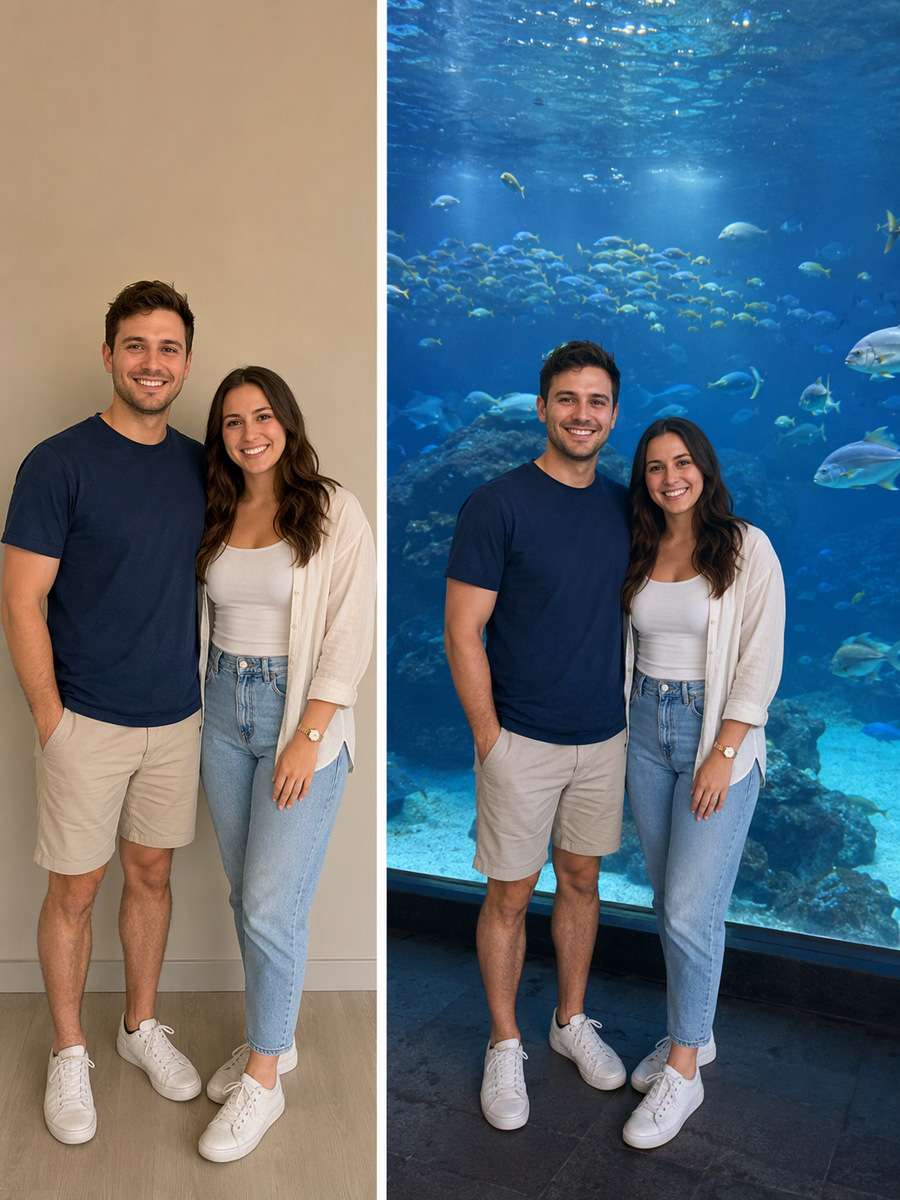
Use the original uploaded portrait as the person reference. For this particular concept, create a wide human-scale scene at giant central aquarium window with multiple small fish behind thick glass. Keep the original face, hairline, skin texture, age and number of people; make the edited scene physically coherent rather than a pasted-face effect. Finish with restrained photographic detail rather than generic AI glamour effects. Keep animals fully inside glass tanks with real water, no direct contact, consistent blue-green spill and realistic double reflections; protect facial identity in low light. Avoid these common errors: fish floating outside tanks, blue skin washout and impossible tunnel geometry. Create a usable standalone image suitable for aquarium date imagery and immersive blue portraits.
Get the Details Right for Aquarium Photoshoot Prompts
Credible aquarium portraits with truthful water and glass optics works best when you decide on the input, visual scene and subject constraints before generating. A strong edit should feel specific to the subject, not a stock-style filter.
Start With the Right Original Photo
Best source: a portrait or couple photo suitable for low blue illumination.
Use visible jellyfish translucency behind glass as the visual anchor. Build around strong aquarium blue spill rather than adding unrelated decoration.
Preserve source truth: Keep animals fully inside glass tanks with real water, no direct contact, consistent blue-green spill and realistic double reflections; protect facial identity in low light.
Refine Style Without Losing Accuracy
Work deliberately with glazing reflections and underwater tunnel depth.
The result should be appropriate for aquarium date imagery and immersive blue portraits.
Common errors to correct: fish floating outside tanks, blue skin washout and impossible tunnel geometry.
Ways to Use Aquarium Photoshoot Prompts
Pick a practical outlet for aquarium date imagery and immersive blue portraits; these four uses call for slightly different crops, detail levels and lighting.
Aquarium date card
Use a dedicated source-photo edit built around jellyfish translucency behind glass. For aquarium date card, adjust framing and background to fit the final display while keeping the original subject accurate.
Blue-light profile photo
Use a dedicated source-photo edit built around strong aquarium blue spill. For blue-light profile photo, adjust framing and background to fit the final display while keeping the original subject accurate.
Travel visual diary
Use a dedicated source-photo edit built around glazing reflections. For travel visual diary, adjust framing and background to fit the final display while keeping the original subject accurate.
Quiet editorial portrait
Use a dedicated source-photo edit built around underwater tunnel depth. For quiet editorial portrait, adjust framing and background to fit the final display while keeping the original subject accurate.
FAQs About Aquarium Photoshoot Prompts
1. Why do aquarium portraits often get unrealistic blue lighting?
Tank glass reflects nearby lights while water casts a cool tint. Balance blue spill with believable skin color, retain a clean glass boundary and keep fish or jellyfish entirely inside the exhibit.
2. Do aquarium flash photos make sense for a realistic scene?
Many real aquariums discourage flash because it creates glare and disturbs the setting. Try low-light glass reflections and naturally illuminated tanks instead.
3. How can I place jellyfish naturally in an aquarium portrait?
The jellyfish must remain behind the curved display glass inside water. Let the glowing tank illuminate the side of the person rather than making jellyfish float in the room.
4. What should I check when editing photos for aquarium date imagery and immersive blue portraits?
Compare the result with the source for factual details. In particular, avoid fish floating outside tanks, blue skin washout and impossible tunnel geometry. If you share the image publicly, distinguish a synthetic edit from a documentary photograph where necessary.
Recreate the viral No Scrubs dance with your own photo. Bring the iconic moves to life with AI.
Join the Dance Trend
Wassup in a Minute AI
Turn your photo into a streetwear anime character and sway to the beat in the viral white-background edit.
Create Your Anime Sway
AI Video Character Swap
What if someone else starred in your video? Swap any on-screen character with your favorite character using AI and bring a whole new twist to your scenes!