AI Zwiya Deeper Dance
Create Viral Zwiya Deeper Dance Videos from Photos
The AI Zwiya Deeper Dance trend is gaining attention across TikTok and CapCut-style short video communities. Upload a photo of a child, adult, senior, or even a pet, apply the Zwiya Deeper Dance filter, and instantly create a fun, beat-matched AI dance clip with no editing skills required.
How to Create Zwiya Deeper Dance Videos
Follow these 3 simple steps to make your own AI Zwiya Deeper Dance video:
Step 1: Upload Your Photo
Upload a clear portrait, full-body image, pet photo, or character image to start your AI Zwiya Deeper Dance video.
Step 2: Apply the Zwiya Deeper Dance Filter
Choose the AI Zwiya Deeper Dance effect and let the model turn your image into a rhythmic, trend-inspired dance clip automatically.
Step 3: Download & Share
Generate your Zwiya Deeper Dance video in seconds, then share it on TikTok, Instagram Reels, YouTube Shorts, or anywhere you post trend content.
AI Zwiya Deeper Dance Examples
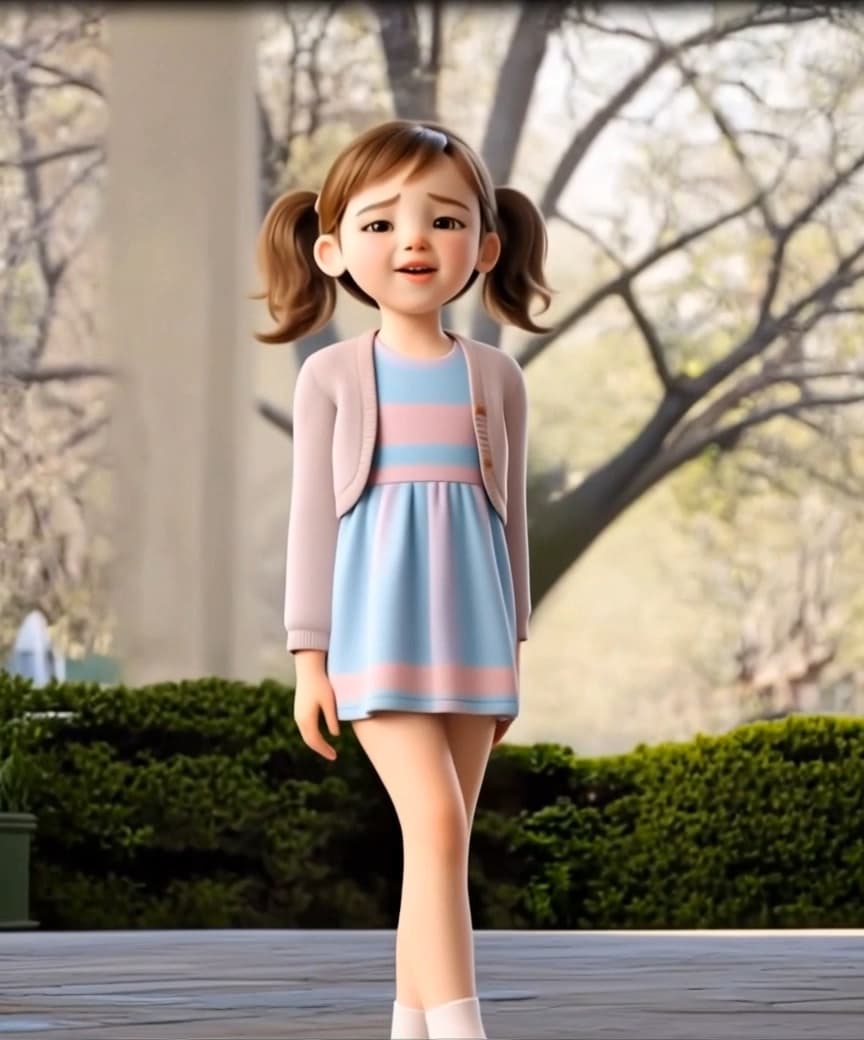
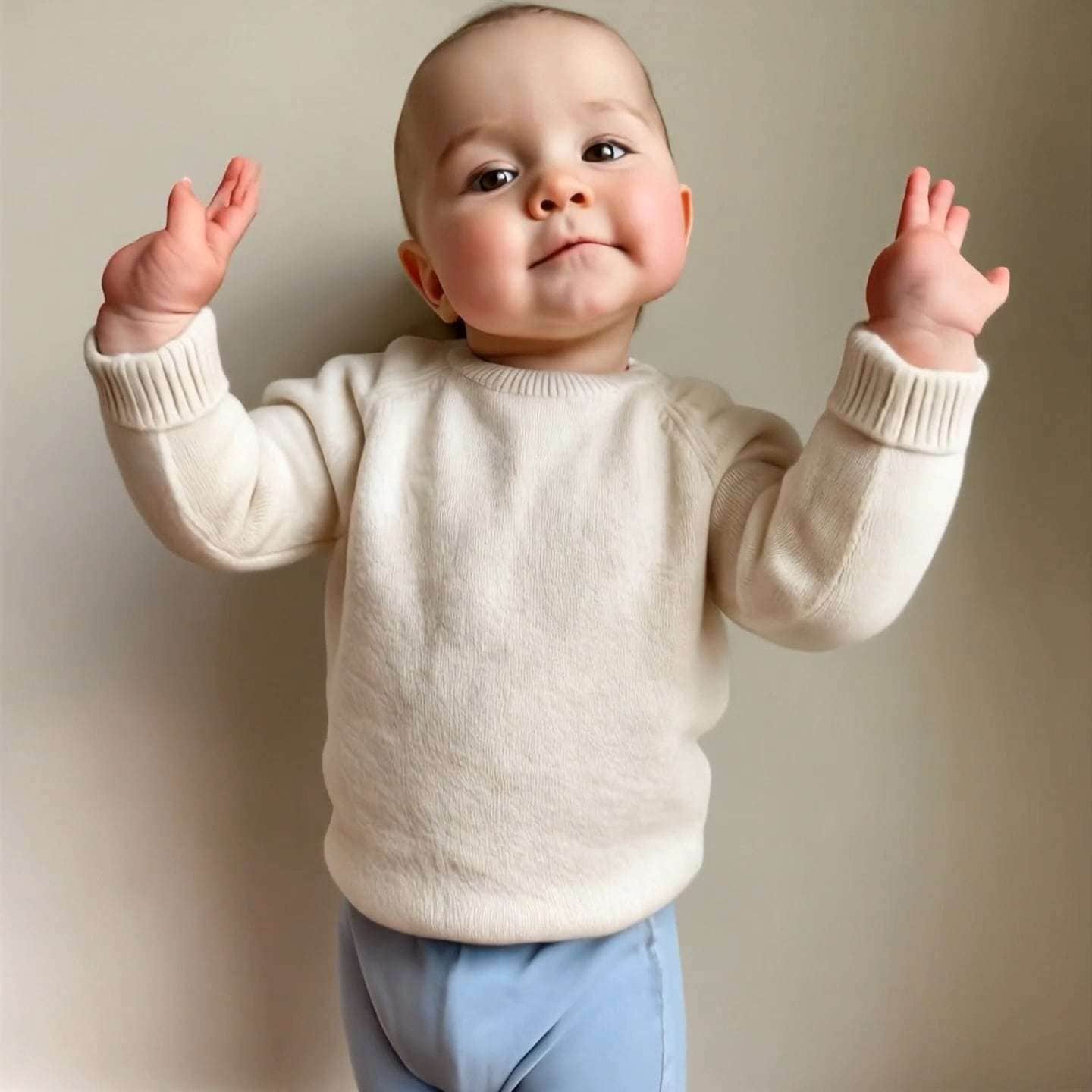
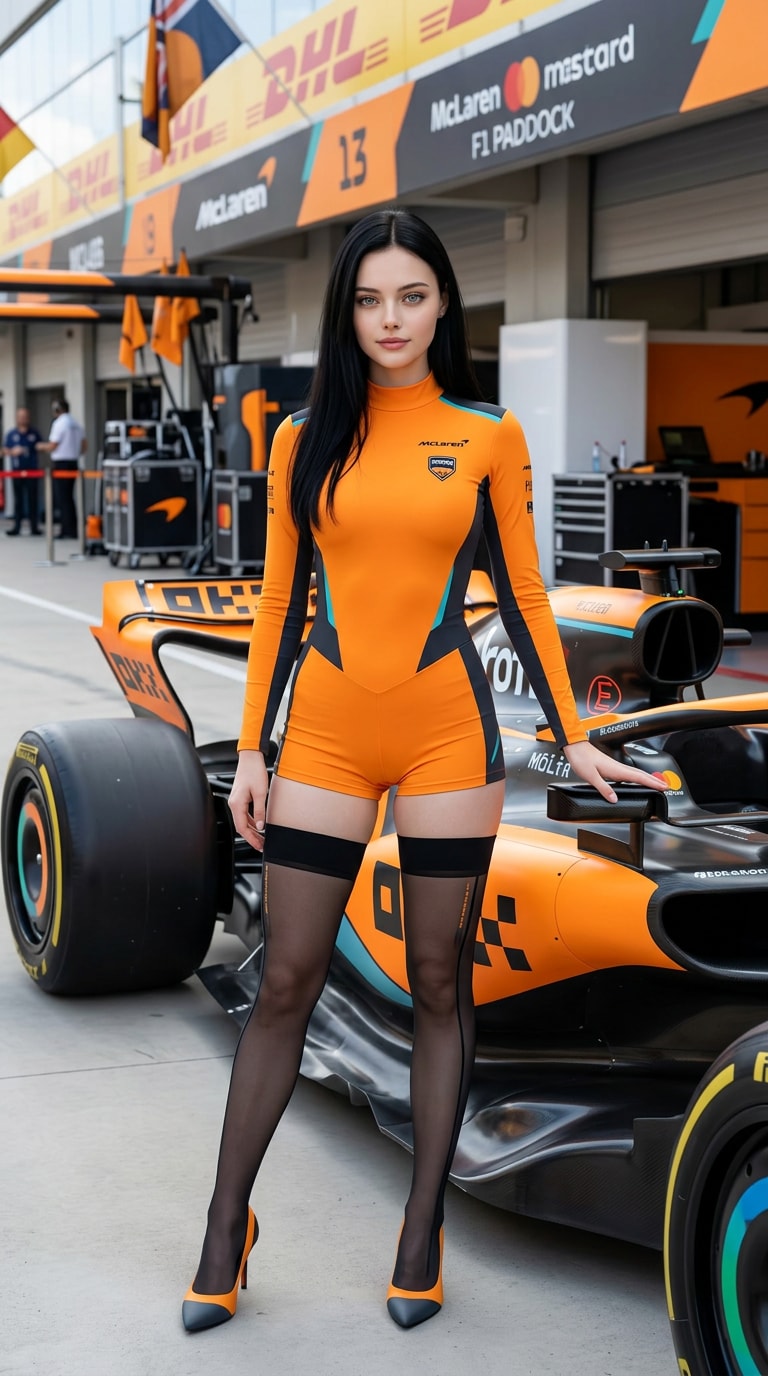
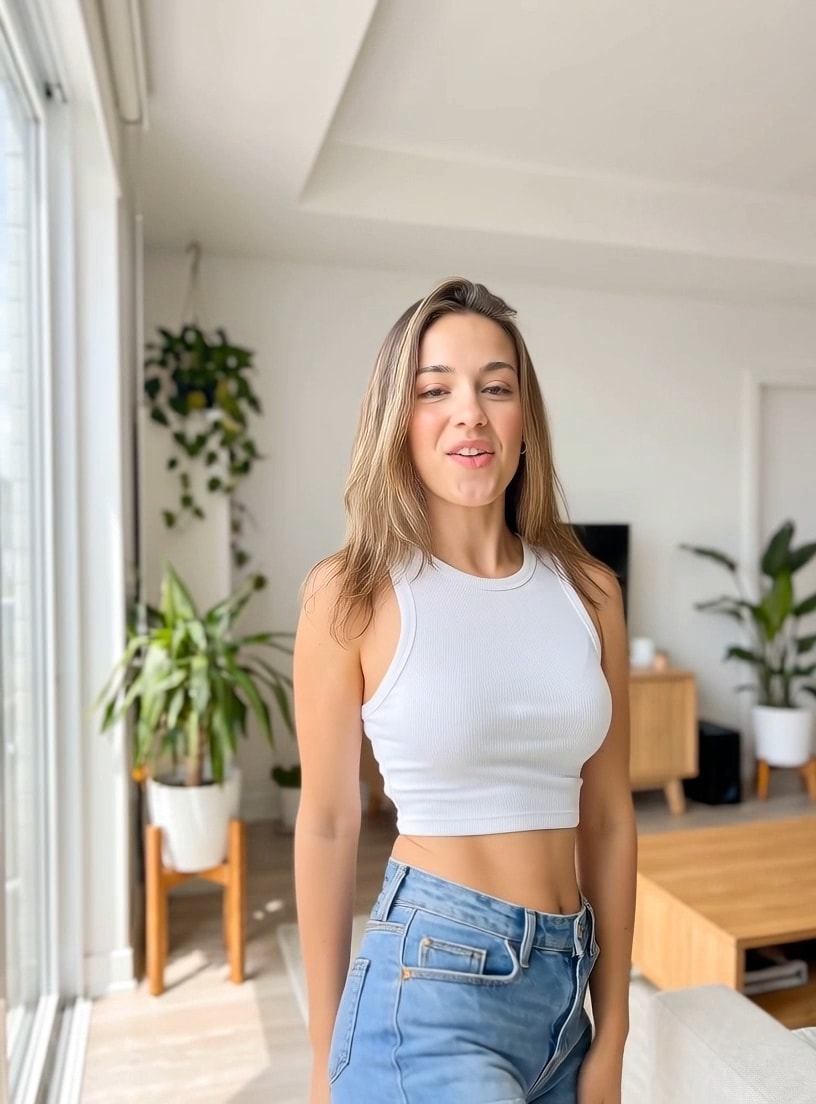








Why Users Love AI Zwiya Deeper Dance
Discover why creators use Media.io to create Zwiya Deeper Dance videos quickly, naturally, and without complex editing.

Create Zwiya Deeper Dance from Any Photo
Upload a portrait, pet image, or character photo and instantly turn it into an AI Zwiya Deeper Dance clip.
→ Great for users who want quick, trend-ready video content.

Smooth AI Dance Motion
The AI Zwiya Deeper Dance effect keeps movement lively, rhythmic, and visually engaging from a single still image.
→ Ideal for TikTok and CapCut-inspired trend participation.

Social Media Ready Output
Export vertical dance videos for TikTok, Instagram Reels, and Shorts with a format that feels ready to post.
→ Perfect for creators chasing viral engagement.

No Editing Skills Required
No timeline editing, masking, or manual animation needed. Just upload, apply the Zwiya Deeper Dance filter, and generate.
→ A beginner-friendly way to make AI dance videos fast.
FAQs About
AI Zwiya Deeper Dance
1. What is AI Zwiya Deeper Dance?


AI Zwiya Deeper Dance is a viral-style dance effect that turns a static image into a rhythmic, animated dance video. It is inspired by TikTok and CapCut-style trend formats where users upload a person, pet, or character image and generate a fun, beat-matched dance clip automatically.
2. How do I create Zwiya Deeper Dance videos with AI?
You can create Zwiya Deeper Dance videos in three simple steps:
Upload a clear image
Apply the AI Zwiya Deeper Dance filter or effect
Generate, download, and share your video
Media.io handles the animation process for you, so there is no need for manual editing, timeline work, or motion design experience.
3. What makes the Zwiya Deeper Dance filter popular?
The Zwiya Deeper Dance filter is popular because it combines trend culture, humor, and low-effort creation. Users can turn unexpected subjects like kids, grandparents, friends, or pets into lively AI dance performers, which makes the result highly shareable for TikTok, Reels, and meme-style short videos.
4. Can I use pets, kids, or non-human images for AI Zwiya Deeper Dance?
Yes. You can use photos of children, adults, seniors, pets, and even stylized characters. That flexibility is one reason why the AI Zwiya Deeper Dance effect performs well as entertainment content. For the best output, use a clear image with a visible subject and minimal blur.
5. How can I get the best results when I make Zwiya Deeper Dance videos?
For the best AI Zwiya Deeper Dance output:
Use a clear, front-facing or full-body photo
Avoid blurry, dark, or low-resolution images
Make sure the subject stands out from the background
Test different portraits, pets, or character images for more fun results
Export in vertical format for TikTok, Instagram Reels, and Shorts
What Users Say about AI Zwiya Deeper Dance

Content Creator

Instant viral dance content I turned a simple photo into an AI Zwiya Deeper Dance video in minutes. It was fast, funny, and perfect for trend-based posting.

Pet Owner
My dog dancing is hilarious I uploaded my pet photo and got a surprisingly fun Zwiya Deeper Dance result. It is one of the easiest AI video effects I have tried.

Student
No editing skills needed I had never made AI dance videos before, but this made the Zwiya Deeper Dance trend feel easy, fun, and beginner-friendly.



