Make Wedding Video Maker from Text, Images, or Clips
AI-Powered Wedding Video Maker for Lasting Memories
Transform your cherished wedding moments into cinematic stories with Media.io Wedding Video Maker. Upload photos, clips, or even short texts, and our AI automatically crafts elegant sequences complete with transitions, music, and emotion-driven pacing. Whether you need a quick highlight reel or a full ceremony showcase, this online tool turns your content into a polished film in minutes. Perfect for couples, photographers, and event planners looking for a simple yet professional way to capture the magic without complex editing software. Make your love story shine effortlessly today.
Turn Wedding Photos into Moving Videos
Media.io lets you animate still wedding photos into lifelike video montages that feel vibrant and cinematic. Upload your favorite memories and let AI generate smooth pans, zooms, and music syncs, bringing emotional depth to every frame. It’s ideal for couples wanting to relive their big day or photographers offering dynamic galleries. From engagement moments to ceremony highlights, transform static albums into story-driven visual experiences that are ready to share across platforms. With intuitive controls and export-friendly formats, your images become heartfelt wedding videos in moments.
Create Wedding Films from Text Ideas
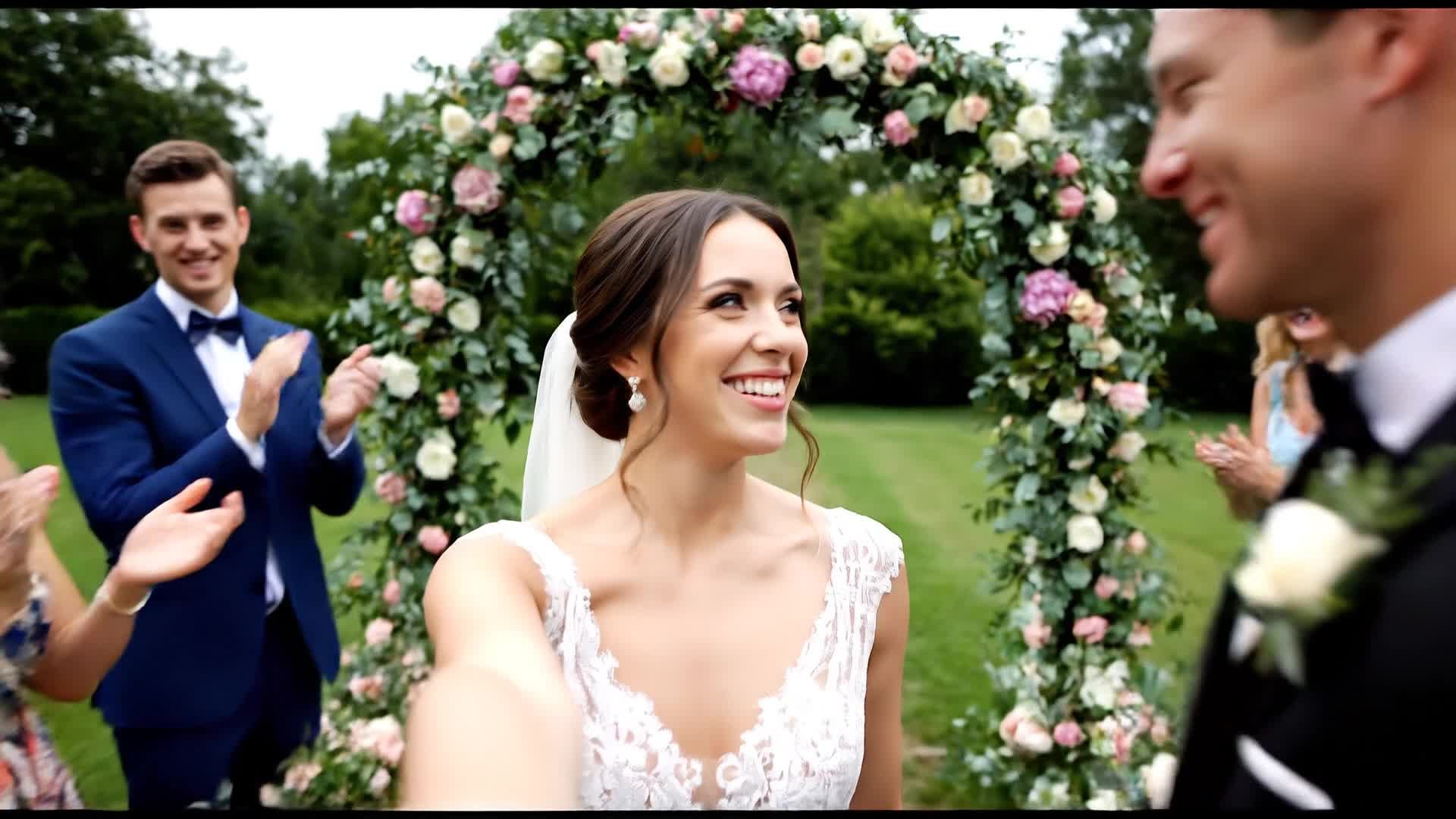
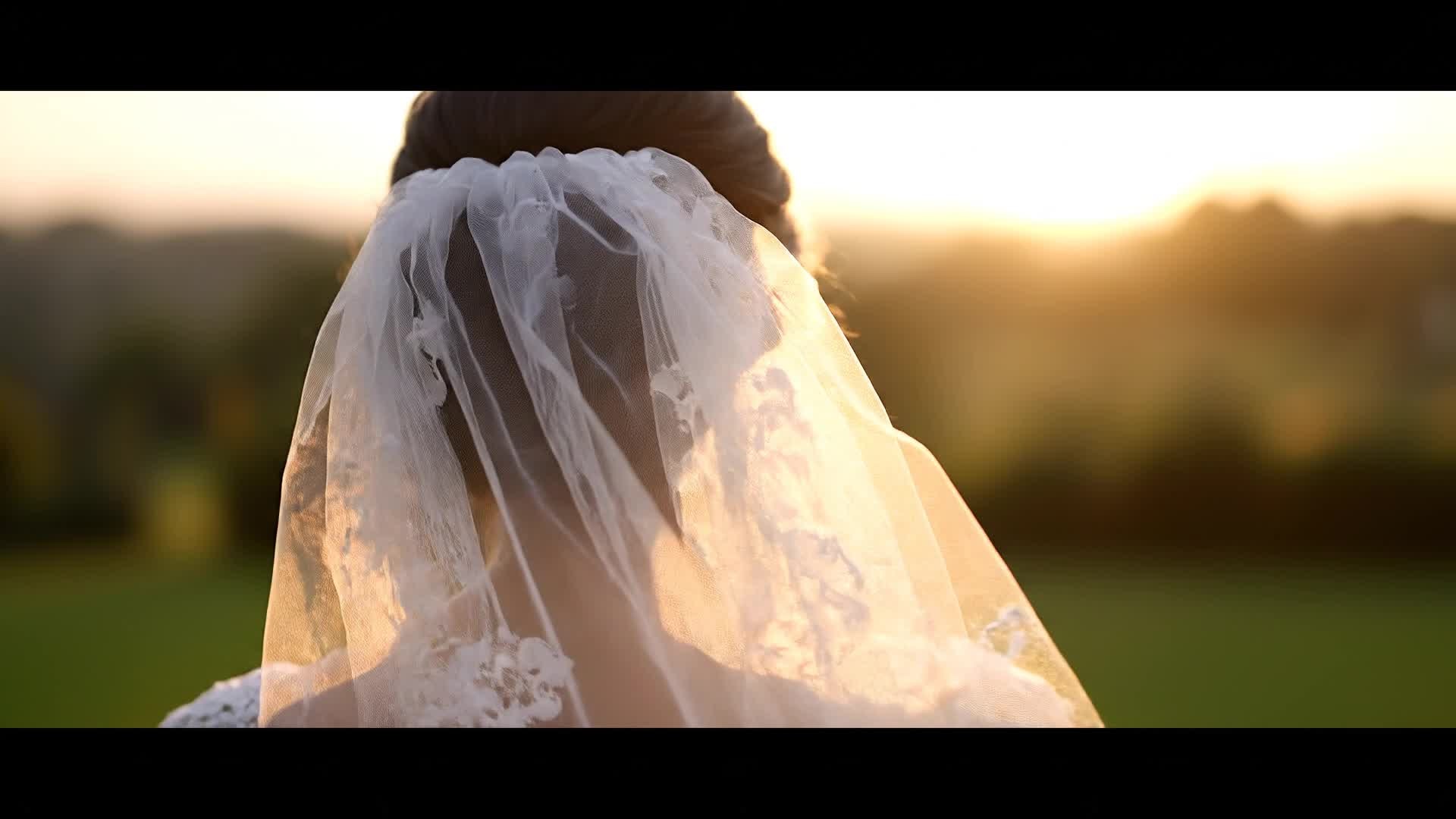
With Media.io’s AI text-to-video tool, you can turn a short script or caption into a cinematic wedding clip in seconds. Type ‘romantic garden wedding with sunset vows’ and see it come alive through beautifully generated visuals, natural motion, and perfect soundtrack pairing. Ideal for wedding planners, editors, and social media creators, this feature removes the need for manual footage selection while retaining full creative control over tone and style. Let your written emotions evolve into shareable videos that capture the warmth and beauty of every love story.
| Style | Popular Wedding Video Maker Prompts | Copy & Create |
|---|---|---|
|
Romantic Highlight Reel
|
Start with soft instrumental music and close-ups of wedding rings. Cut to the first look moment as the bride walks in slow motion. Use gentle zooms and slow dissolves between ceremony and reception. Capture emotional hugs, laughter, and the first dance with warm filters. End with aerial footage of the venue and a glowing 'Happily Ever After' text overlay. |
|
|
Engagement Story Teaser
|
Begin with a quick cut of proposal photos blended into dynamic transitions. Add voice-over describing their journey from first date to engagement. Include text highlights for dates and places. Use upbeat romantic music to maintain momentum. Conclude with a sparkle transition and tagline inviting viewers to the upcoming wedding celebration. |
|
|
Vintage Love Montage
|
Apply a soft film grain and faded color tone for a nostalgic vibe. Alternate between old childhood photos and modern footage. Overlay captions like 'Two paths, one destiny'. Add gentle vinyl-style background music. End with the couple walking hand in hand silhouetted against the sunset, creating a timeless mood. |
|
|
Modern Wedding Party Recap
|
Start with fast-paced transitions over laughter, dancing, and cheers. Capture candid moments with slow-motion effects synced to dance beats. Introduce different camera angles for a cinematic energy. Use color-grading for contrast and clarity. End with the bride and groom toasting guests to close on a joyful high note. |
|
|
Before & After Transformation
|
Show quick shots of the wedding setup being prepared, from empty hall to decorated paradise. Use time-lapse to highlight florist arrangements and lighting prep. Transition into the couple entering the venue, showing excitement building. Emphasize transformation pacing and finish with guests enjoying the perfected setup. |
|
|
Aesthetic Story Short
|
Open with macro shots of roses and silk dresses fluttering. Follow with slow cinematic movements and focus pulls on emotion-filled faces. Sync transitions to soft background music. Use minimal text overlays to keep elegance. Finish with a signature close-up of the couple smiling directly into the camera, radiating happiness. |








How to Create Wedding Video Maker with Media.io
Create wedding video maker content faster with Media.io using text to video, image to video, video to video, and built-in editing tools.
Enter Your Idea or Upload Media
Start by typing a short scene description or uploading wedding photos and video clips. Media.io’s AI instantly understands your style. This helps you create wedding video maker content faster with a more structured workflow. You can easily adapt the output for platforms like TikTok, Instagram Reels, and YouTube Shorts.
Customize Style and Emotion
Select from romantic, cinematic, or highlight styles. Adjust pacing, filters, and soundtrack to match your unique wedding tone. This helps you create wedding video maker content faster with a more structured workflow. You can easily adapt the output for platforms like TikTok, Instagram Reels, and YouTube Shorts. The process reduces manual editing and improves overall production efficiency.
Preview, Edit, and Export
Review your AI-generated video, fine-tune transitions, add text overlays, and export in HD formats perfect for sharing online or offline. This helps you create wedding video maker content faster with a more structured workflow. You can easily adapt the output for platforms like TikTok, Instagram Reels, and YouTube Shorts. The process reduces manual editing and improves overall production efficiency. Each step improves visual quality, pacing, and content consistency.
Why Choose Media.io for Wedding Video Maker
AI Cinematic Storytelling
Automatically craft scenes that look professionally edited. Each transition and frame is fine-tuned to evoke real emotion from your footage. These cinematic storytelling techniques can also be applied to game-focused videos—explore our AI game trailer guide for more ideas. This makes wedding video maker creation more efficient and easier to manage. It helps improve consistency across different video styles and formats.
Multiple Input Options
Use text prompts, images, or raw clips—Media.io intelligently merges all sources into a cohesive wedding video ready for sharing. This makes wedding video maker creation more efficient and easier to manage. It helps improve consistency across different video styles and formats.
Instant Scene Sync
AI automatically aligns visuals with perfectly matched music, ensuring every moment from vows to celebrations stays rhythmically synced. This makes wedding video maker creation more efficient and easier to manage. It helps improve consistency across different video styles and formats. You can use this feature to produce more engaging and platform-ready content.
Easy Online Editing
Skip complex timeline tools. Simple drag controls let you adjust lighting, text, and audio while previewing results in real time. This makes wedding video maker creation more efficient and easier to manage. It helps improve consistency across different video styles and formats.
Social-Ready Exports
Export videos optimized for Instagram Reels, TikTok, or YouTube instantly. Maintain clarity, aspect ratio, and platform-friendly pacing. This makes wedding video maker creation more efficient and easier to manage. It helps improve consistency across different video styles and formats.
Fast & Accessible Anywhere
No heavy downloads needed. Create, edit, and share AI wedding videos right from your browser on any device. This makes wedding video maker creation more efficient and easier to manage. It helps improve consistency across different video styles and formats.
FAQs About
Wedding Video Maker
1. How does the Media.io Wedding Video Maker work?


It uses AI to combine your uploaded clips, photos, or text prompts into cinematic wedding videos complete with music, transitions, and effects.
2. Can I customize my video style?
Yes. Choose themes like romantic, modern, or classic, and Media.io will adjust tone, pacing, and filters while letting you edit manually if needed.
3. Is it suitable for professional wedding editors?
Absolutely. Professionals use it to speed up production, create quick previews, or deliver stylized wedding reels efficiently.
4. Do I need video editing experience?
No experience is required. The AI handles complex tasks automatically while keeping creative control simple through intuitive sliders and options.
5. Can I include my own music?
Yes, you can upload your own soundtrack or pick from Media.io’s royalty-free library to match your video’s emotion perfectly.
6. What formats can I export in?
You can export in MP4, MOV, and other common HD formats optimized for web or offline sharing on mobile and desktop.



