Home>Comparison>Yapper AI Video Generator

Yapper AI Video Generator: Is Its Multi-Model Studio Worth It?

Generating a promising cinematic shot is only the first step when a production needs matching characters, lip sync and a sequence of usable clips. The Yapper AI Video Generator brings multiple image and video models into one workspace, with reference-led creation, motion control, a timeline and agent integrations. That flexibility raises a practical budgeting question: how far do 3,000 or 7,000 monthly credits go when model, duration and resolution all affect the bill? This review looks at Yapper as a production desk rather than a simple prompt box.

Key Features of Yapper AI Video Generator

Yapper AI Video Generator is a multi-model creation studio for text- and image-led video, combining reference-based motion control, lip sync, talking avatars, Canvas and Timeline editing, upscaling, and API/MCP integrations for repeatable production.

Core Feature Overview

Seedance and Multi-Model Video Creation

Yapper lists Seedance alongside other current video models in a shared creation interface. The model selection affects length, resolution, sound and credit use, so keep the creative brief fixed when comparing alternatives. Do not treat a marketing reference to a model as a guarantee that every advanced option is available in every account.

Illustrative Media.io creation workflow graphic, not a Yapper AI Video Generator product screenshot

Yapper Motion Control with Reference Media

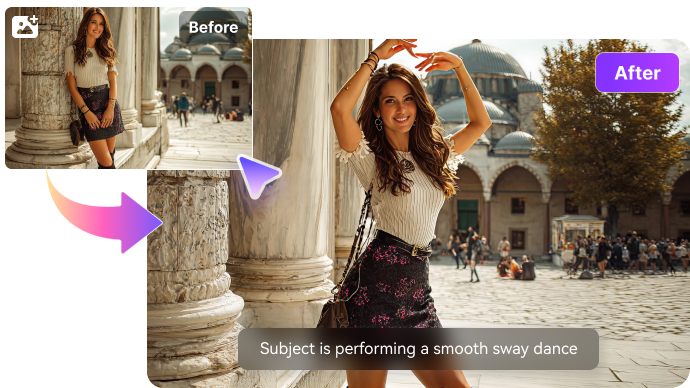
Yapper's Motion Control tool combines reference video with character imagery to guide the movement of generated subjects. This is useful when a dance, camera move or action beat matters more than generic atmosphere. Complex motion still needs visual review for hand positions, identity stability and continuity.

Illustrative Media.io creation workflow graphic, not a Yapper AI Video Generator product screenshot

Yapper Lip Sync and Talking Avatars

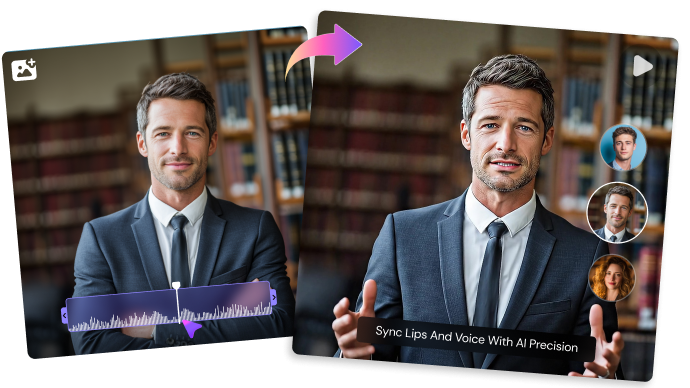
Dedicated lip-sync and avatar paths connect an image or character with audio. Cost tables distinguish voice synchronization from regular clip generation, so a talking-head workflow requires a separate budget. Review mouth alignment and the subject's consent before publishing human-like performances.

Illustrative Media.io creation workflow graphic, not a Yapper AI Video Generator product screenshot

Canvas, Timeline and Media Editor

Yapper markets project folders plus Canvas, Timeline and an editing environment. These are reasons to choose it for multi-clip construction rather than only for isolated prompts. Check the final assembly controls and export formats before promising a client deliverable.

Illustrative Media.io creation workflow graphic, not a Yapper AI Video Generator product screenshot

Upscaling and Cross-Media Refinement

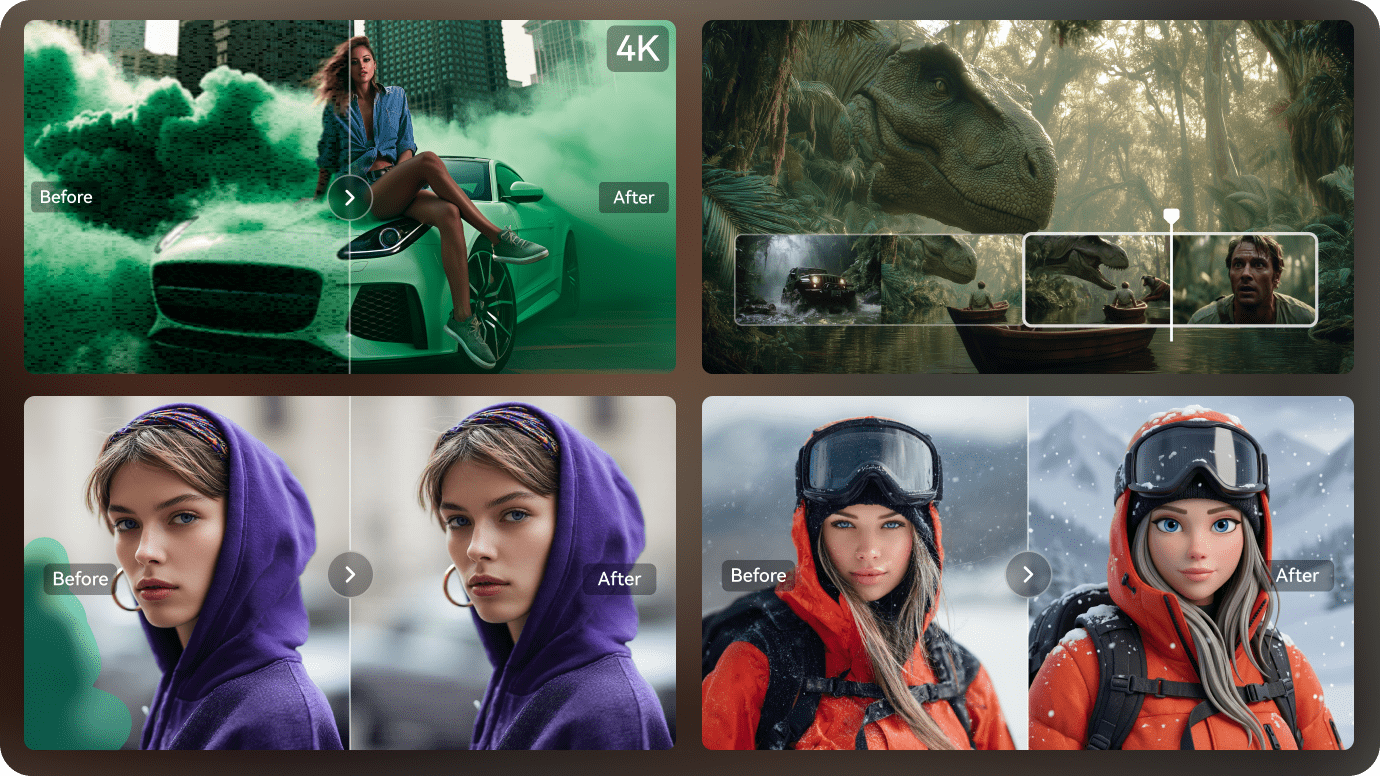
The creation dashboard advertises media upscaling as a utility beside generation and editing. The real workflow question is whether a lower-resolution model result can be enlarged convincingly, without introducing false detail or forcing multiple expensive rerenders.

Illustrative Media.io creation workflow graphic, not a Yapper AI Video Generator product screenshot

Yapper API and MCP for Automated Workflows

Yapper's MCP page describes generation, enhancement and media-library actions available to an external AI agent. That is distinct from manually using a web generator. For automation, verify authentication, confirmation before spending, concurrency and usage accounting before putting jobs into production.
Illustrative Media.io creation workflow graphic, not a Yapper AI Video Generator product screenshot

How to Generate an AI Video from an Image with Media.io

1
2
3
1
Step 1: Open Image to Video

Choose the appropriate creation entry point and upload a sharp source image that establishes subject and composition.

2
Step 2: Describe motion and timing

Write a concrete camera and subject movement prompt; include duration and framing choices where the model offers them.

3
Step 3: Generate and review

Inspect motion continuity and visual identity, then refine the shot or use Media.io finishing tools as needed.

Illustrative Media.io creation workflow graphic, not a Yapper AI Video Generator product screenshot

Yapper AI Video Generator Use Cases That Need More Control

Multi-model access becomes valuable when references, iterations and assembly matter more than producing one novel clip.

Reference-Led Product Camera Move

Use a clear product reference and request a controlled push-in rather than regenerating the packaging from words. Check logos and edges as the camera moves. For a product-focused alternative to a custom camera shot, examine the AI UGC ad generator.

A Character Across Several Shorts

Save subject references and create a short sequence with similar lighting and costume. Use the timeline to compare continuity and cut unusable variations.

Music or Dialogue Avatar Clip

Supply authorized character assets and speech, then test the lip-sync tool separately from visual animation. Retiming the audio may be cheaper than regenerating all scenes.

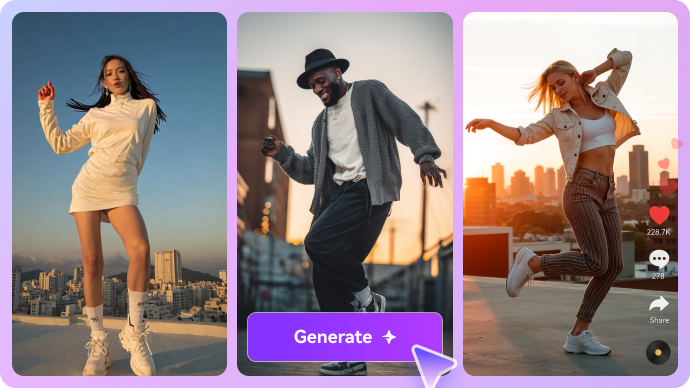
Dance Movement Adaptation

A reference motion clip can guide a choreography concept, but final results still need checks for hands, feet, clothes and movement consistency across cuts.

Agency Batch Concepting

Teams can explore several model variants in parallel. Concurrent generation caps differ by plan, so queue management can determine how many ideas are practical in a workday.

Agent-Controlled Content Pipeline

MCP/API access can support scripted drafts and repeatable output creation. Confirm spending prompts, storage handling and platform terms before enabling unattended tasks.

Yapper AI Tradeoffs to Calculate Before Paying

Yapper is feature-rich; the risks are primarily model-specific costs, workflow complexity and tier entitlements rather than a lack of tools.

Credit Cost Changes by Model and Seconds

The public price matrix reports different credit charges for individual models and clip lengths. A cheap four-second draft and a longer high-quality shot should not be compared as if they cost the same.

Subscription Credits Have Finite Volume

Published tiers list Personal at 3,000 credits, Creator at 7,000 and Max at 22,500 monthly. Estimate the entire workflow, including failed experiments and lip sync, before choosing a tier.

Advanced Controls Add Learning Time

Reference management, motion guidance and a timeline offer flexibility but require more creative decisions than a one-prompt effect. A user producing occasional meme clips may not need that overhead.

Agent Integrations Need Cost Safeguards

MCP can connect external agents to generation endpoints. Review the usage approvals and retry behavior carefully so an automation does not spend on repeated unsuccessful jobs.

Parallel Jobs Vary by Plan

The published plans distinguish 6, 10 and 40 concurrent generations. Studio teams should check whether their project delivery speed needs a higher tier, not just more credits.

Reference-Based Consistency Is Not Guaranteed

A character image or motion video can guide a model without perfectly preserving facial anatomy or the original choreography. Review every commercial use for identity and brand fit.

Yapper AI vs Media.io: Multi-Model Desk or Task-Based Tool?

Yapper offers extensive model and workflow choices. Media.io can be preferable when a shorter, more specific generation or finishing task is the goal.

Decision Factor Yapper AI Video Generator Media.io
Creation approach Model-first multi-tool production desk Task-first image/video creation workflows
Video models Public model-cost matrix with many choices Verify active model list at use time
Motion guidance Reference video and character motion controls Image-to-video motion prompts and selected effects
Speech animation Dedicated lip-sync and avatar utilities Specialized lip-sync and avatar tools
Timeline Integrated editor and canvas listed Dedicated video creation plus available finishing tools
Agent API MCP and API documented for external agents No equivalent API assumed by this review
Credit transparencyPer-model credit table and monthly quotasConfirm current task-specific credit requirements
Concurrent jobs Published account-level job caps by tier Check live queue rules in selected Media.io tool
Best workflow Cross-model experimentation with many references Quickly complete a focused scene or short ad
Best for Yapper AI Video Generator Projects

Choose Yapper AI Video Generator If You Need:

Choose Yapper when a studio needs model comparisons, motion references, a timeline and documented MCP access in the same production system.

  • Compare Seedance and other model outputs under a repeatable reference-led brief.
  • Use source footage to guide camera moves or character motion.
  • Combine avatars, lip sync, canvas and timeline in one project-oriented studio.
  • Need concurrent generation capacity and transparent per-model credit rates.
  • Build agent-driven media jobs using the documented MCP and API integration.
Visit Yapper AI Video Generator
Best for Connected Creation

Choose Media.io If You Need:

Choose Media.io for focused image-to-video, script-based or ad-production tasks without needing to manage a large multi-model timeline. Evaluate each tool against the final clip format. For refining a reference still before animation, consider Nano Banana 2 image editing.

  • Want an image-to-video result without managing a large production workspace.
  • Need an approved short script translated into a video scene or story.
    • Use a dedicated ad generator for a commercial concept rather than broad experimentation.
  • Prefer to edit or enhance individual assets with specialized task tools.
  • Can choose a workflow based on an immediate deliverable and verify its live limits.
Generate AI Video

Should You Use Yapper for AI Video Production?

Our Take

Yapper is most convincing as a creative production environment. Its reference tools, motion control, editing and model-cost visibility address real studio problems beyond one-prompt generation.

A model catalog is not a low price guarantee. Use the live credit table to price a complete deliverable: draft generations, reference iterations, lip sync and final render. The model mix and rates can change over time.

Choose Yapper for repeated multi-model experimentation and automation. Choose Media.io when you need a direct route to a specific video or image task with associated finishing options. Begin with one representative shot and measure the total iterations, not just the first render.

Yapper AI Video Generator Frequently Asked Questions

What is Yapper AI Video Generator?
faq faq

Yapper is a web studio for AI image and video generation with multiple models, motion control, lip sync, reference workflows and editing tools. It also advertises an MCP/API connection for agent-driven tasks.

Yapper lists Seedance 2.5 among its models, with reference-driven input on the site. Check the exact supported input types in the live tool before submitting a production job. Yapper's video dashboard and pricing catalog list Seedance alongside other video models. Available versions, duration and resolution can change, so check the active model selector.

The official monthly view displays Personal at $35, Creator at $70 and Max at $210, with lower monthly-equivalent amounts advertised under annual billing. Confirm the plan at checkout.

Its pricing page lists 3,000 monthly credits for Personal, 7,000 for Creator and 22,500 for Max. The actual number of clips depends on model, length and quality settings.

Yapper promotes a Motion Control tool that uses reference videos and character images. Motion results should still be checked for action continuity and subject fidelity.

Yes. Its video creation interface advertises both. The pricing catalog treats lip-sync and avatar models as separate credit-consuming operations.

Yapper lists a Timeline Editor, Canvas and media editing tools alongside projects and folders. Verify the exact editing and export controls needed for a production before purchasing.

Yapper publishes an MCP page describing image generation, video generation, enhancement and access to uploaded assets. Check its authentication, permission and spending requirements for production automation.

Media.io is a relevant option for image-to-video, script-to-video and focused AI media finishing tasks. Compare the cost and output of the exact task, not the number of model names.

What Media.io Creators Say About Their Workflow

Media.io AI video generator user
Sarah L.

Content Creator

star star star star half star

Media.io makes it much easier to test different AI video styles without jumping between several platforms. I can start with a text prompt or image, compare model results, and then resize or polish the clip for social media in the same workspace.

Media.io AI video creator
John D.

Social Media Marketer

star star star star half star

I use Media.io to create quick product clips, ad concepts, and short-form videos from images. The biggest advantage is that generation does not feel like the final step - I can continue with music, captions, enhancement, and format conversion before publishing.

Media.io AI video editing user
Emily T.

Freelance Designer

star star star star half star

The workflow is approachable even when I am experimenting with unfamiliar AI models. I can animate artwork, try different motion prompts, preview the output, and prepare a cleaner final version without needing advanced video-editing experience.

Media.io Online Tools Quality Rating:
vote 4.7 (162,357 Votes)
media.io

AI Video Generator star

Easily generate videos from text or images

Generate