Home>Comparison>Vmake AI

Vmake AI Review: Are Its Product Video Tools Worth It?

An online seller might need to sharpen a soft product clip, remove a distracting background and create a fresh ad without juggling several editors. Vmake AI, now presented as Vmake Labs, brings those jobs together with AI video enhancement, UGC-style product creative and generation tools. However, its pricing mixes monthly agent credits with per-day limits on individual utilities, and the available export resolutions vary by plan. This review separates the quick fixes from the full campaign workflow and explains what to check before paying for more generations.

Core Feature Overview: What Makes Vmake AI Different

Vmake Labs is an ecommerce and social-video studio: its tools move between repairing existing footage and creating new shoppable clips. Those are separate cost and quality decisions, even when accessed from one dashboard.

Core Feature Overview

Video Enhancement and Upscaling

Vmake Labs provides video enhancers and upscalers aimed at making product footage clearer before reuse. For a soft listing clip, start with the original and compare packaging text, skin texture and edges at full viewing size. Sharpening is useful only if it does not invent a label or create artificial detail. The separate tool allowances in paid plans matter if a shop improves many short videos daily.

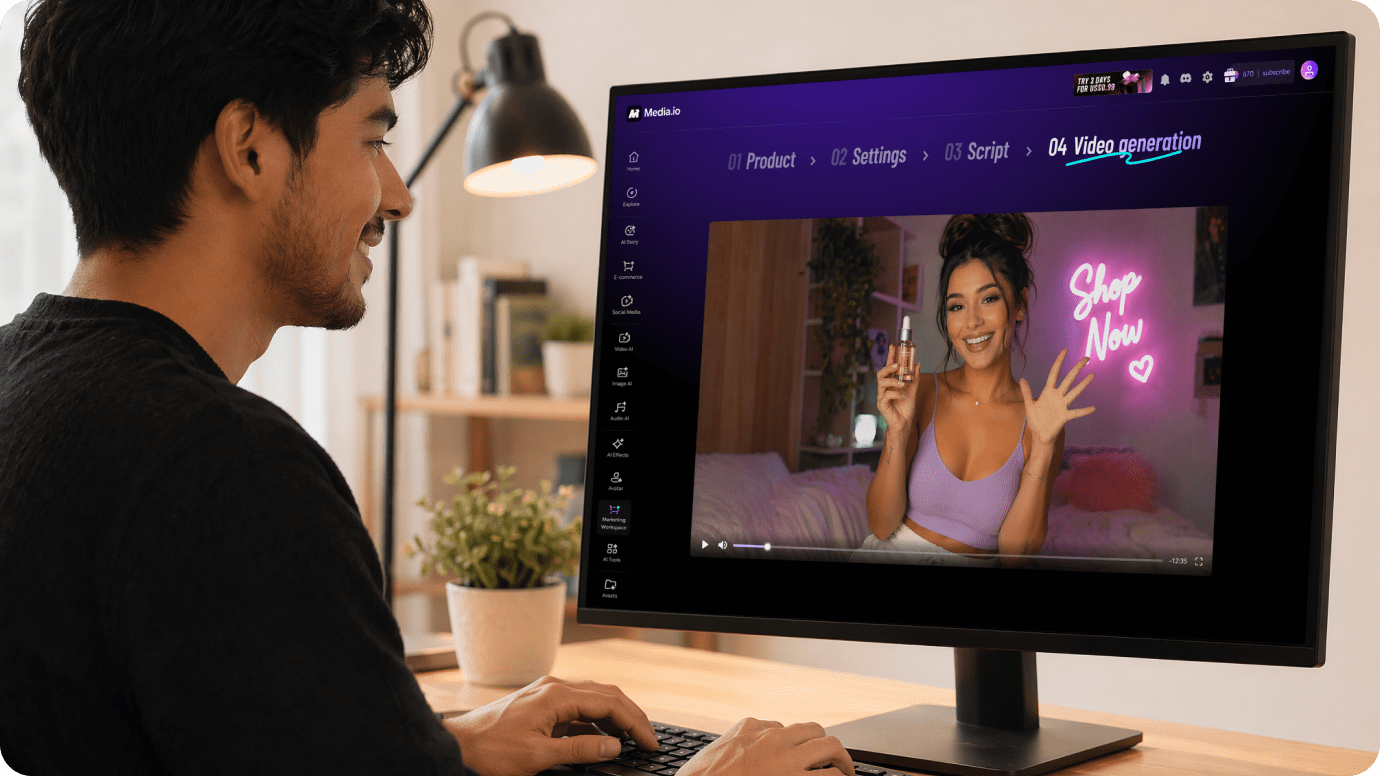
Illustrative Media.io creation workflow graphic, not a Vmake AI product screenshot

Product-to-Video and UGC-Style Ads

The current Vmake homepage centers on turning products into short, viral-style social videos, including UGC presentations, product showcases and creative templates. This is valuable for a seller who has good product images but few on-camera creators. Before publishing, inspect every generated claim, logo and product detail: an attractive synthetic demo is not proof that the item performs exactly as shown.

Illustrative Media.io creation workflow graphic, not a Vmake AI product screenshot

Background, Watermark and Object Cleanup

Vmake groups video background removal, text or watermark removal and other cleanup tools with its enhancement suite. A moving hand, shiny bottle or fine strands of hair can reveal imperfect edges. These tools should be applied only to media you own or have permission to modify, and edits should not remove attribution or mislead viewers about the original source.

Illustrative Media.io creation workflow graphic, not a Vmake AI product screenshot

AI Models for Generation and Iteration

Vmake's pricing page lists several image and video model families, with additional options in Pro. The model list and supported output quality can change, so evaluate one reproducible product brief rather than a logo gallery. Compare a still-image animation against text-generated footage, holding the same aspect ratio and brand references constant.

Illustrative Media.io creation workflow graphic, not a Vmake AI product screenshot

Captions, Translation and Social Finishing

Captions, video translation, noise reduction and editing support short-form ecommerce content across different audiences. A storefront might need the same product offer for two regions, but generated subtitles and dubbed claims should be proofread locally. The current plan comparison distinguishes limited free caption styles from fuller paid options; that matters to a brand with a fixed template.

Illustrative Media.io creation workflow graphic, not a Vmake AI product screenshot

Credits, Daily Tool Caps and Export Quality

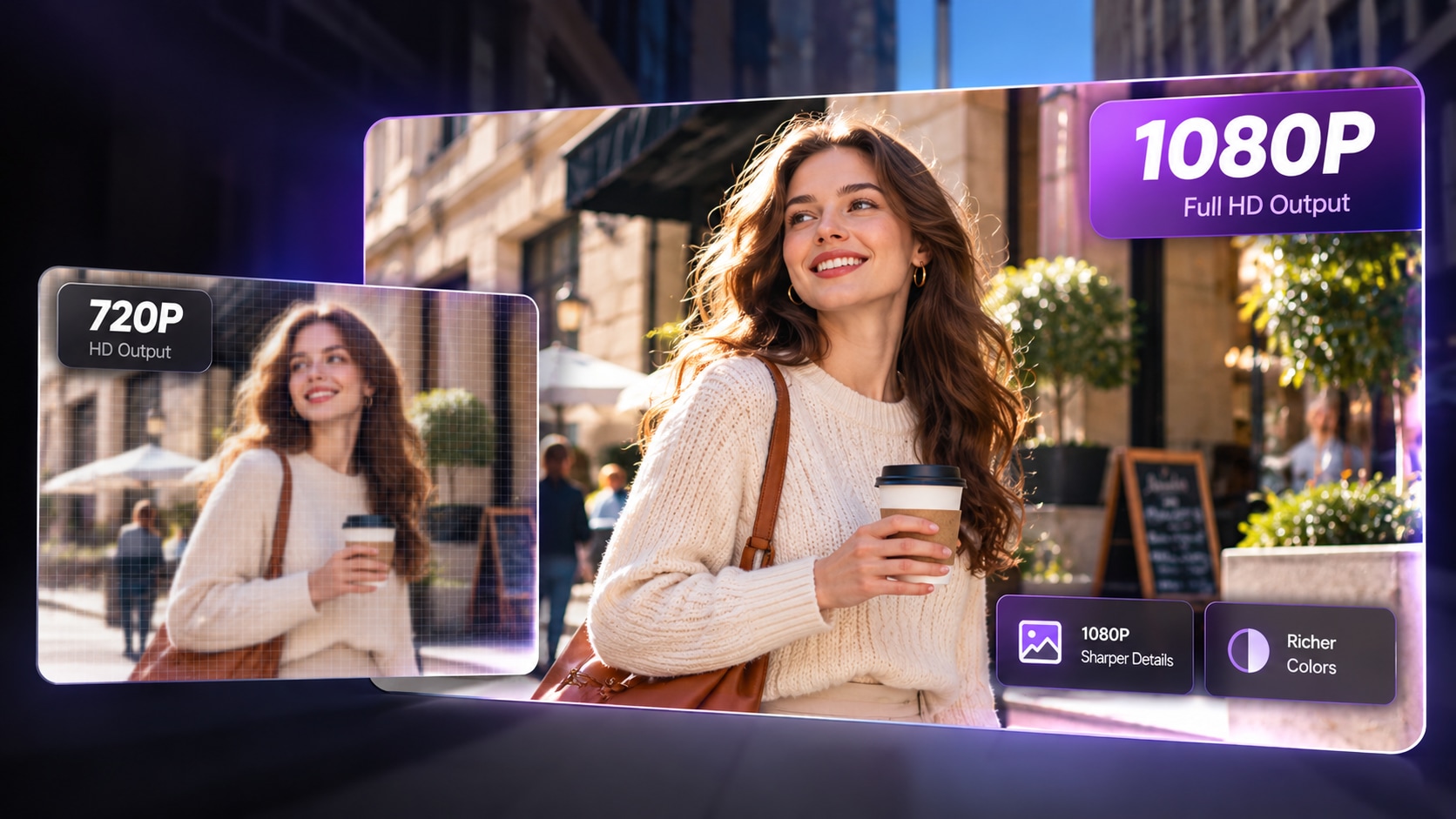
Vmake's public Plus plan lists 1,000 credits per month and up to ten daily uses of several core tools; Pro lists 4,500 credits and up to fifty daily uses. The plan comparison also adds special monthly caps for some AI 4K+ or DE-AI features. Plus generation exports are listed up to 1080p, while Pro offers selected 2K and 4K capabilities. Treat credits, file counts and resolution as three separate limits.
Illustrative Media.io creation workflow graphic, not a Vmake AI product screenshot

How to Make a Product Video Ad with Media.io

1
2
3
1
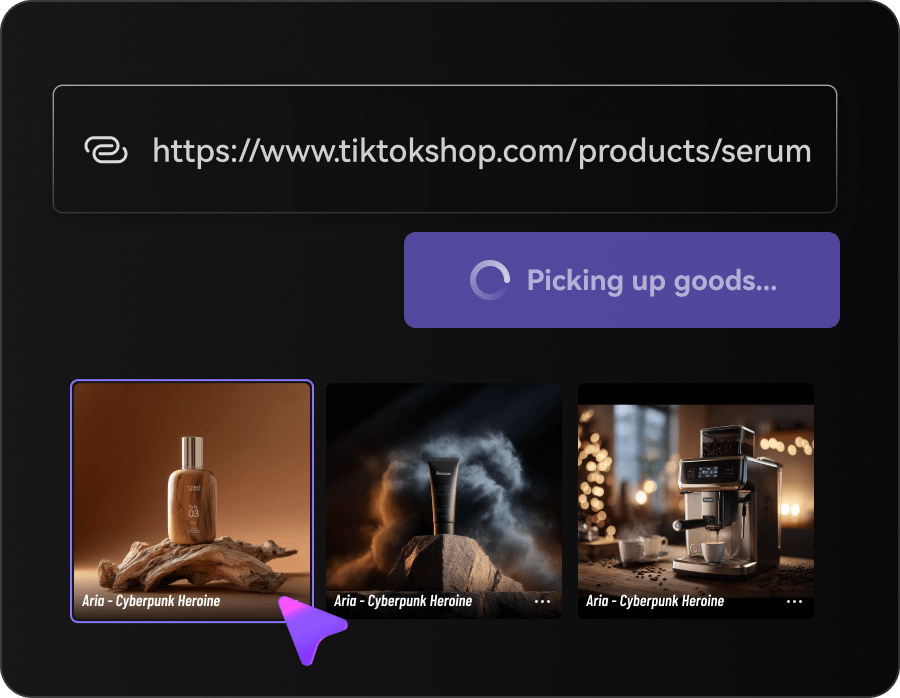
Step 1: Add Your Product

Upload product images or paste a product URL to provide accurate visuals and details for your ad.

2
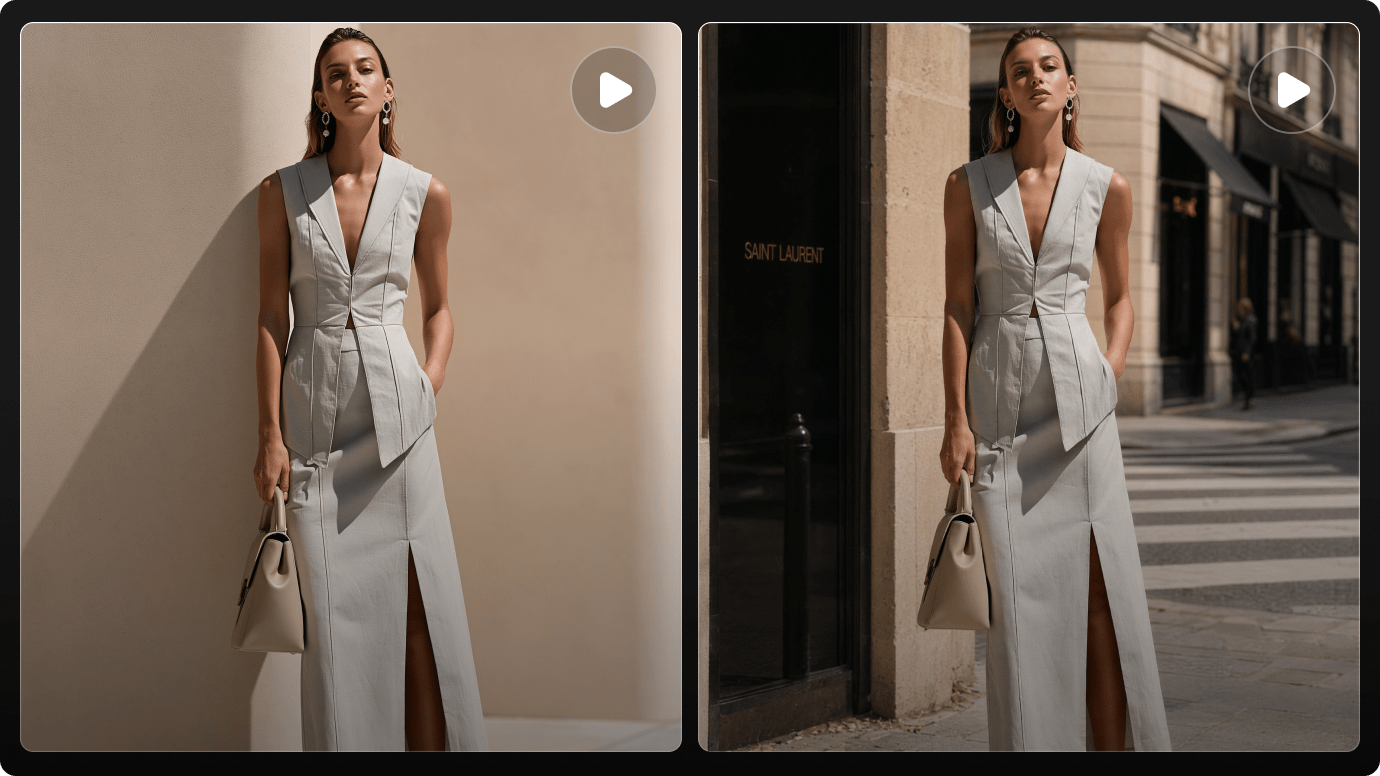
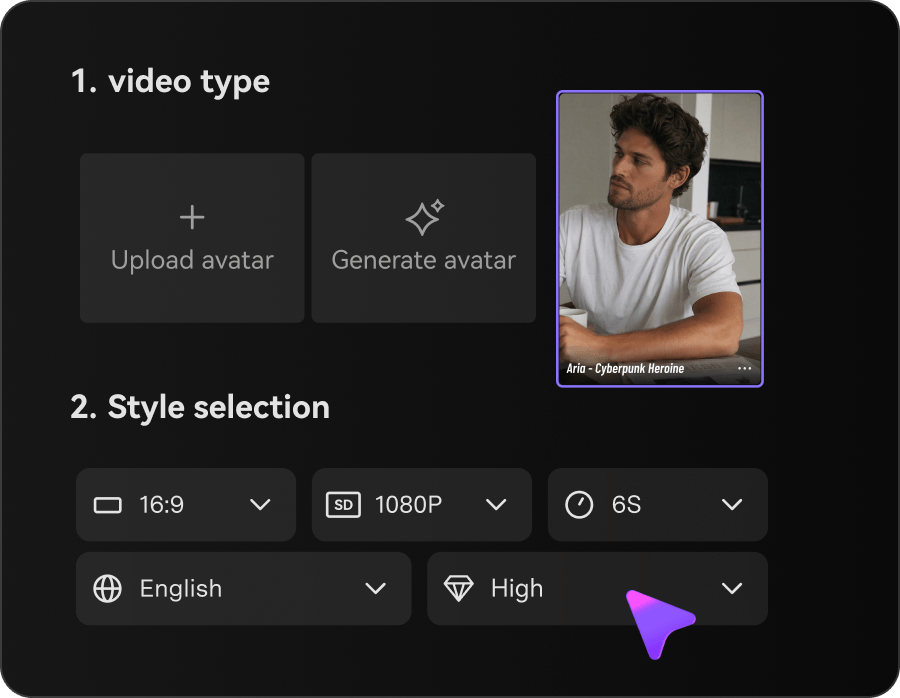
Step 2: Choose Your Ad Format and Settings

Select Image Ads or Video Ads, then customize the style, avatar, duration, and resolution.

3
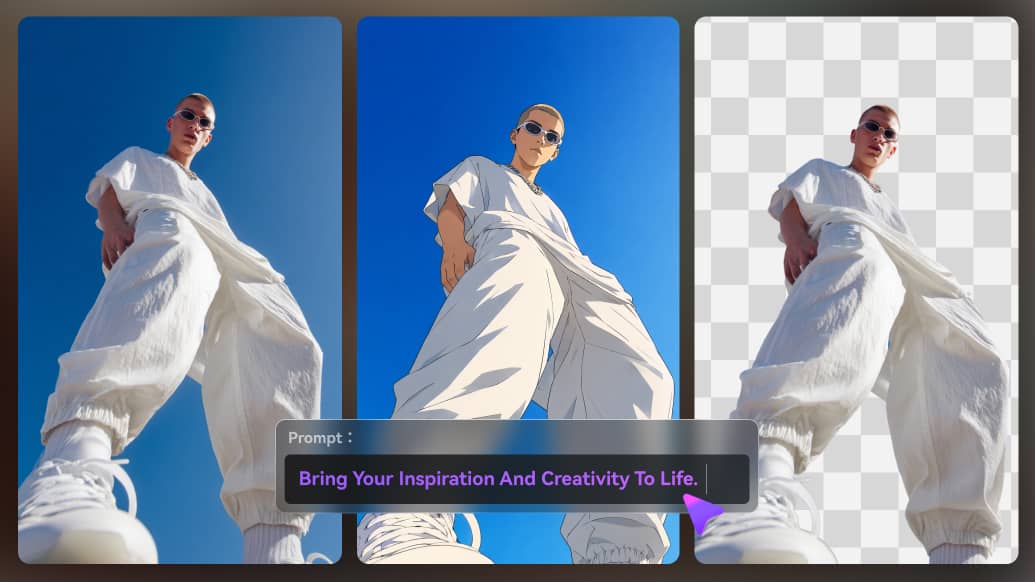
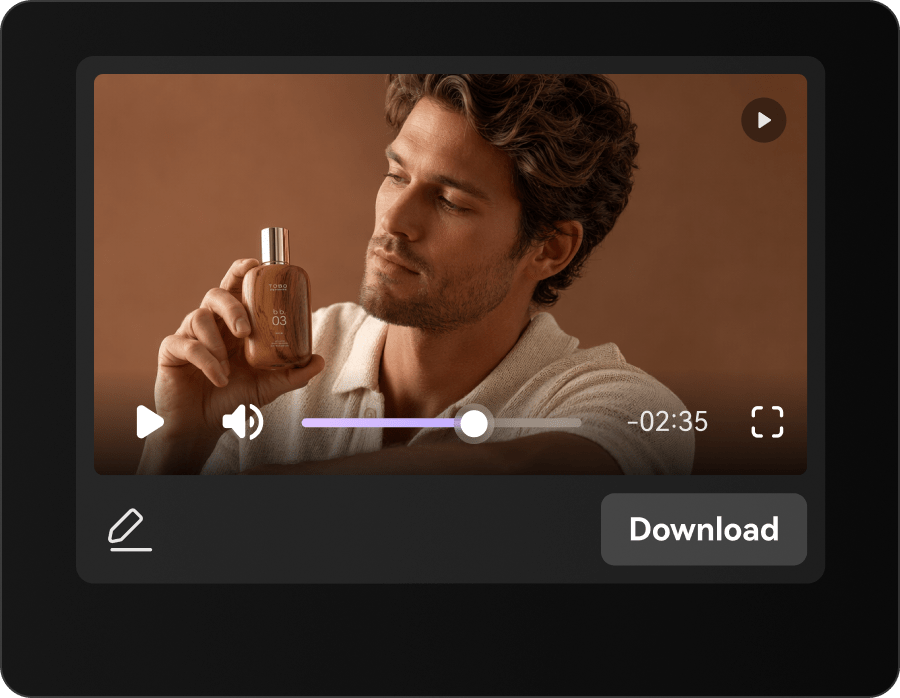
Step 3: Generate and Review Your Ad

Generate your ad, review the product details, visuals, and captions, then download the final result.

Illustrative Media.io creation workflow graphic, not a Vmake AI product screenshot

Six Practical Uses for Vmake AI

Ecommerce teams combine footage cleanup, fresh ad concepts and localization. Each scenario below tests a different Vmake workflow and usage limit.

Refresh a Blurry Product Listing

A seller has an old compressed clip of ceramic cups. Try enhancement, but compare glaze color and printed markings with the physical item before replacing the listing asset.

Turn a Catalog Photo into an Ad

A clothing brand wants a 9:16 ad from a still product image. A product showcase or UGC-style template can suggest scenes quickly; final text must match the real price and fabric.

Create Multiple Campaign Variants

An agency needs ten versions of a product hook. Keep the offer constant while testing opening visuals, and track which generations spend credits versus which utility edits use daily file caps.

Prepare a Clean Background

A beauty marketer wants an uncluttered product close-up. Video background removal can help, but reflective containers and moving fingers deserve frame-by-frame edge checking.

Translate a Short Tutorial

A small business has a 20-second English demonstration for a second market. Check dubbed audio against the product name, warranty terms and on-screen captions rather than relying on automatic localization.

Polish a Social Clip Before Reposting

A creator has a noisy, captionless vertical video. Noise cleanup and captions can improve accessibility, while permissions and original-context disclosure remain their responsibility.

What to Check Before Buying Vmake AI

The most important Vmake limits are not just subscription prices: the plan can impose daily file counts, monthly credits and model-specific export conditions at the same time.

Credits and Daily Tool Counts Are Different

Buying 1,000 or 4,500 monthly credits does not remove separate daily-use caps for video enhancers, background tools and upscalers. A batch-heavy shop can hit a file limit before its agent credits run out.

Free Access Does Not Match Paid Exports

Vmake's free plan lists limited models and watermarked results. Plus lists up to 1080p creation exports, while Pro adds selected 2K and 4K modes. Confirm the actual selected feature's export options before production.

Generated Product Demos Need Verification

AI UGC and product-showcase scenes can depict details that were never photographed, such as an incorrect clasp or ingredient label. A plausible video is not a substitute for verified product evidence.

Enhancement May Change Fine Details

Upscalers infer texture from low-resolution footage. Compare text, logos and facial features against the original before treating enhanced results as accurate for paid advertising.

Background Removal Is Hard on Motion

Moving hair, sheer fabric, shadows and reflective packaging make video cutouts challenging. Review several frames rather than trusting a single clean thumbnail.

Plan and Model Catalogs Can Move

Vmake Labs markets multiple third-party models and updates tools over time. Monthly quotas, specific model versions and daily limits should be rechecked in the current account before purchasing an annual plan.

Vmake AI vs Media.io: Features, Costs and Workflow Fit

Vmake targets ecommerce sellers who alternate between enhancing existing clips and making new product videos. Compare its stacked credit, daily-use and resolution rules with the specific Media.io tools you plan to use.

Decision Factor Vmake AI Media.io
Product-centered social ads UGC clips, product-showcase templates and viral-style recreations AI Ad Generator with scenario-specific production
Enhancing existing footage Dedicated video enhancer and upscaler AI Video Enhancer for finishing selected clips
Removing moving backgrounds Video background remover in the editing toolkit Video Background Remover and related workflows
Generation model choices Multiple model families listed by tier Multi-model creation; verify current model selection
Usage accounting Monthly agent credits plus daily tool allowances Tool- and model-specific usage; inspect selected task
Batch catalog cleanup Paid daily tool caps can govern file throughput Compare actual limits for the needed cleanup task
Captions and localizationCaption styles, translation and audio utilitiesAudio, video and subtitle finishing tools; no assumed exact parity
Export quality Plus up to 1080p; selected Pro features up to 2K/4K Resolution depends on the chosen Media.io model and workflow
Buyer fit Ecommerce teams producing repeated product creative Teams combining directed ad generation and specialized finishing
Best for Vmake AI Projects

Choose Vmake AI If You Need:

Choose Vmake Labs if the daily work alternates between enhancing existing product footage and generating UGC-style sales assets, and if its per-day tool counts fit your catalog volume. Its all-in-one ecommerce direction is central to its value.

  • Product Video Enhancement: Vmake offers video enhancers and upscalers useful for storefront footage.
  • Image Cleanup for Ecommerce: Background removal and watermark or text cleanup serve catalog preparation.
  • AI Creative Ads and Animation: Vmake Labs offers ad-oriented creative formats and AI animation.
  • Video and Image Model Access: Plus and Pro list different families of video and image generators, including Kling, Seedance and Veo options.
  • Plan selection: Vmake lists Free, Plus (1,000 credits per month) and Pro (4,500 per month). The detailed official table also separates daily enhancer/tool limits and export resolutions, so estimate the actual batch size rather than comparing credits alone.
Visit Vmake AI
Best for Connected Creation

Choose Media.io If You Need:

Choose Media.io when you want to develop a particular product ad scenario and connect it with image/video editing and enhancement. Match the real finished clip and the applicable usage allowance; neither platform should be called cheaper without the same workload.

  • Media.io enhancement tools can support existing footage, subject to tool-specific results.
  • Edit or clean source images when catalog accuracy matters.
    • Media.io AI Ad Generator starts from a campaign concept and creative brief.
  • Use a relevant model for new media, then inspect the export.
  • Final production: when concept-to-ad storytelling and a broader creative toolkit are the priority; compare the time spent approving product accuracy.
Explore Media.io AI Tools

Final Verdict: Who Should Use Vmake AI?

Our Take

Vmake is no longer just a tool for making blurry video sharper. Its current Vmake Labs positioning connects ecommerce video enhancement, product showcases, AI-generated UGC, background cleanup and social finishing in one studio.

The tradeoff is a layered usage model. Free access is limited; Plus and Pro specify monthly agent credits, daily caps for several tools and different output quality options. A seller editing dozens of listings can reach a daily file allowance even when a credit balance remains.

Choose Vmake for repeated ecommerce cleanup and social product creative when its specific tool limits match your production rhythm. Choose Media.io for a targeted ad idea and broader generation-to-finishing tasks. Test with one real SKU, comparing label accuracy, caption quality and export cost.

Vmake AI Frequently Asked Questions

Is Vmake AI the same as Vmake Labs?
faq faq

Vmake currently brands its service as Vmake Labs and describes it as an AI social video studio. Its homepage explicitly refers to the earlier Vmake AI name, so product pages and reviews may use both names.

Its main use cases include enhancing existing footage, making UGC-style product videos, generating short clips, removing backgrounds and adding captions. Ecommerce sellers and social teams are the clearest target audiences.

Yes. The official pricing page lists a Free tier with limited models and tools, plus watermark restrictions. It is useful for trying the interface but not a guarantee of unrestricted production exports.

The current plan page lists 1,000 monthly credits for Plus and 4,500 for Pro. Those allowances coexist with separate daily limits on certain enhancers and cleanup tools; check both before bulk processing.

Vmake's pricing overview lists up to ten daily core-tool uses with Plus and fifty with Pro, but specialized features may use separate monthly caps. Consult the specific tool row before estimating throughput.

Its public plans show Plus generation exports up to 1080p and selected Pro options reaching 2K or 4K. That does not guarantee every model or enhancement workflow provides 4K output.

Yes, video background removal is part of the advertised tool suite. For commercial footage, inspect moving edges, reflections and product silhouettes throughout the clip.

The pricing page describes commercial use in its paid tiers. Check the current terms and review generated product claims and logos before publishing; a tool feature cannot verify an ad's factual accuracy.

Choose Vmake Labs for a recurring ecommerce workflow that combines enhancement and product video creation. Consider Media.io for more specific ad scenarios and cross-tool finishing. A single real campaign brief offers a better comparison than feature counts.

What Media.io Creators Say About Their Workflow

Media.io AI video generator user
Sarah L.

Content Creator

star star star star half star

Media.io makes it much easier to test different AI video styles without jumping between several platforms. I can start with a text prompt or image, compare model results, and then resize or polish the clip for social media in the same workspace.

Media.io AI video creator
John D.

Social Media Marketer

star star star star half star

I use Media.io to create quick product clips, ad concepts, and short-form videos from images. The biggest advantage is that generation does not feel like the final step - I can continue with music, captions, enhancement, and format conversion before publishing.

Media.io AI video editing user
Emily T.

Freelance Designer

star star star star half star

The workflow is approachable even when I am experimenting with unfamiliar AI models. I can animate artwork, try different motion prompts, preview the output, and prepare a cleaner final version without needing advanced video-editing experience.

Media.io Online Tools Quality Rating:
vote 4.7 (162,357 Votes)
media.io

AI Video Generator star

Easily generate videos from text or images

Generate