Home>Comparison>Vivago AI

Vivago AI Review: Is R1 Better Than Manual Video Tools?

A short prompt can generate a clip, but a full story usually needs a shot list, reference images and several revisions. Vivago AI now puts its R1 multi-agent video direction in the spotlight, alongside more familiar text-to-video, image-to-video and editing tools. The important question is what the agent actually coordinates compared with editing scenes yourself. We examine the current R1 positioning, model options and trial credits, then explain when a Media.io script-to-video workflow may offer a more predictable path to a specific short story.

Core Feature Overview: What Makes Vivago AI Different

Vivago has evolved from a gallery of image and video tools toward an agent-led production interface. Its R1 positioning is relevant to longer creative sequences, while the classic generation workspace remains useful for controlled individual shots.

Core Feature Overview

R1 Multi-Agent Video Direction

Vivago now describes R1 as multi-agent teamwork that turns one creative idea into an end-to-end video. The new homepage highlights projects, shared assets and conversational instructions, rather than only a single prompt box. For a brand story, the meaningful test is whether the agent carries the same visual direction through multiple shots and still lets the editor reject an unsuitable scene.

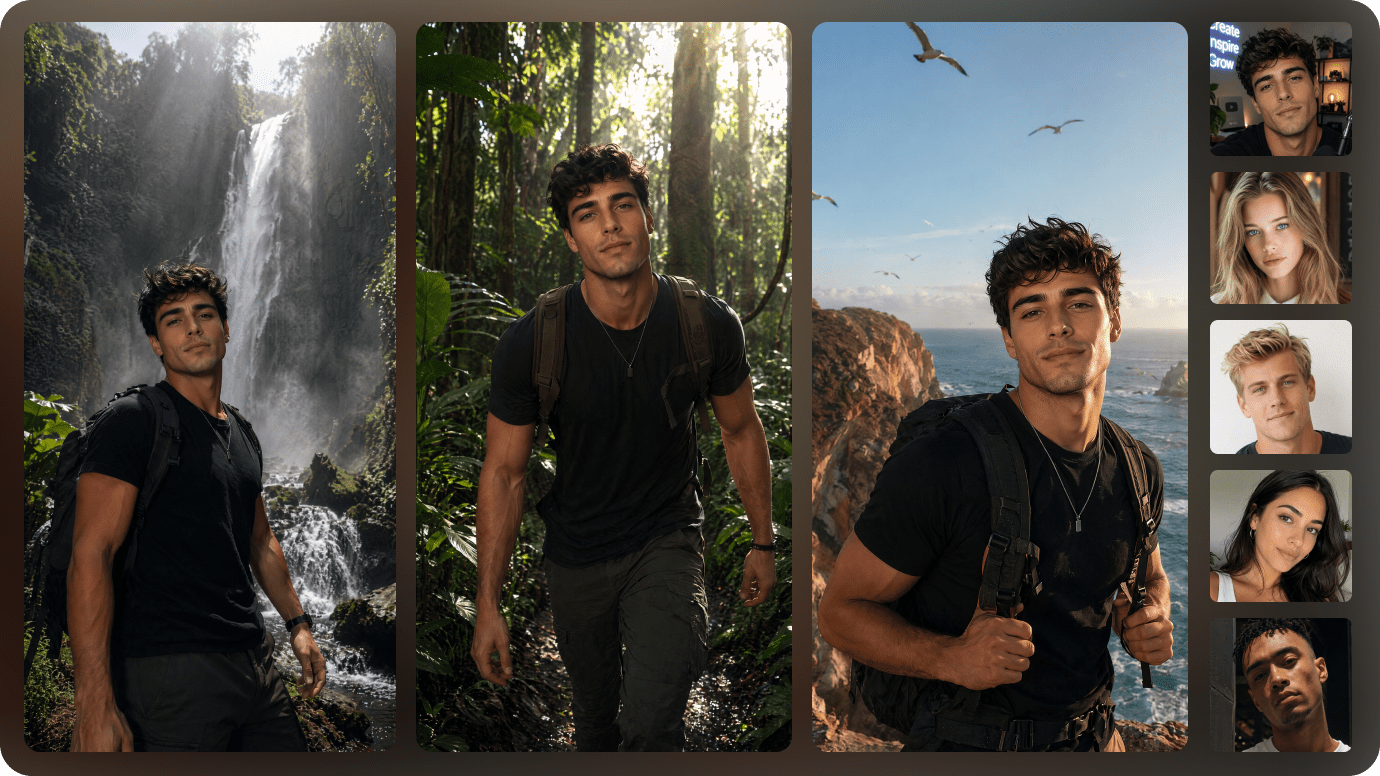
Illustrative Media.io creation workflow graphic, not a Vivago AI product screenshot

Cinematic Story Director and Explainers

The refreshed interface showcases a Cinematic Story Director and Knowledge Explainer among its skills. Those fit narratives and concept explanations differently: one needs a coherent mood, the other accurate facts and readable pacing. Treat skill labels as workflow entry points, not proof that generated claims or historical details have been verified.

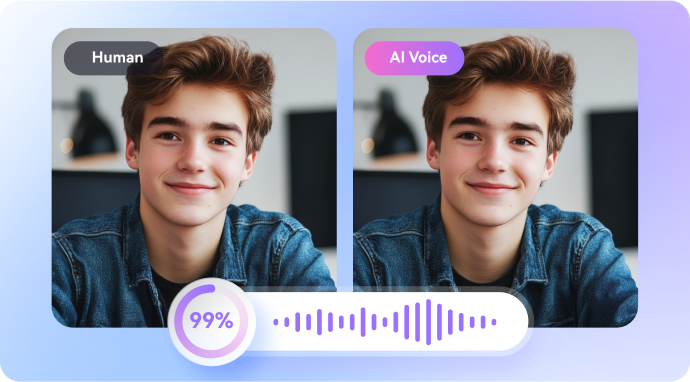
Illustrative Media.io creation workflow graphic, not a Vivago AI product screenshot

Text-to-Video and Image-to-Video

Vivago's classic workspace supports prompted scenes and animating images. The official video-generation page also shows aspect ratios, duration and resolution selectors that vary with the selected model. A creative team should decide whether to provide one approved frame or let the model invent the visual, because the consistency risks are different.

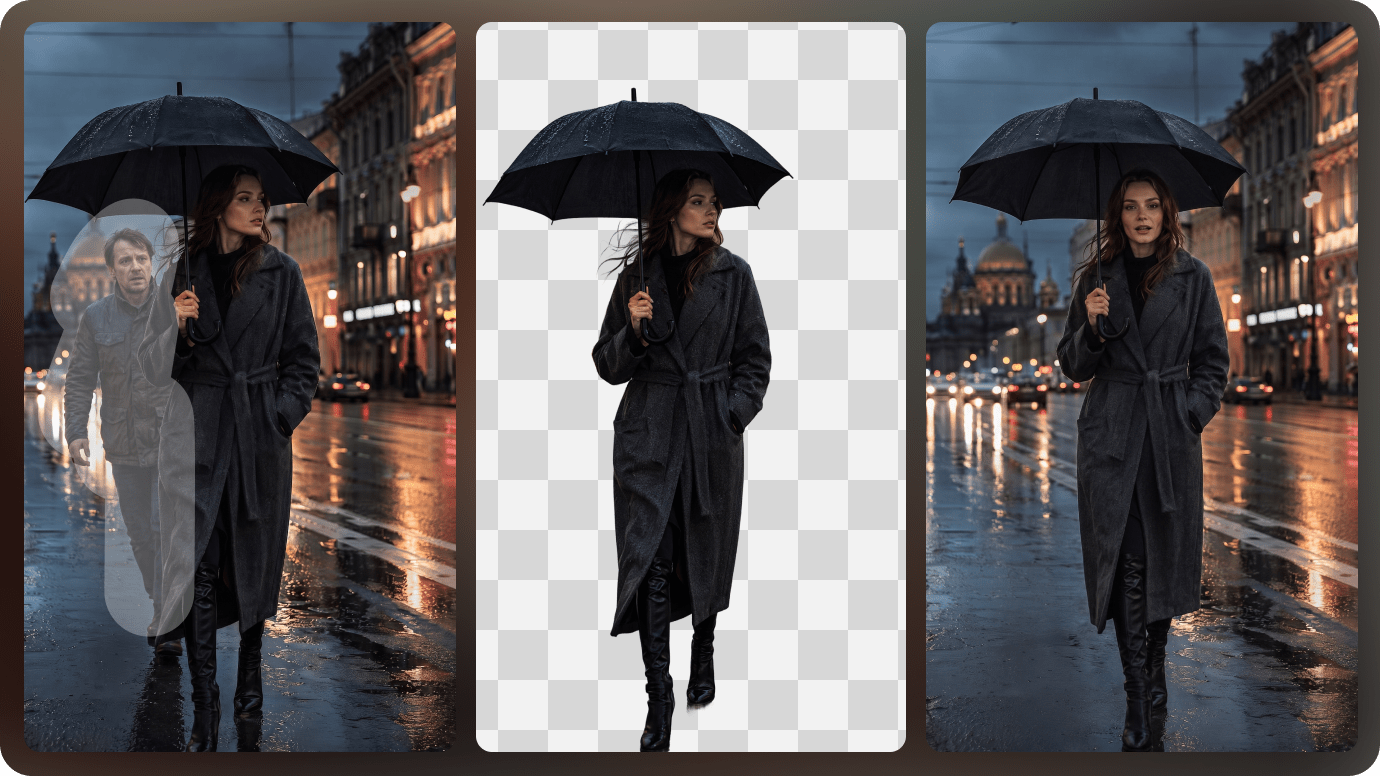
Illustrative Media.io creation workflow graphic, not a Vivago AI product screenshot

Model Choice, References and Sound

The creation interface lists models and model-dependent controls, including reference images and audio options. Current choices can change rapidly. For an important product shot, compare how two available options preserve subject geometry and how native audio affects the final scene before allocating more credits.

Illustrative Media.io creation workflow graphic, not a Vivago AI product screenshot

Image Editing and Creative Skills

Classic Vivago pages describe repainting, expansion, enhancement and image generation, while the newer agent interface adds tasks such as photo restoration and social adaptation. These capabilities can prepare references for R1 video work. Check whether a specific effect is available in the new interface or requires returning to the older version.

Illustrative Media.io creation workflow graphic, not a Vivago AI product screenshot

R1 Credits and Access Transition

Vivago's current agent page advertises a new-member reward of 30 credits and a link back to the old version. A prior page presents different pricing language, so do not infer unlimited current usage from historic free-tool claims. Evaluate the live charge for each model, agent run, duration and resolution before budgeting production.
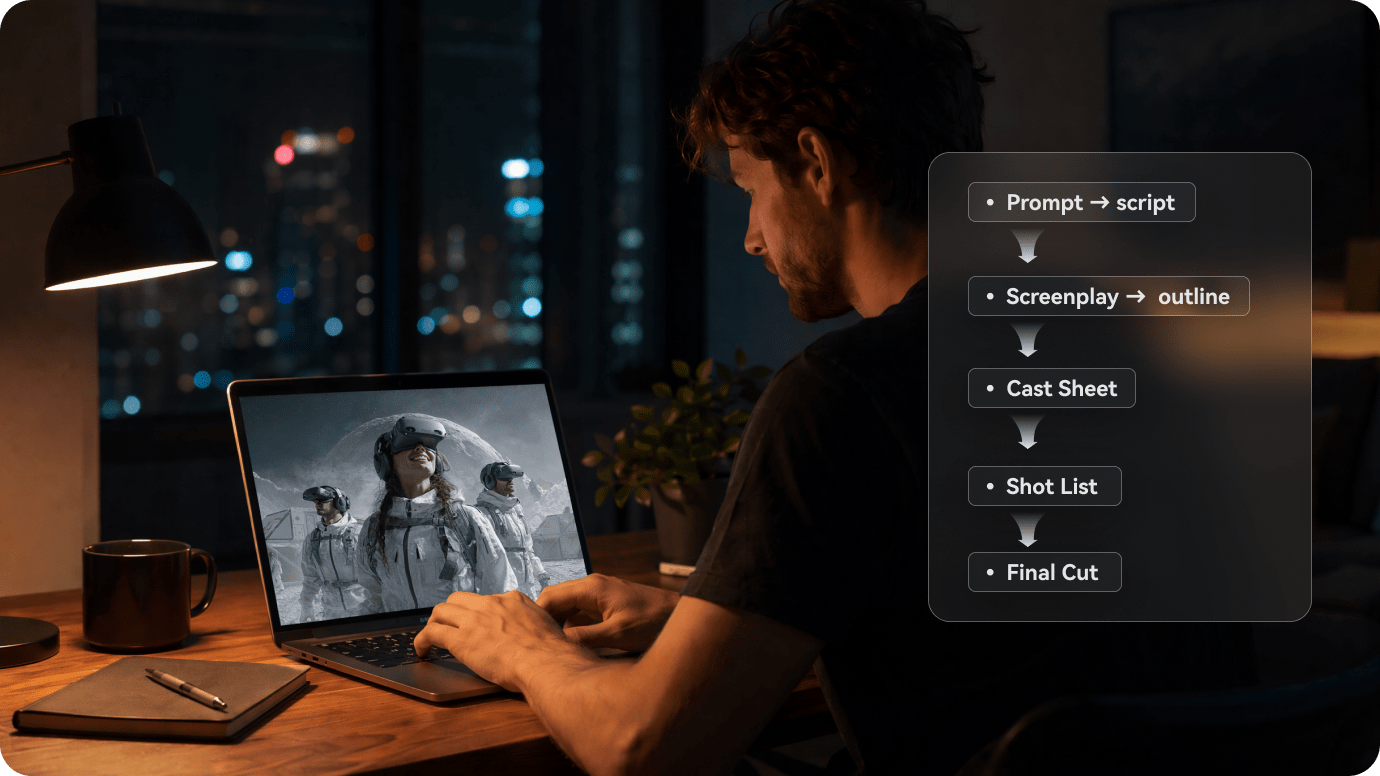
Illustrative Media.io creation workflow graphic, not a Vivago AI product screenshot

How to Generate a Short Story Video with Media.io

1
2
3
1
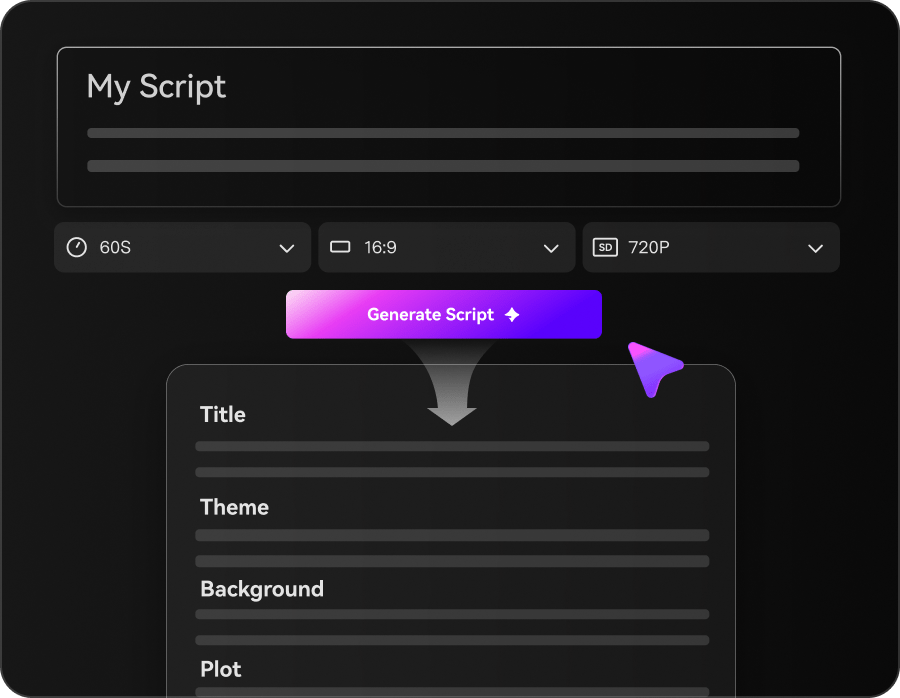
Step 1: Open Script to Video

Choose a defined storytelling route appropriate to your video brief.

2
Step 2: Set scene and voice direction

Provide the narrative and desired character look, then check script accuracy.

3
Step 3: Generate and refine

Review every scene and adjust motion, narration or visual inconsistencies before publishing.

Illustrative Media.io creation workflow graphic, not a Vivago AI product screenshot

Six Practical Uses for Vivago AI

The agent-led R1 pitch makes most sense through a connected narrative. The following use cases test whether a project can stay visually coherent and accurate across different outputs.

A Cinematic Product Teaser

Ask R1 to develop a narrative around one product benefit, then review every scene for accurate packaging and appropriate style.

A Short Educational Explainer

Give the agent a factual outline, inspect the visual sequence and separately verify all spoken claims and numbers.

A Recurring Fictional Hero

Save an original character reference and check its costume and proportions from the opening shot to the last scene.

A Reference-Driven Motion Shot

Use an approved still image in the classic image-to-video flow so the scene begins from a controlled composition.

Social Aspect-Ratio Adaptations

Plan a vertical cut for Reels and a widescreen alternative, then evaluate whether the framing preserves all essential product details.

Restoration Before Animation

Repair a damaged owned photograph before testing motion, while retaining the original as evidence of the unedited source.

What to Check Before Buying Vivago AI

Vivago is moving from individual generation tools to R1 agent-led storytelling. The product transition and model-based spending need to be evaluated separately.

Current R1 and Legacy Tools Differ

New agent-led pages and old tool pages remain accessible. A feature or price displayed on one experience should not be assumed identical in the other.

Free-Credit Claims Need Context

The current agent interface offers a 30-credit new-member reward. That does not prove an entire long video or every premium model is free.

Agent Planning Still Requires Review

Multi-agent story assembly can speed first drafts but cannot verify claims, brand safety or continuity on the editor's behalf. Review each final shot.

Model Options Change Frequently

Duration, resolution, sound and reference controls depend on the selected model and may shift after launch. Check the live interface before promising a specification.

Consistent Characters Remain a Test

Project assets and agent prompts can guide visual continuity, but a recurring face or outfit should still be reviewed across all rendered scenes.

Long Stories Multiply Revision Work

A complex narrative requires coordination of many clips and possible new generations. Budget the full sequence rather than the price of one short video.

Vivago AI vs Media.io: Features, Costs and Workflow Fit

Vivago R1 emphasizes agent coordination. Media.io offers script-led and individual video tools; a fair choice depends on the amount of scene planning the creator wants to delegate.

Decision Factor Vivago AI Media.io
Primary approach R1 multi-agent creative production Script-led task workflows and direct model tools
Scene organization Agent projects and storyboard-style skills Script-to-video and AI Story workflows
Single clip generation Classic text and image video modes Text-to-video and image-to-video modes
Reference editing Image repainting, expansion and restoration Dedicated image-edit and image-enhance tools
Pricing entry 30-credit new-member offer displayed Check live selected model or tool charges
Video controls Model-dependent duration, sound and resolution Available settings vary by selected generator
Content accuracyAgent-generated narration still needs reviewScript and storyboard content also needs fact checking
Production finishing Agent-led sequences plus separate tool routes Video and audio cleanup tools can finish clips
Best buyer fit Creators exploring an agent-directed multi-scene vision Users seeking a more defined script or clip workflow
Best for Vivago AI Projects

Choose Vivago AI If You Need:

Choose Vivago R1 if you want an agent to coordinate a creative sequence from one brief and are comfortable reviewing its shots and budget in the current project interface.

  • Vivago R1 Agent for Stories: The R1 interface asks what story you want to tell and provides a project-oriented agent workspace.
  • SkillHub and Creative Workflows: Reusable SkillHub flows reduce the need to start every social clip from a blank prompt.
  • Text and Image to Video: Traditional Vivago tools still include creating motion from a prompt or still.
  • Viral Effects and Templates: Effect templates provide fast stylistic transformations for short-video trends.
  • Plan selection: Vivago promotes subscription options through its app, but a reliably current public checkout table was not available. Test the specific R1 and generation entitlement, then verify any commercial-use and export conditions before paying.
Visit Vivago AI
Best for Connected Creation

Choose Media.io If You Need:

Choose Media.io if your primary job is a controlled short video from a script, image or model prompt, followed by explicit editing and finishing. That is not the same as Vivago R1 automated planning.

  • Media.io offers scripted-story routes but not a claimed replacement for Vivago R1.
  • Choose a scenario-specific creative workflow based on the actual output.
    • Produce scenes via available video and image generators.
  • Use relevant effects when they fit the brand rather than reproducing every viral template.
  • Final production: when your project primarily needs a script or ad to become usable video assets with supporting post-production; verify the exact long-form export path.
Explore Media.io AI Tools

Final Verdict: Who Should Use Vivago AI?

Our Take

Vivago has made a meaningful positioning change: R1 emphasizes multi-agent storytelling and shared creative assets rather than a collection of disconnected clip generators.

The new and legacy interfaces coexist, and the 30-credit welcome offer should not be read as a universal price guarantee. Test the exact R1 path and model costs before calculating a series budget.

Choose Vivago if agent-coordinated story production is the differentiator you need. Choose Media.io if you prefer a clearly defined script-to-video or image-to-video task and subsequent refinements. Evaluate an entire short story, not a single beautiful frame.

Vivago AI Frequently Asked Questions

What is Vivago R1?
faq faq

R1 is Vivago's multi-agent creative workflow, promoted for turning a story prompt into an end-to-end cinematic video using coordinated AI agents and project assets.

Yes. The older and classic video-generation workspaces describe text-to-video, image-to-video and model-specific generation controls.

The current agent interface advertises 30 new-member credits. Generation costs and feature access depend on the active product and model, so check your account.

The live subscription or generation price should be confirmed in R1 checkout. Do not substitute a past classic-tool plan or infer free unlimited use.

Its R1 marketing targets longer coherent storytelling, but the actual length, cost and export options should be tested in the current account before committing.

Yes. The classic video workspace accepts still images and model-dependent settings. Reference fidelity and available clip duration should be checked per generation.

R1 emphasizes agent-led projects, stories and skills; older tool pages emphasize direct individual video and image creation. Feature parity is not guaranteed.

Older product pages describe enhancement, repainting and expansion, while the newer agent UI lists creative and restoration tasks. Check the specific route available to your account.

Media.io is a fit for short script-led stories and direct video generation with related editing tools, while Vivago R1 is oriented toward agent-coordinated creative sequencing.

What Media.io Creators Say About Their Workflow

Media.io AI video generator user
Sarah L.

Content Creator

star star star star half star

Media.io makes it much easier to test different AI video styles without jumping between several platforms. I can start with a text prompt or image, compare model results, and then resize or polish the clip for social media in the same workspace.

Media.io AI video creator
John D.

Social Media Marketer

star star star star half star

I use Media.io to create quick product clips, ad concepts, and short-form videos from images. The biggest advantage is that generation does not feel like the final step - I can continue with music, captions, enhancement, and format conversion before publishing.

Media.io AI video editing user
Emily T.

Freelance Designer

star star star star half star

The workflow is approachable even when I am experimenting with unfamiliar AI models. I can animate artwork, try different motion prompts, preview the output, and prepare a cleaner final version without needing advanced video-editing experience.

Media.io Online Tools Quality Rating:
vote 4.7 (162,357 Votes)
media.io

AI Video Generator star

Easily generate videos from text or images

Generate