Home>Comparison>VideoMaker.me

VideoMaker.me Review: Veo 3 Videos, Credits and Effects

A short video with realistic movement and synchronized sound can sell a concept faster than a static mockup. VideoMaker.me markets browser access to Google Veo 3, text-to-video, image animation and over 60 social effects. But a free first render is not the same as a sustainable production plan: its own Basic tier lists 100 monthly credits and 720p, while the higher plans unlock 1080p. This review separates what VideoMaker.me sells from Google's own subscriptions and explains which workflow to test before paying.

Core Feature Overview: What Makes VideoMaker.me Different

VideoMaker.me is a third-party video-generation website, not the official Google Veo interface. Its own subscriptions cover video credits, effects, resolution and concurrency; the public pricing page currently lists Basic, Pro and Ultra. Evaluate the resulting clip and its audio together.

Core Feature Overview

Veo 3 Text-to-Video on a Third-Party Site

The VideoMaker.me AI video generator advertises access to Google Veo 3 through its own browser interface. A scene prompt can specify setting, action, camera behavior and speech. However, a subscription purchased here is a VideoMaker.me plan, not a Google AI Pro or Ultra entitlement.

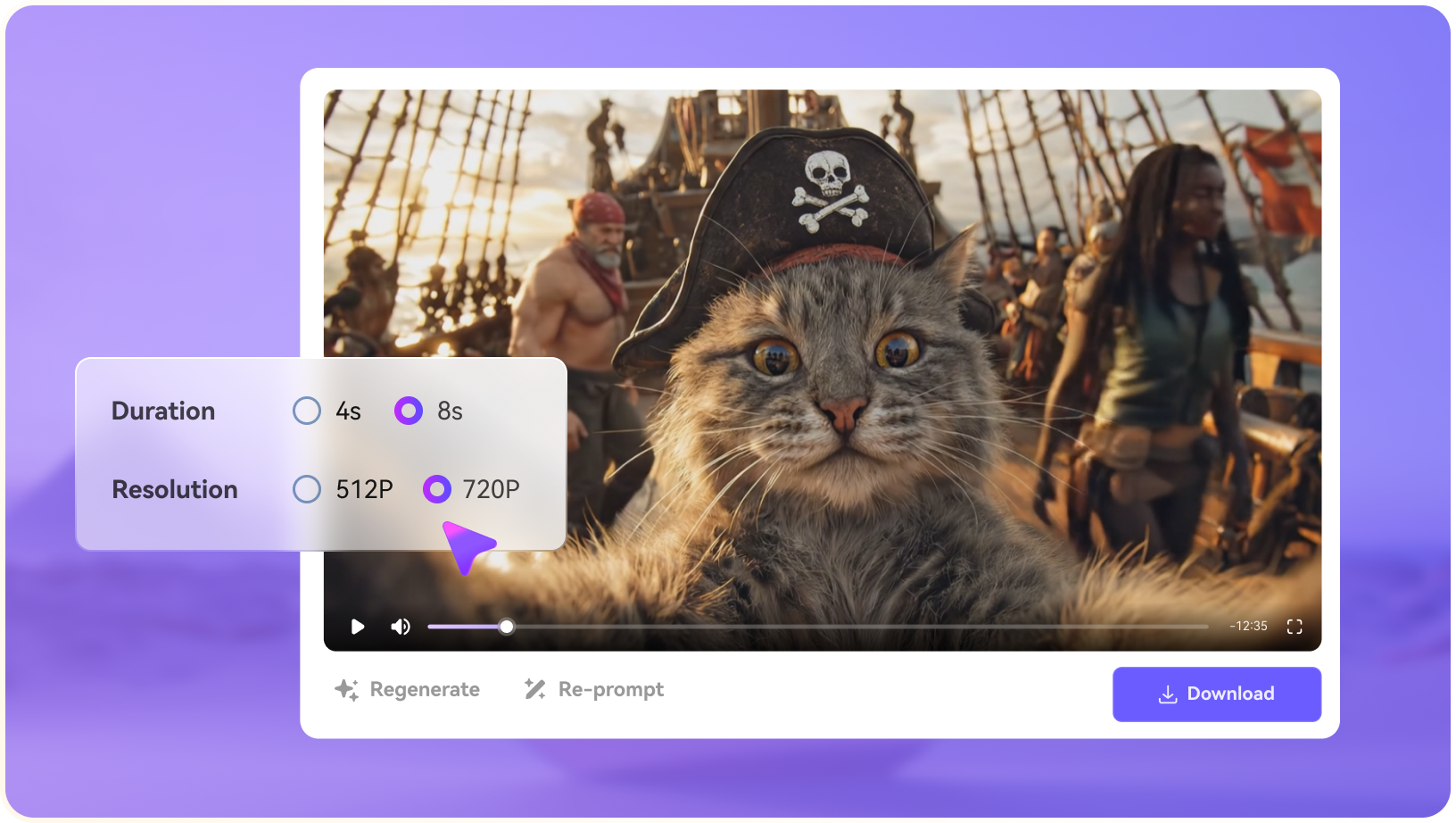
Illustrative Media.io creative workflow graphic; not a videomaker-me interface screenshot

Image-to-Video Motion

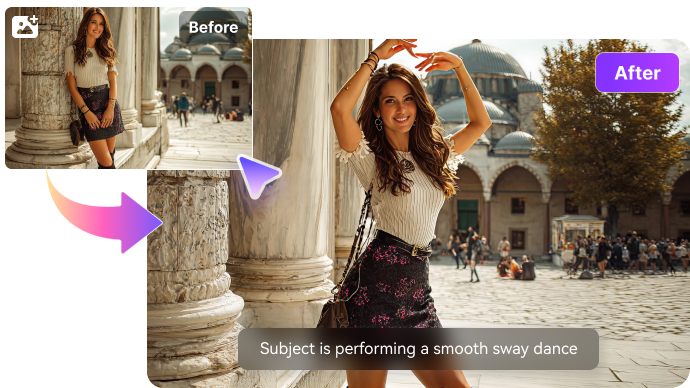
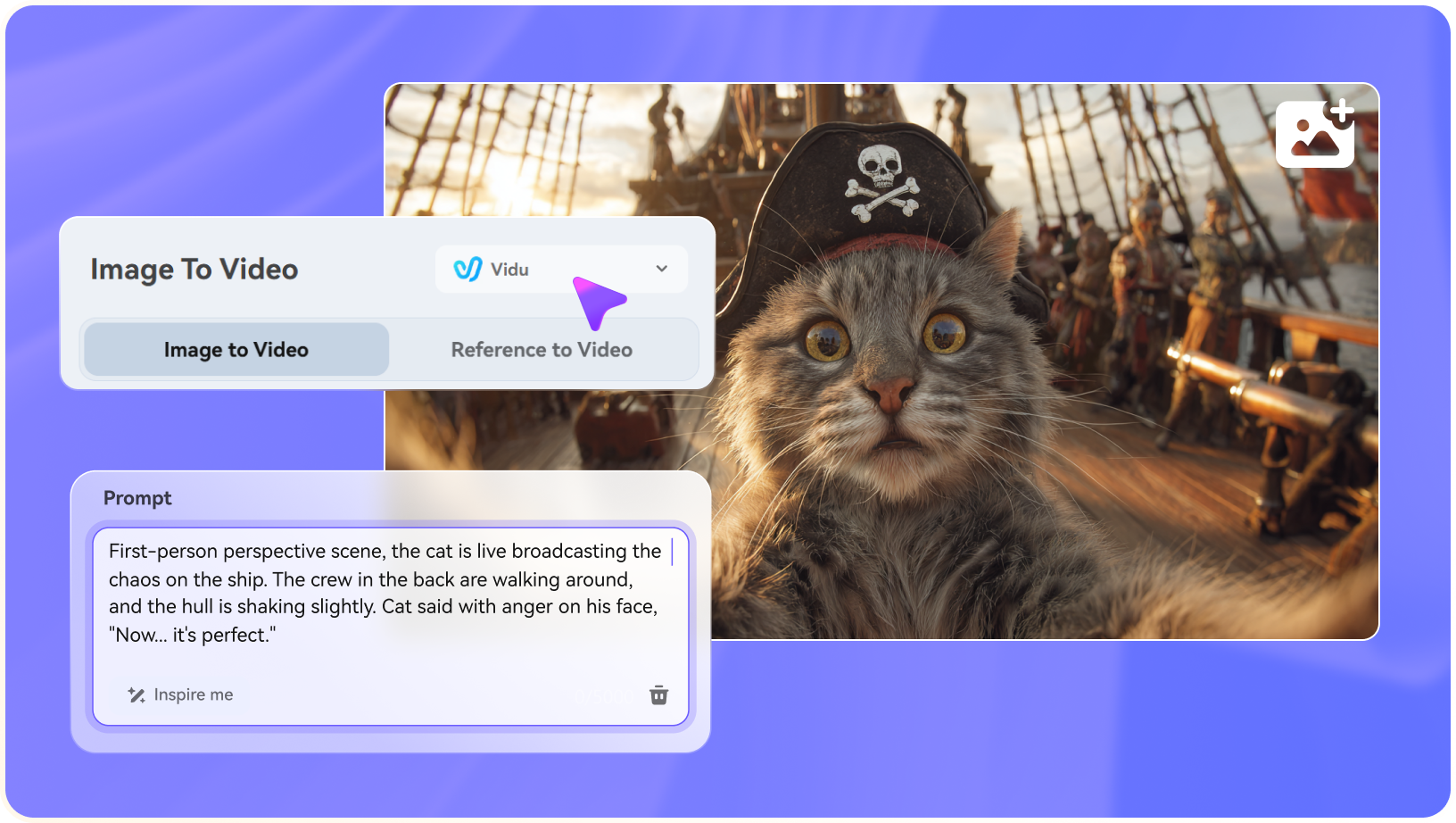
Animate a chosen still image rather than starting from text alone. This can help control composition for an event invitation or product concept, although faces and object geometry should be checked through the resulting motion, not just the opening frame.

Illustrative Media.io creative workflow graphic; not a videomaker-me interface screenshot

Speech, Lip Sync and Ambient Sound

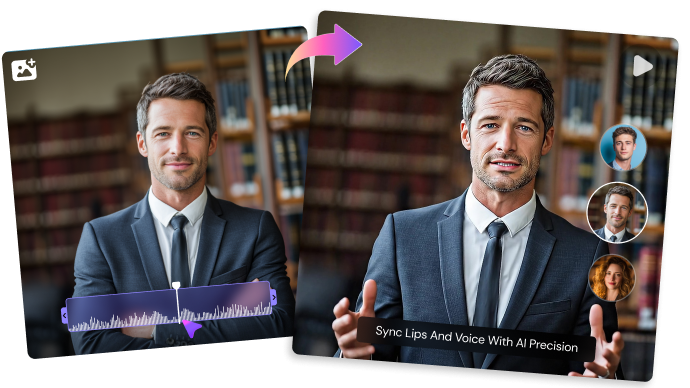
The site promotes synchronized dialogue, sound effects and environmental audio for supported models. Try a short sentence with visible mouth motion and off-screen sound cues; verify the output instead of assuming every effect preset generates audio.

Illustrative Media.io creative workflow graphic; not a videomaker-me interface screenshot

More Than 60 Social Video Effects

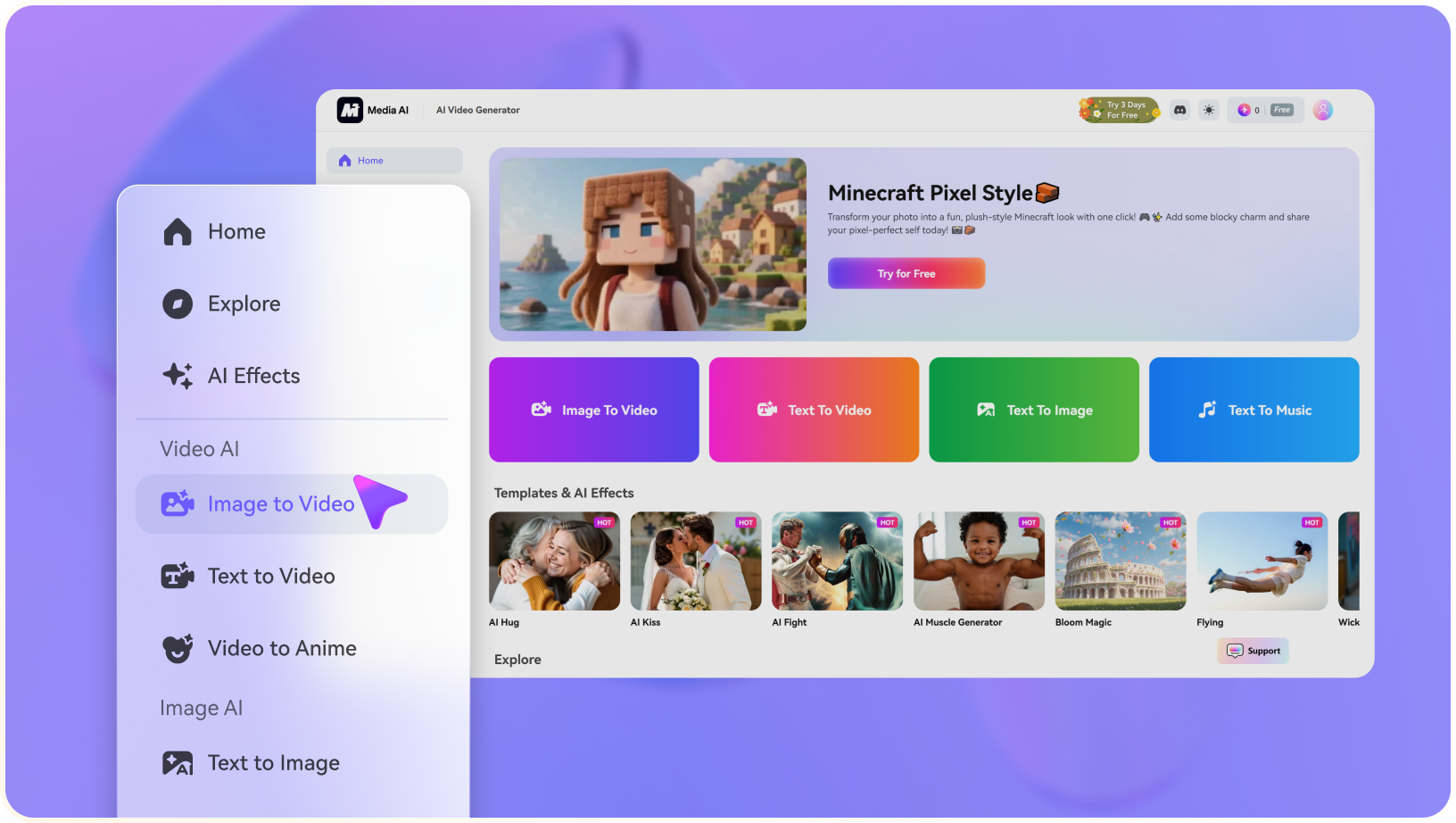
VideoMaker.me advertises a collection of over 60 effects, including hug, kiss and dance formats. These speed up familiar social experiments, but specific templates may have separate image requirements or generate a narrower result than a free-form prompt.

Illustrative Media.io creative workflow graphic; not a videomaker-me interface screenshot

Extensions and Upscaling

The pricing page lists video extension and upscaling among paid-plan features. Treat duration and upscale as stages with their own tool behavior. A collection of short clips may still need editing and continuity work before it forms a complete story.

Illustrative Media.io creative workflow graphic; not a videomaker-me interface screenshot

Credits, Resolution and Parallel Jobs

Its public pricing grid lists Basic with 100 credits, up to 50 videos, 720p and two concurrent jobs; Pro with 1,000 credits, 1080p and four jobs; and Ultra with 3,000 credits, 1080p and six jobs. The shown promotional prices vary with billing selection, so confirm checkout totals.
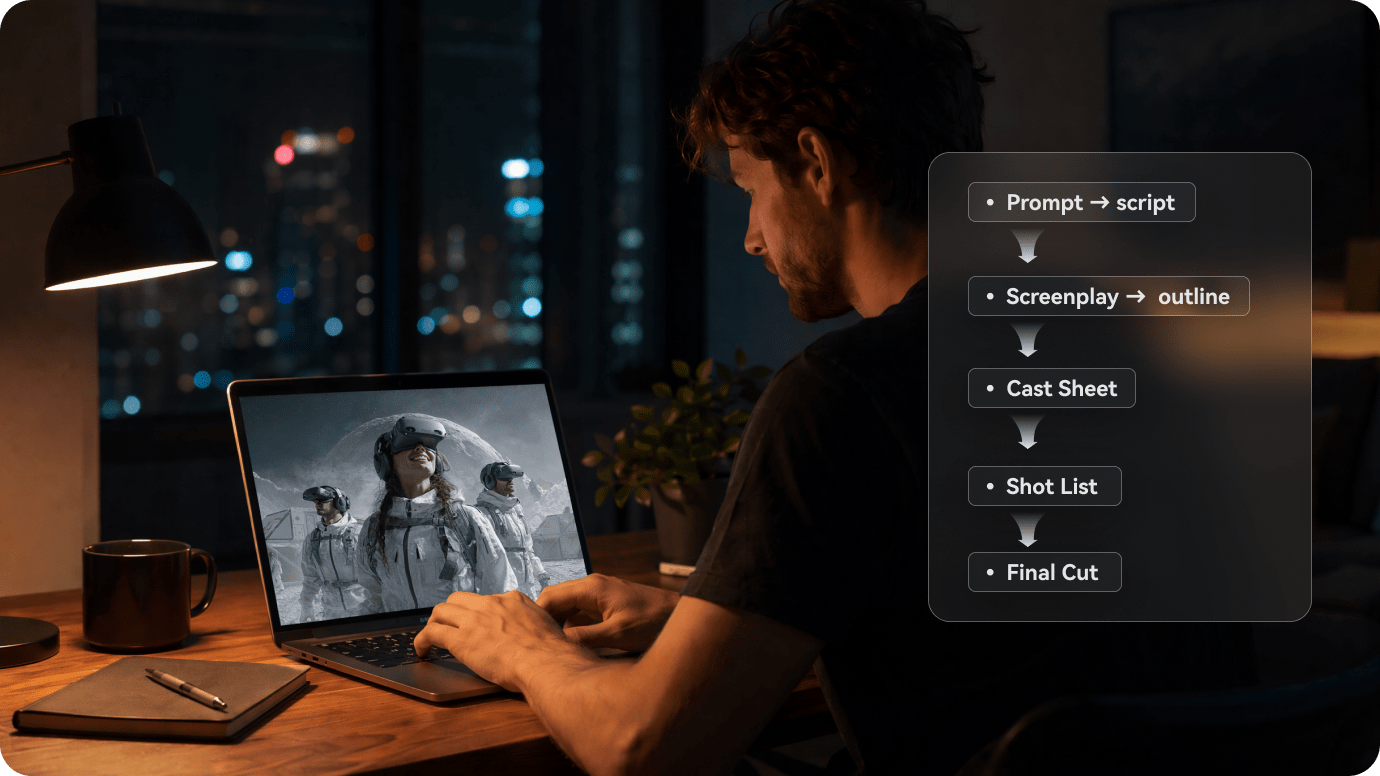
Illustrative Media.io creative workflow graphic; not a videomaker-me interface screenshot

How to Animate a Still Image into a Video with Media.io

1
2
3
1
Step 1: Upload a Source Photo

Choose a clean product or scene image with the correct subject.

2
Step 2: Specify Movement and Mood

Describe framing, camera motion and the clip's intended action.

3
Step 3: Check Motion and Audio

Review the exported scene and finish sound and subtitles if needed.

Illustrative Media.io creative workflow graphic; not a videomaker-me interface screenshot

Six Practical Uses for VideoMaker.me

The tool is best evaluated through specific short clips, not a generic claim of realistic video. Test motion, sound and the plan's export limit with one real brief.

Dialogue-led concept shot

Write an eight-second micro-scene with one spoken sentence, a clear camera move and background ambience. Listen for intelligibility and watch mouth timing before approving the result.

Product-camera-motion experiment

Start from a clean product photograph and request a gentle orbit or dolly move. Compare the edges, packaging text and color against the original still throughout the clip.

Social hug effect

Apply a preset to a consented pair photo to create a greeting. Inspect faces and hands carefully, and do not represent synthetic affection as a real event.

Dance or meme-style video

Use a movement preset for a short social post, then choose the first second intentionally. The effect can be fast to create, but the edit and caption need a distinct hook to avoid looking interchangeable.

Small-business ad prototype

Generate several short ideas for a store promotion and test 16:9 versus 9:16 formats. Use a separate editor to combine shots, add accurate prices and check brand elements.

Client-facing HD export

Choose a plan that includes 1080p before promising full-HD delivery. Test audio, watermark behavior and private output on the exact account tier rather than relying on a free preview.

What to Check Before Buying VideoMaker.me

Promotional clips and template effects are quick to test; paid resolution, concurrency and recurring costs deserve separate review.

A Free Trial Does Not Define the Paid Budget

The homepage advertises a first free creation. The plan grid separately sets monthly credit allowances; treat the initial trial as an output sample, not a recurring production quota.

Google Veo Pricing Is Not VideoMaker.me Pricing

The site sells access to video generation through its own plans. Google AI Pro/Ultra subscription prices shown in other articles do not buy VideoMaker.me credits.

Basic Output Is Limited to 720p

The public Basic tier lists 720p, while Pro and Ultra list 1080p. Verify whether the final client deliverable requires HD or additional upscale operations.

Generated Clips Need Story Assembly

Veo-style prompts often target short scenes. A multi-shot campaign needs continuity, sound leveling, transitions and separate editing, regardless of how polished one clip appears.

Concurrency Depends on Subscription Tier

Published limits are two simultaneous jobs on Basic, four on Pro and six on Ultra. Batch workflows need a realistic production schedule as well as enough monthly credits.

Effects Using Real Faces Need Permission

Hug and kiss presets may use uploaded portraits. Obtain consent, evaluate likeness drift and read the platform's data handling terms before creating material involving other people.

VideoMaker.me vs Media.io: Which Workflow Fits?

The important distinction is between a third-party Veo 3 video interface with its own subscriptions and Media.io's creation and editing workflows. Neither plan grants membership in the other platform.

Decision Factor VideoMaker.me Media.io
Video generation Advertises Google Veo 3 access through VideoMaker.me's interface. Multiple Media.io creation routes depending on the target output or model.
Image animation Upload a still for AI-driven movement. Dedicated image-to-video workflow for animating reference photos.
Speech and sound Promotes synchronized sound and dialogue for supported model outputs. Generation or audio-editing functions vary by selected workflow; verify the model.
Preset social effects 60+ promoted effects including hug, kiss and dance formats. Specific AI effects and task-led pages; exact catalog differs.
Entry paid tier Basic lists 100 monthly credits, 720p and two concurrent jobs. Check current model and generation pricing for the specific tool.
Higher resolution Pro and Ultra list 1080p; upscaling is also advertised. Video enhancement can support finishing; input and output limits differ.
Batch capacityPlan grid: two, four or six concurrent jobs by tier.Workflow-specific queues and limits need checking in the console.
Long-form storytelling Short clips usually require later assembly. Script-to-video or story-focused workflows can be more suitable for structured scenes.
Best-fit user Creators seeking Veo-branded clips and quick social effects in one vendor plan. Creators who prioritize scenario-led generation and post-generation refinement.
Best for VideoMaker.me Projects

Choose VideoMaker.me If You Need:

Choose VideoMaker.me if you want to try its Veo 3-powered interface or have a recurring need for its specific social presets. Check its own credit, resolution and concurrency terms rather than comparing Google billing figures.

  • Veo 3 Prompt-to-Video: VideoMaker.me promotes Google Veo 3 access for motion and synchronized sound.
  • Animate an Existing Photograph: An uploaded still provides a useful reference for a short clip.
  • AI Hug and Kiss Effect Templates: The site lists ready-made hug and kiss templates among its social effects.
  • Dance and Motion Effects: A dance template can add movement to a supplied photo, but hands, foot contact and garment details deserve close review before publishing a result as a real recording.
  • Plan selection: VideoMaker.me promotes a free Veo-related trial, but its own current paid tiers and account-specific export conditions were not reliably verifiable. Avoid comparing it directly with a Google AI subscription as if they were identical products.
Visit VideoMaker.me
Best for Connected Creation

Choose Media.io If You Need:

Choose Media.io if animating a reference photo, building a multi-scene script, or editing the generated result is the main job. Verify which model and export settings are available for the exact Media.io tool.

  • Media.io offers video generation routes without claiming identical third-party Veo billing.
  • Start from a source picture where an image-to-video tool fits the desired motion.
    • Social effects are task-specific and should not be assumed identical by name.
  • Check the relevant video effect or image-to-video function for motion control.
  • Final production: when those clips must become a polished sequence with additional visual revisions; verify this provider's own billing rather than assuming Google rates apply.
Explore Media.io AI Tools

Final Verdict: Who Should Use VideoMaker.me?

Our Take

VideoMaker.me is compelling for a quick demonstration of prompt-to-video with sound and for familiar social effect formats. Its homepage promotes a free initial generation and a Veo 3 workflow, making it easy to test whether the look suits an idea.

Production costs depend on VideoMaker.me plans, not Google's direct subscriptions. The official site currently lists monthly credit, resolution and parallel-job limits that differ between Basic, Pro and Ultra. Sample one real client-style render, including audio, before upgrading.

Choose VideoMaker.me for its specific effects and third-party Veo interface. Choose Media.io when the important task is image animation, scripted storytelling or video finishing with dedicated tools rather than access to one advertised front-end.

VideoMaker.me Frequently Asked Questions

Is VideoMaker.me an official Google Veo website?
faq faq

No. VideoMaker.me is a separate third-party website that advertises access to Google Veo 3. Its subscriptions and credits are purchased from VideoMaker.me, not from Google.

The website advertises a first free generation without requiring a sign-up. Availability and trial restrictions may change; confirm the actual export and watermark conditions during the test.

Its official pricing page lists Basic, Pro and Ultra with 100, 1,000 and 3,000 monthly credits respectively. The page also shows promotional monthly-equivalent prices, which should be checked at checkout for the selected billing interval.

VideoMaker.me lists 720p for Basic. Pro and Ultra list 1080p, so creators needing full HD should verify the chosen paid tier before subscribing.

The site advertises synced dialogue, lip sync, auto speech and sound for supported video workflows. Verify the exact selected model and test audio clarity with a short sample.

Yes. The homepage promotes AI hug, kissing and dance templates among its collection of more than 60 effects. Keep input permissions and facial consistency in mind.

The published plan grid says Basic allows up to two simultaneous jobs, Pro four and Ultra six. Queue behavior may vary with demand.

No. Google's own AI plans are separate products. VideoMaker.me maintains its own credit allowances and plan tiers even when it advertises a Google model.

Media.io offers dedicated image-to-video, script-to-video and editing workflows. Which alternative is most useful depends on whether you need a Veo-branded effect, a structured story or a clip you can refine after generation.

What Media.io Creators Say About Their Workflow

Media.io AI video generator user
Sarah L.

Content Creator

star star star star half star

Media.io makes it much easier to test different AI video styles without jumping between several platforms. I can start with a text prompt or image, compare model results, and then resize or polish the clip for social media in the same workspace.

Media.io AI video creator
John D.

Social Media Marketer

star star star star half star

I use Media.io to create quick product clips, ad concepts, and short-form videos from images. The biggest advantage is that generation does not feel like the final step - I can continue with music, captions, enhancement, and format conversion before publishing.

Media.io AI video editing user
Emily T.

Freelance Designer

star star star star half star

The workflow is approachable even when I am experimenting with unfamiliar AI models. I can animate artwork, try different motion prompts, preview the output, and prepare a cleaner final version without needing advanced video-editing experience.

Media.io Online Tools Quality Rating:
vote 4.7 (162,357 Votes)
media.io

AI Video Generator star

Easily generate videos from text or images

Generate