Home>Comparison>ToonBee AI

ToonBee AI Cartoon Generator: Features, Voices and Pricing

Someone making a science explainer or a cartoon story may care more about finished narration and storyboards than controlling every generative model. ToonBee AI puts those components together in a script-or-idea-to-animation flow, promising characters, animated scenes and background music from a brief. The review focuses on that convenience, the advertised editor and a crucial pricing mismatch: public pages show both a monthly plan and a one-time checkout offer.

Core Features of ToonBee AI Cartoon Video Generator

ToonBee is an AI cartoon-video creation tool that transforms ideas or scripts into animated storyboards, characters, scenes, voiceovers and background music, with a subsequent editor for customization and downloadable output.

Core Feature Overview

  • Idea or Script Input: ToonBee begins with a short text concept or a prepared script, making it suitable for creators who do not already have a storyboard.
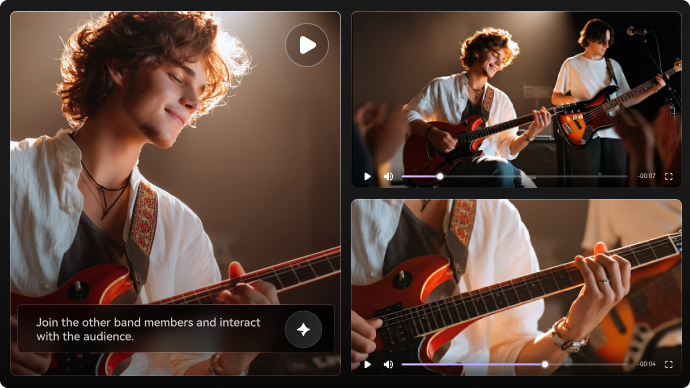
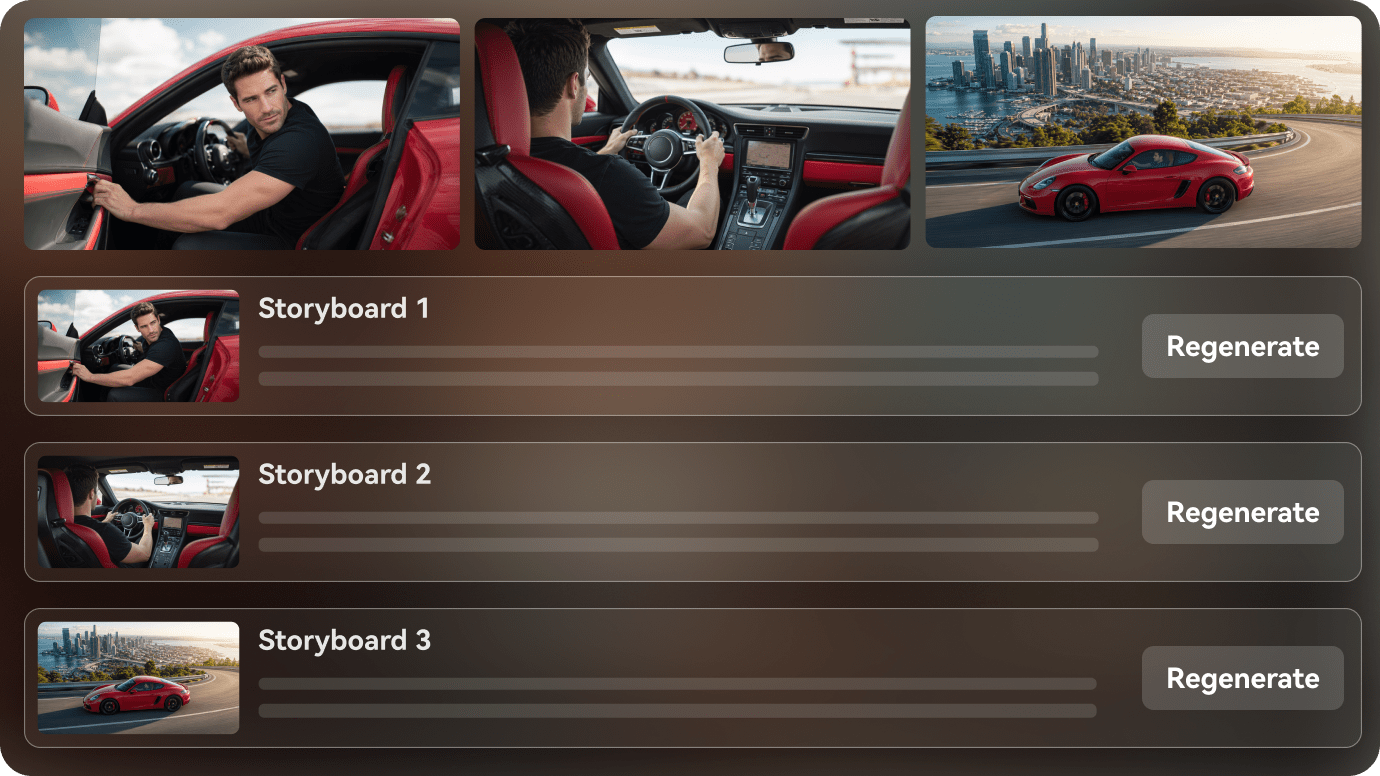
  • Automatic Animated Storyboard: The site says it builds a scene plan along with characters and animations, reducing manual sequencing work for short cartoons.
  • Character and Style Selection: Its sales page names 3D, classic, comic and modern cartoon styles; actual character continuity should be inspected scene by scene.
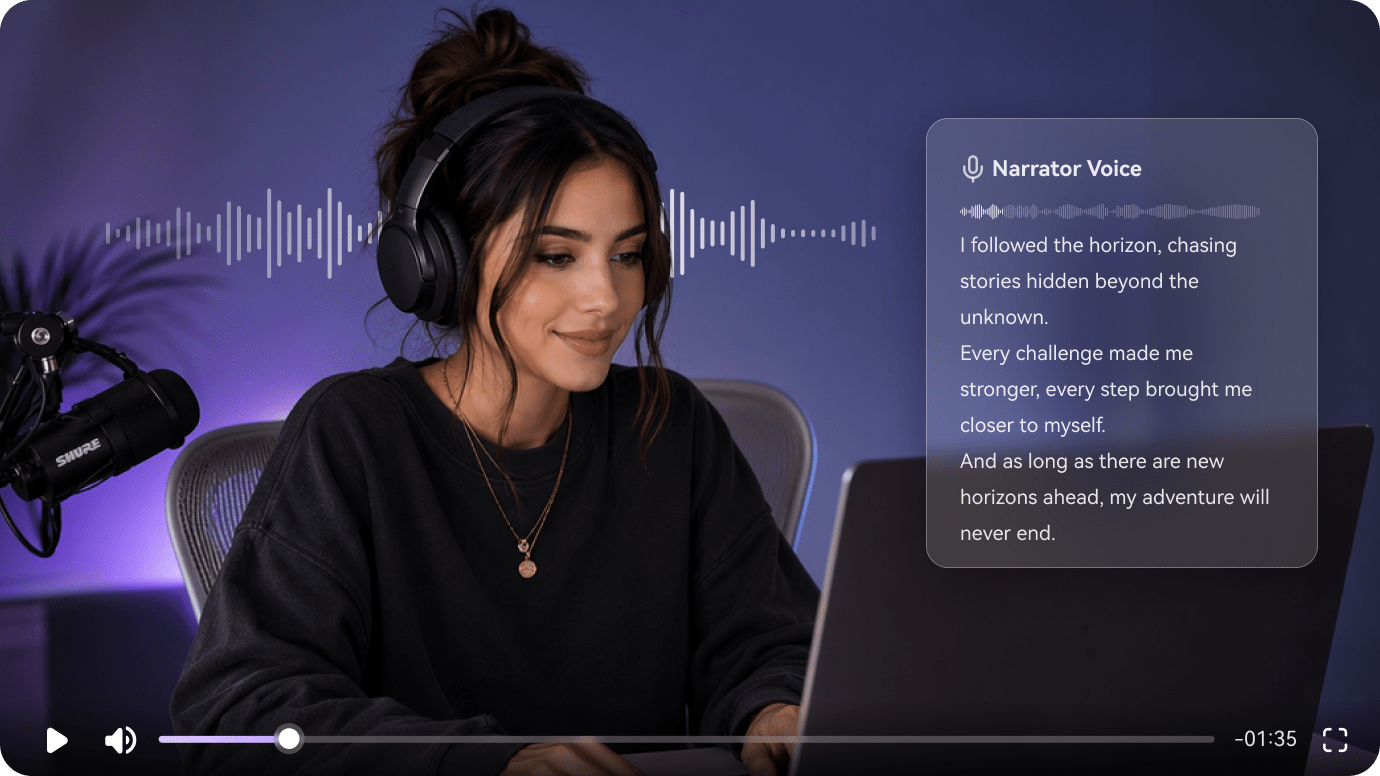
  • Voiceover and Background Music: Narration and music are advertised as part of the production flow, though voice rights and pronunciation still require review.
  • Video Editor Before Export: A user can modify the generated cartoon after the initial build instead of accepting an untouched video.
  • Downloadable Educational and Promotional Shorts: The use cases include explainers, advertisements and educational content, where accuracy matters as much as visual style.
Idea or Script Input

ToonBee begins with a short text concept or a prepared script, making it suitable for creators who do not already have a storyboard. For ToonBee AI, a useful first project is school science explainer; Turn an original physics explanation into visual examples and verify every scientific statement before sharing.

Illustrative Media.io workflow graphic; not a screenshot of ToonBee AI

Automatic Animated Storyboard

The site says it builds a scene plan along with characters and animations, reducing manual sequencing work for short cartoons. Before relying on automatic animated storyboard, check the tradeoff named bonus and add-on terms matter: The landing page promotes voice and caption add-ons. Do not assume every advertised feature comes with the base checkout.

Illustrative Media.io workflow graphic; not a screenshot of ToonBee AI

Character and Style Selection

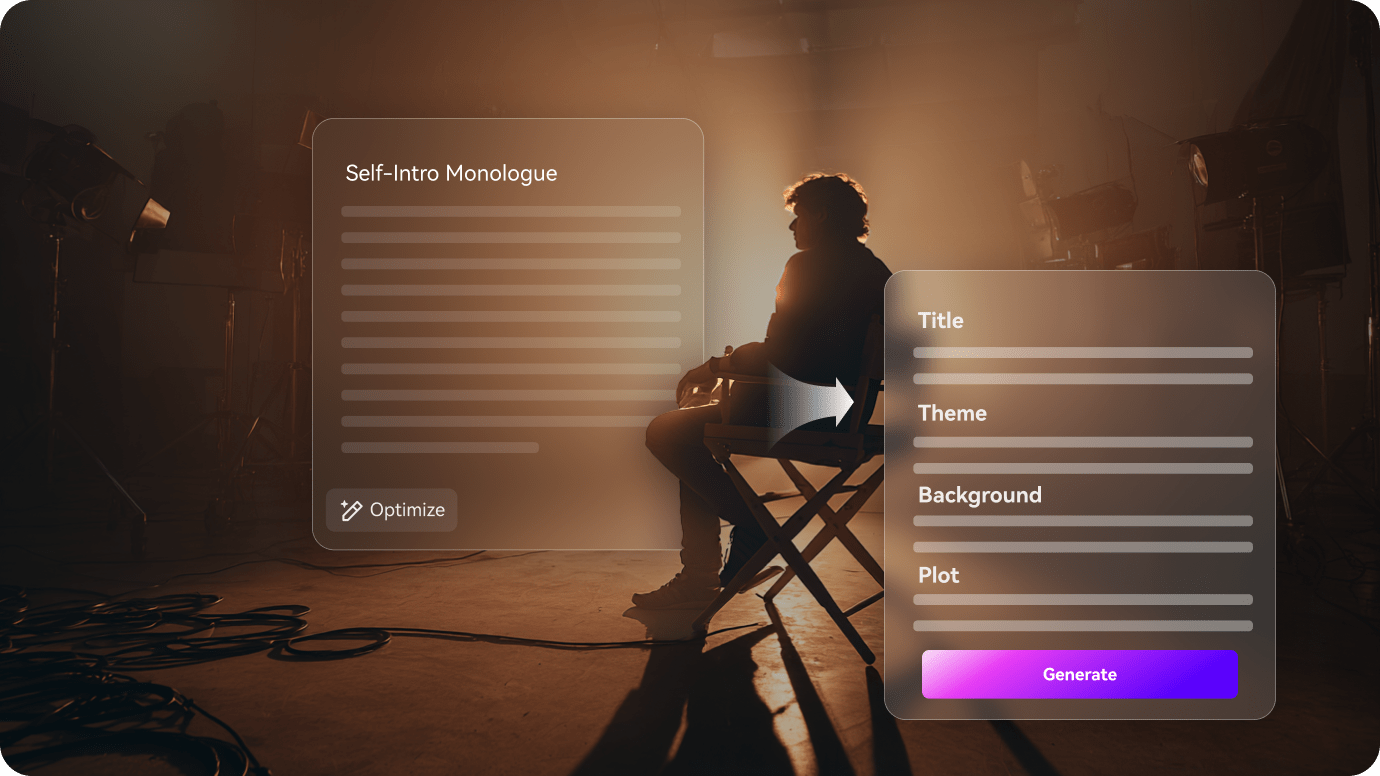
Its sales page names 3D, classic, comic and modern cartoon styles; actual character continuity should be inspected scene by scene. For ToonBee AI work on script-to-cartoon animation with narration, Prepare a short fictional narrative with character names and read narration for appropriate language.

Illustrative Media.io workflow graphic; not a screenshot of ToonBee AI

Voiceover and Background Music

Narration and music are advertised as part of the production flow, though voice rights and pronunciation still require review. To assess whether this is repeatable, create a repeatable cartoon mascot concept while comparing visual identity across scenes.

Illustrative Media.io workflow graphic; not a screenshot of ToonBee AI

Video Editor Before Export

A user can modify the generated cartoon after the initial build instead of accepting an untouched video. For a concrete example, use a scripted sequence to explain steps, then check that graphics match instructions.

Illustrative Media.io workflow graphic; not a screenshot of ToonBee AI

Downloadable Educational and Promotional Shorts

The use cases include explainers, advertisements and educational content, where accuracy matters as much as visual style. The final check is template-led animation is not a full film studio: The approach suits cartoon explainers but should not be represented as an advanced frame-by-frame animation suite.
Illustrative Media.io workflow graphic; not a screenshot of ToonBee AI

How to Make an Animated Story Video Online

1
2
3
1
Write the animation script

Describe the characters, setting and scene-by-scene action.

2
Plan the storyboard

Review the scene directions using a suitable script video workflow.

3
Create and inspect

Generate the visuals, then check timing and character consistency.

Illustrative Media.io workflow graphic; not a screenshot of ToonBee AI

ToonBee Cartoon Animation Use Cases

From school science explainer to short tutorial sequence, these are distinct projects where ToonBee AI could be useful, with checks that match each task.

School Science Explainer

Turn an original physics explanation into visual examples and verify every scientific statement before sharing. A related Media.io workflow to explore is AI Animation Generator.

Small Business Cartoon Ad

Create a simplified animated product pitch with approved claims and a clear final call to action.

Children's Fiction Story

Prepare a short fictional narrative with character names and read narration for appropriate language.

Creator Intro Mascot

Create a repeatable cartoon mascot concept while comparing visual identity across scenes. A related Media.io workflow to explore is AI Cartoon Story Video Generator.

Short Tutorial Sequence

Use a scripted sequence to explain steps, then check that graphics match instructions.

Multilingual Cartoon Concept

Review the advertised voice options and any optional voice-pack purchase before creating localized content.

ToonBee Pricing and Animation Limits

Before planning script-to-cartoon animation with narration, evaluate conflicting public price presentations and bonus and add-on terms matter as carefully as the headline features.

Conflicting Public Price Presentations

One section shows $77 per month while another displays a $67 one-time checkout. Treat both as marketing offers and confirm the exact selected billing plan.

Bonus and Add-On Terms Matter

The landing page promotes voice and caption add-ons. Do not assume every advertised feature comes with the base checkout.

Storyboard Accuracy Requires Review

Automatically structured scenes may omit facts, labels or important story beats, especially for instruction videos.

Character Consistency Is Not Guaranteed

Faces, clothing, poses and small props can shift between generated cartoon scenes.

Narration Needs Editorial Verification

AI voiceovers may mispronounce names or mismatch the intended pacing; review the actual output.

Template-Led Animation Is Not a Full Film Studio

The approach suits cartoon explainers but should not be represented as an advanced frame-by-frame animation suite.

ToonBee vs Media.io: Automatic Cartoons or Script-led Films?

The deciding difference for ToonBee AI is its idea or script input and voiceover and background music; by comparison, the Media.io Script to Video option focuses on school science explainer; compare supported inputs and output rights.

Decision Factor ToonBee AI Media.io
Starting workflow ToonBee begins with a short text concept or a prepared script, making it suitable for creators who do not already have a storyboard. For school science explainer, Media.io Script to Video starts with a targeted tool; ToonBee AI instead emphasizes idea or script input.
Primary capability Automatic Animated Storyboard: The site says it builds a scene plan along with characters and animations, reducing manual sequencing work for short cartoons. Choose a relevant creation feature for school science explainer, subject to the tool's current options.
Reference handling Its sales page names 3D, classic, comic and modern cartoon styles; actual character continuity should be inspected scene by scene. Use supported reference input where helpful for small business cartoon ad.
Editing and revision Narration and music are advertised as part of the production flow, though voice rights and pronunciation still require review. For children's fiction story, use the available editing and finishing controls as needed.
Output workflow A user can modify the generated cartoon after the initial build instead of accepting an untouched video. Check whether creator intro mascot needs captions, enhancement or editing after generation.
Cost model ToonBee's public sales page shows a $77 monthly plan and a separate $67 one-time checkout presentation, with additional optional voice or caption packs. Check current charges for the Script to Video route, not ToonBee AI subscription pricing.
Key buying constraintOne section shows $77 per month while another displays a $67 one-time checkout.Confirm supported input and export conditions for script-to-cartoon animation with narration alternatives.
Specialized strength Downloadable Educational and Promotional Shorts. A focused option for short tutorial sequence and the corresponding downstream edits.
Best fit Script-to-cartoon animation with narration. For a project like school science explainer, choose the Media.io Script to Video workflow over the broader ToonBee AI offering.
Best for ToonBee AI Projects

Choose ToonBee AI If You Need:

Choose ToonBee AI when idea or script input and automatic animated storyboard are needed in your real work. For short tutorial sequence, check cost and revision permissions before committing to production.

  • School Science Explainer: Turn an original physics explanation into visual examples and verify every scientific statement before sharing.
  • Small Business Cartoon Ad: Create a simplified animated product pitch with approved claims and a clear final call to action.
  • Children's Fiction Story: Prepare a short fictional narrative with character names and read narration for appropriate language.
  • Creator Intro Mascot: Create a repeatable cartoon mascot concept while comparing visual identity across scenes.
  • Short Tutorial Sequence: Use a scripted sequence to explain steps, then check that graphics match instructions.
Visit ToonBee AI
Best for Media.io Small Business Cartoon Ad Projects

Choose Media.io for School Science Explainer If You Need:

For ToonBee AI readers pursuing school science explainer, the Media.io Script to Video route is one option for children's fiction story. It differs from ToonBee AI automatic animated storyboard.

  • Create an AI Animation workflow: Begin from a permitted input related to school science explainer.
  • Small Business Cartoon Ad review: Assess whether Media.io output supports small business cartoon ad without special manual corrections.
    • Finishing for Children's Fiction Story: Explore relevant Media.io editing tools for children's fiction story.
  • Focused generation scope: Choose only the tools required for creator intro mascot.
  • Rights for Short Tutorial Sequence: Use authorized source media and double-check outputs intended for short tutorial sequence.
Create an AI Animation

Is ToonBee AI Worth It? Our Verdict

Our Take

ToonBee AI deserves consideration when school science explainer or small business cartoon ad is the core job. The combination of idea or script input and video editor before export distinguishes its proposition.

ToonBee's public sales page shows a $77 monthly plan and a separate $67 one-time checkout presentation, with additional optional voice or caption packs. Confirm which offer and renewal terms are active at checkout. The purchase risk centers on conflicting public price presentations and storyboard accuracy requires review. Budget a complete project with corrections and final export.

Choose ToonBee for a quick cartoon explainer where its automatic storyboards, character scenes and narration match the brief. Choose a Media.io script-to-video route for a different scene-driven story workflow. Before purchasing ToonBee, clarify the conflicting monthly and one-time public checkout presentations.

ToonBee AI FAQ: Features, Pricing and Alternatives

Does ToonBee create a cartoon from an idea or script?
faq faq

ToonBee is an AI cartoon-video creation tool that transforms ideas or scripts into animated storyboards, characters, scenes, voiceovers and background music, with a subsequent editor for customization and downloadable output.

ToonBee begins with a short text concept or a prepared script, making it suitable for creators who do not already have a storyboard.

The site says it builds a scene plan along with characters and animations, reducing manual sequencing work for short cartoons.

ToonBee's public sales page shows a $77 monthly plan and a separate $67 one-time checkout presentation, with additional optional voice or caption packs. Confirm which offer and renewal terms are active at checkout.

One section shows $77 per month while another displays a $67 one-time checkout. Treat both as marketing offers and confirm the exact selected billing plan. The landing page promotes voice and caption add-ons. Do not assume every advertised feature comes with the base checkout.

Turn an original physics explanation into visual examples and verify every scientific statement before sharing. Automatically structured scenes may omit facts, labels or important story beats, especially for instruction videos.

Narration and music are advertised as part of the production flow, though voice rights and pronunciation still require review.

For school science explainer, compare the Media.io Script to Video path against ToonBee AI results. It can handle a distinct video step; ToonBee AI remains more specific to automatic animated storyboard, so compare current plan costs and usage rights.

If your recurring task is short tutorial sequence, the main question is whether the advantages of idea or script input outweigh the limitations. AI voiceovers may mispronounce names or mismatch the intended pacing; review the actual output.

What Media.io Creators Say About Their Workflow

Media.io AI video generator user
Sarah L.

Content Creator

star star star star half star

Media.io makes it much easier to test different AI video styles without jumping between several platforms. I can start with a text prompt or image, compare model results, and then resize or polish the clip for social media in the same workspace.

Media.io AI video creator
John D.

Social Media Marketer

star star star star half star

I use Media.io to create quick product clips, ad concepts, and short-form videos from images. The biggest advantage is that generation does not feel like the final step - I can continue with music, captions, enhancement, and format conversion before publishing.

Media.io AI video editing user
Emily T.

Freelance Designer

star star star star half star

The workflow is approachable even when I am experimenting with unfamiliar AI models. I can animate artwork, try different motion prompts, preview the output, and prepare a cleaner final version without needing advanced video-editing experience.

Media.io Online Tools Quality Rating:
vote 4.7 (162,357 Votes)
media.io

AI Video Generator star

Easily generate videos from text or images

Generate